Mobile
Proteus MMX Mobile
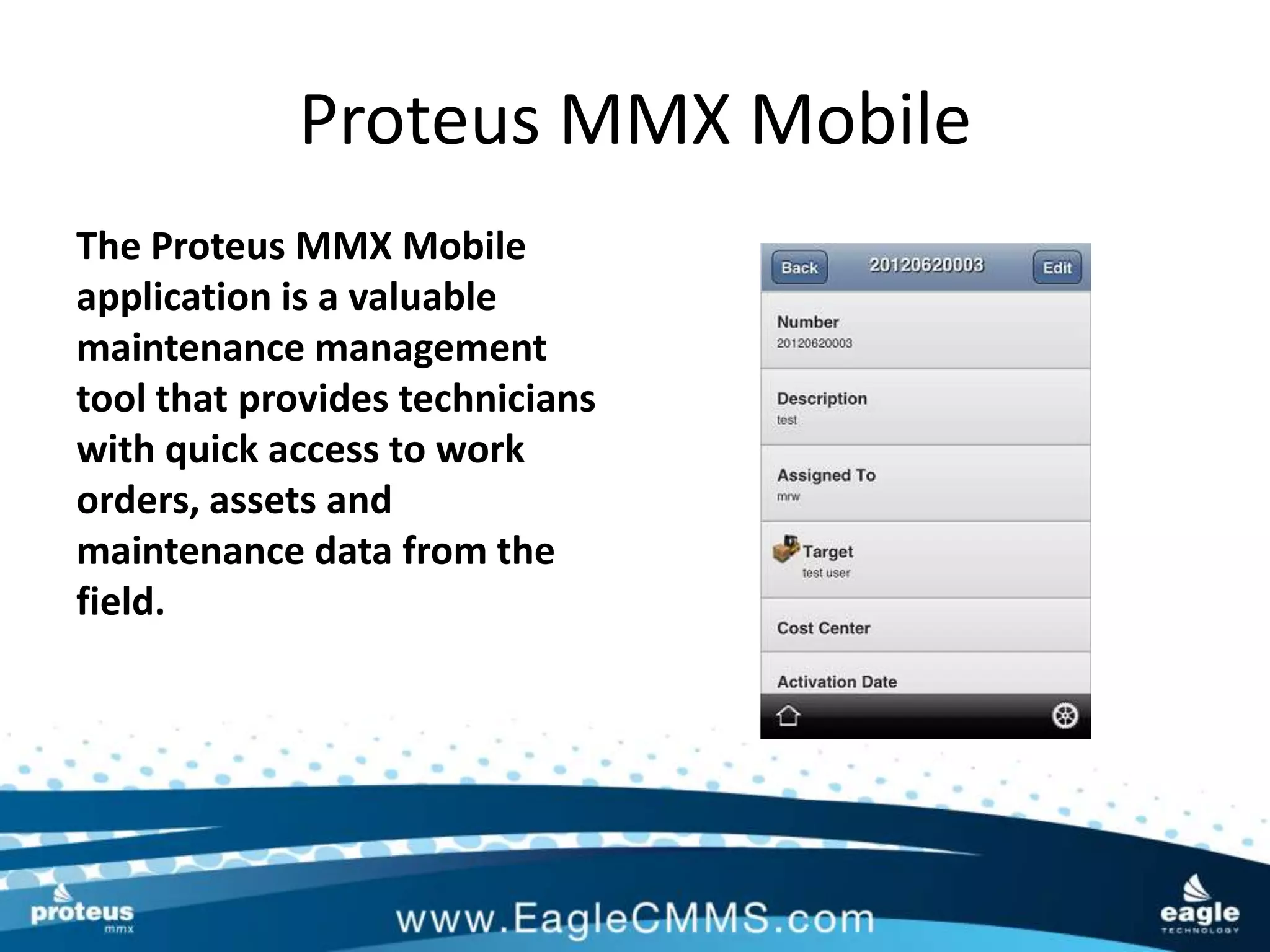
The Proteus MMX Mobile
application is a valuable
maintenance management
tool that provides technicians
with quick access to work
orders, assets and
maintenance data from the
field.
Proteus MMX Mobile
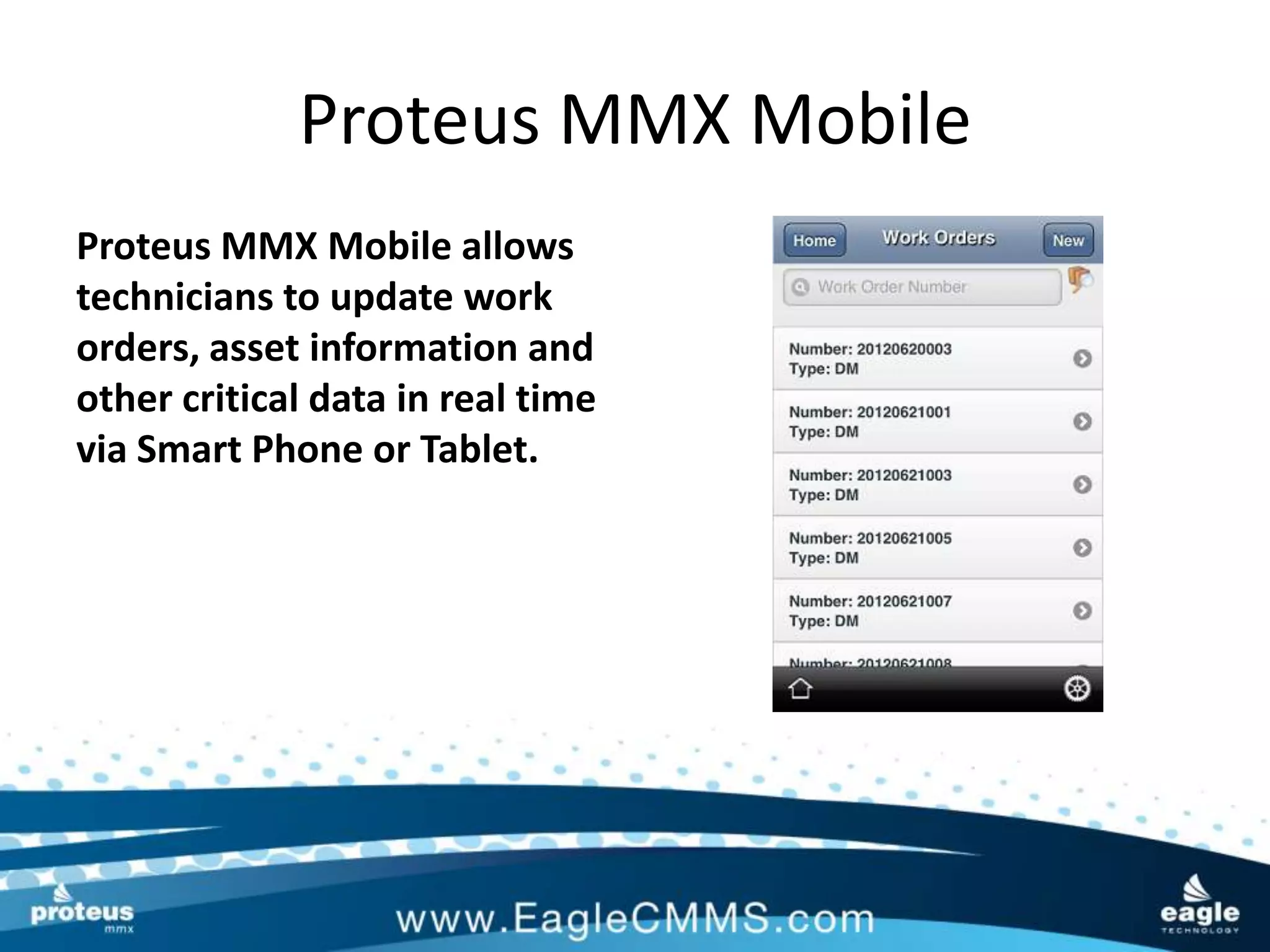
Proteus MMX Mobile allows
technicians to update work
orders, asset information and
other critical data in real time
via Smart Phone or Tablet.
Proteus MMX Mobile
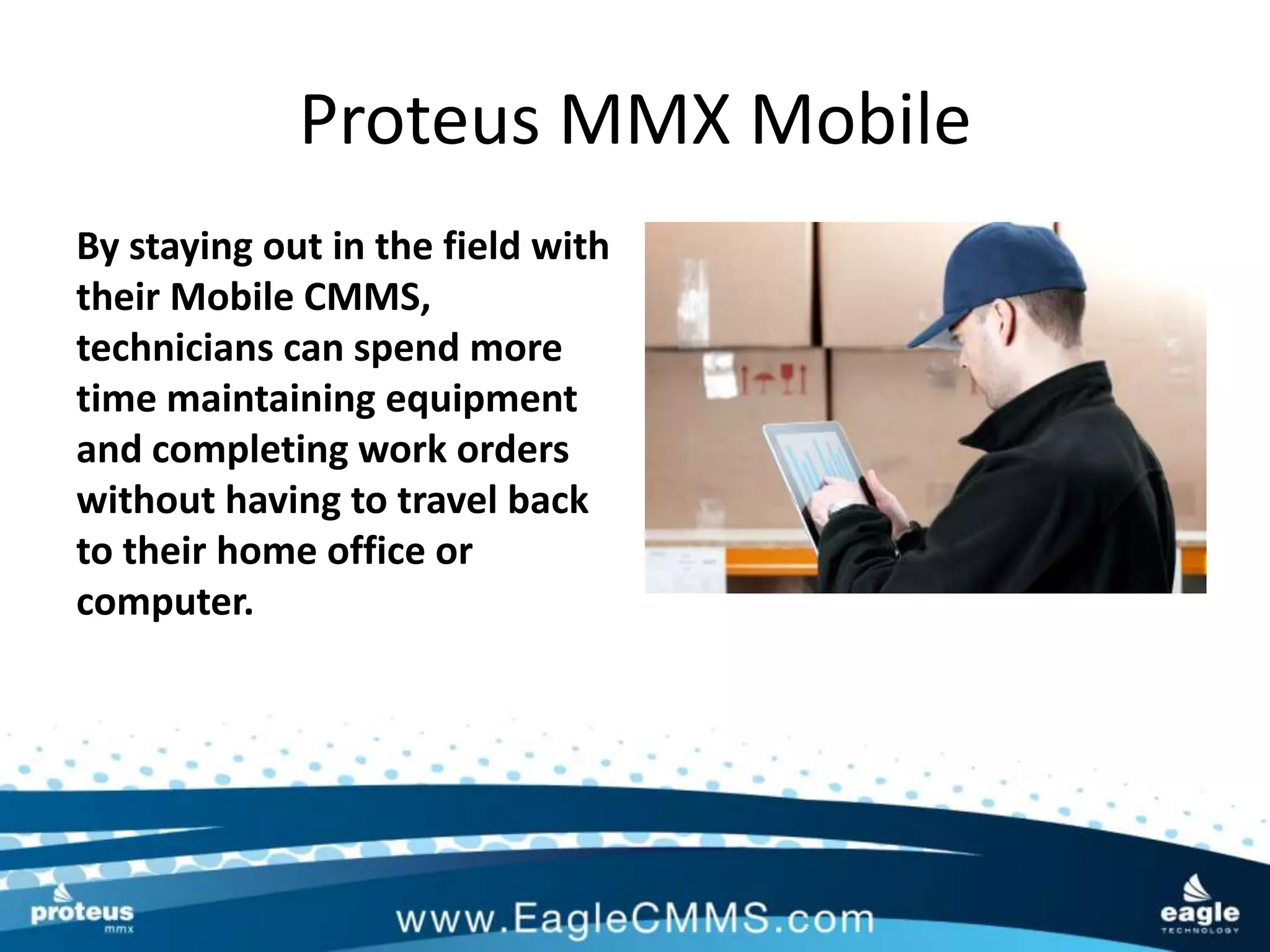
By staying out in the field with
their Mobile CMMS,
technicians can spend more
time maintaining equipment
and completing work orders
without having to travel back
to their home office or
computer.
Proteus MMX Mobile
Productivity will never be
higher since asset and work
order data can be accessed
wherever they are, 24x7!
Proteus MMX Mobile
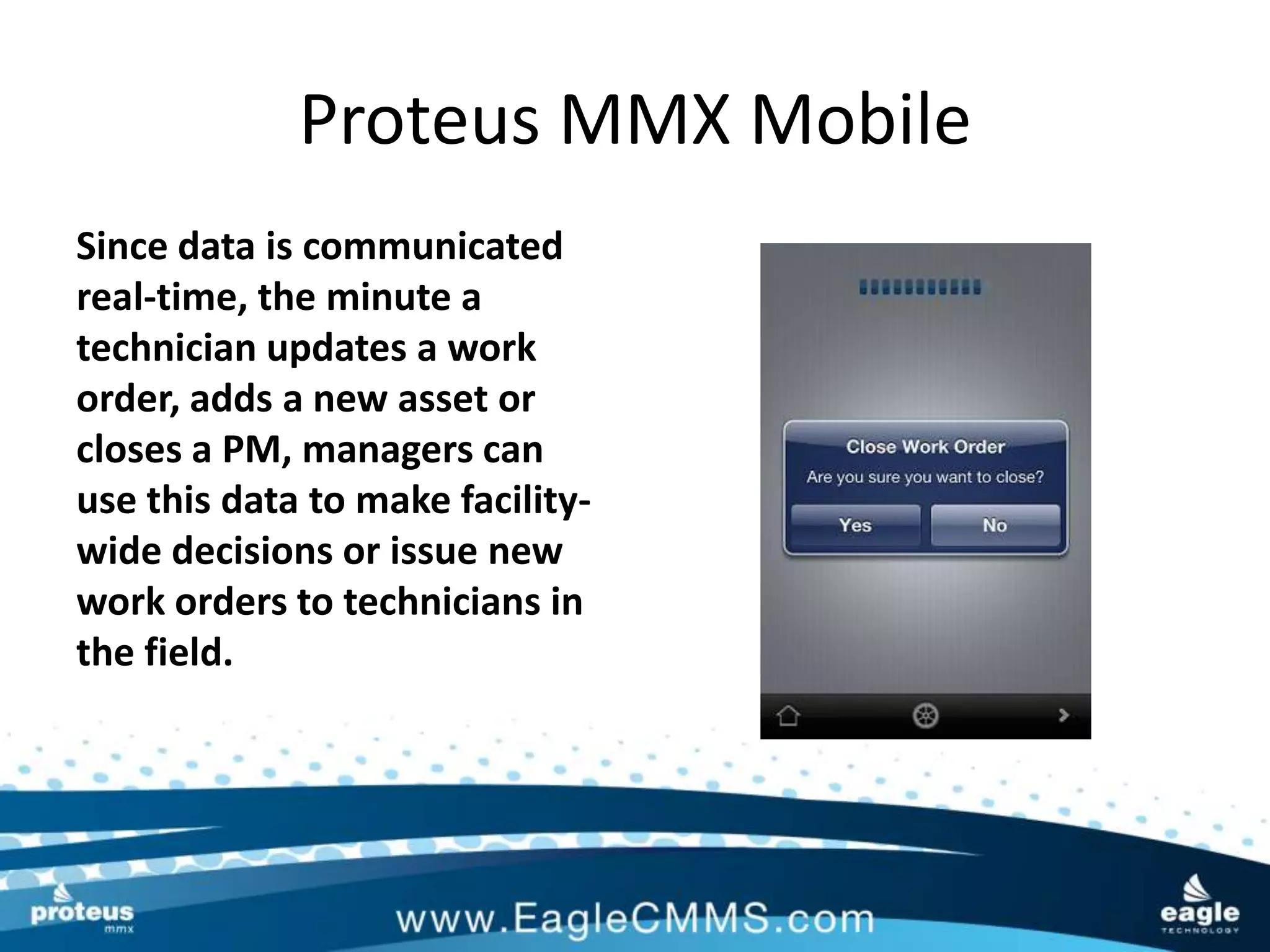
Since data is communicated
real-time, the minute a
technician updates a work
order, adds a new asset or
closes a PM, managers can
use this data to make facility-
wide decisions or issue new
work orders to technicians in
the field.
Proteus MMX Mobile
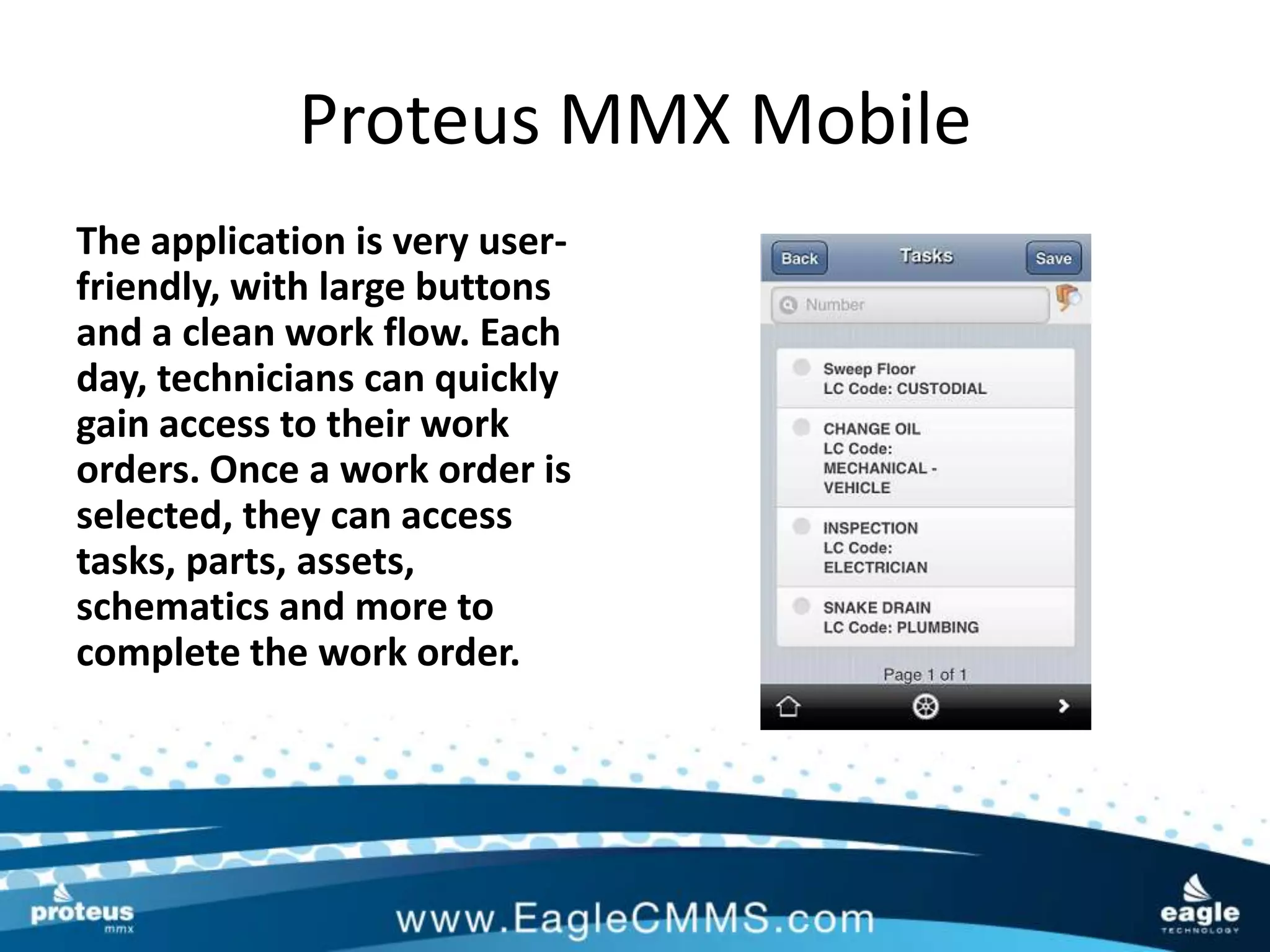
The application is very user-
friendly, with large buttons
and a clean work flow. Each
day, technicians can quickly
gain access to their work
orders. Once a work order is
selected, they can access
tasks, parts, assets,
schematics and more to
complete the work order.
Proteus MMX Mobile
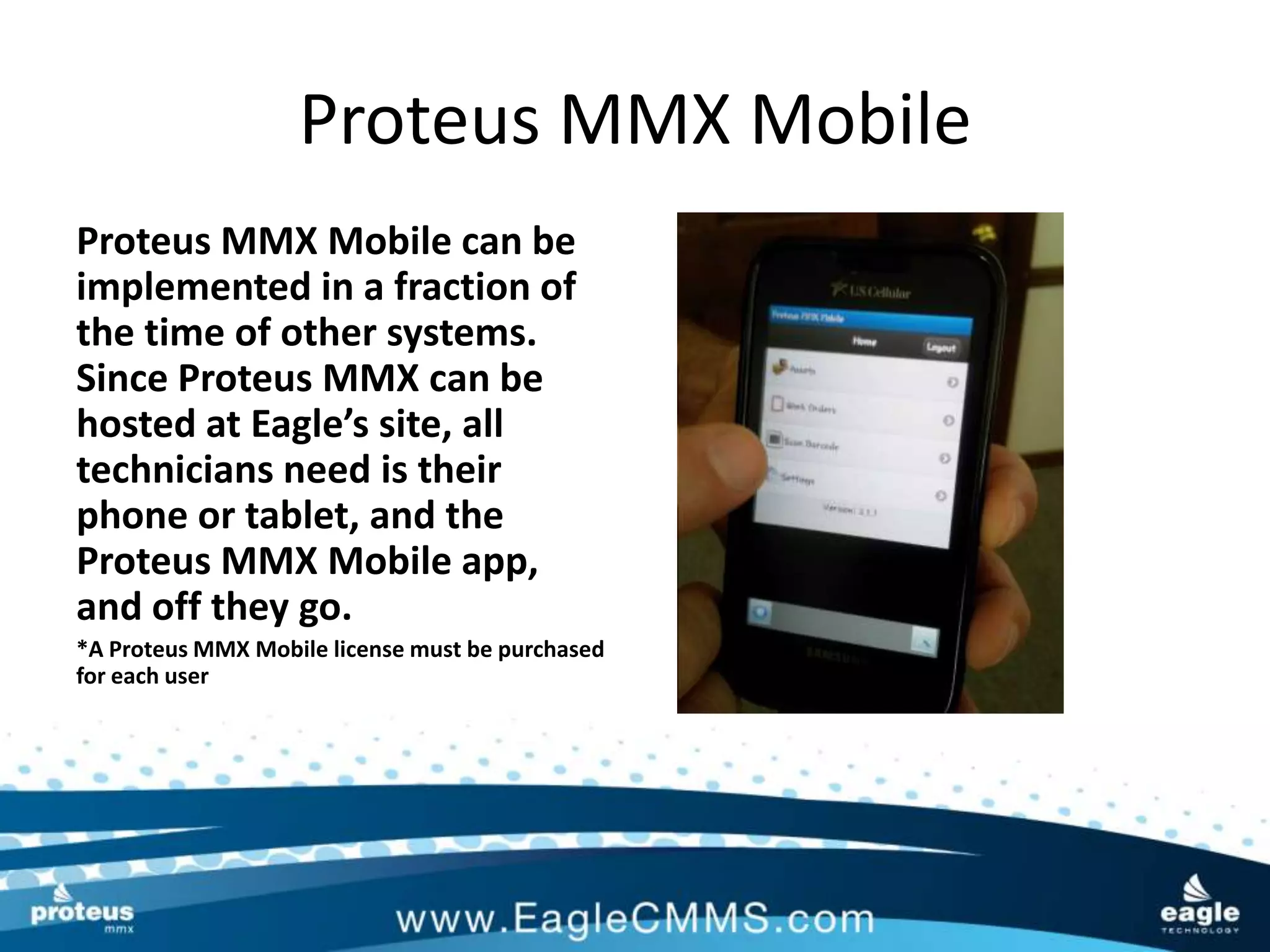
Proteus MMX Mobile can be
implemented in a fraction of
the time of other systems.
Since Proteus MMX can be
hosted at Eagle’s site, all
technicians need is their
phone or tablet, and the
Proteus MMX Mobile app,
and off they go.
*A Proteus MMX Mobile license must be purchased
for each user
Proteus MMX Mobile
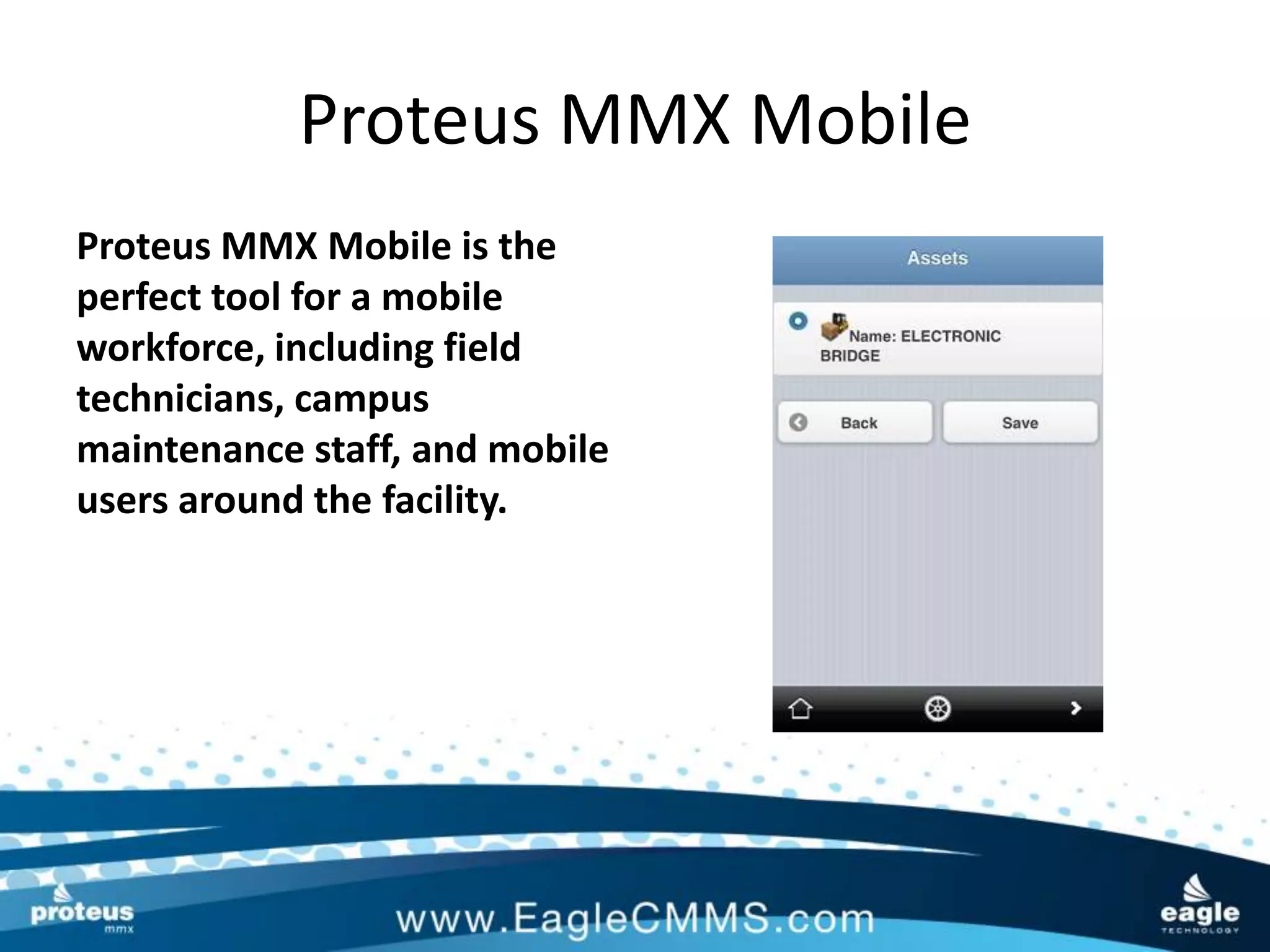
Proteus MMX Mobile is the
perfect tool for a mobile
workforce, including field
technicians, campus
maintenance staff, and mobile
users around the facility.
Proteus MMX Mobile
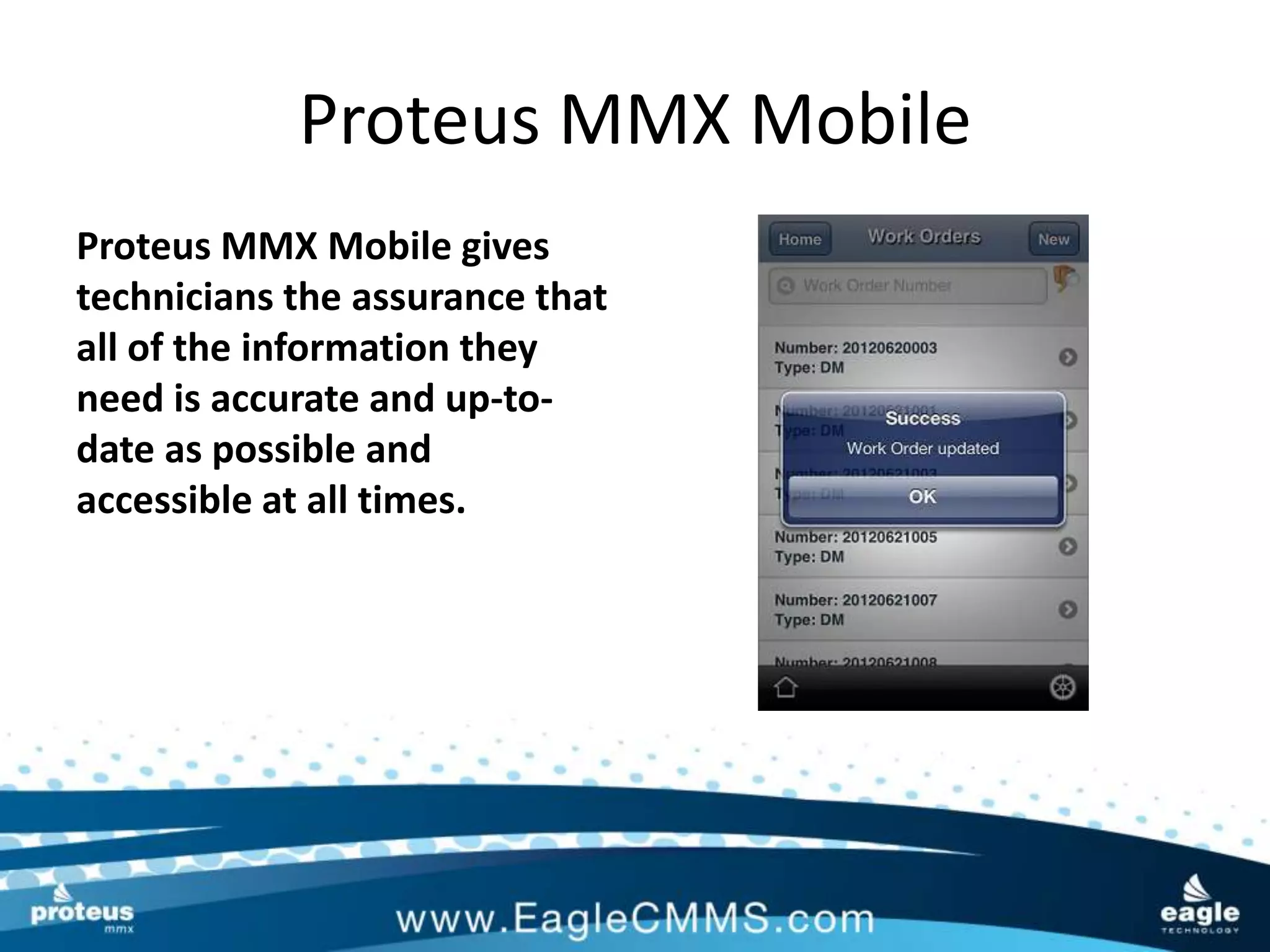
Proteus MMX Mobile gives
technicians the assurance that
all of the information they
need is accurate and up-to-
date as possible and
accessible at all times.
Proteus MMX Mobile
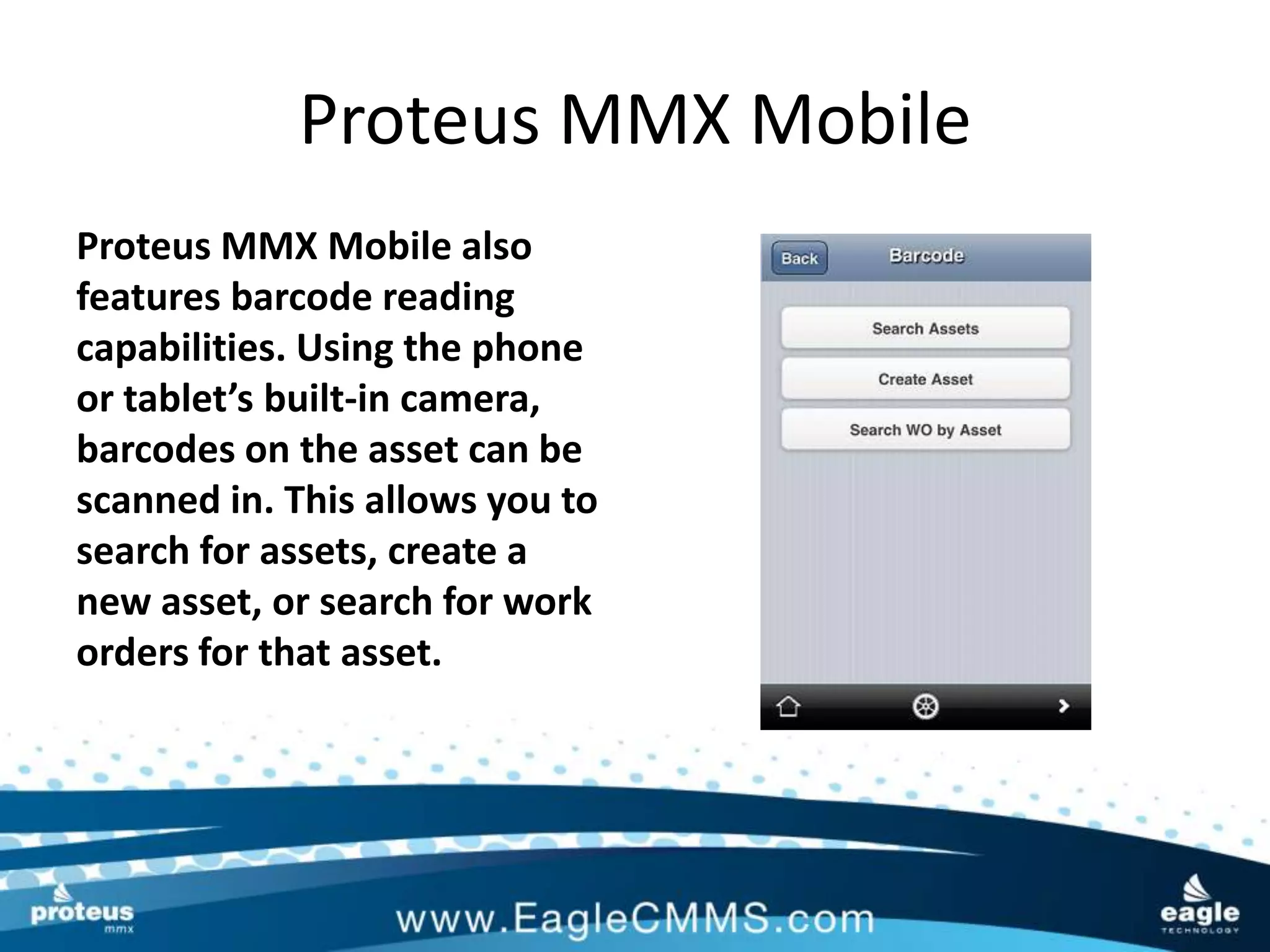
Proteus MMX Mobile also
features barcode reading
capabilities. Using the phone
or tablet’s built-in camera,
barcodes on the asset can be
scanned in. This allows you to
search for assets, create a
new asset, or search for work
orders for that asset.
Proteus MMX Mobile
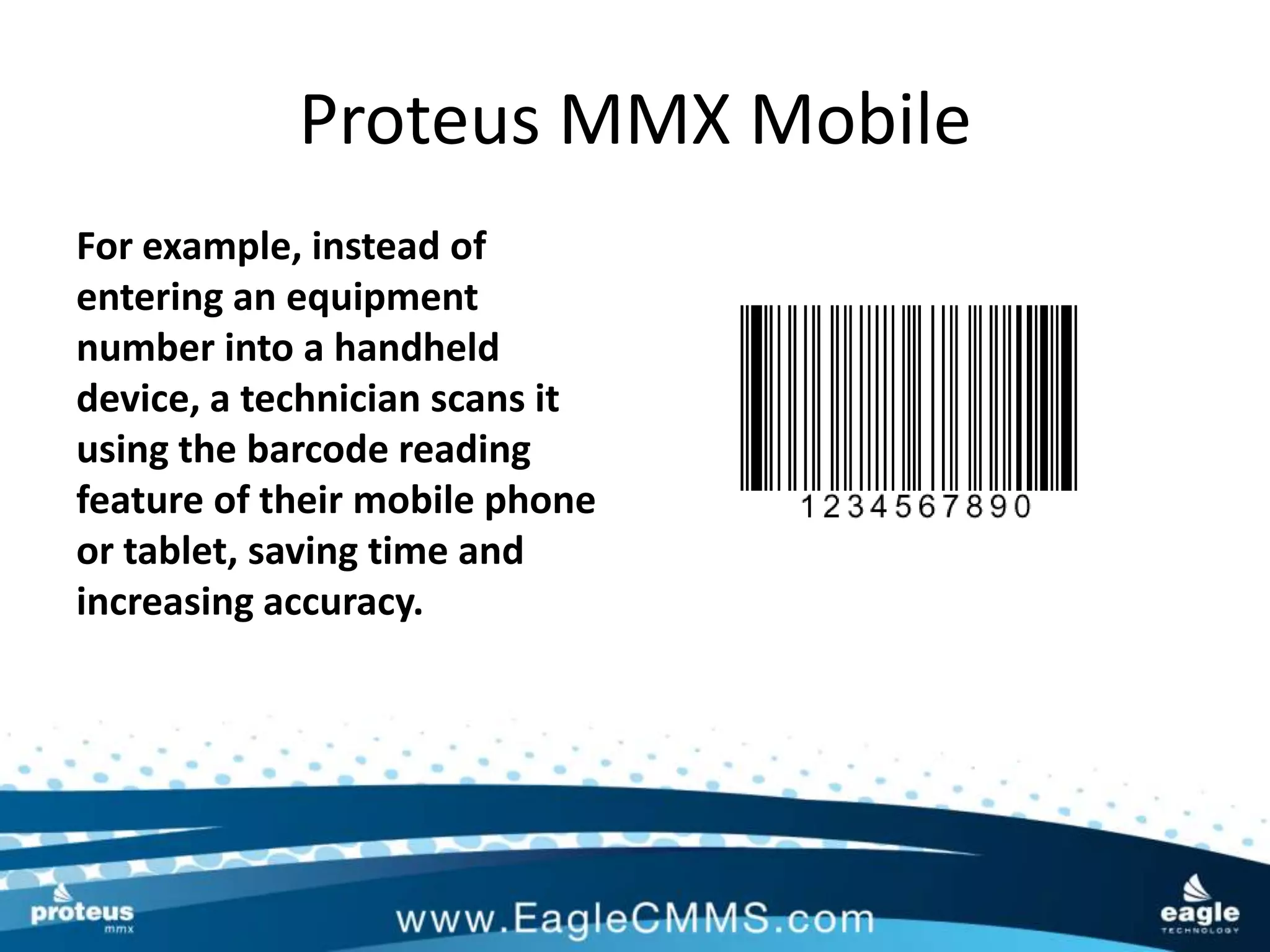
For example, instead of
entering an equipment
number into a handheld
device, a technician scans it
using the barcode reading
feature of their mobile phone
or tablet, saving time and
increasing accuracy.
Proteus MMX Mobile
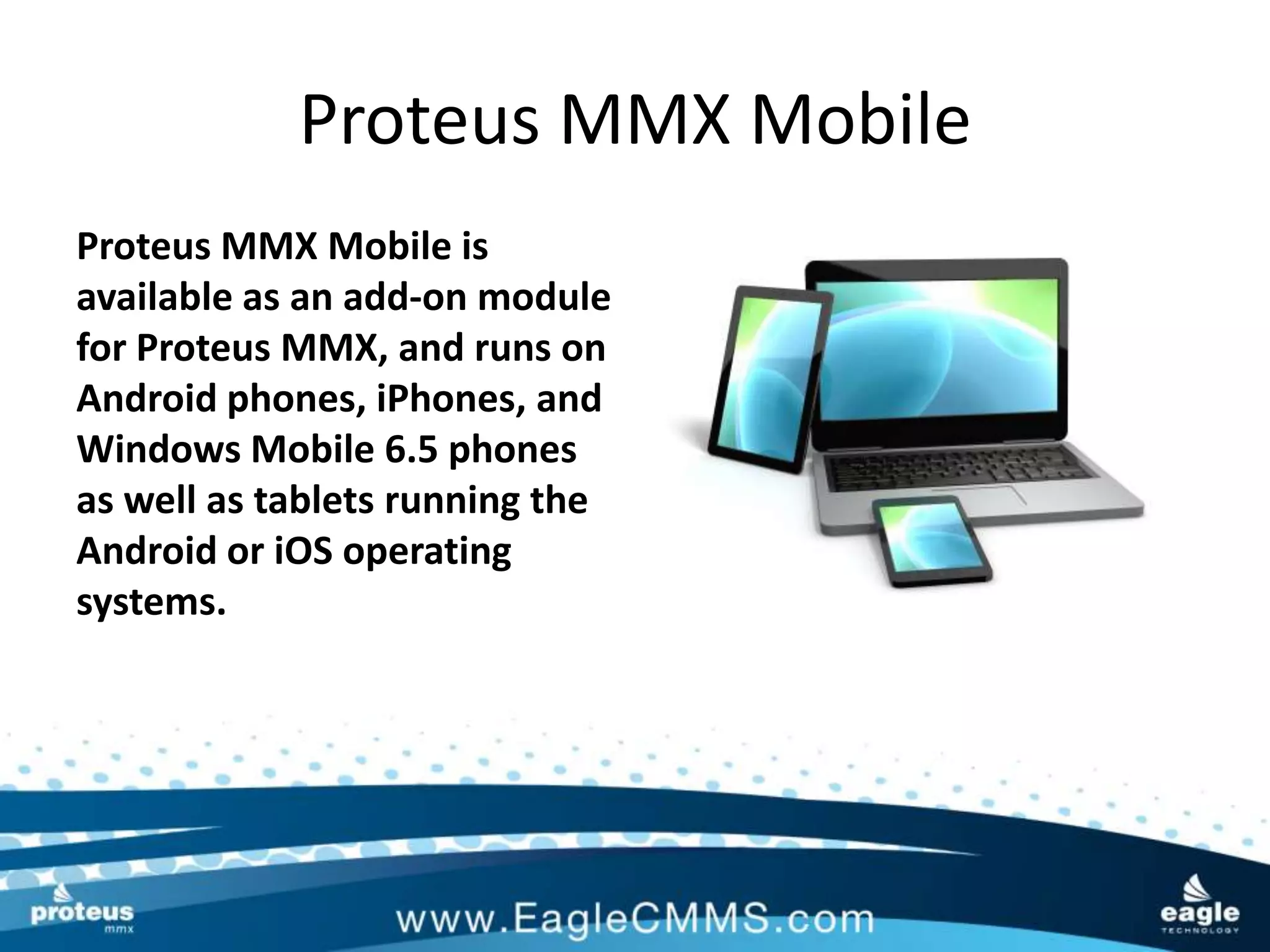
Proteus MMX Mobile is
available as an add-on module
for Proteus MMX, and runs on
Android phones, iPhones, and
Windows Mobile 6.5 phones
as well as tablets running the
Android or iOS operating
systems.
Proteus MMX Mobile

       Put the power of Proteus MMX
        in the palm of your hand with
            Proteus MMX Mobile!

Contact Eagle Technology for more information:
            Phone: 1-800-388-3268
         Email: sales@eaglecmms.com

Proteus MMX Mobile

  • 1.
  • 2.
    Proteus MMX Mobile TheProteus MMX Mobile application is a valuable maintenance management tool that provides technicians with quick access to work orders, assets and maintenance data from the field.
  • 3.
    Proteus MMX Mobile ProteusMMX Mobile allows technicians to update work orders, asset information and other critical data in real time via Smart Phone or Tablet.
  • 4.
    Proteus MMX Mobile Bystaying out in the field with their Mobile CMMS, technicians can spend more time maintaining equipment and completing work orders without having to travel back to their home office or computer.
  • 5.
    Proteus MMX Mobile Productivitywill never be higher since asset and work order data can be accessed wherever they are, 24x7!
  • 6.
    Proteus MMX Mobile Sincedata is communicated real-time, the minute a technician updates a work order, adds a new asset or closes a PM, managers can use this data to make facility- wide decisions or issue new work orders to technicians in the field.
  • 7.
    Proteus MMX Mobile Theapplication is very user- friendly, with large buttons and a clean work flow. Each day, technicians can quickly gain access to their work orders. Once a work order is selected, they can access tasks, parts, assets, schematics and more to complete the work order.
  • 8.
    Proteus MMX Mobile ProteusMMX Mobile can be implemented in a fraction of the time of other systems. Since Proteus MMX can be hosted at Eagle’s site, all technicians need is their phone or tablet, and the Proteus MMX Mobile app, and off they go. *A Proteus MMX Mobile license must be purchased for each user
  • 9.
    Proteus MMX Mobile ProteusMMX Mobile is the perfect tool for a mobile workforce, including field technicians, campus maintenance staff, and mobile users around the facility.
  • 10.
    Proteus MMX Mobile ProteusMMX Mobile gives technicians the assurance that all of the information they need is accurate and up-to- date as possible and accessible at all times.
  • 11.
    Proteus MMX Mobile ProteusMMX Mobile also features barcode reading capabilities. Using the phone or tablet’s built-in camera, barcodes on the asset can be scanned in. This allows you to search for assets, create a new asset, or search for work orders for that asset.
  • 12.
    Proteus MMX Mobile Forexample, instead of entering an equipment number into a handheld device, a technician scans it using the barcode reading feature of their mobile phone or tablet, saving time and increasing accuracy.
  • 13.
    Proteus MMX Mobile ProteusMMX Mobile is available as an add-on module for Proteus MMX, and runs on Android phones, iPhones, and Windows Mobile 6.5 phones as well as tablets running the Android or iOS operating systems.
  • 14.
    Proteus MMX Mobile Put the power of Proteus MMX in the palm of your hand with Proteus MMX Mobile! Contact Eagle Technology for more information: Phone: 1-800-388-3268 Email: sales@eaglecmms.com