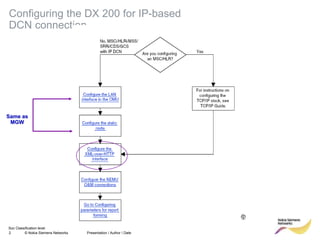
This document provides instructions for configuring an OSS over IP connection in three steps:
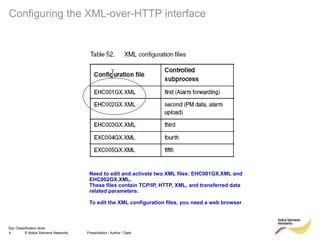
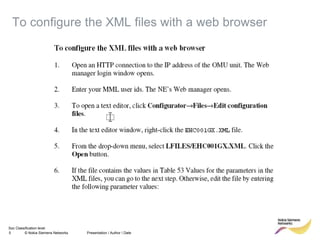
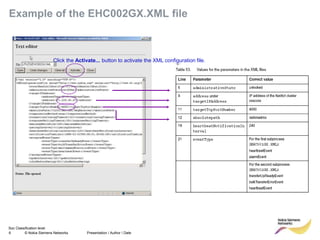
1. Configure the DX 200 network element for IP-based connectivity and edit two XML configuration files (EHC001GX.XML and EHC002GX.XML) containing TCP/IP, HTTP, XML, and data parameters.
2. Set up the XML-over-HTTP interface on the DX 200 by entering commands to use the IP interface and restarting the system.
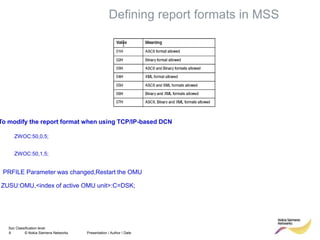
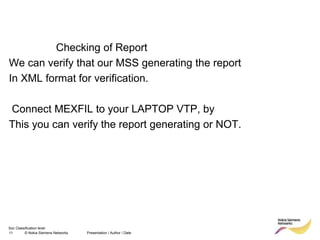
3. Define report formats in MSS, check the logical file names for the XML report format, connect those files to the MEXFIL logical files, and connect MEXFIL to a VTP-3 device to verify that reports