Downloaded 36 times
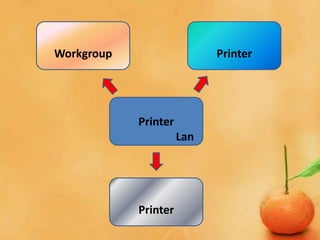
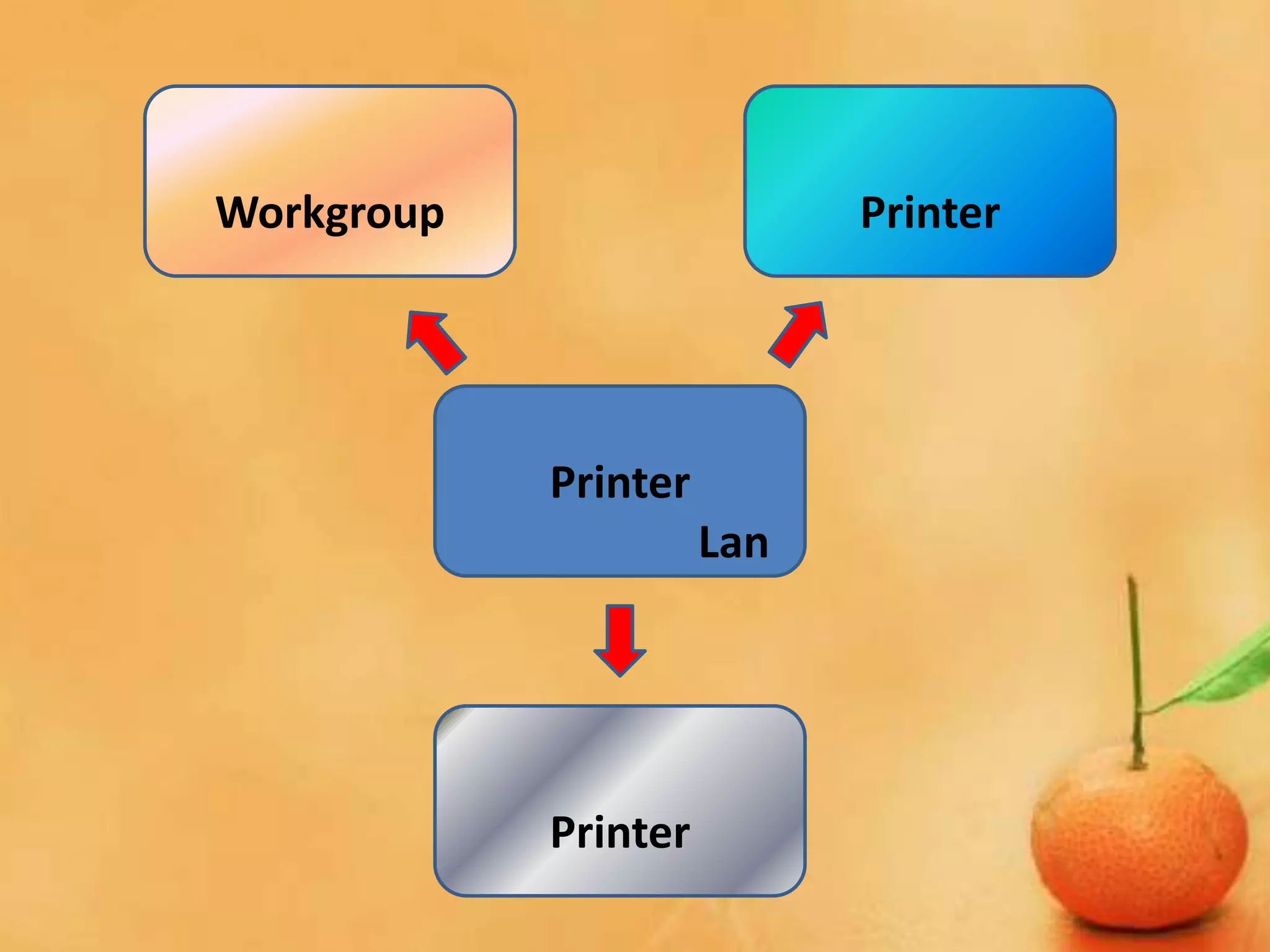
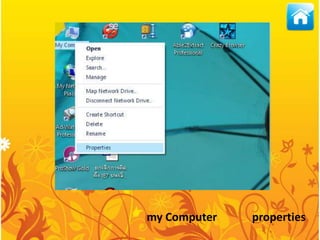
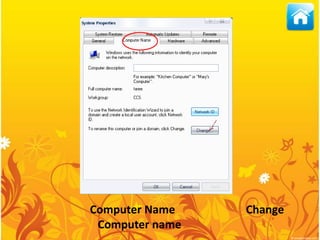
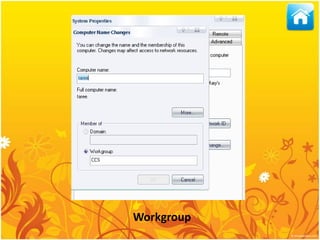
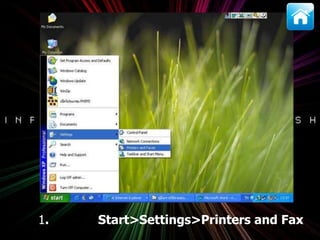
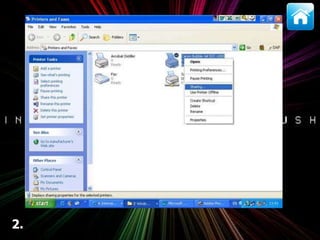
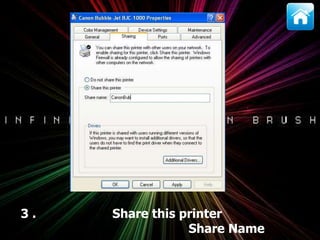
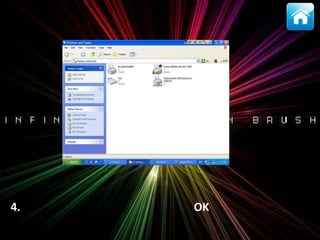
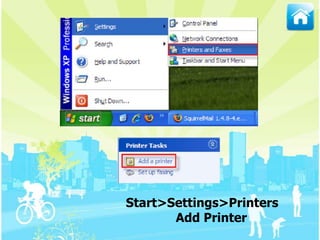
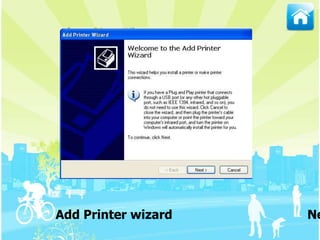
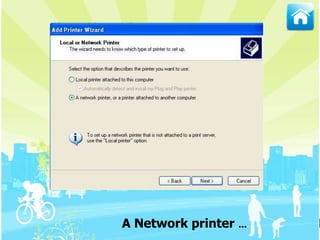
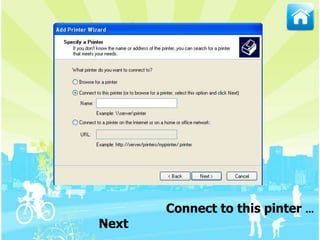
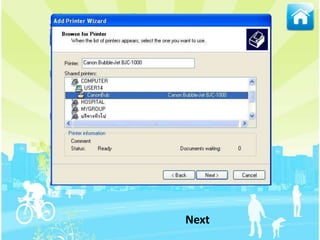
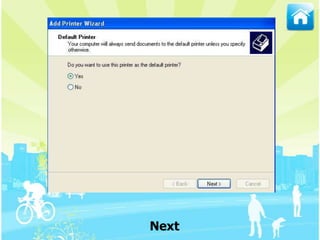
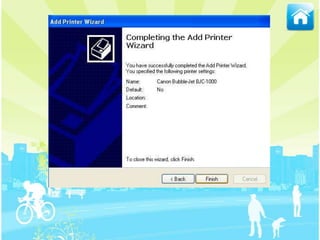

This document provides instructions for sharing a printer that is connected to a computer via a local area network (LAN). The steps are to open the printers and fax settings, select the printer properties, change the workgroup name to match the workgroup of other computers on the network, specify a share name, and click OK. Other computers on the network can then add the shared printer by going through the add printer wizard.


