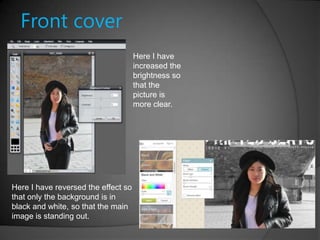
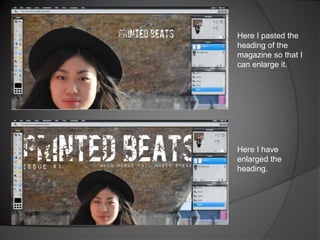
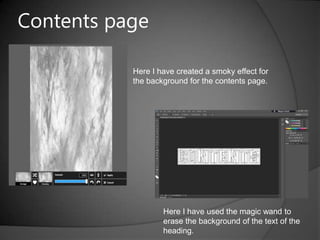
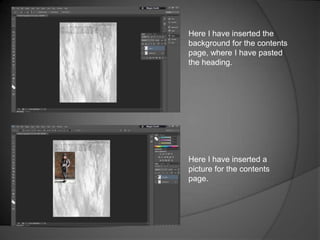
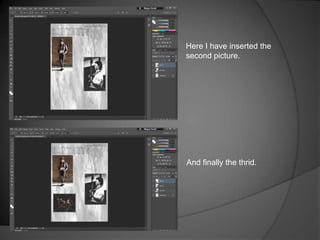
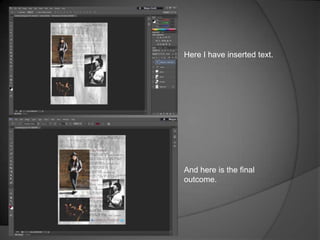
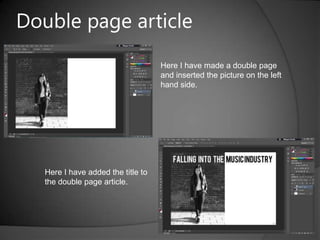
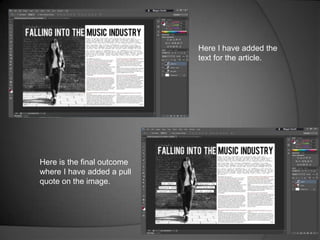
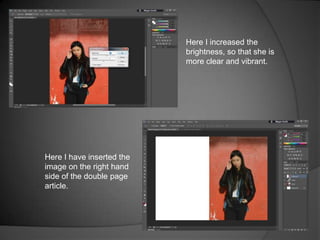
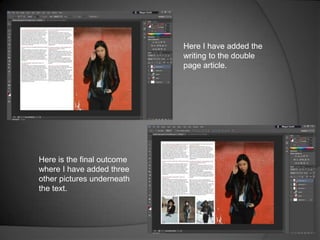
This slideshow documents the process of creating a magazine cover, contents page, and double-page article. Key steps shown include increasing image brightness, reversing effects to make images stand out, pasting and enlarging headings, adding backgrounds, inserting multiple pictures and text, and producing the final outcomes. The slideshow provides a visual demonstration of creating different elements of a magazine layout.