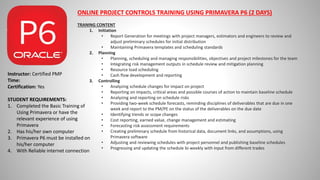
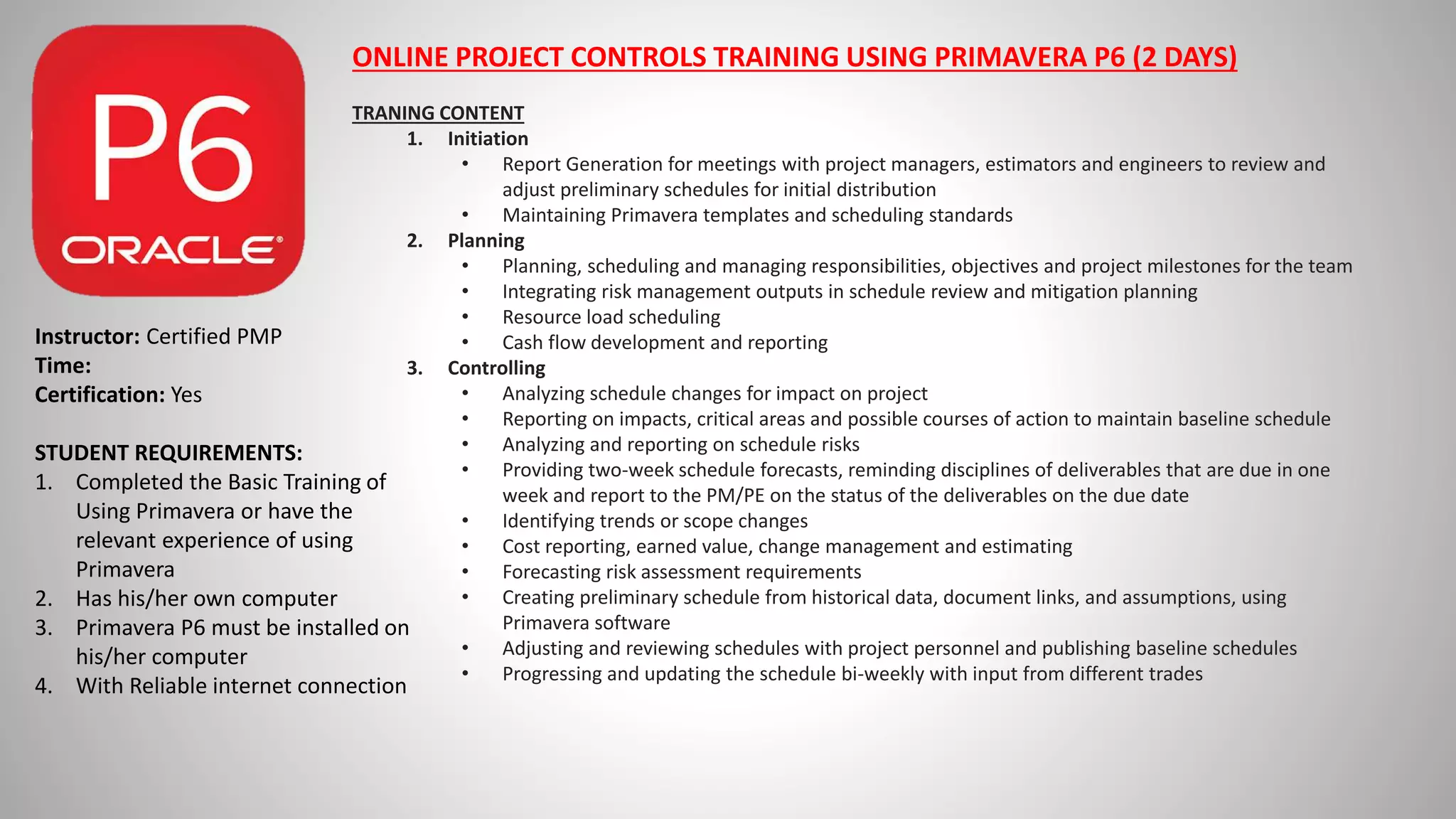
ONLINE PROJECT CONTROLS TRAINING USING PRIMAVERA P6 (2 DAYS)
TRANING CONTENT
1. Initiation
• Report Generation for meetings with project managers, estimators and engineers to review and
adjust preliminary schedules for initial distribution
• Maintaining Primavera templates and scheduling standards
2. Planning
• Planning, scheduling and managing responsibilities, objectives and project milestones for the team
• Integrating risk management outputs in schedule review and mitigation planning
• Resource load scheduling
• Cash flow development and reporting
3. Controlling
• Analyzing schedule changes for impact on project
• Reporting on impacts, critical areas and possible courses of action to maintain baseline schedule
• Analyzing and reporting on schedule risks
• Providing two-week schedule forecasts, reminding disciplines of deliverables that are due in one
week and report to the PM/PE on the status of the deliverables on the due date
• Identifying trends or scope changes
• Cost reporting, earned value, change management and estimating
• Forecasting risk assessment requirements
• Creating preliminary schedule from historical data, document links, and assumptions, using
Primavera software
• Adjusting and reviewing schedules with project personnel and publishing baseline schedules
• Progressing and updating the schedule bi-weekly with input from different trades
Instructor: Certified PMP
Time:
Certification: Yes
STUDENT REQUIREMENTS:
1. Completed the Basic Training of
Using Primavera or have the
relevant experience of using
Primavera
2. Has his/her own computer
3. Primavera P6 must be installed on
his/her computer
4. With Reliable internet connection
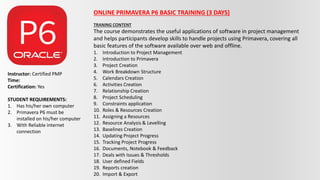
ONLINE PRIMAVERA P6 BASIC TRAINING (3 DAYS)
TRANING CONTENT
The course demonstrates the useful applications of software in project management
and helps participants develop skills to handle projects using Primavera, covering all
basic features of the software available over web and offline.
1. Introduction to Project Management
2. Introduction to Primavera
3. Project Creation
4. Work Breakdown Structure
5. Calendars Creation
6. Activities Creation
7. Relationship Creation
8. Project Scheduling
9. Constraints application
10. Roles & Resources Creation
11. Assigning a Resources
12. Resource Analysis & Levelling
13. Baselines Creation
14. Updating Project Progress
15. Tracking Project Progress
16. Documents, Notebook & Feedback
17. Deals with Issues & Thresholds
18. User defined Fields
19. Reports creation
20. Import & Export
Instructor: Certified PMP
Time:
Certification: Yes
STUDENT REQUIREMENTS:
1. Has his/her own computer
2. Primavera P6 must be
installed on his/her computer
3. With Reliable internet
connection

Primavera P6 Training Content by JB Santos.pptx

  • 1.
    ONLINE PROJECT CONTROLSTRAINING USING PRIMAVERA P6 (2 DAYS) TRANING CONTENT 1. Initiation • Report Generation for meetings with project managers, estimators and engineers to review and adjust preliminary schedules for initial distribution • Maintaining Primavera templates and scheduling standards 2. Planning • Planning, scheduling and managing responsibilities, objectives and project milestones for the team • Integrating risk management outputs in schedule review and mitigation planning • Resource load scheduling • Cash flow development and reporting 3. Controlling • Analyzing schedule changes for impact on project • Reporting on impacts, critical areas and possible courses of action to maintain baseline schedule • Analyzing and reporting on schedule risks • Providing two-week schedule forecasts, reminding disciplines of deliverables that are due in one week and report to the PM/PE on the status of the deliverables on the due date • Identifying trends or scope changes • Cost reporting, earned value, change management and estimating • Forecasting risk assessment requirements • Creating preliminary schedule from historical data, document links, and assumptions, using Primavera software • Adjusting and reviewing schedules with project personnel and publishing baseline schedules • Progressing and updating the schedule bi-weekly with input from different trades Instructor: Certified PMP Time: Certification: Yes STUDENT REQUIREMENTS: 1. Completed the Basic Training of Using Primavera or have the relevant experience of using Primavera 2. Has his/her own computer 3. Primavera P6 must be installed on his/her computer 4. With Reliable internet connection
  • 2.
    ONLINE PRIMAVERA P6BASIC TRAINING (3 DAYS) TRANING CONTENT The course demonstrates the useful applications of software in project management and helps participants develop skills to handle projects using Primavera, covering all basic features of the software available over web and offline. 1. Introduction to Project Management 2. Introduction to Primavera 3. Project Creation 4. Work Breakdown Structure 5. Calendars Creation 6. Activities Creation 7. Relationship Creation 8. Project Scheduling 9. Constraints application 10. Roles & Resources Creation 11. Assigning a Resources 12. Resource Analysis & Levelling 13. Baselines Creation 14. Updating Project Progress 15. Tracking Project Progress 16. Documents, Notebook & Feedback 17. Deals with Issues & Thresholds 18. User defined Fields 19. Reports creation 20. Import & Export Instructor: Certified PMP Time: Certification: Yes STUDENT REQUIREMENTS: 1. Has his/her own computer 2. Primavera P6 must be installed on his/her computer 3. With Reliable internet connection