Overview of OurAgenda
Definitions and Importance of Presentations
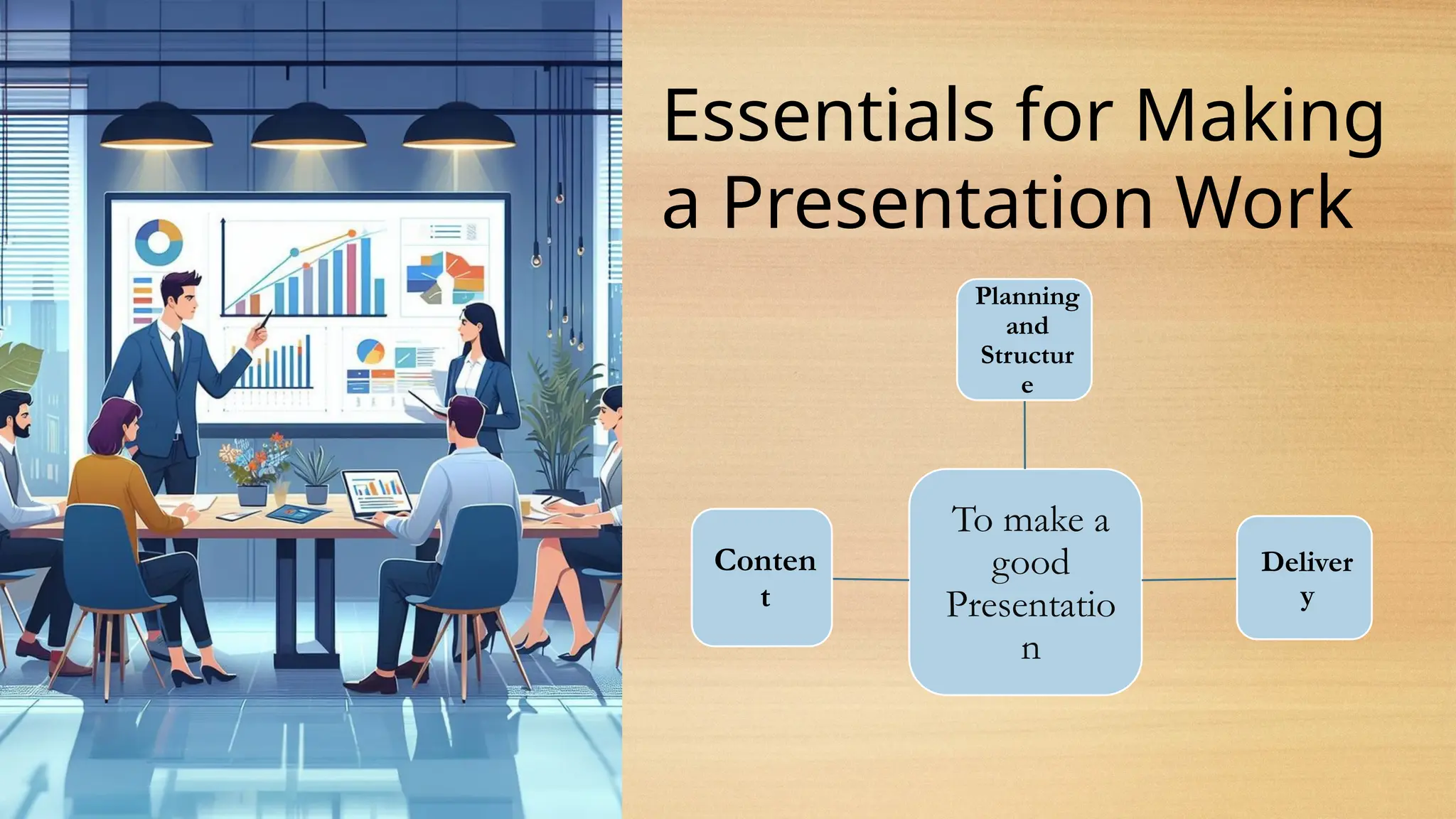
Essentials for Making a Presentation Work
The Effective Use of PowerPoint in Presentations
Q&A Session
3.
What is a
Presentation?
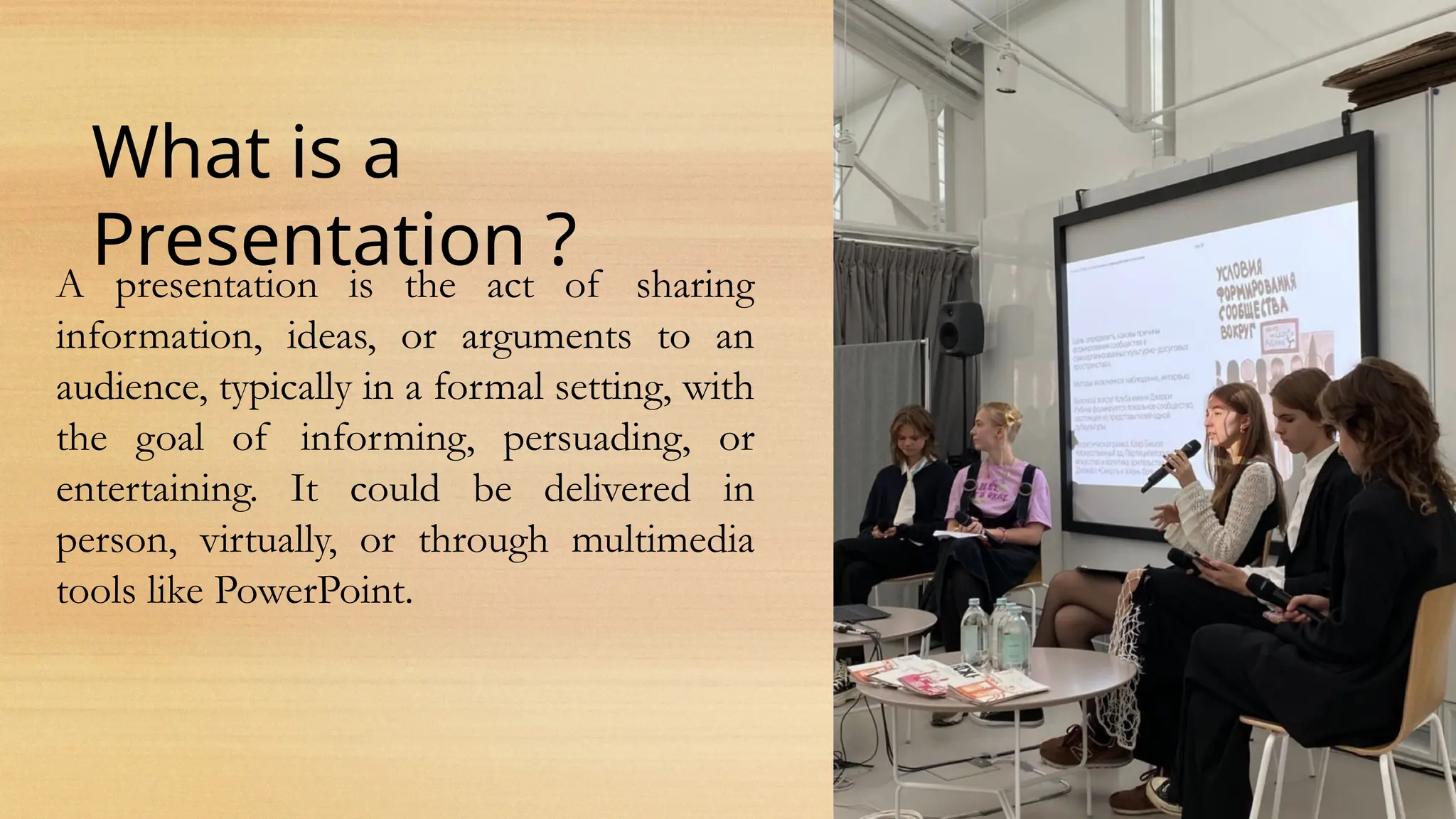
A presentation is the act of sharing
information, ideas, or arguments to an
audience, typically in a formal setting, with
the goal of informing, persuading, or
entertaining. It could be delivered in
person, virtually, or through multimedia
tools like PowerPoint.
4.
What is theimportance of
Presentations ?
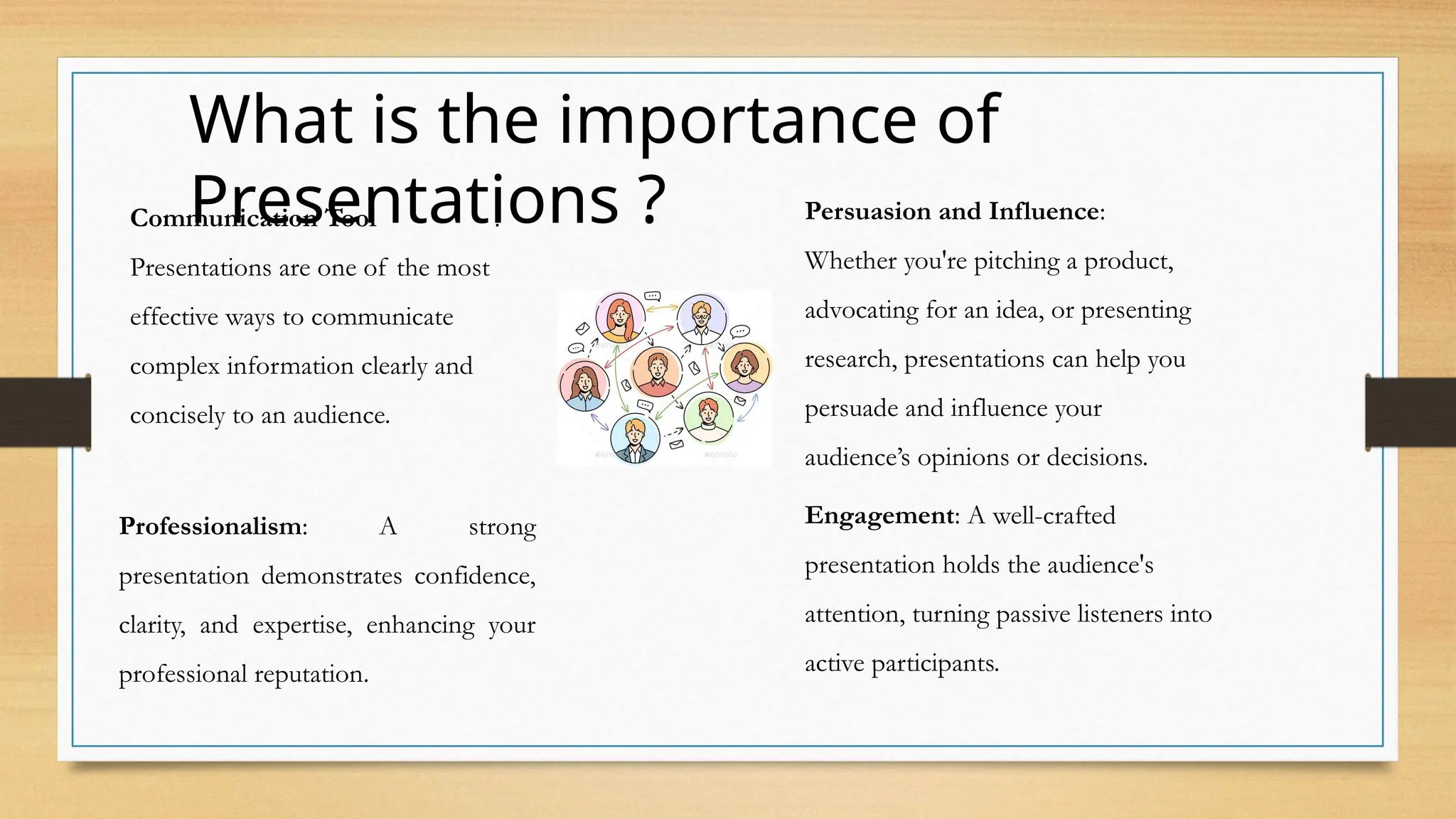
Communication Tool :
Presentations are one of the most
effective ways to communicate
complex information clearly and
concisely to an audience.
Persuasion and Influence:
Whether you're pitching a product,
advocating for an idea, or presenting
research, presentations can help you
persuade and influence your
audience’s opinions or decisions.
Engagement: A well-crafted
presentation holds the audience's
attention, turning passive listeners into
active participants.
Professionalism: A strong
presentation demonstrates confidence,
clarity, and expertise, enhancing your
professional reputation.
5.
Essentials for Making
aPresentation Work
To make a
good
Presentatio
n
Planning
and
Structur
e
Deliver
y
Conten
t
6.
Planning and Structure:
•Clear Objective: Know the purpose of your
presentation—what do you want the audience to
learn, do, or feel?
• Audience Understanding: Tailor your content to
the needs, interests, and knowledge level of your
audience.
• Logical Flow: Structure your presentation with
an introduction, main body, and conclusion to
guide your audience through your points.
Content:
•Relevant Information: Use facts, data, and
examples that are relevant and support your
message.
•Brevity and Clarity: Keep information
concise and to the point to avoid
overwhelming the audience.
•Storytelling: Incorporate stories or
anecdotes to make your presentation more
engaging and memorable.
Delivery:
•Confidence and Body Language: Maintain eye contact, use open gestures, and stand or sit in a
confident posture.
•Voice Modulation: Vary your tone, pitch, and pace to keep the audience engaged and emphasize
key points.
•Practice: Rehearse your presentation multiple times to ensure smooth delivery and to reduce
nervousness.
Keep it Simple
•Useslides as a visual aid to support your message, not to overwhelm with text.
•Stick to a clean, professional design with consistent colors and fonts
Visuals
•Use images, charts, and diagrams to illustrate key points,
making the information more engaging and easier to
understand.
•Avoid clutter by using high-quality visuals and keeping text
minimal.
Engage with the
Slides
•Interact with your slides to emphasize points. Don't just read the slides verbatim.
•Use the remote control or mouse to highlight specific areas of the slide to guide the audience's
attention.
9.
Key Tips for
PowerPoint
•AvoidOverloading Slides: Limit the amount of text. A good
rule is 6 lines per slide, with no more than 6 words per line.
•Use Bullet Points: Present key points in short, digestible
chunks.
•Transitions and Animations: Keep them simple and subtle;
avoid excessive animation that can distract from the
message.
10.
Q&A Session
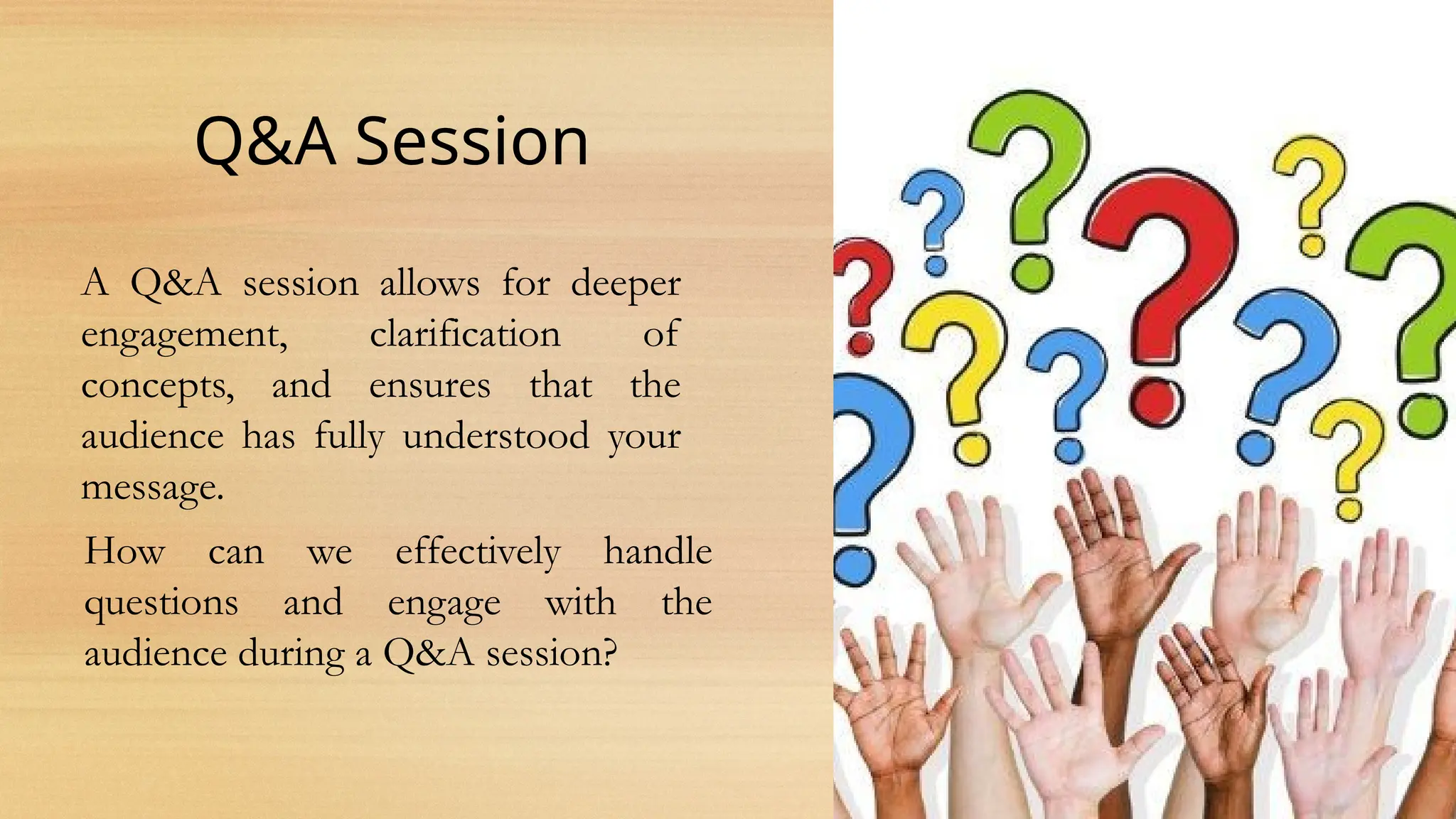
A Q&Asession allows for deeper
engagement, clarification of
concepts, and ensures that the
audience has fully understood your
message.
How can we effectively handle
questions and engage with the
audience during a Q&A session?
11.
Handling Questions:
•Prepare forCommon Questions: Anticipate potential
questions and have clear, concise answers ready.
•Stay Calm and Confident: If you don’t know the answer, be
honest and offer to follow up later or direct them to a resource.
•Clarify Questions: If a question is unclear, don’t hesitate to ask
for clarification to ensure you’re answering what the person
intended.
•Positive Body Language: Maintain eye contact, nod to
acknowledge the question, and respond with respect.
Engaging the Audience:
Encourage participation by asking open-ended
questions at the end of your presentation to get
feedback or invite discussion.
12.
Summary
Mastering presentation skillsis essential for effective communication. By
understanding the purpose of your presentation and its importance, you
can engage and influence your audience. Ensuring your content is well-
planned, clear, and delivered confidently helps make your presentation
impactful. Additionally, using tools like PowerPoint can enhance your
message when used strategically. Finally, remember that a successful Q&A
session allows for further engagement, so approach it with confidence and
an open mind. Keep practicing these skills, and you’ll be able to deliver
powerful and memorable presentations.
Editor's Notes
#1 REMARQUE :
Pour remplacer l’image sur cette diapositive, sélectionnez-la et supprimez-la. Cliquez ensuite sur l’icône Images dans l’espace réservé pour insérer votre image.