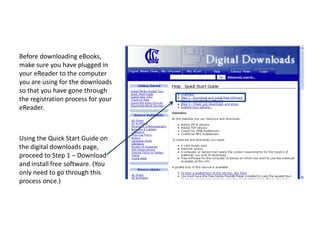
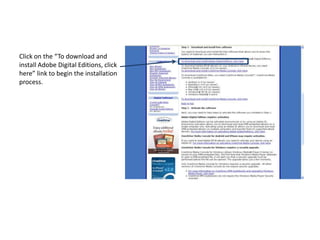
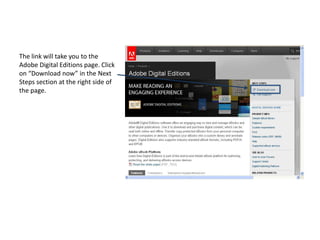
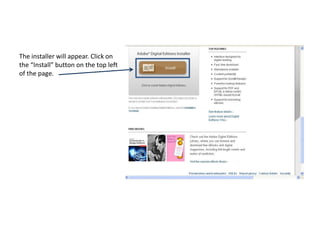
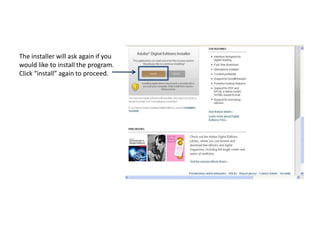
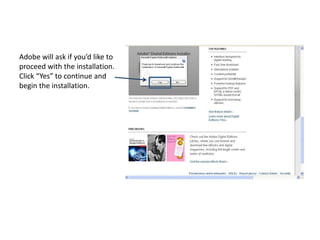
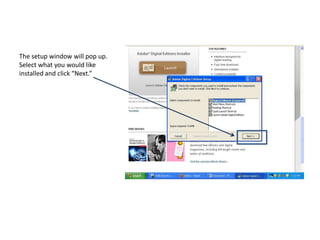
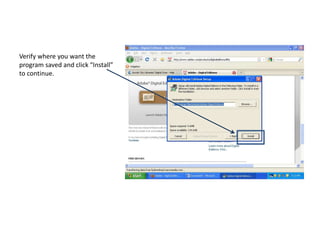
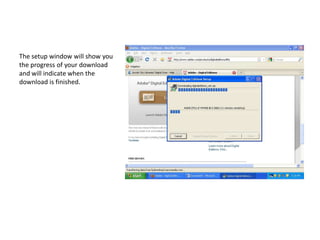
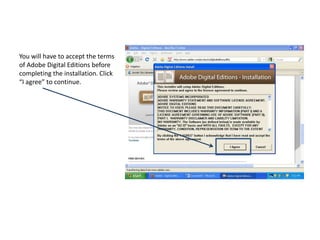
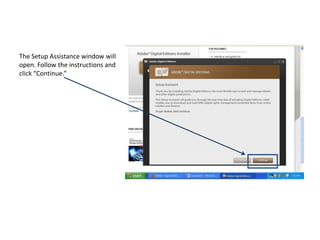
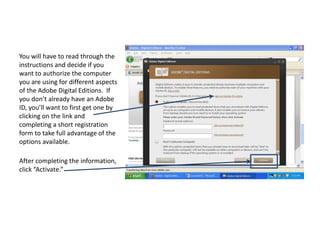
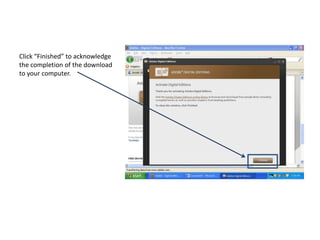
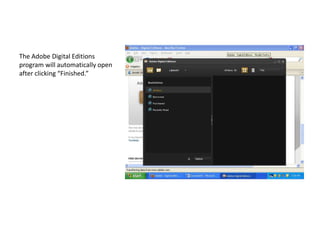
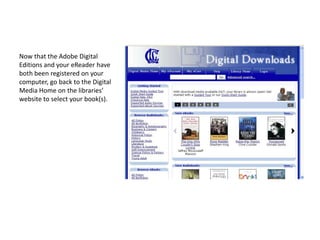
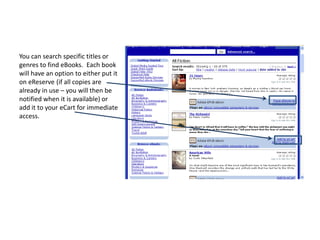
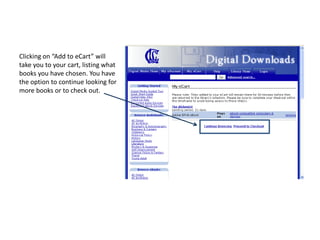
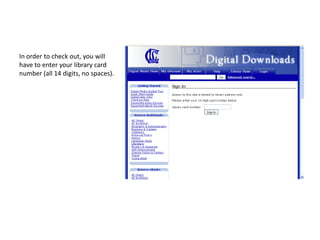
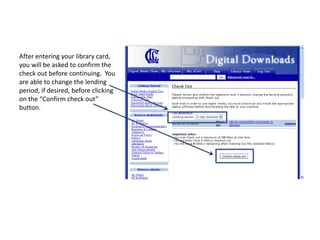
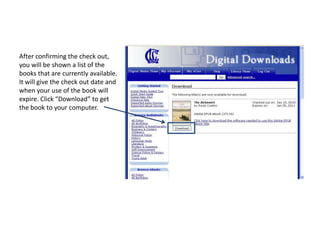
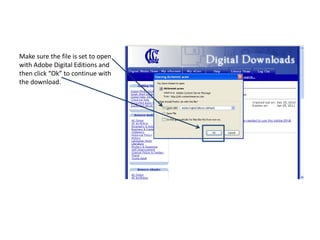
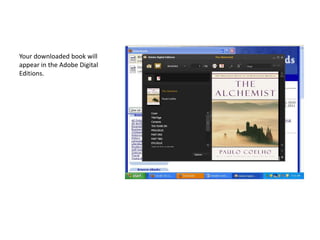
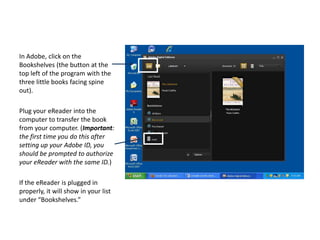
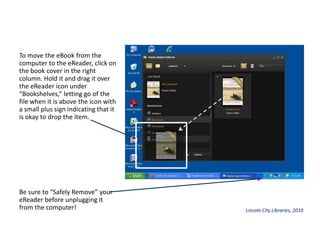
This document provides instructions for downloading eBooks from the library using an eReader device. It outlines the steps to register an eReader with Adobe Digital Editions software, search the library catalog for eBooks, check out and download titles, and transfer books to the eReader for reading. The process involves setting up an Adobe ID, plugging the eReader into the computer, searching the library website, entering a library card number, downloading titles using Adobe Digital Editions, and dragging books from the computer to the authorized eReader bookshelf.