INTERNET &
COMPUTING
FUNDAMENTALS
(GRADE 7)
ANNABELLE E. LUMA-AD
TEACHER III
PARTS OF
COMPUTERS &
ITS FUNCTIONS
(Quarter 1: Week 3)
ANNABELLE E. LUMA-AD
TEACHER III
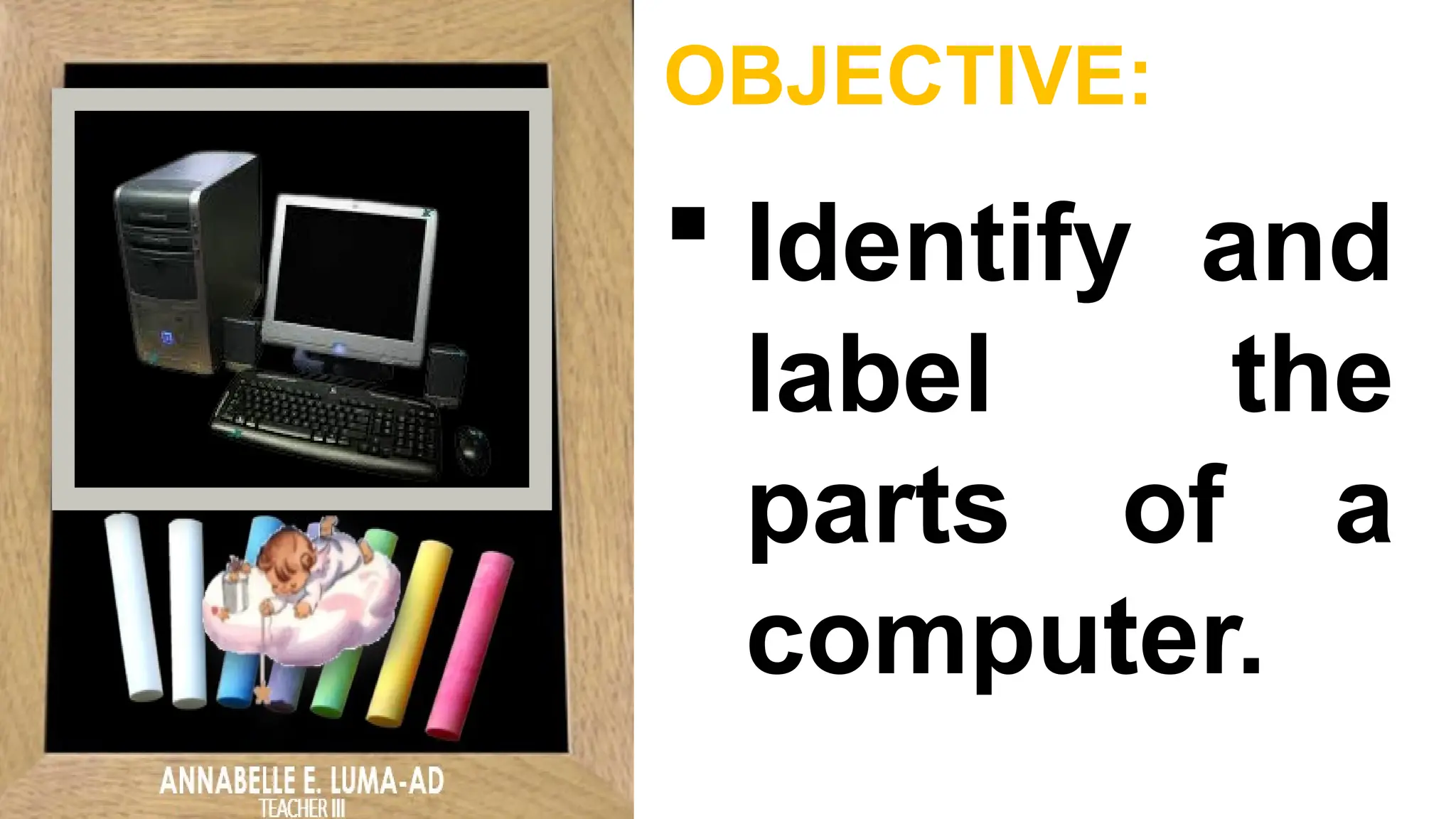
OBJECTIVE:
 Identify and
label the
parts of a
computer.
VIDEO
PRESENTATION
(PARTS OF COMPUTERS & ITS
FUNCTIONS)
ANNABELLE E. LUMA-AD
TEACHER III
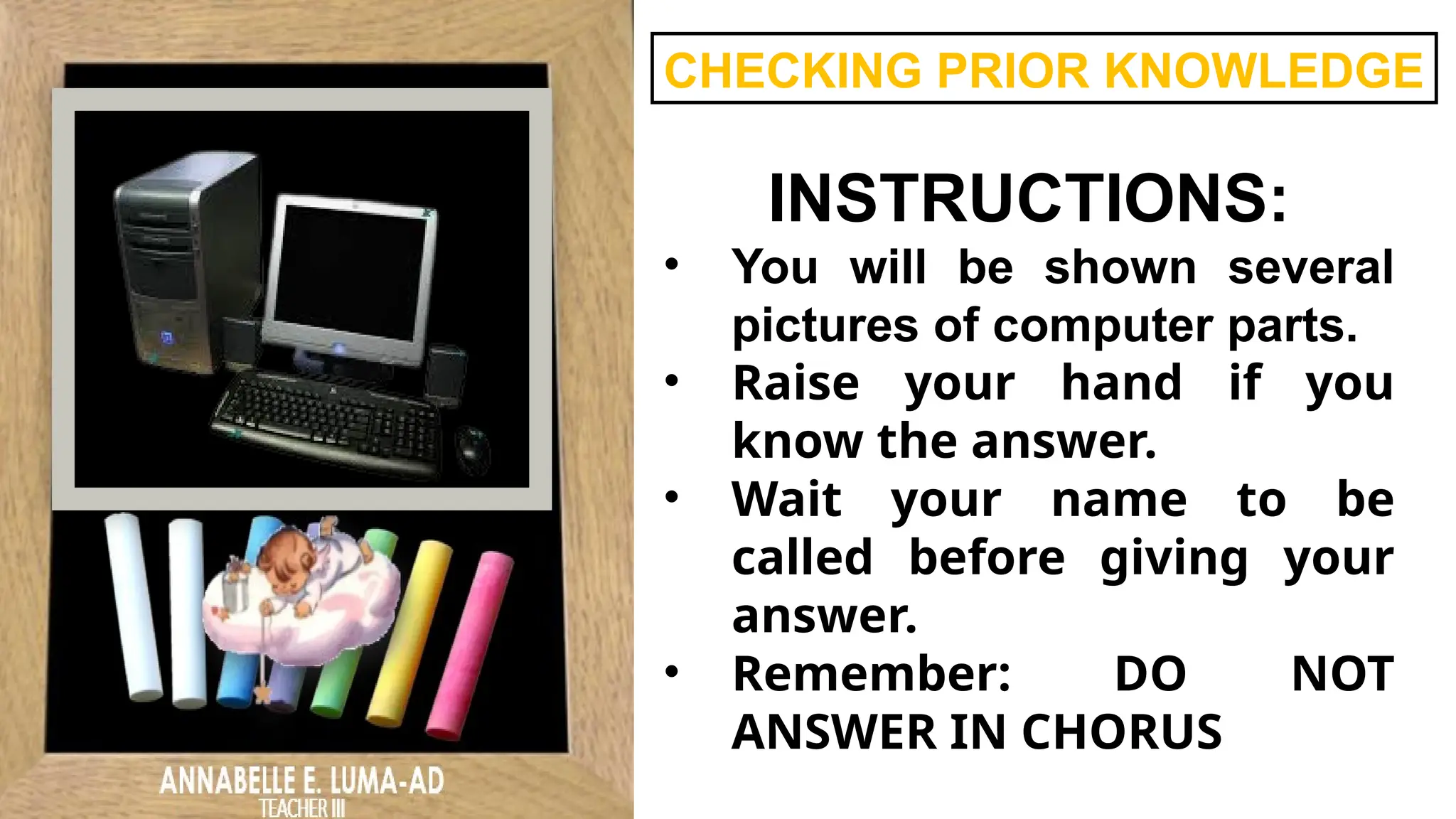
CHECKING PRIOR KNOWLEDGE
INSTRUCTIONS:
• You will be shown several
pictures of computer parts.
• Raise your hand if you
know the answer.
• Wait your name to be
called before giving your
answer.
• Remember: DO NOT
ANSWER IN CHORUS
MONITOR
MOUSE
KEYBOARD
HARD DISK
RAM MEMORY
SPEAKERS
MOTHERBOARD
FAN
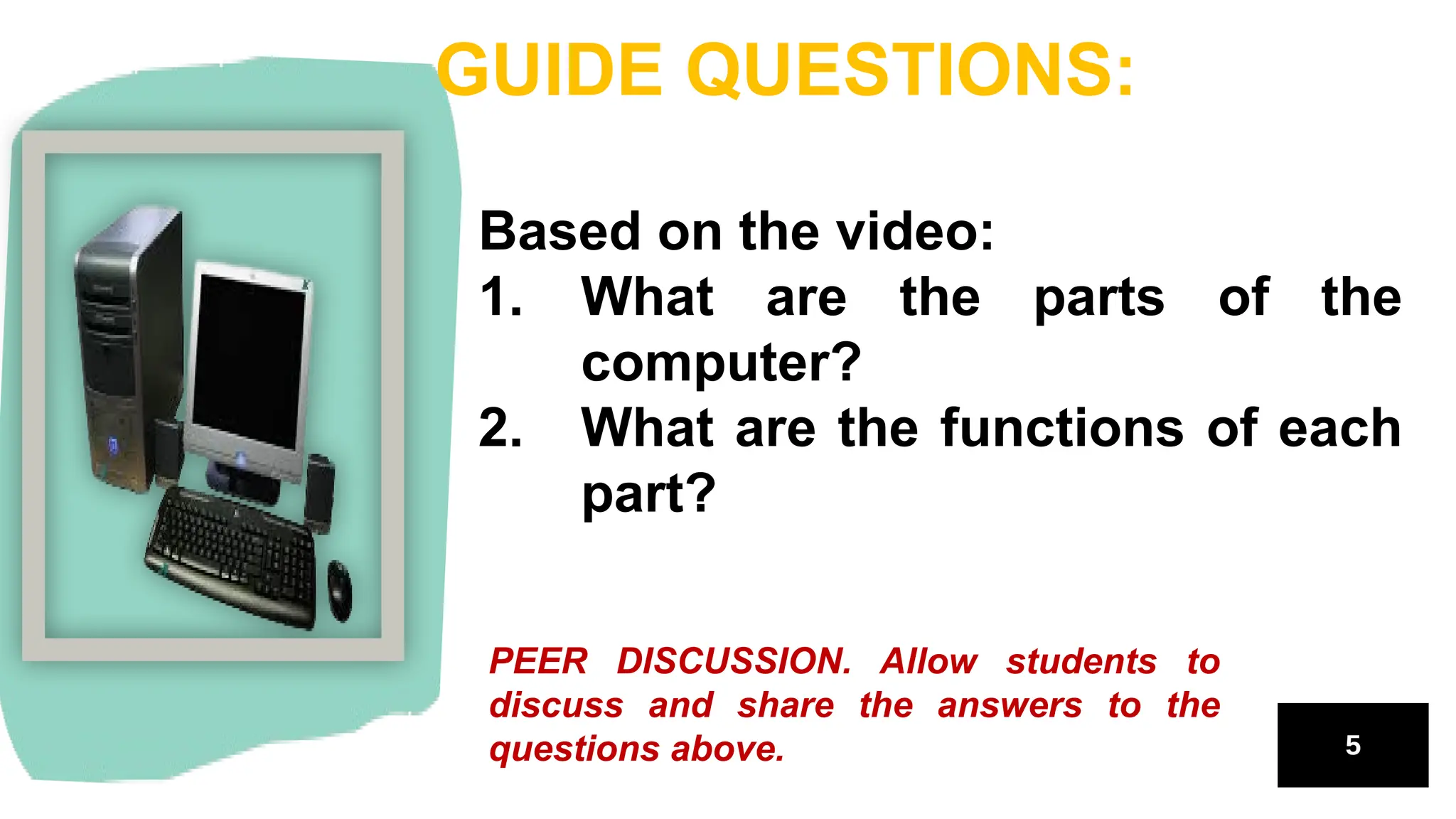
Based on the video:
1. What are the parts of the
computer?
2. What are the functions of each
part?
GUIDE QUESTIONS:
PEER DISCUSSION. Allow students to
discuss and share the answers to the
questions above.
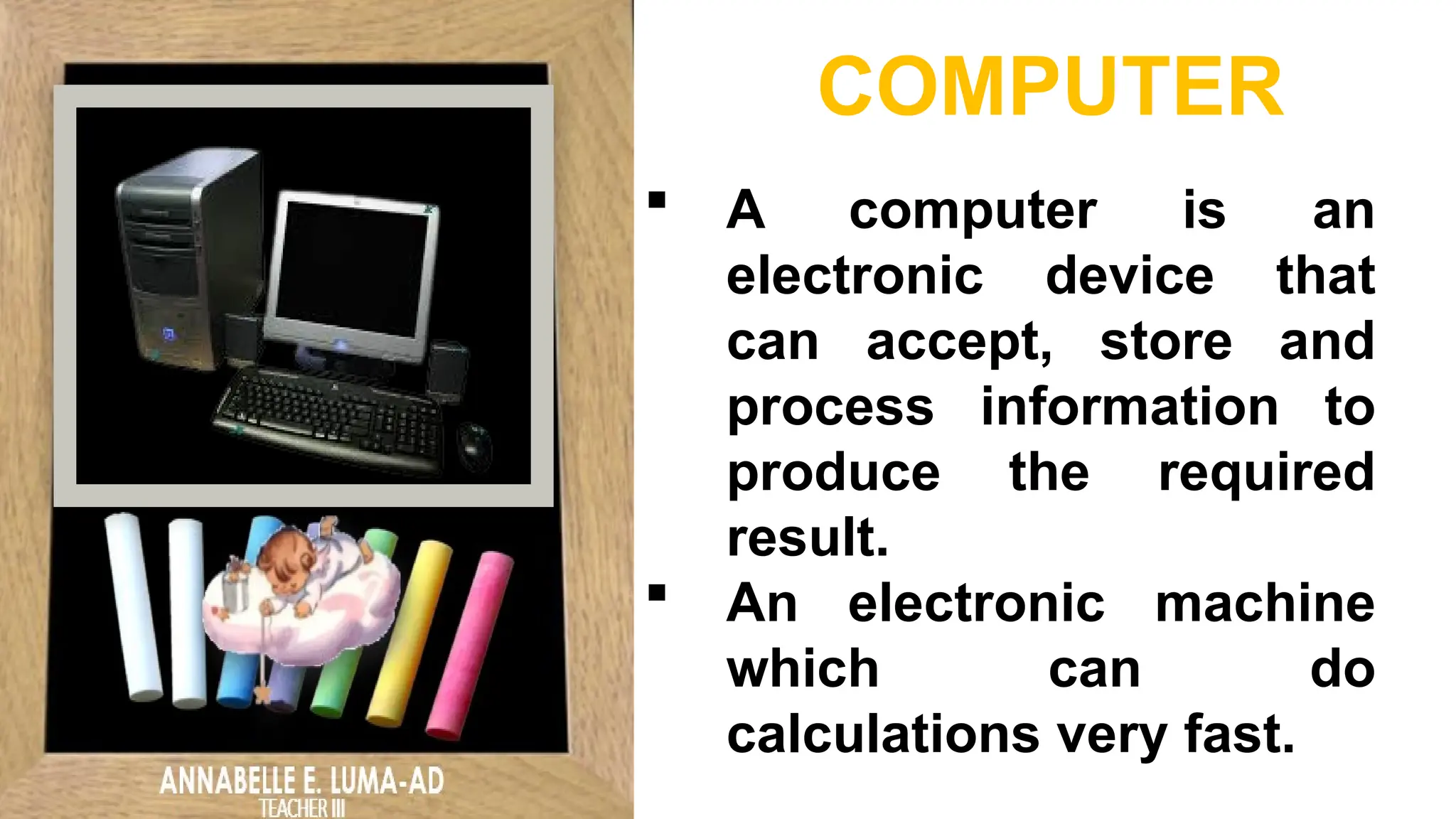
 A computer is an
electronic device that
can accept, store and
process information to
produce the required
result.
 An electronic machine
which can do
calculations very fast.
COMPUTER
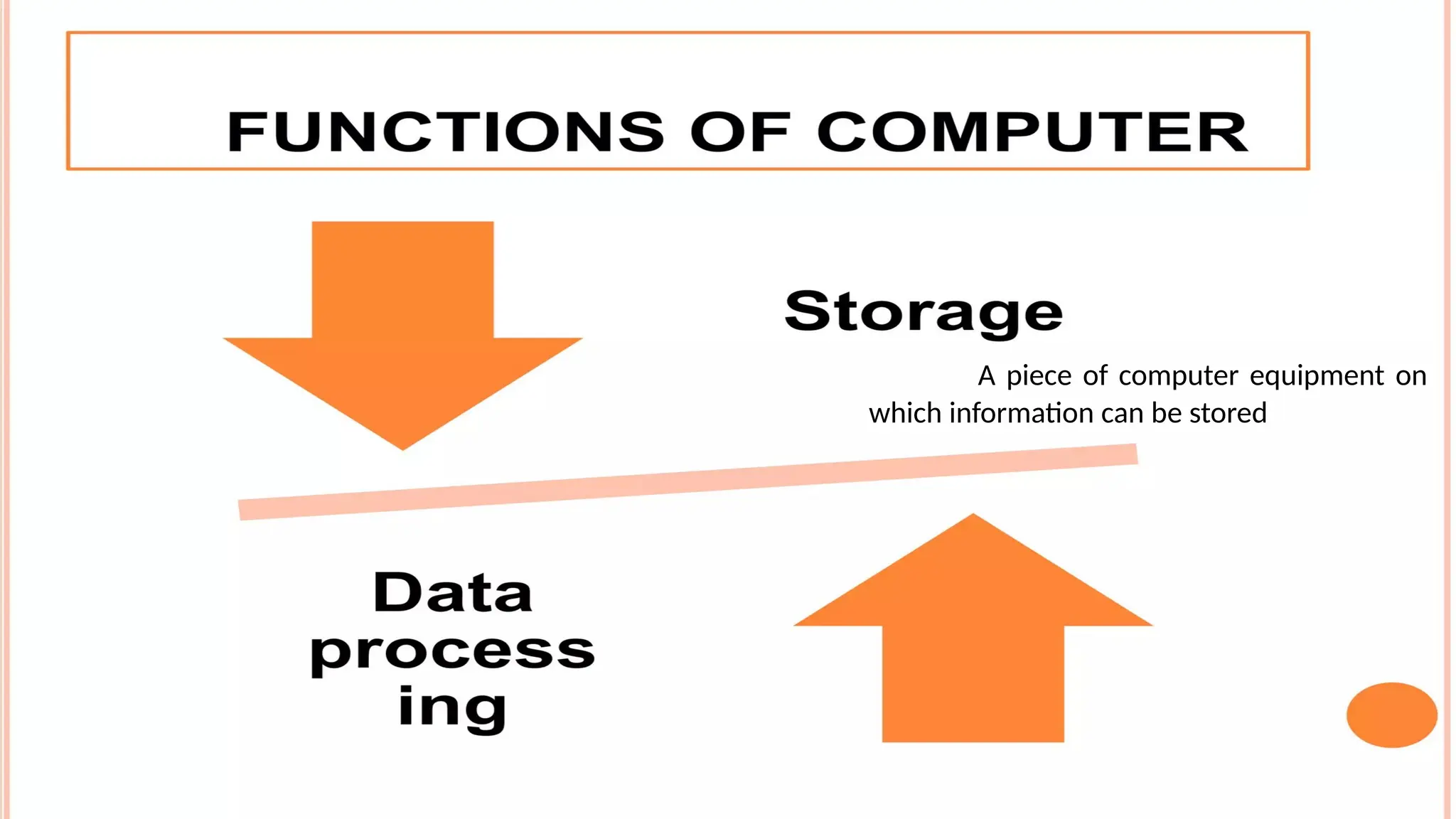
A piece of computer equipment on
which information can be stored
MAJOR PARTS OF A COMPUTER
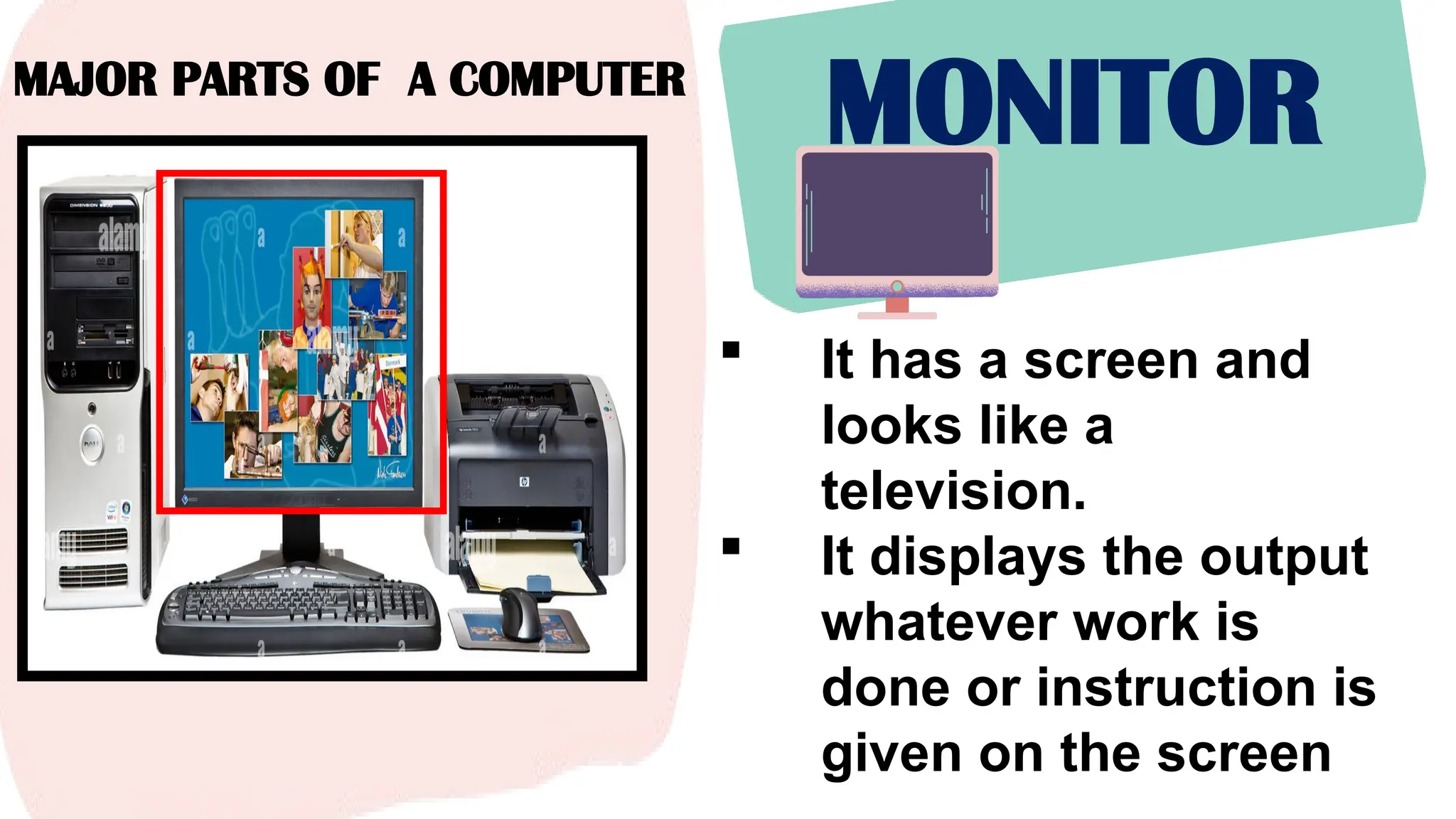
MONITOR
 It has a screen and
looks like a
television.
 It displays the output
whatever work is
done or instruction is
given on the screen
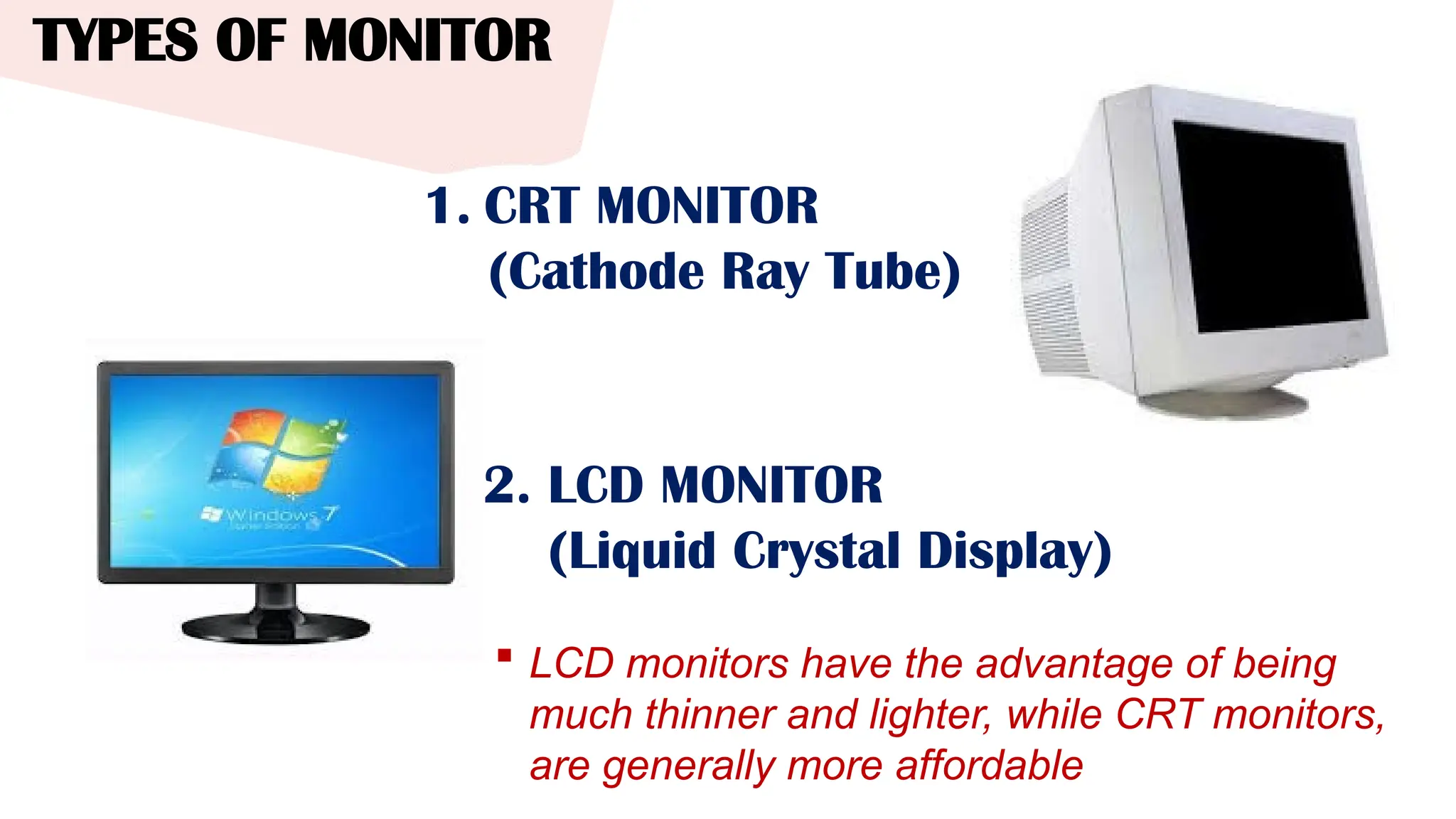
TYPES OF MONITOR
 LCD monitors have the advantage of being
much thinner and lighter, while CRT monitors,
are generally more affordable
1. CRT MONITOR
(Cathode Ray Tube)
2. LCD MONITOR
(Liquid Crystal Display)
MAJOR PARTS OF A COMPUTER
KEYBOARD
 Looks like a typewriter.
 It has many buttons.
 The buttons on the
keyboard are called
“keys”.
 You use the keyboard to
type letters, numbers,
and symbols.
MAJOR PARTS OF A COMPUTER
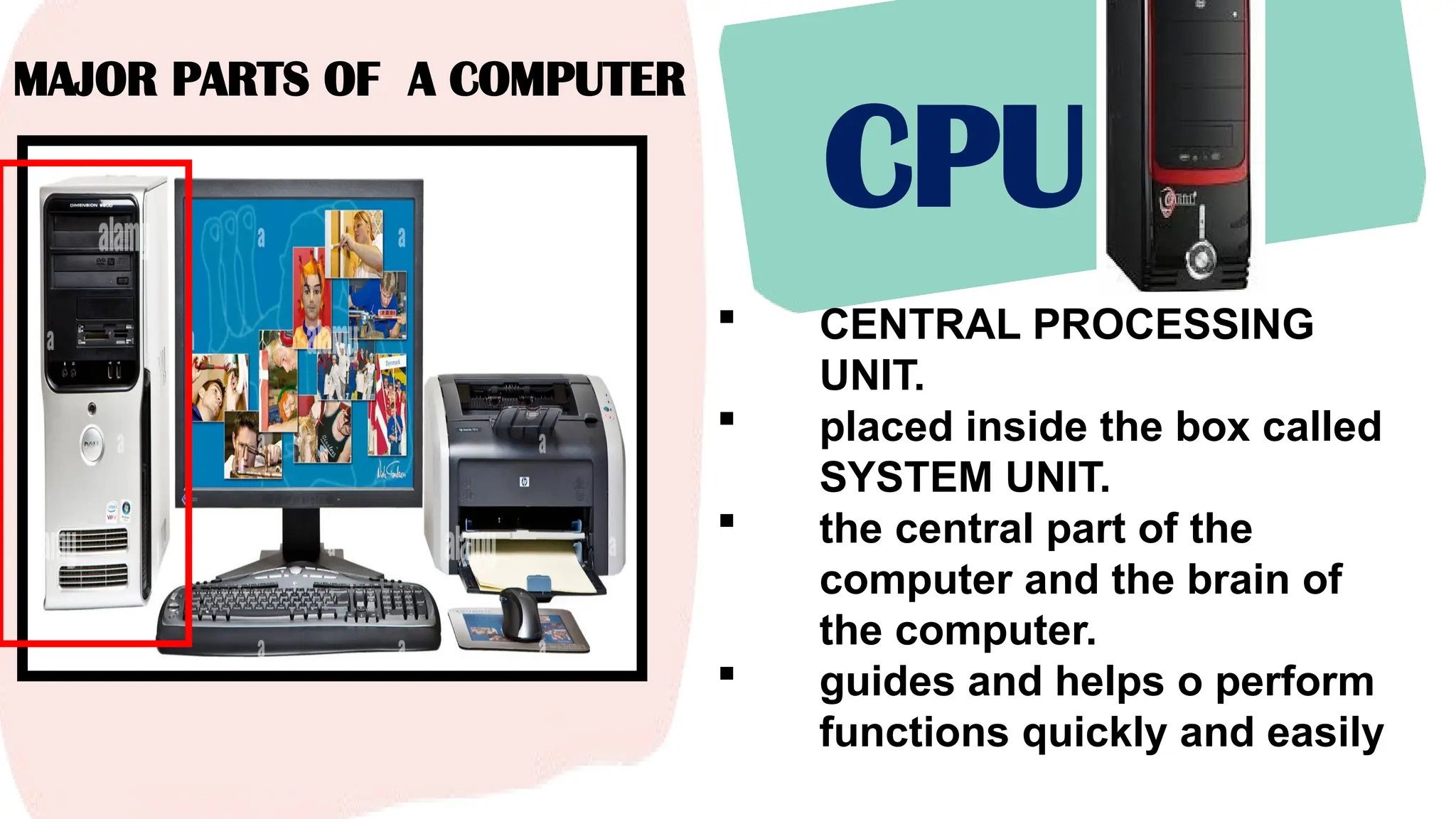
CPU
 CENTRAL PROCESSING
UNIT.
 placed inside the box called
SYSTEM UNIT.
 the central part of the
computer and the brain of
the computer.
 guides and helps o perform
functions quickly and easily
MAJOR PARTS OF A COMPUTER
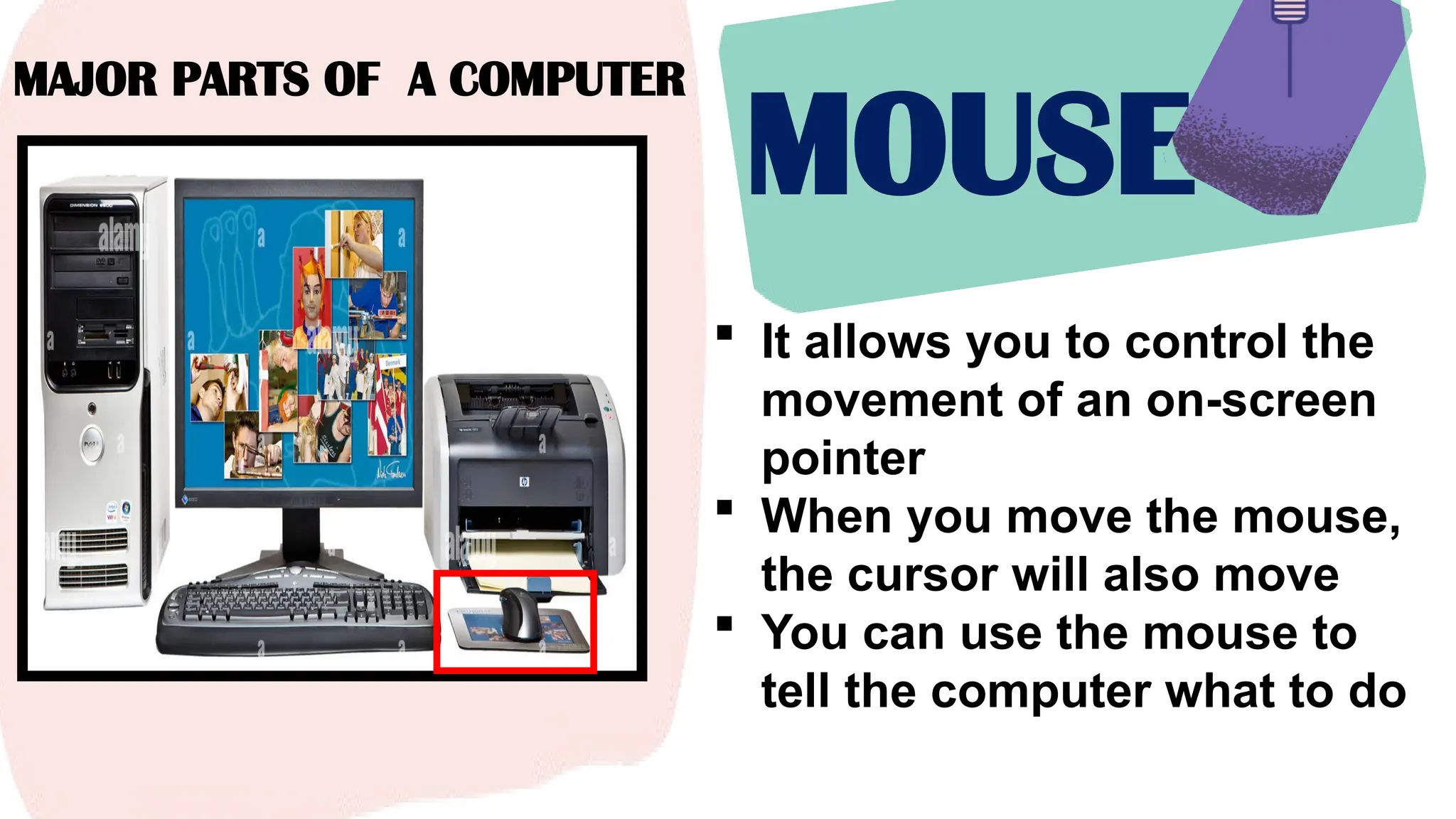
MOUSE
 It allows you to control the
movement of an on-screen
pointer
 When you move the mouse,
the cursor will also move
 You can use the mouse to
tell the computer what to do
COMPUTER PARTS
ICT CLASSROOM QUIZ
OTHER PARTS
OF COMPUTERS
OTHER PARTS OF A COMPUTER
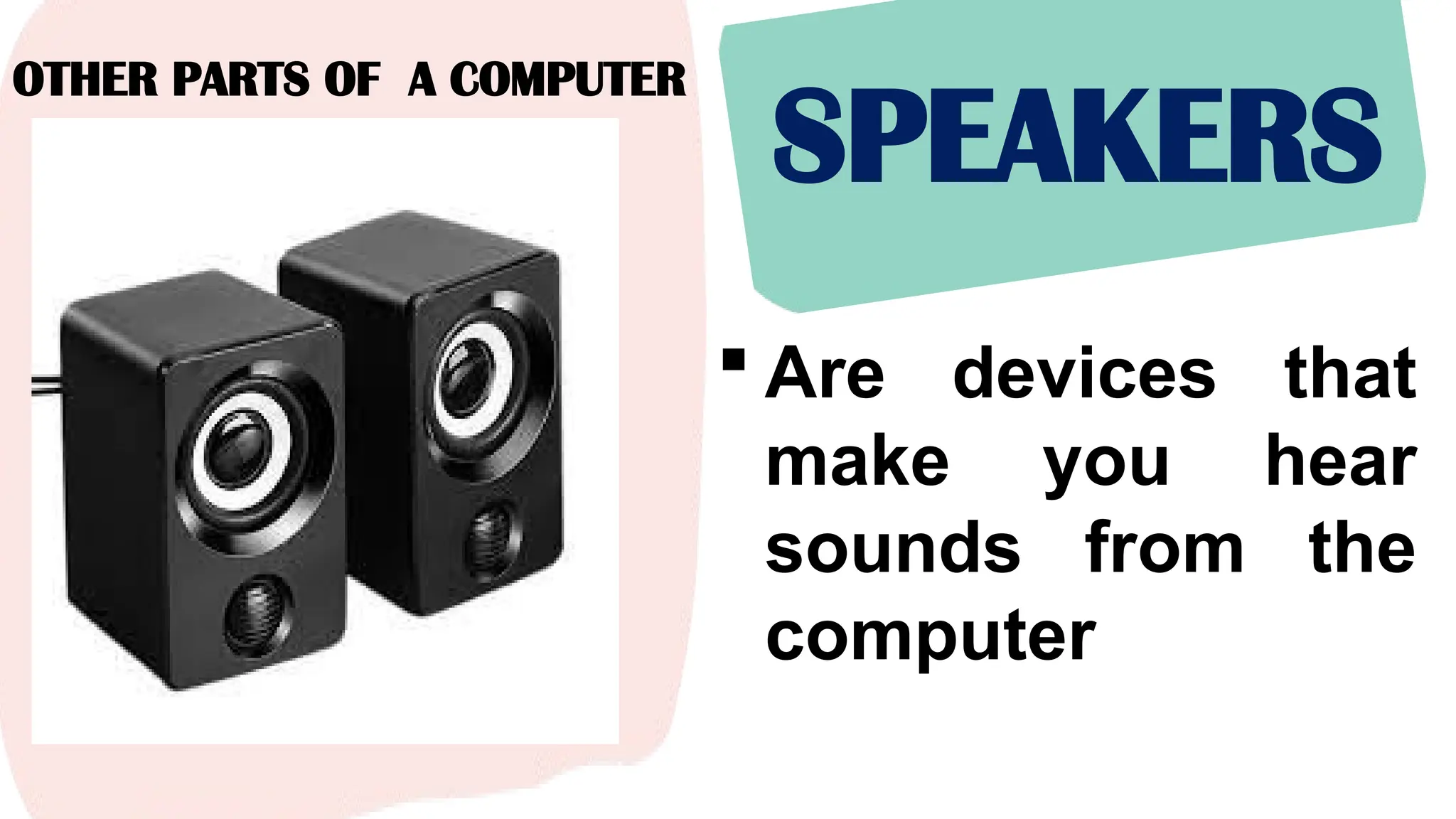
SPEAKERS
 Are devices that
make you hear
sounds from the
computer
OTHER PARTS OF A COMPUTER
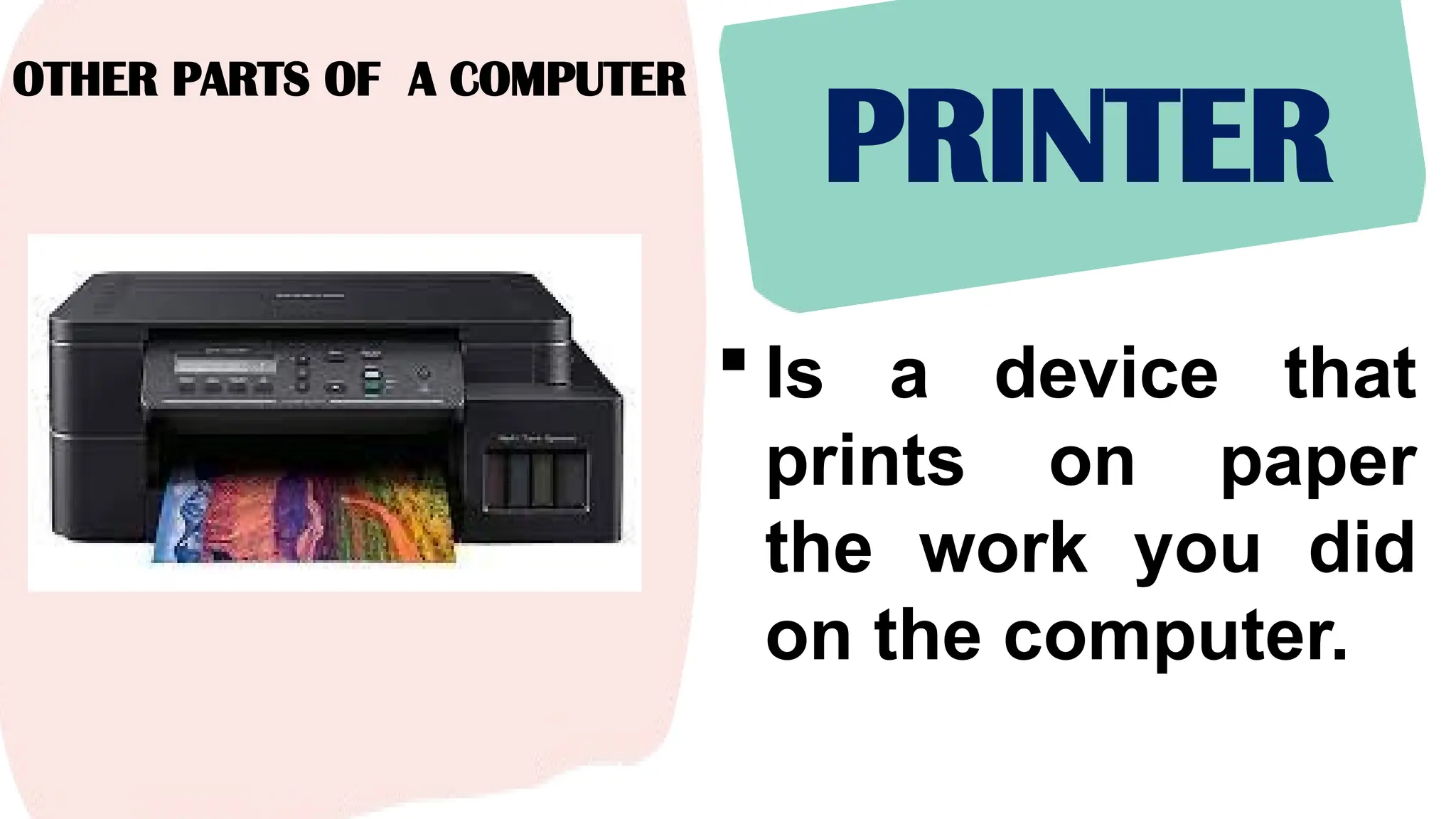
PRINTER
 Is a device that
prints on paper
the work you did
on the computer.
OTHER PARTS OF A
COMPUTER
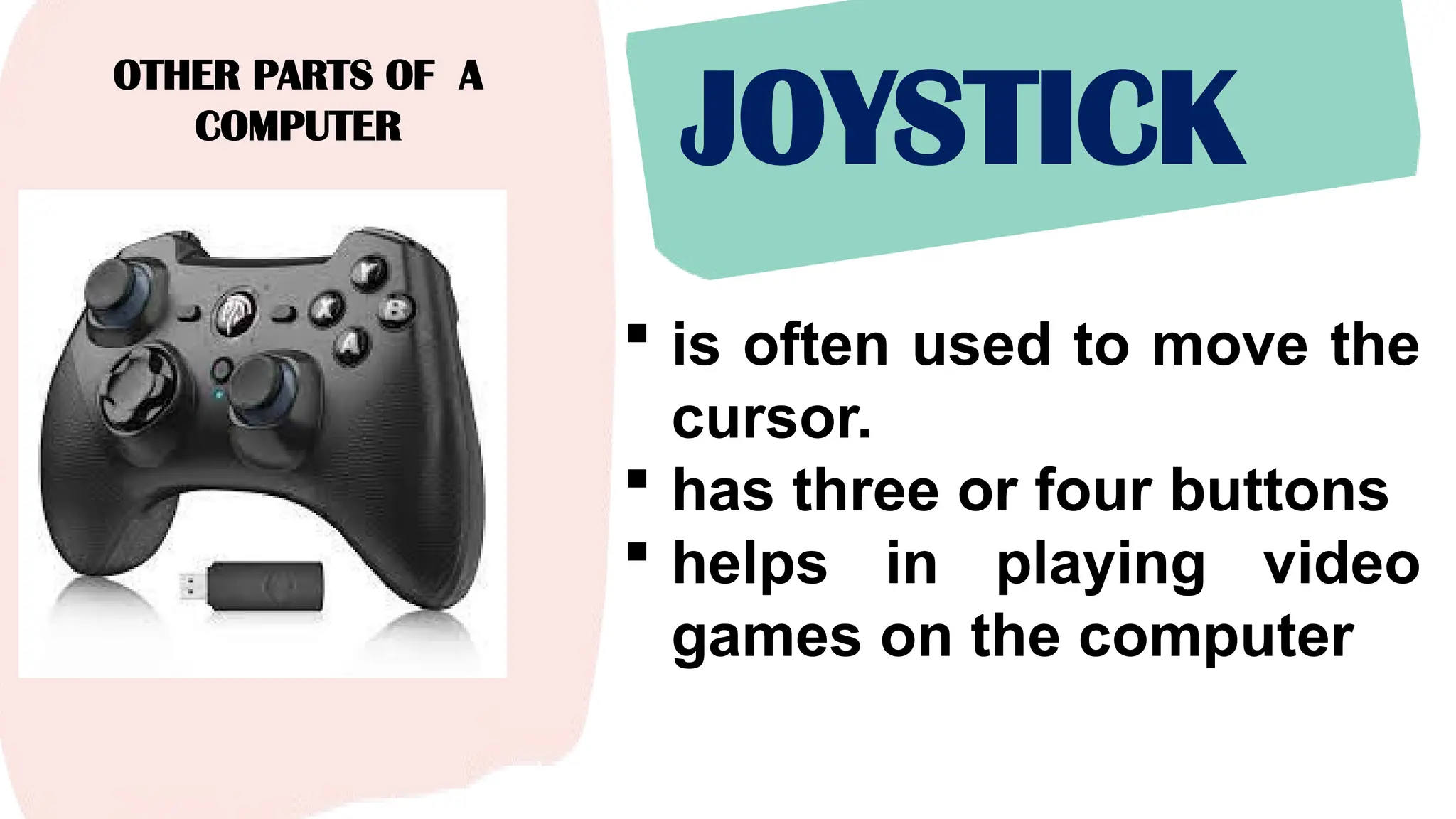
JOYSTICK
 is often used to move the
cursor.
 has three or four buttons
 helps in playing video
games on the computer
OTHER PARTS OF A
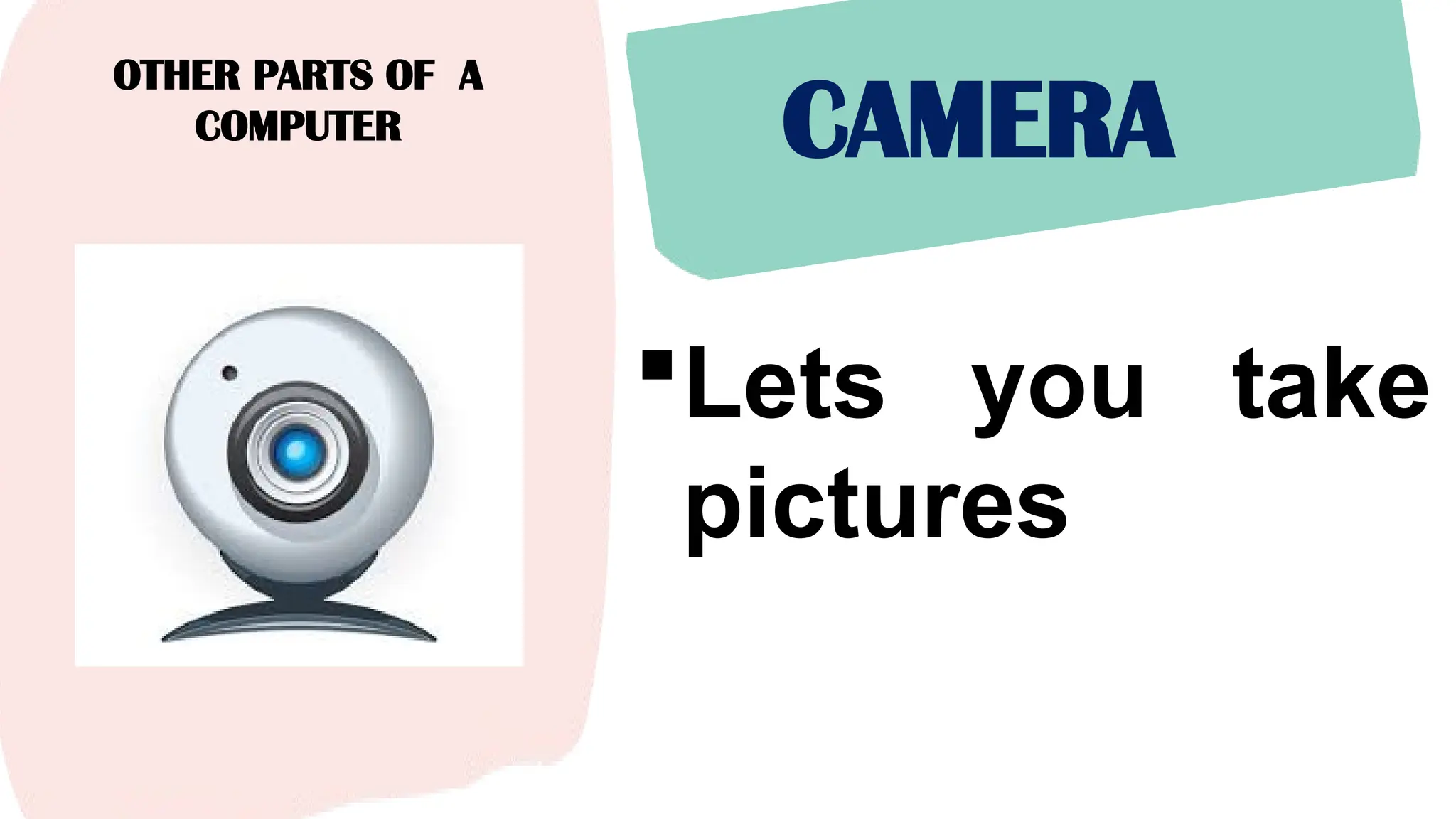
COMPUTER CAMERA
Lets you take
pictures
OTHER PARTS OF A
COMPUTER
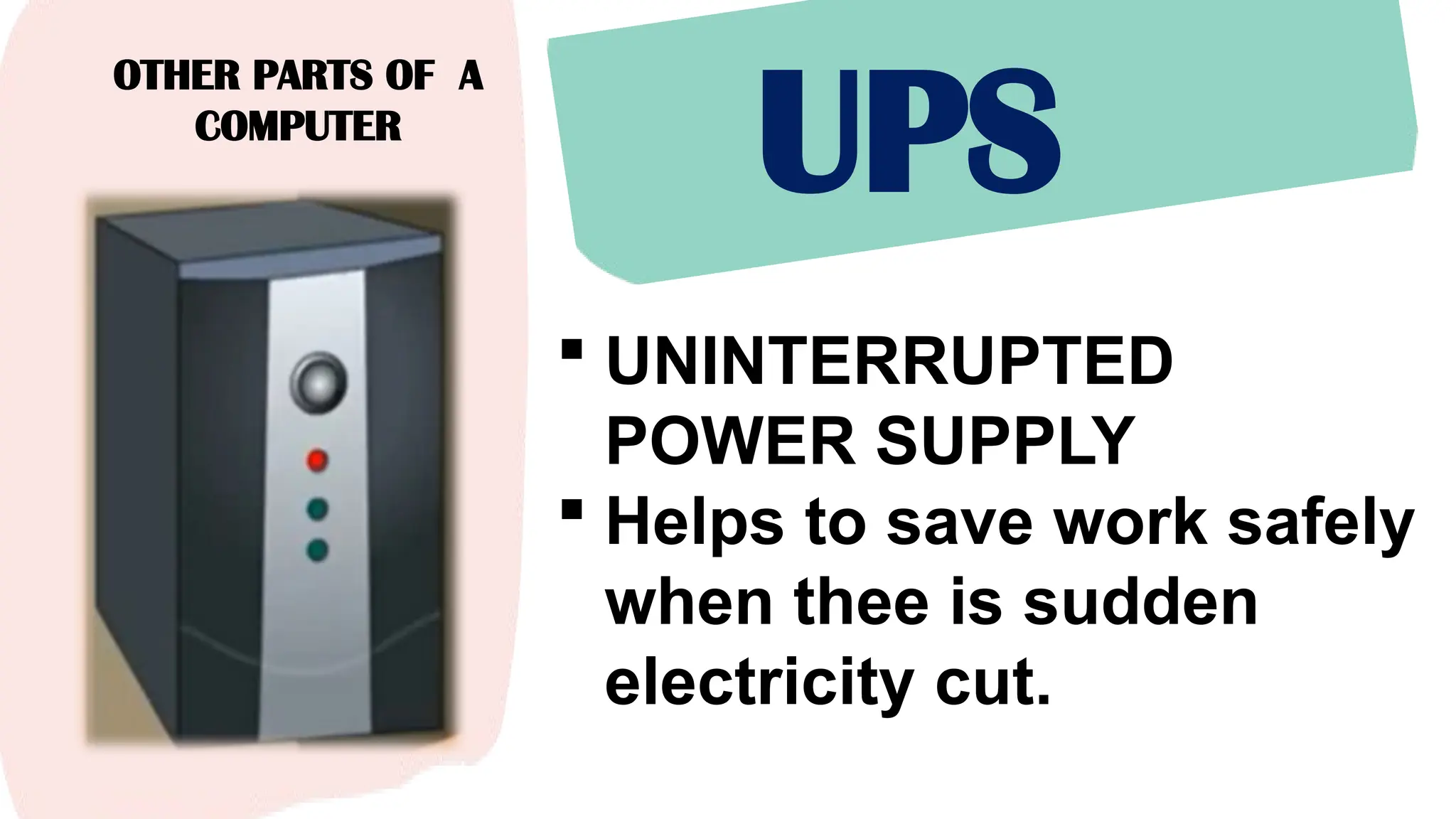
UPS
 UNINTERRUPTED
POWER SUPPLY
 Helps to save work safely
when thee is sudden
electricity cut.
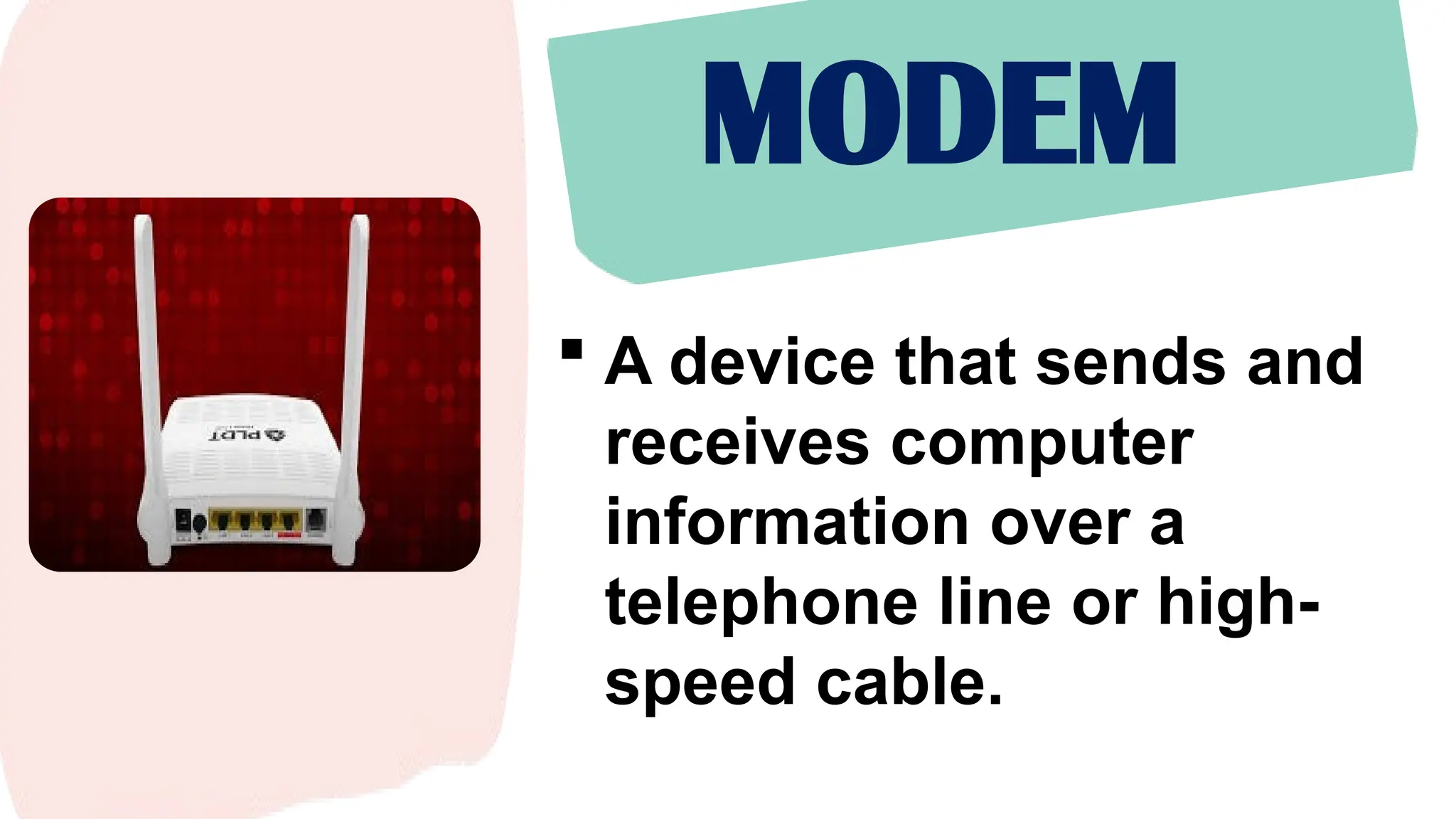
MODEM
 A device that sends and
receives computer
information over a
telephone line or high-
speed cable.
ANNABELLE E. LUMA-AD
TEACHER III
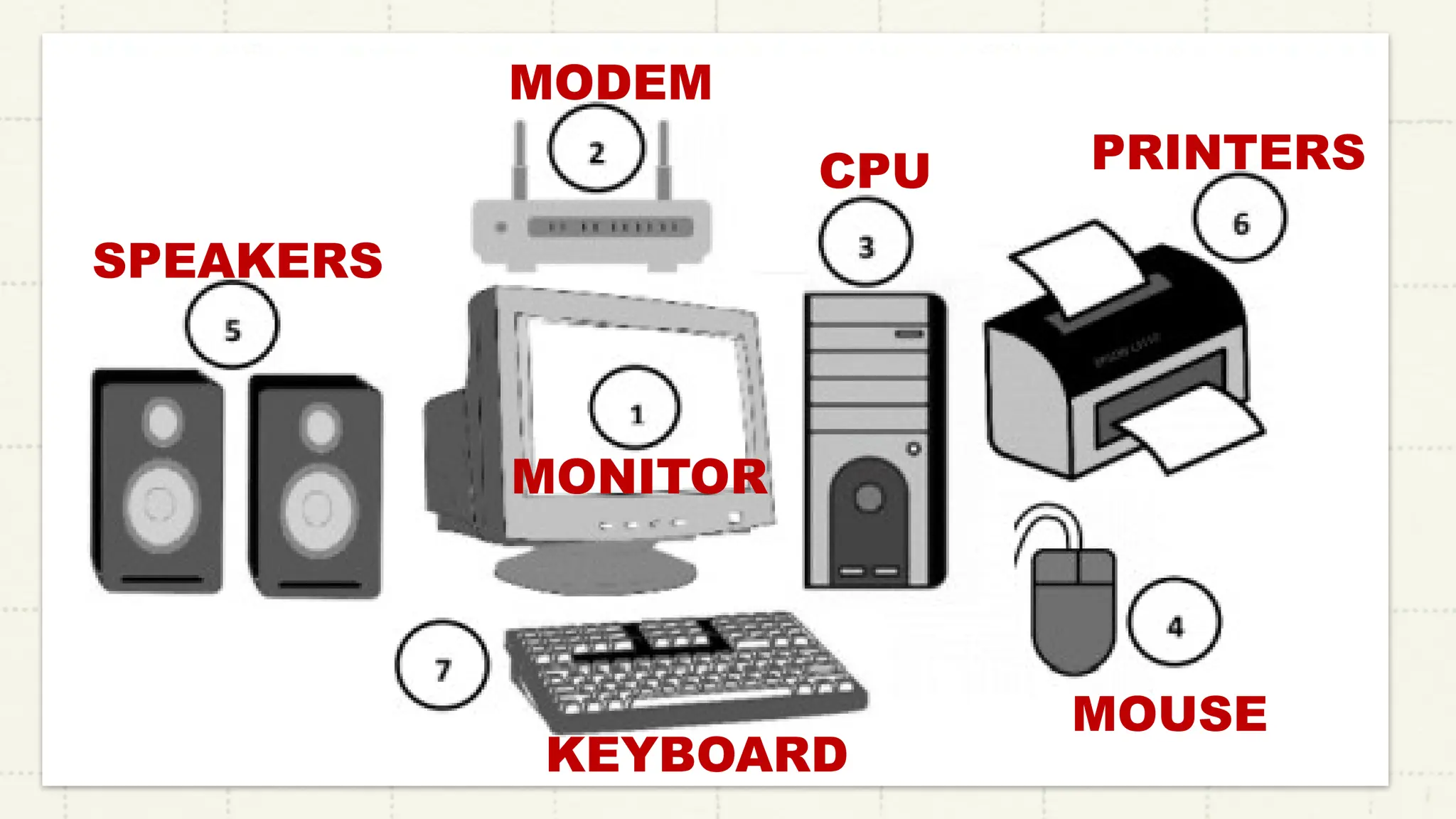
INSTRUCTIONS:
• Identify the parts of
the computer that
are labeled with the
corresponding
numbers.
MONITOR
MODEM
CPU
MOUSE
SPEAKERS
PRINTERS
KEYBOARD
ANNABELLE E. LUMA-AD
TEACHER III
1. Why is it important to
know the parts of the
computer?
2. On what instances
you can apply the
knowledge your
learned from the
lesson?
COMPUTER PARTS
ICT CLASSROOM QUIZ
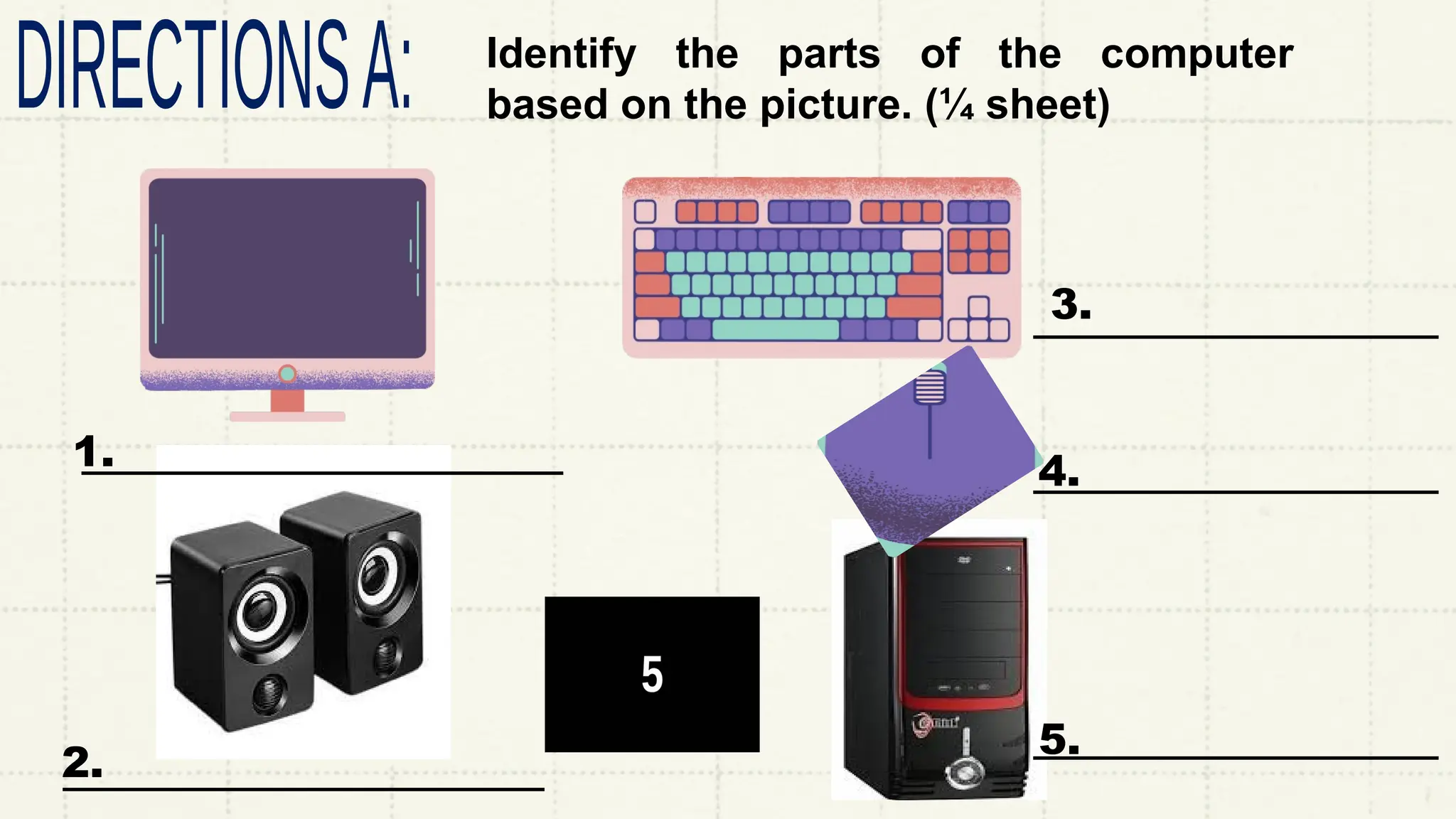
Identify the parts of the computer
based on the picture. (¼ sheet)
1.
2.
3.
4.
5.
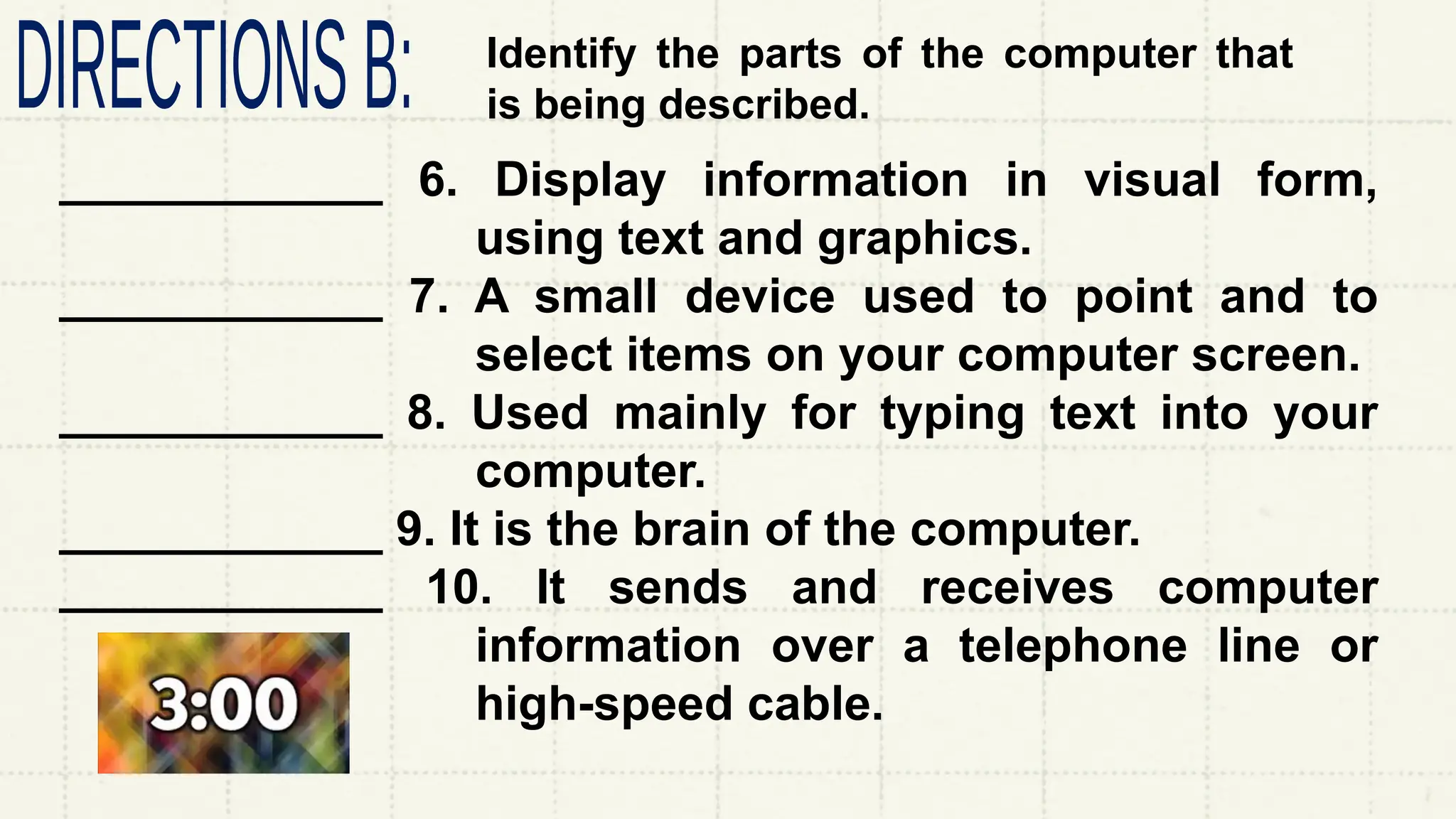
Identify the parts of the computer that
is being described.
____________ 6. Display information in visual form,
using text and graphics.
____________ 7. A small device used to point and to
select items on your computer screen.
____________ 8. Used mainly for typing text into your
computer.
____________ 9. It is the brain of the computer.
____________ 10. It sends and receives computer
information over a telephone line or
high-speed cable.
ANNABELLE E. LUMA-AD
TEACHER III
Thank
you!
ANNABELLE E. LUMA-AD
TEACHER III
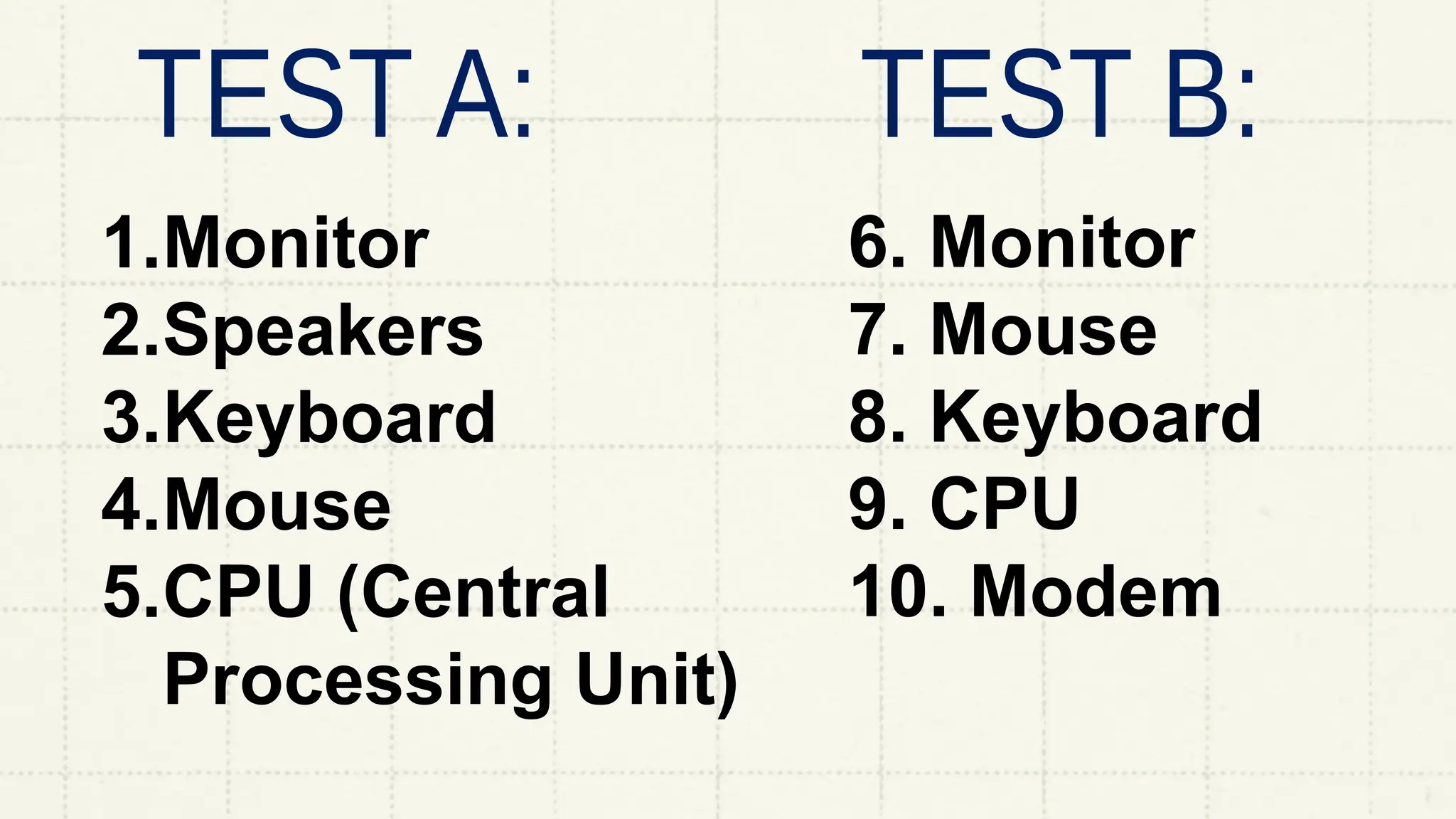
ANSWER
KEY
1.Monitor
2.Speakers
3.Keyboard
4.Mouse
5.CPU (Central
Processing Unit)
6. Monitor
7. Mouse
8. Keyboard
9. CPU
10. Modem

PPT Q1-W3. PARTS OF COMPUTERS & ITS FUNCTION.pptx