Structured Query
Language
Nusrath A
Overview
Data Definition – CREATE, DROP, ALTER
Data Manipulation – INSERT, DELETE, UPDATE
Data Retrieval - SELECT
Slide 8-3
Data Definition, Constraints, and
Schema Changes
Used to CREATE, DROP, and ALTER the descriptions of the tables (relations)
of a database
Slide 8-4
CREATE TABLE
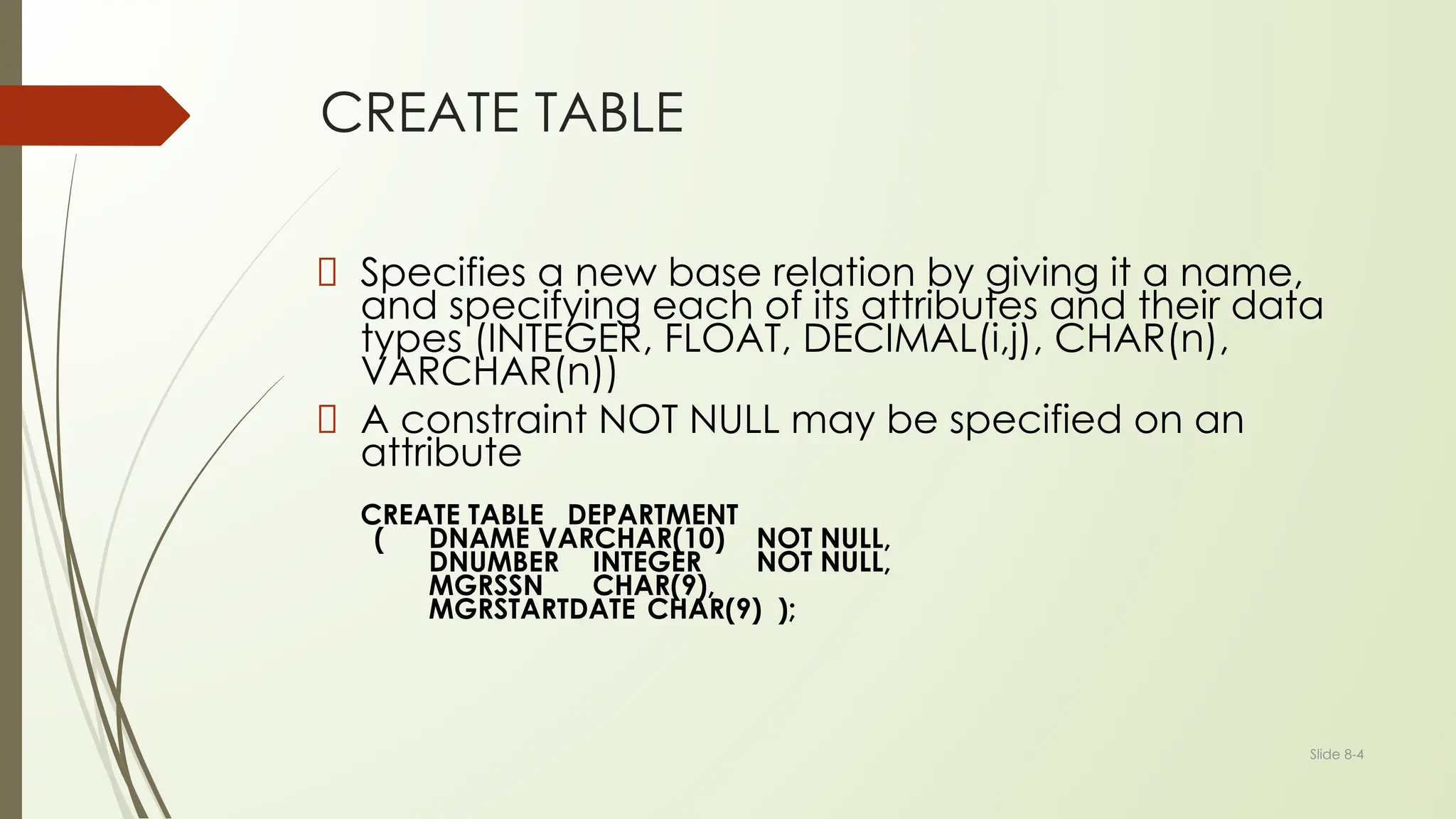
Specifies a new base relation by giving it a name,
and specifying each of its attributes and their data
types (INTEGER, FLOAT, DECIMAL(i,j), CHAR(n),
VARCHAR(n))
A constraint NOT NULL may be specified on an
attribute
CREATE TABLE DEPARTMENT
( DNAME VARCHAR(10) NOT NULL,
DNUMBER INTEGER NOT NULL,
MGRSSN CHAR(9),
MGRSTARTDATE CHAR(9) );
Slide 8-5
CREATE TABLE
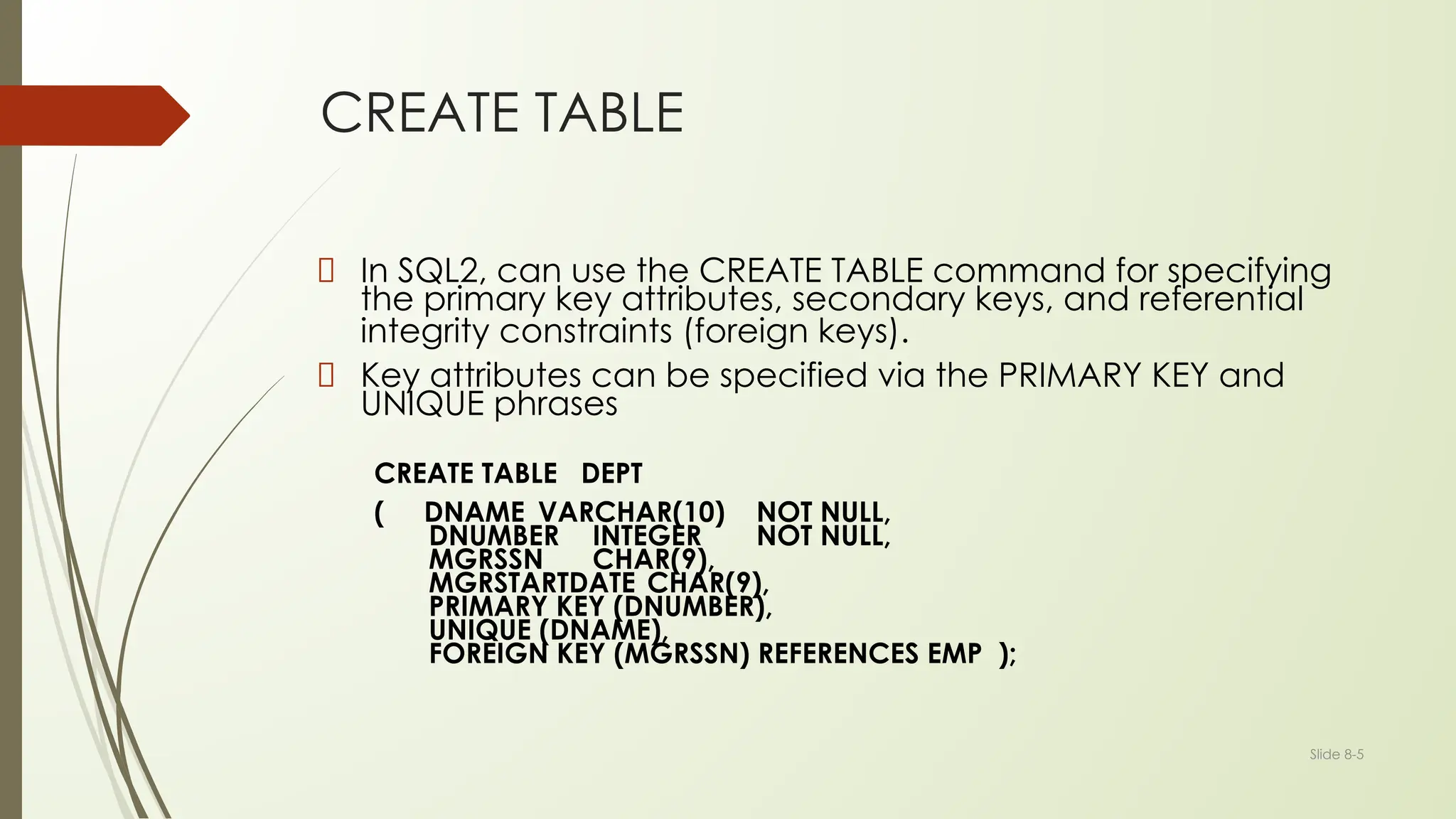
In SQL2, can use the CREATE TABLE command for specifying
the primary key attributes, secondary keys, and referential
integrity constraints (foreign keys).
Key attributes can be specified via the PRIMARY KEY and
UNIQUE phrases
CREATE TABLE DEPT
( DNAME VARCHAR(10) NOT NULL,
DNUMBER INTEGER NOT NULL,
MGRSSN CHAR(9),
MGRSTARTDATE CHAR(9),
PRIMARY KEY (DNUMBER),
UNIQUE (DNAME),
FOREIGN KEY (MGRSSN) REFERENCES EMP );
Slide 8-6
DROP TABLE
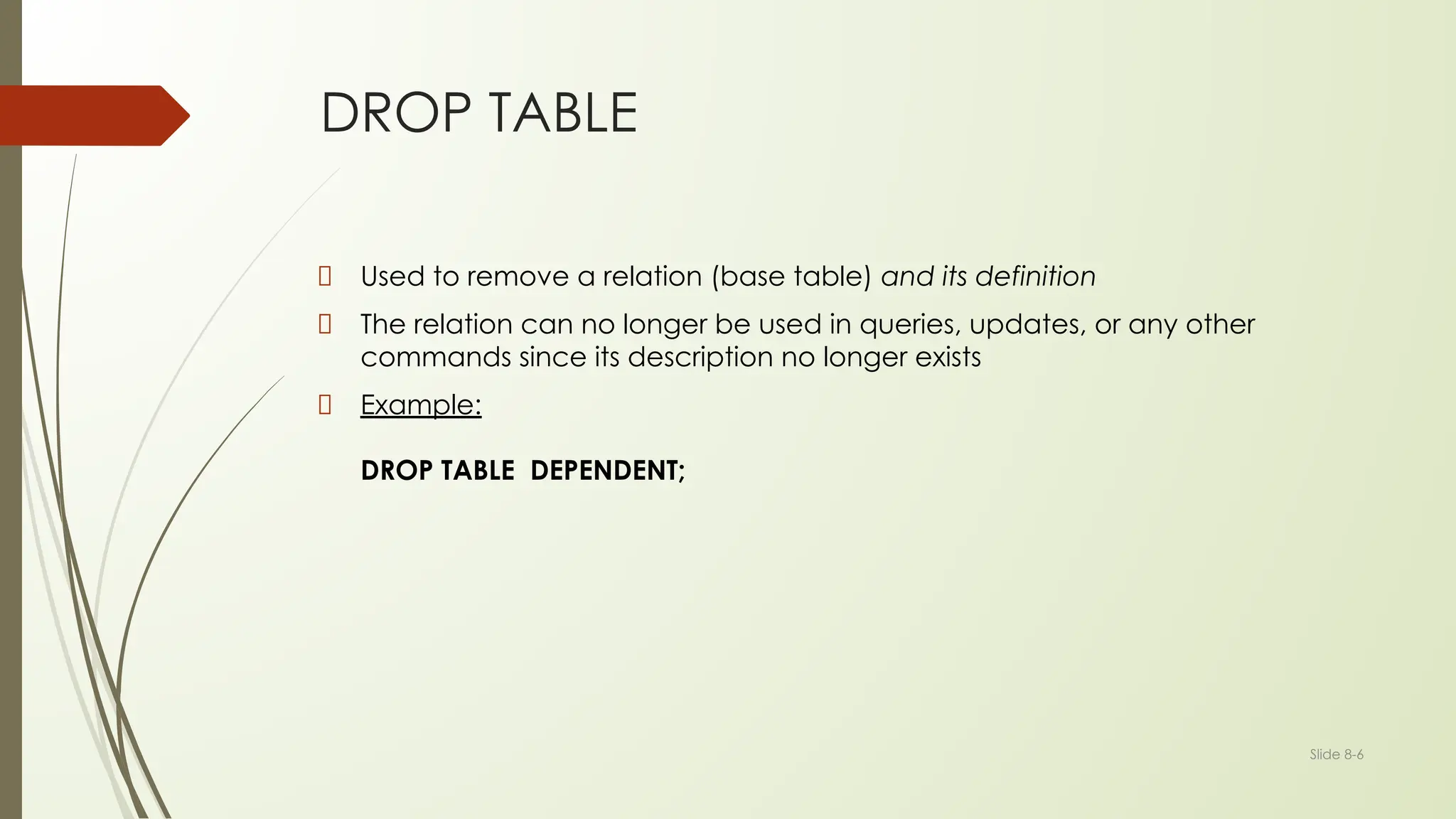
Used to remove a relation (base table) and its definition
The relation can no longer be used in queries, updates, or any other
commands since its description no longer exists
Example:
DROP TABLE DEPENDENT;
Slide 8-7
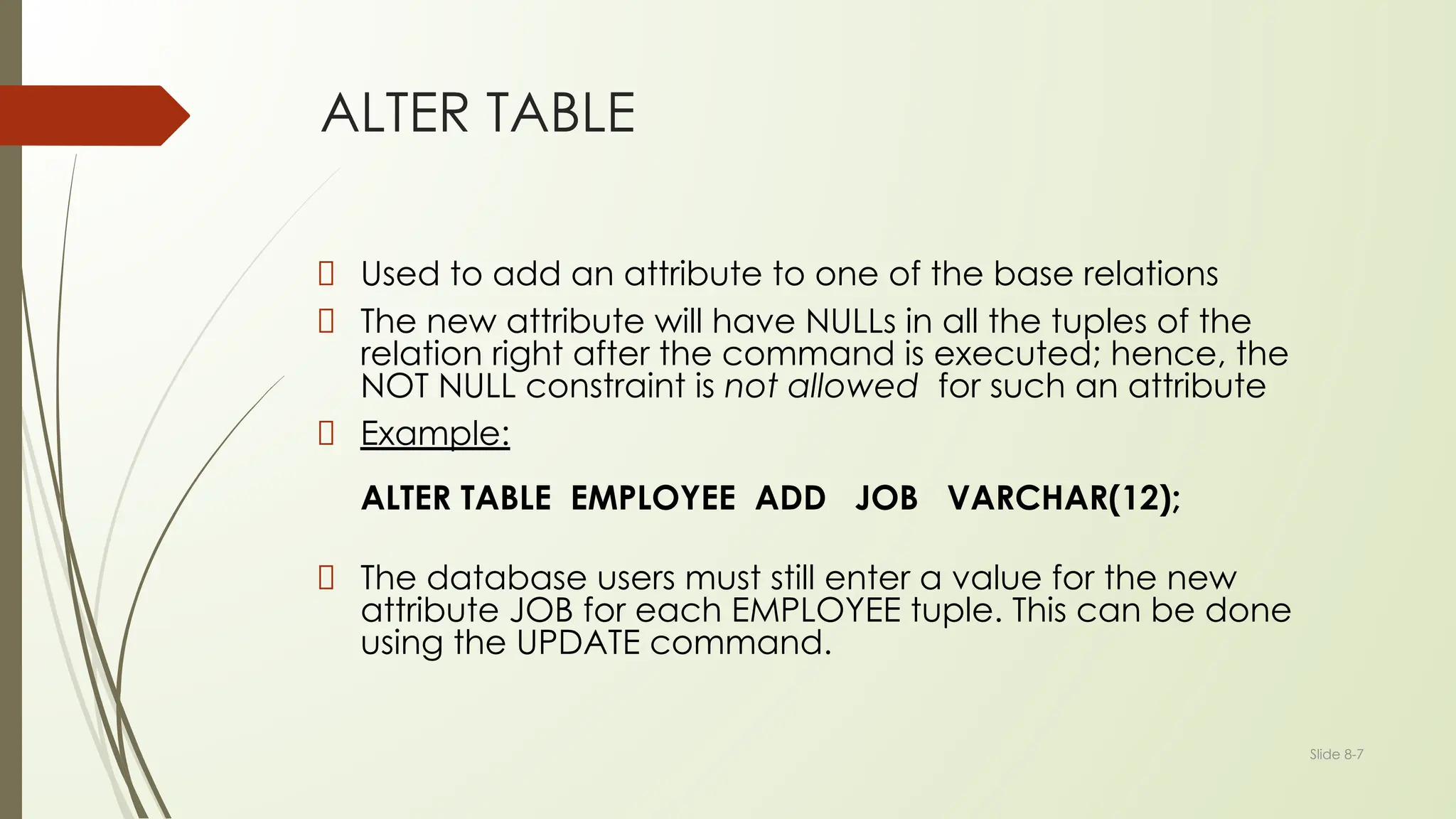
ALTER TABLE
Used to add an attribute to one of the base relations
The new attribute will have NULLs in all the tuples of the
relation right after the command is executed; hence, the
NOT NULL constraint is not allowed for such an attribute
Example:
ALTER TABLE EMPLOYEE ADD JOB VARCHAR(12);
The database users must still enter a value for the new
attribute JOB for each EMPLOYEE tuple. This can be done
using the UPDATE command.
Slide 8-8
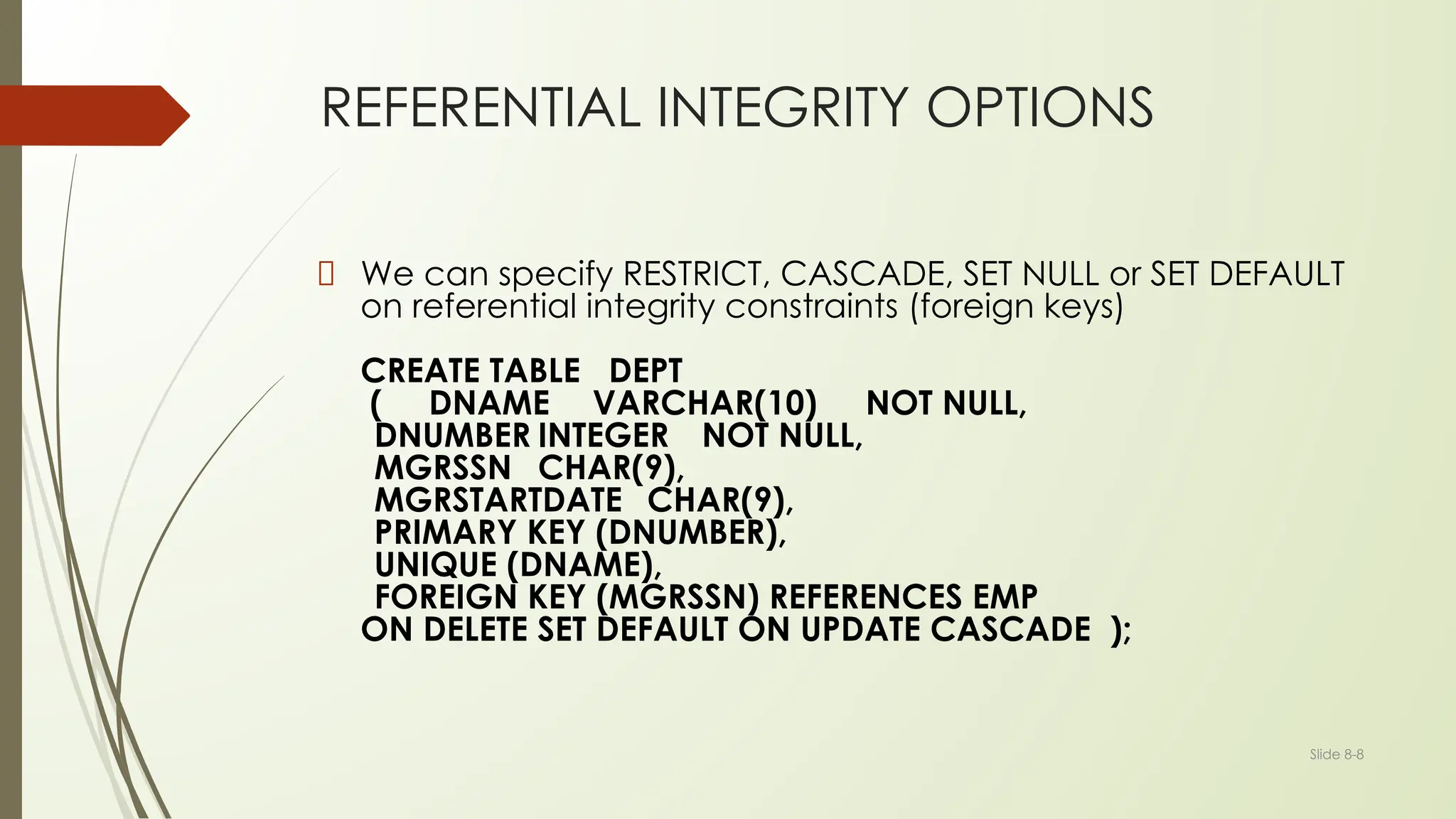
REFERENTIAL INTEGRITY OPTIONS
We can specify RESTRICT, CASCADE, SET NULL or SET DEFAULT
on referential integrity constraints (foreign keys)
CREATE TABLE DEPT
( DNAME VARCHAR(10) NOT NULL,
DNUMBER INTEGER NOT NULL,
MGRSSN CHAR(9),
MGRSTARTDATE CHAR(9),
PRIMARY KEY (DNUMBER),
UNIQUE (DNAME),
FOREIGN KEY (MGRSSN) REFERENCES EMP
ON DELETE SET DEFAULT ON UPDATE CASCADE );
Slide 8-9
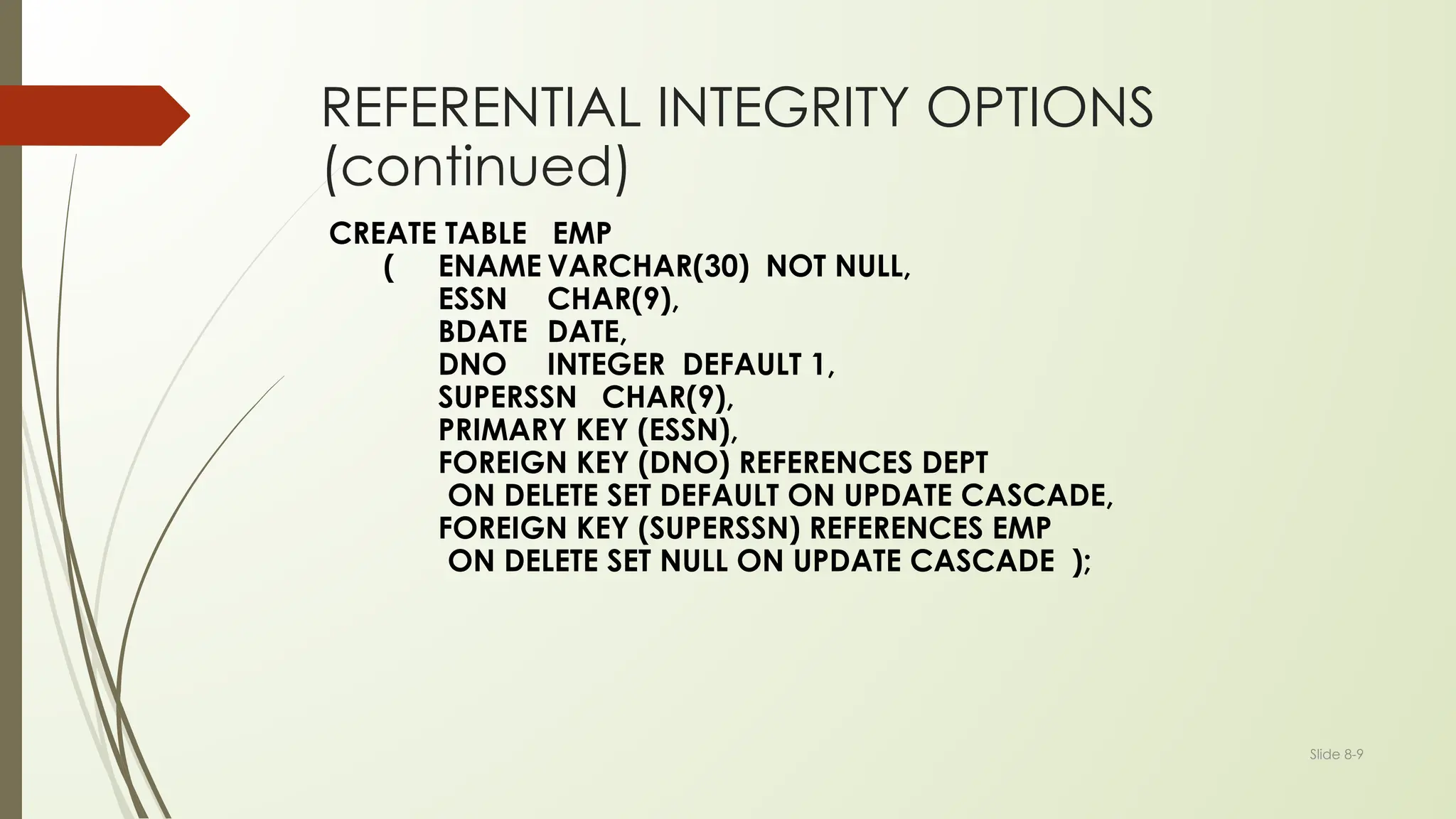
REFERENTIAL INTEGRITY OPTIONS
(continued)
CREATE TABLE EMP
( ENAME VARCHAR(30) NOT NULL,
ESSN CHAR(9),
BDATE DATE,
DNO INTEGER DEFAULT 1,
SUPERSSN CHAR(9),
PRIMARY KEY (ESSN),
FOREIGN KEY (DNO) REFERENCES DEPT
ON DELETE SET DEFAULT ON UPDATE CASCADE,
FOREIGN KEY (SUPERSSN) REFERENCES EMP
ON DELETE SET NULL ON UPDATE CASCADE );
Slide 8-10
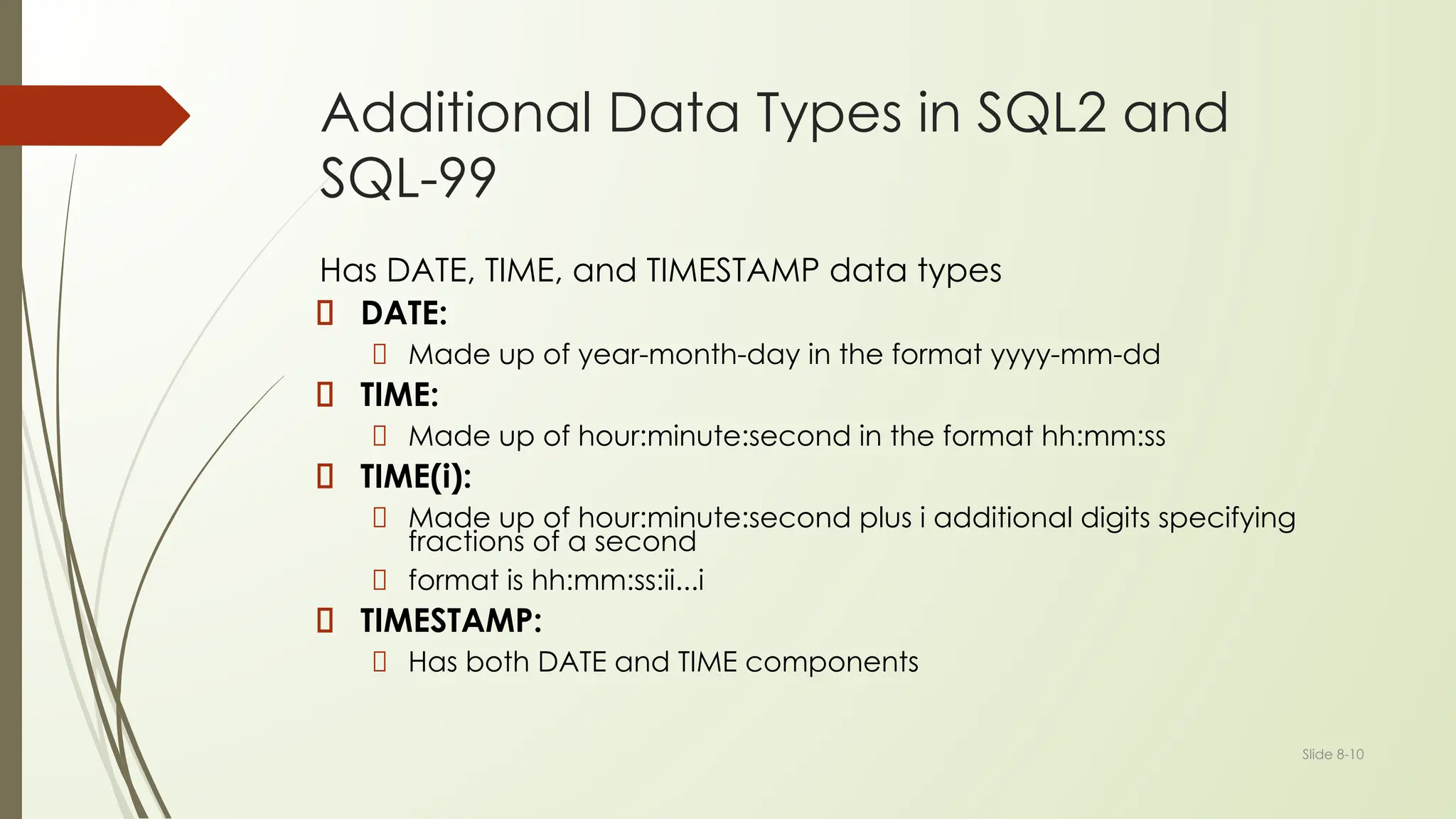
Additional Data Types in SQL2 and
SQL-99
Has DATE, TIME, and TIMESTAMP data types
DATE:
Made up of year-month-day in the format yyyy-mm-dd
TIME:
Made up of hour:minute:second in the format hh:mm:ss
TIME(i):
Made up of hour:minute:second plus i additional digits specifying
fractions of a second
format is hh:mm:ss:ii...i
TIMESTAMP:
Has both DATE and TIME components
Slide 8-11
Additional Data Types in SQL2 and
SQL-99 (cont.)
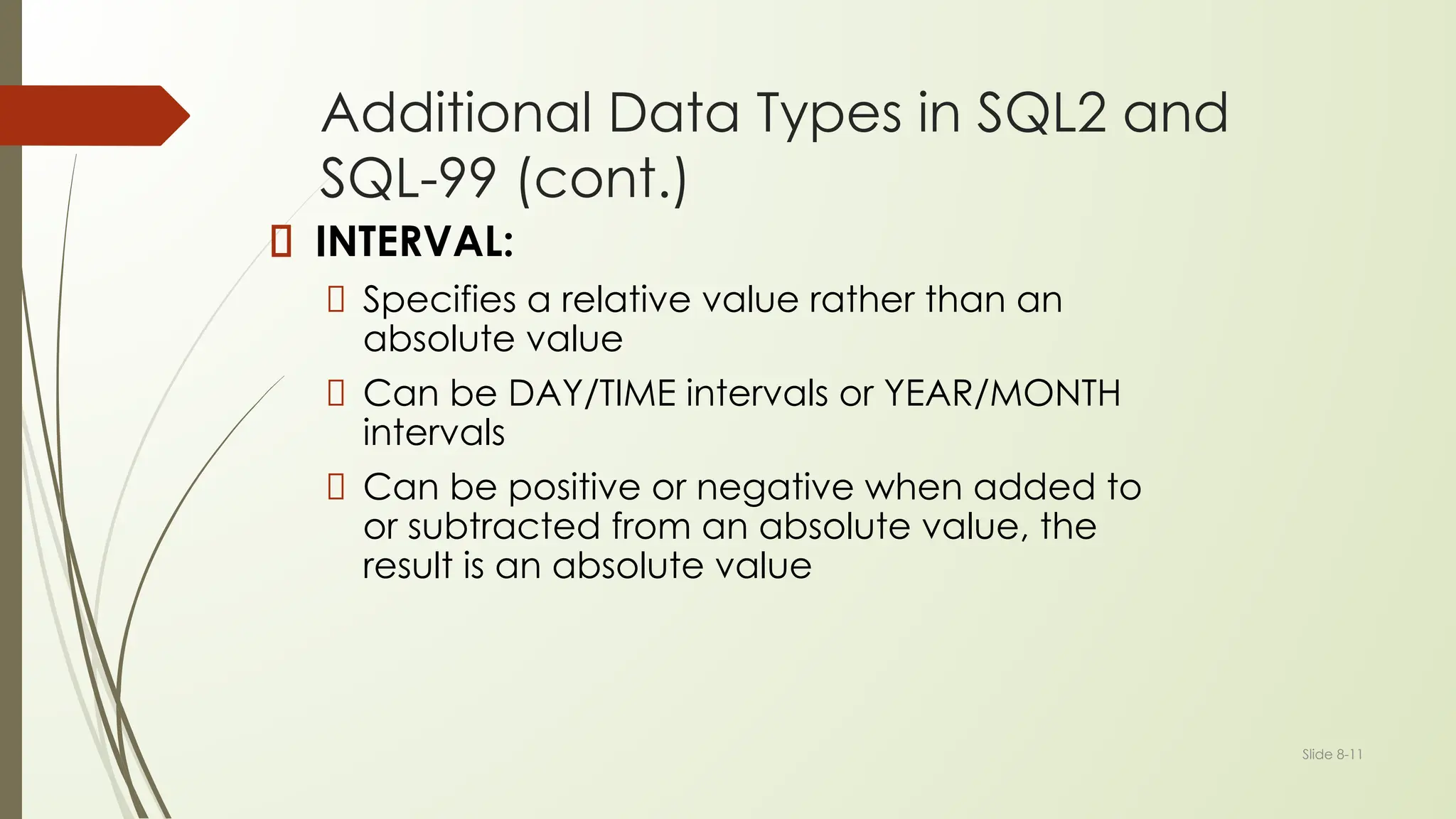
INTERVAL:
Specifies a relative value rather than an
absolute value
Can be DAY/TIME intervals or YEAR/MONTH
intervals
Can be positive or negative when added to
or subtracted from an absolute value, the
result is an absolute value
Slide 8-12
Specifying Updates in SQL
There are three SQL commands to modify the database; INSERT, DELETE,
and UPDATE
Slide 8-13
INSERT
In its simplest form, it is used to add one or more tuples to a relation
Attribute values should be listed in the same order as the attributes were
specified in the CREATE TABLE command
Slide 8-14
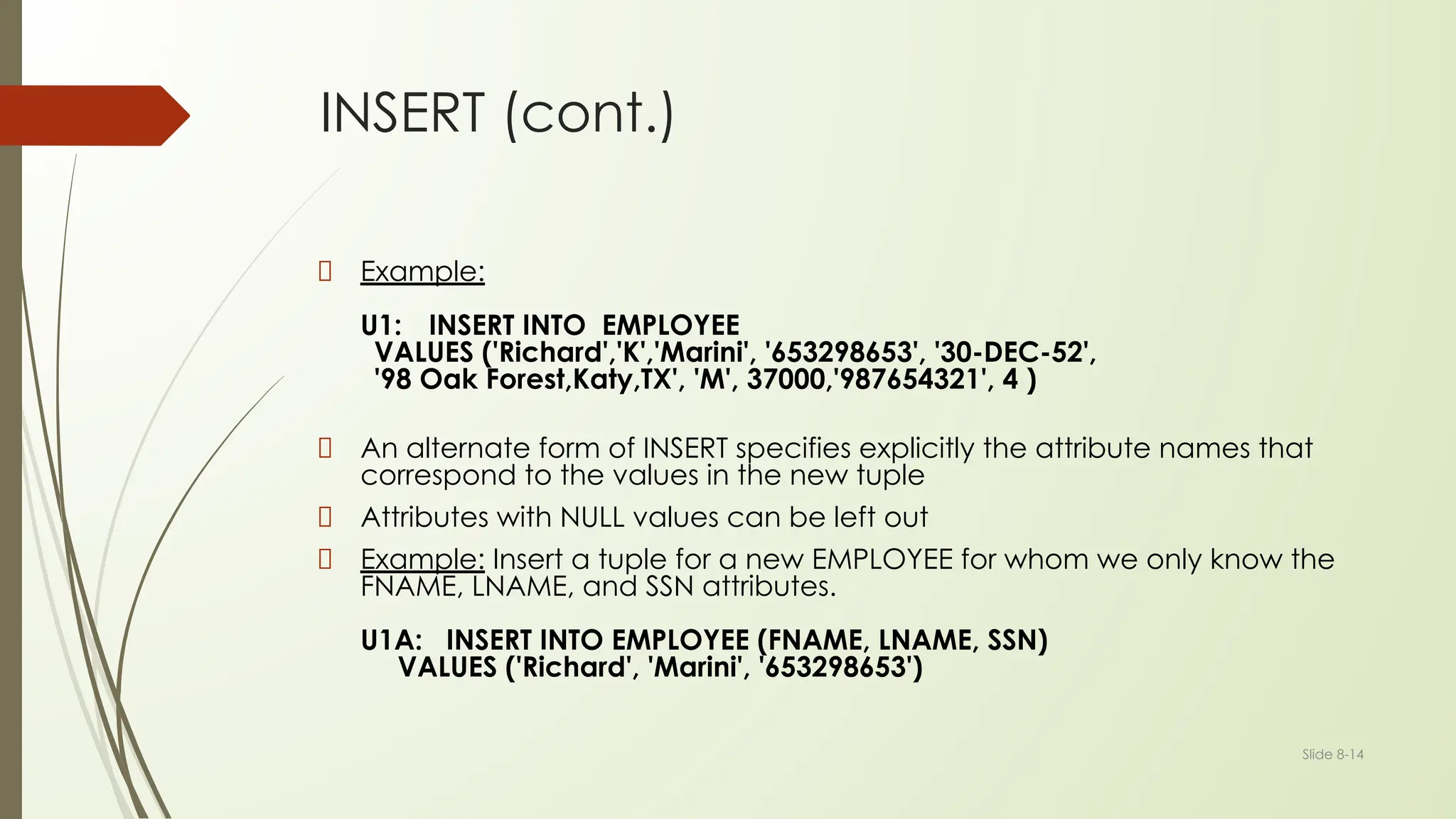
INSERT (cont.)
Example:
U1: INSERT INTO EMPLOYEE
VALUES ('Richard','K','Marini', '653298653', '30-DEC-52',
'98 Oak Forest,Katy,TX', 'M', 37000,'987654321', 4 )
An alternate form of INSERT specifies explicitly the attribute names that
correspond to the values in the new tuple
Attributes with NULL values can be left out
Example: Insert a tuple for a new EMPLOYEE for whom we only know the
FNAME, LNAME, and SSN attributes.
U1A: INSERT INTO EMPLOYEE (FNAME, LNAME, SSN)
VALUES ('Richard', 'Marini', '653298653')
Slide 8-15
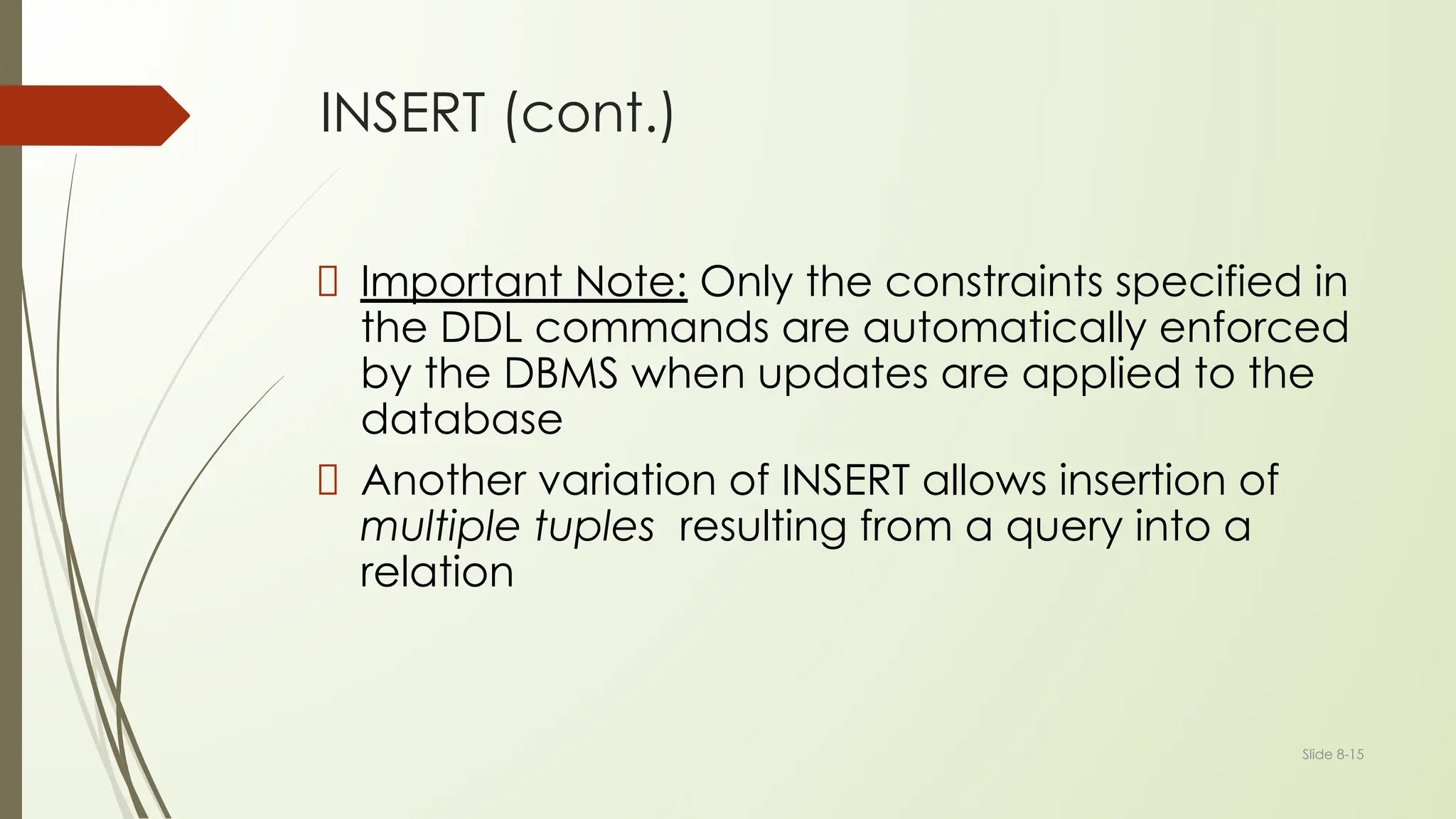
INSERT (cont.)
Important Note: Only the constraints specified in
the DDL commands are automatically enforced
by the DBMS when updates are applied to the
database
Another variation of INSERT allows insertion of
multiple tuples resulting from a query into a
relation
Slide 8-16
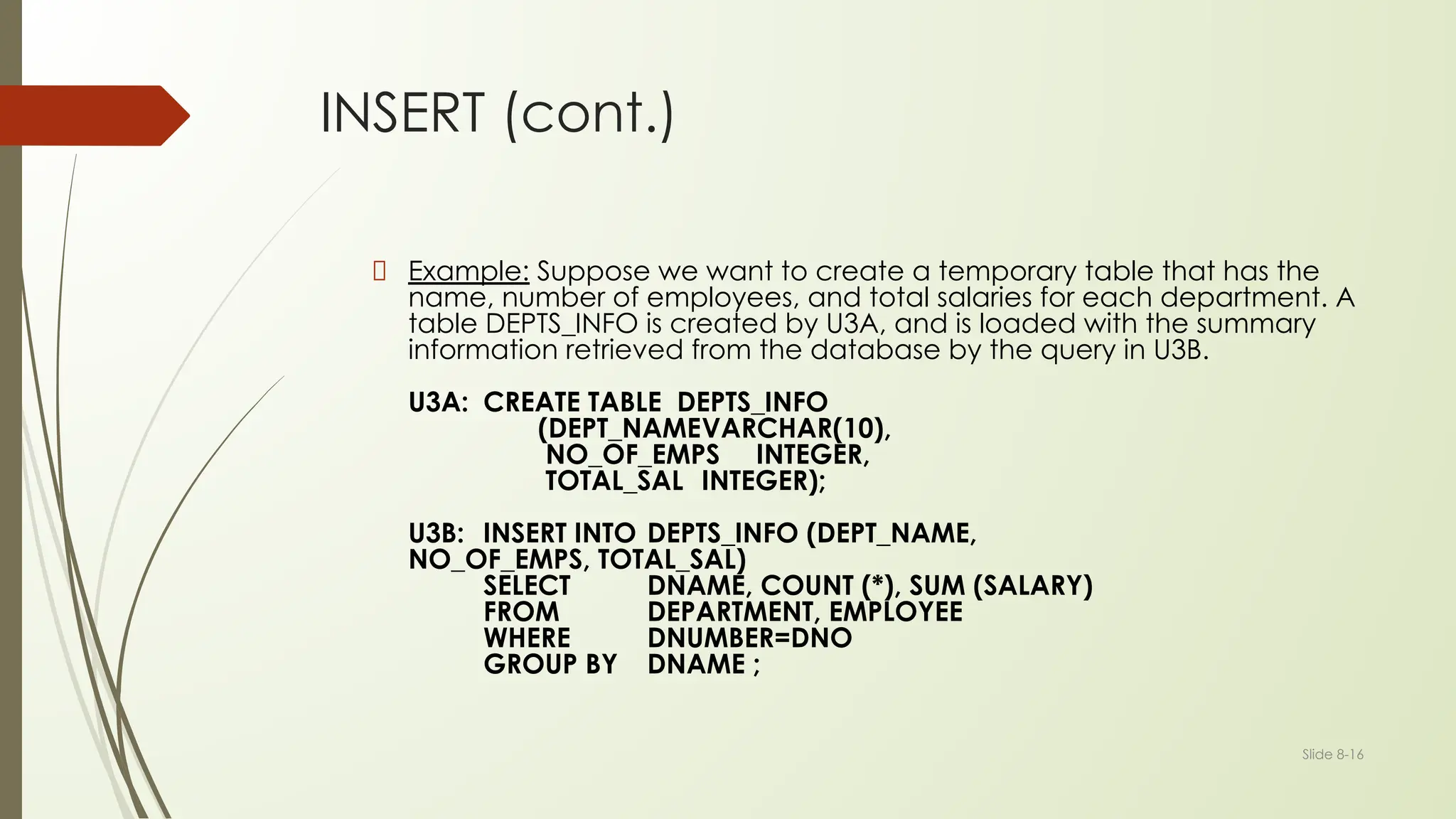
INSERT (cont.)
Example: Suppose we want to create a temporary table that has the
name, number of employees, and total salaries for each department. A
table DEPTS_INFO is created by U3A, and is loaded with the summary
information retrieved from the database by the query in U3B.
U3A: CREATE TABLE DEPTS_INFO
(DEPT_NAMEVARCHAR(10),
NO_OF_EMPS INTEGER,
TOTAL_SAL INTEGER);
U3B: INSERT INTO DEPTS_INFO (DEPT_NAME,
NO_OF_EMPS, TOTAL_SAL)
SELECT DNAME, COUNT (*), SUM (SALARY)
FROM DEPARTMENT, EMPLOYEE
WHERE DNUMBER=DNO
GROUP BY DNAME ;
Slide 8-17
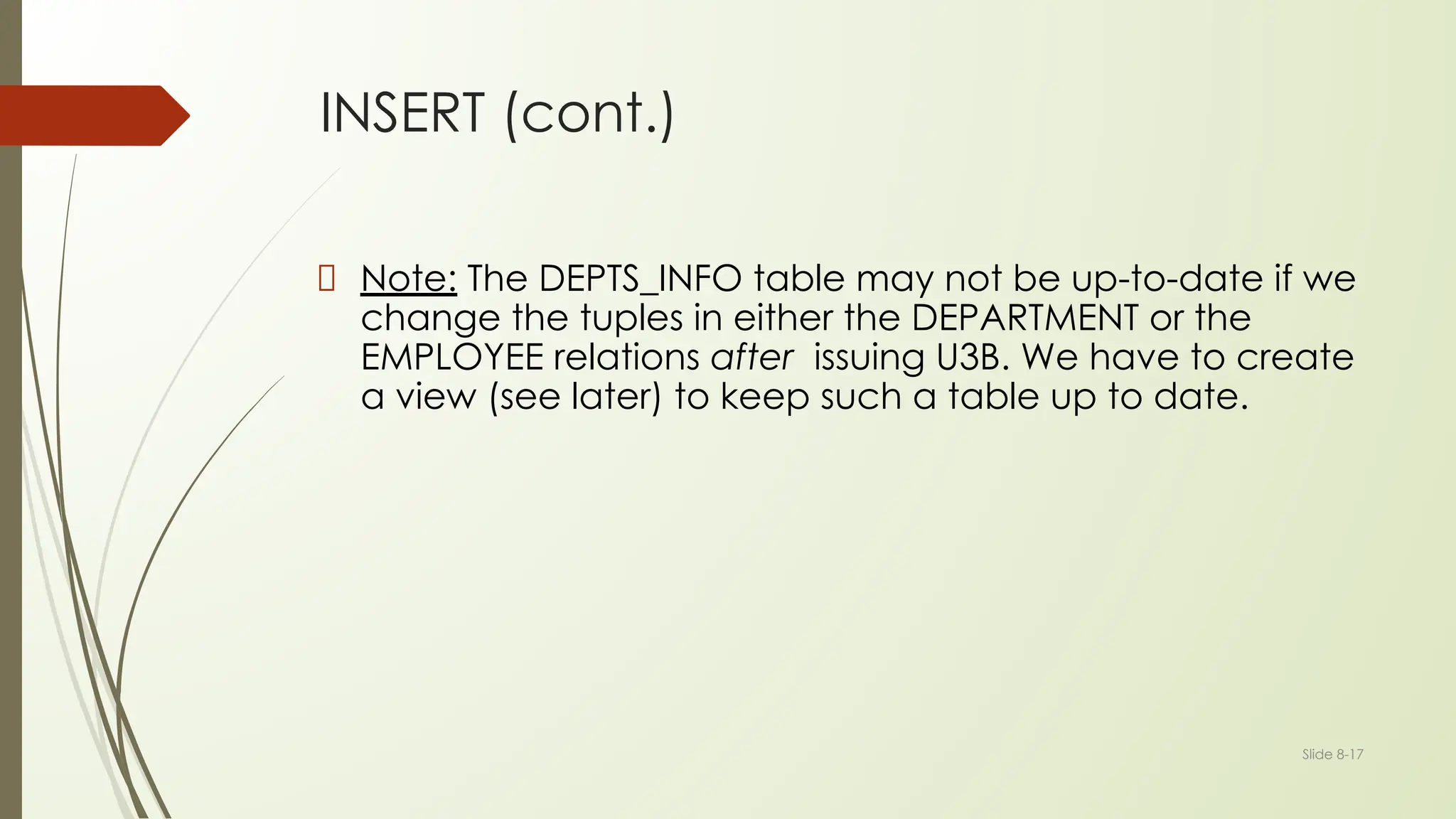
INSERT (cont.)
Note: The DEPTS_INFO table may not be up-to-date if we
change the tuples in either the DEPARTMENT or the
EMPLOYEE relations after issuing U3B. We have to create
a view (see later) to keep such a table up to date.
Slide 8-18
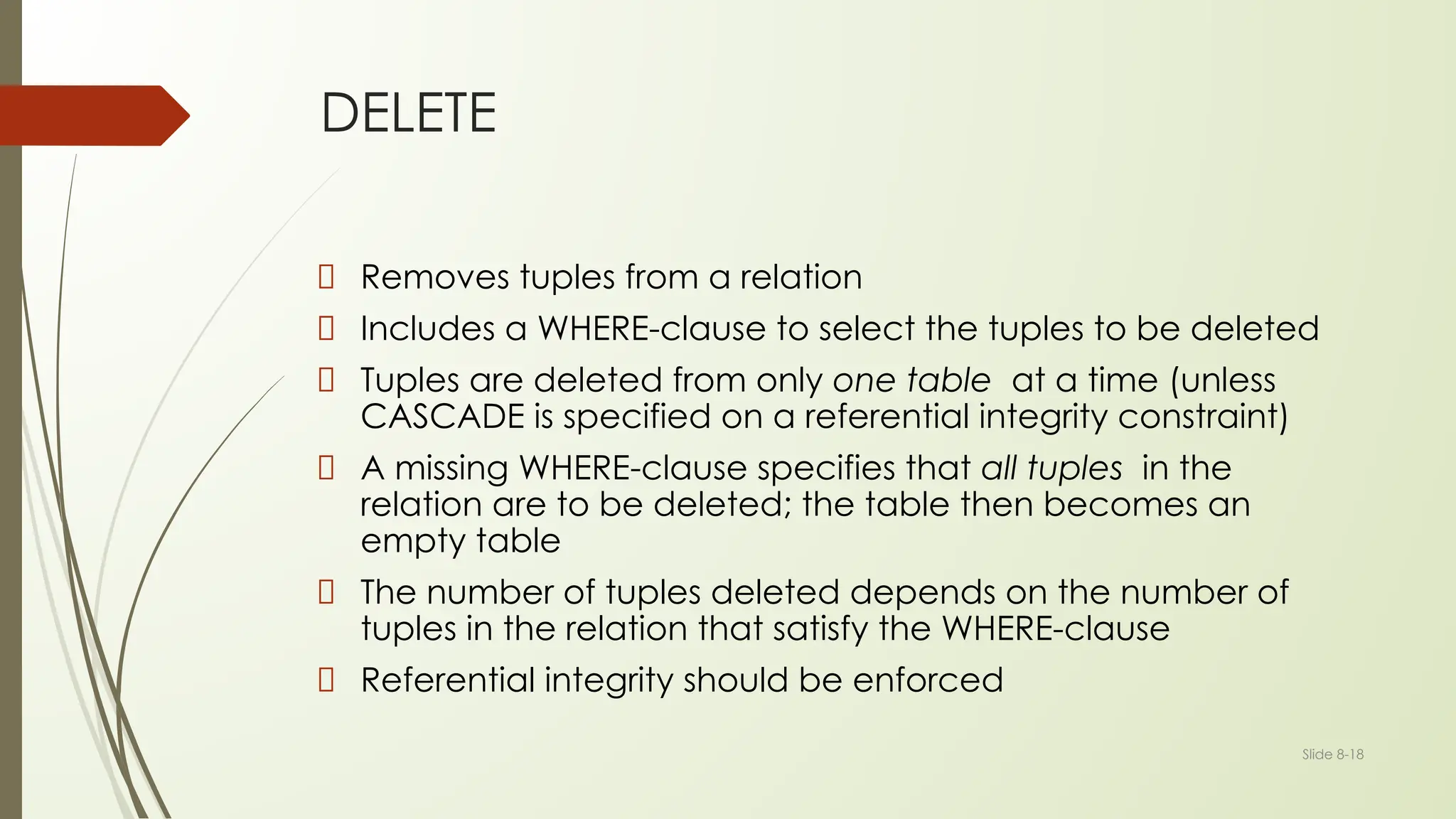
DELETE
Removes tuples from a relation
Includes a WHERE-clause to select the tuples to be deleted
Tuples are deleted from only one table at a time (unless
CASCADE is specified on a referential integrity constraint)
A missing WHERE-clause specifies that all tuples in the
relation are to be deleted; the table then becomes an
empty table
The number of tuples deleted depends on the number of
tuples in the relation that satisfy the WHERE-clause
Referential integrity should be enforced
Slide 8-19
DELETE (cont.)
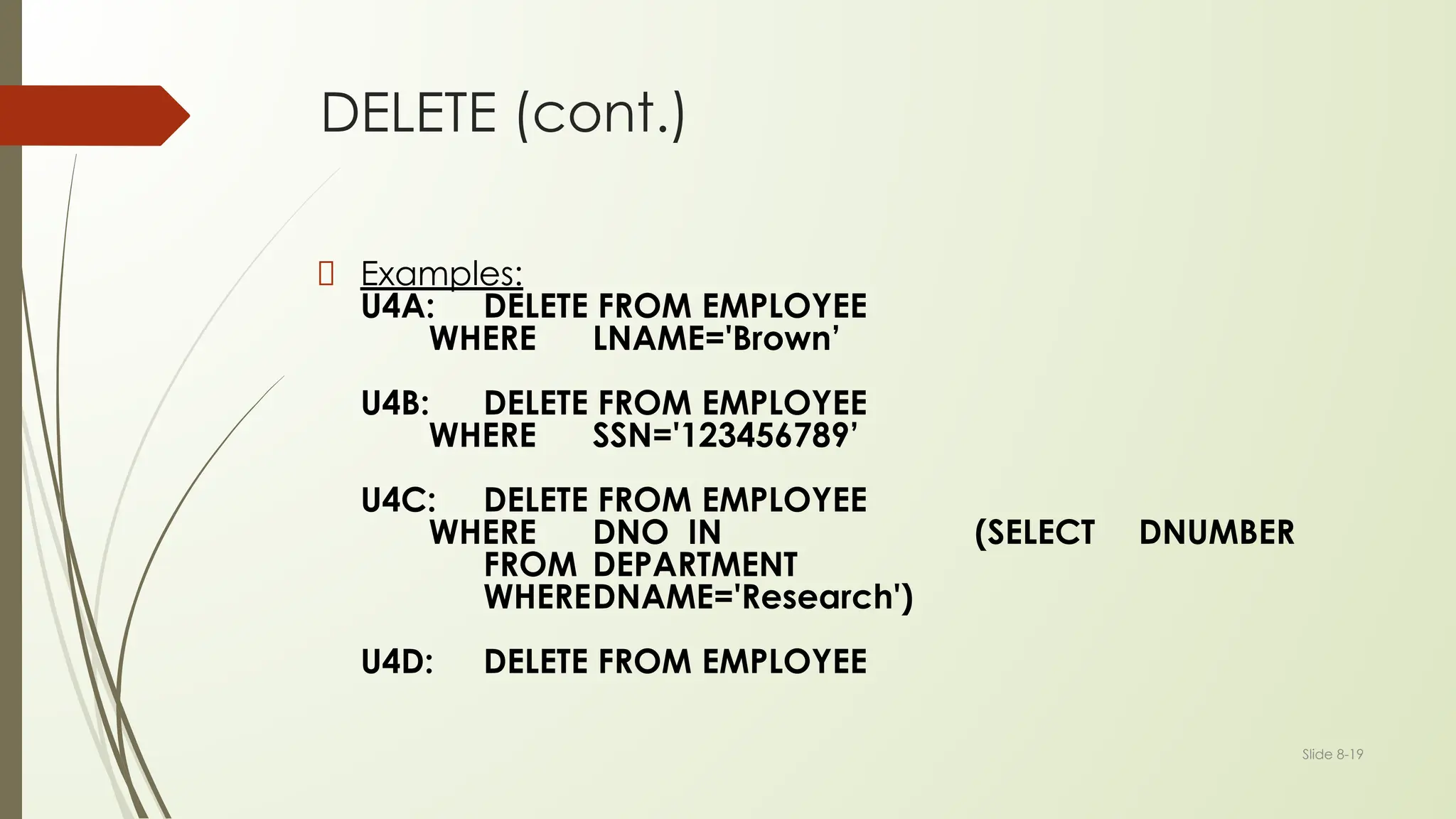
Examples:
U4A: DELETE FROM EMPLOYEE
WHERE LNAME='Brown’
U4B: DELETE FROM EMPLOYEE
WHERE SSN='123456789’
U4C: DELETE FROM EMPLOYEE
WHERE DNO IN (SELECT DNUMBER
FROM DEPARTMENT
WHEREDNAME='Research')
U4D: DELETE FROM EMPLOYEE
Slide 8-20
UPDATE
Used to modify attribute values of one or more
selected tuples
A WHERE-clause selects the tuples to be modified
An additional SET-clause specifies the attributes to
be modified and their new values
Each command modifies tuples in the same relation
Referential integrity should be enforced
Slide 8-21
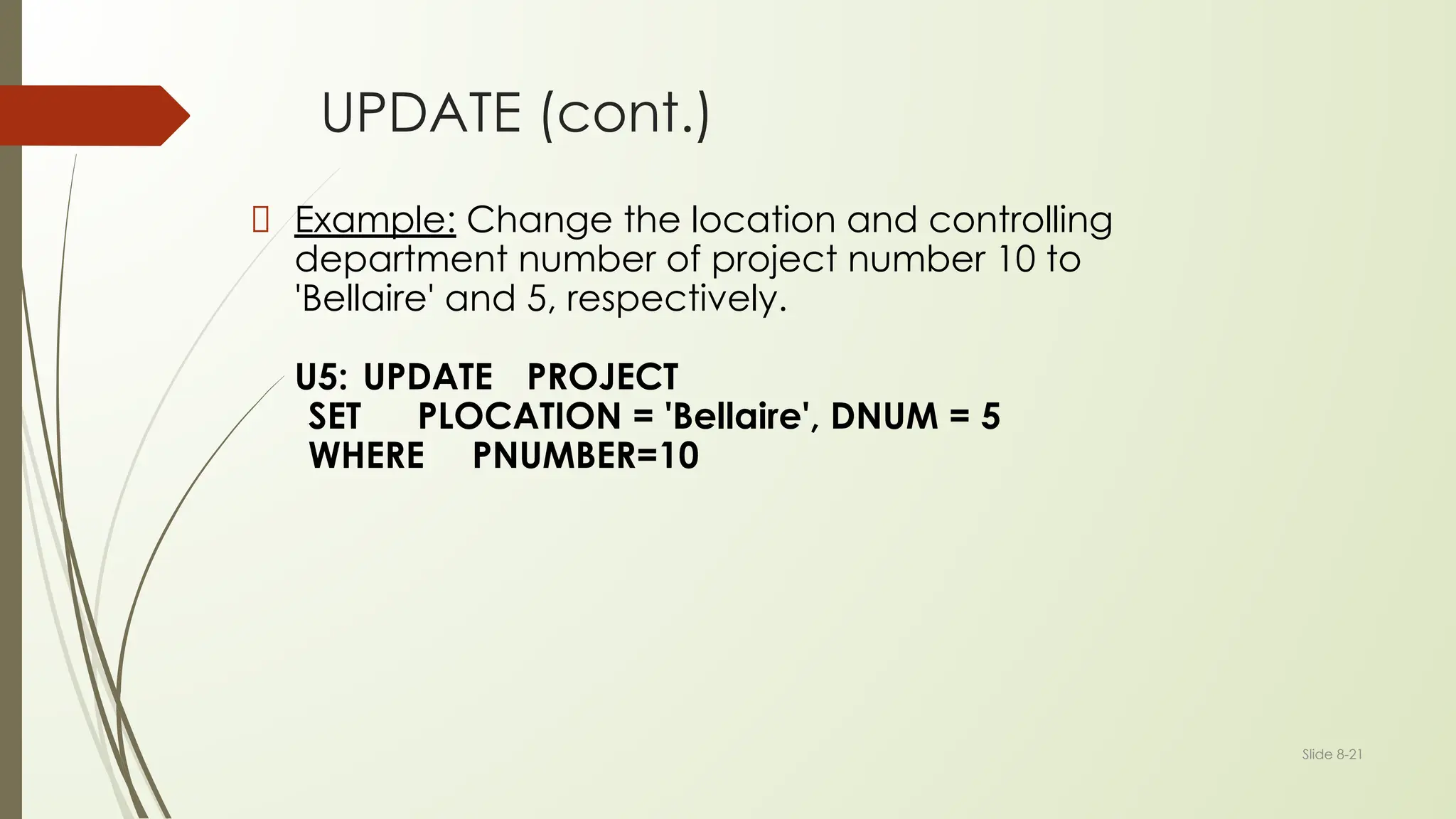
UPDATE (cont.)
Example: Change the location and controlling
department number of project number 10 to
'Bellaire' and 5, respectively.
U5: UPDATE PROJECT
SET PLOCATION = 'Bellaire', DNUM = 5
WHERE PNUMBER=10
Slide 8-22
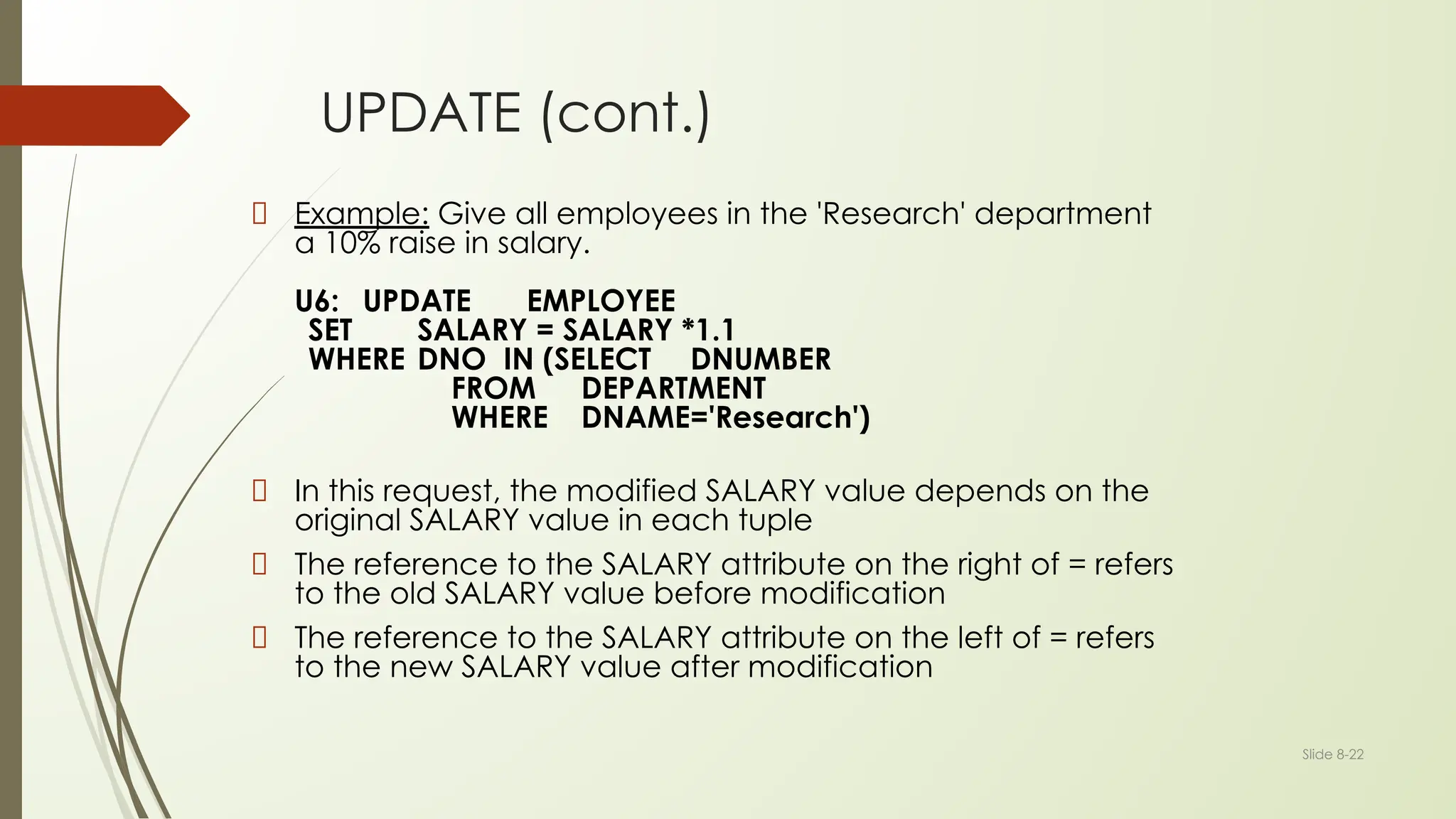
UPDATE (cont.)
Example: Give all employees in the 'Research' department
a 10% raise in salary.
U6: UPDATE EMPLOYEE
SET SALARY = SALARY *1.1
WHERE DNO IN (SELECT DNUMBER
FROM DEPARTMENT
WHERE DNAME='Research')
In this request, the modified SALARY value depends on the
original SALARY value in each tuple
The reference to the SALARY attribute on the right of = refers
to the old SALARY value before modification
The reference to the SALARY attribute on the left of = refers
to the new SALARY value after modification
SELECT for Data Retrieval
SELECT <attribute list>
FROM <table list>
WHERE <condition>;
where
■ <attribute list> is a list of attribute names whose values are to be
retrieved by the query.
■ <table list> is a list of the relation names required to process the query.
■ <condition> is a conditional (Boolean) expression that identifies the
tuples to be retrieved by the query.
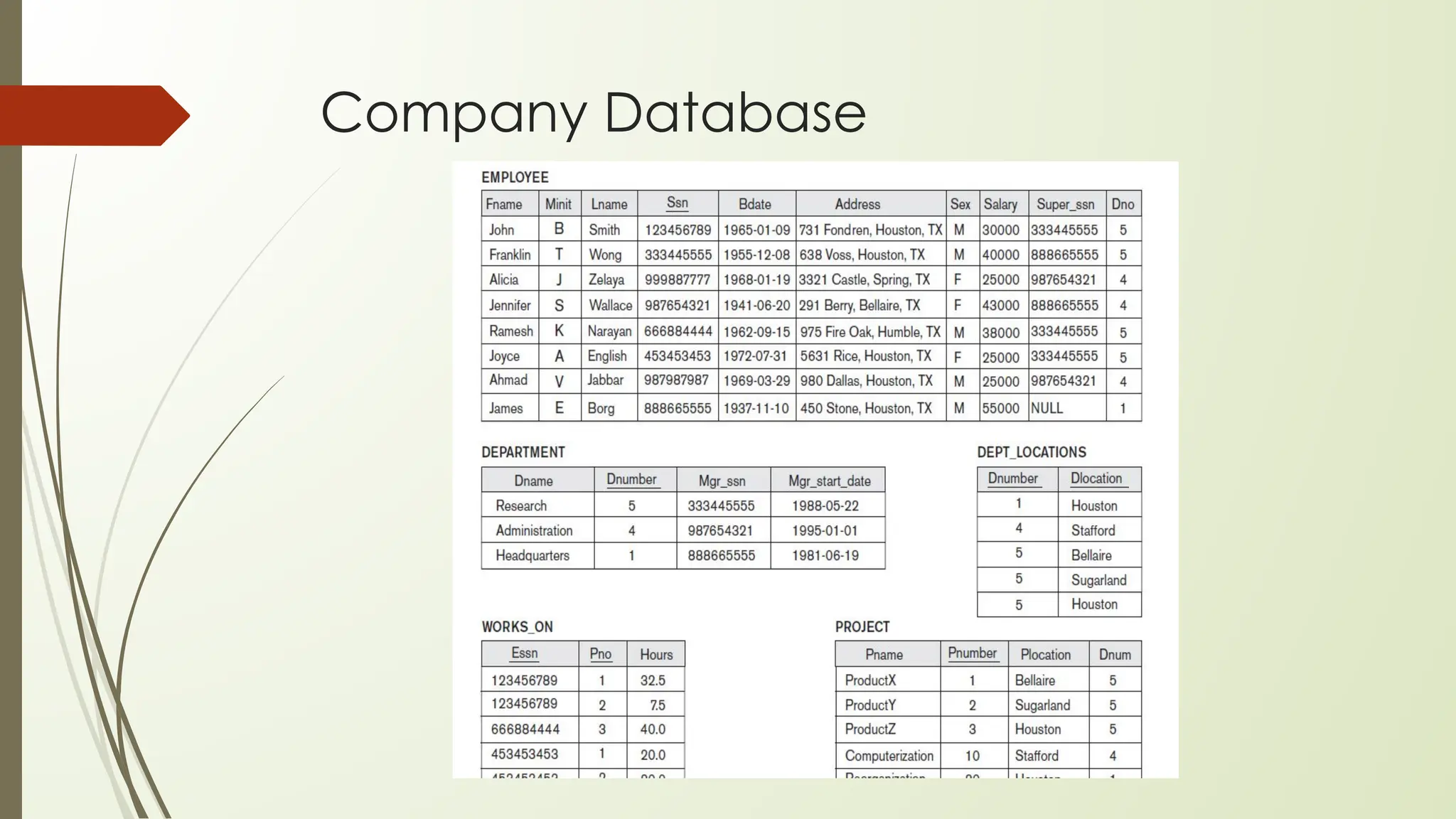
Company Database
SELECT continued…
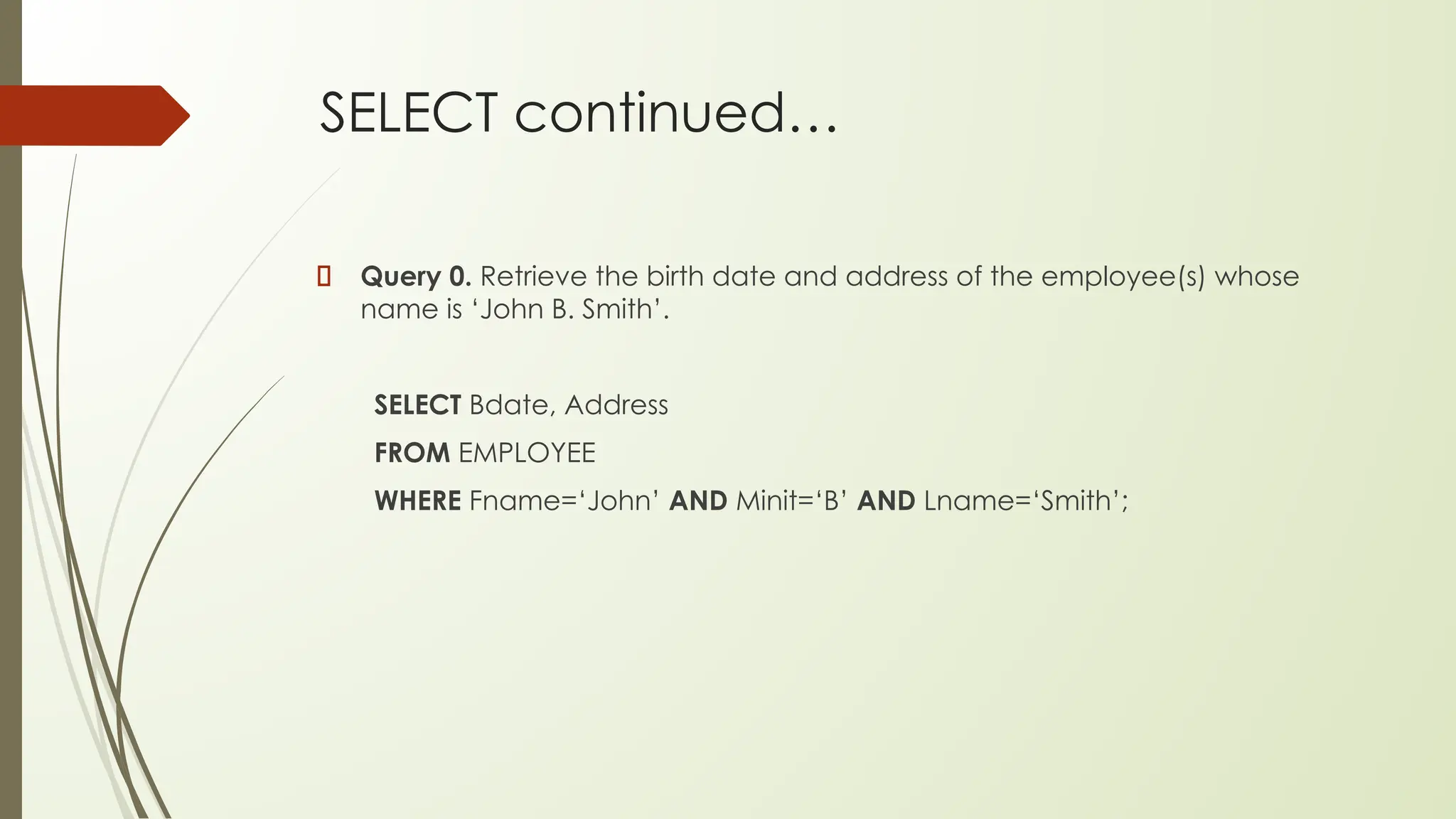
Query 0. Retrieve the birth date and address of the employee(s) whose
name is ‘John B. Smith’.
SELECT Bdate, Address
FROM EMPLOYEE
WHERE Fname=‘John’ AND Minit=‘B’ AND Lname=‘Smith’;
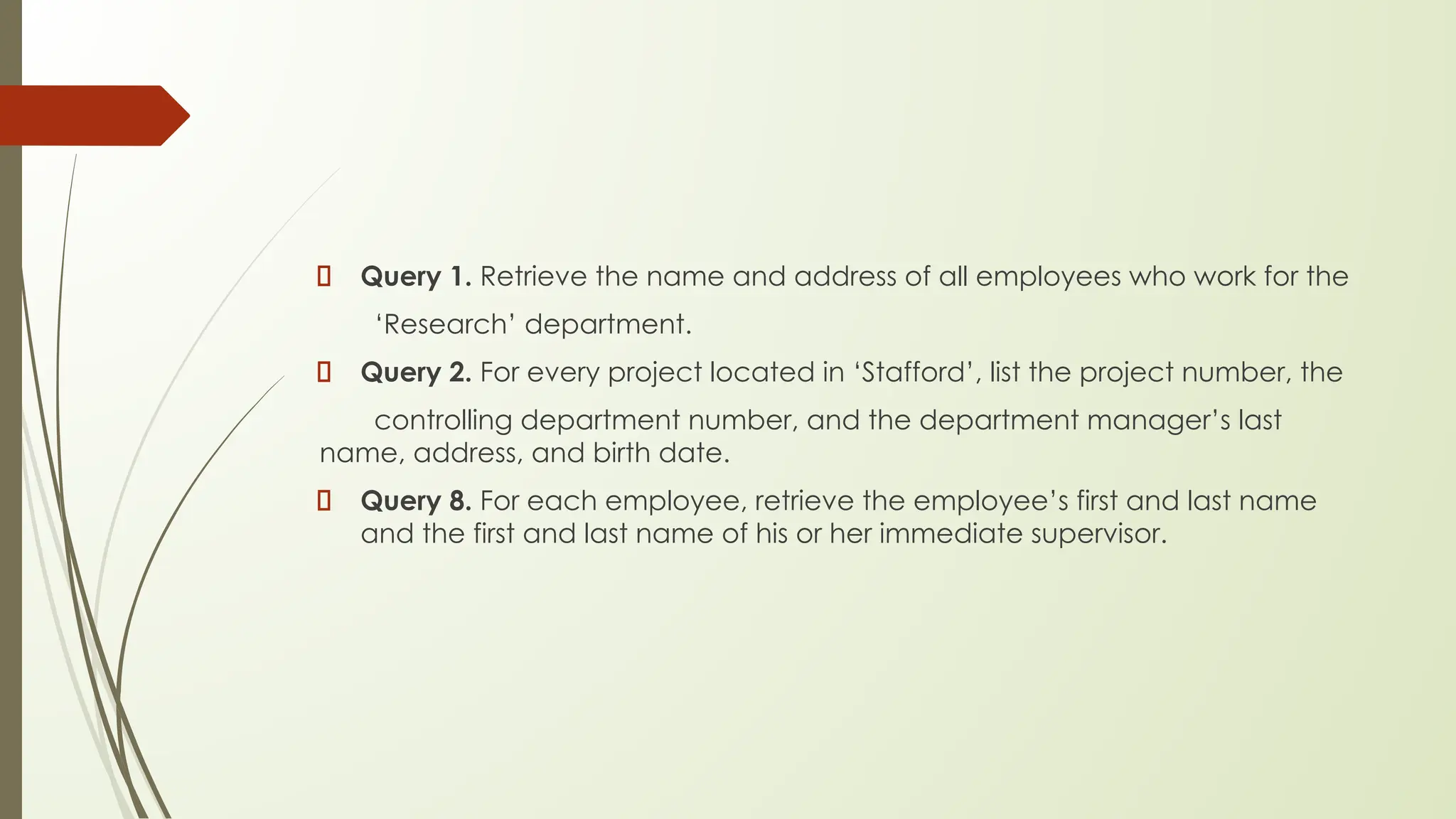
Query 1. Retrieve the name and address of all employees who work for the
‘Research’ department.
Query 2. For every project located in ‘Stafford’, list the project number, the
controlling department number, and the department manager’s last
name, address, and birth date.
Query 8. For each employee, retrieve the employee’s first and last name
and the first and last name of his or her immediate supervisor.
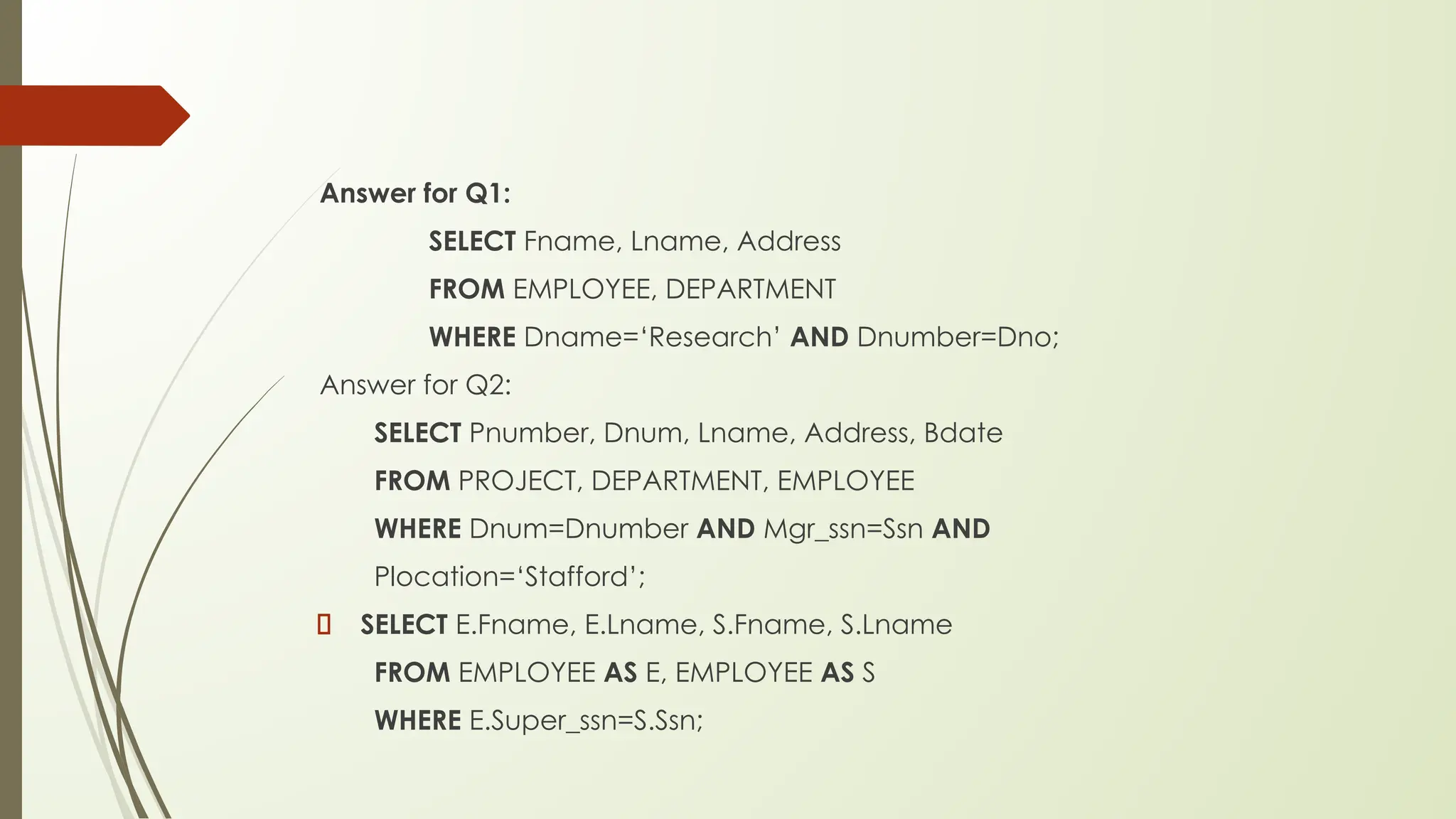
Answer for Q1:
SELECT Fname, Lname, Address
FROM EMPLOYEE, DEPARTMENT
WHERE Dname=‘Research’ AND Dnumber=Dno;
Answer for Q2:
SELECT Pnumber, Dnum, Lname, Address, Bdate
FROM PROJECT, DEPARTMENT, EMPLOYEE
WHERE Dnum=Dnumber AND Mgr_ssn=Ssn AND
Plocation=‘Stafford’;
SELECT E.Fname, E.Lname, S.Fname, S.Lname
FROM EMPLOYEE AS E, EMPLOYEE AS S
WHERE E.Super_ssn=S.Ssn;
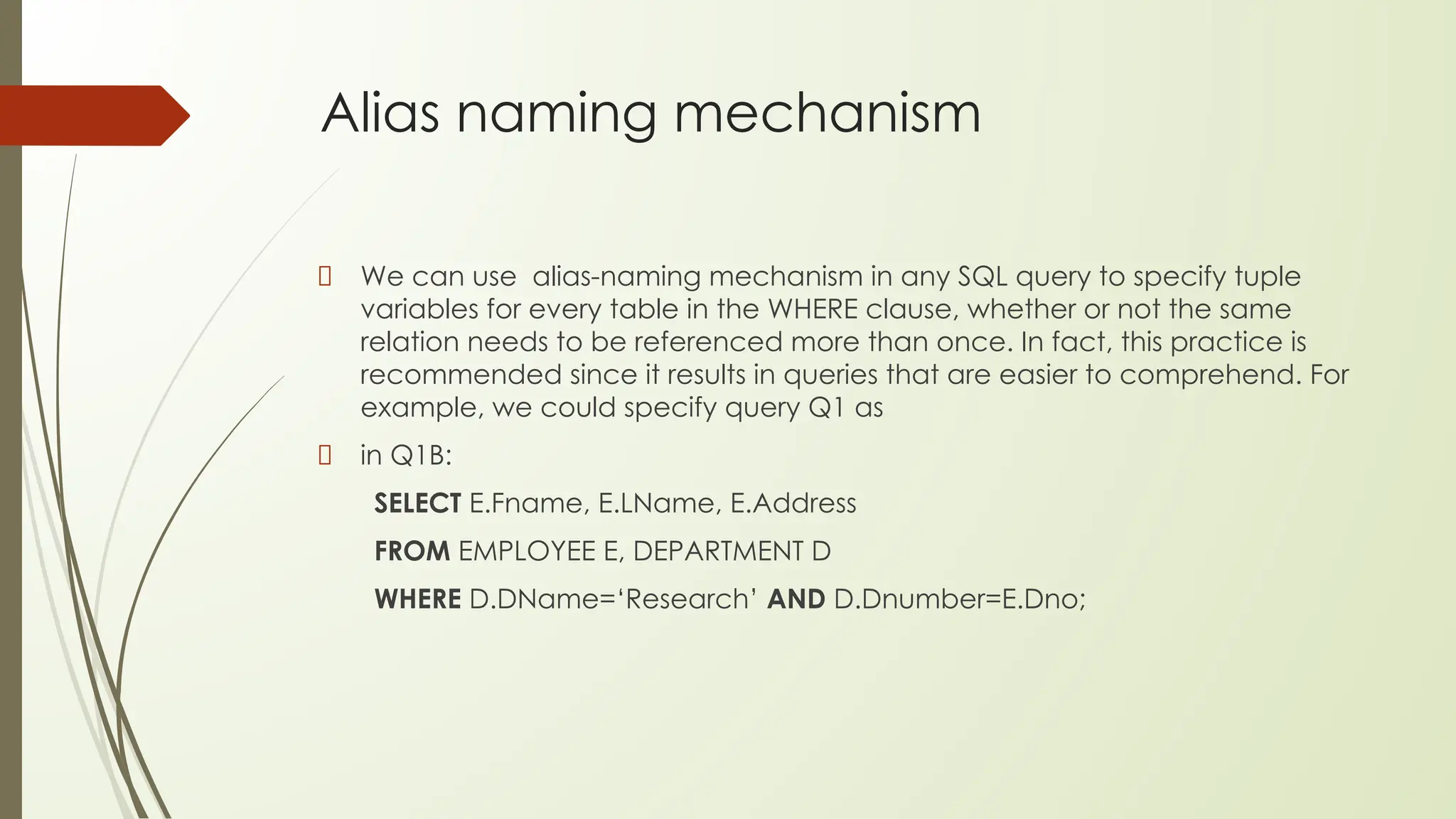
Alias naming mechanism
We can use alias-naming mechanism in any SQL query to specify tuple
variables for every table in the WHERE clause, whether or not the same
relation needs to be referenced more than once. In fact, this practice is
recommended since it results in queries that are easier to comprehend. For
example, we could specify query Q1 as
in Q1B:
SELECT E.Fname, E.LName, E.Address
FROM EMPLOYEE E, DEPARTMENT D
WHERE D.DName=‘Research’ AND D.Dnumber=E.Dno;
Unspecified WHERE Clause
and Use of the Asterisk
To retrieve all the attribute values of the selected tuples, we do not have to
list the attribute names explicitly in SQL; we just specify an asterisk (*), which
stands for all the attributes.
Q1C: SELECT *
FROM EMPLOYEE
WHERE Dno=5;
Q1D: SELECT *
FROM EMPLOYEE, DEPARTMENT
WHERE Dname=‘Research’ AND Dno=Dnumber;
Q10A: SELECT *
FROM EMPLOYEE, DEPARTMENT;
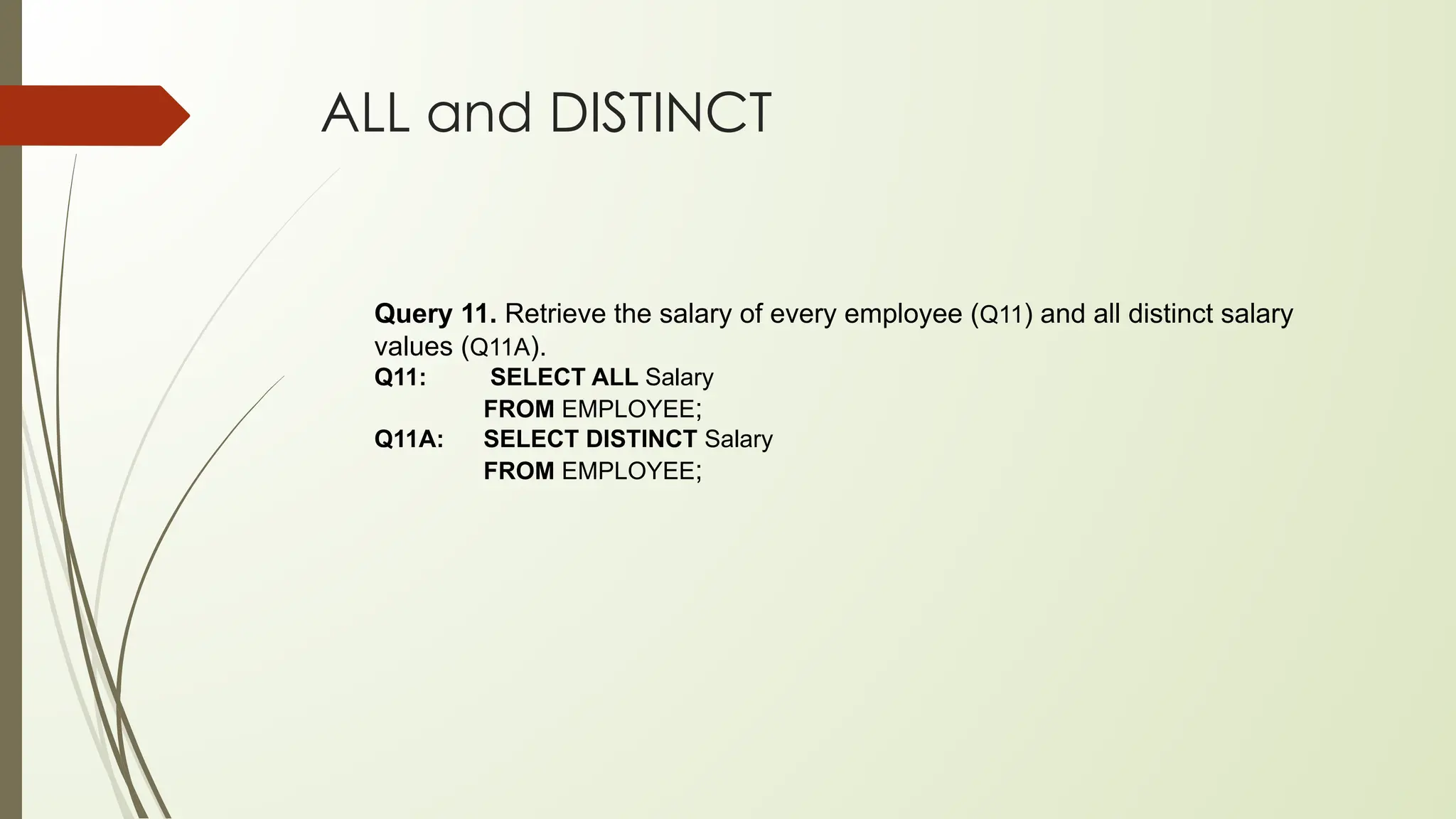
ALL and DISTINCT
Query 11. Retrieve the salary of every employee (Q11) and all distinct salary
values (Q11A).
Q11: SELECT ALL Salary
FROM EMPLOYEE;
Q11A: SELECT DISTINCT Salary
FROM EMPLOYEE;
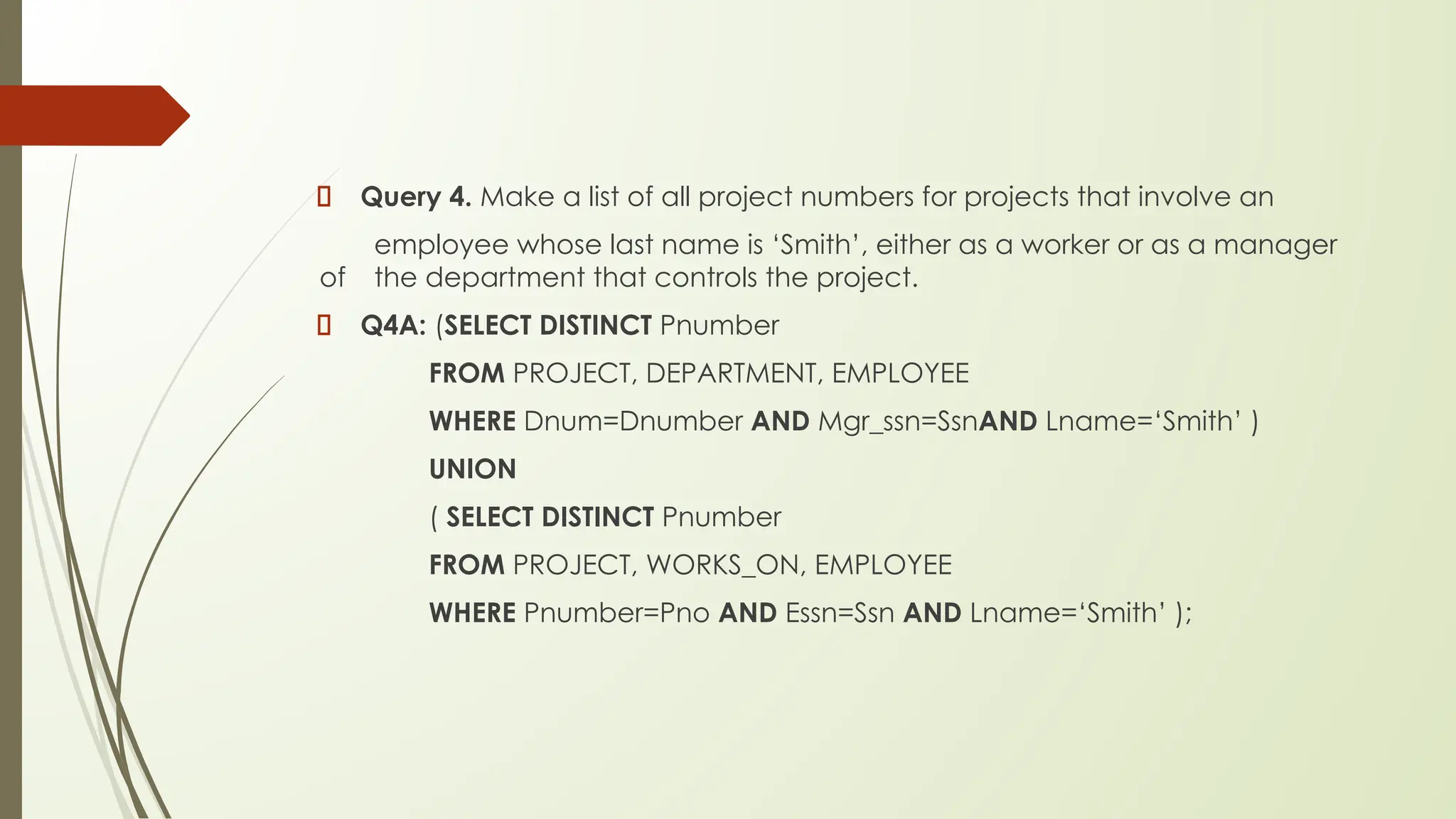
Query 4. Make a list of all project numbers for projects that involve an
employee whose last name is ‘Smith’, either as a worker or as a manager
of the department that controls the project.
Q4A: (SELECT DISTINCT Pnumber
FROM PROJECT, DEPARTMENT, EMPLOYEE
WHERE Dnum=Dnumber AND Mgr_ssn=SsnAND Lname=‘Smith’ )
UNION
( SELECT DISTINCT Pnumber
FROM PROJECT, WORKS_ON, EMPLOYEE
WHERE Pnumber=Pno AND Essn=Ssn AND Lname=‘Smith’ );
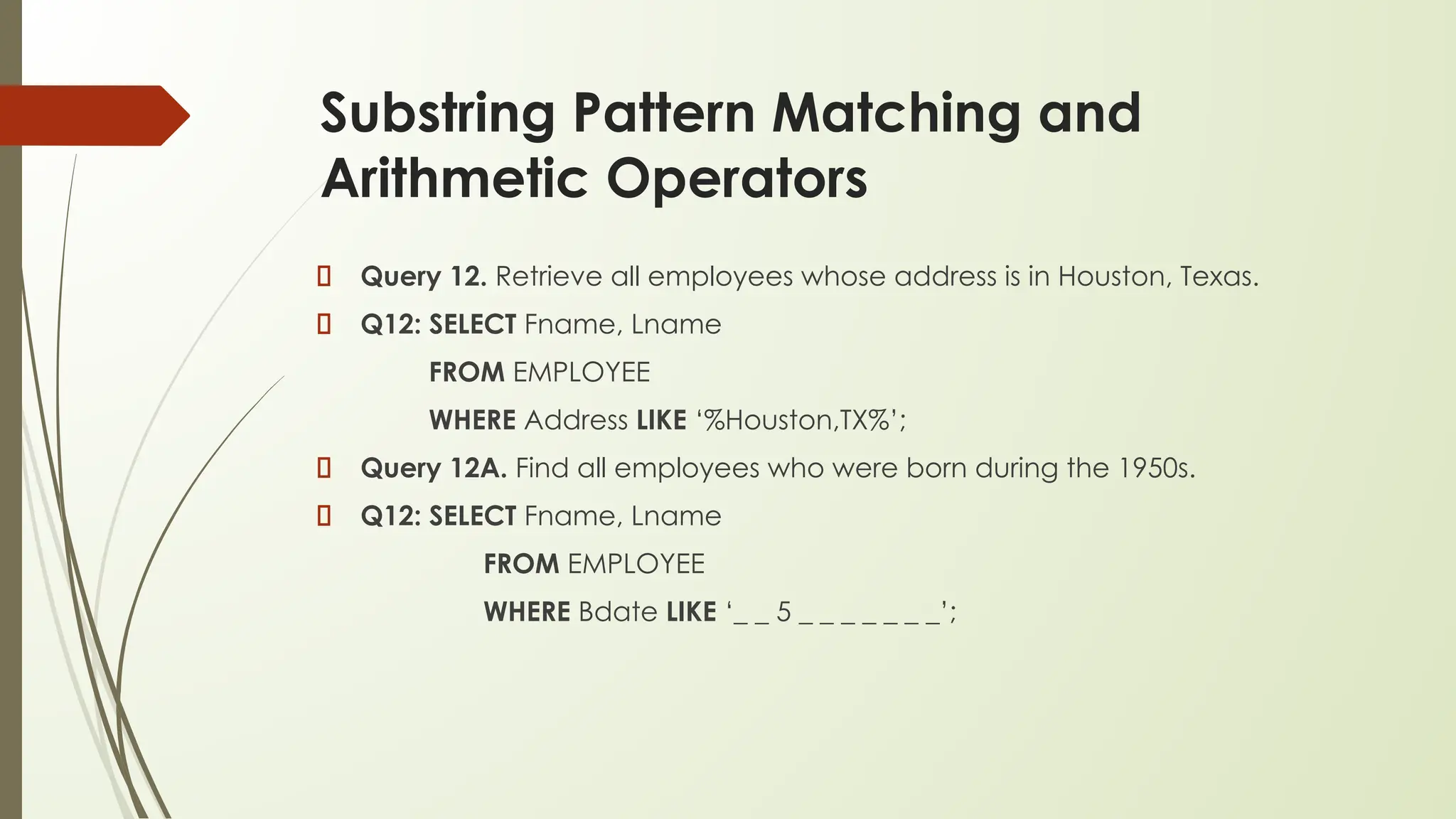
Substring Pattern Matching and
Arithmetic Operators
Query 12. Retrieve all employees whose address is in Houston, Texas.
Q12: SELECT Fname, Lname
FROM EMPLOYEE
WHERE Address LIKE ‘%Houston,TX%’;
Query 12A. Find all employees who were born during the 1950s.
Q12: SELECT Fname, Lname
FROM EMPLOYEE
WHERE Bdate LIKE ‘_ _ 5 _ _ _ _ _ _ _’;
…
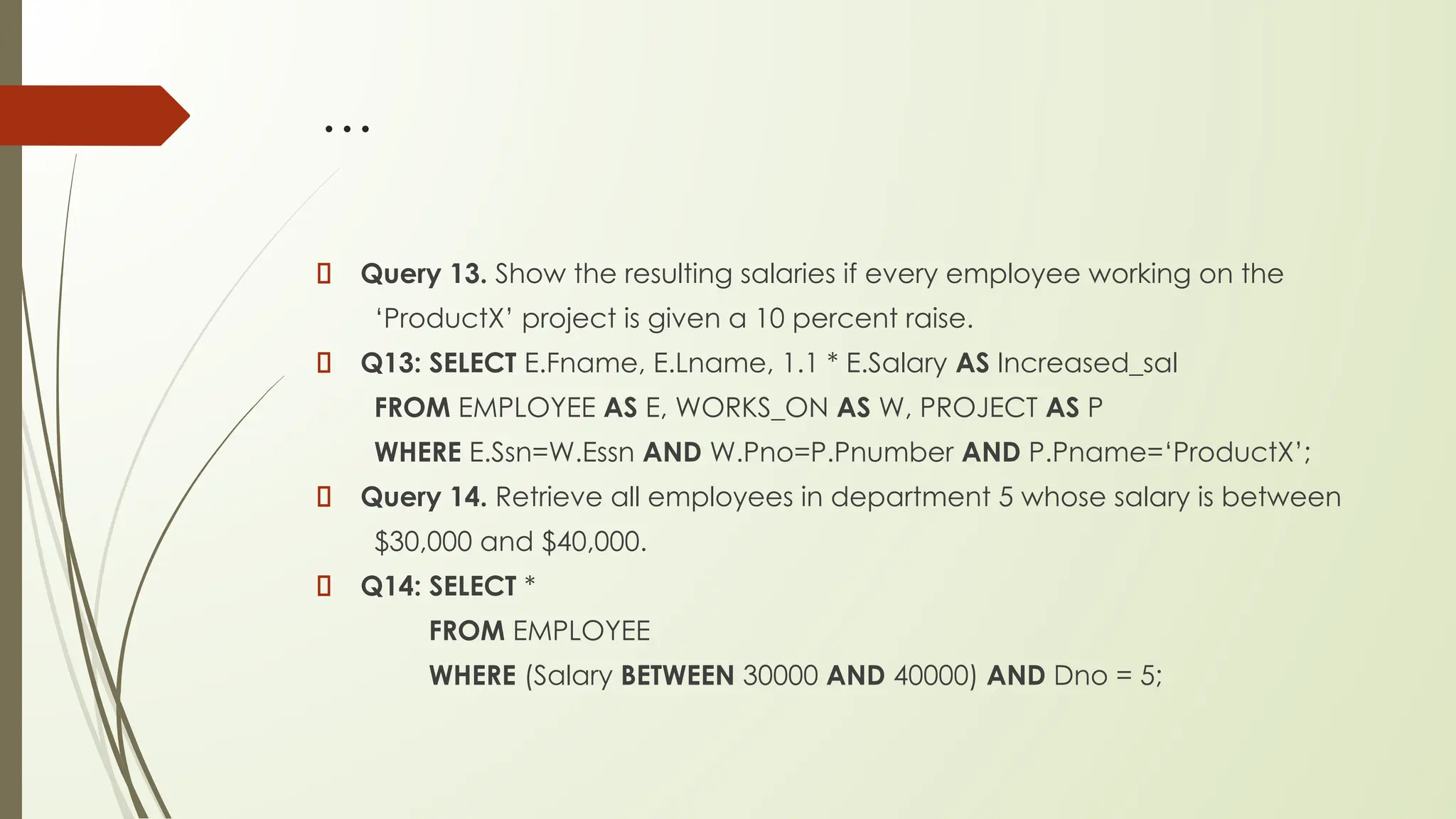
Query 13. Show the resulting salaries if every employee working on the
‘ProductX’ project is given a 10 percent raise.
Q13: SELECT E.Fname, E.Lname, 1.1 * E.Salary AS Increased_sal
FROM EMPLOYEE AS E, WORKS_ON AS W, PROJECT AS P
WHERE E.Ssn=W.Essn AND W.Pno=P.Pnumber AND P.Pname=‘ProductX’;
Query 14. Retrieve all employees in department 5 whose salary is between
$30,000 and $40,000.
Q14: SELECT *
FROM EMPLOYEE
WHERE (Salary BETWEEN 30000 AND 40000) AND Dno = 5;
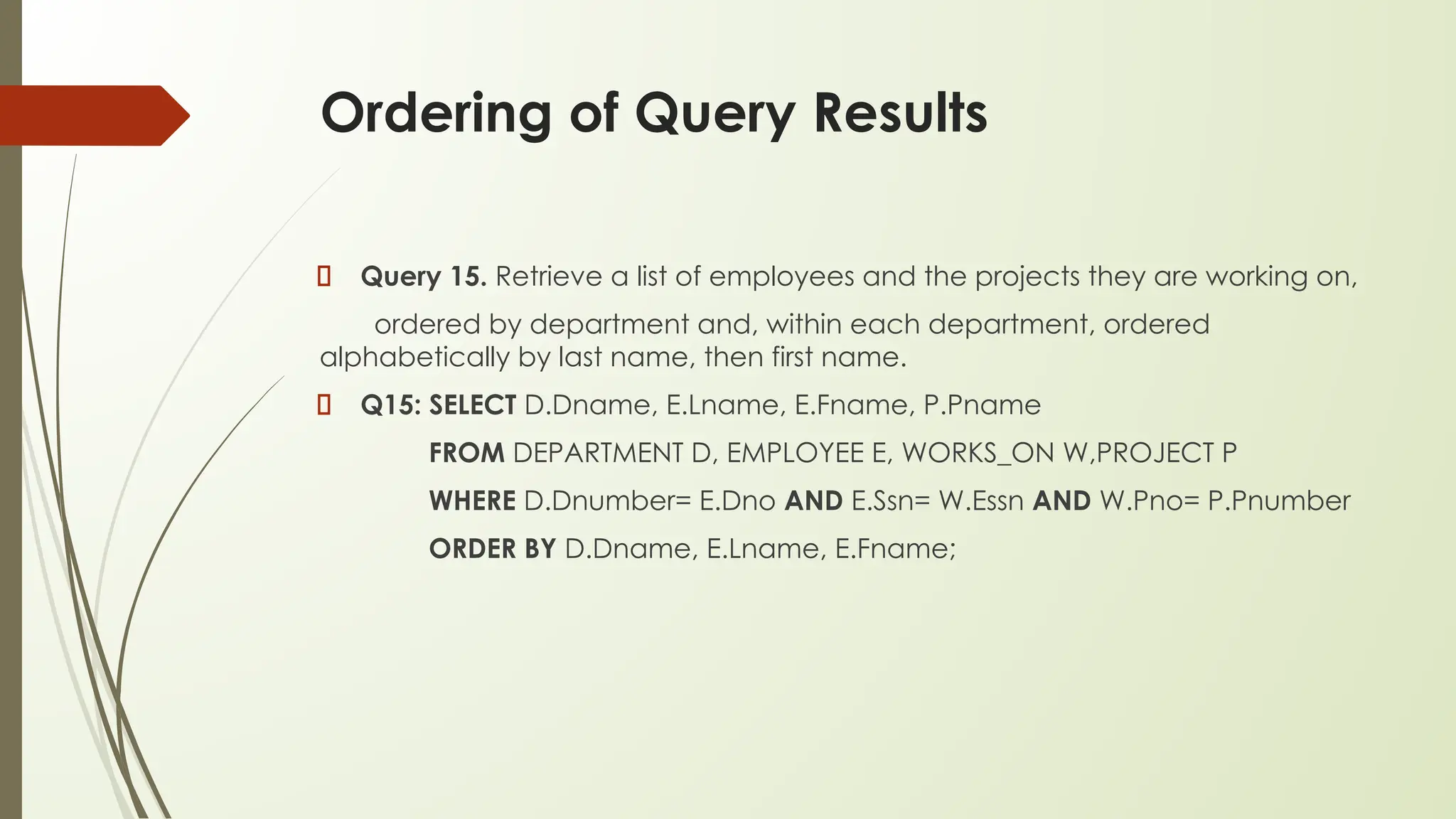
Ordering of Query Results
Query 15. Retrieve a list of employees and the projects they are working on,
ordered by department and, within each department, ordered
alphabetically by last name, then first name.
Q15: SELECT D.Dname, E.Lname, E.Fname, P.Pname
FROM DEPARTMENT D, EMPLOYEE E, WORKS_ON W,PROJECT P
WHERE D.Dnumber= E.Dno AND E.Ssn= W.Essn AND W.Pno= P.Pnumber
ORDER BY D.Dname, E.Lname, E.Fname;
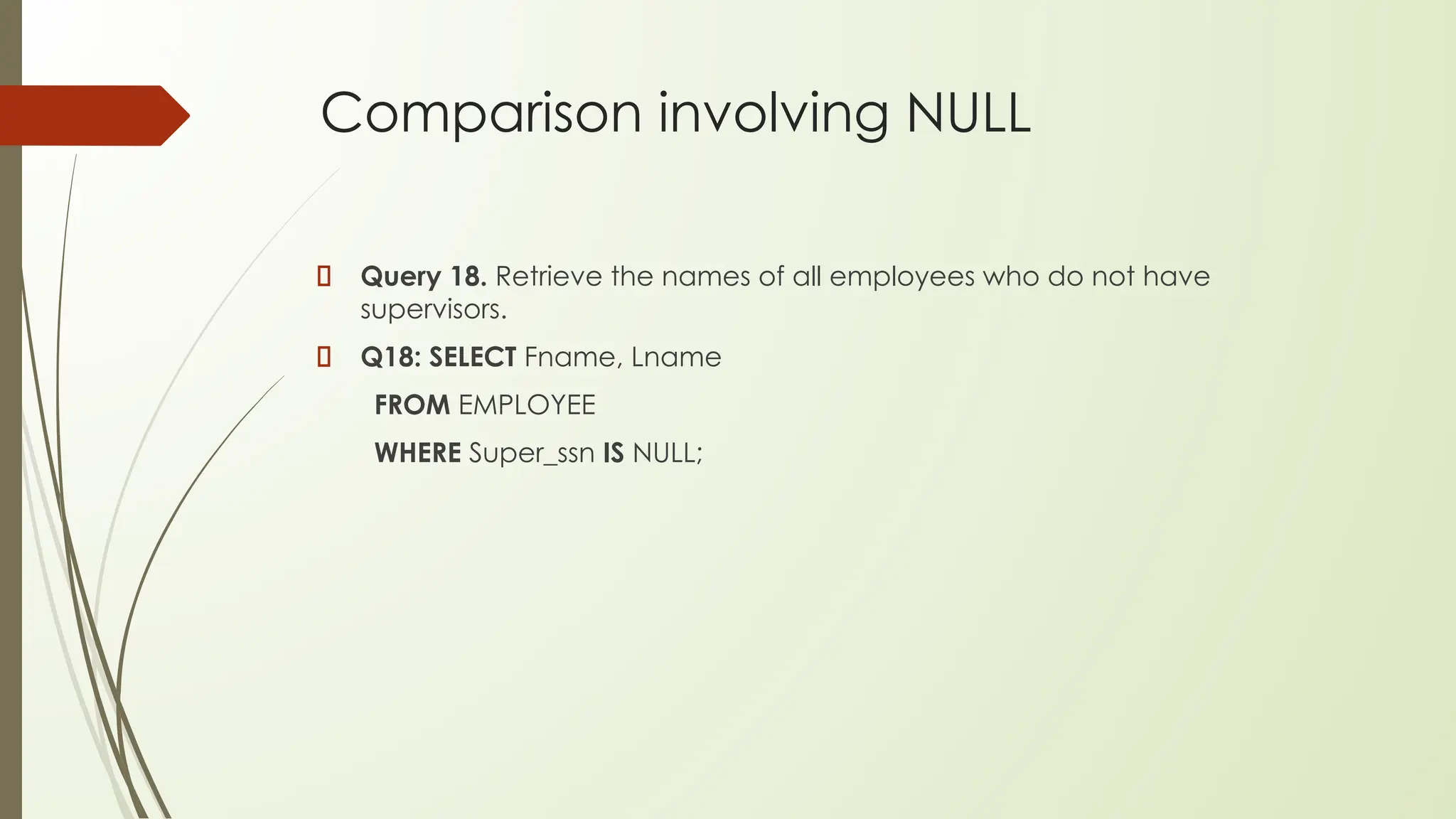
Comparison involving NULL
Query 18. Retrieve the names of all employees who do not have
supervisors.
Q18: SELECT Fname, Lname
FROM EMPLOYEE
WHERE Super_ssn IS NULL;
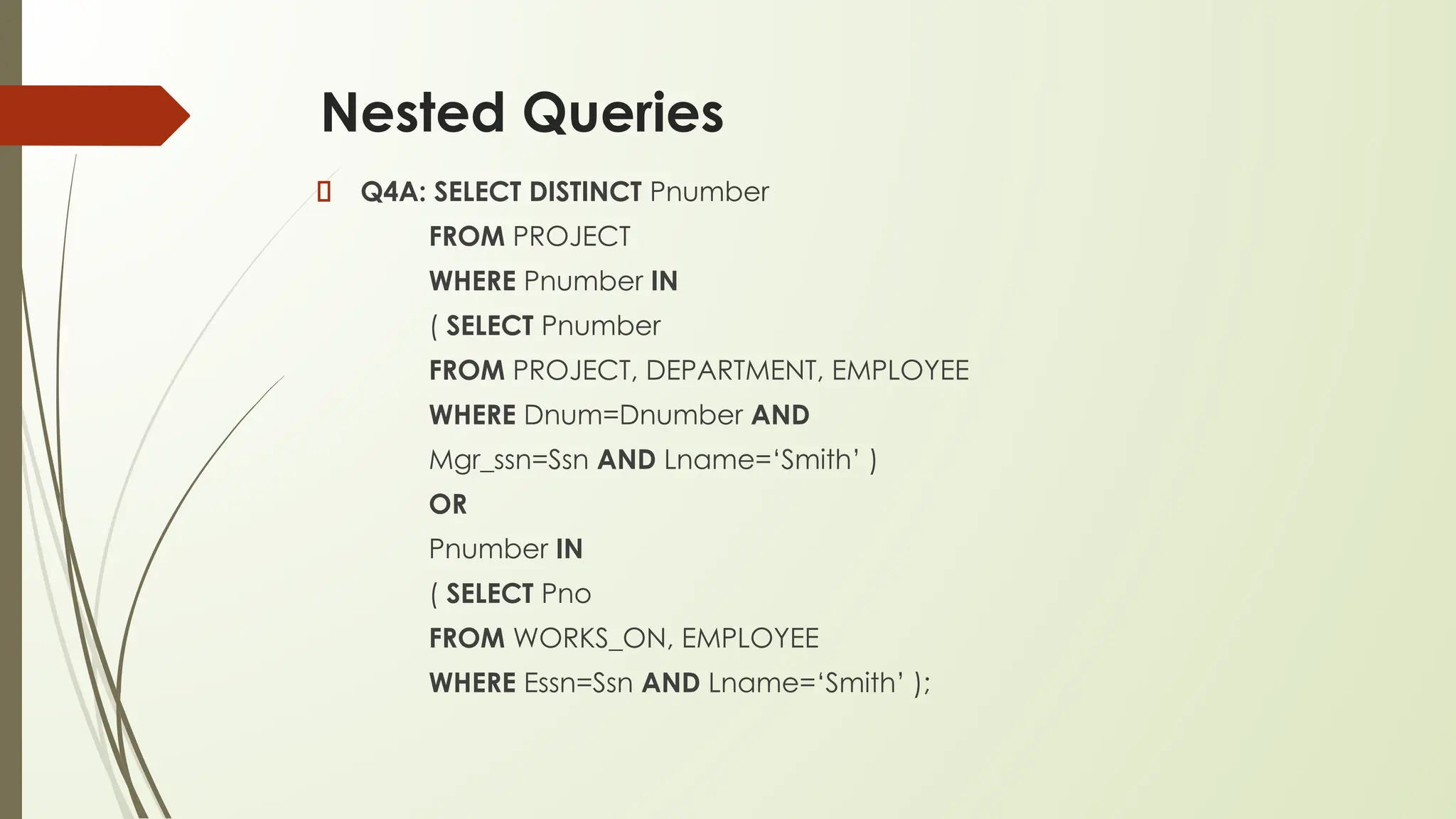
Nested Queries
Q4A: SELECT DISTINCT Pnumber
FROM PROJECT
WHERE Pnumber IN
( SELECT Pnumber
FROM PROJECT, DEPARTMENT, EMPLOYEE
WHERE Dnum=Dnumber AND
Mgr_ssn=Ssn AND Lname=‘Smith’ )
OR
Pnumber IN
( SELECT Pno
FROM WORKS_ON, EMPLOYEE
WHERE Essn=Ssn AND Lname=‘Smith’ );
…
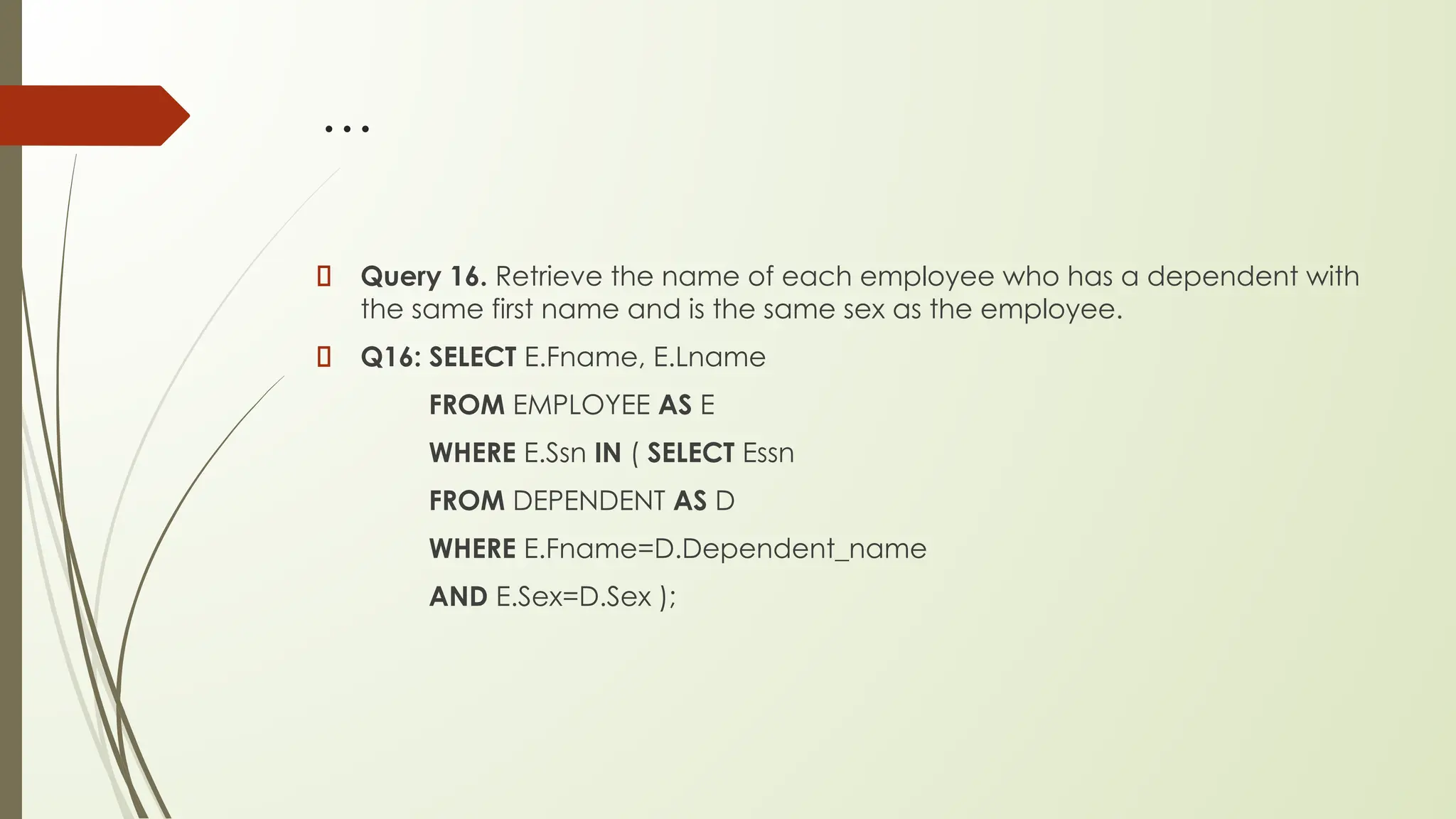
Query 16. Retrieve the name of each employee who has a dependent with
the same first name and is the same sex as the employee.
Q16: SELECT E.Fname, E.Lname
FROM EMPLOYEE AS E
WHERE E.Ssn IN ( SELECT Essn
FROM DEPENDENT AS D
WHERE E.Fname=D.Dependent_name
AND E.Sex=D.Sex );
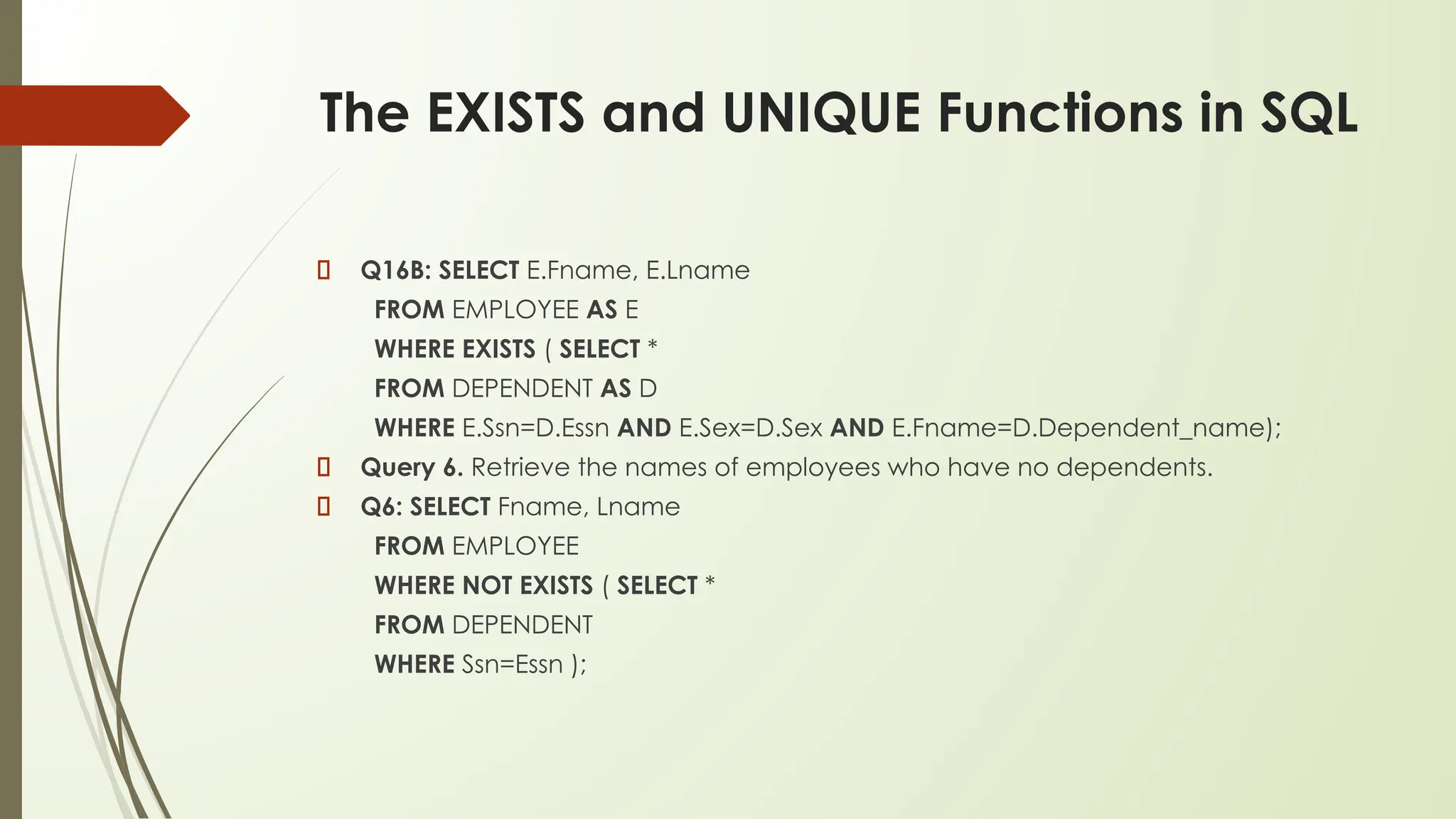
The EXISTS and UNIQUE Functions in SQL
Q16B: SELECT E.Fname, E.Lname
FROM EMPLOYEE AS E
WHERE EXISTS ( SELECT *
FROM DEPENDENT AS D
WHERE E.Ssn=D.Essn AND E.Sex=D.Sex AND E.Fname=D.Dependent_name);
Query 6. Retrieve the names of employees who have no dependents.
Q6: SELECT Fname, Lname
FROM EMPLOYEE
WHERE NOT EXISTS ( SELECT *
FROM DEPENDENT
WHERE Ssn=Essn );
…
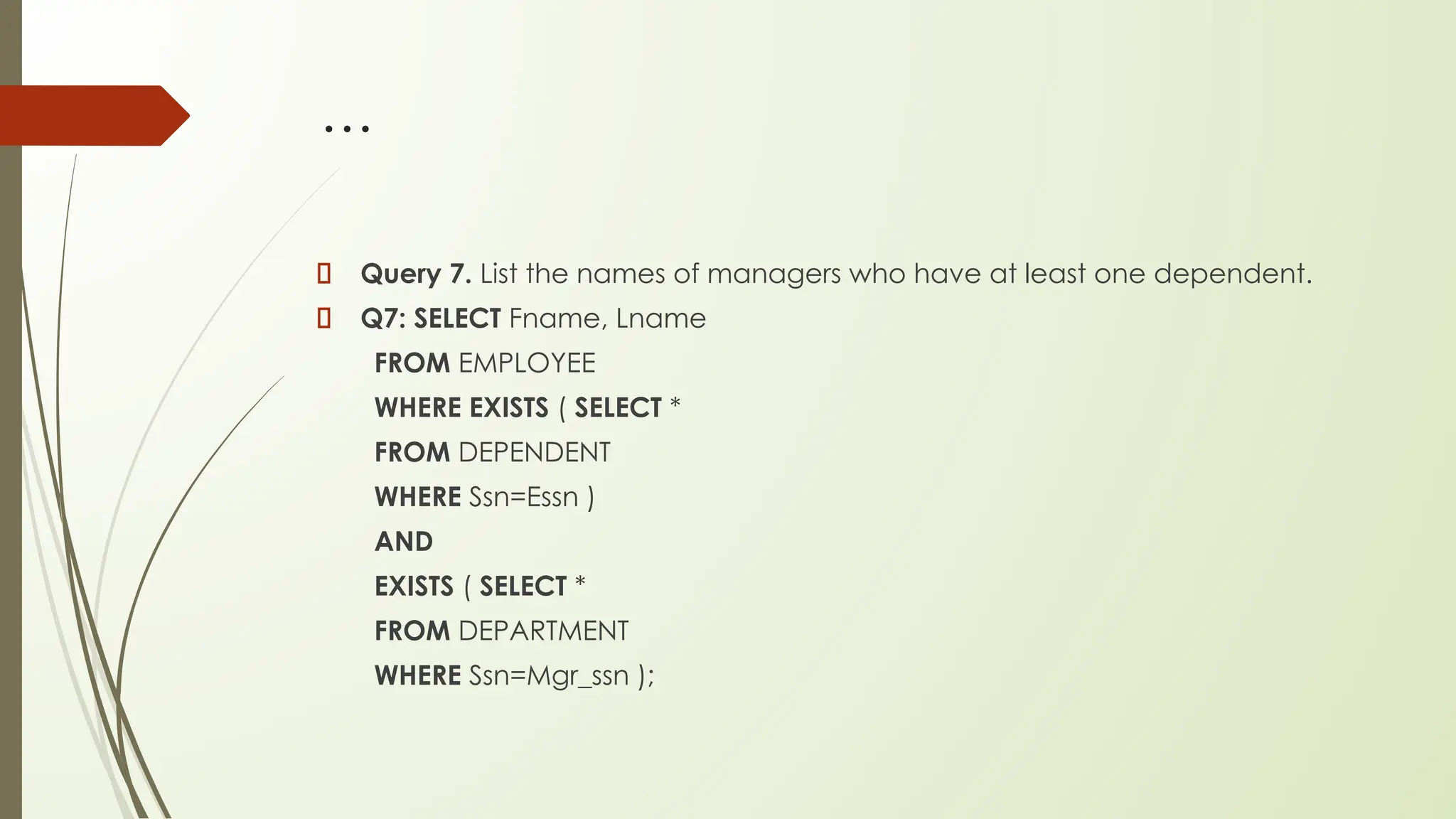
Query 7. List the names of managers who have at least one dependent.
Q7: SELECT Fname, Lname
FROM EMPLOYEE
WHERE EXISTS ( SELECT *
FROM DEPENDENT
WHERE Ssn=Essn )
AND
EXISTS ( SELECT *
FROM DEPARTMENT
WHERE Ssn=Mgr_ssn );
…
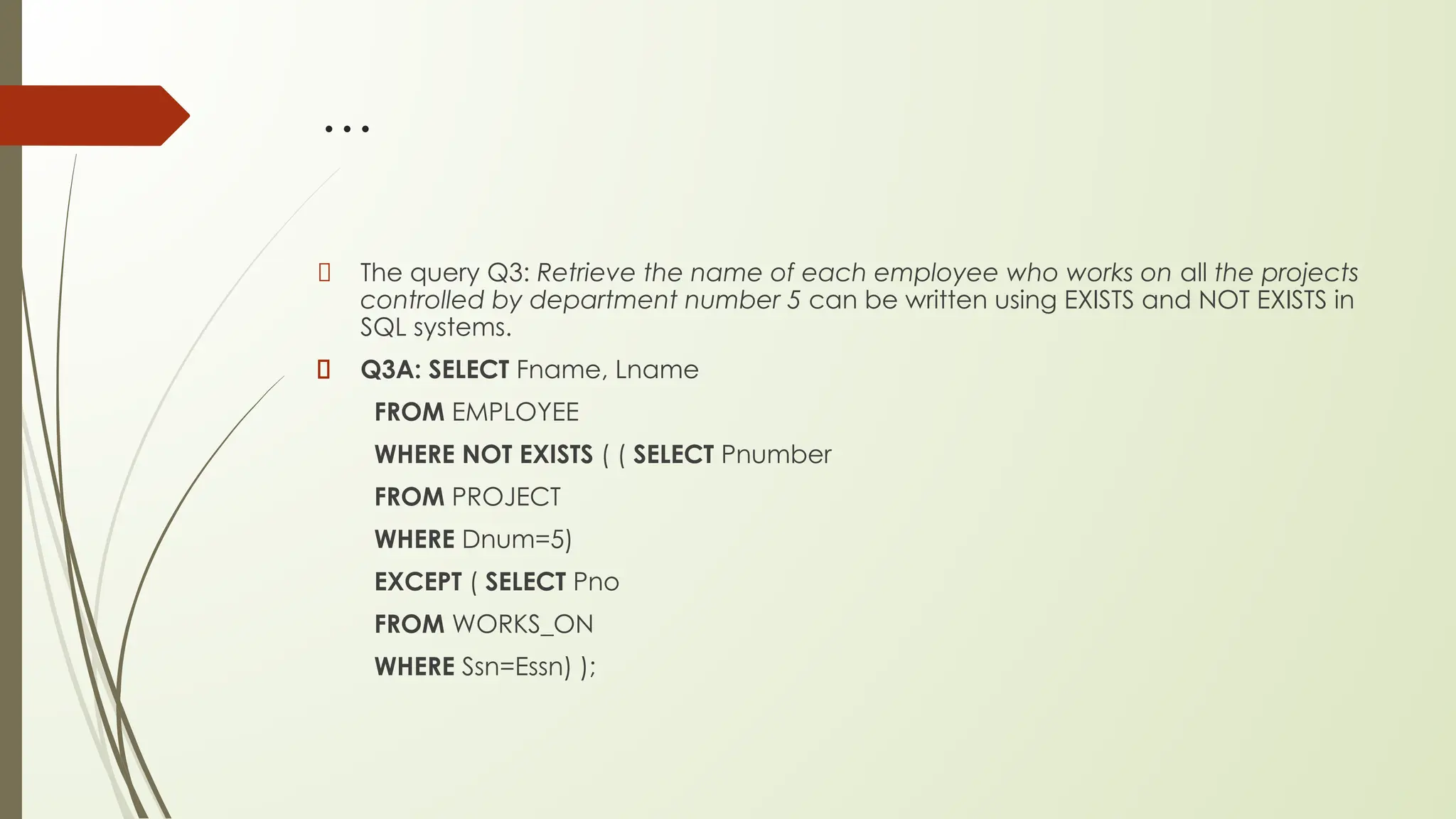
The query Q3: Retrieve the name of each employee who works on all the projects
controlled by department number 5 can be written using EXISTS and NOT EXISTS in
SQL systems.
Q3A: SELECT Fname, Lname
FROM EMPLOYEE
WHERE NOT EXISTS ( ( SELECT Pnumber
FROM PROJECT
WHERE Dnum=5)
EXCEPT ( SELECT Pno
FROM WORKS_ON
WHERE Ssn=Essn) );
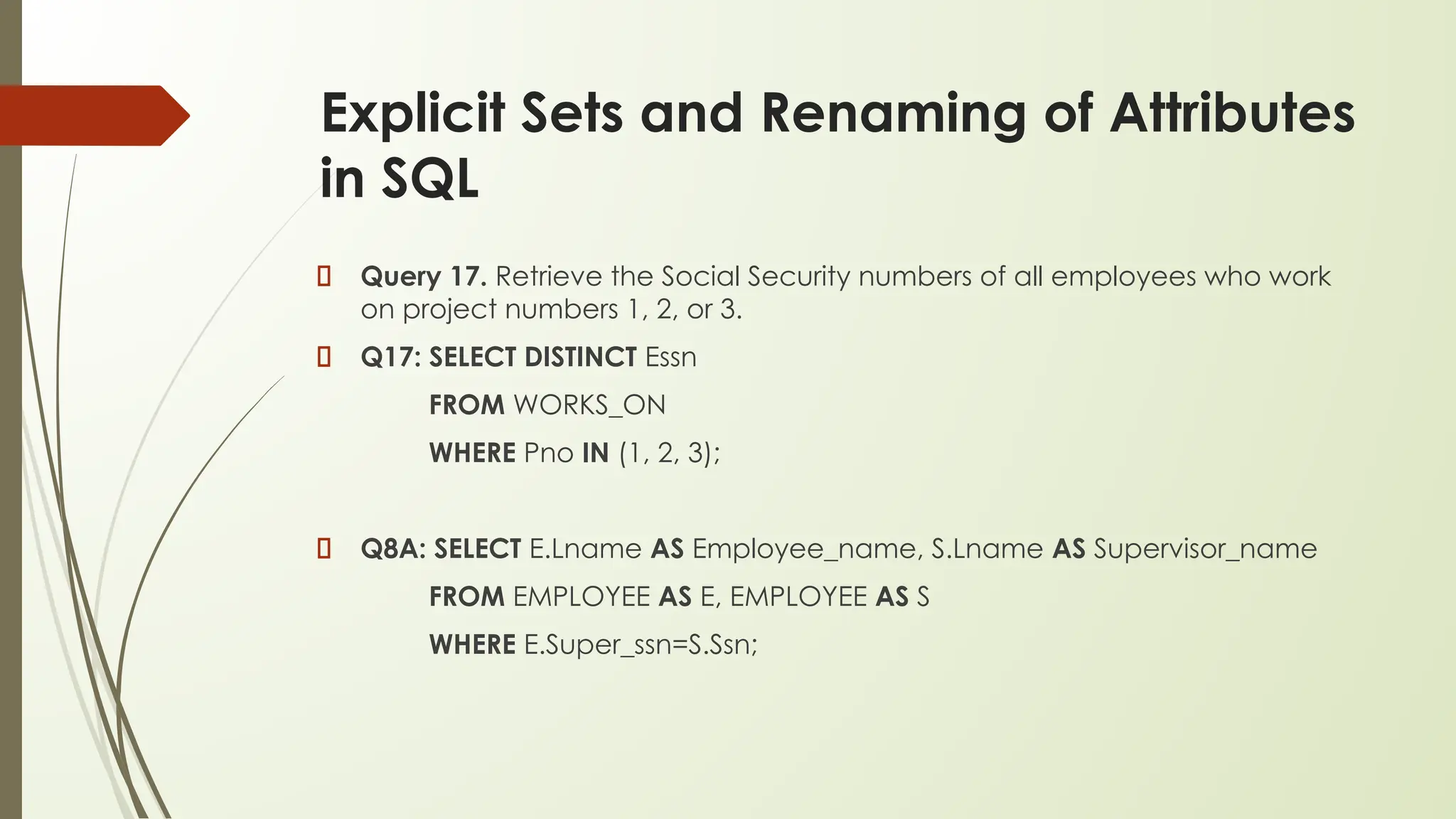
Explicit Sets and Renaming of Attributes
in SQL
Query 17. Retrieve the Social Security numbers of all employees who work
on project numbers 1, 2, or 3.
Q17: SELECT DISTINCT Essn
FROM WORKS_ON
WHERE Pno IN (1, 2, 3);
Q8A: SELECT E.Lname AS Employee_name, S.Lname AS Supervisor_name
FROM EMPLOYEE AS E, EMPLOYEE AS S
WHERE E.Super_ssn=S.Ssn;
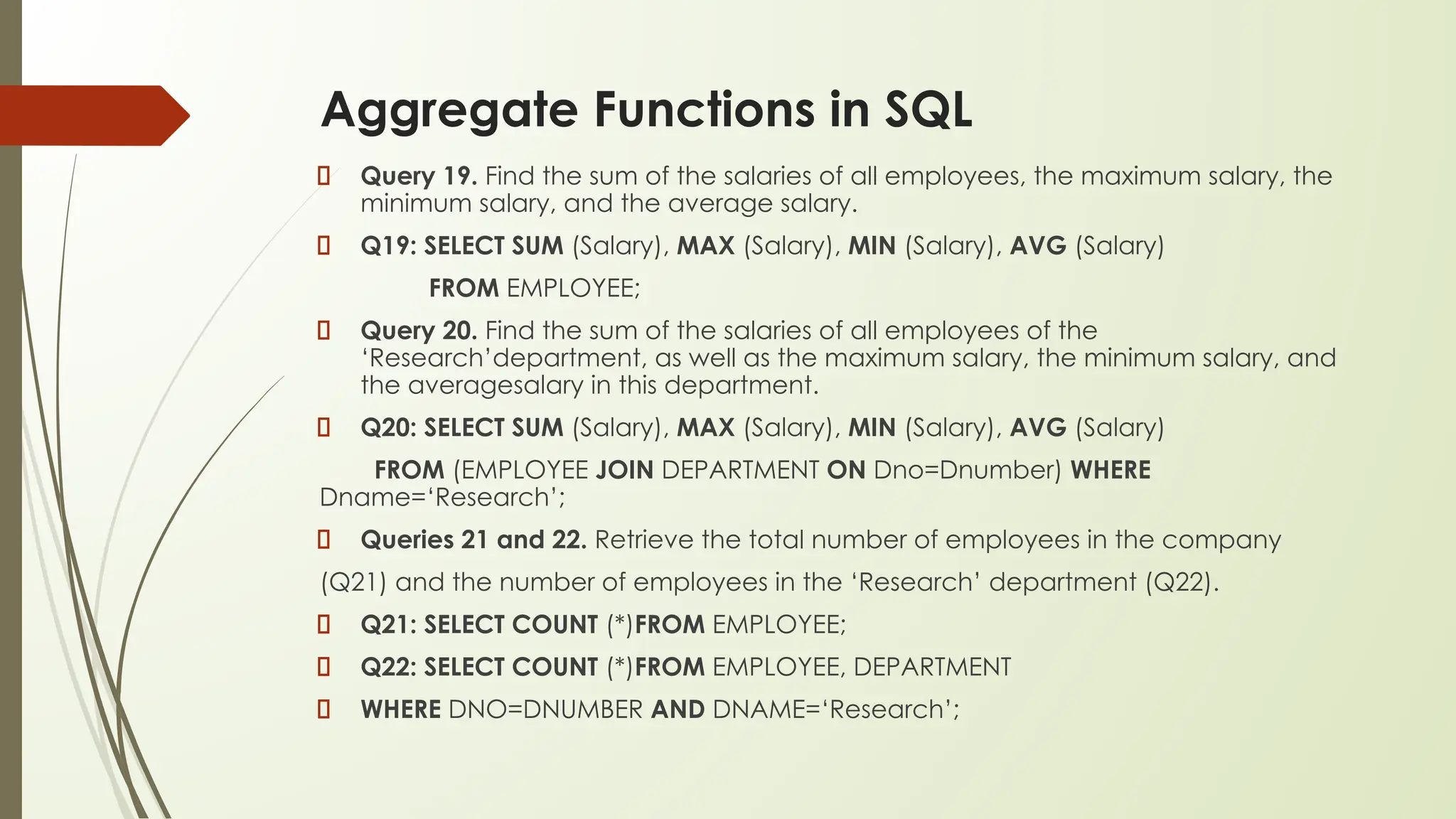
Aggregate Functions in SQL
Query 19. Find the sum of the salaries of all employees, the maximum salary, the
minimum salary, and the average salary.
Q19: SELECT SUM (Salary), MAX (Salary), MIN (Salary), AVG (Salary)
FROM EMPLOYEE;
Query 20. Find the sum of the salaries of all employees of the
‘Research’department, as well as the maximum salary, the minimum salary, and
the averagesalary in this department.
Q20: SELECT SUM (Salary), MAX (Salary), MIN (Salary), AVG (Salary)
FROM (EMPLOYEE JOIN DEPARTMENT ON Dno=Dnumber) WHERE
Dname=‘Research’;
Queries 21 and 22. Retrieve the total number of employees in the company
(Q21) and the number of employees in the ‘Research’ department (Q22).
Q21: SELECT COUNT (*)FROM EMPLOYEE;
Q22: SELECT COUNT (*)FROM EMPLOYEE, DEPARTMENT
WHERE DNO=DNUMBER AND DNAME=‘Research’;
…
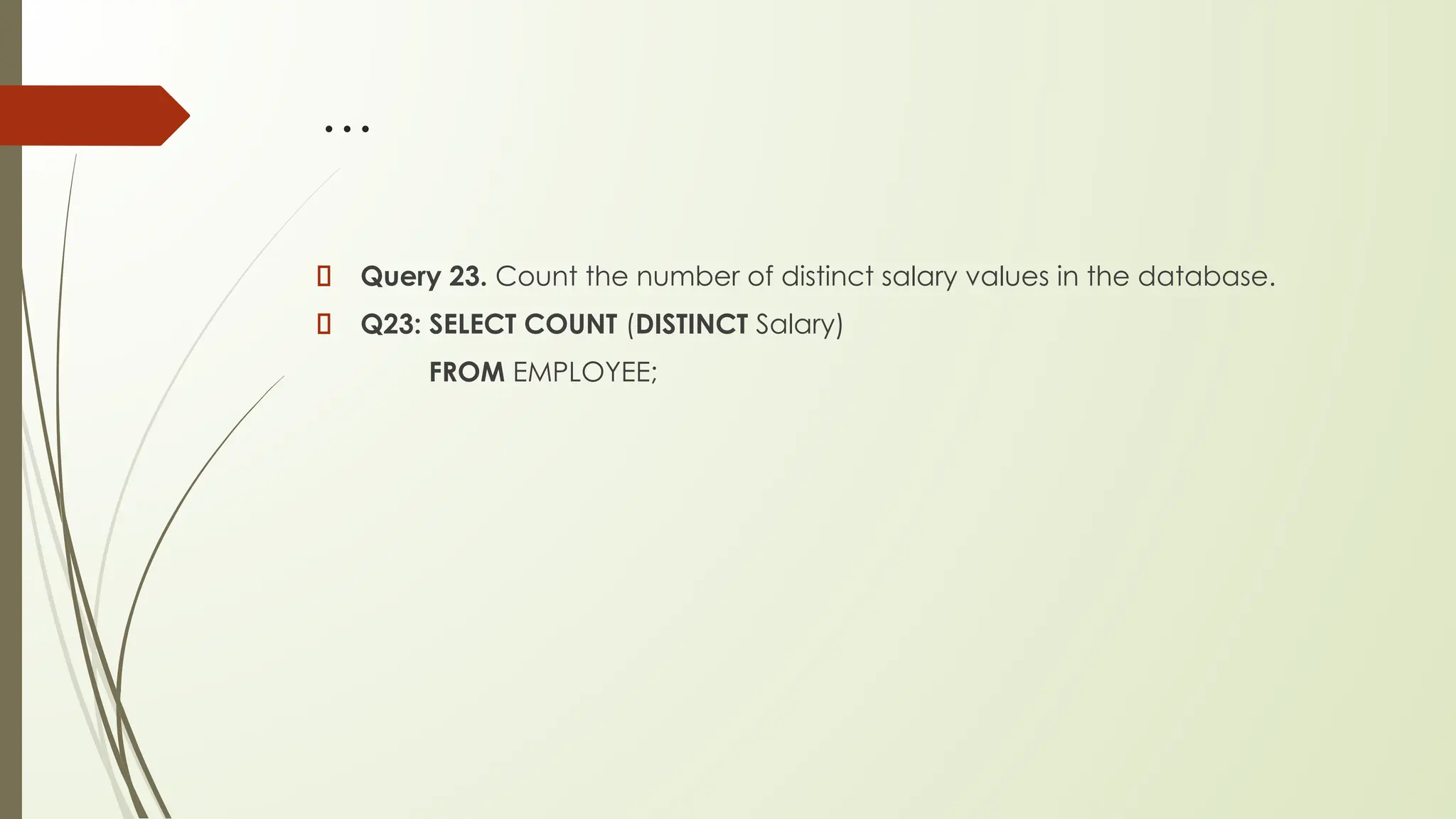
Query 23. Count the number of distinct salary values in the database.
Q23: SELECT COUNT (DISTINCT Salary)
FROM EMPLOYEE;
The GROUP BY and HAVING Clauses
Query 24. For each department, retrieve the department number, the
number of employees in the department, and their average salary.
Q24: SELECT Dno, COUNT (*), AVG (Salary)
FROM EMPLOYEE
GROUP BY Dno;

Thank You
Discussion….

ppt 10 SQL.pptx.evvffhjgfssfghyytdfhhhpdf

  • 1.
  • 2.
    Overview Data Definition –CREATE, DROP, ALTER Data Manipulation – INSERT, DELETE, UPDATE Data Retrieval - SELECT
  • 3.
    Slide 8-3 Data Definition,Constraints, and Schema Changes Used to CREATE, DROP, and ALTER the descriptions of the tables (relations) of a database
  • 4.
    Slide 8-4 CREATE TABLE Specifiesa new base relation by giving it a name, and specifying each of its attributes and their data types (INTEGER, FLOAT, DECIMAL(i,j), CHAR(n), VARCHAR(n)) A constraint NOT NULL may be specified on an attribute CREATE TABLE DEPARTMENT ( DNAME VARCHAR(10) NOT NULL, DNUMBER INTEGER NOT NULL, MGRSSN CHAR(9), MGRSTARTDATE CHAR(9) );
  • 5.
    Slide 8-5 CREATE TABLE InSQL2, can use the CREATE TABLE command for specifying the primary key attributes, secondary keys, and referential integrity constraints (foreign keys). Key attributes can be specified via the PRIMARY KEY and UNIQUE phrases CREATE TABLE DEPT ( DNAME VARCHAR(10) NOT NULL, DNUMBER INTEGER NOT NULL, MGRSSN CHAR(9), MGRSTARTDATE CHAR(9), PRIMARY KEY (DNUMBER), UNIQUE (DNAME), FOREIGN KEY (MGRSSN) REFERENCES EMP );
  • 6.
    Slide 8-6 DROP TABLE Usedto remove a relation (base table) and its definition The relation can no longer be used in queries, updates, or any other commands since its description no longer exists Example: DROP TABLE DEPENDENT;
  • 7.
    Slide 8-7 ALTER TABLE Usedto add an attribute to one of the base relations The new attribute will have NULLs in all the tuples of the relation right after the command is executed; hence, the NOT NULL constraint is not allowed for such an attribute Example: ALTER TABLE EMPLOYEE ADD JOB VARCHAR(12); The database users must still enter a value for the new attribute JOB for each EMPLOYEE tuple. This can be done using the UPDATE command.
  • 8.
    Slide 8-8 REFERENTIAL INTEGRITYOPTIONS We can specify RESTRICT, CASCADE, SET NULL or SET DEFAULT on referential integrity constraints (foreign keys) CREATE TABLE DEPT ( DNAME VARCHAR(10) NOT NULL, DNUMBER INTEGER NOT NULL, MGRSSN CHAR(9), MGRSTARTDATE CHAR(9), PRIMARY KEY (DNUMBER), UNIQUE (DNAME), FOREIGN KEY (MGRSSN) REFERENCES EMP ON DELETE SET DEFAULT ON UPDATE CASCADE );
  • 9.
    Slide 8-9 REFERENTIAL INTEGRITYOPTIONS (continued) CREATE TABLE EMP ( ENAME VARCHAR(30) NOT NULL, ESSN CHAR(9), BDATE DATE, DNO INTEGER DEFAULT 1, SUPERSSN CHAR(9), PRIMARY KEY (ESSN), FOREIGN KEY (DNO) REFERENCES DEPT ON DELETE SET DEFAULT ON UPDATE CASCADE, FOREIGN KEY (SUPERSSN) REFERENCES EMP ON DELETE SET NULL ON UPDATE CASCADE );
  • 10.
    Slide 8-10 Additional DataTypes in SQL2 and SQL-99 Has DATE, TIME, and TIMESTAMP data types DATE: Made up of year-month-day in the format yyyy-mm-dd TIME: Made up of hour:minute:second in the format hh:mm:ss TIME(i): Made up of hour:minute:second plus i additional digits specifying fractions of a second format is hh:mm:ss:ii...i TIMESTAMP: Has both DATE and TIME components
  • 11.
    Slide 8-11 Additional DataTypes in SQL2 and SQL-99 (cont.) INTERVAL: Specifies a relative value rather than an absolute value Can be DAY/TIME intervals or YEAR/MONTH intervals Can be positive or negative when added to or subtracted from an absolute value, the result is an absolute value
  • 12.
    Slide 8-12 Specifying Updatesin SQL There are three SQL commands to modify the database; INSERT, DELETE, and UPDATE
  • 13.
    Slide 8-13 INSERT In itssimplest form, it is used to add one or more tuples to a relation Attribute values should be listed in the same order as the attributes were specified in the CREATE TABLE command
  • 14.
    Slide 8-14 INSERT (cont.) Example: U1:INSERT INTO EMPLOYEE VALUES ('Richard','K','Marini', '653298653', '30-DEC-52', '98 Oak Forest,Katy,TX', 'M', 37000,'987654321', 4 ) An alternate form of INSERT specifies explicitly the attribute names that correspond to the values in the new tuple Attributes with NULL values can be left out Example: Insert a tuple for a new EMPLOYEE for whom we only know the FNAME, LNAME, and SSN attributes. U1A: INSERT INTO EMPLOYEE (FNAME, LNAME, SSN) VALUES ('Richard', 'Marini', '653298653')
  • 15.
    Slide 8-15 INSERT (cont.) ImportantNote: Only the constraints specified in the DDL commands are automatically enforced by the DBMS when updates are applied to the database Another variation of INSERT allows insertion of multiple tuples resulting from a query into a relation
  • 16.
    Slide 8-16 INSERT (cont.) Example:Suppose we want to create a temporary table that has the name, number of employees, and total salaries for each department. A table DEPTS_INFO is created by U3A, and is loaded with the summary information retrieved from the database by the query in U3B. U3A: CREATE TABLE DEPTS_INFO (DEPT_NAMEVARCHAR(10), NO_OF_EMPS INTEGER, TOTAL_SAL INTEGER); U3B: INSERT INTO DEPTS_INFO (DEPT_NAME, NO_OF_EMPS, TOTAL_SAL) SELECT DNAME, COUNT (*), SUM (SALARY) FROM DEPARTMENT, EMPLOYEE WHERE DNUMBER=DNO GROUP BY DNAME ;
  • 17.
    Slide 8-17 INSERT (cont.) Note:The DEPTS_INFO table may not be up-to-date if we change the tuples in either the DEPARTMENT or the EMPLOYEE relations after issuing U3B. We have to create a view (see later) to keep such a table up to date.
  • 18.
    Slide 8-18 DELETE Removes tuplesfrom a relation Includes a WHERE-clause to select the tuples to be deleted Tuples are deleted from only one table at a time (unless CASCADE is specified on a referential integrity constraint) A missing WHERE-clause specifies that all tuples in the relation are to be deleted; the table then becomes an empty table The number of tuples deleted depends on the number of tuples in the relation that satisfy the WHERE-clause Referential integrity should be enforced
  • 19.
    Slide 8-19 DELETE (cont.) Examples: U4A:DELETE FROM EMPLOYEE WHERE LNAME='Brown’ U4B: DELETE FROM EMPLOYEE WHERE SSN='123456789’ U4C: DELETE FROM EMPLOYEE WHERE DNO IN (SELECT DNUMBER FROM DEPARTMENT WHEREDNAME='Research') U4D: DELETE FROM EMPLOYEE
  • 20.
    Slide 8-20 UPDATE Used tomodify attribute values of one or more selected tuples A WHERE-clause selects the tuples to be modified An additional SET-clause specifies the attributes to be modified and their new values Each command modifies tuples in the same relation Referential integrity should be enforced
  • 21.
    Slide 8-21 UPDATE (cont.) Example:Change the location and controlling department number of project number 10 to 'Bellaire' and 5, respectively. U5: UPDATE PROJECT SET PLOCATION = 'Bellaire', DNUM = 5 WHERE PNUMBER=10
  • 22.
    Slide 8-22 UPDATE (cont.) Example:Give all employees in the 'Research' department a 10% raise in salary. U6: UPDATE EMPLOYEE SET SALARY = SALARY *1.1 WHERE DNO IN (SELECT DNUMBER FROM DEPARTMENT WHERE DNAME='Research') In this request, the modified SALARY value depends on the original SALARY value in each tuple The reference to the SALARY attribute on the right of = refers to the old SALARY value before modification The reference to the SALARY attribute on the left of = refers to the new SALARY value after modification
  • 23.
    SELECT for DataRetrieval SELECT <attribute list> FROM <table list> WHERE <condition>; where ■ <attribute list> is a list of attribute names whose values are to be retrieved by the query. ■ <table list> is a list of the relation names required to process the query. ■ <condition> is a conditional (Boolean) expression that identifies the tuples to be retrieved by the query.
  • 24.
  • 25.
    SELECT continued… Query 0.Retrieve the birth date and address of the employee(s) whose name is ‘John B. Smith’. SELECT Bdate, Address FROM EMPLOYEE WHERE Fname=‘John’ AND Minit=‘B’ AND Lname=‘Smith’;
  • 26.
    Query 1. Retrievethe name and address of all employees who work for the ‘Research’ department. Query 2. For every project located in ‘Stafford’, list the project number, the controlling department number, and the department manager’s last name, address, and birth date. Query 8. For each employee, retrieve the employee’s first and last name and the first and last name of his or her immediate supervisor.
  • 27.
    Answer for Q1: SELECTFname, Lname, Address FROM EMPLOYEE, DEPARTMENT WHERE Dname=‘Research’ AND Dnumber=Dno; Answer for Q2: SELECT Pnumber, Dnum, Lname, Address, Bdate FROM PROJECT, DEPARTMENT, EMPLOYEE WHERE Dnum=Dnumber AND Mgr_ssn=Ssn AND Plocation=‘Stafford’; SELECT E.Fname, E.Lname, S.Fname, S.Lname FROM EMPLOYEE AS E, EMPLOYEE AS S WHERE E.Super_ssn=S.Ssn;
  • 28.
    Alias naming mechanism Wecan use alias-naming mechanism in any SQL query to specify tuple variables for every table in the WHERE clause, whether or not the same relation needs to be referenced more than once. In fact, this practice is recommended since it results in queries that are easier to comprehend. For example, we could specify query Q1 as in Q1B: SELECT E.Fname, E.LName, E.Address FROM EMPLOYEE E, DEPARTMENT D WHERE D.DName=‘Research’ AND D.Dnumber=E.Dno;
  • 29.
    Unspecified WHERE Clause andUse of the Asterisk To retrieve all the attribute values of the selected tuples, we do not have to list the attribute names explicitly in SQL; we just specify an asterisk (*), which stands for all the attributes. Q1C: SELECT * FROM EMPLOYEE WHERE Dno=5; Q1D: SELECT * FROM EMPLOYEE, DEPARTMENT WHERE Dname=‘Research’ AND Dno=Dnumber; Q10A: SELECT * FROM EMPLOYEE, DEPARTMENT;
  • 30.
    ALL and DISTINCT Query11. Retrieve the salary of every employee (Q11) and all distinct salary values (Q11A). Q11: SELECT ALL Salary FROM EMPLOYEE; Q11A: SELECT DISTINCT Salary FROM EMPLOYEE;
  • 31.
    Query 4. Makea list of all project numbers for projects that involve an employee whose last name is ‘Smith’, either as a worker or as a manager of the department that controls the project. Q4A: (SELECT DISTINCT Pnumber FROM PROJECT, DEPARTMENT, EMPLOYEE WHERE Dnum=Dnumber AND Mgr_ssn=SsnAND Lname=‘Smith’ ) UNION ( SELECT DISTINCT Pnumber FROM PROJECT, WORKS_ON, EMPLOYEE WHERE Pnumber=Pno AND Essn=Ssn AND Lname=‘Smith’ );
  • 32.
    Substring Pattern Matchingand Arithmetic Operators Query 12. Retrieve all employees whose address is in Houston, Texas. Q12: SELECT Fname, Lname FROM EMPLOYEE WHERE Address LIKE ‘%Houston,TX%’; Query 12A. Find all employees who were born during the 1950s. Q12: SELECT Fname, Lname FROM EMPLOYEE WHERE Bdate LIKE ‘_ _ 5 _ _ _ _ _ _ _’;
  • 33.
    … Query 13. Showthe resulting salaries if every employee working on the ‘ProductX’ project is given a 10 percent raise. Q13: SELECT E.Fname, E.Lname, 1.1 * E.Salary AS Increased_sal FROM EMPLOYEE AS E, WORKS_ON AS W, PROJECT AS P WHERE E.Ssn=W.Essn AND W.Pno=P.Pnumber AND P.Pname=‘ProductX’; Query 14. Retrieve all employees in department 5 whose salary is between $30,000 and $40,000. Q14: SELECT * FROM EMPLOYEE WHERE (Salary BETWEEN 30000 AND 40000) AND Dno = 5;
  • 34.
    Ordering of QueryResults Query 15. Retrieve a list of employees and the projects they are working on, ordered by department and, within each department, ordered alphabetically by last name, then first name. Q15: SELECT D.Dname, E.Lname, E.Fname, P.Pname FROM DEPARTMENT D, EMPLOYEE E, WORKS_ON W,PROJECT P WHERE D.Dnumber= E.Dno AND E.Ssn= W.Essn AND W.Pno= P.Pnumber ORDER BY D.Dname, E.Lname, E.Fname;
  • 35.
    Comparison involving NULL Query18. Retrieve the names of all employees who do not have supervisors. Q18: SELECT Fname, Lname FROM EMPLOYEE WHERE Super_ssn IS NULL;
  • 36.
    Nested Queries Q4A: SELECTDISTINCT Pnumber FROM PROJECT WHERE Pnumber IN ( SELECT Pnumber FROM PROJECT, DEPARTMENT, EMPLOYEE WHERE Dnum=Dnumber AND Mgr_ssn=Ssn AND Lname=‘Smith’ ) OR Pnumber IN ( SELECT Pno FROM WORKS_ON, EMPLOYEE WHERE Essn=Ssn AND Lname=‘Smith’ );
  • 37.
    … Query 16. Retrievethe name of each employee who has a dependent with the same first name and is the same sex as the employee. Q16: SELECT E.Fname, E.Lname FROM EMPLOYEE AS E WHERE E.Ssn IN ( SELECT Essn FROM DEPENDENT AS D WHERE E.Fname=D.Dependent_name AND E.Sex=D.Sex );
  • 38.
    The EXISTS andUNIQUE Functions in SQL Q16B: SELECT E.Fname, E.Lname FROM EMPLOYEE AS E WHERE EXISTS ( SELECT * FROM DEPENDENT AS D WHERE E.Ssn=D.Essn AND E.Sex=D.Sex AND E.Fname=D.Dependent_name); Query 6. Retrieve the names of employees who have no dependents. Q6: SELECT Fname, Lname FROM EMPLOYEE WHERE NOT EXISTS ( SELECT * FROM DEPENDENT WHERE Ssn=Essn );
  • 39.
    … Query 7. Listthe names of managers who have at least one dependent. Q7: SELECT Fname, Lname FROM EMPLOYEE WHERE EXISTS ( SELECT * FROM DEPENDENT WHERE Ssn=Essn ) AND EXISTS ( SELECT * FROM DEPARTMENT WHERE Ssn=Mgr_ssn );
  • 40.
    … The query Q3:Retrieve the name of each employee who works on all the projects controlled by department number 5 can be written using EXISTS and NOT EXISTS in SQL systems. Q3A: SELECT Fname, Lname FROM EMPLOYEE WHERE NOT EXISTS ( ( SELECT Pnumber FROM PROJECT WHERE Dnum=5) EXCEPT ( SELECT Pno FROM WORKS_ON WHERE Ssn=Essn) );
  • 41.
    Explicit Sets andRenaming of Attributes in SQL Query 17. Retrieve the Social Security numbers of all employees who work on project numbers 1, 2, or 3. Q17: SELECT DISTINCT Essn FROM WORKS_ON WHERE Pno IN (1, 2, 3); Q8A: SELECT E.Lname AS Employee_name, S.Lname AS Supervisor_name FROM EMPLOYEE AS E, EMPLOYEE AS S WHERE E.Super_ssn=S.Ssn;
  • 42.
    Aggregate Functions inSQL Query 19. Find the sum of the salaries of all employees, the maximum salary, the minimum salary, and the average salary. Q19: SELECT SUM (Salary), MAX (Salary), MIN (Salary), AVG (Salary) FROM EMPLOYEE; Query 20. Find the sum of the salaries of all employees of the ‘Research’department, as well as the maximum salary, the minimum salary, and the averagesalary in this department. Q20: SELECT SUM (Salary), MAX (Salary), MIN (Salary), AVG (Salary) FROM (EMPLOYEE JOIN DEPARTMENT ON Dno=Dnumber) WHERE Dname=‘Research’; Queries 21 and 22. Retrieve the total number of employees in the company (Q21) and the number of employees in the ‘Research’ department (Q22). Q21: SELECT COUNT (*)FROM EMPLOYEE; Q22: SELECT COUNT (*)FROM EMPLOYEE, DEPARTMENT WHERE DNO=DNUMBER AND DNAME=‘Research’;
  • 43.
    … Query 23. Countthe number of distinct salary values in the database. Q23: SELECT COUNT (DISTINCT Salary) FROM EMPLOYEE;
  • 44.
    The GROUP BYand HAVING Clauses Query 24. For each department, retrieve the department number, the number of employees in the department, and their average salary. Q24: SELECT Dno, COUNT (*), AVG (Salary) FROM EMPLOYEE GROUP BY Dno;
  • 45.