Downloaded 33 times
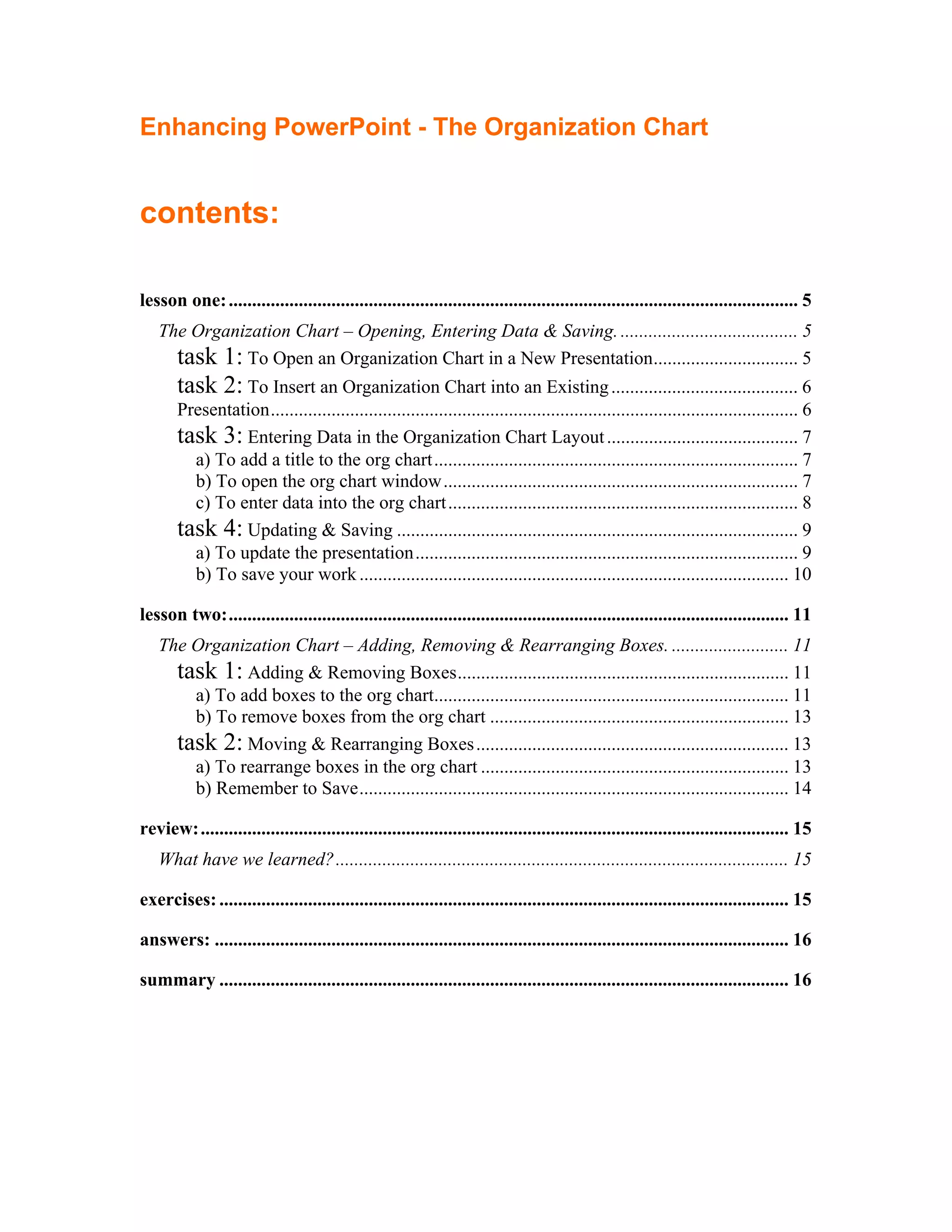
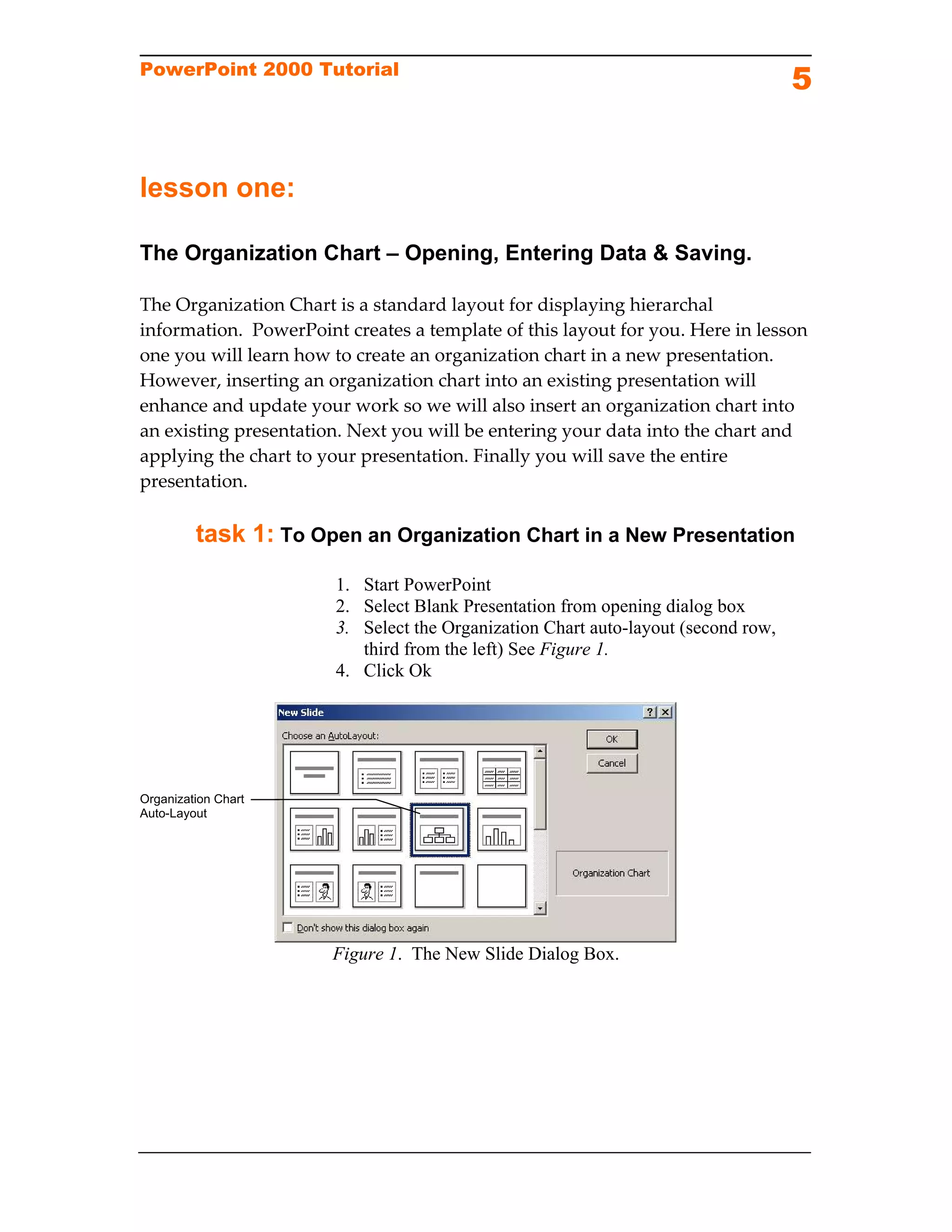
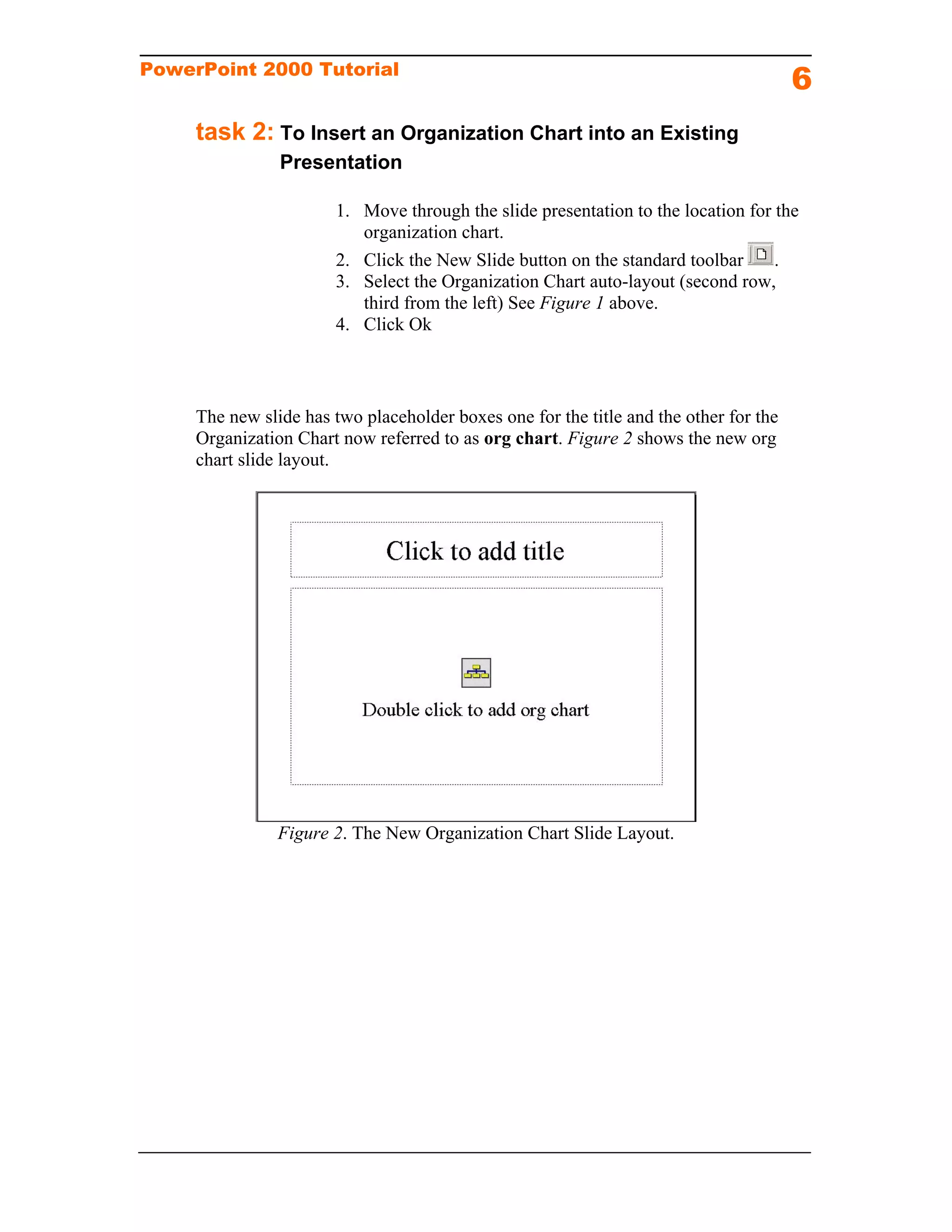
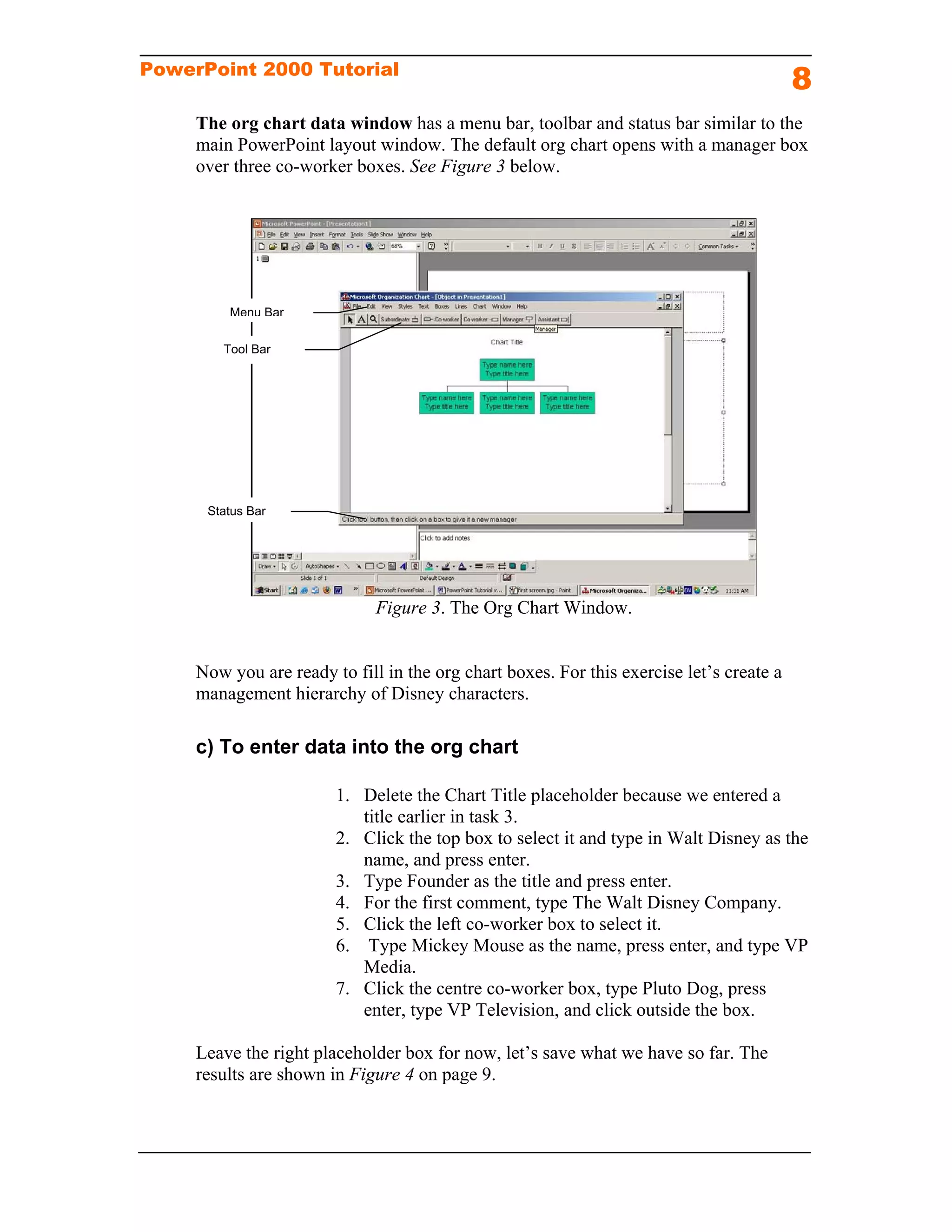
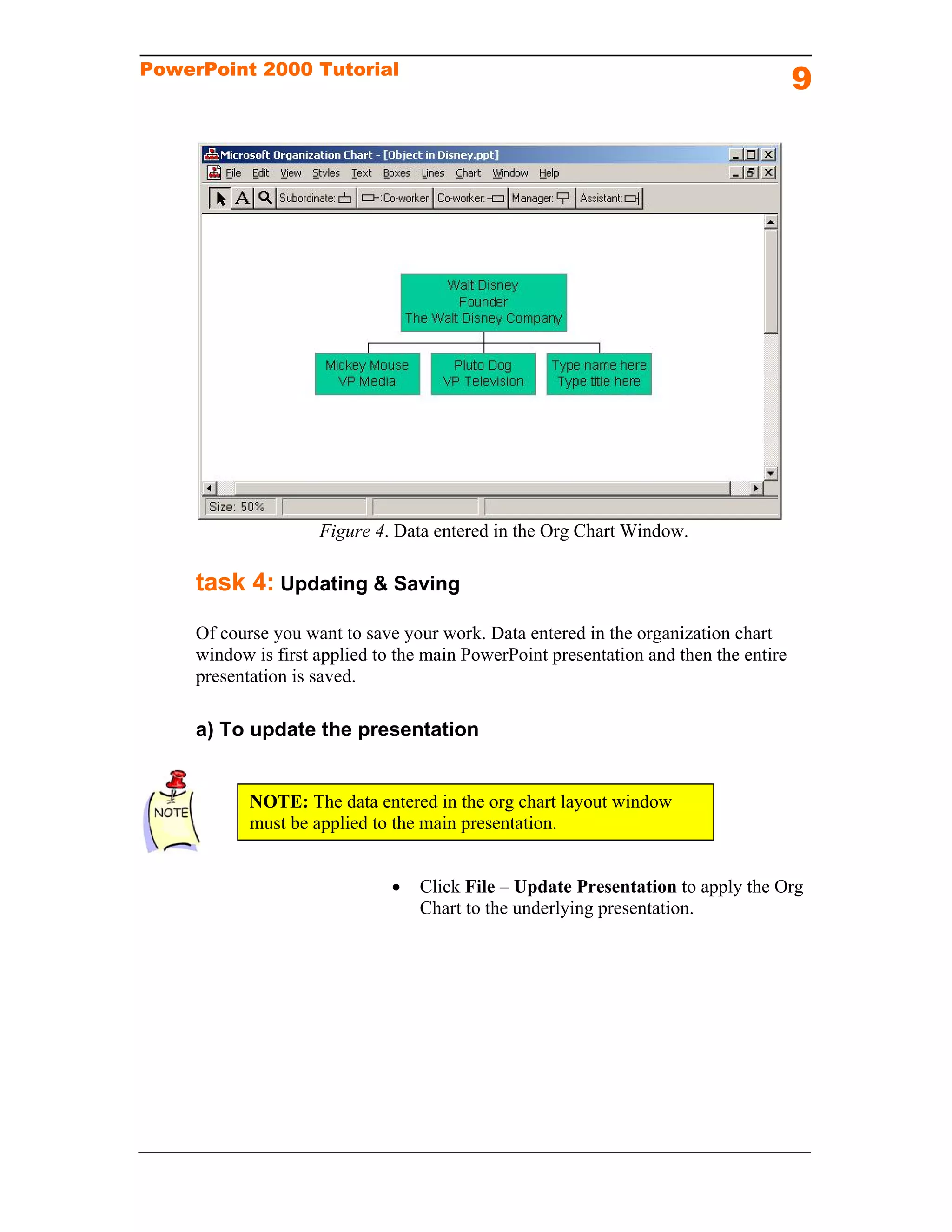
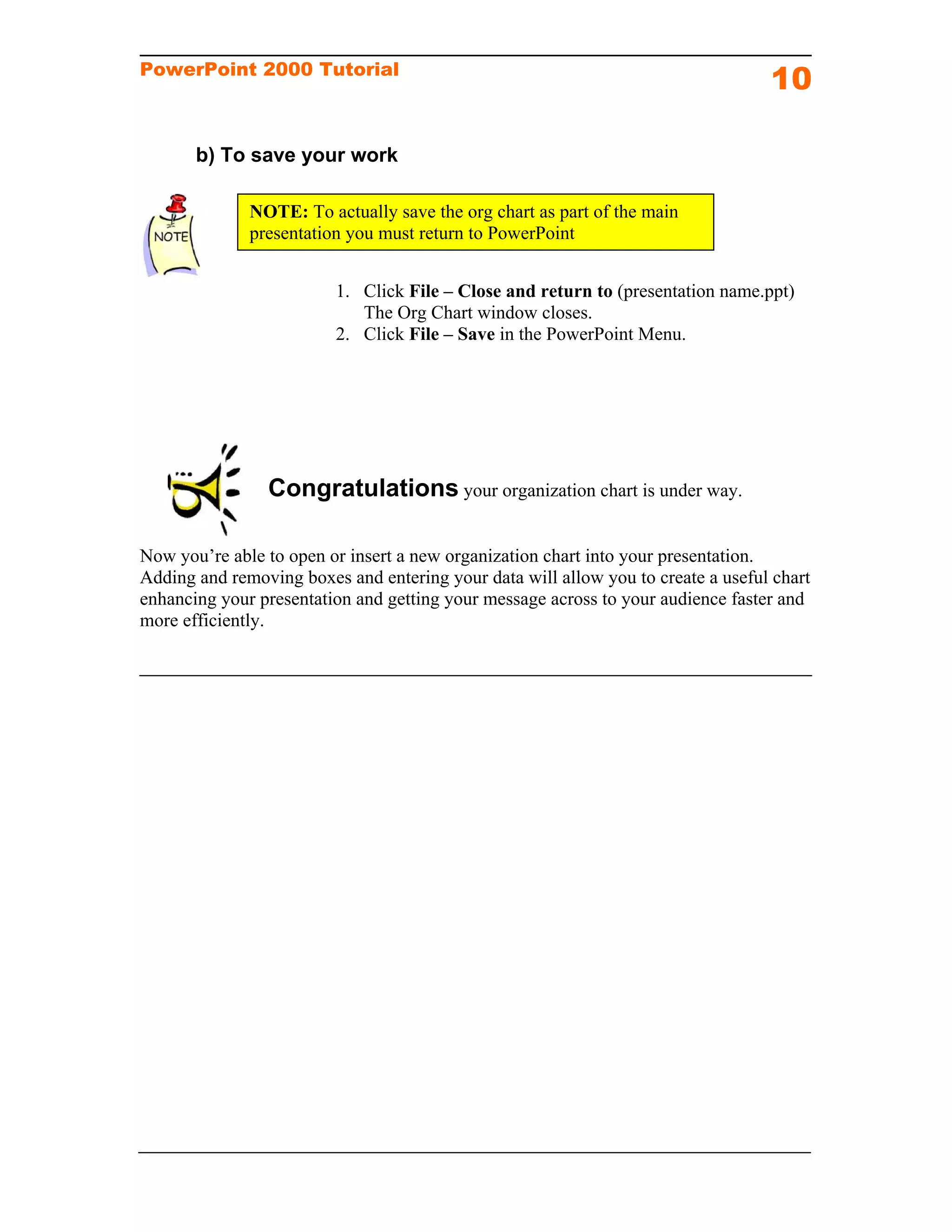
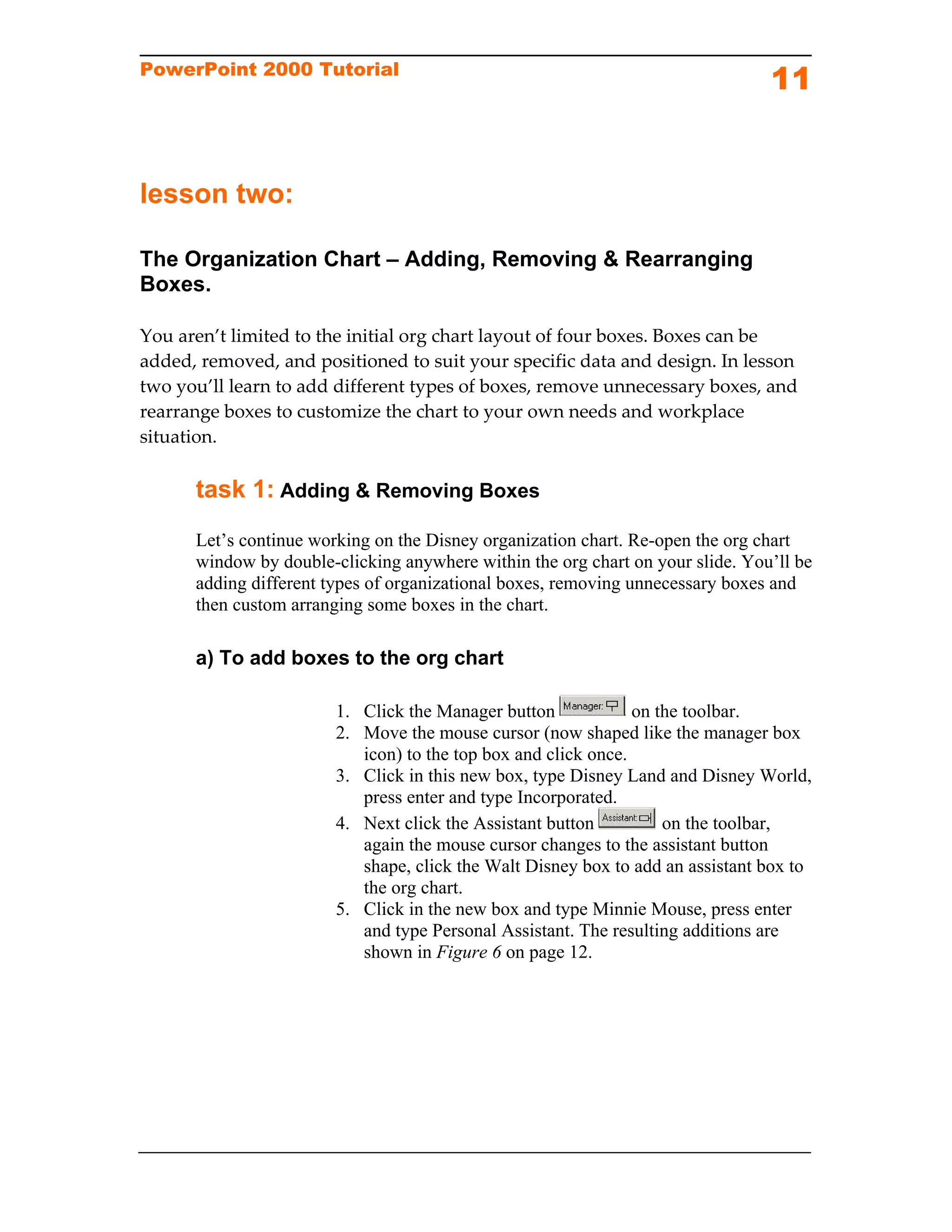
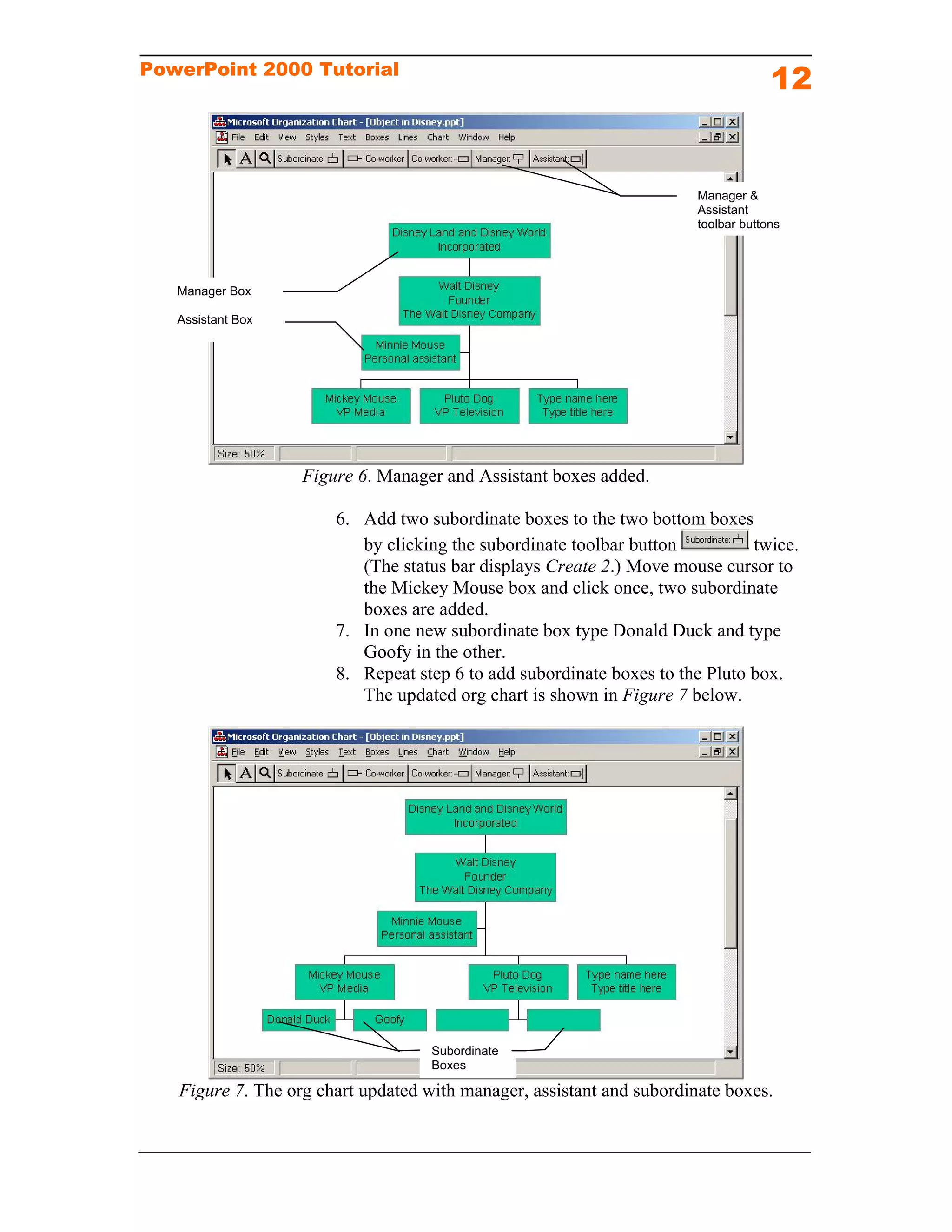
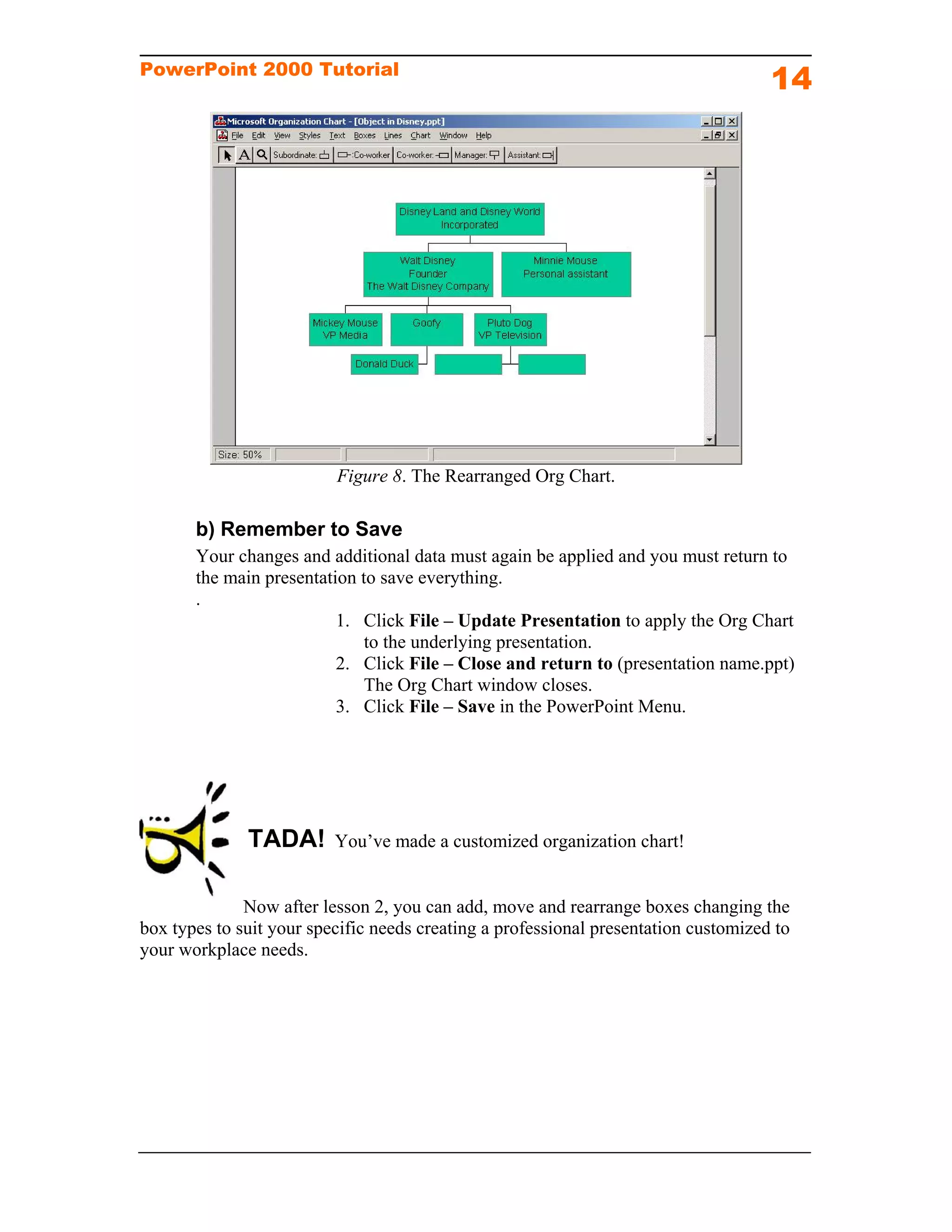
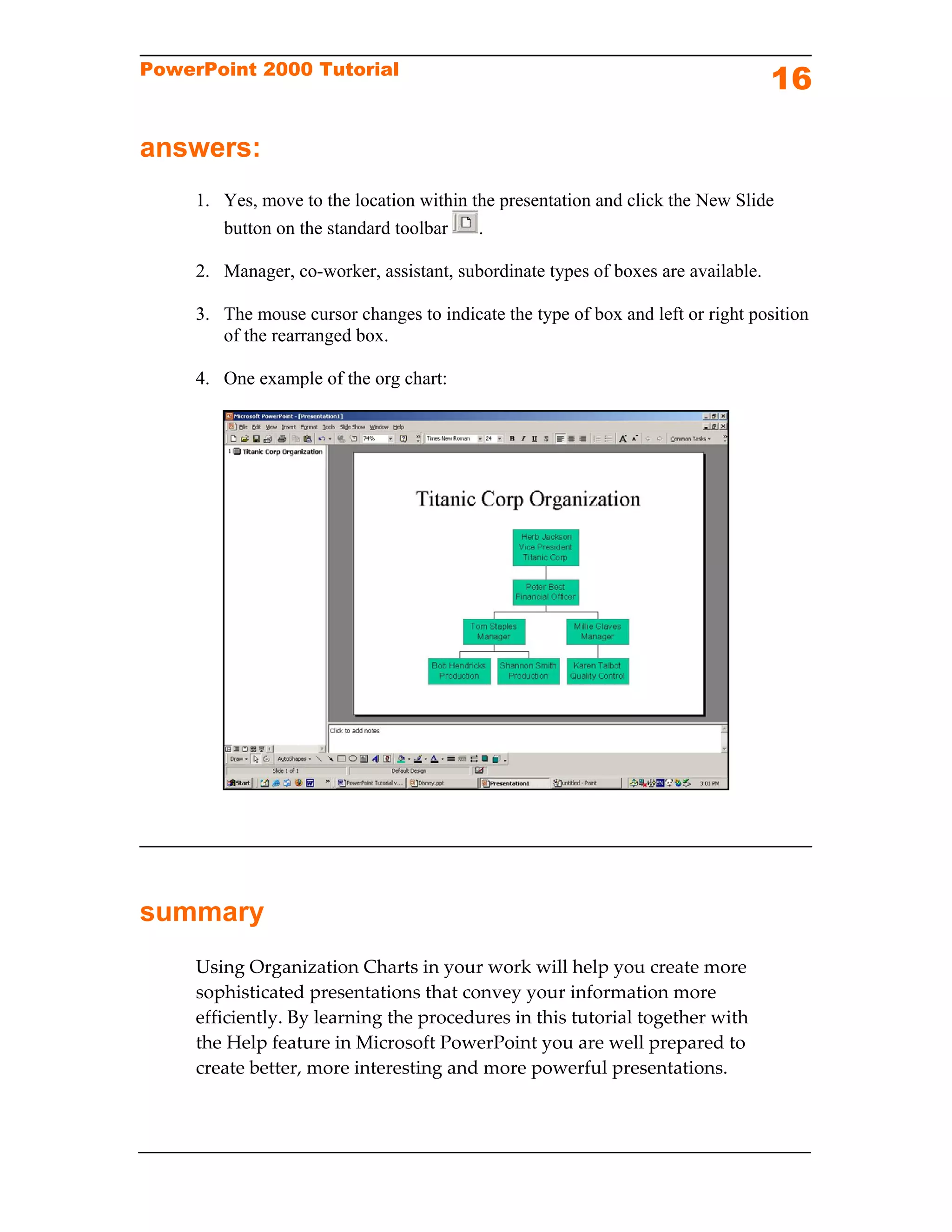

This tutorial teaches intermediate PowerPoint users how to create and customize organization charts. It provides instructions on how to open an organization chart, enter data, add and remove boxes, and rearrange boxes. The goal is to help users visually present hierarchical information in a way that enhances understanding for audiences. The tutorial contains two lessons - the first covers opening, entering data, and saving an organization chart, while the second focuses on customizing charts by adding, removing and moving boxes.


