Download as PDF, PPTX
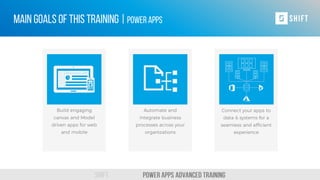
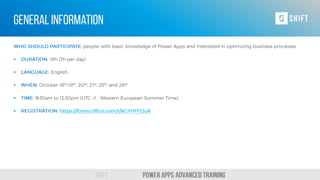
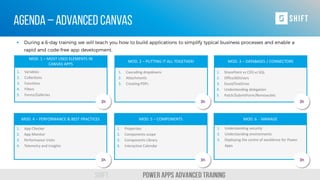
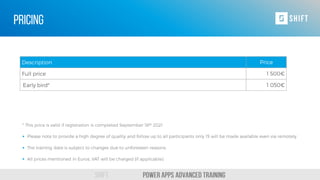
This document outlines a training agenda for delivering a simpler future with Power Apps. The training consists of six modules that cover the most used elements in Canvas apps, how to put elements together, databases and connectors, performance best practices, components, and managing apps. Each module is three hours and will teach attendees key topics like variables, filters, forms, SharePoint vs CDS, app checker, security, and creating PDFs.


![[DSC Europe 25] Raul Cruz Bonilla - Harnessing GEN AI in Fashion, Luxury and ...](https://cdn.slidesharecdn.com/ss_thumbnails/me7nvup5thwqzwzblbvw-raul-cruz-harnessing-ai-en-luxury-260123083019-32ac5a43-thumbnail.jpg?width=640&height=640&fit=bounds)


![[DSC Europe 25] Predrag Maletic - Scaling AI in Banking – Our Strategic Journ...](https://cdn.slidesharecdn.com/ss_thumbnails/qu2onv0aruwlvqtygmxx-predrag-maletic-scaling-ai-in-banking-260123083019-6cf1da1d-thumbnail.jpg?width=640&height=640&fit=bounds)


