알아봅시다, Polymer: Web Components & Web Animations
GDG Korea WebTech : 시작하세요, Polymer, Oct, 11, 2014.
Let's learn about specifications before diving into Polymer:
- Web Components
- Web Animations
This slide includes resources from HTML5Rocks, Polymer and PolyTechnic.
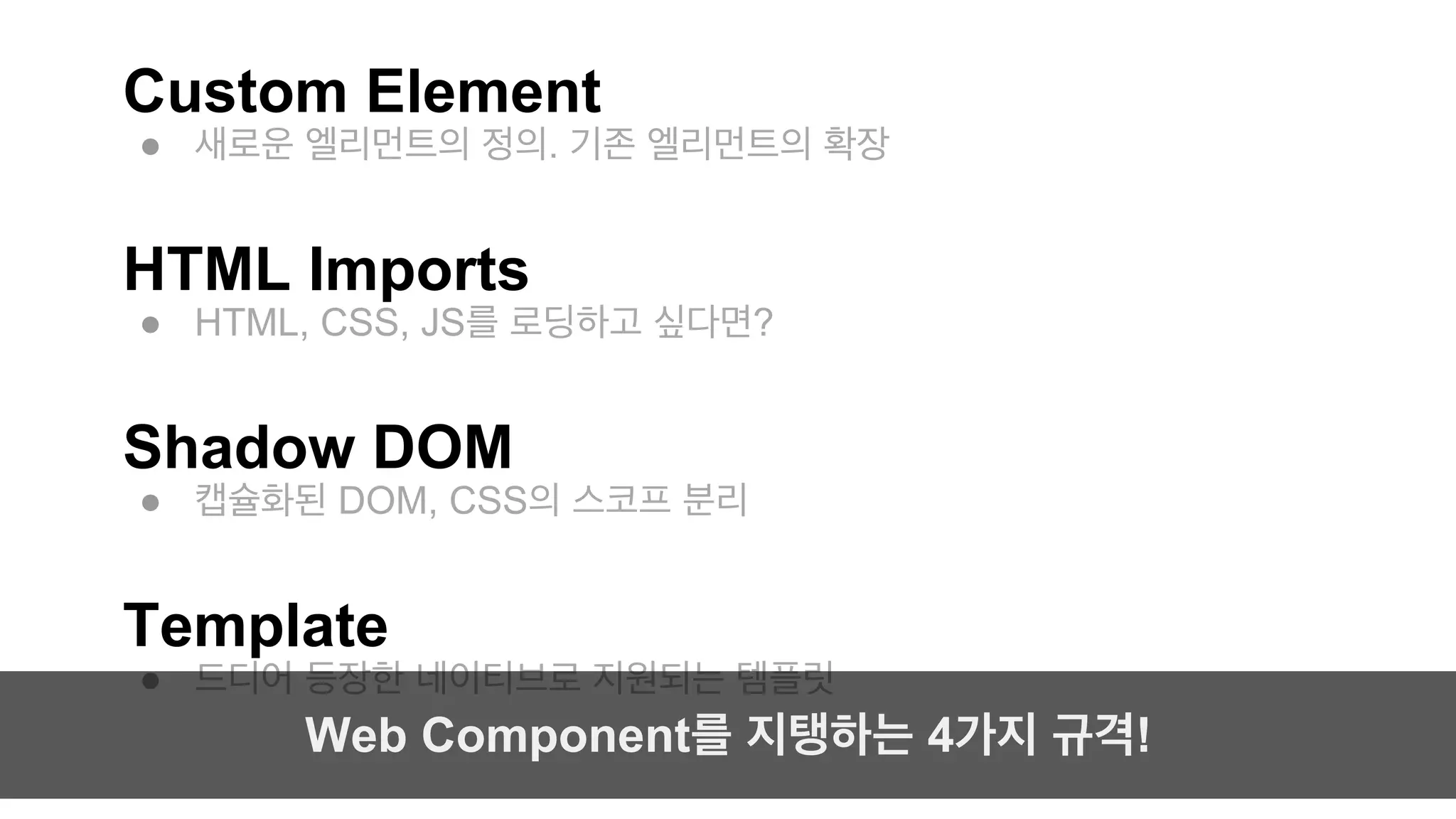
Custom Element
●새로운 엘리먼트의 정의. 기존 엘리먼트의 확장
HTML Imports
● HTML, CSS, JS를 로딩하고 싶다면?
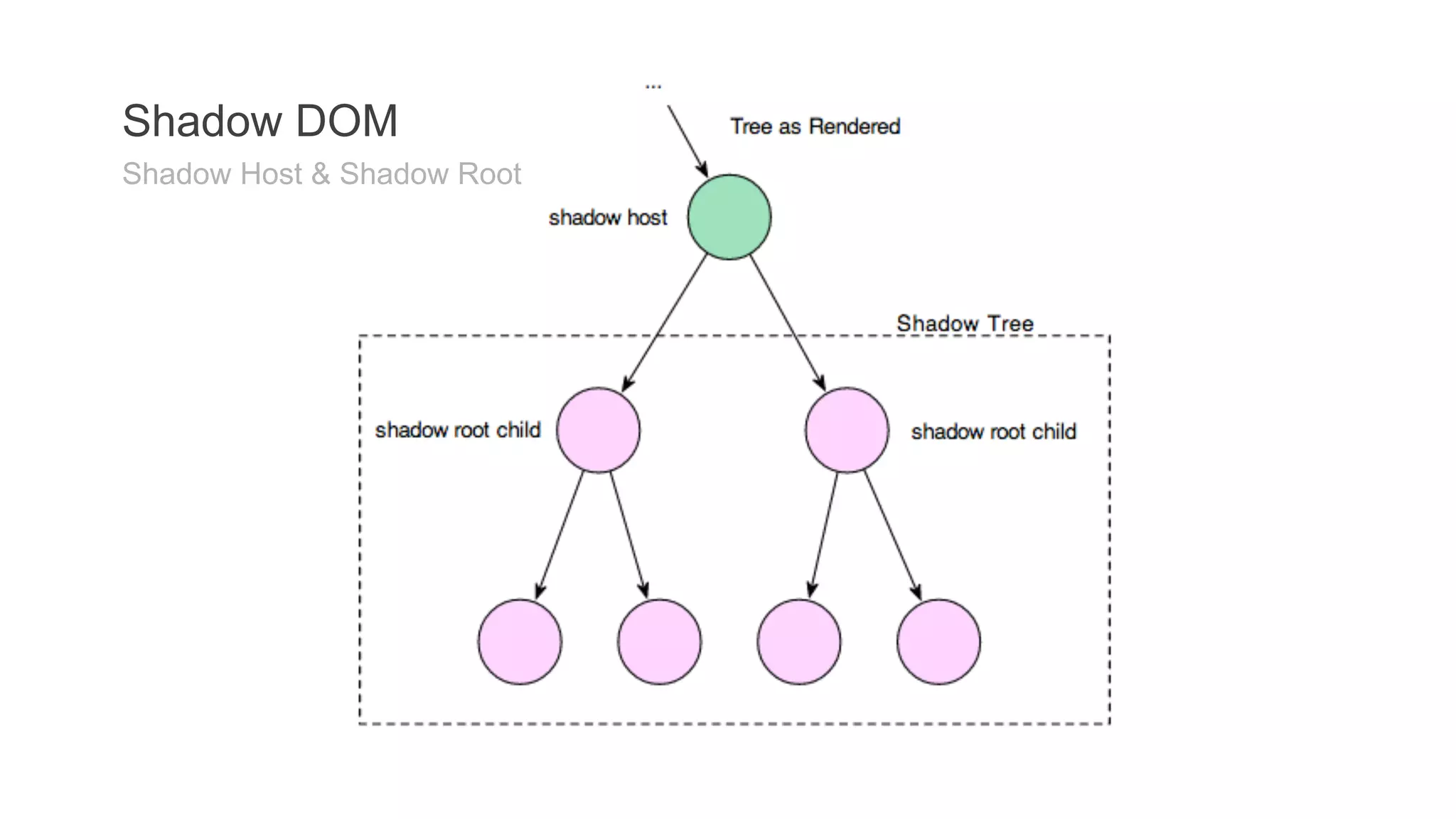
Shadow DOM
● 캡슐화된 DOM, CSS의 스코프 분리
Template
● 드디어 등장한 네이티브로 지원되는 템플릿
Web Component를 지탱하는 4가지 규격!
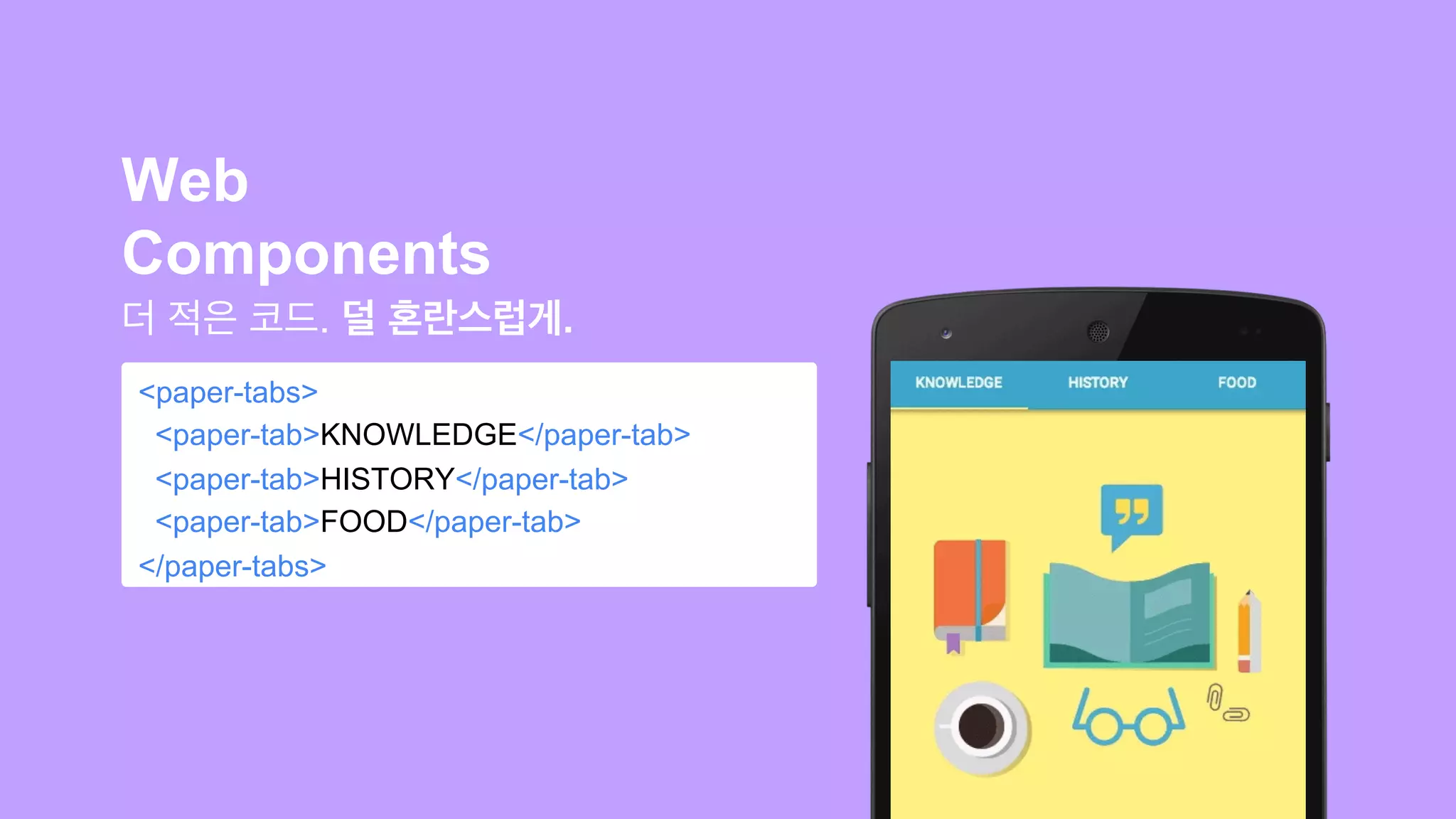
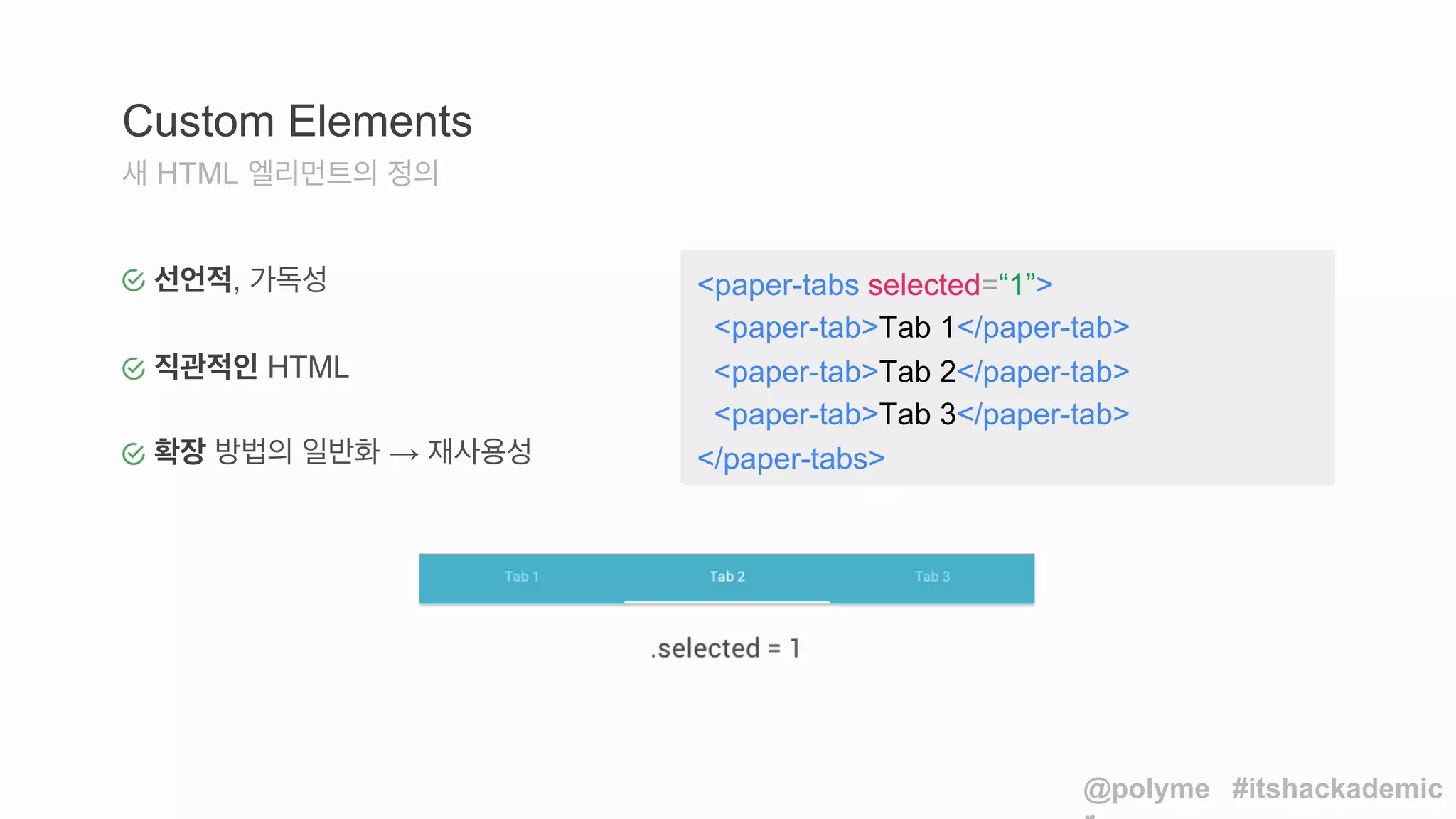
<paper-tabs selected=“1”>
<paper-tab>Tab1</paper-tab>
<paper-tab>Tab 2</paper-tab>
<paper-tab>Tab 3</paper-tab>
</paper-tabs>
Custom Elements
새 HTML 엘리먼트의 정의
선언적, 가독성
직관적인 HTML
확장 방법의 일반화 → 재사용성
@polyme
r
#itshackademic
20.
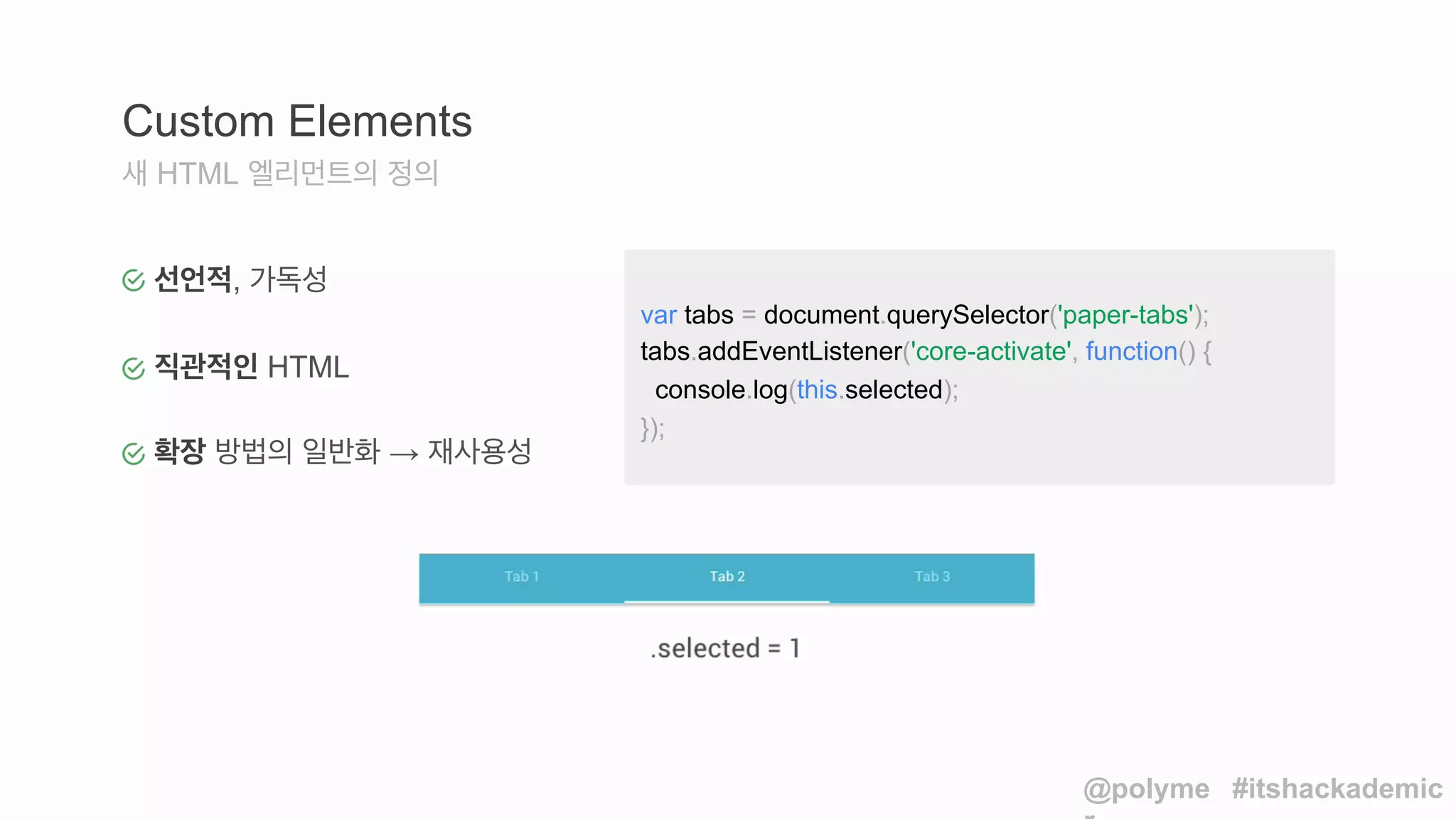
Custom Elements
새HTML 엘리먼트의 정의
var tabs = document.querySelector('paper-tabs');
tabs.addEventListener('core-activate', function() {
console.log(this.selected);
});
@polyme
r
#itshackademic
선언적, 가독성
직관적인 HTML
확장 방법의 일반화 → 재사용성
21.
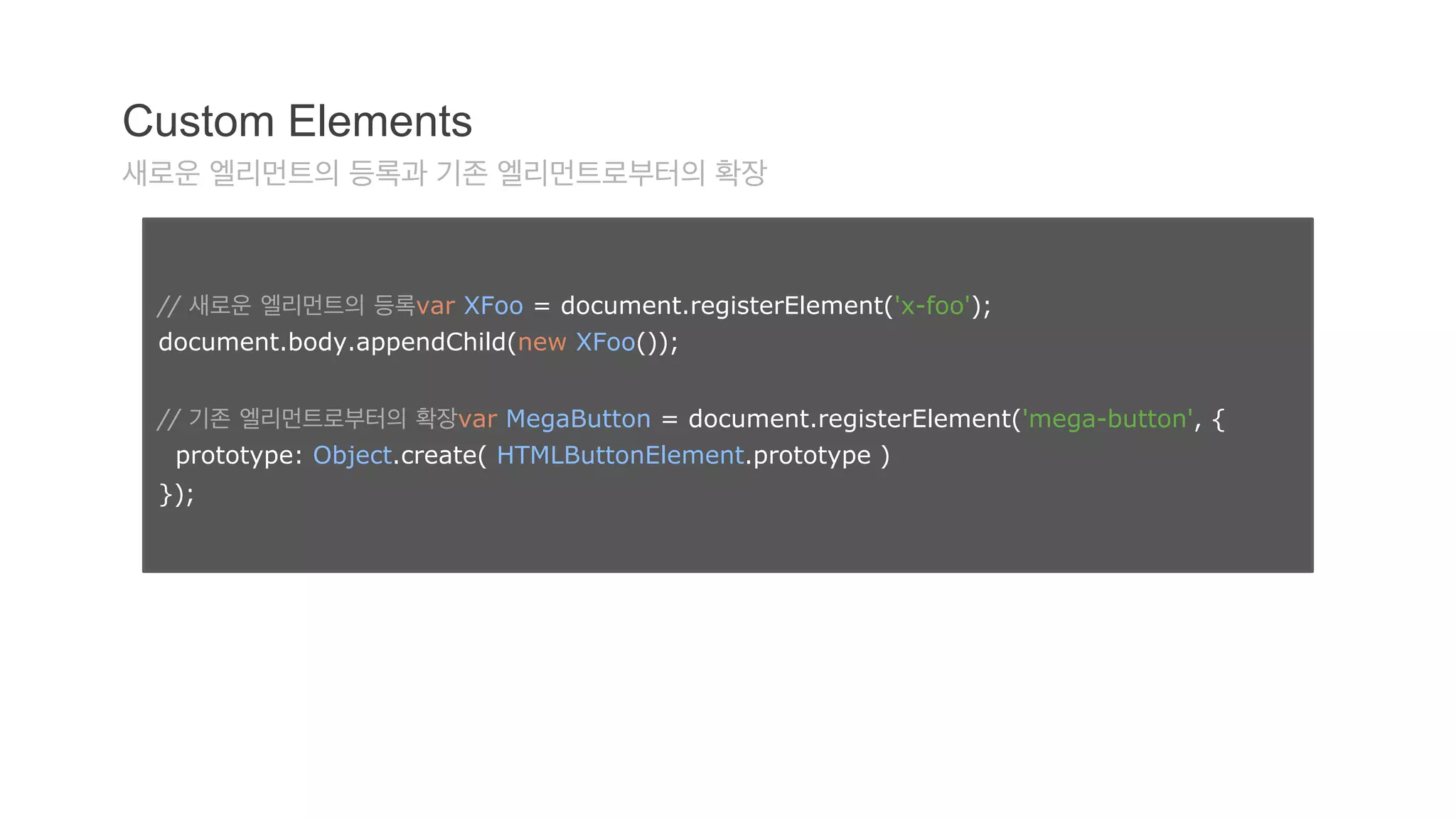
Custom Elements
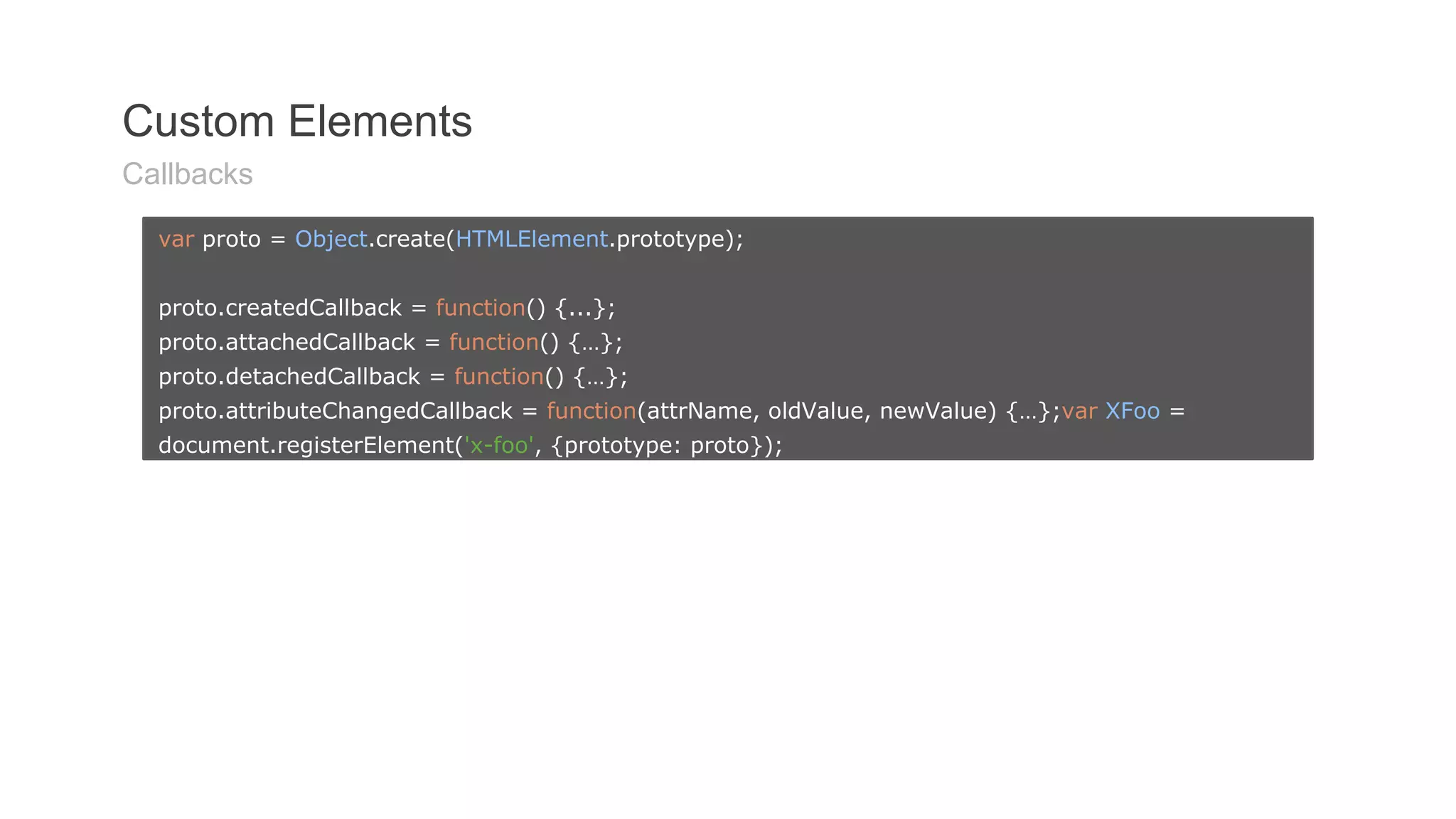
새로운엘리먼트의 등록과 기존 엘리먼트로부터의 확장
// 새로운 엘리먼트의 등록var XFoo = document.registerElement('x-foo');
document.body.appendChild(new XFoo());
// 기존 엘리먼트로부터의 확장var MegaButton = document.registerElement('mega-button', {
prototype: Object.create( HTMLButtonElement.prototype )
});
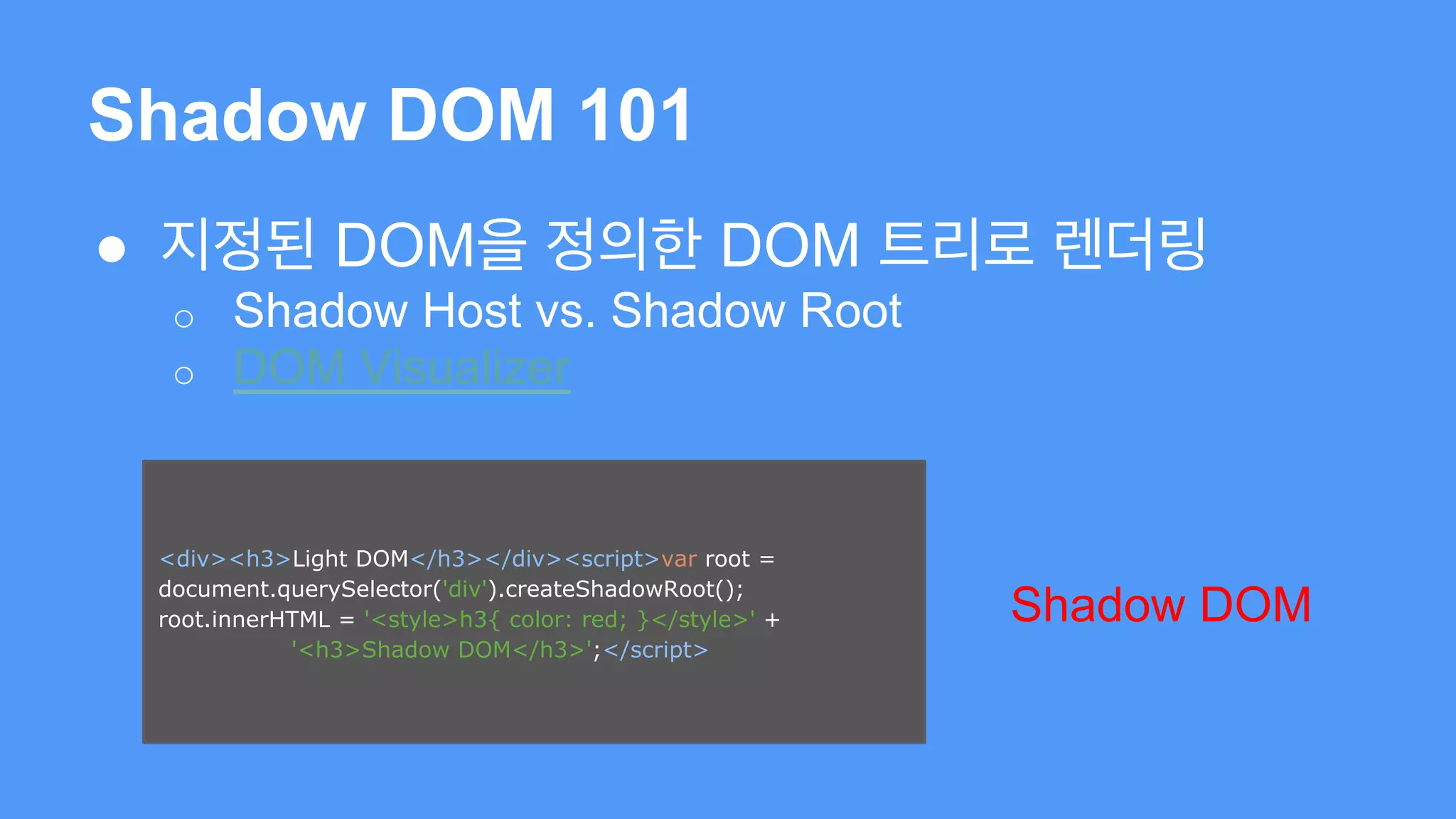
Shadow DOM 101
● 지정된 DOM을 정의한 DOM 트리로 렌더링
o Shadow Host vs. Shadow Root
o DOM Visualizer
<div><h3>Light DOM</h3></div><script>var root =
document.querySelector('div').createShadowRoot();
root.innerHTML = '<style>h3{ color: red; }</style>' +
'<h3>Shadow DOM</h3>';</script>
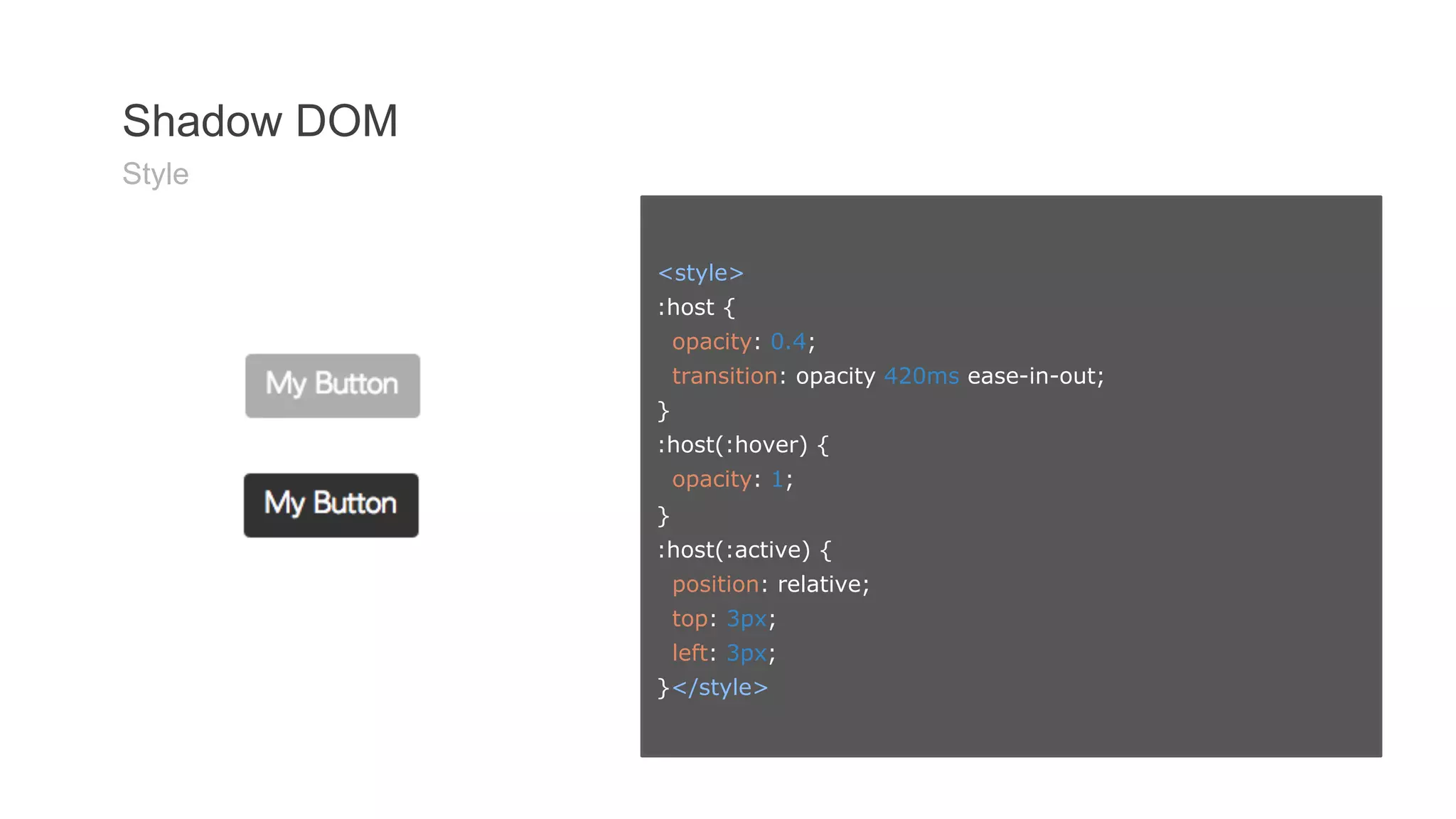
Shadow DOM
Shadow DOM 201
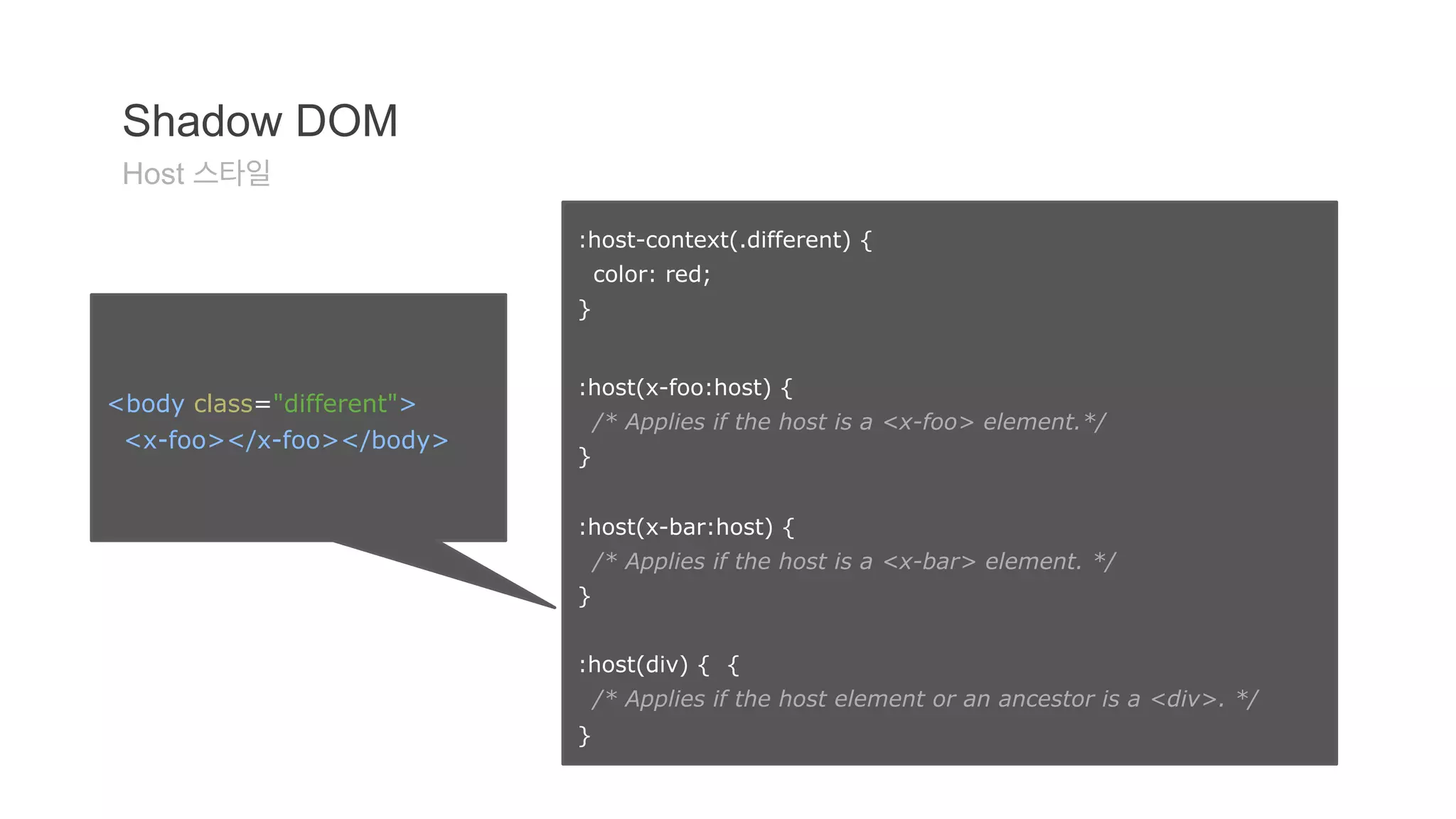
:host-context(.different) {
color: red;
}
:host(x-foo:host) {
/* Applies if the host is a <x-foo> element.*/
}
:host(x-bar:host) {
/* Applies if the host is a <x-bar> element. */
}
:host(div) { {
/* Applies if the host element or an ancestor is a <div>. */
}
Shadow DOM
Host 스타일
<body class="different">
<x-foo></x-foo></body>
32.
Shadow DOM 201
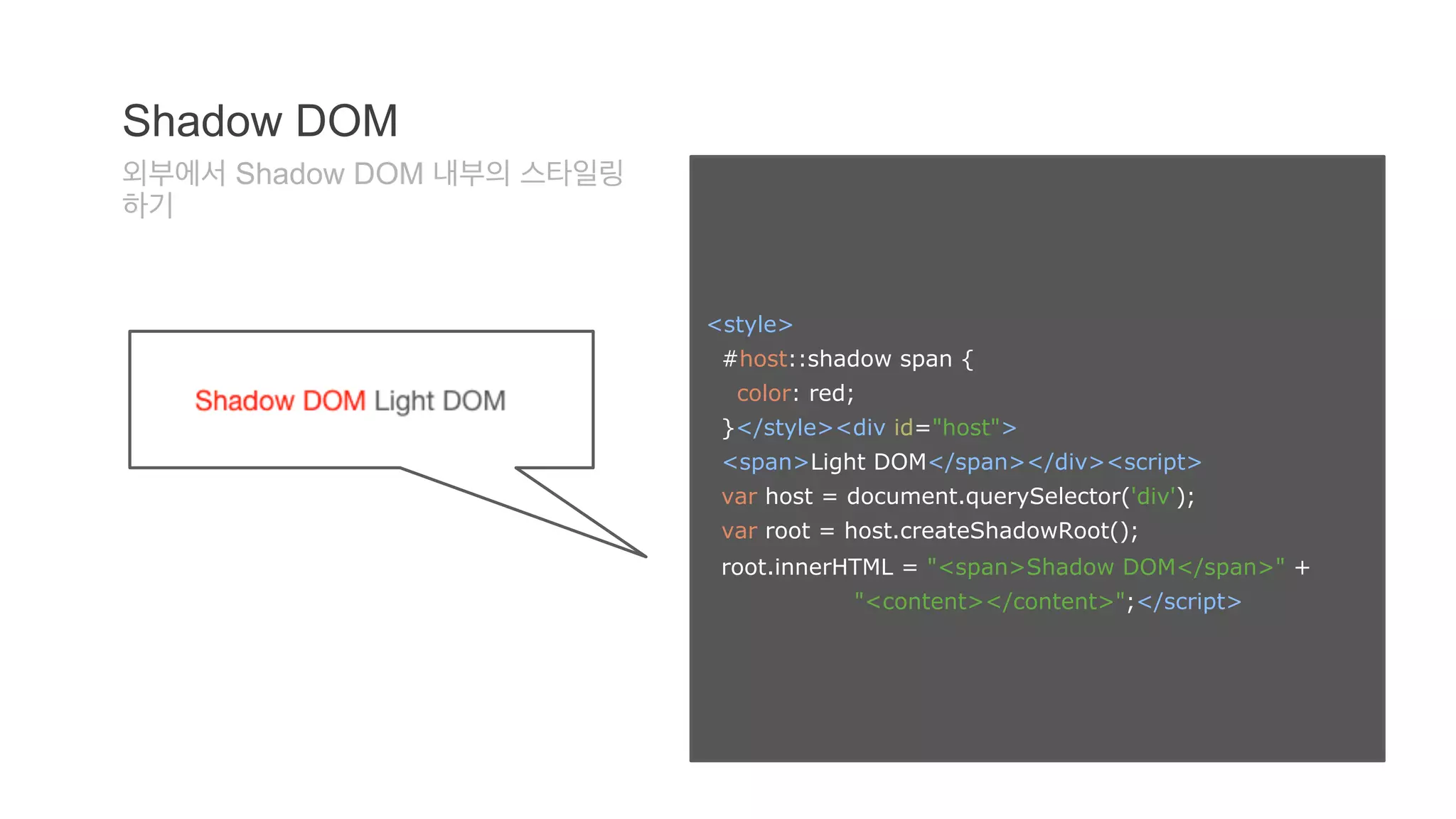
<style>
#host::shadow span {
color: red;
}</style><div id="host">
<span>Light DOM</span></div><script>
var host = document.querySelector('div');
var root = host.createShadowRoot();
root.innerHTML = "<span>Shadow DOM</span>" +
"<content></content>";</script>
Shadow DOM
외부에서 Shadow DOM 내부의 스타일링
하기
33.
Shadow DOM 201
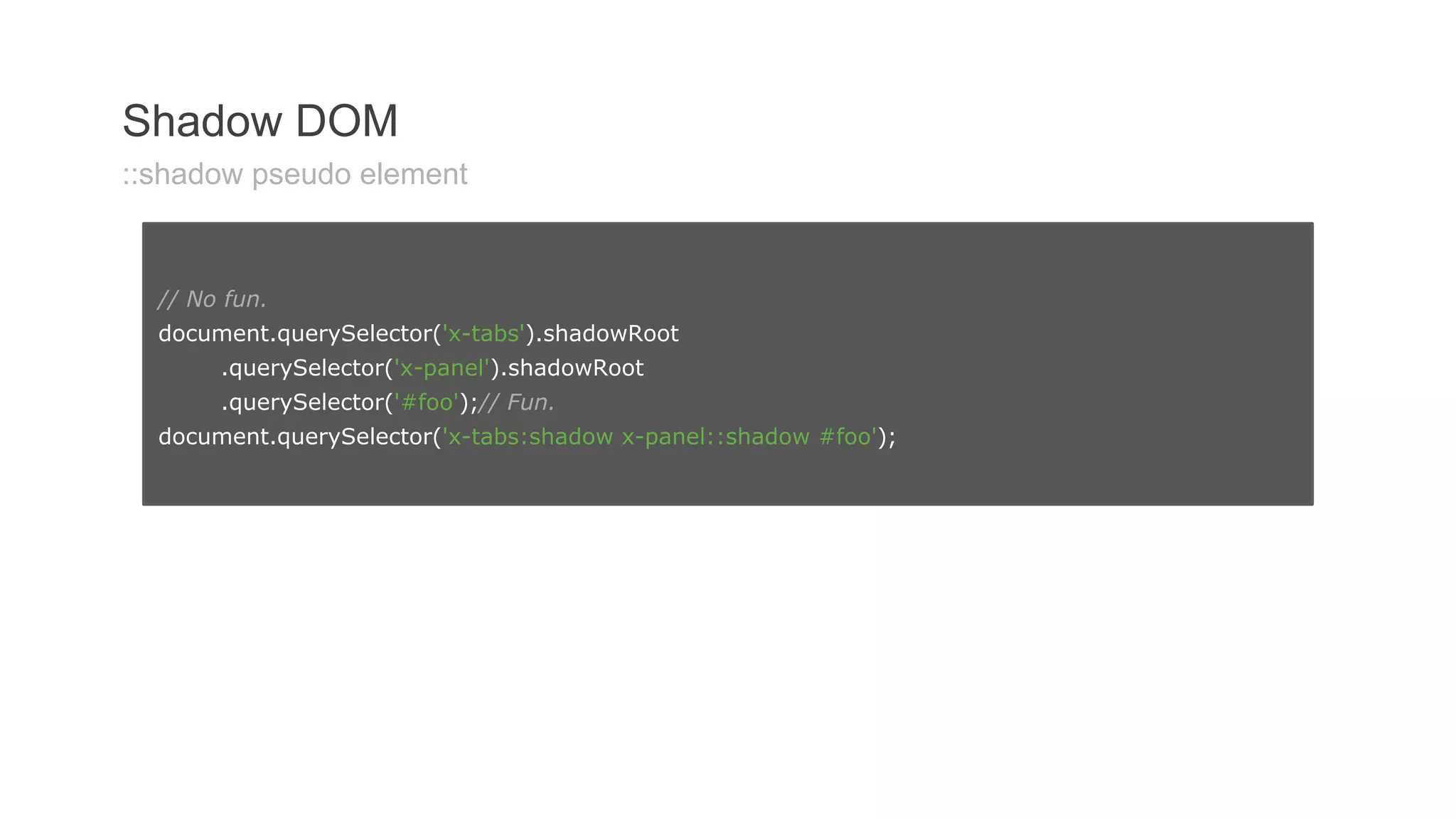
Shadow DOM
::shadow pseudo element
// No fun.
document.querySelector('x-tabs').shadowRoot
.querySelector('x-panel').shadowRoot
.querySelector('#foo');// Fun.
document.querySelector('x-tabs:shadow x-panel::shadow #foo');
34.
Shadow DOM 201
Shadow DOM
/deep/ combinator
x-tabs /deep/ x-panel {
...
}
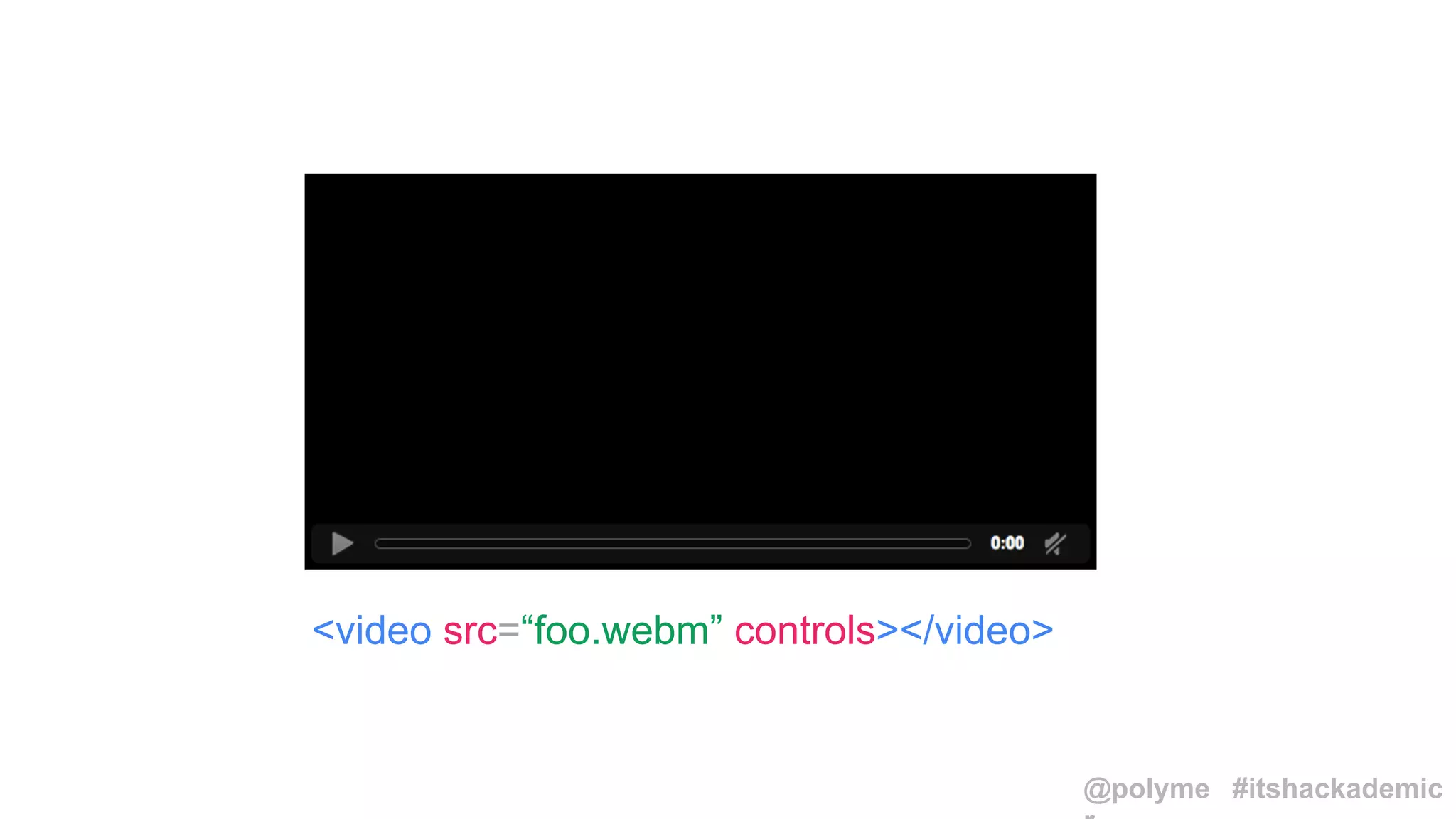
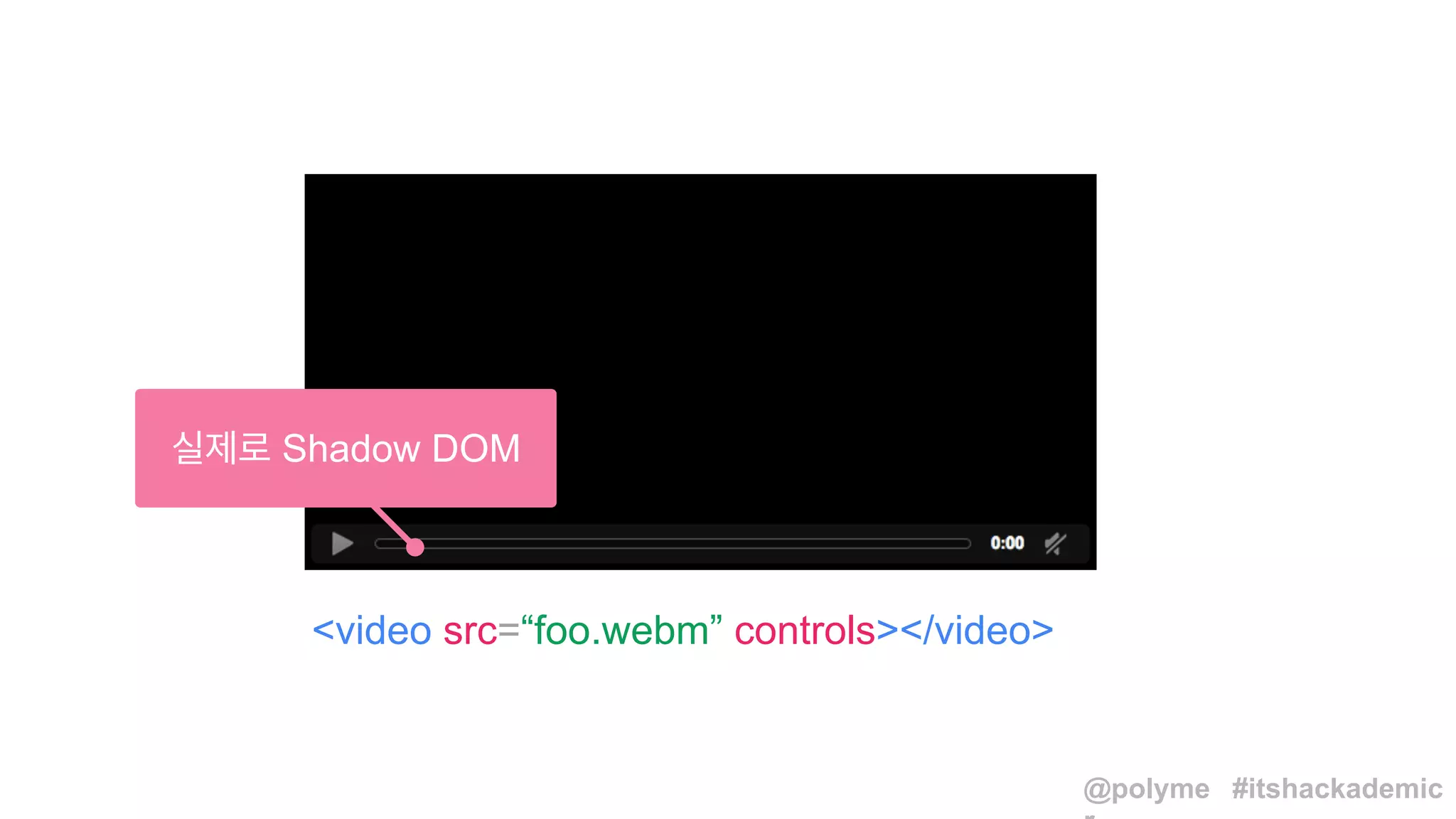
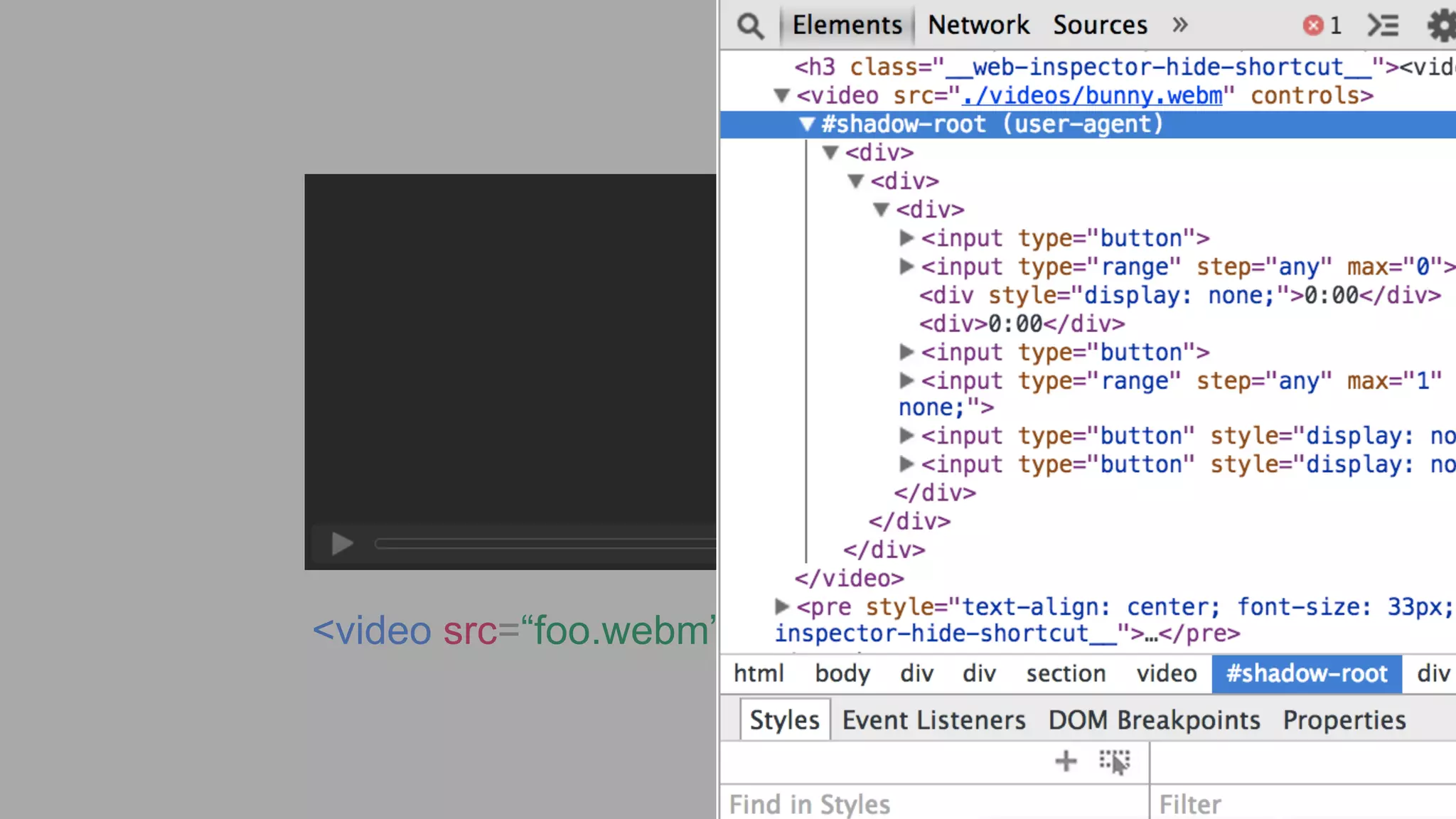
video /deep/ input[type="range"] {
background: hotpink;
}
var
compiled
=
_.template("hello:
<%=
name
%>");
compiled({name:
'moe'});
=>
"hello:
moe"
<script type="text/template">
// ...
</script>
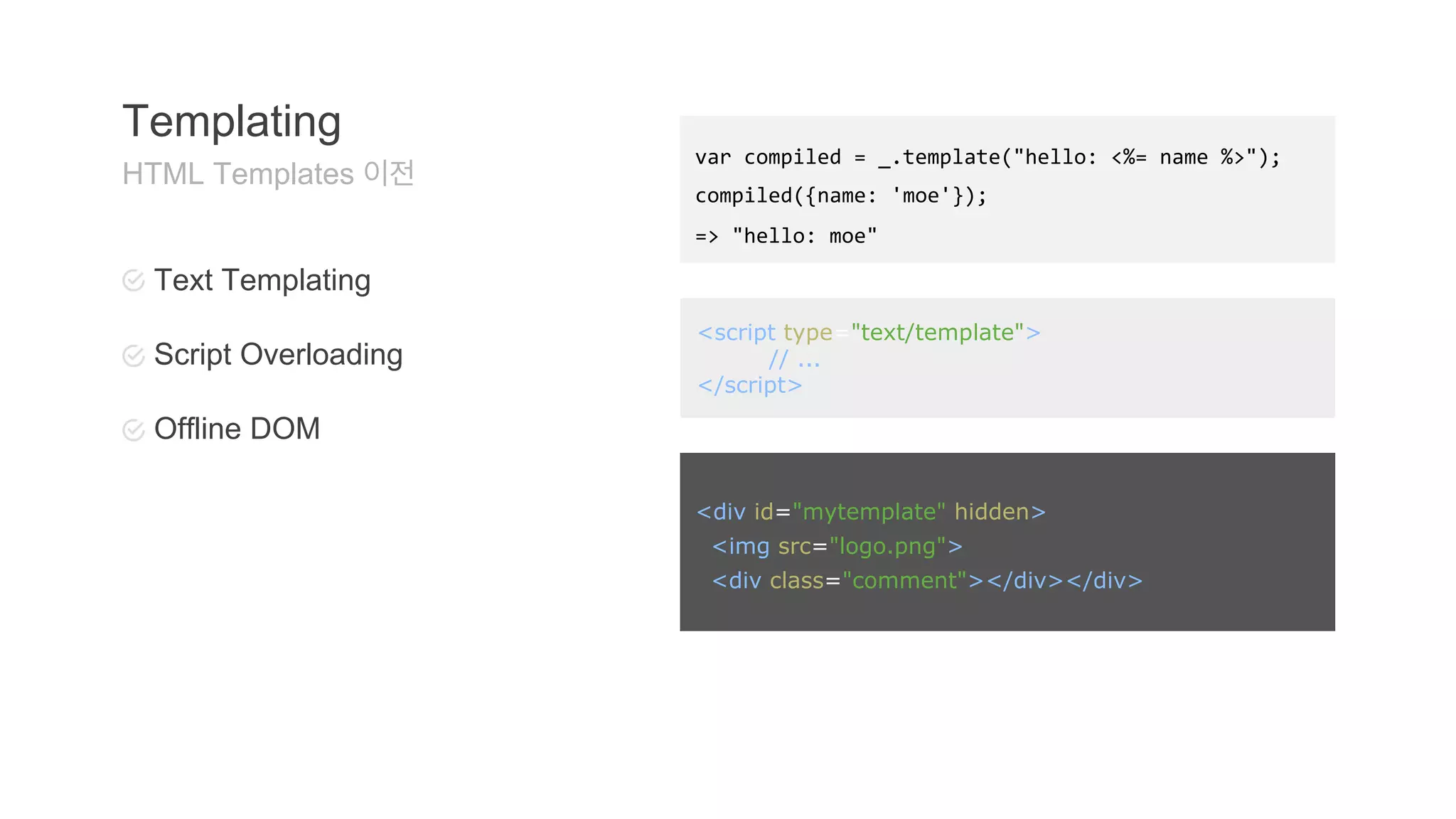
Templating
HTML Templates 이전
Text Templating
Script Overloading
Offline DOM
<div id="mytemplate" hidden>
<img src="logo.png">
<div class="comment"></div></div>
37.
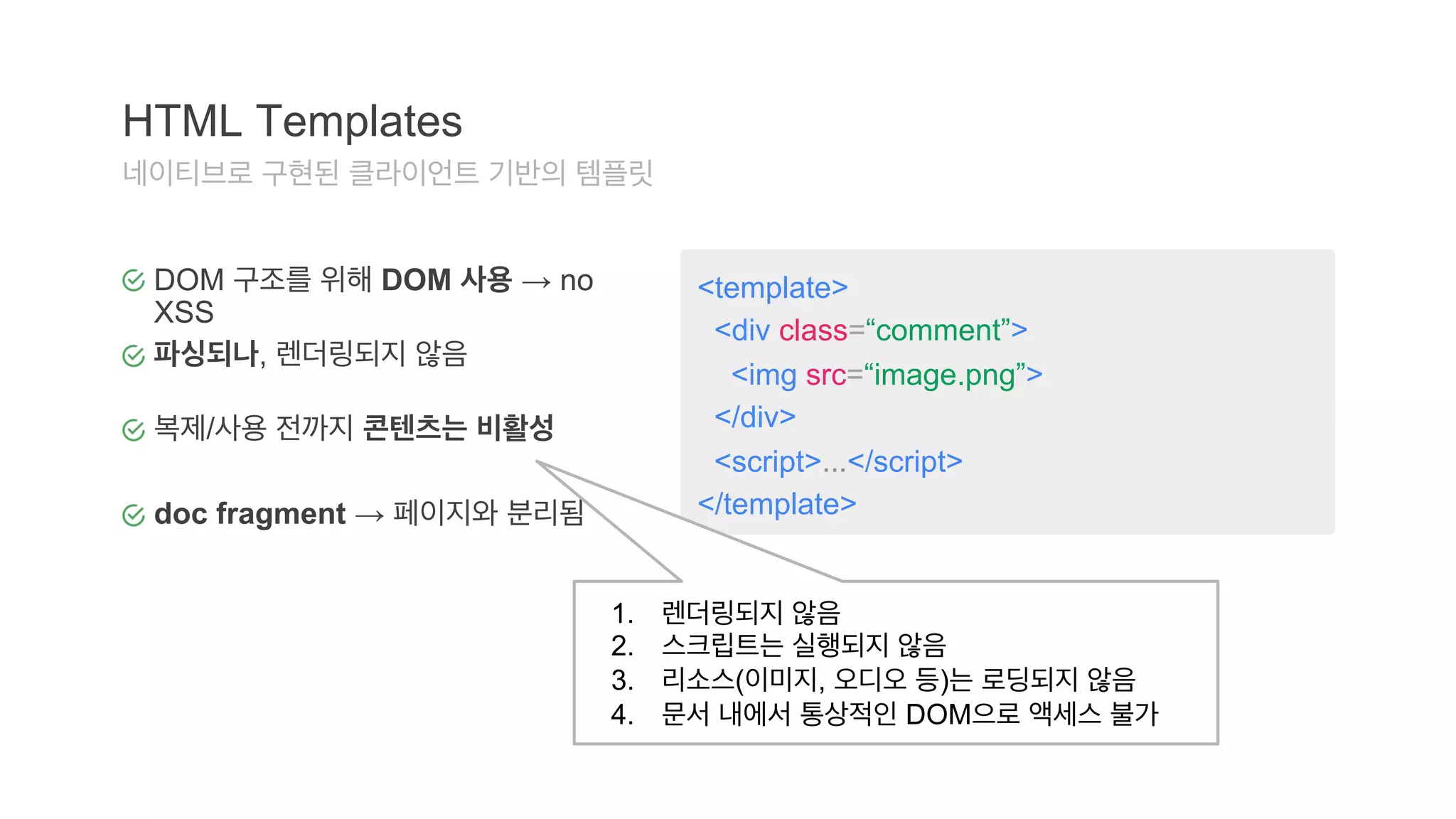
<template>
<div class=“comment”>
<img src=“image.png”>
</div>
<script>...</script>
</template>
HTML Templates
네이티브로 구현된 클라이언트 기반의 템플릿
DOM 구조를 위해 DOM 사용 → no
XSS
파싱되나, 렌더링되지 않음
복제/사용 전까지 콘텐츠는 비활성
doc fragment → 페이지와 분리됨
1. 렌더링되지 않음
2. 스크립트는 실행되지 않음
3. 리소스(이미지, 오디오 등)는 로딩되지 않음
4. 문서 내에서 통상적인 DOM으로 액세스 불가
38.
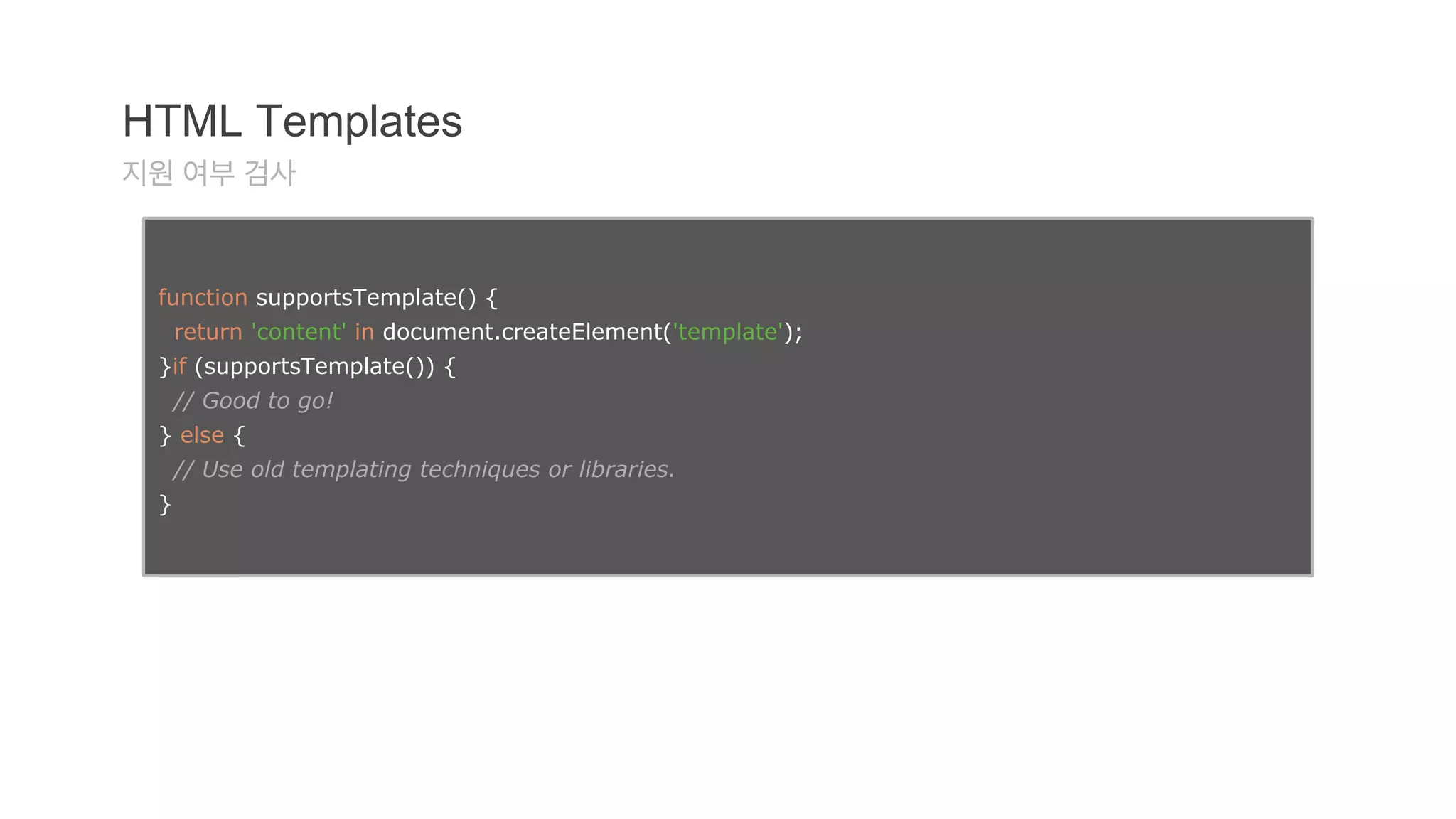
HTML Templates
지원여부 검사
function supportsTemplate() {
return 'content' in document.createElement('template');
}if (supportsTemplate()) {
// Good to go!
} else {
// Use old templating techniques or libraries.
}
39.
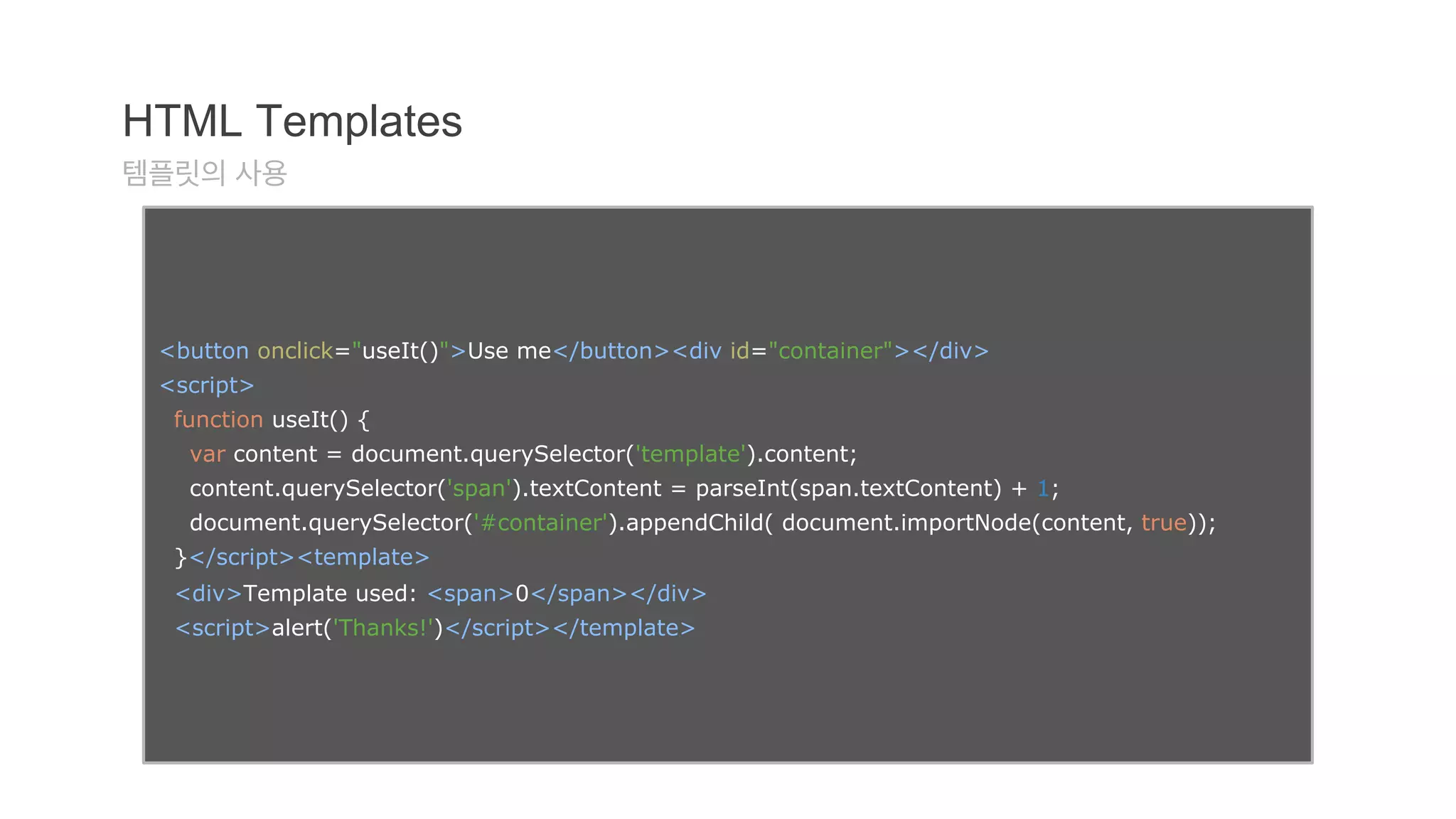
HTML Templates
템플릿의사용
<button onclick="useIt()">Use me</button><div id="container"></div>
<script>
function useIt() {
var content = document.querySelector('template').content;
content.querySelector('span').textContent = parseInt(span.textContent) + 1;
document.querySelector('#container').appendChild( document.importNode(content, true));
}</script><template>
<div>Template used: <span>0</span></div>
<script>alert('Thanks!')</script></template>
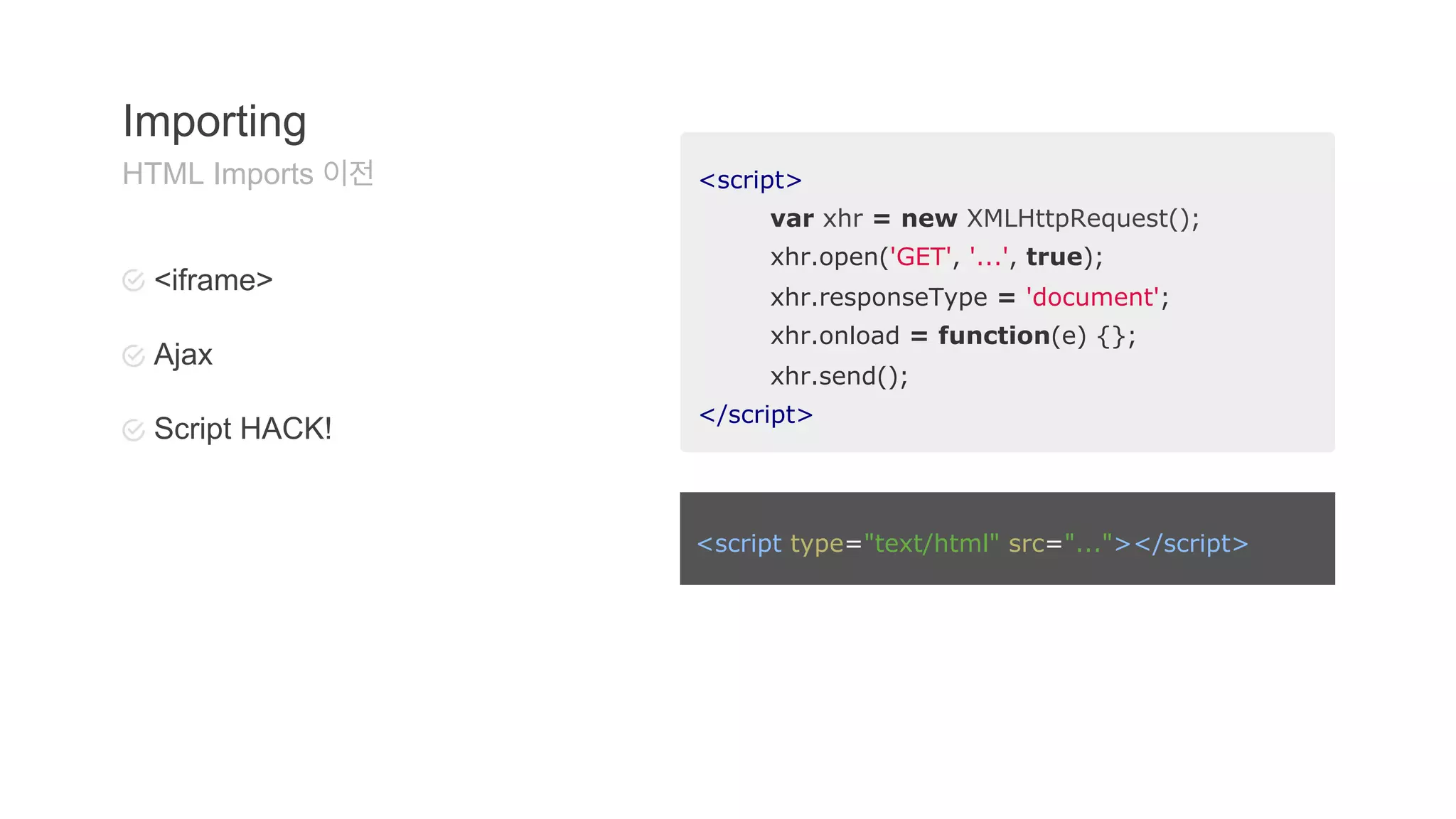
<script>
var xhr= new XMLHttpRequest();
xhr.open('GET', '...', true);
xhr.responseType = 'document';
xhr.onload = function(e) {};
xhr.send();
</script>
Importing
HTML Imports 이전
<iframe>
Ajax
Script HACK!
<script type="text/html" src="..."></script>
42.
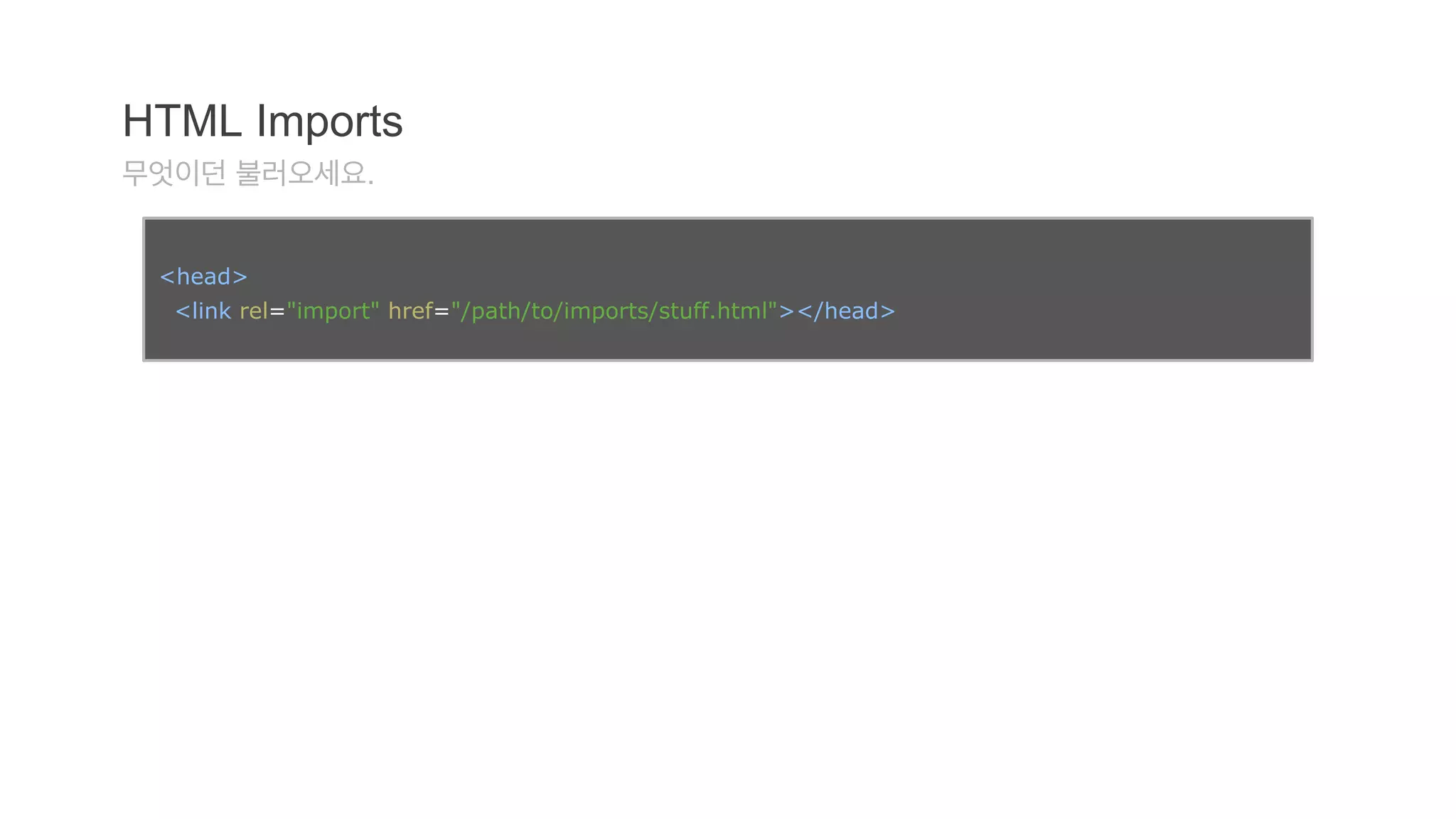
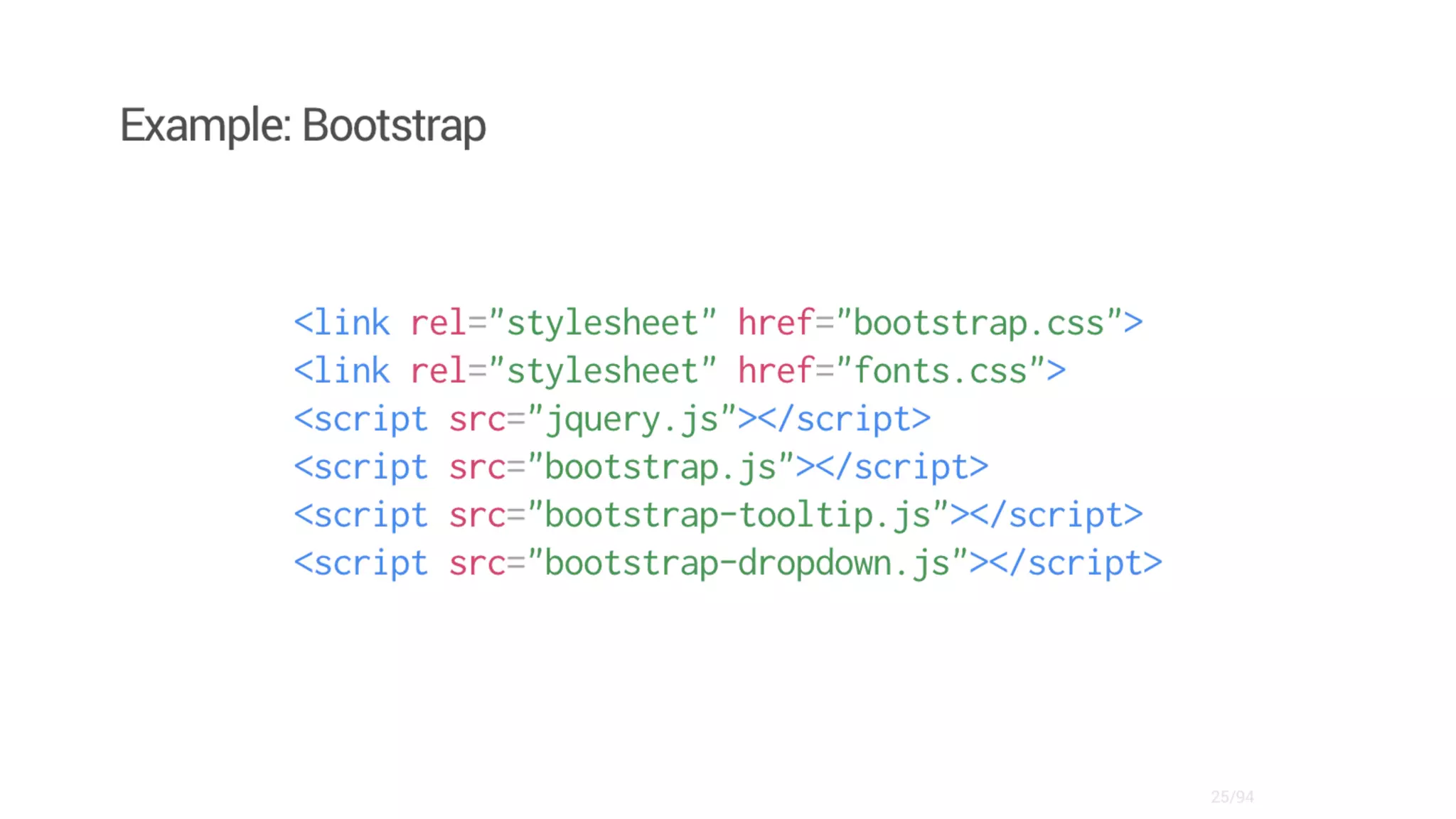
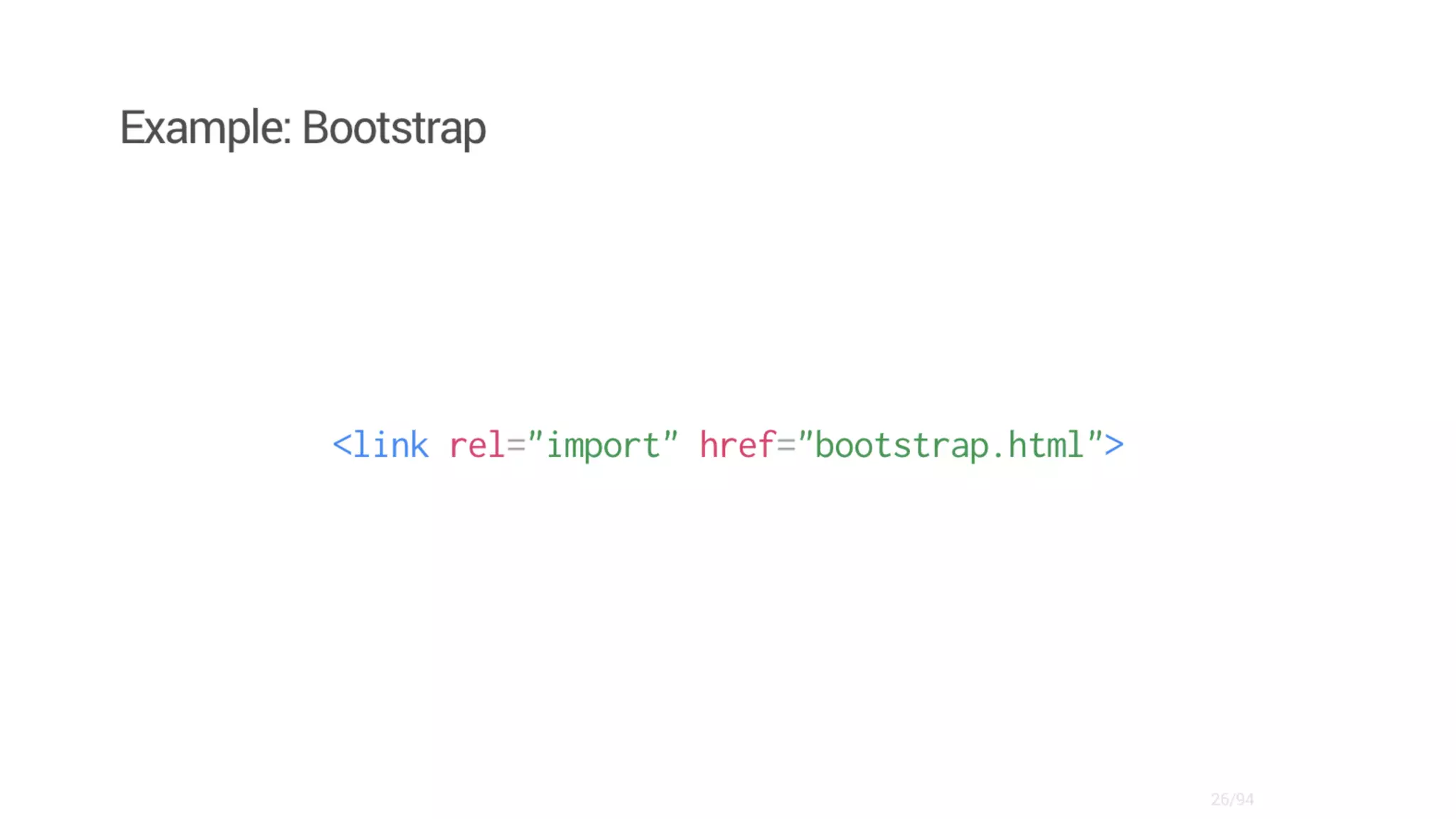
HTML Imports
무엇이던불러오세요.
<head>
<link rel="import" href="/path/to/imports/stuff.html"></head>
45.
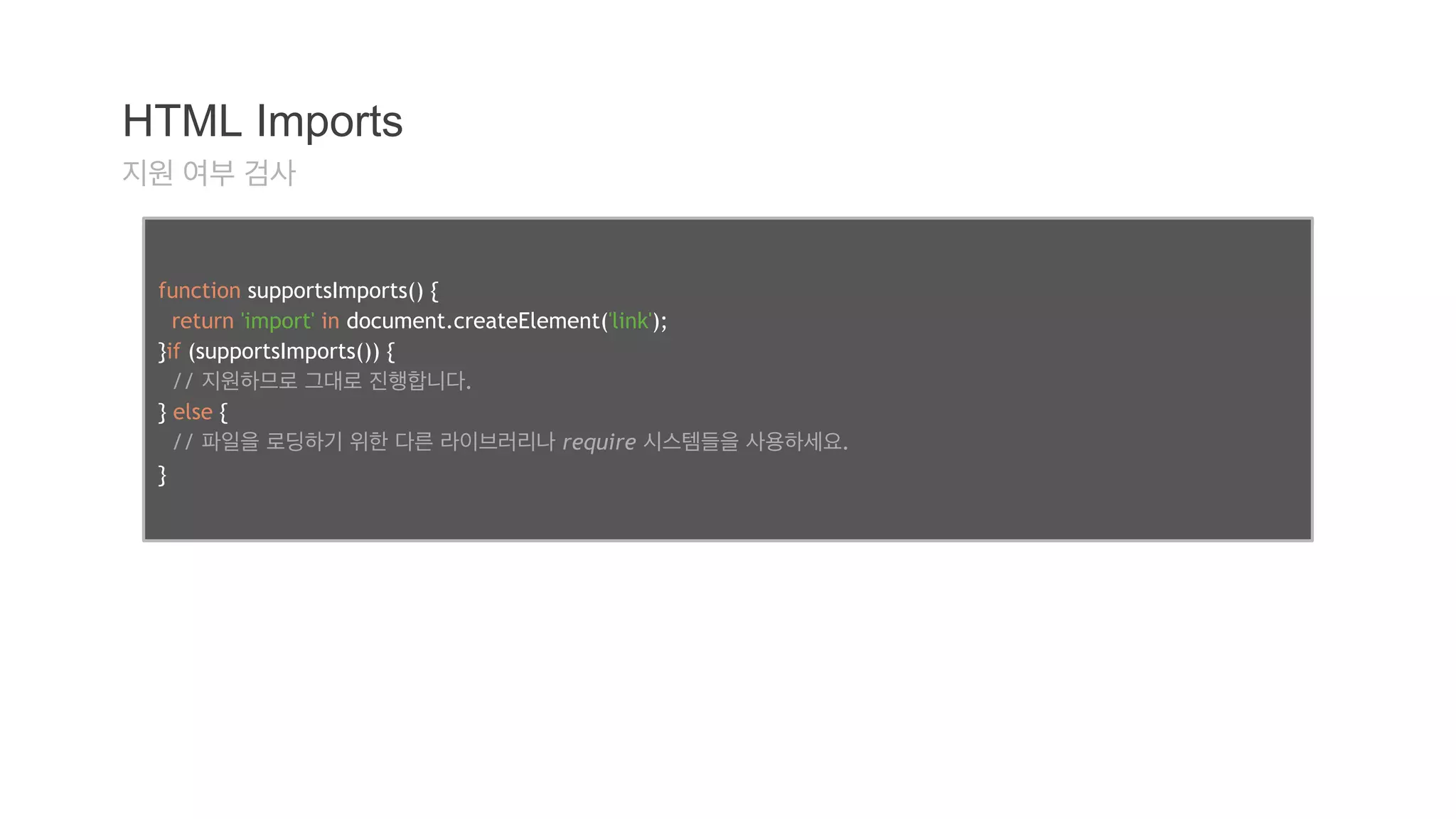
HTML Imports
지원여부 검사
function supportsImports() {
return 'import' in document.createElement('link');
}if (supportsImports()) {
// 지원하므로 그대로 진행합니다.
} else {
// 파일을 로딩하기 위한 다른 라이브러리나 require 시스템들을 사용하세요.
}
46.
HTML Imports
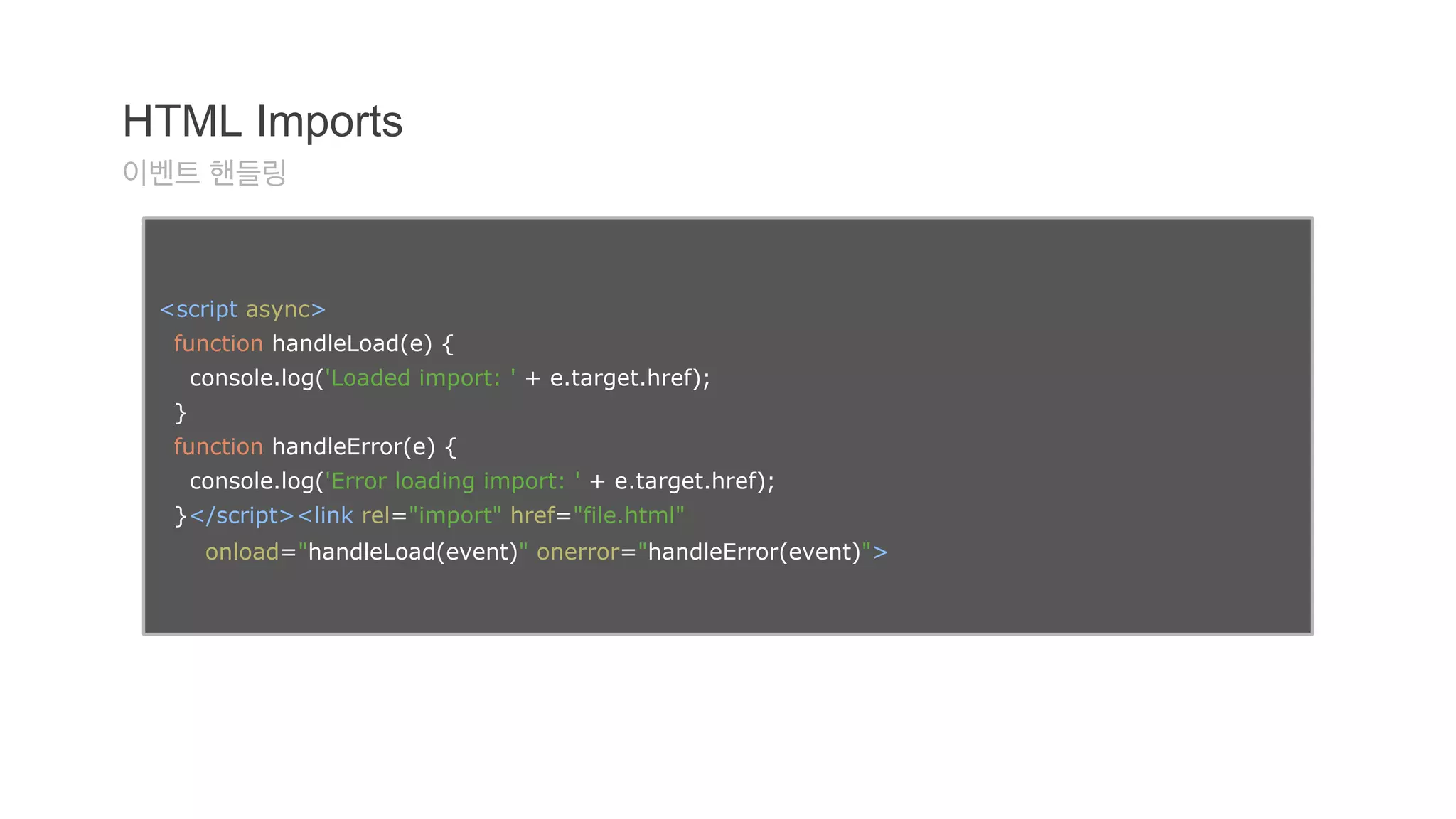
이벤트핸들링
<script async>
function handleLoad(e) {
console.log('Loaded import: ' + e.target.href);
}
function handleError(e) {
console.log('Error loading import: ' + e.target.href);
}</script><link rel="import" href="file.html"
onload="handleLoad(event)" onerror="handleError(event)">
47.
HTML Imports
스크립트를통한 Import
var link = document.createElement('link');
link.rel = 'import';
link.href = 'file.html'
link.onload = function(e) {...};
link.onerror = function(e) {...};
document.head.appendChild(link);
48.
HTML Imports
link.import
var content = document.querySelector('link[rel="import"]').import;
link.import == null
● 브라우저가 HTML Imports를 지원하지 않을 경우
● <link>가 rel="import"를 가지지 않을 경우
● <link>가 DOM에 추가되지 않은 경우
● <link>가 DOM으로부터 제거된 경우
● ‘CORS를 만족하는’ 리소스가 아닐 경우
49.
HTML Imports
콘텐츠의삽입
<head>
<link rel="import" href="warnings.html"></head><body>
...
<script>
var link = document.querySelector('link[rel="import"]');
var content = link.import;
// Grab DOM from warning.html's document.
var el = content.querySelector('.warning');
document.body.appendChild(el.cloneNode(true));
</script></body>
50.
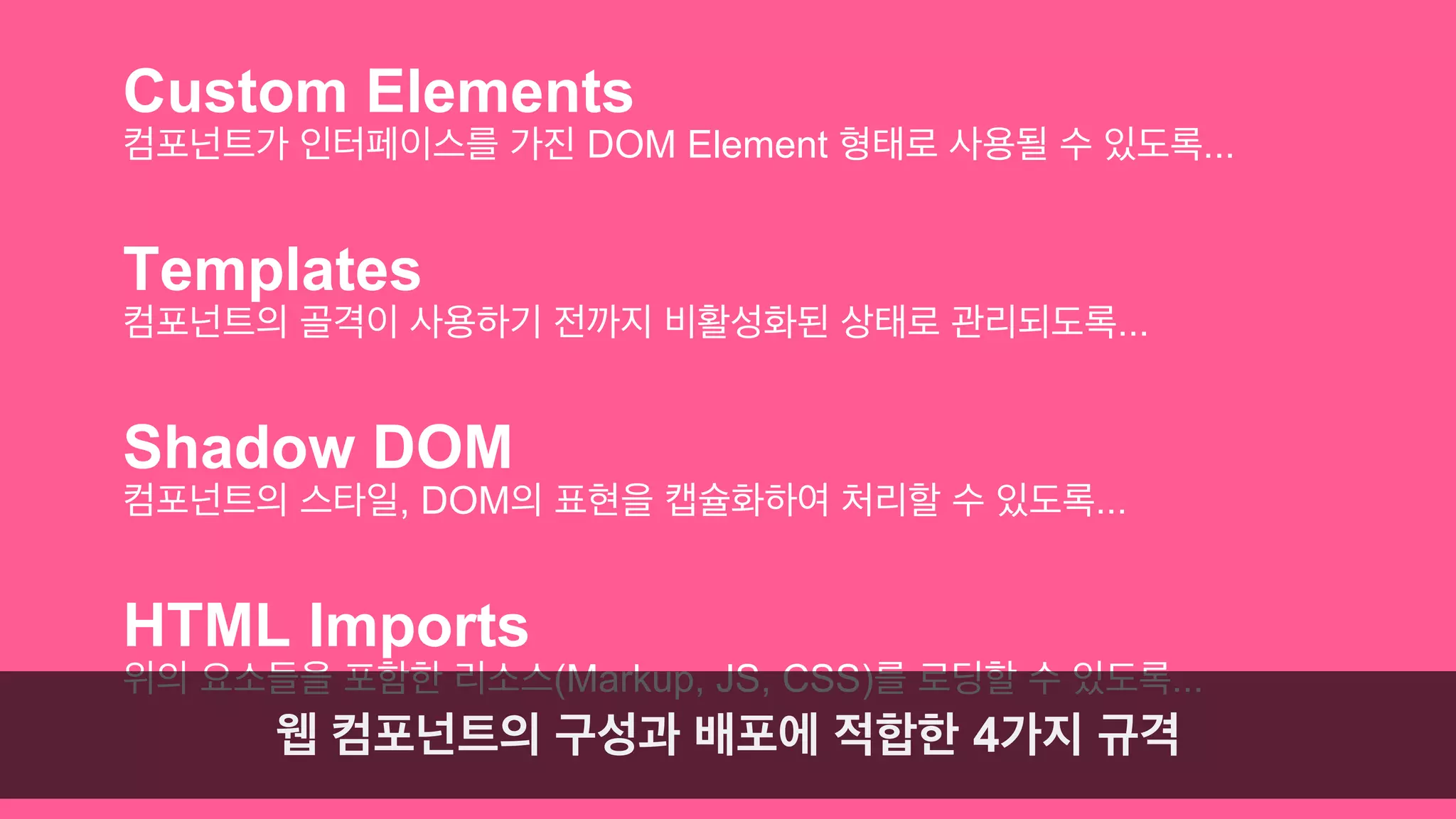
Custom Elements
컴포넌트가인터페이스를 가진 DOM Element 형태로 사용될 수 있도록...
Templates
컴포넌트의 골격이 사용하기 전까지 비활성화된 상태로 관리되도록...
Shadow DOM
컴포넌트의 스타일, DOM의 표현을 캡슐화하여 처리할 수 있도록...
HTML Imports
위의 요소들을 포함한 리소스(Markup, JS, CSS)를 로딩할 수 있도록...
웹 컴포넌트의 구성과 배포에 적합한 4가지 규격
Further readings...
ChromeEnchanted: 2014년 주목할만한 HTML5 규격 4종
웹 컴포넌트: 차세대 프론트엔드 웹 개발로 가는 관문
Introduction to Web Components
Shadow DOM 101: 기초
Shadow DOM 201: CSS와 스타일링
Shadow DOM 301: 고급 개념과 DOM API
HTML Imports: 웹을 위한 #include
Custom Element: HTML에 새로운 엘리먼트를 정의하기
HTML의 새로운 템플릿 태그
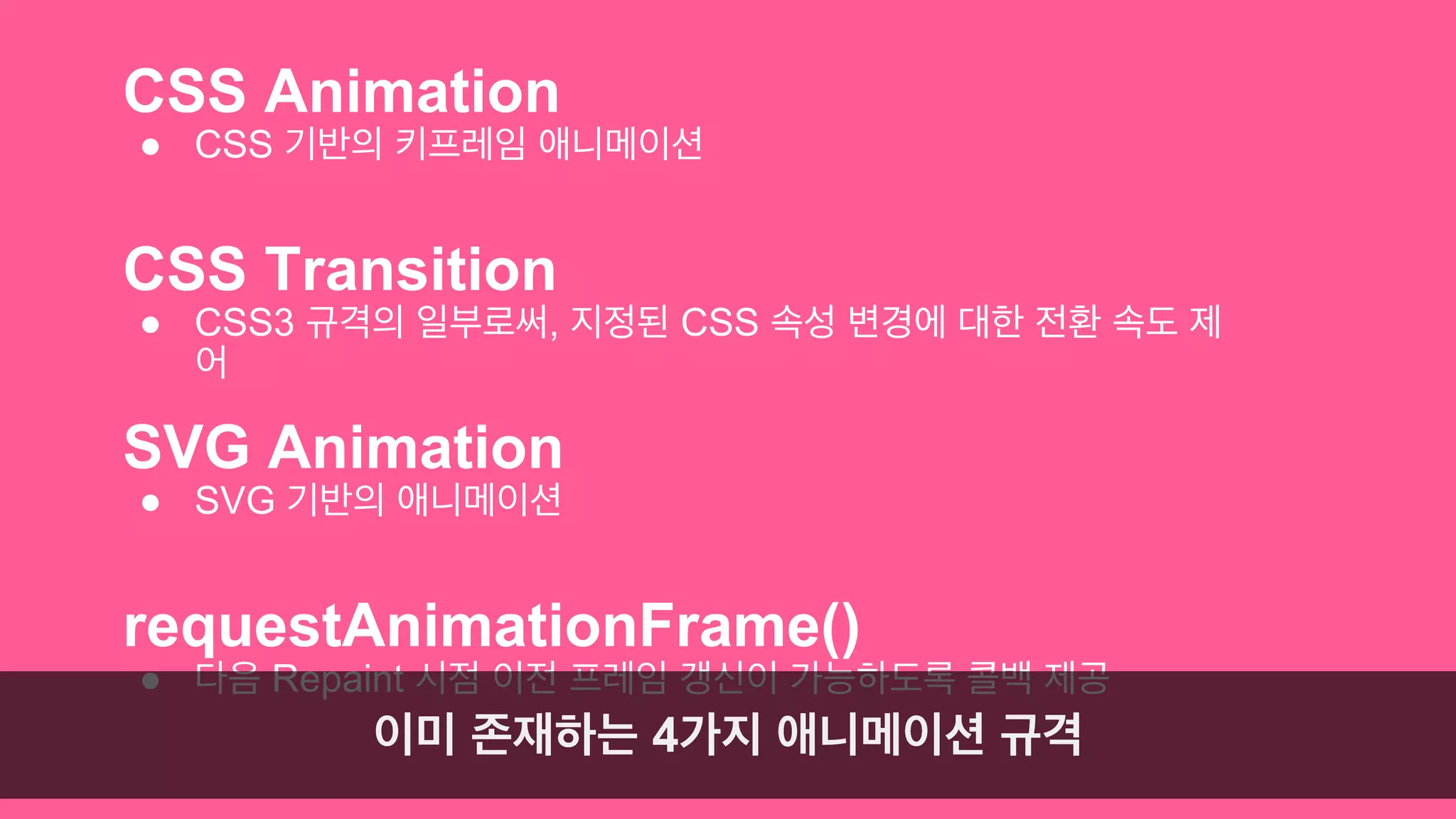
CSS Animation
●CSS 기반의 키프레임 애니메이션
CSS Transition
● CSS3 규격의 일부로써, 지정된 CSS 속성 변경에 대한 전환 속도 제
어
SVG Animation
● SVG 기반의 애니메이션
requestAnimationFrame()
● 다음 Repaint 시점 이전 프레임 갱신이 가능하도록 콜백 제공
이미 존재하는 4가지 애니메이션 규격
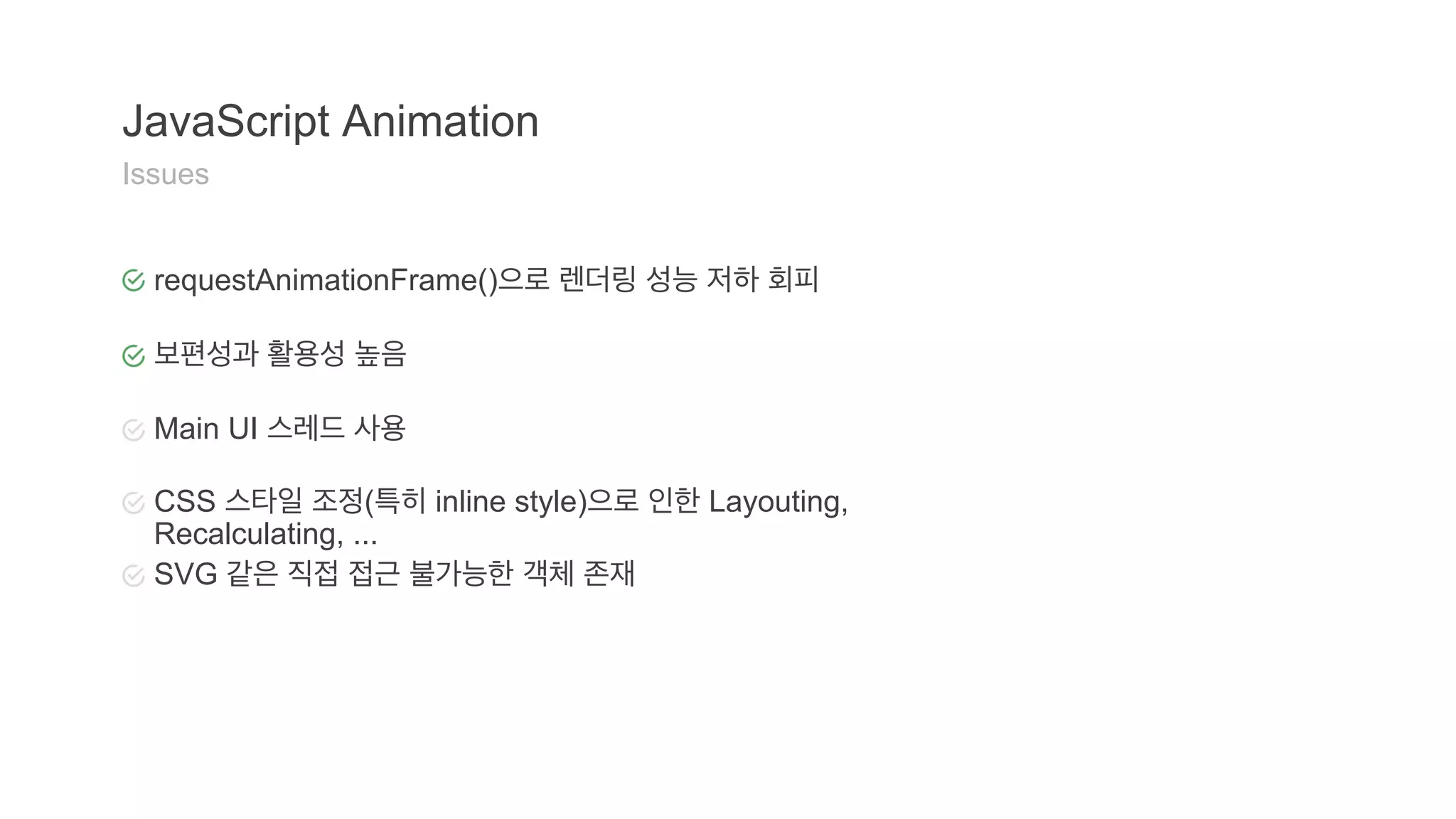
JavaScript Animation
Issues
requestAnimationFrame()으로 렌더링 성능 저하 회피
보편성과 활용성 높음
Main UI 스레드 사용
CSS 스타일 조정(특히 inline style)으로 인한 Layouting,
Recalculating, ...
SVG 같은 직접 접근 불가능한 객체 존재
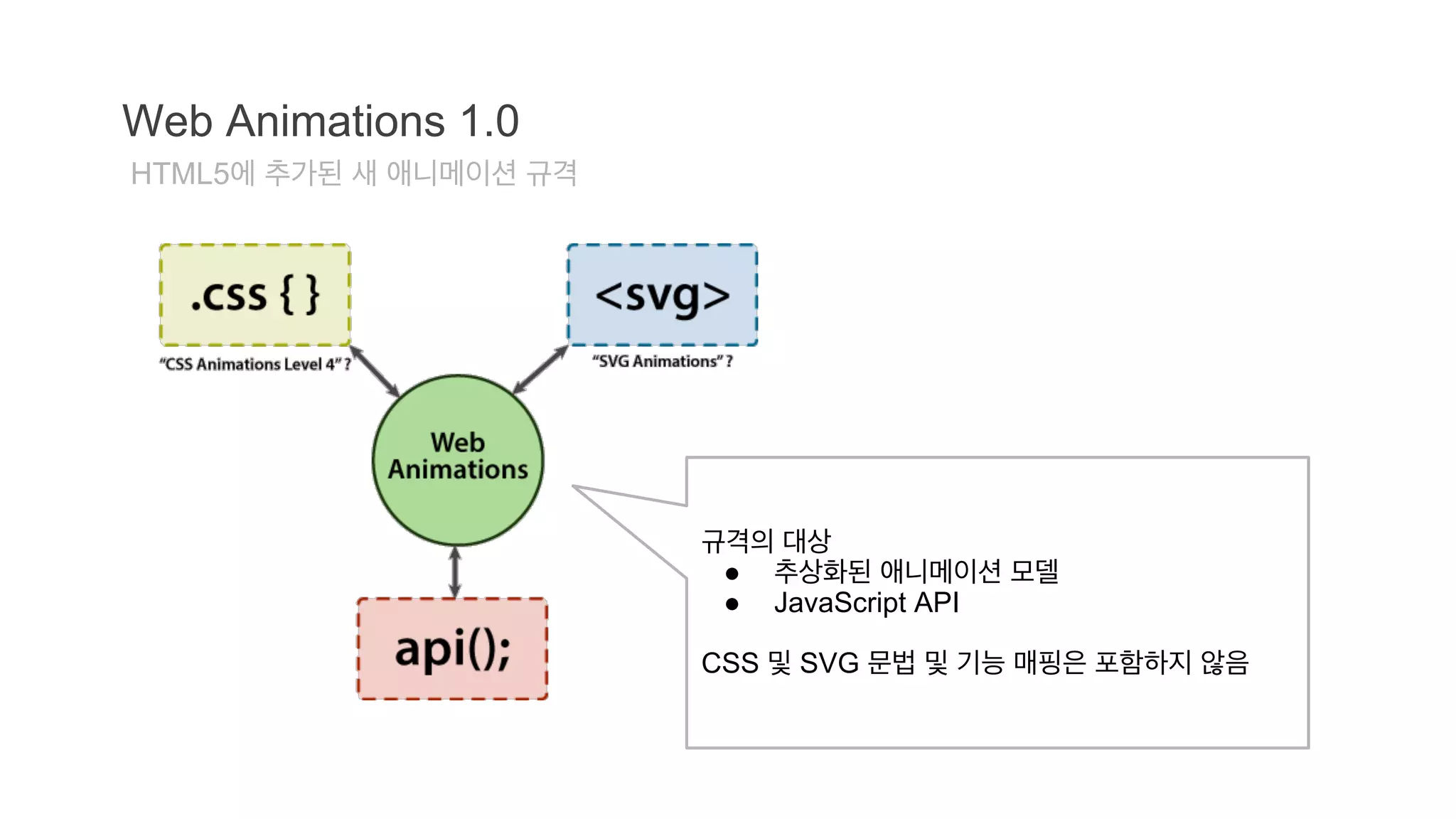
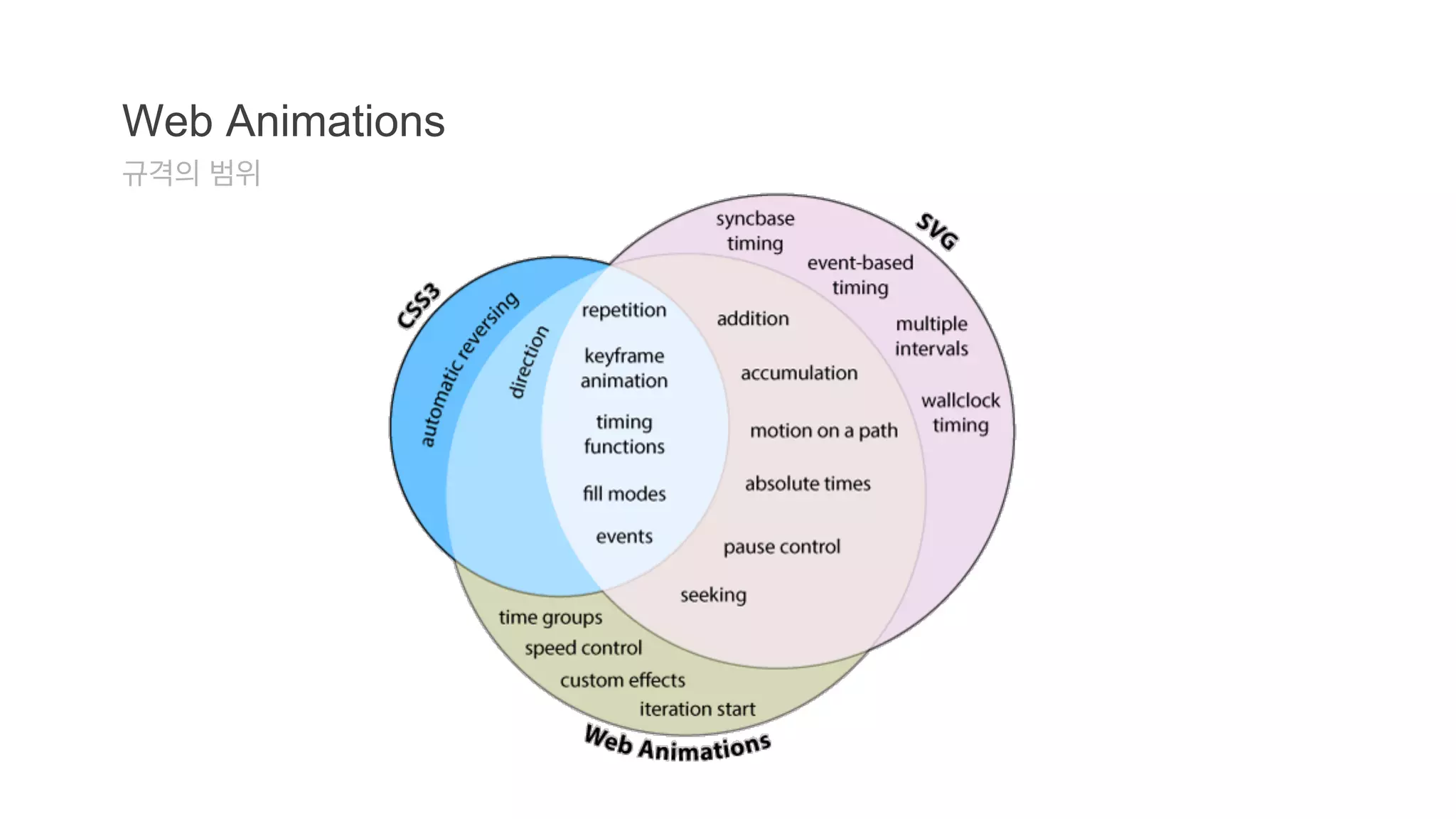
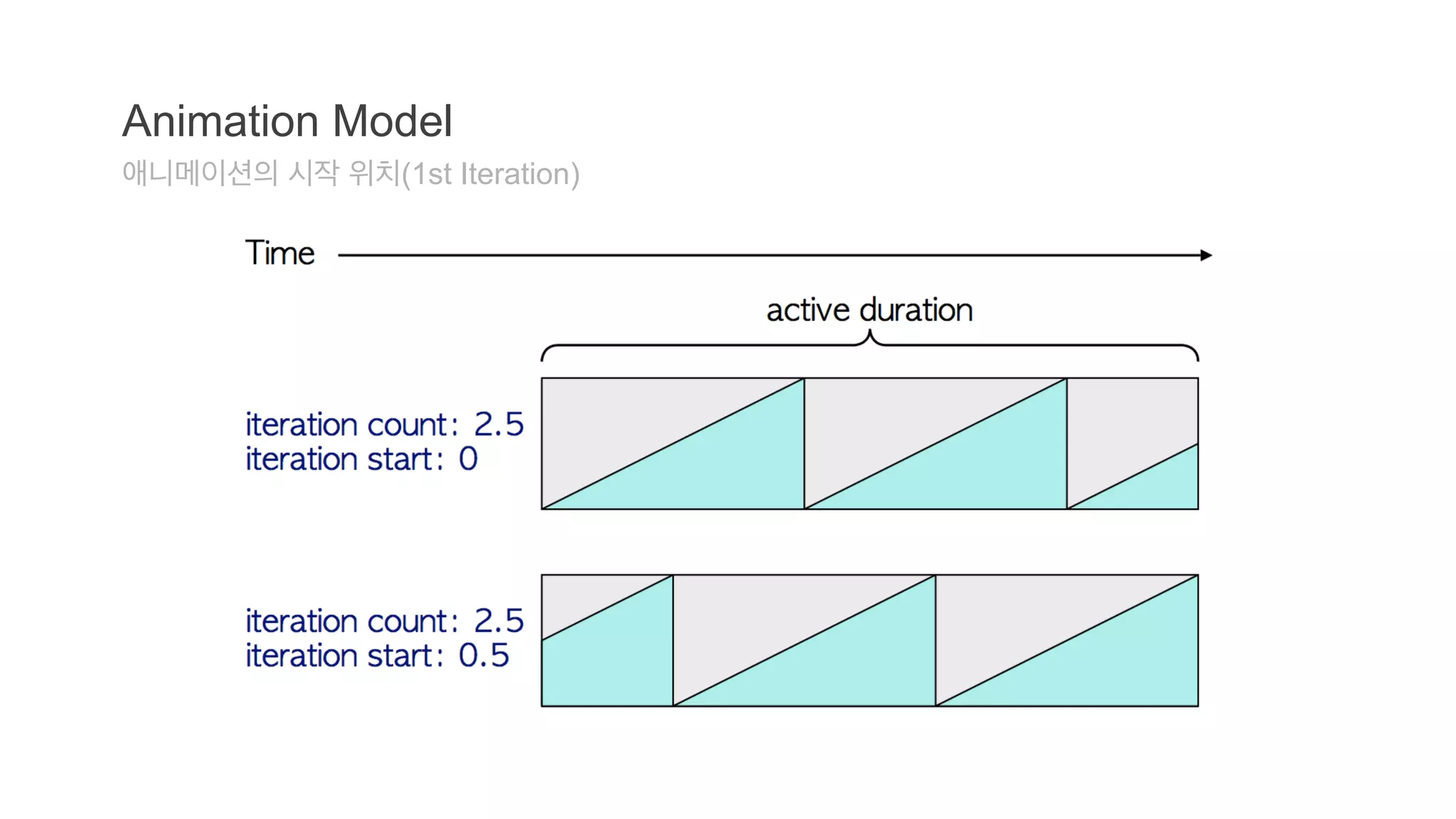
Web Animations 1.0
HTML5에 추가된 새 애니메이션 규격
규격의 대상
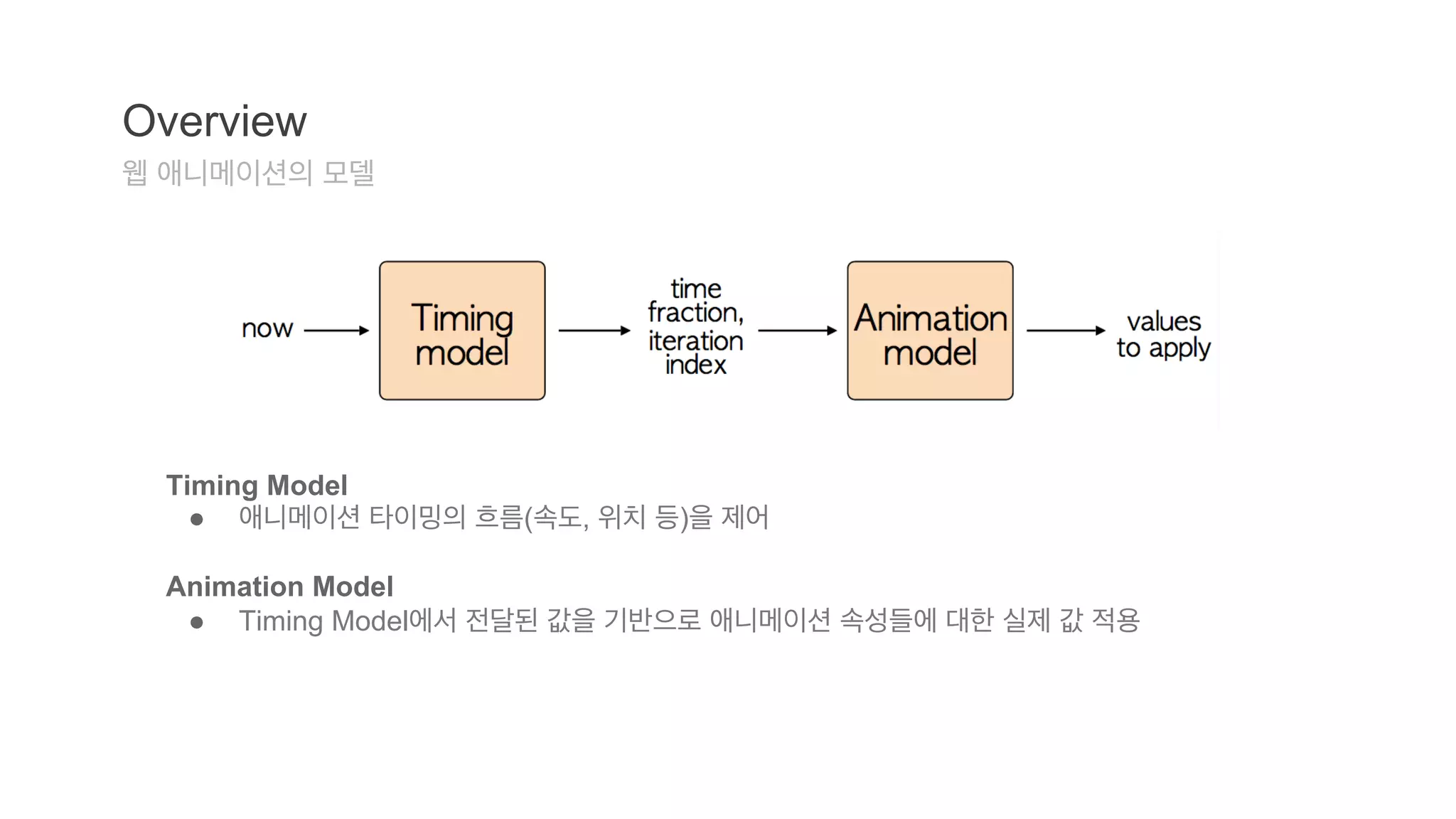
● 추상화된 애니메이션 모델
● JavaScript API
CSS 및 SVG 문법 및 기능 매핑은 포함하지 않음
61.
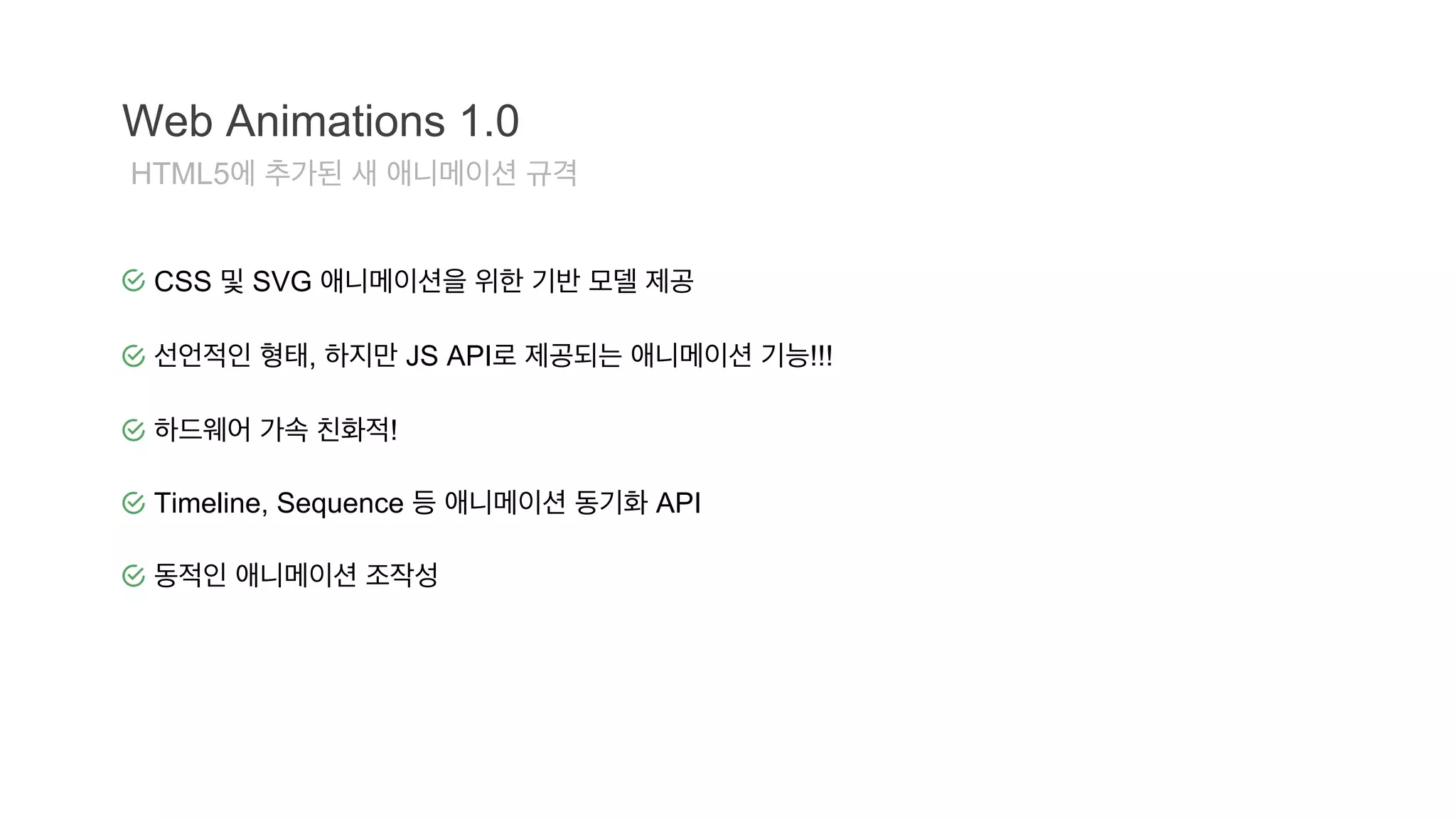
Web Animations 1.0
HTML5에 추가된 새 애니메이션 규격
CSS 및 SVG 애니메이션을 위한 기반 모델 제공
선언적인 형태, 하지만 JS API로 제공되는 애니메이션 기능!!!
하드웨어 가속 친화적!
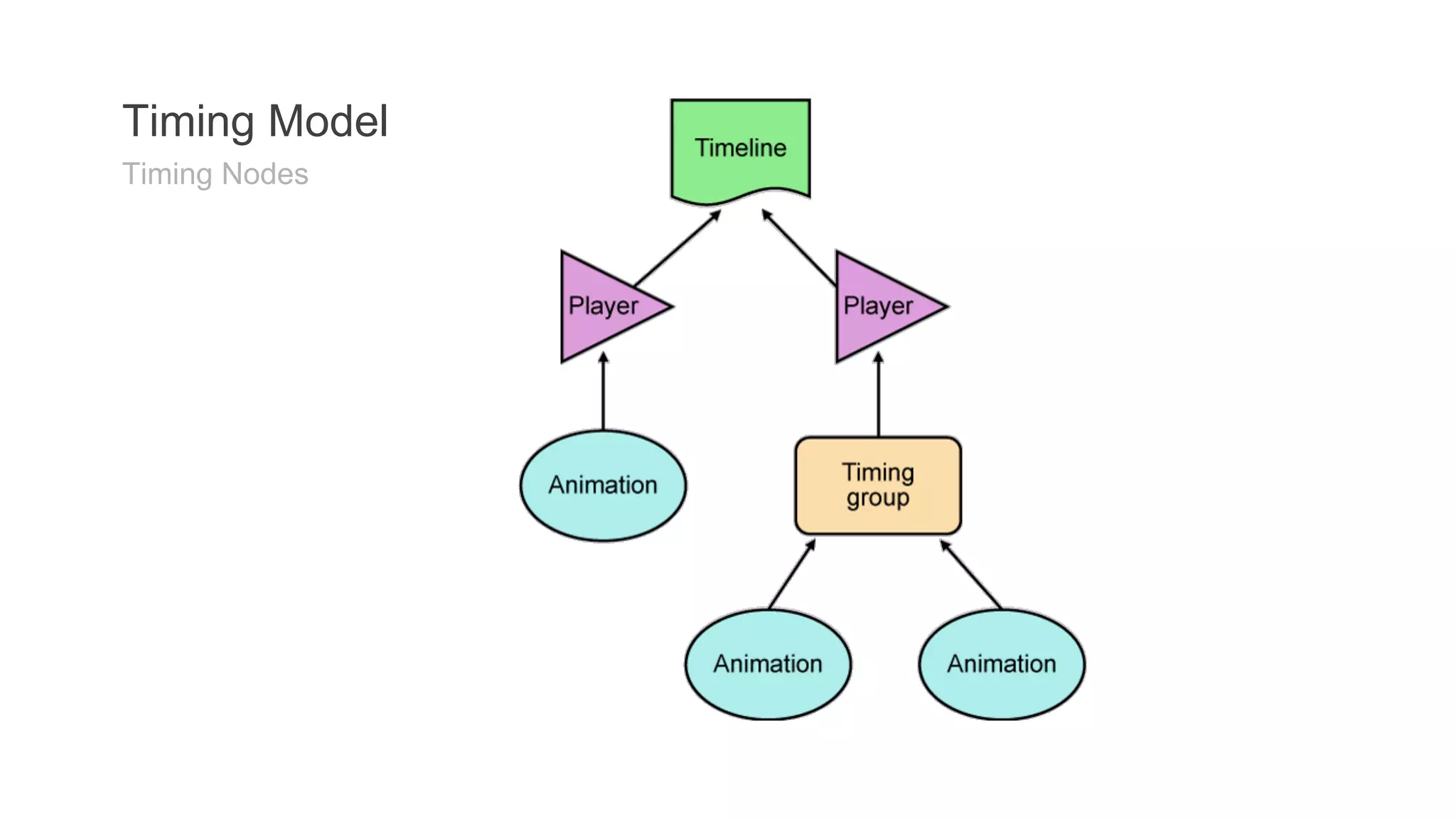
Timeline, Sequence 등 애니메이션 동기화 API
동적인 애니메이션 조작성
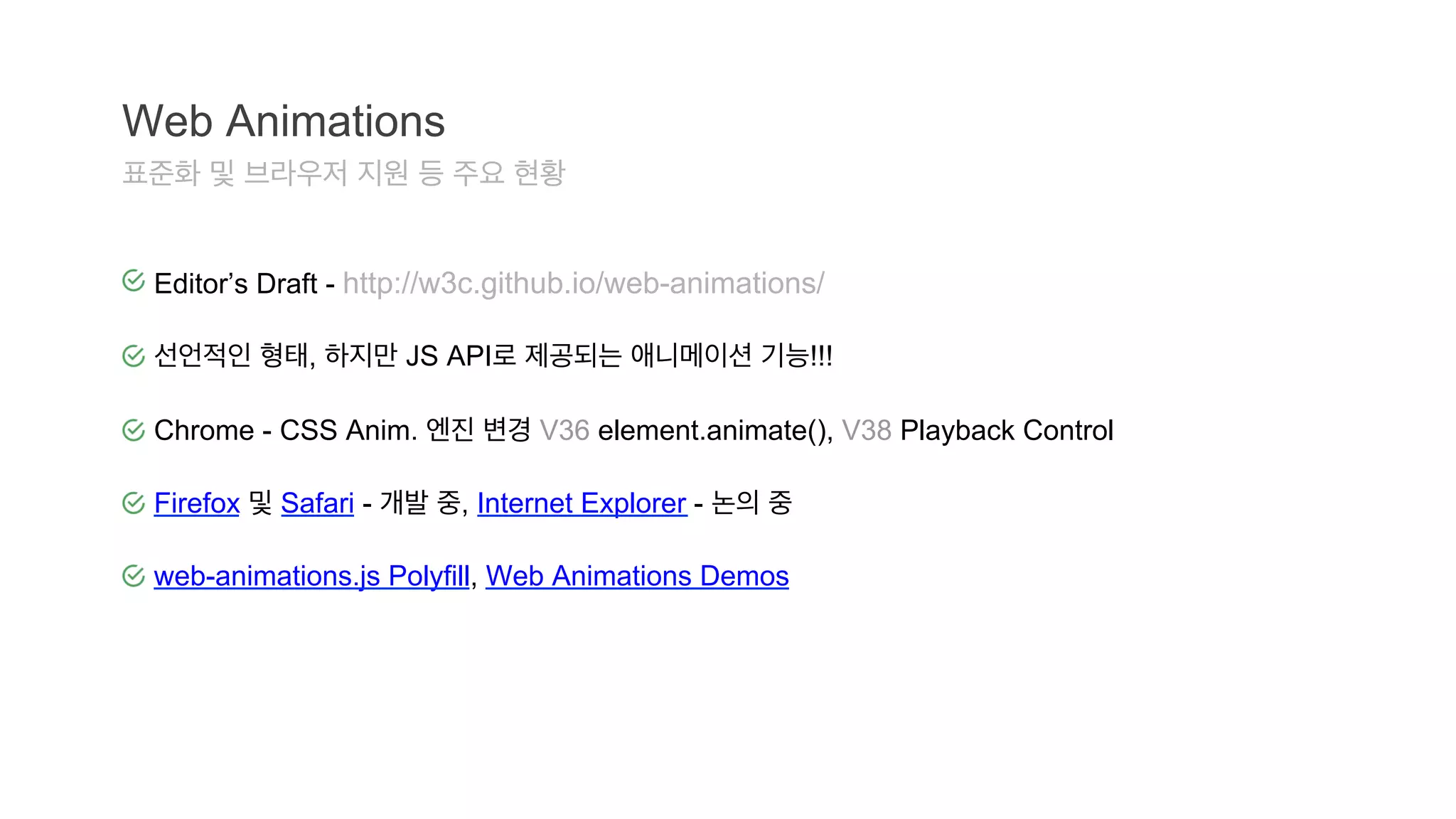
Web Animations
표준화및 브라우저 지원 등 주요 현황
Editor’s Draft - http://w3c.github.io/web-animations/
선언적인 형태, 하지만 JS API로 제공되는 애니메이션 기능!!!
Chrome - CSS Anim. 엔진 변경 V36 element.animate(), V38 Playback Control
Firefox 및 Safari - 개발 중, Internet Explorer - 논의 중
web-animations.js Polyfill, Web Animations Demos
애니메이션 생성
newAnimation( target, props, time )
div class="pulse" style="width:150px;">Hello world!</div><script>
var elem = document.querySelector('.pulse');
var player = document.timeline.play(new Animation(elem, [
{opacity: "0.5", transform: "scale(0.5)"},
{opacity: "1.0", transform: "scale(1)"}
],
{
direction: "alternate", duration: 0.5, iterations: Infinity
}));</script>
75.
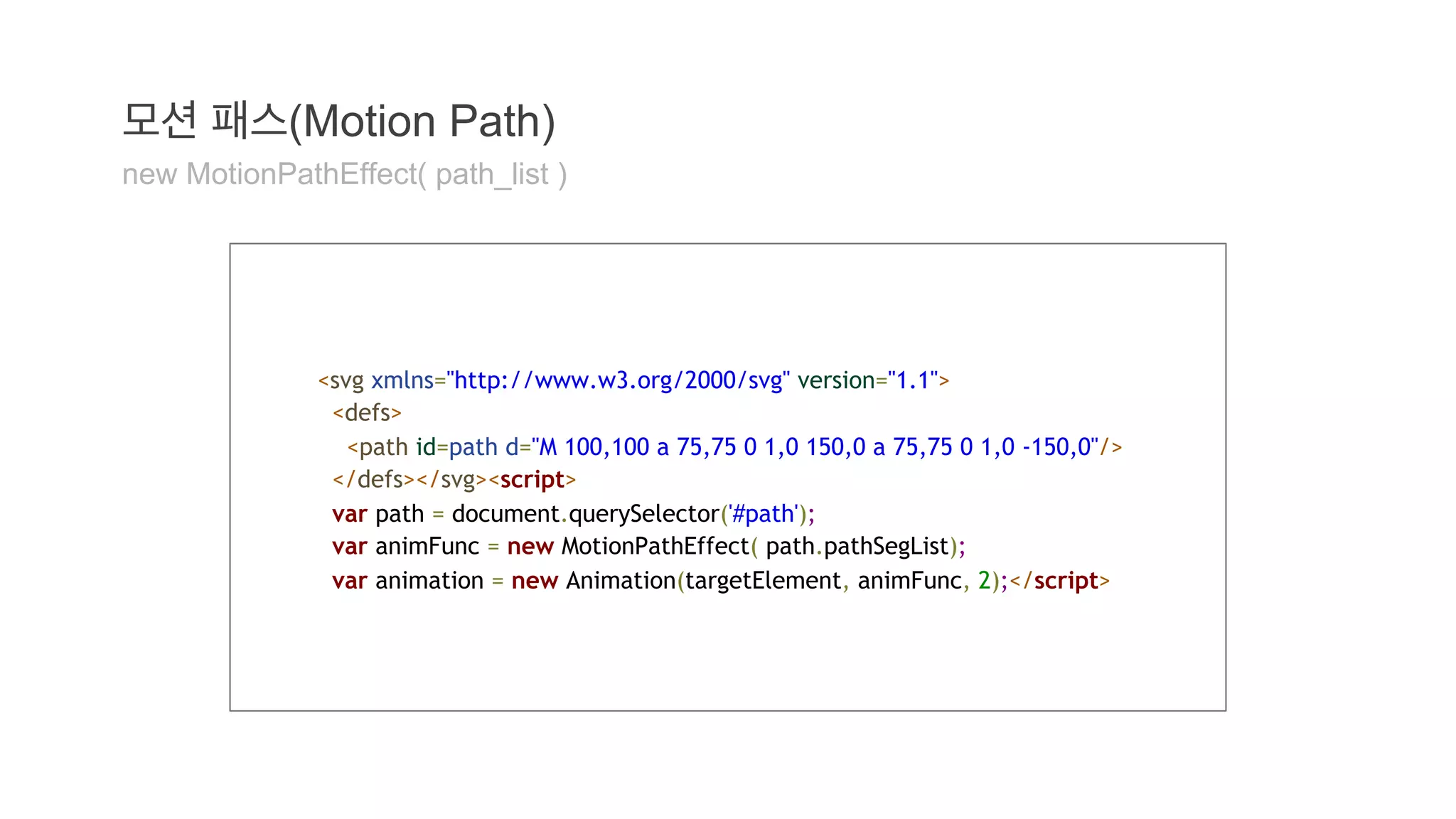
모션 패스(Motion Path)
new MotionPathEffect( path_list )
<svg xmlns="http://www.w3.org/2000/svg" version="1.1">
<defs>
<path id=path d="M 100,100 a 75,75 0 1,0 150,0 a 75,75 0 1,0 -150,0"/>
</defs></svg><script>
var path = document.querySelector('#path');
var animFunc = new MotionPathEffect( path.pathSegList);
var animation = new Animation(targetElement, animFunc, 2);</script>
76.
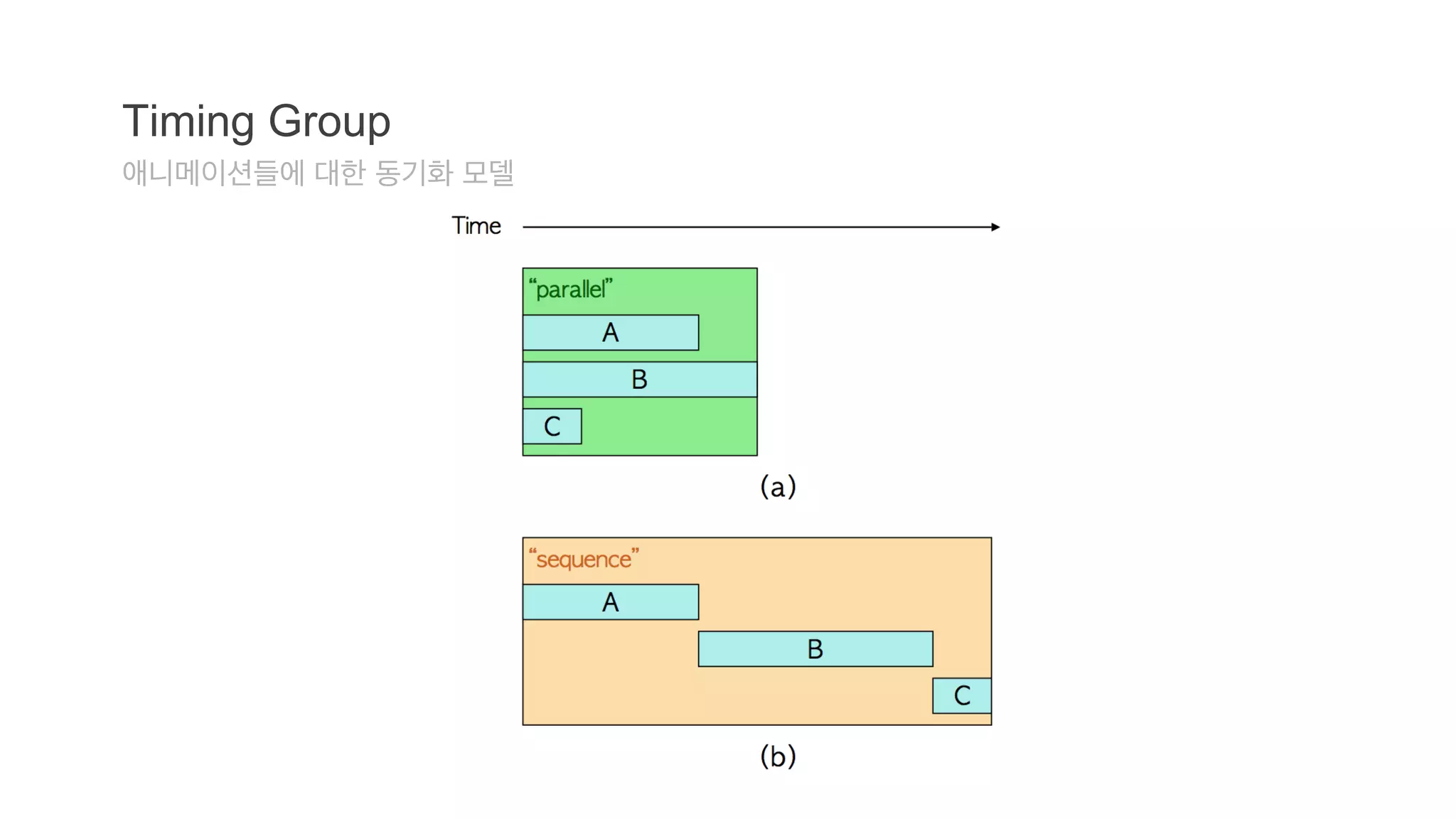
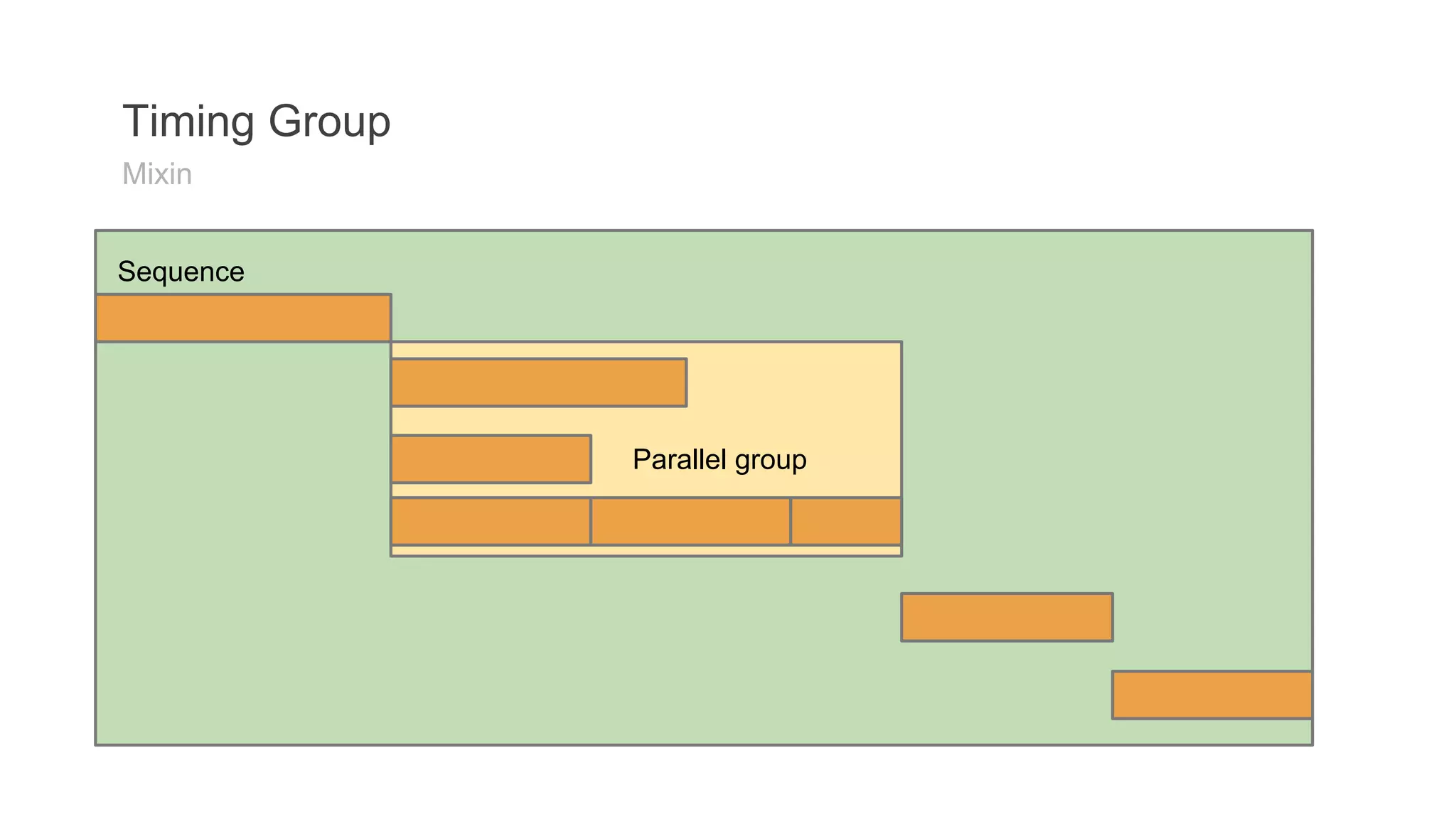
타이밍 그룹(Timing Group)
Sequencial/Parallel Group 생성
// Creating Parallel Groupvar parGroup = new ParGroup([new Animation(...), new
Animation(...)]);// Creating Sequencial Groupvar seqGroup = new SeqGroup([new
Animation(...), new Animation(...)]);// Creating Nested Groupsvar parGroup = new
ParGroup([
new SeqGroup([
new Animation(...),
new Animation(...),
]),
new Animation(...)]);
77.
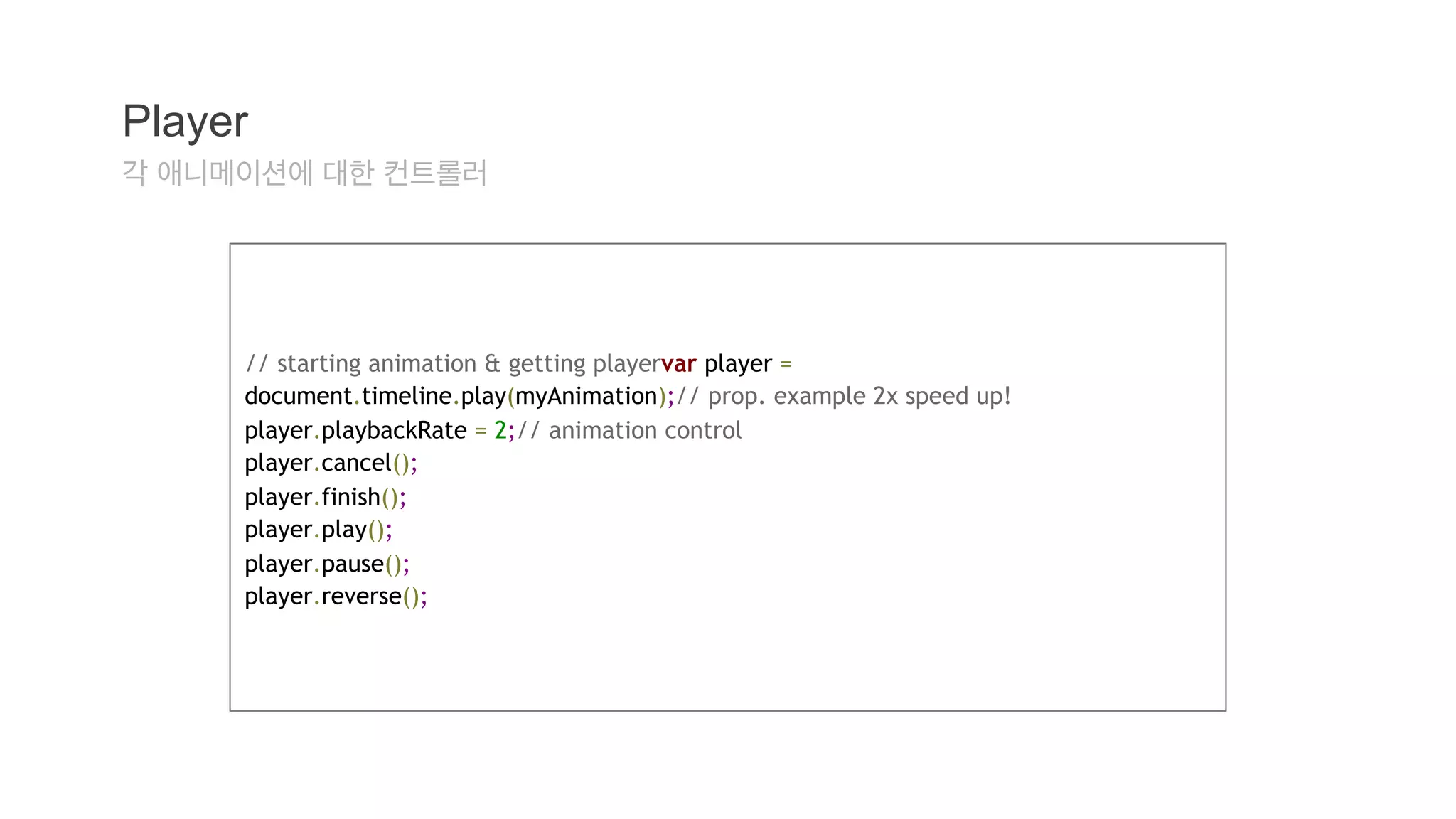
Player
각 애니메이션에대한 컨트롤러
// starting animation & getting playervar player =
document.timeline.play(myAnimation);// prop. example 2x speed up!
player.playbackRate = 2;// animation control
player.cancel();
player.finish();
player.play();
player.pause();
player.reverse();
78.
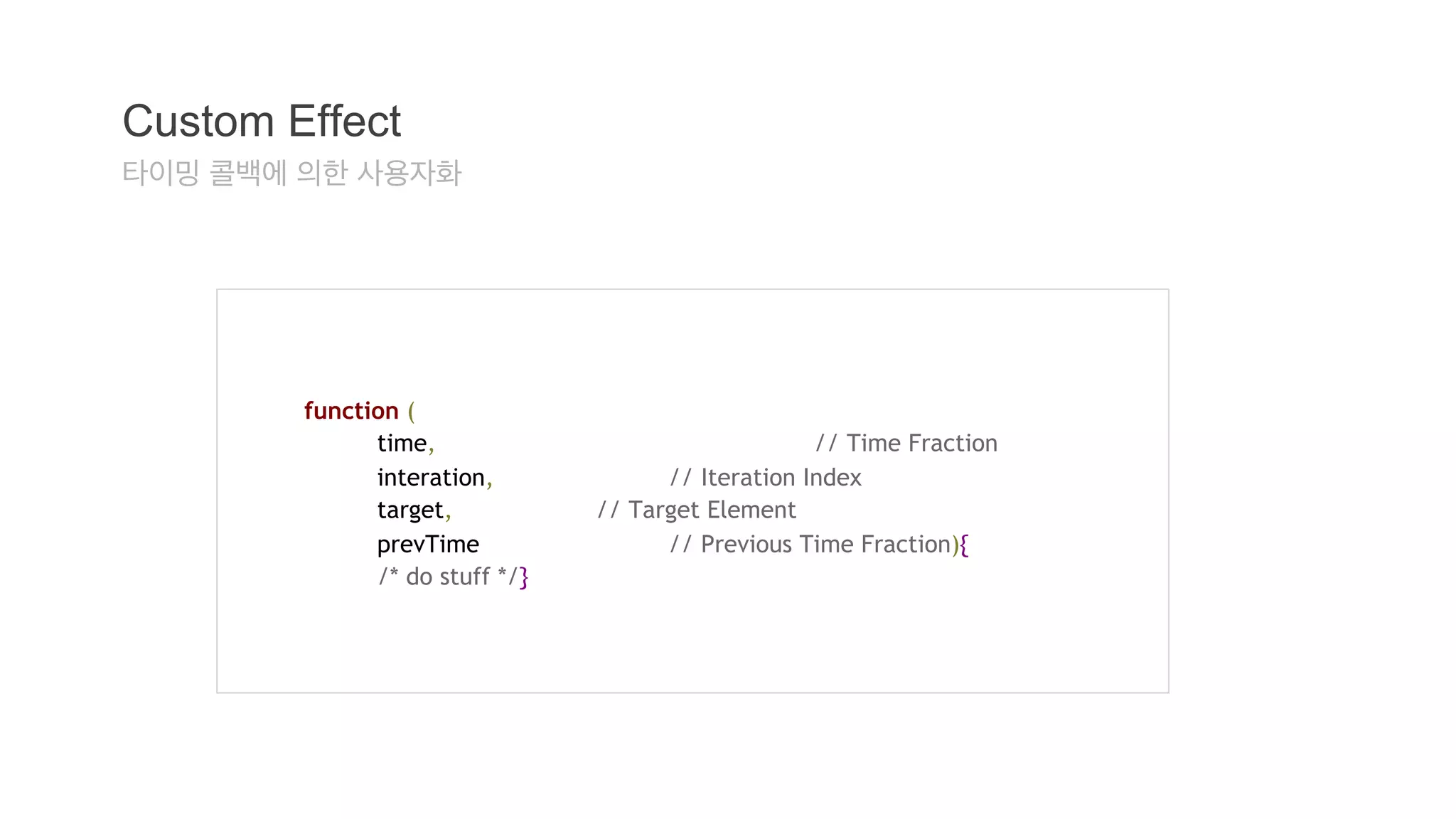
Custom Effect
타이밍콜백에 의한 사용자화
function (
time, // Time Fraction
interation, // Iteration Index
target, // Target Element
prevTime // Previous Time Fraction){
/* do stuff */}
Further readings...
W3CWeb Animations Specification
Web Animations.js
Polymer - Web Animations
Web Animations Demo
Web Animations - element.animate() is now in Chrome 36











![Shadow DOM 201
Shadow DOM
/deep/ combinator
x-tabs /deep/ x-panel {
...
}
video /deep/ input[type="range"] {
background: hotpink;
}](https://image.slidesharecdn.com/polymer-webcomponentswebanimations-141011005838-conversion-gate01/75/Polymer-Web-Components-Web-Animations-34-2048.jpg)


![HTML Imports
link.import
var content = document.querySelector('link[rel="import"]').import;
link.import == null
● 브라우저가 HTML Imports를 지원하지 않을 경우
● <link>가 rel="import"를 가지지 않을 경우
● <link>가 DOM에 추가되지 않은 경우
● <link>가 DOM으로부터 제거된 경우
● ‘CORS를 만족하는’ 리소스가 아닐 경우](https://image.slidesharecdn.com/polymer-webcomponentswebanimations-141011005838-conversion-gate01/75/Polymer-Web-Components-Web-Animations-48-2048.jpg)
![HTML Imports
콘텐츠의 삽입
<head>
<link rel="import" href="warnings.html"></head><body>
...
<script>
var link = document.querySelector('link[rel="import"]');
var content = link.import;
// Grab DOM from warning.html's document.
var el = content.querySelector('.warning');
document.body.appendChild(el.cloneNode(true));
</script></body>](https://image.slidesharecdn.com/polymer-webcomponentswebanimations-141011005838-conversion-gate01/75/Polymer-Web-Components-Web-Animations-49-2048.jpg)






![Usage
자바스크립트 기바의 애니메이션
<div class="pulse" style="width:150px;">Hello world!</div><script>
var elem = document.querySelector('.pulse');
var player = document.timeline.play(new Animation(elem, [
{opacity: "0.5", transform: "scale(0.5)"},
{opacity: "1.0", transform: "scale(1)"}
],
{
direction: "alternate", duration: 500, iterations: Infinity
}));</script>](https://image.slidesharecdn.com/polymer-webcomponentswebanimations-141011005838-conversion-gate01/75/Polymer-Web-Components-Web-Animations-65-2048.jpg)
![애니메이션 생성
new Animation( target, props, time )
div class="pulse" style="width:150px;">Hello world!</div><script>
var elem = document.querySelector('.pulse');
var player = document.timeline.play(new Animation(elem, [
{opacity: "0.5", transform: "scale(0.5)"},
{opacity: "1.0", transform: "scale(1)"}
],
{
direction: "alternate", duration: 0.5, iterations: Infinity
}));</script>](https://image.slidesharecdn.com/polymer-webcomponentswebanimations-141011005838-conversion-gate01/75/Polymer-Web-Components-Web-Animations-74-2048.jpg)
![타이밍 그룹(Timing Group)
Sequencial/Parallel Group 생성
// Creating Parallel Groupvar parGroup = new ParGroup([new Animation(...), new
Animation(...)]);// Creating Sequencial Groupvar seqGroup = new SeqGroup([new
Animation(...), new Animation(...)]);// Creating Nested Groupsvar parGroup = new
ParGroup([
new SeqGroup([
new Animation(...),
new Animation(...),
]),
new Animation(...)]);](https://image.slidesharecdn.com/polymer-webcomponentswebanimations-141011005838-conversion-gate01/75/Polymer-Web-Components-Web-Animations-76-2048.jpg)




![[JCO 컨퍼런스] 웹사이트 Front-End 성능 최적화](https://cdn.slidesharecdn.com/ss_thumbnails/javacafefinal-130226223245-phpapp02-thumbnail.jpg?width=640&height=640&fit=bounds)


![[토크아이티] 프런트엔드 개발 시작하기 저자 특강](https://cdn.slidesharecdn.com/ss_thumbnails/random-141024103422-conversion-gate01-thumbnail.jpg?width=640&height=640&fit=bounds)


![[전파교육] css day 2014](https://cdn.slidesharecdn.com/ss_thumbnails/cssday2014-140806031358-phpapp01-thumbnail.jpg?width=640&height=640&fit=bounds)


![[D2 CAMPUS] 안드로이드 오픈소스 스터디자료 - HTML, Android Animation](https://cdn.slidesharecdn.com/ss_thumbnails/nexters4-htmlandroidanimation-160927091904-thumbnail.jpg?width=640&height=640&fit=bounds)


![[별천지 세미나] HTML5 is Ready: Fastbook 기술적 분석](https://cdn.slidesharecdn.com/ss_thumbnails/fastbook-130512231314-phpapp02-thumbnail.jpg?width=640&height=640&fit=bounds)


