COMPUTER HARDWARE
Presentation by
P.Pavani Srija
Assistant Professor,SSB.
What is a computer?
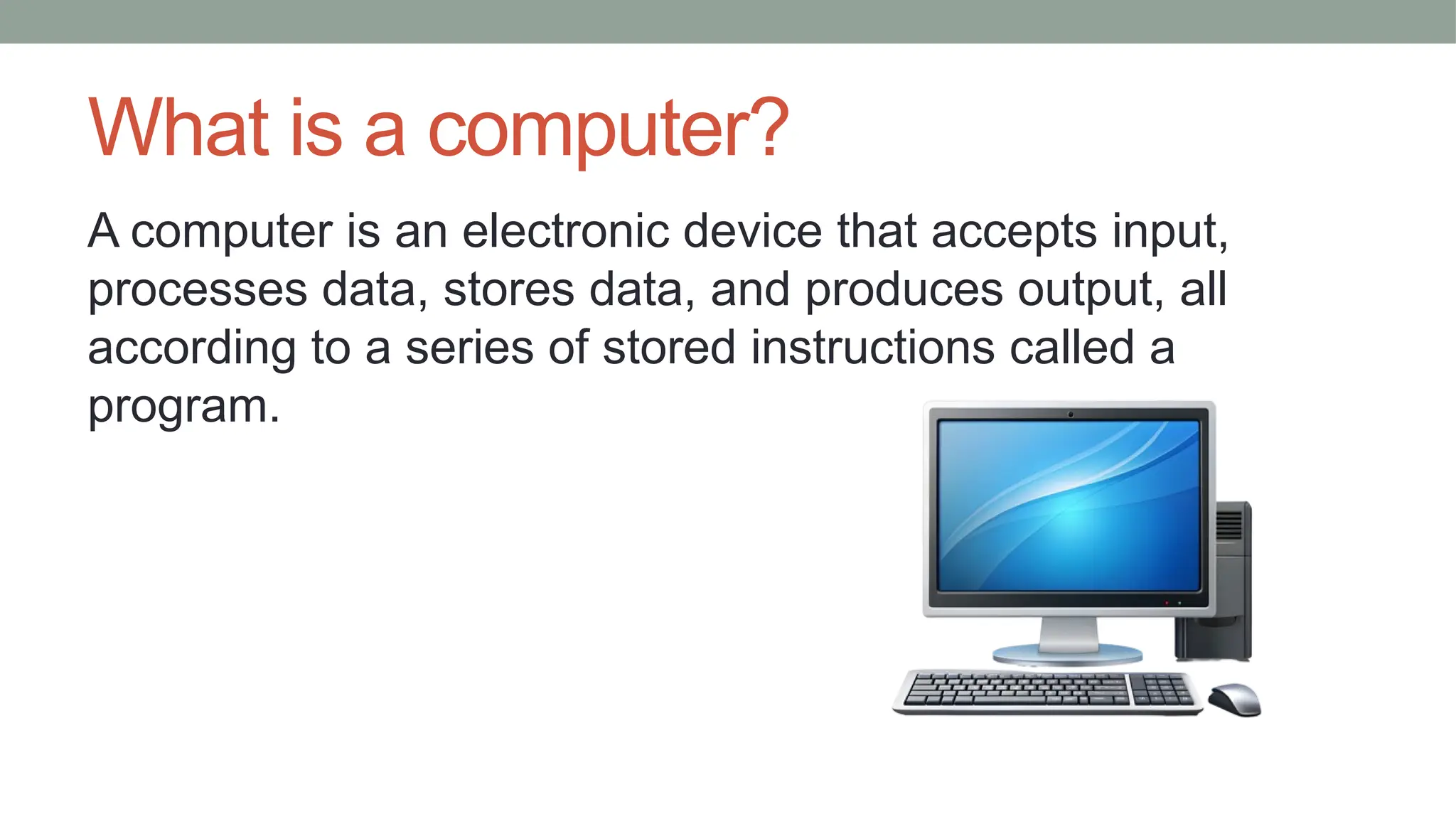
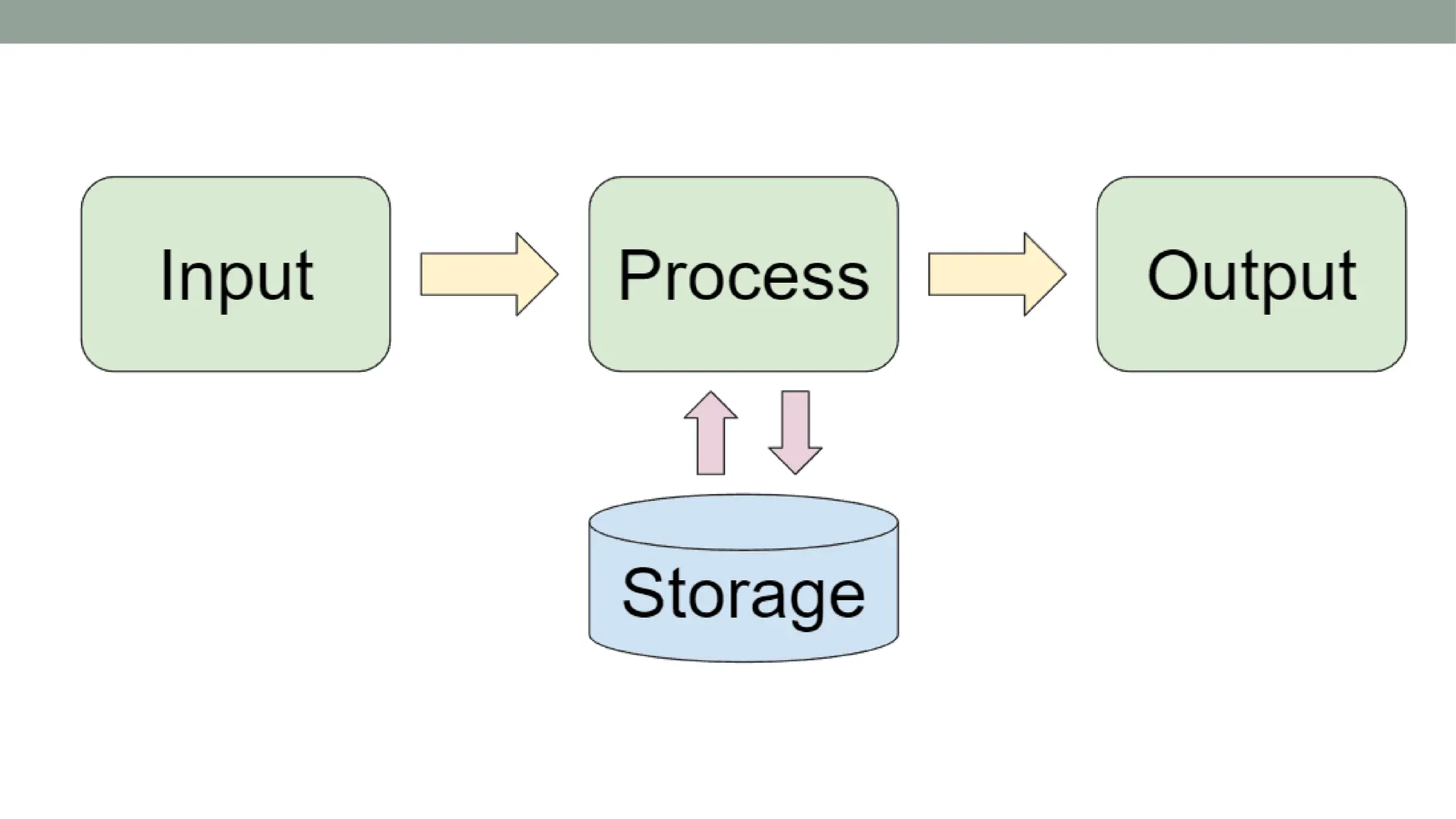
A computer is an electronic device that accepts input,
processes data, stores data, and produces output, all
according to a series of stored instructions called a
program.
Common Characteristics of a computer
• Computer understands machine language that cannot be
understood by human.
• Computer recognises values in the form of 0’s and 1’s.
• Speed,Accuracy,Consistency,Automation
Computer Hardware
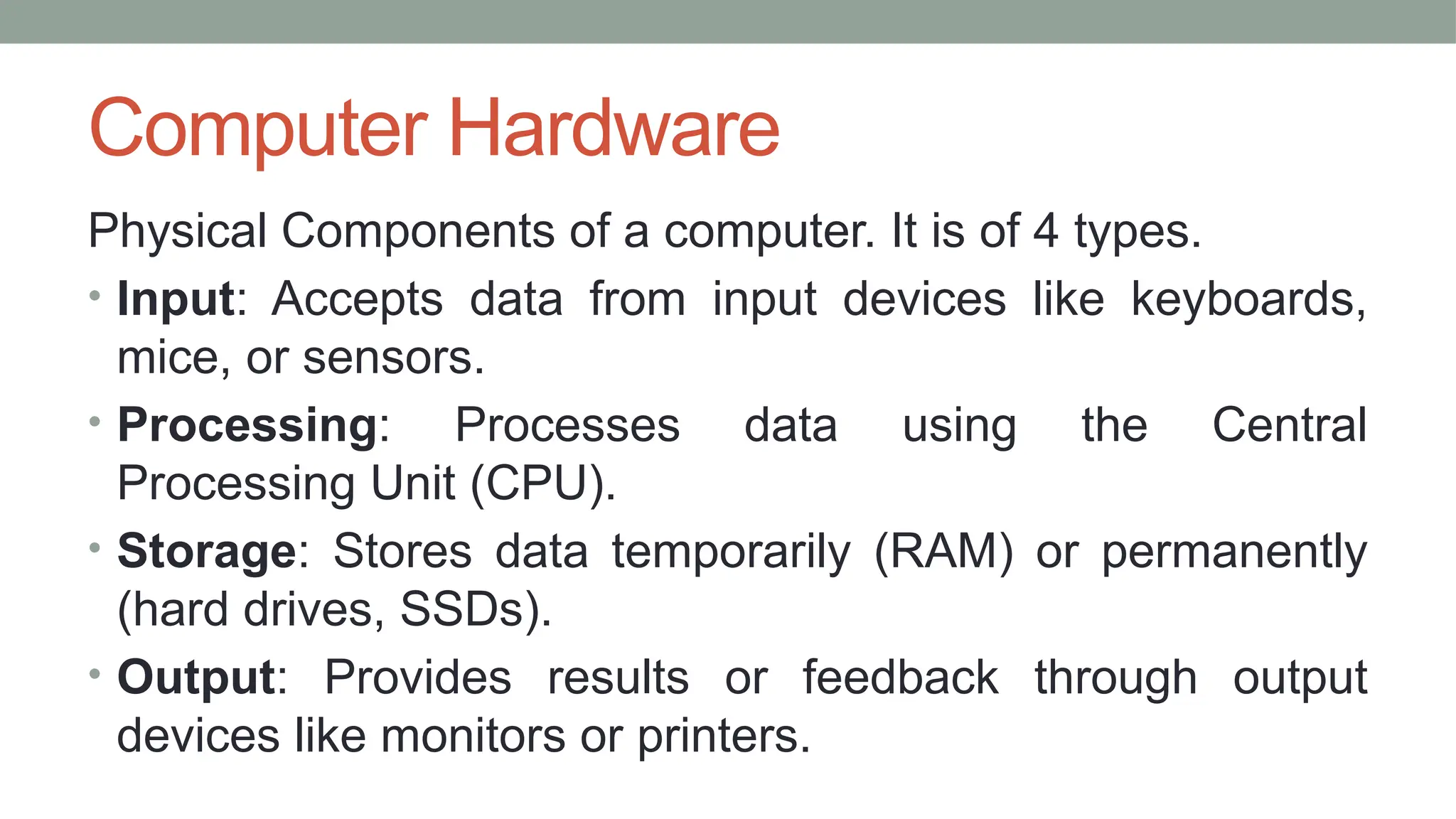
Physical Components of a computer. It is of 4 types.
• Input: Accepts data from input devices like keyboards,
mice, or sensors.
• Processing: Processes data using the Central
Processing Unit (CPU).
• Storage: Stores data temporarily (RAM) or permanently
(hard drives, SSDs).
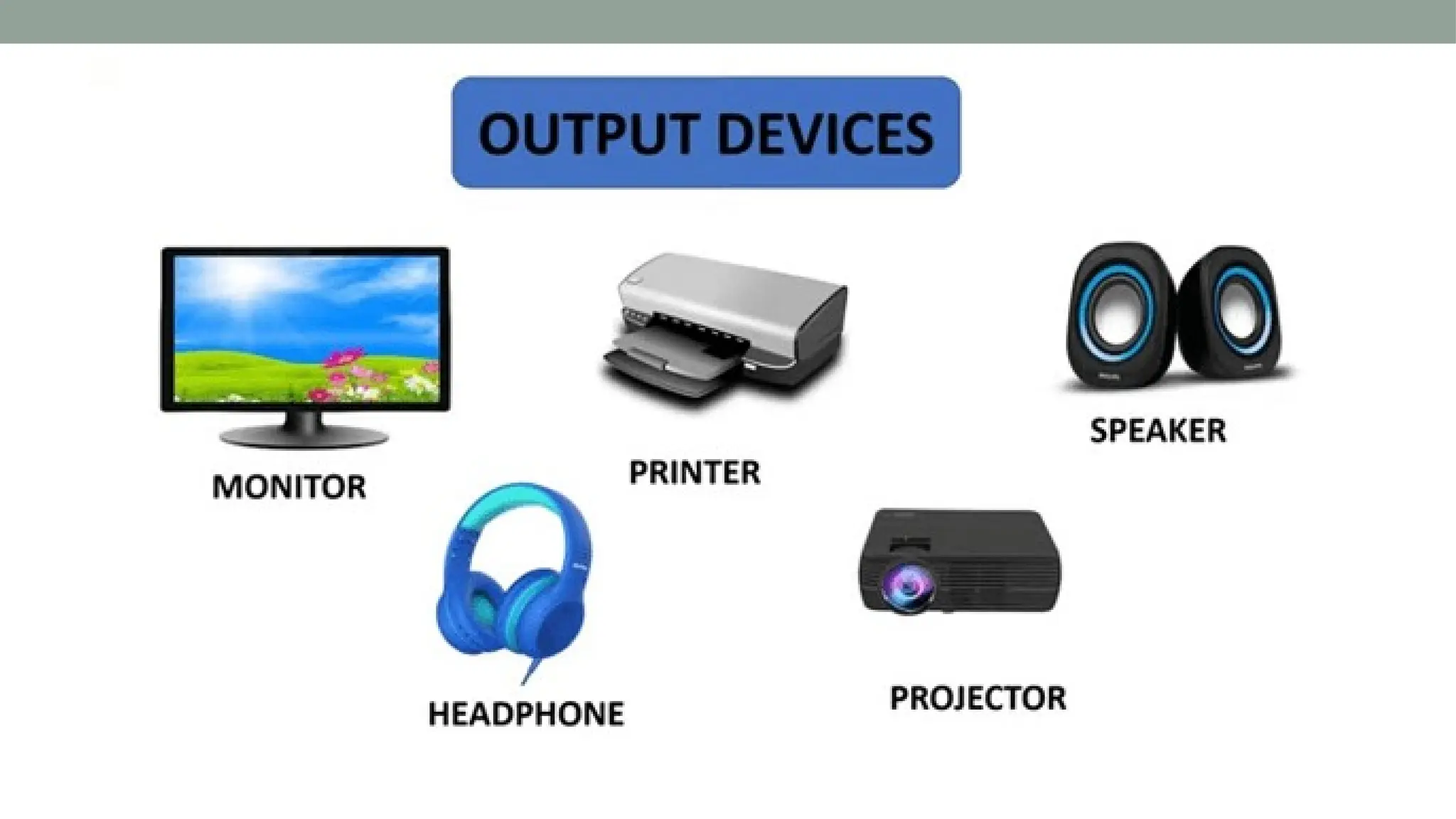
• Output: Provides results or feedback through output
devices like monitors or printers.
Input Devices
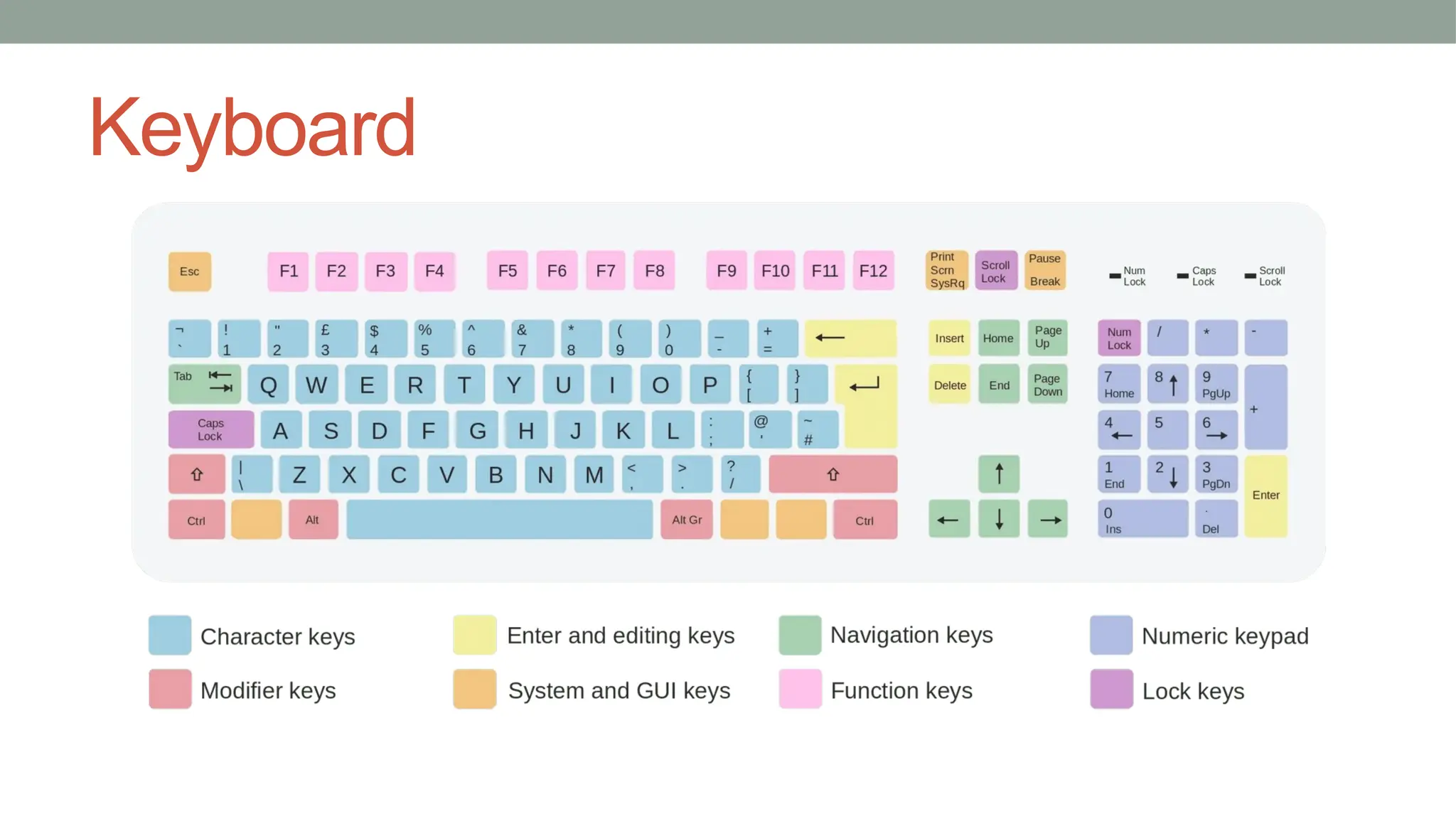
Keyboard
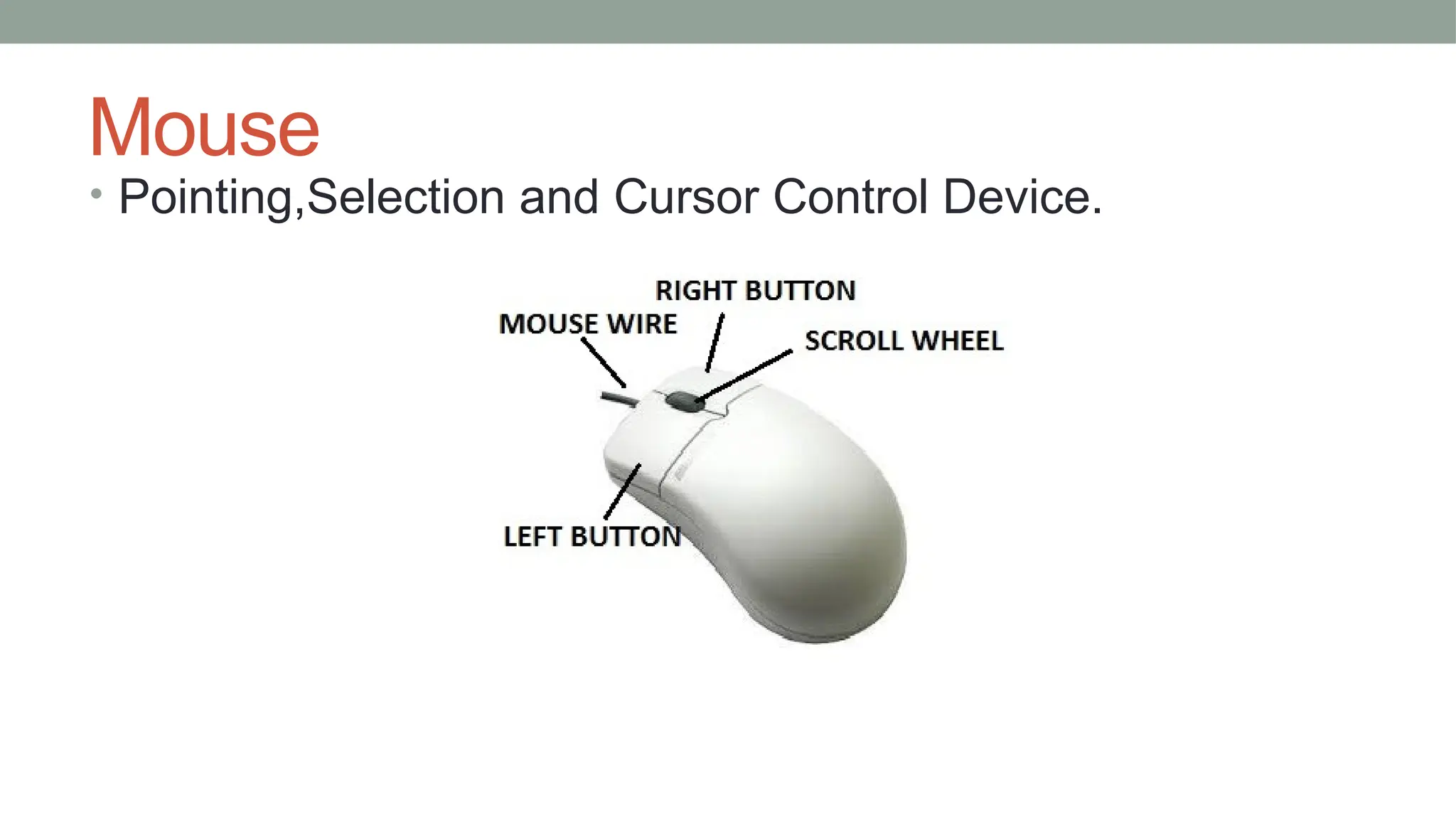
Mouse
• Pointing,Selection and Cursor Control Device.
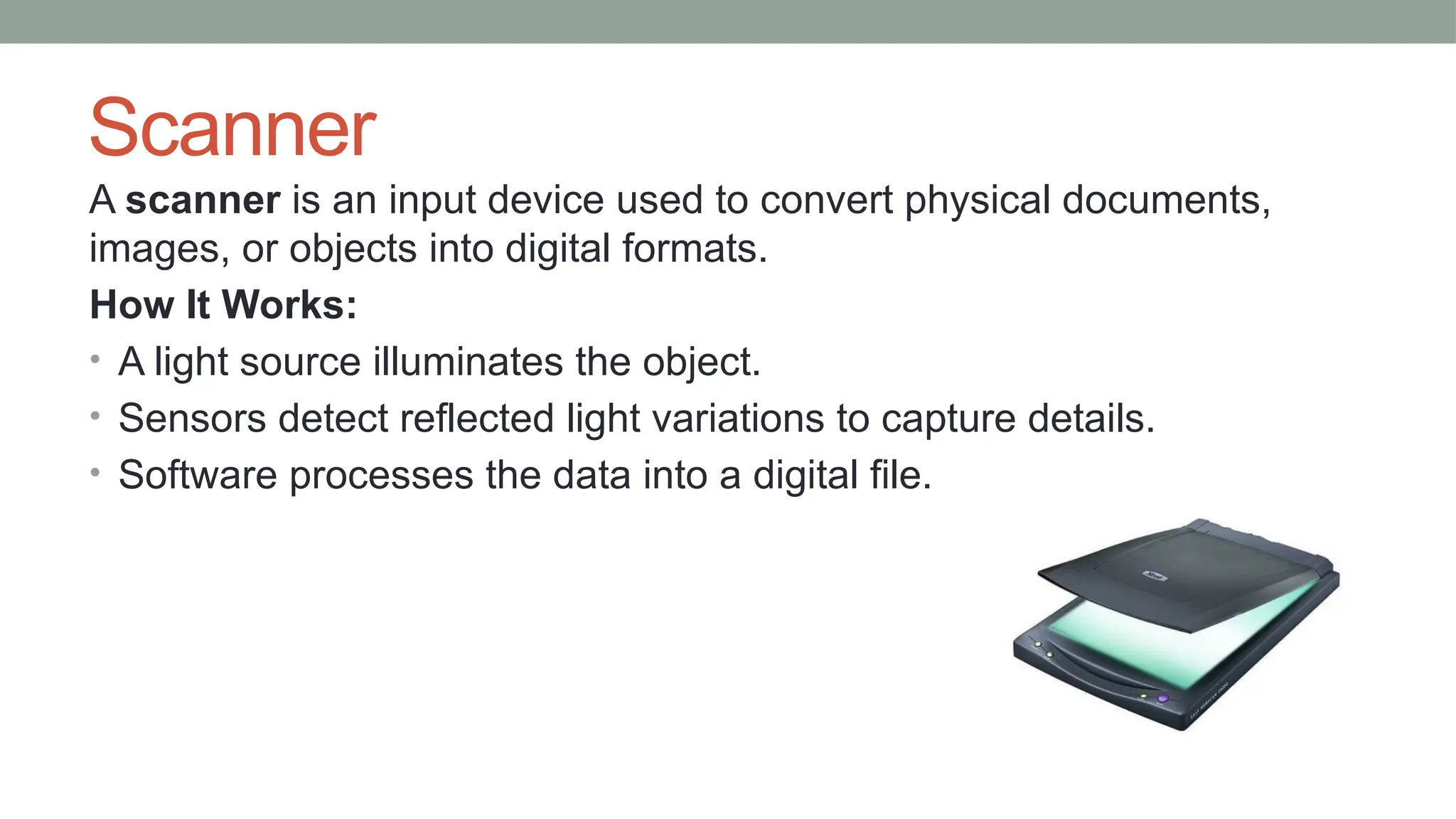
Scanner
A scanner is an input device used to convert physical documents,
images, or objects into digital formats.
How It Works:
• A light source illuminates the object.
• Sensors detect reflected light variations to capture details.
• Software processes the data into a digital file.
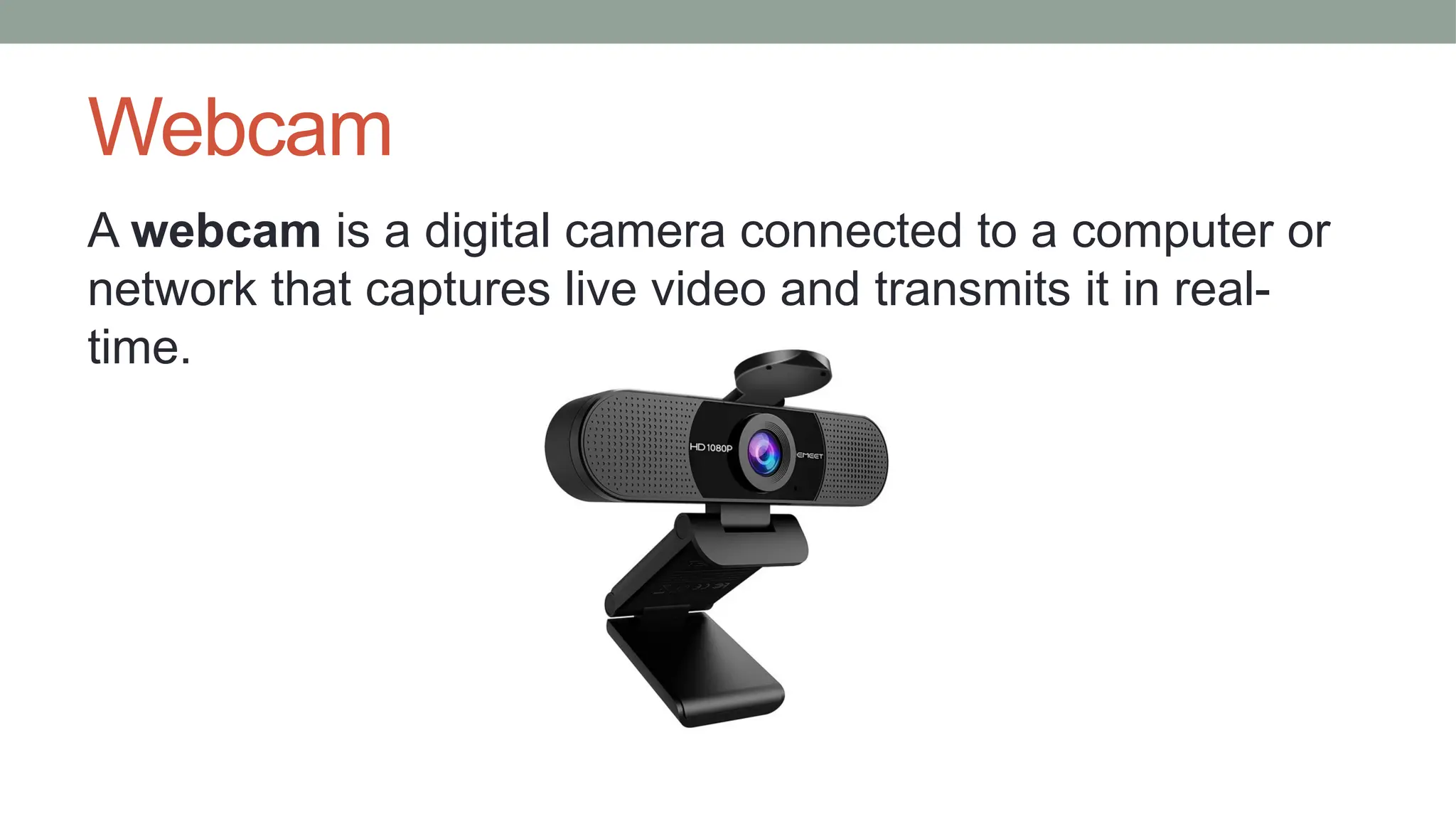
Webcam
A webcam is a digital camera connected to a computer or
network that captures live video and transmits it in real-
time.
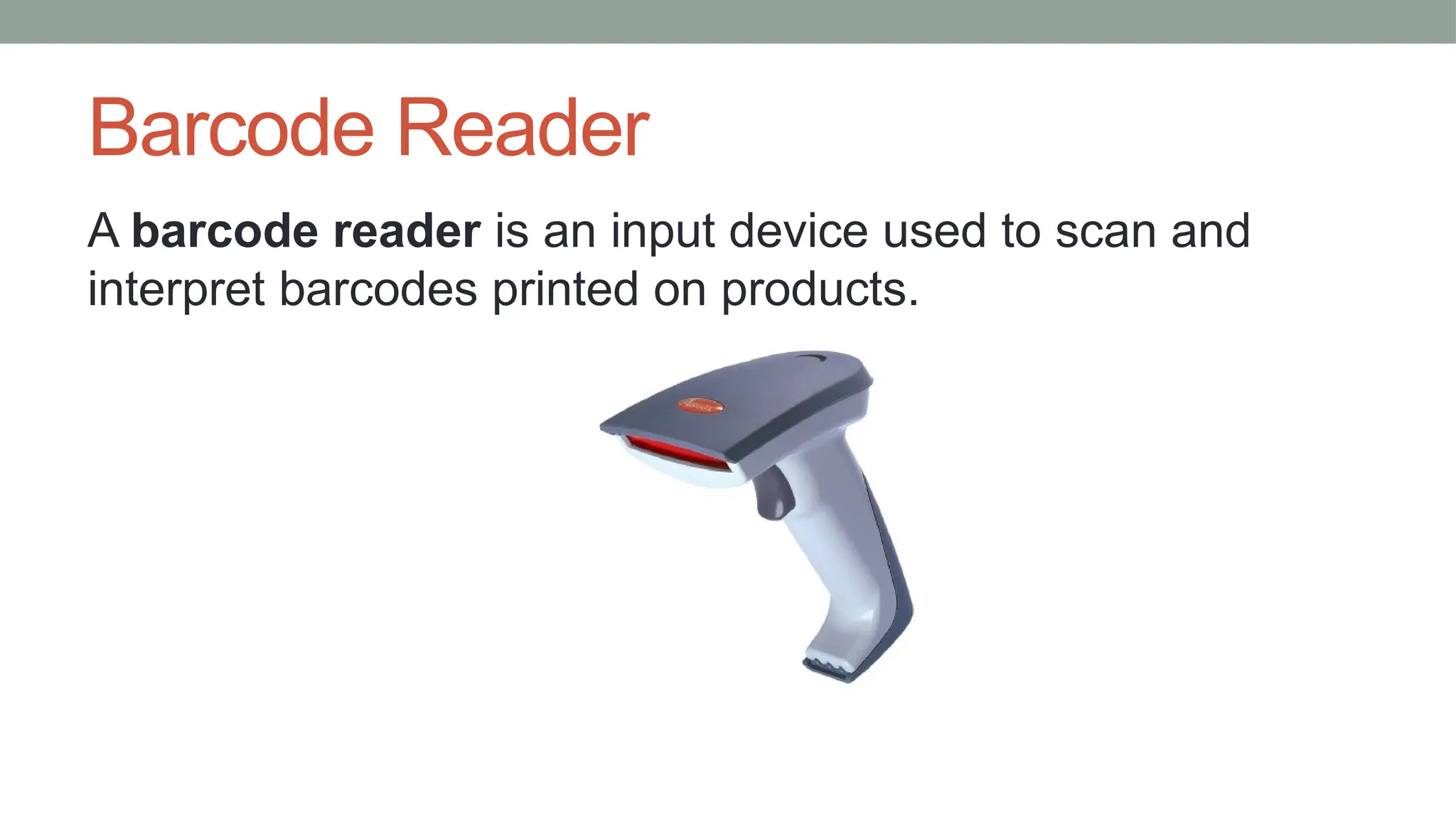
Barcode Reader
A barcode reader is an input device used to scan and
interpret barcodes printed on products.
Optical Character Recognition (OCR)
OCR is a technology that converts text from scanned
documents, images, or handwritten notes into editable
digital text
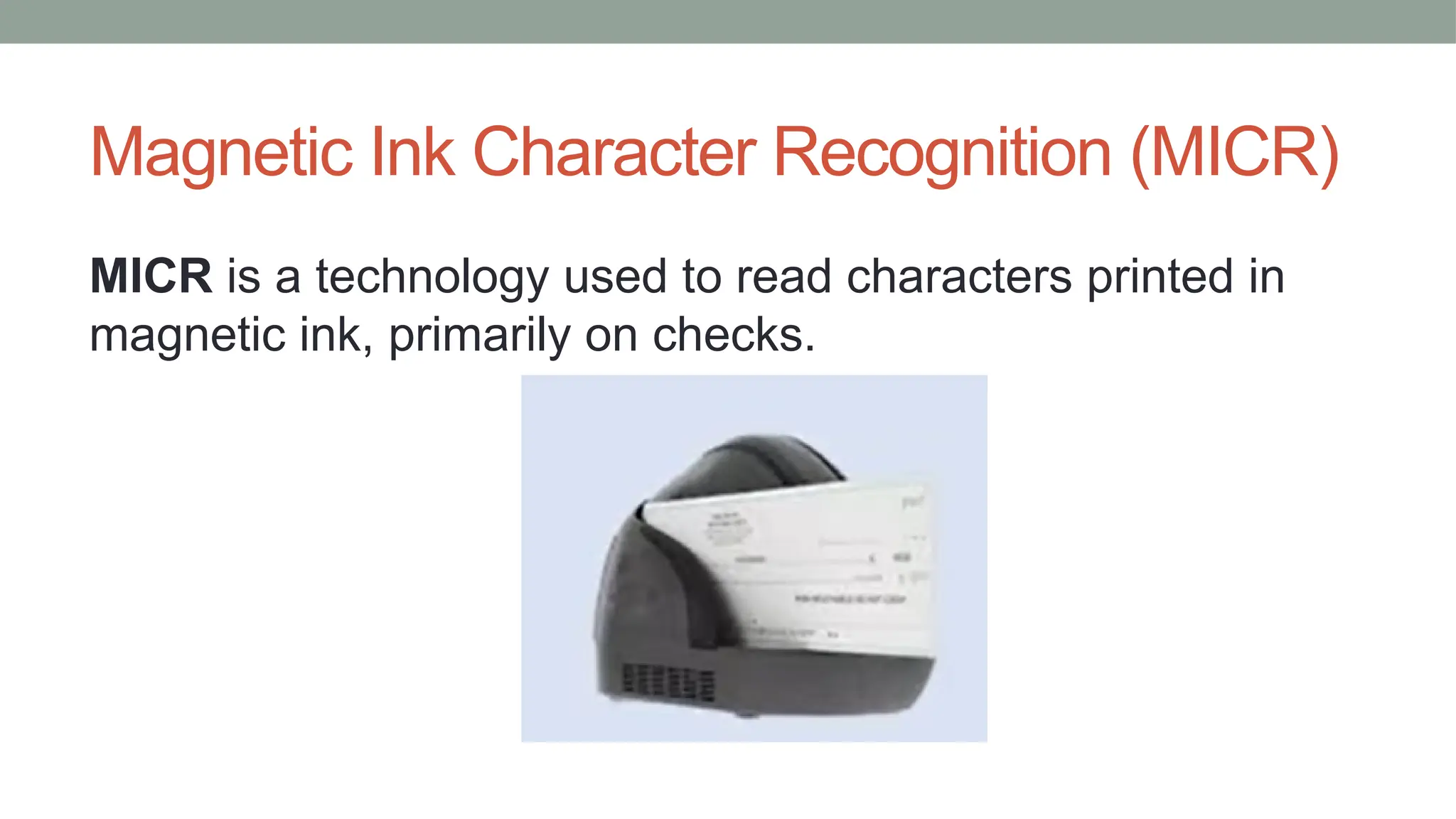
Magnetic Ink Character Recognition (MICR)
MICR is a technology used to read characters printed in
magnetic ink, primarily on checks.
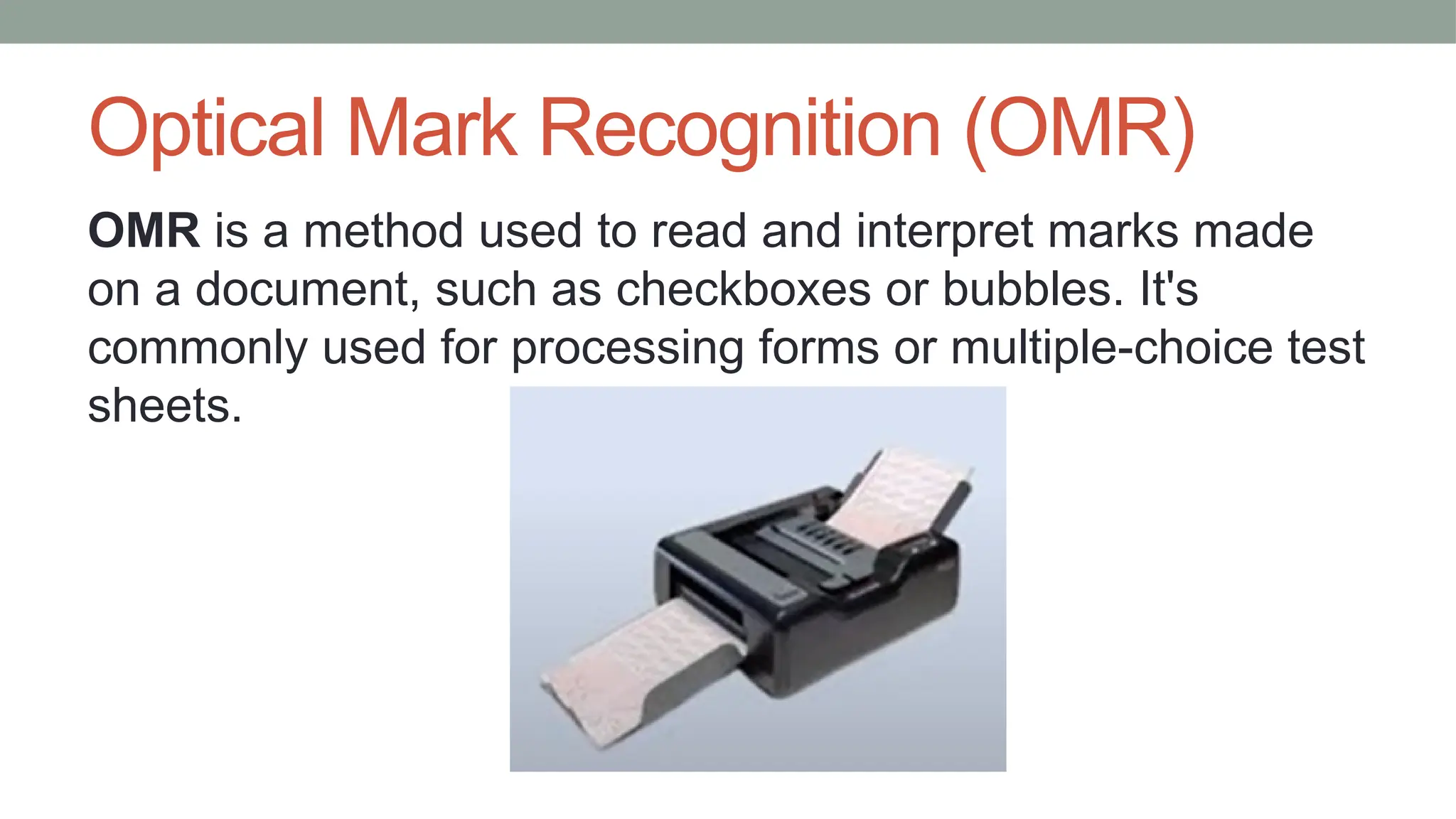
Optical Mark Recognition (OMR)
OMR is a method used to read and interpret marks made
on a document, such as checkboxes or bubbles. It's
commonly used for processing forms or multiple-choice test
sheets.
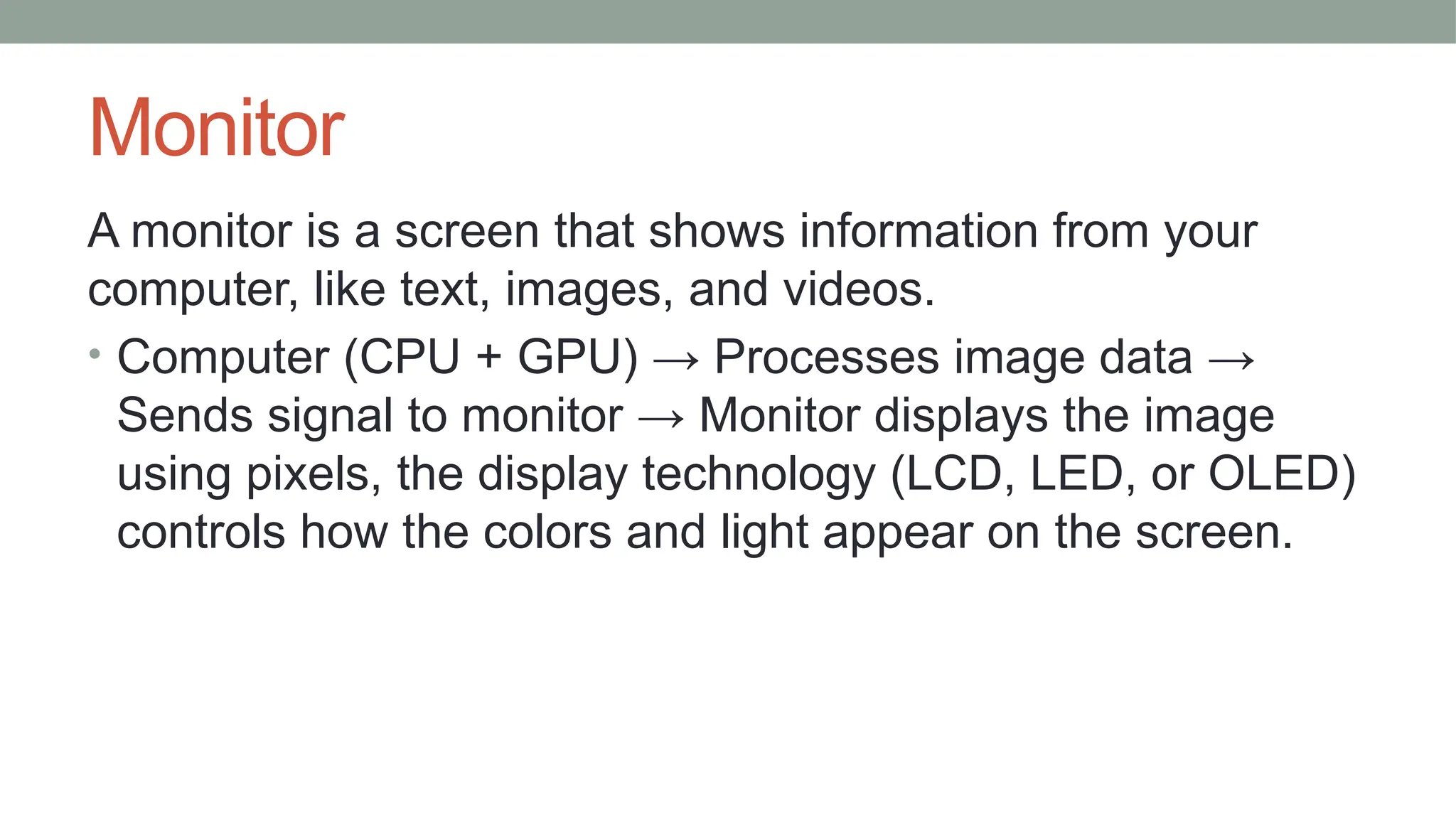
Monitor
A monitor is a screen that shows information from your
computer, like text, images, and videos.
• Computer (CPU + GPU) → Processes image data →
Sends signal to monitor → Monitor displays the image
using pixels, the display technology (LCD, LED, or OLED)
controls how the colors and light appear on the screen.
Printer
A printer is an output device that converts digital data into
physical form, typically on paper.
Types of printer:
• Inkjet Printers
• Laser Printers
• Dot Matrix Printers
• Thermal Printers
• 3D Printers
Internal parts of a computer cabinet
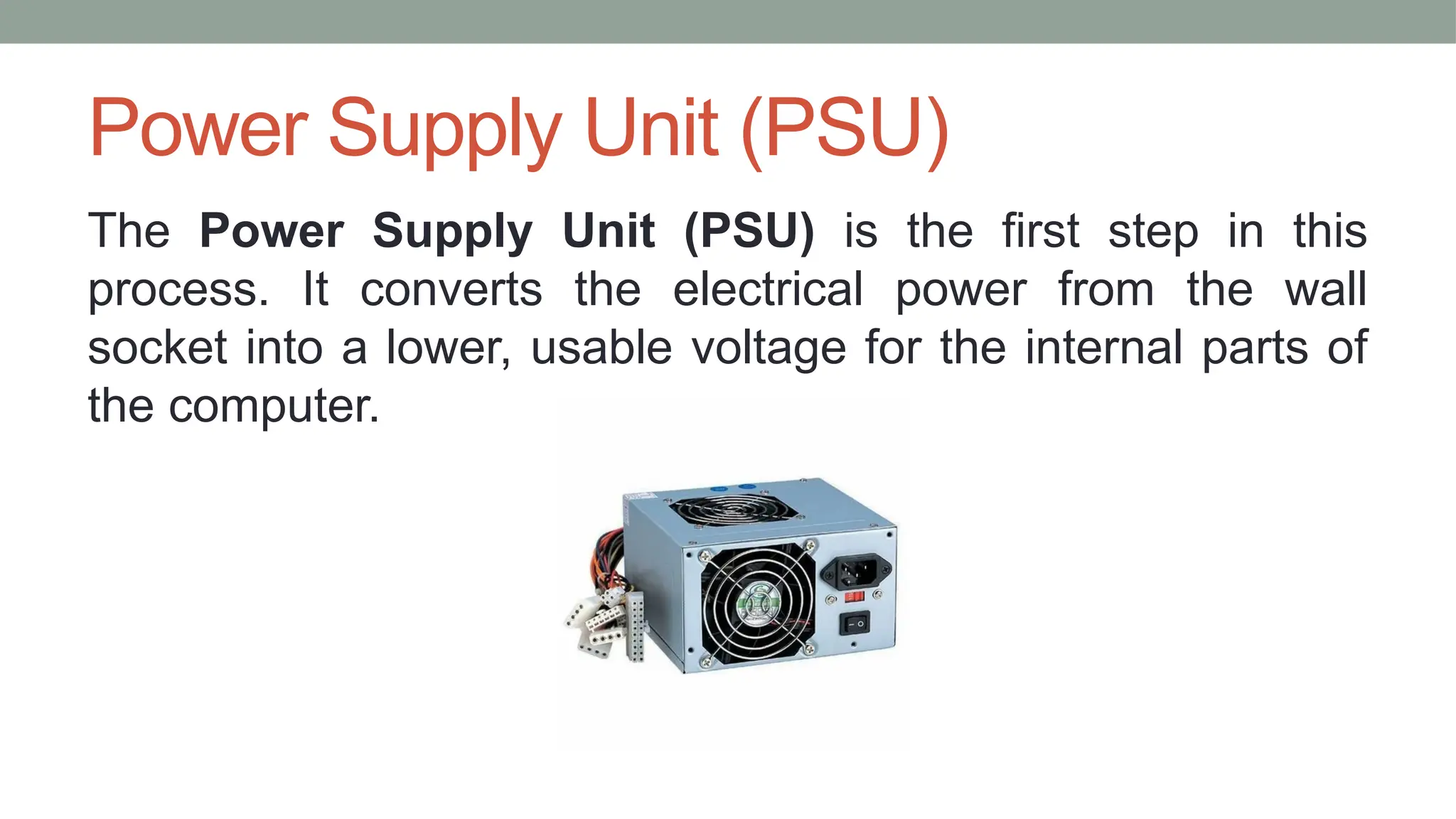
Power Supply Unit (PSU)
The Power Supply Unit (PSU) is the first step in this
process. It converts the electrical power from the wall
socket into a lower, usable voltage for the internal parts of
the computer.
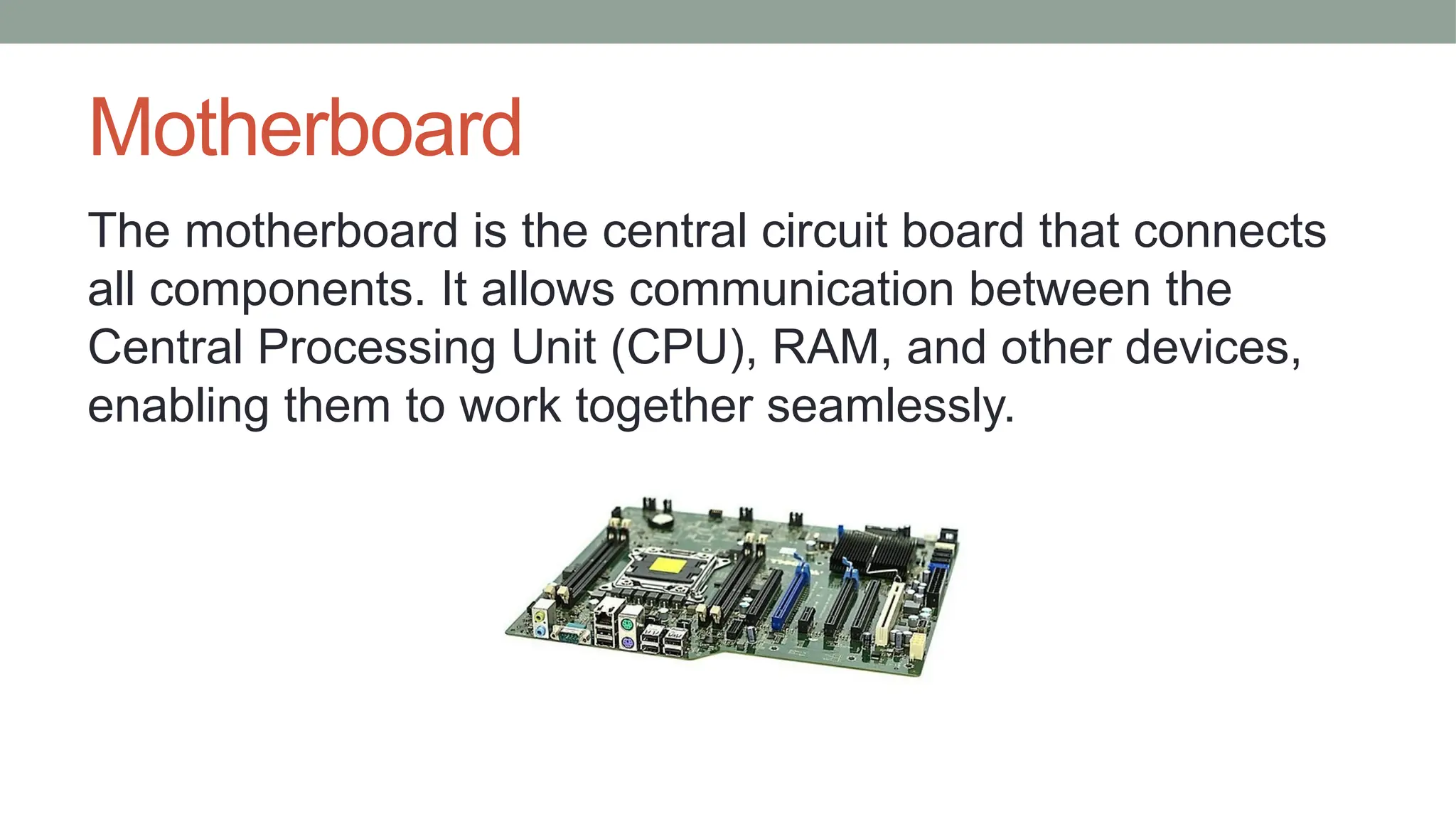
Motherboard
The motherboard is the central circuit board that connects
all components. It allows communication between the
Central Processing Unit (CPU), RAM, and other devices,
enabling them to work together seamlessly.
Microprocessor
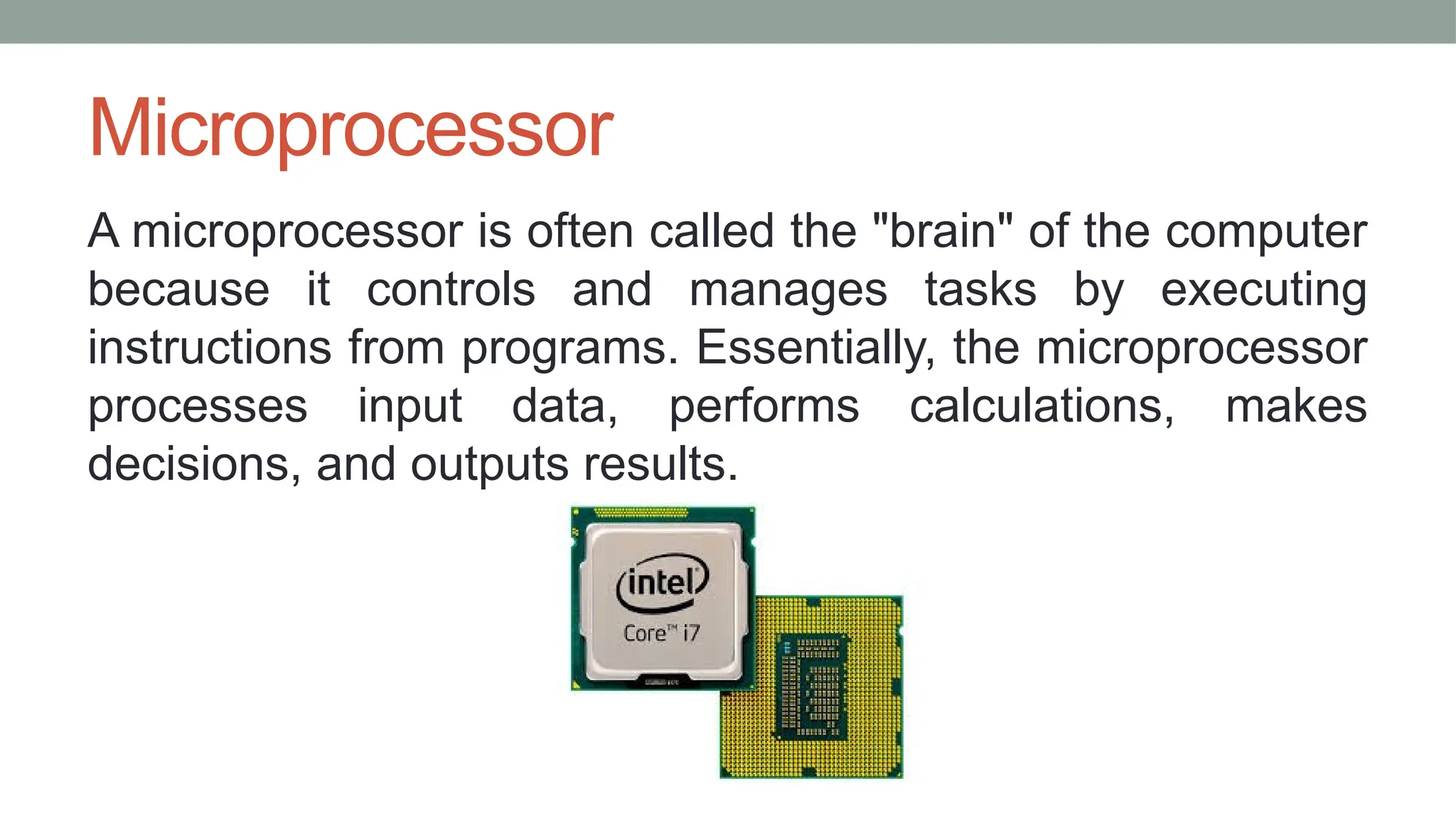
A microprocessor is often called the "brain" of the computer
because it controls and manages tasks by executing
instructions from programs. Essentially, the microprocessor
processes input data, performs calculations, makes
decisions, and outputs results.
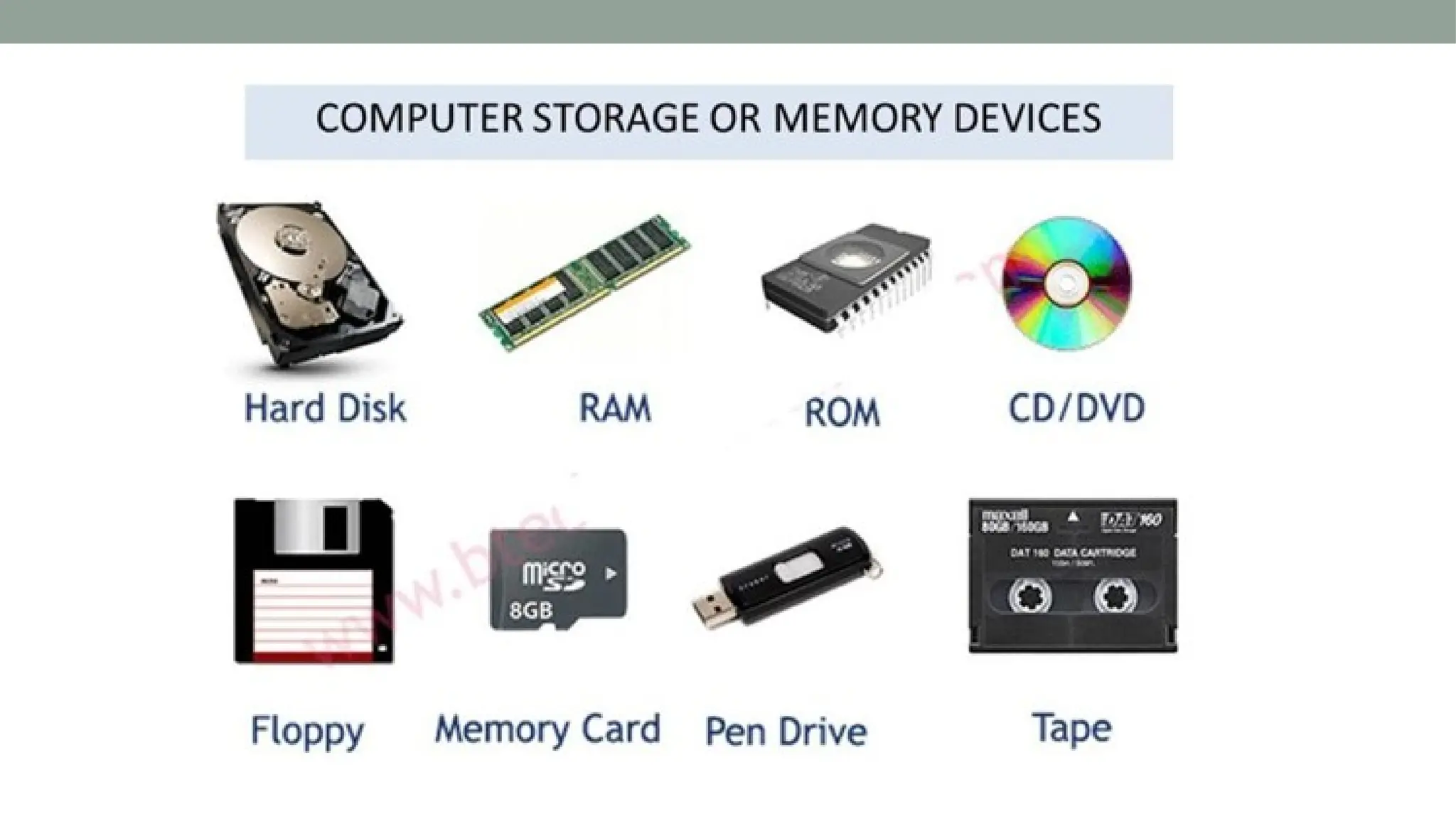
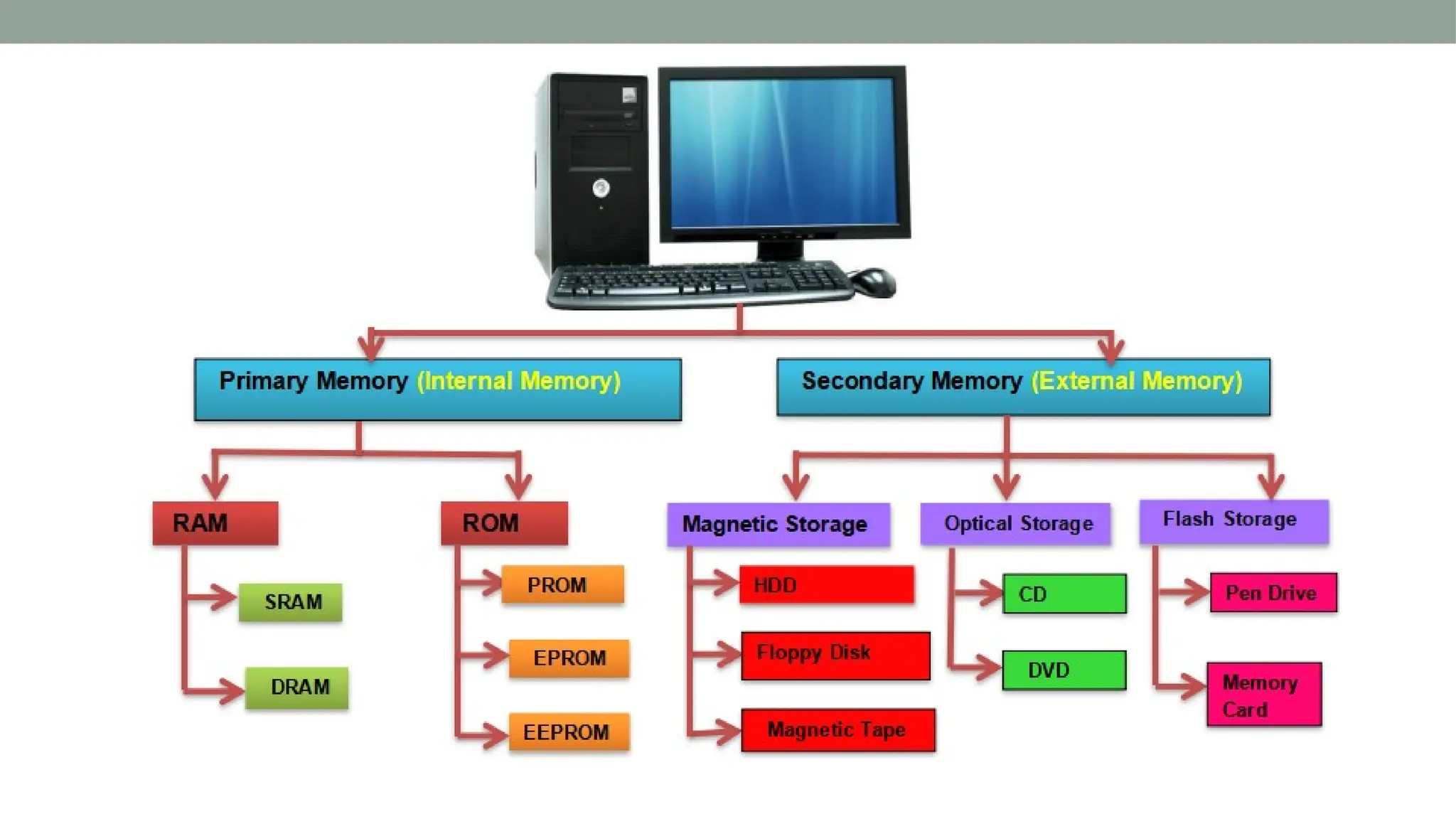
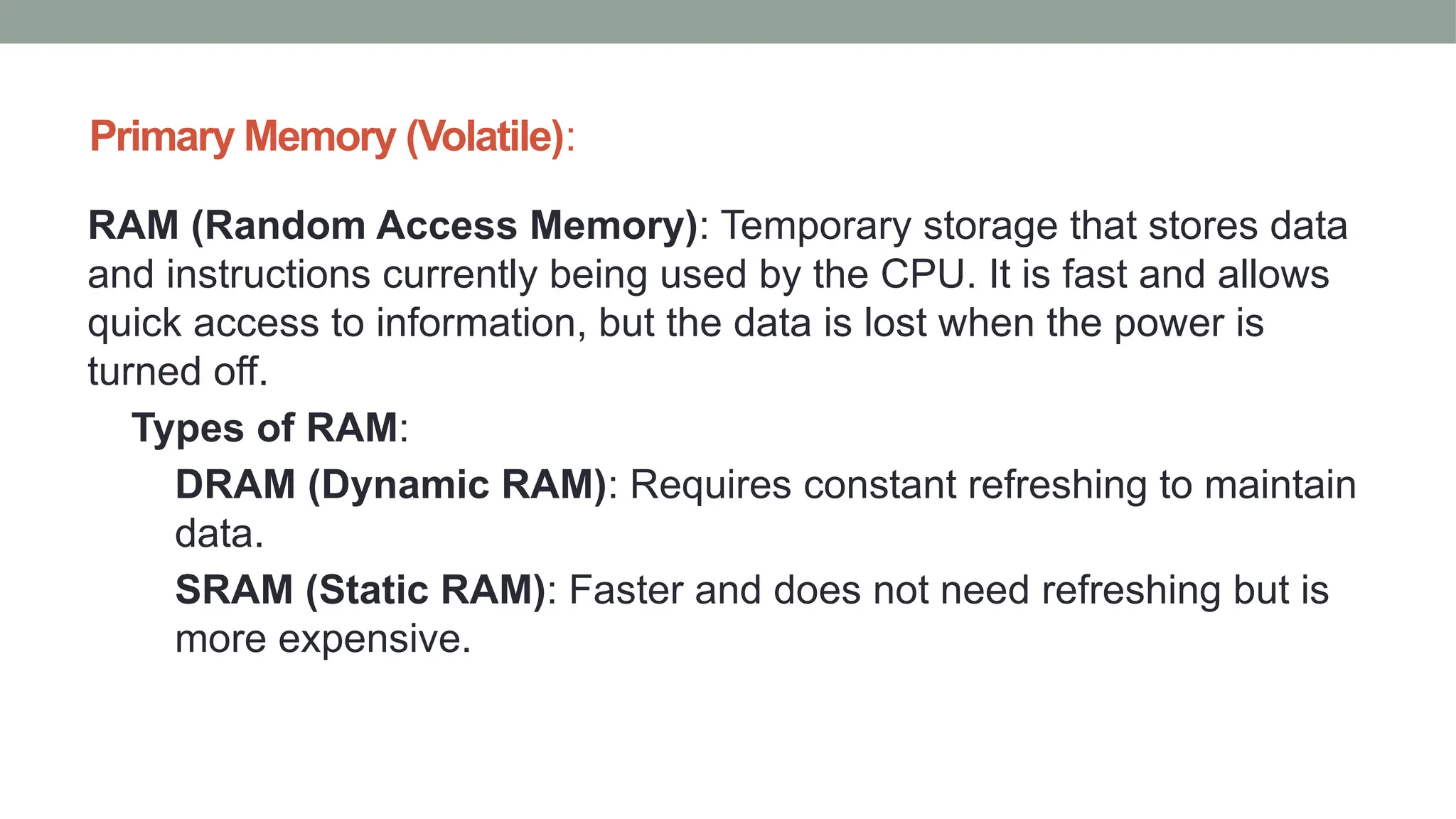
Primary Memory (Volatile):
RAM (Random Access Memory): Temporary storage that stores data
and instructions currently being used by the CPU. It is fast and allows
quick access to information, but the data is lost when the power is
turned off.
Types of RAM:
DRAM (Dynamic RAM): Requires constant refreshing to maintain
data.
SRAM (Static RAM): Faster and does not need refreshing but is
more expensive.
Cache Memory: A smaller, faster type of memory that
stores frequently accessed data for quicker access by the
CPU. It can be on the CPU chip (L1, L2 cache) or separate
(L3 cache).
Read-Only Memory (ROM)
Used to store firmware or permanent data that does not
change, such as the BIOS in computers.
Non-volatile memory (retains data even when power is off).
Secondary Memory (Non-Volatile):
Hard Disk Drive (HDD): A mechanical storage device that stores large amounts
of data using spinning disks coated with magnetic material.
Solid State Drive (SSD): A faster alternative to HDDs, using flash memory to
store data, with no moving parts. SSDs are more reliable and faster, making them
common in modern systems.
Optical Discs (e.g., CD, DVD): Storage devices that use lasers to read and write
data. Used mainly for media storage and distribution.
USB Flash Drive: A portable memory device that uses flash memory to store
data. It's small, easy to use, and commonly used for transferring data between
devices.
External Hard Drive: A storage device similar to an HDD or SSD but housed in
an external casing for portability and easy connection via USB or other interfaces.
Other types of Storage:
• Cloud Storage: A service that stores data on remote
servers accessible via the internet, offering scalability and
off-site backup.
• Magnetic Tape: Used for archival storage in large
systems. It’s slower but cost-effective for storing massive
amounts of data.
Thank You

Physical Components of computer,Computer Hardware.pptx

  • 1.
    COMPUTER HARDWARE Presentation by P.PavaniSrija Assistant Professor,SSB.
  • 2.
    What is acomputer? A computer is an electronic device that accepts input, processes data, stores data, and produces output, all according to a series of stored instructions called a program.
  • 4.
    Common Characteristics ofa computer • Computer understands machine language that cannot be understood by human. • Computer recognises values in the form of 0’s and 1’s. • Speed,Accuracy,Consistency,Automation
  • 5.
    Computer Hardware Physical Componentsof a computer. It is of 4 types. • Input: Accepts data from input devices like keyboards, mice, or sensors. • Processing: Processes data using the Central Processing Unit (CPU). • Storage: Stores data temporarily (RAM) or permanently (hard drives, SSDs). • Output: Provides results or feedback through output devices like monitors or printers.
  • 6.
  • 7.
  • 8.
    Mouse • Pointing,Selection andCursor Control Device.
  • 9.
    Scanner A scanner isan input device used to convert physical documents, images, or objects into digital formats. How It Works: • A light source illuminates the object. • Sensors detect reflected light variations to capture details. • Software processes the data into a digital file.
  • 10.
    Webcam A webcam isa digital camera connected to a computer or network that captures live video and transmits it in real- time.
  • 11.
    Barcode Reader A barcodereader is an input device used to scan and interpret barcodes printed on products.
  • 12.
    Optical Character Recognition(OCR) OCR is a technology that converts text from scanned documents, images, or handwritten notes into editable digital text
  • 13.
    Magnetic Ink CharacterRecognition (MICR) MICR is a technology used to read characters printed in magnetic ink, primarily on checks.
  • 14.
    Optical Mark Recognition(OMR) OMR is a method used to read and interpret marks made on a document, such as checkboxes or bubbles. It's commonly used for processing forms or multiple-choice test sheets.
  • 16.
    Monitor A monitor isa screen that shows information from your computer, like text, images, and videos. • Computer (CPU + GPU) → Processes image data → Sends signal to monitor → Monitor displays the image using pixels, the display technology (LCD, LED, or OLED) controls how the colors and light appear on the screen.
  • 17.
    Printer A printer isan output device that converts digital data into physical form, typically on paper. Types of printer: • Inkjet Printers • Laser Printers • Dot Matrix Printers • Thermal Printers • 3D Printers
  • 18.
    Internal parts ofa computer cabinet
  • 19.
    Power Supply Unit(PSU) The Power Supply Unit (PSU) is the first step in this process. It converts the electrical power from the wall socket into a lower, usable voltage for the internal parts of the computer.
  • 20.
    Motherboard The motherboard isthe central circuit board that connects all components. It allows communication between the Central Processing Unit (CPU), RAM, and other devices, enabling them to work together seamlessly.
  • 21.
    Microprocessor A microprocessor isoften called the "brain" of the computer because it controls and manages tasks by executing instructions from programs. Essentially, the microprocessor processes input data, performs calculations, makes decisions, and outputs results.
  • 24.
    Primary Memory (Volatile): RAM(Random Access Memory): Temporary storage that stores data and instructions currently being used by the CPU. It is fast and allows quick access to information, but the data is lost when the power is turned off. Types of RAM: DRAM (Dynamic RAM): Requires constant refreshing to maintain data. SRAM (Static RAM): Faster and does not need refreshing but is more expensive.
  • 25.
    Cache Memory: Asmaller, faster type of memory that stores frequently accessed data for quicker access by the CPU. It can be on the CPU chip (L1, L2 cache) or separate (L3 cache). Read-Only Memory (ROM) Used to store firmware or permanent data that does not change, such as the BIOS in computers. Non-volatile memory (retains data even when power is off).
  • 26.
    Secondary Memory (Non-Volatile): HardDisk Drive (HDD): A mechanical storage device that stores large amounts of data using spinning disks coated with magnetic material. Solid State Drive (SSD): A faster alternative to HDDs, using flash memory to store data, with no moving parts. SSDs are more reliable and faster, making them common in modern systems. Optical Discs (e.g., CD, DVD): Storage devices that use lasers to read and write data. Used mainly for media storage and distribution. USB Flash Drive: A portable memory device that uses flash memory to store data. It's small, easy to use, and commonly used for transferring data between devices. External Hard Drive: A storage device similar to an HDD or SSD but housed in an external casing for portability and easy connection via USB or other interfaces.
  • 27.
    Other types ofStorage: • Cloud Storage: A service that stores data on remote servers accessible via the internet, offering scalability and off-site backup. • Magnetic Tape: Used for archival storage in large systems. It’s slower but cost-effective for storing massive amounts of data.
  • 28.