WEB DEVELOPMENT
A workshop on developing a site using PHP
PROJECT
SETUP
Download


https://www.dropbox.com/s/
 kq2r4e403iu566q/vhost.zip
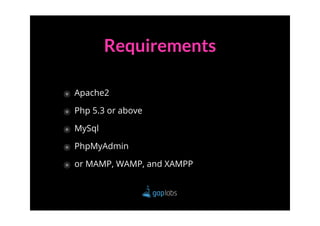
Requirements

๏ Apache2
๏ Php 5.3 or above
๏ MySql
๏ PhpMyAdmin
๏ or MAMP, WAMP, and XAMPP
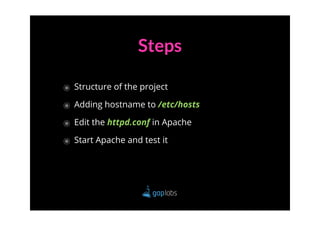
Steps

๏ Structure of the project
๏ Adding hostname to /etc/hosts
๏ Edit the httpd.conf in Apache
๏ Start Apache and test it
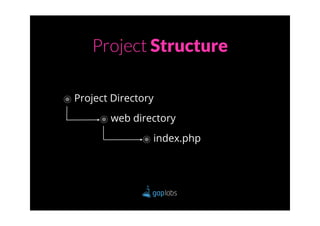
Project Structure

๏ Project Directory
       ๏ web directory
                ๏ index.php
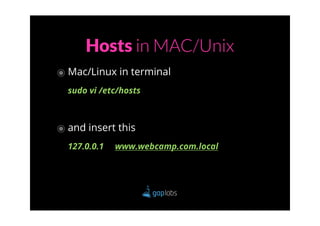
Hosts in MAC/Unix
๏ Mac/Linux in terminal
  sudo vi /etc/hosts


๏ and insert this
  127.0.0.1   www.webcamp.com.local
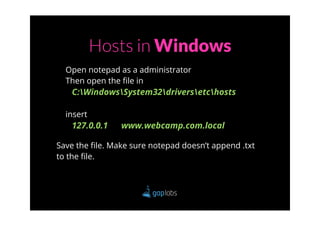
Hosts in Windows
  Open notepad as a administrator
  Then open the file in
   C:WindowsSystem32driversetchosts

  insert
   127.0.0.1    www.webcamp.com.local

Save the file. Make sure notepad doesn’t append .txt
to the file.
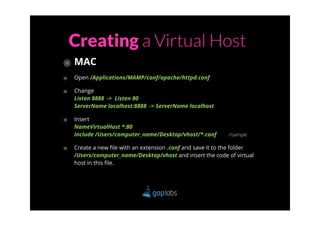
Creating a Virtual Host
๏ MAC
๏   Open /Applications/MAMP/conf/apache/httpd.conf

๏   Change
    Listen 8888 -> Listen 80
    ServerName localhost:8888 -> ServerName localhost

๏   Insert
    NameVirtualHost *:80
    Include /Users/computer_name/Desktop/vhost/*.conf       //sample

๏   Create a new file with an extension .conf and save it to the folder
    /Users/computer_name/Desktop/vhost and insert the code of virtual
    host in this file.
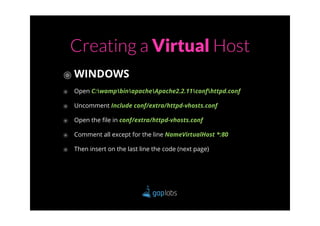
Creating a Virtual Host
๏ WINDOWS
๏ Open C:wampbinapacheApache2.2.11confhttpd.conf
๏ Uncomment Include conf/extra/httpd-vhosts.conf
๏ Open the file in conf/extra/httpd-vhosts.conf
๏ Comment all except for the line NameVirtualHost *:80
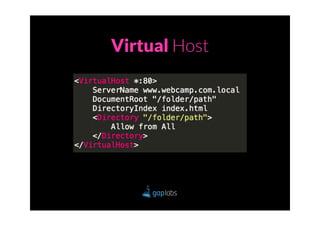
๏ Then insert on the last line the code (next page)
Virtual Host
RESTART YOUR APACHE

   and its done!
ACCESSING
DATABASE
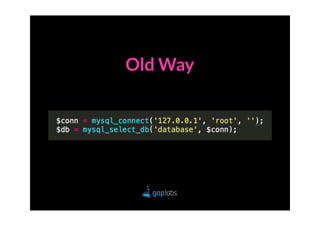
Old Way
New Recommended Ways

  ๏ via PDO (PHP Data Objects)
  ๏ via MySQLi
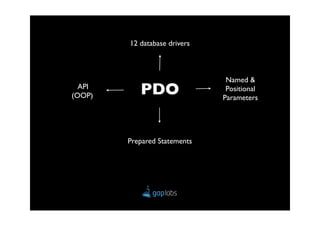
12 database drivers


                               Named &
  API
(OOP)      PDO                 Positional
                              Parameters


        Prepared Statements
Using PDO
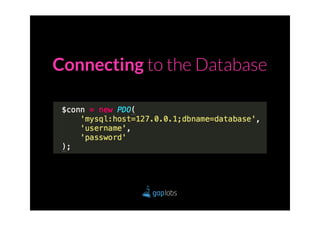
Connecting to the Database
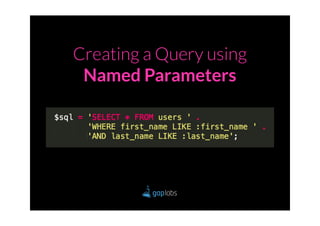
Creating a Query using
 Named Parameters
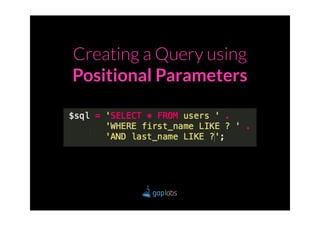
Creating a Query using
Positional Parameters
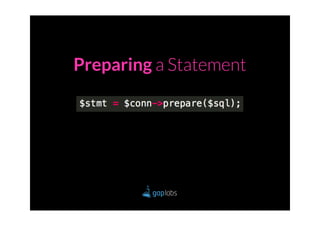
Preparing a Statement
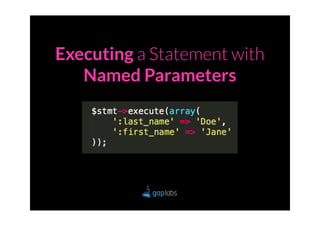
Executing a Statement with
   Named Parameters
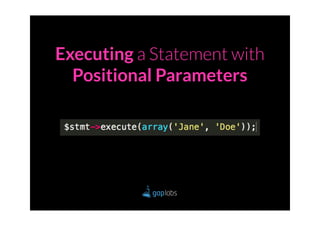
Executing a Statement with
  Positional Parameters
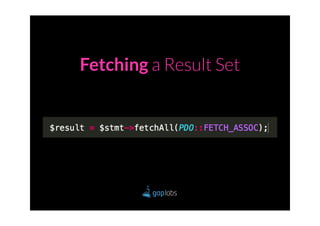
Fetching a Result Set
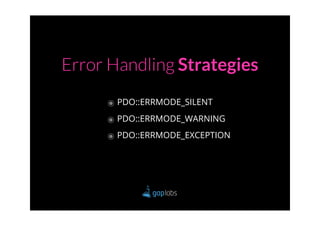
Error Handling Strategies

     ๏ PDO::ERRMODE_SILENT
     ๏ PDO::ERRMODE_WARNING
     ๏ PDO::ERRMODE_EXCEPTION
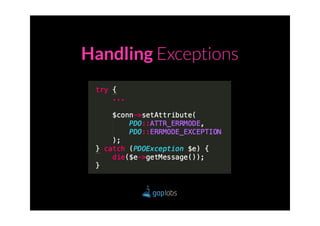
Handling Exceptions
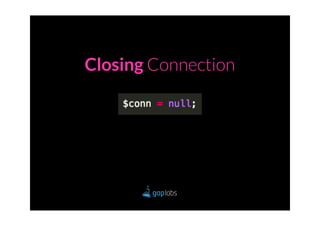
Closing Connection
USING $_POST & $_GET
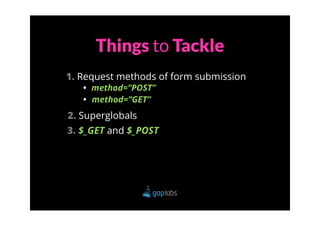
Things to Tackle
1. Request methods of form submission
   • method=”POST”
   • method=”GET”
2. Superglobals
3. $_GET and $_POST
REQUEST
METHODS
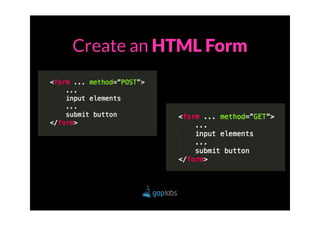
Create an HTML Form
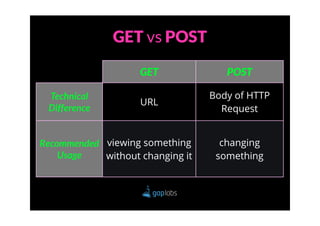
GET vs POST

                    GET              POST

 Technical                        Body of HTTP
                    URL
 Difference                         Request


Recommended viewing something       changing
    Usage   without changing it    something
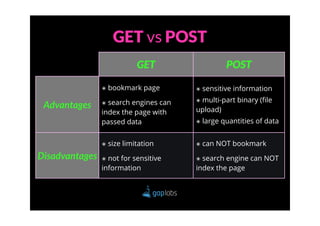
GET vs POST
                           GET                   POST

                ๏ bookmark page        ๏ sensitive information

                ๏ search engines can   ๏ multi-part binary (file
 Advantages                            upload)
                index the page with
                passed data            ๏ large quantities of data


                ๏ size limitation      ๏ can NOT bookmark

Disadvantages   ๏ not for sensitive    ๏ search engine can NOT
                information            index the page
SUPERGLOBALS
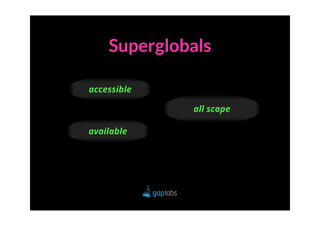
Superglobals

accessible

             all scope

available
Superglobals
$GLOBALS
            $_COOKIES
$_SERVER                  $_GET
             $_SESSION
 $_ENV
                          $_POST
            $_REQUEST
 $_FILES
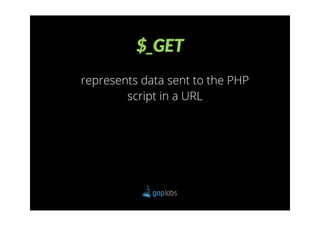
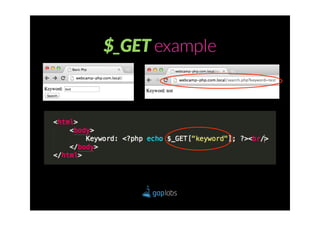
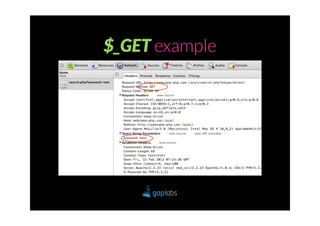
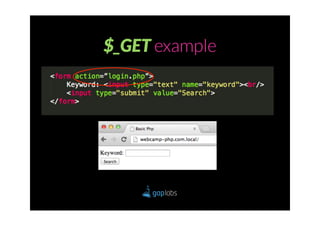
$_GET
represents data sent to the PHP
        script in a URL
$_GET example
$_GET example
$_GET example
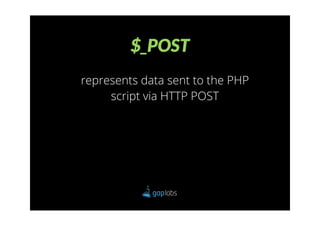
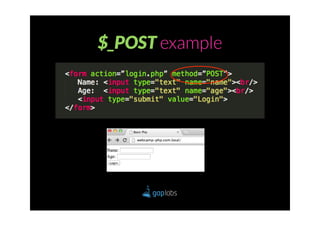
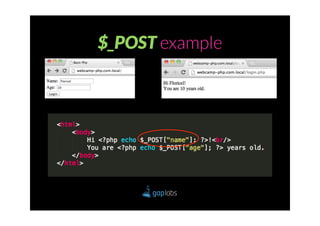
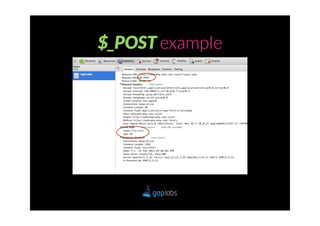
$_POST
represents data sent to the PHP
     script via HTTP POST
$_POST example
$_POST example
$_POST example
Hands-on time!
IMAGE
UPLOAD
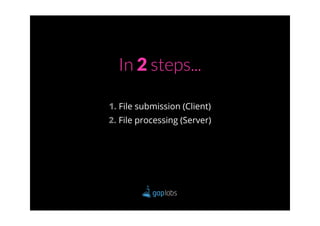
In 2 steps...

1. File submission (Client)
2. File processing (Server)
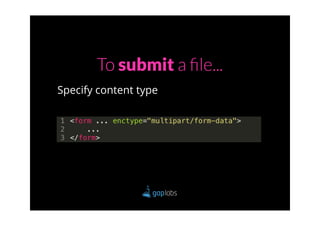
To submit a file...
Specify content type
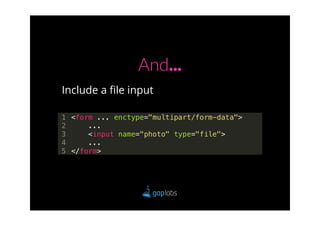
And...
Include a file input
To process a file...

     ๏ Handle
     ๏ Validate
     ๏ Save
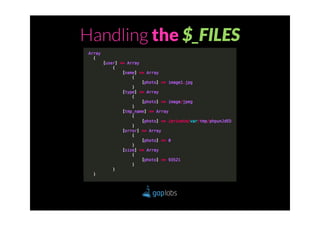
Handling the $_FILES
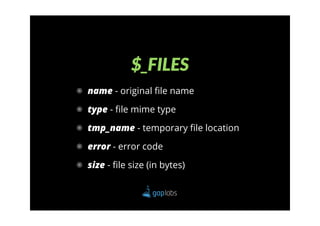
$_FILES
๏ name - original file name

๏ type - file mime type

๏ tmp_name - temporary file location

๏ error - error code

๏ size - file size (in bytes)
Validating

The file must be an image
Validate by...

 ๏ Extension
 ๏ Mime type
 ๏ Attribute
Attribute Validation

  getimagesize( $image )
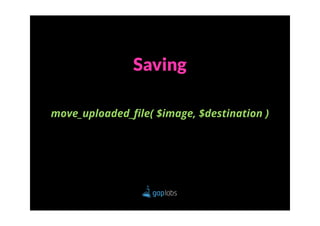
Saving

move_uploaded_file( $image, $destination )
FORM
VALIDATION
Before validating...

       Sanitize
Sanitize...

Unwanted characters
Validate

Data is acceptable
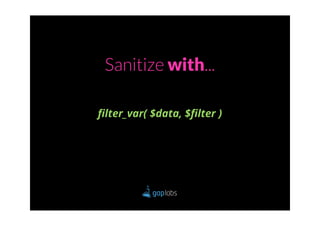
Sanitize with...

filter_var( $data, $filter )
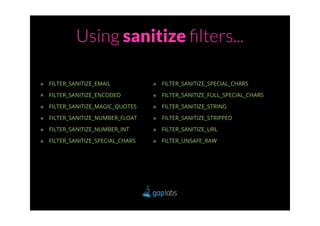
Using sanitize filters...

๏ FILTER_SANITIZE_EMAIL           ๏ FILTER_SANITIZE_SPECIAL_CHARS
๏ FILTER_SANITIZE_ENCODED         ๏ FILTER_SANITIZE_FULL_SPECIAL_CHARS

๏ FILTER_SANITIZE_MAGIC_QUOTES    ๏ FILTER_SANITIZE_STRING

๏ FILTER_SANITIZE_NUMBER_FLOAT    ๏ FILTER_SANITIZE_STRIPPED

๏ FILTER_SANITIZE_NUMBER_INT      ๏ FILTER_SANITIZE_URL

๏ FILTER_SANITIZE_SPECIAL_CHARS   ๏ FILTER_UNSAFE_RAW
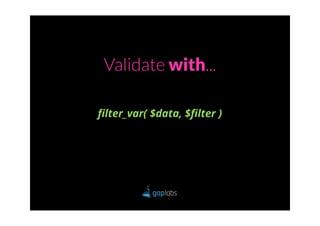
Validate with...

filter_var( $data, $filter )
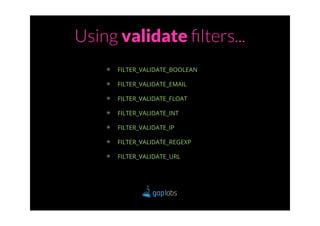
Using validate filters...
    ๏   FILTER_VALIDATE_BOOLEAN

    ๏   FILTER_VALIDATE_EMAIL

    ๏   FILTER_VALIDATE_FLOAT

    ๏   FILTER_VALIDATE_INT

    ๏   FILTER_VALIDATE_IP

    ๏   FILTER_VALIDATE_REGEXP

    ๏   FILTER_VALIDATE_URL
THANK
 YOU!

PHP Web Development