CHAPTER – 02
HTML FORM’S DATA HANDLING WITH PHP
ADVANCED INTERNET PROGRAMMING
Compiled by: Workineh N February 15, 2024
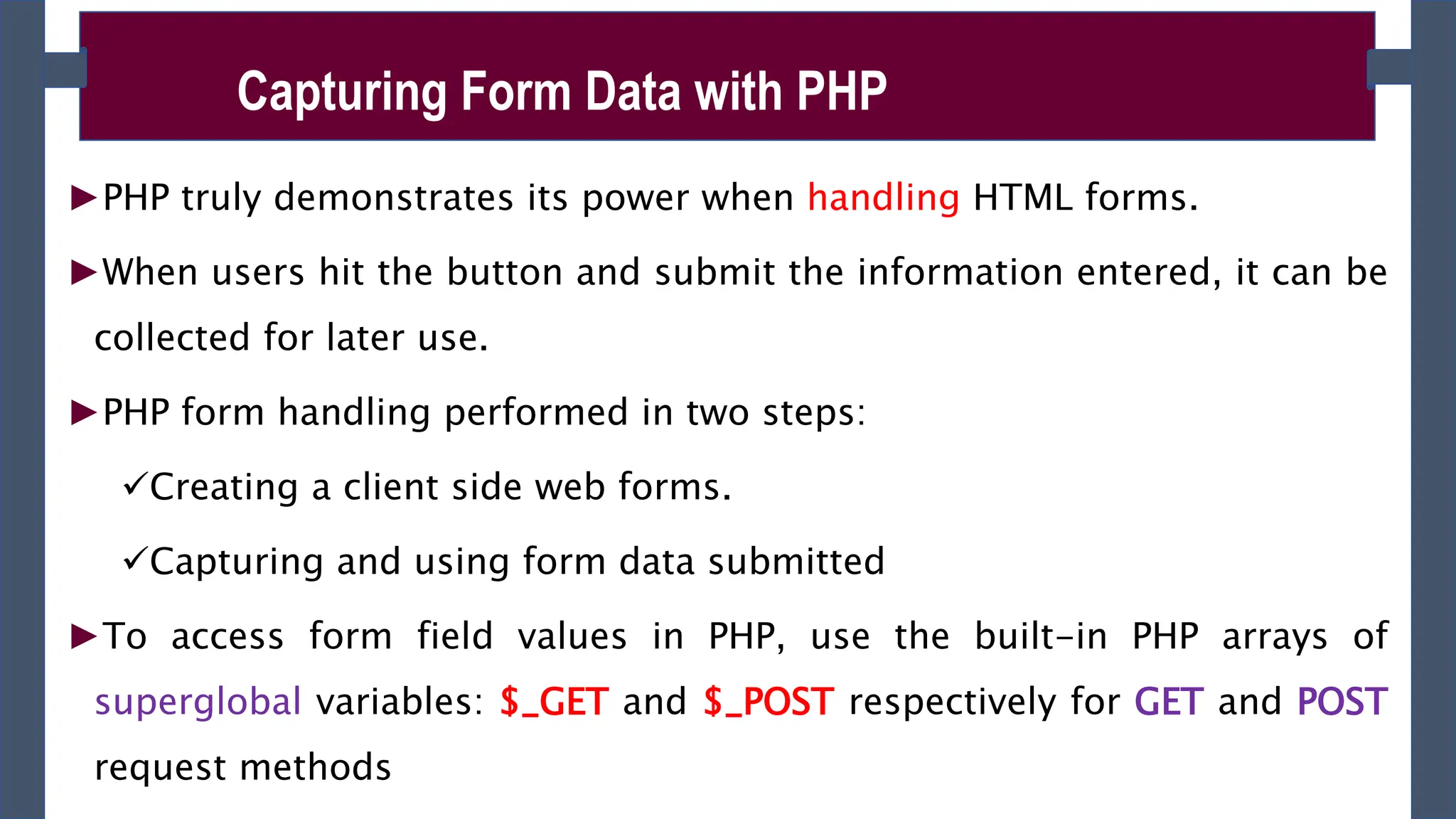
►PHP truly demonstrates its power when handling HTML forms.
►When users hit the button and submit the information entered, it can be
collected for later use.
►PHP form handling performed in two steps:
Creating a client side web forms.
Capturing and using form data submitted
►To access form field values in PHP, use the built-in PHP arrays of
superglobal variables: $_GET and $_POST respectively for GET and POST
request methods
Capturing Form Data with PHP
►For example, to access the value of an input field named ‘first_name’ in
a form whose method is POST, we’d write: $_POST[ ‘first_name’ ];
►If the form method is GET, $_GET[ ‘first_name’ ];
Capturing Form Data with PHP
Superglob
al
Description
$_GET Contains a list of all the field names and values sent by a
form using the get method (i.e. via the URL parameters).
$_POST Contains a list of all the field names and values sent by a
form using the post method (data will not visible in the
URL).
$_REQUES Contains the values of both the $_GET and $_POST variables
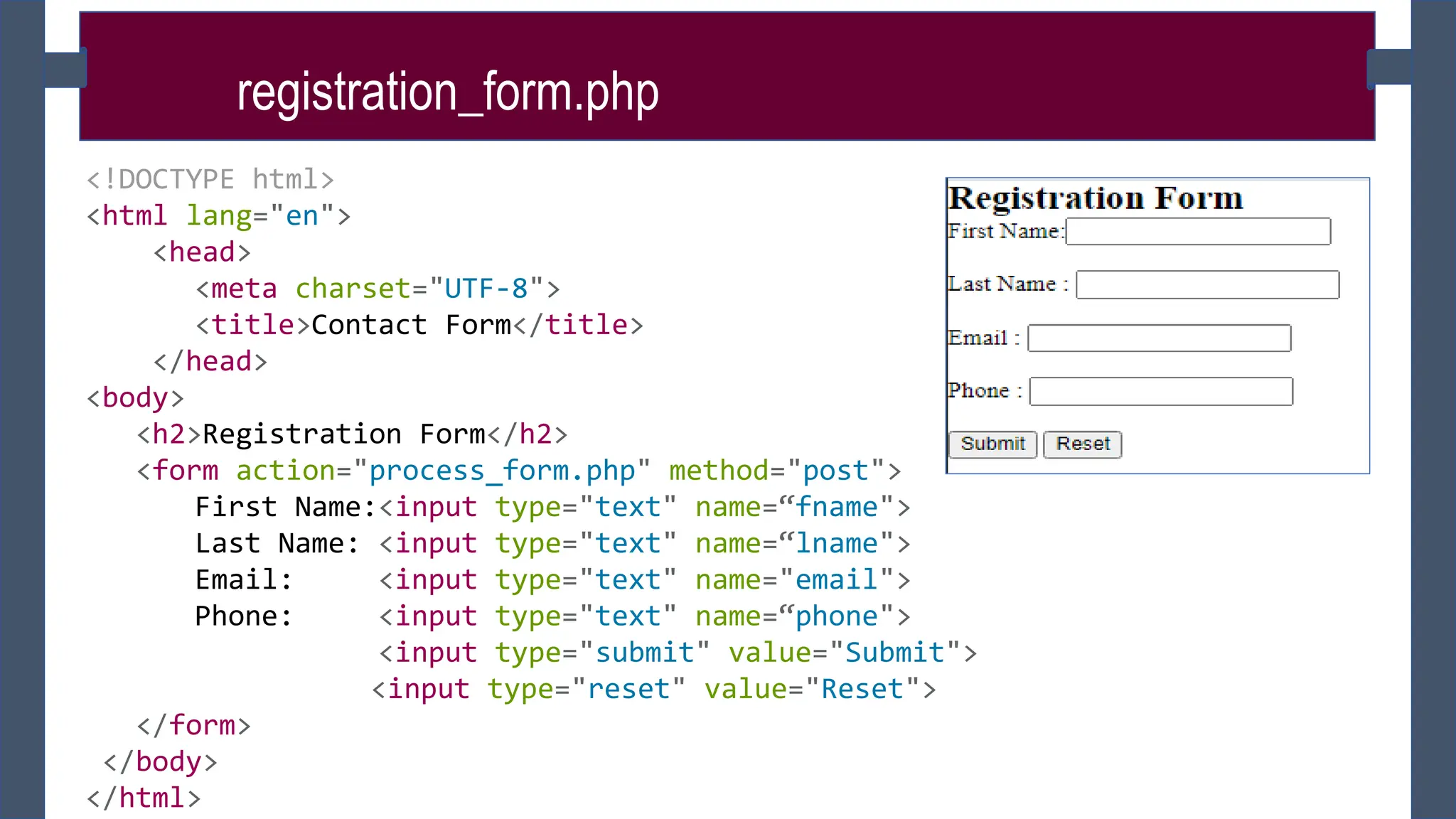
registration_form.php
<!DOCTYPE html>
<html lang="en">
<head>
<meta charset="UTF-8">
<title>Contact Form</title>
</head>
<body>
<h2>Registration Form</h2>
<form action="process_form.php" method="post">
First Name:<input type="text" name=“fname">
Last Name: <input type="text" name=“lname">
Email: <input type="text" name="email">
Phone: <input type="text" name=“phone">
<input type="submit" value="Submit">
<input type="reset" value="Reset">
</form>
</body>
</html>
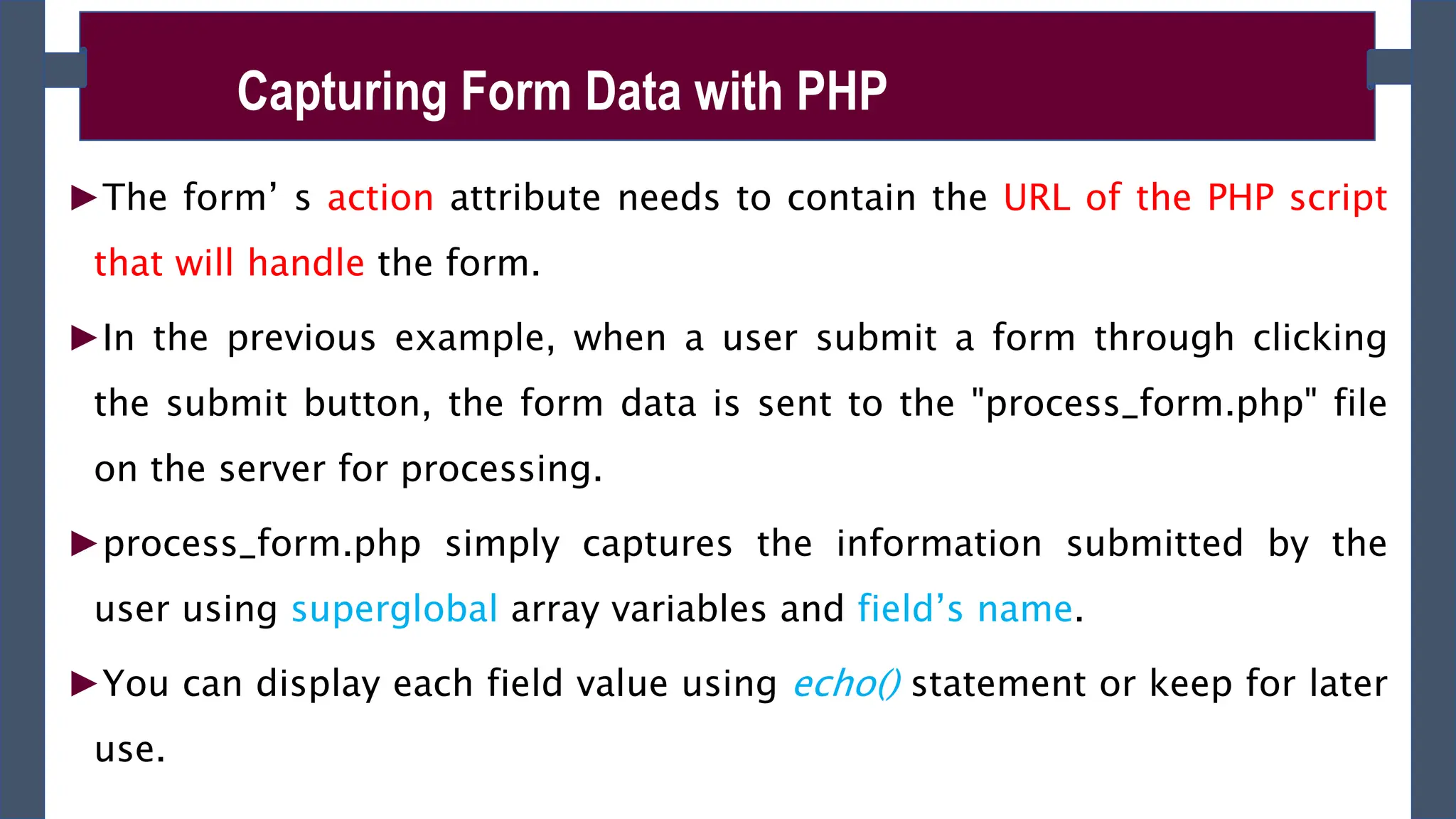
►The form’ s action attribute needs to contain the URL of the PHP script
that will handle the form.
►In the previous example, when a user submit a form through clicking
the submit button, the form data is sent to the "process_form.php" file
on the server for processing.
►process_form.php simply captures the information submitted by the
user using superglobal array variables and field’s name.
►You can display each field value using echo() statement or keep for later
use.
Capturing Form Data with PHP
process_form.php
<!DOCTYPE html>
<html lang="en">
<head>
<title>Contact Form</title>
</head>
<body>
<h2>You Registered Successfully!</h2>
<h2>You Submitted the following data:</h2>
<?php
$fname =$_POST[“fname"];
$lname =$_POST[“lname"];
$email =$_POST[“email"];
$phone =$_POST[“phone"];
echo “Your First Name:”. $fname;
echo “Your Last Name:”. $lname;
echo “Your Email:”. $email;
echo “Your Phone:”. $phone; ?>
</body> </html>
This assigns the data from a f
orm field to a new variable
The PHP code blends variables in
to HTML code that’s output to t
he browser
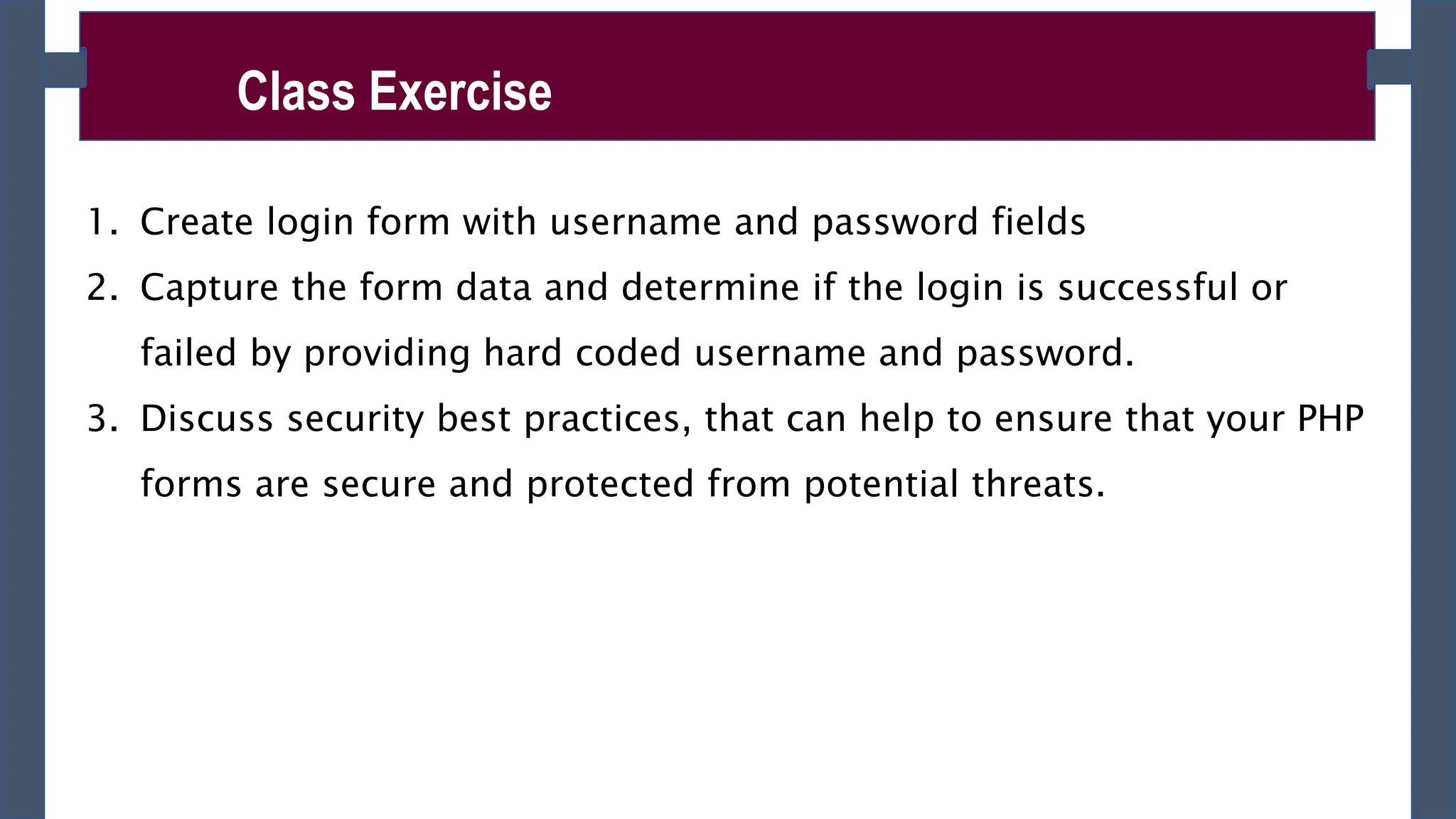
Class Exercise
1. Create login form with username and password fields
2. Capture the form data and determine if the login is successful or
failed by providing hard coded username and password.
3. Discuss security best practices, that can help to ensure that your PHP
forms are secure and protected from potential threats.
Project(20%)
Choose your preferred project title and submit within one week.
The project you choose should contain the following features and
functionality:
• Form handling (Login, Registration and others)
• Should support file or image upload.
• Use database as backend for data storage
• Should perform CRUD(Create, Read, Update and Delete) operation on
database
• Role based access to the predefined pages and recourses.
• Should perform session tracking of users login.
• More features will be posted on the way.
►A PHP script can be used with a HTML form to allow users to upload
files to the server.
►Initially files are uploaded into a temporary directory and then relocated
to a target destination by a PHP script
►What you should do first:
Configure the PHP Settings(php.ini file) – it found at C:xamppphpphp.in-
development
In php.in file change the following key settings:
1. file_uploads - The value of the file_uploads directive should be set to On to
allow file uploads. The default value of this directive is On (file_uploads =
On).
PHP File Uploads
►The process of file upload has two steps:
1. Creating File Upload Forms –rules to be followed while creating the
file upload HTML form:
A file select field type should be “file”. <input type=”file” name=”f1”
value=”” />
a form containing a file select field must use the post method
it must also have an enctype=”multipart/form - data” attribute in its
<form> tag.
E.g < form action=”form_handler.php” method=”post”
enctype=”multipart/form-data” >
PHP File Uploads
►multipart/form-data - it allows you to upload files using the POST
method. It ensures that the form data is encoded as mulitpart MIME
data — which is required for uploading the large quantities of binary
data such as image, audio, video, etc.
►You can have as many file select fields as you like within your form,
allowing your users to upload multiple files at once.
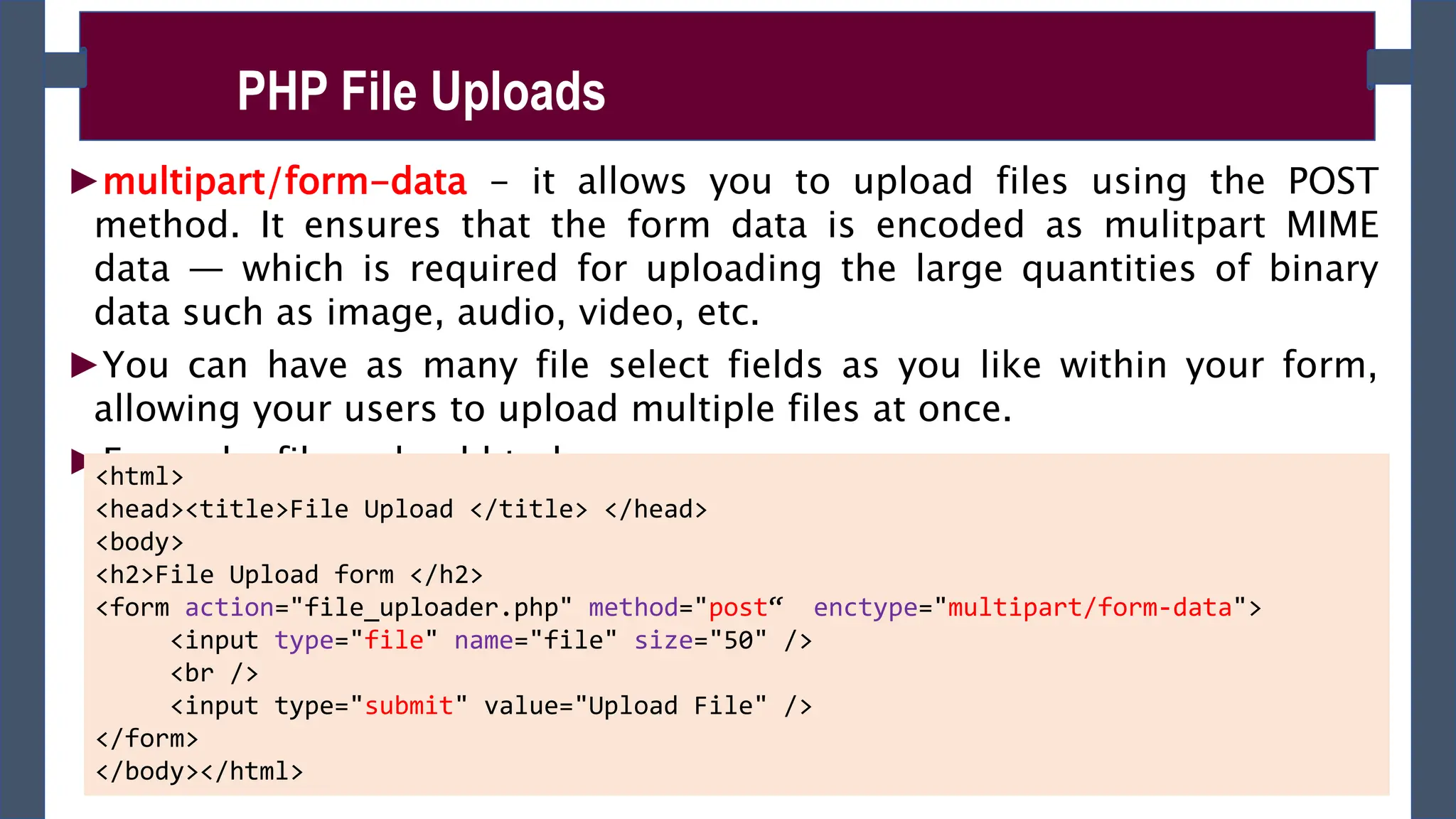
►Example: file_upload.html
PHP File Uploads
<html>
<head><title>File Upload </title> </head>
<body>
<h2>File Upload form </h2>
<form action="file_uploader.php" method="post“ enctype="multipart/form-data">
<input type="file" name="file" size="50" />
<br />
<input type="submit" value="Upload File" />
</form>
</body></html>
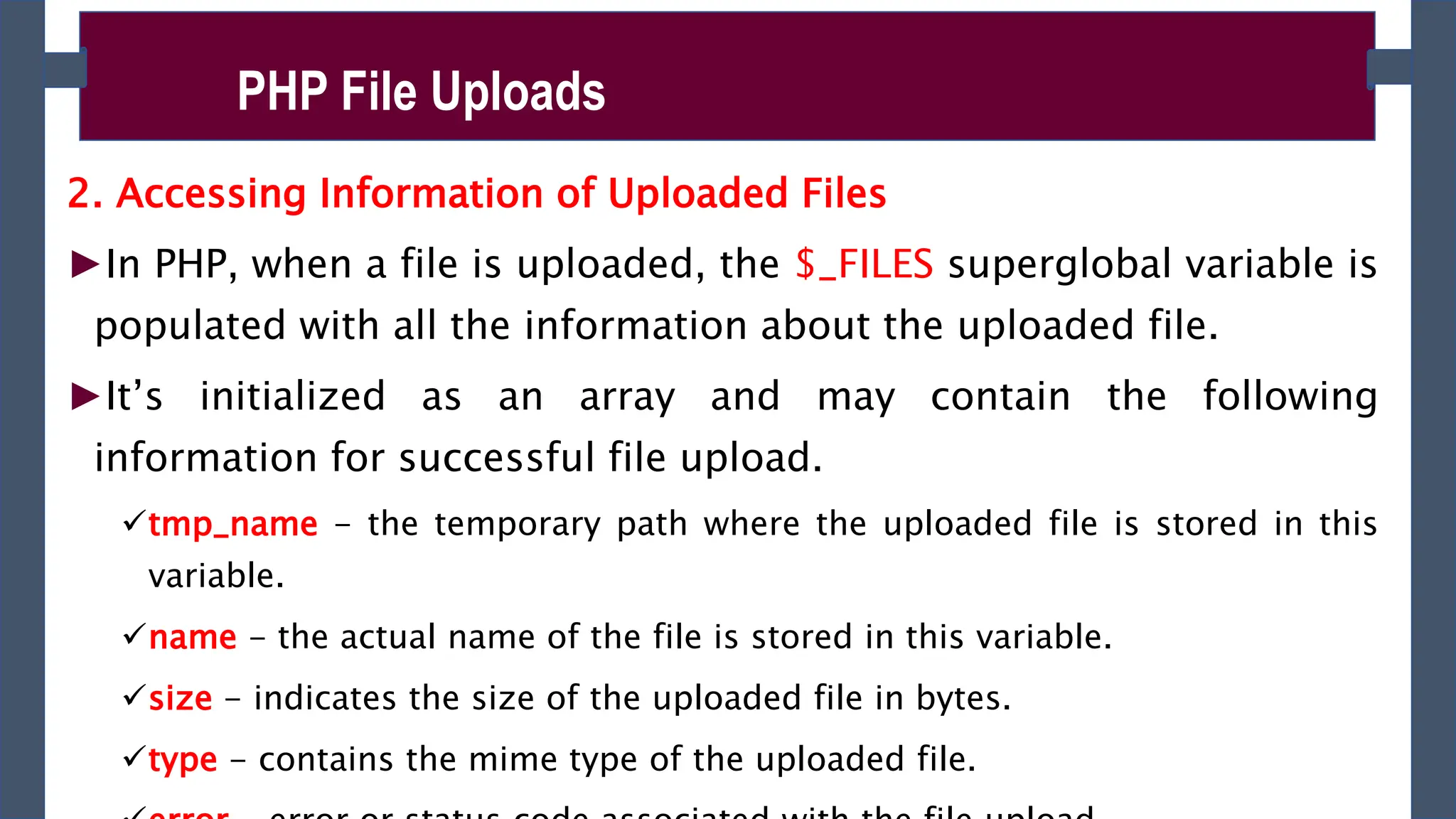
2. Accessing Information of Uploaded Files
►In PHP, when a file is uploaded, the $_FILES superglobal variable is
populated with all the information about the uploaded file.
►It’s initialized as an array and may contain the following
information for successful file upload.
tmp_name - the temporary path where the uploaded file is stored in this
variable.
name - the actual name of the file is stored in this variable.
size - indicates the size of the uploaded file in bytes.
type - contains the mime type of the uploaded file.
PHP File Uploads
►Accessing the uploaded file and its information using $_FILES
superglobal array as follows for the above given file upload form:
$_FILES['file']['tmp_name’] – returns the uploaded file in the temporary directory on
the web server.
$_FILES['file']['name'] – returns the actual name of the uploaded file.
$_FILES['file']['size'] – returns the size in bytes of the uploaded file.
$_FILES['file']['type'] – returns the MIME type of the uploaded file.
$_FILES['file']['error'] – returns the error code associated with this file upload.
PHP File Uploads
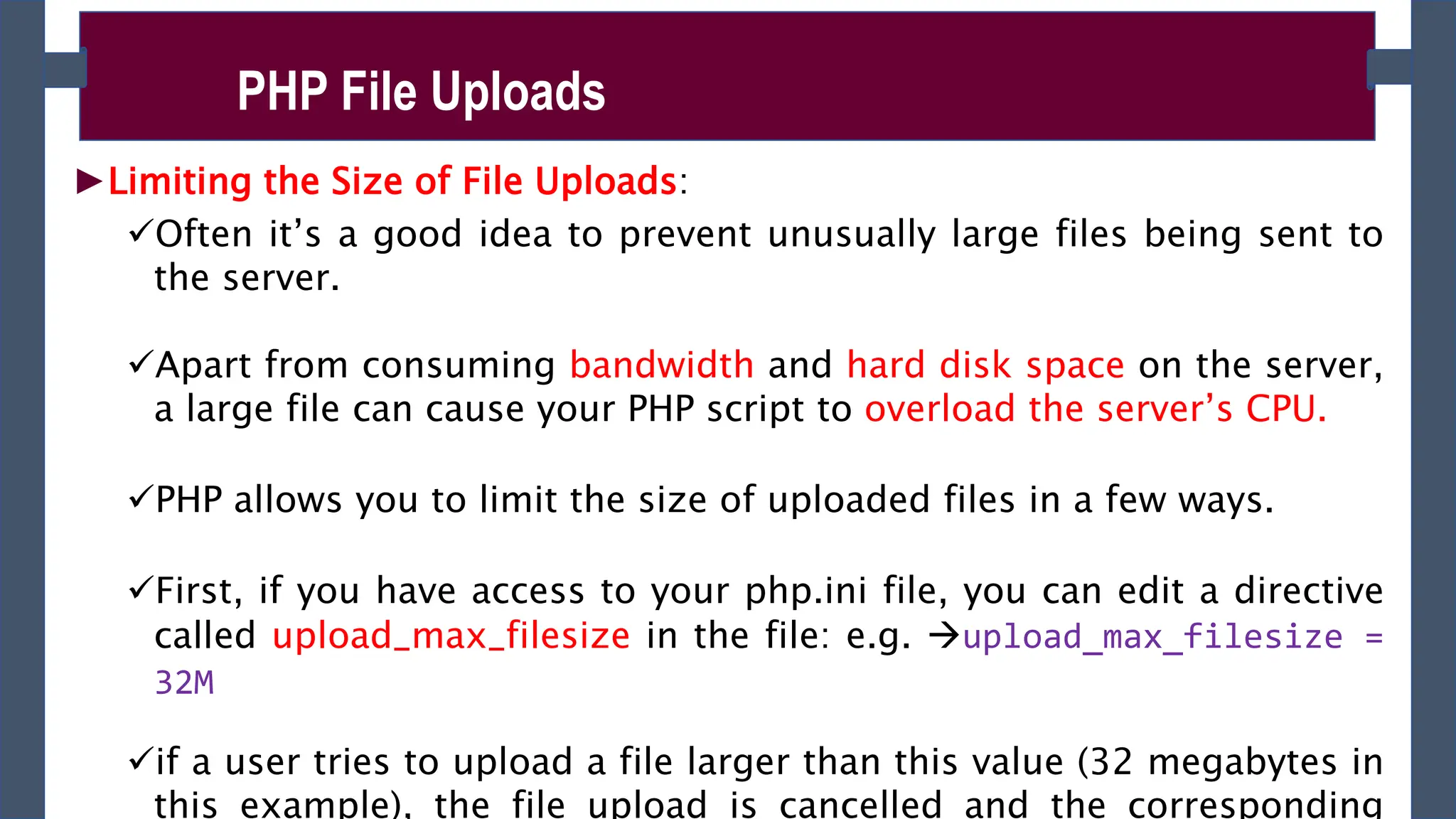
►Limiting the Size of File Uploads:
Often it’s a good idea to prevent unusually large files being sent to
the server.
Apart from consuming bandwidth and hard disk space on the server,
a large file can cause your PHP script to overload the server’s CPU.
PHP allows you to limit the size of uploaded files in a few ways.
First, if you have access to your php.ini file, you can edit a directive
called upload_max_filesize in the file: e.g. upload_max_filesize =
32M
if a user tries to upload a file larger than this value (32 megabytes in
this example), the file upload is cancelled and the corresponding
PHP File Uploads
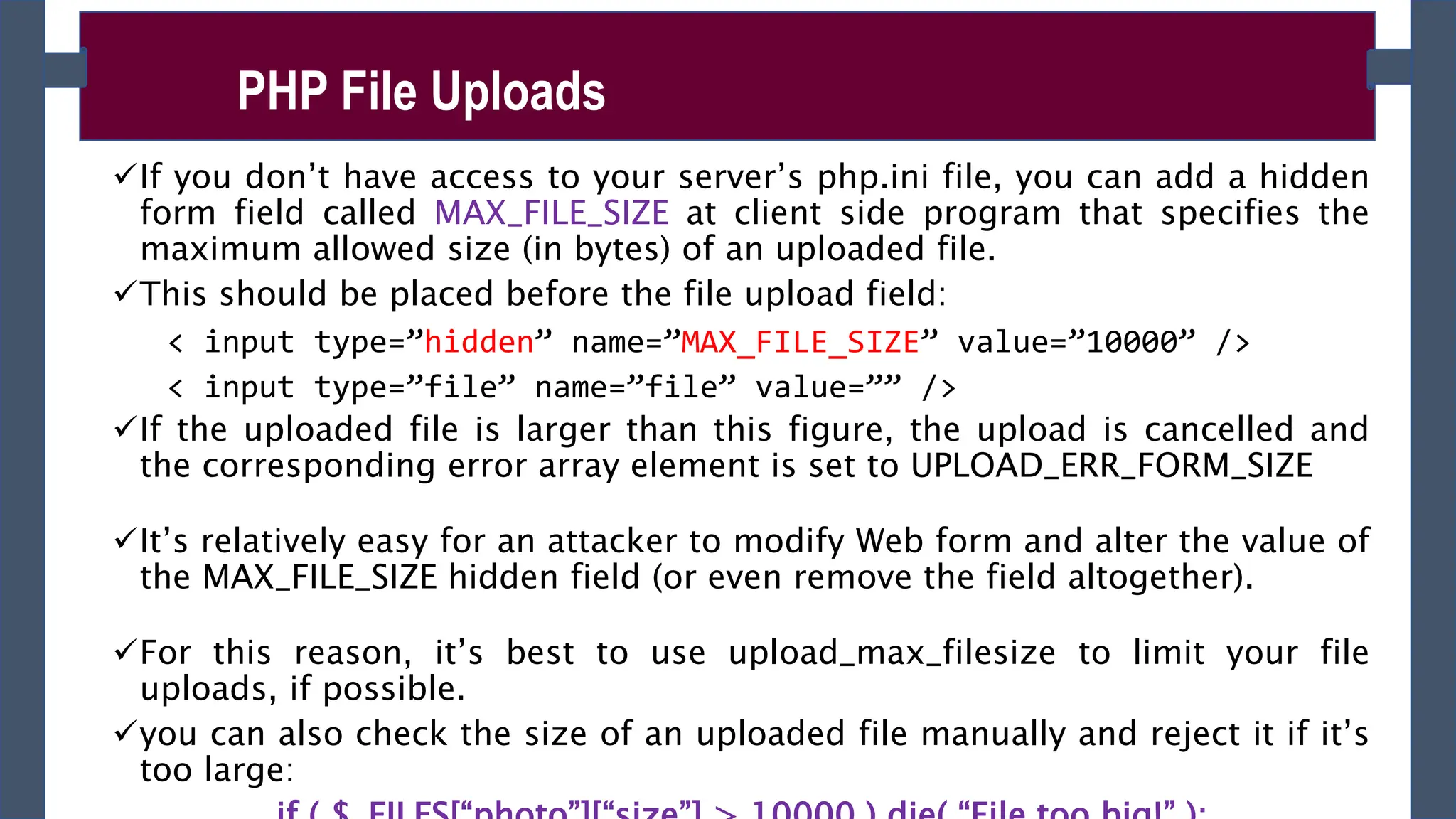
If you don’t have access to your server’s php.ini file, you can add a hidden
form field called MAX_FILE_SIZE at client side program that specifies the
maximum allowed size (in bytes) of an uploaded file.
This should be placed before the file upload field:
< input type=”hidden” name=”MAX_FILE_SIZE” value=”10000” />
< input type=”file” name=”file” value=”” />
If the uploaded file is larger than this figure, the upload is cancelled and
the corresponding error array element is set to UPLOAD_ERR_FORM_SIZE
It’s relatively easy for an attacker to modify Web form and alter the value of
the MAX_FILE_SIZE hidden field (or even remove the field altogether).
For this reason, it’s best to use upload_max_filesize to limit your file
uploads, if possible.
you can also check the size of an uploaded file manually and reject it if it’s
too large:
PHP File Uploads
►Once a file has been successfully uploaded, it is automatically stored in
a temporary folder on the server.
►To use the file, or store it on a more permanent basis, you need to
move it out of the temporary folder. To do this use
move_uploaded_file()
►move_uploaded_file() - moves the uploaded file to a new location.
It takes two arguments: the path of the file to move, and the path to move
it to.
You can determine the existing path of the file using the tmp_name array
element of the nested array inside the $_FILES array.
It returns true if the file was moved successfully, or false if there was an
error (such as the path to the file being incorrect).
Syntax: move_uploaded_file ($from , $to )
Storing and Using an Uploaded File
if ( move_uploaded_file( $_FILES[“photo”][“tmp_name”], “/desktop/photos/photo.jpg” ) ) {
echo “Your file was successfully uploaded.”;
} else {
echo “There was a problem uploading your file - please try again.”; }
<?php
$target_path = "e:/";
$target_path = $target_path.basename( $_FILES['file']['name']);
if(move_uploaded_file($_FILES['file']['tmp_name'], $target_path)) {
echo "File uploaded successfully! Your file information are: <br>";
echo “File name is: ”. $_FILES['file']['name’]. “<br>” ;
echo “File size is: ”. $_FILES['file’][size’]. “<br>” ;
echo “File type is: ”. $_FILES['file’][type’]. “<br>” ;
echo “File temporary directory is: ”. $_FILES['file'][‘tmp_name’]. “<br>” ;
} else{
echo "Sorry, file not uploaded, please try again!";
}
?>
file_uploader.php
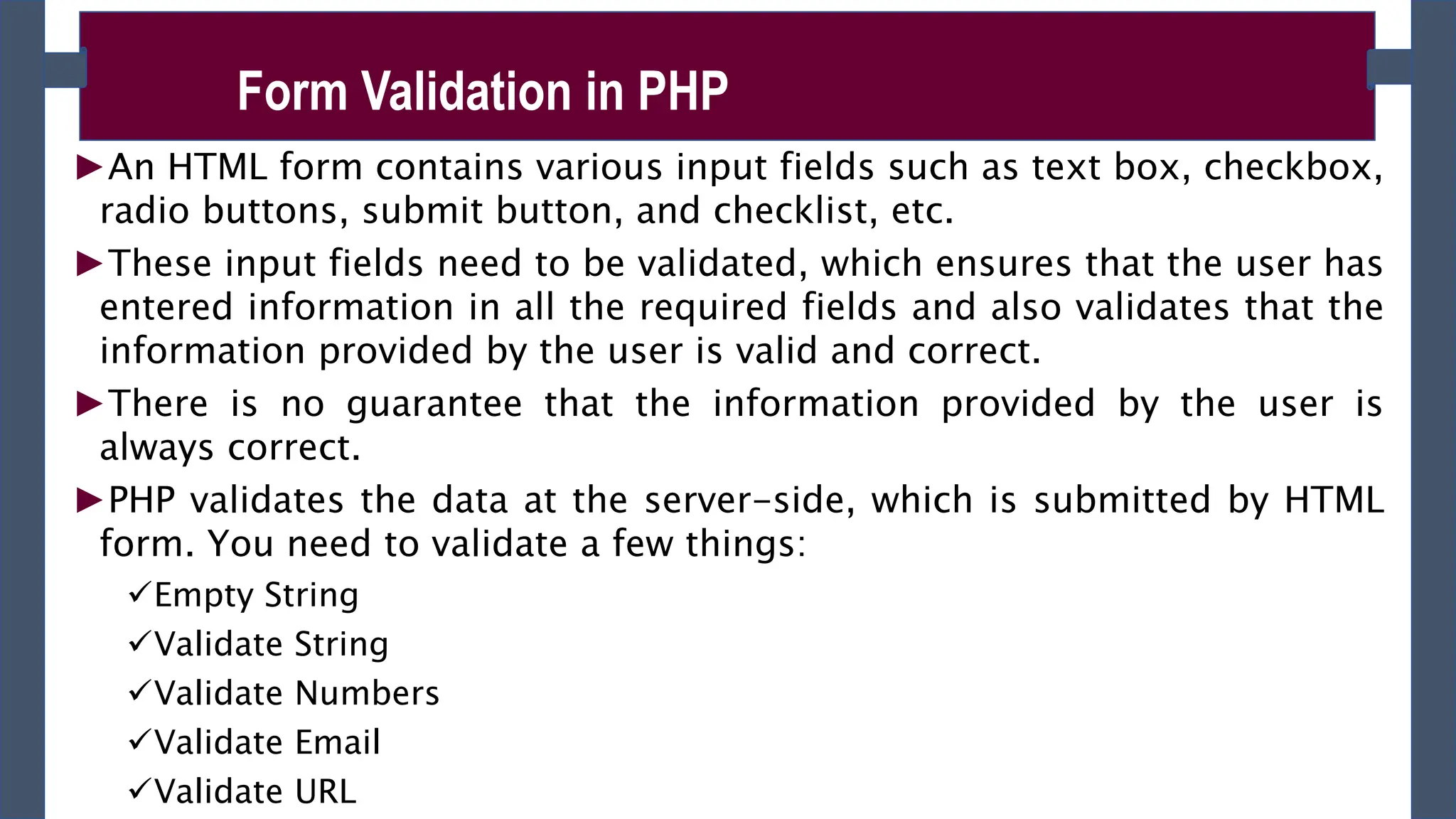
►An HTML form contains various input fields such as text box, checkbox,
radio buttons, submit button, and checklist, etc.
►These input fields need to be validated, which ensures that the user has
entered information in all the required fields and also validates that the
information provided by the user is valid and correct.
►There is no guarantee that the information provided by the user is
always correct.
►PHP validates the data at the server-side, which is submitted by HTML
form. You need to validate a few things:
Empty String
Validate String
Validate Numbers
Validate Email
Validate URL
Form Validation in PHP
Empty String
►The code below checks that the field is not empty. If the user leaves the
required field empty, it will show an error message. Put these lines of code to
validate the required field.
if (empty ($_POST["name"])) {
echo "Error! You didn't enter the Name.";
} else {
$name = $_POST["name"];
}
Validate String
►The code below checks that the field will contain only alphabets and
whitespace, for example - name. If the name field does not receive valid input
from the user, then it will show an error message:
$name = $_POST ["Name"];
if (!preg_match ("/^[a-zA-z]*$/", $name) ) {
echo "Only alphabets and whitespace are allowed.";
Form Validation in PHP
Validate Number
►The below code validates that the field will only contain a numeric value. For
example - Mobile no. If the Mobile no field does not receive numeric data from
the user, the code will display an error message:
$mobileno = $_POST ["Mobile_no"];
if (!preg_match ("/^[0-9]*$/", $mobileno) ){
echo "Only numeric value is allowed.";
} else { echo $mobileno; }
Validate Email
►A valid email must contain @ and . symbols. PHP provides various methods to
validate the email address. Here, we will use regular expressions to validate
the email address.
$email = $_POST ["Email"];
$pattern = "^[_a-z0-9-]+(.[_a-z0-9-]+)*@[a-z0-9-]+(.[a-z0-9-]+)*(.[a-z]{2,3})$^";
if (!preg_match ($pattern, $email) ){
echo "Email is not valid.";
Form Validation in PHP
Input Length Validation
►The input length validation restricts the user to provide the value between the
specified range, for Example - Mobile Number. A valid mobile number must
have 10 digits.
$mobileno = $_POST ["Mobile"];
$length = strlen ($mobileno);
if ( $length < 10 && $length > 10) {
echo "Mobile must have 10 digits.";
} else { echo "Your Mobile number is: " .$mobileno; }
Button Click Validate
►The below code validates that the user click on submit button and send the
form data to the server in one of the following method - get or post.
if (isset ($_POST['submit']) {
echo "Submit button is clicked.";
if ($_SERVER["REQUEST_METHOD"] == "POST") {
echo "Data is sent using POST method ";
}
Form Validation in PHP

PHP fundamnetal in information technology CHapter -02.pptx

  • 1.
    CHAPTER – 02 HTMLFORM’S DATA HANDLING WITH PHP ADVANCED INTERNET PROGRAMMING Compiled by: Workineh N February 15, 2024
  • 2.
    ►PHP truly demonstratesits power when handling HTML forms. ►When users hit the button and submit the information entered, it can be collected for later use. ►PHP form handling performed in two steps: Creating a client side web forms. Capturing and using form data submitted ►To access form field values in PHP, use the built-in PHP arrays of superglobal variables: $_GET and $_POST respectively for GET and POST request methods Capturing Form Data with PHP
  • 3.
    ►For example, toaccess the value of an input field named ‘first_name’ in a form whose method is POST, we’d write: $_POST[ ‘first_name’ ]; ►If the form method is GET, $_GET[ ‘first_name’ ]; Capturing Form Data with PHP Superglob al Description $_GET Contains a list of all the field names and values sent by a form using the get method (i.e. via the URL parameters). $_POST Contains a list of all the field names and values sent by a form using the post method (data will not visible in the URL). $_REQUES Contains the values of both the $_GET and $_POST variables
  • 4.
    registration_form.php <!DOCTYPE html> <html lang="en"> <head> <metacharset="UTF-8"> <title>Contact Form</title> </head> <body> <h2>Registration Form</h2> <form action="process_form.php" method="post"> First Name:<input type="text" name=“fname"> Last Name: <input type="text" name=“lname"> Email: <input type="text" name="email"> Phone: <input type="text" name=“phone"> <input type="submit" value="Submit"> <input type="reset" value="Reset"> </form> </body> </html>
  • 5.
    ►The form’ saction attribute needs to contain the URL of the PHP script that will handle the form. ►In the previous example, when a user submit a form through clicking the submit button, the form data is sent to the "process_form.php" file on the server for processing. ►process_form.php simply captures the information submitted by the user using superglobal array variables and field’s name. ►You can display each field value using echo() statement or keep for later use. Capturing Form Data with PHP
  • 6.
    process_form.php <!DOCTYPE html> <html lang="en"> <head> <title>ContactForm</title> </head> <body> <h2>You Registered Successfully!</h2> <h2>You Submitted the following data:</h2> <?php $fname =$_POST[“fname"]; $lname =$_POST[“lname"]; $email =$_POST[“email"]; $phone =$_POST[“phone"]; echo “Your First Name:”. $fname; echo “Your Last Name:”. $lname; echo “Your Email:”. $email; echo “Your Phone:”. $phone; ?> </body> </html> This assigns the data from a f orm field to a new variable The PHP code blends variables in to HTML code that’s output to t he browser
  • 7.
    Class Exercise 1. Createlogin form with username and password fields 2. Capture the form data and determine if the login is successful or failed by providing hard coded username and password. 3. Discuss security best practices, that can help to ensure that your PHP forms are secure and protected from potential threats.
  • 8.
    Project(20%) Choose your preferredproject title and submit within one week. The project you choose should contain the following features and functionality: • Form handling (Login, Registration and others) • Should support file or image upload. • Use database as backend for data storage • Should perform CRUD(Create, Read, Update and Delete) operation on database • Role based access to the predefined pages and recourses. • Should perform session tracking of users login. • More features will be posted on the way.
  • 9.
    ►A PHP scriptcan be used with a HTML form to allow users to upload files to the server. ►Initially files are uploaded into a temporary directory and then relocated to a target destination by a PHP script ►What you should do first: Configure the PHP Settings(php.ini file) – it found at C:xamppphpphp.in- development In php.in file change the following key settings: 1. file_uploads - The value of the file_uploads directive should be set to On to allow file uploads. The default value of this directive is On (file_uploads = On). PHP File Uploads
  • 10.
    ►The process offile upload has two steps: 1. Creating File Upload Forms –rules to be followed while creating the file upload HTML form: A file select field type should be “file”. <input type=”file” name=”f1” value=”” /> a form containing a file select field must use the post method it must also have an enctype=”multipart/form - data” attribute in its <form> tag. E.g < form action=”form_handler.php” method=”post” enctype=”multipart/form-data” > PHP File Uploads
  • 11.
    ►multipart/form-data - itallows you to upload files using the POST method. It ensures that the form data is encoded as mulitpart MIME data — which is required for uploading the large quantities of binary data such as image, audio, video, etc. ►You can have as many file select fields as you like within your form, allowing your users to upload multiple files at once. ►Example: file_upload.html PHP File Uploads <html> <head><title>File Upload </title> </head> <body> <h2>File Upload form </h2> <form action="file_uploader.php" method="post“ enctype="multipart/form-data"> <input type="file" name="file" size="50" /> <br /> <input type="submit" value="Upload File" /> </form> </body></html>
  • 12.
    2. Accessing Informationof Uploaded Files ►In PHP, when a file is uploaded, the $_FILES superglobal variable is populated with all the information about the uploaded file. ►It’s initialized as an array and may contain the following information for successful file upload. tmp_name - the temporary path where the uploaded file is stored in this variable. name - the actual name of the file is stored in this variable. size - indicates the size of the uploaded file in bytes. type - contains the mime type of the uploaded file. PHP File Uploads
  • 13.
    ►Accessing the uploadedfile and its information using $_FILES superglobal array as follows for the above given file upload form: $_FILES['file']['tmp_name’] – returns the uploaded file in the temporary directory on the web server. $_FILES['file']['name'] – returns the actual name of the uploaded file. $_FILES['file']['size'] – returns the size in bytes of the uploaded file. $_FILES['file']['type'] – returns the MIME type of the uploaded file. $_FILES['file']['error'] – returns the error code associated with this file upload. PHP File Uploads
  • 14.
    ►Limiting the Sizeof File Uploads: Often it’s a good idea to prevent unusually large files being sent to the server. Apart from consuming bandwidth and hard disk space on the server, a large file can cause your PHP script to overload the server’s CPU. PHP allows you to limit the size of uploaded files in a few ways. First, if you have access to your php.ini file, you can edit a directive called upload_max_filesize in the file: e.g. upload_max_filesize = 32M if a user tries to upload a file larger than this value (32 megabytes in this example), the file upload is cancelled and the corresponding PHP File Uploads
  • 15.
    If you don’thave access to your server’s php.ini file, you can add a hidden form field called MAX_FILE_SIZE at client side program that specifies the maximum allowed size (in bytes) of an uploaded file. This should be placed before the file upload field: < input type=”hidden” name=”MAX_FILE_SIZE” value=”10000” /> < input type=”file” name=”file” value=”” /> If the uploaded file is larger than this figure, the upload is cancelled and the corresponding error array element is set to UPLOAD_ERR_FORM_SIZE It’s relatively easy for an attacker to modify Web form and alter the value of the MAX_FILE_SIZE hidden field (or even remove the field altogether). For this reason, it’s best to use upload_max_filesize to limit your file uploads, if possible. you can also check the size of an uploaded file manually and reject it if it’s too large: PHP File Uploads
  • 16.
    ►Once a filehas been successfully uploaded, it is automatically stored in a temporary folder on the server. ►To use the file, or store it on a more permanent basis, you need to move it out of the temporary folder. To do this use move_uploaded_file() ►move_uploaded_file() - moves the uploaded file to a new location. It takes two arguments: the path of the file to move, and the path to move it to. You can determine the existing path of the file using the tmp_name array element of the nested array inside the $_FILES array. It returns true if the file was moved successfully, or false if there was an error (such as the path to the file being incorrect). Syntax: move_uploaded_file ($from , $to ) Storing and Using an Uploaded File if ( move_uploaded_file( $_FILES[“photo”][“tmp_name”], “/desktop/photos/photo.jpg” ) ) { echo “Your file was successfully uploaded.”; } else { echo “There was a problem uploading your file - please try again.”; }
  • 17.
    <?php $target_path = "e:/"; $target_path= $target_path.basename( $_FILES['file']['name']); if(move_uploaded_file($_FILES['file']['tmp_name'], $target_path)) { echo "File uploaded successfully! Your file information are: <br>"; echo “File name is: ”. $_FILES['file']['name’]. “<br>” ; echo “File size is: ”. $_FILES['file’][size’]. “<br>” ; echo “File type is: ”. $_FILES['file’][type’]. “<br>” ; echo “File temporary directory is: ”. $_FILES['file'][‘tmp_name’]. “<br>” ; } else{ echo "Sorry, file not uploaded, please try again!"; } ?> file_uploader.php
  • 18.
    ►An HTML formcontains various input fields such as text box, checkbox, radio buttons, submit button, and checklist, etc. ►These input fields need to be validated, which ensures that the user has entered information in all the required fields and also validates that the information provided by the user is valid and correct. ►There is no guarantee that the information provided by the user is always correct. ►PHP validates the data at the server-side, which is submitted by HTML form. You need to validate a few things: Empty String Validate String Validate Numbers Validate Email Validate URL Form Validation in PHP
  • 19.
    Empty String ►The codebelow checks that the field is not empty. If the user leaves the required field empty, it will show an error message. Put these lines of code to validate the required field. if (empty ($_POST["name"])) { echo "Error! You didn't enter the Name."; } else { $name = $_POST["name"]; } Validate String ►The code below checks that the field will contain only alphabets and whitespace, for example - name. If the name field does not receive valid input from the user, then it will show an error message: $name = $_POST ["Name"]; if (!preg_match ("/^[a-zA-z]*$/", $name) ) { echo "Only alphabets and whitespace are allowed."; Form Validation in PHP
  • 20.
    Validate Number ►The belowcode validates that the field will only contain a numeric value. For example - Mobile no. If the Mobile no field does not receive numeric data from the user, the code will display an error message: $mobileno = $_POST ["Mobile_no"]; if (!preg_match ("/^[0-9]*$/", $mobileno) ){ echo "Only numeric value is allowed."; } else { echo $mobileno; } Validate Email ►A valid email must contain @ and . symbols. PHP provides various methods to validate the email address. Here, we will use regular expressions to validate the email address. $email = $_POST ["Email"]; $pattern = "^[_a-z0-9-]+(.[_a-z0-9-]+)*@[a-z0-9-]+(.[a-z0-9-]+)*(.[a-z]{2,3})$^"; if (!preg_match ($pattern, $email) ){ echo "Email is not valid."; Form Validation in PHP
  • 21.
    Input Length Validation ►Theinput length validation restricts the user to provide the value between the specified range, for Example - Mobile Number. A valid mobile number must have 10 digits. $mobileno = $_POST ["Mobile"]; $length = strlen ($mobileno); if ( $length < 10 && $length > 10) { echo "Mobile must have 10 digits."; } else { echo "Your Mobile number is: " .$mobileno; } Button Click Validate ►The below code validates that the user click on submit button and send the form data to the server in one of the following method - get or post. if (isset ($_POST['submit']) { echo "Submit button is clicked."; if ($_SERVER["REQUEST_METHOD"] == "POST") { echo "Data is sent using POST method "; } Form Validation in PHP