

Mark Nash
Graduate Engineer at
DevOpsGuys
Ed Dipple
Senior Engineer at
DevOpsGuys
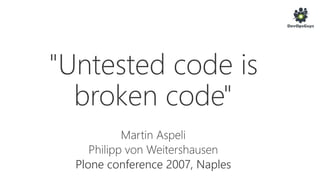
Plone conference 2007, Naples
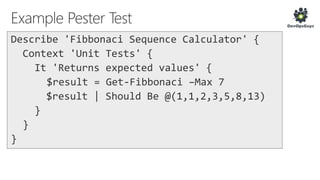
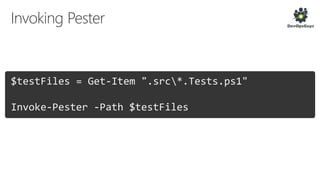
$testFiles = Get-Item ".src*.Tests.ps1"
Invoke-Pester -Path $testFiles
Describing Dependency checking
Context Windows
[+] Should be able to add to the PATH variable 1.87s
Context Unix
[+] Should be able to add to the PATH variable 185ms
Context Mono is not installed
[+] Should throw exception if Mono not installed on Unix 186ms
[+] Should not throw exception if Mono not installed on Windows
125ms
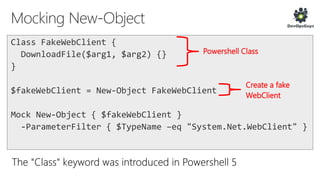
Powershell Class
Create a fake
WebClient
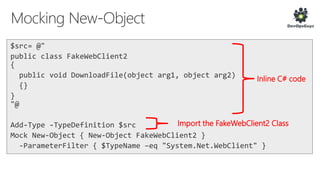
Inline C# code
Import the FakeWebClient2 Class
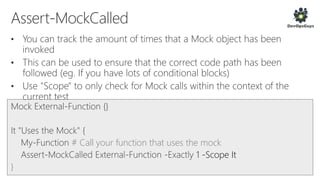
# Call your function that uses the mock
1 -Scope It
}
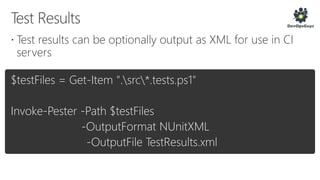
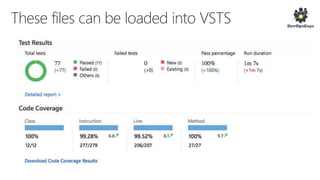
$testFiles = Get-Item ".src*.tests.ps1"
Invoke-Pester -Path $testFiles
-OutputFormat NUnitXML
-OutputFile TestResults.xml
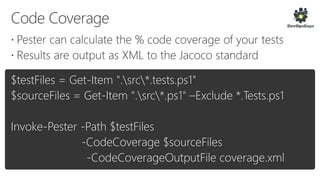
$testFiles = Get-Item ".src*.tests.ps1"
$sourceFiles = Get-Item ".src*.ps1" –Exclude *.Tests.ps1
Invoke-Pester -Path $testFiles
-CodeCoverage $sourceFiles
-CodeCoverageOutputFile coverage.xml
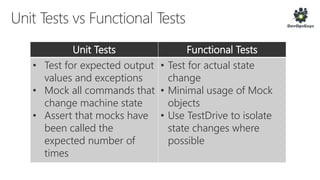
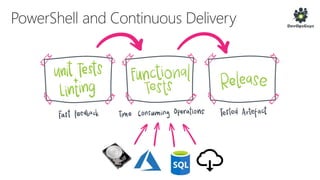
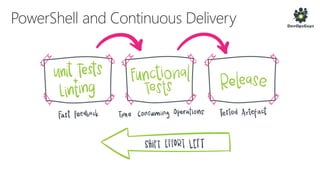
Unit Tests Functional Tests
• Test for expected output
values and exceptions
• Mock all commands that
change machine state
• Assert that mocks have
been called the
expected number of
times
• Test for actual state
change
• Minimal usage of Mock
objects
• Use TestDrive to isolate
state changes where
possible
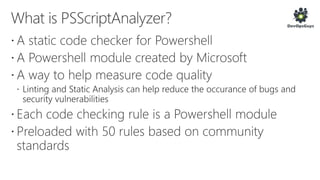
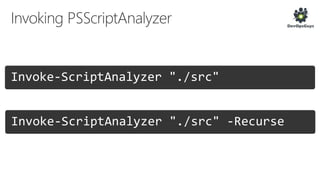
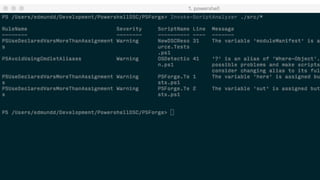
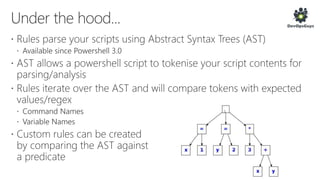
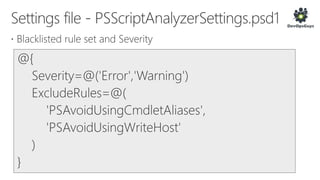
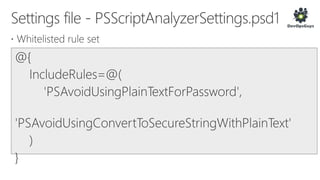
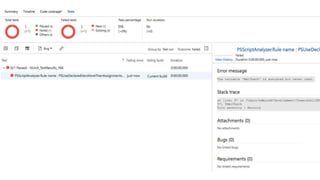
Invoke-ScriptAnalyzer "./src"
Invoke-ScriptAnalyzer "./src" -Recurse
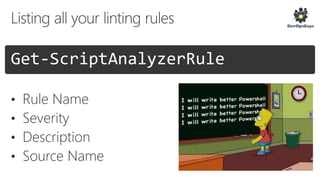
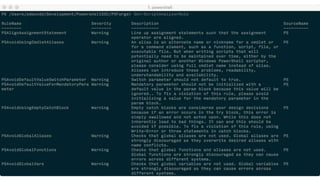
Get-ScriptAnalyzerRule
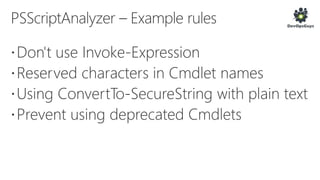
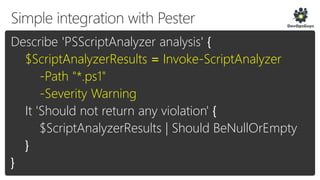
Describe 'PSScriptAnalyzer analysis' {
$ScriptAnalyzerResults = Invoke-ScriptAnalyzer
-Path "*.ps1"
-Severity Warning
It 'Should not return any violation' {
$ScriptAnalyzerResults | Should BeNullOrEmpty
}
}
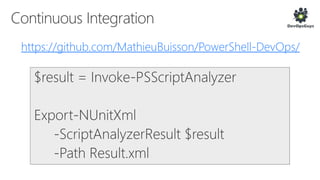
https://github.com/MathieuBuisson/PowerShell-DevOps/
https://github.com/devopsguys/PSForge
https://github.com/devopsguys/FutureDecoded
https://blogs.technet.microsoft.com/heyscriptingguy/2015/12/16/unit-testing-
powershell-code-with-pester/
https://blogs.technet.microsoft.com/heyscriptingguy/2017/01/31/psscriptanaly
zer-deep-dive-part-1-of-4/

Pester & PSScriptAnalyser - Power Test your PowerShell with PowerShell - Future Decoded 2017

Editor's Notes

  • #5 Assume the audience knows Powershell well (sysadmins) Tell the audience this
  • #7 You should assume that until your unit tests pass, whatever wonderful feature implemented has broken sometime else. Developers for an enterprise CMS
  • #16 It is the Pester convention that test file names should end in ".Tests.ps1"
  • #18 "Exactly" assertions are case sensitive
  • #29 You will need the latest version of Pester for this