




http://www.flickr.com/photos/9305112@N06/5468417584/


                      Internal upgrading session:


                           Android
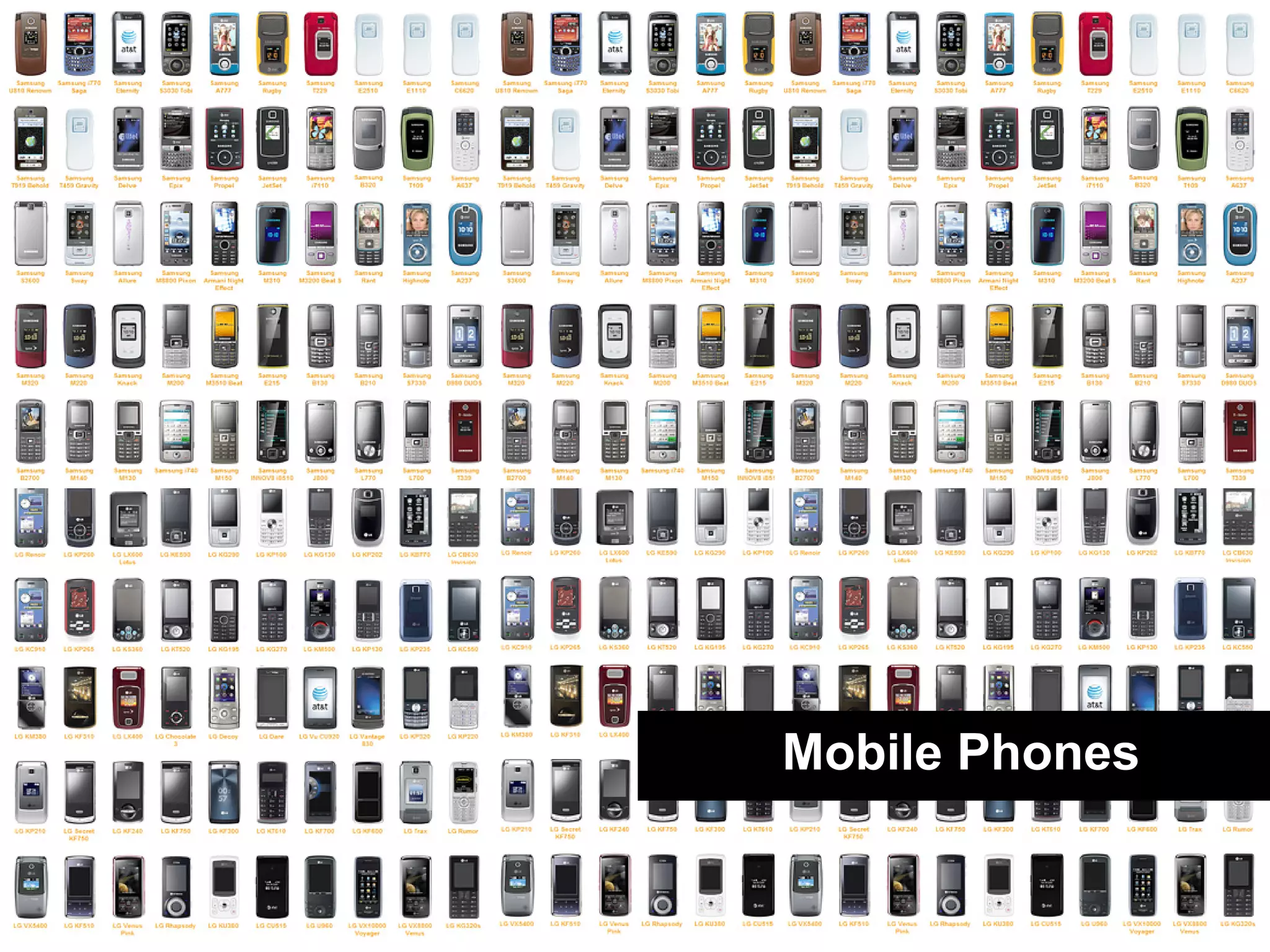
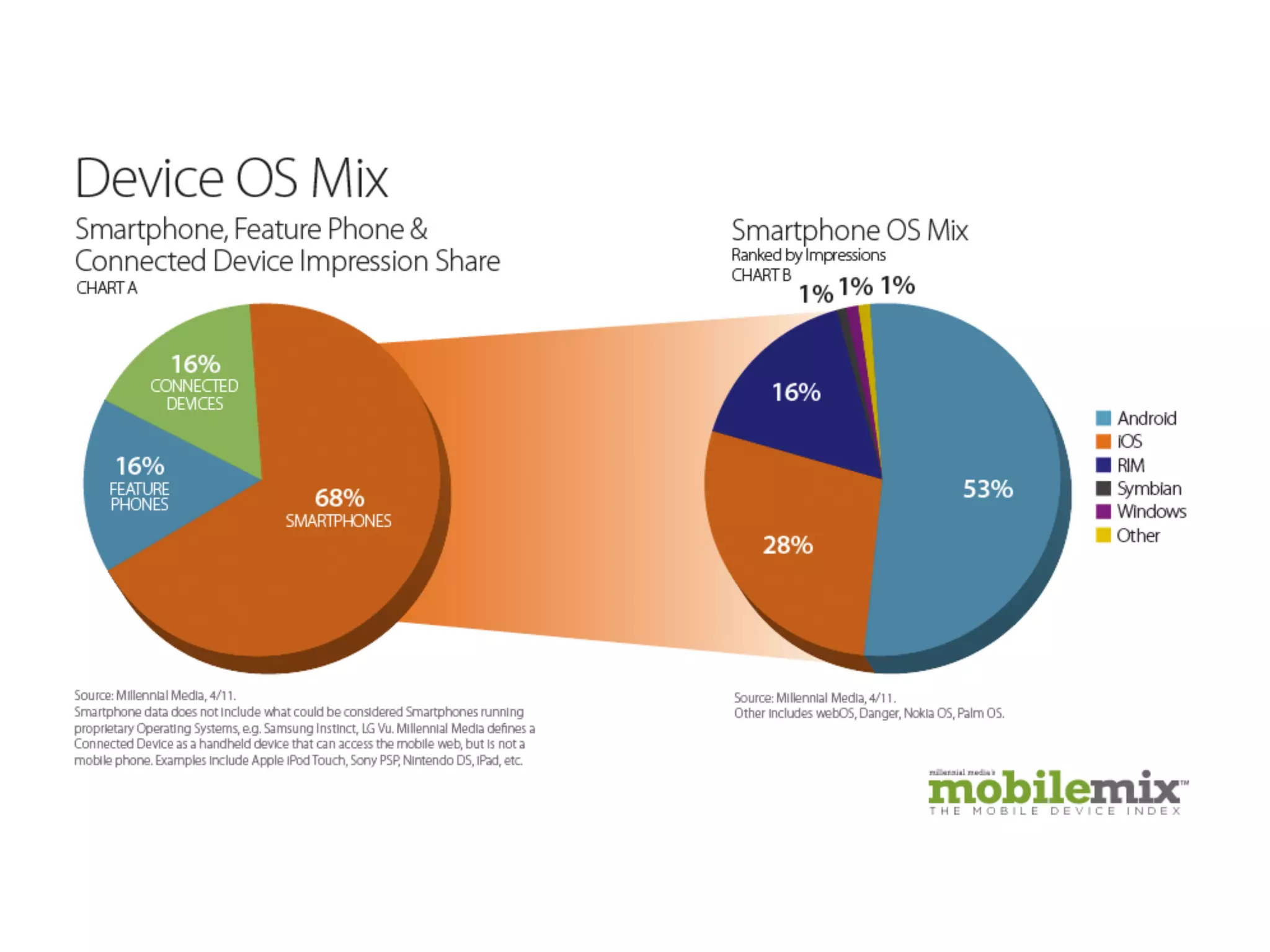
Mobile Phones
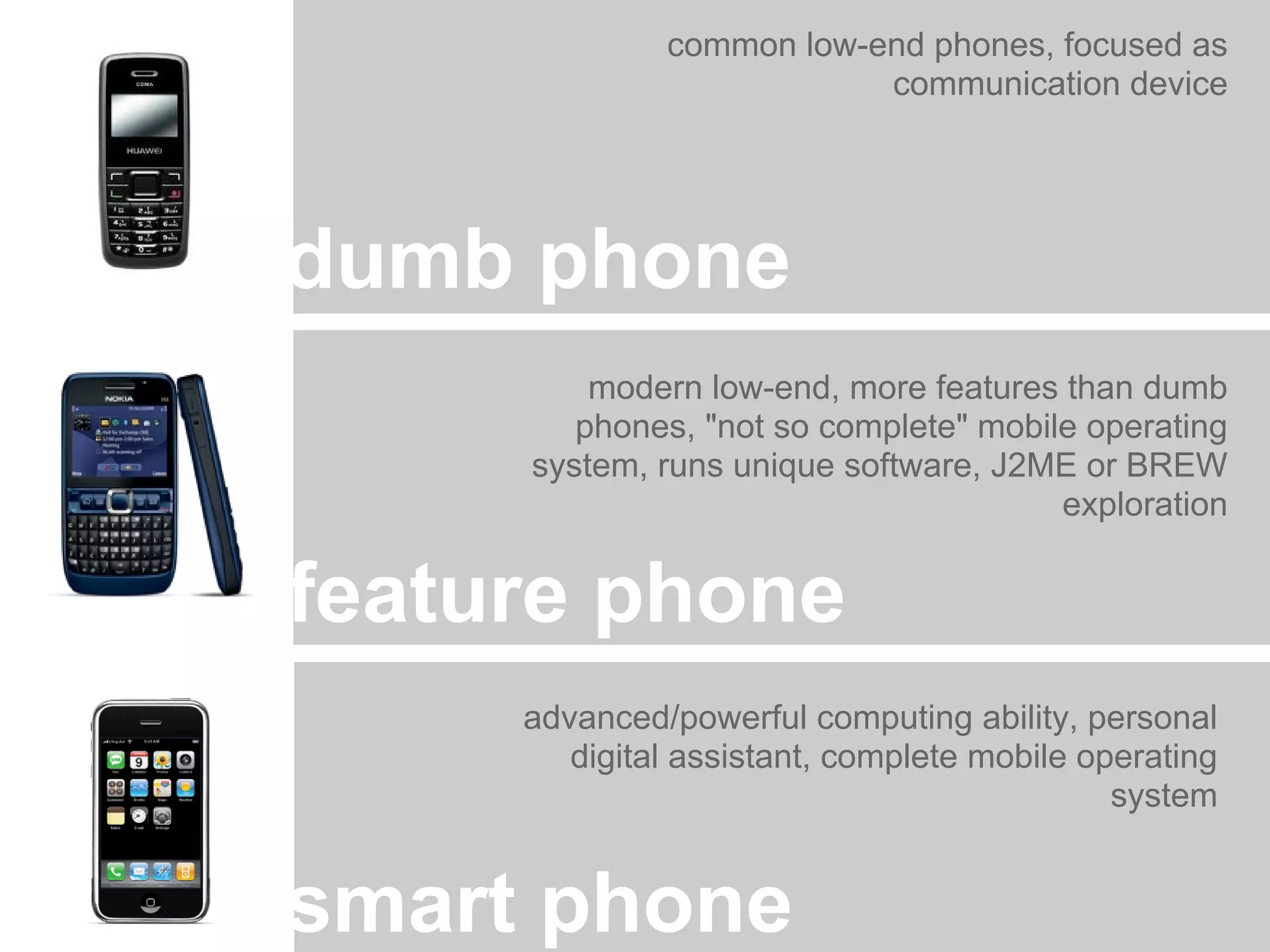
common low-end phones, focused as
                          communication device


dumb phone
         modern low-end, more features than dumb
        phones, "not so complete" mobile operating
     system, runs unique software, J2ME or BREW
                                       exploration


feature phone
     advanced/powerful computing ability, personal
        digital assistant, complete mobile operating
                                             system


smart phone
App Distribution
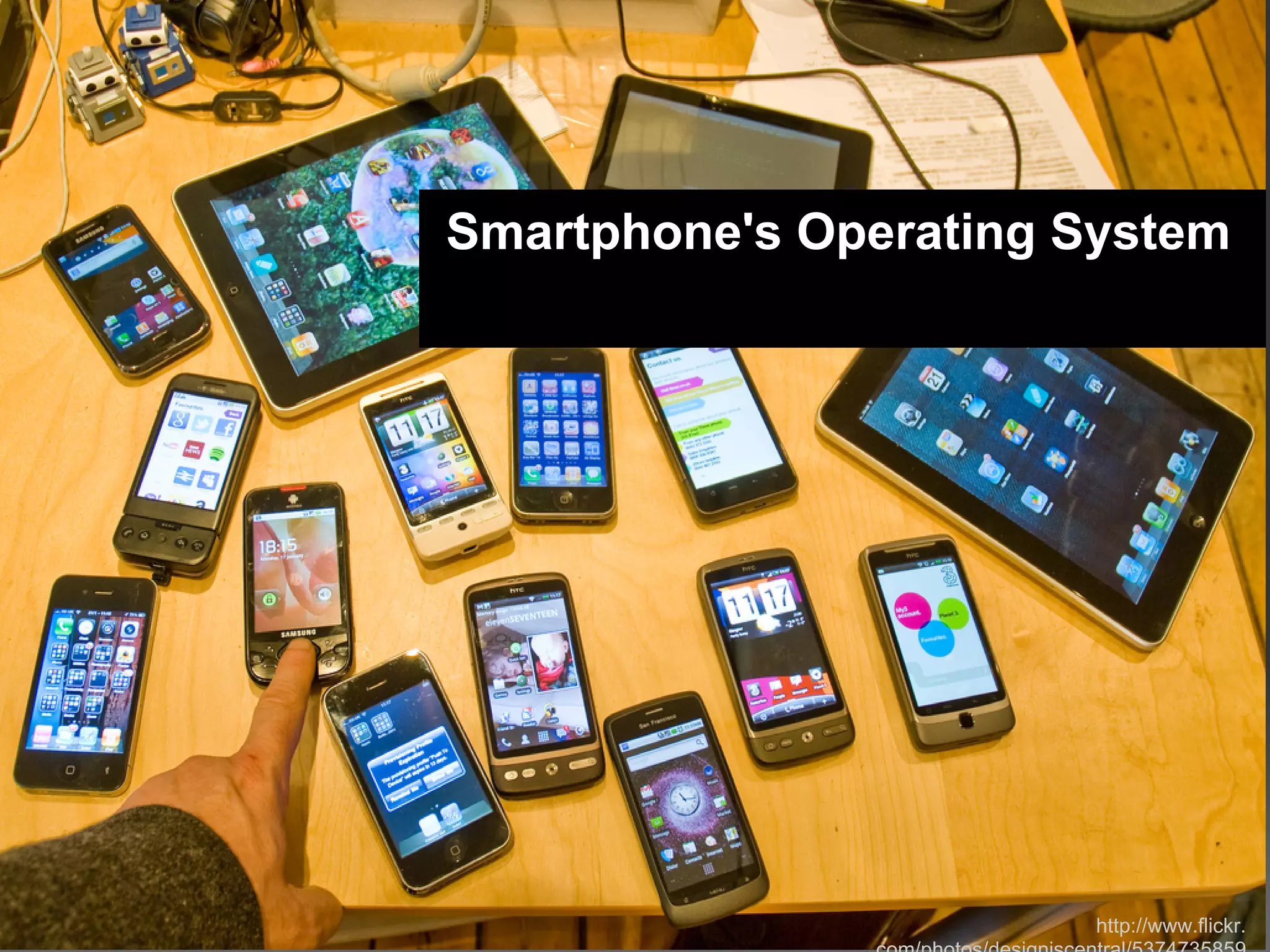
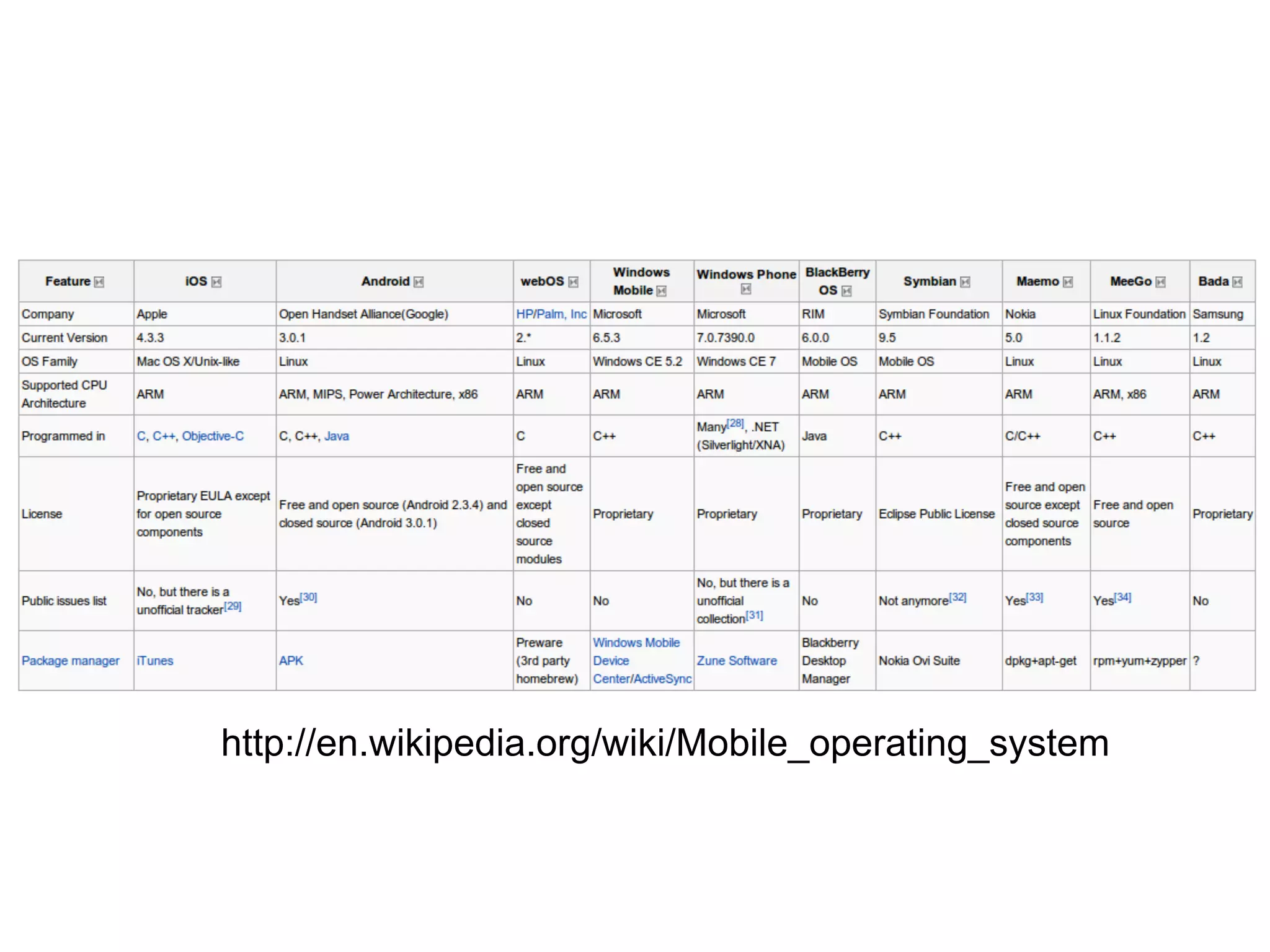
Smartphone's Operating System


                        http://www.flickr.
http://en.wikipedia.org/wiki/Mobile_operating_system
http://www.flickr.com/photos/jazzwink/5372249718/


Application Development
CSS & HTML Based
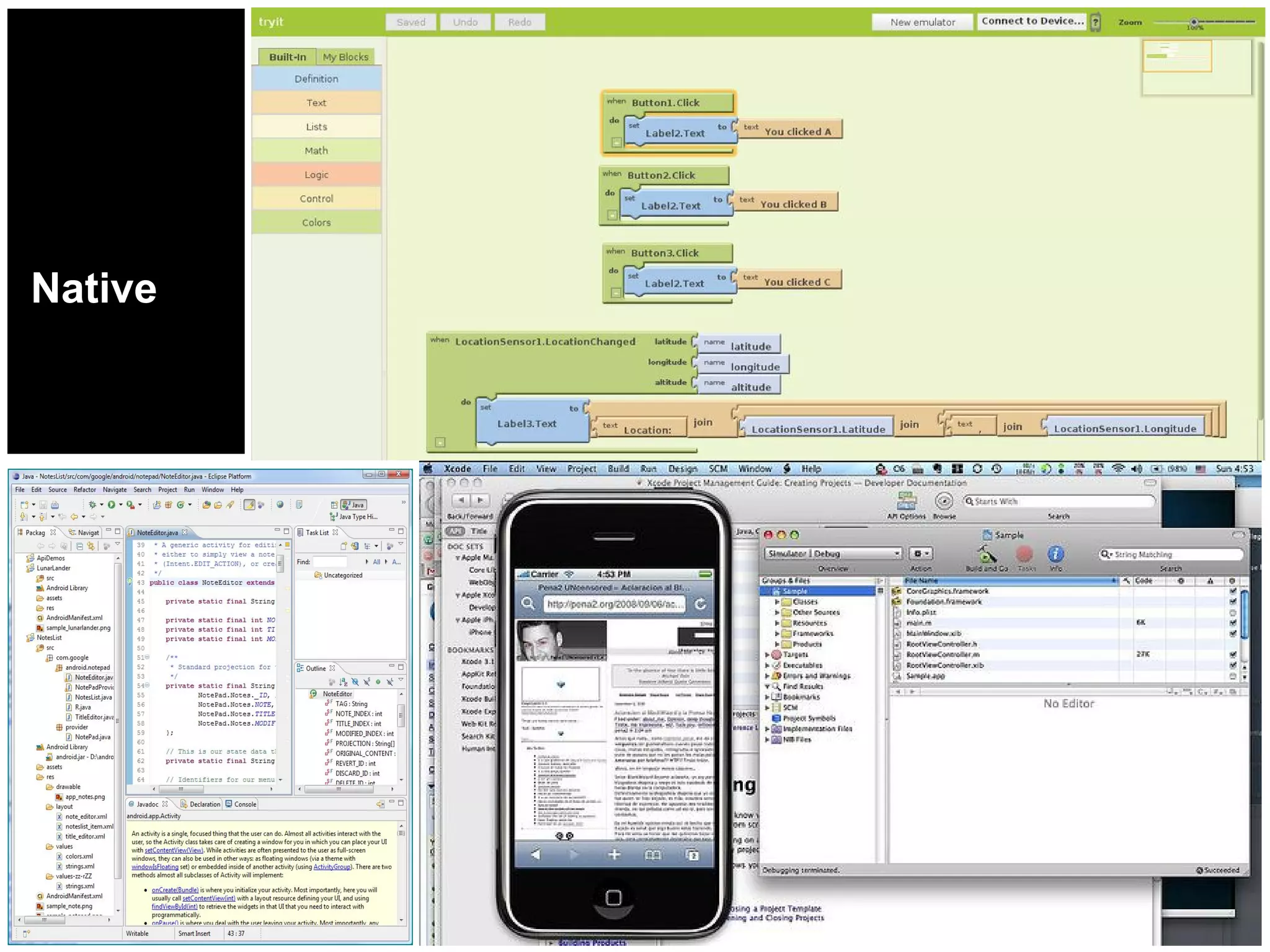
Native
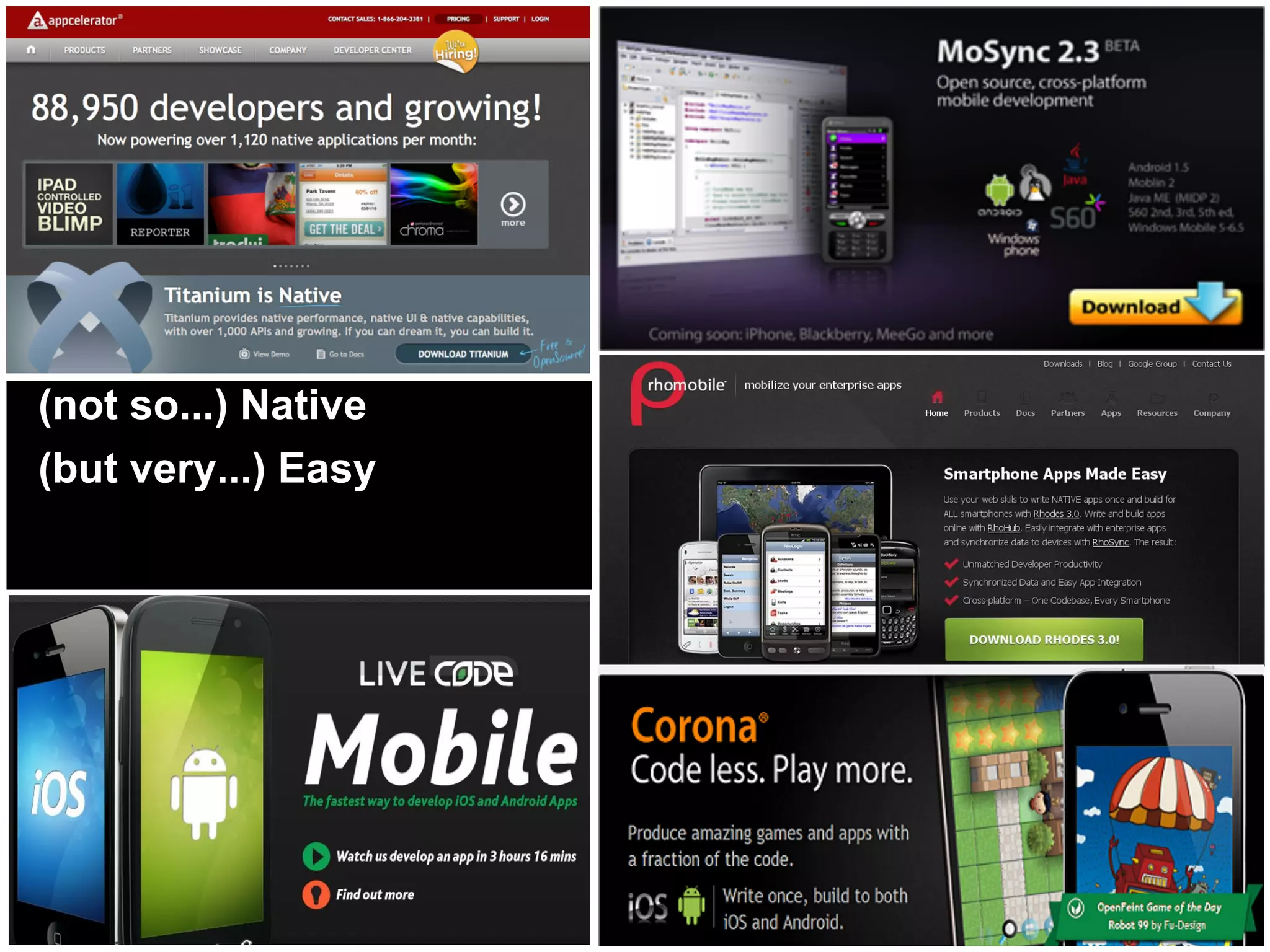
(not so...) Native
(but very...) Easy
http://www.flickr.com/photos/sevenmorris/2984203301/


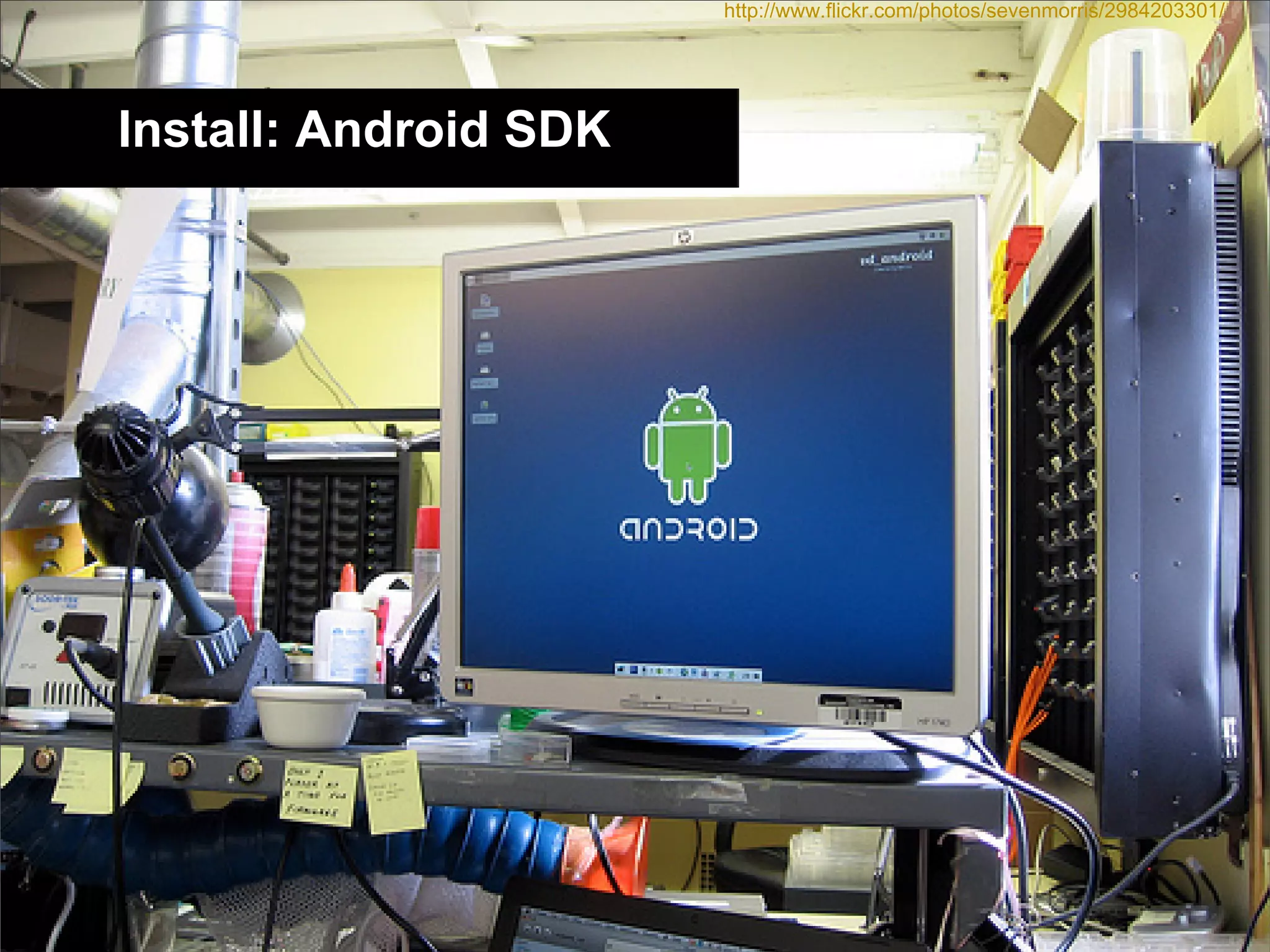
Install: Android SDK
Java JDK & JRE:
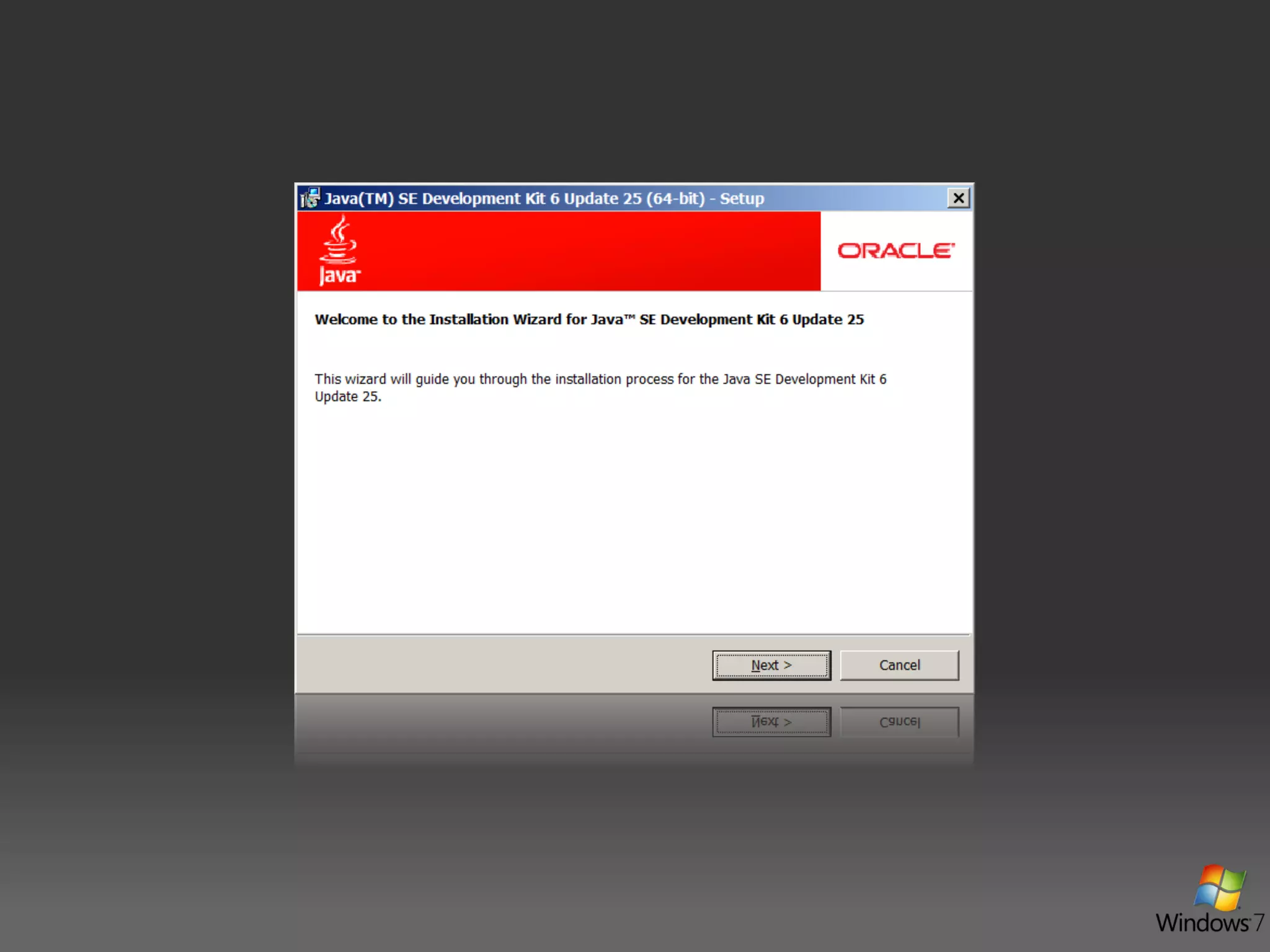
Java JDK 6 Update 25:
http://www.oracle.com/technetwork/java/javase/downloads/jdk-6u25-download-346242.html

Java JRE 6 Update 25:
http://www.oracle.com/technetwork/java/javase/downloads/jre-6u25-download-346243.html

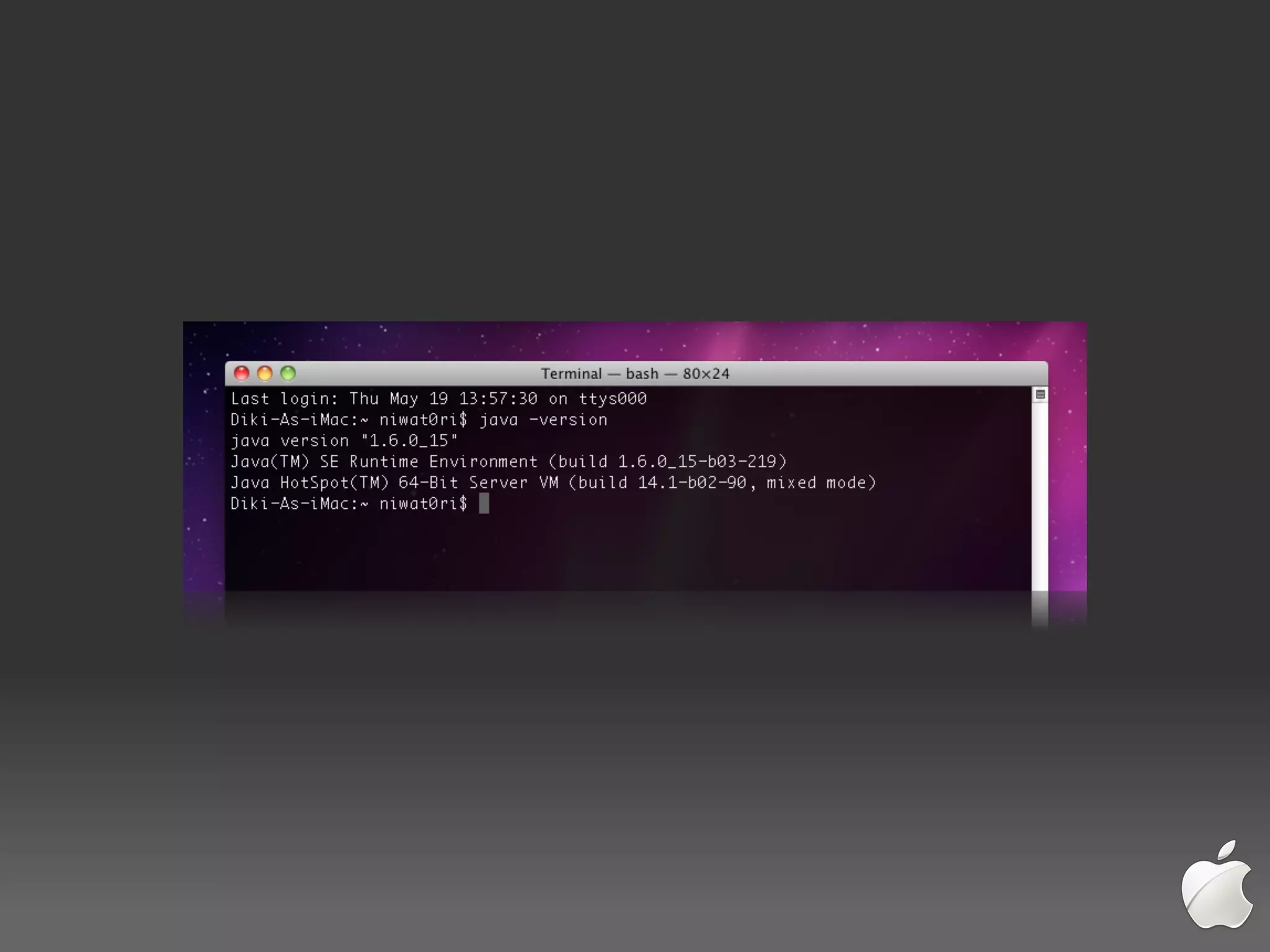
For Apple (Mac OS X):
Has already had built-in Apple Java for Mac OS X.

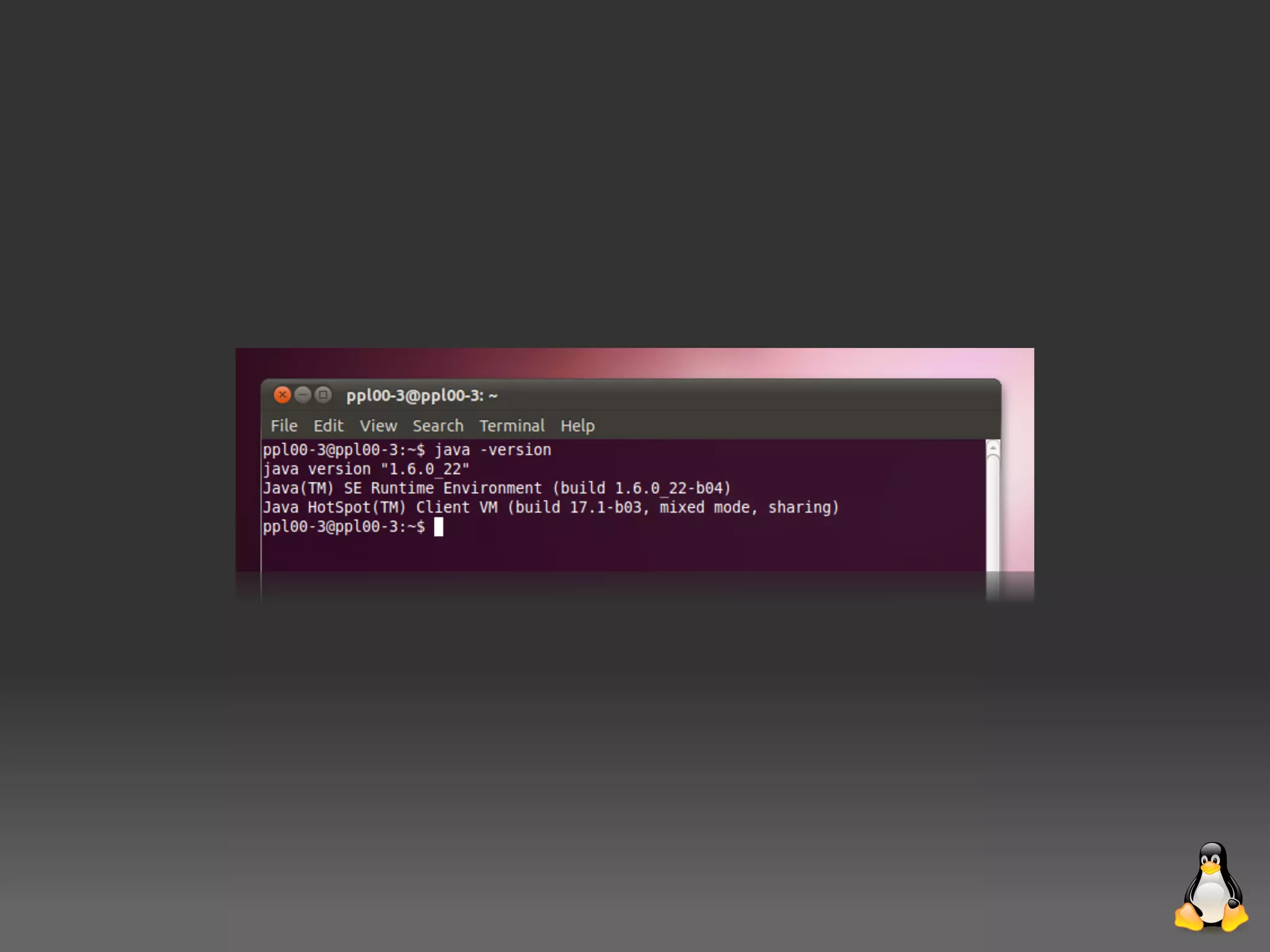
For Ubuntu/Debian Linux:
$> sudo add-apt-repository ppa:sun-java-community-team/sun-java6
$> sudo apt-get update
$> sudo apt-get install sun-java6-sdk
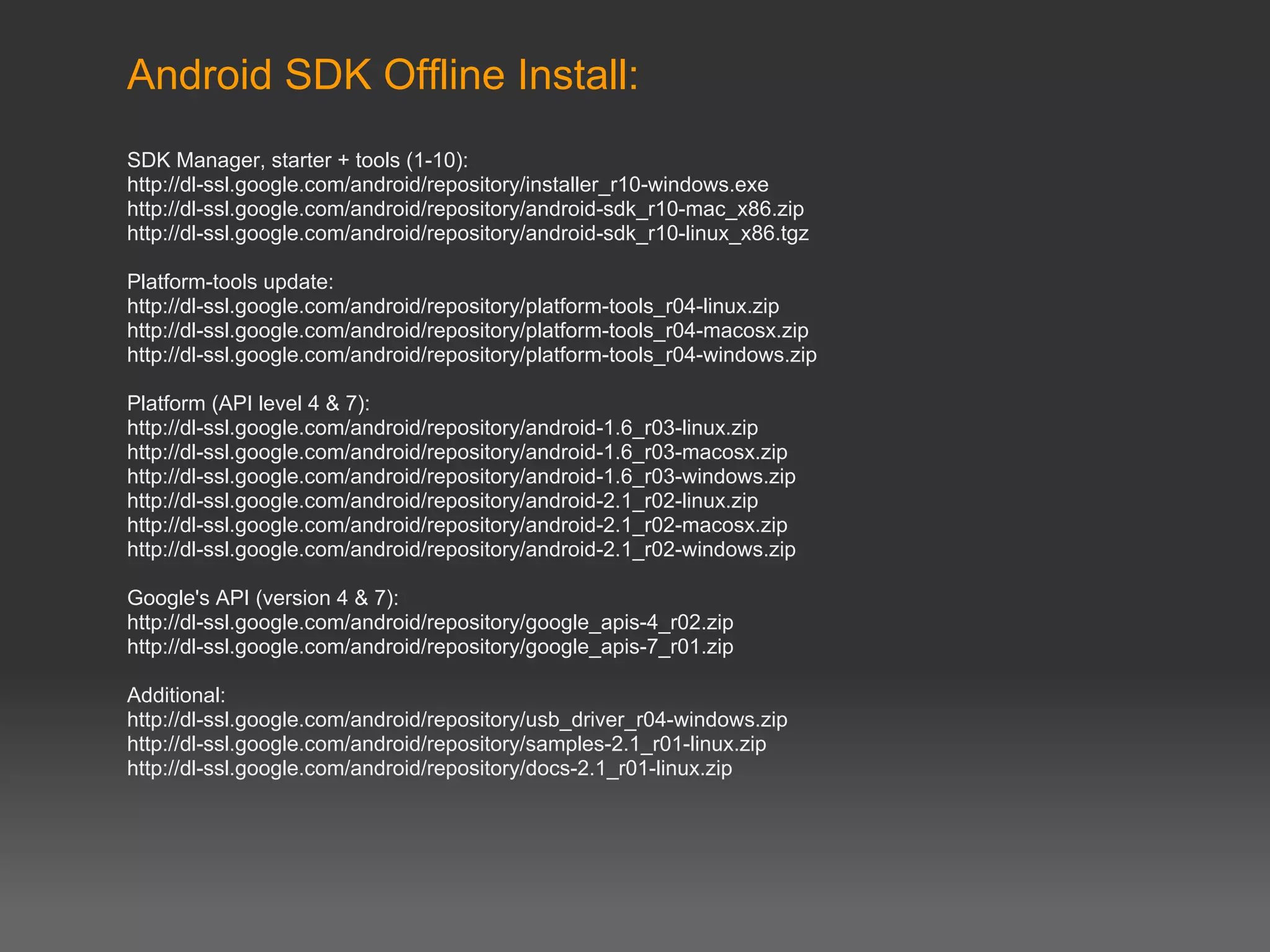
Android SDK Offline Install:
SDK Manager, starter + tools (1-10):
http://dl-ssl.google.com/android/repository/installer_r10-windows.exe
http://dl-ssl.google.com/android/repository/android-sdk_r10-mac_x86.zip
http://dl-ssl.google.com/android/repository/android-sdk_r10-linux_x86.tgz

Platform-tools update:
http://dl-ssl.google.com/android/repository/platform-tools_r04-linux.zip
http://dl-ssl.google.com/android/repository/platform-tools_r04-macosx.zip
http://dl-ssl.google.com/android/repository/platform-tools_r04-windows.zip

Platform (API level 4 & 7):
http://dl-ssl.google.com/android/repository/android-1.6_r03-linux.zip
http://dl-ssl.google.com/android/repository/android-1.6_r03-macosx.zip
http://dl-ssl.google.com/android/repository/android-1.6_r03-windows.zip
http://dl-ssl.google.com/android/repository/android-2.1_r02-linux.zip
http://dl-ssl.google.com/android/repository/android-2.1_r02-macosx.zip
http://dl-ssl.google.com/android/repository/android-2.1_r02-windows.zip

Google's API (version 4 & 7):
http://dl-ssl.google.com/android/repository/google_apis-4_r02.zip
http://dl-ssl.google.com/android/repository/google_apis-7_r01.zip

Additional:
http://dl-ssl.google.com/android/repository/usb_driver_r04-windows.zip
http://dl-ssl.google.com/android/repository/samples-2.1_r01-linux.zip
http://dl-ssl.google.com/android/repository/docs-2.1_r01-linux.zip
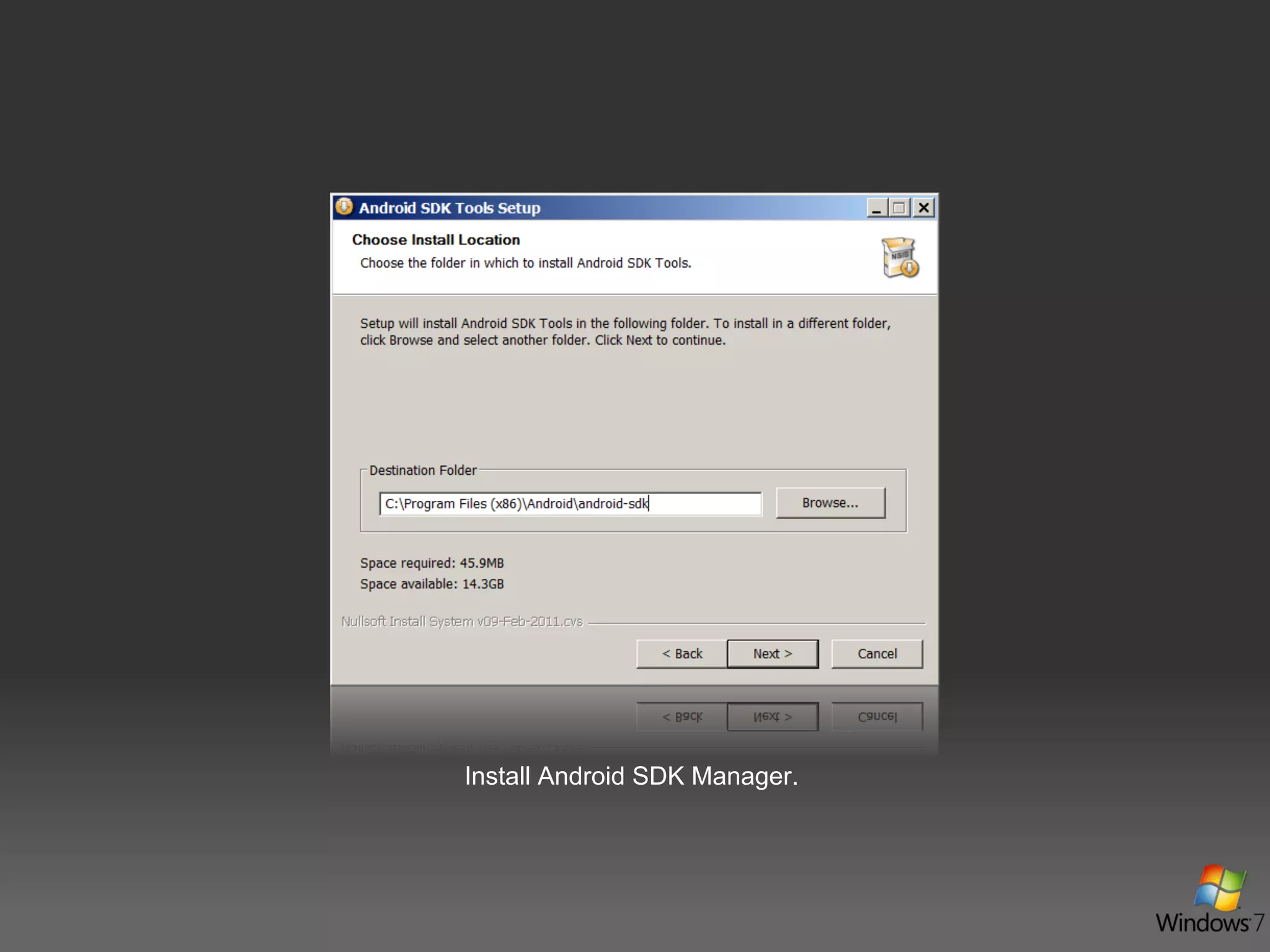
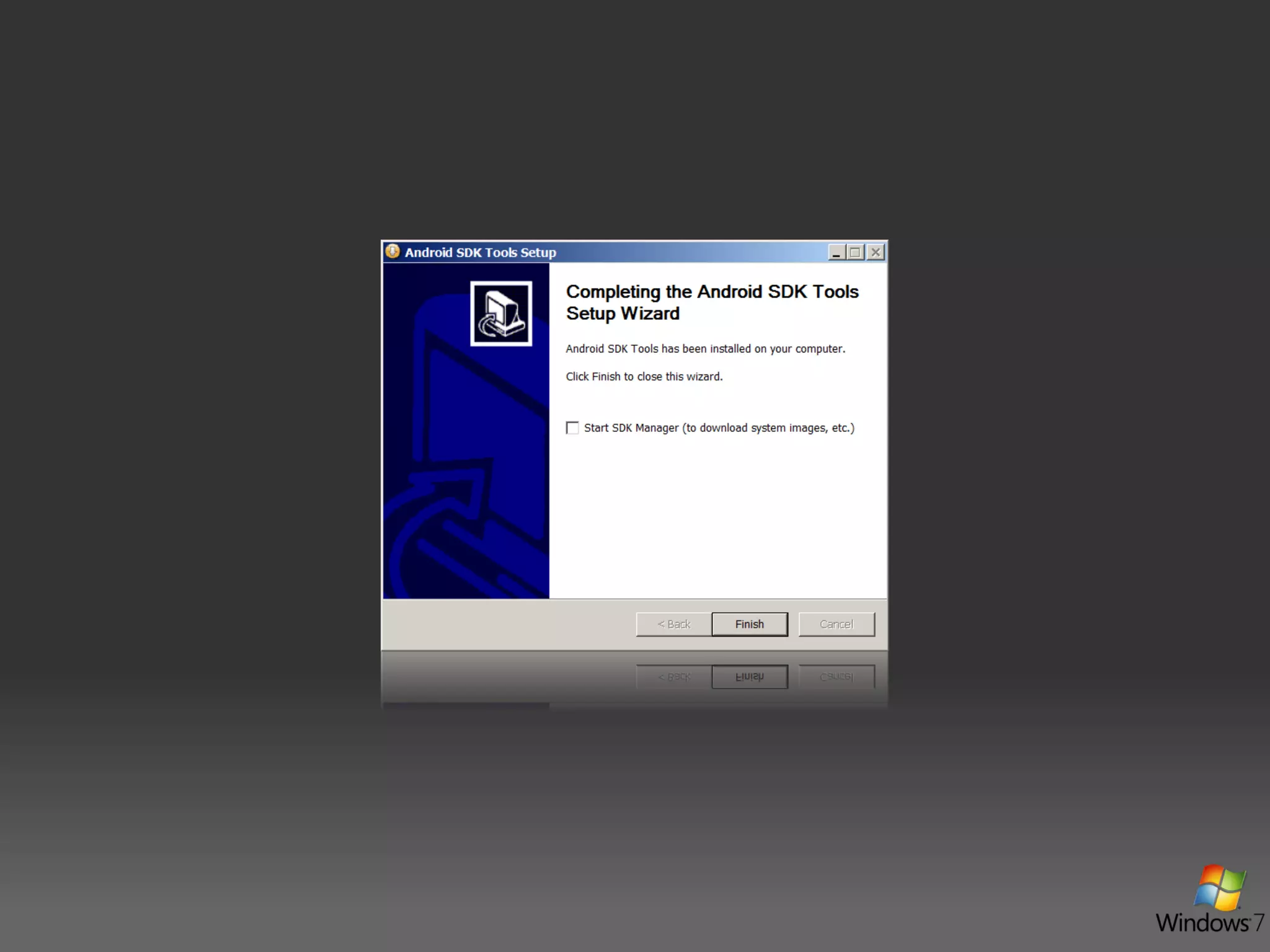
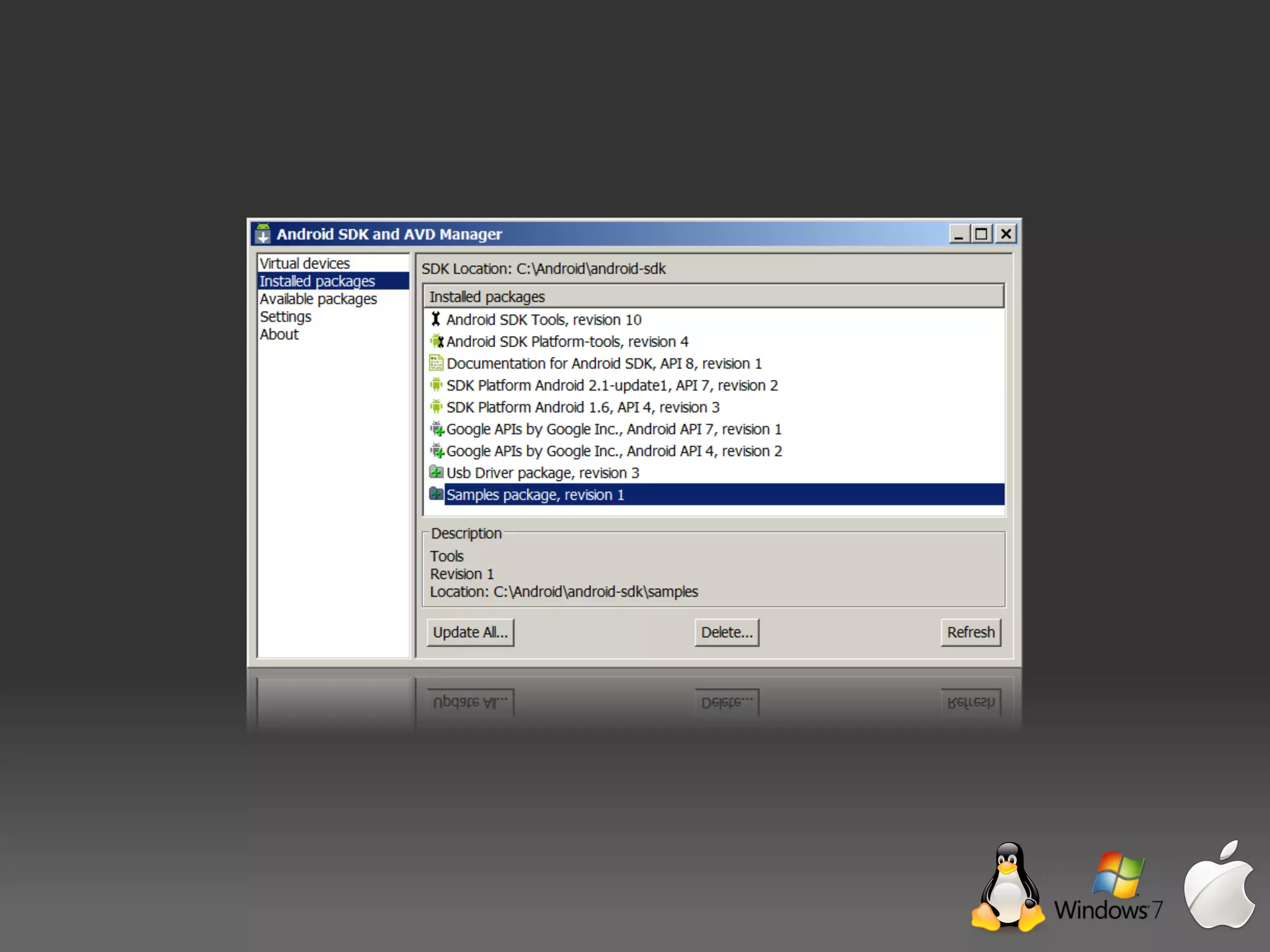
Install Android SDK Manager.
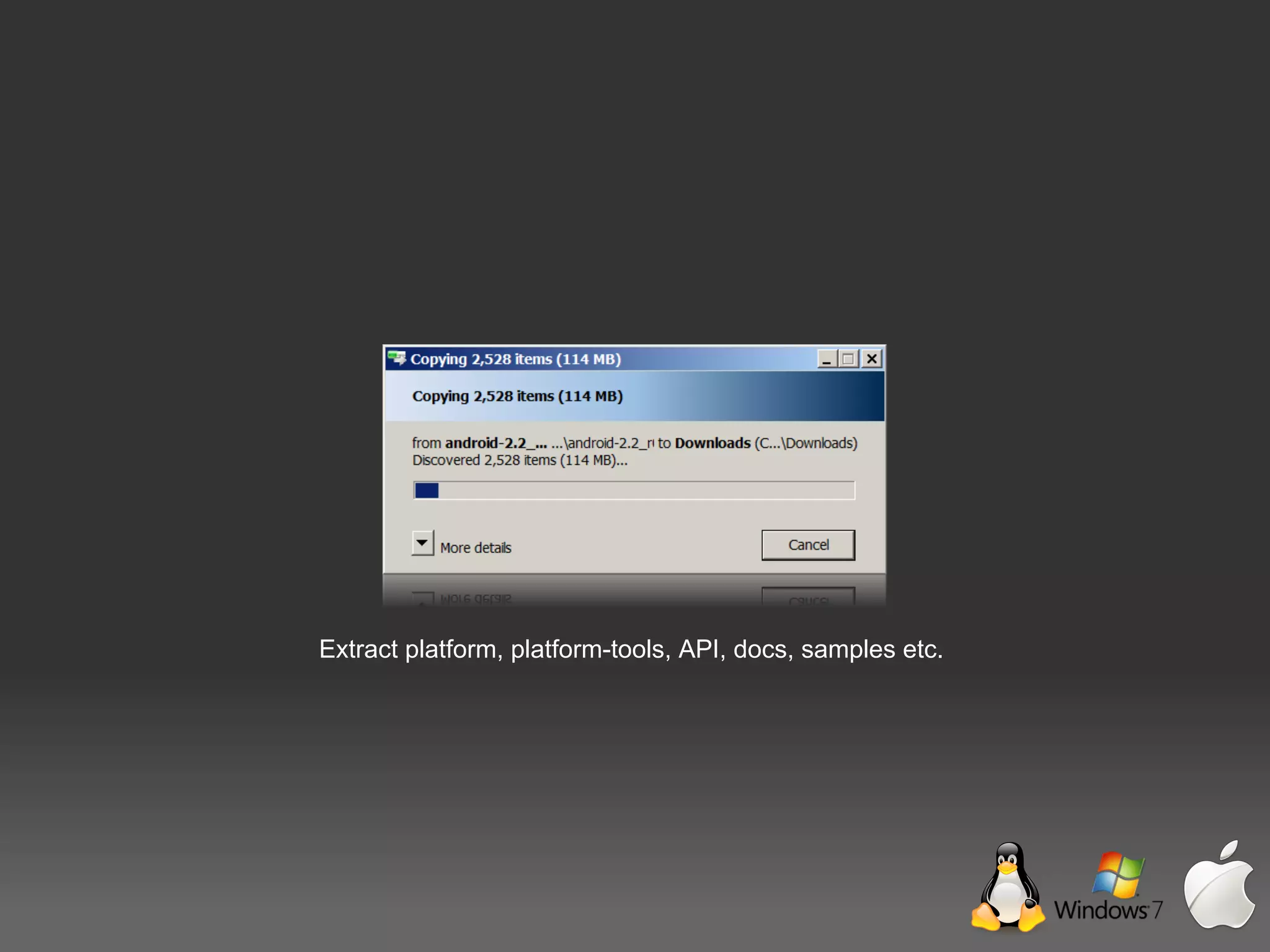
Extract platform, platform-tools, API, docs, samples etc.
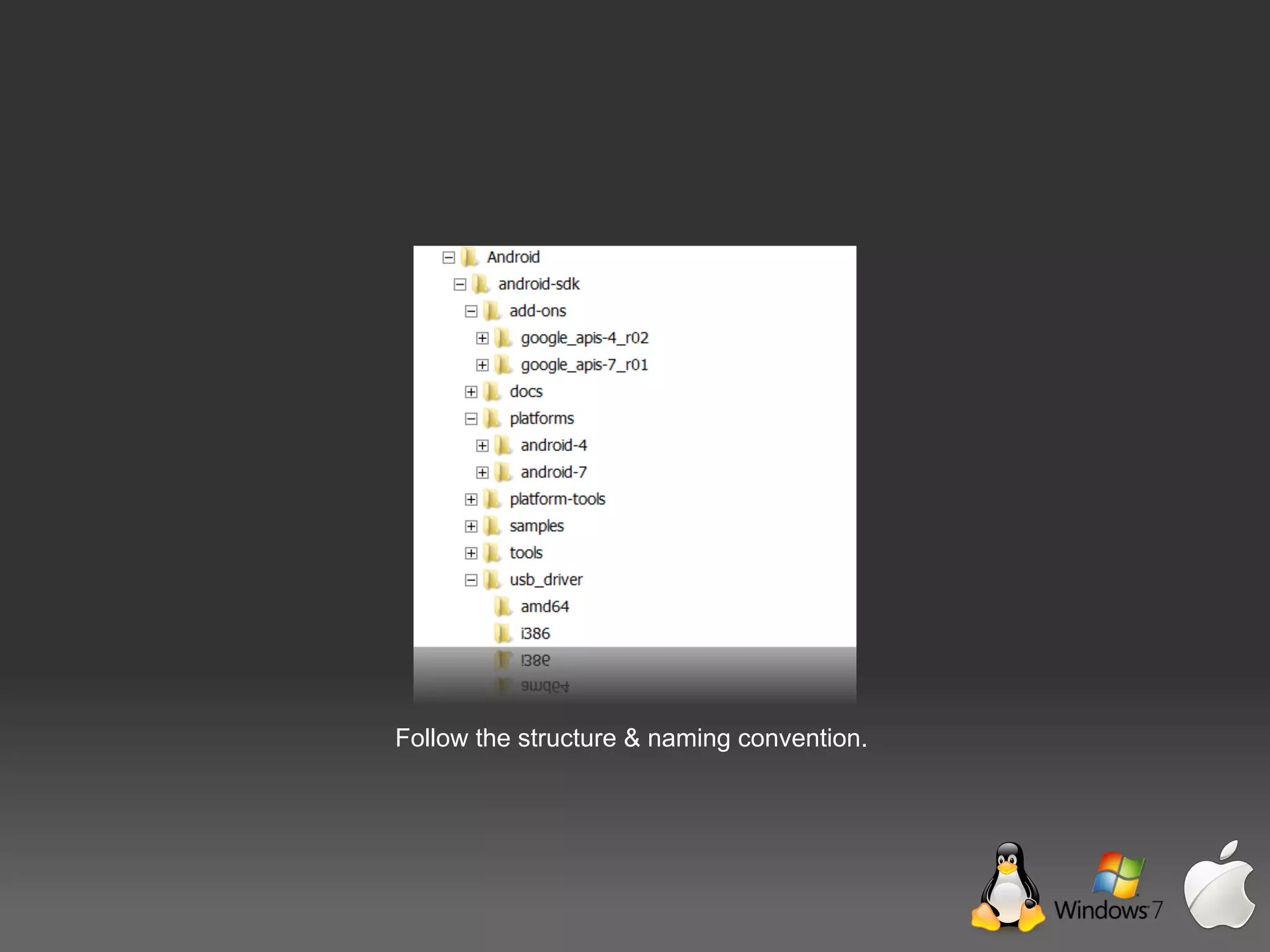
Follow the structure & naming convention.
Eclipse IDE
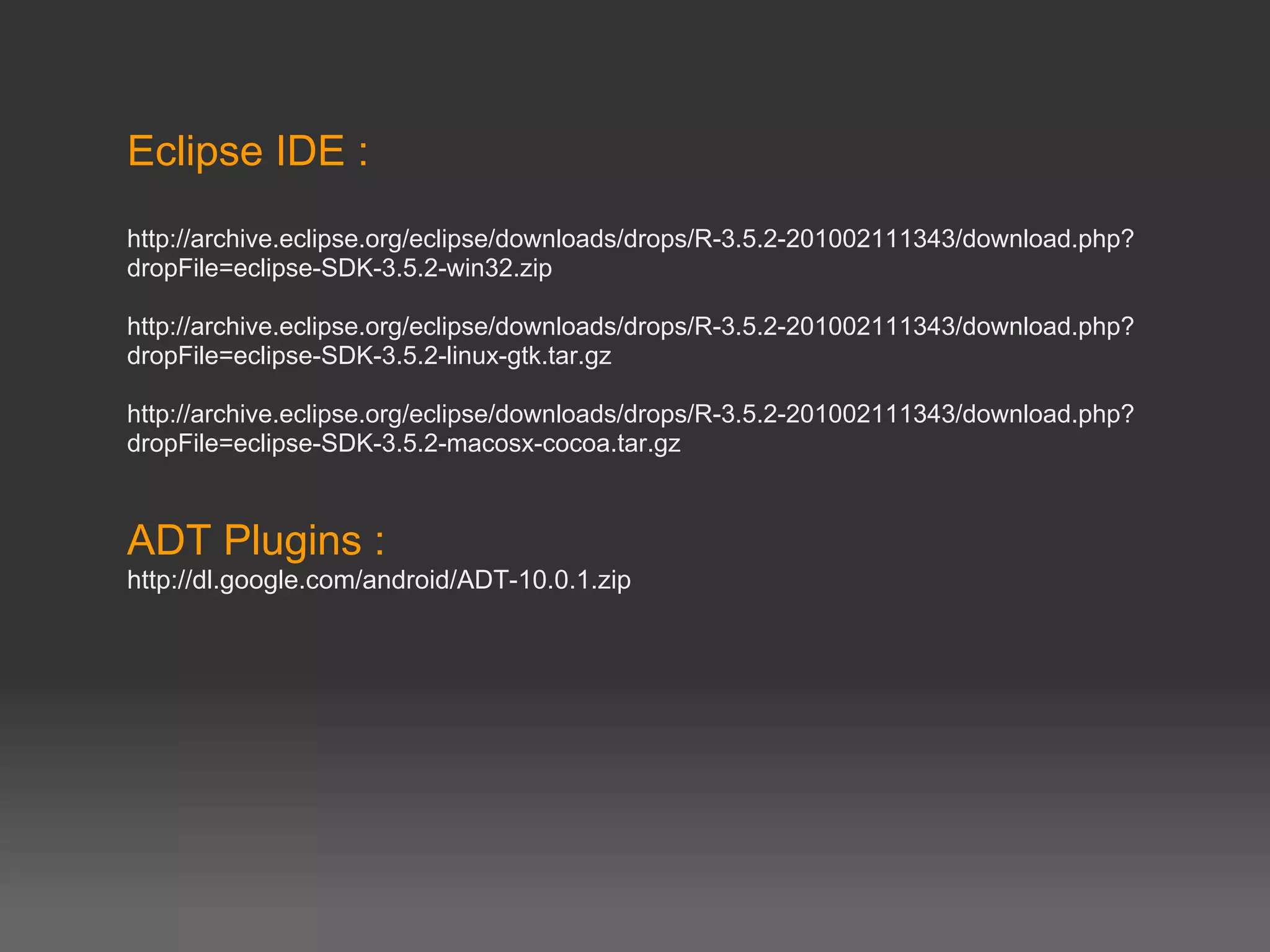
Eclipse IDE :
http://archive.eclipse.org/eclipse/downloads/drops/R-3.5.2-201002111343/download.php?
dropFile=eclipse-SDK-3.5.2-win32.zip

http://archive.eclipse.org/eclipse/downloads/drops/R-3.5.2-201002111343/download.php?
dropFile=eclipse-SDK-3.5.2-linux-gtk.tar.gz

http://archive.eclipse.org/eclipse/downloads/drops/R-3.5.2-201002111343/download.php?
dropFile=eclipse-SDK-3.5.2-macosx-cocoa.tar.gz


ADT Plugins :
http://dl.google.com/android/ADT-10.0.1.zip
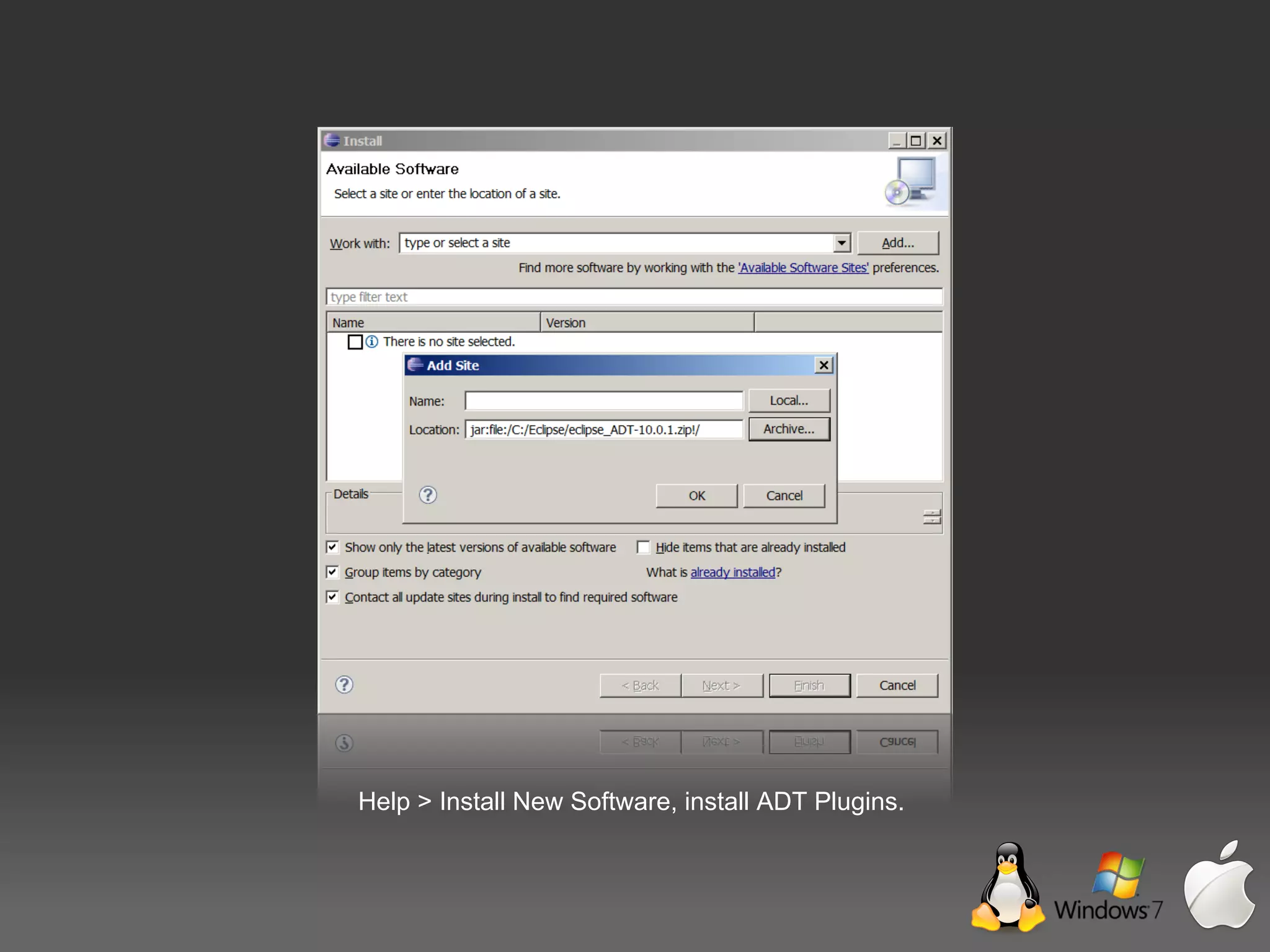
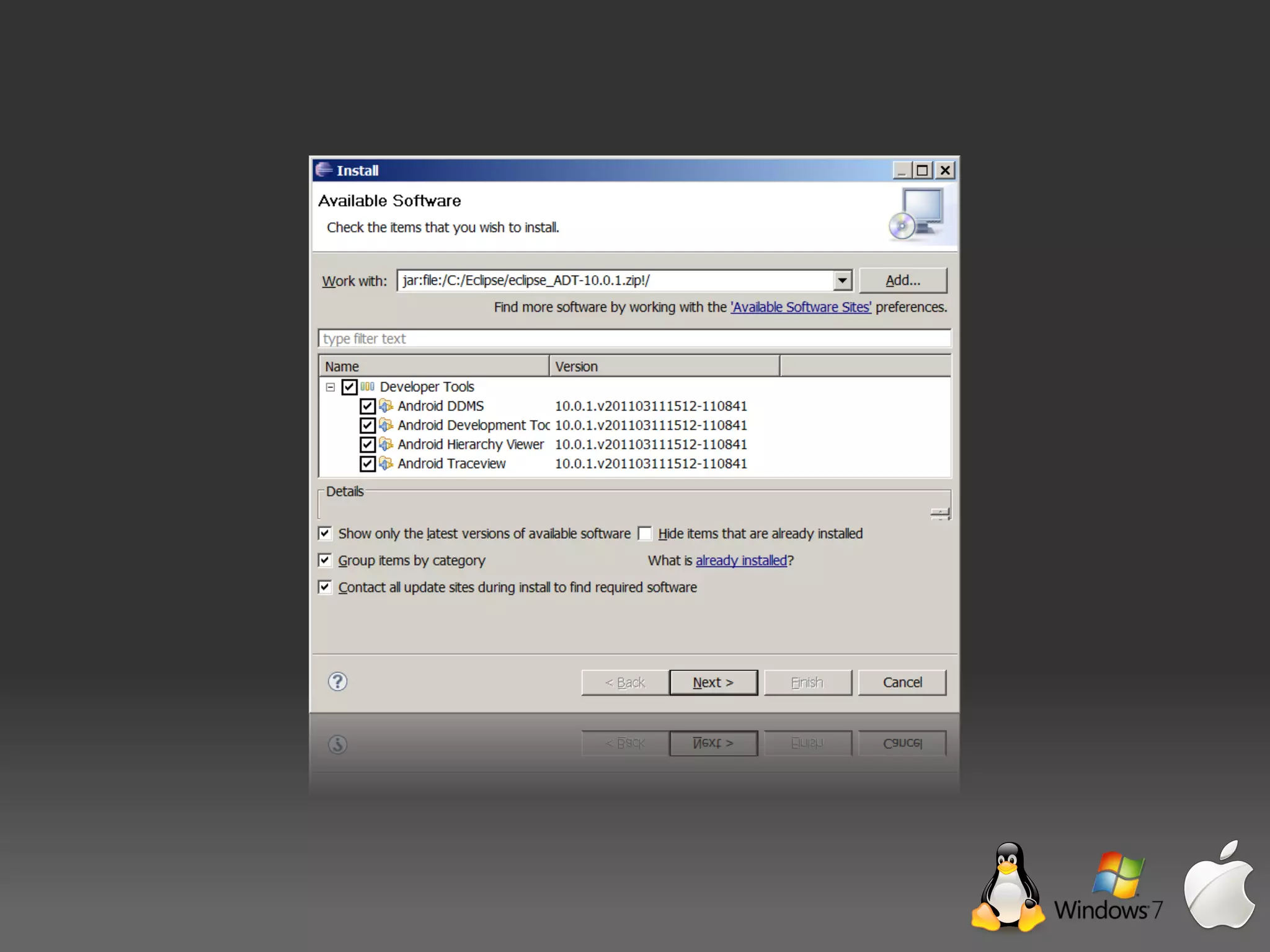
Help > Install New Software, install ADT Plugins.
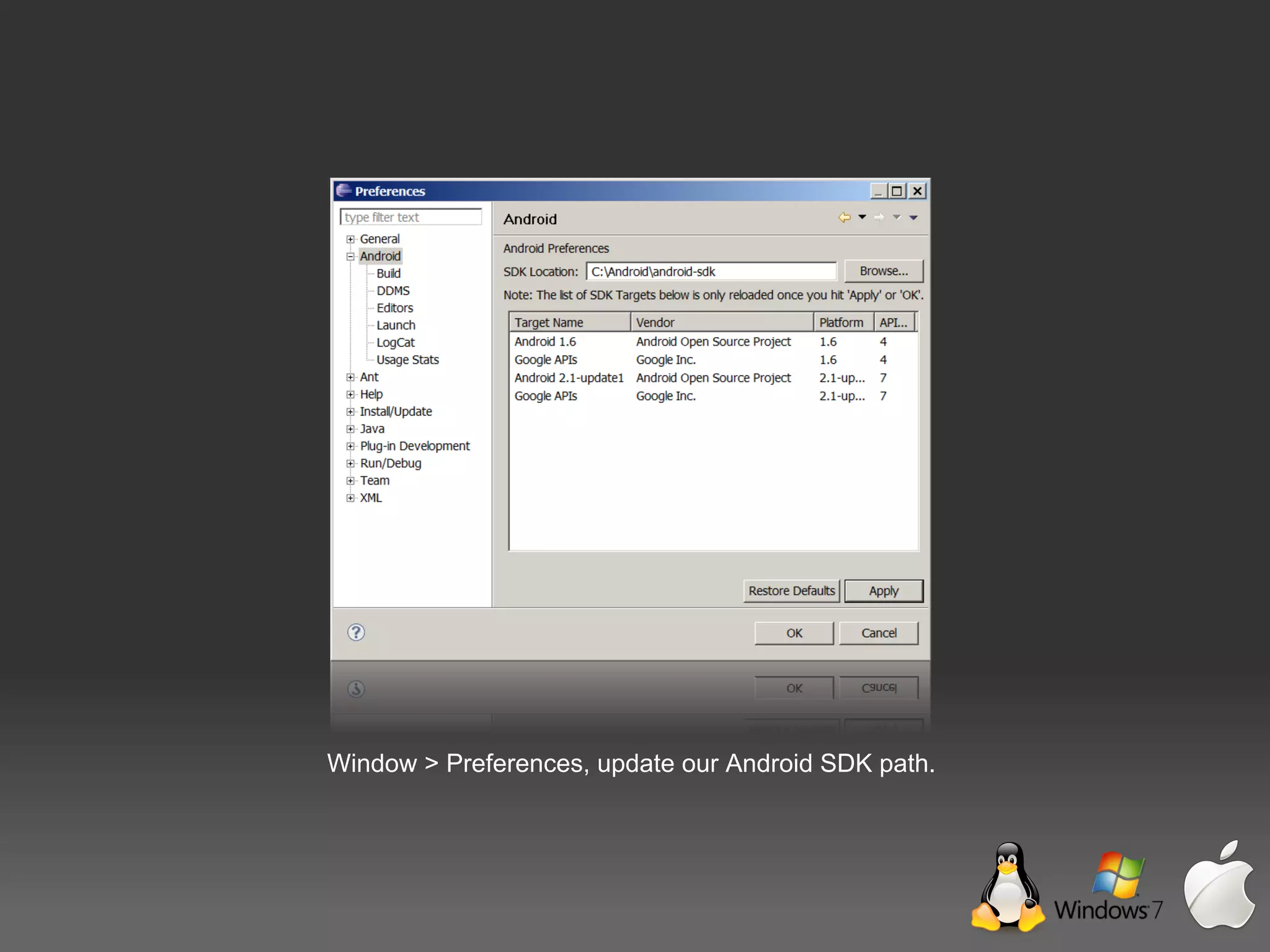
Window > Preferences, update our Android SDK path.

Pengenalan Android