PHP 101
Data Persistance (Database Basics)
•

Most PHP applications need to store data

•

Most PHP applications store this data into a database of some kind

•

PHP supports many kinds of databases (Mysql, Microsoft SQL,
postgresql, Oracle)

•

We’re not going to talk about Document based data stores today
(no-sql)
•

To use a database in PHP you need to do 3 things
•

Connect to the database

•

Query the database using SQL

•

Do something with the result

•

Close the connection to the database
•

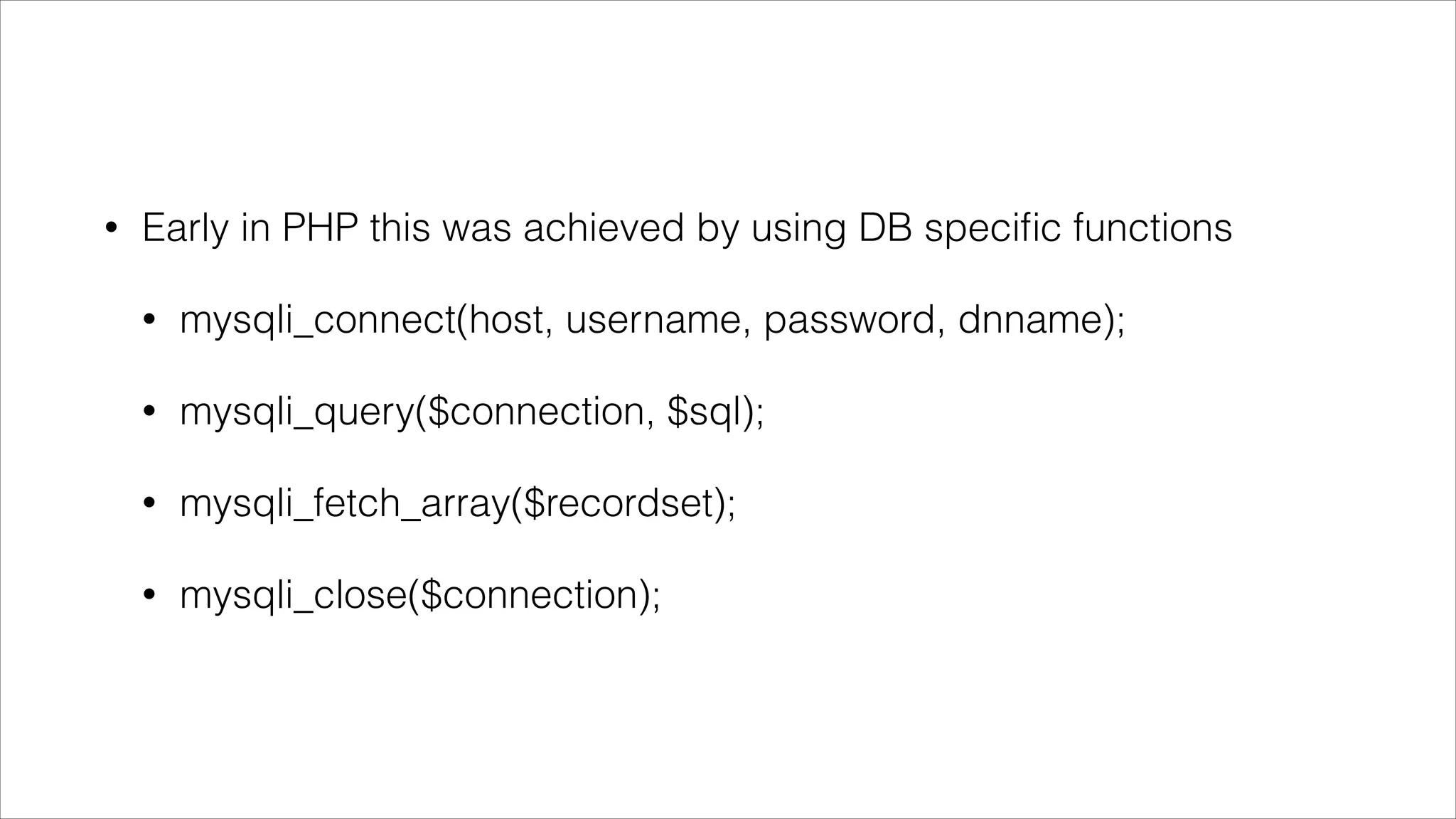
Early in PHP this was achieved by using DB specific functions
•

mysqli_connect(host, username, password, dnname);

•

mysqli_query($connection, $sql);

•

mysqli_fetch_array($recordset);

•

mysqli_close($connection);
•

Easy!

•

Not very transferable however

•

What happens if you change database?

•

Mucho refactoring required - $$$

•

That said this is how sites like W3Schools still teach and it’s a good
place to start.

•

But is there a better way?
Of course there is!
•

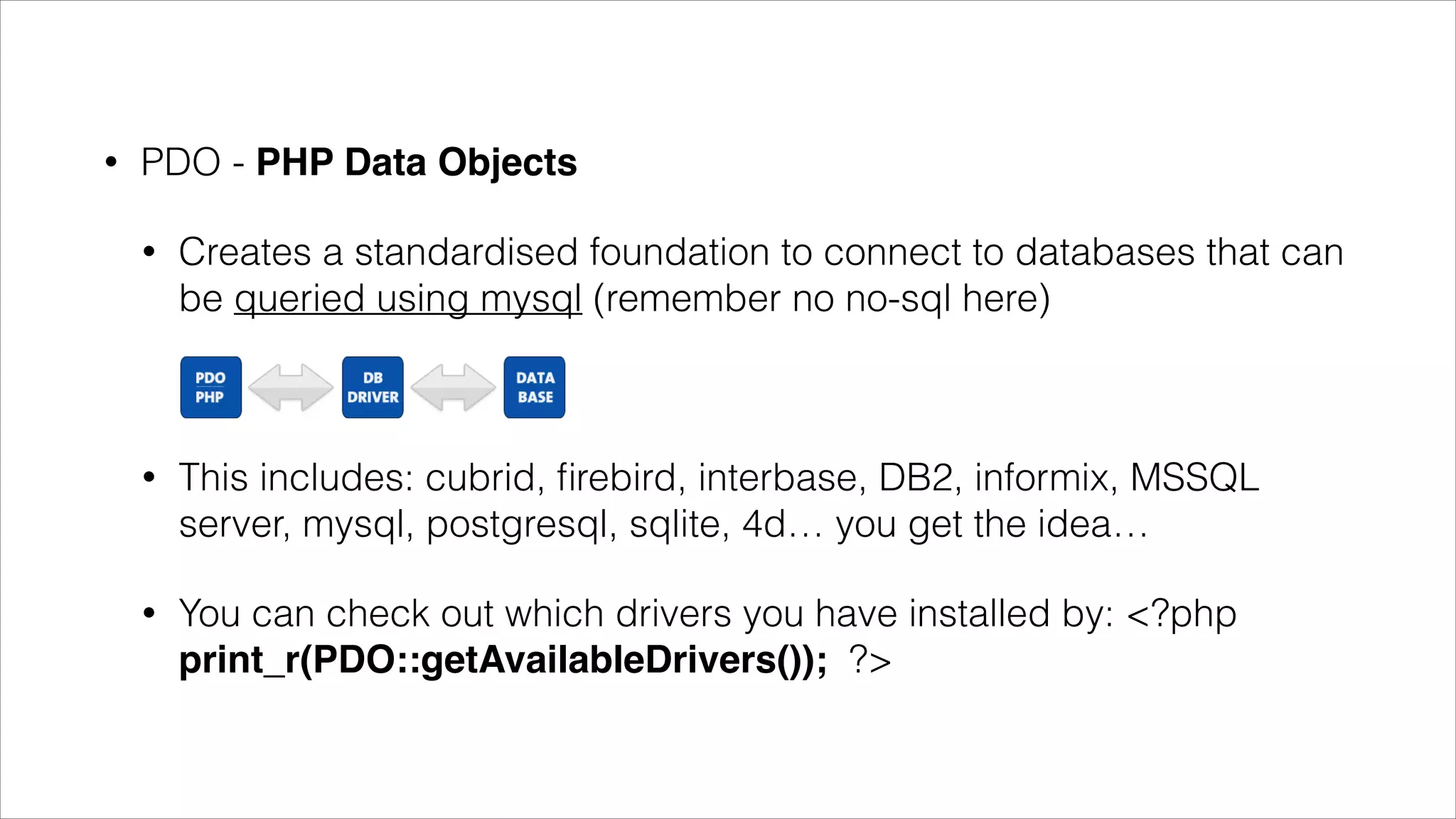
PDO - PHP Data Objects
•

Creates a standardised foundation to connect to databases that
can be queried using mysql (remember no no-sql here)

•

This includes: cubrid, firebird, interbase, DB2, informix, MSSQL
server, mysql, postgresql, sqlite, 4d… you get the idea…

•

You can check out which drivers you have installed by: <?php
print_r(PDO::getAvailableDrivers()); ?>
•

So remember with databases we do the following:
•

Connect

•

Query

•

Do something with the result

•

Close the connection
•

Connect
•

•

•

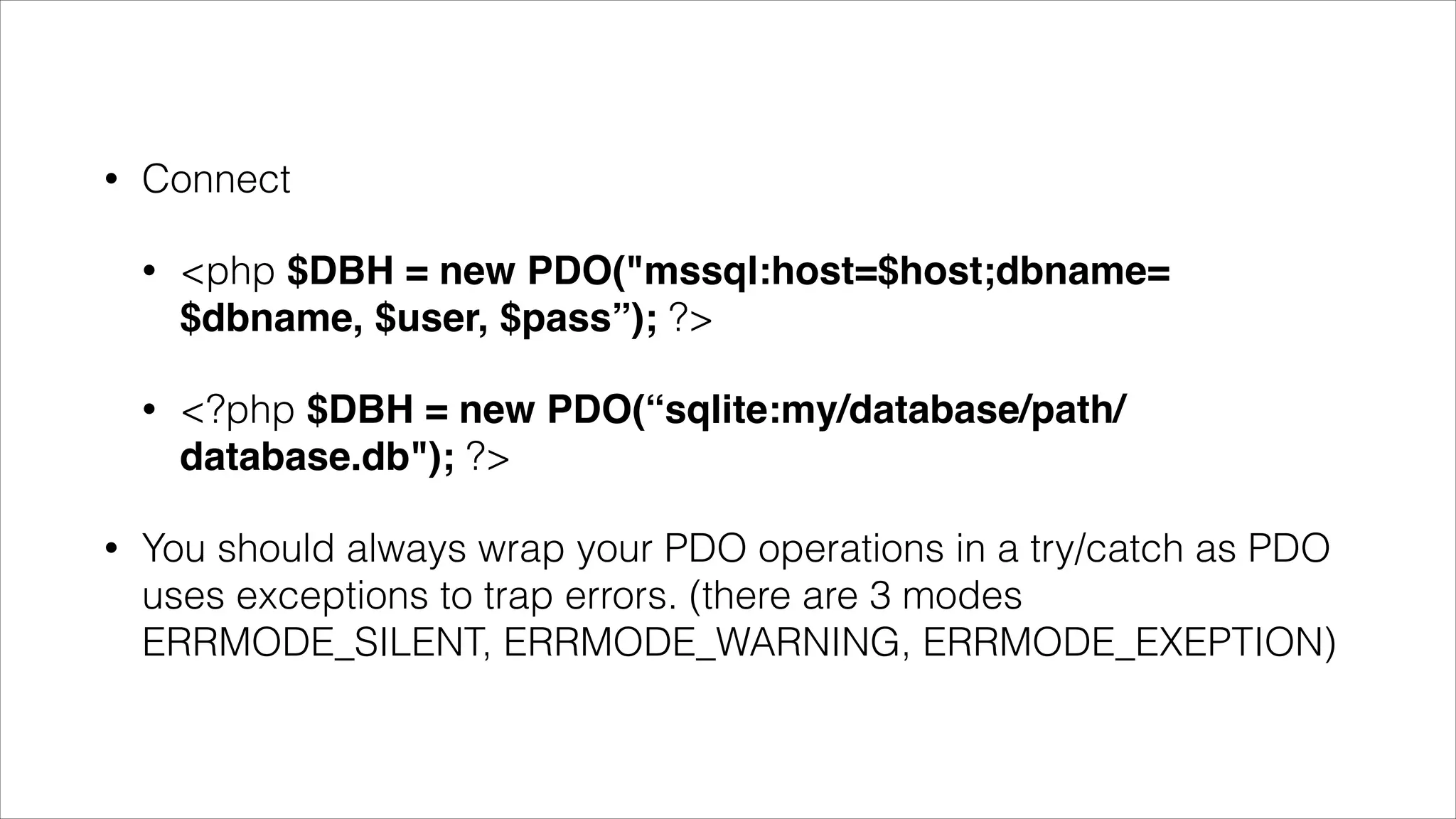
<php $DBH = new PDO("mssql:host=$host;dbname=
$dbname, $user, $pass”); ?>
<?php $DBH = new PDO(“sqlite:my/database/path/
database.db"); ?>

You should always wrap your PDO operations in a try/catch as PDO
uses exceptions to trap errors. (there are 3 modes
ERRMODE_SILENT, ERRMODE_WARNING, ERRMODE_EXEPTION)
•

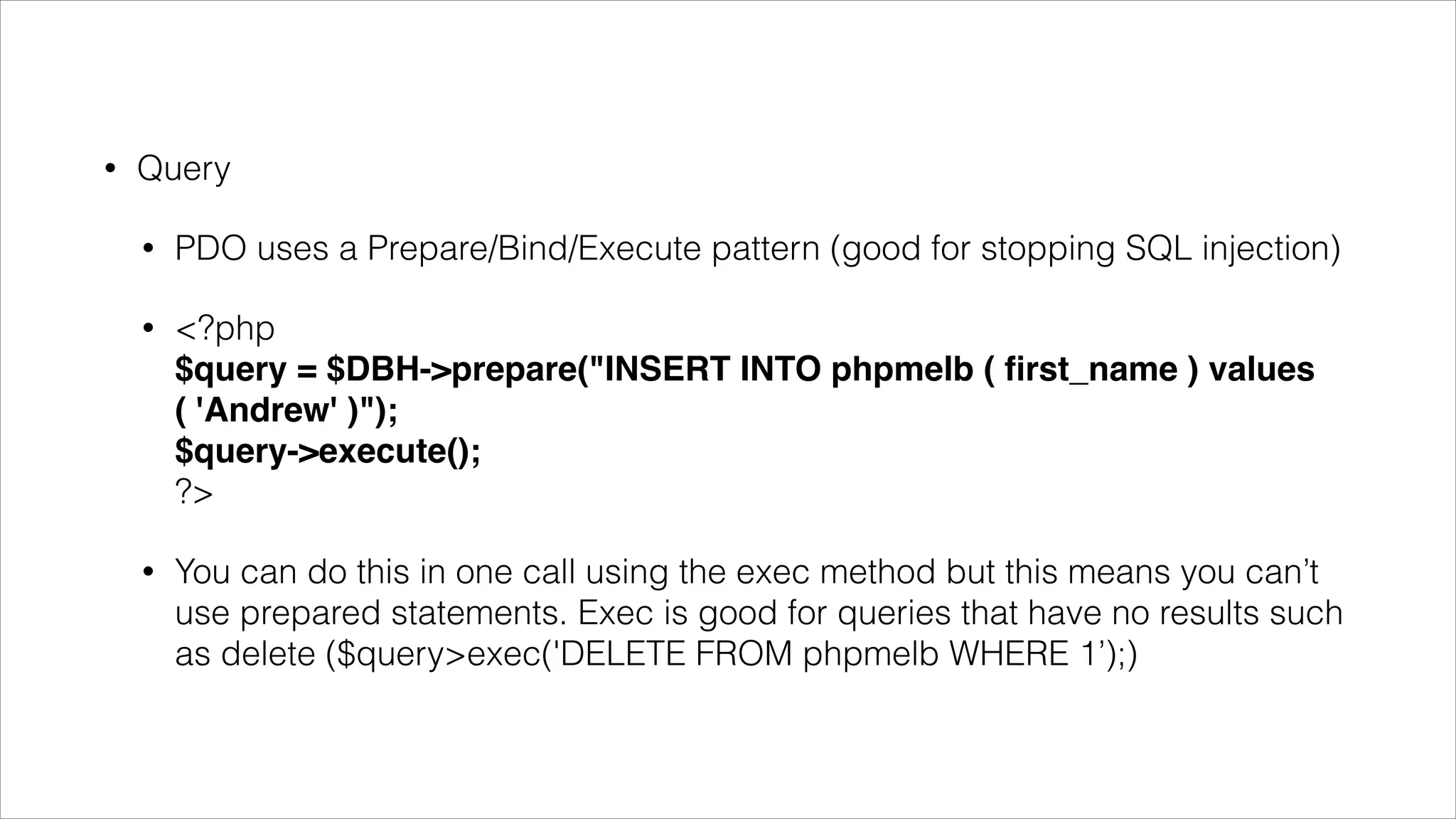
Query
•

PDO uses a Prepare/Bind/Execute pattern (good for stopping SQL injection)

•

<?php 

$query = $DBH->prepare("INSERT INTO phpmelb ( first_name ) values ( 'Andrew' )");

$query->execute();

?>

•

You can do this in one call using the exec method but this means you can’t use prepared
statements. Exec is good for queries that have no results such as delete
($query>exec('DELETE FROM phpmelb WHERE 1’);)

•

You can do this in one call using the exec method but this means you can’t use prepared
statement features like named place holders.
•

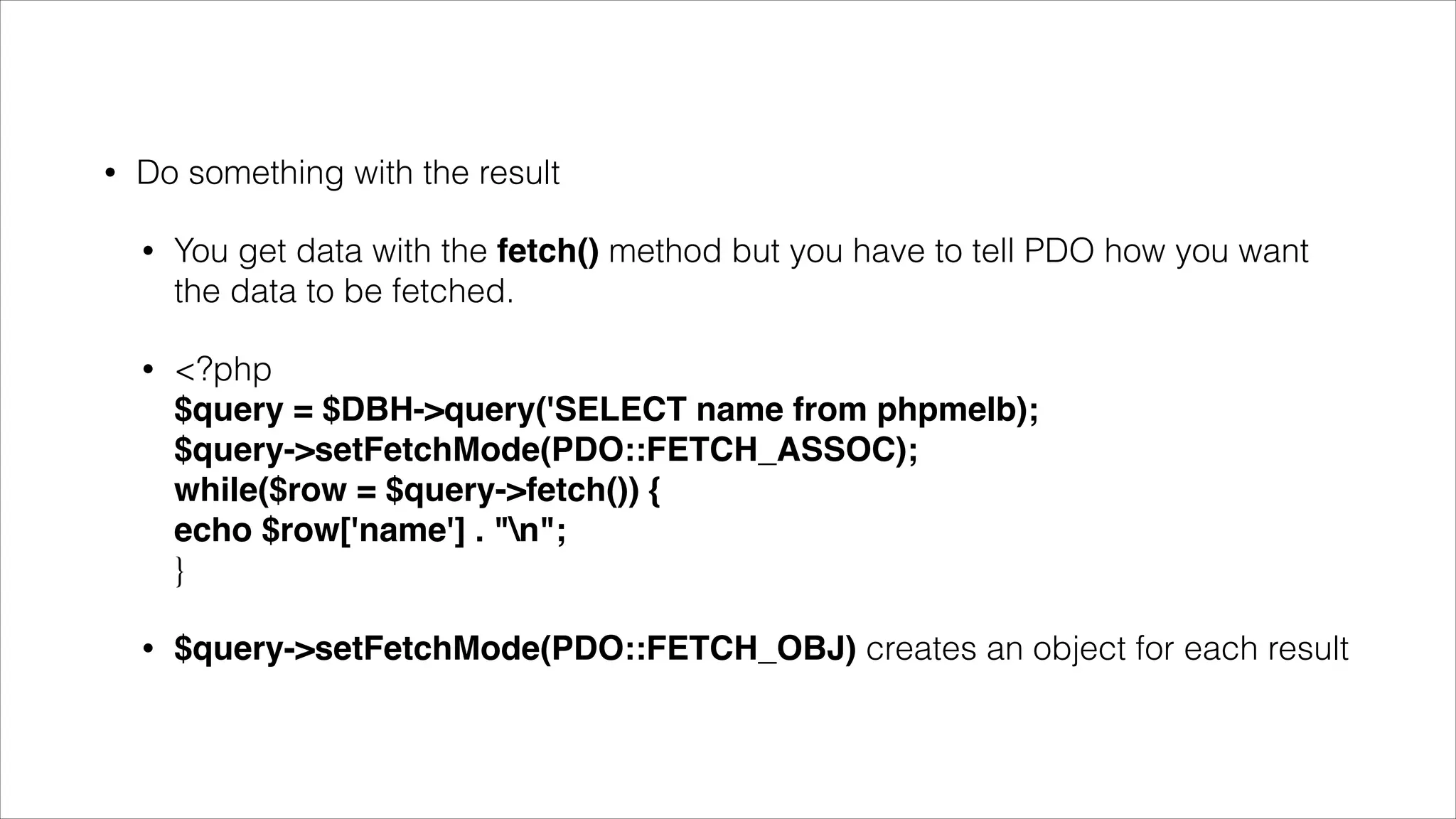
Do something with the result
•

You get data with the fetch() method but you have to tell PDO how you want
the data to be fetched.

•

<?php

$query = $DBH->query('SELECT name from phpmelb);

$query->setFetchMode(PDO::FETCH_ASSOC); 

while($row = $query->fetch()) { 

echo $row['name'] . "n";

}

•

$query->setFetchMode(PDO::FETCH_OBJ) creates an object for each result
•

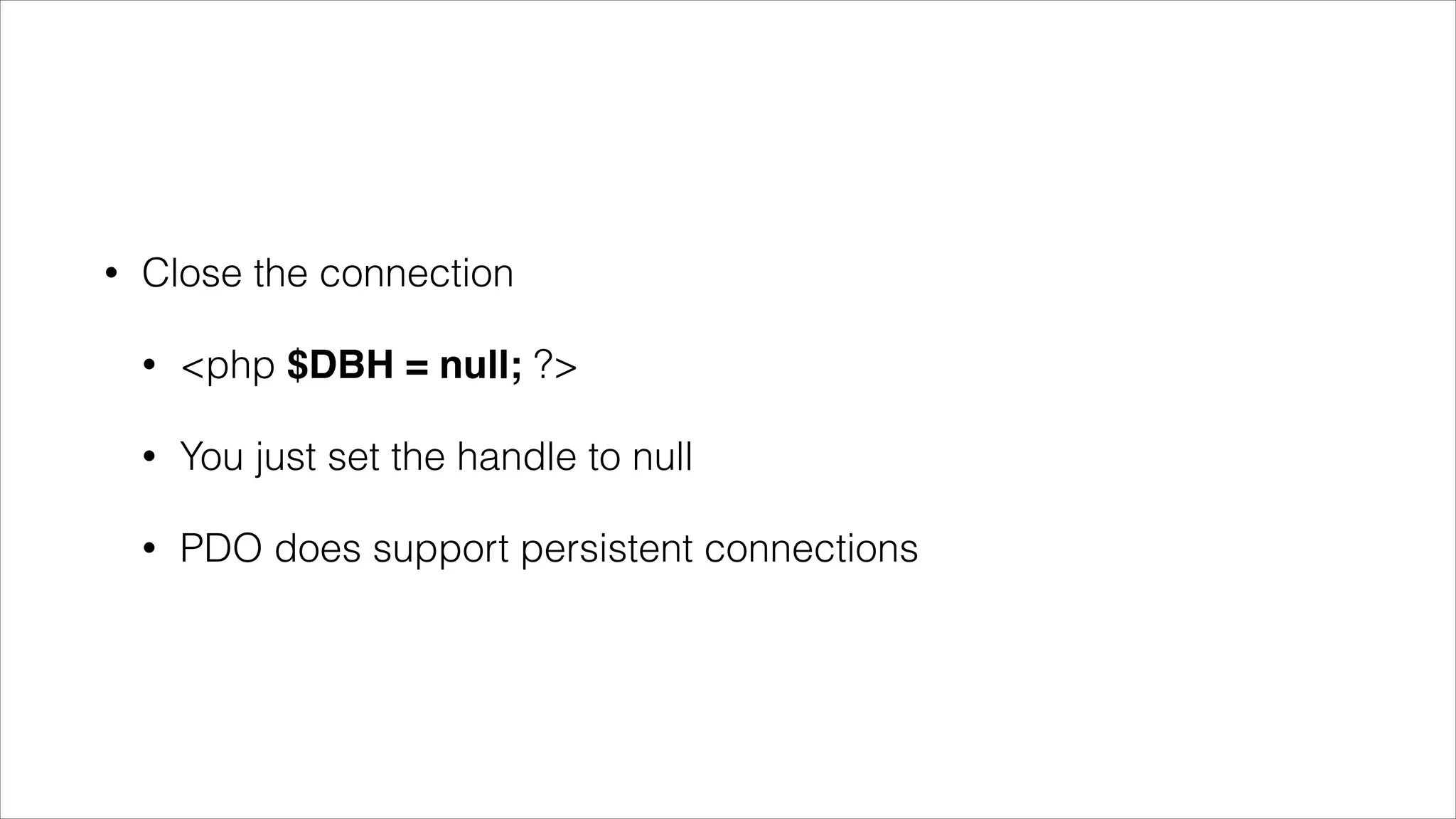
Close the connection
•

<php $DBH = null; ?>

•

You just set the handle to null

•

PDO does support persistent connections
•

That’s it!
•

There are a number of helper methods like getlastid etc.

•

And loads more to learn (stored procedures, transactions etc etc)

•

Check out the docs. 

http://www.php.net/manual/en/intro.pdo.php

PDO Basics - PHPMelb 2014

  • 1.
    PHP 101 Data Persistance(Database Basics)
  • 2.
    • Most PHP applicationsneed to store data • Most PHP applications store this data into a database of some kind • PHP supports many kinds of databases (Mysql, Microsoft SQL, postgresql, Oracle) • We’re not going to talk about Document based data stores today (no-sql)
  • 3.
    • To use adatabase in PHP you need to do 3 things • Connect to the database • Query the database using SQL • Do something with the result • Close the connection to the database
  • 4.
    • Early in PHPthis was achieved by using DB specific functions • mysqli_connect(host, username, password, dnname); • mysqli_query($connection, $sql); • mysqli_fetch_array($recordset); • mysqli_close($connection);
  • 5.
    • Easy! • Not very transferablehowever • What happens if you change database? • Mucho refactoring required - $$$ • That said this is how sites like W3Schools still teach and it’s a good place to start. • But is there a better way?
  • 6.
  • 7.
    • PDO - PHPData Objects • Creates a standardised foundation to connect to databases that can be queried using mysql (remember no no-sql here) • This includes: cubrid, firebird, interbase, DB2, informix, MSSQL server, mysql, postgresql, sqlite, 4d… you get the idea… • You can check out which drivers you have installed by: <?php print_r(PDO::getAvailableDrivers()); ?>
  • 8.
    • So remember withdatabases we do the following: • Connect • Query • Do something with the result • Close the connection
  • 9.
    • Connect • • • <php $DBH =new PDO("mssql:host=$host;dbname= $dbname, $user, $pass”); ?> <?php $DBH = new PDO(“sqlite:my/database/path/ database.db"); ?> You should always wrap your PDO operations in a try/catch as PDO uses exceptions to trap errors. (there are 3 modes ERRMODE_SILENT, ERRMODE_WARNING, ERRMODE_EXEPTION)
  • 10.
    • Query • PDO uses aPrepare/Bind/Execute pattern (good for stopping SQL injection) • <?php 
 $query = $DBH->prepare("INSERT INTO phpmelb ( first_name ) values ( 'Andrew' )");
 $query->execute();
 ?> • You can do this in one call using the exec method but this means you can’t use prepared statements. Exec is good for queries that have no results such as delete ($query>exec('DELETE FROM phpmelb WHERE 1’);) • You can do this in one call using the exec method but this means you can’t use prepared statement features like named place holders.
  • 11.
    • Do something withthe result • You get data with the fetch() method but you have to tell PDO how you want the data to be fetched. • <?php
 $query = $DBH->query('SELECT name from phpmelb);
 $query->setFetchMode(PDO::FETCH_ASSOC); 
 while($row = $query->fetch()) { 
 echo $row['name'] . "n";
 } • $query->setFetchMode(PDO::FETCH_OBJ) creates an object for each result
  • 12.
    • Close the connection • <php$DBH = null; ?> • You just set the handle to null • PDO does support persistent connections
  • 13.
    • That’s it! • There area number of helper methods like getlastid etc. • And loads more to learn (stored procedures, transactions etc etc) • Check out the docs. 
 http://www.php.net/manual/en/intro.pdo.php