Panoramic Photography
Process
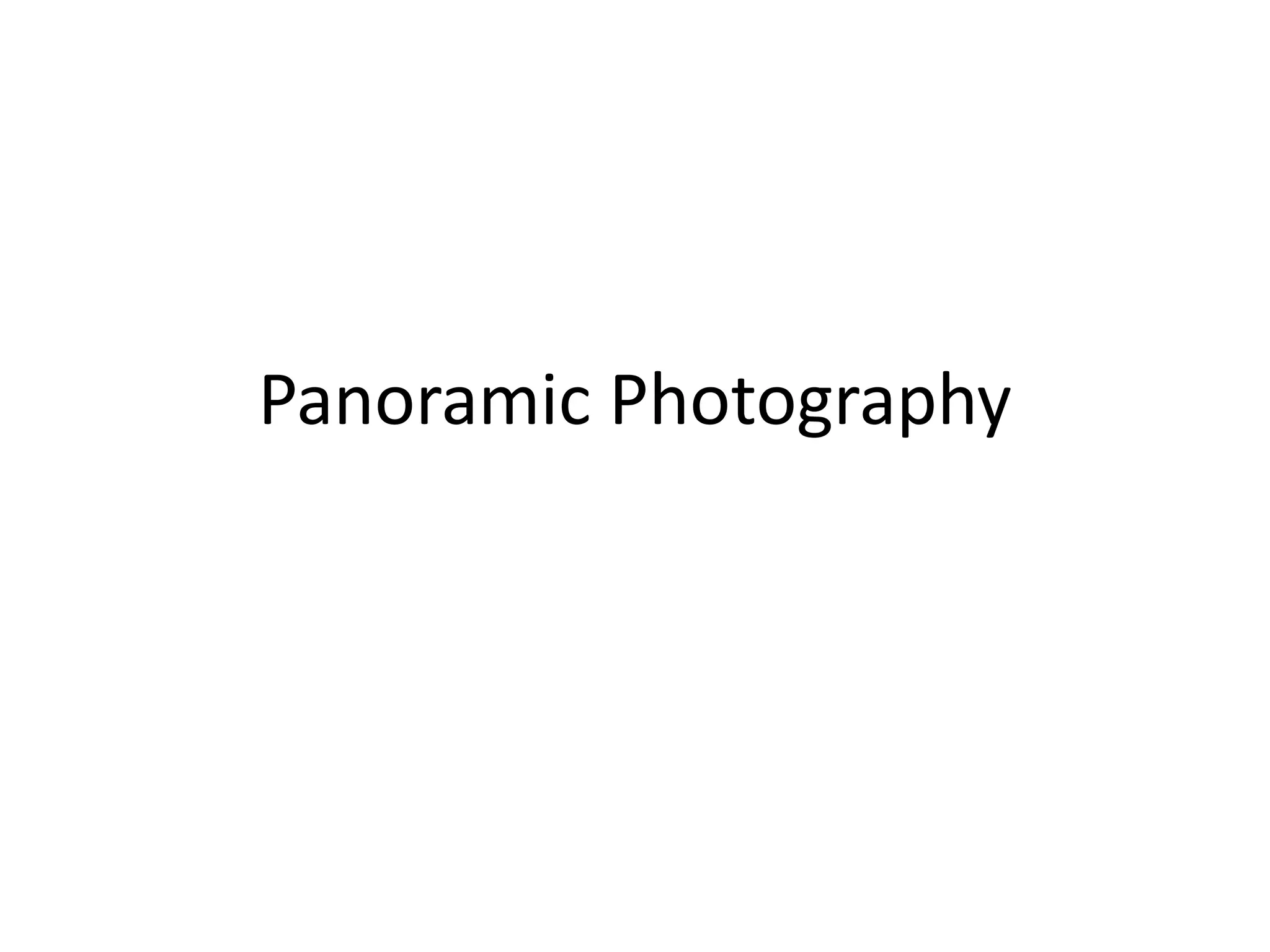
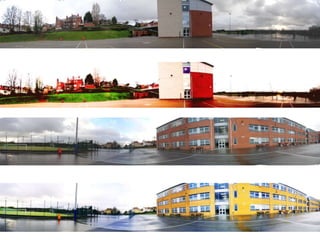
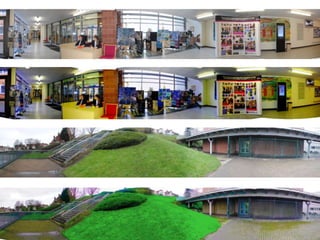
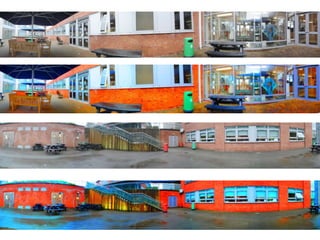
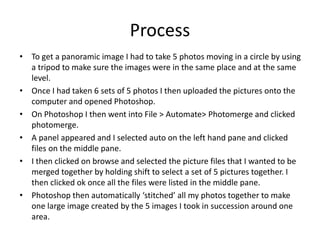
• To get a panoramic image I had to take 5 photos moving in a circle by using
a tripod to make sure the images were in the same place and at the same
level.
• Once I had taken 6 sets of 5 photos I then uploaded the pictures onto the
computer and opened Photoshop.
• On Photoshop I then went into File > Automate> Photomerge and clicked
photomerge.
• A panel appeared and I selected auto on the left hand pane and clicked
files on the middle pane.
• I then clicked on browse and selected the picture files that I wanted to be
merged together by holding shift to select a set of 5 pictures together. I
then clicked ok once all the files were listed in the middle pane.
• Photoshop then automatically ‘stitched’ all my photos together to make
one large image created by the 5 images I took in succession around one
area.
Why it may not have worked
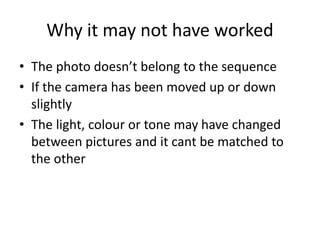
• The photo doesn’t belong to the sequence
• If the camera has been moved up or down
slightly
• The light, colour or tone may have changed
between pictures and it cant be matched to
the other

Panoramic photography

  • 1.
  • 5.
    Process • To geta panoramic image I had to take 5 photos moving in a circle by using a tripod to make sure the images were in the same place and at the same level. • Once I had taken 6 sets of 5 photos I then uploaded the pictures onto the computer and opened Photoshop. • On Photoshop I then went into File > Automate> Photomerge and clicked photomerge. • A panel appeared and I selected auto on the left hand pane and clicked files on the middle pane. • I then clicked on browse and selected the picture files that I wanted to be merged together by holding shift to select a set of 5 pictures together. I then clicked ok once all the files were listed in the middle pane. • Photoshop then automatically ‘stitched’ all my photos together to make one large image created by the 5 images I took in succession around one area.
  • 6.
    Why it maynot have worked • The photo doesn’t belong to the sequence • If the camera has been moved up or down slightly • The light, colour or tone may have changed between pictures and it cant be matched to the other