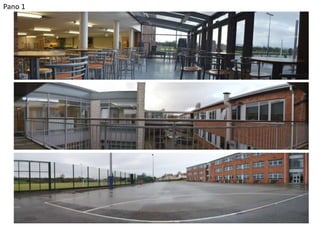
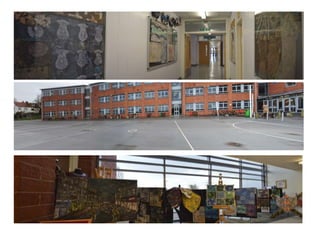
Pano 1
Notes
Why panoramas may not work sometimes:
• The photo does not belong to the sequence
• If the camera has been moved up or down then the
images will be pieced together in a jagged way, in
some cases the images will not be able to be put
together
• Sometimes the light, colour or tone may change
between photos
Process
When we are creating a panorama, only a tripod
and a camera is required, we have to ensure that
we keep the tripod still and not move it vertically,
only horizontally so that the panorama is created
effectively. We had to take five images to create a
panorama. Once we had taken six different
images we uploaded them into Photoshop and
went to file, automate and then photomerge. Our
images were automatically stitched together to
create the pano.

Panorama powerpoint

  • 1.
  • 3.
    Notes Why panoramas maynot work sometimes: • The photo does not belong to the sequence • If the camera has been moved up or down then the images will be pieced together in a jagged way, in some cases the images will not be able to be put together • Sometimes the light, colour or tone may change between photos
  • 4.
    Process When we arecreating a panorama, only a tripod and a camera is required, we have to ensure that we keep the tripod still and not move it vertically, only horizontally so that the panorama is created effectively. We had to take five images to create a panorama. Once we had taken six different images we uploaded them into Photoshop and went to file, automate and then photomerge. Our images were automatically stitched together to create the pano.