Copyright © 2016 Oracle and/or its affiliates. All rights reserved. |
Core HR – Manager
Experience
Workforce Prediction, Workforce Modelling
Oracle Confidential
Copyright © 2016 Oracle and/or its affiliates. All rights reserved. |
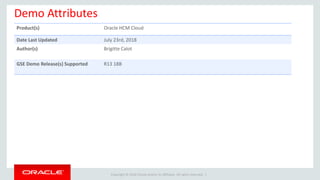
Demo Attributes
Product(s) Oracle HCM Cloud
Date Last Updated July 23rd, 2018
Author(s) Brigitte Calot
GSE Demo Release(s) Supported R13 18B
Copyright © 2016 Oracle and/or its affiliates. All rights reserved. |
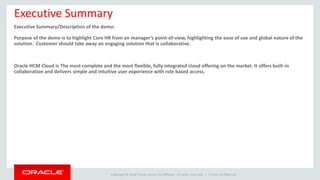
Executive Summary
Executive Summary/Description of the demo:
Purpose of the demo is to highlight Core HR from an manager’s point-of-view, highlighting the ease of use and global nature of the
solution. Customer should take away an engaging solution that is collaborative.
Oracle HCM Cloud is The most complete and the most flexible, fully integrated cloud offering on the market. It offers built-in
collaboration and delivers simple and intuitive user experience with role based access.
Oracle Confidential
Copyright © 2016 Oracle and/or its affiliates. All rights reserved. |
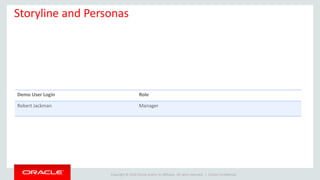
Storyline and Personas
Oracle Confidential
Demo User Login Role
Robert Jackman Manager
Copyright © 2016 Oracle and/or its affiliates. All rights reserved. |
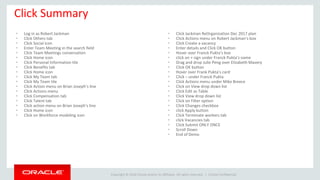
Click Summary
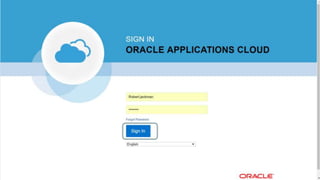
• Log in as Robert Jackman
• Click Others tab
• Click Social icon
• Enter Team Meeting in the search field
• Click Team Meetings conversation
• Click Home icon
• Click Personal Information tile
• Click Benefits tab
• Click Home icon
• Click My Team tab
• Click My Team tile
• Click Action menu on Brian Joseph’s line
• Click Actions menu
• Click Compensation tab
• Click Talent tab
• Click action menu on Brian Joseph’s line
• Click Home icon
• Click on Workforce modeling icon
Oracle Confidential
• Click Jackman ReOrganization Dec 2017 plan
• Click Actions menu on Robert Jackman’s box
• Click Create a vacancy
• Enter details and Click OK button
• Hover over Franck Pukta’s box
• click on + sign under Franck Pukta’s name
• Drag and drop Julie Peng over Elizabeth Mavery
• Click OK button
• Hover over Frank Pukta’s card
• Click – under Franck Pukta
• Click Actions menu under Mike Breece
• Click on View drop down list
• Click Edit as Table
• Click View drop down list
• Click on Filter option
• Click Changes checkbox
• click Apply button
• Click Terminate workers tab
• click Vacancies tab
• Click Submit ONLY ONCE
• Scroll Down
• End of Demo
Copyright © 2016 Oracle and/or its affiliates. All rights reserved. | Oracle Confidential
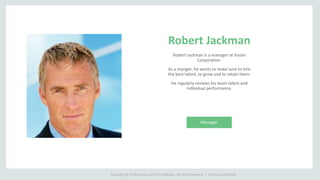
Robert Jackman
Robert Jackman is a manager at Vision
Corporation.
As a manger, he wants to make sure to hire
the best talent, to grow and to retain them.
He regularly reviews his team talent and
individual performance.
Manager
Copyright © 2016 Oracle and/or its affiliates. All rights reserved. | Oracle Confidential
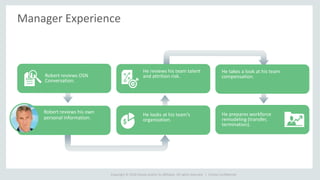
Manager Experience
He looks at his team’s
organization.
He reviews his team talent
and attrition risk.
He takes a look at his team
compensation.
Robert reviews OSN
Conversation.
He prepares workforce
remodeling (transfer,
termination).
Robert reviews his own
personal information.
Copyright © 2016 Oracle and/or its affiliates. All rights reserved. |
Oracle Fusion - Core HR - Manager Experience

Oracle Fusion - Core HR - Manager Experience

  • 1.
    Copyright © 2016Oracle and/or its affiliates. All rights reserved. | Core HR – Manager Experience Workforce Prediction, Workforce Modelling Oracle Confidential
  • 2.
    Copyright © 2016Oracle and/or its affiliates. All rights reserved. | Demo Attributes Product(s) Oracle HCM Cloud Date Last Updated July 23rd, 2018 Author(s) Brigitte Calot GSE Demo Release(s) Supported R13 18B
  • 3.
    Copyright © 2016Oracle and/or its affiliates. All rights reserved. | Executive Summary Executive Summary/Description of the demo: Purpose of the demo is to highlight Core HR from an manager’s point-of-view, highlighting the ease of use and global nature of the solution. Customer should take away an engaging solution that is collaborative. Oracle HCM Cloud is The most complete and the most flexible, fully integrated cloud offering on the market. It offers built-in collaboration and delivers simple and intuitive user experience with role based access. Oracle Confidential
  • 4.
    Copyright © 2016Oracle and/or its affiliates. All rights reserved. | Storyline and Personas Oracle Confidential Demo User Login Role Robert Jackman Manager
  • 5.
    Copyright © 2016Oracle and/or its affiliates. All rights reserved. | Click Summary • Log in as Robert Jackman • Click Others tab • Click Social icon • Enter Team Meeting in the search field • Click Team Meetings conversation • Click Home icon • Click Personal Information tile • Click Benefits tab • Click Home icon • Click My Team tab • Click My Team tile • Click Action menu on Brian Joseph’s line • Click Actions menu • Click Compensation tab • Click Talent tab • Click action menu on Brian Joseph’s line • Click Home icon • Click on Workforce modeling icon Oracle Confidential • Click Jackman ReOrganization Dec 2017 plan • Click Actions menu on Robert Jackman’s box • Click Create a vacancy • Enter details and Click OK button • Hover over Franck Pukta’s box • click on + sign under Franck Pukta’s name • Drag and drop Julie Peng over Elizabeth Mavery • Click OK button • Hover over Frank Pukta’s card • Click – under Franck Pukta • Click Actions menu under Mike Breece • Click on View drop down list • Click Edit as Table • Click View drop down list • Click on Filter option • Click Changes checkbox • click Apply button • Click Terminate workers tab • click Vacancies tab • Click Submit ONLY ONCE • Scroll Down • End of Demo
  • 6.
    Copyright © 2016Oracle and/or its affiliates. All rights reserved. | Oracle Confidential Robert Jackman Robert Jackman is a manager at Vision Corporation. As a manger, he wants to make sure to hire the best talent, to grow and to retain them. He regularly reviews his team talent and individual performance. Manager
  • 7.
    Copyright © 2016Oracle and/or its affiliates. All rights reserved. | Oracle Confidential Manager Experience He looks at his team’s organization. He reviews his team talent and attrition risk. He takes a look at his team compensation. Robert reviews OSN Conversation. He prepares workforce remodeling (transfer, termination). Robert reviews his own personal information.
  • 8.
    Copyright © 2016Oracle and/or its affiliates. All rights reserved. |
  • 9.
    Copyright © 2016Oracle and/or its affiliates. All rights reserved. |
  • 10.
    Copyright © 2016Oracle and/or its affiliates. All rights reserved. |
  • 11.
    Copyright © 2016Oracle and/or its affiliates. All rights reserved. |
  • 12.
    Copyright © 2016Oracle and/or its affiliates. All rights reserved. |
  • 13.
    Copyright © 2016Oracle and/or its affiliates. All rights reserved. |
  • 14.
    Copyright © 2016Oracle and/or its affiliates. All rights reserved. |
  • 15.
    Copyright © 2016Oracle and/or its affiliates. All rights reserved. |
  • 16.
    Copyright © 2016Oracle and/or its affiliates. All rights reserved. |
  • 17.
    Copyright © 2016Oracle and/or its affiliates. All rights reserved. |
  • 18.
    Copyright © 2016Oracle and/or its affiliates. All rights reserved. |
  • 19.
    Copyright © 2016Oracle and/or its affiliates. All rights reserved. |
  • 20.
    Copyright © 2016Oracle and/or its affiliates. All rights reserved. |
  • 21.
    Copyright © 2016Oracle and/or its affiliates. All rights reserved. |
  • 22.
    Copyright © 2016Oracle and/or its affiliates. All rights reserved. |
  • 23.
    Copyright © 2016Oracle and/or its affiliates. All rights reserved. |
  • 24.
    Copyright © 2016Oracle and/or its affiliates. All rights reserved. |
  • 25.
    Copyright © 2016Oracle and/or its affiliates. All rights reserved. |
  • 26.
    Copyright © 2016Oracle and/or its affiliates. All rights reserved. |
  • 27.
    Copyright © 2016Oracle and/or its affiliates. All rights reserved. |
  • 28.
    Copyright © 2016Oracle and/or its affiliates. All rights reserved. |
  • 29.
    Copyright © 2016Oracle and/or its affiliates. All rights reserved. |
  • 30.
    Copyright © 2016Oracle and/or its affiliates. All rights reserved. |
  • 31.
    Copyright © 2016Oracle and/or its affiliates. All rights reserved. |
  • 32.
    Copyright © 2016Oracle and/or its affiliates. All rights reserved. |
  • 33.
    Copyright © 2016Oracle and/or its affiliates. All rights reserved. |
  • 34.
    Copyright © 2016Oracle and/or its affiliates. All rights reserved. |
  • 35.
    Copyright © 2016Oracle and/or its affiliates. All rights reserved. |
  • 36.
    Copyright © 2016Oracle and/or its affiliates. All rights reserved. |
  • 37.
    Copyright © 2016Oracle and/or its affiliates. All rights reserved. |
  • 38.
    Copyright © 2016Oracle and/or its affiliates. All rights reserved. |
  • 39.
    Copyright © 2016Oracle and/or its affiliates. All rights reserved. |
  • 40.
    Copyright © 2016Oracle and/or its affiliates. All rights reserved. |
  • 41.
    Copyright © 2016Oracle and/or its affiliates. All rights reserved. |
  • 42.
    Copyright © 2016Oracle and/or its affiliates. All rights reserved. |
  • 43.
    Copyright © 2016Oracle and/or its affiliates. All rights reserved. |
  • 44.
    Copyright © 2016Oracle and/or its affiliates. All rights reserved. |
  • 45.
    Copyright © 2016Oracle and/or its affiliates. All rights reserved. |
  • 46.
    Copyright © 2016Oracle and/or its affiliates. All rights reserved. |
  • 47.
    Copyright © 2016Oracle and/or its affiliates. All rights reserved. |

Editor's Notes

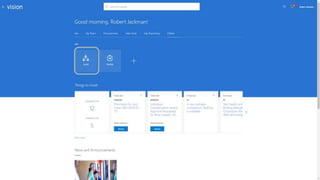
  • #9 [Log in as Robert Jackman]
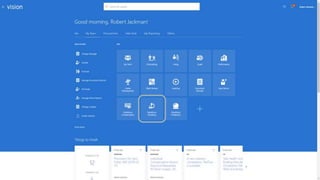
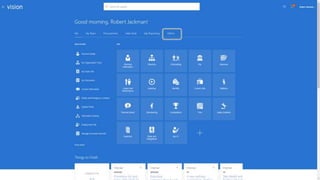
  • #10 As a manager, I am presented with a very similar look and feel as employees and additional icons because I have a team of people to manage in addition to myself.   To minimize change management, and to have consistency when an employee evolves in the organization to become a Manager, there is not a long, steep learning curve the employee needs to go through. This is a design of HCM Cloud to ensure adoption and transformation with a modern system.   With only one login, I have access to both my manager as well as my employee icons – everything I need in one place. [Click Others tab]
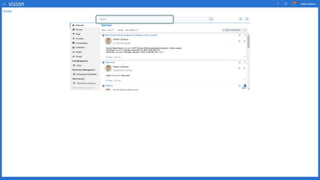
  • #11 [Click Social icon]
  • #12 The company social network is part of HCM cloud. I can review all the conversations that I am part of. I am presented with recent posts. I have a conversation ongoing with my team relating to team meetings. [Enter Team Meeting in the search field]
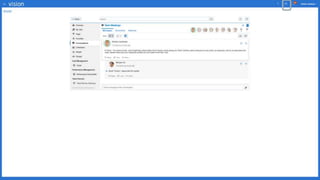
  • #13 Let’s search that conversation. The search engine is very reactive and proposes my conversations matching my ongoing typing. Here is the one I’m looking for. [Click Team Meetings conversation]
  • #14 I have access to the updates in my Social conversations, and I see that Simon just commented on our Team Meeting. [Click Home icon]
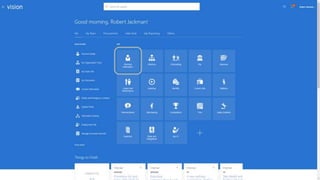
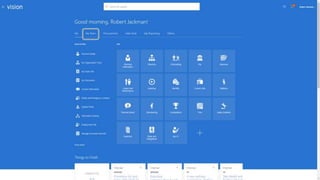
  • #15 I can manage my team’s information as long as mine. [Click Personal Information tile]
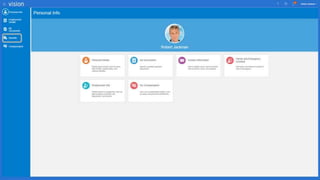
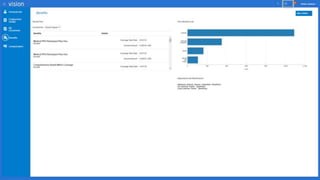
  • #16 All the information are conveniently organized to help me directly get to the information I need. [Click Benefits tab]
  • #17 Benefits is fully supported in Oracle HCM Cloud. The Benefits offering is fully configurable to meet the differing needs of different countries, and users will only see what is pertinent to their country.   Where pension plans are applicable in the UK, medical/dental plans are important for me here in the US. I can also view paycheck history, and compensation but I just wanted to demonstrate that Managers have the same view and consistent look and feel as employees for their own data. I can review my benefits enrollment. When I am eligible or during enrollment period I can change my election. I have then the ability to try different scenarios before making my finale election. The Benefits offering is fully configurable to meet the differing needs of different countries, and users will only see what is pertinent to their country. [Click Home icon]
  • #18 [Click My Team tab]
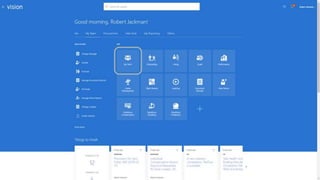
  • #19 [Click My Team tile]
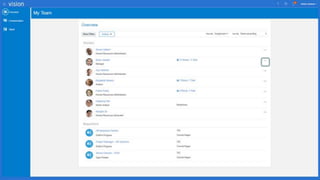
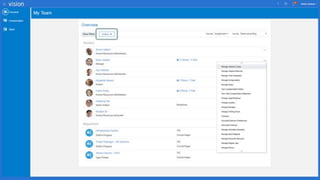
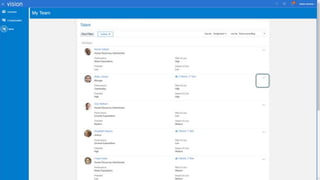
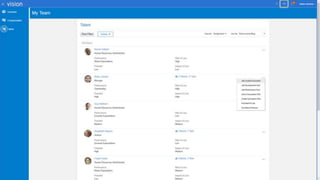
  • #20 This is the view of my direct reports with flexibility to show data about that individual or drilling down into indirect reports if I wish as well.   [Click Action menu on Brian Joseph’s line]
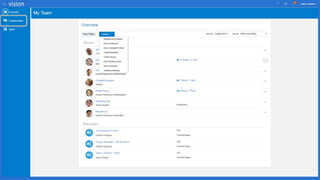
  • #21 Here I have access to Quick Navigation which enables me to quickly access actions within one employee context. Note how the hierarchy line is presented at the top of the screen. Let’s drill down one level in it. I can sort and review my team in a number of ways. I can easily see that I have direct reports in Atlanta, Chicago, London, and Headquarters US. It is important for me to have a comprehensive and flexible view of my team, wherever in the world they may work.   % Once again we are intentionally keeping this high level and only involving legislative and compliance information where it is needed for ease of use by role. I can easily sort or filter my reports list to take actions on individuals. I can also perform tasks that are global to my team. [Click Actions menu]  
  • #22 [Click Compensation tab]
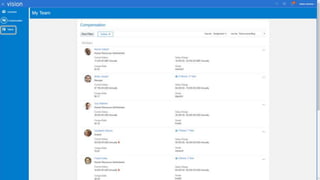
  • #23 One of the “table stakes” global capabilities is currency tracking and conversion.   I have a comprehensive view of my team’s compensation, including currency, range, compa-ratio, as well as below and above range indicators.   % Eligibility and formulas, rules, etc. associated with compensation and spot bonuses. Even if your practices vary by country or even department, we can support it. Eligibility can be defined based on any attribute associated with a person (i.e. location, department), even user defined criteria! [Click Talent tab]
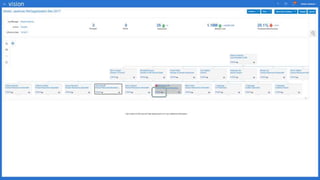
  • #24 As a manager, Team Talent is my single view into Goals and Performance, Talent Slating to Succession Planning. To manage talent I can take actions at individual level. [Click action menu on Brian Joseph’s line]
  • #25 Directly from here, I can kick off many manager self service functions. [Click Home icon]
  • #26 At a higher level I can also model organizational or individual worker changes to determine the best course of action. [Click on Workforce modeling icon]
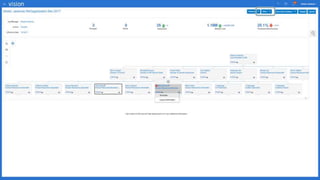
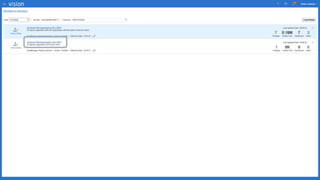
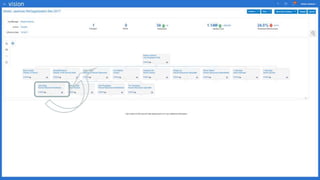
  • #27 On the Workforce Modeling Overview page, I can see the models I’ve created and the more recent one on which I am currently working.   I can see some summary information about the model, for example the Jackson Reorganization Dec 2016 model would result in 7 assignment changes and a headcount increase of 5.   Note that draft plans can be easily deleted using the grey cross icon over on the right. [Click Jackman ReOrganization Dec 2017 plan]
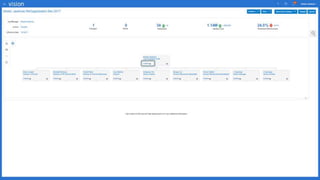
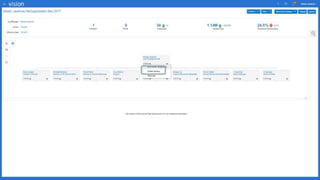
  • #28 Now, I can view the model in an Org Chart format.   In this view, I can see more analytics giving information about the plan, for example Projected Worker Cost of the proposed changes and Predicted effectiveness.   The Holding area at the bottom of the view is where workers are temporarily copied to during the modeling process. [Click Actions menu on Robert Jackman’s box]
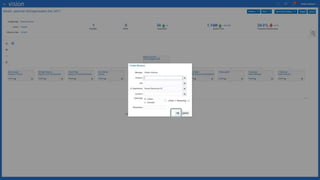
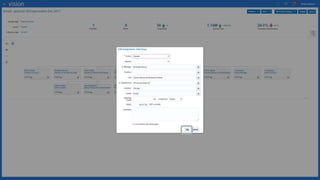
  • #29 As I see fit I can add or edit vacancies within this model. All of these actions are very easy to perform by selecting a node. [Click Create a vacancy]
  • #30 [Enter details and Click OK button]
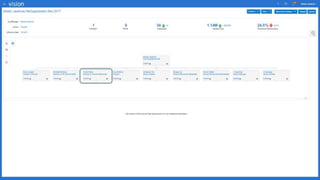
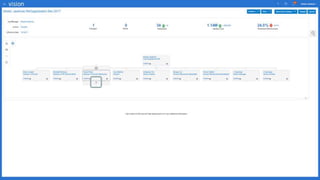
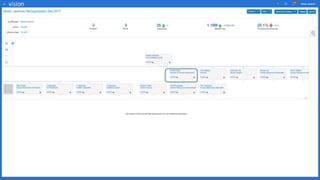
  • #31 I can choose to either expand or collapse part of the hierarchy. [Hover over Franck Pukta’s box]
  • #32 [click on + sign under Franck Pukta’s name]
  • #33 By a single drag and drop, I can move someone from an organization to another. [Drag and drop Julie Peng over Elizabeth Mavery]
  • #34 Hopefully I have to confirm the move to prevent unwanted drag and drop to occur. [Click OK button]
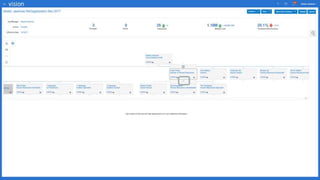
  • #35 Let’s collapse Franck Pukta’s organization. [Hover over Frank Pukta’s card]
  • #36 [Click – under Franck Pukta]
  • #37 I can now see that Julie Peng reports to Elizabeth Mavery in this draft reorganization model. I also wanted to enter Mike Breece’s termination but I see that I already did. I can directly see that Mike Breece has been terminated by the logo and the color of his box. [Click Actions menu under Mike Breece]
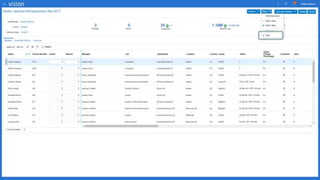
  • #38 I can easily manage a lot of actions from here. I have terminated Mike Breece because he resigned. I am still working on this project and I am still able to reverse this termination if needed. [Click on View drop down list]
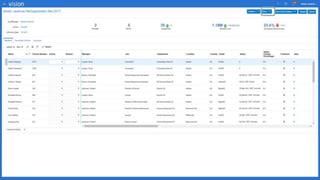
  • #39 Instead of an Org chart, I can access the data as a table. The changes can then be visualized in a table format, categorized by Action. [Click Edit as Table]
  • #40 [Click View drop down list]
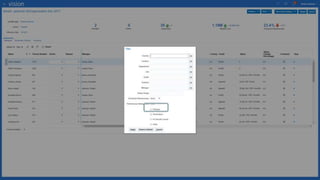
  • #41 [Click on Filter option]
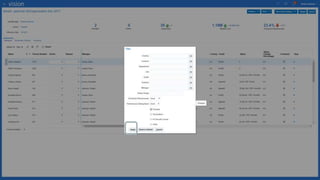
  • #42 As a filter, I want to see only employee for which there are some changes. [Click Changes checkbox]
  • #43 [click Apply button]
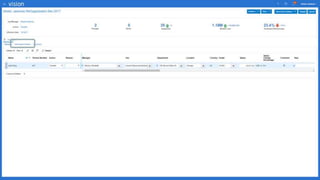
  • #44 I can see all workers for which some changes have been entered. [Click Terminate workers tab]
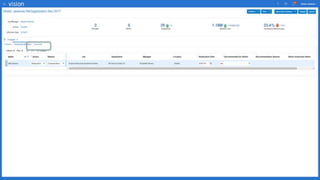
  • #45 Here I see the terminated workers [click Vacancies tab]
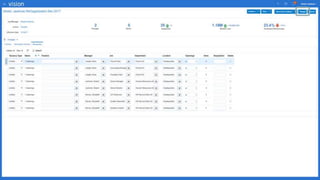
  • #46 I have also access to the list of all vacancies created. [Click Submit ONLY ONCE]
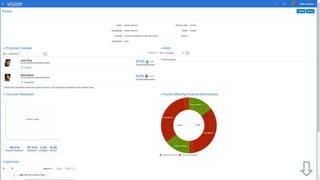
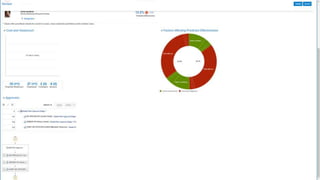
  • #47 Before my final submission, I can review all the changes I have entered. I also see delivered analytics that give me insight into the overall cost associated with the headcount changes as well as the predictive effectiveness of the new teams. I can see the approval process that we’ve set for this model to go through, also.   % DEMO NOTE: Don’t actually submit! Do not click the submit button on the review page, simply cancel out of the transaction. Stop on the REVIEW page. [Scroll Down]
  • #48 I have a complete analysis on the predicted effectiveness of my team if all my changes get validated. I can also review the entire approval process. [End of Demo]