MAHADEVA
SANTHOSH
SUBMITTED
BY
SUBMITTED
TO
Mr.VENKATE
SH BHABHU
SIR
HARDWARE/
NETWORKIN
G
Keeps tracks of processor and status of process
Operating
system
CONTENTS
• Basic of operating system and what is operating
system ?
• Example of operating system
• Definition of operating system
• Responsibility of operating system
• Microsoft window and Desktop its parts
• Icon and taskbar
• Application window
• Desktop background and Files and folders
BASIC OF OPERATING
SYSTEM
Introduction of OS – definition an
operating system is a system
software that monitors all the
activities of a computer system.
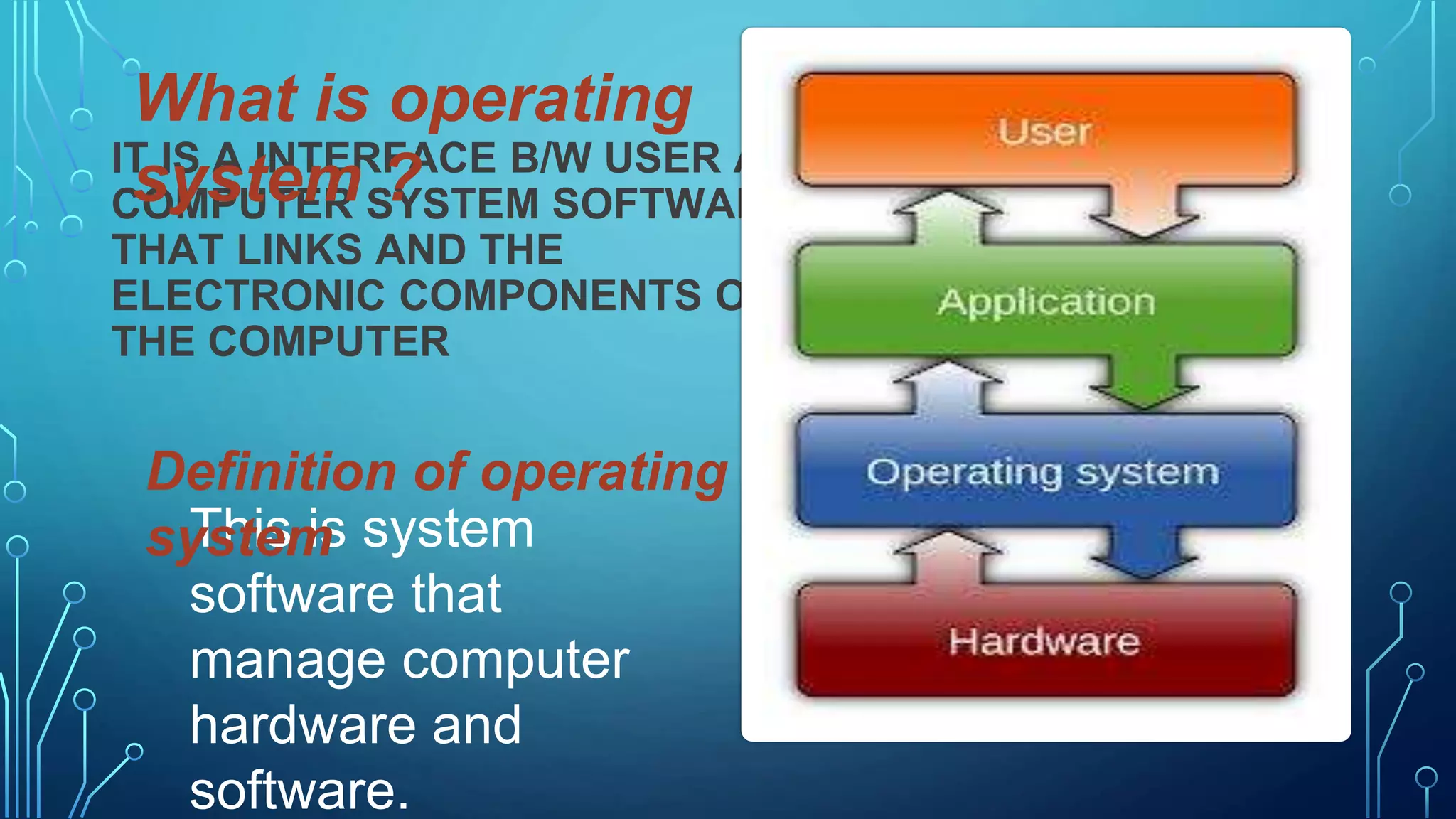
IT IS A INTERFACE B/W USER AND
COMPUTER SYSTEM SOFTWARE
THAT LINKS AND THE
ELECTRONIC COMPONENTS OF
THE COMPUTER
What is operating
system ?
This is system
software that
manage computer
hardware and
software.
Definition of operating
system
RESPONSIBILITY OF OPERATING
SYSTEM
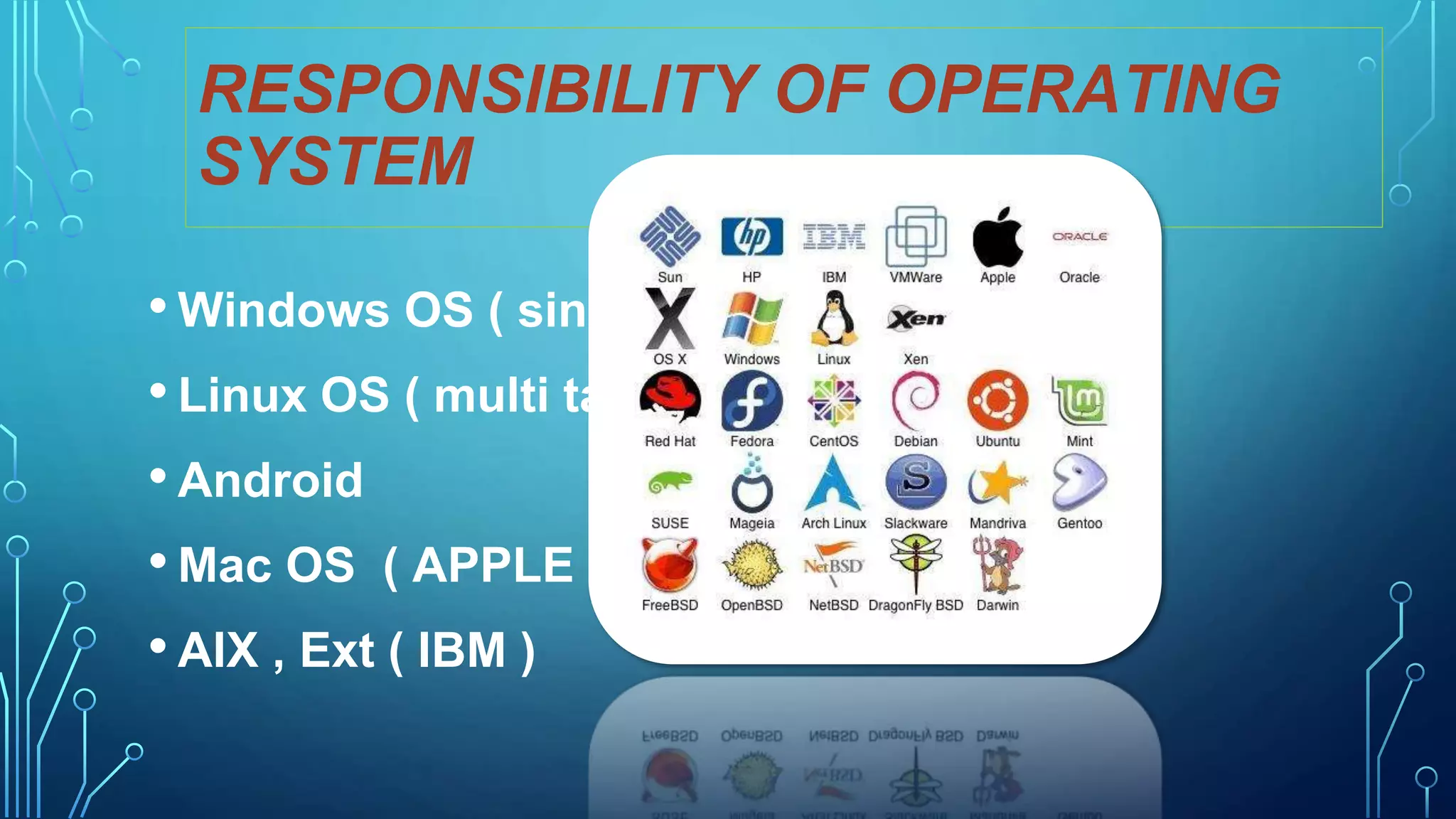
• Windows OS ( single user)
• Linux OS ( multi task)
• Android
• Mac OS ( APPLE )
• AIX , Ext ( IBM )
RESPONSIBILITY OF OPERATING
SYSTEM
• Processor management
• Memory management
• Device management
• File management
• Security
This will be very difficult to
operate computer without
operating system.
MICROSOFT WINDOWS
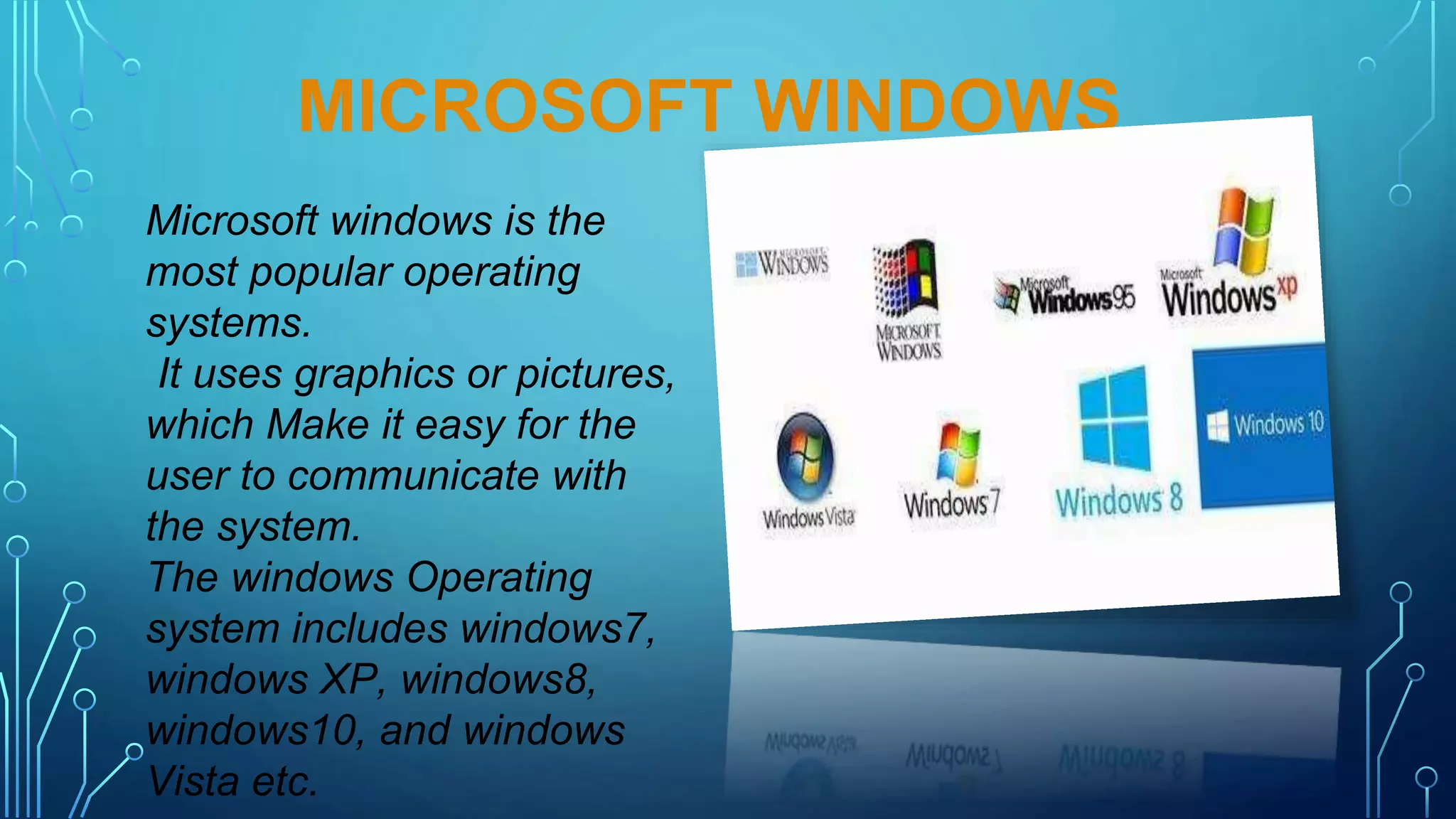
Microsoft windows is the
most popular operating
systems.
It uses graphics or pictures,
which Make it easy for the
user to communicate with
the system.
The windows Operating
system includes windows7,
windows XP, windows8,
windows10, and windows
Vista etc.
DESKTOP AND ITS PARTS
• Icons
• taskbar
When a computer is switched on a screen with some small pictures appears. The
screen is known as desktop.
Desktop contains some useful items.
1. ICONS
Computer This icon represents all the
drives, files and folders saved on the
computer.
Recycle bin All the deleted files and
folders are stored in recycle bin.
Google Chrome This icon allow use
to contact to the internet.
2. TASKBAR
• It is a horizontal bar present at the bottom of the desktop.
• It shows the applications that are correctly active and
running.
• It also allows the user to quickly access the current or
favourite application.
Start button it opens the start menu and displays
the options to start and shutdown a computers.
Quick launch toolbar It gives access to programs
that are frequently used.
Notification area notifies about network
connectivity, email and status of the programs running
in the background.
System clock it display the time and date.
Show desktop button it is located on the bottom
right corner of the taskbar it allows to minimises us all
the running problems and displays the desktop.
Application window
By clicking on the computer icon the computer windows
open up is known as the application window.
Components of an
application window
TITLE BAR IT SHOWS THE NAME OF THE FILE PROGRAM
AND ITS LOCATION.
MENU BAR IT CONTENTS MONEY OPTION (MENU).
MAXIMIZE BUTTON ENLARGES THE WINDOW TO FILL
THE WHOLE SCREEN.
MINIMISE BUTTON IT’S THE WINDOW BUT SHOWS IT’S
TITLE ON THE TASKBAR.
CLOSE BUTTON TO CLOSE THE WINDOW ARE THE
APPLICATION.
WORK AREA ARE CLIENT AREA THIS AREA DISPLAY
ALL THE LISTS OF FILES AND FOLDERS SAVED IN OUR
COMPUTER.
STATUS BAR IT DISPLAYS SOME ADDITIONAL
INFORMATION LIKE DOMAIN NAME, PROCESSOR NAME,
AND MEMORY AVAILABLE.
DESKTOP BACKGROUND
The background
image of the
desktop is called
wallpaper
FILES AND FOLDERS
A file is an item that can be
an image, a word document
or any program.
Folder is like a container
that can store many files.
we can give any name to a
folder.
CONNECT NUMBER
9449736042
Email address
ahmahadeva@gmail.com

OPERATING SYSTEM PPT (1).pptx

  • 1.
  • 2.
    CONTENTS • Basic ofoperating system and what is operating system ? • Example of operating system • Definition of operating system • Responsibility of operating system • Microsoft window and Desktop its parts • Icon and taskbar • Application window • Desktop background and Files and folders
  • 3.
    BASIC OF OPERATING SYSTEM Introductionof OS – definition an operating system is a system software that monitors all the activities of a computer system.
  • 4.
    IT IS AINTERFACE B/W USER AND COMPUTER SYSTEM SOFTWARE THAT LINKS AND THE ELECTRONIC COMPONENTS OF THE COMPUTER What is operating system ? This is system software that manage computer hardware and software. Definition of operating system
  • 5.
    RESPONSIBILITY OF OPERATING SYSTEM •Windows OS ( single user) • Linux OS ( multi task) • Android • Mac OS ( APPLE ) • AIX , Ext ( IBM )
  • 6.
    RESPONSIBILITY OF OPERATING SYSTEM •Processor management • Memory management • Device management • File management • Security This will be very difficult to operate computer without operating system.
  • 7.
    MICROSOFT WINDOWS Microsoft windowsis the most popular operating systems. It uses graphics or pictures, which Make it easy for the user to communicate with the system. The windows Operating system includes windows7, windows XP, windows8, windows10, and windows Vista etc.
  • 8.
    DESKTOP AND ITSPARTS • Icons • taskbar When a computer is switched on a screen with some small pictures appears. The screen is known as desktop. Desktop contains some useful items. 1. ICONS Computer This icon represents all the drives, files and folders saved on the computer. Recycle bin All the deleted files and folders are stored in recycle bin. Google Chrome This icon allow use to contact to the internet.
  • 9.
    2. TASKBAR • Itis a horizontal bar present at the bottom of the desktop. • It shows the applications that are correctly active and running. • It also allows the user to quickly access the current or favourite application. Start button it opens the start menu and displays the options to start and shutdown a computers. Quick launch toolbar It gives access to programs that are frequently used. Notification area notifies about network connectivity, email and status of the programs running in the background. System clock it display the time and date. Show desktop button it is located on the bottom right corner of the taskbar it allows to minimises us all the running problems and displays the desktop.
  • 10.
    Application window By clickingon the computer icon the computer windows open up is known as the application window. Components of an application window
  • 11.
    TITLE BAR ITSHOWS THE NAME OF THE FILE PROGRAM AND ITS LOCATION. MENU BAR IT CONTENTS MONEY OPTION (MENU). MAXIMIZE BUTTON ENLARGES THE WINDOW TO FILL THE WHOLE SCREEN. MINIMISE BUTTON IT’S THE WINDOW BUT SHOWS IT’S TITLE ON THE TASKBAR. CLOSE BUTTON TO CLOSE THE WINDOW ARE THE APPLICATION. WORK AREA ARE CLIENT AREA THIS AREA DISPLAY ALL THE LISTS OF FILES AND FOLDERS SAVED IN OUR COMPUTER. STATUS BAR IT DISPLAYS SOME ADDITIONAL INFORMATION LIKE DOMAIN NAME, PROCESSOR NAME, AND MEMORY AVAILABLE.
  • 12.
    DESKTOP BACKGROUND The background imageof the desktop is called wallpaper
  • 13.
    FILES AND FOLDERS Afile is an item that can be an image, a word document or any program. Folder is like a container that can store many files. we can give any name to a folder.
  • 14.