Adam Moravcik
cybrary.it/course/cryptography/
pluralsight.com/library/courses/cryptography-big-picture
http://cmder.net
https://slproweb.com/products/Win32OpenSSL.html
• SHA-2
https://en.wikipedia.org/wiki/SHA-2
• RSA Ron Rivest Adi Shamir LeonardAdleman
https://simple.wikipedia.org/wiki/RSA_(algorithm)
• AES
https://en.wikipedia.org/wiki/Advanced_Encryption_Standard
openssl.org
msdn.microsoft.com/en-us/library/aa380256.aspx
developer.mozilla.org/en-US/docs/Mozilla/Projects/NSS
https://wiki.openssl.org/index.php/Manual:Dgst(1)
openssl dgst -sha512 my_file.txt
openssl passwd -1 -salt thisismysalt123ThePassword1234567890
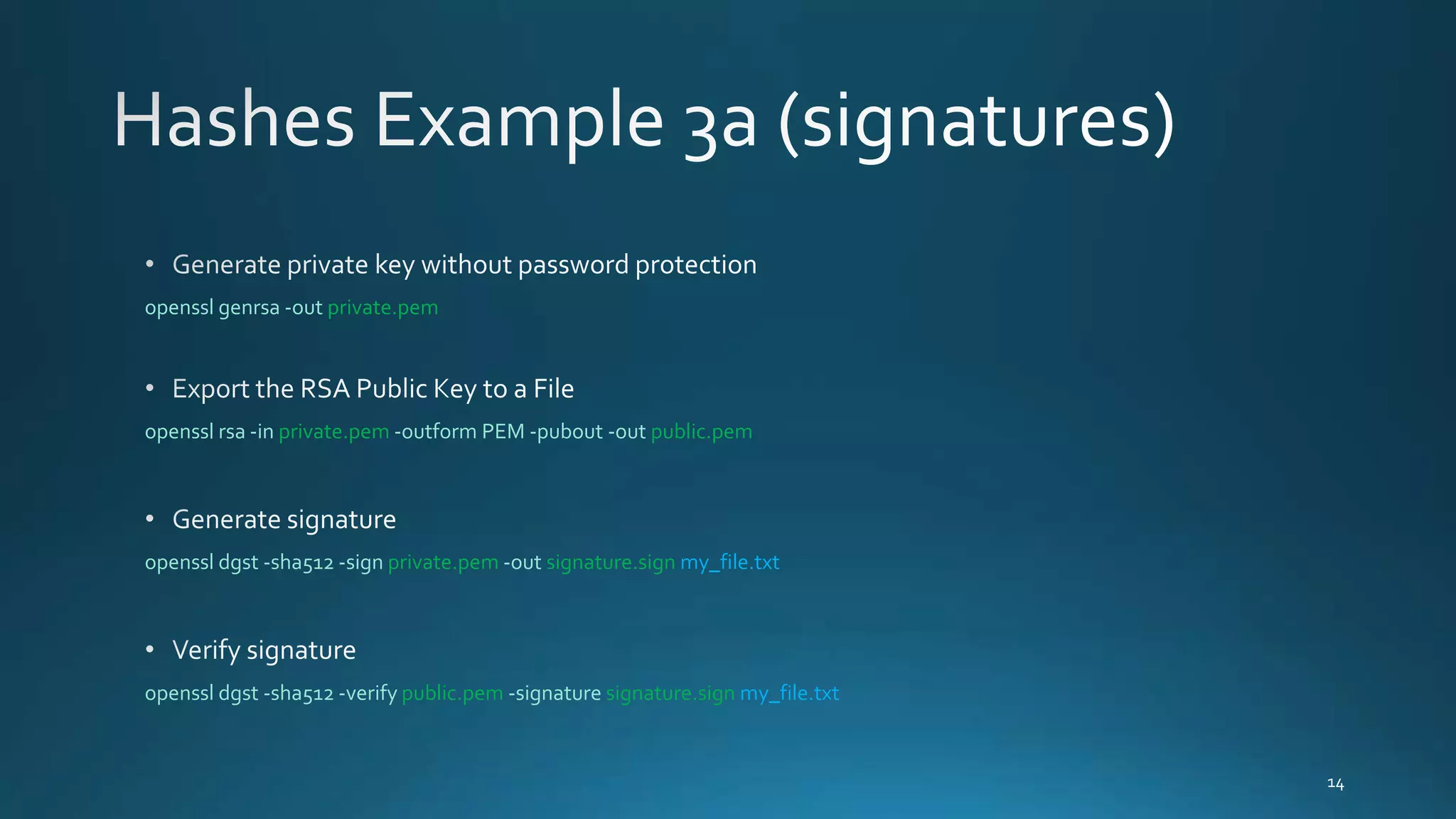
openssl genrsa -out private.pem
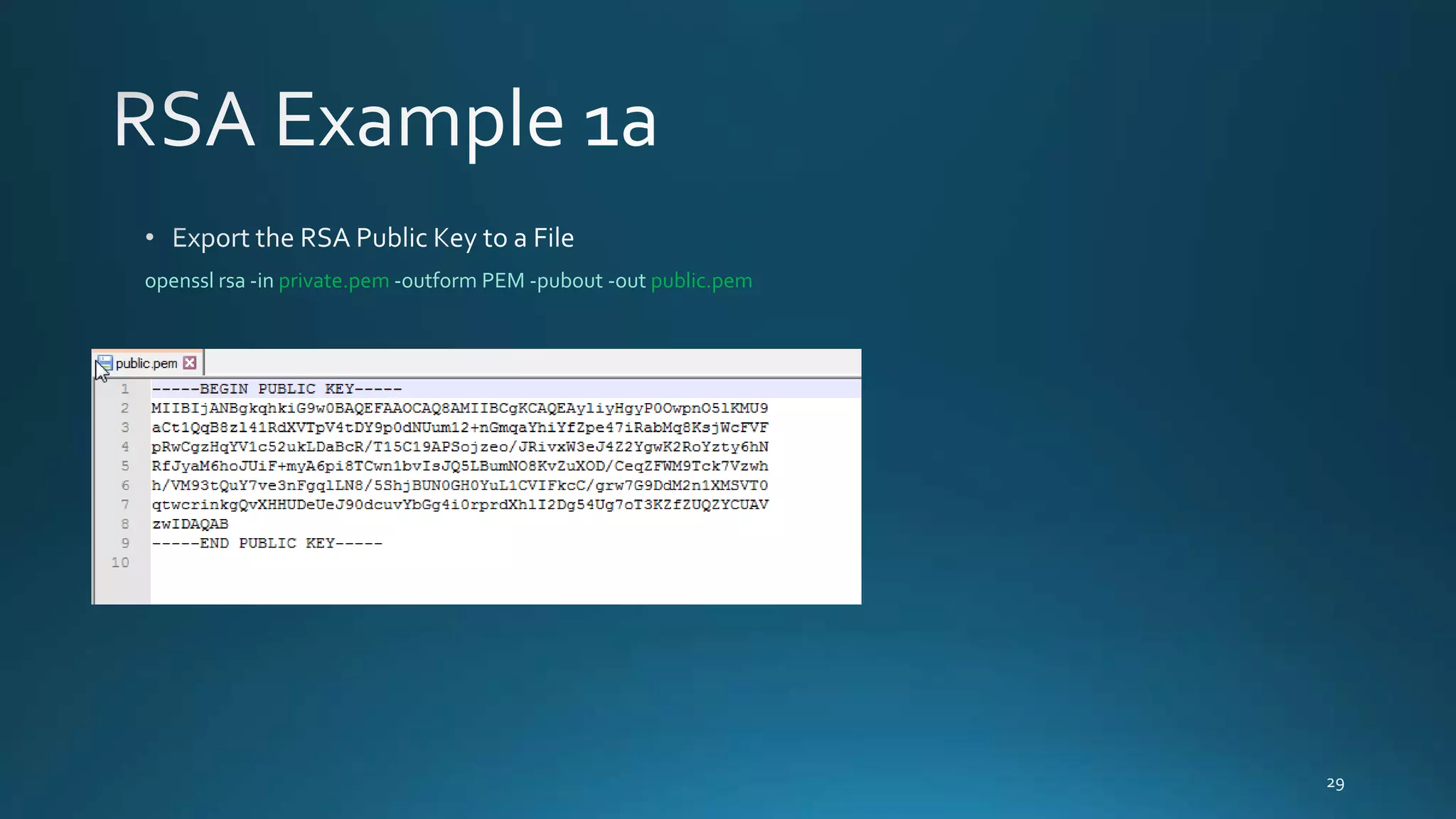
openssl rsa -in private.pem -outform PEM -pubout -out public.pem
openssl dgst -sha512 -sign private.pem -out signature.sign my_file.txt
openssl dgst -sha512 -verify public.pem -signature signature.sign my_file.txt
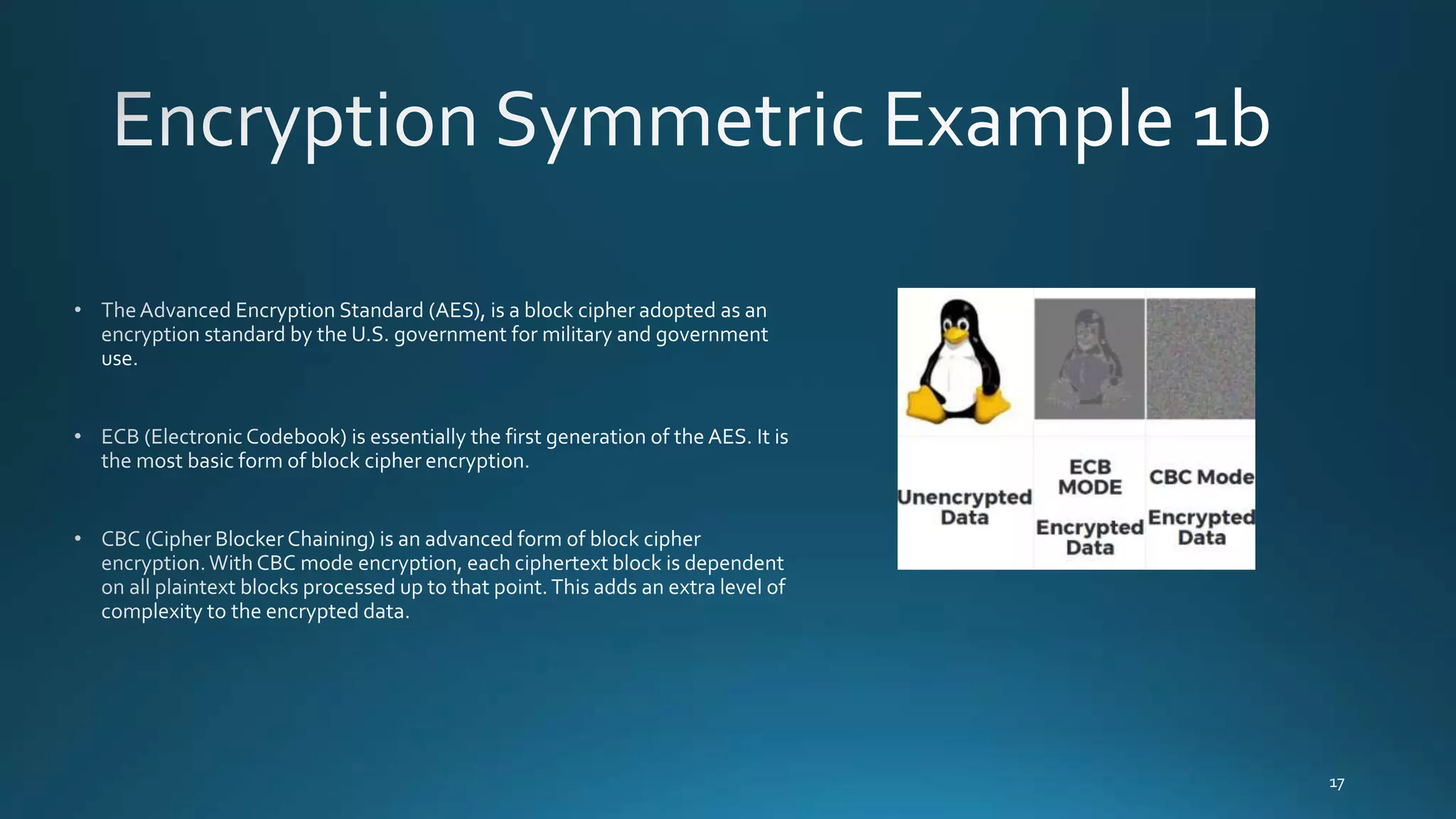
openssl aes-256-cbc -e -in my_file.txt -out my_file_encrypted.enc
openssl aes-256-cbc -d -in my_file_encrypted.enc -out my_file_DEcrypted.txt
openssl rand -base64 128 -out key.bin
openssl enc -aes-256-cbc -salt -in my_file.txt -out my_file.txt.enc -pass file:./key.bin
openssl rsautl -encrypt -inkey public.pem -pubin -in key.bin -out key.bin.enc
openssl rsautl -decrypt -inkey private.pem -in key.bin.enc -out decrypted_key.bin
openssl enc -d -aes-256-cbc -in my_file.txt.enc -out decrypted_my_file.txt -pass file:./decrypted_key.bin
https://wiki.openssl.org/index.php/Manual:Genrsa(1)
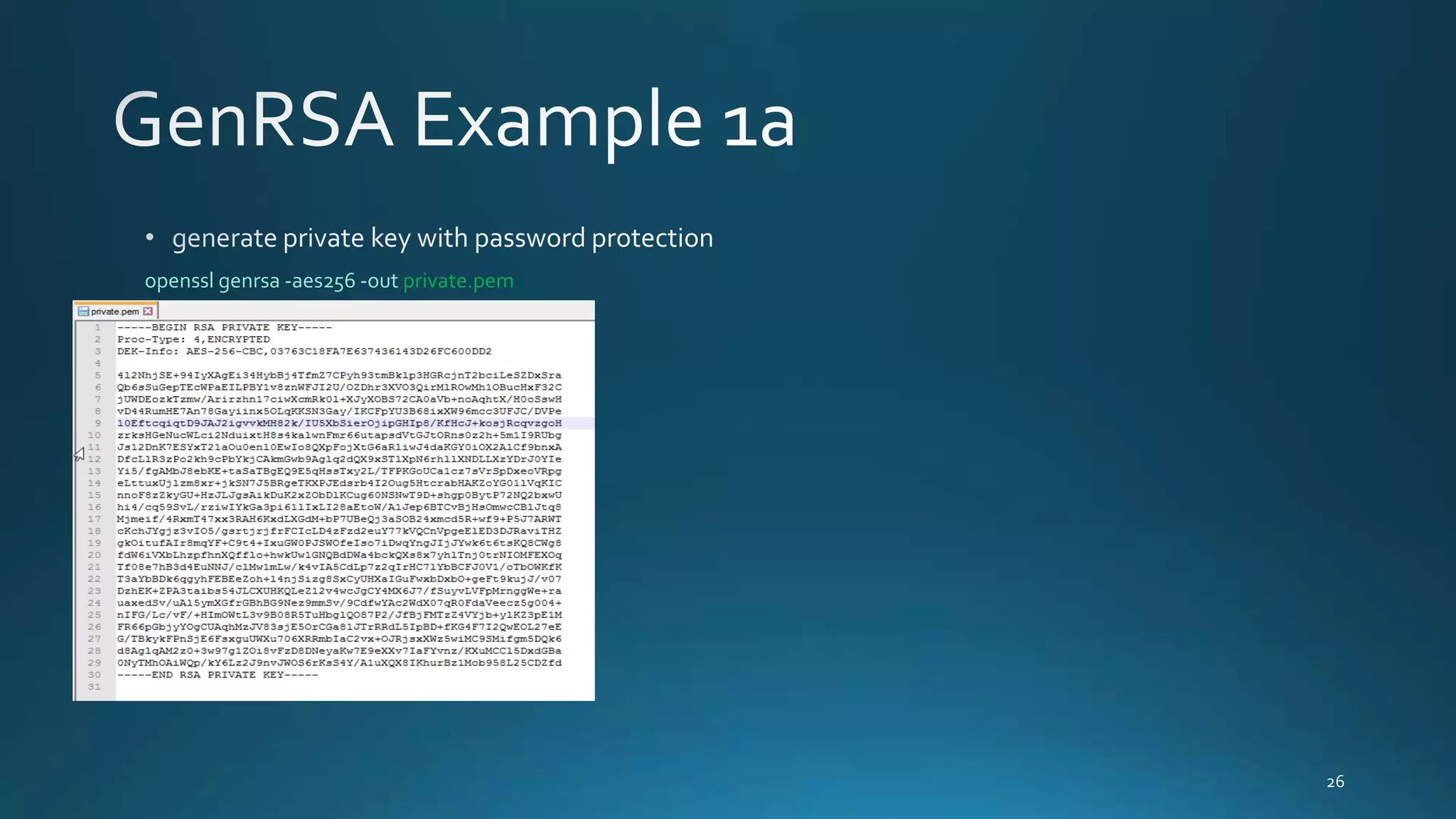
openssl genrsa -aes256 -out private.pem
openssl genrsa -out private1.pem
https://wiki.openssl.org/index.php/Manual:Rsa(1)
openssl rsa -in private.pem -outform PEM -pubout -out public.pem
openssl rsa -in private.pem -out private_unencrypted.pem -outform PEM
https://wiki.openssl.org/index.php/Manual:Req(1)
openssl req -new -sha256 -key private_key.pem -out request_to_sign_by_ca.csr
openssl req -noout -text -in request_to_sign_by_ca.csr
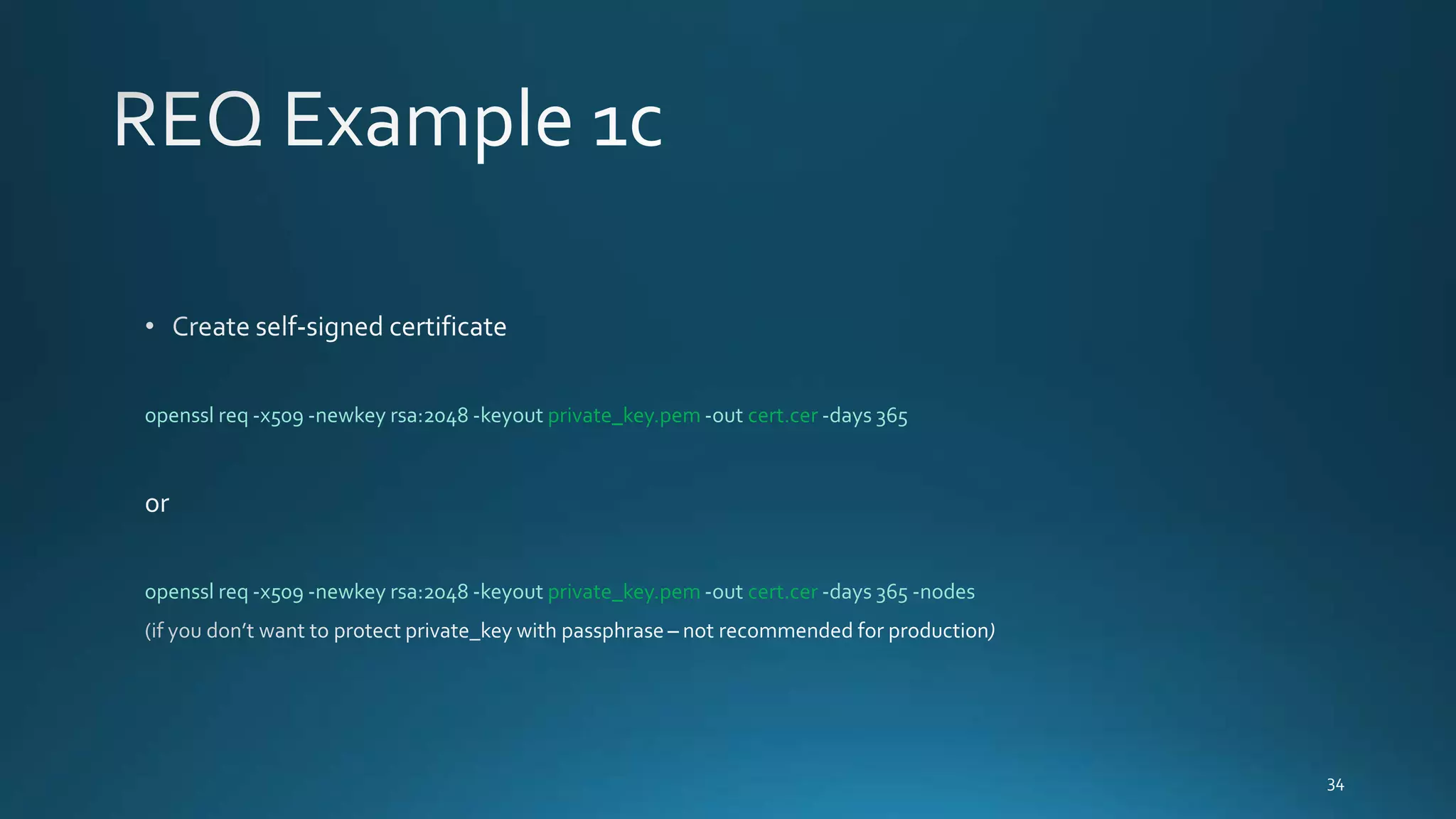
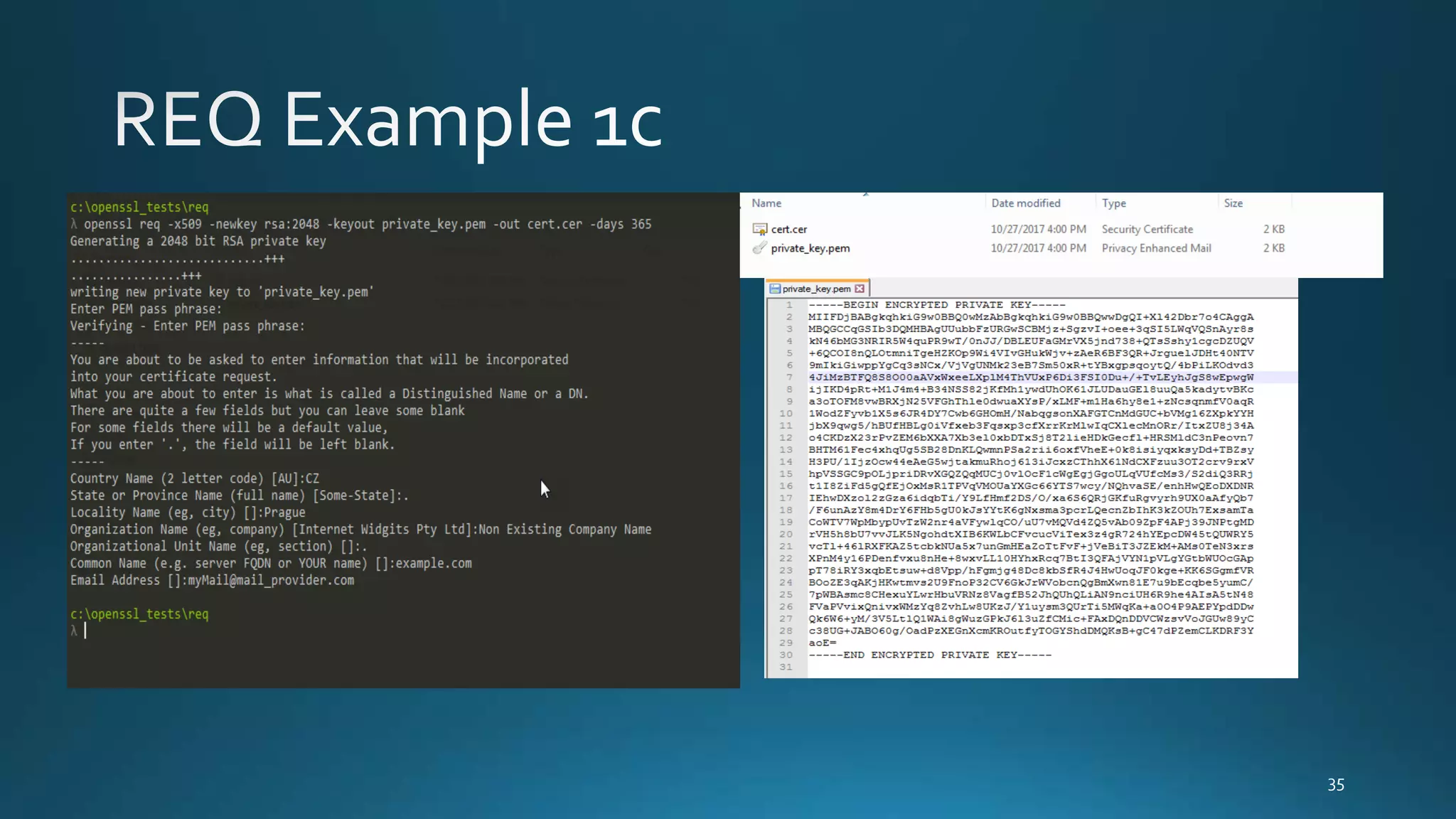
openssl req -x509 -newkey rsa:2048 -keyout private_key.pem -out cert.cer -days 365
openssl req -x509 -newkey rsa:2048 -keyout private_key.pem -out cert.cer -days 365 -nodes
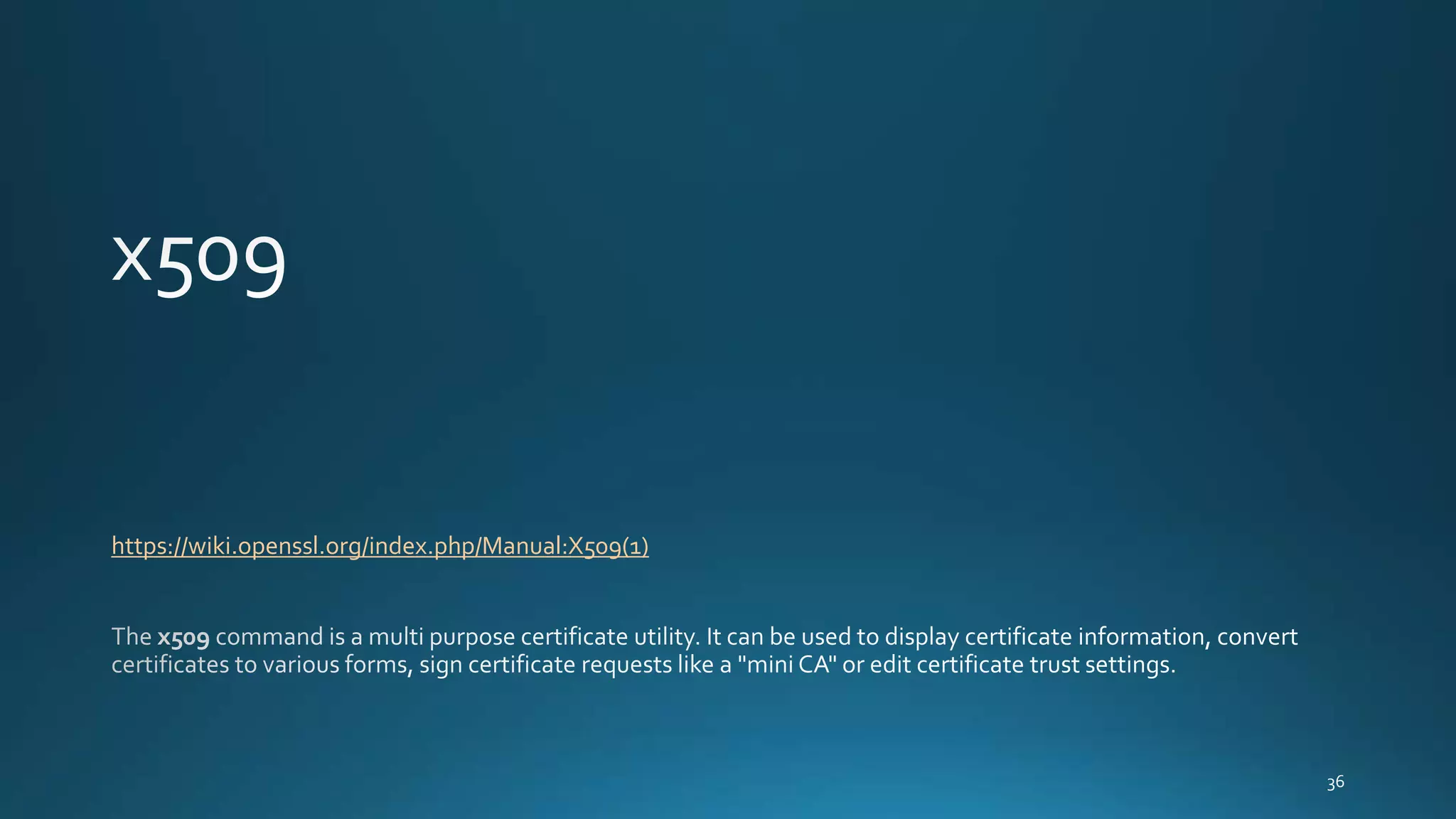
https://wiki.openssl.org/index.php/Manual:X509(1)
openssl genrsa -out MyRootCA.key 2048
openssl req -x509 -new -nodes -key MyRootCA.key -sha256 -days 1024 -out MyRootCA.pem
openssl x509 -outform der -in MyRootCA.pem -out MyRootCA.crt
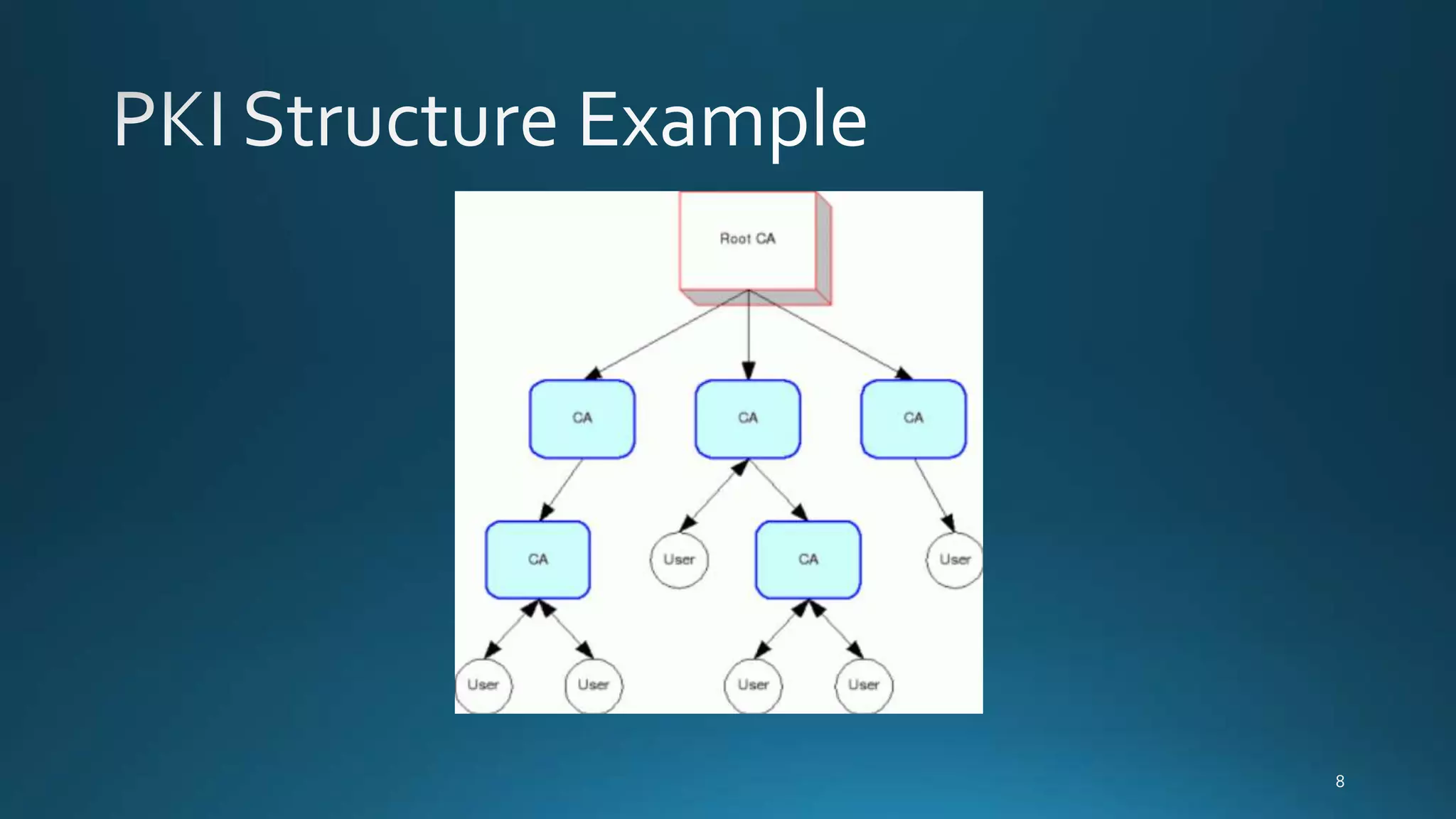
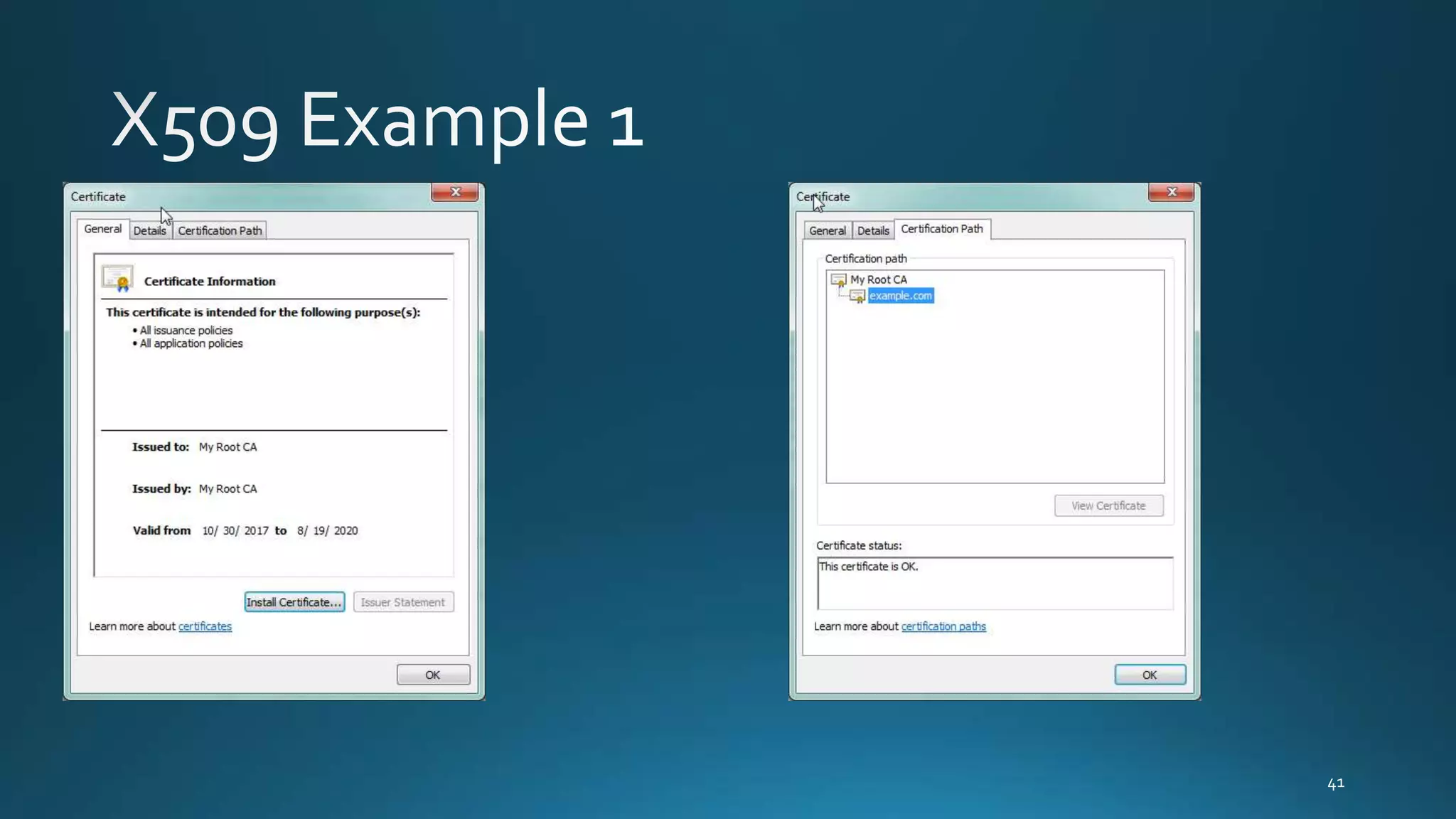
• Import CA to certificate trusted Root certs
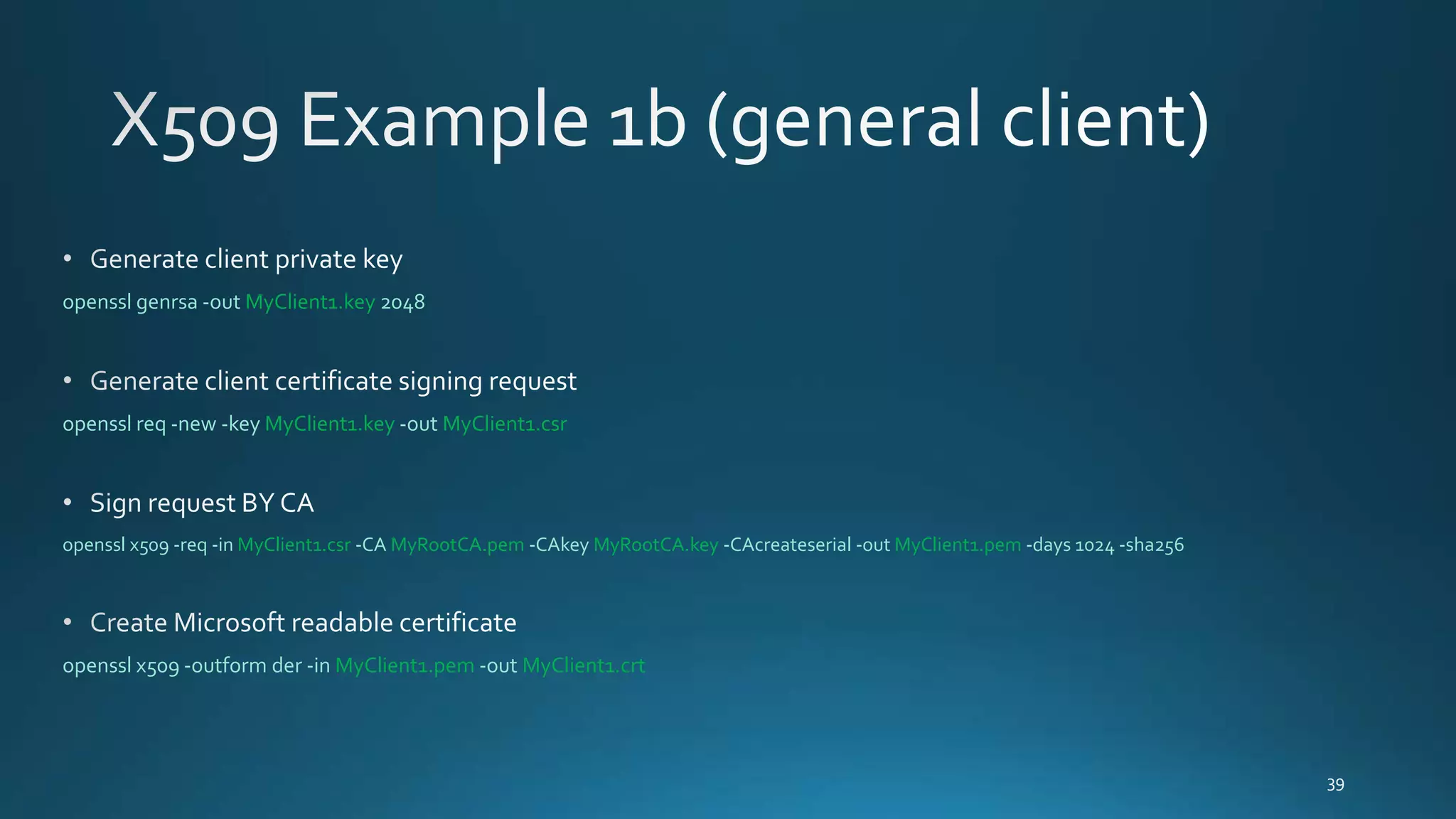
openssl genrsa -out MyClient1.key 2048
openssl req -new -key MyClient1.key -out MyClient1.csr
openssl x509 -req -in MyClient1.csr -CA MyRootCA.pem -CAkey MyRootCA.key -CAcreateserial -out MyClient1.pem -days 1024 -sha256
openssl x509 -outform der -in MyClient1.pem -out MyClient1.crt
openssl x509 -noout -text -in device.crt
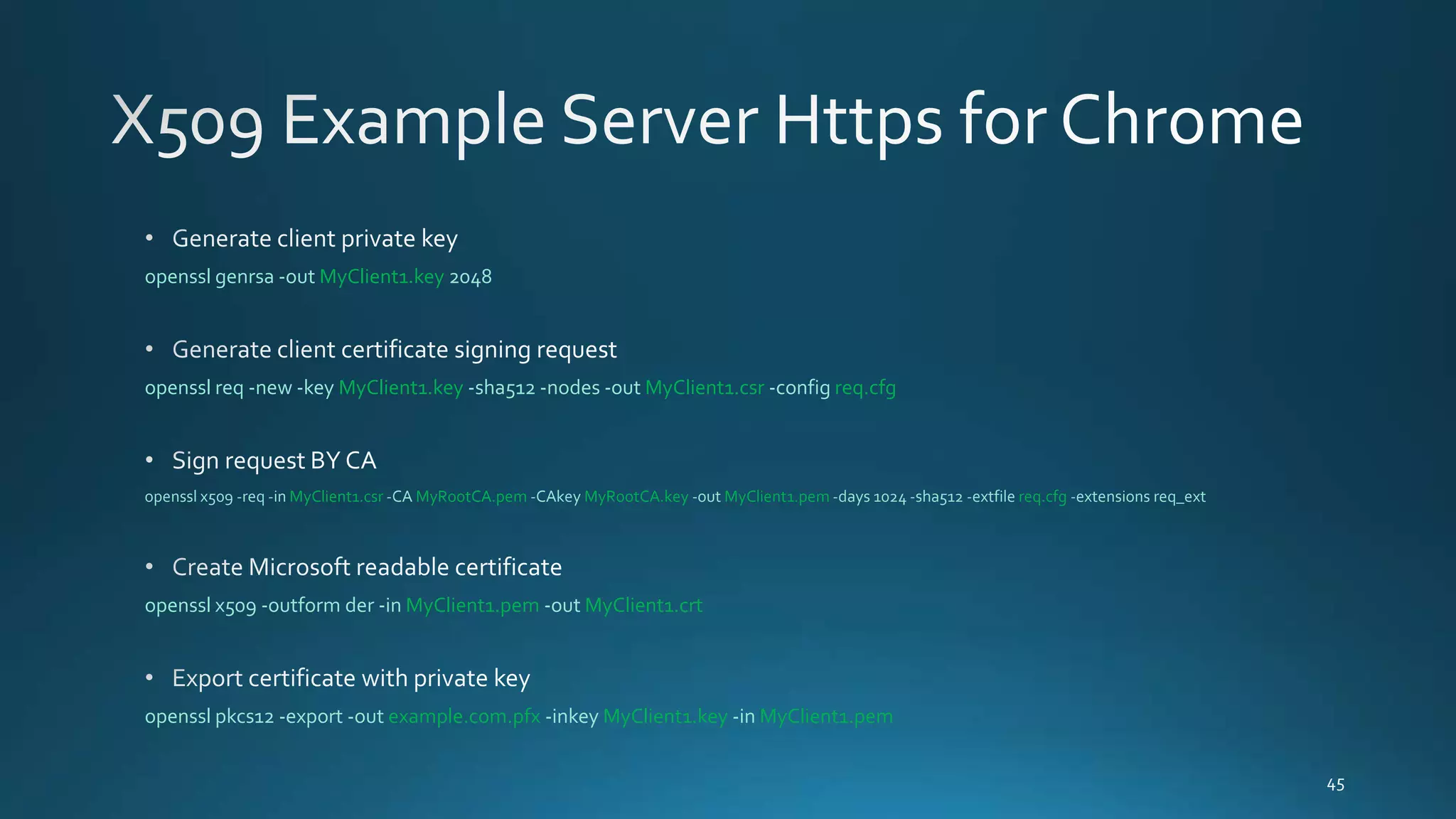
openssl genrsa -out MyClient1.key 2048
openssl req -new -key MyClient1.key -sha512 -nodes -out MyClient1.csr -config req.cfg
openssl x509 -req -in MyClient1.csr -CA MyRootCA.pem -CAkey MyRootCA.key -out MyClient1.pem -days 1024 -sha512 -extfile req.cfg -extensions req_ext
openssl x509 -outform der -in MyClient1.pem -out MyClient1.crt
openssl pkcs12 -export -out example.com.pfx -inkey MyClient1.key -in MyClient1.pem
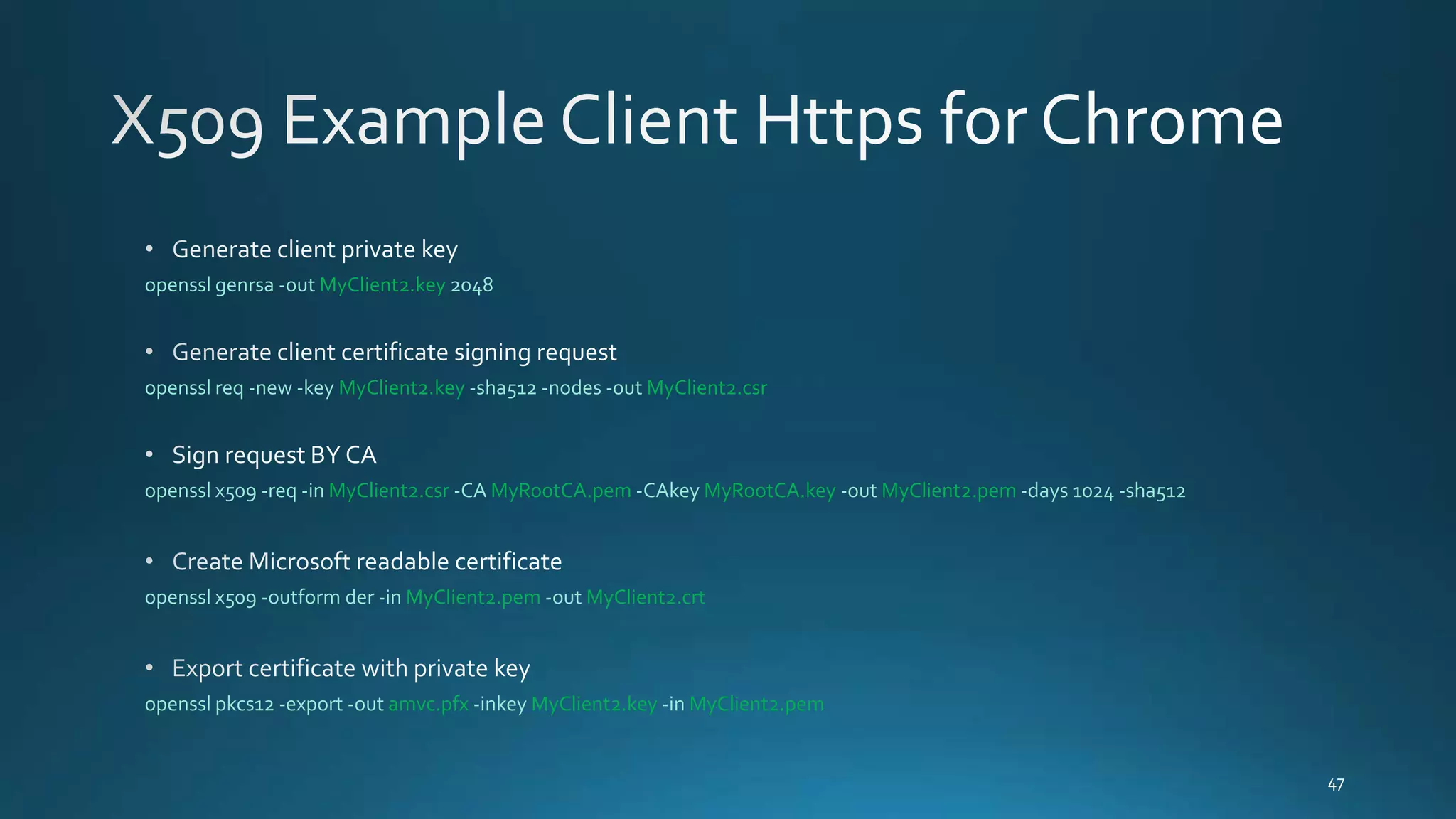
openssl genrsa -out MyClient2.key 2048
openssl req -new -key MyClient2.key -sha512 -nodes -out MyClient2.csr
openssl x509 -req -in MyClient2.csr -CA MyRootCA.pem -CAkey MyRootCA.key -out MyClient2.pem -days 1024 -sha512
openssl x509 -outform der -in MyClient2.pem -out MyClient2.crt
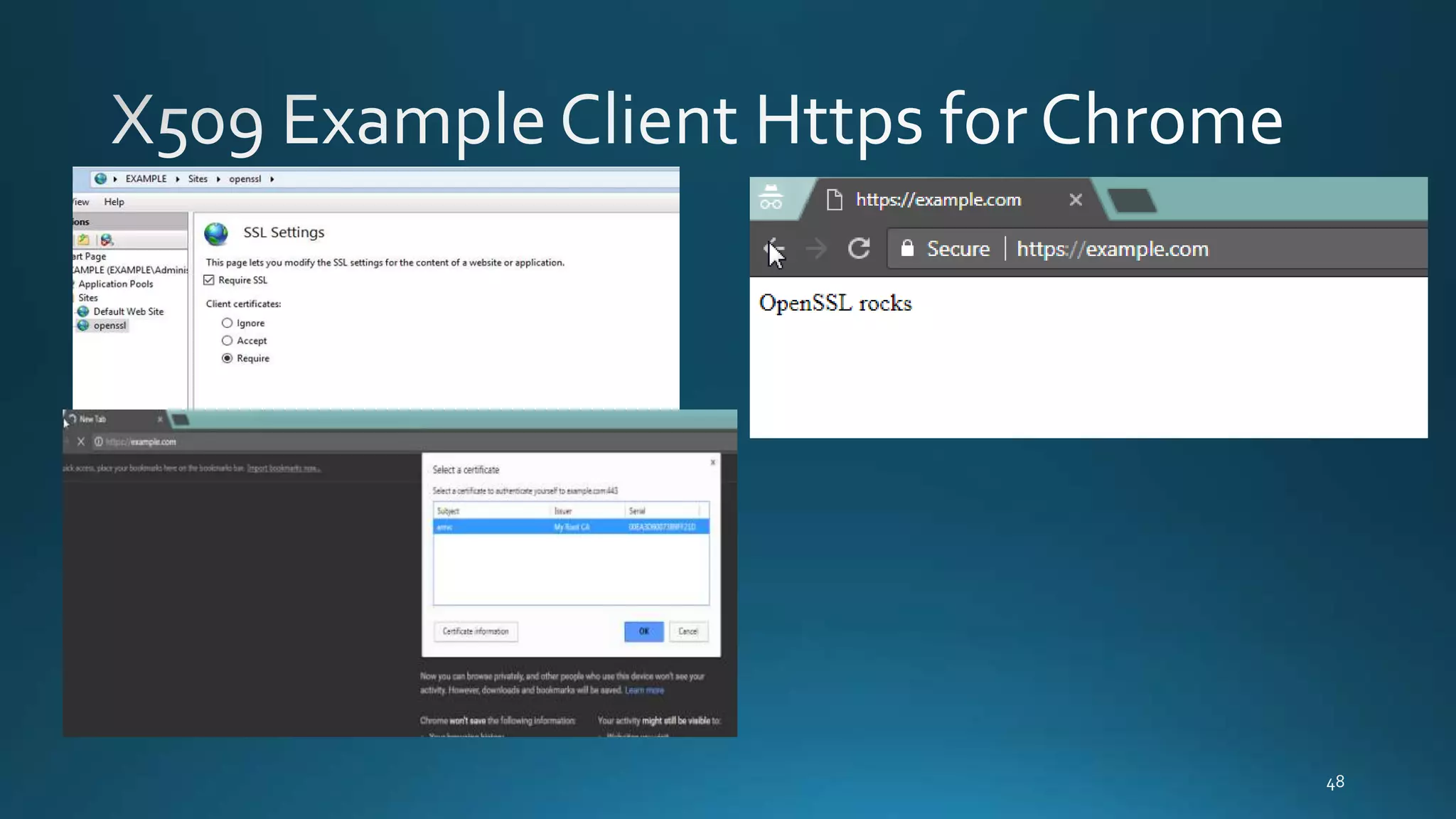
openssl pkcs12 -export -out amvc.pfx -inkey MyClient2.key -in MyClient2.pem
Openssl

Openssl

Editor's Notes

  • #45 Create cfg file [ req ] distinguished_name = req_distinguished_name req_extensions = req_ext   [ req_distinguished_name ] commonName = Common Name (e.g. server FQDN or YOUR name)     [ req_ext ] subjectAltName = @alt_names   [alt_names] DNS.1 = www.example.com DNS.2 = example.com DNS.3 = *.example.com