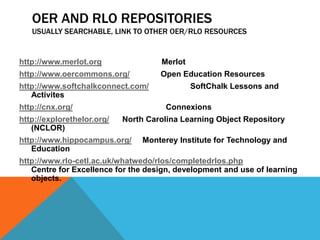
OER AND RLO REPOSITORIES
   USUALLY SEARCHABLE, LINK TO OTHER OER/RLO RESOURCES


http://www.merlot.org                Merlot
http://www.oercommons.org/           Open Education Resources
http://www.softchalkconnect.com/              SoftChalk Lessons and
   Activites
http://cnx.org/                       Connexions
http://explorethelor.org/   North Carolina Learning Object Repository
   (NCLOR)
http://www.hippocampus.org/      Monterey Institute for Technology and
   Education
http://www.rlo-cetl.ac.uk/whatwedo/rlos/completedrlos.php
   Centre for Excellence for the design, development and use of learning
   objects.
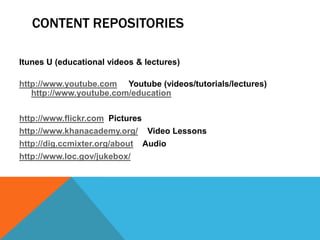
CONTENT REPOSITORIES

Itunes U (educational videos & lectures)

http://www.youtube.com Youtube (videos/tutorials/lectures)
   http://www.youtube.com/education


http://www.flickr.com Pictures
http://www.khanacademy.org/       Video Lessons
http://dig.ccmixter.org/about    Audio
http://www.loc.gov/jukebox/
CREATE YOUR OWN

http://www.slideshare.net/   Slideshare

http://www.polleverywhere.com     PollEverywhere

http://www.widgetbox.com/widget/accuwidget     Widgetbox

http://livebinders.com/ Livebinders
http://livebinders.com/play/play_or_edit?id=48685

http://www.dipity.com/   Dipity
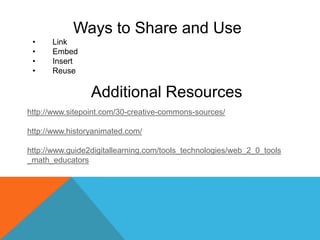
Ways to Share and Use
 •    Link
 •    Embed
 •    Insert
 •    Reuse

                 Additional Resources
http://www.sitepoint.com/30-creative-commons-sources/

http://www.historyanimated.com/

http://www.guide2digitallearning.com/tools_technologies/web_2_0_tools
_math_educators

Open Educational Resources and Reuseable Learning Objects

  • 1.
    OER AND RLOREPOSITORIES USUALLY SEARCHABLE, LINK TO OTHER OER/RLO RESOURCES http://www.merlot.org Merlot http://www.oercommons.org/ Open Education Resources http://www.softchalkconnect.com/ SoftChalk Lessons and Activites http://cnx.org/ Connexions http://explorethelor.org/ North Carolina Learning Object Repository (NCLOR) http://www.hippocampus.org/ Monterey Institute for Technology and Education http://www.rlo-cetl.ac.uk/whatwedo/rlos/completedrlos.php Centre for Excellence for the design, development and use of learning objects.
  • 2.
    CONTENT REPOSITORIES Itunes U(educational videos & lectures) http://www.youtube.com Youtube (videos/tutorials/lectures) http://www.youtube.com/education http://www.flickr.com Pictures http://www.khanacademy.org/ Video Lessons http://dig.ccmixter.org/about Audio http://www.loc.gov/jukebox/
  • 3.
    CREATE YOUR OWN http://www.slideshare.net/ Slideshare http://www.polleverywhere.com PollEverywhere http://www.widgetbox.com/widget/accuwidget Widgetbox http://livebinders.com/ Livebinders http://livebinders.com/play/play_or_edit?id=48685 http://www.dipity.com/ Dipity
  • 4.
    Ways to Shareand Use • Link • Embed • Insert • Reuse Additional Resources http://www.sitepoint.com/30-creative-commons-sources/ http://www.historyanimated.com/ http://www.guide2digitallearning.com/tools_technologies/web_2_0_tools _math_educators