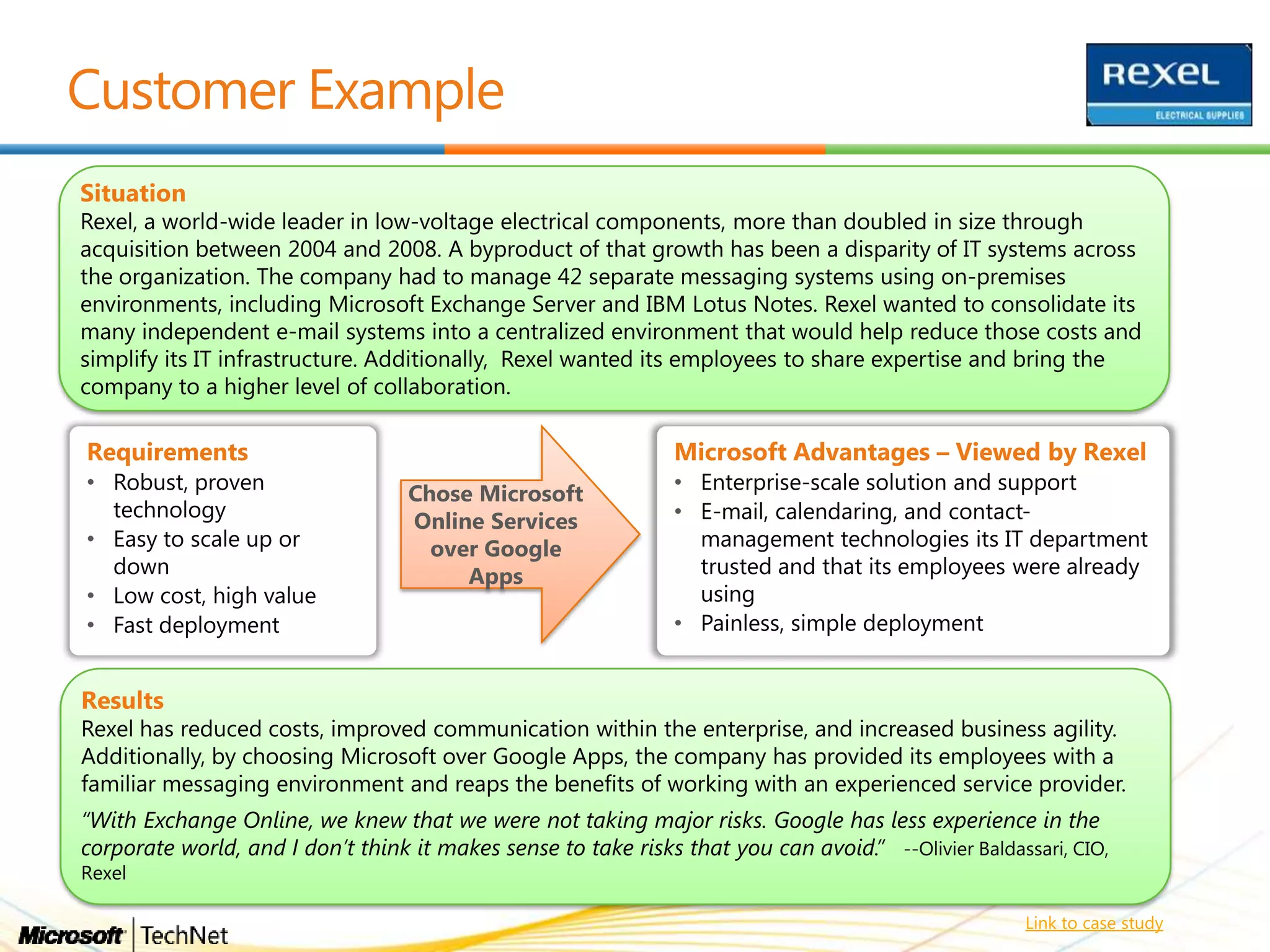
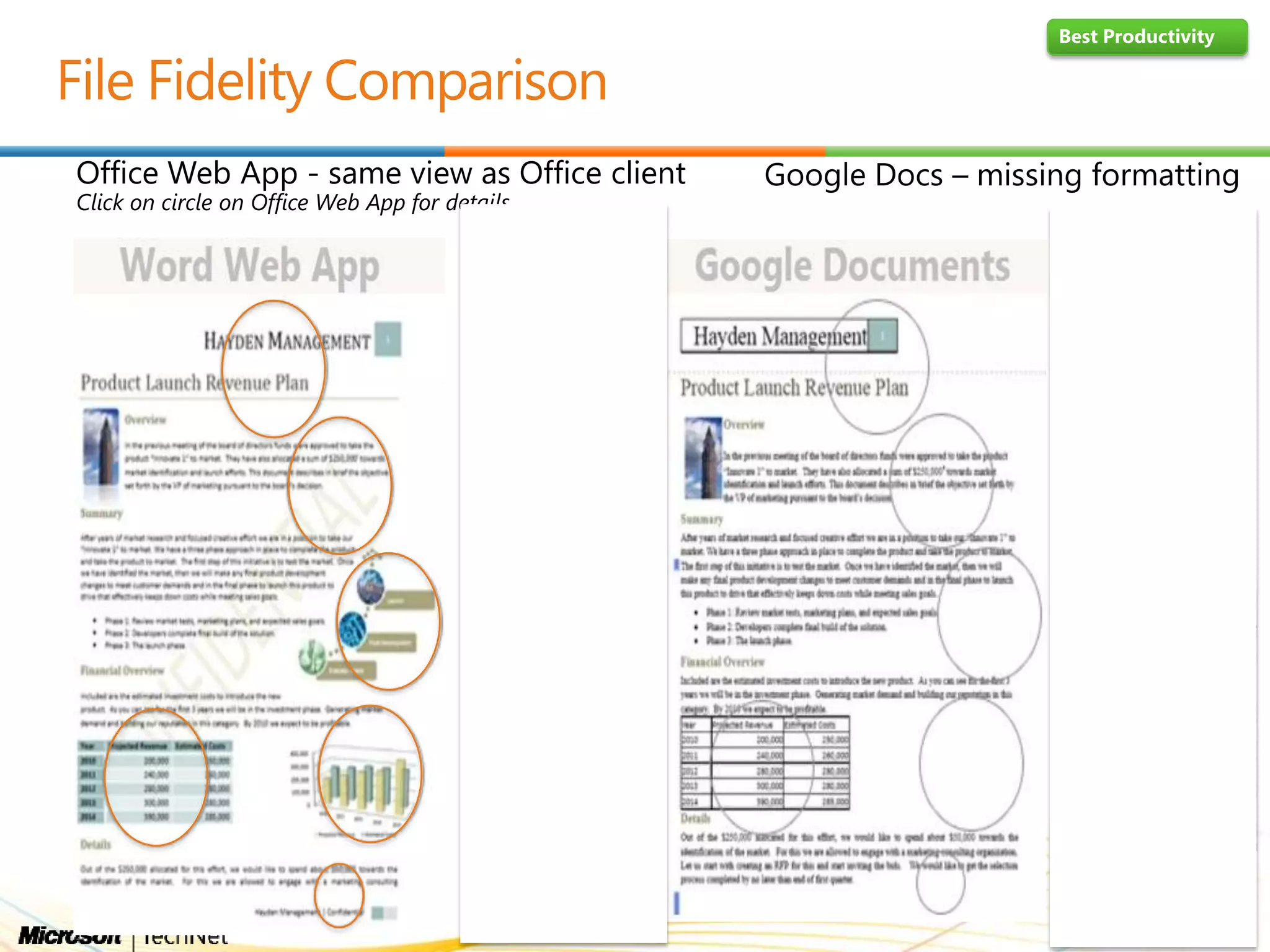
Link to case study
Best Productivity
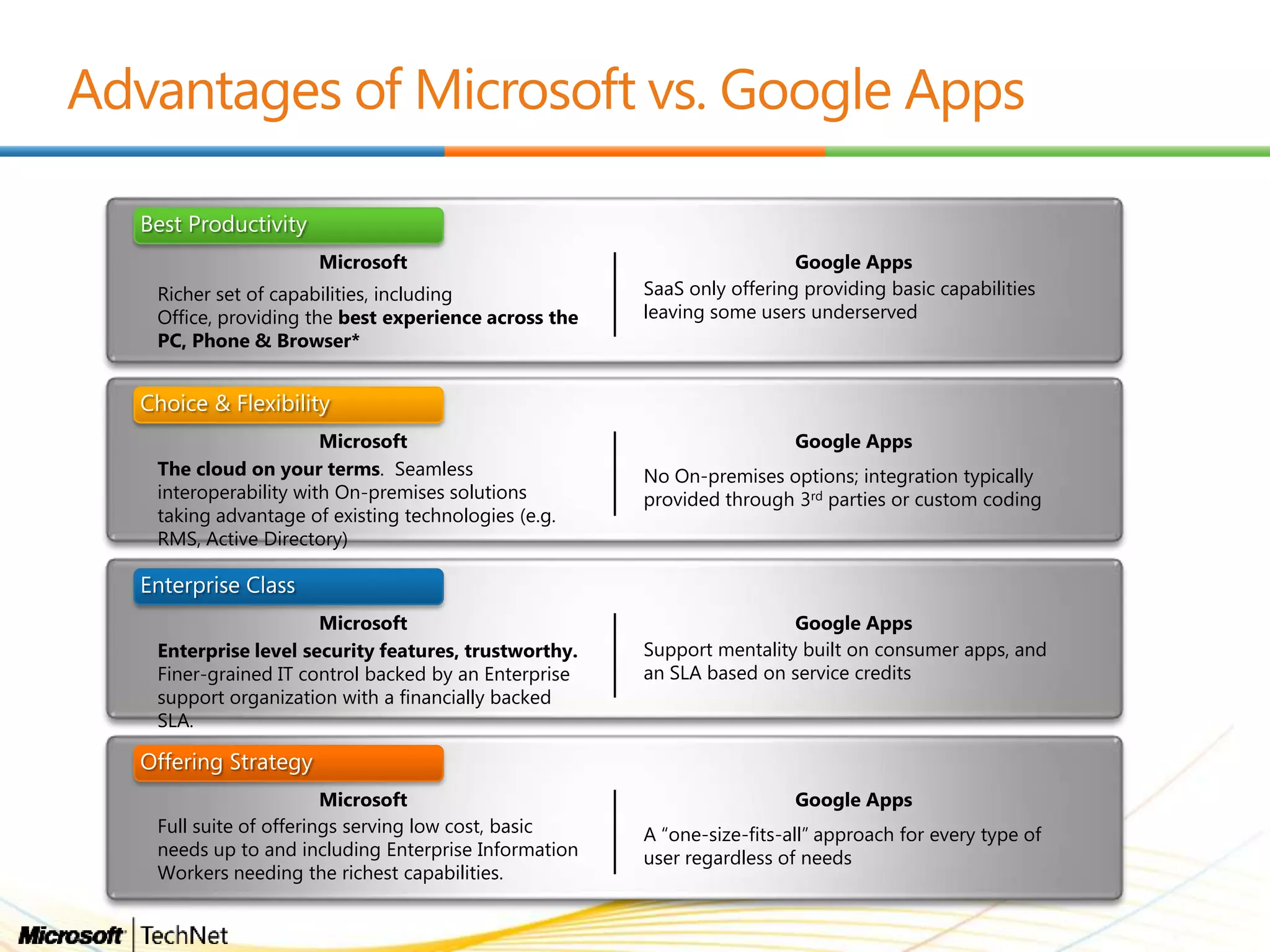
Microsoft Google Apps
Richer set of capabilities, including
Office, providing the best experience across the
PC, Phone & Browser*
SaaS only offering providing basic capabilities
leaving some users underserved
Microsoft Google Apps
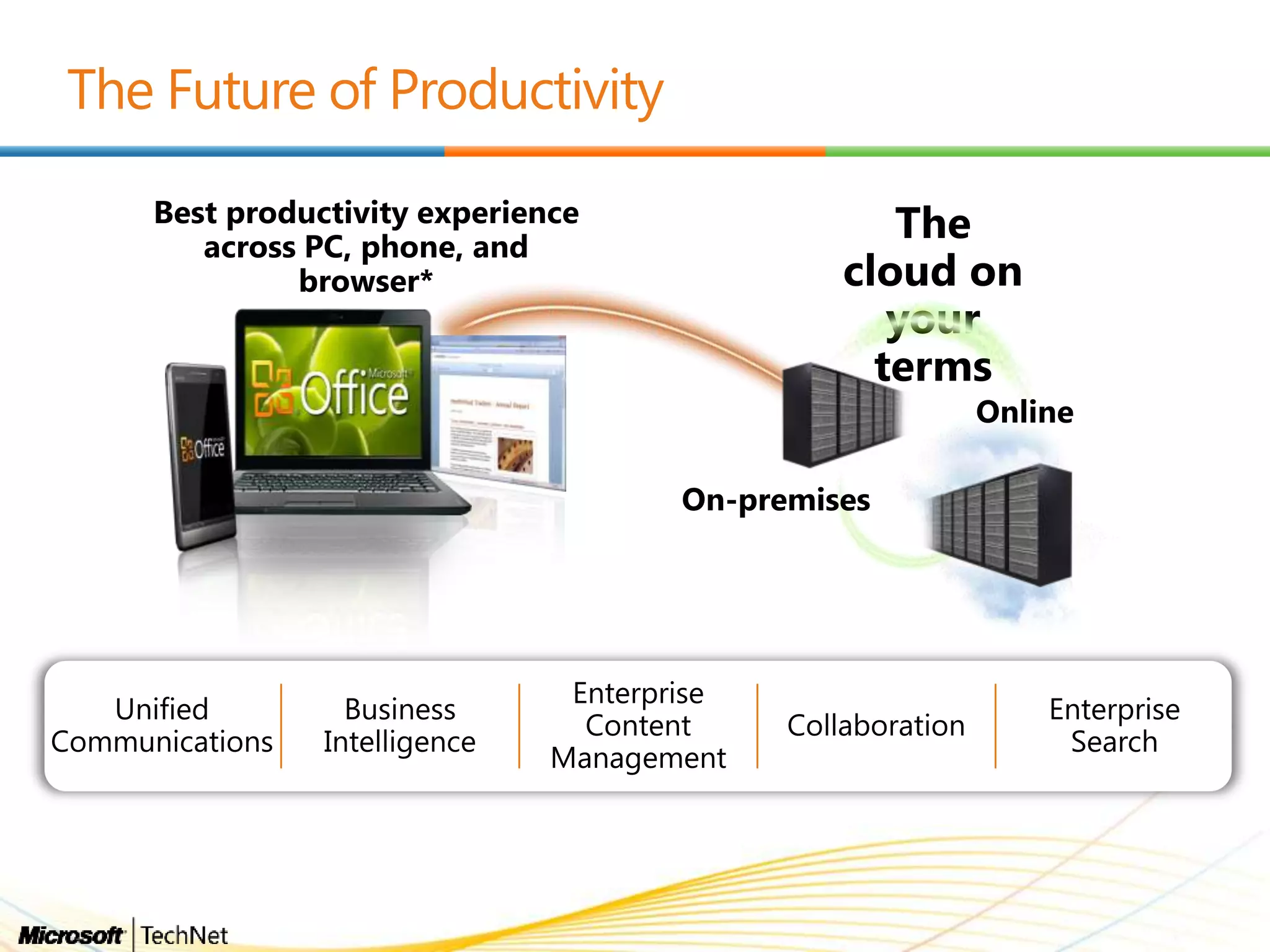
The cloud on your terms. Seamless
interoperability with On-premises solutions
taking advantage of existing technologies (e.g.
RMS, Active Directory)
No On-premises options; integration typically
provided through 3rd parties or custom coding
Choice & Flexibility
Microsoft Google Apps
Enterprise level security features, trustworthy.
Finer-grained IT control backed by an Enterprise
support organization with a financially backed
SLA.
Support mentality built on consumer apps, and
an SLA based on service credits
Enterprise Class
Microsoft Google Apps
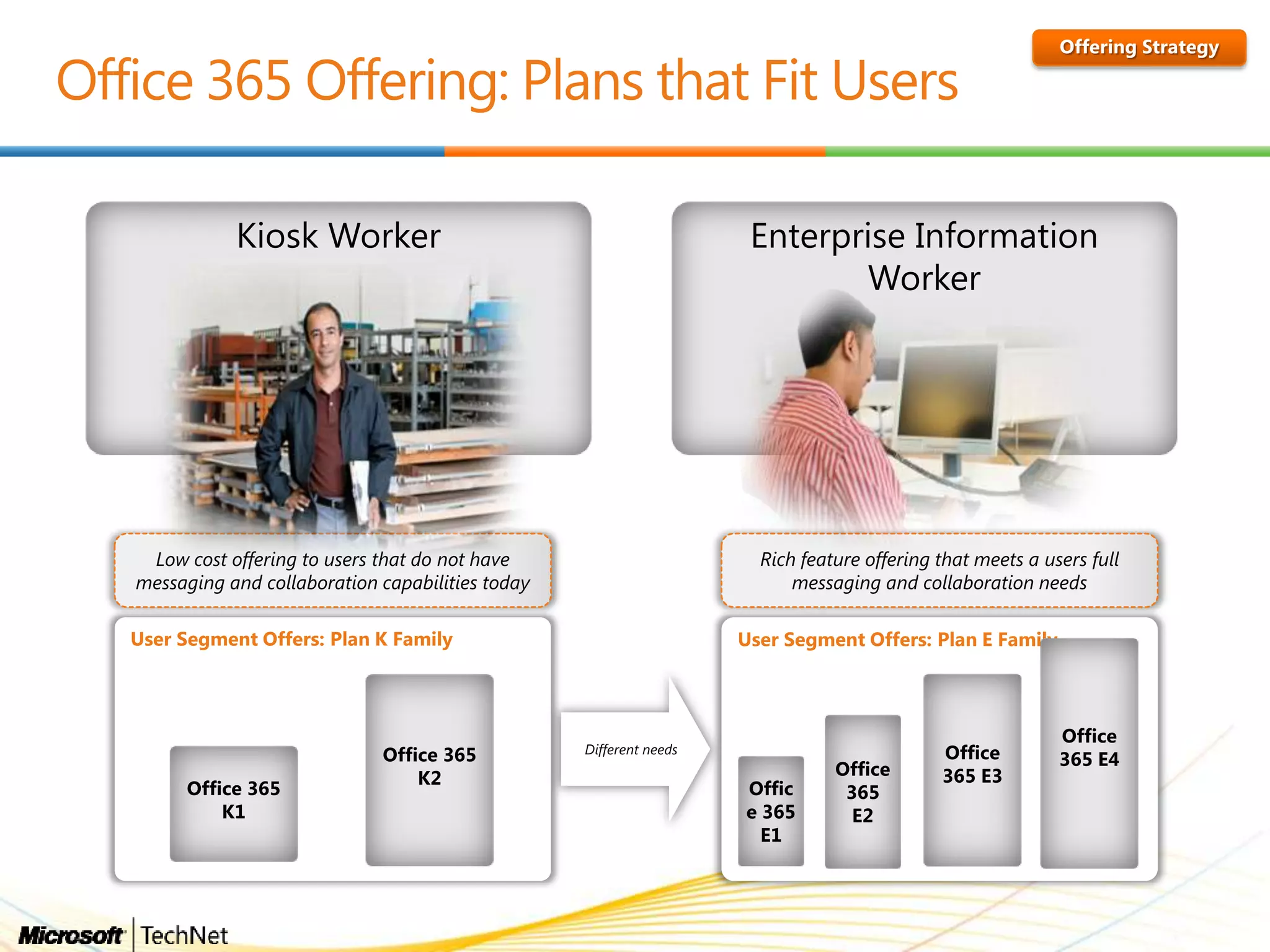
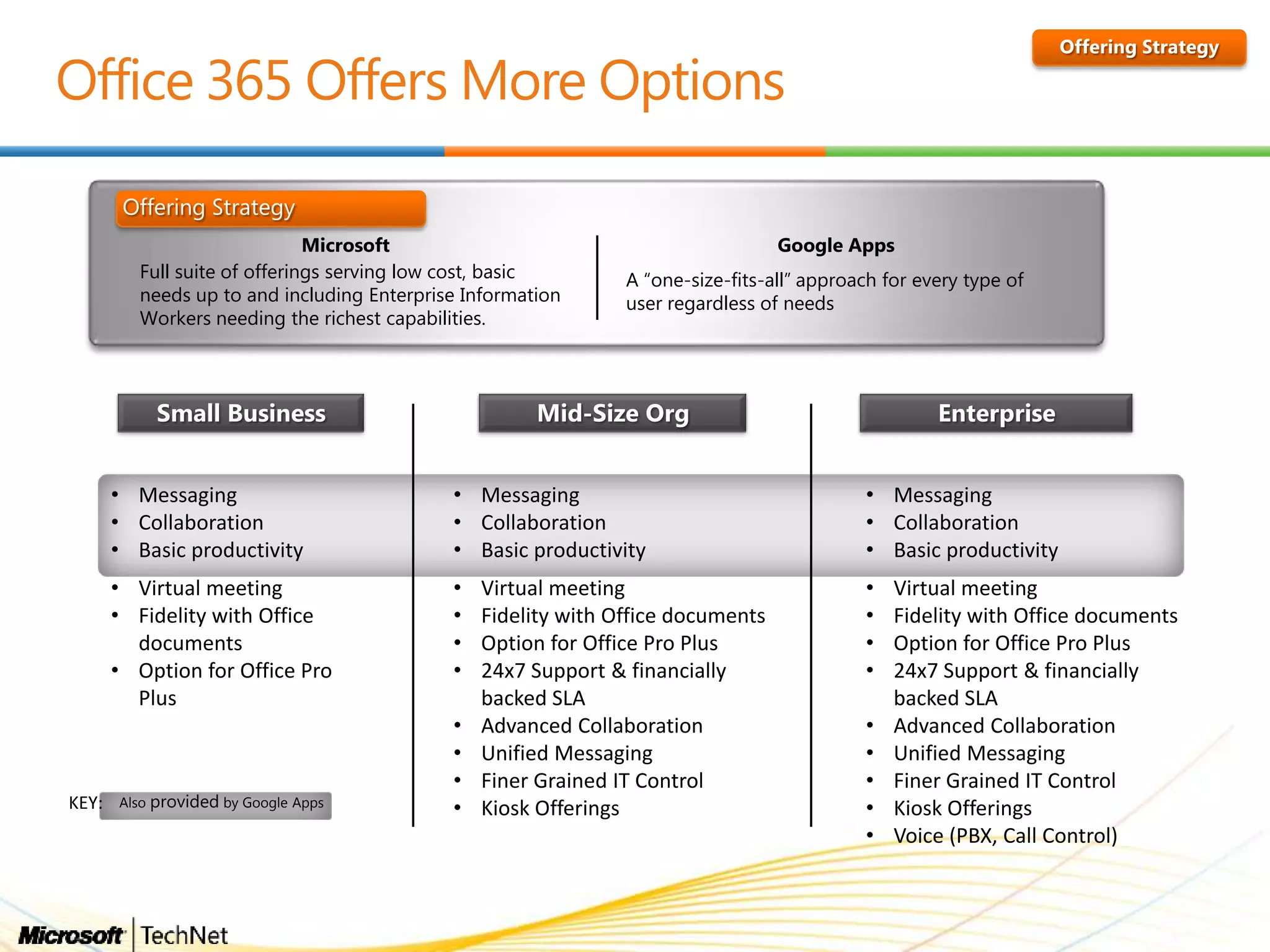
Full suite of offerings serving low cost, basic
needs up to and including Enterprise Information
Workers needing the richest capabilities.
A “one-size-fits-all” approach for every type of
user regardless of needs
Offering Strategy
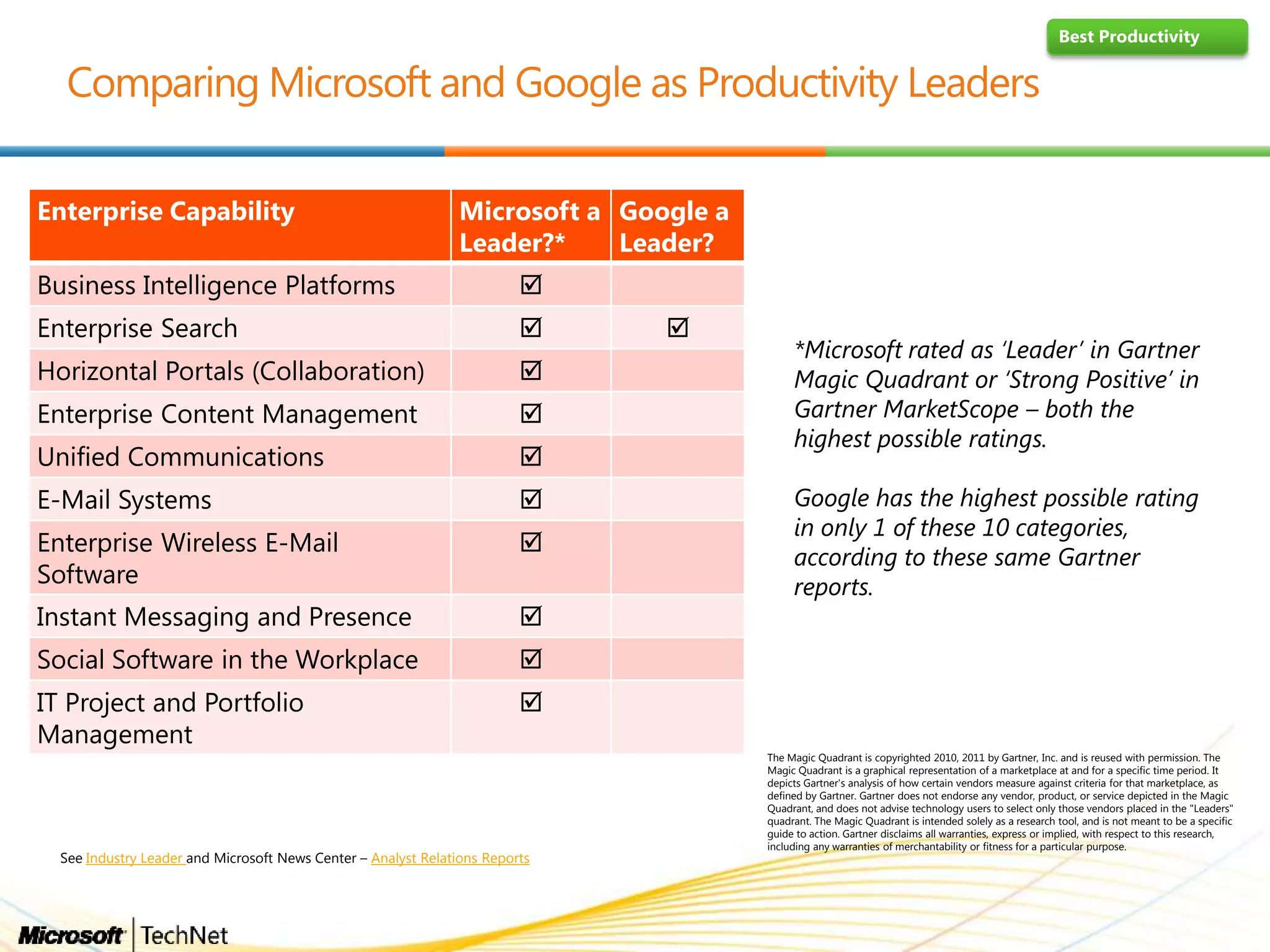
*Microsoft rated as „Leader‟ in Gartner
Magic Quadrant or „Strong Positive‟ in
Gartner MarketScope – both the
highest possible ratings.
Google has the highest possible rating
in only 1 of these 10 categories,
according to these same Gartner
reports.
Best Productivity
Enterprise Capability Microsoft a
Leader?*
Google a
Leader?
Business Intelligence Platforms 
Enterprise Search  
Horizontal Portals (Collaboration) 
Enterprise Content Management 
Unified Communications 
E-Mail Systems 
Enterprise Wireless E-Mail
Software

Instant Messaging and Presence 
Social Software in the Workplace 
IT Project and Portfolio
Management

The Magic Quadrant is copyrighted 2010, 2011 by Gartner, Inc. and is reused with permission. The
Magic Quadrant is a graphical representation of a marketplace at and for a specific time period. It
depicts Gartner's analysis of how certain vendors measure against criteria for that marketplace, as
defined by Gartner. Gartner does not endorse any vendor, product, or service depicted in the Magic
Quadrant, and does not advise technology users to select only those vendors placed in the "Leaders"
quadrant. The Magic Quadrant is intended solely as a research tool, and is not meant to be a specific
guide to action. Gartner disclaims all warranties, express or implied, with respect to this research,
including any warranties of merchantability or fitness for a particular purpose.
See Industry Leader and Microsoft News Center – Analyst Relations Reports
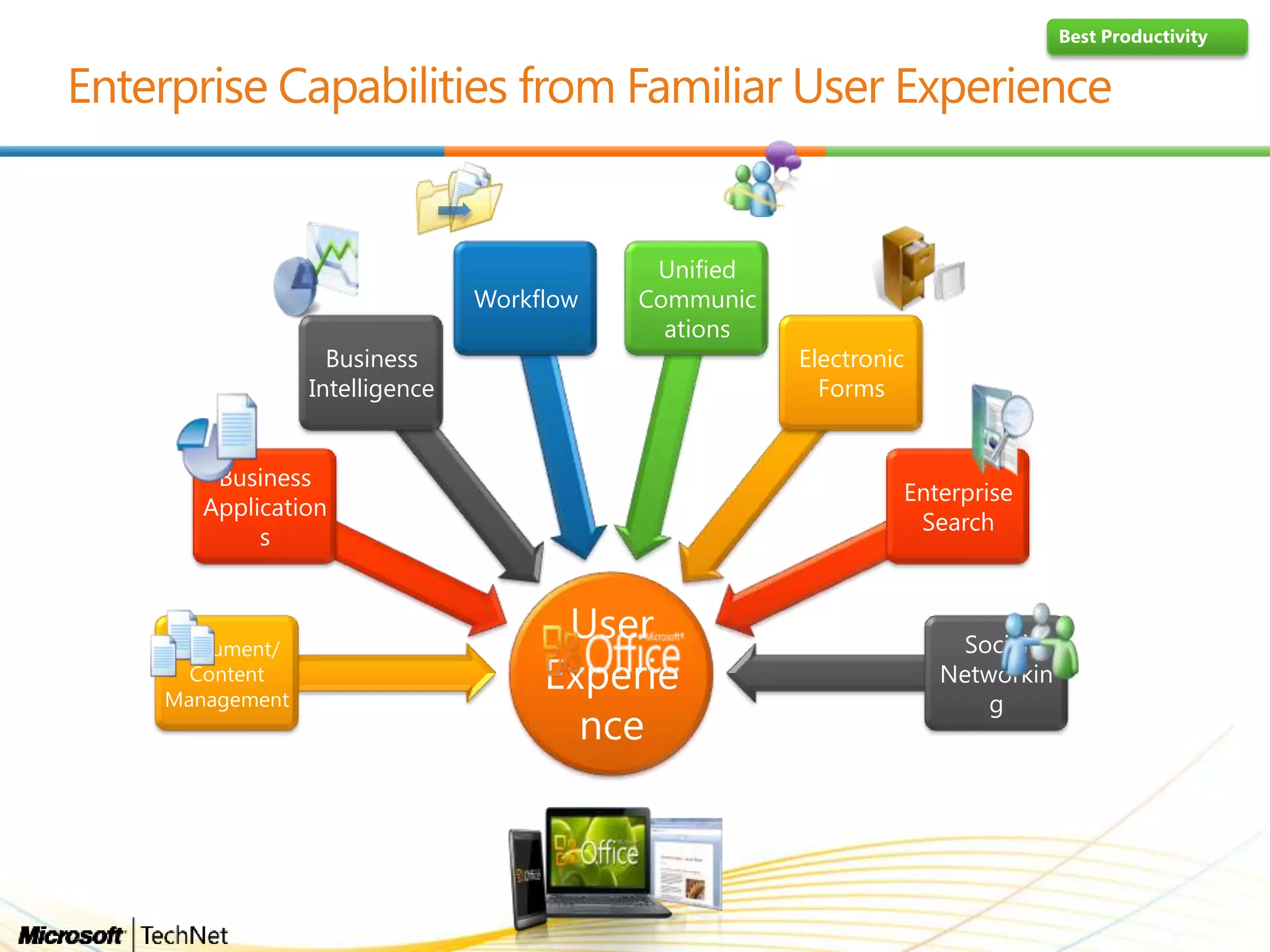
User
Experie
nce
Document/
Content
Management
Business
Application
s
Business
Intelligence
Workflow
Unified
Communic
ations
Electronic
Forms
Enterprise
Search
Social
Networkin
g
Best Productivity
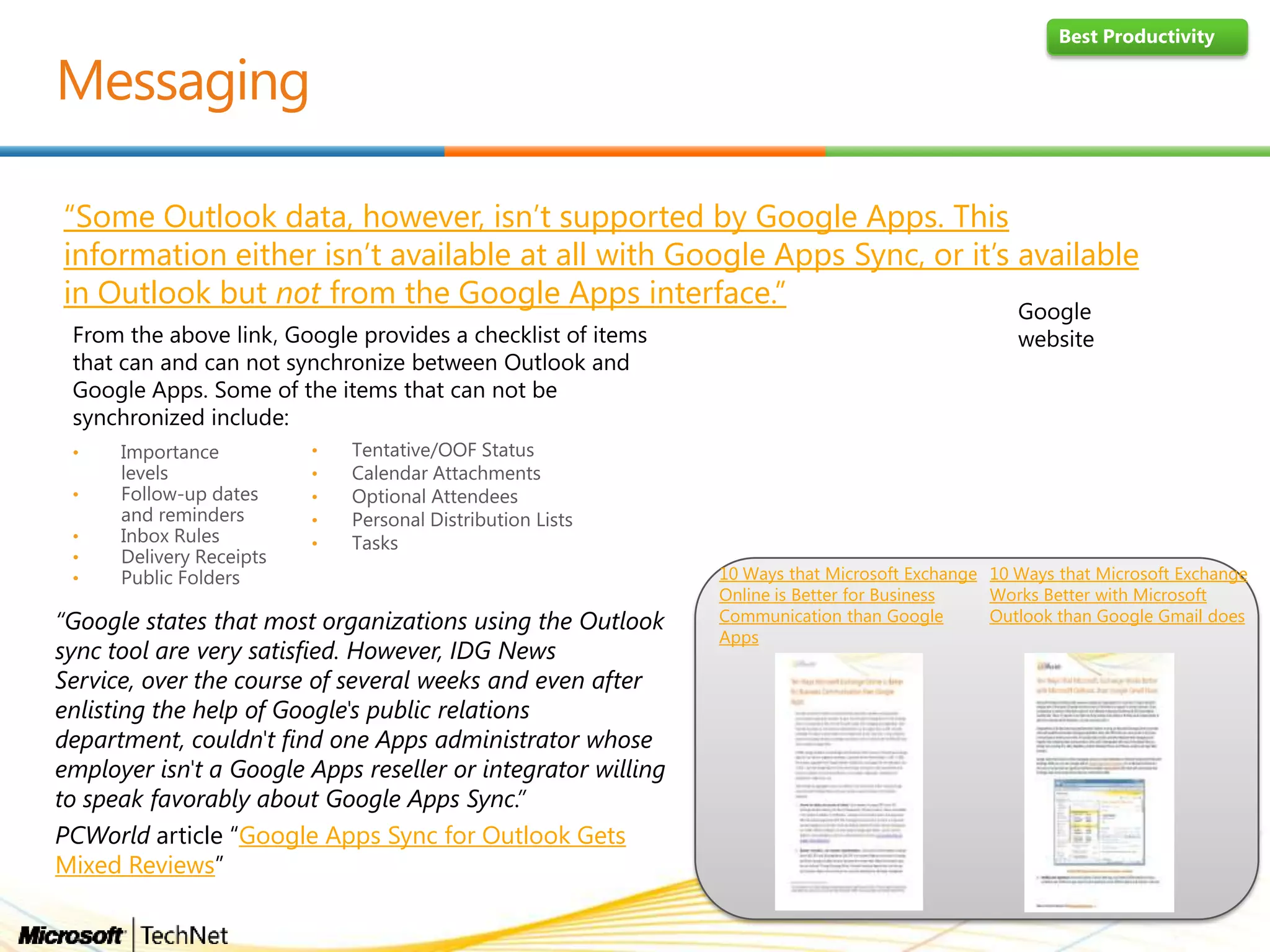
“Some Outlook data, however, isn’t supported by Google Apps. This
information either isn’t available at all with Google Apps Sync, or it’s available
in Outlook but not from the Google Apps interface.”
“Google states that most organizations using the Outlook
sync tool are very satisfied. However, IDG News
Service, over the course of several weeks and even after
enlisting the help of Google's public relations
department, couldn't find one Apps administrator whose
employer isn't a Google Apps reseller or integrator willing
to speak favorably about Google Apps Sync.”
PCWorld article “Google Apps Sync for Outlook Gets
Mixed Reviews”
10 Ways that Microsoft Exchange
Works Better with Microsoft
Outlook than Google Gmail does
10 Ways that Microsoft Exchange
Online is Better for Business
Communication than Google
Apps
Best Productivity
From the above link, Google provides a checklist of items
that can and can not synchronize between Outlook and
Google Apps. Some of the items that can not be
synchronized include:
•
•
•
•
•
•
•
•
•
•
Google
website
Best Productivity
Choice and
Flexibility
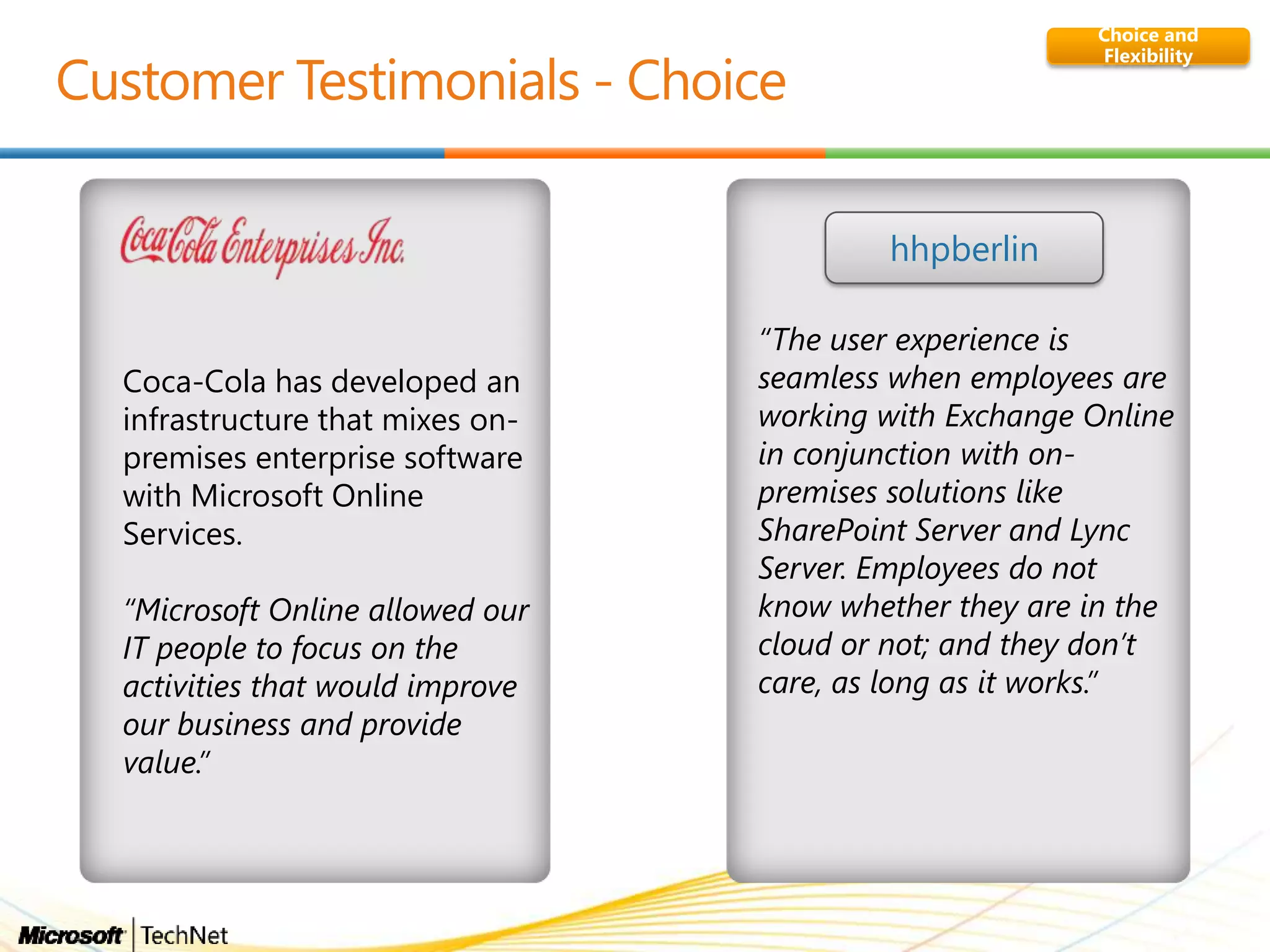
Coca-Cola has developed an
infrastructure that mixes on-
premises enterprise software
with Microsoft Online
Services.
“Microsoft Online allowed our
IT people to focus on the
activities that would improve
our business and provide
value.”
“The user experience is
seamless when employees are
working with Exchange Online
in conjunction with on-
premises solutions like
SharePoint Server and Lync
Server. Employees do not
know whether they are in the
cloud or not; and they don‟t
care, as long as it works.”
hhpberlin
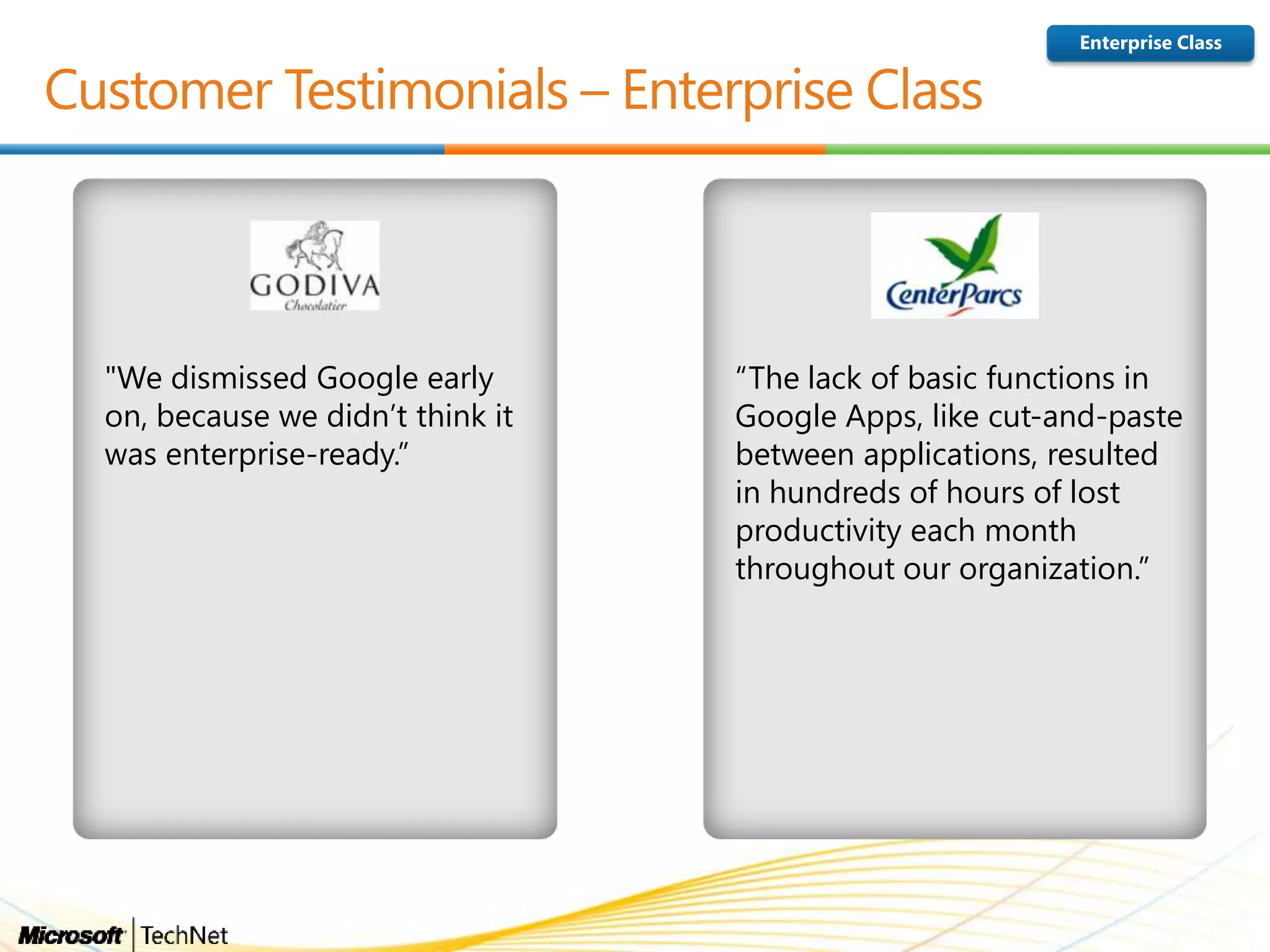
"We dismissed Google early
on, because we didn’t think it
was enterprise-ready.”
“The lack of basic functions in
Google Apps, like cut-and-paste
between applications, resulted
in hundreds of hours of lost
productivity each month
throughout our organization.”
Enterprise Class
• Messaging
• Collaboration
• Basic productivity
• Virtual meeting
• Fidelity with Office
documents
• Option for Office Pro
Plus
• Messaging
• Collaboration
• Basic productivity
• Virtual meeting
• Fidelity with Office documents
• Option for Office Pro Plus
• 24x7 Support & financially
backed SLA
• Advanced Collaboration
• Unified Messaging
• Finer Grained IT Control
• Kiosk Offerings
• Messaging
• Collaboration
• Basic productivity
• Virtual meeting
• Fidelity with Office documents
• Option for Office Pro Plus
• 24x7 Support & financially
backed SLA
• Advanced Collaboration
• Unified Messaging
• Finer Grained IT Control
• Kiosk Offerings
• Voice (PBX, Call Control)
Microsoft Google Apps
Full suite of offerings serving low cost, basic
needs up to and including Enterprise Information
Workers needing the richest capabilities.
A “one-size-fits-all” approach for every type of
user regardless of needs
Offering Strategy
Also provided by Google AppsKEY:
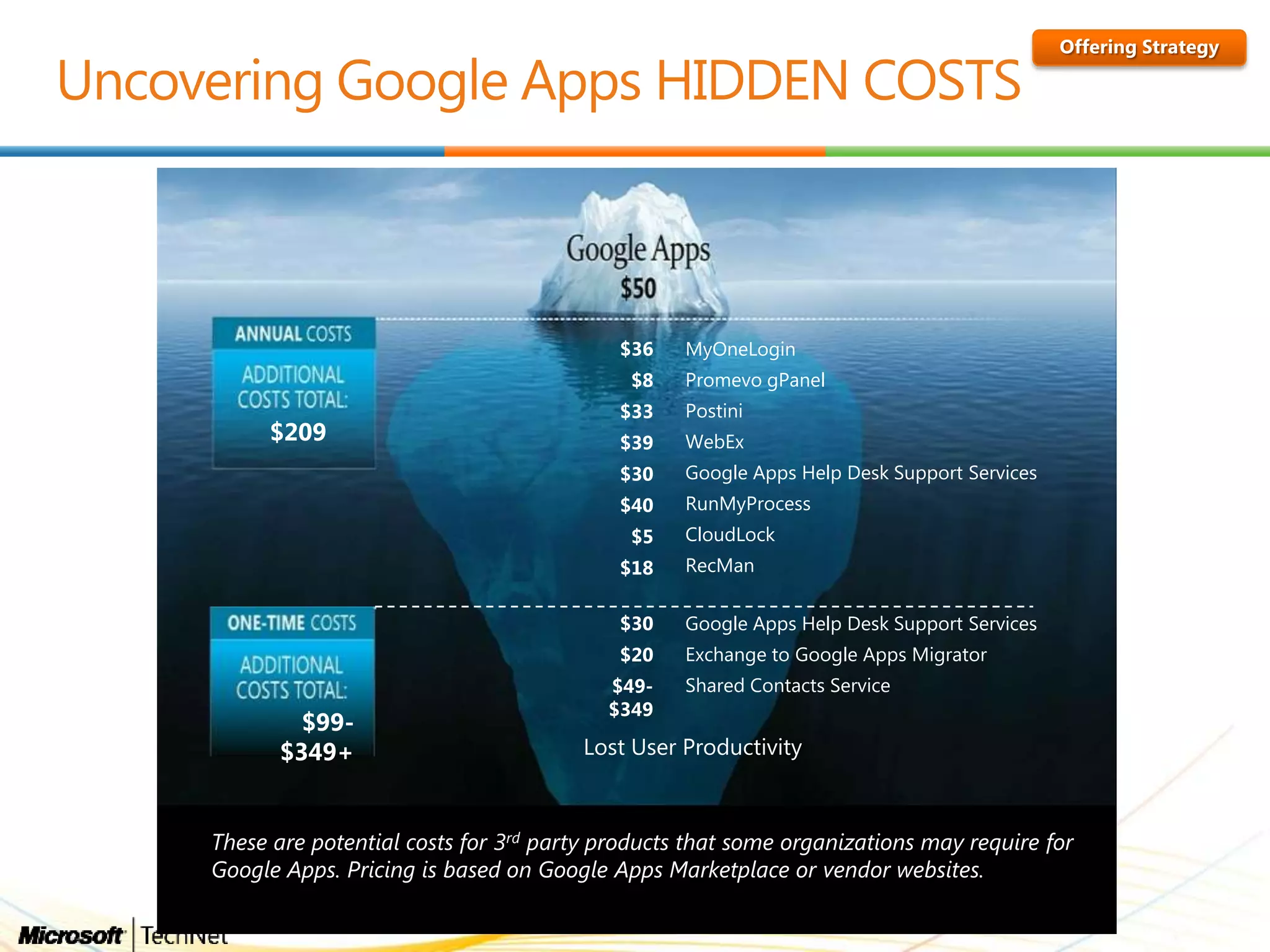
$209
Lost User Productivity
$49-
$349
Shared Contacts Service
$20 Exchange to Google Apps Migrator
$30 Google Apps Help Desk Support Services
$18 RecMan
$5 CloudLock
$40 RunMyProcess
$30 Google Apps Help Desk Support Services
$39 WebEx
$33 Postini
$8 Promevo gPanel
$36 MyOneLogin
$99-
$349+
These are potential costs for 3rd party products that some organizations may require for
Google Apps. Pricing is based on Google Apps Marketplace or vendor websites.
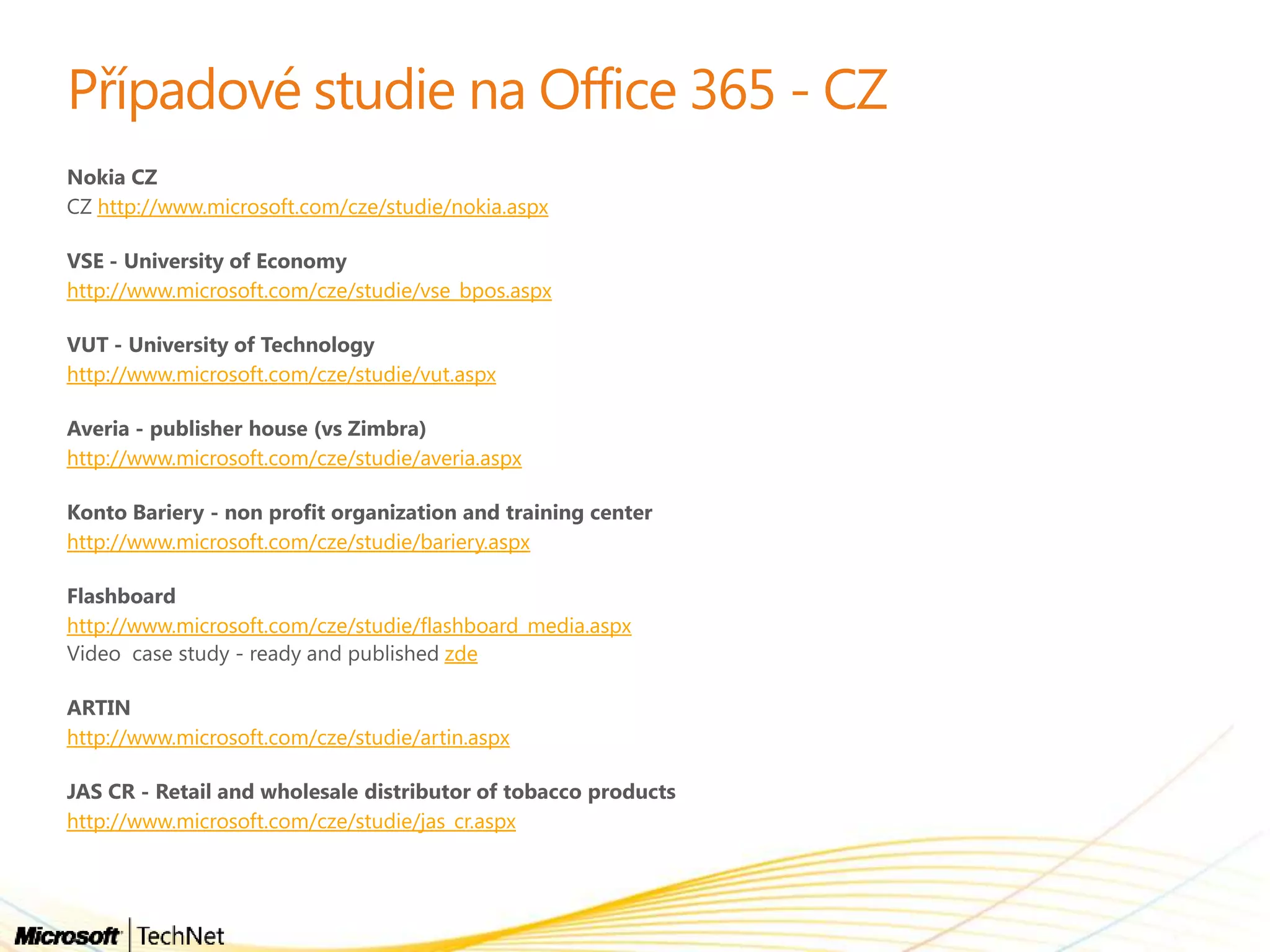
http://www.microsoft.com/cze/studie/nokia.aspx
http://www.microsoft.com/cze/studie/vse_bpos.aspx
http://www.microsoft.com/cze/studie/vut.aspx
http://www.microsoft.com/cze/studie/averia.aspx
http://www.microsoft.com/cze/studie/bariery.aspx
http://www.microsoft.com/cze/studie/flashboard_media.aspx
zde
http://www.microsoft.com/cze/studie/artin.aspx
http://www.microsoft.com/cze/studie/jas_cr.aspx
•
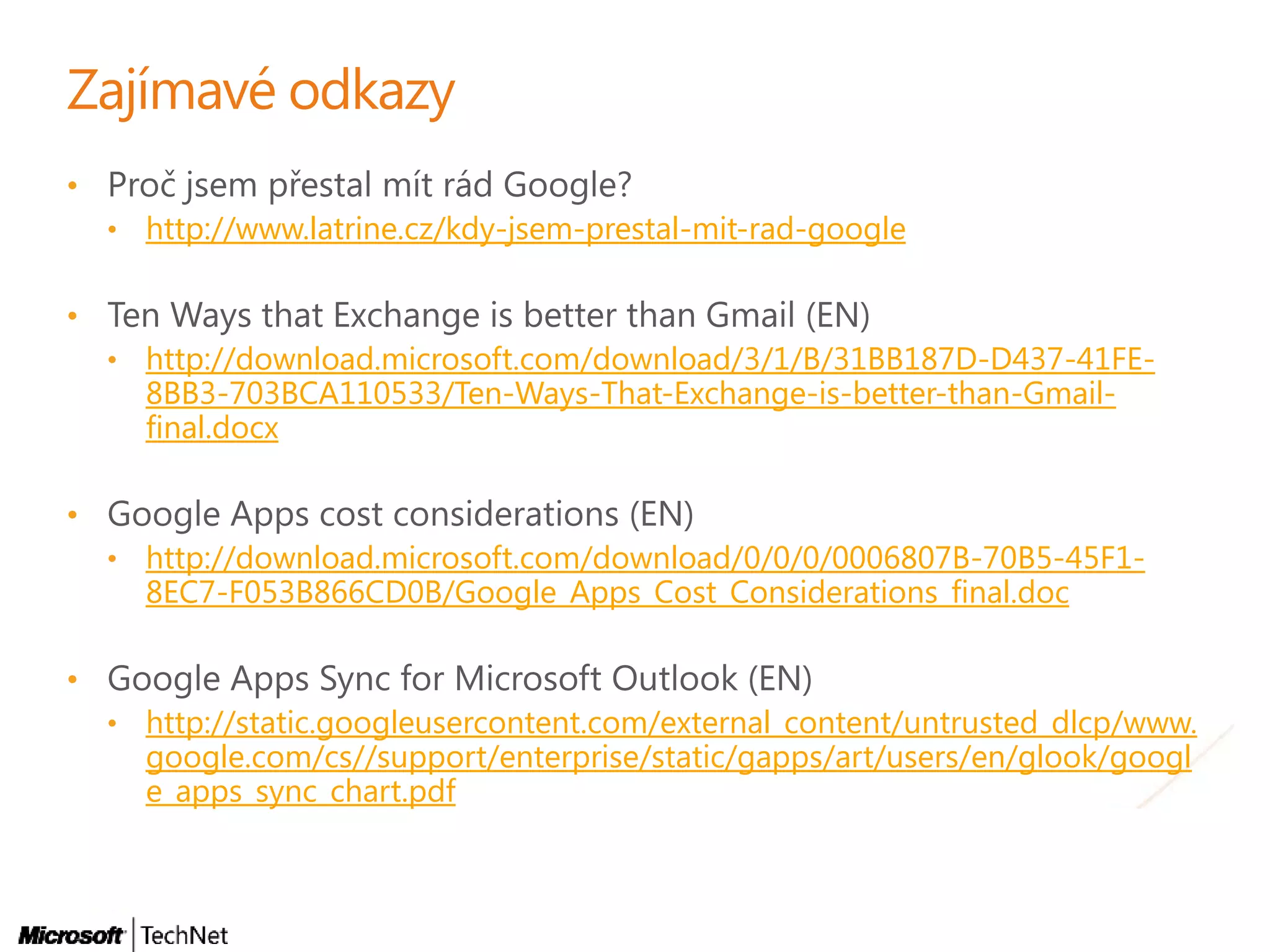
• http://www.latrine.cz/kdy-jsem-prestal-mit-rad-google
•
• http://download.microsoft.com/download/3/1/B/31BB187D-D437-41FE-
8BB3-703BCA110533/Ten-Ways-That-Exchange-is-better-than-Gmail-
final.docx
•
• http://download.microsoft.com/download/0/0/0/0006807B-70B5-45F1-
8EC7-F053B866CD0B/Google_Apps_Cost_Considerations_final.doc
•
• http://static.googleusercontent.com/external_content/untrusted_dlcp/www.
google.com/cs//support/enterprise/static/gapps/art/users/en/glook/googl
e_apps_sync_chart.pdf
•
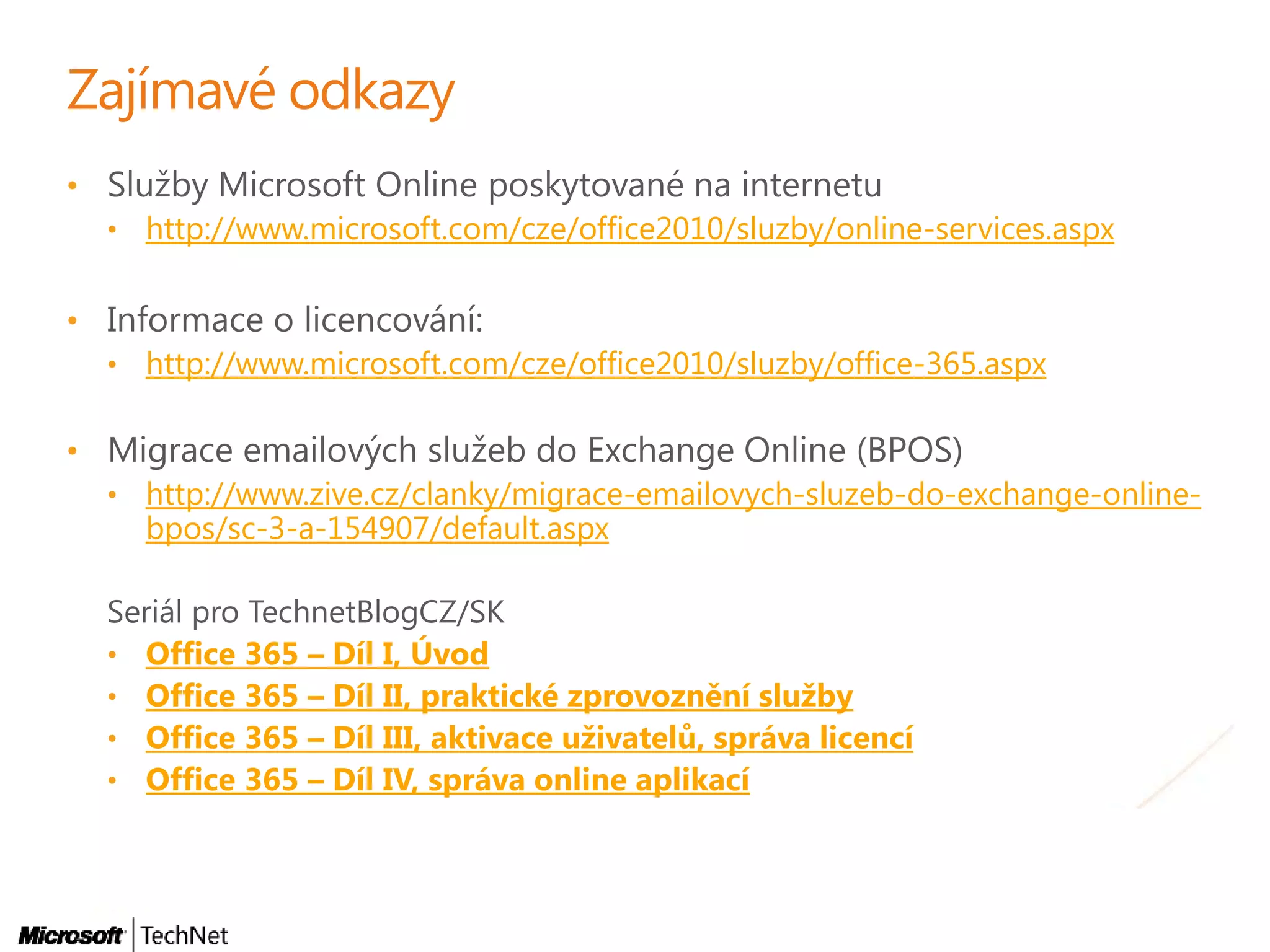
• http://www.microsoft.com/cze/office2010/sluzby/online-services.aspx
•
• http://www.microsoft.com/cze/office2010/sluzby/office-365.aspx
•
• http://www.zive.cz/clanky/migrace-emailovych-sluzeb-do-exchange-online-
bpos/sc-3-a-154907/default.aspx
• Office 365 – Díl I, Úvod
• Office 365 – Díl II, praktické zprovoznění služby
• Office 365 – Díl III, aktivace uživatelů, správa licencí
• Office 365 – Díl IV, správa online aplikací
•
•
•
•
•
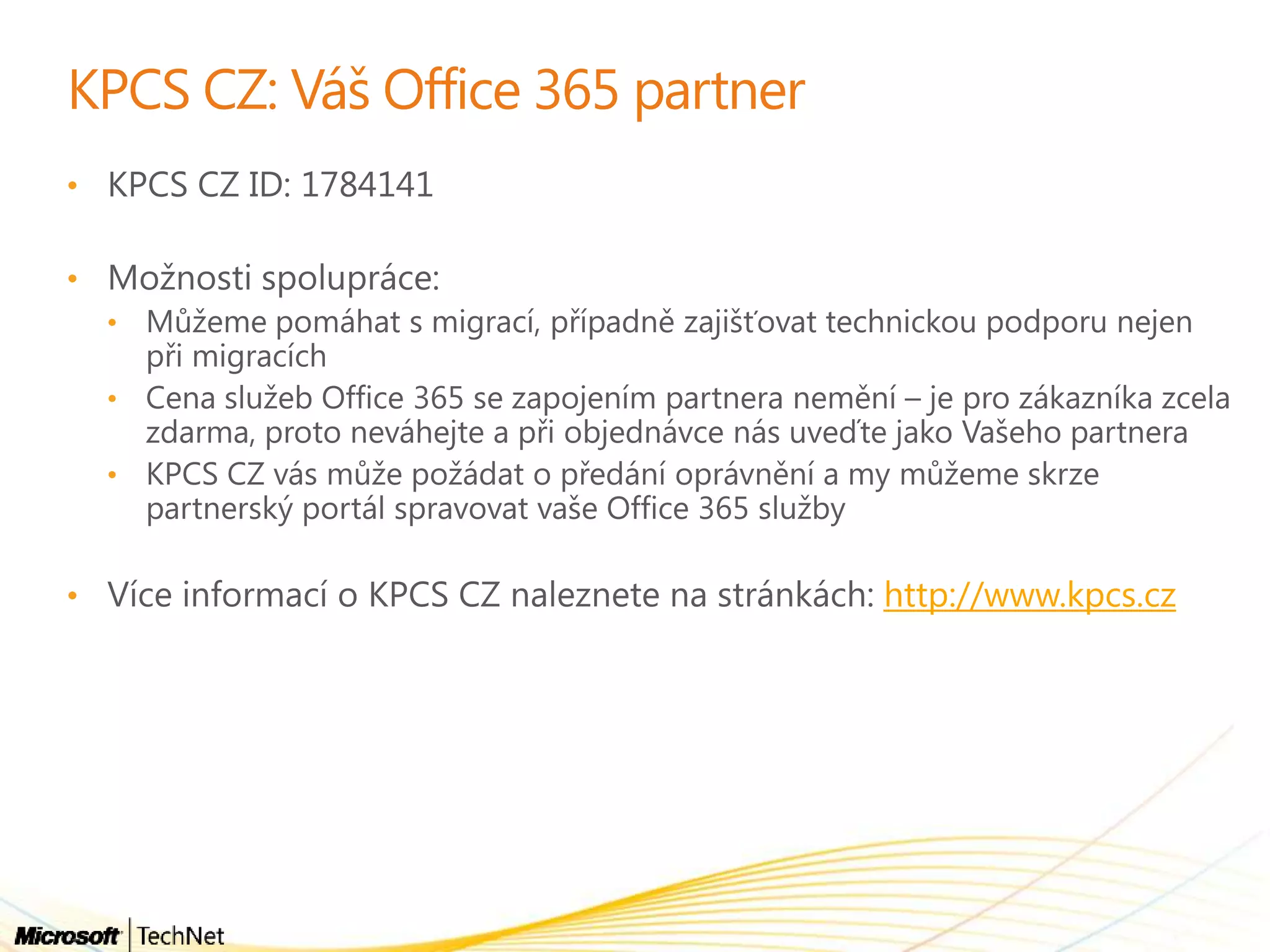
• http://www.kpcs.cz
Office365akademie11  office365 vs google docs

Office365akademie11 office365 vs google docs

  • 4.
  • 5.
    Best Productivity Microsoft GoogleApps Richer set of capabilities, including Office, providing the best experience across the PC, Phone & Browser* SaaS only offering providing basic capabilities leaving some users underserved Microsoft Google Apps The cloud on your terms. Seamless interoperability with On-premises solutions taking advantage of existing technologies (e.g. RMS, Active Directory) No On-premises options; integration typically provided through 3rd parties or custom coding Choice & Flexibility Microsoft Google Apps Enterprise level security features, trustworthy. Finer-grained IT control backed by an Enterprise support organization with a financially backed SLA. Support mentality built on consumer apps, and an SLA based on service credits Enterprise Class Microsoft Google Apps Full suite of offerings serving low cost, basic needs up to and including Enterprise Information Workers needing the richest capabilities. A “one-size-fits-all” approach for every type of user regardless of needs Offering Strategy
  • 6.
    *Microsoft rated as„Leader‟ in Gartner Magic Quadrant or „Strong Positive‟ in Gartner MarketScope – both the highest possible ratings. Google has the highest possible rating in only 1 of these 10 categories, according to these same Gartner reports. Best Productivity Enterprise Capability Microsoft a Leader?* Google a Leader? Business Intelligence Platforms  Enterprise Search   Horizontal Portals (Collaboration)  Enterprise Content Management  Unified Communications  E-Mail Systems  Enterprise Wireless E-Mail Software  Instant Messaging and Presence  Social Software in the Workplace  IT Project and Portfolio Management  The Magic Quadrant is copyrighted 2010, 2011 by Gartner, Inc. and is reused with permission. The Magic Quadrant is a graphical representation of a marketplace at and for a specific time period. It depicts Gartner's analysis of how certain vendors measure against criteria for that marketplace, as defined by Gartner. Gartner does not endorse any vendor, product, or service depicted in the Magic Quadrant, and does not advise technology users to select only those vendors placed in the "Leaders" quadrant. The Magic Quadrant is intended solely as a research tool, and is not meant to be a specific guide to action. Gartner disclaims all warranties, express or implied, with respect to this research, including any warranties of merchantability or fitness for a particular purpose. See Industry Leader and Microsoft News Center – Analyst Relations Reports
  • 7.
  • 8.
    “Some Outlook data,however, isn’t supported by Google Apps. This information either isn’t available at all with Google Apps Sync, or it’s available in Outlook but not from the Google Apps interface.” “Google states that most organizations using the Outlook sync tool are very satisfied. However, IDG News Service, over the course of several weeks and even after enlisting the help of Google's public relations department, couldn't find one Apps administrator whose employer isn't a Google Apps reseller or integrator willing to speak favorably about Google Apps Sync.” PCWorld article “Google Apps Sync for Outlook Gets Mixed Reviews” 10 Ways that Microsoft Exchange Works Better with Microsoft Outlook than Google Gmail does 10 Ways that Microsoft Exchange Online is Better for Business Communication than Google Apps Best Productivity From the above link, Google provides a checklist of items that can and can not synchronize between Outlook and Google Apps. Some of the items that can not be synchronized include: • • • • • • • • • • Google website
  • 9.
  • 10.
    Choice and Flexibility Coca-Cola hasdeveloped an infrastructure that mixes on- premises enterprise software with Microsoft Online Services. “Microsoft Online allowed our IT people to focus on the activities that would improve our business and provide value.” “The user experience is seamless when employees are working with Exchange Online in conjunction with on- premises solutions like SharePoint Server and Lync Server. Employees do not know whether they are in the cloud or not; and they don‟t care, as long as it works.” hhpberlin
  • 11.
    "We dismissed Googleearly on, because we didn’t think it was enterprise-ready.” “The lack of basic functions in Google Apps, like cut-and-paste between applications, resulted in hundreds of hours of lost productivity each month throughout our organization.” Enterprise Class
  • 13.
    • Messaging • Collaboration •Basic productivity • Virtual meeting • Fidelity with Office documents • Option for Office Pro Plus • Messaging • Collaboration • Basic productivity • Virtual meeting • Fidelity with Office documents • Option for Office Pro Plus • 24x7 Support & financially backed SLA • Advanced Collaboration • Unified Messaging • Finer Grained IT Control • Kiosk Offerings • Messaging • Collaboration • Basic productivity • Virtual meeting • Fidelity with Office documents • Option for Office Pro Plus • 24x7 Support & financially backed SLA • Advanced Collaboration • Unified Messaging • Finer Grained IT Control • Kiosk Offerings • Voice (PBX, Call Control) Microsoft Google Apps Full suite of offerings serving low cost, basic needs up to and including Enterprise Information Workers needing the richest capabilities. A “one-size-fits-all” approach for every type of user regardless of needs Offering Strategy Also provided by Google AppsKEY:
  • 14.
    $209 Lost User Productivity $49- $349 SharedContacts Service $20 Exchange to Google Apps Migrator $30 Google Apps Help Desk Support Services $18 RecMan $5 CloudLock $40 RunMyProcess $30 Google Apps Help Desk Support Services $39 WebEx $33 Postini $8 Promevo gPanel $36 MyOneLogin $99- $349+ These are potential costs for 3rd party products that some organizations may require for Google Apps. Pricing is based on Google Apps Marketplace or vendor websites.
  • 16.
  • 18.
    • • http://www.latrine.cz/kdy-jsem-prestal-mit-rad-google • • http://download.microsoft.com/download/3/1/B/31BB187D-D437-41FE- 8BB3-703BCA110533/Ten-Ways-That-Exchange-is-better-than-Gmail- final.docx • •http://download.microsoft.com/download/0/0/0/0006807B-70B5-45F1- 8EC7-F053B866CD0B/Google_Apps_Cost_Considerations_final.doc • • http://static.googleusercontent.com/external_content/untrusted_dlcp/www. google.com/cs//support/enterprise/static/gapps/art/users/en/glook/googl e_apps_sync_chart.pdf
  • 19.
    • • http://www.microsoft.com/cze/office2010/sluzby/online-services.aspx • • http://www.microsoft.com/cze/office2010/sluzby/office-365.aspx • •http://www.zive.cz/clanky/migrace-emailovych-sluzeb-do-exchange-online- bpos/sc-3-a-154907/default.aspx • Office 365 – Díl I, Úvod • Office 365 – Díl II, praktické zprovoznění služby • Office 365 – Díl III, aktivace uživatelů, správa licencí • Office 365 – Díl IV, správa online aplikací
  • 20.