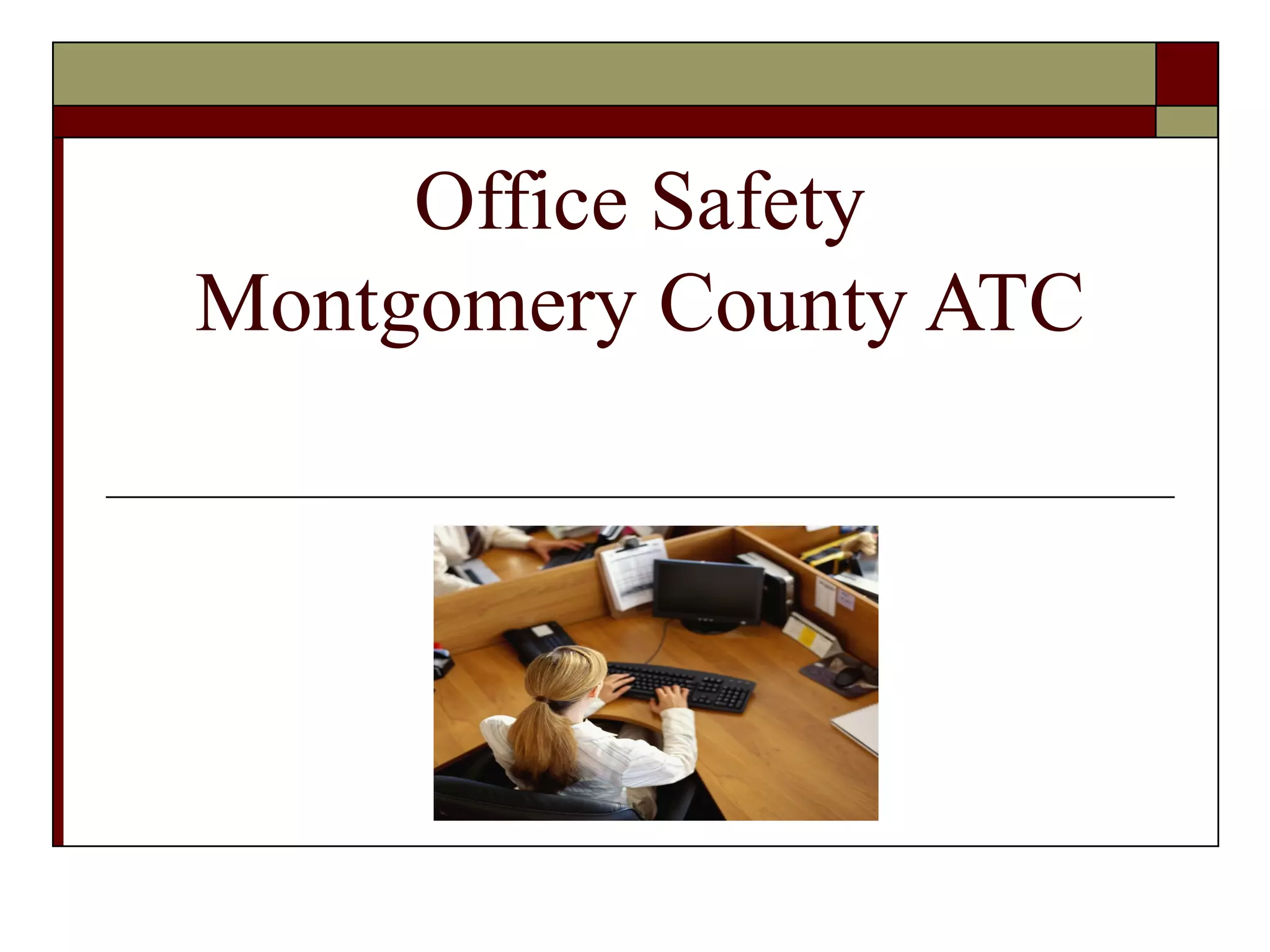
Office Safety
Montgomery County ATC
Team Effort
   Accept responsibility for your own safety
   Abide by all the rules
   Do not depend on Office Manager to ‘make
    you adhere’ to the rules
   No horseplay
   Inoperable machines should be reported
   Report accidents ASAP
Office Safety Considerations
   Aisle Ways Clear of        Use step stools
    Clutter                    Desks clean and clear
   Machines                   Cables and cords neat
   File cabinets              Safe Lifting Rules
   Paper Shredders/           Designated Areas
    Cutters                    Procedures for
   First Aid kits              Emergencies
   Know Accident              Don’t panic!
    Procedures
   Shelving clutter free
Classroom Safety
   Know evacuation drills
   Equipment Repairs
   Internet Acceptable Use
   Clean Workstation
   Return Materials to Proper Location
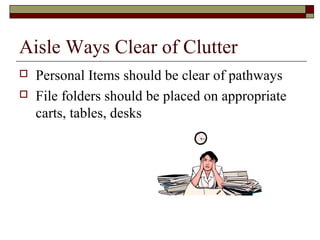
Aisle Ways Clear of Clutter
   Personal Items should be clear of pathways
   File folders should be placed on appropriate
    carts, tables, desks
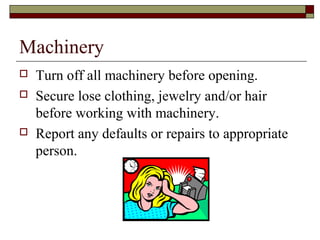
Machinery
   Turn off all machinery before opening.
   Secure lose clothing, jewelry and/or hair
    before working with machinery.
   Report any defaults or repairs to appropriate
    person.
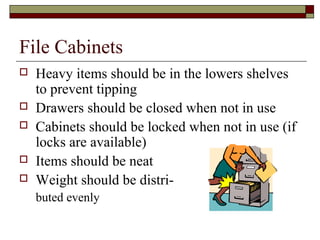
File Cabinets
   Heavy items should be in the lowers shelves
    to prevent tipping
   Drawers should be closed when not in use
   Cabinets should be locked when not in use (if
    locks are available)
   Items should be neat
   Weight should be distri-
    buted evenly
Paper Shredders/Cutters
   Focus on your task
   Be careful
   Secure lose clothing, jewelry and/or hair
    when operating paper cutters
   Turn off and unplug electric paper cutters to
    remove jams
   Most accidents occur because of carelessness
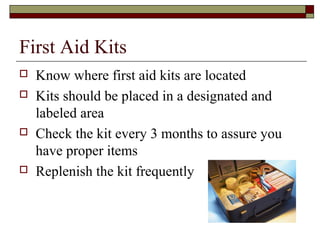
First Aid Kits
   Know where first aid kits are located
   Kits should be placed in a designated and
    labeled area
   Check the kit every 3 months to assure you
    have proper items
   Replenish the kit frequently
Shelves/Step Stools
   Shelving should be free of clutter
       Assure shelves are secured
       Items on shelves are neat and well organized
       Labels are used for efficiency in locating items on
        shelves
   Use step stools or ladders if you cannot reach
       Do not climb on top of tables to reach
       Do not use chairs with wheels
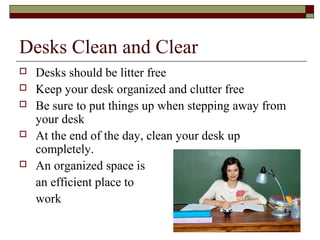
Desks Clean and Clear
   Desks should be litter free
   Keep your desk organized and clutter free
   Be sure to put things up when stepping away from
    your desk
   At the end of the day, clean your desk up
    completely.
   An organized space is
    an efficient place to
    work
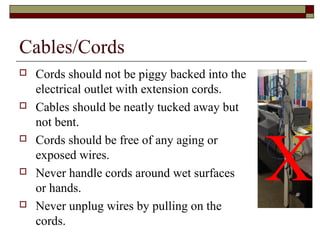
Cables/Cords
   Cords should not be piggy backed into the
    electrical outlet with extension cords.
   Cables should be neatly tucked away but
    not bent.


                                                X
   Cords should be free of any aging or
    exposed wires.
   Never handle cords around wet surfaces
    or hands.
   Never unplug wires by pulling on the
    cords.
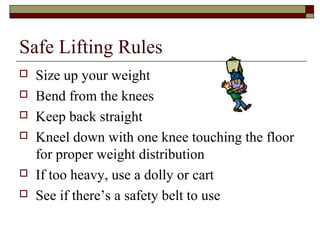
Safe Lifting Rules
   Size up your weight
   Bend from the knees
   Keep back straight
   Kneel down with one knee touching the floor
    for proper weight distribution
   If too heavy, use a dolly or cart
   See if there’s a safety belt to use
Designated Areas
   Exit signs are marked with red letters

   Storage areas will be marked as well

   Supplies will have a designated area

   No Smoking
Procedures for Emergencies
   Fire Exit Procedures
   Earthquake Procedures
   Tornado Warning Procedures
   Lock Down Procedures
   Accident Procedures
   Follow the instructor’s directions
       Designated person to get another teacher
       Call 911
Internet Use (For School)
   Appropriate Use – Always Rule of Thumb
   Inappropriate site appears
       X off site
       Report to teacher
   Inappropriate Uses are not tolerated for school use –
    UNLESS Your Teacher has GIVEN YOU PERMISSION
       Streaming Music
       You Tube
       Third Party Email Accounts
       Personal Websites
       Chat Software
       My Space
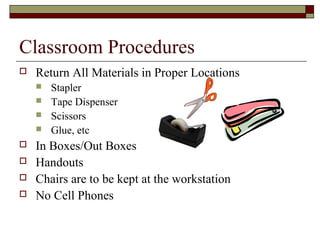
Classroom Procedures
   Return All Materials in Proper Locations
       Stapler
       Tape Dispenser
       Scissors
       Glue, etc
   In Boxes/Out Boxes
   Handouts
   Chairs are to be kept at the workstation
   No Cell Phones
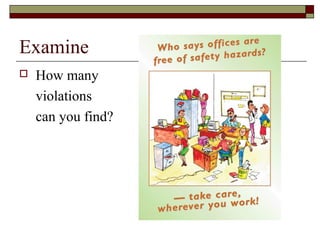
Examine
   How many
    violations
    can you find?
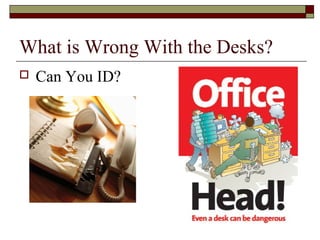
What is Wrong With the Desks?
   Can You ID?
Safety Test
   Please take both safety tests.
   Keep at your desk.

Office safety with visual exam at end

  • 1.
  • 2.
    Team Effort  Accept responsibility for your own safety  Abide by all the rules  Do not depend on Office Manager to ‘make you adhere’ to the rules  No horseplay  Inoperable machines should be reported  Report accidents ASAP
  • 3.
    Office Safety Considerations  Aisle Ways Clear of  Use step stools Clutter  Desks clean and clear  Machines  Cables and cords neat  File cabinets  Safe Lifting Rules  Paper Shredders/  Designated Areas Cutters  Procedures for  First Aid kits Emergencies  Know Accident  Don’t panic! Procedures  Shelving clutter free
  • 4.
    Classroom Safety  Know evacuation drills  Equipment Repairs  Internet Acceptable Use  Clean Workstation  Return Materials to Proper Location
  • 5.
    Aisle Ways Clearof Clutter  Personal Items should be clear of pathways  File folders should be placed on appropriate carts, tables, desks
  • 6.
    Machinery  Turn off all machinery before opening.  Secure lose clothing, jewelry and/or hair before working with machinery.  Report any defaults or repairs to appropriate person.
  • 7.
    File Cabinets  Heavy items should be in the lowers shelves to prevent tipping  Drawers should be closed when not in use  Cabinets should be locked when not in use (if locks are available)  Items should be neat  Weight should be distri- buted evenly
  • 8.
    Paper Shredders/Cutters  Focus on your task  Be careful  Secure lose clothing, jewelry and/or hair when operating paper cutters  Turn off and unplug electric paper cutters to remove jams  Most accidents occur because of carelessness
  • 9.
    First Aid Kits  Know where first aid kits are located  Kits should be placed in a designated and labeled area  Check the kit every 3 months to assure you have proper items  Replenish the kit frequently
  • 10.
    Shelves/Step Stools  Shelving should be free of clutter  Assure shelves are secured  Items on shelves are neat and well organized  Labels are used for efficiency in locating items on shelves  Use step stools or ladders if you cannot reach  Do not climb on top of tables to reach  Do not use chairs with wheels
  • 11.
    Desks Clean andClear  Desks should be litter free  Keep your desk organized and clutter free  Be sure to put things up when stepping away from your desk  At the end of the day, clean your desk up completely.  An organized space is an efficient place to work
  • 12.
    Cables/Cords  Cords should not be piggy backed into the electrical outlet with extension cords.  Cables should be neatly tucked away but not bent. X  Cords should be free of any aging or exposed wires.  Never handle cords around wet surfaces or hands.  Never unplug wires by pulling on the cords.
  • 13.
    Safe Lifting Rules  Size up your weight  Bend from the knees  Keep back straight  Kneel down with one knee touching the floor for proper weight distribution  If too heavy, use a dolly or cart  See if there’s a safety belt to use
  • 14.
    Designated Areas  Exit signs are marked with red letters  Storage areas will be marked as well  Supplies will have a designated area  No Smoking
  • 15.
    Procedures for Emergencies  Fire Exit Procedures  Earthquake Procedures  Tornado Warning Procedures  Lock Down Procedures  Accident Procedures  Follow the instructor’s directions  Designated person to get another teacher  Call 911
  • 16.
    Internet Use (ForSchool)  Appropriate Use – Always Rule of Thumb  Inappropriate site appears  X off site  Report to teacher  Inappropriate Uses are not tolerated for school use – UNLESS Your Teacher has GIVEN YOU PERMISSION  Streaming Music  You Tube  Third Party Email Accounts  Personal Websites  Chat Software  My Space
  • 17.
    Classroom Procedures  Return All Materials in Proper Locations  Stapler  Tape Dispenser  Scissors  Glue, etc  In Boxes/Out Boxes  Handouts  Chairs are to be kept at the workstation  No Cell Phones
  • 18.
    Examine  How many violations can you find?
  • 19.
    What is WrongWith the Desks?  Can You ID?
  • 20.
    Safety Test  Please take both safety tests.  Keep at your desk.