OFFICE SAFETY AWARENESS TRAINING
HSSE DEPARTMENT
Objectives
By end of this training you will be able to:
Understand What can go wrong in an office?
Understand Basics types of hazards IN office
Learn and use the office safety measures
prevention is better than cure
Be able to create an accident free work place.
What Can Go Wrong In An Office?
Issues
Absences
Sickness
Conflict
Injuries
Physical
Psychological
Illness & disease
Types of Hazards
Basic Hazard Categories
Physical
Chemical
Biological
Ergonomic
Psychological
Behavioural
Office Chemicals
CleaningAgents
Toners & Developers
Inks, Cleansers,
Solvents
Paints
Office Machinery
Electricity - cords, cables & electrical hazards
Photocopiers - toner, developer, noise, ozone, light,
Printers - noise, inks, ozone (laser)
Computers eyestrain, posture ergonomics, repetitive motion
Typewriters & older devices
Office Furniture: Chairs & Desks
Adjustable chairs are recommended.
Good chairs have adjustable lower back support.
Height adjustable - knees and hips should be level.
Chairs on castors should have five (5) legs.
If your desk is too high, compensate by raising the chair seat height,
keeping feet flat on the floor.
Never stand on an office chair to reach anything, especially if the
chair has wheels or swivel.
Computers
A badly positioned computer not only makes the user unproductive, it
also causes discomfort.
If the monitor is badly positioned the user will likely suffer eyestrain,
headaches, stiff neck & shoulders, and backache.
The monitor should be placed directly in front of the user to optimize a
visual range of 3000 in anydirection.
The screen should be 45-60 cm away from the user’s eyes.
Adjust your computer and seating position for comfort — seek
assistance from the Safety Office if necessary.
Computers - Continued
The top of the monitor should be at eye level to help reduce risk of neck
and back strain.
The keyboard should be directly in front of the user.
The user’s elbows should be bent at a 900 angle.
The keyboard should be angled to allow the user’s wrists to be in a neutral
position.
The monitor screen should be positioned at right angles to the window to
avoid glare.
Back-ups must be done regularly - per your IT administrator’s
recommendations.
Stacking & Storage
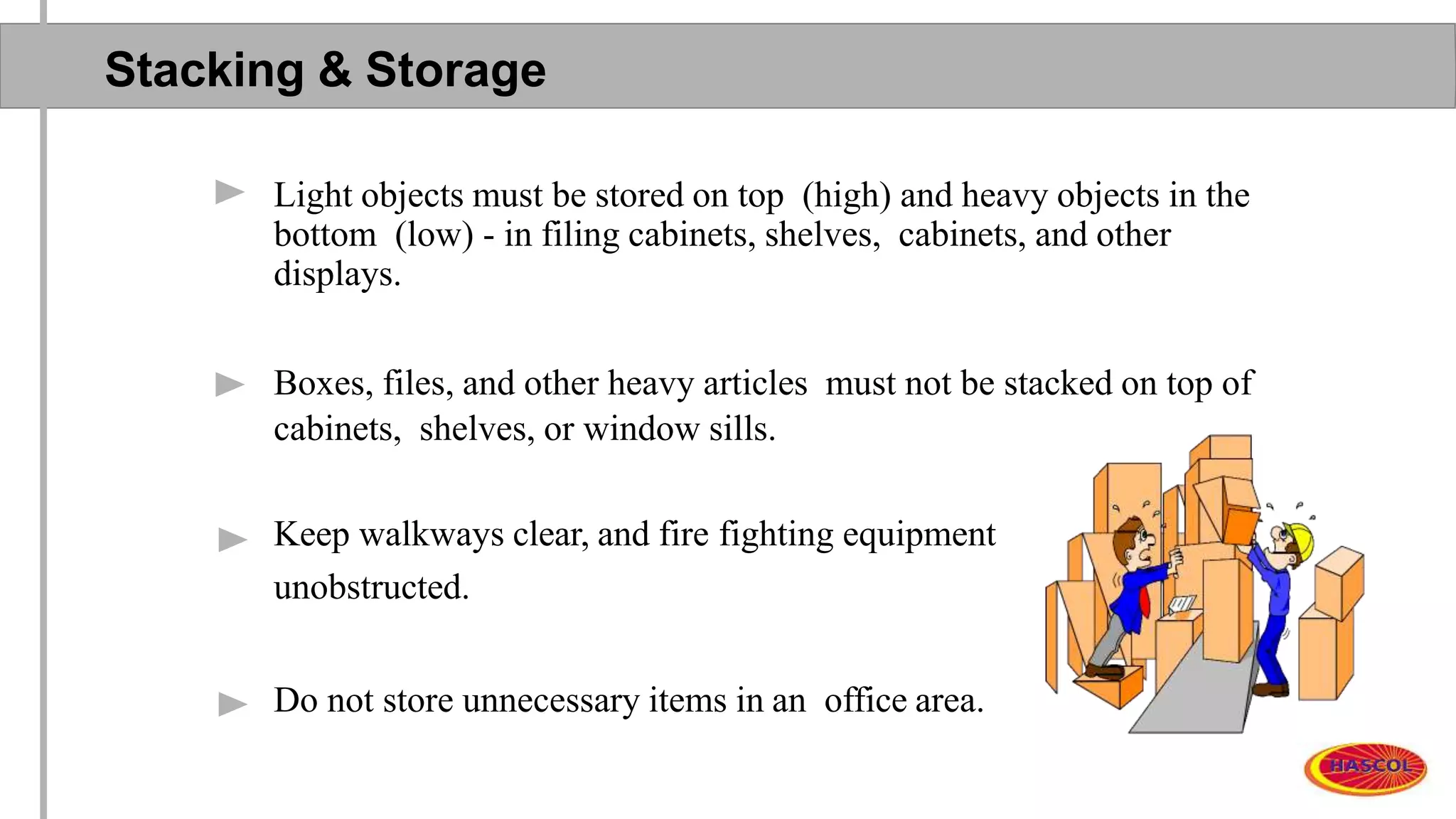
Light objects must be stored on top (high) and heavy objects in the
bottom (low) - in filing cabinets, shelves, cabinets, and other
displays.
Boxes, files, and other heavy articles must not be stacked on top of
cabinets, shelves, or window sills.
Keep walkways clear, and fire fighting equipment
unobstructed.
Do not store unnecessary items in an office area.
Office Lighting & Illumination
Adjust lighting to prevent eye strain.
Eliminate glare and reflection.
See your physician for a routine eye & vision examination
Take a 5-minute break from computer work at least once an hour;
look away from your monitor and focus the eyes on both near and far
objects.
Electrical Safety
Be aware of electrical hazards?
o Injury , electrical shock & burns
o Fire
Reporting electrical problems & faults
o Report all electrical problems & concerns to your
supervisor, and to Area Maintenance team.
Electrical Safeguarding
Loose cords & cables can cause:
o Tripping hazards
o Electrical injuries
Always control cables & cords
o People can trip on protruding cables and pull expensive equipment from tables
onto feet & legs.
o Reported fatalities from falling TV’s
Never use excessive cords or devices in your office.
Never overload the electrical circuits.
Never “piggyback” multi-plug power strips.
No unauthorized person may tamper with any electrical appliance,
circuit breaker panel, or distribution board.
Do not overload electrical outlets.
Electrical Safeguarding : Continued
No unauthorized person may tamper with any electrical appliance,
circuit breaker panel, or distribution board.
Cables and extension cords should not be run unprotected beneath
carpeting, nor should they span walkways without being secured in
an approved encapsulation device or cover.
Do not use taped joints or splices to connect cables, as they do
not have sufficient insulation or protection from liquids.
Do carry out your own visual inspections of plugs and leads, and
have them repaired as necessary.
Look out for:
o Physical damage to cables, cords, plugs, outlets, etc.
o Damage to the plugs
o Insecure connections to the plug
Do switch off all electrical equipment before unplugging and before
cleaning
Slips, Trips & Falls
Prevent them by always remembering the following:
o Do not allow cords & cables to create a tripping hazard.
o Clean up all spills quickly.
o Do not block passageways and walkways.
o Keep office areas clean, neat & organized.
o Keep stacking and storage areas safe.
o Report all hazards and concerns.
Slips, Trips & Falls : Continued
Watch where you walk! Be alert for:
o Worn or loose carpets.
o Broken stair tread edges.
o Uneven or broken walking surfaces.
o Chipped floorboards and tiles.
o Pick up objects that fall - pencils, etc.
o Use caution when wearing high heels.
Slips, Trips & Falls : Continued
General Housekeeping
Cupboards, Cabinets & Carpets
Cords, Cables & Wires
Telephone outlets
Personal Belongings
Furniture
Fluids & Floor Surfaces
Slips, Trips & Falls
Stairs
While using stairs always remember the following:
o Avoid distraction on stairs.
o Take one step at a time.
o Don’t load your arms so full of items that you can’t see.
o Keep one hand on the handrail.
o Don’t congregate on stairs or landings.
o Keep stairs well lighted.
o Never use stairs or stairwells for storage.
o Use the elevator when transporting heavy loads.
Filing Cabinets
Close the drawers!
Don’t open all the drawers at the same time.
Open only one drawer at a time.
Use the handle to close the drawer.
Never store flammable or hazardous materials in an office
filing cabinet.
Office Machines
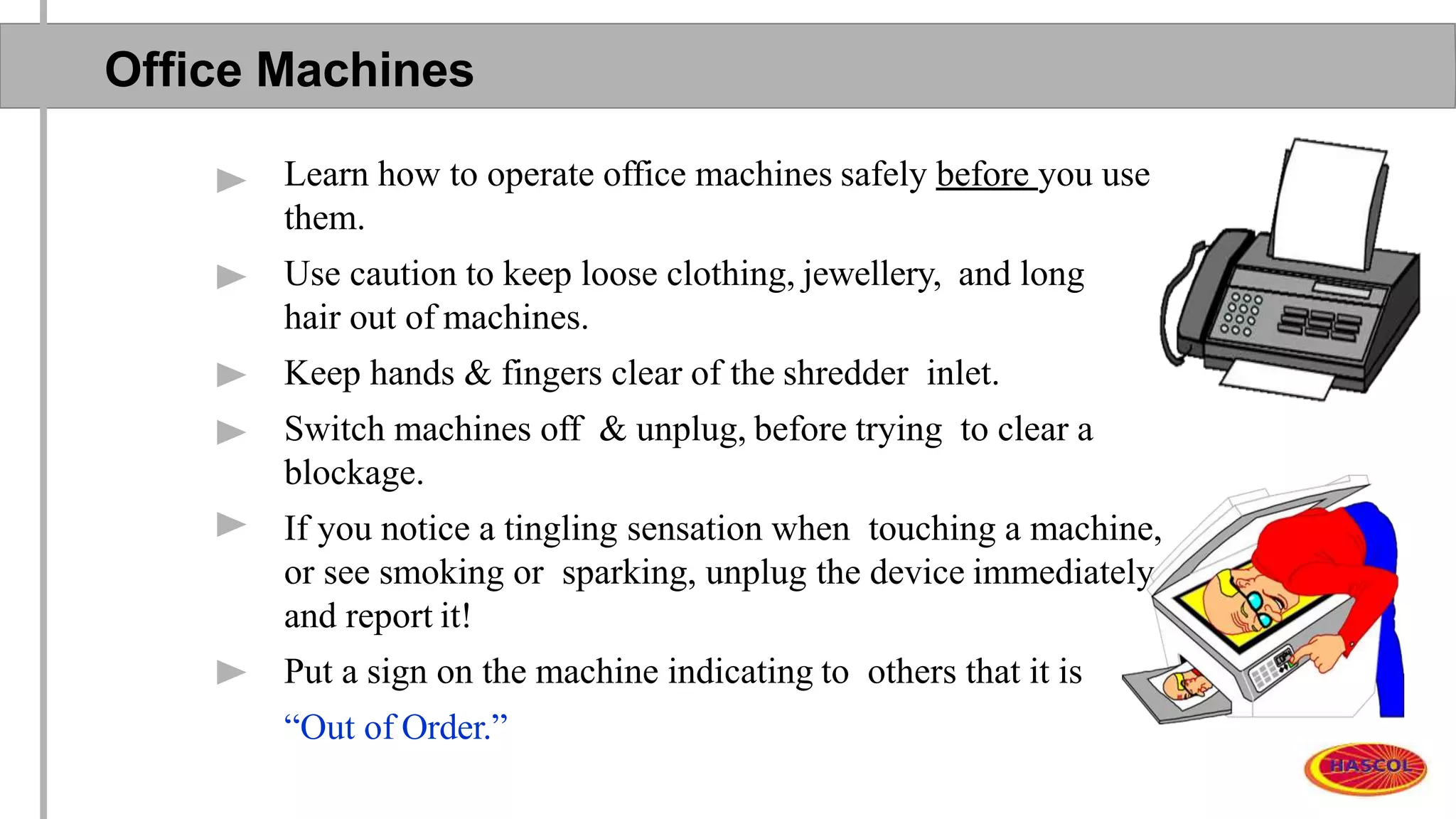
Learn how to operate office machines safely before you use
them.
Use caution to keep loose clothing, jewellery, and long
hair out of machines.
Keep hands & fingers clear of the shredder inlet.
Switch machines off & unplug, before trying to clear a
blockage.
If you notice a tingling sensation when touching a machine,
or see smoking or sparking, unplug the device immediately
and report it!
Put a sign on the machine indicating to others that it is
“Out of Order.”
Preventing Hand Injuries
Look after your hands:
o When you stick them into drawers & cabinets.
o When you handle papers, staplers, and other office devices.
o Keep sharp objects in safe containers, or guard blades and points.
o Use needles & syringes carefully to avoid injury to yourself and to others.
o Pick up broken glass with a broom & dust pan, or wear leather gloves.
o Wrap the glass in thick paper, and label it so that the cleaning staff will
know what it is.
o If you have a lot of broken glass, purchase a “Broken Glass Container”
from a safety supply vendor.
o Slivers of glass should be picked up with a damp paper towel — then,
discard the paper towel.
Help Prevent Workplace Violence !
Avoid inappropriate jokes,
fooling around, horseplay, or
teasing fellow employees.
First Aid
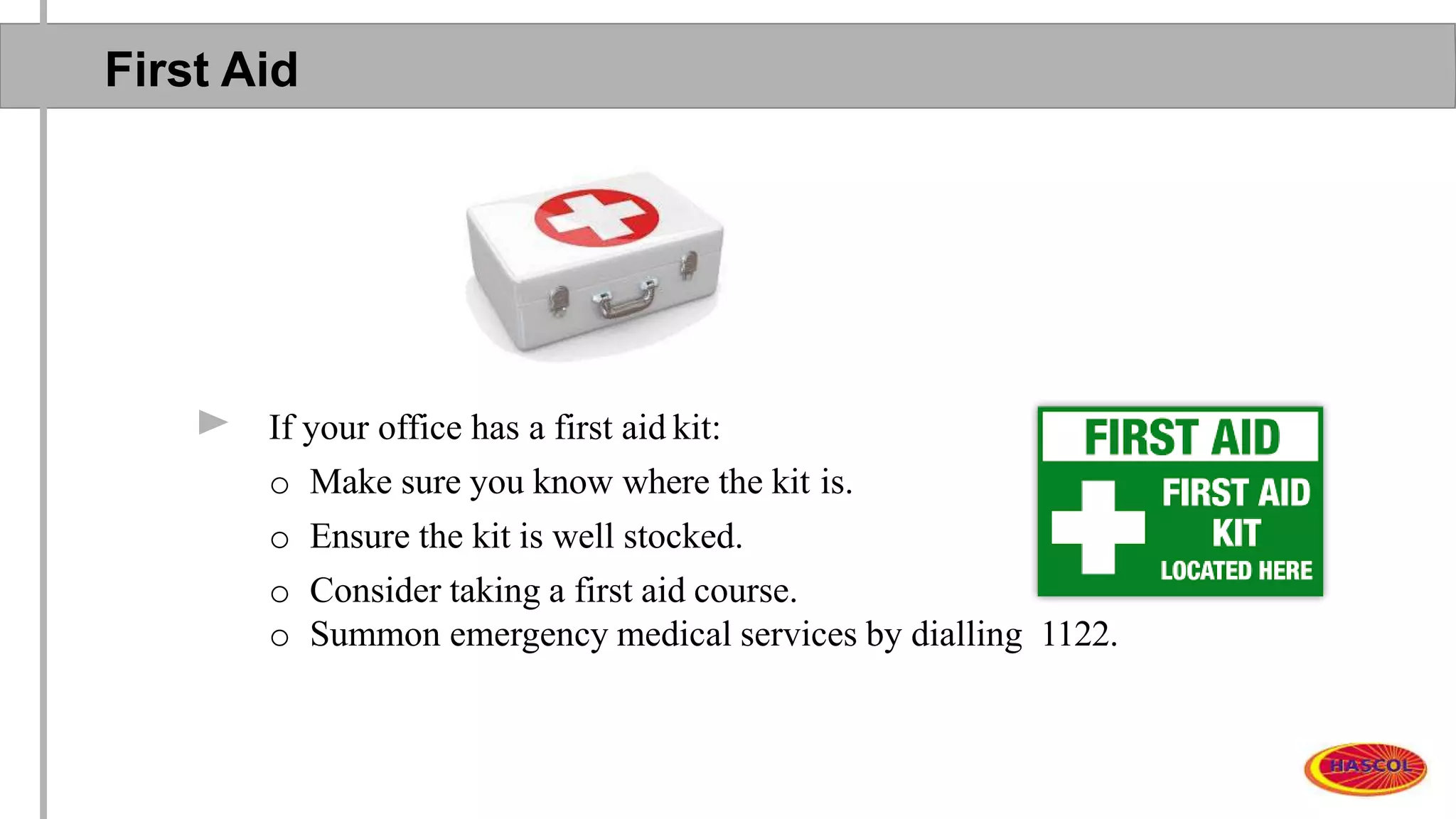
If your office has a first aid kit:
o Make sure you know where the kit is.
o Ensure the kit is well stocked.
o Consider taking a first aid course.
o Summon emergency medical services by dialling 1122.
Accident Reporting
Report all job-related injuries within 24 hr.
Report all safety-related incidents within 24 -hr.
Go forth and work safely & successfully!
Thank You

Office safety awareness training

  • 1.
    OFFICE SAFETY AWARENESSTRAINING HSSE DEPARTMENT
  • 2.
    Objectives By end ofthis training you will be able to: Understand What can go wrong in an office? Understand Basics types of hazards IN office Learn and use the office safety measures prevention is better than cure Be able to create an accident free work place.
  • 3.
    What Can GoWrong In An Office? Issues Absences Sickness Conflict Injuries Physical Psychological Illness & disease
  • 4.
    Types of Hazards BasicHazard Categories Physical Chemical Biological Ergonomic Psychological Behavioural
  • 5.
    Office Chemicals CleaningAgents Toners &Developers Inks, Cleansers, Solvents Paints
  • 6.
    Office Machinery Electricity -cords, cables & electrical hazards Photocopiers - toner, developer, noise, ozone, light, Printers - noise, inks, ozone (laser) Computers eyestrain, posture ergonomics, repetitive motion Typewriters & older devices
  • 7.
    Office Furniture: Chairs& Desks Adjustable chairs are recommended. Good chairs have adjustable lower back support. Height adjustable - knees and hips should be level. Chairs on castors should have five (5) legs. If your desk is too high, compensate by raising the chair seat height, keeping feet flat on the floor. Never stand on an office chair to reach anything, especially if the chair has wheels or swivel.
  • 8.
    Computers A badly positionedcomputer not only makes the user unproductive, it also causes discomfort. If the monitor is badly positioned the user will likely suffer eyestrain, headaches, stiff neck & shoulders, and backache. The monitor should be placed directly in front of the user to optimize a visual range of 3000 in anydirection. The screen should be 45-60 cm away from the user’s eyes. Adjust your computer and seating position for comfort — seek assistance from the Safety Office if necessary.
  • 9.
    Computers - Continued Thetop of the monitor should be at eye level to help reduce risk of neck and back strain. The keyboard should be directly in front of the user. The user’s elbows should be bent at a 900 angle. The keyboard should be angled to allow the user’s wrists to be in a neutral position. The monitor screen should be positioned at right angles to the window to avoid glare. Back-ups must be done regularly - per your IT administrator’s recommendations.
  • 10.
    Stacking & Storage Lightobjects must be stored on top (high) and heavy objects in the bottom (low) - in filing cabinets, shelves, cabinets, and other displays. Boxes, files, and other heavy articles must not be stacked on top of cabinets, shelves, or window sills. Keep walkways clear, and fire fighting equipment unobstructed. Do not store unnecessary items in an office area.
  • 11.
    Office Lighting &Illumination Adjust lighting to prevent eye strain. Eliminate glare and reflection. See your physician for a routine eye & vision examination Take a 5-minute break from computer work at least once an hour; look away from your monitor and focus the eyes on both near and far objects.
  • 12.
    Electrical Safety Be awareof electrical hazards? o Injury , electrical shock & burns o Fire Reporting electrical problems & faults o Report all electrical problems & concerns to your supervisor, and to Area Maintenance team.
  • 13.
    Electrical Safeguarding Loose cords& cables can cause: o Tripping hazards o Electrical injuries Always control cables & cords o People can trip on protruding cables and pull expensive equipment from tables onto feet & legs. o Reported fatalities from falling TV’s Never use excessive cords or devices in your office. Never overload the electrical circuits. Never “piggyback” multi-plug power strips. No unauthorized person may tamper with any electrical appliance, circuit breaker panel, or distribution board. Do not overload electrical outlets.
  • 14.
    Electrical Safeguarding :Continued No unauthorized person may tamper with any electrical appliance, circuit breaker panel, or distribution board. Cables and extension cords should not be run unprotected beneath carpeting, nor should they span walkways without being secured in an approved encapsulation device or cover. Do not use taped joints or splices to connect cables, as they do not have sufficient insulation or protection from liquids. Do carry out your own visual inspections of plugs and leads, and have them repaired as necessary. Look out for: o Physical damage to cables, cords, plugs, outlets, etc. o Damage to the plugs o Insecure connections to the plug Do switch off all electrical equipment before unplugging and before cleaning
  • 15.
    Slips, Trips &Falls Prevent them by always remembering the following: o Do not allow cords & cables to create a tripping hazard. o Clean up all spills quickly. o Do not block passageways and walkways. o Keep office areas clean, neat & organized. o Keep stacking and storage areas safe. o Report all hazards and concerns.
  • 16.
    Slips, Trips &Falls : Continued Watch where you walk! Be alert for: o Worn or loose carpets. o Broken stair tread edges. o Uneven or broken walking surfaces. o Chipped floorboards and tiles. o Pick up objects that fall - pencils, etc. o Use caution when wearing high heels.
  • 17.
    Slips, Trips &Falls : Continued General Housekeeping Cupboards, Cabinets & Carpets Cords, Cables & Wires Telephone outlets Personal Belongings Furniture Fluids & Floor Surfaces
  • 18.
    Slips, Trips &Falls Stairs While using stairs always remember the following: o Avoid distraction on stairs. o Take one step at a time. o Don’t load your arms so full of items that you can’t see. o Keep one hand on the handrail. o Don’t congregate on stairs or landings. o Keep stairs well lighted. o Never use stairs or stairwells for storage. o Use the elevator when transporting heavy loads.
  • 19.
    Filing Cabinets Close thedrawers! Don’t open all the drawers at the same time. Open only one drawer at a time. Use the handle to close the drawer. Never store flammable or hazardous materials in an office filing cabinet.
  • 20.
    Office Machines Learn howto operate office machines safely before you use them. Use caution to keep loose clothing, jewellery, and long hair out of machines. Keep hands & fingers clear of the shredder inlet. Switch machines off & unplug, before trying to clear a blockage. If you notice a tingling sensation when touching a machine, or see smoking or sparking, unplug the device immediately and report it! Put a sign on the machine indicating to others that it is “Out of Order.”
  • 21.
    Preventing Hand Injuries Lookafter your hands: o When you stick them into drawers & cabinets. o When you handle papers, staplers, and other office devices. o Keep sharp objects in safe containers, or guard blades and points. o Use needles & syringes carefully to avoid injury to yourself and to others. o Pick up broken glass with a broom & dust pan, or wear leather gloves. o Wrap the glass in thick paper, and label it so that the cleaning staff will know what it is. o If you have a lot of broken glass, purchase a “Broken Glass Container” from a safety supply vendor. o Slivers of glass should be picked up with a damp paper towel — then, discard the paper towel.
  • 22.
    Help Prevent WorkplaceViolence ! Avoid inappropriate jokes, fooling around, horseplay, or teasing fellow employees.
  • 23.
    First Aid If youroffice has a first aid kit: o Make sure you know where the kit is. o Ensure the kit is well stocked. o Consider taking a first aid course. o Summon emergency medical services by dialling 1122.
  • 24.
    Accident Reporting Report alljob-related injuries within 24 hr. Report all safety-related incidents within 24 -hr.
  • 25.
    Go forth andwork safely & successfully!
  • 26.