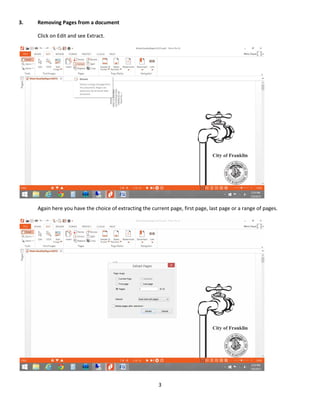
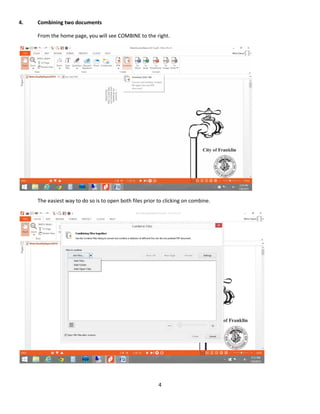
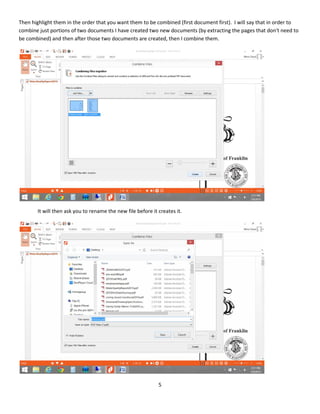
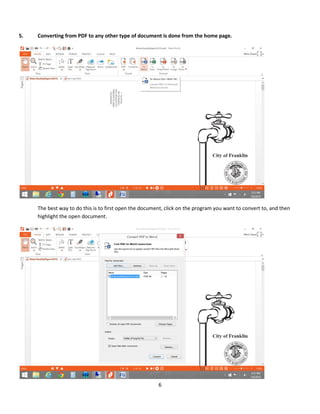
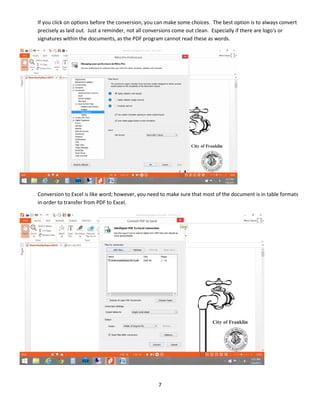
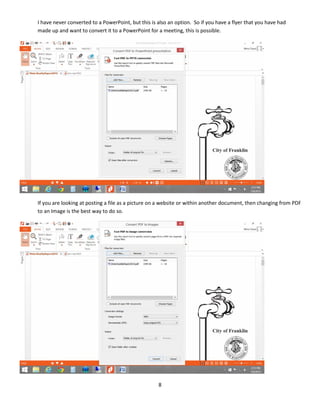
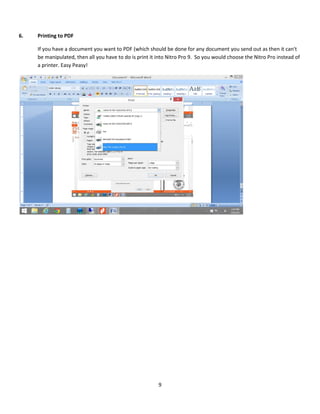
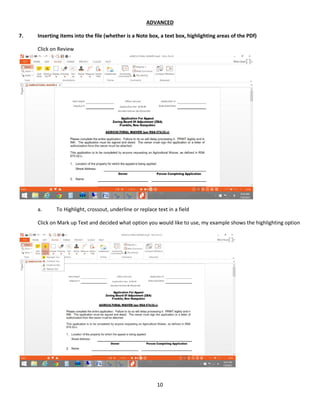
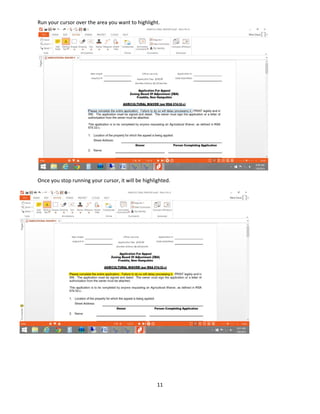
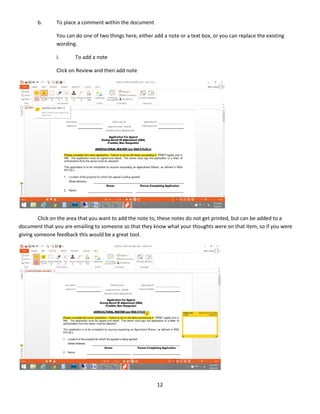
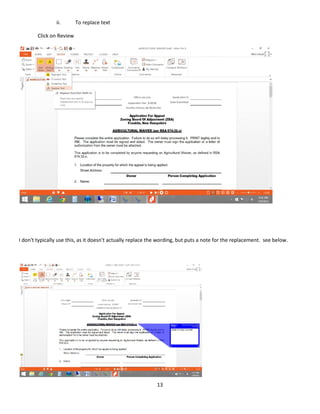
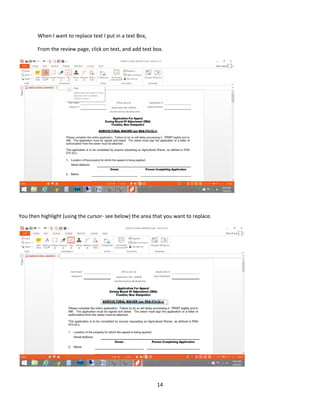
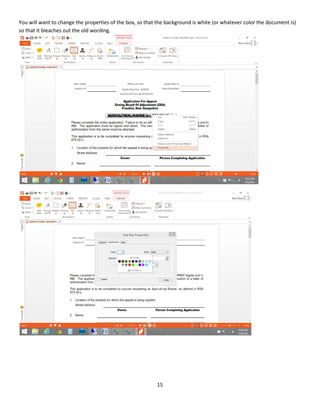
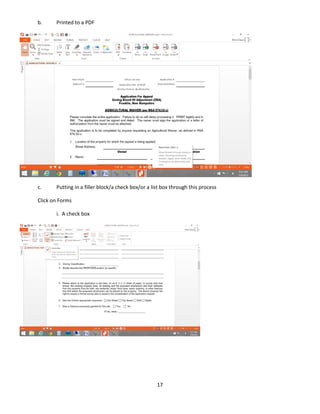
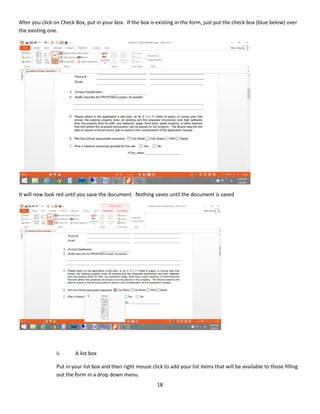
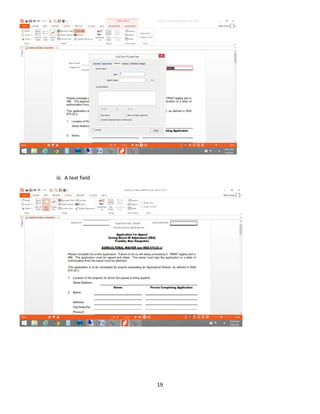
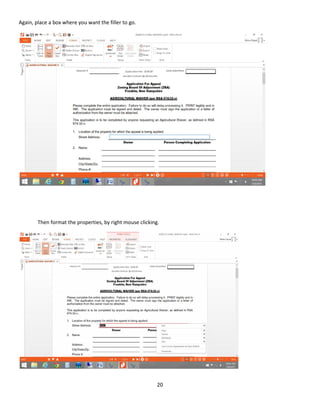
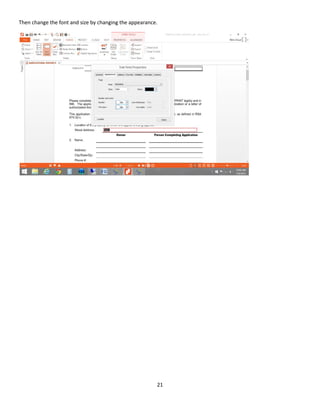
This document provides instructions for using various features in the Nitro Pro PDF editing software. It begins with basic instructions for opening PDFs for editing, rotating pages, removing pages, and combining documents. It then covers converting PDFs to other file formats like Word, Excel, and PowerPoint. The document also explains how to print documents to PDF. The advanced section provides steps for inserting notes, text boxes, and highlights. It demonstrates how to create fillable forms by adding text fields, check boxes, and list boxes.