76                                                                          Technique


     Dreamweaver CS3
     or later
       New ways
     to present
     your images
          Animating the images
     in your online portfolio is a
     snip if, like Anthony Zinni,
     you know which libraries
     and plug-ins to employ
                 While jQuery and similar JavaScript libraries have been
     popular in the development community for some time now, the
     technical nature of these libraries has typically left them outside
     the role of the web designer. Luckily, there are developers willing to
     share their code and simplify the process for designers. One such
     web developer is Alen Grakalic of cssglobe.com, who has created
     the extremely easy-to-use and appropriately named Easy Slider
     plug-in for jQuery.
                 This tutorial will teach you to use Easy Slider and a
     couple lines of code to add sliding blocks of content or images to
     your portfolio quickly and easily. Once the script is installed and
     functional, we will use CSS to customise its appearance and
     improve the usability of its Previous and Next buttons. Finally, we
     will use the script’s configuration options to make the animation fit
     the design more appropriately.                                                                                             02         Launch Dreamweaver
                                                                                 01           Start out by copying the folder   and open both the index.html and
                                                                                 named ‘working_files’ and the code_            screen.css files you copied from the CD.
                                                                                 blocks.txt text file from your disc to your    Continue by making sure index.html is
                                                                                 computer. Next, visit jQuery.com and           the active file, and select File>Preview in
                                                                                 download the latest production version         Browser>Firefox to open the file in your
                                                                                 to the ‘js’ folder contained within the        browser. You should now see the layout
                                                                                 ‘working_files’ folder.                        of the portfolio without styles applied.


                                                                                                                                                  03         Minimize
                                                                                                                                                  Firefox and return to
                                                                                                                                                  Dreamweaver. Right/
                                                                                                                                                  Ctrl+click anywhere
     Anthony Zinni            On the disc               Time needed                                                                               within the code view
        Anthony is a          The files you need for    1 hour                                                                                    and select CSS Styles>
     Chicago-based art        this tutorial can be
                                                                                                                                                  Attach Style Sheet.
     director and partner     located in
     at the design firm       DiscContents             Skills                                                                                    Using the new window,
                              Resources                     Installing jQuery                                                                    browse and select
     AssociaDirect. In his
                              Dreamweaver                    Easy Slider                                                                          screen.css from the
     spare time he likes
                                                             customisation
     to talk about graphic                                                                                                                        ‘working_files’ folder.
                                                            CSS image
     design on his blog,                                                                                                                          Select ‘Screen’ within
                                                            rollovers
     Positive Space. Find                                                                                                                         the Media field, then
     out more at www.
     associadirect.com
                                                                                                                                                  click the OK button to
     and www.positive                                                                                                                             attach
     spaceblog.com                                                                                                                                the CSS file.


     Computer Arts June 2009                                                                                                                     www.computerarts.co.uk


ART162.tut_dw 76                                                                                                                                                      2/4/09 5:53:27 pm
77


                                                                                 05           The first step in animating the     06         Installing the Easy Slider
                                                                                 portfolio shots is to install jQuery. To do      plug-in is almost as simple as jQuery. To
         04         Return to Firefox and refresh the page to see the            this, copy and paste the first section of        install Easy Slider, copy and paste the
         layout of the portfolio. Currently there is only one image, so we       code from the text file you copied from          second block of code from the text file
         will need to add more in order for the script to cycle through          the CD onto line 7, directly below the link      onto line 8, just below the jQuery line.
         them. To do this, find line 21 in index.html and duplicate it           to the CSS file. Because you downloaded          Make sure to place this code below
         twice. Change the source link of the image tags on these new            jQuery, it is important that the file name       jQuery, otherwise it will not work.
         lines to the second and third sample photos and update their            matches the one you downloaded,
         accompanying alt descriptions.                                          otherwise it will not work.


         07         In order to finish installing        08         To see the slideshow in
         Easy Slider, you will need to add some          action, return to Firefox and refresh the
         styles to the bottom of the Screen.css          page. You will notice that there is now
         file. Switch over to the CSS file and then      only one photo visible and that next to it
         copy and paste the third block of code          there is an arrow pointing down. If you           09         The default behaviour of the script is okay, although
         from the text file onto line 129. These         click on this arrow, the photo will slide         in order to make it more usable we should add rollover
         styles set the appearance of the area for       from left to right and the upward-                animation to the arrows. This can be done by returning to the
         the images, and set the placement of            pointing arrow will appear.                       Screen.css file and copying and pasting the fourth block of
         the Previous and Next buttons used to                                                             code onto line 172. This CSS code will make each arrow graphic
         control the animation.                                                                            change when the mouse pointer hovers over it.


                                                                                                      10         Finally, in
                                                                                                      order to make the
                                                                                                      script match our               More on Easy Slider
                                                                                                      design, we should                            Easy Slider is such a great
                                                                                                                                     script. Not only it is a quick and easy way
                                                                                                      make the animation
                                                                                                                                     to add scrolling images to your portfolio,
                                                                                                      move vertically. This          but HTML content as well. For this reason
                                                                                                      can be accomplished            it has been used in a wide range of
                                                                                                      by replacing line 11           applications. For more information on
                                                                                                      in the index.html file         how Easy Slider works or on its other
                                                                                                      with the final piece of        uses, visit http://cssglobe.com/post/
                                                                                                                                     3783/jquery-plugin-easy-image-or-
                                                                                                      code in the text file.
                                                                                                                                     content-slider
                                                                                                      Return to Firefox and
                                                                                                      refresh the page to see
                                                                                                      the result.


         www.computerarts.co.uk                                                                                                                      Computer Arts June 2009


ART162.tut_dw 77                                                                                                                                                          2/4/09 5:53:28 pm

New ways to present your images

  • 1.
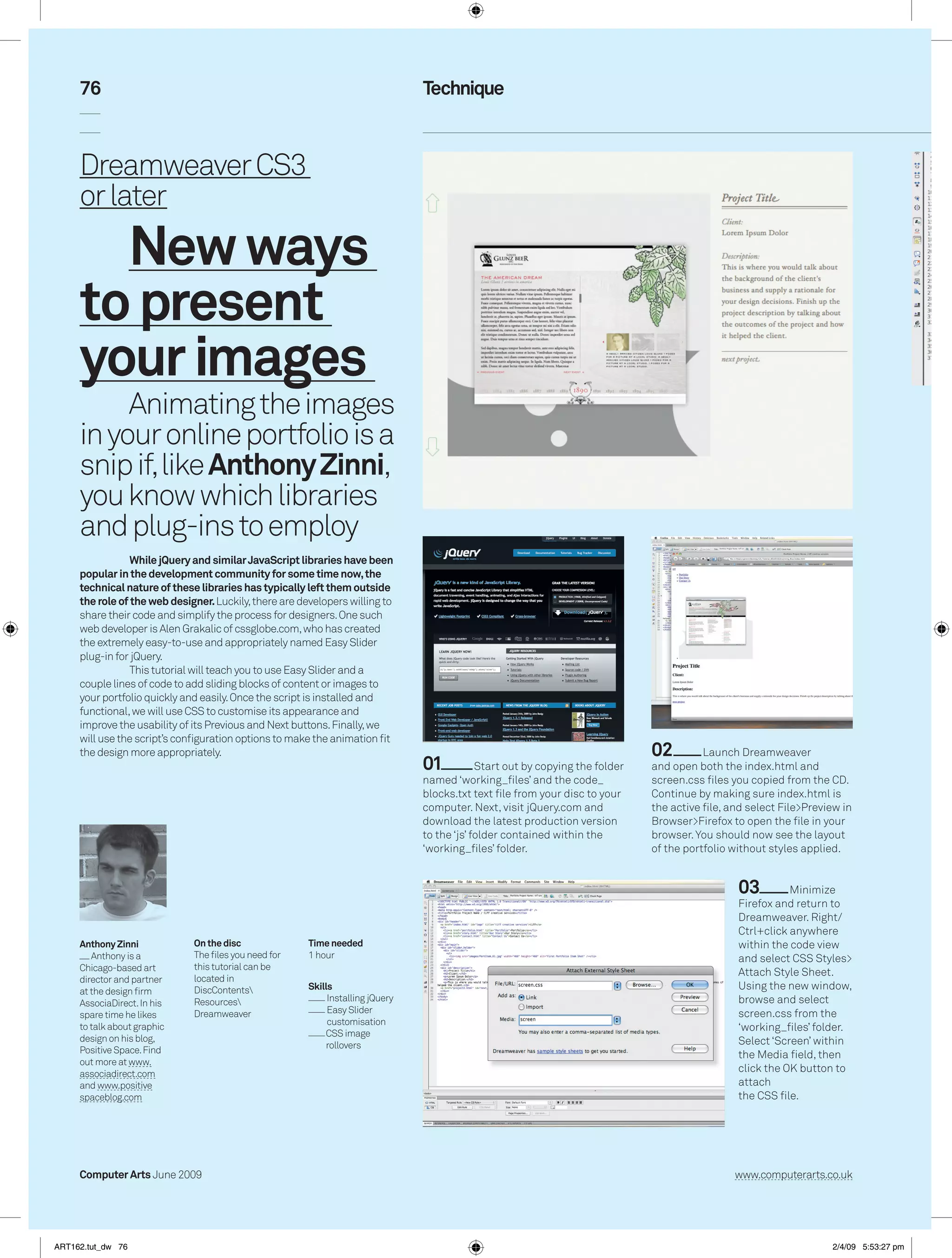
    76 Technique Dreamweaver CS3 or later New ways to present your images Animating the images in your online portfolio is a snip if, like Anthony Zinni, you know which libraries and plug-ins to employ While jQuery and similar JavaScript libraries have been popular in the development community for some time now, the technical nature of these libraries has typically left them outside the role of the web designer. Luckily, there are developers willing to share their code and simplify the process for designers. One such web developer is Alen Grakalic of cssglobe.com, who has created the extremely easy-to-use and appropriately named Easy Slider plug-in for jQuery. This tutorial will teach you to use Easy Slider and a couple lines of code to add sliding blocks of content or images to your portfolio quickly and easily. Once the script is installed and functional, we will use CSS to customise its appearance and improve the usability of its Previous and Next buttons. Finally, we will use the script’s configuration options to make the animation fit the design more appropriately. 02 Launch Dreamweaver 01 Start out by copying the folder and open both the index.html and named ‘working_files’ and the code_ screen.css files you copied from the CD. blocks.txt text file from your disc to your Continue by making sure index.html is computer. Next, visit jQuery.com and the active file, and select File>Preview in download the latest production version Browser>Firefox to open the file in your to the ‘js’ folder contained within the browser. You should now see the layout ‘working_files’ folder. of the portfolio without styles applied. 03 Minimize Firefox and return to Dreamweaver. Right/ Ctrl+click anywhere Anthony Zinni On the disc Time needed within the code view Anthony is a The files you need for 1 hour and select CSS Styles> Chicago-based art this tutorial can be Attach Style Sheet. director and partner located in at the design firm DiscContents Skills Using the new window, Resources Installing jQuery browse and select AssociaDirect. In his Dreamweaver Easy Slider screen.css from the spare time he likes customisation to talk about graphic ‘working_files’ folder. CSS image design on his blog, Select ‘Screen’ within rollovers Positive Space. Find the Media field, then out more at www. associadirect.com click the OK button to and www.positive attach spaceblog.com the CSS file. Computer Arts June 2009 www.computerarts.co.uk ART162.tut_dw 76 2/4/09 5:53:27 pm
  • 2.
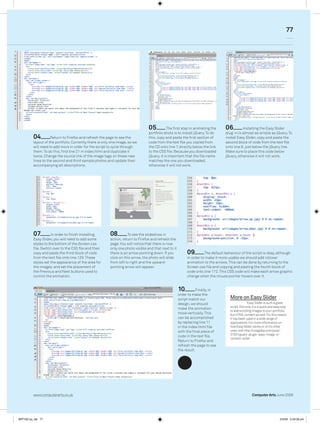
    77 05 The first step in animating the 06 Installing the Easy Slider portfolio shots is to install jQuery. To do plug-in is almost as simple as jQuery. To 04 Return to Firefox and refresh the page to see the this, copy and paste the first section of install Easy Slider, copy and paste the layout of the portfolio. Currently there is only one image, so we code from the text file you copied from second block of code from the text file will need to add more in order for the script to cycle through the CD onto line 7, directly below the link onto line 8, just below the jQuery line. them. To do this, find line 21 in index.html and duplicate it to the CSS file. Because you downloaded Make sure to place this code below twice. Change the source link of the image tags on these new jQuery, it is important that the file name jQuery, otherwise it will not work. lines to the second and third sample photos and update their matches the one you downloaded, accompanying alt descriptions. otherwise it will not work. 07 In order to finish installing 08 To see the slideshow in Easy Slider, you will need to add some action, return to Firefox and refresh the styles to the bottom of the Screen.css page. You will notice that there is now file. Switch over to the CSS file and then only one photo visible and that next to it copy and paste the third block of code there is an arrow pointing down. If you 09 The default behaviour of the script is okay, although from the text file onto line 129. These click on this arrow, the photo will slide in order to make it more usable we should add rollover styles set the appearance of the area for from left to right and the upward- animation to the arrows. This can be done by returning to the the images, and set the placement of pointing arrow will appear. Screen.css file and copying and pasting the fourth block of the Previous and Next buttons used to code onto line 172. This CSS code will make each arrow graphic control the animation. change when the mouse pointer hovers over it. 10 Finally, in order to make the script match our More on Easy Slider design, we should Easy Slider is such a great script. Not only it is a quick and easy way make the animation to add scrolling images to your portfolio, move vertically. This but HTML content as well. For this reason can be accomplished it has been used in a wide range of by replacing line 11 applications. For more information on in the index.html file how Easy Slider works or on its other with the final piece of uses, visit http://cssglobe.com/post/ 3783/jquery-plugin-easy-image-or- code in the text file. content-slider Return to Firefox and refresh the page to see the result. www.computerarts.co.uk Computer Arts June 2009 ART162.tut_dw 77 2/4/09 5:53:28 pm