Near Go
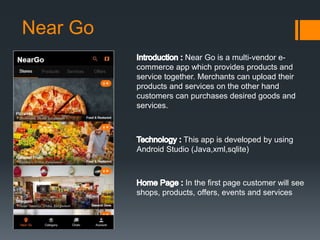
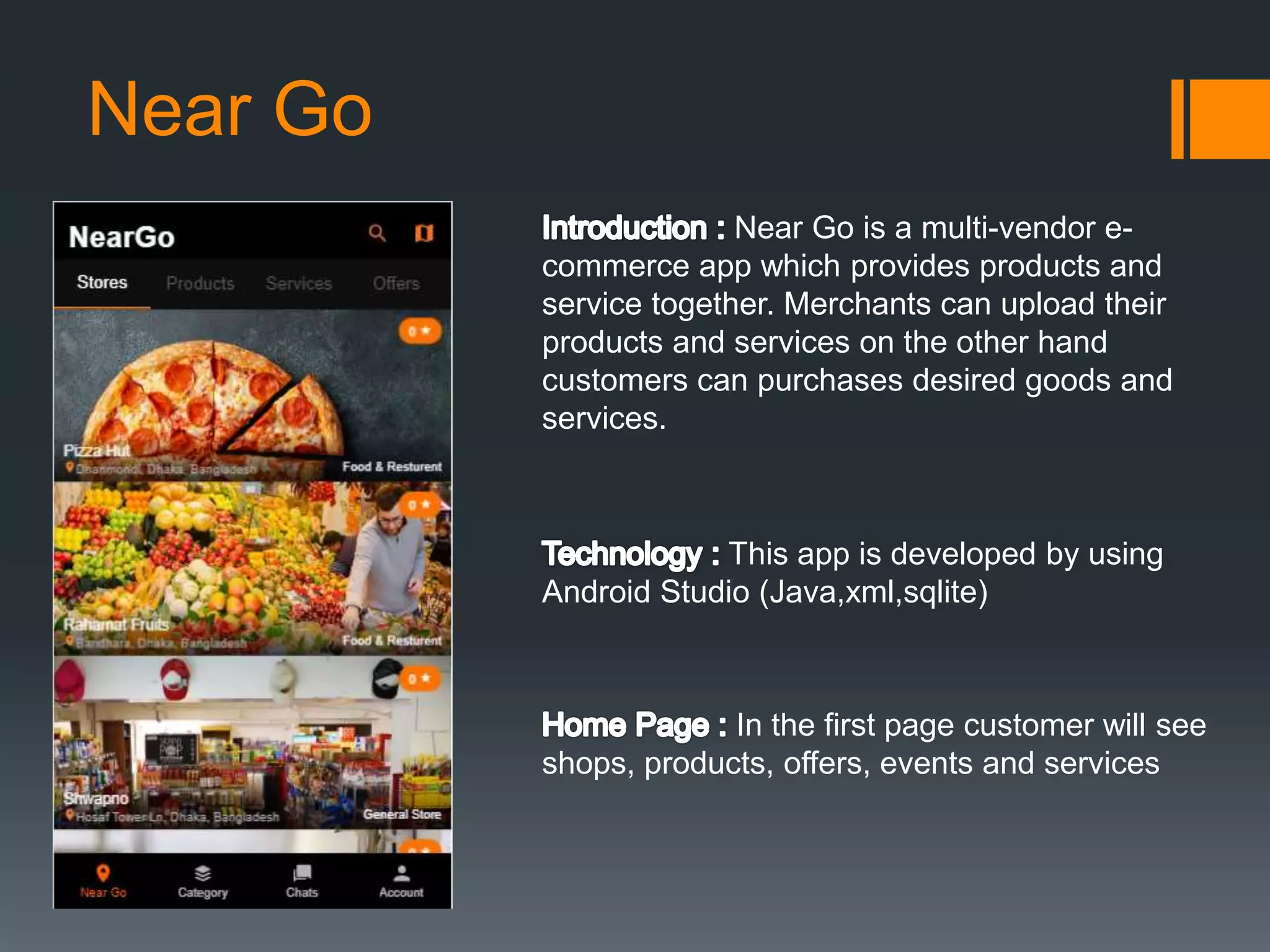
Near Go is a multi-vendor e-
commerce app which provides products and
service together. Merchants can upload their
products and services on the other hand
customers can purchases desired goods and
services.
This app is developed by using
Android Studio (Java,xml,sqlite)
In the first page customer will see
shops, products, offers, events and services
Near Go
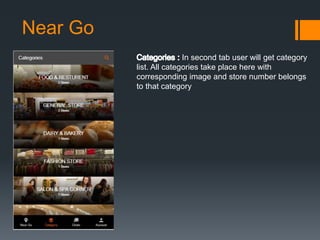
In second tab user will get category
list. All categories take place here with
corresponding image and store number belongs
to that category
Near Go
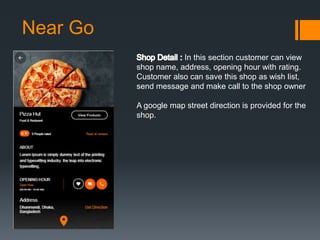
In this section customer can view
shop name, address, opening hour with rating.
Customer also can save this shop as wish list,
send message and make call to the shop owner
A google map street direction is provided for the
shop.
Near Go
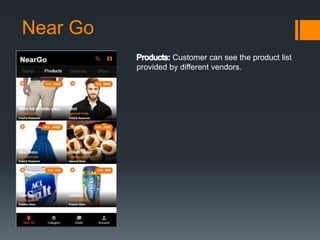
Customer can see the product list
provided by different vendors.
Near Go
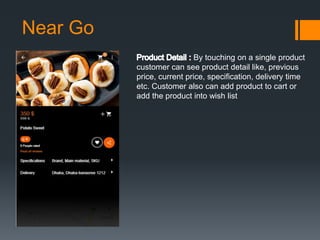
By touching on a single product
customer can see product detail like, previous
price, current price, specification, delivery time
etc. Customer also can add product to cart or
add the product into wish list
Near Go
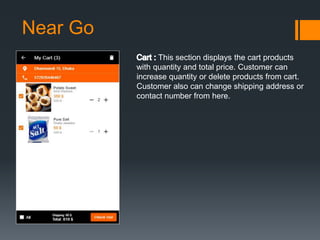
This section displays the cart products
with quantity and total price. Customer can
increase quantity or delete products from cart.
Customer also can change shipping address or
contact number from here.
Near Go
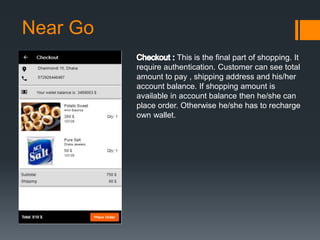
This is the final part of shopping. It
require authentication. Customer can see total
amount to pay , shipping address and his/her
account balance. If shopping amount is
available in account balance then he/she can
place order. Otherwise he/she has to recharge
own wallet.
Near Go
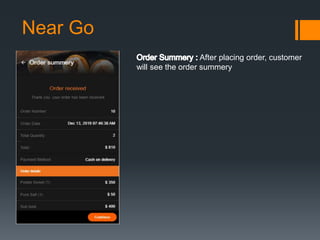
After placing order, customer
will see the order summery
Near Go
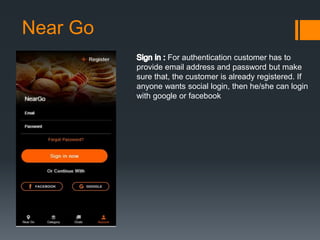
For authentication customer has to
provide email address and password but make
sure that, the customer is already registered. If
anyone wants social login, then he/she can login
with google or facebook
Near Go
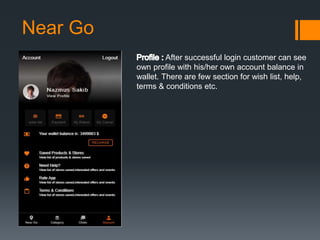
After successful login customer can see
own profile with his/her own account balance in
wallet. There are few section for wish list, help,
terms & conditions etc.
Near Go
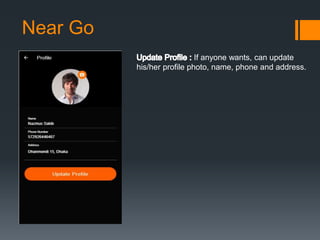
If anyone wants, can update
his/her profile photo, name, phone and address.
Near Go
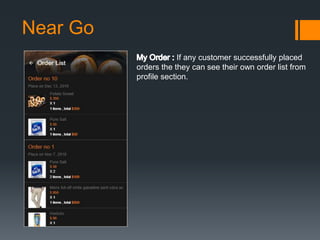
If any customer successfully placed
orders the they can see their own order list from
profile section.
Near Go
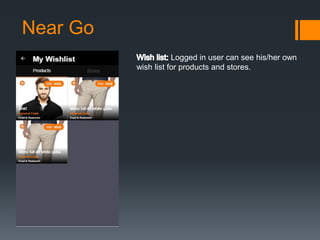
Logged in user can see his/her own
wish list for products and stores.
Near Go
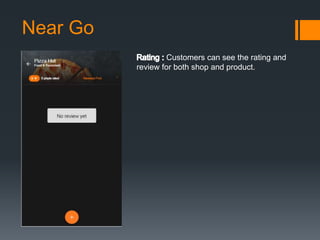
Customers can see the rating and
review for both shop and product.
Near Go
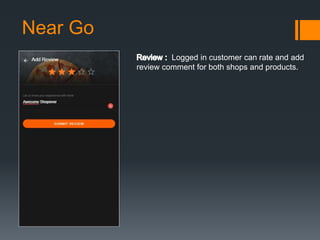
Logged in customer can rate and add
review comment for both shops and products.
Near Go
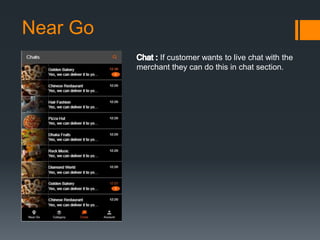
If customer wants to live chat with the
merchant they can do this in chat section.

Neargo

  • 1.
    Near Go Near Gois a multi-vendor e- commerce app which provides products and service together. Merchants can upload their products and services on the other hand customers can purchases desired goods and services. This app is developed by using Android Studio (Java,xml,sqlite) In the first page customer will see shops, products, offers, events and services
  • 2.
    Near Go In secondtab user will get category list. All categories take place here with corresponding image and store number belongs to that category
  • 3.
    Near Go In thissection customer can view shop name, address, opening hour with rating. Customer also can save this shop as wish list, send message and make call to the shop owner A google map street direction is provided for the shop.
  • 4.
    Near Go Customer cansee the product list provided by different vendors.
  • 5.
    Near Go By touchingon a single product customer can see product detail like, previous price, current price, specification, delivery time etc. Customer also can add product to cart or add the product into wish list
  • 6.
    Near Go This sectiondisplays the cart products with quantity and total price. Customer can increase quantity or delete products from cart. Customer also can change shipping address or contact number from here.
  • 7.
    Near Go This isthe final part of shopping. It require authentication. Customer can see total amount to pay , shipping address and his/her account balance. If shopping amount is available in account balance then he/she can place order. Otherwise he/she has to recharge own wallet.
  • 8.
    Near Go After placingorder, customer will see the order summery
  • 9.
    Near Go For authenticationcustomer has to provide email address and password but make sure that, the customer is already registered. If anyone wants social login, then he/she can login with google or facebook
  • 10.
    Near Go After successfullogin customer can see own profile with his/her own account balance in wallet. There are few section for wish list, help, terms & conditions etc.
  • 11.
    Near Go If anyonewants, can update his/her profile photo, name, phone and address.
  • 12.
    Near Go If anycustomer successfully placed orders the they can see their own order list from profile section.
  • 13.
    Near Go Logged inuser can see his/her own wish list for products and stores.
  • 14.
    Near Go Customers cansee the rating and review for both shop and product.
  • 15.
    Near Go Logged incustomer can rate and add review comment for both shops and products.
  • 16.
    Near Go If customerwants to live chat with the merchant they can do this in chat section.