Alkebulan
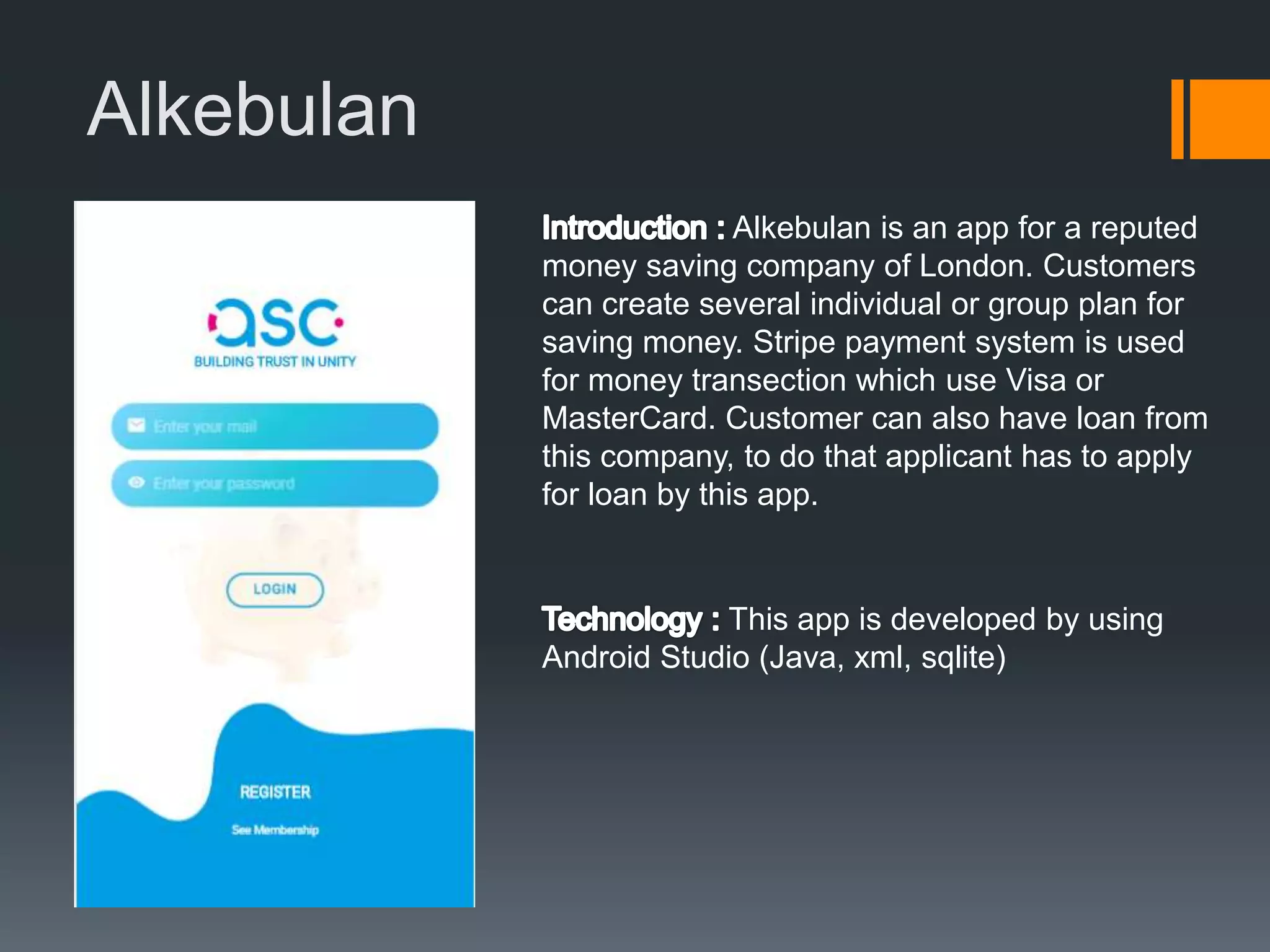
Alkebulan is an app for a reputed
money saving company of London. Customers
can create several individual or group plan for
saving money. Stripe payment system is used
for money transection which use Visa or
MasterCard. Customer can also have loan from
this company, to do that applicant has to apply
for loan by this app.
This app is developed by using
Android Studio (Java, xml, sqlite)
Alkebulan
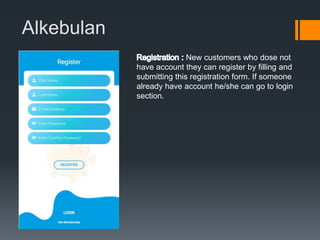
New customers who dose not
have account they can register by filling and
submitting this registration form. If someone
already have account he/she can go to login
section.
Alkebulan
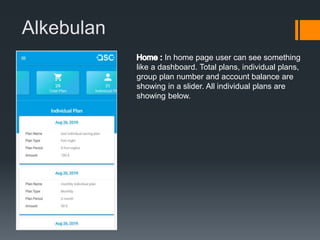
In home page user can see something
like a dashboard. Total plans, individual plans,
group plan number and account balance are
showing in a slider. All individual plans are
showing below.
Alkebulan
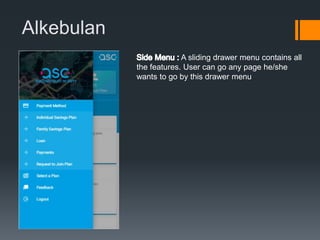
A sliding drawer menu contains all
the features. User can go any page he/she
wants to go by this drawer menu
Alkebulan
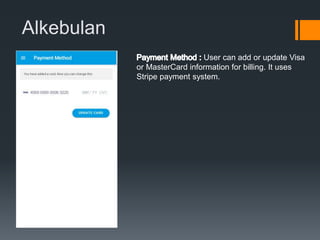
User can add or update Visa
or MasterCard information for billing. It uses
Stripe payment system.
Alkebulan
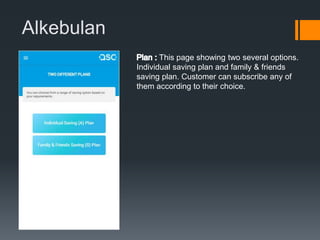
This page showing two several options.
Individual saving plan and family & friends
saving plan. Customer can subscribe any of
them according to their choice.
Alkebulan
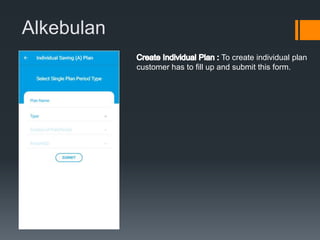
To create individual plan
customer has to fill up and submit this form.
Alkebulan
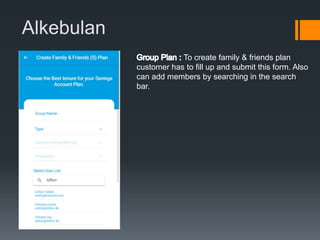
To create family & friends plan
customer has to fill up and submit this form. Also
can add members by searching in the search
bar.
Alkebulan
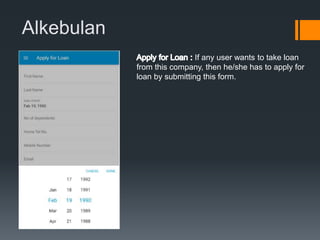
If any user wants to take loan
from this company, then he/she has to apply for
loan by submitting this form.
Near Go
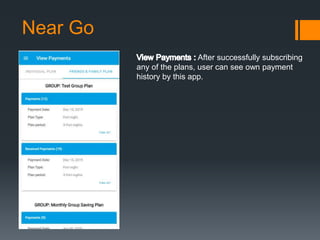
After successfully subscribing
any of the plans, user can see own payment
history by this app.

Alkebulan

  • 1.
    Alkebulan Alkebulan is anapp for a reputed money saving company of London. Customers can create several individual or group plan for saving money. Stripe payment system is used for money transection which use Visa or MasterCard. Customer can also have loan from this company, to do that applicant has to apply for loan by this app. This app is developed by using Android Studio (Java, xml, sqlite)
  • 2.
    Alkebulan New customers whodose not have account they can register by filling and submitting this registration form. If someone already have account he/she can go to login section.
  • 3.
    Alkebulan In home pageuser can see something like a dashboard. Total plans, individual plans, group plan number and account balance are showing in a slider. All individual plans are showing below.
  • 4.
    Alkebulan A sliding drawermenu contains all the features. User can go any page he/she wants to go by this drawer menu
  • 5.
    Alkebulan User can addor update Visa or MasterCard information for billing. It uses Stripe payment system.
  • 6.
    Alkebulan This page showingtwo several options. Individual saving plan and family & friends saving plan. Customer can subscribe any of them according to their choice.
  • 7.
    Alkebulan To create individualplan customer has to fill up and submit this form.
  • 8.
    Alkebulan To create family& friends plan customer has to fill up and submit this form. Also can add members by searching in the search bar.
  • 9.
    Alkebulan If any userwants to take loan from this company, then he/she has to apply for loan by submitting this form.
  • 10.
    Near Go After successfullysubscribing any of the plans, user can see own payment history by this app.