Printing, Scanning,
and Faxing at the
Library
Printing is the “Hot App”!
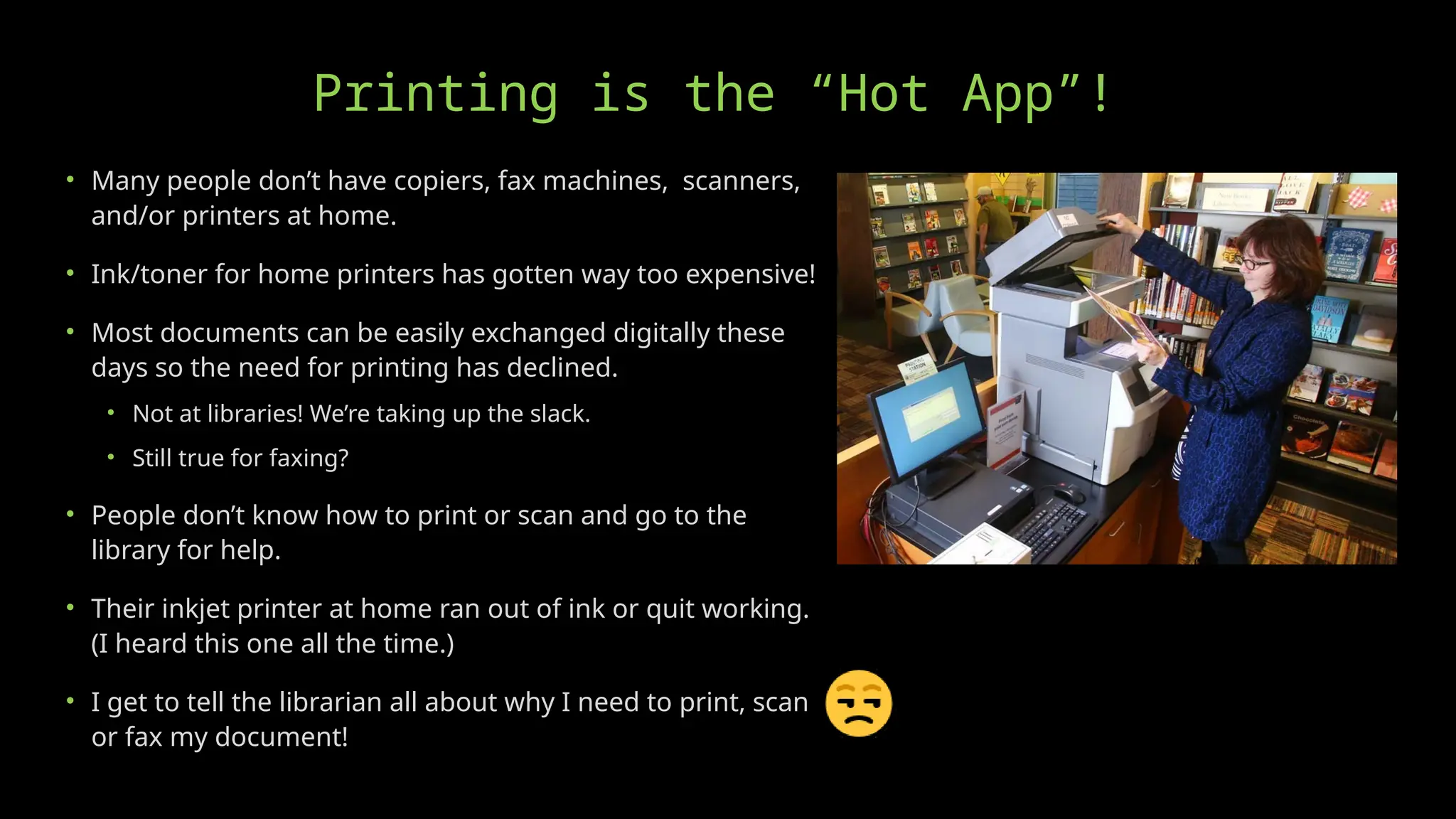
• Many people don’t have copiers, fax machines, scanners,
and/or printers at home.
• Ink/toner for home printers has gotten way too expensive!
• Most documents can be easily exchanged digitally these
days so the need for printing has declined.
• Not at libraries! We’re taking up the slack.
• Still true for faxing?
• People don’t know how to print or scan and go to the
library for help.
• Their inkjet printer at home ran out of ink or quit working.
(I heard this one all the time.)
• I get to tell the librarian all about why I need to print, scan,
or fax my document!
Printers (Copiers)
• The old HP laser printers are awesome!
• “If it ain’t broke…”
• Built like a tank.
• Easy to maintain. Thanks YouTube!
• Maintenance kits. (New rollers.)
• New fusers.
• Can use remanufactured toner cartridges.
• Keep it as long as you can!
• Default printer for B&W prints?
• Backup?
Buying A New Printer/Copier?
• Look for an “all-in-one” that can print, copy, scan, and maybe fax?
• Avoid inkjet printers!
• The low purchase price is a trap!
• “Starter” cartridges with barely any ink in them.
• The ink cartridges are way too expensive!
• The ink cartridges can dry out from disuse.
• The ink nozzles can clog from disuse.
• The ink cartridges can’t be refilled. Thanks HP.
• Cheaply made and don’t last long with heavy use.
Buying A New Printer/Copier?
• Lasers have the best price/page, much faster
printing, and better print quality.
• I currently like the Brother MFC printers best. HP’s
user requirements and toner prices are awful.
• Make sure the scanner has a multi-page document
feeder! No one wants to scan one page at a time.
• Many libraries having gotten good deals leasing from
business equipment companies.
• Does it have WiFi or Bluetooth for direct-from-phone
printing? Does it require an app?
Printing Best Practices
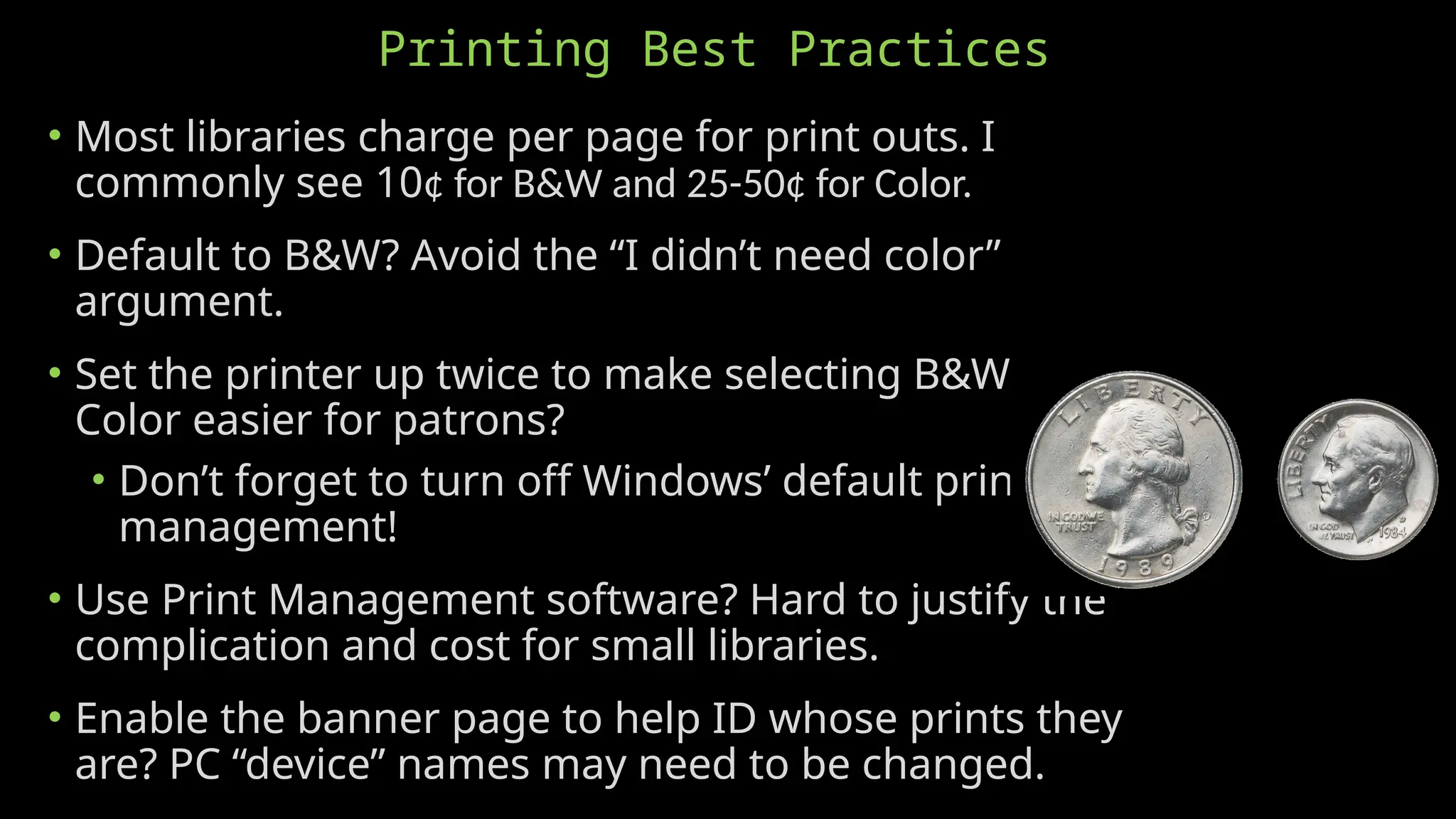
• Most libraries charge per page for print outs. I
commonly see 10¢ for B&W and 25-50¢ for Color.
• Default to B&W? Avoid the “I didn’t need color”
argument.
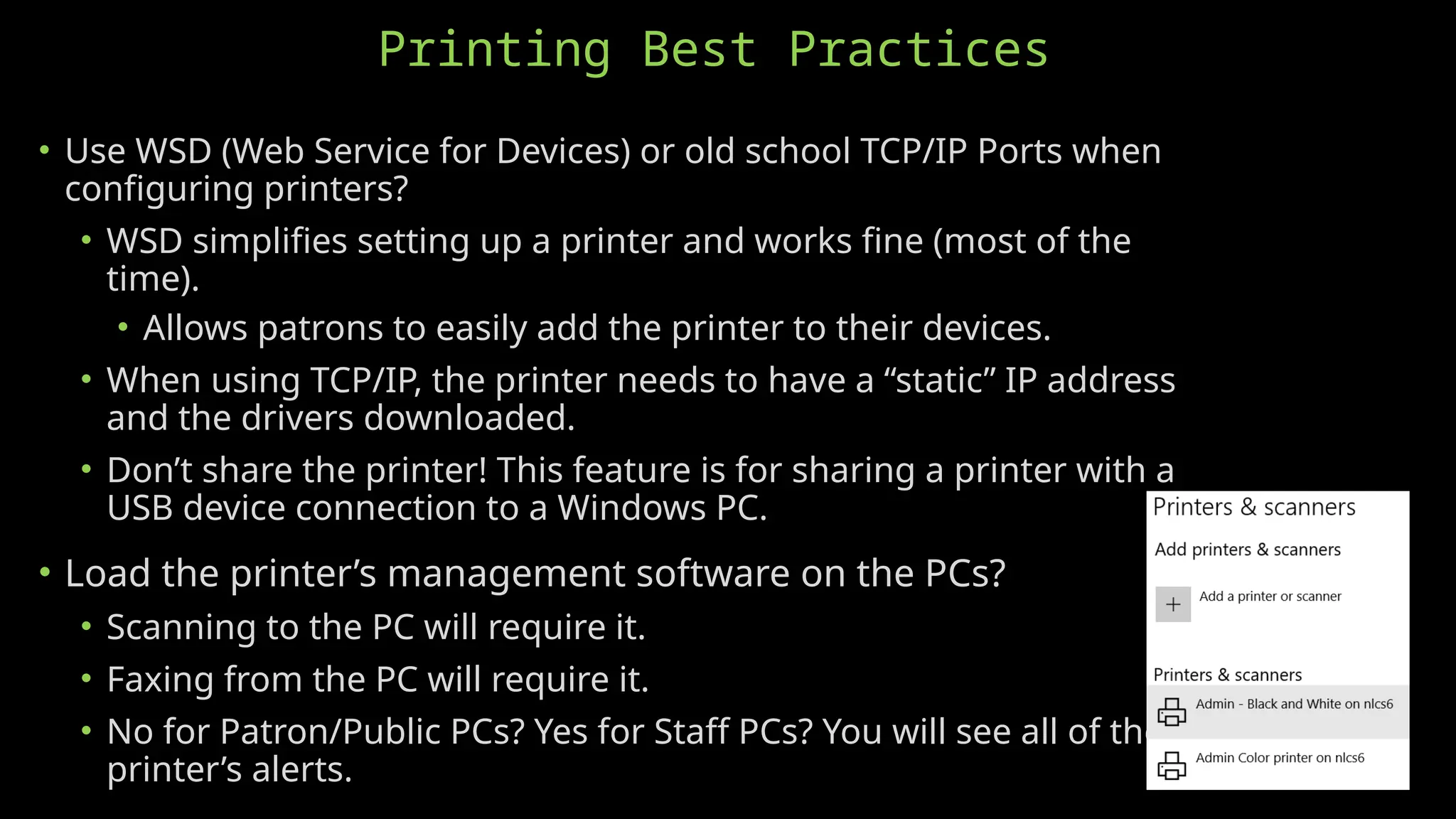
• Set the printer up twice to make selecting B&W or
Color easier for patrons?
• Don’t forget to turn off Windows’ default printer
management!
• Use Print Management software? Hard to justify the
complication and cost for small libraries.
• Enable the banner page to help ID whose prints they
are? PC “device” names may need to be changed.
Printing Best Practices
• Use WSD (Web Service for Devices) or old school TCP/IP Ports when
configuring printers?
• WSD simplifies setting up a printer and works fine (most of the
time).
• Allows patrons to easily add the printer to their devices.
• When using TCP/IP, the printer needs to have a “static” IP address
and the drivers downloaded.
• Don’t share the printer! This feature is for sharing a printer with a
USB device connection to a Windows PC.
• Load the printer’s management software on the PCs?
• Scanning to the PC will require it.
• Faxing from the PC will require it.
• No for Patron/Public PCs? Yes for Staff PCs? You will see all of the
printer’s alerts.
Scanning Best Practices
• Make sure the scanner has a multi-page document feeder! No one wants to
scan one page at a time.
• Scan to a USB drive.
• Scan to email. Beats faxing!
• Load the printer’s scanning software on the PCs?
• Scanning to the PC will require it.
• No for Patron/Public PCs? Yes for Staff PCs?
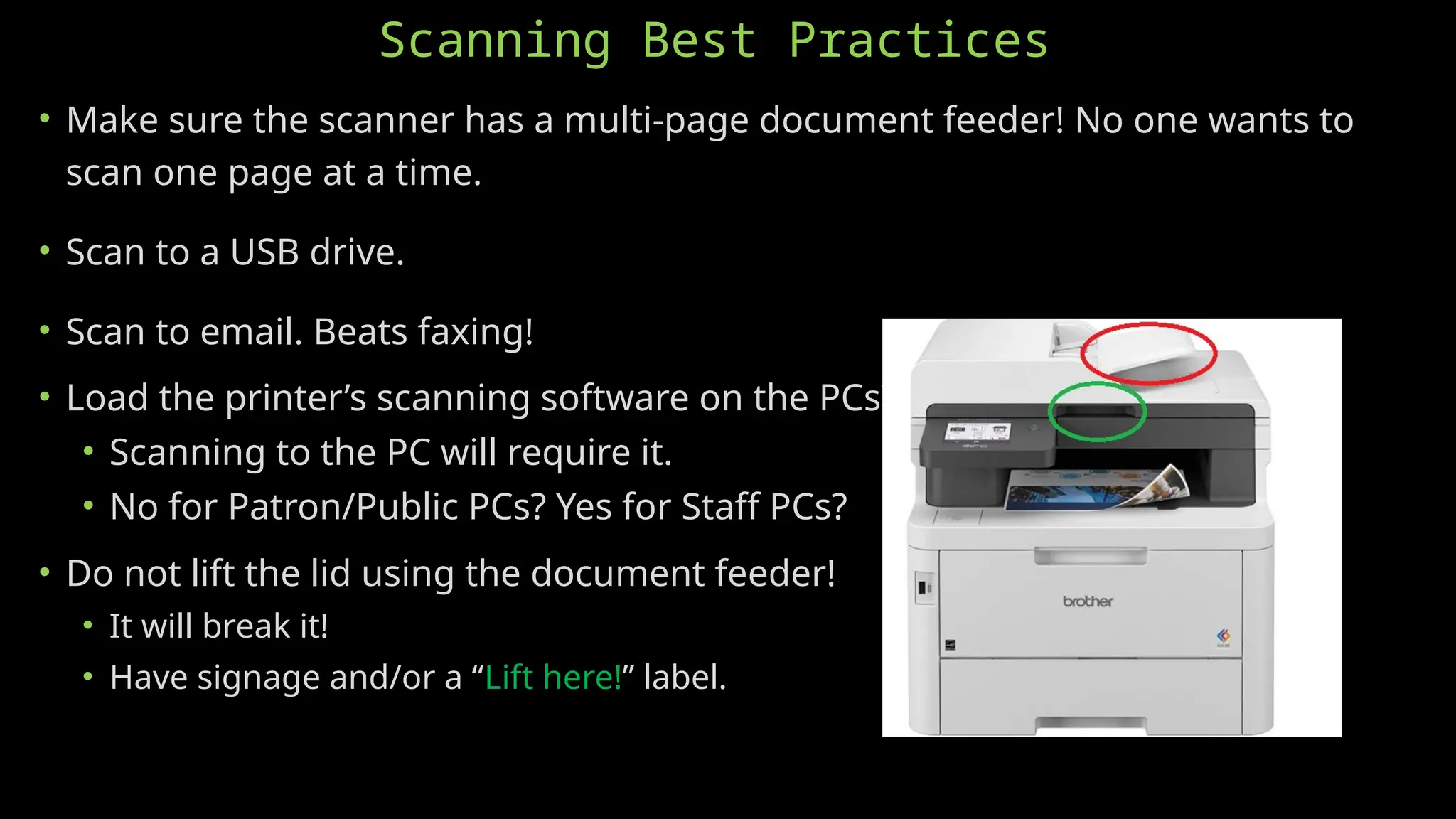
• Do not lift the lid using the document feeder!
• It will break it!
• Have signage and/or a “Lift here!” label.
Faxing Best Practices
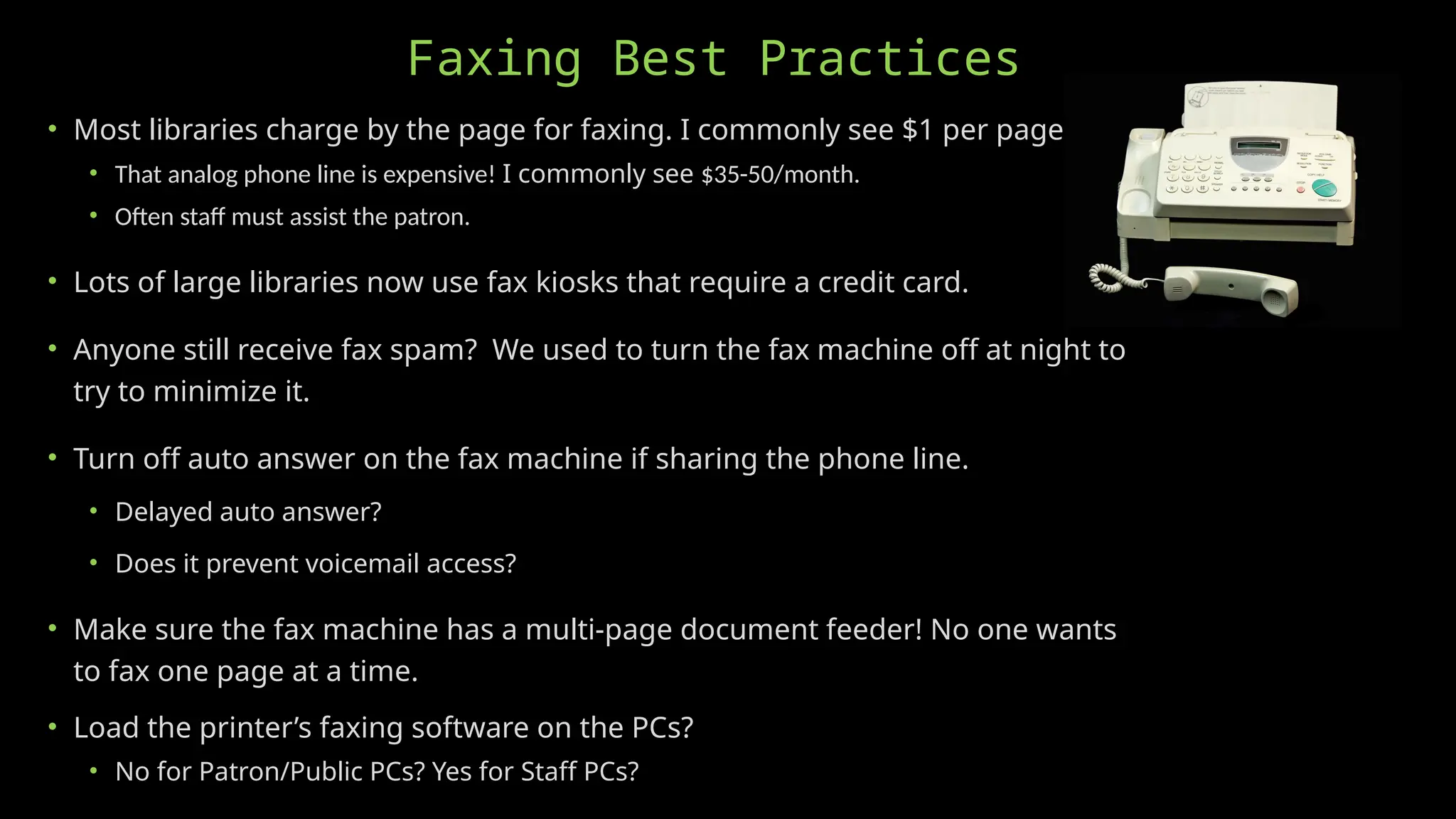
• Most libraries charge by the page for faxing. I commonly see $1 per page.
• That analog phone line is expensive! I commonly see $35-50/month.
• Often staff must assist the patron.
• Lots of large libraries now use fax kiosks that require a credit card.
• Anyone still receive fax spam? We used to turn the fax machine off at night to
try to minimize it.
• Turn off auto answer on the fax machine if sharing the phone line.
• Delayed auto answer?
• Does it prevent voicemail access?
• Make sure the fax machine has a multi-page document feeder! No one wants
to fax one page at a time.
• Load the printer’s faxing software on the PCs?
• No for Patron/Public PCs? Yes for Staff PCs?
Andrew “Sherm” Sherman
Library Technology Support
Specialist
Nebraska Library Commission
402-471-4559
andrew.sherman@nebraska.gov
• I’m here to help! Contact me for assistance with your library’s
technology.
• Check out these NCompass Live technology presentations and get CE
credit!
• Secure Computers For Public Use
• Windows 11, separate Admin/Patron logins, Reboot/Restore software (
Faronic’s DeepFreeze), and the BIOS secured with an Admin password.
• Internet Filtering For E-Rate CIPA Compliance And Cybersecurity
• DNS Filtering is required for federal funding and provides excellent
cybersecurity!
• WiFi In the Library
• Upgrade to WiFi 7! Ditch the cables.
• Purchasing Computers for the Library
• Ensure the library’s computers are using the latest technology at the best price.
• Do You Know Your Logins? Password Best Practices for Libraries
• How to document and keep track of the library’s logins and passwords.
Questions?

NCompass Live: Printing, Scanning, and Faxing at the Library

  • 1.
  • 2.
    Printing is the“Hot App”! • Many people don’t have copiers, fax machines, scanners, and/or printers at home. • Ink/toner for home printers has gotten way too expensive! • Most documents can be easily exchanged digitally these days so the need for printing has declined. • Not at libraries! We’re taking up the slack. • Still true for faxing? • People don’t know how to print or scan and go to the library for help. • Their inkjet printer at home ran out of ink or quit working. (I heard this one all the time.) • I get to tell the librarian all about why I need to print, scan, or fax my document!
  • 3.
    Printers (Copiers) • Theold HP laser printers are awesome! • “If it ain’t broke…” • Built like a tank. • Easy to maintain. Thanks YouTube! • Maintenance kits. (New rollers.) • New fusers. • Can use remanufactured toner cartridges. • Keep it as long as you can! • Default printer for B&W prints? • Backup?
  • 4.
    Buying A NewPrinter/Copier? • Look for an “all-in-one” that can print, copy, scan, and maybe fax? • Avoid inkjet printers! • The low purchase price is a trap! • “Starter” cartridges with barely any ink in them. • The ink cartridges are way too expensive! • The ink cartridges can dry out from disuse. • The ink nozzles can clog from disuse. • The ink cartridges can’t be refilled. Thanks HP. • Cheaply made and don’t last long with heavy use.
  • 5.
    Buying A NewPrinter/Copier? • Lasers have the best price/page, much faster printing, and better print quality. • I currently like the Brother MFC printers best. HP’s user requirements and toner prices are awful. • Make sure the scanner has a multi-page document feeder! No one wants to scan one page at a time. • Many libraries having gotten good deals leasing from business equipment companies. • Does it have WiFi or Bluetooth for direct-from-phone printing? Does it require an app?
  • 6.
    Printing Best Practices •Most libraries charge per page for print outs. I commonly see 10¢ for B&W and 25-50¢ for Color. • Default to B&W? Avoid the “I didn’t need color” argument. • Set the printer up twice to make selecting B&W or Color easier for patrons? • Don’t forget to turn off Windows’ default printer management! • Use Print Management software? Hard to justify the complication and cost for small libraries. • Enable the banner page to help ID whose prints they are? PC “device” names may need to be changed.
  • 7.
    Printing Best Practices •Use WSD (Web Service for Devices) or old school TCP/IP Ports when configuring printers? • WSD simplifies setting up a printer and works fine (most of the time). • Allows patrons to easily add the printer to their devices. • When using TCP/IP, the printer needs to have a “static” IP address and the drivers downloaded. • Don’t share the printer! This feature is for sharing a printer with a USB device connection to a Windows PC. • Load the printer’s management software on the PCs? • Scanning to the PC will require it. • Faxing from the PC will require it. • No for Patron/Public PCs? Yes for Staff PCs? You will see all of the printer’s alerts.
  • 8.
    Scanning Best Practices •Make sure the scanner has a multi-page document feeder! No one wants to scan one page at a time. • Scan to a USB drive. • Scan to email. Beats faxing! • Load the printer’s scanning software on the PCs? • Scanning to the PC will require it. • No for Patron/Public PCs? Yes for Staff PCs? • Do not lift the lid using the document feeder! • It will break it! • Have signage and/or a “Lift here!” label.
  • 9.
    Faxing Best Practices •Most libraries charge by the page for faxing. I commonly see $1 per page. • That analog phone line is expensive! I commonly see $35-50/month. • Often staff must assist the patron. • Lots of large libraries now use fax kiosks that require a credit card. • Anyone still receive fax spam? We used to turn the fax machine off at night to try to minimize it. • Turn off auto answer on the fax machine if sharing the phone line. • Delayed auto answer? • Does it prevent voicemail access? • Make sure the fax machine has a multi-page document feeder! No one wants to fax one page at a time. • Load the printer’s faxing software on the PCs? • No for Patron/Public PCs? Yes for Staff PCs?
  • 10.
    Andrew “Sherm” Sherman LibraryTechnology Support Specialist Nebraska Library Commission 402-471-4559 andrew.sherman@nebraska.gov • I’m here to help! Contact me for assistance with your library’s technology. • Check out these NCompass Live technology presentations and get CE credit! • Secure Computers For Public Use • Windows 11, separate Admin/Patron logins, Reboot/Restore software ( Faronic’s DeepFreeze), and the BIOS secured with an Admin password. • Internet Filtering For E-Rate CIPA Compliance And Cybersecurity • DNS Filtering is required for federal funding and provides excellent cybersecurity! • WiFi In the Library • Upgrade to WiFi 7! Ditch the cables. • Purchasing Computers for the Library • Ensure the library’s computers are using the latest technology at the best price. • Do You Know Your Logins? Password Best Practices for Libraries • How to document and keep track of the library’s logins and passwords. Questions?