Microsoft Exchange Workshop
Deploy a Multivendor
Strategy to Better
Leverage Your Exchange
Migration and Upgrade

November 2013
Agenda

Microsoft Session
What is new in Exchange 2013?

GSX Solutions Session
Exchange Server Performance & Report
GWAVA Session
Archiving & Compliance for Exchange

Veeam Session
Data Protection for Exchange
Cyril Leroy – Microsoft Specialist - GSX Solutions

EXCHANGE SERVER
PERFORMANCE & REPORTS

3
Agenda

GSX Solutions at a glance
Why migration is never an Easy Story?
Monitoring Main Challenges during challenges
SLA Management
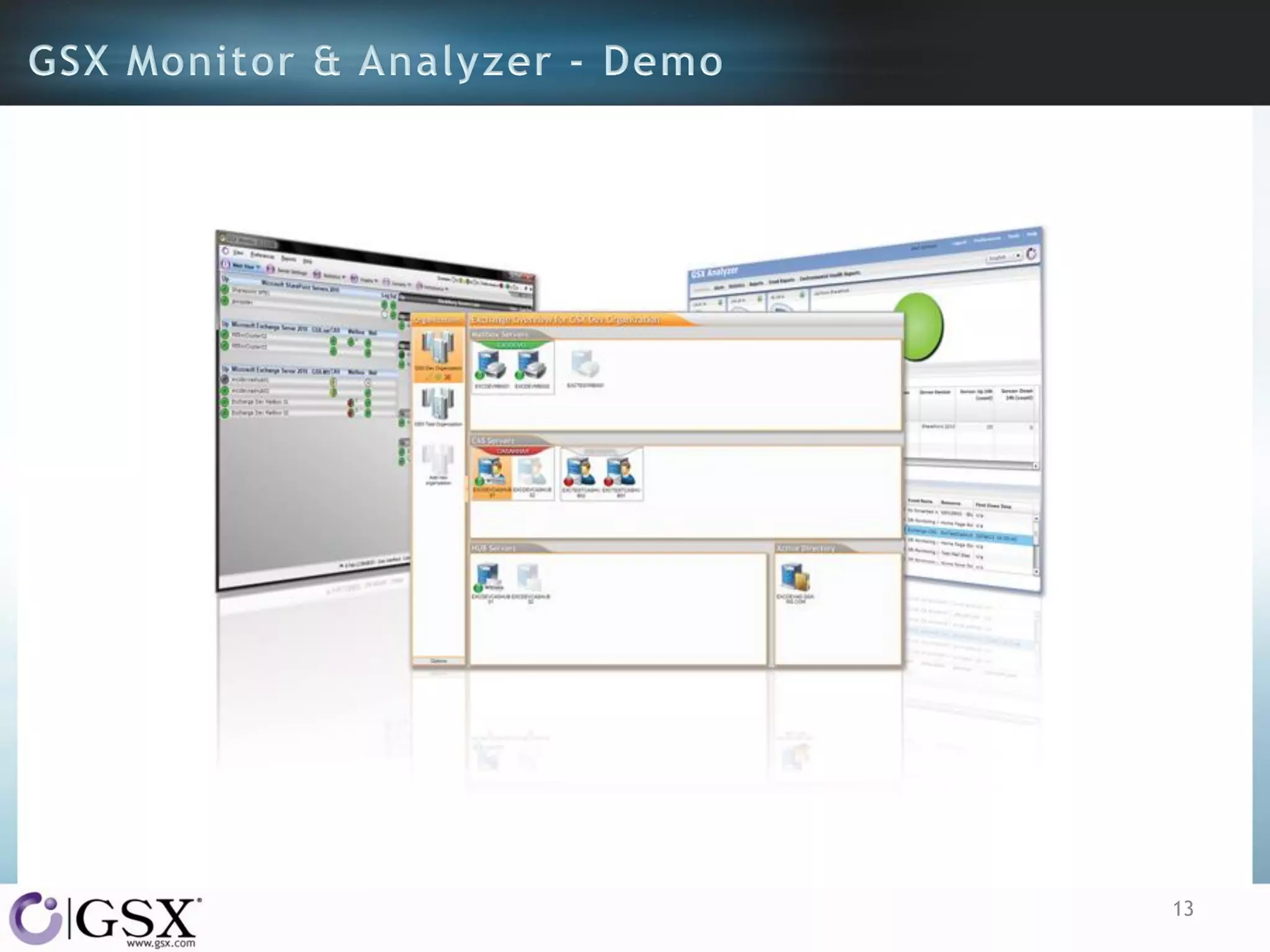
GSX Monitor & Analyzer

Live demonstration
GSX Solutions
• Founded in 1996

• Microsoft Business Partner
• Headquartered in Switzerland, with Offices in the USA,
China and France
• Specialized in Messaging and Collaboration Environment
supervision

5
6
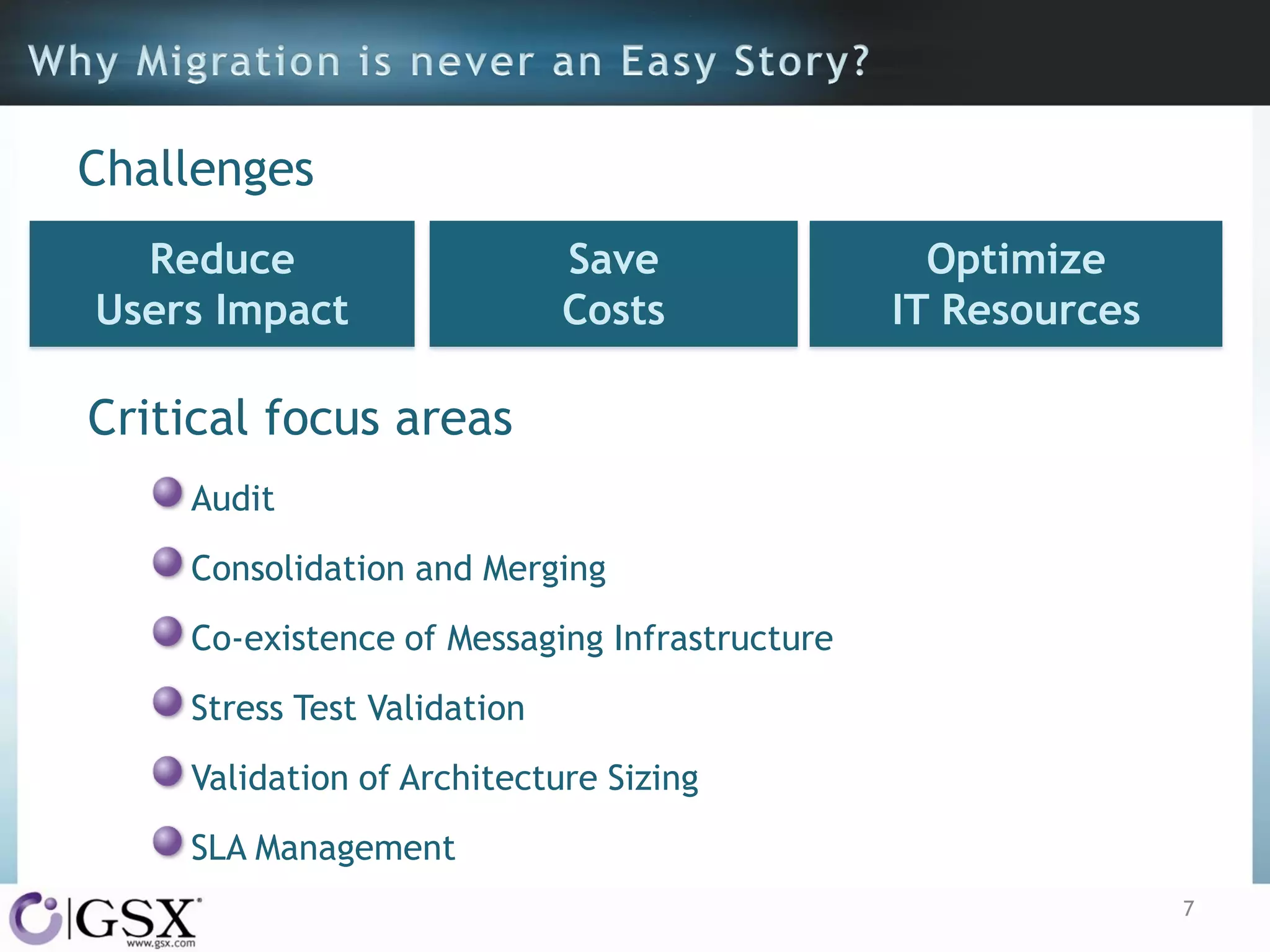
Challenges
Reduce
Users Impact

Save
Costs

Optimize
IT Resources

Critical focus areas
Audit
Consolidation and Merging

Co-existence of Messaging Infrastructure
Stress Test Validation
Validation of Architecture Sizing
SLA Management
7
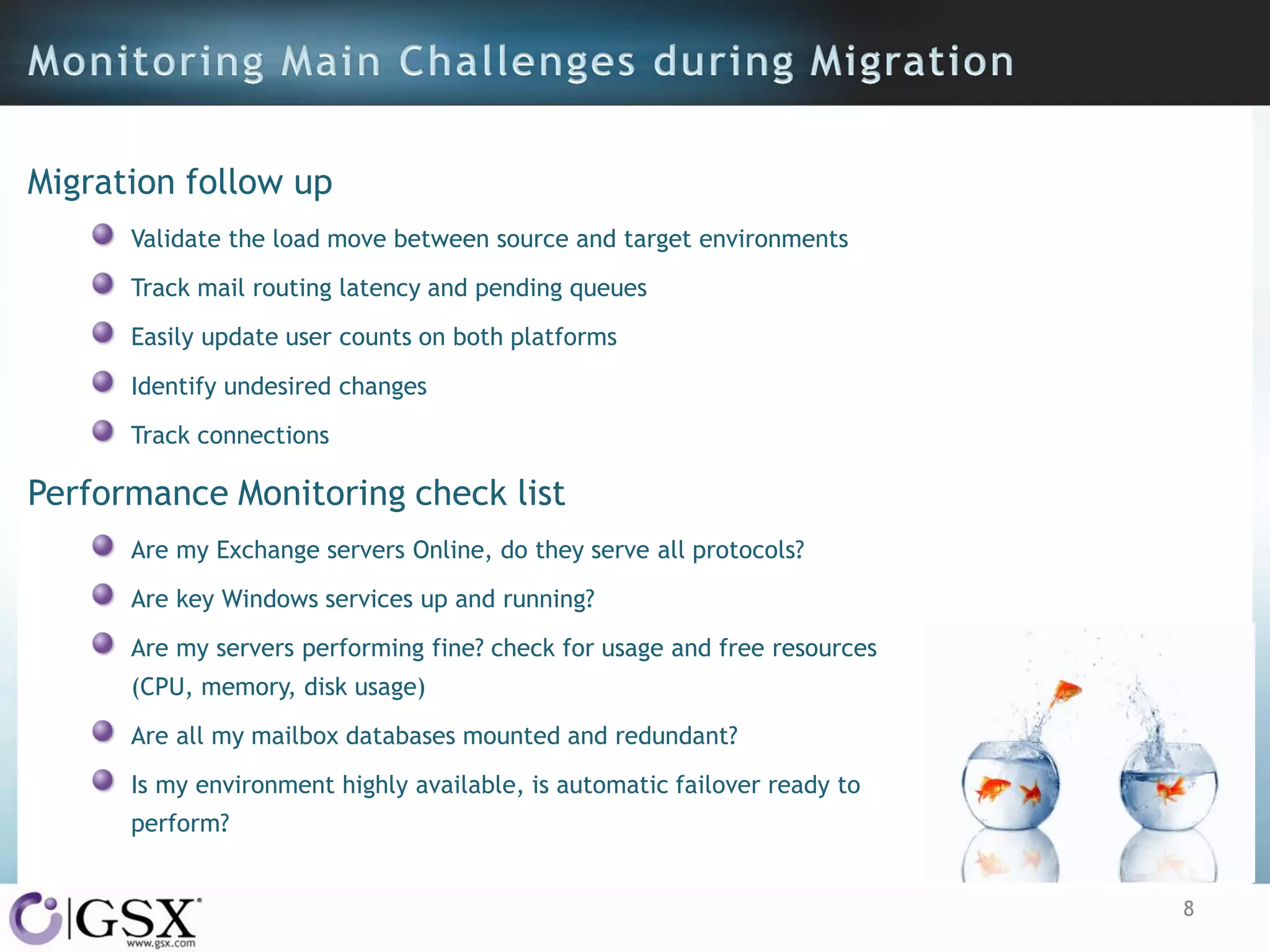
Migration follow up
Validate the load move between source and target environments
Track mail routing latency and pending queues

Easily update user counts on both platforms
Identify undesired changes
Track connections

Performance Monitoring check list
Are my Exchange servers Online, do they serve all protocols?
Are key Windows services up and running?
Are my servers performing fine? check for usage and free resources
(CPU, memory, disk usage)
Are all my mailbox databases mounted and redundant?
Is my environment highly available, is automatic failover ready to
perform?
8
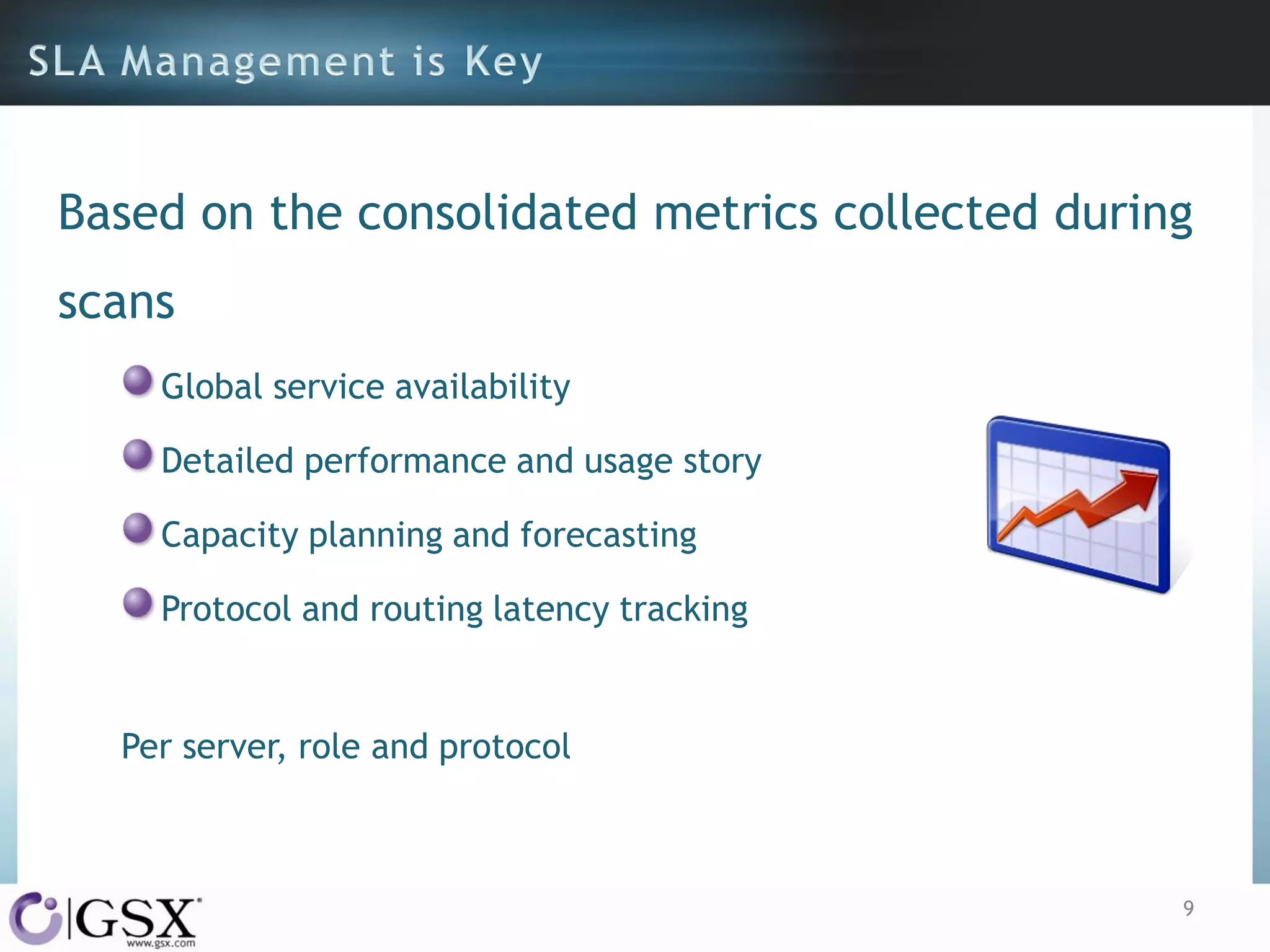
Based on the consolidated metrics collected during
scans
Global service availability
Detailed performance and usage story
Capacity planning and forecasting

Protocol and routing latency tracking

Per server, role and protocol

9
Manage availability and performance
All in on software, no agent, no module nor add-on
PowerShell embedded test sets
Synthetic user transactions (supporting Hybrid configuration)
Based on Windows performances counters
Auto discovery of Exchange and SharePoint

No script to maintain
No more WMI corruption
Multi tenant

10
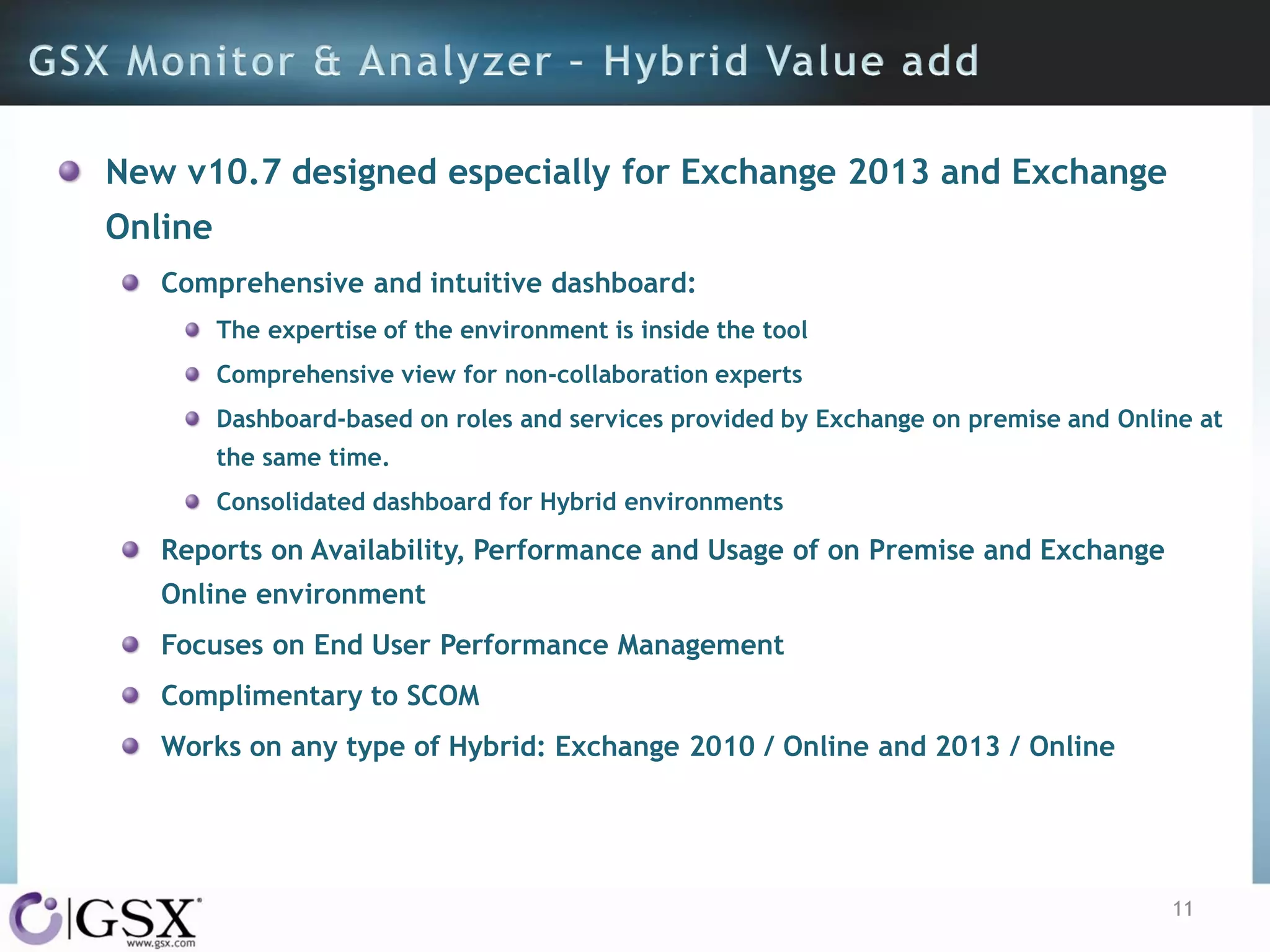
New v10.7 designed especially for Exchange 2013 and Exchange
Online
Comprehensive and intuitive dashboard:
The expertise of the environment is inside the tool
Comprehensive view for non-collaboration experts

Dashboard-based on roles and services provided by Exchange on premise and Online at
the same time.
Consolidated dashboard for Hybrid environments

Reports on Availability, Performance and Usage of on Premise and Exchange
Online environment
Focuses on End User Performance Management
Complimentary to SCOM
Works on any type of Hybrid: Exchange 2010 / Online and 2013 / Online

11
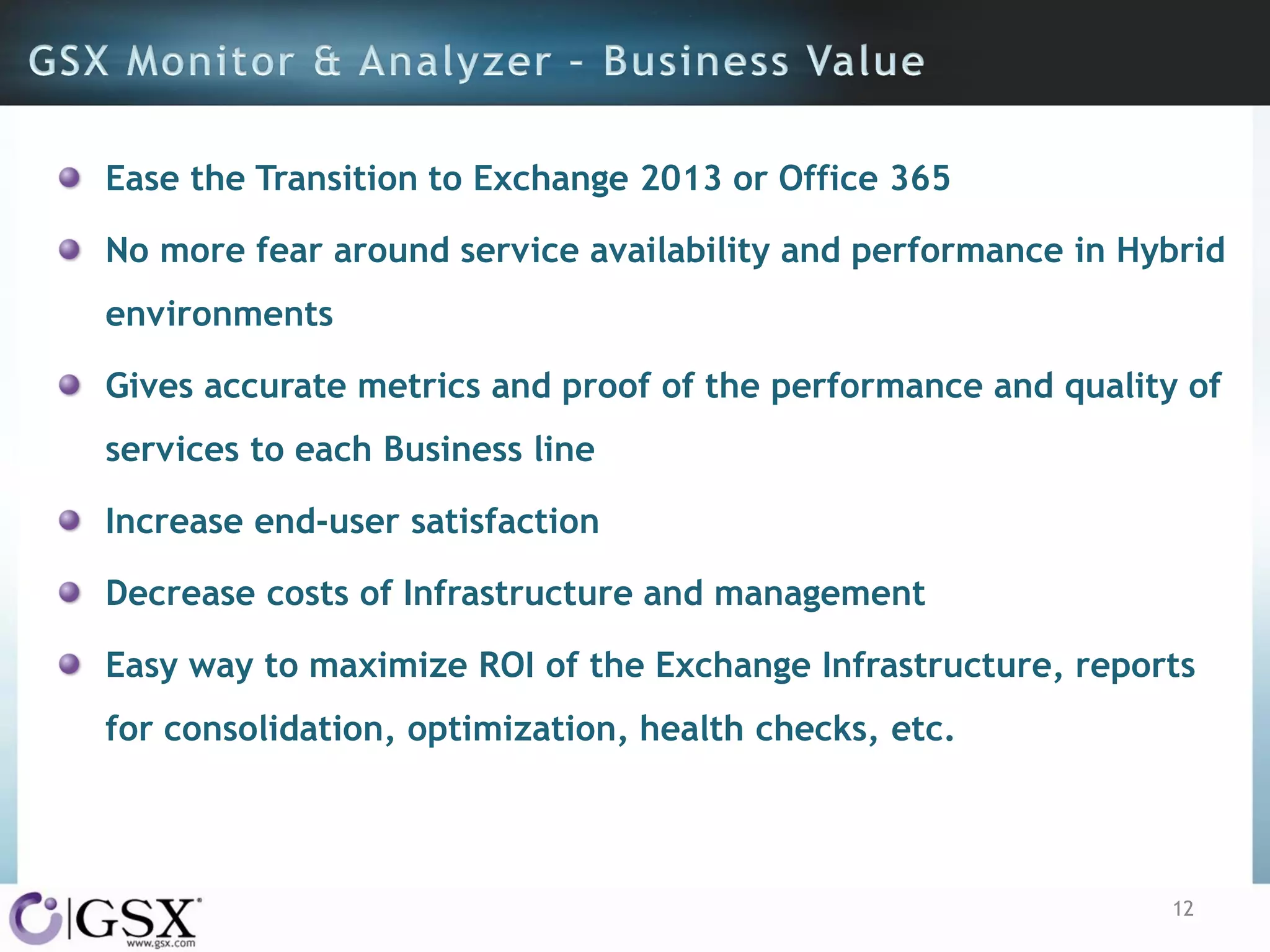
Ease the Transition to Exchange 2013 or Office 365
No more fear around service availability and performance in Hybrid

environments
Gives accurate metrics and proof of the performance and quality of
services to each Business line
Increase end-user satisfaction
Decrease costs of Infrastructure and management

Easy way to maximize ROI of the Exchange Infrastructure, reports
for consolidation, optimization, health checks, etc.

12
13
GSX’s Beta Program
v10.7 Beta available
Support for Exchange 2013 and

Exchange Online and Hybrid deployments

Free Trial Version
30 days

Full features
Up to 10 servers per platform
Unlimited users

14
GSX Solutions© 2013

15
@GSX_Solutions
Friend of GSX

GSX Solutions HQ
EMEA

GSX-Solutions Like page
Blog

www.gsx.com/blog

Geneva, Switzerland

+41 22 735 82 40
sales@gsx.com

16

Ms exchange workshop GSX Exchange server performance & reports

  • 1.
    Microsoft Exchange Workshop Deploya Multivendor Strategy to Better Leverage Your Exchange Migration and Upgrade November 2013
  • 2.
    Agenda Microsoft Session What isnew in Exchange 2013? GSX Solutions Session Exchange Server Performance & Report GWAVA Session Archiving & Compliance for Exchange Veeam Session Data Protection for Exchange
  • 3.
    Cyril Leroy –Microsoft Specialist - GSX Solutions EXCHANGE SERVER PERFORMANCE & REPORTS 3
  • 4.
    Agenda GSX Solutions ata glance Why migration is never an Easy Story? Monitoring Main Challenges during challenges SLA Management GSX Monitor & Analyzer Live demonstration
  • 5.
    GSX Solutions • Foundedin 1996 • Microsoft Business Partner • Headquartered in Switzerland, with Offices in the USA, China and France • Specialized in Messaging and Collaboration Environment supervision 5
  • 6.
  • 7.
    Challenges Reduce Users Impact Save Costs Optimize IT Resources Criticalfocus areas Audit Consolidation and Merging Co-existence of Messaging Infrastructure Stress Test Validation Validation of Architecture Sizing SLA Management 7
  • 8.
    Migration follow up Validatethe load move between source and target environments Track mail routing latency and pending queues Easily update user counts on both platforms Identify undesired changes Track connections Performance Monitoring check list Are my Exchange servers Online, do they serve all protocols? Are key Windows services up and running? Are my servers performing fine? check for usage and free resources (CPU, memory, disk usage) Are all my mailbox databases mounted and redundant? Is my environment highly available, is automatic failover ready to perform? 8
  • 9.
    Based on theconsolidated metrics collected during scans Global service availability Detailed performance and usage story Capacity planning and forecasting Protocol and routing latency tracking Per server, role and protocol 9
  • 10.
    Manage availability andperformance All in on software, no agent, no module nor add-on PowerShell embedded test sets Synthetic user transactions (supporting Hybrid configuration) Based on Windows performances counters Auto discovery of Exchange and SharePoint No script to maintain No more WMI corruption Multi tenant 10
  • 11.
    New v10.7 designedespecially for Exchange 2013 and Exchange Online Comprehensive and intuitive dashboard: The expertise of the environment is inside the tool Comprehensive view for non-collaboration experts Dashboard-based on roles and services provided by Exchange on premise and Online at the same time. Consolidated dashboard for Hybrid environments Reports on Availability, Performance and Usage of on Premise and Exchange Online environment Focuses on End User Performance Management Complimentary to SCOM Works on any type of Hybrid: Exchange 2010 / Online and 2013 / Online 11
  • 12.
    Ease the Transitionto Exchange 2013 or Office 365 No more fear around service availability and performance in Hybrid environments Gives accurate metrics and proof of the performance and quality of services to each Business line Increase end-user satisfaction Decrease costs of Infrastructure and management Easy way to maximize ROI of the Exchange Infrastructure, reports for consolidation, optimization, health checks, etc. 12
  • 13.
  • 14.
    GSX’s Beta Program v10.7Beta available Support for Exchange 2013 and Exchange Online and Hybrid deployments Free Trial Version 30 days Full features Up to 10 servers per platform Unlimited users 14
  • 15.
  • 16.
    @GSX_Solutions Friend of GSX GSXSolutions HQ EMEA GSX-Solutions Like page Blog www.gsx.com/blog Geneva, Switzerland +41 22 735 82 40 sales@gsx.com 16