Modern XAML
Development
Matt Lacey
@MRLacey
Plan Of Action
1. Quick history lesson
2. Look at tools
1. Now
2. Coming soon
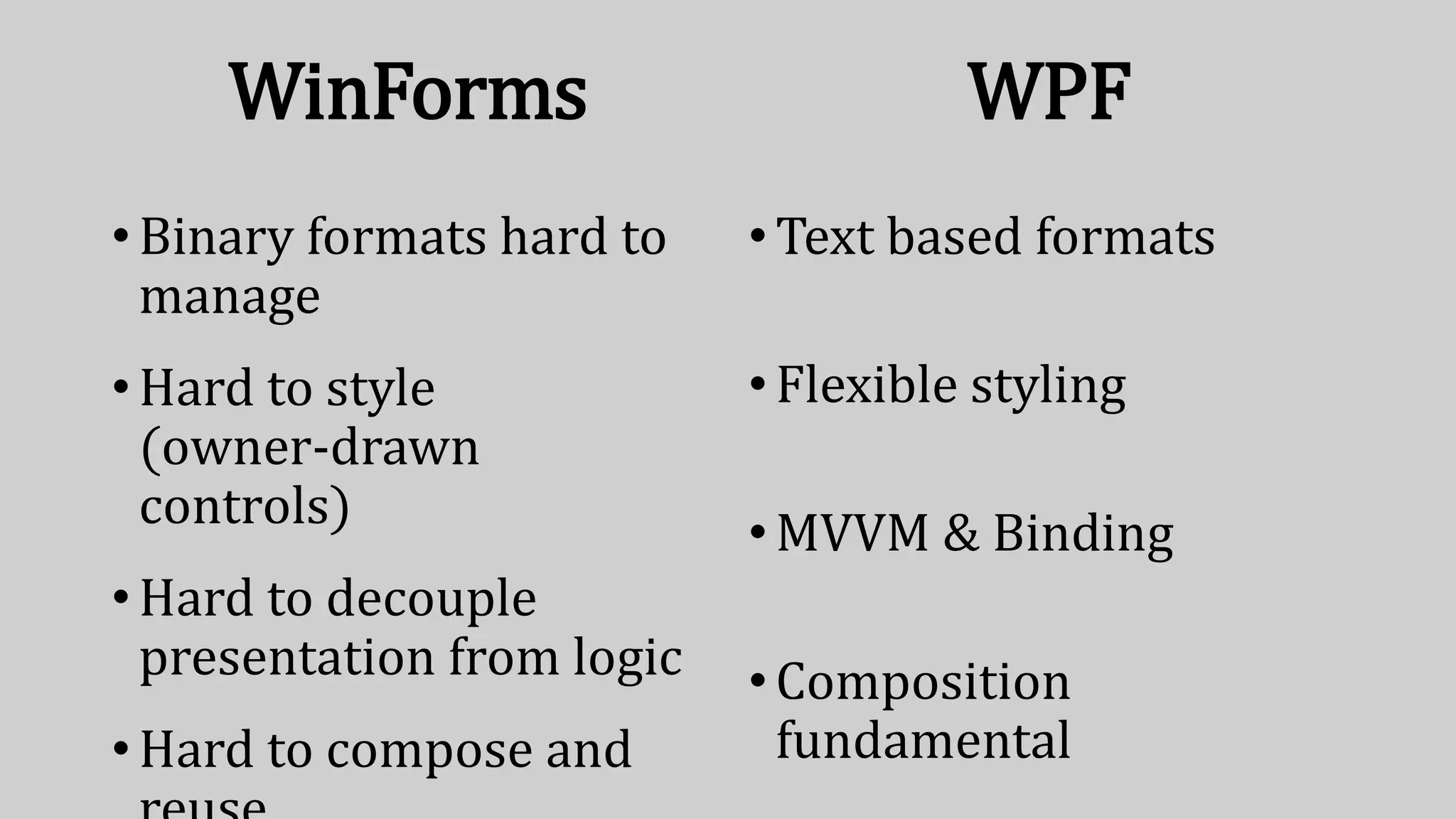
WinForms
•Binary formats hard to
manage
•Hard to style
(owner-drawn
controls)
•Hard to decouple
presentation from logic
•Hard to compose and
WPF
•Text based formats
•Flexible styling
•MVVM & Binding
•Composition
fundamental
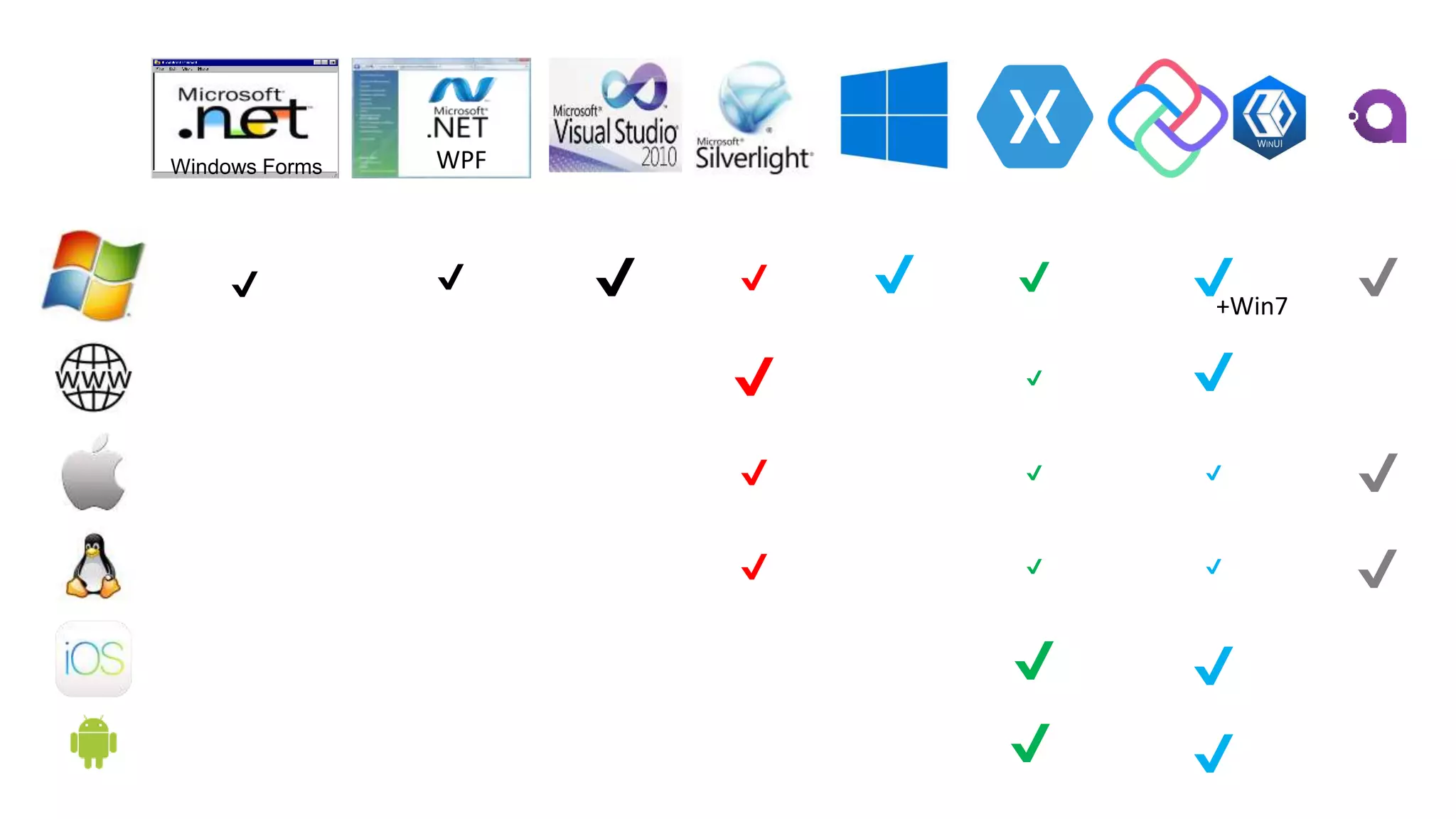
Windows Forms WPF
✔ ✔ ✔ ✔
✔
✔
✔
✔
✔
✔
✔ ✔✔
✔
✔
✔
✔
✔ ✔
✔
✔
✔
✔
+Win7
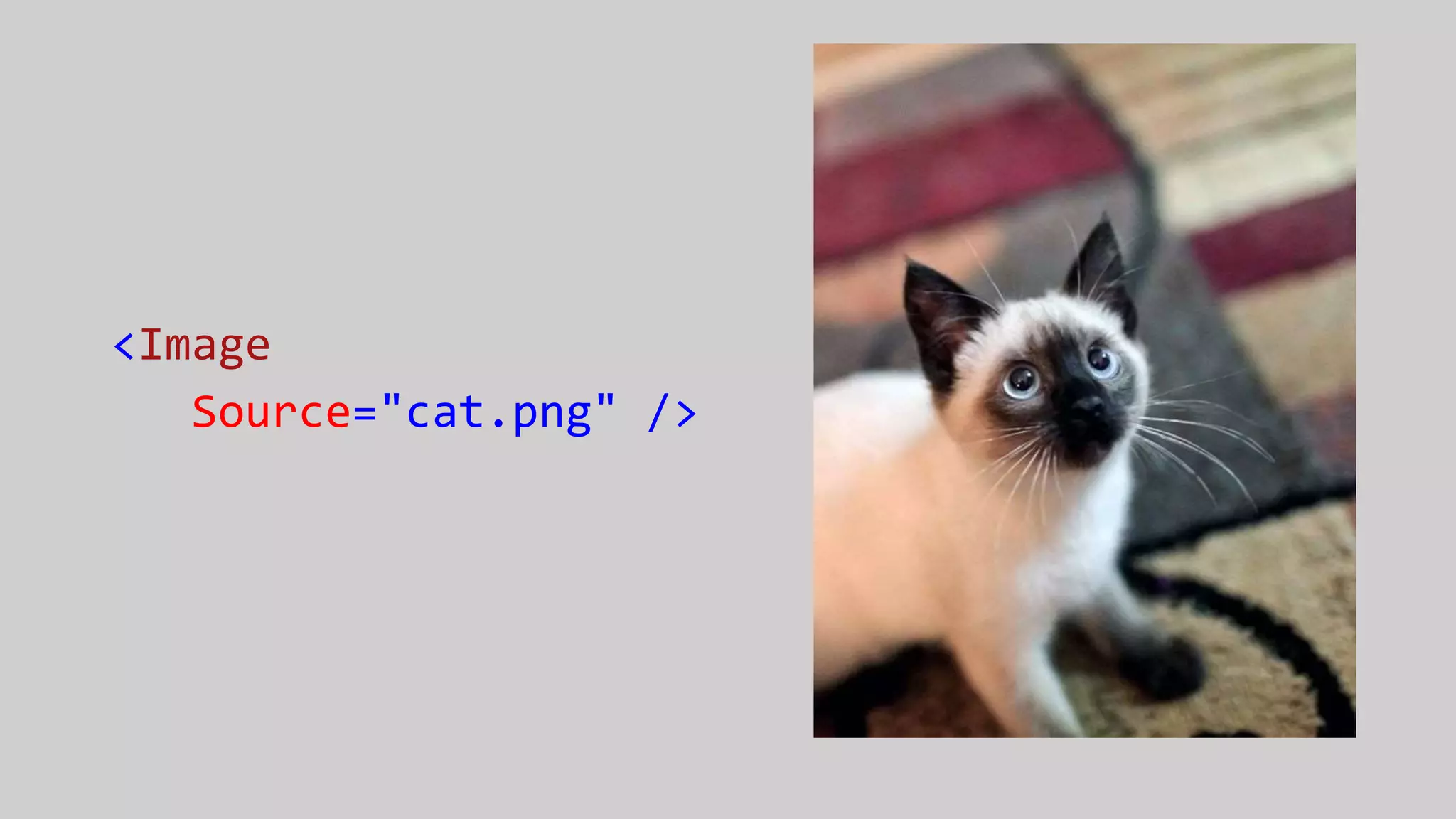
<Image
Source="cat.png" />
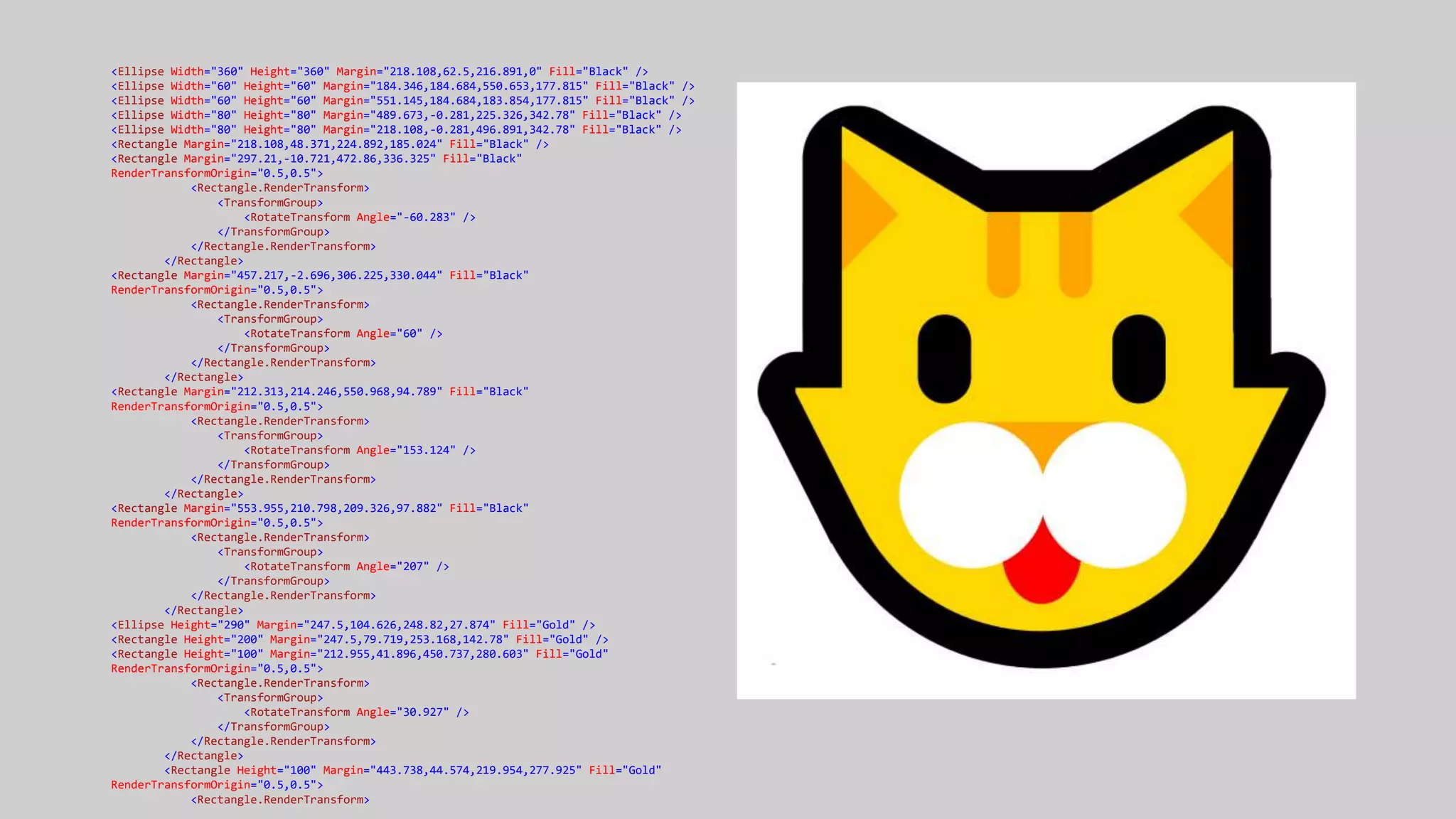
<Ellipse Width="360" Height="360" Margin="218.108,62.5,216.891,0" Fill="Black" />
<Ellipse Width="60" Height="60" Margin="184.346,184.684,550.653,177.815" Fill="Black" />
<Ellipse Width="60" Height="60" Margin="551.145,184.684,183.854,177.815" Fill="Black" />
<Ellipse Width="80" Height="80" Margin="489.673,-0.281,225.326,342.78" Fill="Black" />
<Ellipse Width="80" Height="80" Margin="218.108,-0.281,496.891,342.78" Fill="Black" />
<Rectangle Margin="218.108,48.371,224.892,185.024" Fill="Black" />
<Rectangle Margin="297.21,-10.721,472.86,336.325" Fill="Black"
RenderTransformOrigin="0.5,0.5">
<Rectangle.RenderTransform>
<TransformGroup>
<RotateTransform Angle="-60.283" />
</TransformGroup>
</Rectangle.RenderTransform>
</Rectangle>
<Rectangle Margin="457.217,-2.696,306.225,330.044" Fill="Black"
RenderTransformOrigin="0.5,0.5">
<Rectangle.RenderTransform>
<TransformGroup>
<RotateTransform Angle="60" />
</TransformGroup>
</Rectangle.RenderTransform>
</Rectangle>
<Rectangle Margin="212.313,214.246,550.968,94.789" Fill="Black"
RenderTransformOrigin="0.5,0.5">
<Rectangle.RenderTransform>
<TransformGroup>
<RotateTransform Angle="153.124" />
</TransformGroup>
</Rectangle.RenderTransform>
</Rectangle>
<Rectangle Margin="553.955,210.798,209.326,97.882" Fill="Black"
RenderTransformOrigin="0.5,0.5">
<Rectangle.RenderTransform>
<TransformGroup>
<RotateTransform Angle="207" />
</TransformGroup>
</Rectangle.RenderTransform>
</Rectangle>
<Ellipse Height="290" Margin="247.5,104.626,248.82,27.874" Fill="Gold" />
<Rectangle Height="200" Margin="247.5,79.719,253.168,142.78" Fill="Gold" />
<Rectangle Height="100" Margin="212.955,41.896,450.737,280.603" Fill="Gold"
RenderTransformOrigin="0.5,0.5">
<Rectangle.RenderTransform>
<TransformGroup>
<RotateTransform Angle="30.927" />
</TransformGroup>
</Rectangle.RenderTransform>
</Rectangle>
<Rectangle Height="100" Margin="443.738,44.574,219.954,277.925" Fill="Gold"
RenderTransformOrigin="0.5,0.5">
<Rectangle.RenderTransform>
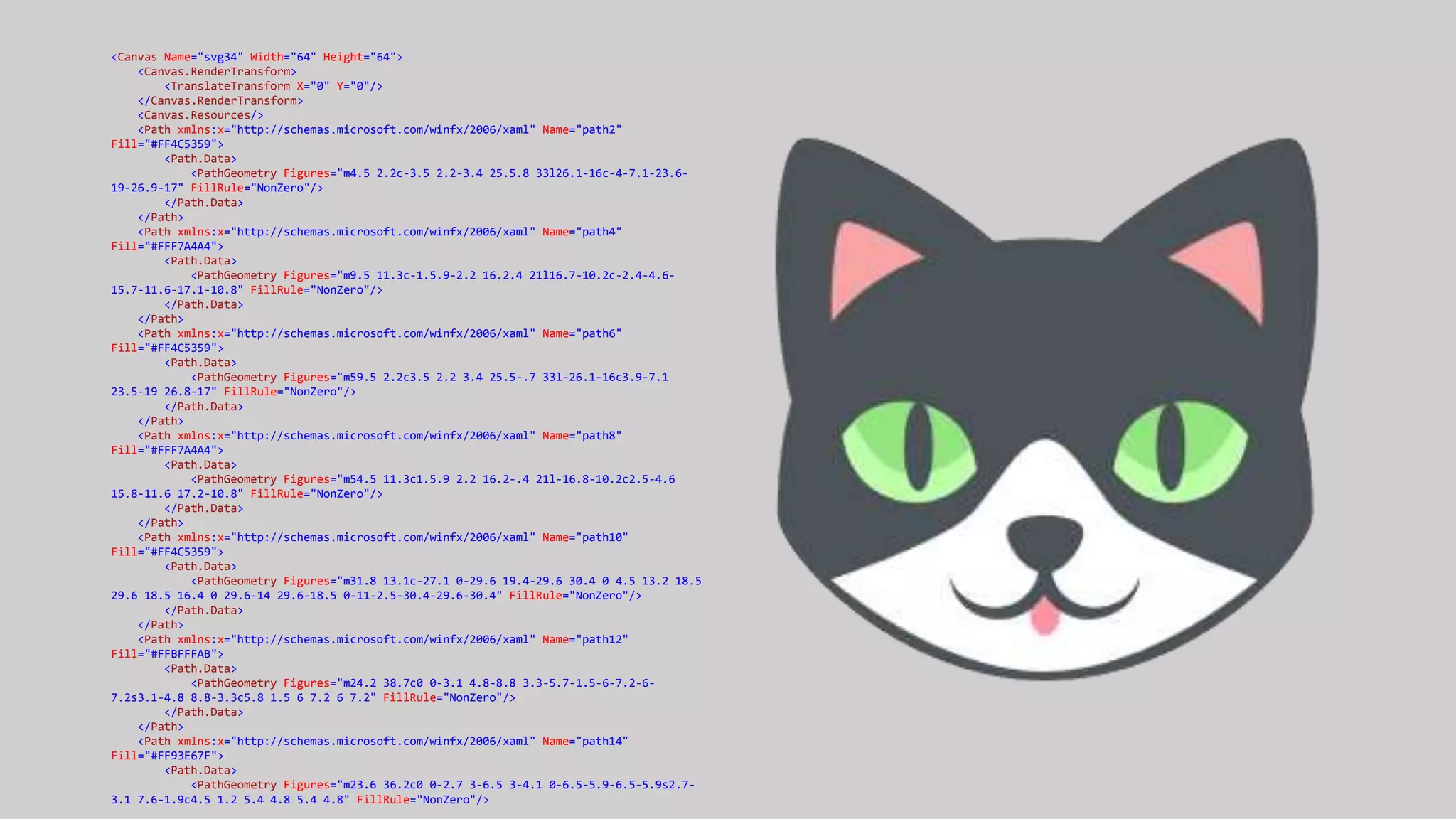
<Canvas Name="svg34" Width="64" Height="64">
<Canvas.RenderTransform>
<TranslateTransform X="0" Y="0"/>
</Canvas.RenderTransform>
<Canvas.Resources/>
<Path xmlns:x="http://schemas.microsoft.com/winfx/2006/xaml" Name="path2"
Fill="#FF4C5359">
<Path.Data>
<PathGeometry Figures="m4.5 2.2c-3.5 2.2-3.4 25.5.8 33l26.1-16c-4-7.1-23.6-
19-26.9-17" FillRule="NonZero"/>
</Path.Data>
</Path>
<Path xmlns:x="http://schemas.microsoft.com/winfx/2006/xaml" Name="path4"
Fill="#FFF7A4A4">
<Path.Data>
<PathGeometry Figures="m9.5 11.3c-1.5.9-2.2 16.2.4 21l16.7-10.2c-2.4-4.6-
15.7-11.6-17.1-10.8" FillRule="NonZero"/>
</Path.Data>
</Path>
<Path xmlns:x="http://schemas.microsoft.com/winfx/2006/xaml" Name="path6"
Fill="#FF4C5359">
<Path.Data>
<PathGeometry Figures="m59.5 2.2c3.5 2.2 3.4 25.5-.7 33l-26.1-16c3.9-7.1
23.5-19 26.8-17" FillRule="NonZero"/>
</Path.Data>
</Path>
<Path xmlns:x="http://schemas.microsoft.com/winfx/2006/xaml" Name="path8"
Fill="#FFF7A4A4">
<Path.Data>
<PathGeometry Figures="m54.5 11.3c1.5.9 2.2 16.2-.4 21l-16.8-10.2c2.5-4.6
15.8-11.6 17.2-10.8" FillRule="NonZero"/>
</Path.Data>
</Path>
<Path xmlns:x="http://schemas.microsoft.com/winfx/2006/xaml" Name="path10"
Fill="#FF4C5359">
<Path.Data>
<PathGeometry Figures="m31.8 13.1c-27.1 0-29.6 19.4-29.6 30.4 0 4.5 13.2 18.5
29.6 18.5 16.4 0 29.6-14 29.6-18.5 0-11-2.5-30.4-29.6-30.4" FillRule="NonZero"/>
</Path.Data>
</Path>
<Path xmlns:x="http://schemas.microsoft.com/winfx/2006/xaml" Name="path12"
Fill="#FFBFFFAB">
<Path.Data>
<PathGeometry Figures="m24.2 38.7c0 0-3.1 4.8-8.8 3.3-5.7-1.5-6-7.2-6-
7.2s3.1-4.8 8.8-3.3c5.8 1.5 6 7.2 6 7.2" FillRule="NonZero"/>
</Path.Data>
</Path>
<Path xmlns:x="http://schemas.microsoft.com/winfx/2006/xaml" Name="path14"
Fill="#FF93E67F">
<Path.Data>
<PathGeometry Figures="m23.6 36.2c0 0-2.7 3-6.5 3-4.1 0-6.5-5.9-6.5-5.9s2.7-
3.1 7.6-1.9c4.5 1.2 5.4 4.8 5.4 4.8" FillRule="NonZero"/>
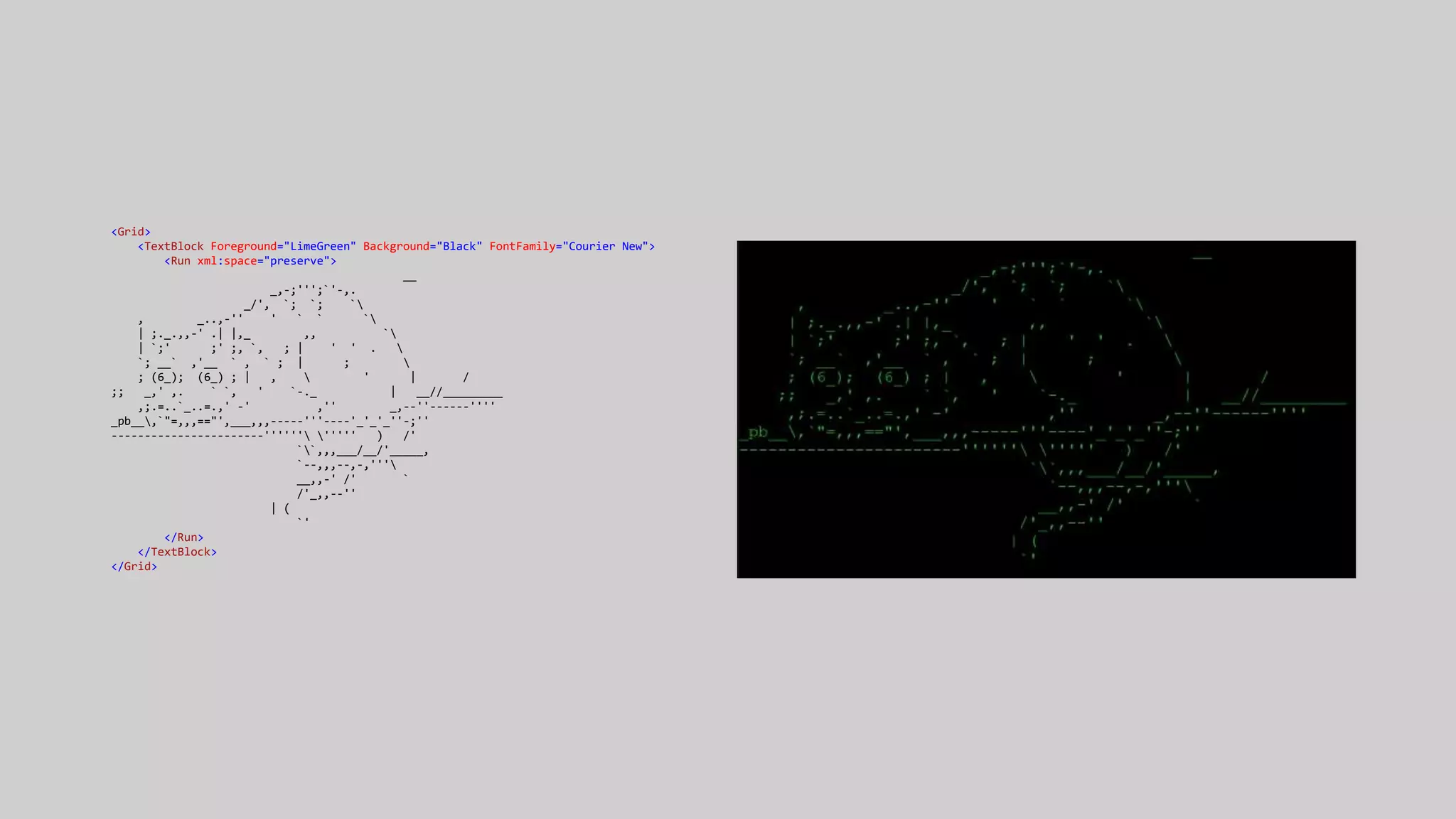
<Grid>
<TextBlock Foreground="LimeGreen" Background="Black" FontFamily="Courier New">
<Run xml:space="preserve">
__
_,-;''';`'-,.
_/', `; `; `
, _..,-'' ' ` ` `
| ;._.,,-' .| |,_ ,, `
| `;' ;' ;, `, ; | ' ' . 
`; __` ,'__ ` , ` ; | ; 
; (6_); (6_) ; | ,  ' | /
;; _,' ,. ` `, ' `-._ | __//_________
,;.=..`_..=.,' -' ,'' _,--''------''''
_pb__,`"=,,,=="',___,,,-----'''----'_'_'_''-;''
-----------------------'''''' ''''' ) /'
``,,,___/__/'_____,
`--,,,--,-,'''
__,,-' /' `
/'_,,--''
| (
`'
</Run>
</TextBlock>
</Grid>
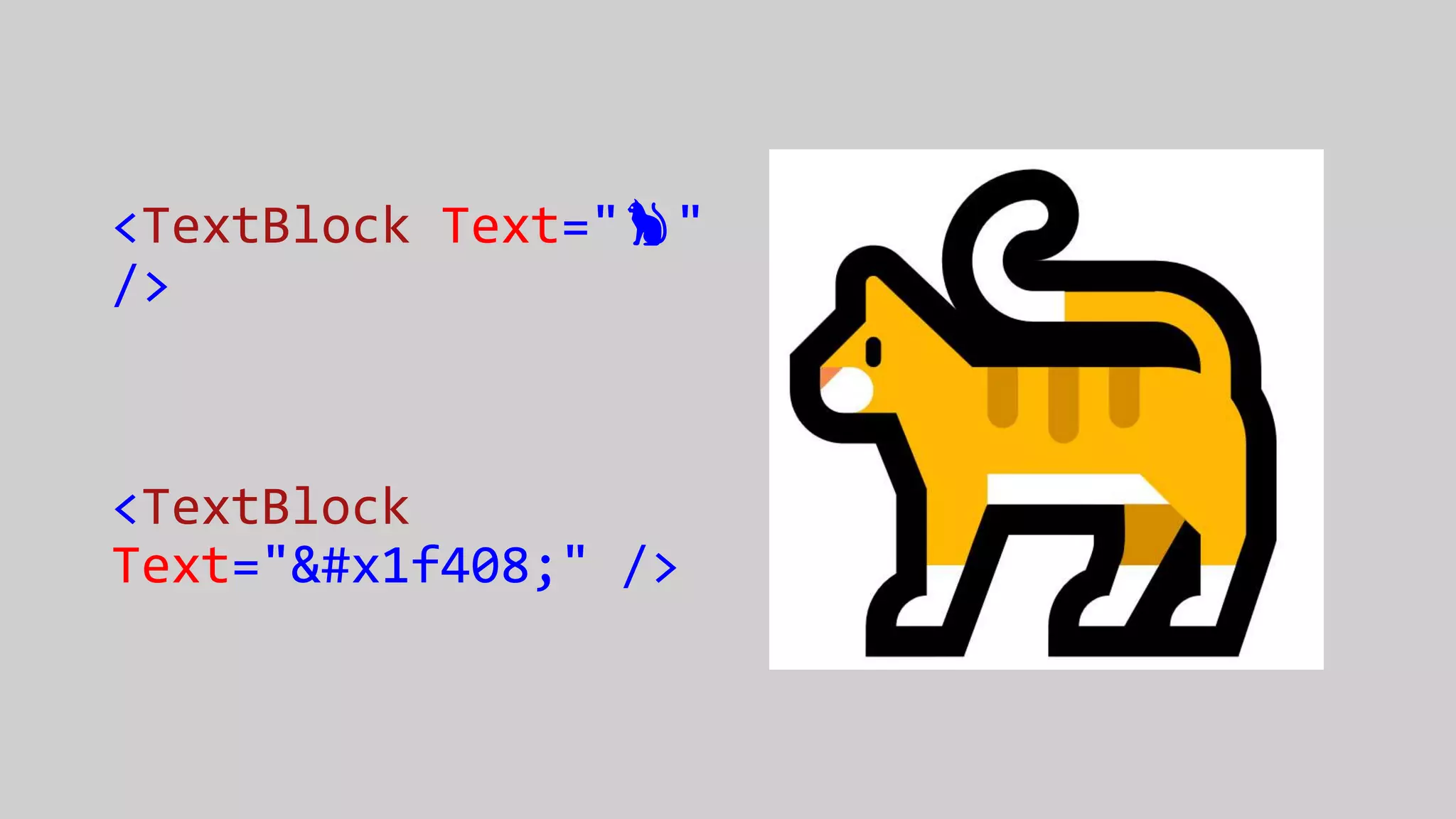
<TextBlock Text="🐈"
/>
<TextBlock
Text="&#x1f408;" />
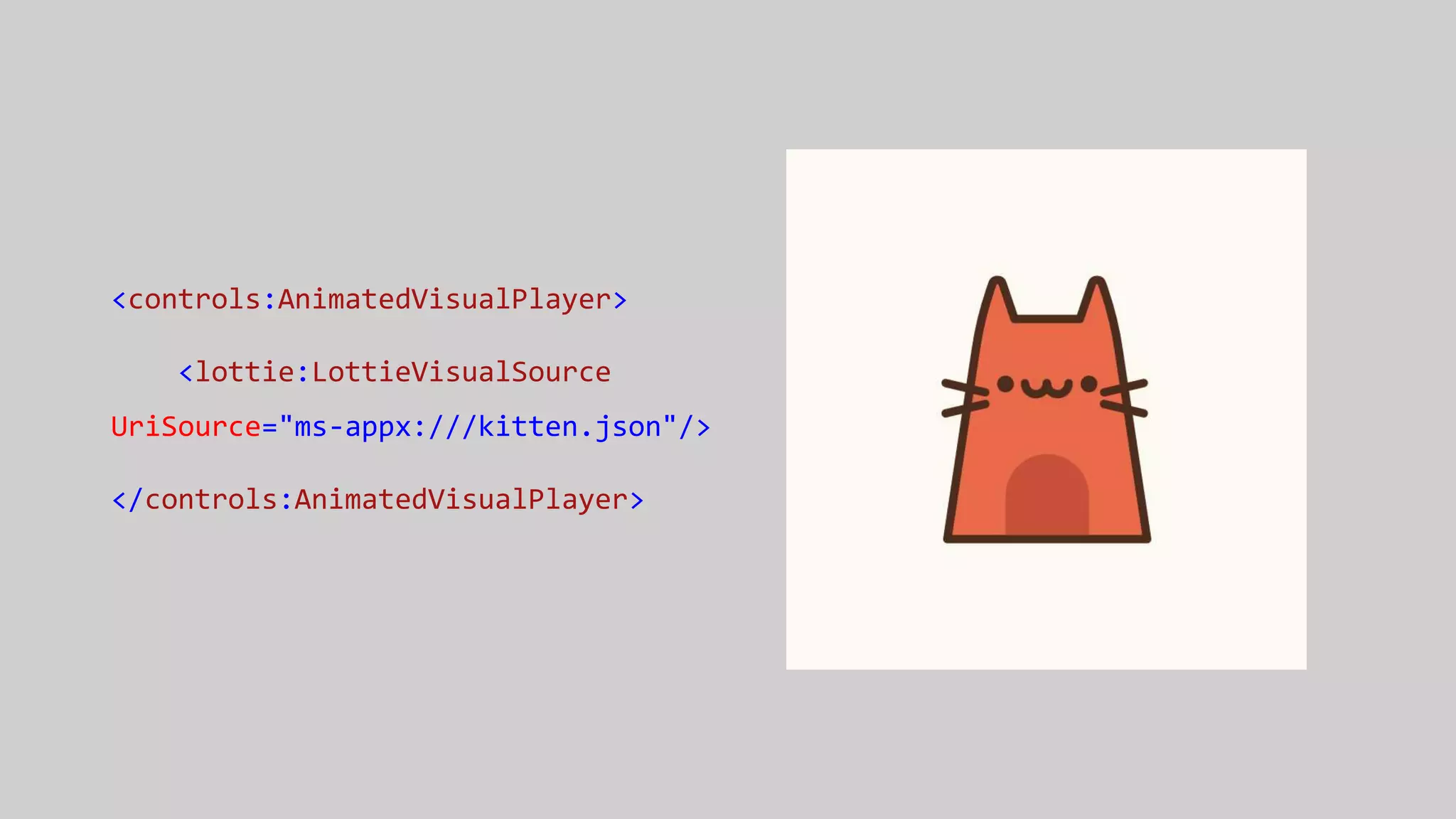
<controls:AnimatedVisualPlayer>
<lottie:LottieVisualSource
UriSource="ms-appx:///kitten.json"/>
</controls:AnimatedVisualPlayer>
What is
XAML?
CODE!
XAML
is code
XAML is code
like
C# is code
XAML is code
like
VB is code
XAML is code
like
C++ is code
XAML is code
like
F# is code
XAML is code
like
HTML is code
XAML is code
like
CSS is code
XAML is code
like
JS is code
XAML is code
like
C# is code
XAML is code
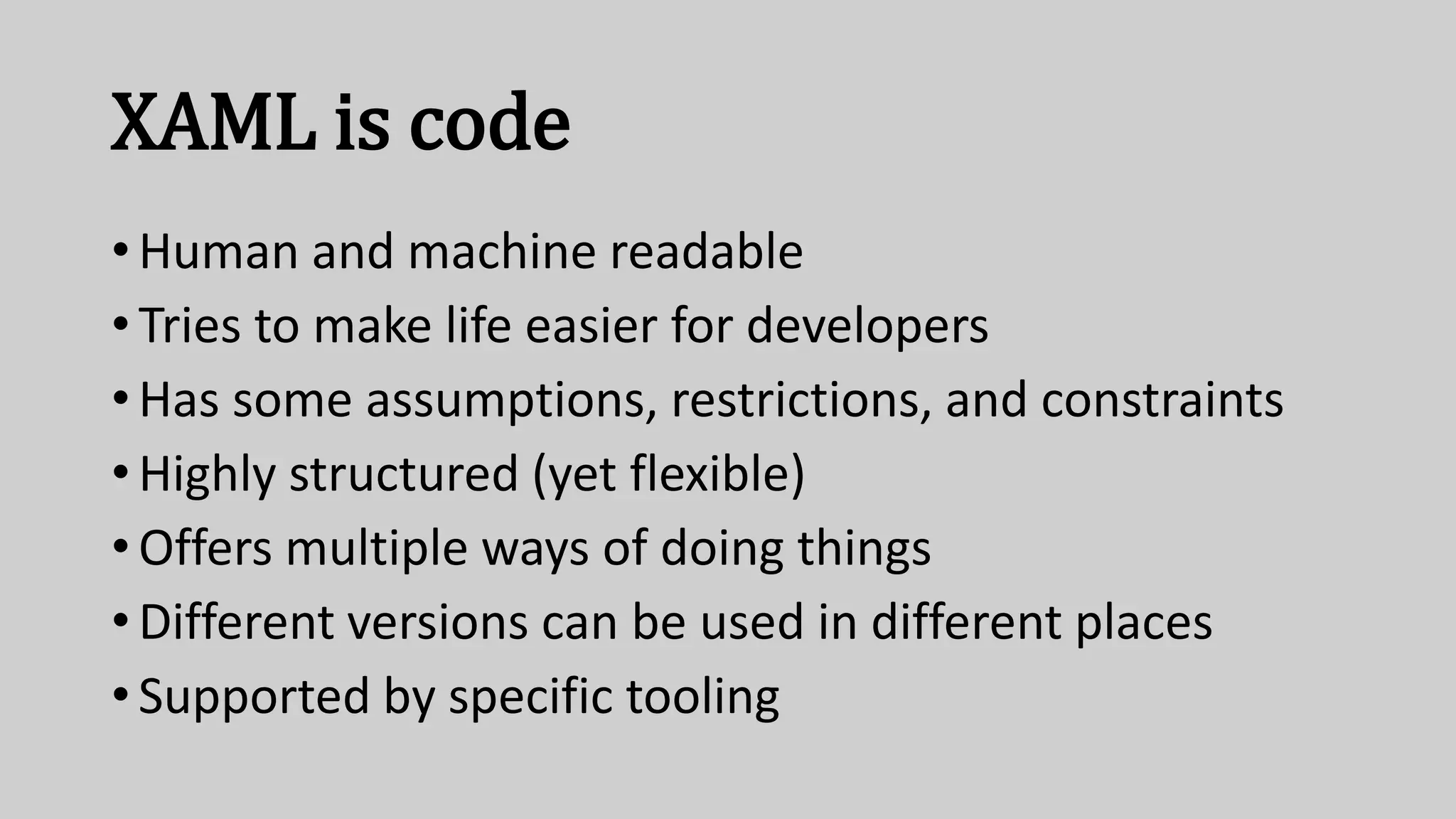
• Human and machine readable
• Tries to make life easier for developers
• Has some assumptions, restrictions, and constraints
• Highly structured (yet flexible)
• Offers multiple ways of doing things
• Different versions can be used in different places
• Supported by specific tooling
Expectations
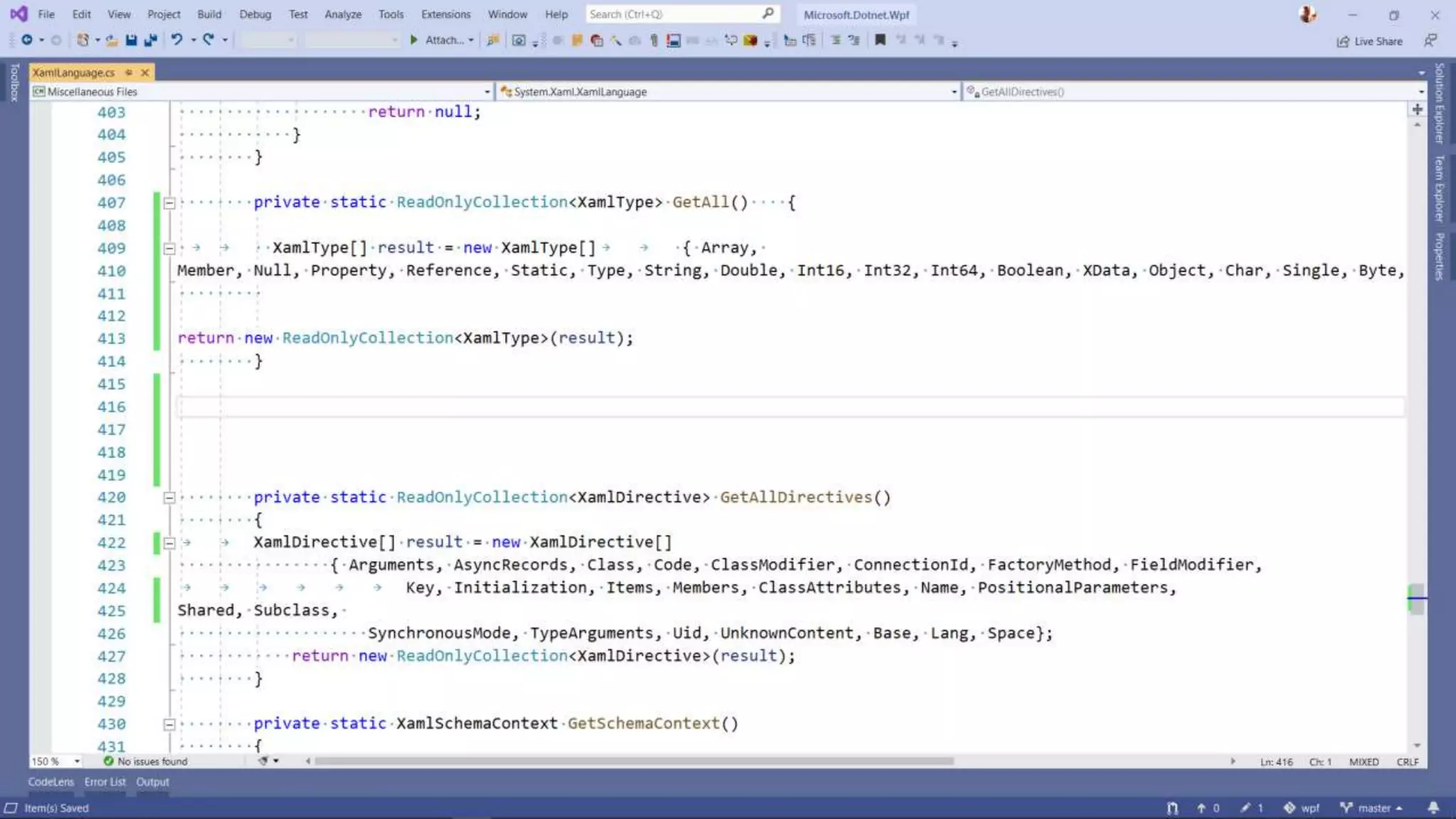
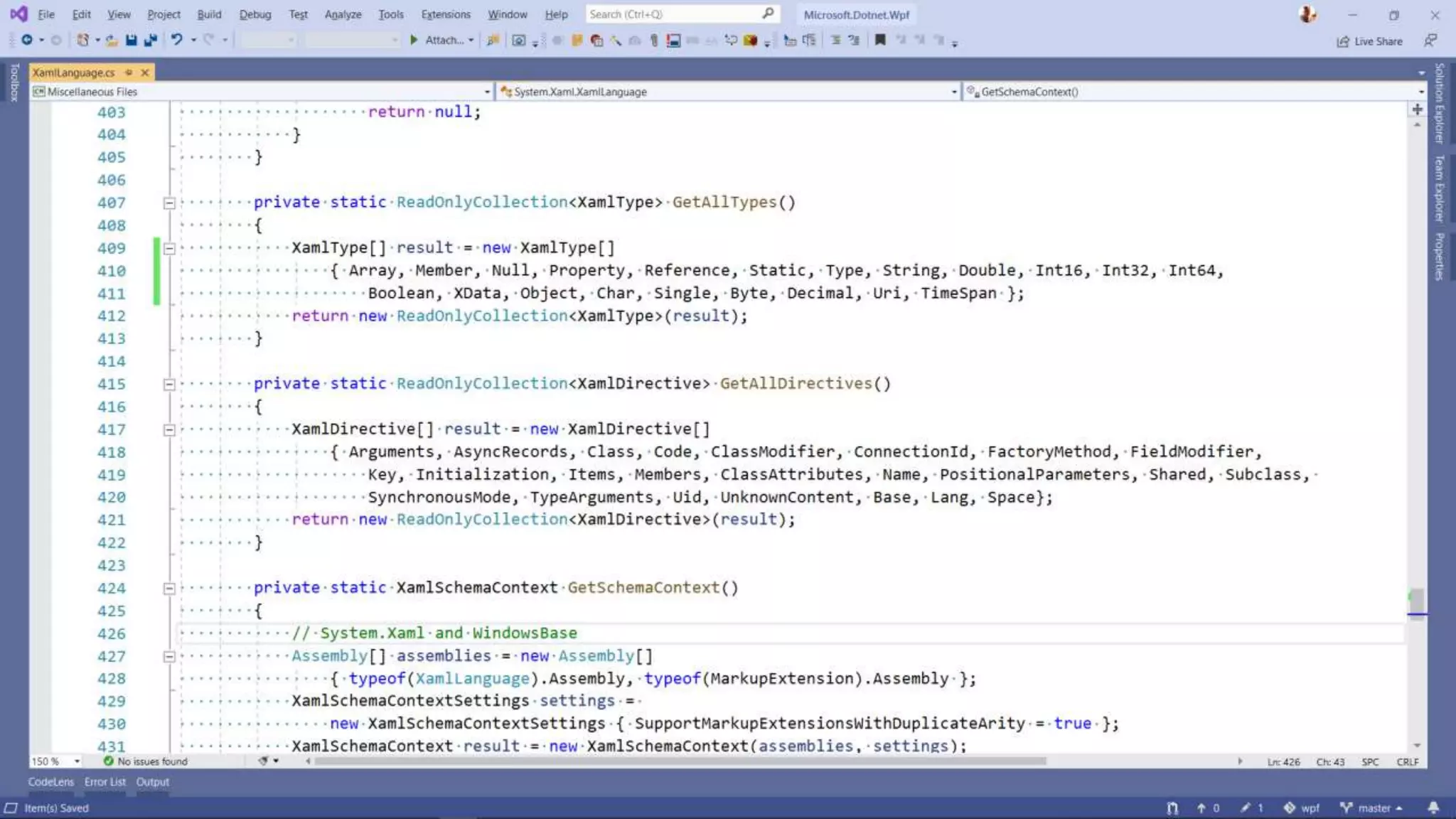
C# & XAML
“Opportunities for improvement”
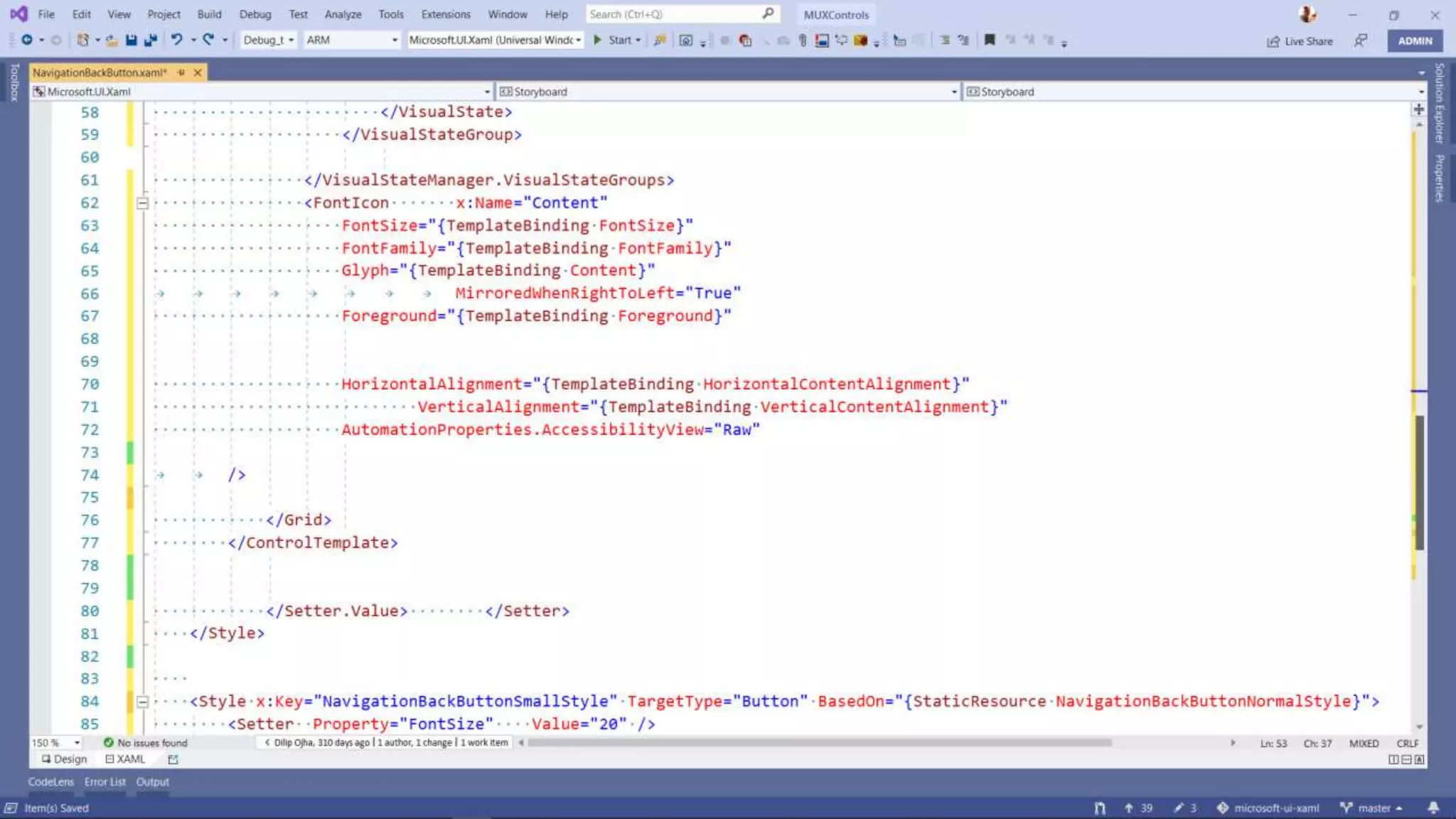
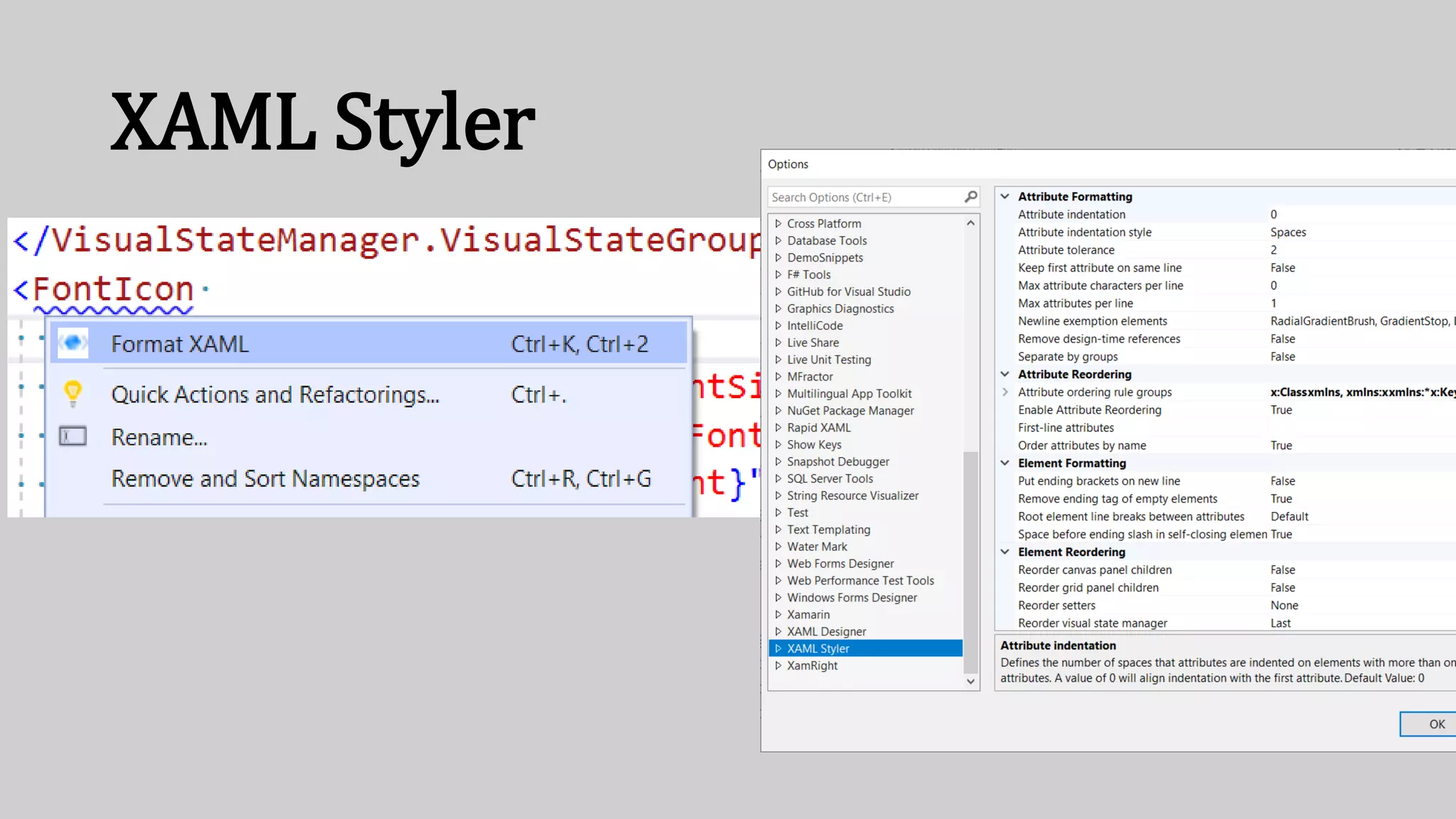
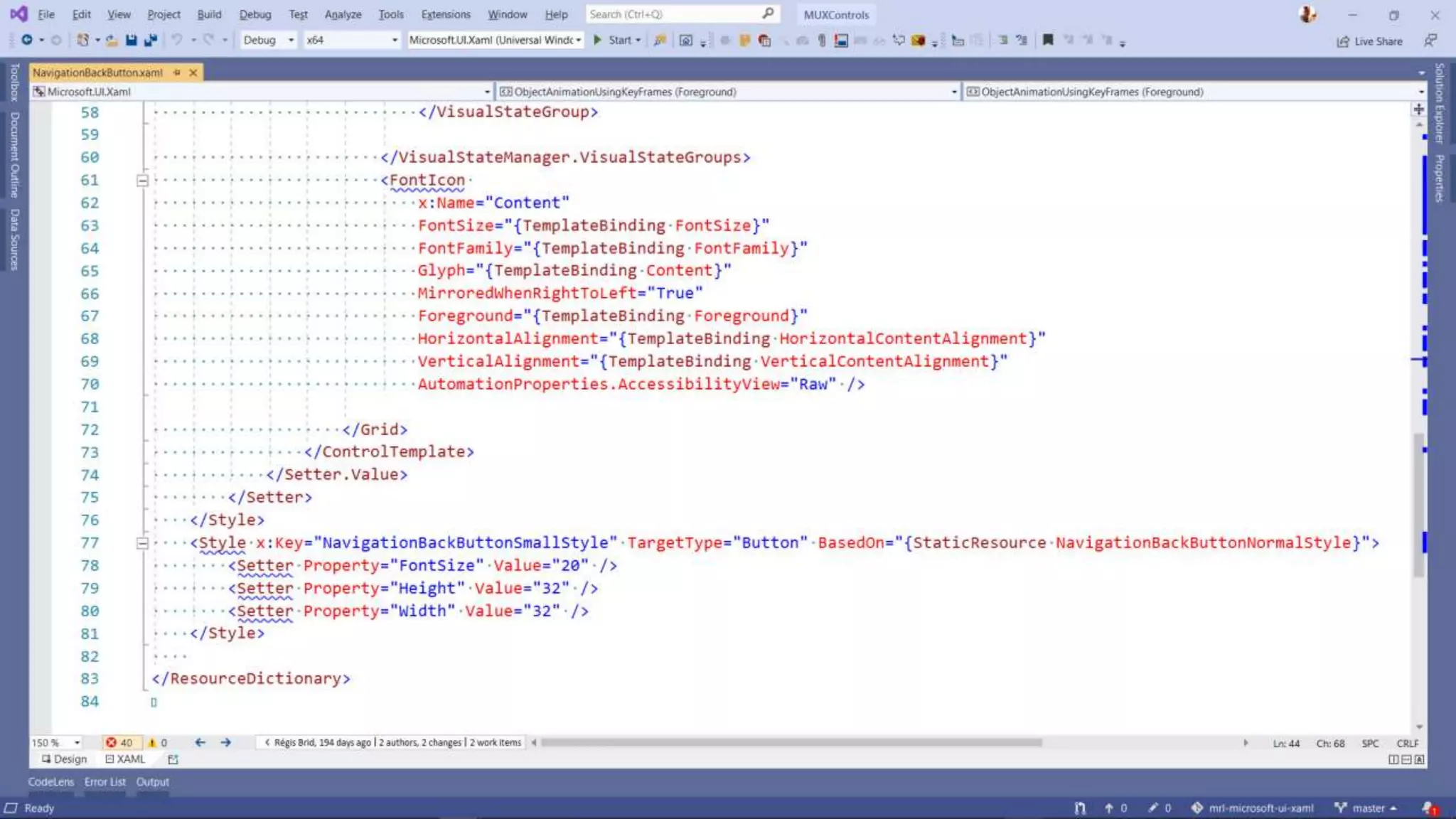
XAML Styler
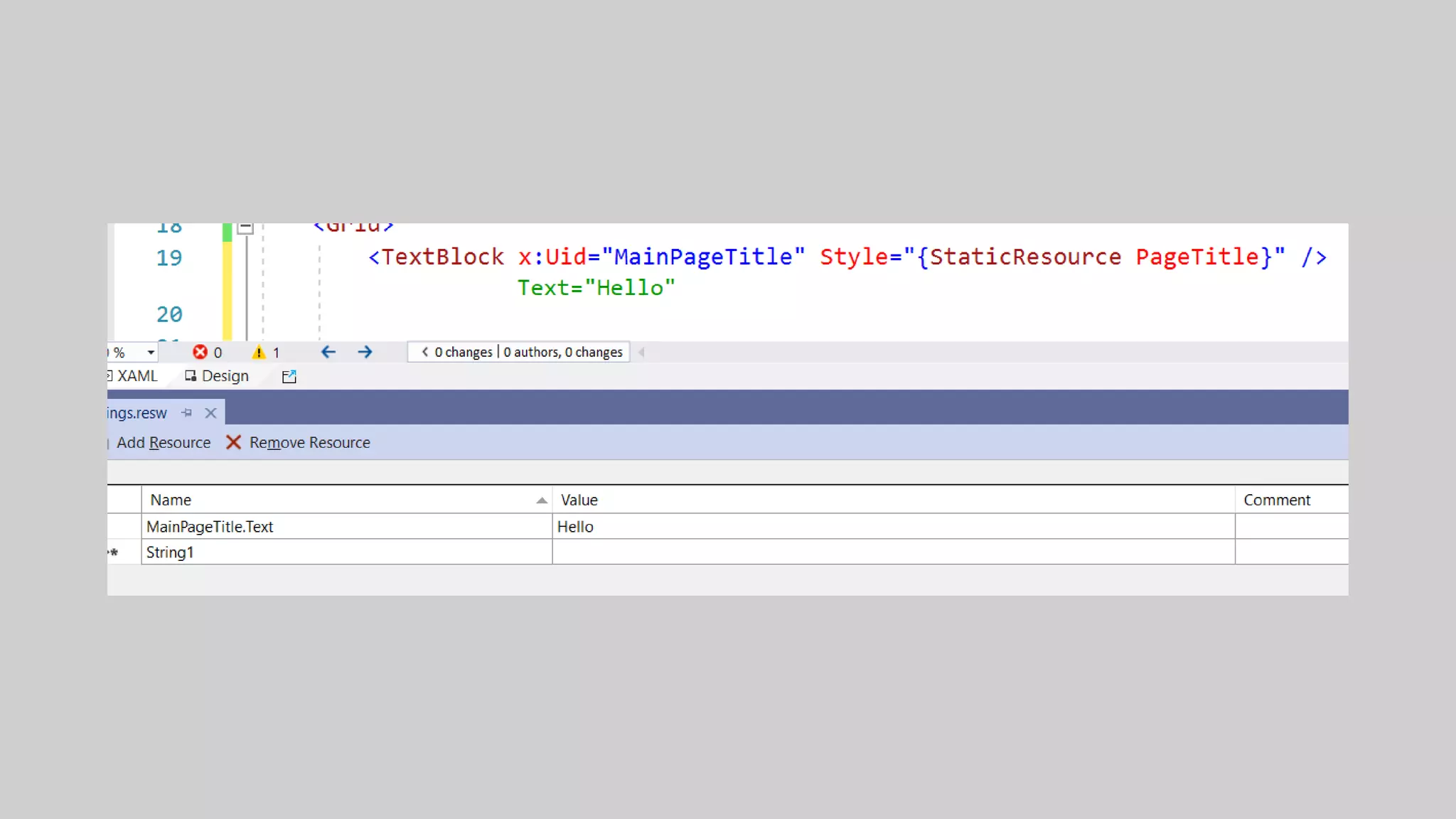
Creation
Analysis+
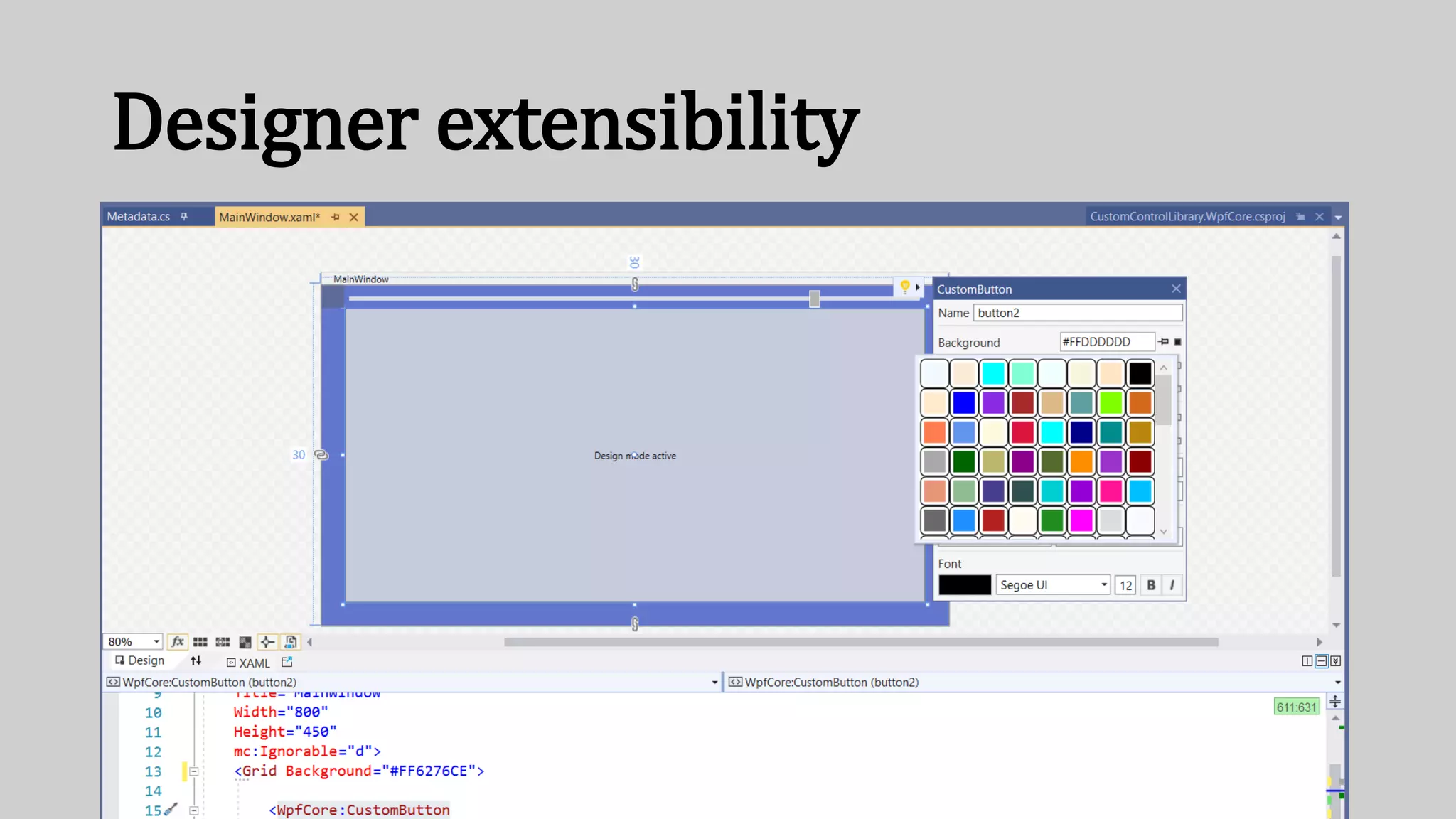
Designer extensibility
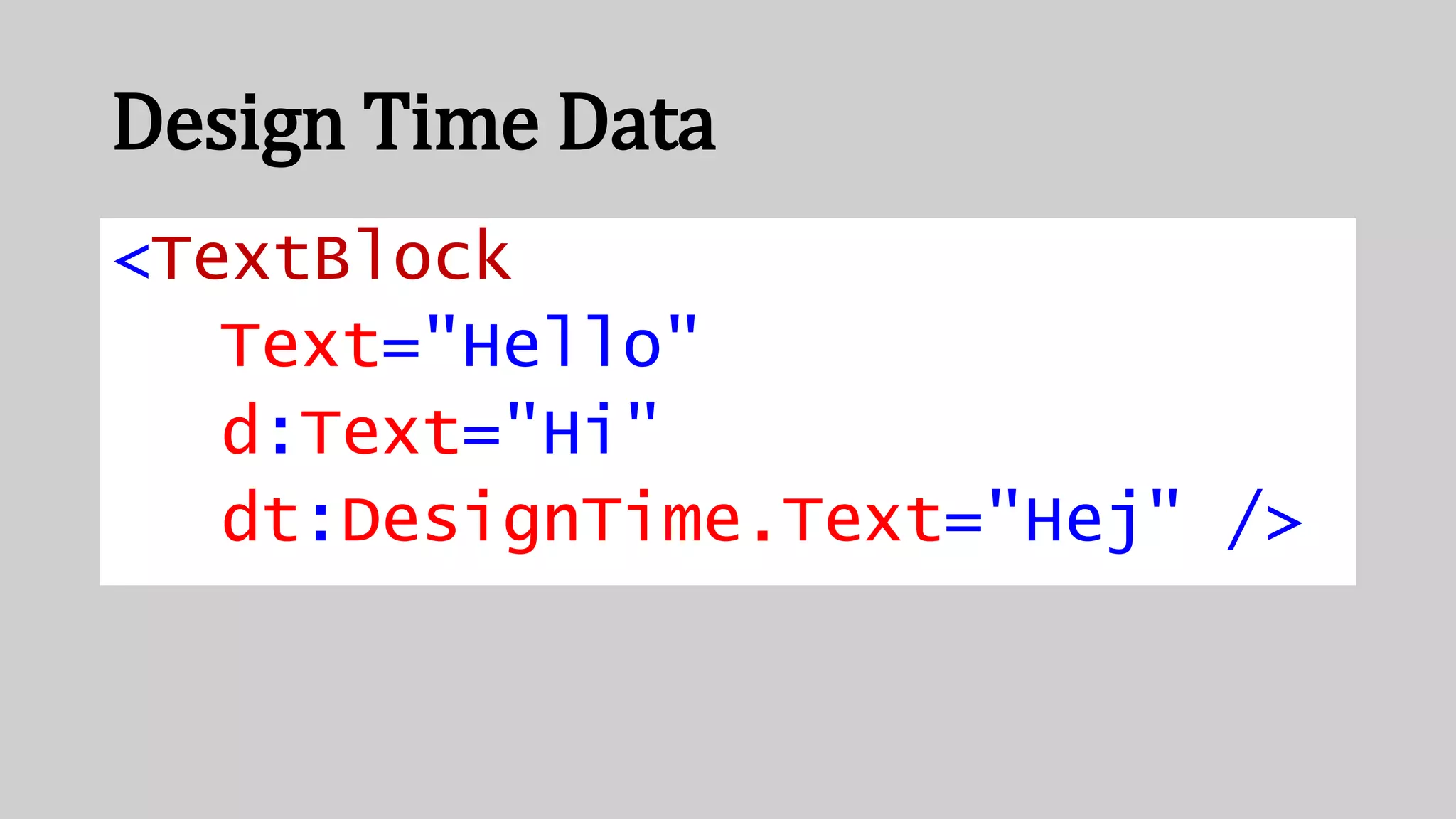
Design Time Data
<TextBlock
Text="Hello"
d:Text="Hi"
dt:DesignTime.Text="Hej" />
3 ways to bind
Text="{Binding Item}"
Text="{x:Bind Item}"
[assembly:
XamlCompilation(XamlCompilationOptions.Compile)]
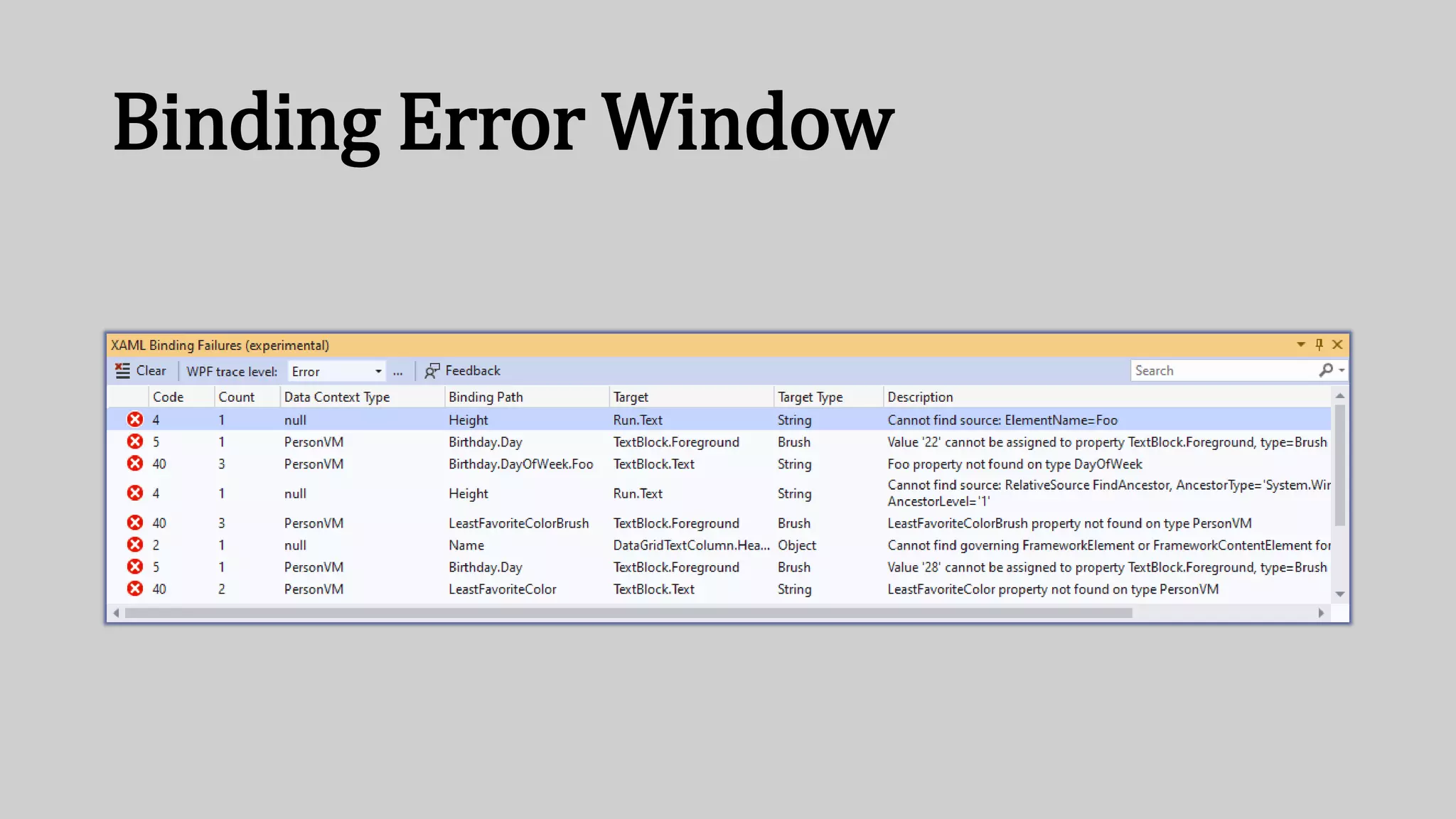
Binding Error Window
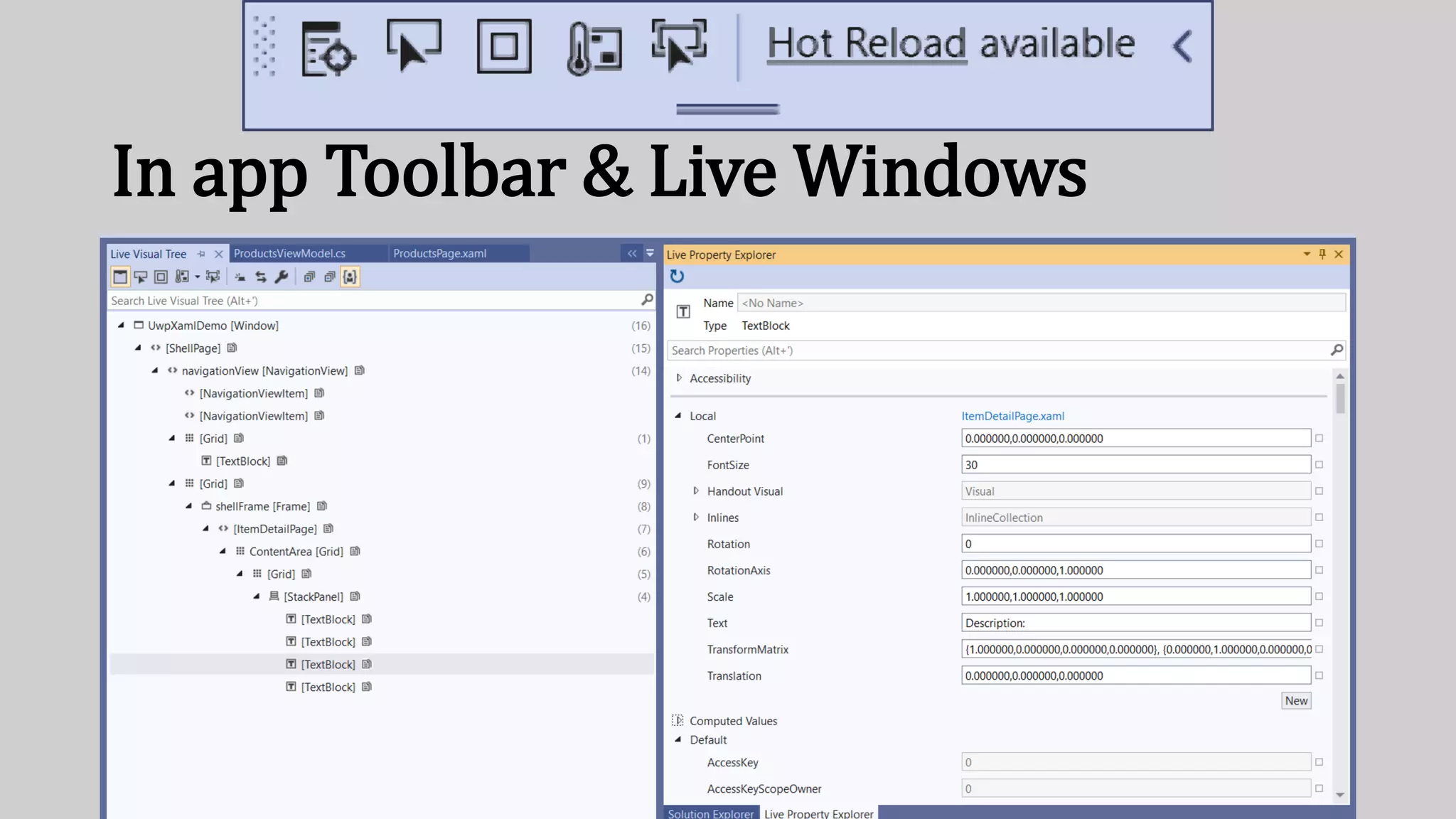
In app Toolbar & Live Windows
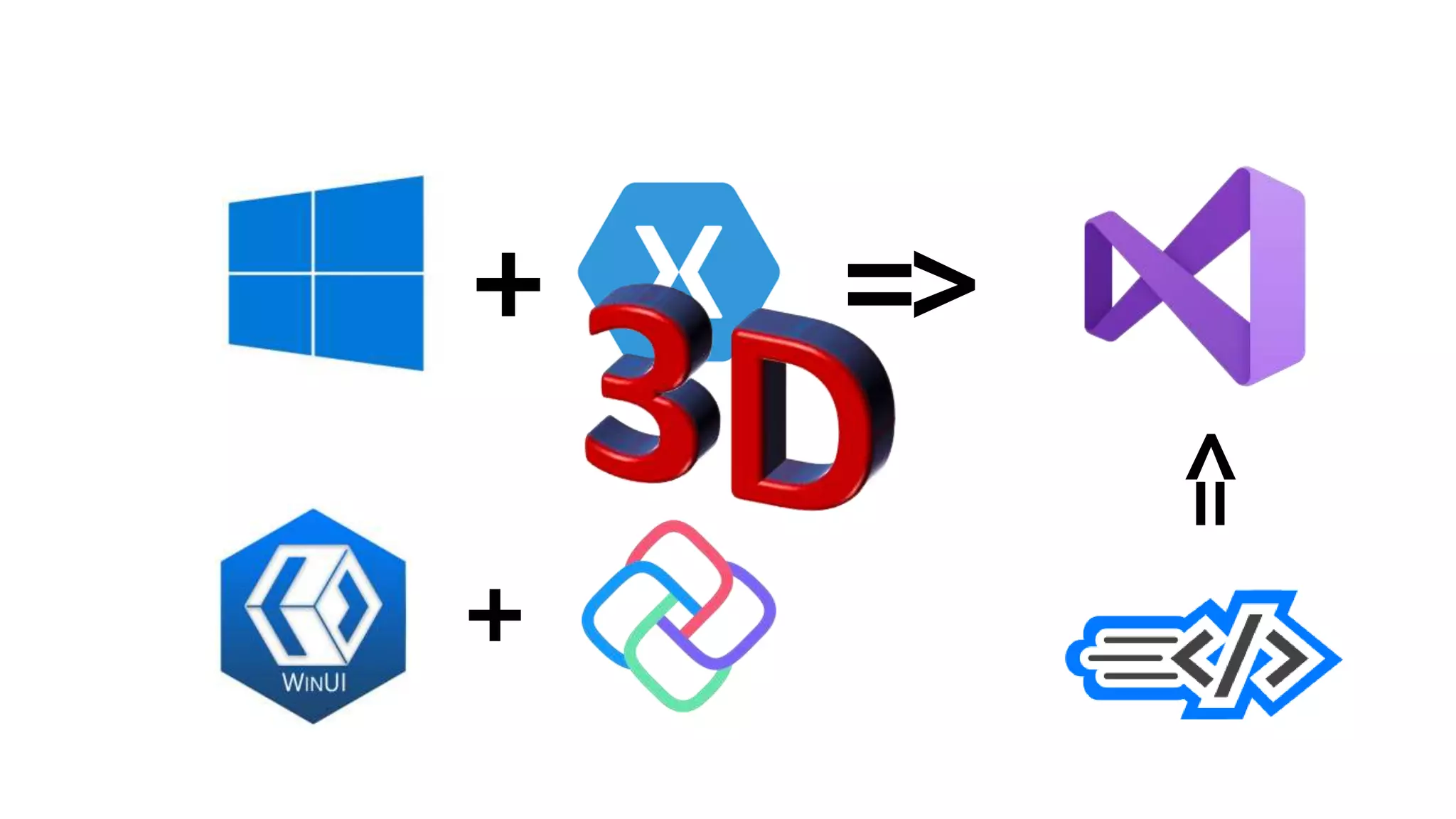
+ =>
+
=>
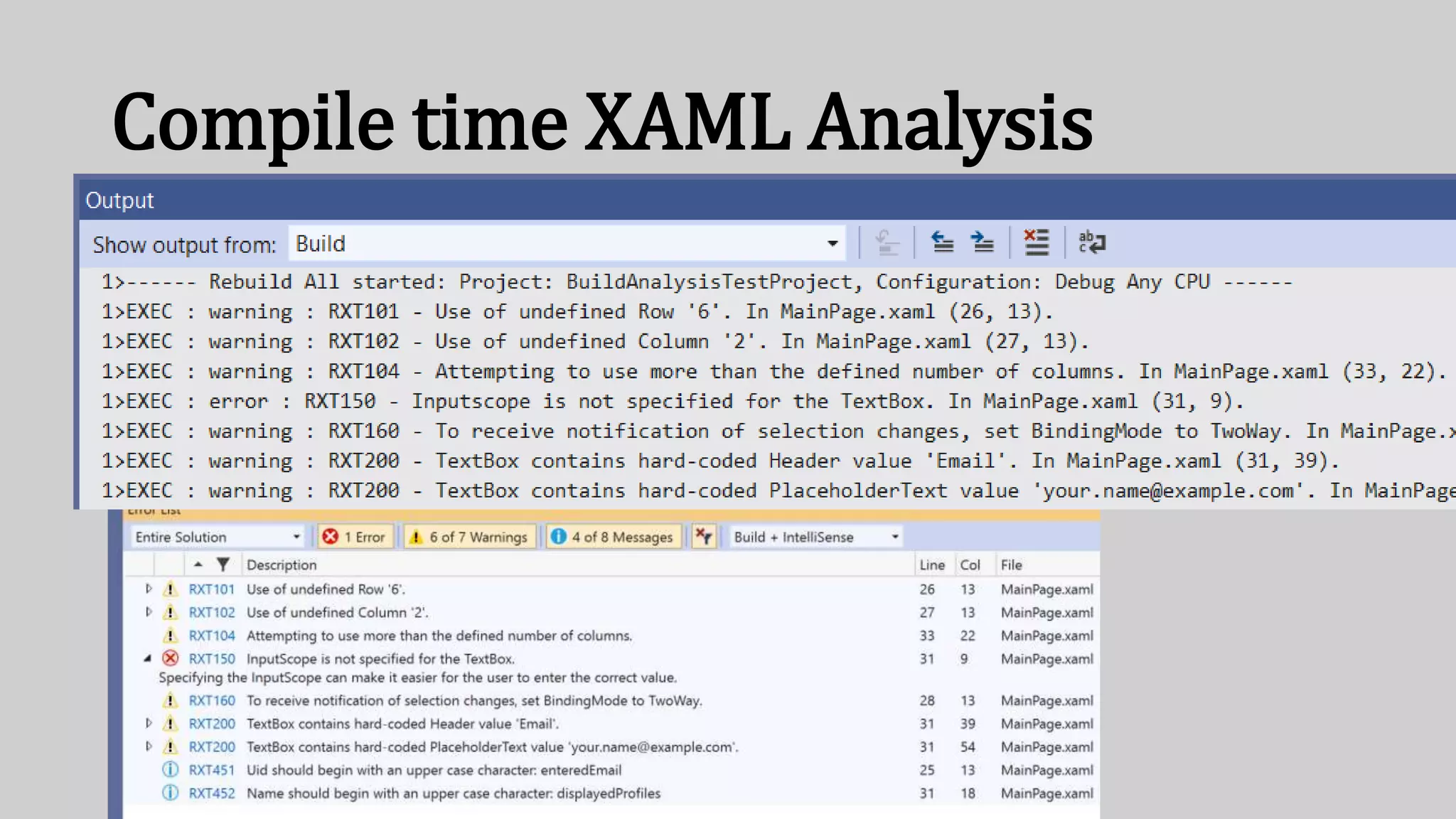
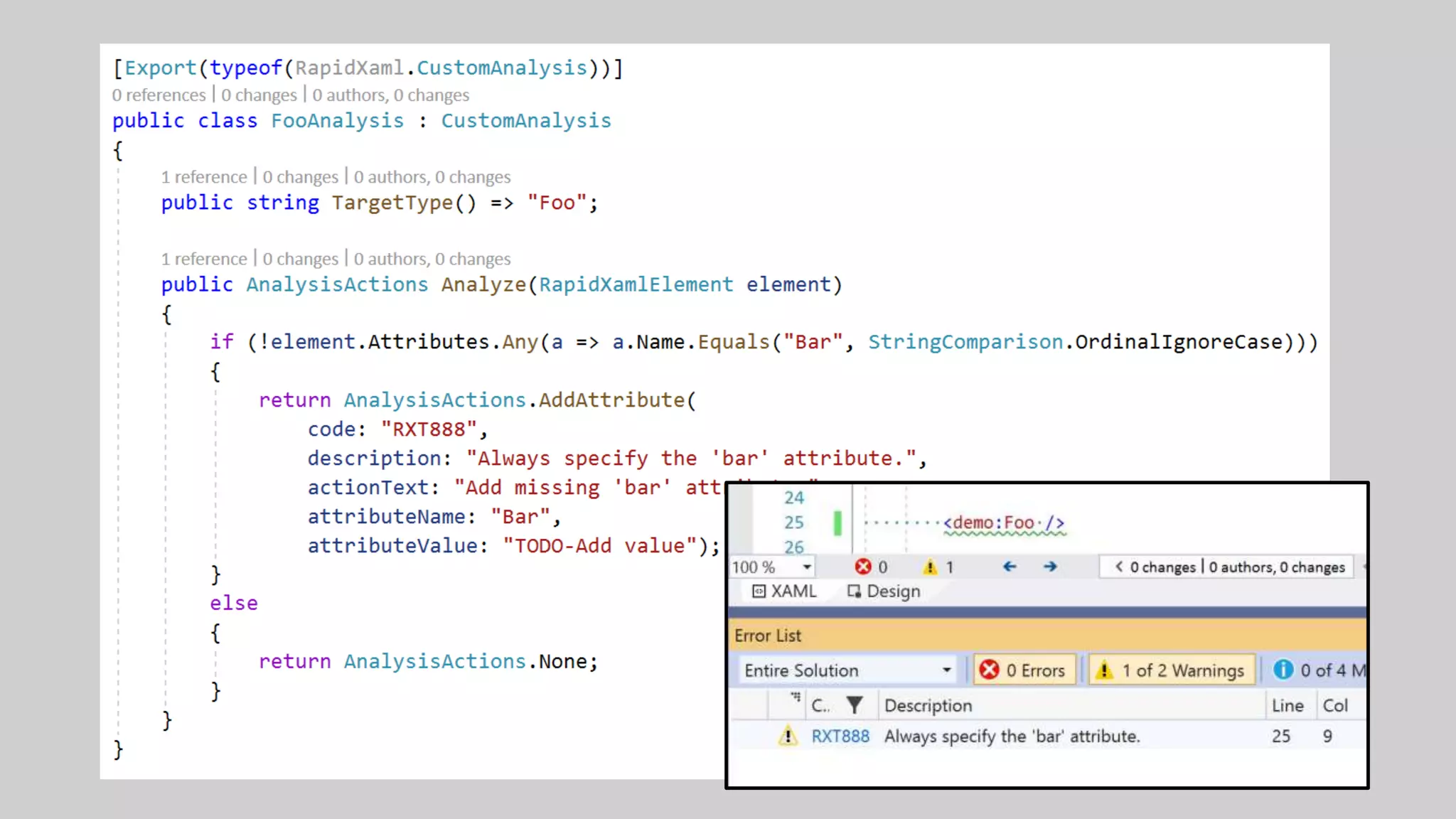
Compile time XAML Analysis
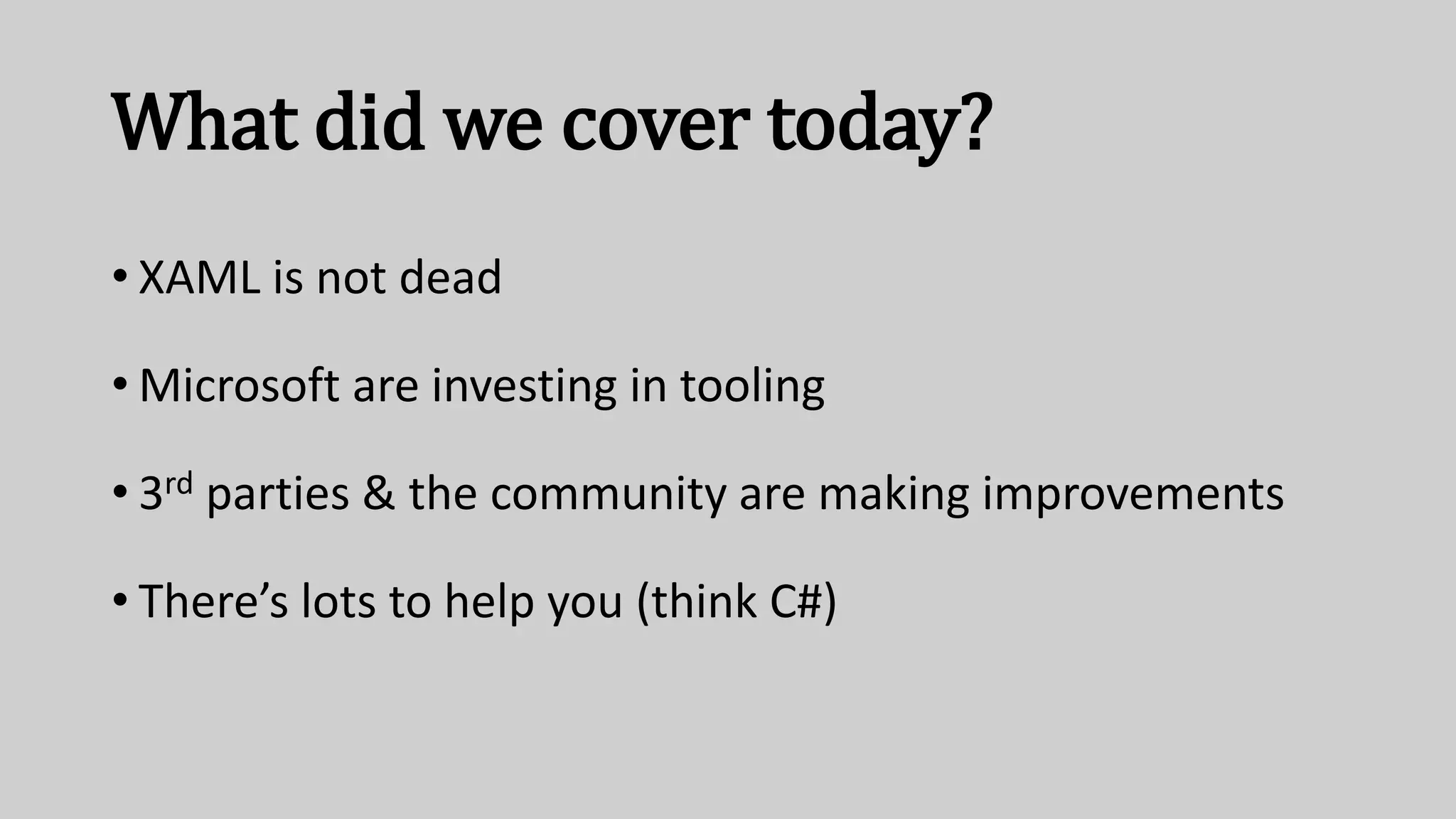
What did we cover today?
• XAML is not dead
• Microsoft are investing in tooling
• 3rd parties & the community are making improvements
• There’s lots to help you (think C#)
https://www.mrlacey.com/swetugg-
talk
Questions?
What about
Blend?
Questions?
What about
XAML
Standard?
Questions?
Why not just
do it all in C#?

Modern XAML Development - Matt Lacey

  • 1.
  • 2.
    Plan Of Action 1.Quick history lesson 2. Look at tools 1. Now 2. Coming soon
  • 3.
    WinForms •Binary formats hardto manage •Hard to style (owner-drawn controls) •Hard to decouple presentation from logic •Hard to compose and WPF •Text based formats •Flexible styling •MVVM & Binding •Composition fundamental
  • 4.
    Windows Forms WPF ✔✔ ✔ ✔ ✔ ✔ ✔ ✔ ✔ ✔ ✔ ✔✔ ✔ ✔ ✔ ✔ ✔ ✔ ✔ ✔ ✔ ✔ +Win7
  • 5.
  • 6.
    <Ellipse Width="360" Height="360"Margin="218.108,62.5,216.891,0" Fill="Black" /> <Ellipse Width="60" Height="60" Margin="184.346,184.684,550.653,177.815" Fill="Black" /> <Ellipse Width="60" Height="60" Margin="551.145,184.684,183.854,177.815" Fill="Black" /> <Ellipse Width="80" Height="80" Margin="489.673,-0.281,225.326,342.78" Fill="Black" /> <Ellipse Width="80" Height="80" Margin="218.108,-0.281,496.891,342.78" Fill="Black" /> <Rectangle Margin="218.108,48.371,224.892,185.024" Fill="Black" /> <Rectangle Margin="297.21,-10.721,472.86,336.325" Fill="Black" RenderTransformOrigin="0.5,0.5"> <Rectangle.RenderTransform> <TransformGroup> <RotateTransform Angle="-60.283" /> </TransformGroup> </Rectangle.RenderTransform> </Rectangle> <Rectangle Margin="457.217,-2.696,306.225,330.044" Fill="Black" RenderTransformOrigin="0.5,0.5"> <Rectangle.RenderTransform> <TransformGroup> <RotateTransform Angle="60" /> </TransformGroup> </Rectangle.RenderTransform> </Rectangle> <Rectangle Margin="212.313,214.246,550.968,94.789" Fill="Black" RenderTransformOrigin="0.5,0.5"> <Rectangle.RenderTransform> <TransformGroup> <RotateTransform Angle="153.124" /> </TransformGroup> </Rectangle.RenderTransform> </Rectangle> <Rectangle Margin="553.955,210.798,209.326,97.882" Fill="Black" RenderTransformOrigin="0.5,0.5"> <Rectangle.RenderTransform> <TransformGroup> <RotateTransform Angle="207" /> </TransformGroup> </Rectangle.RenderTransform> </Rectangle> <Ellipse Height="290" Margin="247.5,104.626,248.82,27.874" Fill="Gold" /> <Rectangle Height="200" Margin="247.5,79.719,253.168,142.78" Fill="Gold" /> <Rectangle Height="100" Margin="212.955,41.896,450.737,280.603" Fill="Gold" RenderTransformOrigin="0.5,0.5"> <Rectangle.RenderTransform> <TransformGroup> <RotateTransform Angle="30.927" /> </TransformGroup> </Rectangle.RenderTransform> </Rectangle> <Rectangle Height="100" Margin="443.738,44.574,219.954,277.925" Fill="Gold" RenderTransformOrigin="0.5,0.5"> <Rectangle.RenderTransform>
  • 7.
    <Canvas Name="svg34" Width="64"Height="64"> <Canvas.RenderTransform> <TranslateTransform X="0" Y="0"/> </Canvas.RenderTransform> <Canvas.Resources/> <Path xmlns:x="http://schemas.microsoft.com/winfx/2006/xaml" Name="path2" Fill="#FF4C5359"> <Path.Data> <PathGeometry Figures="m4.5 2.2c-3.5 2.2-3.4 25.5.8 33l26.1-16c-4-7.1-23.6- 19-26.9-17" FillRule="NonZero"/> </Path.Data> </Path> <Path xmlns:x="http://schemas.microsoft.com/winfx/2006/xaml" Name="path4" Fill="#FFF7A4A4"> <Path.Data> <PathGeometry Figures="m9.5 11.3c-1.5.9-2.2 16.2.4 21l16.7-10.2c-2.4-4.6- 15.7-11.6-17.1-10.8" FillRule="NonZero"/> </Path.Data> </Path> <Path xmlns:x="http://schemas.microsoft.com/winfx/2006/xaml" Name="path6" Fill="#FF4C5359"> <Path.Data> <PathGeometry Figures="m59.5 2.2c3.5 2.2 3.4 25.5-.7 33l-26.1-16c3.9-7.1 23.5-19 26.8-17" FillRule="NonZero"/> </Path.Data> </Path> <Path xmlns:x="http://schemas.microsoft.com/winfx/2006/xaml" Name="path8" Fill="#FFF7A4A4"> <Path.Data> <PathGeometry Figures="m54.5 11.3c1.5.9 2.2 16.2-.4 21l-16.8-10.2c2.5-4.6 15.8-11.6 17.2-10.8" FillRule="NonZero"/> </Path.Data> </Path> <Path xmlns:x="http://schemas.microsoft.com/winfx/2006/xaml" Name="path10" Fill="#FF4C5359"> <Path.Data> <PathGeometry Figures="m31.8 13.1c-27.1 0-29.6 19.4-29.6 30.4 0 4.5 13.2 18.5 29.6 18.5 16.4 0 29.6-14 29.6-18.5 0-11-2.5-30.4-29.6-30.4" FillRule="NonZero"/> </Path.Data> </Path> <Path xmlns:x="http://schemas.microsoft.com/winfx/2006/xaml" Name="path12" Fill="#FFBFFFAB"> <Path.Data> <PathGeometry Figures="m24.2 38.7c0 0-3.1 4.8-8.8 3.3-5.7-1.5-6-7.2-6- 7.2s3.1-4.8 8.8-3.3c5.8 1.5 6 7.2 6 7.2" FillRule="NonZero"/> </Path.Data> </Path> <Path xmlns:x="http://schemas.microsoft.com/winfx/2006/xaml" Name="path14" Fill="#FF93E67F"> <Path.Data> <PathGeometry Figures="m23.6 36.2c0 0-2.7 3-6.5 3-4.1 0-6.5-5.9-6.5-5.9s2.7- 3.1 7.6-1.9c4.5 1.2 5.4 4.8 5.4 4.8" FillRule="NonZero"/>
  • 8.
    <Grid> <TextBlock Foreground="LimeGreen" Background="Black"FontFamily="Courier New"> <Run xml:space="preserve"> __ _,-;''';`'-,. _/', `; `; ` , _..,-'' ' ` ` ` | ;._.,,-' .| |,_ ,, ` | `;' ;' ;, `, ; | ' ' . `; __` ,'__ ` , ` ; | ; ; (6_); (6_) ; | , ' | / ;; _,' ,. ` `, ' `-._ | __//_________ ,;.=..`_..=.,' -' ,'' _,--''------'''' _pb__,`"=,,,=="',___,,,-----'''----'_'_'_''-;'' -----------------------'''''' ''''' ) /' ``,,,___/__/'_____, `--,,,--,-,''' __,,-' /' ` /'_,,--'' | ( `' </Run> </TextBlock> </Grid>
  • 9.
  • 10.
  • 11.
  • 12.
  • 13.
  • 14.
  • 15.
  • 16.
  • 17.
  • 18.
  • 19.
  • 20.
  • 21.
  • 22.
    XAML is code •Human and machine readable • Tries to make life easier for developers • Has some assumptions, restrictions, and constraints • Highly structured (yet flexible) • Offers multiple ways of doing things • Different versions can be used in different places • Supported by specific tooling
  • 23.
  • 24.
  • 28.
  • 30.
  • 32.
  • 33.
  • 34.
  • 35.
    3 ways tobind Text="{Binding Item}" Text="{x:Bind Item}" [assembly: XamlCompilation(XamlCompilationOptions.Compile)]
  • 36.
  • 37.
    In app Toolbar& Live Windows
  • 39.
  • 40.
  • 43.
    What did wecover today? • XAML is not dead • Microsoft are investing in tooling • 3rd parties & the community are making improvements • There’s lots to help you (think C#)
  • 44.
  • 45.
  • 46.
  • 47.

Editor's Notes

  • #23 At its core, it's a textual representation of something that is compiled into the application
  • #24 Actually, let's take a step back. What do you expect a C# code file to look like?
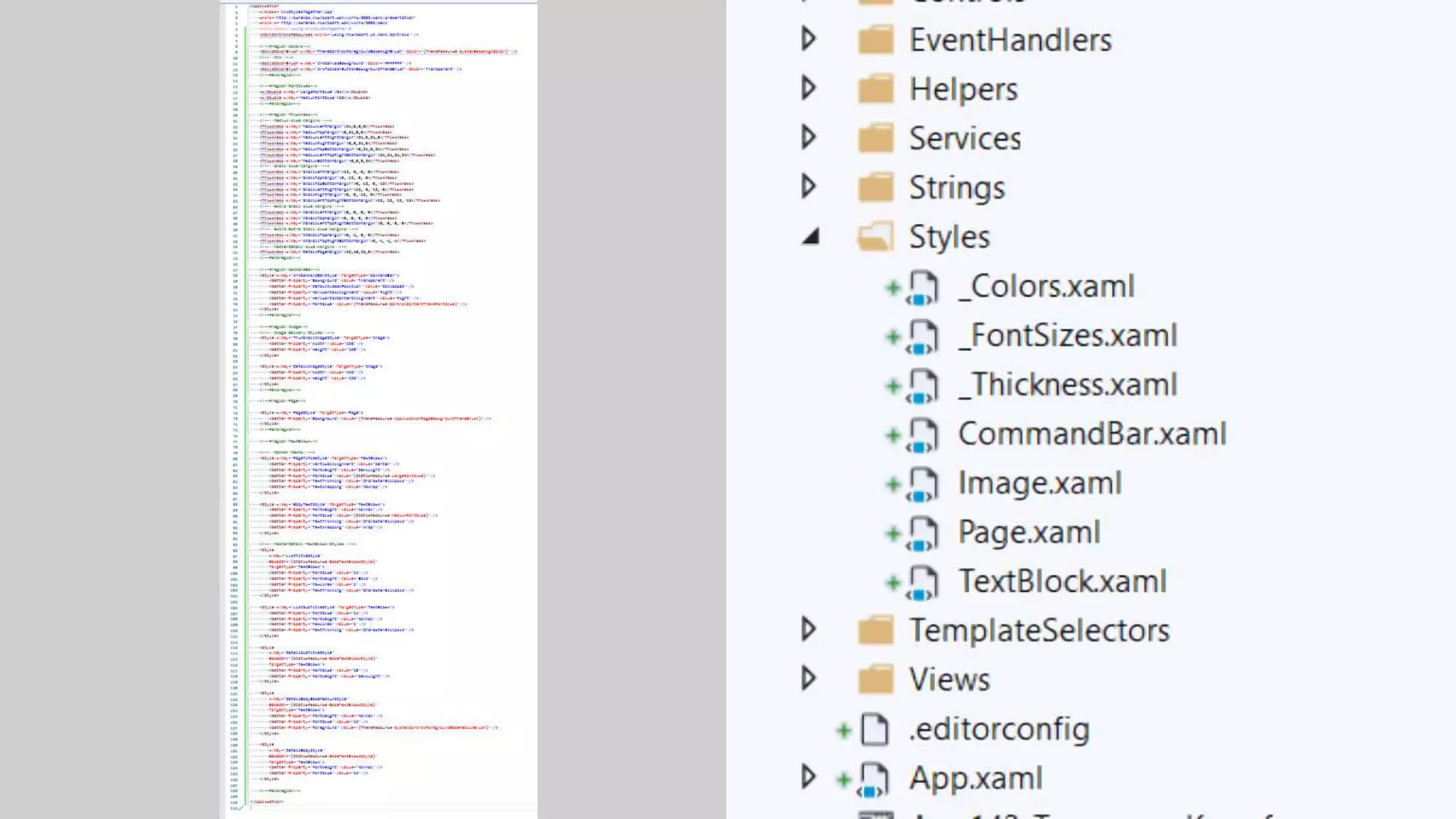
  • #32 "C:\Users\matt\Documents\GitHub\Random XAML Files\_Classic.xaml"
  • #39 & Hot Restart