Mind
Mapping
Learning Sequence 3

A. Mehta
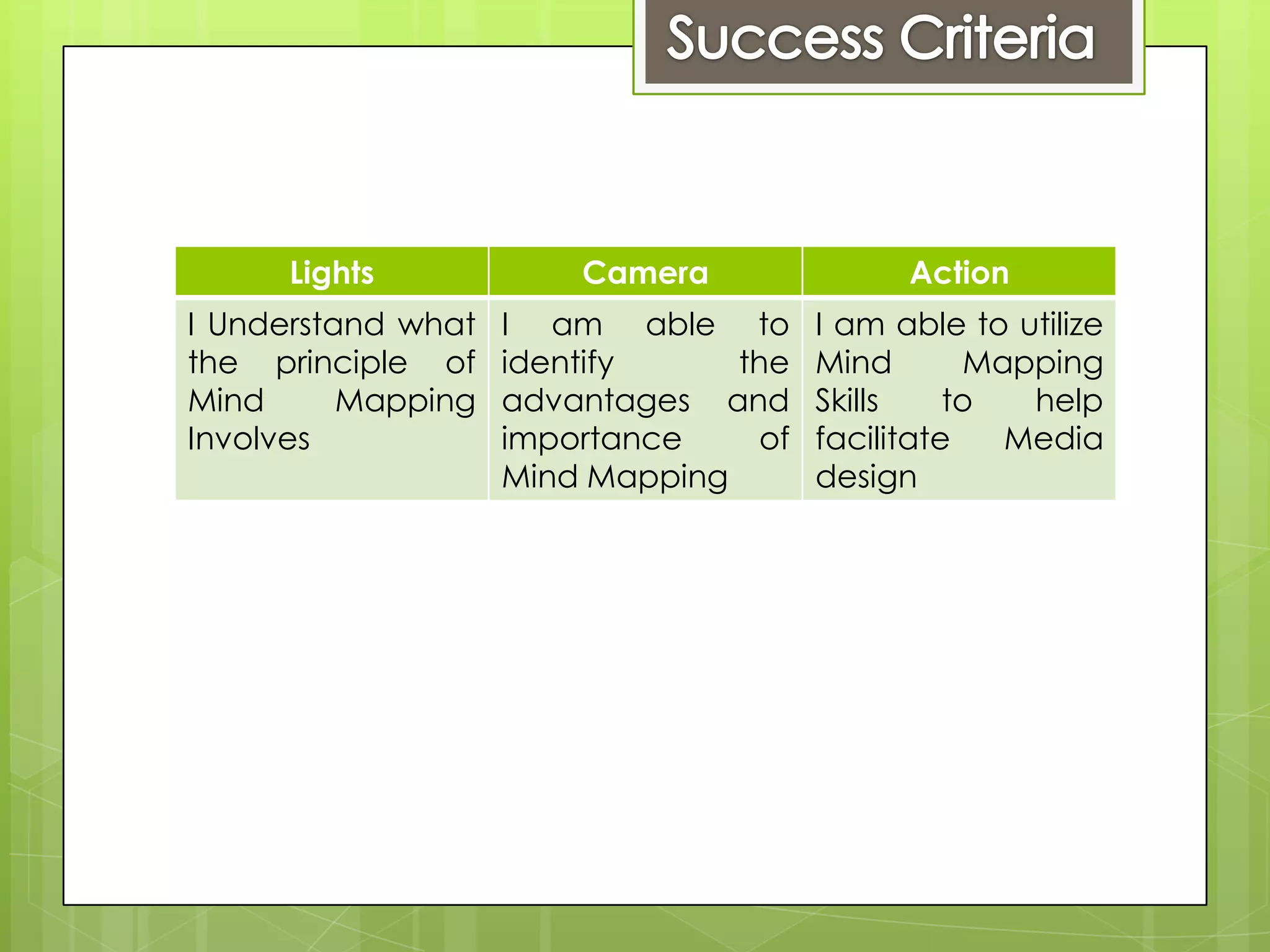
Lights             Camera               Action
I Understand what   I am able to       I am able to utilize
the principle of    identify     the   Mind       Mapping
Mind      Mapping   advantages and     Skills    to  help
Involves            importance    of   facilitate   Media
                    Mind Mapping       design
Mind Mapping is a tool used to construct a
visual image of how a multimedia product can
be designed and how the different elements of
the product will need to be accommodated.
For Example:

 Identifying locations in a film and the specific
  areas for shooting
 The cast of a film and who is playing them
 Props needed and where
Mind maps can be made using a range of tools
and with any number of contributors.

There is specific software available to create
Mind maps such as “Mind View” however for
larger numbers of contributors a large piece of
paper and pen is best
Advantages of Paper
Mind Mapping:

H – Hands-on
U – Unique
M – Memorable
P – Portable
S – Stylish
Advantages of an Electronic Mind Map
• Clean and Professional
• Easy to alter and amended when needed
• Multiple copies can be made and shared
• Supporting documents can be added to the Mind Map
   In groups of 3 think of a film style, for example
    a horror movie and mind map what sorts of
    things will need to be considered when
    planning to make the movie.

   Make sure that you have covered all the
    areas of production and that you are able to
    expand on your ideas.

   If you get stuck – stop and talk to another
    group about their ideas.

   Paper and pens will be provided
 Swap  your Mind Map with another group
  and then using the one given to you
  consider it’s effectiveness.
 Use the Mini Whiteboards provided to
  make notes on the positive and negative
  aspects of the Mind Map and comment
  on any improvements that could be done
  to make it more understandable
 Usingthe Mind Mapping software on the
  computer, transfer the paper copy Mind
  Map onto the computer
 Make sure it is clearly presented with any
  supporting images included.

Mind Mapping - Sequence 3

  • 1.
  • 2.
    Lights Camera Action I Understand what I am able to I am able to utilize the principle of identify the Mind Mapping Mind Mapping advantages and Skills to help Involves importance of facilitate Media Mind Mapping design
  • 3.
    Mind Mapping isa tool used to construct a visual image of how a multimedia product can be designed and how the different elements of the product will need to be accommodated. For Example:  Identifying locations in a film and the specific areas for shooting  The cast of a film and who is playing them  Props needed and where
  • 5.
    Mind maps canbe made using a range of tools and with any number of contributors. There is specific software available to create Mind maps such as “Mind View” however for larger numbers of contributors a large piece of paper and pen is best
  • 6.
    Advantages of Paper MindMapping: H – Hands-on U – Unique M – Memorable P – Portable S – Stylish
  • 7.
    Advantages of anElectronic Mind Map • Clean and Professional • Easy to alter and amended when needed • Multiple copies can be made and shared • Supporting documents can be added to the Mind Map
  • 8.
    In groups of 3 think of a film style, for example a horror movie and mind map what sorts of things will need to be considered when planning to make the movie.  Make sure that you have covered all the areas of production and that you are able to expand on your ideas.  If you get stuck – stop and talk to another group about their ideas.  Paper and pens will be provided
  • 9.
     Swap your Mind Map with another group and then using the one given to you consider it’s effectiveness.  Use the Mini Whiteboards provided to make notes on the positive and negative aspects of the Mind Map and comment on any improvements that could be done to make it more understandable
  • 10.
     Usingthe MindMapping software on the computer, transfer the paper copy Mind Map onto the computer  Make sure it is clearly presented with any supporting images included.