
Discovering
MICROSOFT
POWER PLATFORM
The Future of Business Solutions: Automate, Analyze, Build
- By Piyush Gupta
What’s Ahead
Meet Microsoft Power Platform
Explore Key Components
 Microsoft Power Apps
 Microsoft Power Automate
 Microsoft Power BI
 Microsoft Power Pages
 Copilot Studio
Power Platform capabilities
Resources & Certifications
Quiz Time!
Why Should You Care About
Low-Code?
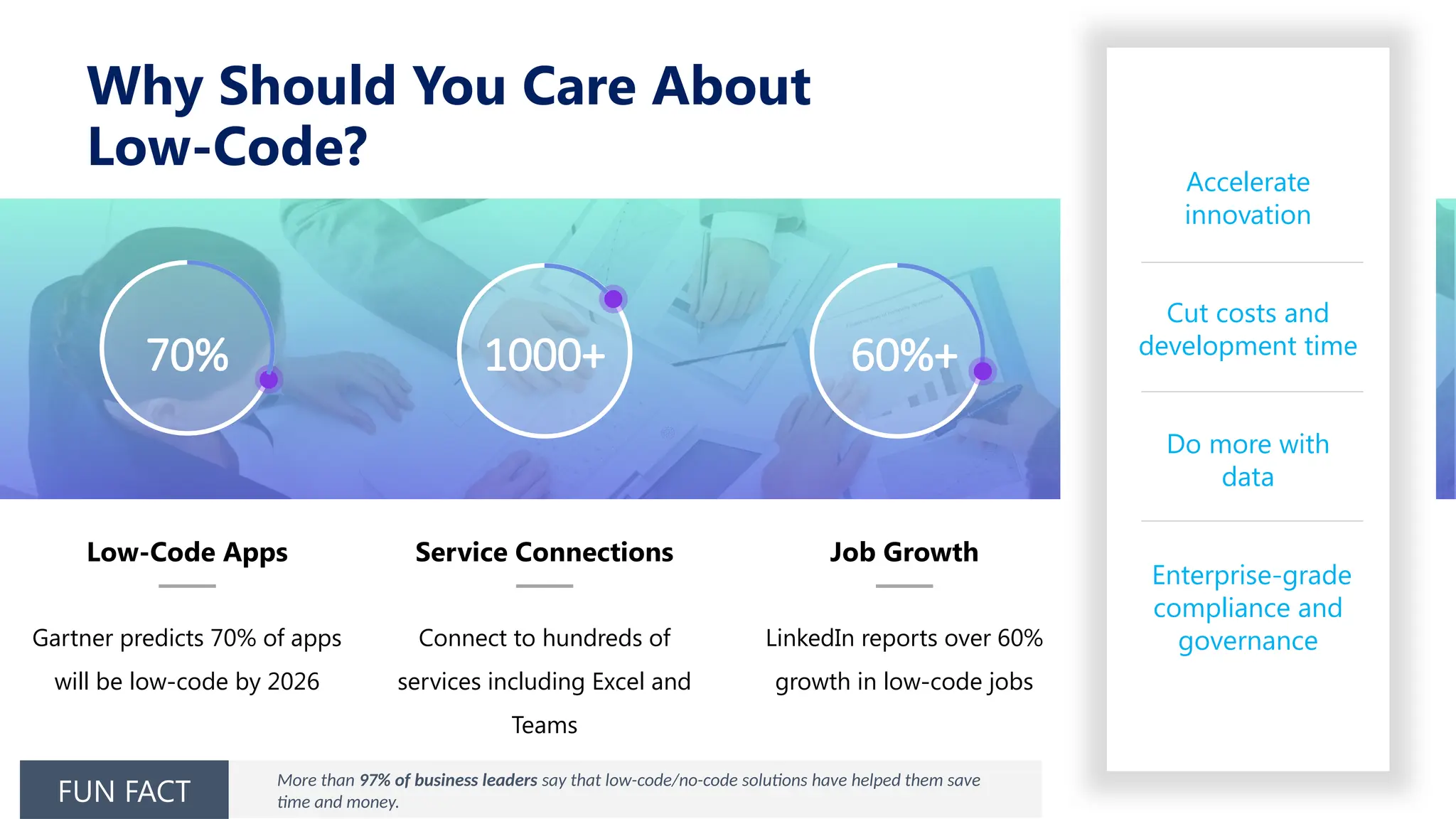
70% 1000+ 60%+
Low-Code Apps
Gartner predicts 70% of apps
will be low-code by 2026
Service Connections
Connect to hundreds of
services including Excel and
Teams
Job Growth
LinkedIn reports over 60%
growth in low-code jobs
Accelerate
innovation
Cut costs and
development time
Do more with
data
Enterprise-grade
compliance and
governance
More than 97% of business leaders say that low-code/no-code solutions have helped them save
time and money.
FUN FACT
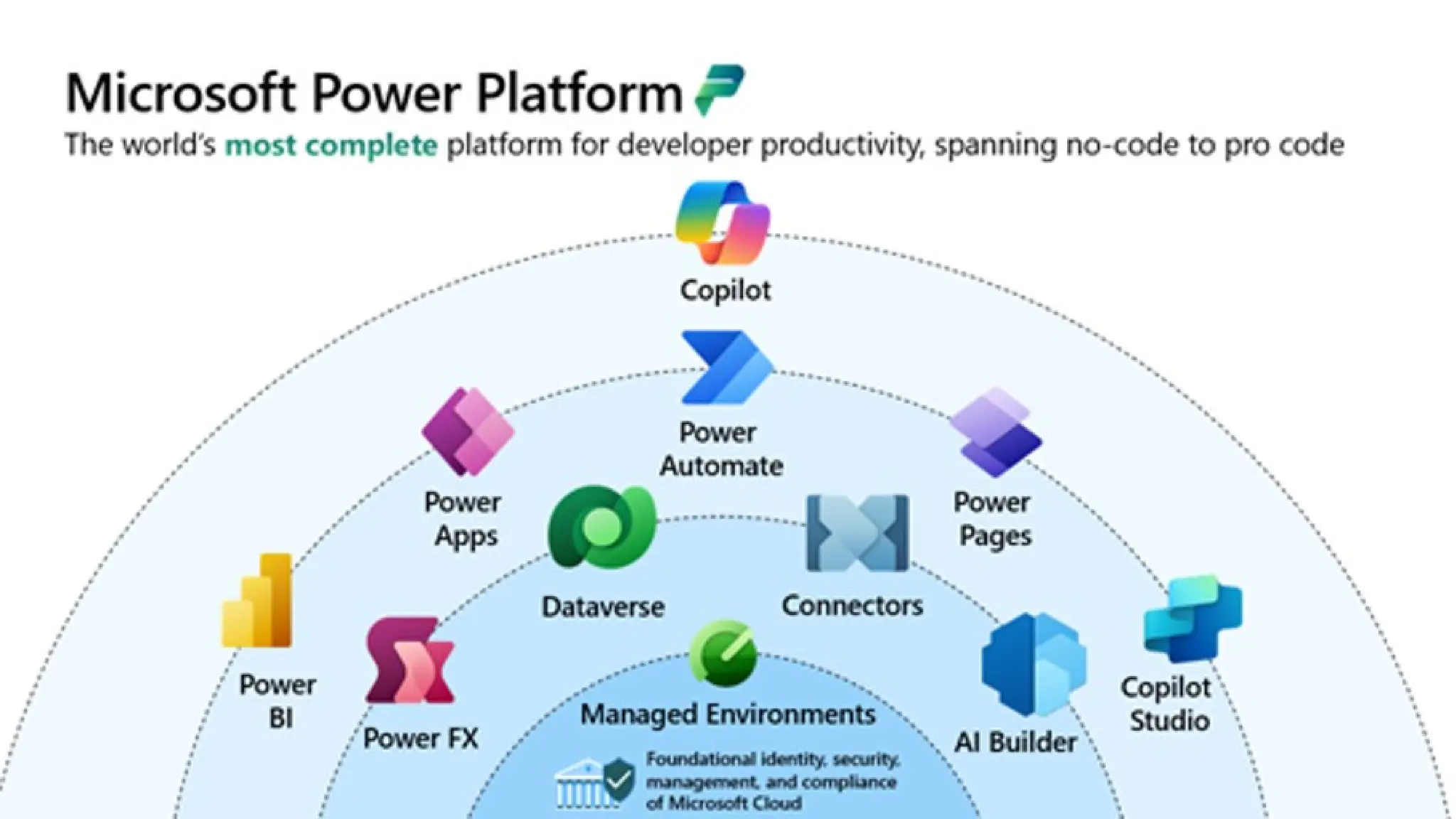
Introduction to Microsoft Power Platform
Low Code, No Code suite of applications to empower users to develop apps, automate workflows, analyze
data, and build websites
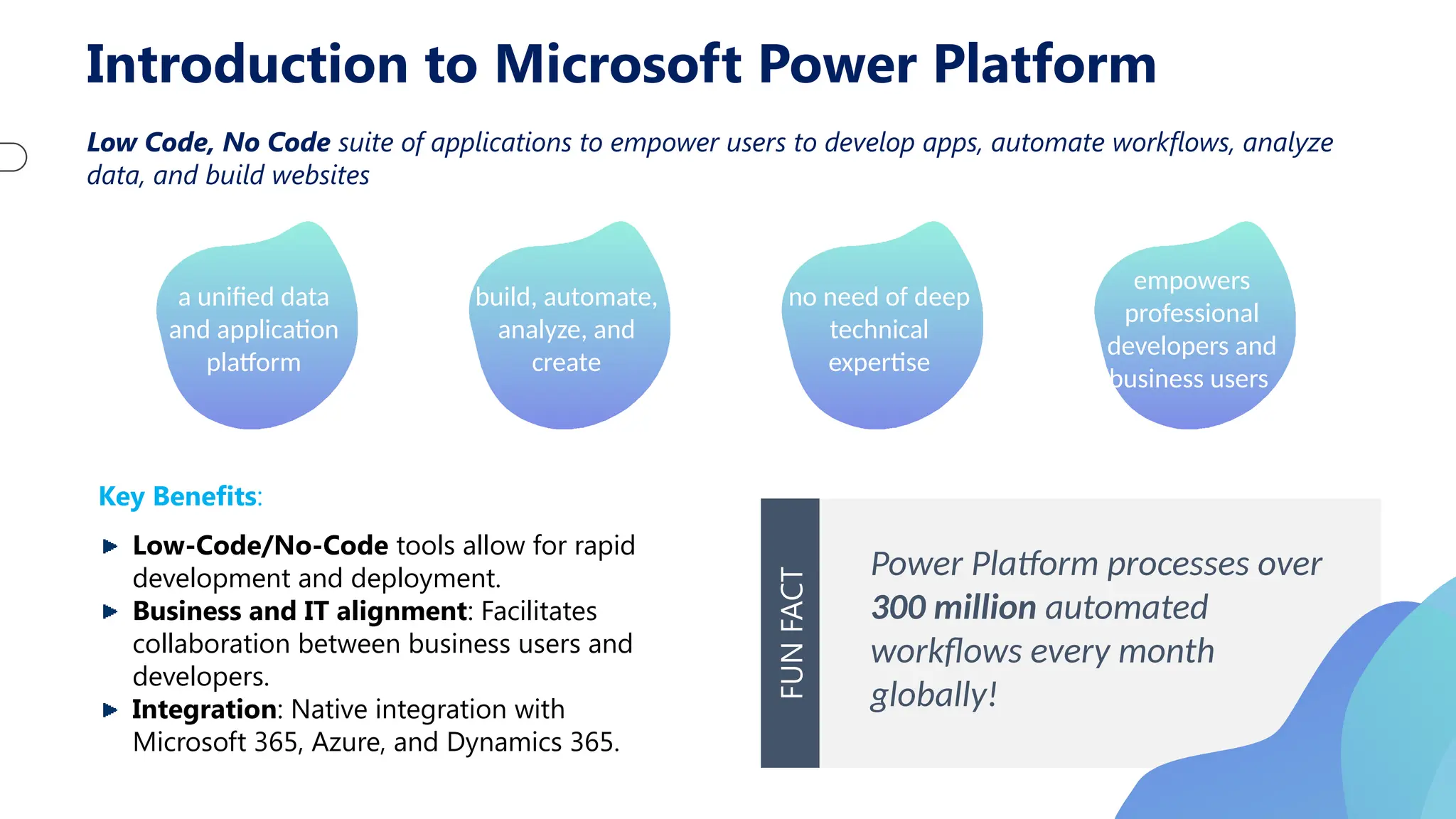
a unified data
and application
platform
build, automate,
analyze, and
create
no need of deep
technical
expertise
empowers
professional
developers and
business users
Key Benefits:
Low-Code/No-Code tools allow for rapid
development and deployment.
Business and IT alignment: Facilitates
collaboration between business users and
developers.
Integration: Native integration with
Microsoft 365, Azure, and Dynamics 365.
Power Platform processes over
300 million automated
workflows every month
globally!
FUN
FACT
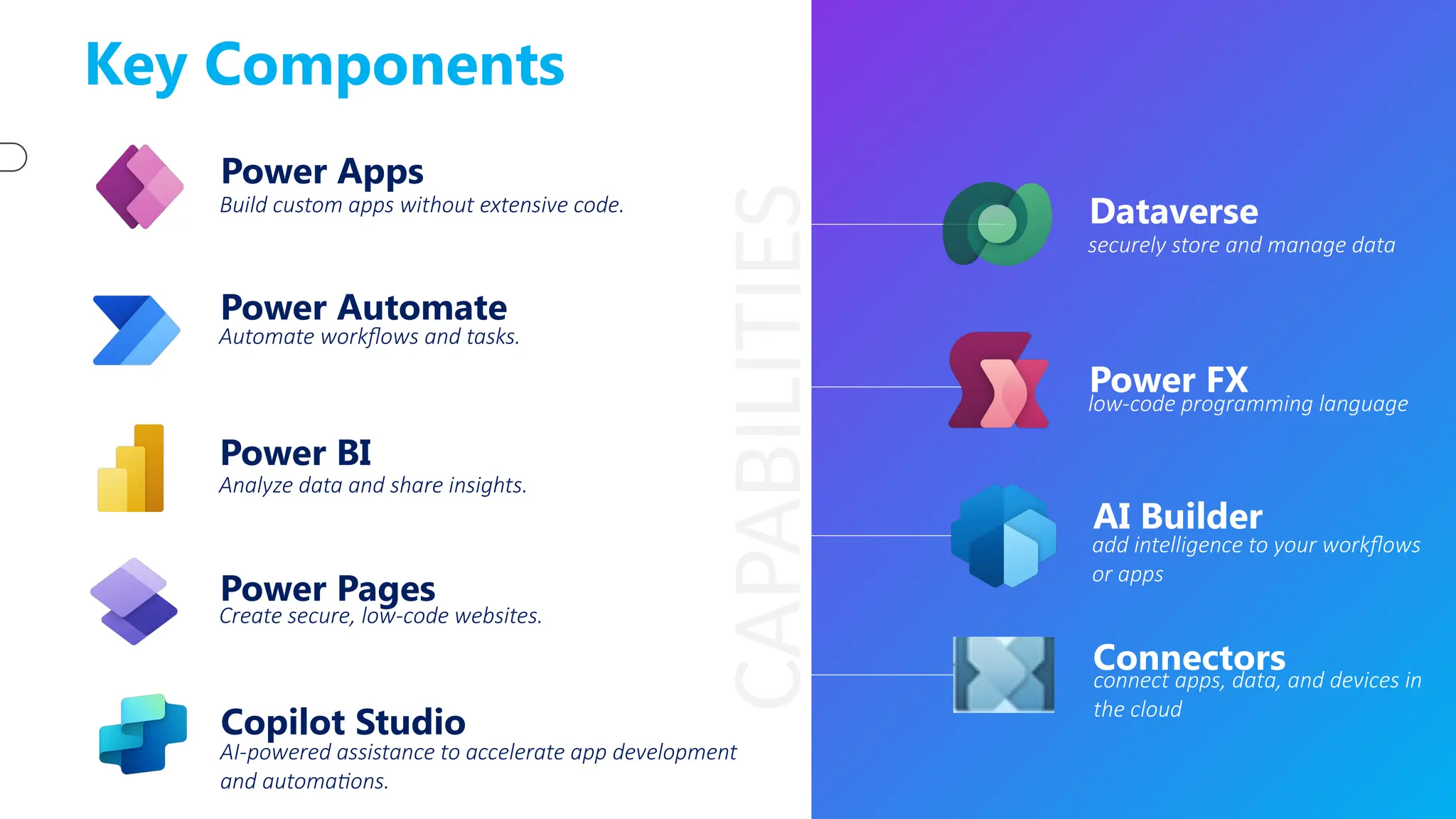
Key Components
Power Apps
Build custom apps without extensive code.
Power Automate
Automate workflows and tasks.
Power BI
Analyze data and share insights.
Power Pages
Create secure, low-code websites.
Copilot Studio
AI-powered assistance to accelerate app development
and automations.
Dataverse
securely store and manage data
Power FX
low-code programming language
Connectors
connect apps, data, and devices in
the cloud
AI Builder
add intelligence to your workflows
or apps
CAPABILITIES
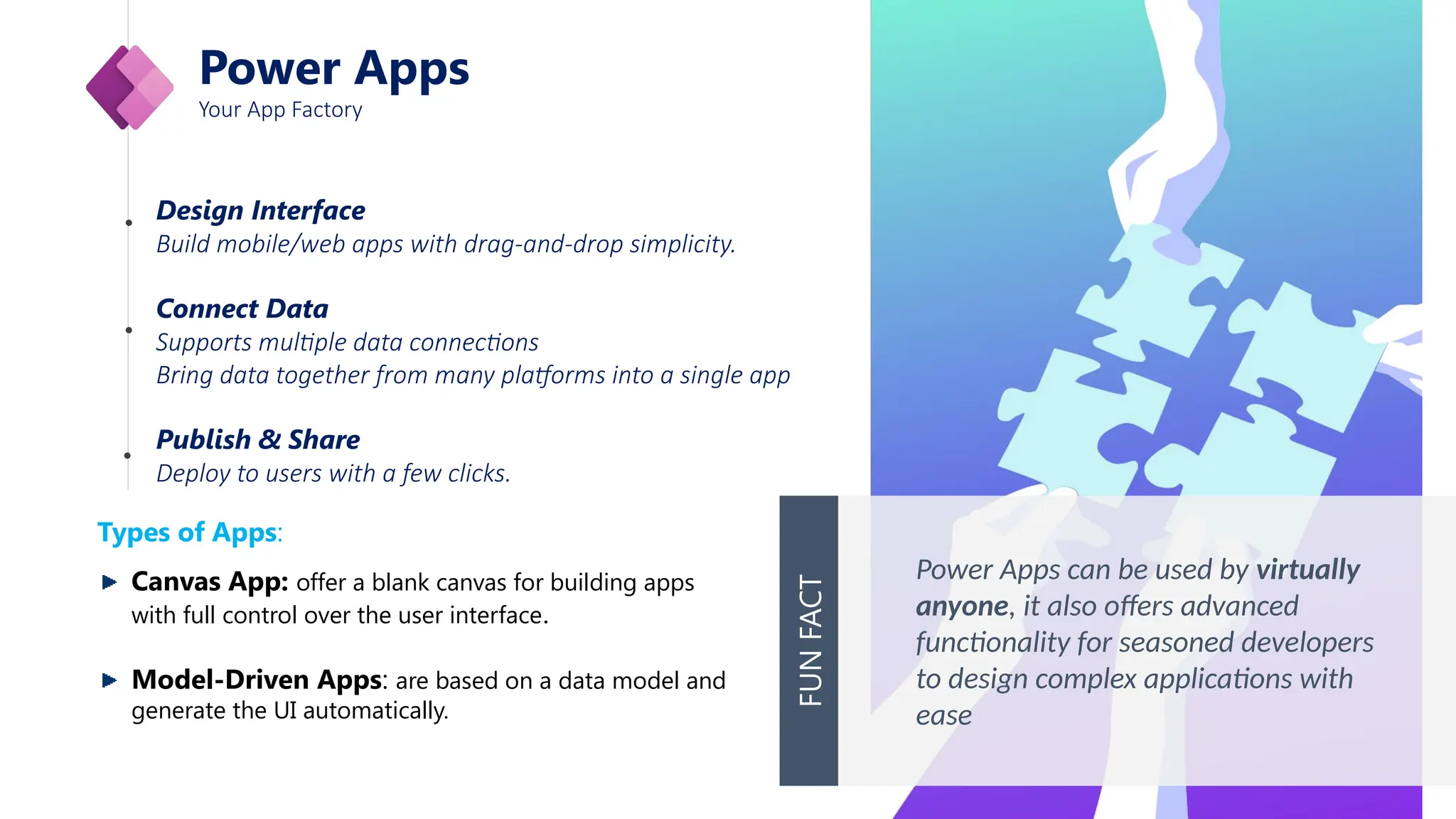
Power Apps
Your App Factory
Design Interface
Build mobile/web apps with drag-and-drop simplicity.
Connect Data
Supports multiple data connections
Bring data together from many platforms into a single app
Publish & Share
Deploy to users with a few clicks.
Power Apps can be used by virtually
anyone, it also offers advanced
functionality for seasoned developers
to design complex applications with
ease
FUN
FACT
Types of Apps:
Canvas App: offer a blank canvas for building apps
with full control over the user interface.
Model-Driven Apps: are based on a data model and
generate the UI automatically.
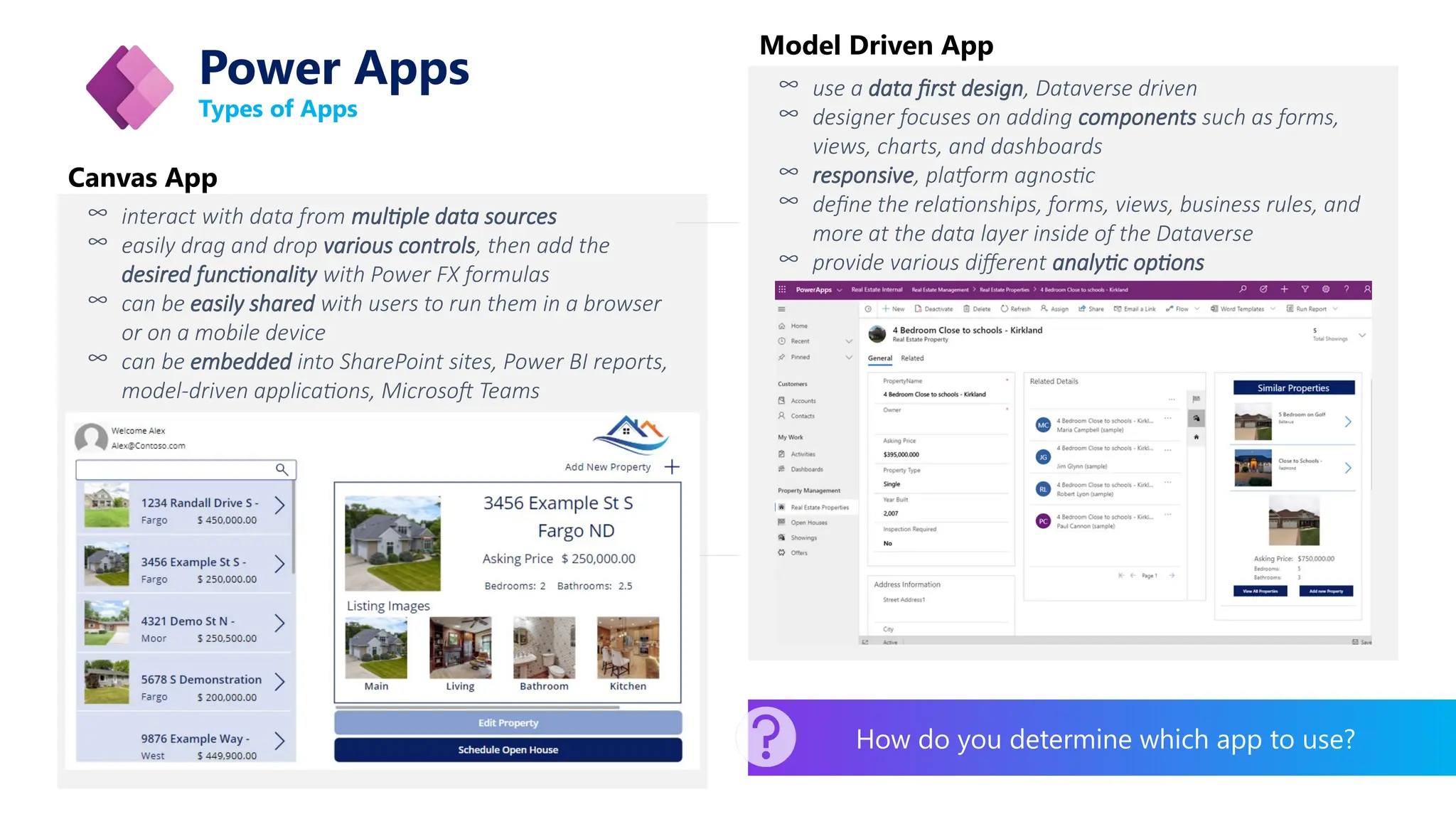
Power Apps
Types of Apps
∞ interact with data from multiple data sources
∞ easily drag and drop various controls, then add the
desired functionality with Power FX formulas
∞ can be easily shared with users to run them in a browser
or on a mobile device
∞ can be embedded into SharePoint sites, Power BI reports,
model-driven applications, Microsoft Teams
∞ use a data first design, Dataverse driven
∞ designer focuses on adding components such as forms,
views, charts, and dashboards
∞ responsive, platform agnostic
∞ define the relationships, forms, views, business rules, and
more at the data layer inside of the Dataverse
∞ provide various different analytic options
Canvas App
Model Driven App
How do you determine which app to use?
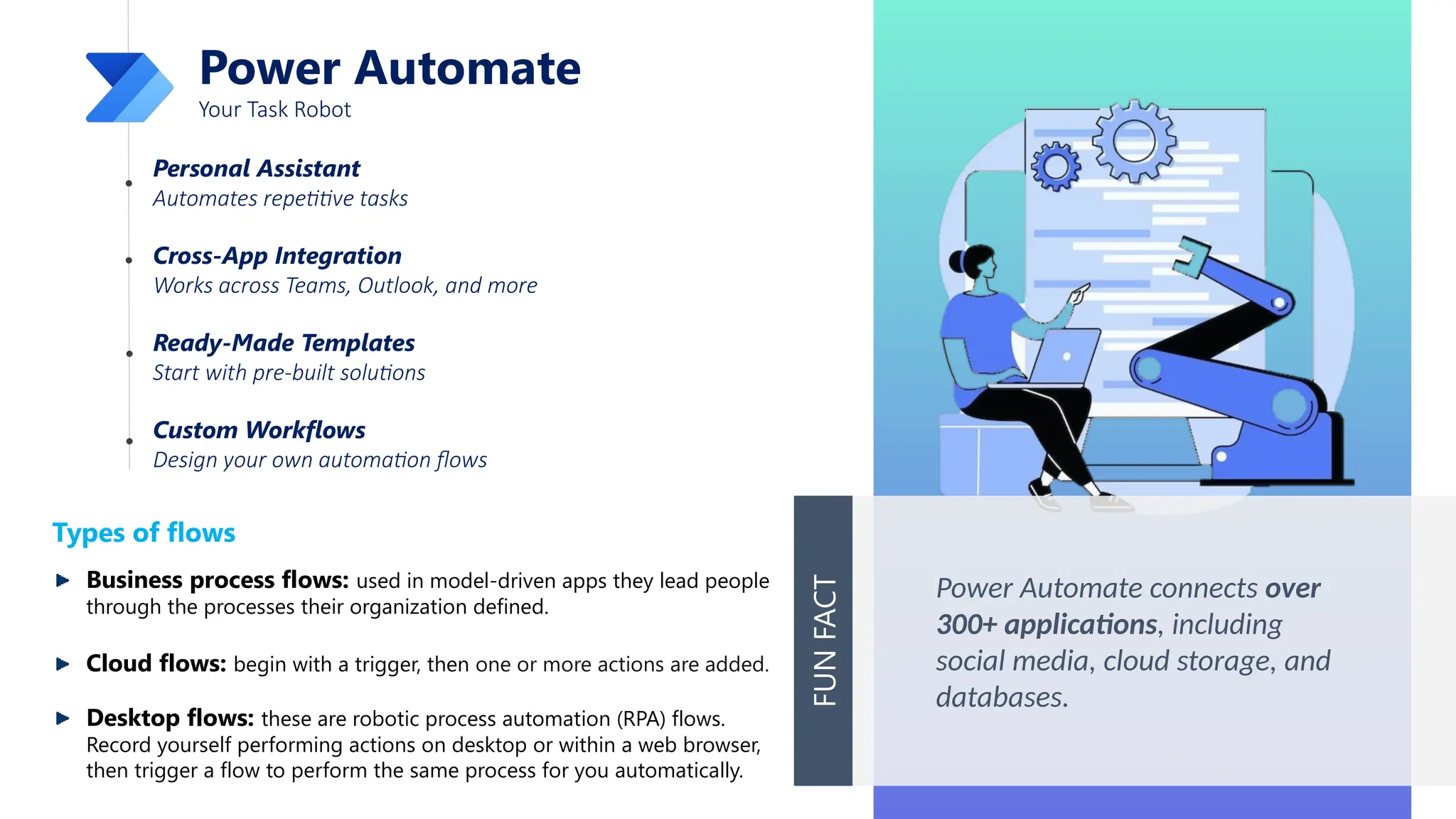
Power Automate
Your Task Robot
Personal Assistant
Automates repetitive tasks
Cross-App Integration
Works across Teams, Outlook, and more
Ready-Made Templates
Start with pre-built solutions
Custom Workflows
Design your own automation flows
Power Automate connects over
300+ applications, including
social media, cloud storage, and
databases.
FUN
FACT
Types of flows
Business process flows: used in model-driven apps they lead people
through the processes their organization defined.
Cloud flows: begin with a trigger, then one or more actions are added.
Desktop flows: these are robotic process automation (RPA) flows.
Record yourself performing actions on desktop or within a web browser,
then trigger a flow to perform the same process for you automatically.
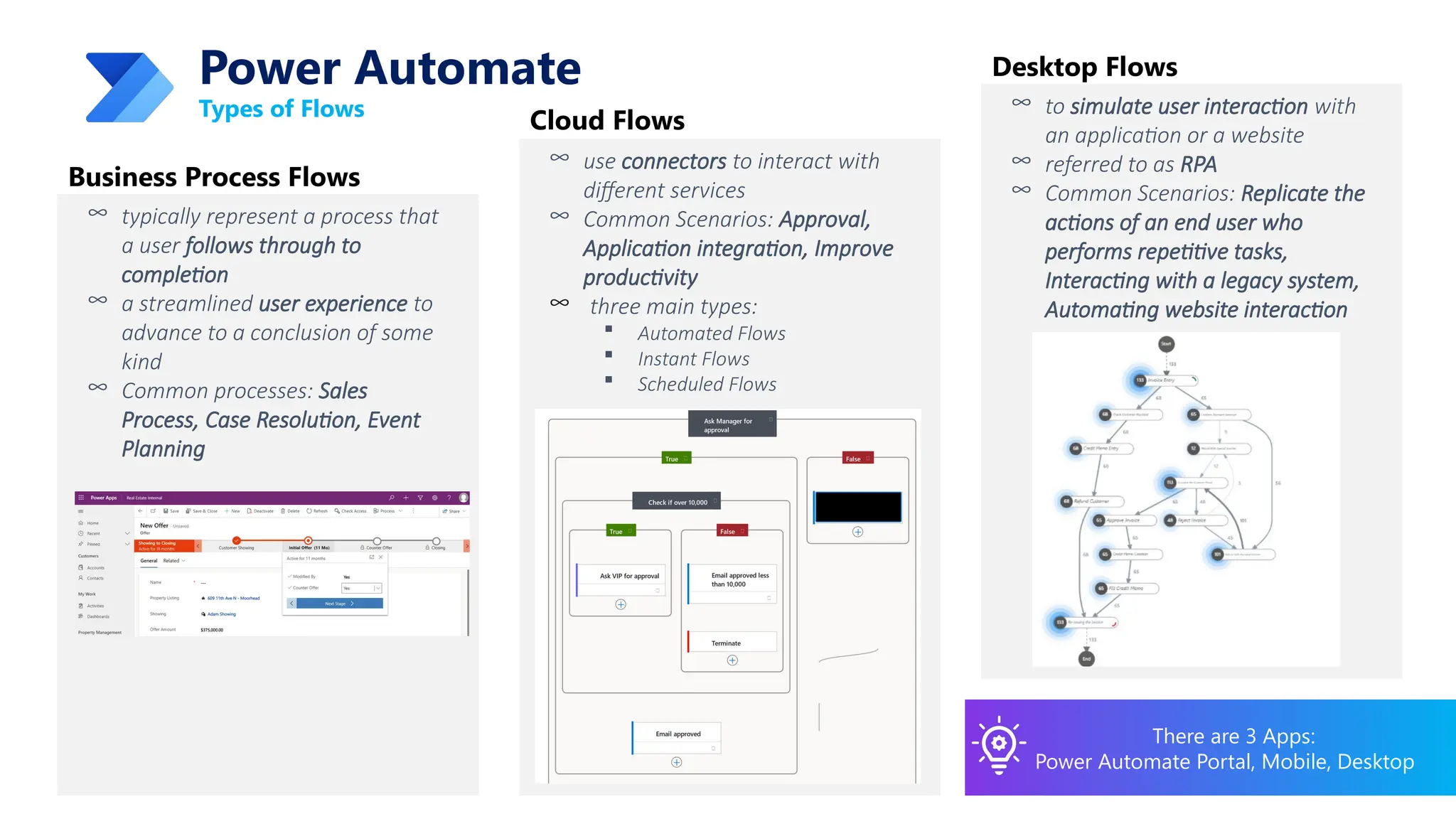
Types of Flows
∞ typically represent a process that
a user follows through to
completion
∞ a streamlined user experience to
advance to a conclusion of some
kind
∞ Common processes: Sales
Process, Case Resolution, Event
Planning
Business Process Flows
There are 3 Apps:
Power Automate Portal, Mobile, Desktop
Power Automate
∞ use connectors to interact with
different services
∞ Common Scenarios: Approval,
Application integration, Improve
productivity
∞ three main types:
 Automated Flows
 Instant Flows
 Scheduled Flows
Cloud Flows
∞ to simulate user interaction with
an application or a website
∞ referred to as RPA
∞ Common Scenarios: Replicate the
actions of an end user who
performs repetitive tasks,
Interacting with a legacy system,
Automating website interaction
Desktop Flows
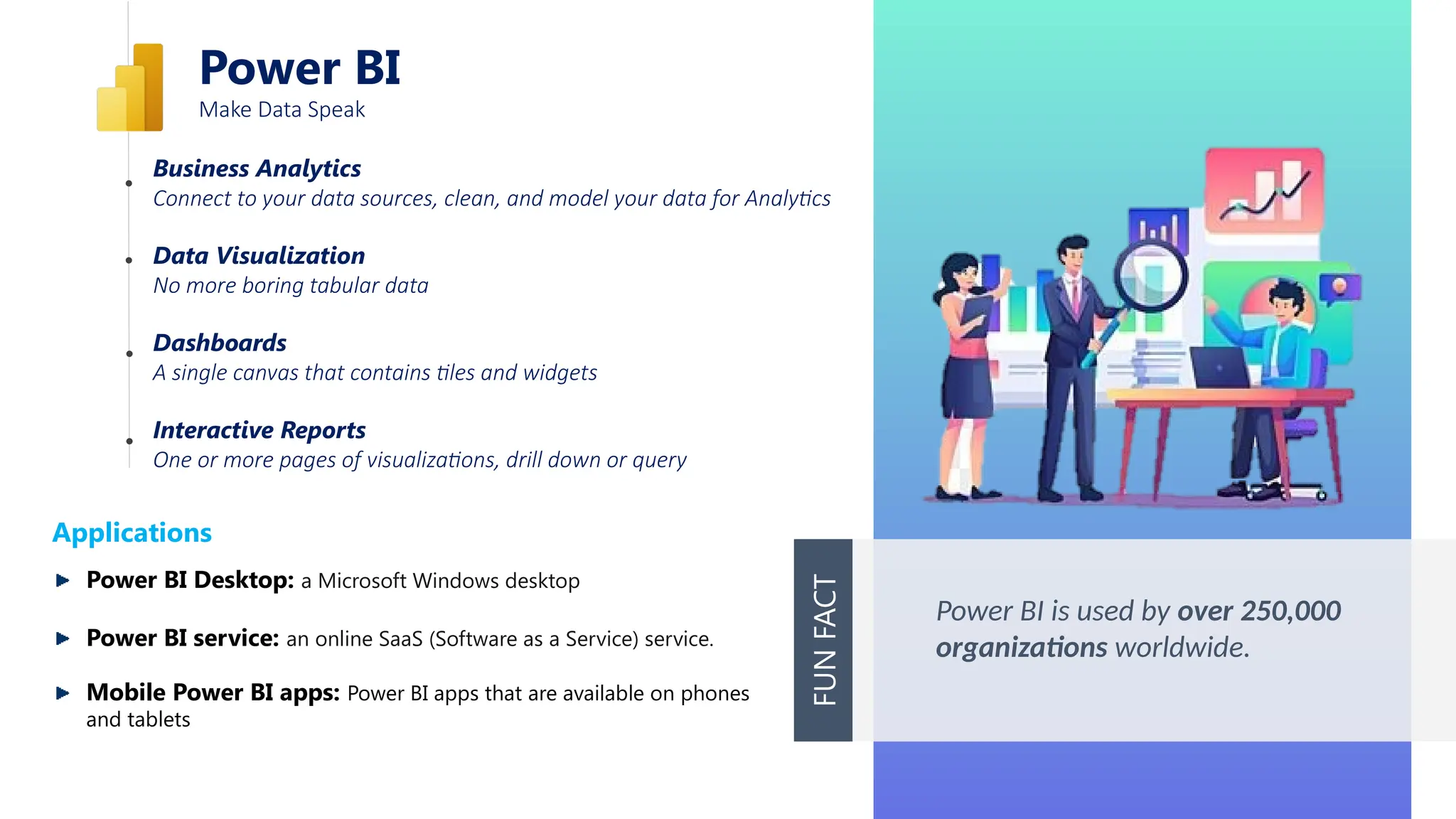
Power BI
Make Data Speak
Business Analytics
Connect to your data sources, clean, and model your data for Analytics
Data Visualization
No more boring tabular data
Dashboards
A single canvas that contains tiles and widgets
Interactive Reports
One or more pages of visualizations, drill down or query
Power BI is used by over 250,000
organizations worldwide.
FUN
FACT
Applications
Power BI Desktop: a Microsoft Windows desktop
Power BI service: an online SaaS (Software as a Service) service.
Mobile Power BI apps: Power BI apps that are available on phones
and tablets
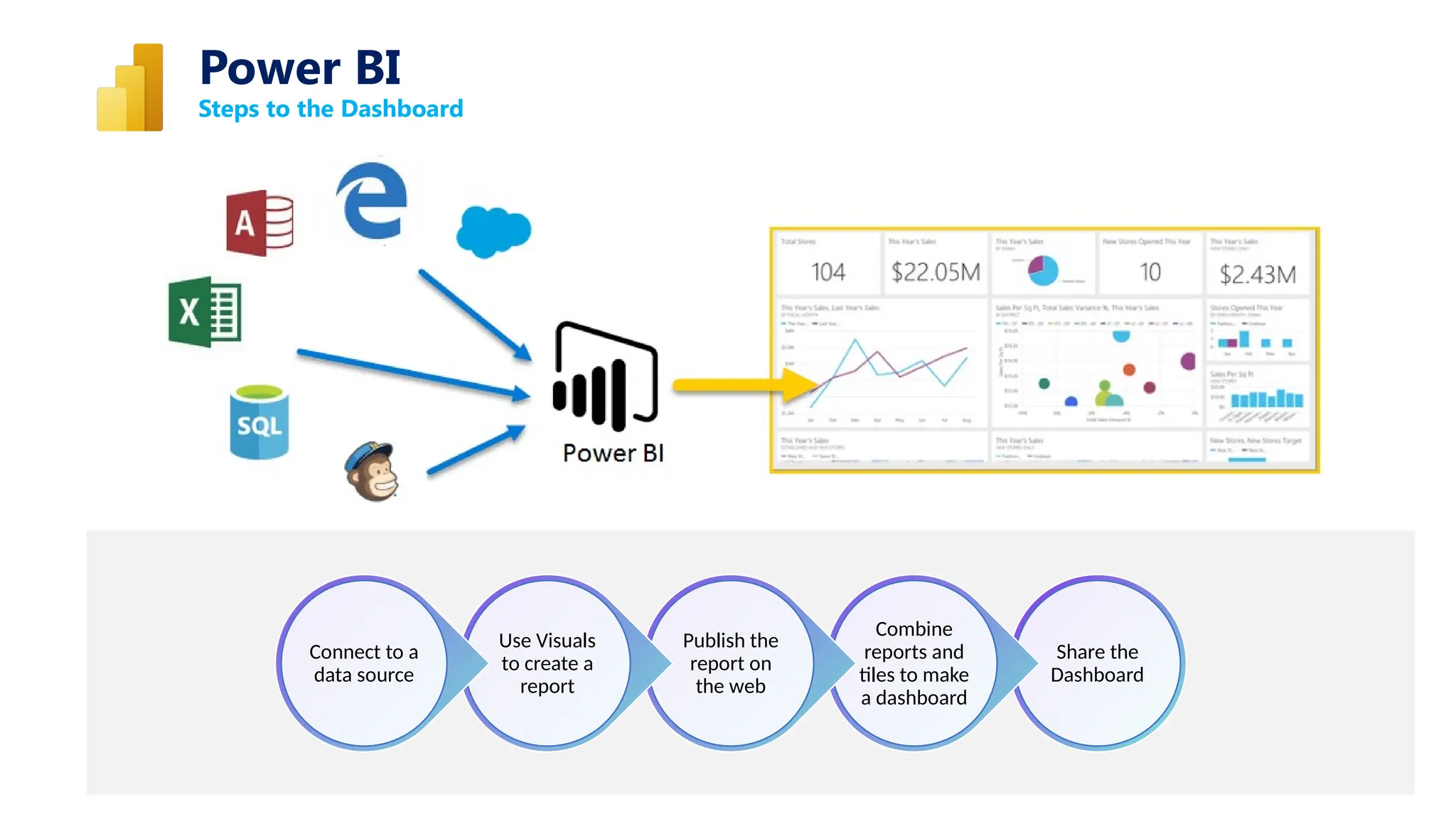
Steps to the Dashboard
Power BI
Share the
Dashboard
Combine
reports and
tiles to make
a dashboard
Publish the
report on
the web
Use Visuals
to create a
report
Connect to a
data source
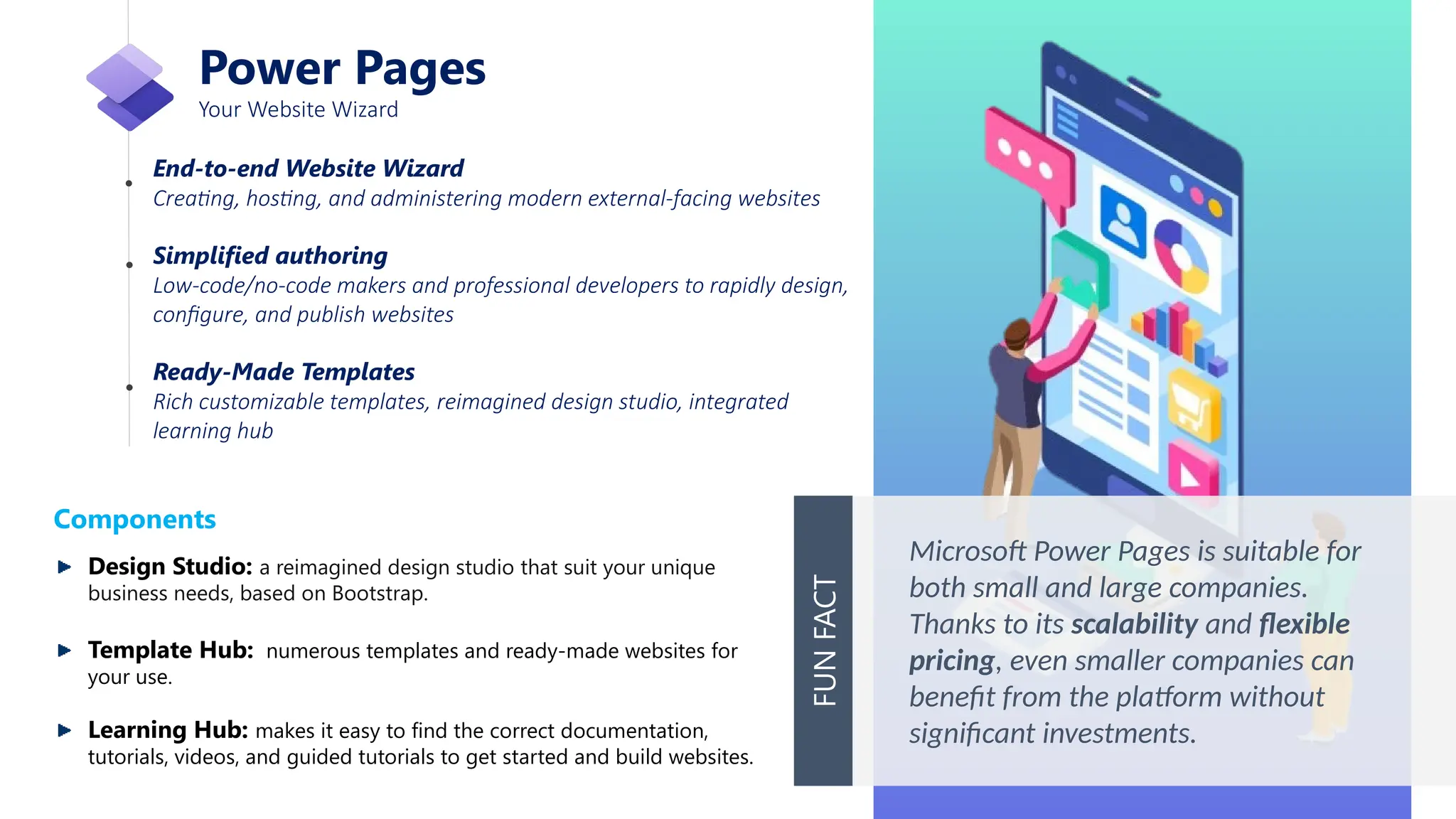
Power Pages
Your Website Wizard
End-to-end Website Wizard
Creating, hosting, and administering modern external-facing websites
Simplified authoring
Low-code/no-code makers and professional developers to rapidly design,
configure, and publish websites
Ready-Made Templates
Rich customizable templates, reimagined design studio, integrated
learning hub
Microsoft Power Pages is suitable for
both small and large companies.
Thanks to its scalability and flexible
pricing, even smaller companies can
benefit from the platform without
significant investments.
FUN
FACT
Components
Design Studio: a reimagined design studio that suit your unique
business needs, based on Bootstrap.
Template Hub: numerous templates and ready-made websites for
your use.
Learning Hub: makes it easy to find the correct documentation,
tutorials, videos, and guided tutorials to get started and build websites.
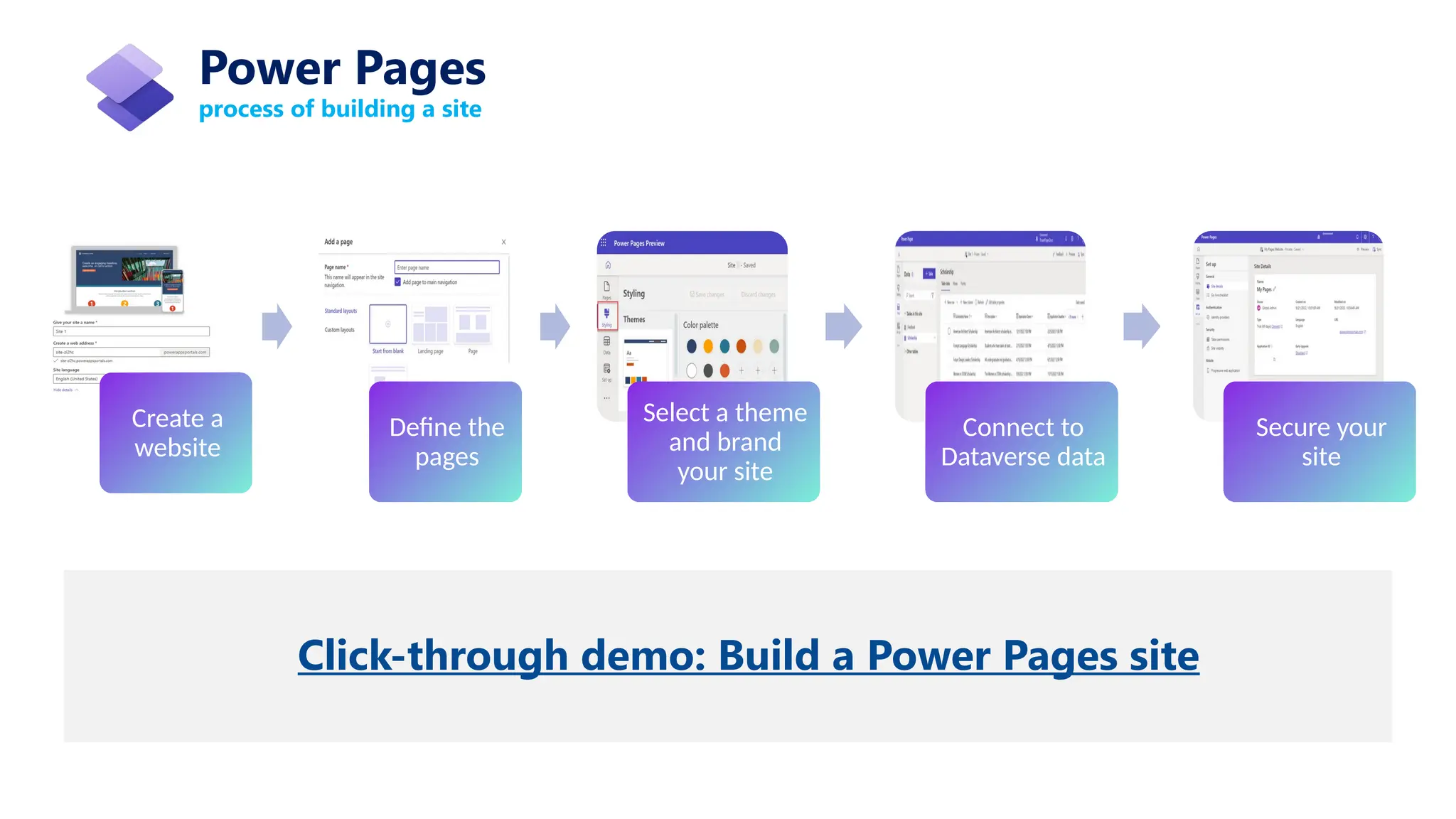
process of building a site
Power Pages
Create a
website
Define the
pages
Select a theme
and brand
your site
Connect to
Dataverse data
Secure your
site
Click-through demo: Build a Power Pages site
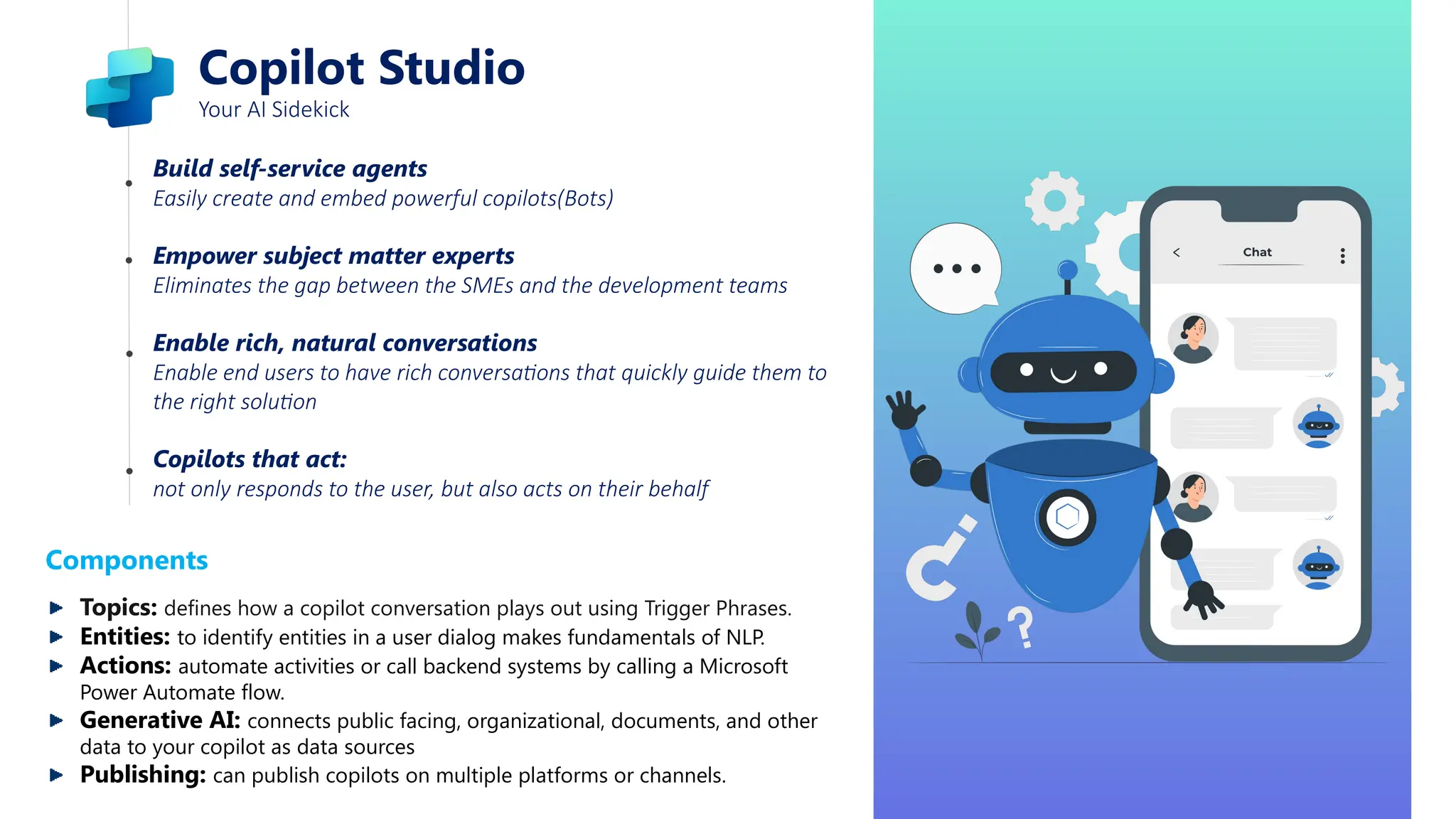
Copilot Studio
Your AI Sidekick
Build self-service agents
Easily create and embed powerful copilots(Bots)
Empower subject matter experts
Eliminates the gap between the SMEs and the development teams
Enable rich, natural conversations
Enable end users to have rich conversations that quickly guide them to
the right solution
Copilots that act:
not only responds to the user, but also acts on their behalf
Components
Topics: defines how a copilot conversation plays out using Trigger Phrases.
Entities: to identify entities in a user dialog makes fundamentals of NLP.
Actions: automate activities or call backend systems by calling a Microsoft
Power Automate flow.
Generative AI: connects public facing, organizational, documents, and other
data to your copilot as data sources
Publishing: can publish copilots on multiple platforms or channels.
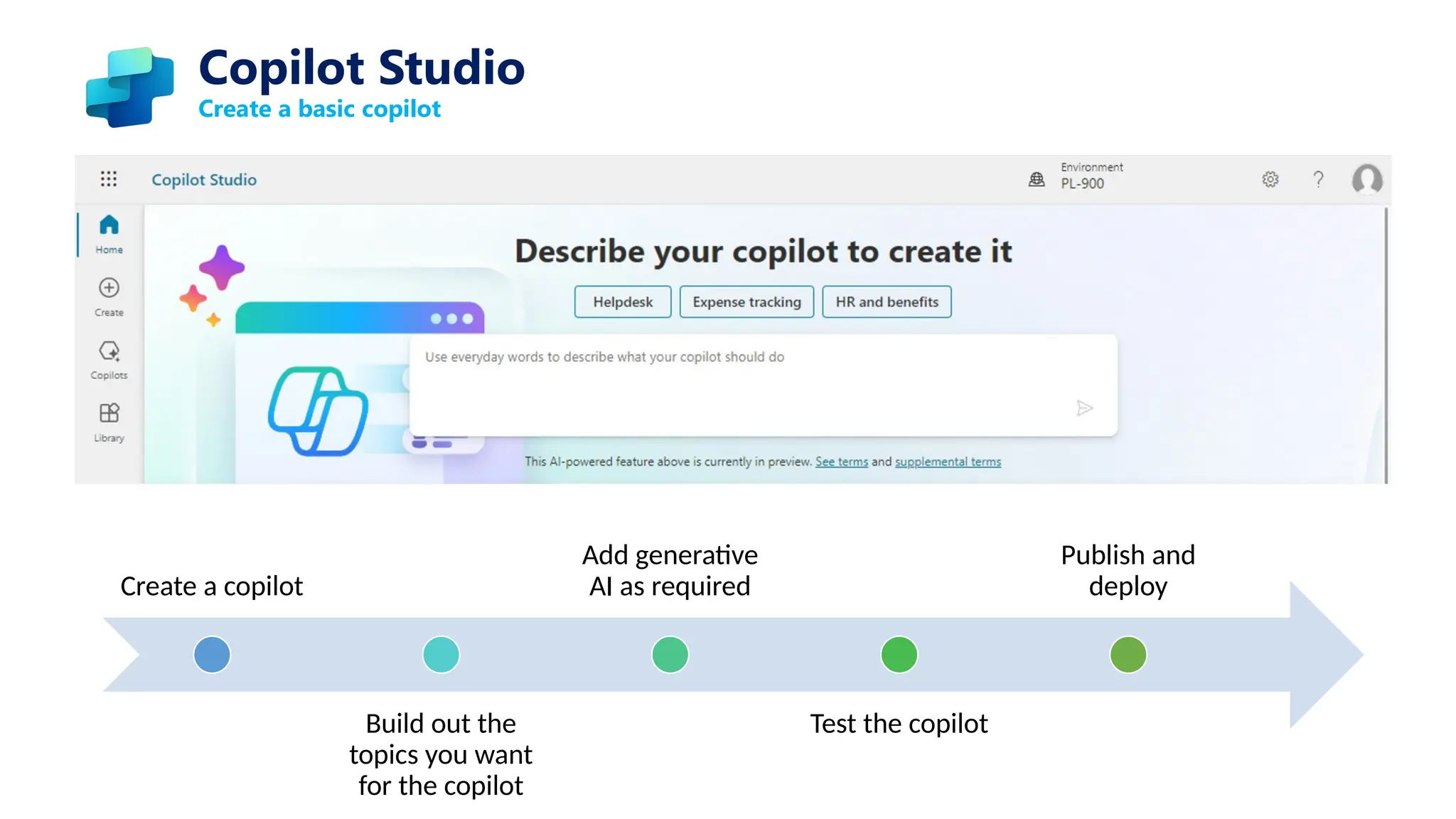
Create a basic copilot
Create a copilot
Build out the
topics you want
for the copilot
Add generative
AI as required
Test the copilot
Publish and
deploy
Copilot Studio
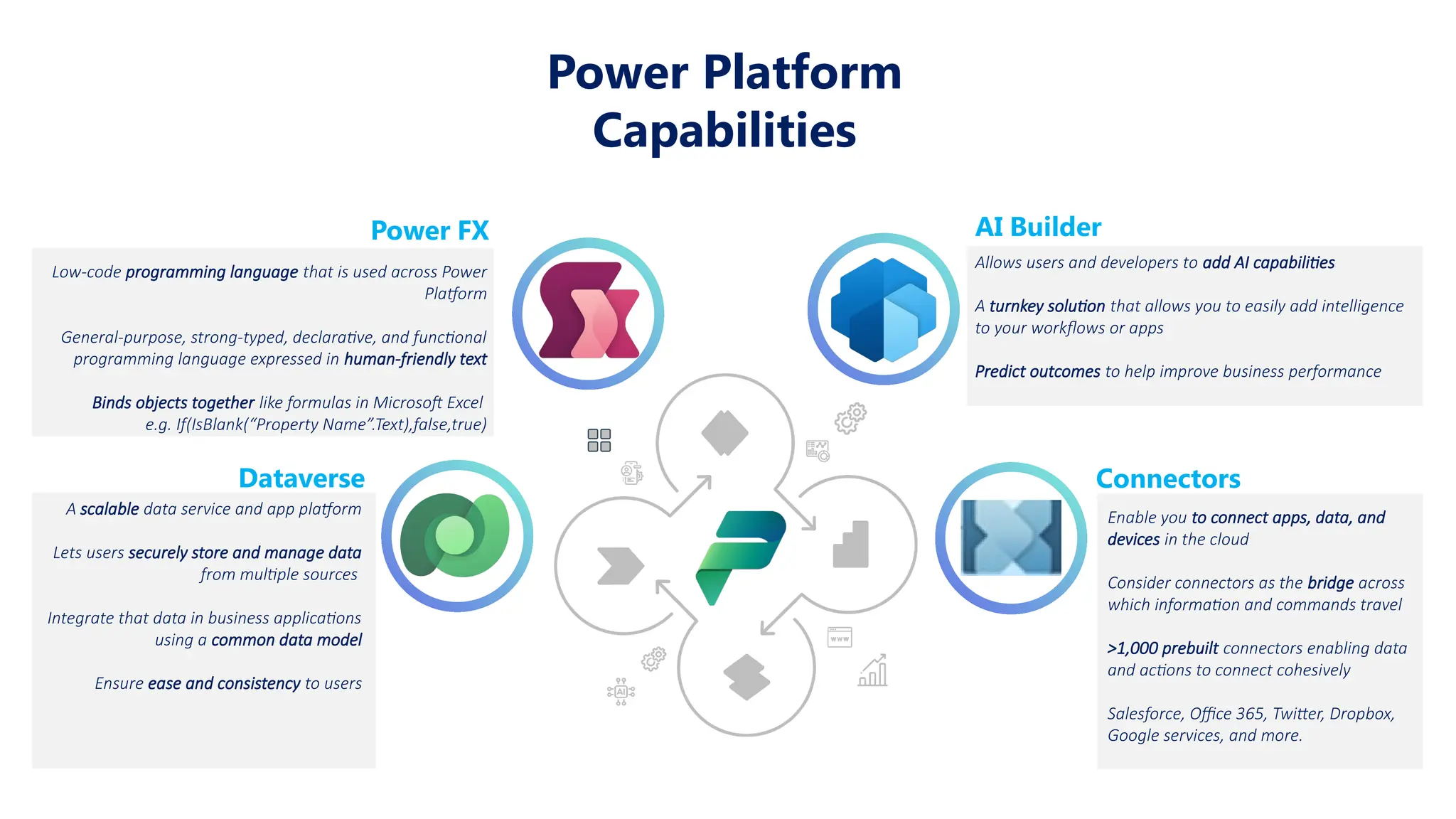
Power FX
Low-code programming language that is used across Power
Platform
General-purpose, strong-typed, declarative, and functional
programming language expressed in human-friendly text
Binds objects together like formulas in Microsoft Excel
e.g. If(IsBlank(“Property Name”.Text),false,true)
AI Builder
Allows users and developers to add AI capabilities
A turnkey solution that allows you to easily add intelligence
to your workflows or apps
Predict outcomes to help improve business performance
Dataverse
A scalable data service and app platform
Lets users securely store and manage data
from multiple sources
Integrate that data in business applications
using a common data model
Ensure ease and consistency to users
Connectors
Enable you to connect apps, data, and
devices in the cloud
Consider connectors as the bridge across
which information and commands travel
>1,000 prebuilt connectors enabling data
and actions to connect cohesively
Salesforce, Office 365, Twitter, Dropbox,
Google services, and more.
Power Platform
Capabilities
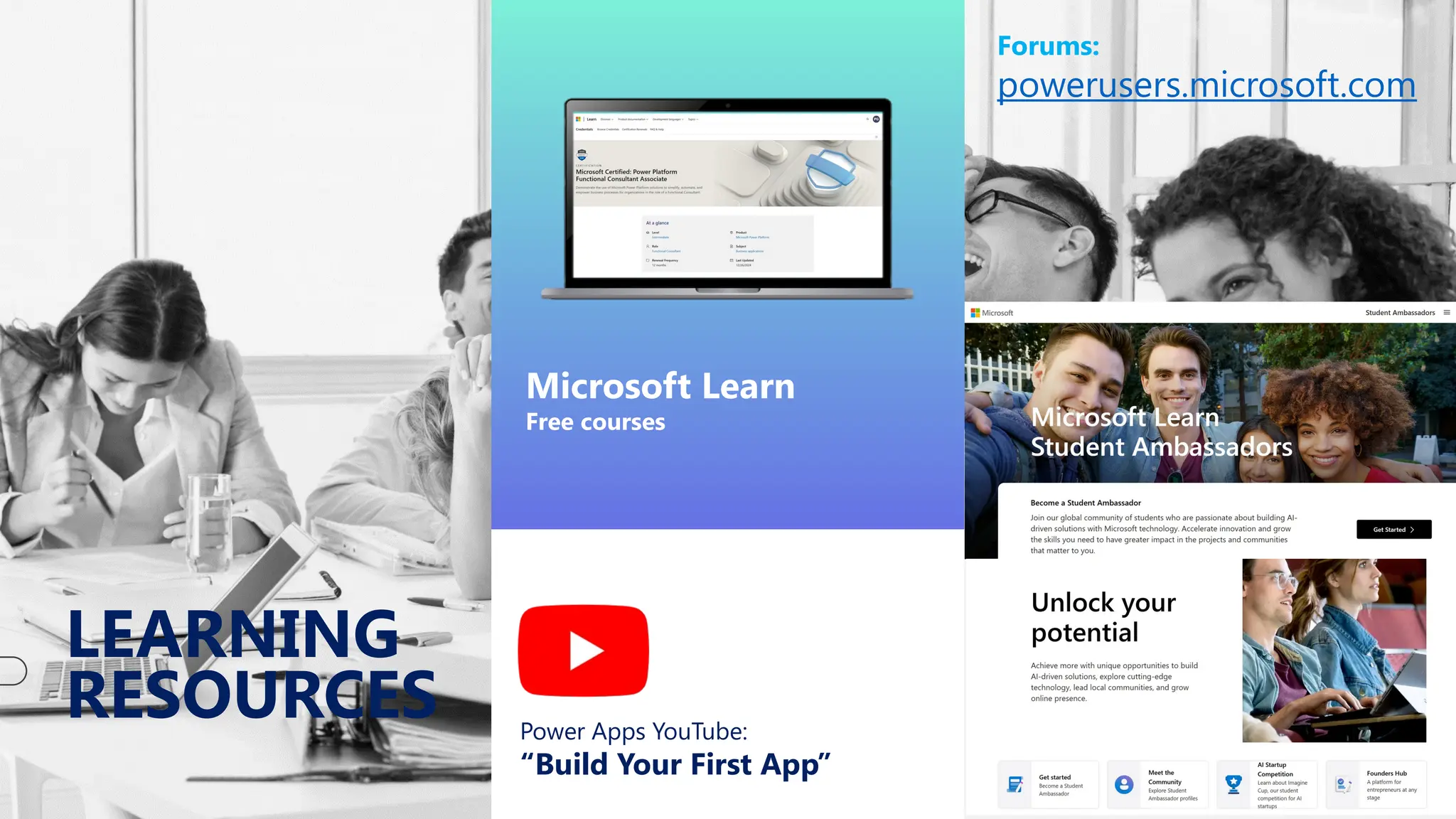
LEARNING
RESOURCES
Microsoft Learn
Free courses
Power Apps YouTube:
“Build Your First App”
Forums:
powerusers.microsoft.com
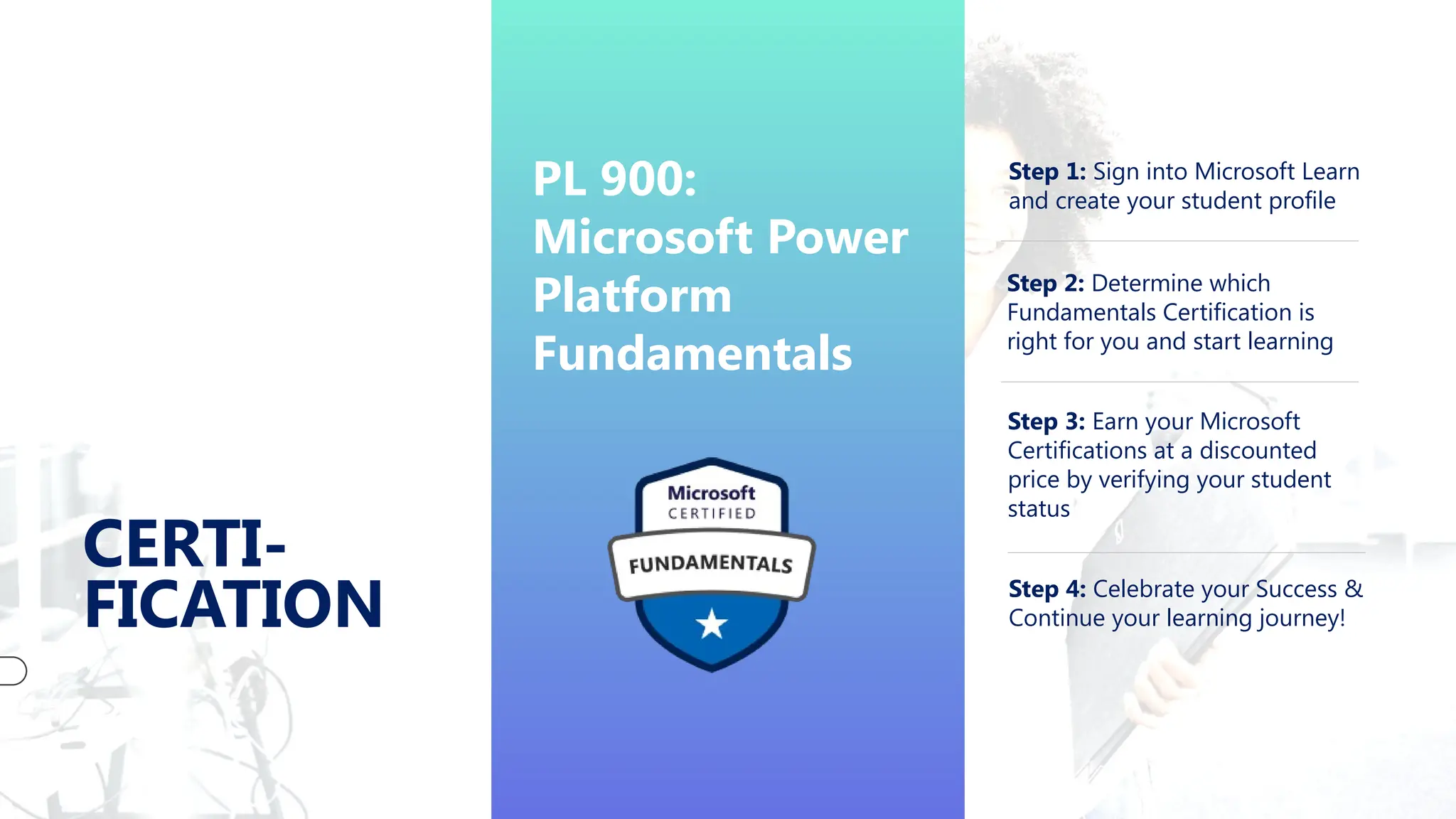
CERTI-
FICATION
PL 900:
Microsoft Power
Platform
Fundamentals
Step 1: Sign into Microsoft Learn
and create your student profile
Step 2: Determine which
Fundamentals Certification is
right for you and start learning
Step 3: Earn your Microsoft
Certifications at a discounted
price by verifying your student
status
Step 4: Celebrate your Success &
Continue your learning journey!
Thank You
Piyush Gupta
piyush1844@gmail.com

Microsoft Power Platform in 2025_Piyush Gupta_.pptx

  • 1.
    Discovering MICROSOFT POWER PLATFORM The Futureof Business Solutions: Automate, Analyze, Build - By Piyush Gupta
  • 2.
    What’s Ahead Meet MicrosoftPower Platform Explore Key Components  Microsoft Power Apps  Microsoft Power Automate  Microsoft Power BI  Microsoft Power Pages  Copilot Studio Power Platform capabilities Resources & Certifications Quiz Time!
  • 3.
    Why Should YouCare About Low-Code? 70% 1000+ 60%+ Low-Code Apps Gartner predicts 70% of apps will be low-code by 2026 Service Connections Connect to hundreds of services including Excel and Teams Job Growth LinkedIn reports over 60% growth in low-code jobs Accelerate innovation Cut costs and development time Do more with data Enterprise-grade compliance and governance More than 97% of business leaders say that low-code/no-code solutions have helped them save time and money. FUN FACT
  • 4.
    Introduction to MicrosoftPower Platform Low Code, No Code suite of applications to empower users to develop apps, automate workflows, analyze data, and build websites a unified data and application platform build, automate, analyze, and create no need of deep technical expertise empowers professional developers and business users Key Benefits: Low-Code/No-Code tools allow for rapid development and deployment. Business and IT alignment: Facilitates collaboration between business users and developers. Integration: Native integration with Microsoft 365, Azure, and Dynamics 365. Power Platform processes over 300 million automated workflows every month globally! FUN FACT
  • 5.
    Key Components Power Apps Buildcustom apps without extensive code. Power Automate Automate workflows and tasks. Power BI Analyze data and share insights. Power Pages Create secure, low-code websites. Copilot Studio AI-powered assistance to accelerate app development and automations. Dataverse securely store and manage data Power FX low-code programming language Connectors connect apps, data, and devices in the cloud AI Builder add intelligence to your workflows or apps CAPABILITIES
  • 7.
    Power Apps Your AppFactory Design Interface Build mobile/web apps with drag-and-drop simplicity. Connect Data Supports multiple data connections Bring data together from many platforms into a single app Publish & Share Deploy to users with a few clicks. Power Apps can be used by virtually anyone, it also offers advanced functionality for seasoned developers to design complex applications with ease FUN FACT Types of Apps: Canvas App: offer a blank canvas for building apps with full control over the user interface. Model-Driven Apps: are based on a data model and generate the UI automatically.
  • 8.
    Power Apps Types ofApps ∞ interact with data from multiple data sources ∞ easily drag and drop various controls, then add the desired functionality with Power FX formulas ∞ can be easily shared with users to run them in a browser or on a mobile device ∞ can be embedded into SharePoint sites, Power BI reports, model-driven applications, Microsoft Teams ∞ use a data first design, Dataverse driven ∞ designer focuses on adding components such as forms, views, charts, and dashboards ∞ responsive, platform agnostic ∞ define the relationships, forms, views, business rules, and more at the data layer inside of the Dataverse ∞ provide various different analytic options Canvas App Model Driven App How do you determine which app to use?
  • 9.
    Power Automate Your TaskRobot Personal Assistant Automates repetitive tasks Cross-App Integration Works across Teams, Outlook, and more Ready-Made Templates Start with pre-built solutions Custom Workflows Design your own automation flows Power Automate connects over 300+ applications, including social media, cloud storage, and databases. FUN FACT Types of flows Business process flows: used in model-driven apps they lead people through the processes their organization defined. Cloud flows: begin with a trigger, then one or more actions are added. Desktop flows: these are robotic process automation (RPA) flows. Record yourself performing actions on desktop or within a web browser, then trigger a flow to perform the same process for you automatically.
  • 10.
    Types of Flows ∞typically represent a process that a user follows through to completion ∞ a streamlined user experience to advance to a conclusion of some kind ∞ Common processes: Sales Process, Case Resolution, Event Planning Business Process Flows There are 3 Apps: Power Automate Portal, Mobile, Desktop Power Automate ∞ use connectors to interact with different services ∞ Common Scenarios: Approval, Application integration, Improve productivity ∞ three main types:  Automated Flows  Instant Flows  Scheduled Flows Cloud Flows ∞ to simulate user interaction with an application or a website ∞ referred to as RPA ∞ Common Scenarios: Replicate the actions of an end user who performs repetitive tasks, Interacting with a legacy system, Automating website interaction Desktop Flows
  • 11.
    Power BI Make DataSpeak Business Analytics Connect to your data sources, clean, and model your data for Analytics Data Visualization No more boring tabular data Dashboards A single canvas that contains tiles and widgets Interactive Reports One or more pages of visualizations, drill down or query Power BI is used by over 250,000 organizations worldwide. FUN FACT Applications Power BI Desktop: a Microsoft Windows desktop Power BI service: an online SaaS (Software as a Service) service. Mobile Power BI apps: Power BI apps that are available on phones and tablets
  • 12.
    Steps to theDashboard Power BI Share the Dashboard Combine reports and tiles to make a dashboard Publish the report on the web Use Visuals to create a report Connect to a data source
  • 13.
    Power Pages Your WebsiteWizard End-to-end Website Wizard Creating, hosting, and administering modern external-facing websites Simplified authoring Low-code/no-code makers and professional developers to rapidly design, configure, and publish websites Ready-Made Templates Rich customizable templates, reimagined design studio, integrated learning hub Microsoft Power Pages is suitable for both small and large companies. Thanks to its scalability and flexible pricing, even smaller companies can benefit from the platform without significant investments. FUN FACT Components Design Studio: a reimagined design studio that suit your unique business needs, based on Bootstrap. Template Hub: numerous templates and ready-made websites for your use. Learning Hub: makes it easy to find the correct documentation, tutorials, videos, and guided tutorials to get started and build websites.
  • 14.
    process of buildinga site Power Pages Create a website Define the pages Select a theme and brand your site Connect to Dataverse data Secure your site Click-through demo: Build a Power Pages site
  • 15.
    Copilot Studio Your AISidekick Build self-service agents Easily create and embed powerful copilots(Bots) Empower subject matter experts Eliminates the gap between the SMEs and the development teams Enable rich, natural conversations Enable end users to have rich conversations that quickly guide them to the right solution Copilots that act: not only responds to the user, but also acts on their behalf Components Topics: defines how a copilot conversation plays out using Trigger Phrases. Entities: to identify entities in a user dialog makes fundamentals of NLP. Actions: automate activities or call backend systems by calling a Microsoft Power Automate flow. Generative AI: connects public facing, organizational, documents, and other data to your copilot as data sources Publishing: can publish copilots on multiple platforms or channels.
  • 16.
    Create a basiccopilot Create a copilot Build out the topics you want for the copilot Add generative AI as required Test the copilot Publish and deploy Copilot Studio
  • 17.
    Power FX Low-code programminglanguage that is used across Power Platform General-purpose, strong-typed, declarative, and functional programming language expressed in human-friendly text Binds objects together like formulas in Microsoft Excel e.g. If(IsBlank(“Property Name”.Text),false,true) AI Builder Allows users and developers to add AI capabilities A turnkey solution that allows you to easily add intelligence to your workflows or apps Predict outcomes to help improve business performance Dataverse A scalable data service and app platform Lets users securely store and manage data from multiple sources Integrate that data in business applications using a common data model Ensure ease and consistency to users Connectors Enable you to connect apps, data, and devices in the cloud Consider connectors as the bridge across which information and commands travel >1,000 prebuilt connectors enabling data and actions to connect cohesively Salesforce, Office 365, Twitter, Dropbox, Google services, and more. Power Platform Capabilities
  • 18.
    LEARNING RESOURCES Microsoft Learn Free courses PowerApps YouTube: “Build Your First App” Forums: powerusers.microsoft.com
  • 19.
    CERTI- FICATION PL 900: Microsoft Power Platform Fundamentals Step1: Sign into Microsoft Learn and create your student profile Step 2: Determine which Fundamentals Certification is right for you and start learning Step 3: Earn your Microsoft Certifications at a discounted price by verifying your student status Step 4: Celebrate your Success & Continue your learning journey!
  • 20.