Microsoft Azure:
Welcome! Today, we'll explore the world of Microsoft Azure, a
leading cloud computing platform.
Introduction to Microsoft Azure
What is Azure?
Designed by Microsoft in 2010, Microsoft Azure is one
of the widely used cloud computing platforms.
Microsoft Azure is a comprehensive cloud computing
platform providing a wide range of services, including
infrastructure, storage, databases, networking,
Generally, it is a platform through which we can use Microsoft’s
resources.to set up a huge server, we will require huge
investment, effort, physical space. In such situations, Microsoft
Azure comes to our rescue. It will provide us with virtual
machines, fast processing of data, analytical and monitoring tools,
and so on to make our work simpler. Popularly termed as “Pay As
You Go”
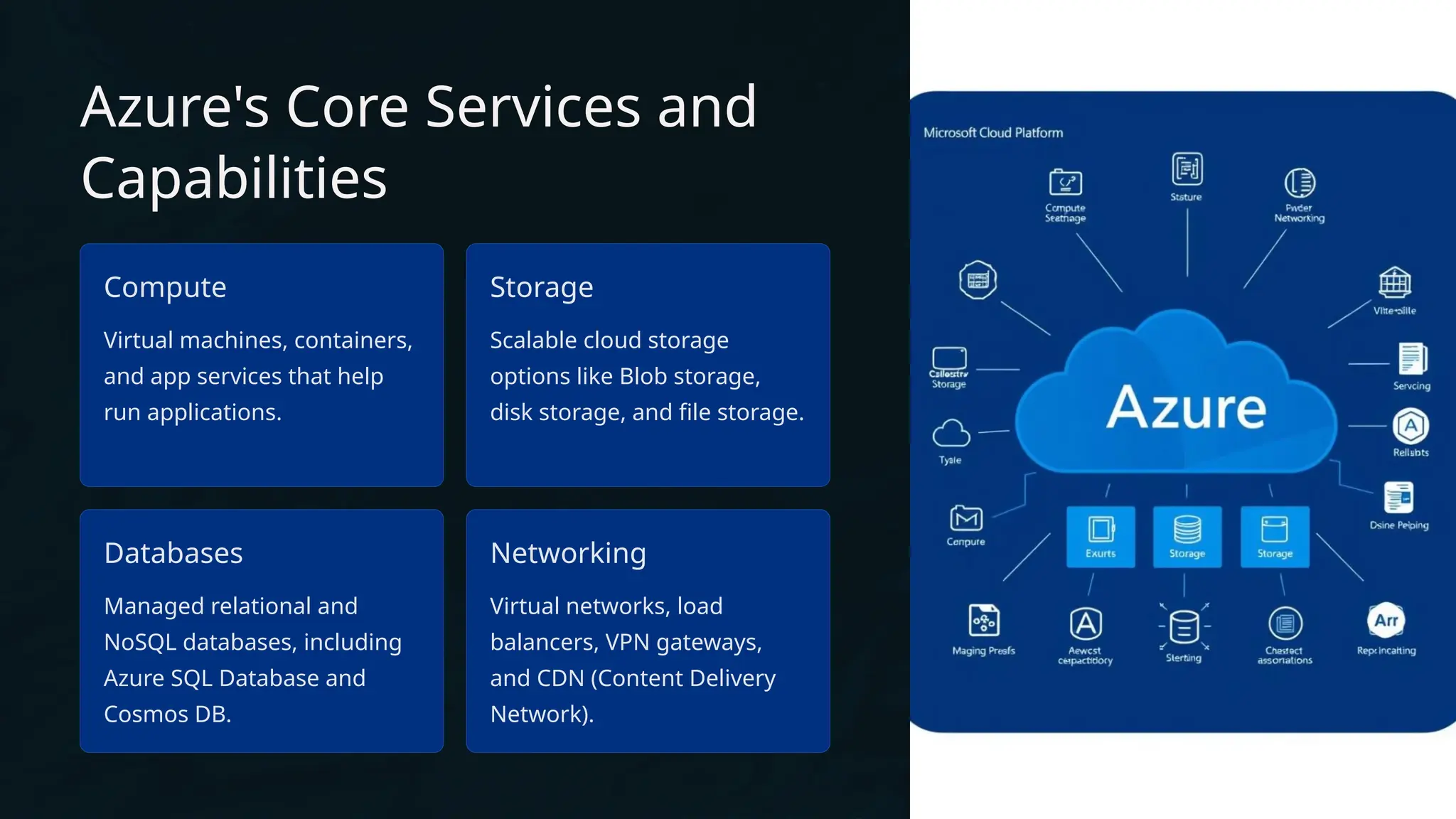
Azure's Core Services and
Capabilities
Compute
Virtual machines, containers,
and app services that help
run applications.
Storage
Scalable cloud storage
options like Blob storage,
disk storage, and file storage.
Databases
Managed relational and
NoSQL databases, including
Azure SQL Database and
Cosmos DB.
Networking
Virtual networks, load
balancers, VPN gateways,
and CDN (Content Delivery
Network).
Scalability and Flexibility with
Azure
1. Elastic Scaling (Auto-scaling):
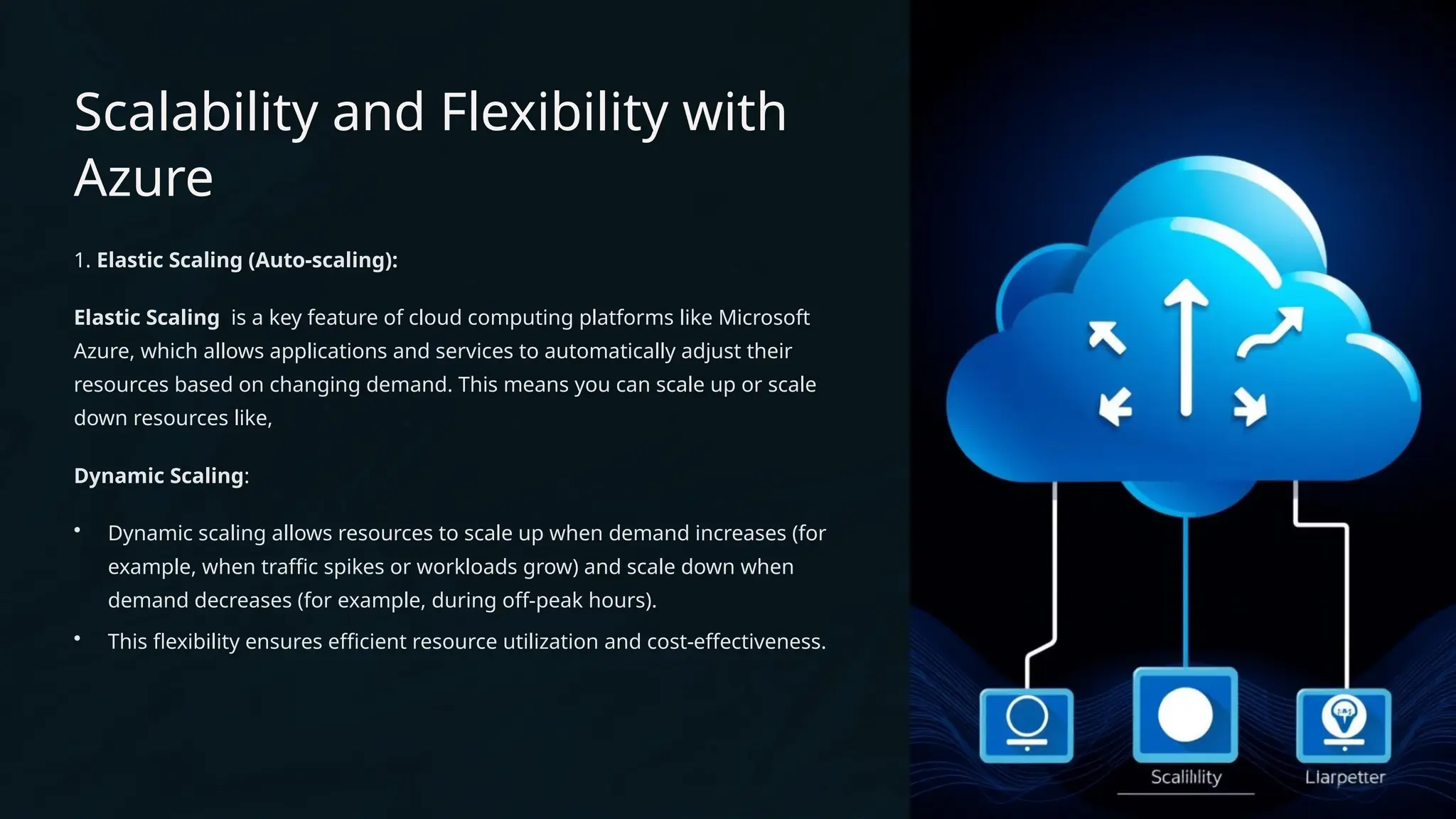
Elastic Scaling is a key feature of cloud computing platforms like Microsoft
Azure, which allows applications and services to automatically adjust their
resources based on changing demand. This means you can scale up or scale
down resources like,
Dynamic Scaling:
• Dynamic scaling allows resources to scale up when demand increases (for
example, when traffic spikes or workloads grow) and scale down when
demand decreases (for example, during off-peak hours).
• This flexibility ensures efficient resource utilization and cost-effectiveness.
How does Microsoft Azure Work?
It is a private and public cloud platform that helps developers and IT professionals build deploy and manage
applications. It uses the technology known as virtualization. Virtualization separates the tight coupling between
the hardware and the operating system using an abstraction layer called a hypervisor.
​
Hypervisor​emulates all the functions of a computer in a virtual machine, it can run multiple virtual machines at
the same time and each virtual machine can run any operating system, such as Windows or Linux.
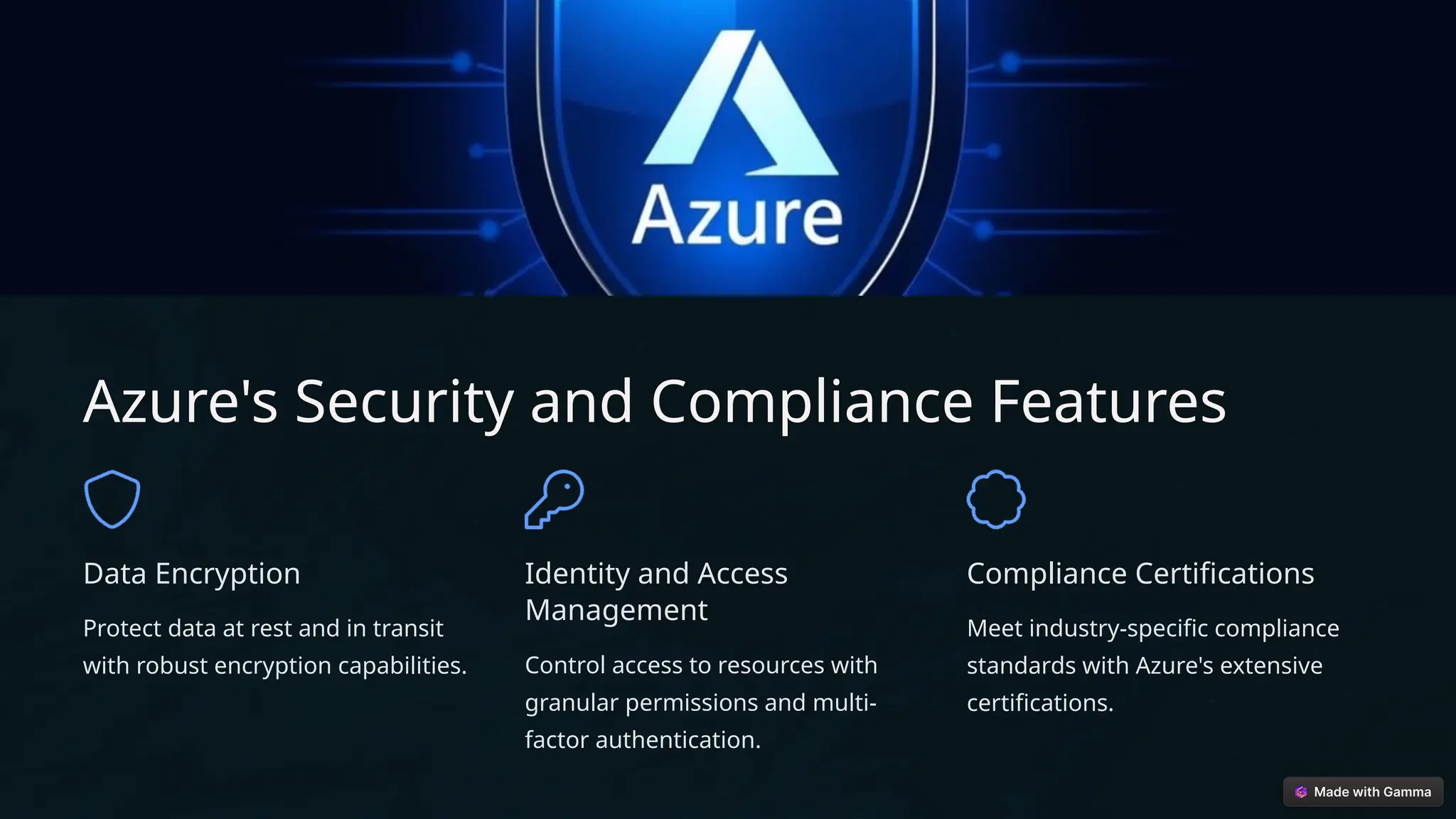
Azure's Security and Compliance Features
Data Encryption
Protect data at rest and in transit
with robust encryption capabilities.
Identity and Access
Management
Control access to resources with
granular permissions and multi-
factor authentication.
Compliance Certifications
Meet industry-specific compliance
standards with Azure's extensive
certifications.
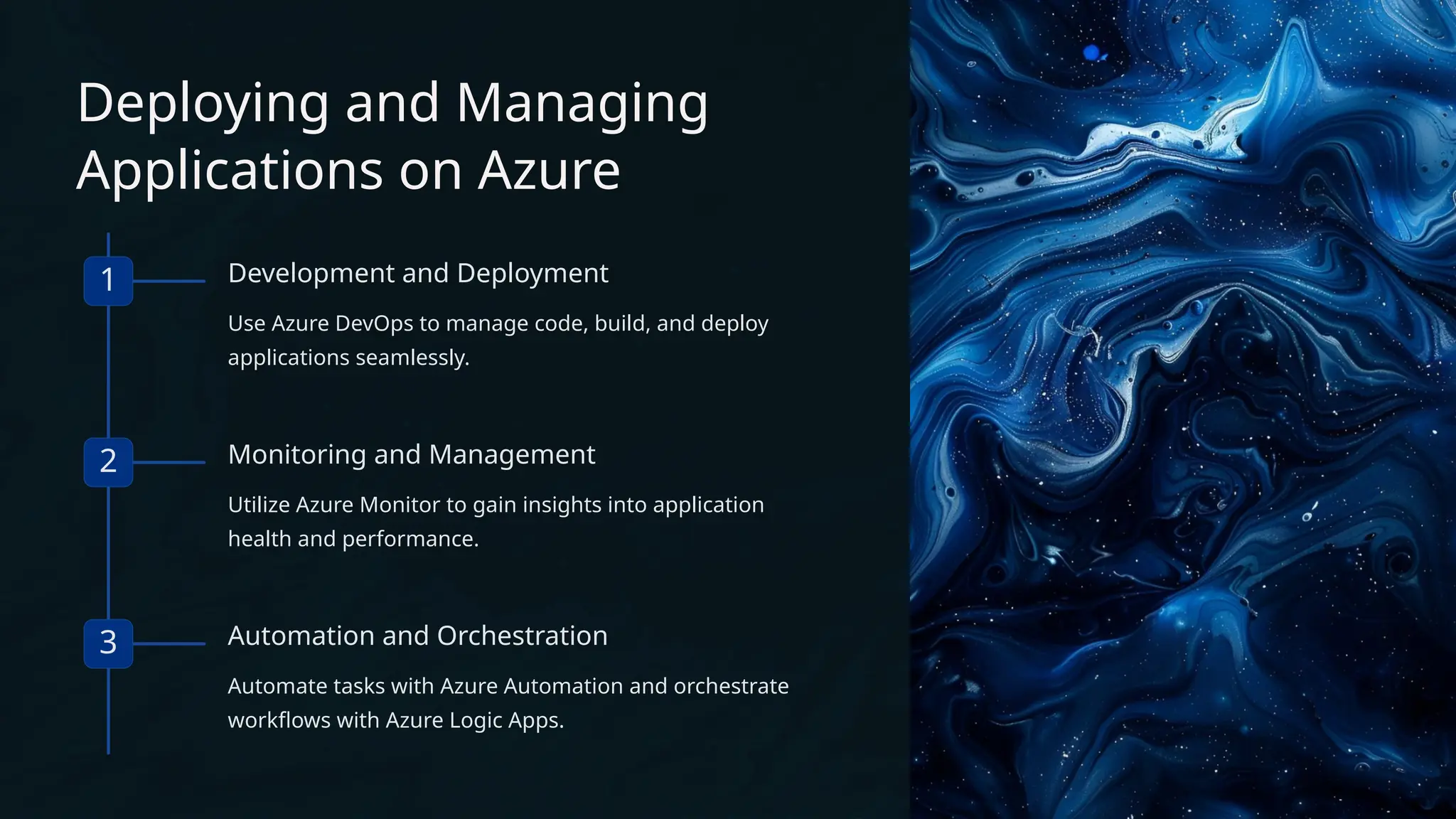
Deploying and Managing
Applications on Azure
1 Development and Deployment
Use Azure DevOps to manage code, build, and deploy
applications seamlessly.
2 Monitoring and Management
Utilize Azure Monitor to gain insights into application
health and performance.
3 Automation and Orchestration
Automate tasks with Azure Automation and orchestrate
workflows with Azure Logic Apps.
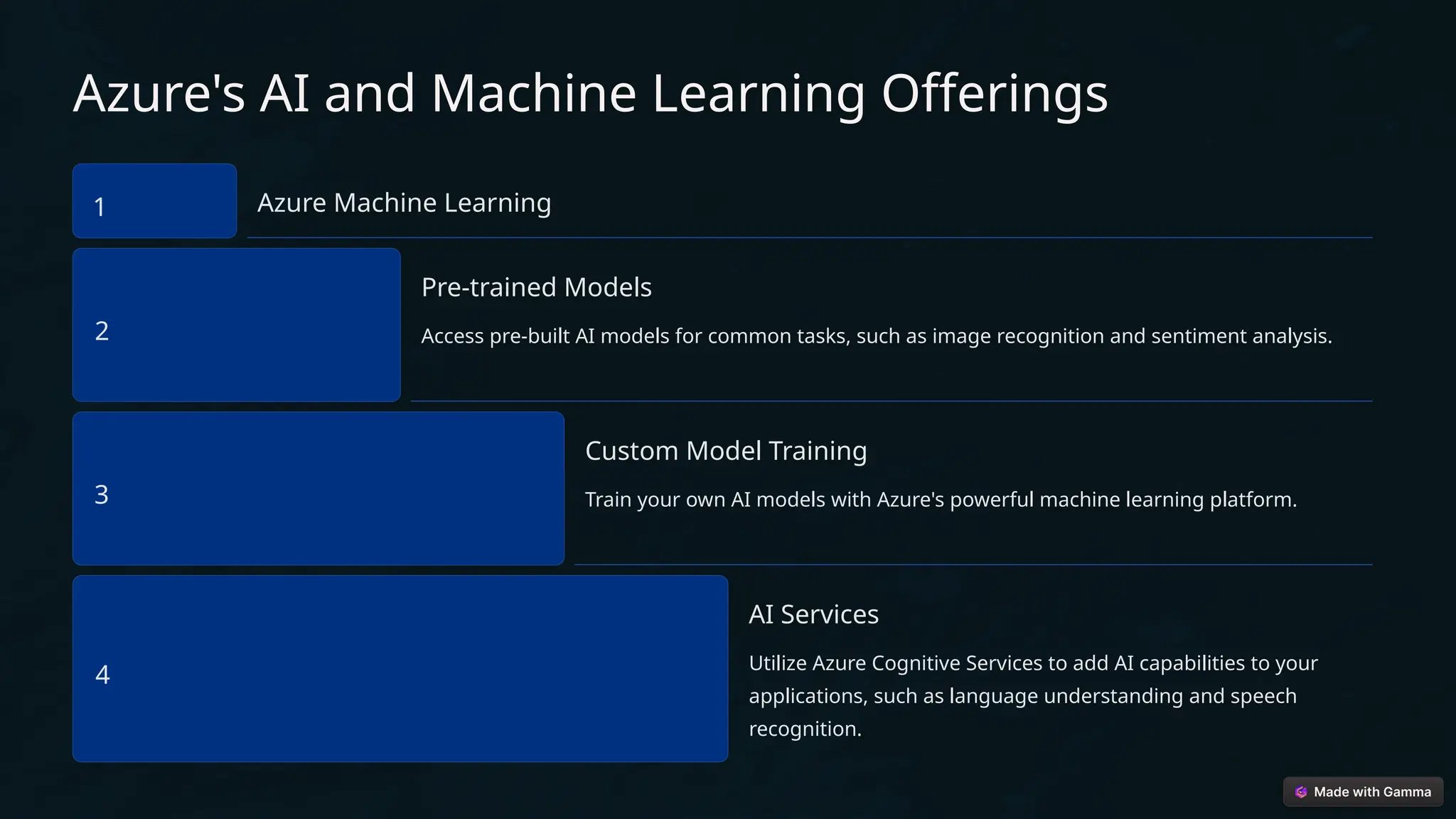
Azure's AI and Machine Learning Offerings
1 Azure Machine Learning
2
Pre-trained Models
Access pre-built AI models for common tasks, such as image recognition and sentiment analysis.
3
Custom Model Training
Train your own AI models with Azure's powerful machine learning platform.
4
AI Services
Utilize Azure Cognitive Services to add AI capabilities to your
applications, such as language understanding and speech
recognition.
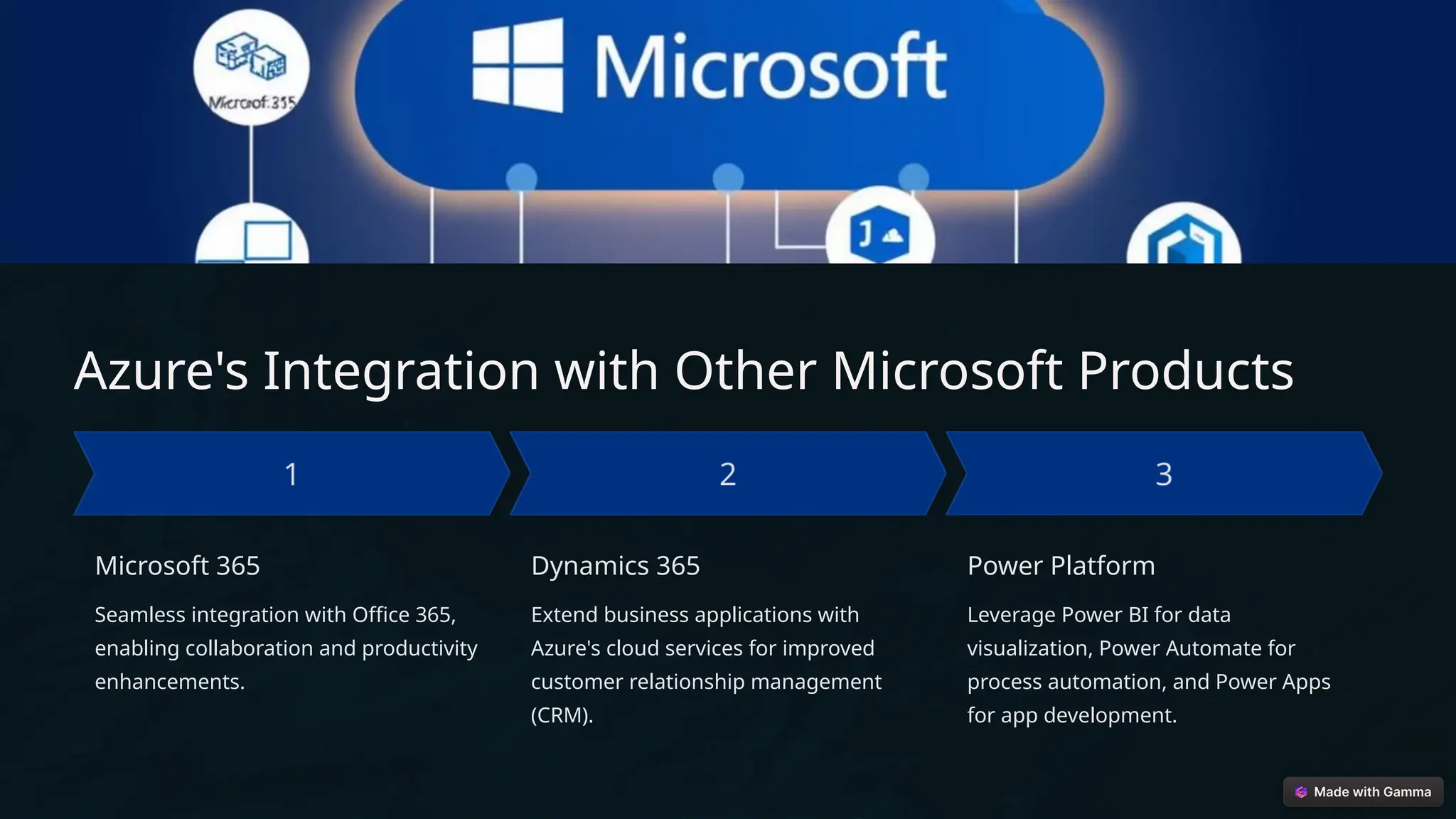
Azure's Integration with Other Microsoft Products
Microsoft 365
Seamless integration with Office 365,
enabling collaboration and productivity
enhancements.
Dynamics 365
Extend business applications with
Azure's cloud services for improved
customer relationship management
(CRM).
Power Platform
Leverage Power BI for data
visualization, Power Automate for
process automation, and Power Apps
for app development.
Thank you for your time and
attention.

Microsoft-Azure (1).pptx.cloud computing

  • 1.
    Microsoft Azure: Welcome! Today,we'll explore the world of Microsoft Azure, a leading cloud computing platform.
  • 2.
    Introduction to MicrosoftAzure What is Azure? Designed by Microsoft in 2010, Microsoft Azure is one of the widely used cloud computing platforms. Microsoft Azure is a comprehensive cloud computing platform providing a wide range of services, including infrastructure, storage, databases, networking, Generally, it is a platform through which we can use Microsoft’s resources.to set up a huge server, we will require huge investment, effort, physical space. In such situations, Microsoft Azure comes to our rescue. It will provide us with virtual machines, fast processing of data, analytical and monitoring tools, and so on to make our work simpler. Popularly termed as “Pay As You Go”
  • 3.
    Azure's Core Servicesand Capabilities Compute Virtual machines, containers, and app services that help run applications. Storage Scalable cloud storage options like Blob storage, disk storage, and file storage. Databases Managed relational and NoSQL databases, including Azure SQL Database and Cosmos DB. Networking Virtual networks, load balancers, VPN gateways, and CDN (Content Delivery Network).
  • 4.
    Scalability and Flexibilitywith Azure 1. Elastic Scaling (Auto-scaling): Elastic Scaling is a key feature of cloud computing platforms like Microsoft Azure, which allows applications and services to automatically adjust their resources based on changing demand. This means you can scale up or scale down resources like, Dynamic Scaling: • Dynamic scaling allows resources to scale up when demand increases (for example, when traffic spikes or workloads grow) and scale down when demand decreases (for example, during off-peak hours). • This flexibility ensures efficient resource utilization and cost-effectiveness.
  • 5.
    How does MicrosoftAzure Work? It is a private and public cloud platform that helps developers and IT professionals build deploy and manage applications. It uses the technology known as virtualization. Virtualization separates the tight coupling between the hardware and the operating system using an abstraction layer called a hypervisor. ​ Hypervisor​emulates all the functions of a computer in a virtual machine, it can run multiple virtual machines at the same time and each virtual machine can run any operating system, such as Windows or Linux.
  • 6.
    Azure's Security andCompliance Features Data Encryption Protect data at rest and in transit with robust encryption capabilities. Identity and Access Management Control access to resources with granular permissions and multi- factor authentication. Compliance Certifications Meet industry-specific compliance standards with Azure's extensive certifications.
  • 7.
    Deploying and Managing Applicationson Azure 1 Development and Deployment Use Azure DevOps to manage code, build, and deploy applications seamlessly. 2 Monitoring and Management Utilize Azure Monitor to gain insights into application health and performance. 3 Automation and Orchestration Automate tasks with Azure Automation and orchestrate workflows with Azure Logic Apps.
  • 8.
    Azure's AI andMachine Learning Offerings 1 Azure Machine Learning 2 Pre-trained Models Access pre-built AI models for common tasks, such as image recognition and sentiment analysis. 3 Custom Model Training Train your own AI models with Azure's powerful machine learning platform. 4 AI Services Utilize Azure Cognitive Services to add AI capabilities to your applications, such as language understanding and speech recognition.
  • 9.
    Azure's Integration withOther Microsoft Products Microsoft 365 Seamless integration with Office 365, enabling collaboration and productivity enhancements. Dynamics 365 Extend business applications with Azure's cloud services for improved customer relationship management (CRM). Power Platform Leverage Power BI for data visualization, Power Automate for process automation, and Power Apps for app development.
  • 10.
    Thank you foryour time and attention.