Introduction to
Infrastructure as a
Service (IaaS)
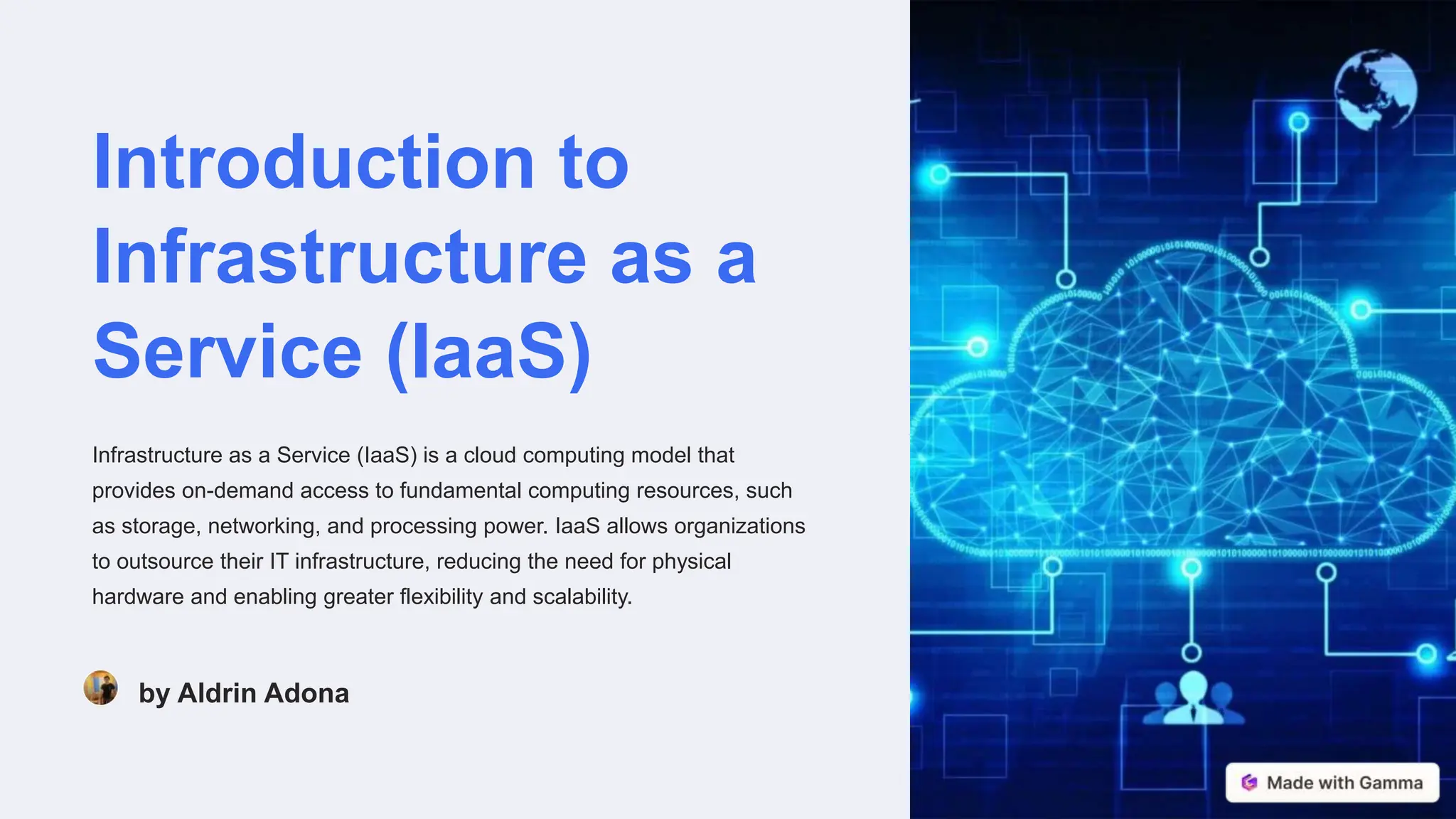
Infrastructure as a Service (IaaS) is a cloud computing model that
provides on-demand access to fundamental computing resources, such
as storage, networking, and processing power. IaaS allows organizations
to outsource their IT infrastructure, reducing the need for physical
hardware and enabling greater flexibility and scalability.
by Aldrin Adona
Overview of Cloud Computing and IaaS
What is Cloud Computing?
Cloud computing is the delivery of computing
services over the internet, including servers,
storage, databases, networking, and software.
Understanding IaaS
Infrastructure as a Service (IaaS) is a cloud
computing model where a provider offers
virtualized computing resources over the
internet.
Benefits of IaaS
IaaS provides on-demand access to computing
power, storage, and other resources without the
need to manage physical infrastructure.
Popular IaaS Providers
Leading IaaS providers include Amazon Web
Services (AWS), Microsoft Azure, Google Cloud
Platform, and IBM Cloud.
Understanding Microsoft
Azure as an IaaS Platform
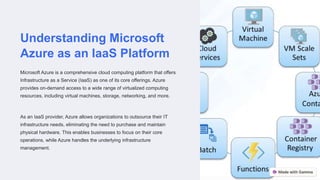
Microsoft Azure is a comprehensive cloud computing platform that offers
Infrastructure as a Service (IaaS) as one of its core offerings. Azure
provides on-demand access to a wide range of virtualized computing
resources, including virtual machines, storage, networking, and more.
As an IaaS provider, Azure allows organizations to outsource their IT
infrastructure needs, eliminating the need to purchase and maintain
physical hardware. This enables businesses to focus on their core
operations, while Azure handles the underlying infrastructure
management.
Key Features and Capabilities of
Microsoft Azure
1. Scalable Infrastructure: Azure offers seamless scaling of virtual machines, storage, and networking to
meet dynamic business needs.
2. Hybrid Cloud Integration: Azure integrates with on-premises data centers and legacy systems,
enabling a smooth migration to the cloud.
3. Robust Security and Compliance: Azure provides comprehensive security features, including data
encryption, identity management, and compliance with industry standards.
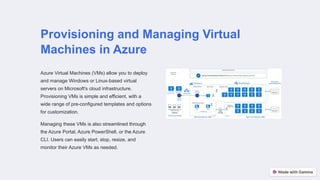
Provisioning and Managing Virtual
Machines in Azure
Azure Virtual Machines (VMs) allow you to deploy
and manage Windows or Linux-based virtual
servers on Microsoft's cloud infrastructure.
Provisioning VMs is simple and efficient, with a
wide range of pre-configured templates and options
for customization.
Managing these VMs is also streamlined through
the Azure Portal, Azure PowerShell, or the Azure
CLI. Users can easily start, stop, resize, and
monitor their Azure VMs as needed.
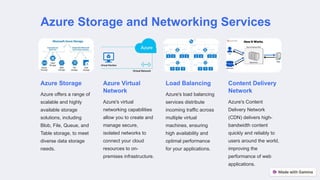
Azure Storage and Networking Services
Azure Storage
Azure offers a range of
scalable and highly
available storage
solutions, including
Blob, File, Queue, and
Table storage, to meet
diverse data storage
needs.
Azure Virtual
Network
Azure's virtual
networking capabilities
allow you to create and
manage secure,
isolated networks to
connect your cloud
resources to on-
premises infrastructure.
Load Balancing
Azure's load balancing
services distribute
incoming traffic across
multiple virtual
machines, ensuring
high availability and
optimal performance
for your applications.
Content Delivery
Network
Azure's Content
Delivery Network
(CDN) delivers high-
bandwidth content
quickly and reliably to
users around the world,
improving the
performance of web
applications.
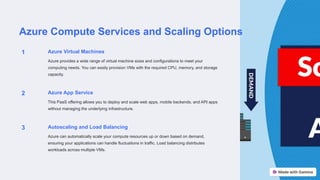
Azure Compute Services and Scaling Options
1 Azure Virtual Machines
Azure provides a wide range of virtual machine sizes and configurations to meet your
computing needs. You can easily provision VMs with the required CPU, memory, and storage
capacity.
2 Azure App Service
This PaaS offering allows you to deploy and scale web apps, mobile backends, and API apps
without managing the underlying infrastructure.
3 Autoscaling and Load Balancing
Azure can automatically scale your compute resources up or down based on demand,
ensuring your applications can handle fluctuations in traffic. Load balancing distributes
workloads across multiple VMs.
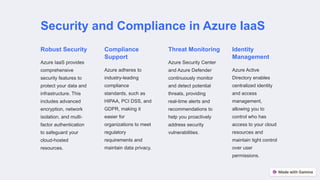
Security and Compliance in Azure IaaS
Robust Security
Azure IaaS provides
comprehensive
security features to
protect your data and
infrastructure. This
includes advanced
encryption, network
isolation, and multi-
factor authentication
to safeguard your
cloud-hosted
resources.
Compliance
Support
Azure adheres to
industry-leading
compliance
standards, such as
HIPAA, PCI DSS, and
GDPR, making it
easier for
organizations to meet
regulatory
requirements and
maintain data privacy.
Threat Monitoring
Azure Security Center
and Azure Defender
continuously monitor
and detect potential
threats, providing
real-time alerts and
recommendations to
help you proactively
address security
vulnerabilities.
Identity
Management
Azure Active
Directory enables
centralized identity
and access
management,
allowing you to
control who has
access to your cloud
resources and
maintain tight control
over user
permissions.
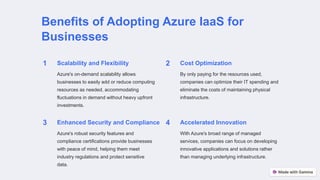
Benefits of Adopting Azure IaaS for
Businesses
1 Scalability and Flexibility
Azure's on-demand scalability allows
businesses to easily add or reduce computing
resources as needed, accommodating
fluctuations in demand without heavy upfront
investments.
2 Cost Optimization
By only paying for the resources used,
companies can optimize their IT spending and
eliminate the costs of maintaining physical
infrastructure.
3 Enhanced Security and Compliance
Azure's robust security features and
compliance certifications provide businesses
with peace of mind, helping them meet
industry regulations and protect sensitive
data.
4 Accelerated Innovation
With Azure's broad range of managed
services, companies can focus on developing
innovative applications and solutions rather
than managing underlying infrastructure.
Conclusion and Future
Trends in IaaS
In conclusion, Infrastructure as a Service (IaaS) has transformed the way
businesses approach IT infrastructure, providing on-demand access to
computing resources and enabling greater agility and cost-efficiency.
Microsoft Azure, a leading IaaS platform, has paved the way for
organizations to leverage the power of cloud computing.
Looking ahead, the future of IaaS holds promising advancements. Trends
such as edge computing, AI-driven infrastructure management, and the
integration of emerging technologies like the Internet of Things (IoT) will
further enhance the capabilities of IaaS platforms like Azure, empowering
businesses to adapt and thrive in the digital age.

Infrastructure as a Service Cloud Computing.pptx

  • 1.
    Introduction to Infrastructure asa Service (IaaS) Infrastructure as a Service (IaaS) is a cloud computing model that provides on-demand access to fundamental computing resources, such as storage, networking, and processing power. IaaS allows organizations to outsource their IT infrastructure, reducing the need for physical hardware and enabling greater flexibility and scalability. by Aldrin Adona
  • 2.
    Overview of CloudComputing and IaaS What is Cloud Computing? Cloud computing is the delivery of computing services over the internet, including servers, storage, databases, networking, and software. Understanding IaaS Infrastructure as a Service (IaaS) is a cloud computing model where a provider offers virtualized computing resources over the internet. Benefits of IaaS IaaS provides on-demand access to computing power, storage, and other resources without the need to manage physical infrastructure. Popular IaaS Providers Leading IaaS providers include Amazon Web Services (AWS), Microsoft Azure, Google Cloud Platform, and IBM Cloud.
  • 3.
    Understanding Microsoft Azure asan IaaS Platform Microsoft Azure is a comprehensive cloud computing platform that offers Infrastructure as a Service (IaaS) as one of its core offerings. Azure provides on-demand access to a wide range of virtualized computing resources, including virtual machines, storage, networking, and more. As an IaaS provider, Azure allows organizations to outsource their IT infrastructure needs, eliminating the need to purchase and maintain physical hardware. This enables businesses to focus on their core operations, while Azure handles the underlying infrastructure management.
  • 4.
    Key Features andCapabilities of Microsoft Azure 1. Scalable Infrastructure: Azure offers seamless scaling of virtual machines, storage, and networking to meet dynamic business needs. 2. Hybrid Cloud Integration: Azure integrates with on-premises data centers and legacy systems, enabling a smooth migration to the cloud. 3. Robust Security and Compliance: Azure provides comprehensive security features, including data encryption, identity management, and compliance with industry standards.
  • 5.
    Provisioning and ManagingVirtual Machines in Azure Azure Virtual Machines (VMs) allow you to deploy and manage Windows or Linux-based virtual servers on Microsoft's cloud infrastructure. Provisioning VMs is simple and efficient, with a wide range of pre-configured templates and options for customization. Managing these VMs is also streamlined through the Azure Portal, Azure PowerShell, or the Azure CLI. Users can easily start, stop, resize, and monitor their Azure VMs as needed.
  • 6.
    Azure Storage andNetworking Services Azure Storage Azure offers a range of scalable and highly available storage solutions, including Blob, File, Queue, and Table storage, to meet diverse data storage needs. Azure Virtual Network Azure's virtual networking capabilities allow you to create and manage secure, isolated networks to connect your cloud resources to on- premises infrastructure. Load Balancing Azure's load balancing services distribute incoming traffic across multiple virtual machines, ensuring high availability and optimal performance for your applications. Content Delivery Network Azure's Content Delivery Network (CDN) delivers high- bandwidth content quickly and reliably to users around the world, improving the performance of web applications.
  • 7.
    Azure Compute Servicesand Scaling Options 1 Azure Virtual Machines Azure provides a wide range of virtual machine sizes and configurations to meet your computing needs. You can easily provision VMs with the required CPU, memory, and storage capacity. 2 Azure App Service This PaaS offering allows you to deploy and scale web apps, mobile backends, and API apps without managing the underlying infrastructure. 3 Autoscaling and Load Balancing Azure can automatically scale your compute resources up or down based on demand, ensuring your applications can handle fluctuations in traffic. Load balancing distributes workloads across multiple VMs.
  • 8.
    Security and Compliancein Azure IaaS Robust Security Azure IaaS provides comprehensive security features to protect your data and infrastructure. This includes advanced encryption, network isolation, and multi- factor authentication to safeguard your cloud-hosted resources. Compliance Support Azure adheres to industry-leading compliance standards, such as HIPAA, PCI DSS, and GDPR, making it easier for organizations to meet regulatory requirements and maintain data privacy. Threat Monitoring Azure Security Center and Azure Defender continuously monitor and detect potential threats, providing real-time alerts and recommendations to help you proactively address security vulnerabilities. Identity Management Azure Active Directory enables centralized identity and access management, allowing you to control who has access to your cloud resources and maintain tight control over user permissions.
  • 9.
    Benefits of AdoptingAzure IaaS for Businesses 1 Scalability and Flexibility Azure's on-demand scalability allows businesses to easily add or reduce computing resources as needed, accommodating fluctuations in demand without heavy upfront investments. 2 Cost Optimization By only paying for the resources used, companies can optimize their IT spending and eliminate the costs of maintaining physical infrastructure. 3 Enhanced Security and Compliance Azure's robust security features and compliance certifications provide businesses with peace of mind, helping them meet industry regulations and protect sensitive data. 4 Accelerated Innovation With Azure's broad range of managed services, companies can focus on developing innovative applications and solutions rather than managing underlying infrastructure.
  • 10.
    Conclusion and Future Trendsin IaaS In conclusion, Infrastructure as a Service (IaaS) has transformed the way businesses approach IT infrastructure, providing on-demand access to computing resources and enabling greater agility and cost-efficiency. Microsoft Azure, a leading IaaS platform, has paved the way for organizations to leverage the power of cloud computing. Looking ahead, the future of IaaS holds promising advancements. Trends such as edge computing, AI-driven infrastructure management, and the integration of emerging technologies like the Internet of Things (IoT) will further enhance the capabilities of IaaS platforms like Azure, empowering businesses to adapt and thrive in the digital age.