Data Warehousing
Introduction to Data Warehousing
• Concepts of Warehousing
• Warehouse Database and Transactional
Database
• Architecture of Warehouse
• Pre‑requisites of Warehousing
• Advantages and Implementation of
Warehousing
Database‑Design
• Defining of Entry relations
• Entity definition and types
• Entity Attributes
• Entry Relation Model Designing for a
Transactional Database
Creating an E‑R Model –Normalization
Process
• Design of Database logically and physically
• Creation of Logical Model using ERWIN data
modeler
• Creation of Physical Model using ERWIN data
modeler
• Data model, subject and Domains
• Applying business and Integrity constraints
• Generating database script and creating a
database a database
ERWIN
The course starts with fundamentals of Data
warehousing. ERWIN 4.1 data modeler tool will be
taught during the period. The main parts covered
are:
• Definition of a Data warehouse
• Difference between a transactional based system
and a data warehouse system
• How to create a dimensional model from a
transactional system?
• Creation of STAR and SNOWFLAKE schema
• Latest modeling technique like Business
Dimensional Modeling (BDM)
• How to create data model ERWIN 4.1
• How to forward Engineer ERWIN data model to
create DDL scripts
• How to reverse Engineer ERWIN model
• Complete example and assignment of creating a
Retail Dimensional model in ERWIN
INFORMATICA
ETL‑INFORMATICA Server Setup
• Power Center Repository Manager
Repository creation
• Connecting to New Repository
Create Folder
Edit Folder
Delete Folder
• Manage users, groups, and privileges
• Source and Target dependencies
• Mapping dependencies
Power Center Designer
• Defining Sources and Source types
• Defining Targets for Staging databases
• Defining Targets for Staging Warehouse
• Creating Multi‑Dimensional Cubes
• Source analyzer tool
• Warehouse designer tool
• Transformation developer tool
• Mapplet designer tool
• Designer Data Staging
Power Center Workflow Manager
• Setting up server for repository
• Task developer tool
• Work let designer tool
• Workflow designer tool
• Working with Sessions, Sources and Targets
• Monitoring workflow
• Performance tuning
OLAP (Online Analytical processing Report
Presentations)
• Introduction to OLAP
• Relational, Multi‑Dimensional, Hybrid OLAP’s
• OLAP Architecture
• Reports and Types of Reports
BUSINESS OBJECTS
Supervisor Tool
• Creating OLAP Repository and Supervisor user
• Database connections
• Defining groups and users
• Defining privileges and profiles
• Broadcast agent setup
• Setting up user connection sessions
Data Warehousing (Contd…)
Designer Tool
• Creating universe, universe settings
• Testing universe
• Defining classes, objects, object types
• Advantages of user‑defined classes, objects
• Designer enhancements
Business Objects Tool
• Generating reports
• Formatting reports
• Analysis methods
• Slice and Dice analysis
• Drill analysis
• Enhancements of Reports
COGNOS
Impromptu Administrator
• Database connection
• Creating catalog, Catalog folders
• Testing Catalog
• Creating conditions, calculations and prompts
• Creating users and allocating privilege
• Creating and formatting impromptu reports
• Creating impromptu query definition
Powerplay Transformer
• Creating model files
• Creating new dimensions and measures
• Editing dimensions
• Measures in Model files
• Creating power cubes
• Setting power cube properties
• Testing power cubes
• Connecting power cubes to repositories
Powerplay Reports
• Creating reports
• Formatting reports
• Drill analysis‑using reports
• Cognos portfolio tool
• Congnos script editor (Macros).
• Scheduling using cognos scheduler tool
DATA STAGE
Introduction
• Role of Data stage
Extraction
Transformation
Loading tool in data warehouse
development
• Using the client side Data stage tool set
Designer
Director
Manager
Administrator
• Importing, exporting and understanding
Repository metadata
• Using parameters/Variables within Data stage
jobs and routines
• Job/batch scheduling and execution
Data Stage Administrator
• Configuring data stage
• Data stage administrator
• Server properties
• Data stage project administration
Adding projects, deleting projects
Moving projects
Cleaning up project files
Project properties
Data Stage Manager
• Data stage manager overview
• Managing the Data stage repository
• Managing table definitions
• Managing Data elements
• Managing jobs and job sequences
• Managing shared containers
• Managing stages
Data Stage Designer
• About data stage
• Data stage projects
• Data stage jobs
Server job
Shared containers
Job sequences
Data Warehousing (Contd…)
Data Stage Director
• Starting the Data stage director
• Data stage director window
• Job status details
• Running Data stage jobs
Setting job options
Validating a job
Running a job
Stopping a job
MICRO STRATEGY
• Introduction to creation of project
• Schema object creation
Facts
Attributes
Hierarchies
• Introduction to advance reporting
• Advanced metrics
• Advanced filters
• Advanced prompts
• Drill maps
• Report data options
• Project and desktop preferences
• VLDB prosperities
• Project duplication wizard

Micro strategy 7i

  • 1.
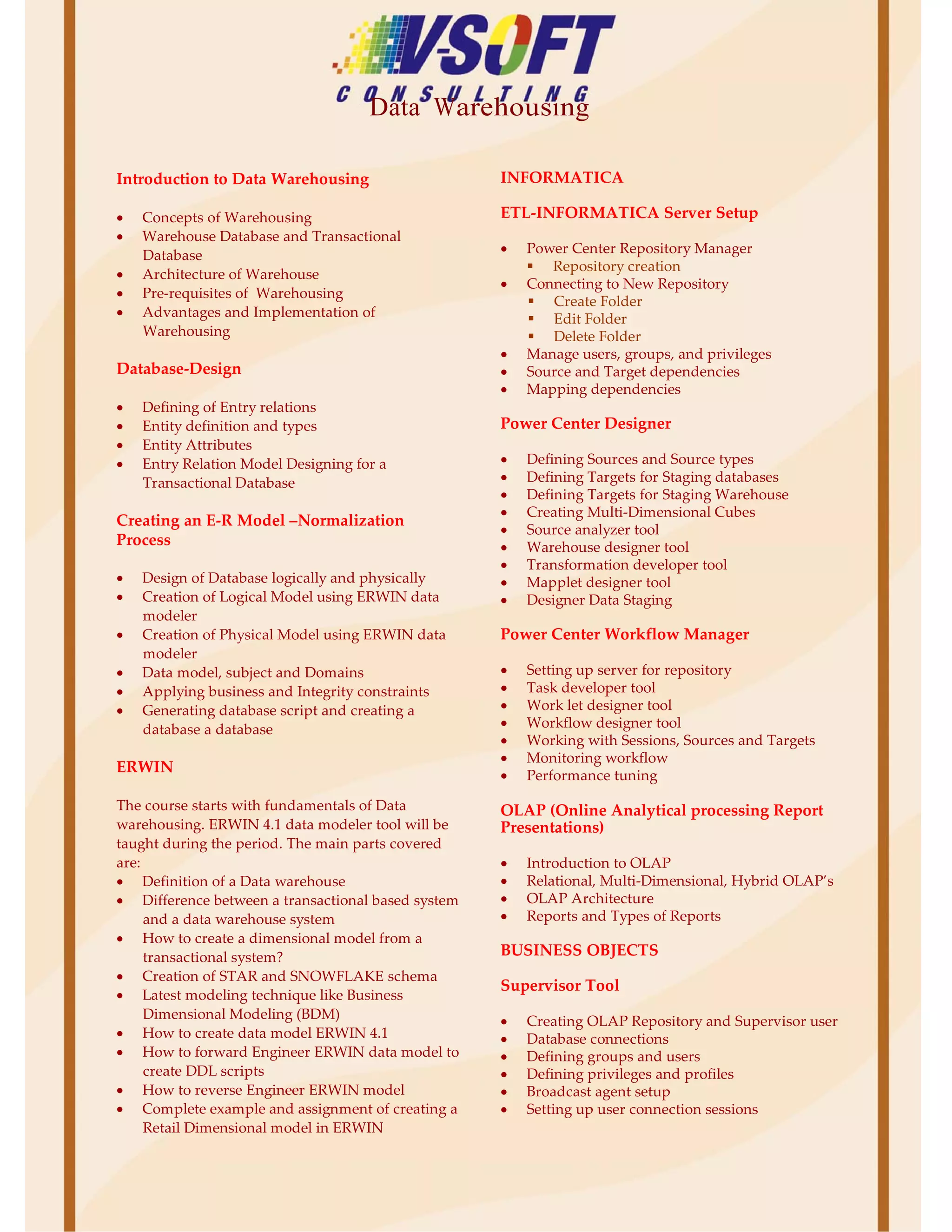
    Data Warehousing Introduction toData Warehousing • Concepts of Warehousing • Warehouse Database and Transactional Database • Architecture of Warehouse • Pre‑requisites of Warehousing • Advantages and Implementation of Warehousing Database‑Design • Defining of Entry relations • Entity definition and types • Entity Attributes • Entry Relation Model Designing for a Transactional Database Creating an E‑R Model –Normalization Process • Design of Database logically and physically • Creation of Logical Model using ERWIN data modeler • Creation of Physical Model using ERWIN data modeler • Data model, subject and Domains • Applying business and Integrity constraints • Generating database script and creating a database a database ERWIN The course starts with fundamentals of Data warehousing. ERWIN 4.1 data modeler tool will be taught during the period. The main parts covered are: • Definition of a Data warehouse • Difference between a transactional based system and a data warehouse system • How to create a dimensional model from a transactional system? • Creation of STAR and SNOWFLAKE schema • Latest modeling technique like Business Dimensional Modeling (BDM) • How to create data model ERWIN 4.1 • How to forward Engineer ERWIN data model to create DDL scripts • How to reverse Engineer ERWIN model • Complete example and assignment of creating a Retail Dimensional model in ERWIN INFORMATICA ETL‑INFORMATICA Server Setup • Power Center Repository Manager Repository creation • Connecting to New Repository Create Folder Edit Folder Delete Folder • Manage users, groups, and privileges • Source and Target dependencies • Mapping dependencies Power Center Designer • Defining Sources and Source types • Defining Targets for Staging databases • Defining Targets for Staging Warehouse • Creating Multi‑Dimensional Cubes • Source analyzer tool • Warehouse designer tool • Transformation developer tool • Mapplet designer tool • Designer Data Staging Power Center Workflow Manager • Setting up server for repository • Task developer tool • Work let designer tool • Workflow designer tool • Working with Sessions, Sources and Targets • Monitoring workflow • Performance tuning OLAP (Online Analytical processing Report Presentations) • Introduction to OLAP • Relational, Multi‑Dimensional, Hybrid OLAP’s • OLAP Architecture • Reports and Types of Reports BUSINESS OBJECTS Supervisor Tool • Creating OLAP Repository and Supervisor user • Database connections • Defining groups and users • Defining privileges and profiles • Broadcast agent setup • Setting up user connection sessions
  • 2.
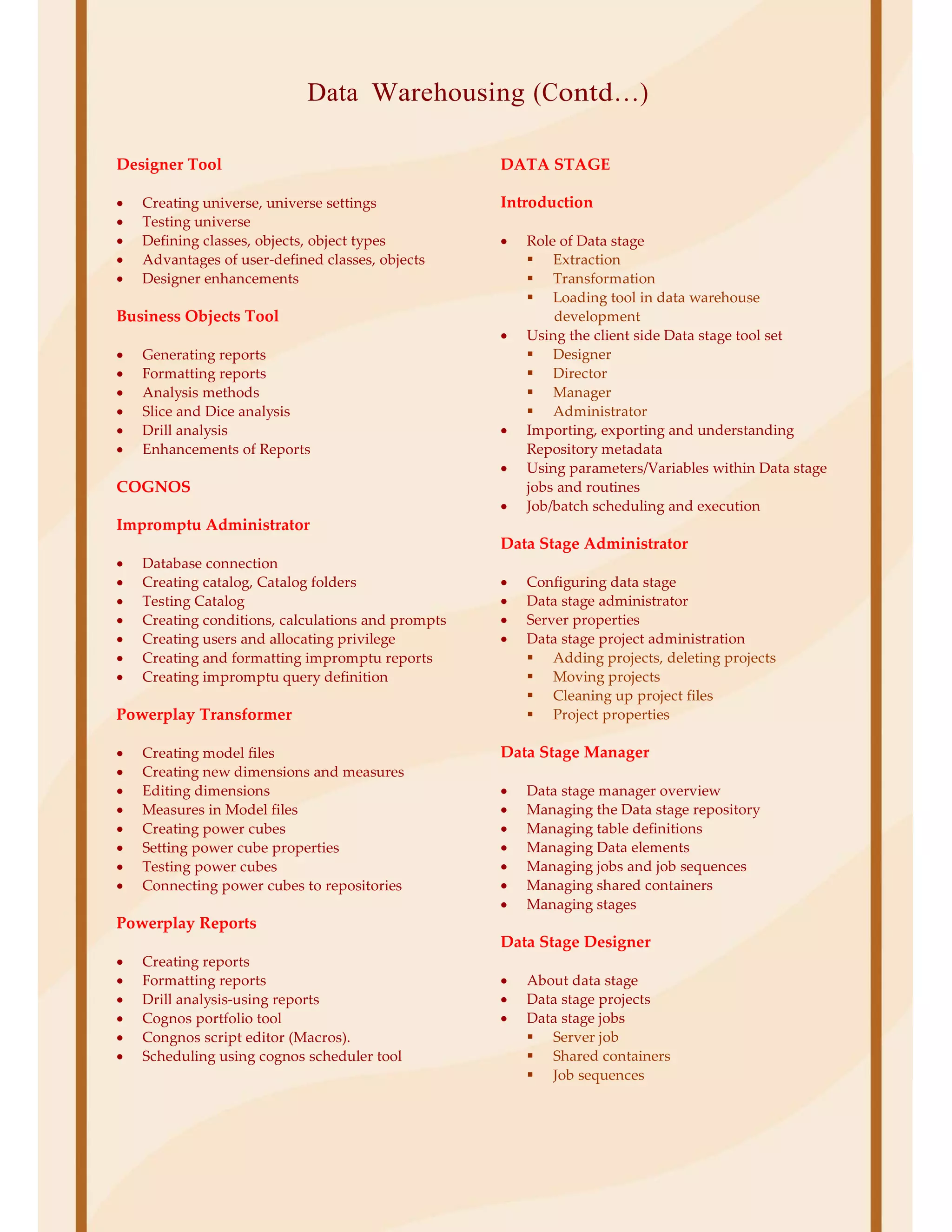
    Data Warehousing (Contd…) DesignerTool • Creating universe, universe settings • Testing universe • Defining classes, objects, object types • Advantages of user‑defined classes, objects • Designer enhancements Business Objects Tool • Generating reports • Formatting reports • Analysis methods • Slice and Dice analysis • Drill analysis • Enhancements of Reports COGNOS Impromptu Administrator • Database connection • Creating catalog, Catalog folders • Testing Catalog • Creating conditions, calculations and prompts • Creating users and allocating privilege • Creating and formatting impromptu reports • Creating impromptu query definition Powerplay Transformer • Creating model files • Creating new dimensions and measures • Editing dimensions • Measures in Model files • Creating power cubes • Setting power cube properties • Testing power cubes • Connecting power cubes to repositories Powerplay Reports • Creating reports • Formatting reports • Drill analysis‑using reports • Cognos portfolio tool • Congnos script editor (Macros). • Scheduling using cognos scheduler tool DATA STAGE Introduction • Role of Data stage Extraction Transformation Loading tool in data warehouse development • Using the client side Data stage tool set Designer Director Manager Administrator • Importing, exporting and understanding Repository metadata • Using parameters/Variables within Data stage jobs and routines • Job/batch scheduling and execution Data Stage Administrator • Configuring data stage • Data stage administrator • Server properties • Data stage project administration Adding projects, deleting projects Moving projects Cleaning up project files Project properties Data Stage Manager • Data stage manager overview • Managing the Data stage repository • Managing table definitions • Managing Data elements • Managing jobs and job sequences • Managing shared containers • Managing stages Data Stage Designer • About data stage • Data stage projects • Data stage jobs Server job Shared containers Job sequences
  • 3.
    Data Warehousing (Contd…) DataStage Director • Starting the Data stage director • Data stage director window • Job status details • Running Data stage jobs Setting job options Validating a job Running a job Stopping a job MICRO STRATEGY • Introduction to creation of project • Schema object creation Facts Attributes Hierarchies • Introduction to advance reporting • Advanced metrics • Advanced filters • Advanced prompts • Drill maps • Report data options • Project and desktop preferences • VLDB prosperities • Project duplication wizard