




Introduction to building apps for
Windows 8
ASP.NET , Windows Phone , WPF, Silverlight, Metro
http://about.me/khalilsaleem
•
•

•

•
•
•
•
•

Windows Phone

Silverlight

WPF

•
C#, Visual Basic, C++ •
DirectX

•
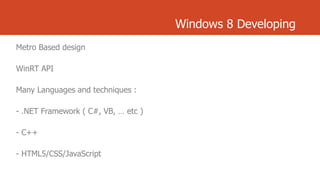
Windows 8 Developing
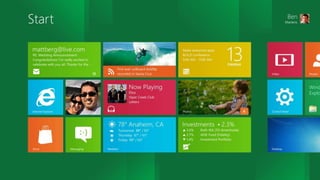
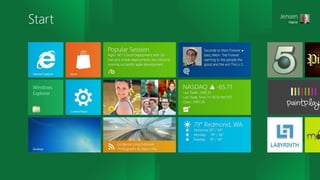
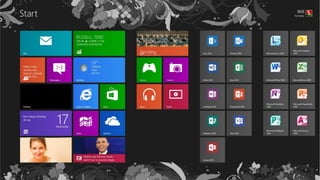
Metro Based design

WinRT API
Many Languages and techniques :

- .NET Framework ( C#, VB, … etc )
- C++
- HTML5/CSS/JavaScript
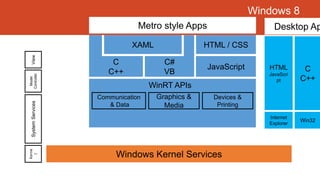
Windows 8
Metro style Apps

Kerne
l

System Services

Model
Controller

View

XAML

C
C++

Desktop Ap

HTML / CSS

C#
VB

JavaScript

JavaScri
pt

WinRT APIs
Communication
& Data

Graphics &
Media

HTML

C
C++

Devices &
Printing
Internet
Explorer

Windows Kernel Services

Win32
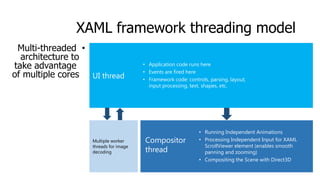
XAML framework threading model
Multi-threaded •
architecture to
take advantage
of multiple cores UI thread

Multiple worker
threads for image
decoding

• Application code runs here
• Events are fired here
• Framework code: controls, parsing, layout,
input processing, text, shapes, etc.

Compositor
thread

• Running Independent Animations
• Processing Independent Input for XAML
ScrollViewer element (enables smooth
panning and zooming)
• Compositing the Scene with Direct3D
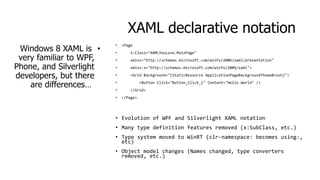
XAML declarative notation
Windows 8 XAML is •
very familiar to WPF,
Phone, and Silverlight
developers, but there
are differences…

•

<Page

•

x:Class="XAMLYouLove.MainPage"

•

xmlns="http://schemas.microsoft.com/winfx/2006/xaml/presentation"

•

xmlns:x="http://schemas.microsoft.com/winfx/2006/xaml">

•

<Grid Background="{StaticResource ApplicationPageBackgroundThemeBrush}">

•
•
•

<Button Click="Button_Click_1" Content="Hello World" />
</Grid>
</Page>

• Evolution of WPF and Silverlight XAML notation
• Many type definition features removed (x:SubClass, etc.)

• Type system moved to WinRT (clr-namespace: becomes using:,
etc)
• Object model changes (Names changed, type converters
removed, etc.)
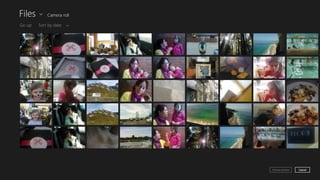
Metro
Mouse
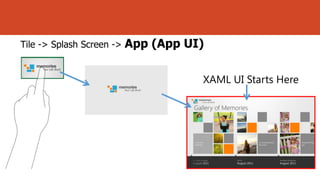
Tile -> Splash Screen ->

App (App UI)
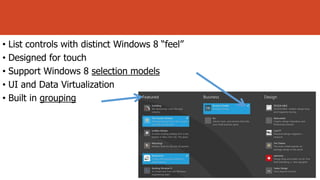
• List controls with distinct Windows 8 “feel”
• Designed for touch
• Support Windows 8 selection models
• UI and Data Virtualization
• Built in grouping
•
•
•
•
•

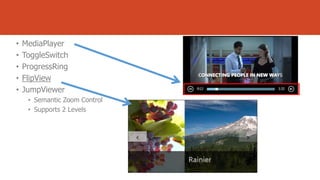
MediaPlayer
ToggleSwitch
ProgressRing
FlipView
JumpViewer
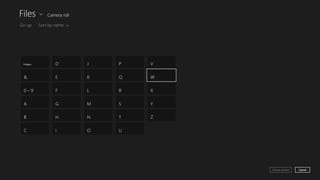
• Semantic Zoom Control
• Supports 2 Levels
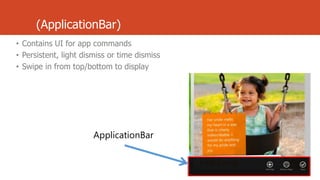
(ApplicationBar)
• Contains UI for app commands
• Persistent, light dismiss or time dismiss
• Swipe in from top/bottom to display

ApplicationBar
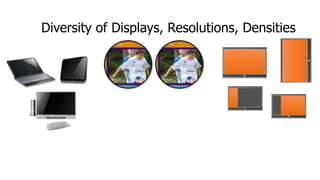
Diversity of Displays, Resolutions, Densities

Pixel Density
Screen Size

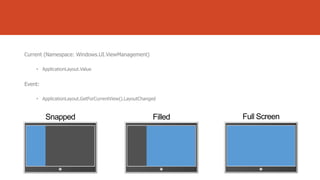
Snap, Filled and
Orientation
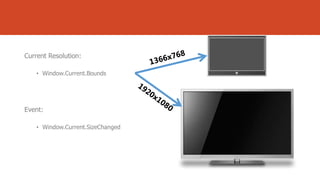
Current Resolution:
• Window.Current.Bounds

Event:
• Window.Current.SizeChanged
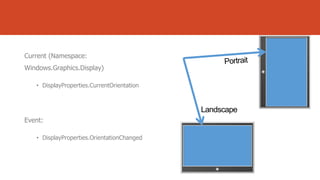
Current (Namespace:
Windows.Graphics.Display)
• DisplayProperties.CurrentOrientation

Event:
• DisplayProperties.OrientationChanged
Current (Namespace: Windows.UI.ViewManagement)
• ApplicationLayout.Value

Event:
• ApplicationLayout.GetForCurrentView().LayoutChanged
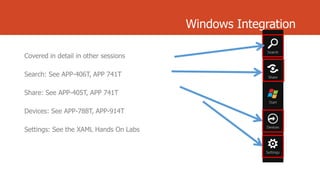
Windows Integration
Covered in detail in other sessions
Search: See APP-406T, APP 741T
Share: See APP-405T, APP 741T
Devices: See APP-788T, APP-914T
Settings: See the XAML Hands On Labs
Visual Studio 2012

-

Windows Phone Developer Tools

-

Expression Blend

Windows Phone Emulator

-

-
www.deveworld.com
www.metroar.com
www.wp7ar.com
Introduction to building apps for windows 8

Introduction to building apps for windows 8