Material Design
It’s a Whole New
Language
Will Hacker | 4.18.2015 | @willhacker
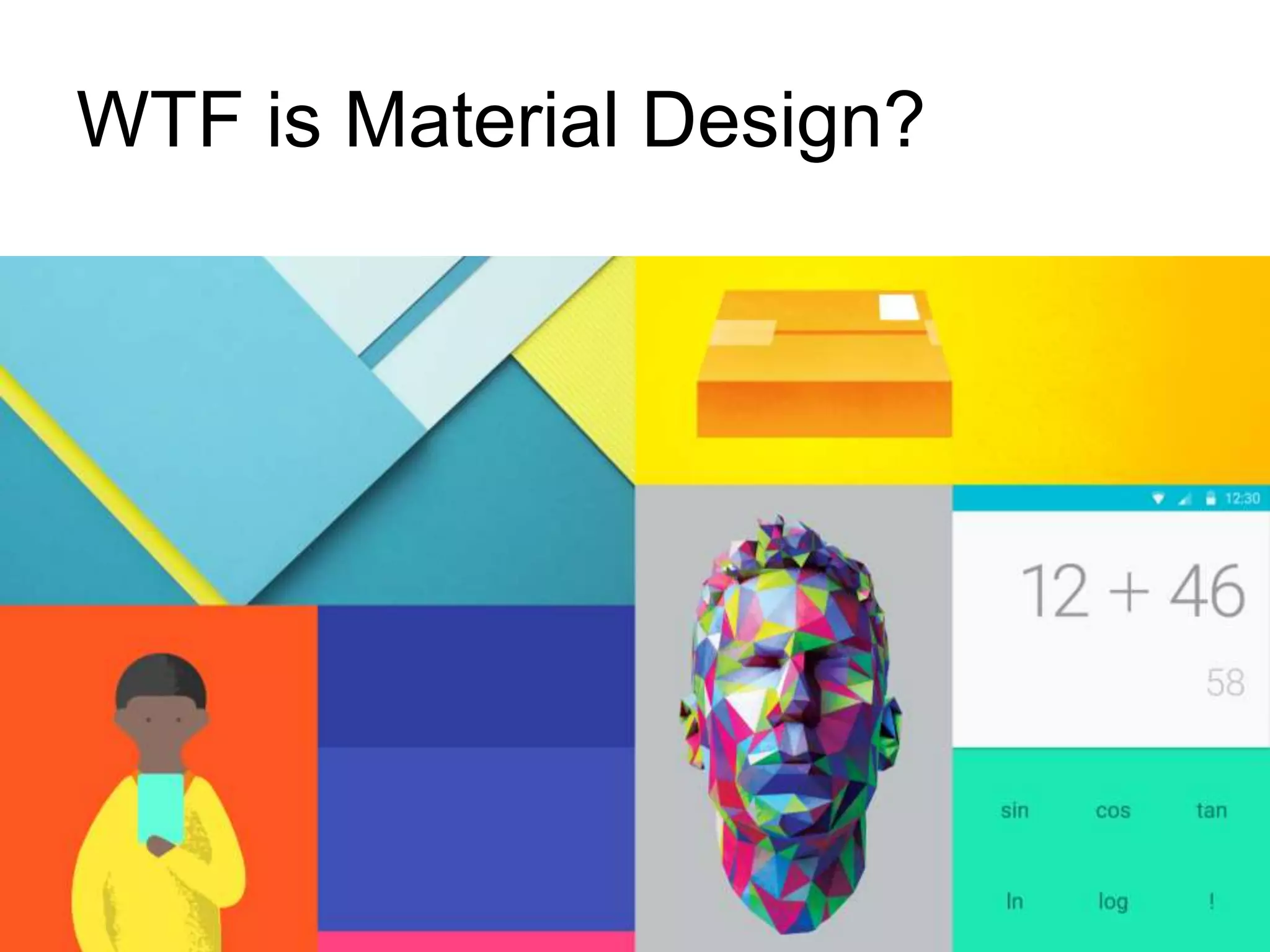
WTF is Material Design?
4.18.2015 3Material Design: It’s a Whole New Language
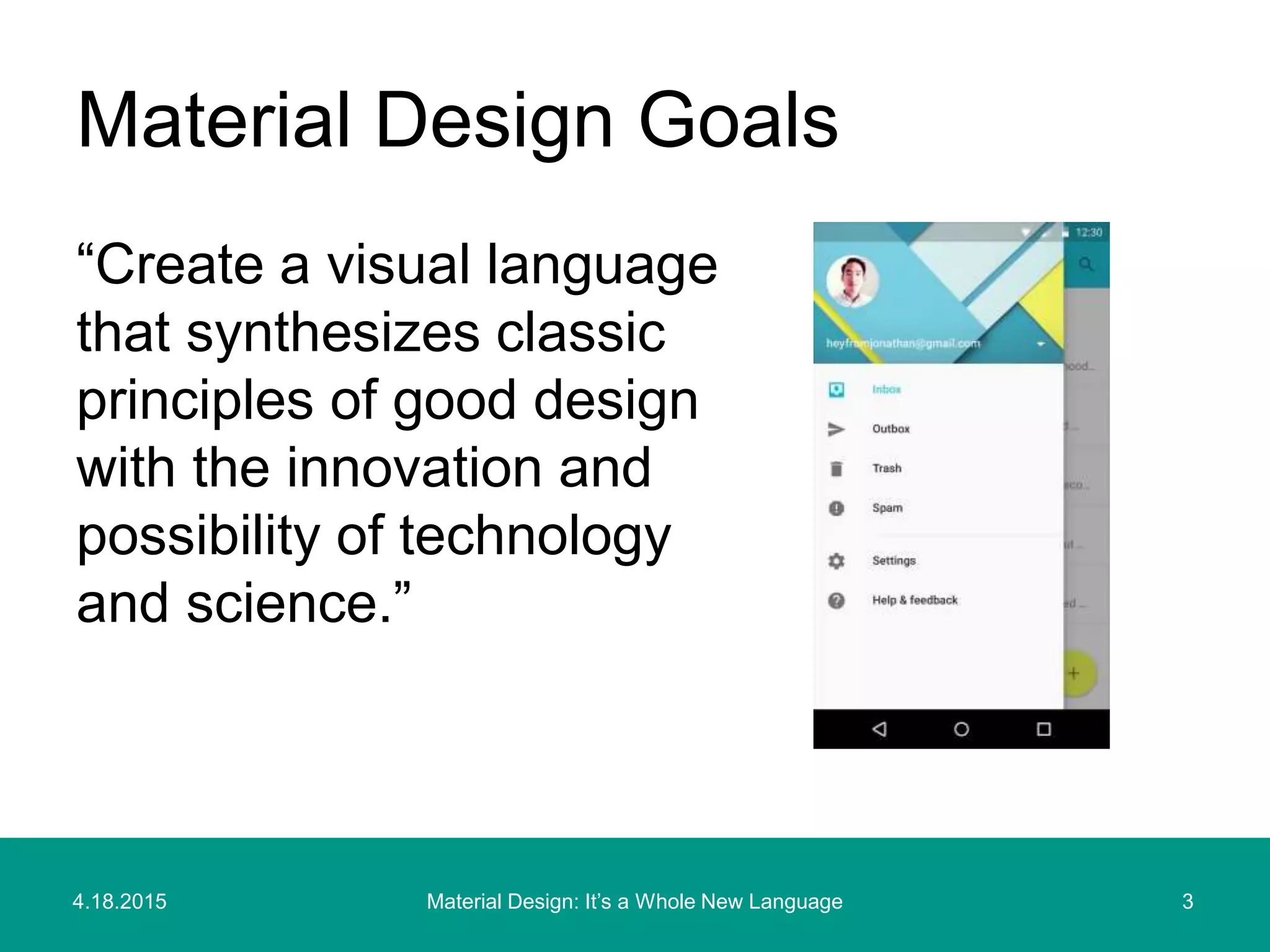
“Create a visual language
that synthesizes classic
principles of good design
with the innovation and
possibility of technology
and science.”
Material Design Goals
4.18.2015 4Material Design: It’s a Whole New Language
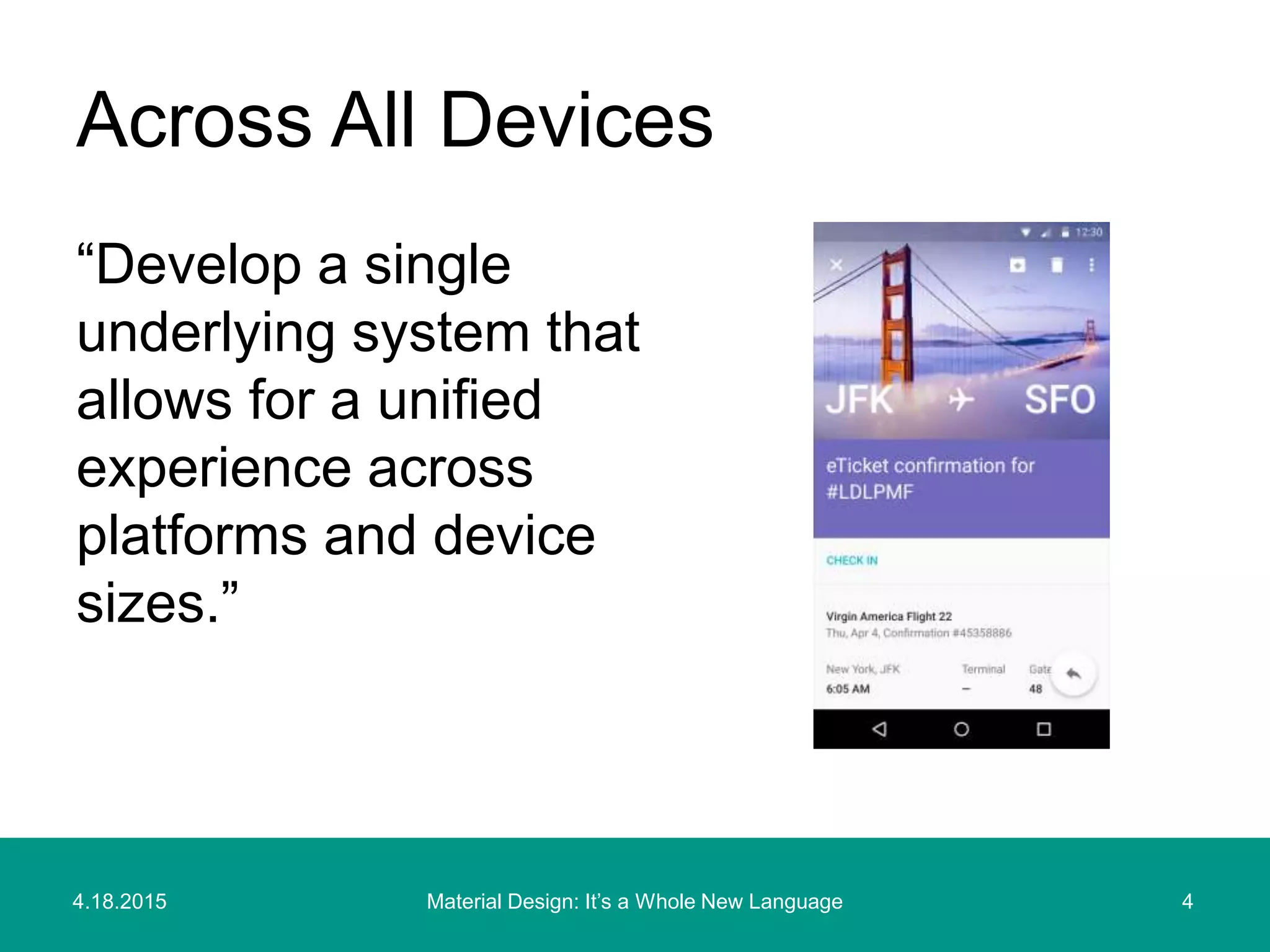
“Develop a single
underlying system that
allows for a unified
experience across
platforms and device
sizes.”
Across All Devices
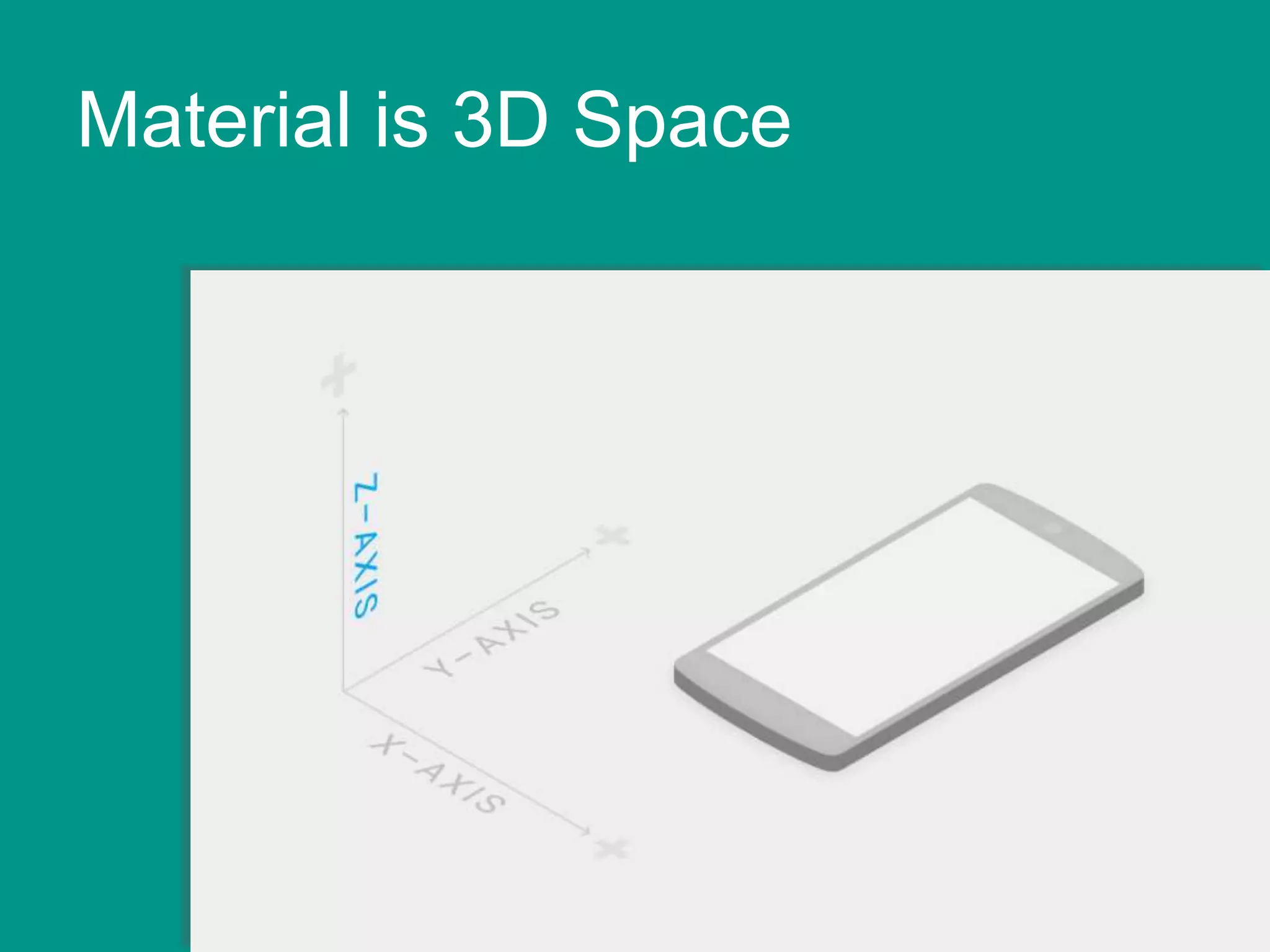
Material is 3D Space
4.18.2015 6Material Design: It’s a Whole New Language
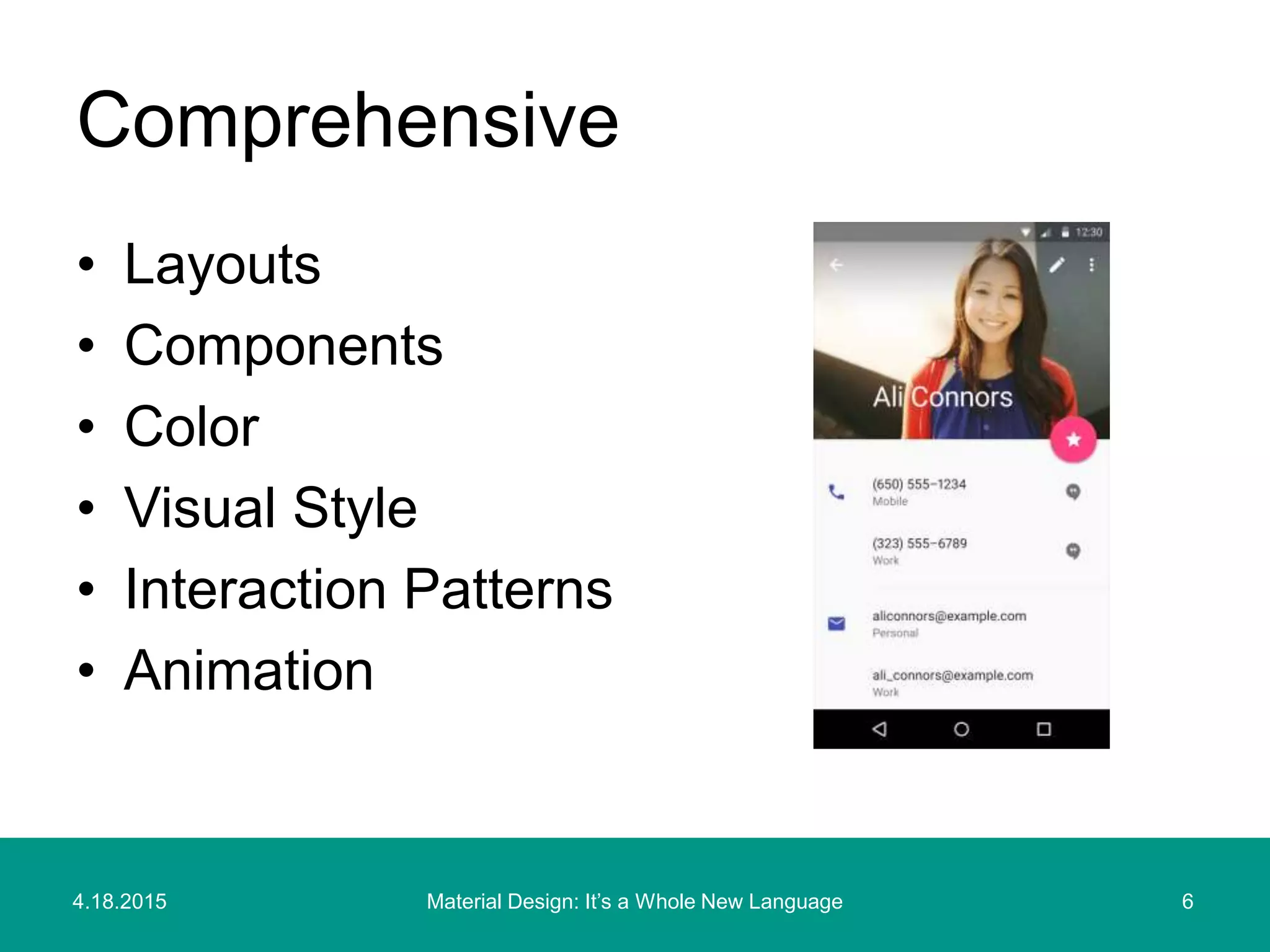
• Layouts
• Components
• Color
• Visual Style
• Interaction Patterns
• Animation
Comprehensive
Layouts
4.18.2015 8Material Design: It’s a Whole New Language
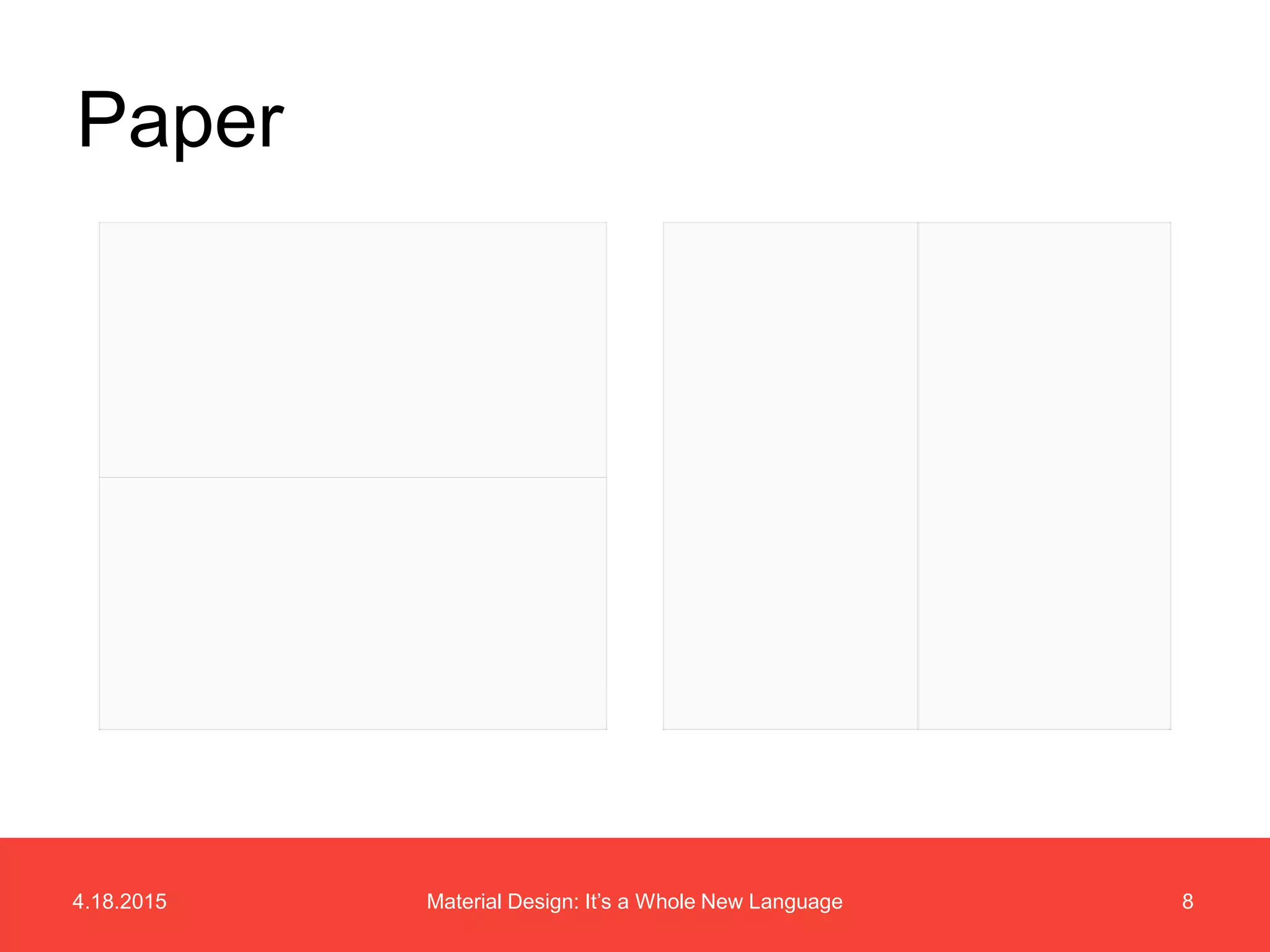
Paper
4.18.2015 9Material Design: It’s a Whole New Language
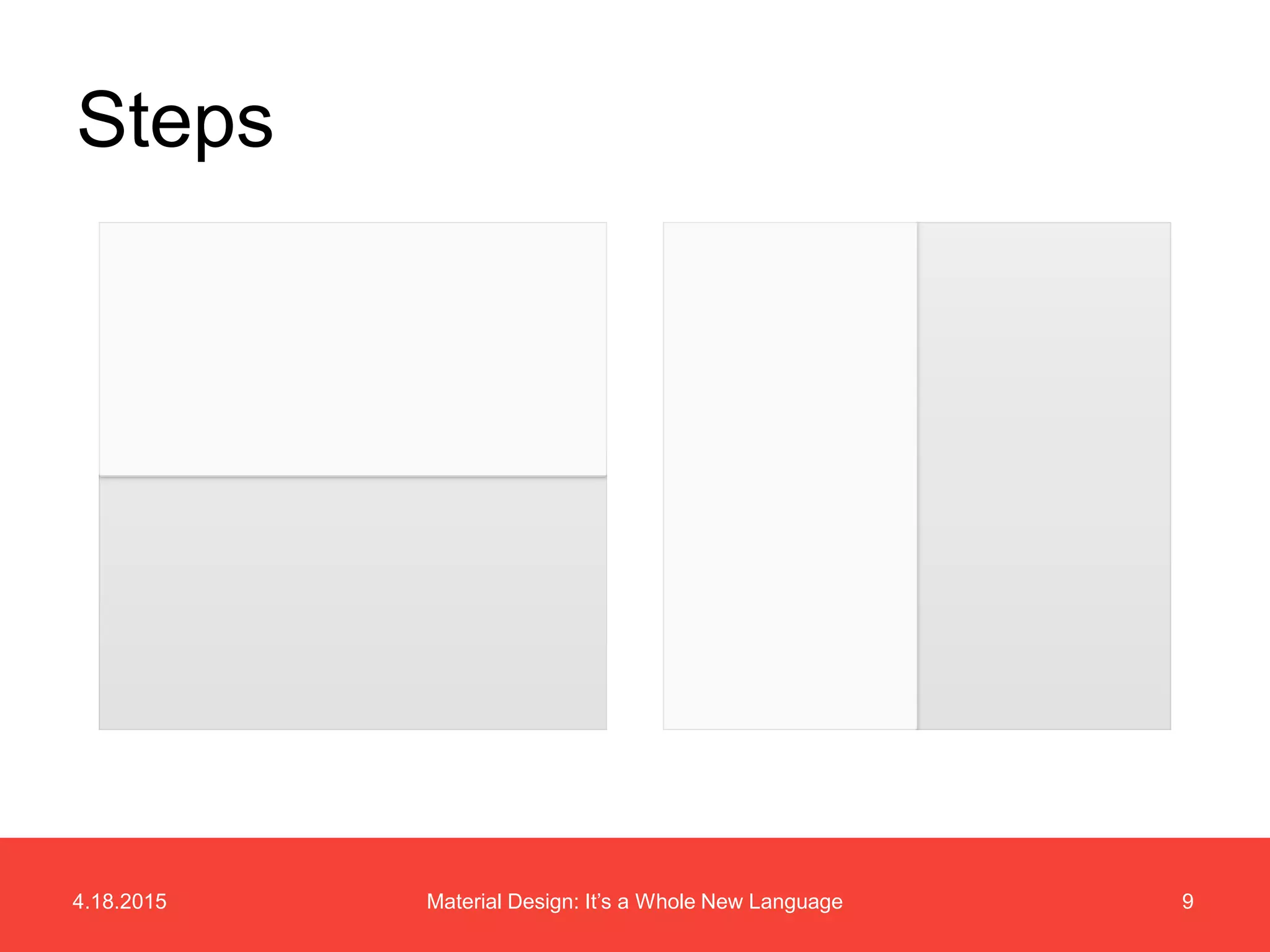
Steps
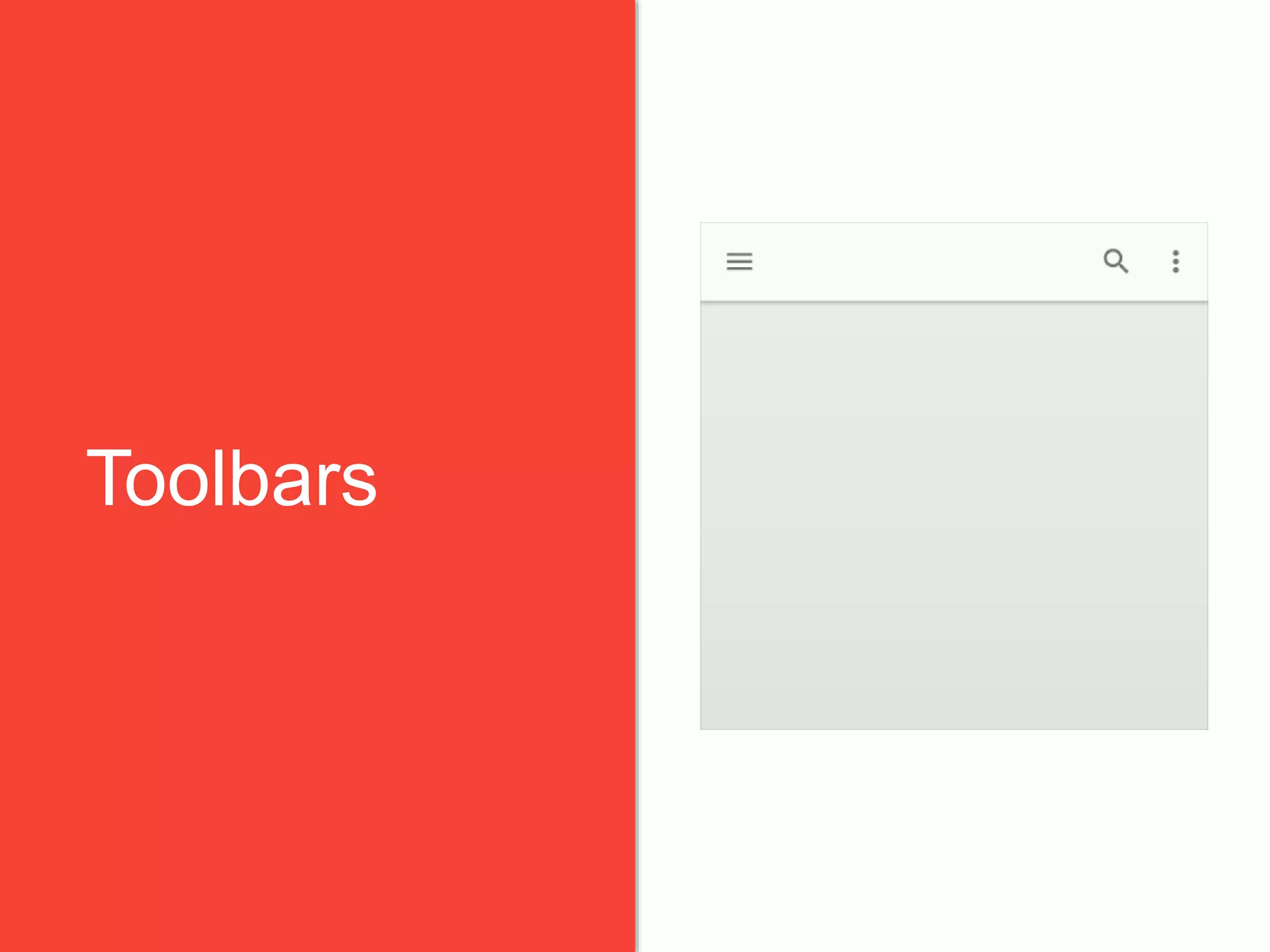
Toolbars
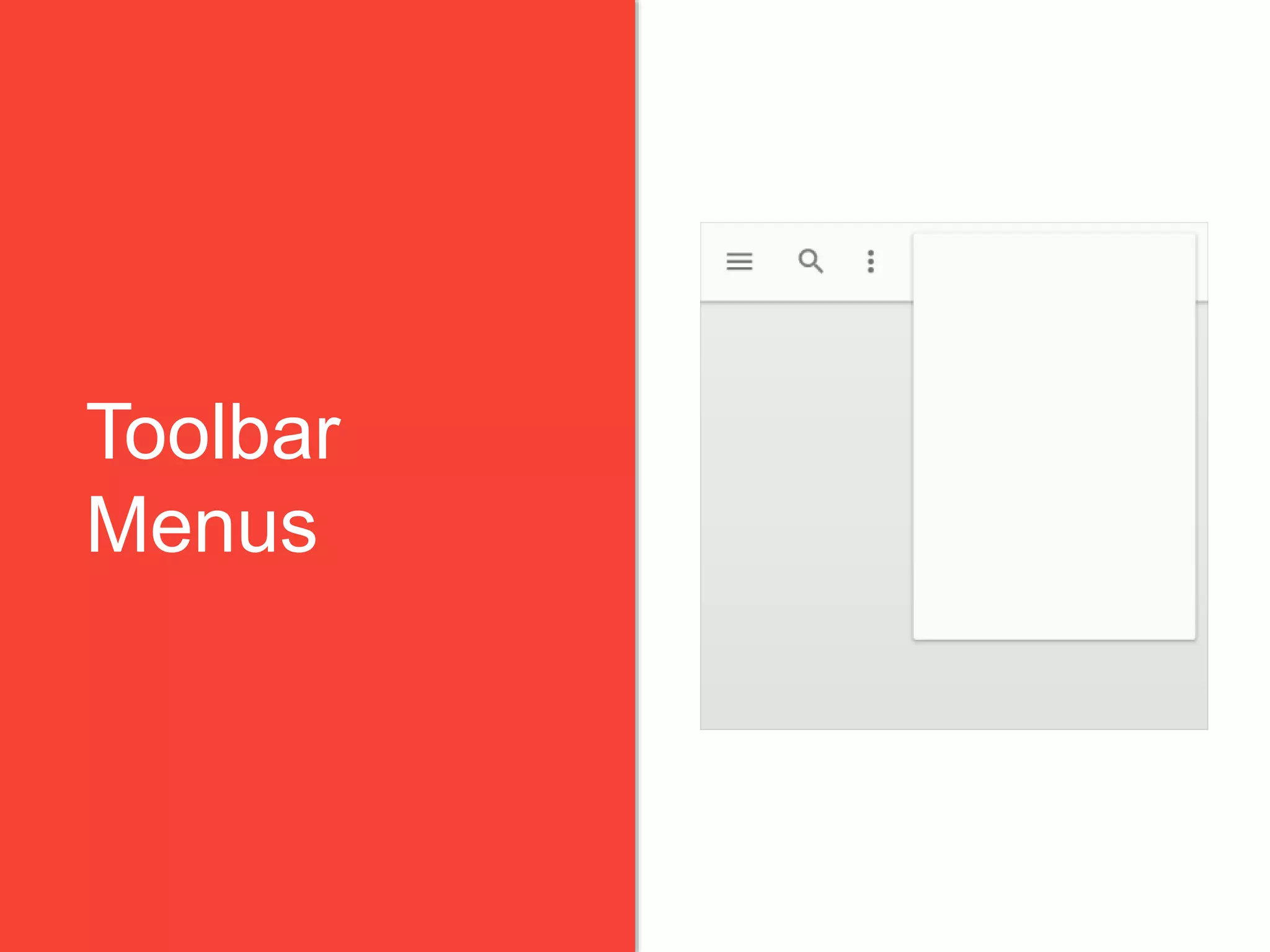
Toolbar
Menus
4.18.2015 12Material Design: It’s a Whole New Language
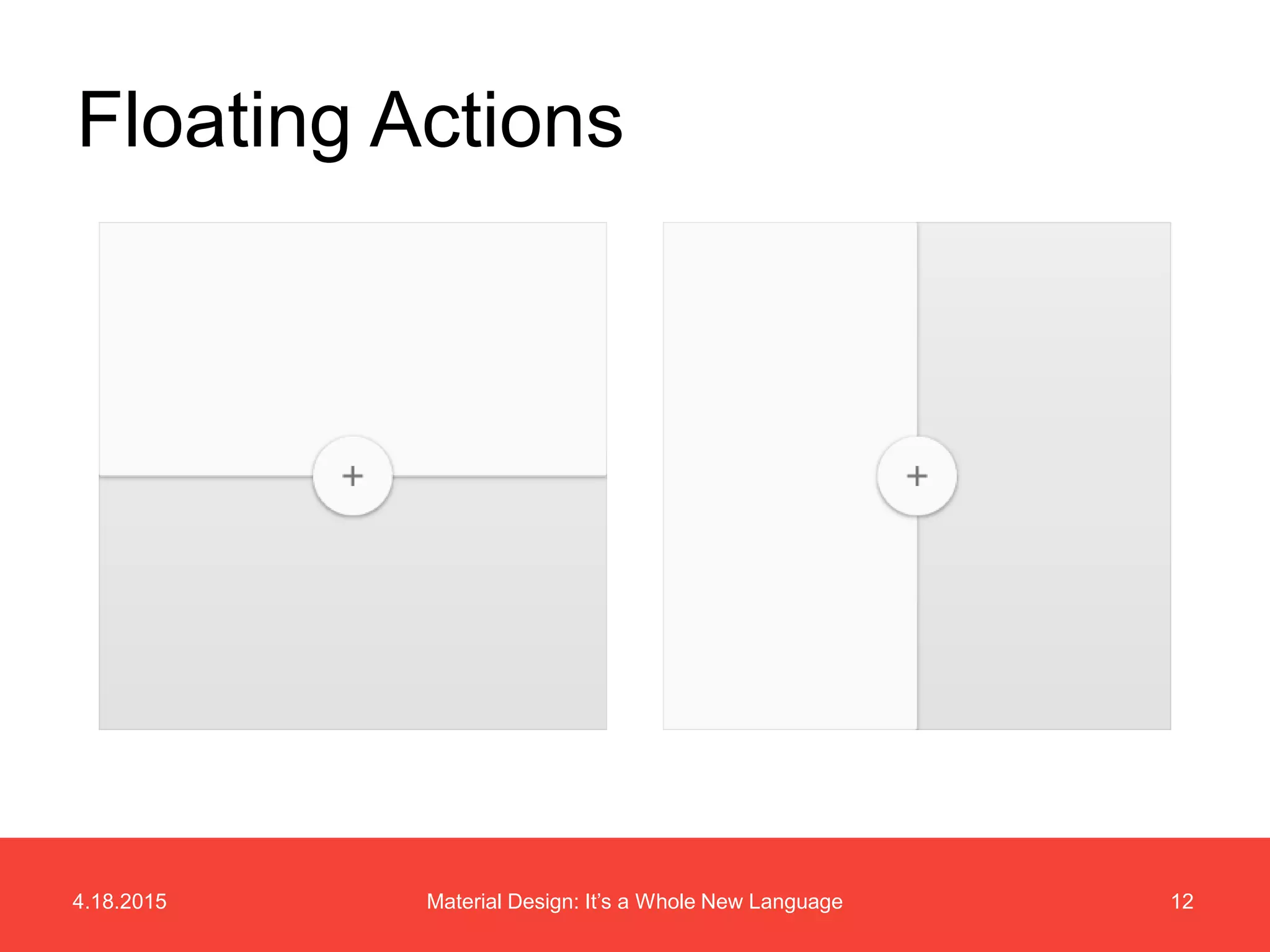
Floating Actions
Components
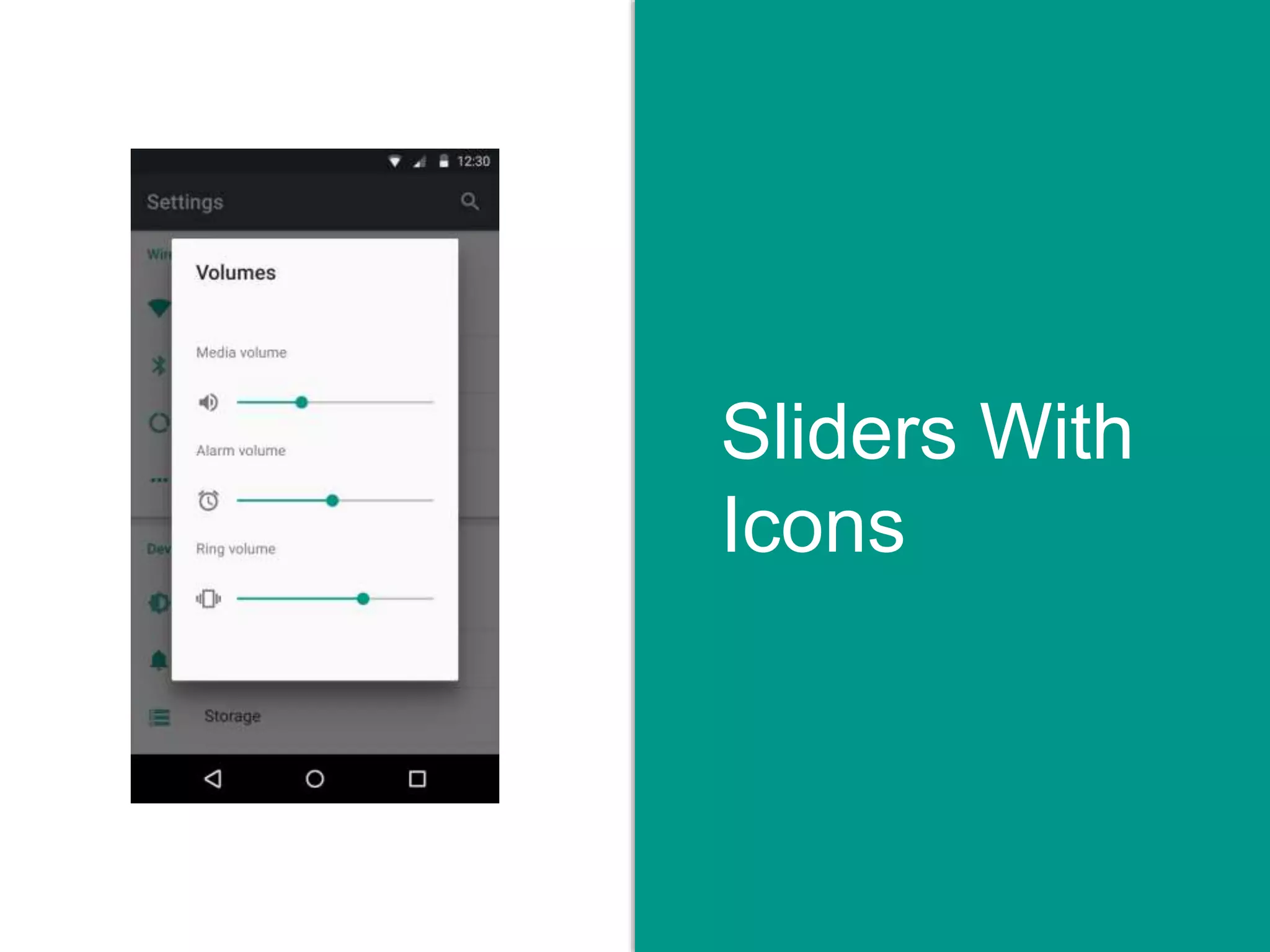
Sliders With
Icons
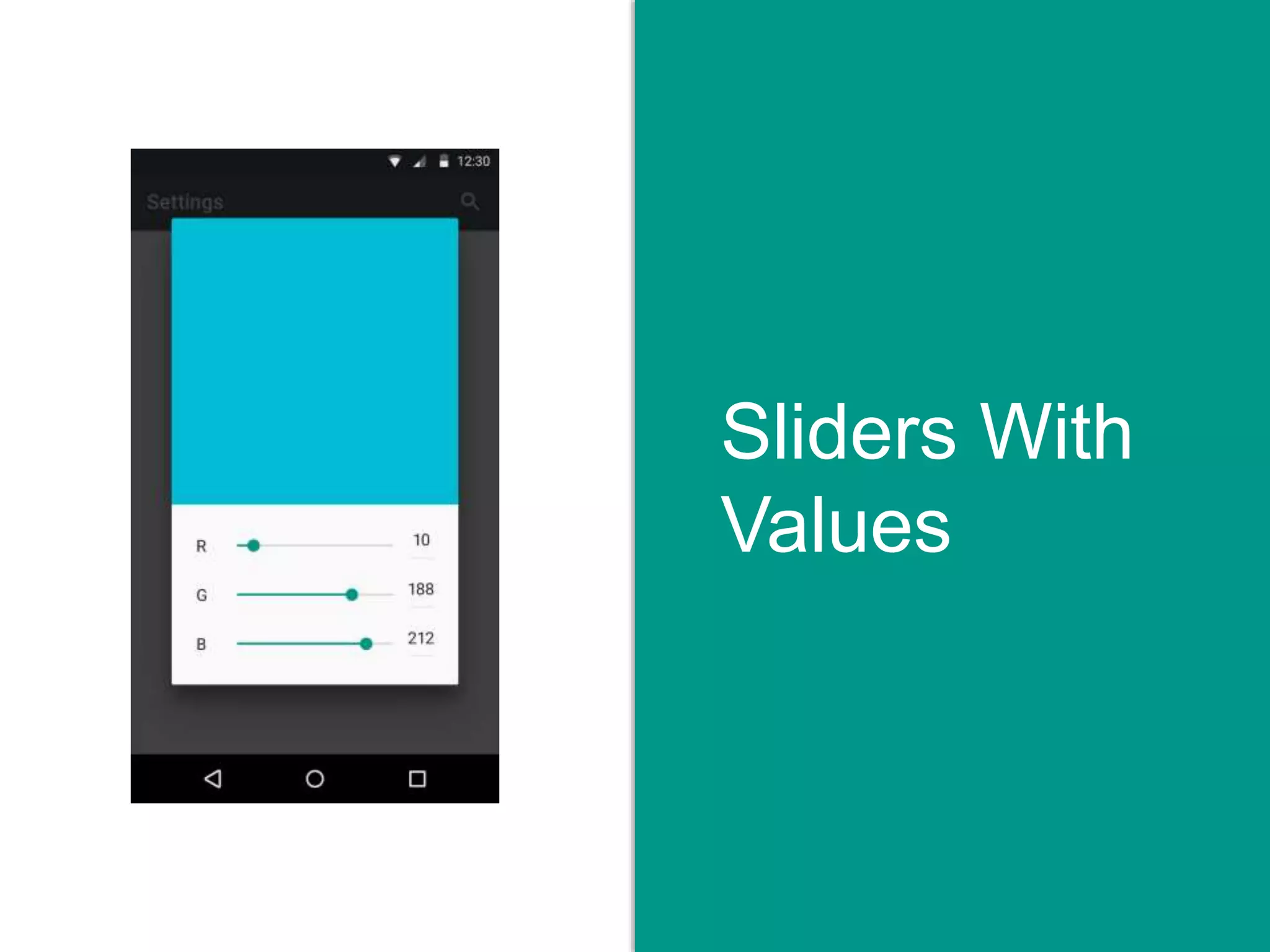
Sliders With
Values
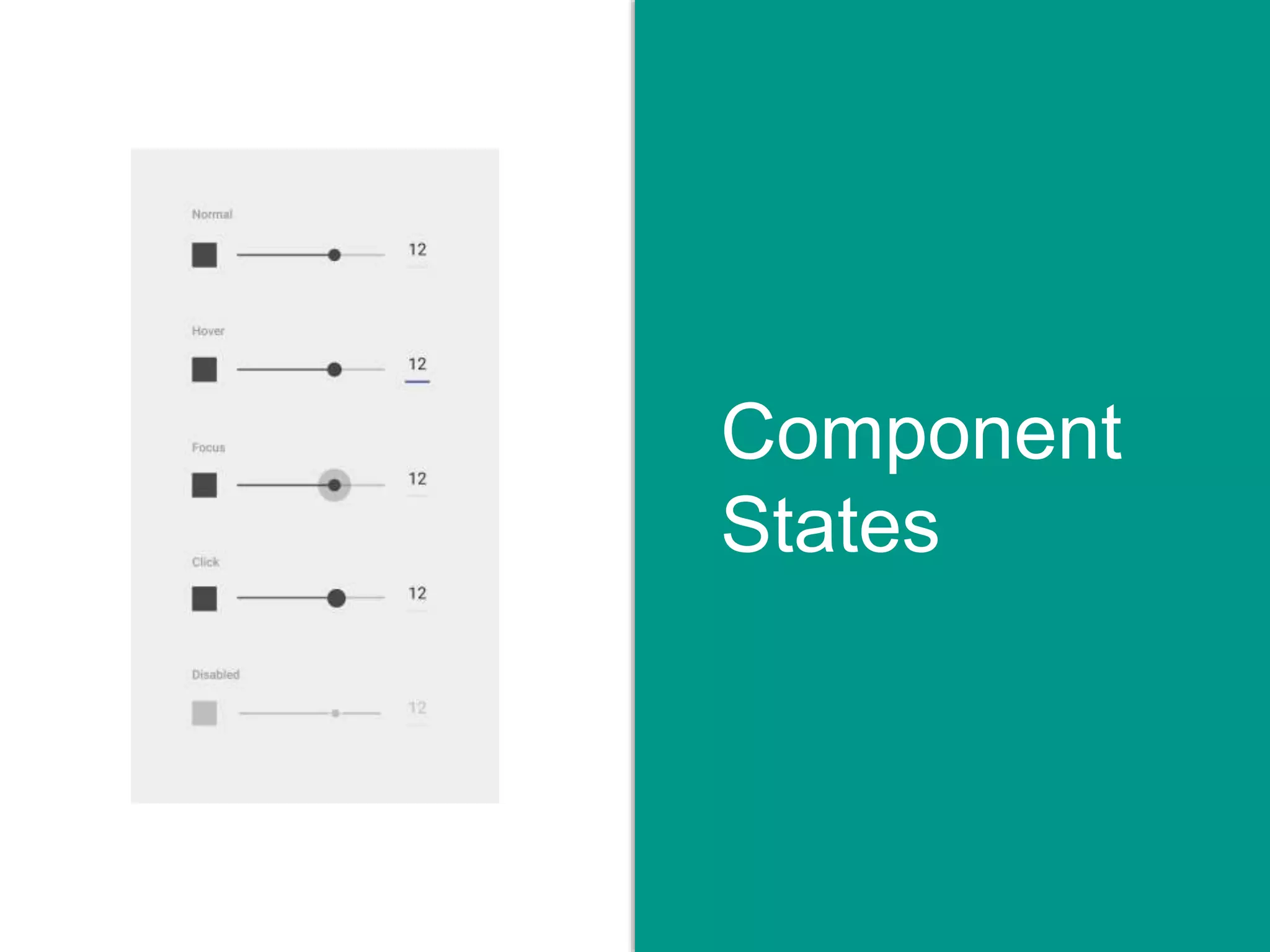
Component
States
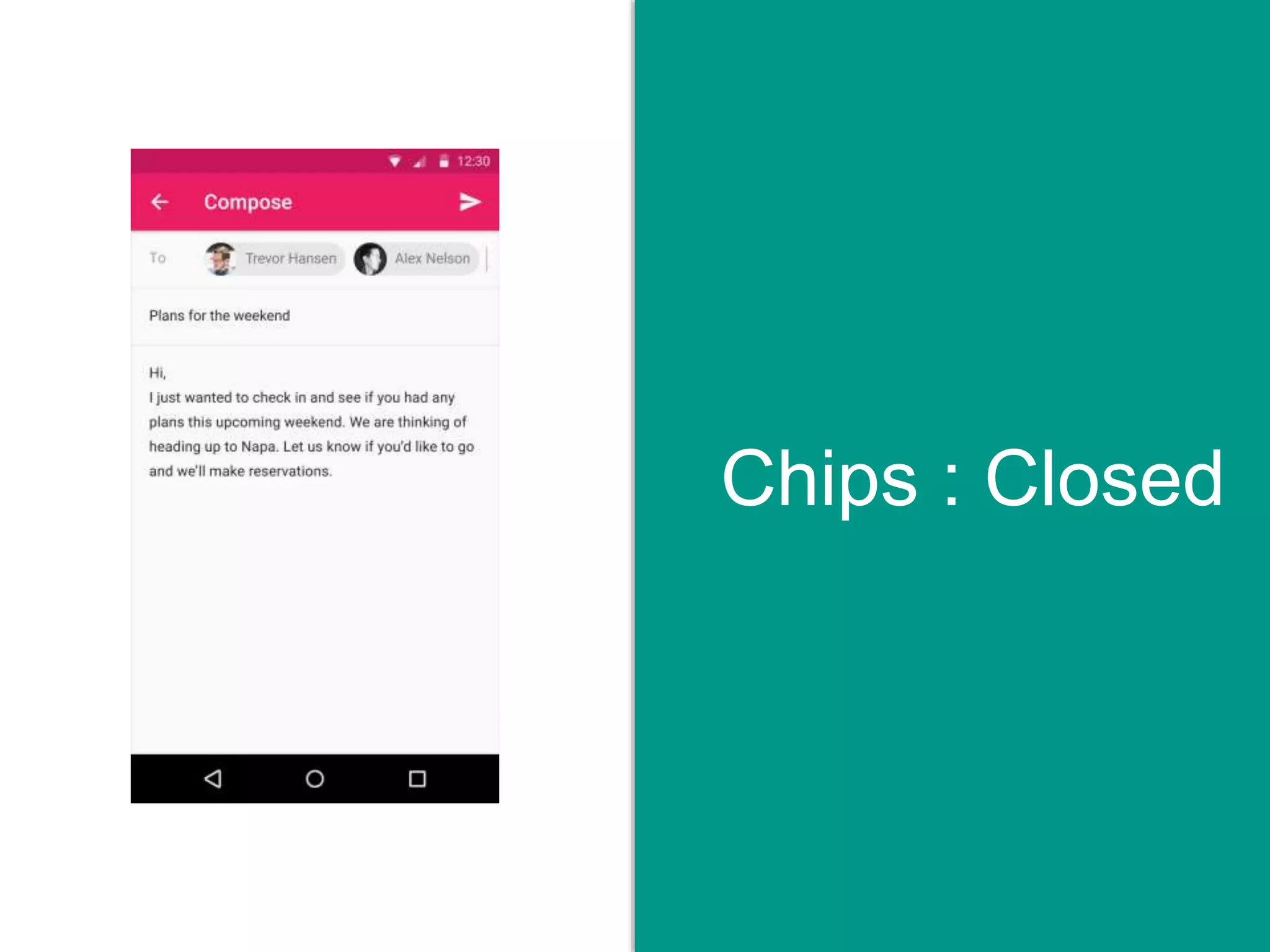
Chips : Closed
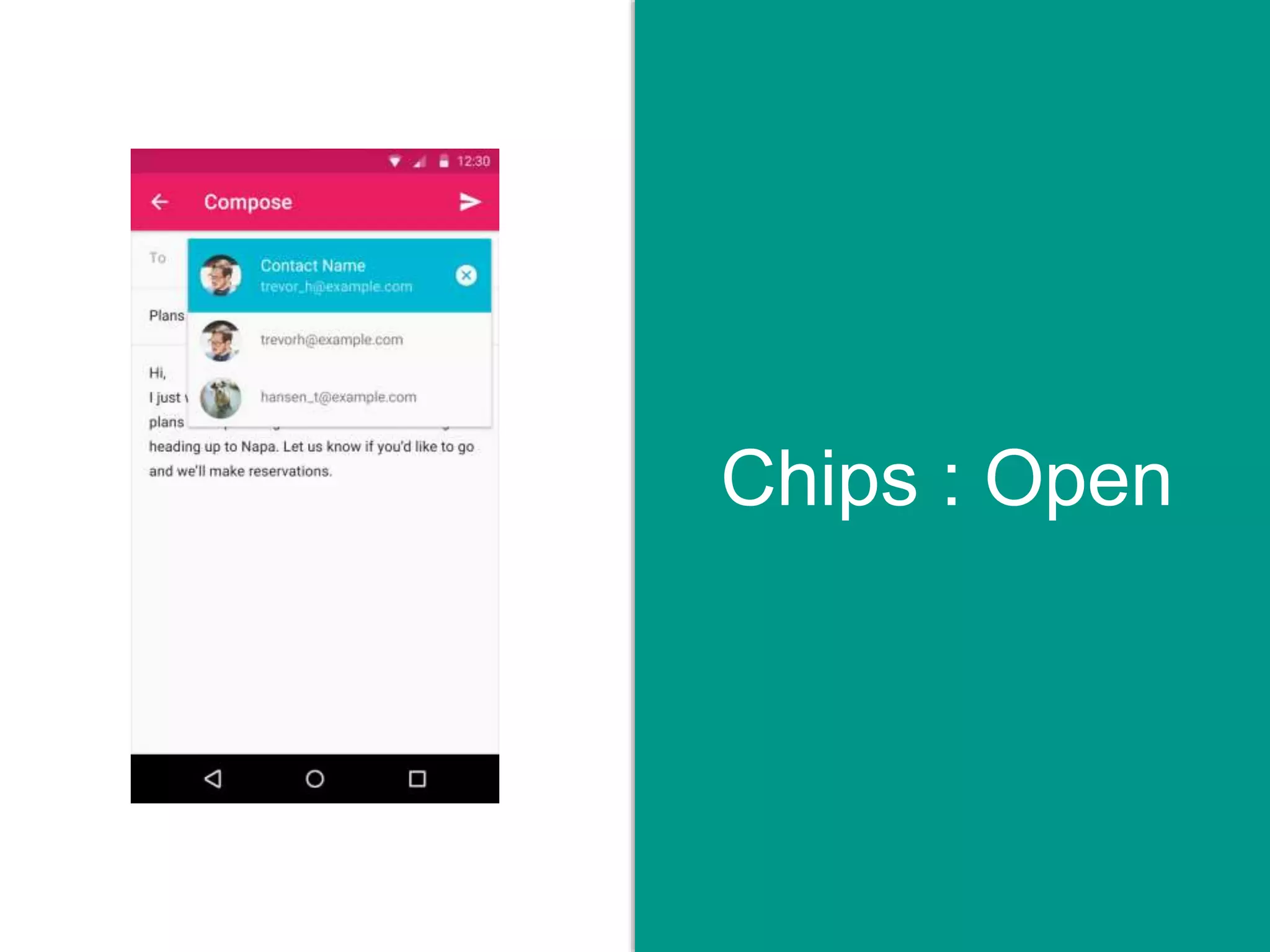
Chips : Open
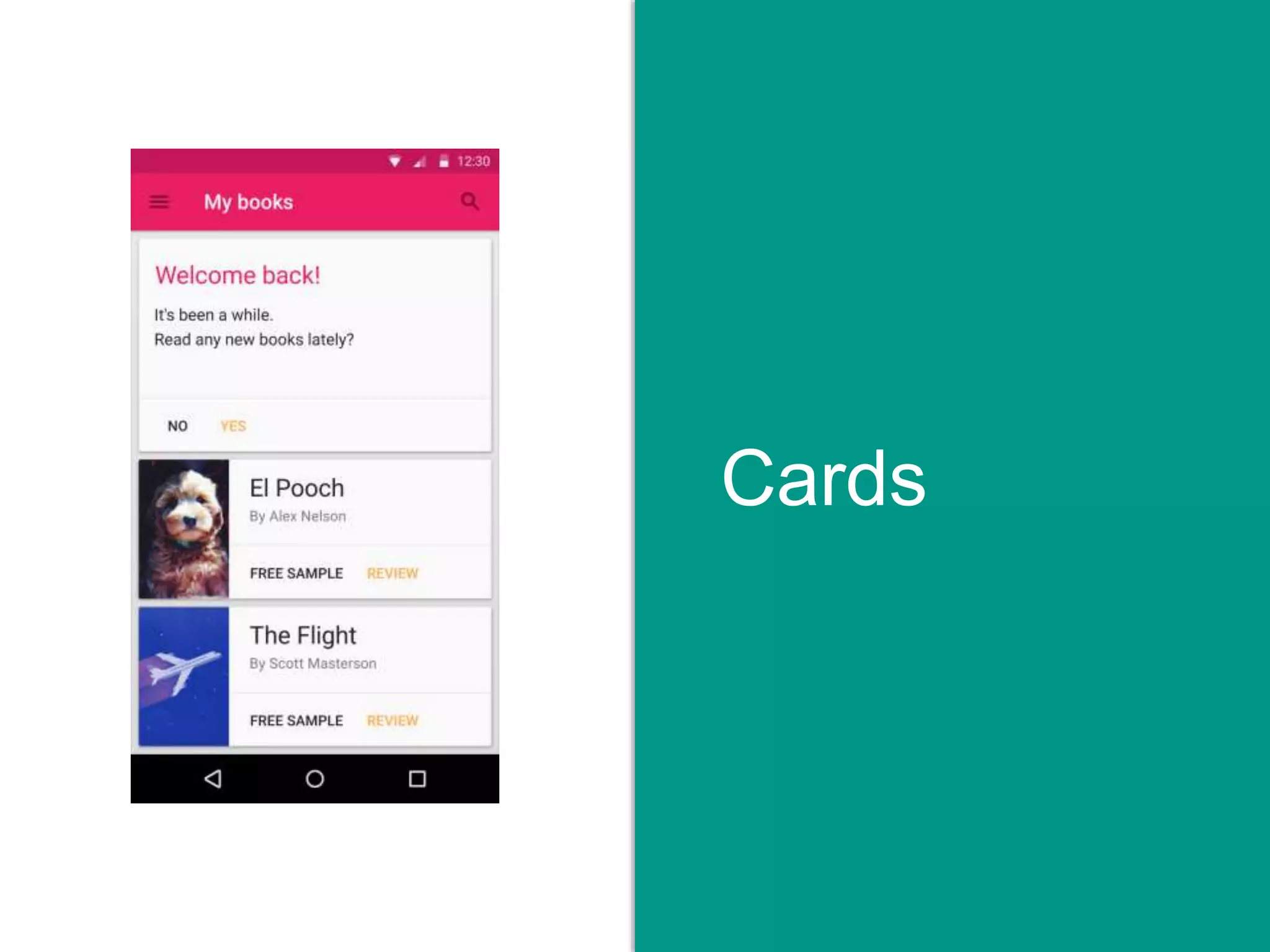
Cards
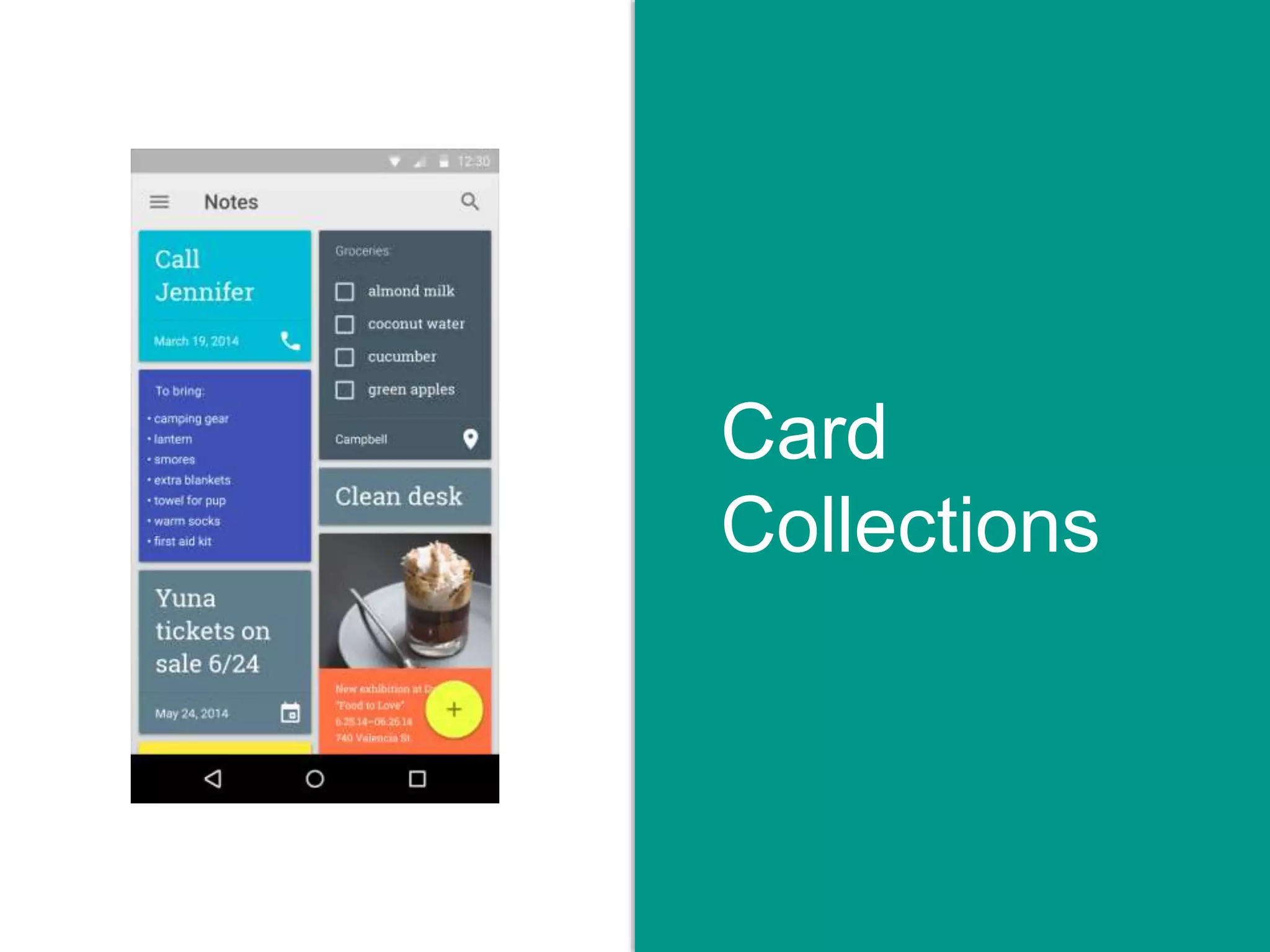
Card
Collections
Color
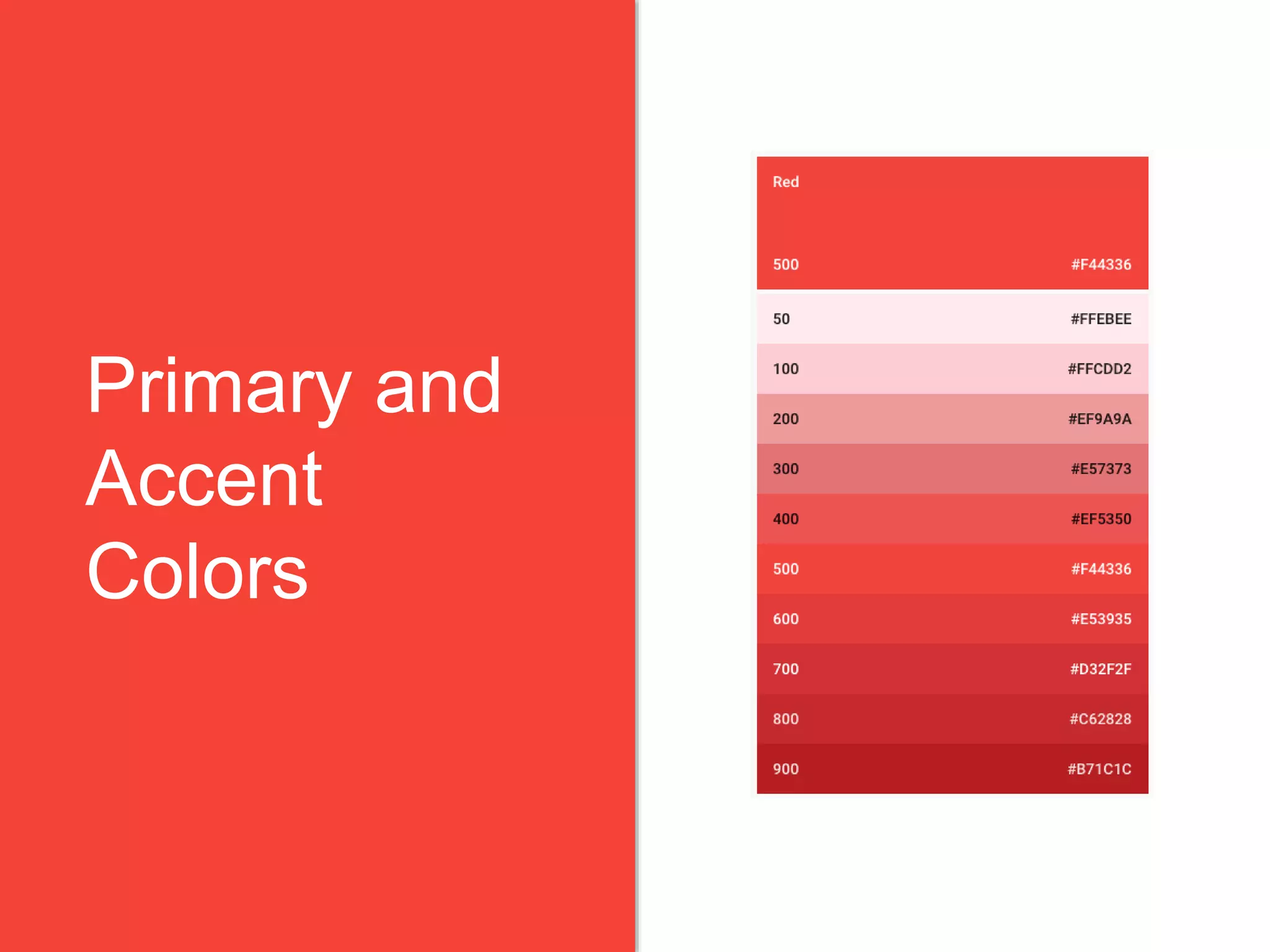
Primary and
Accent
Colors
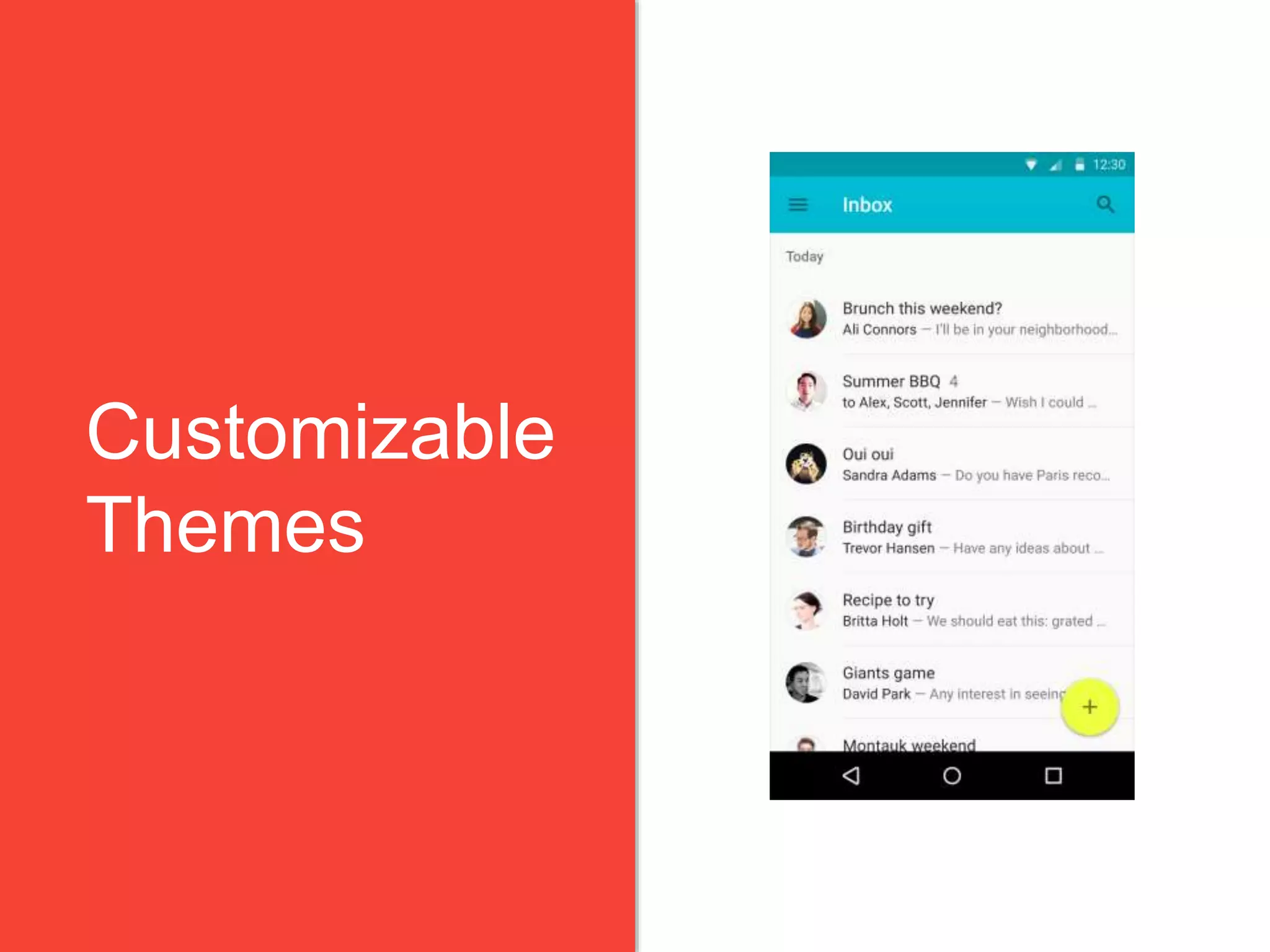
Customizable
Themes
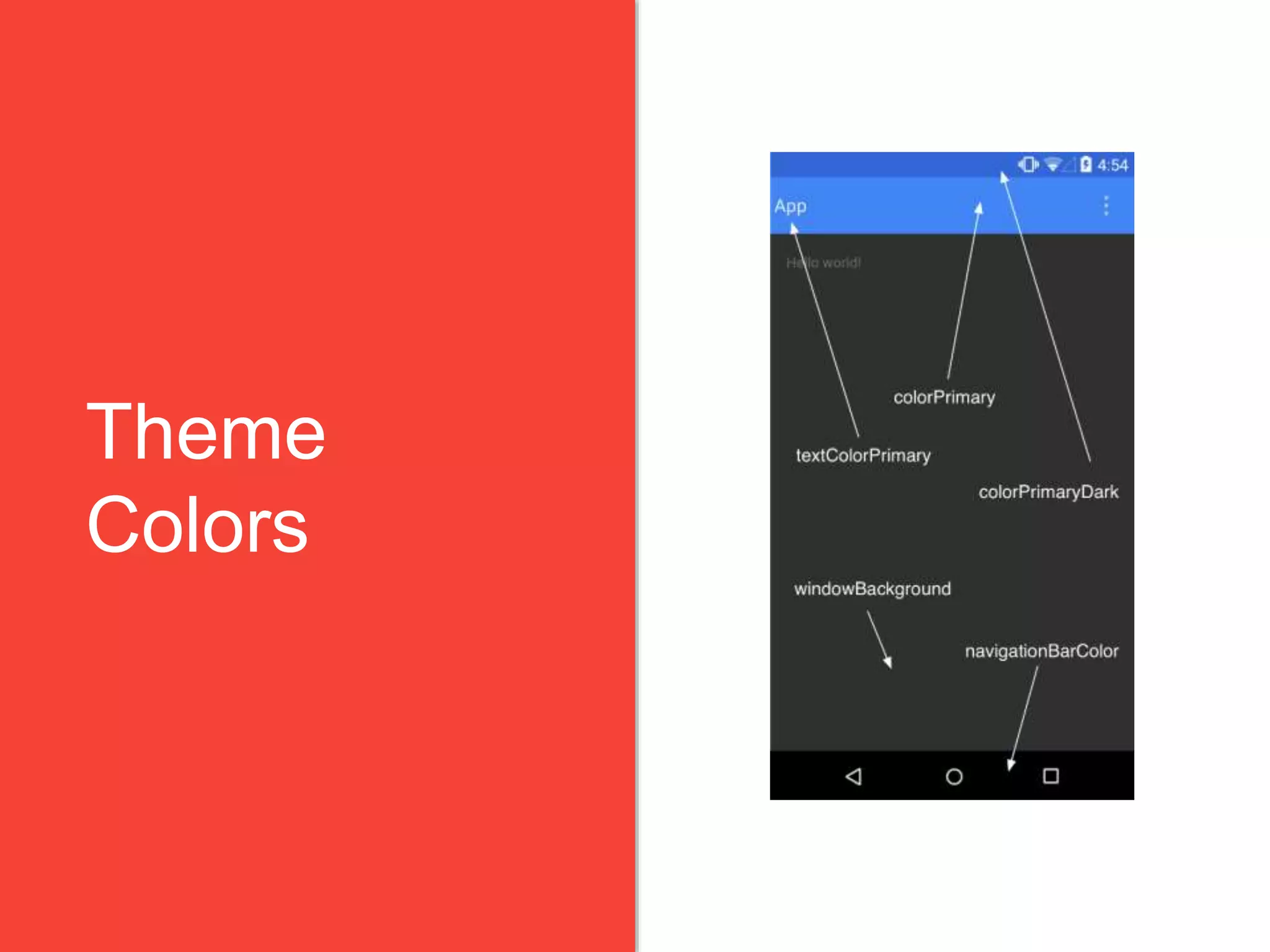
Theme
Colors
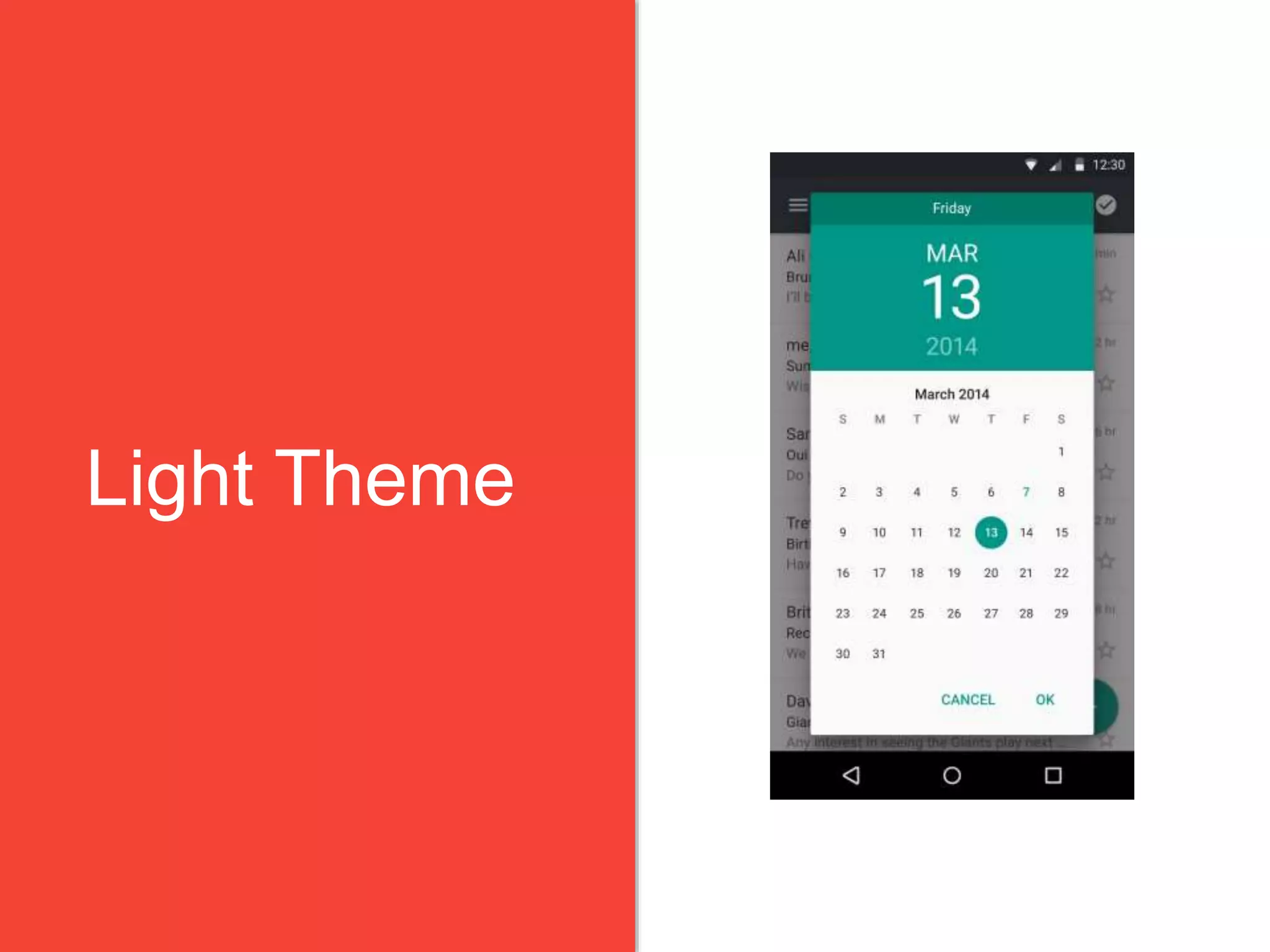
Light Theme
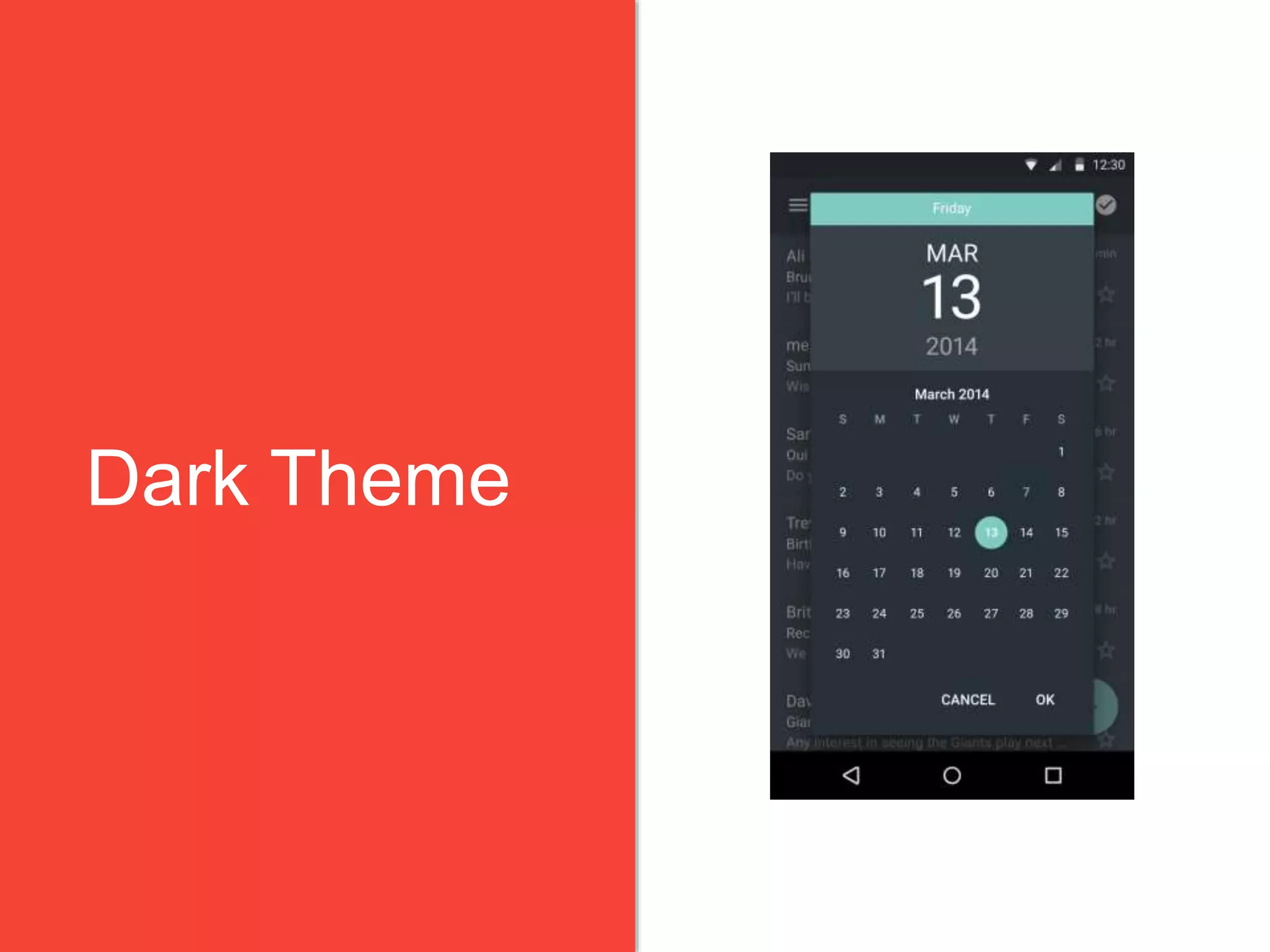
Dark Theme
4.18.2015 27Material Design: It’s a Whole New Language
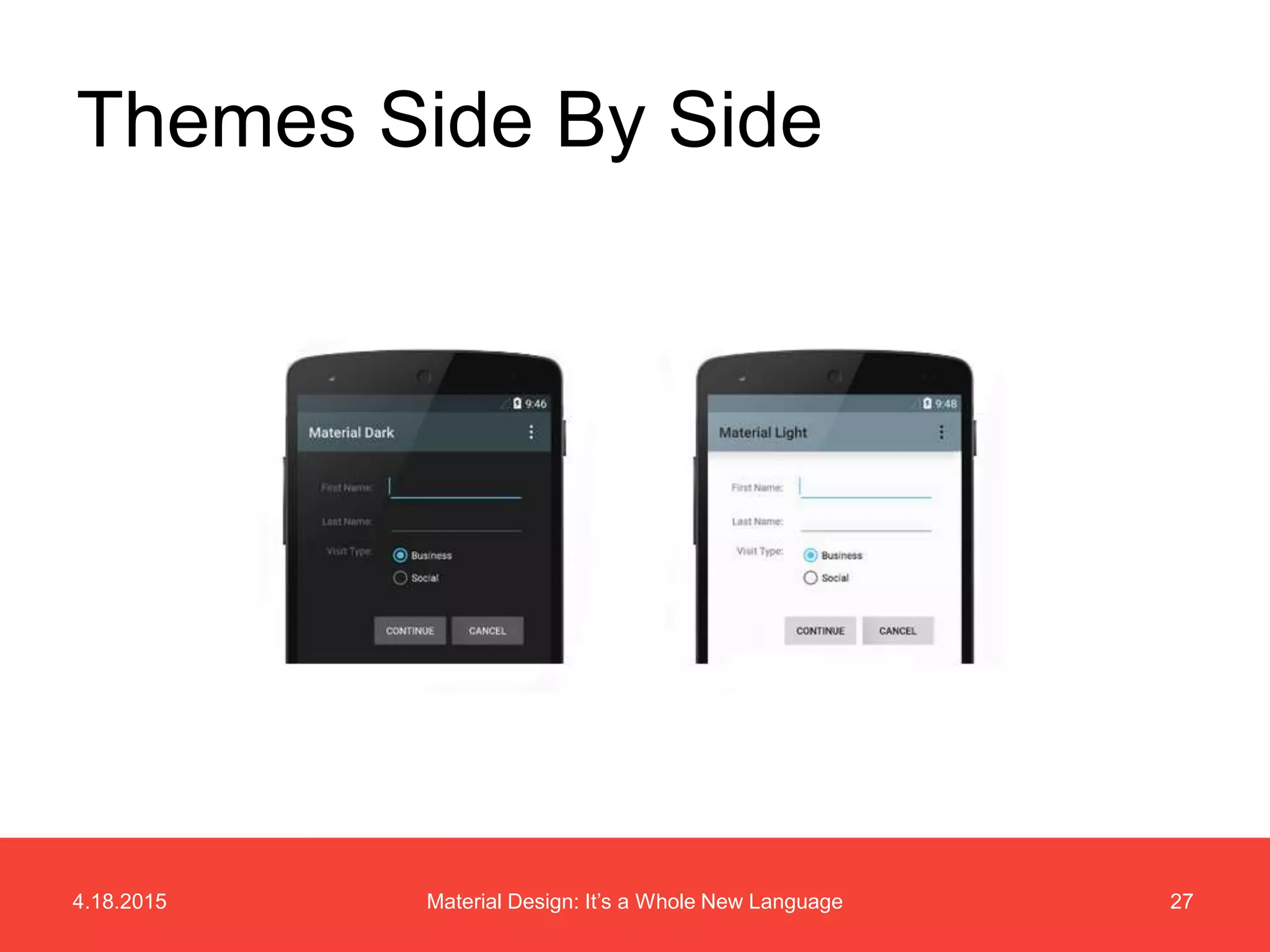
Themes Side By Side
Visual Style
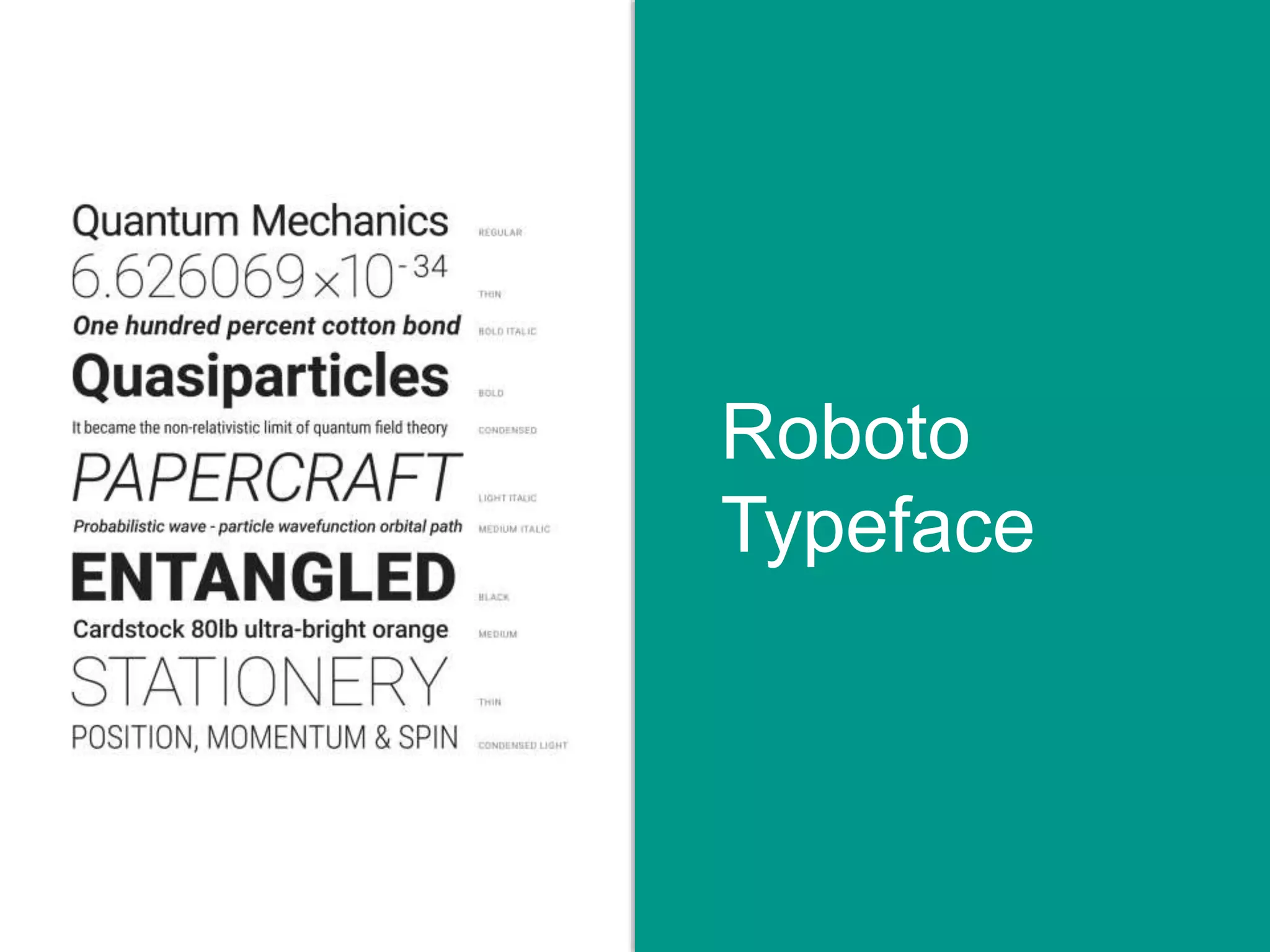
Roboto
Typeface
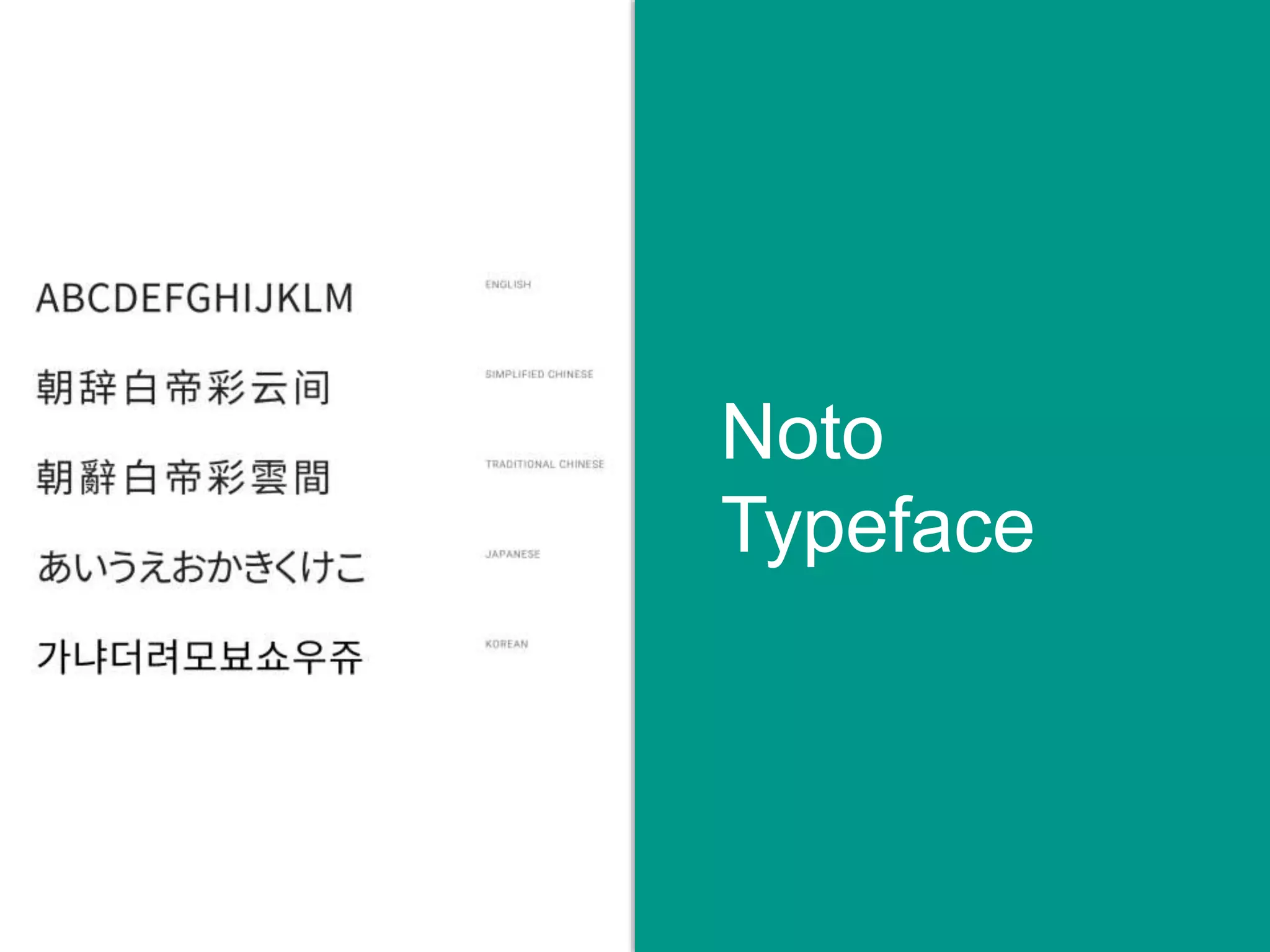
Noto
Typeface
4.18.2015 31Material Design: It’s a Whole New Language
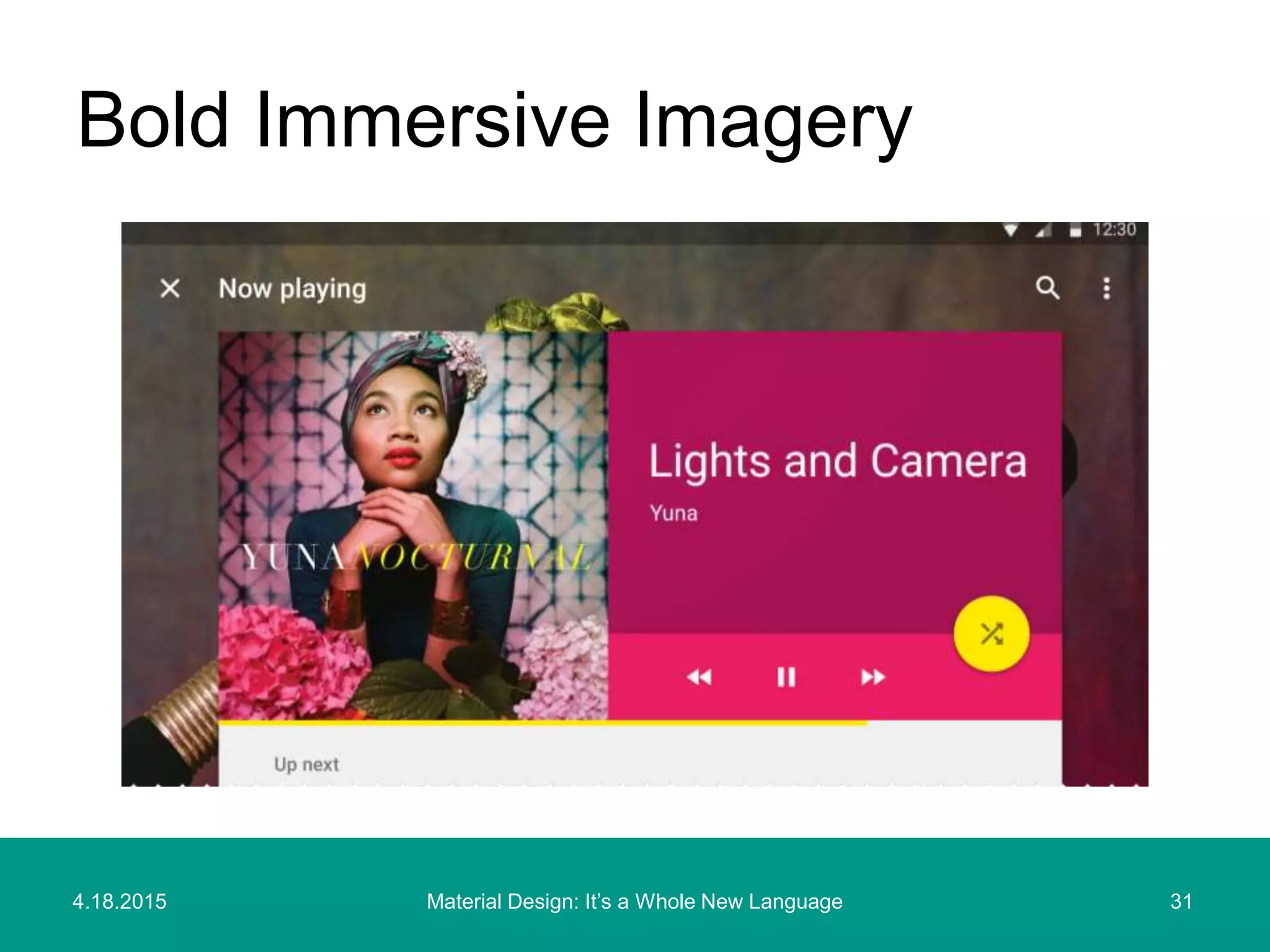
Bold Immersive Imagery
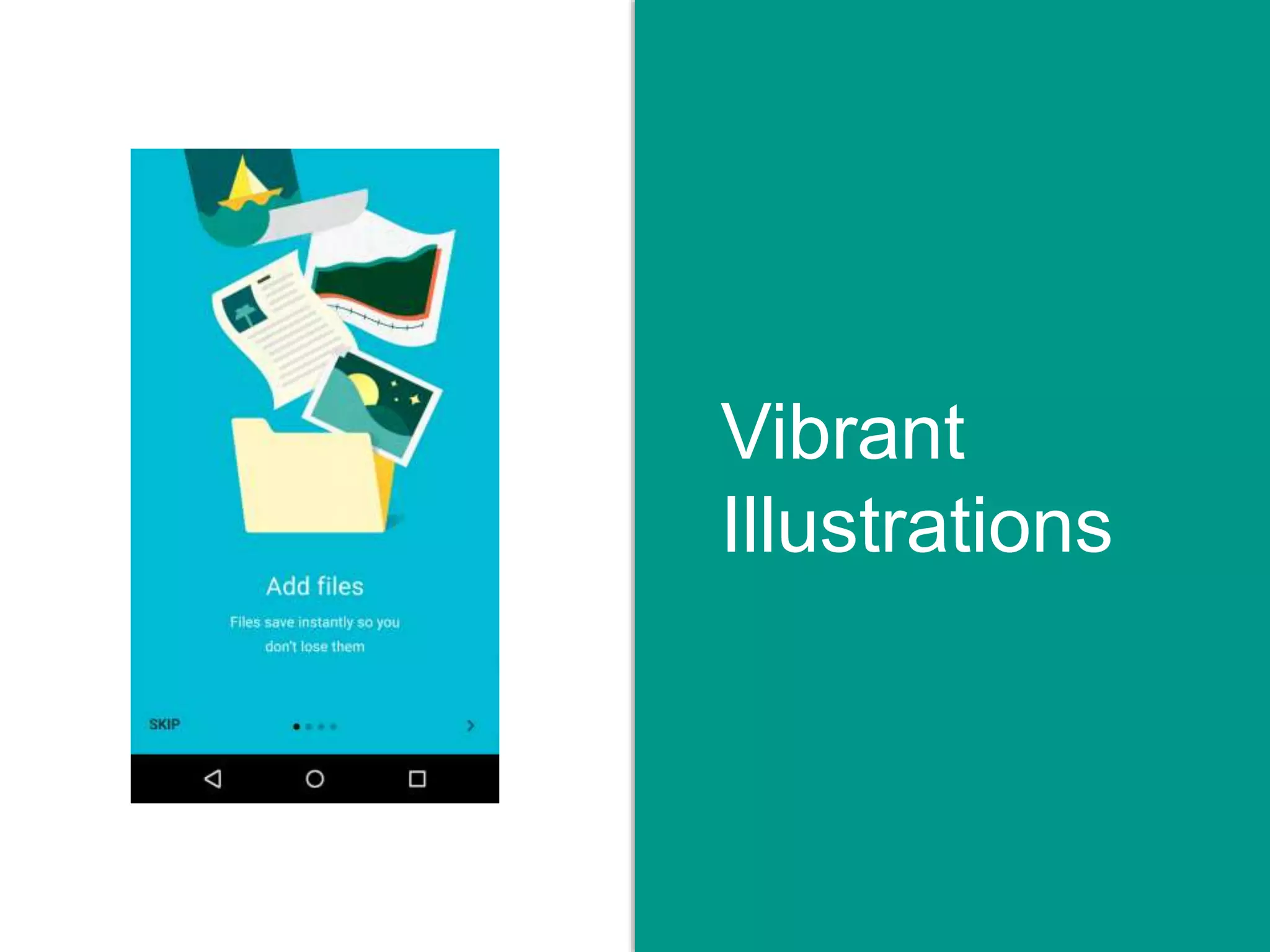
Vibrant
Illustrations
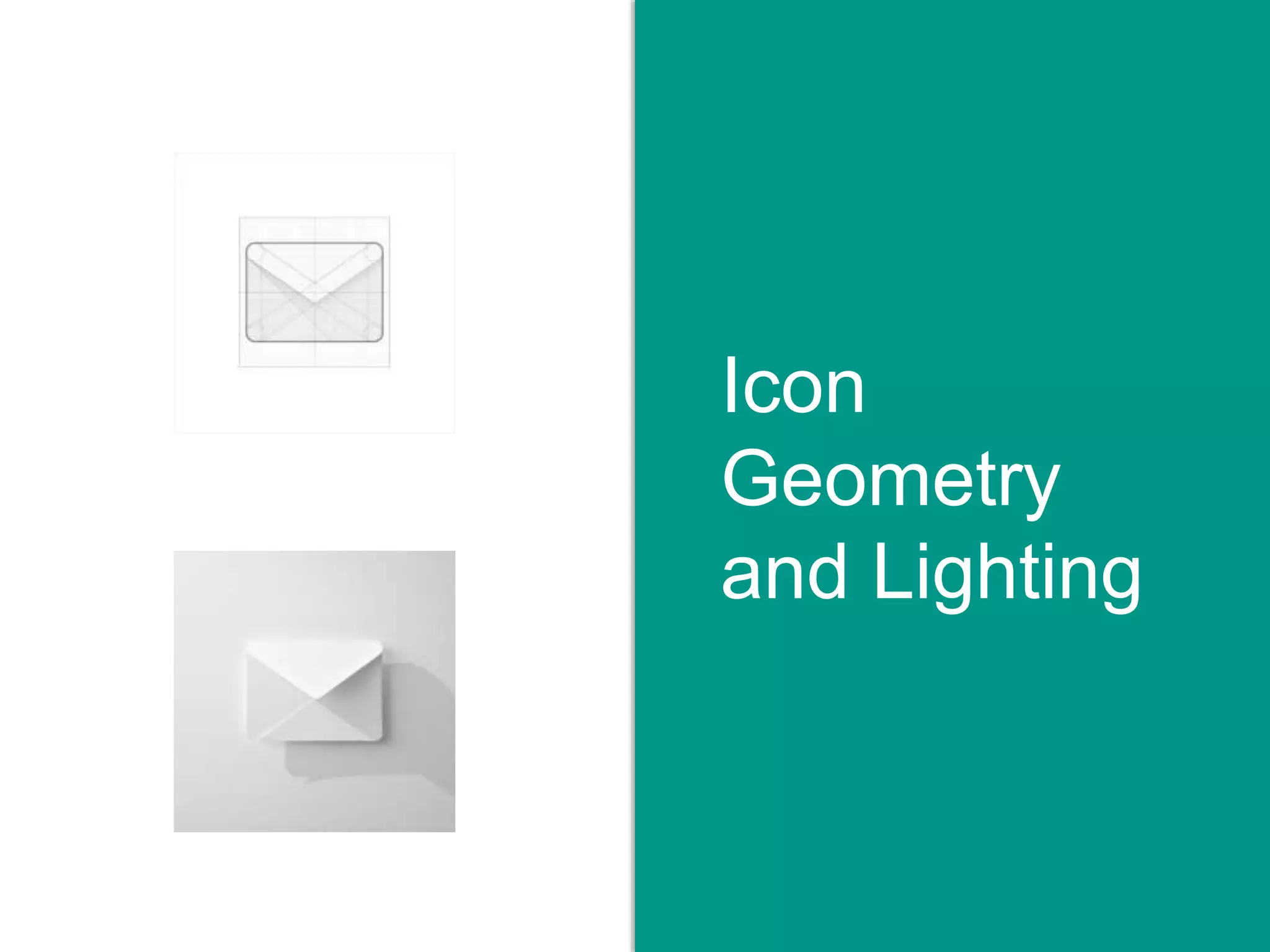
Icon
Geometry
and Lighting
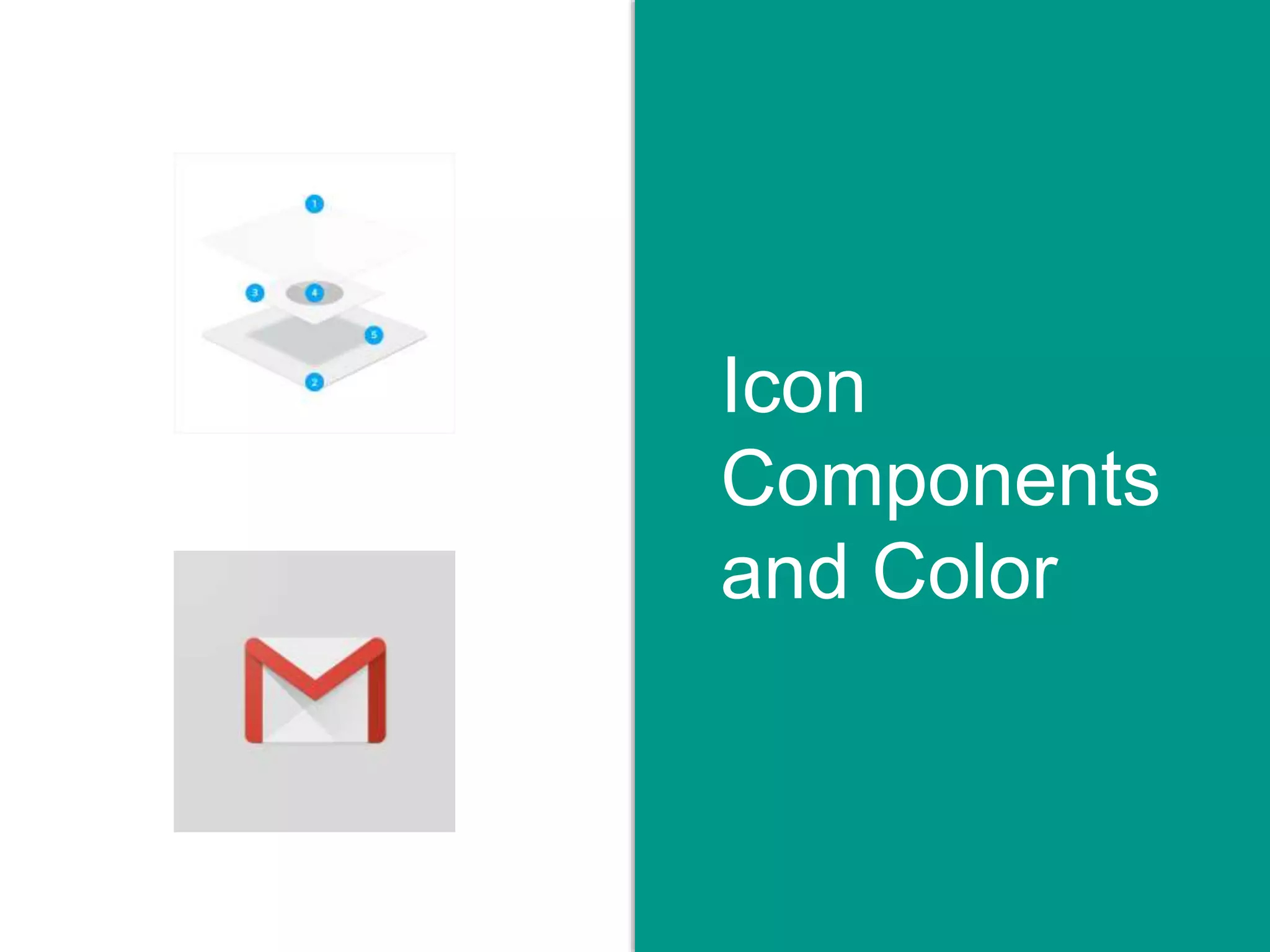
Icon
Components
and Color
Interaction
Patterns
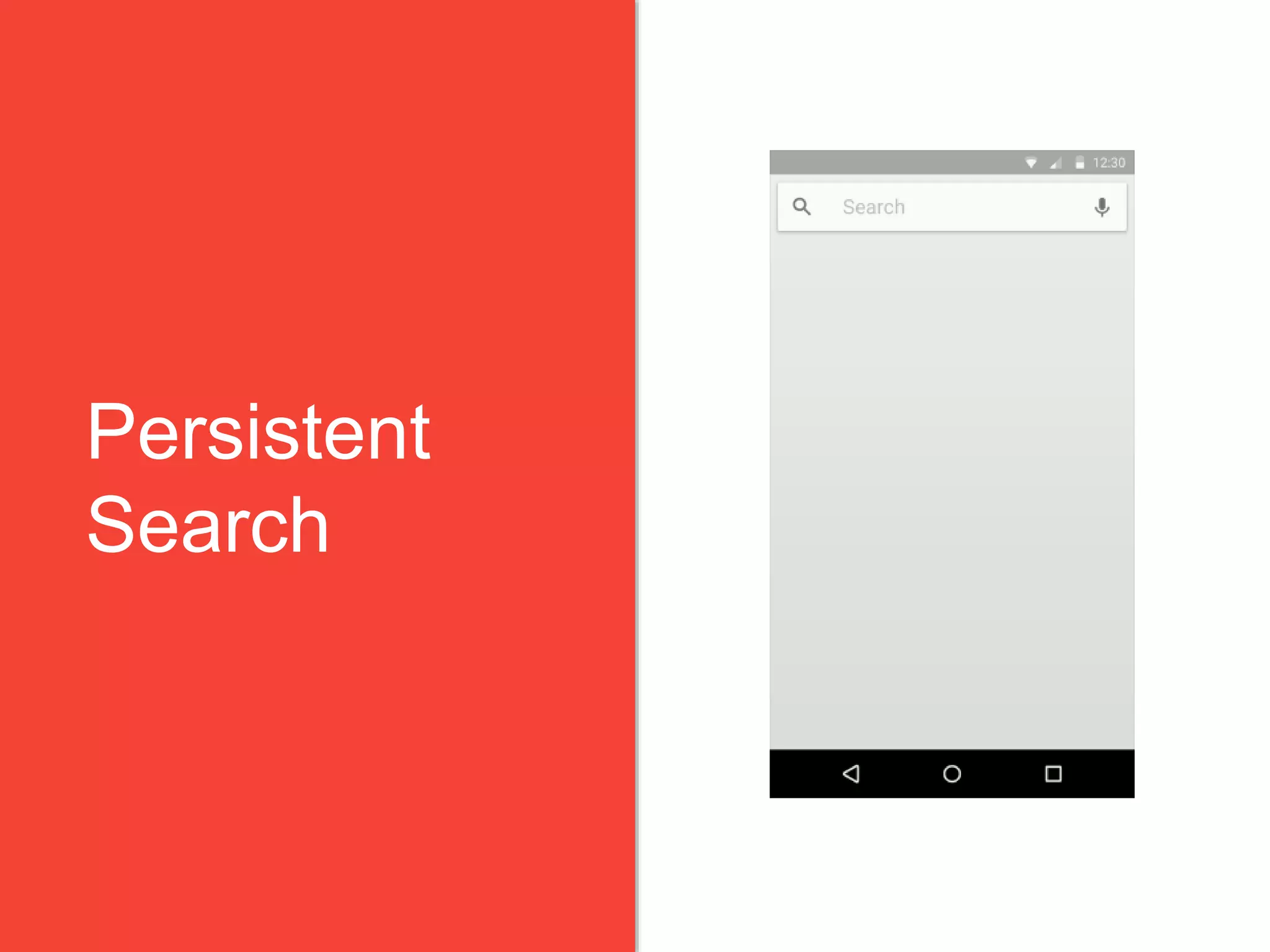
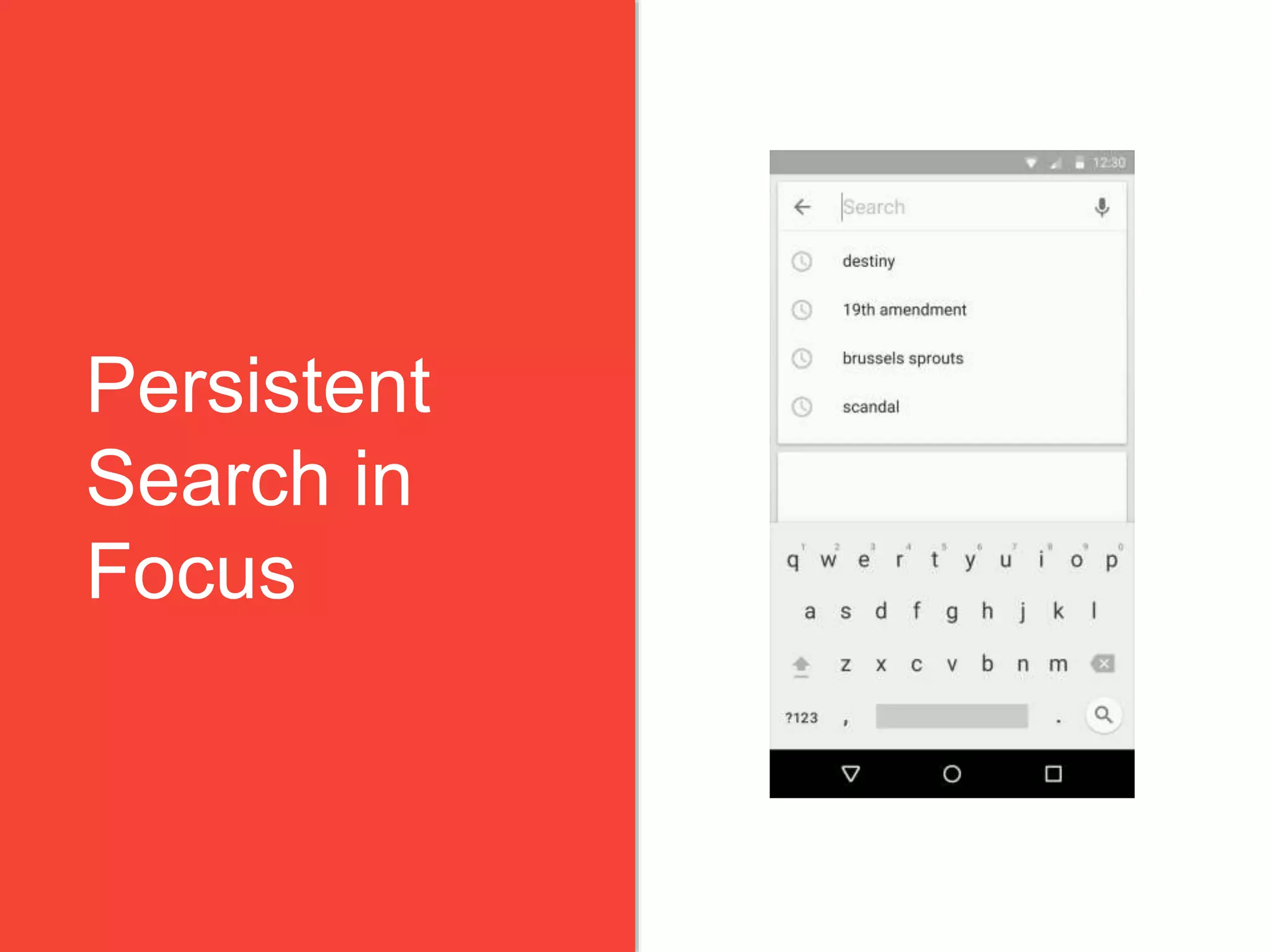
Persistent
Search
Persistent
Search in
Focus
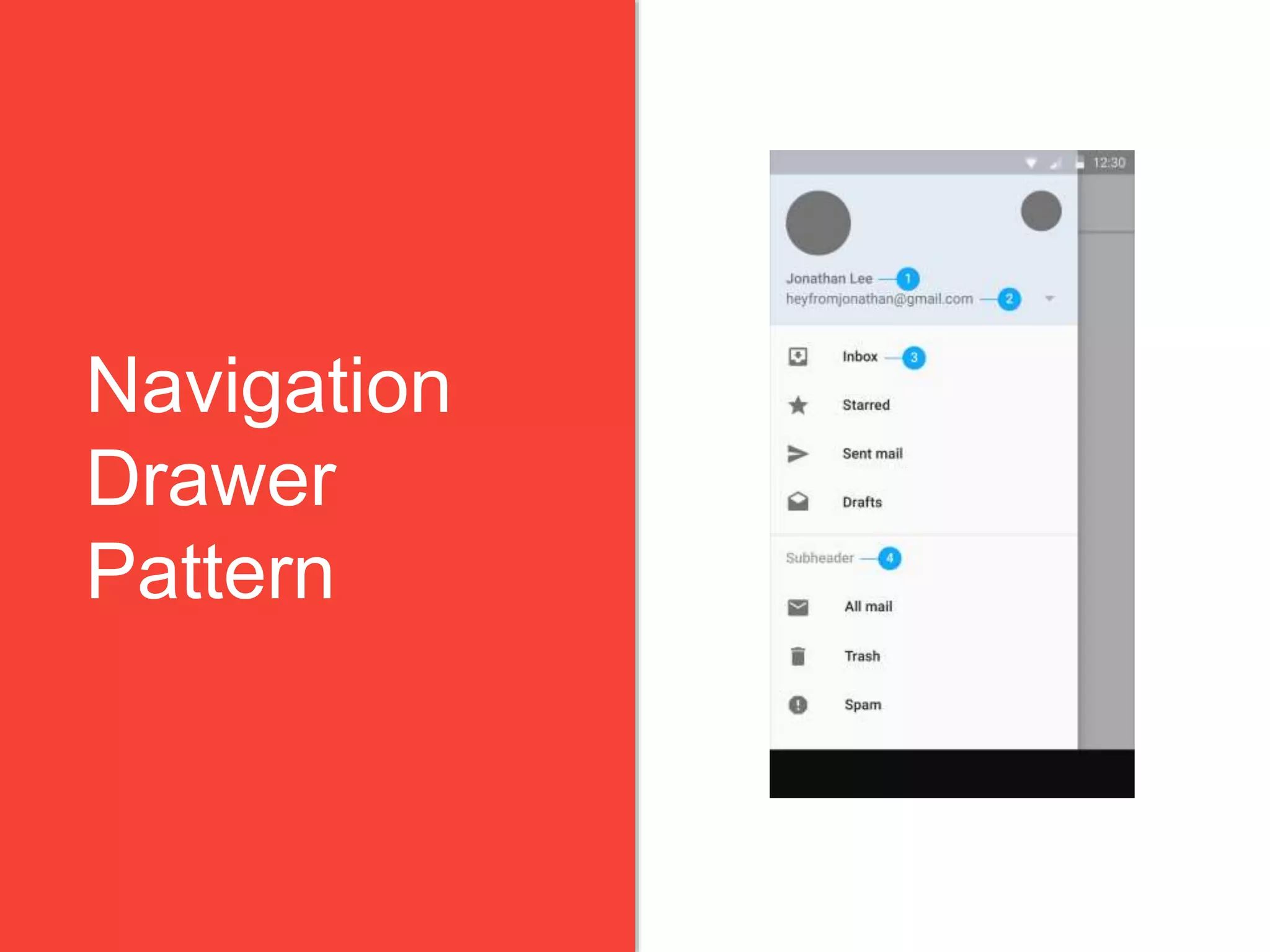
Navigation
Drawer
Pattern
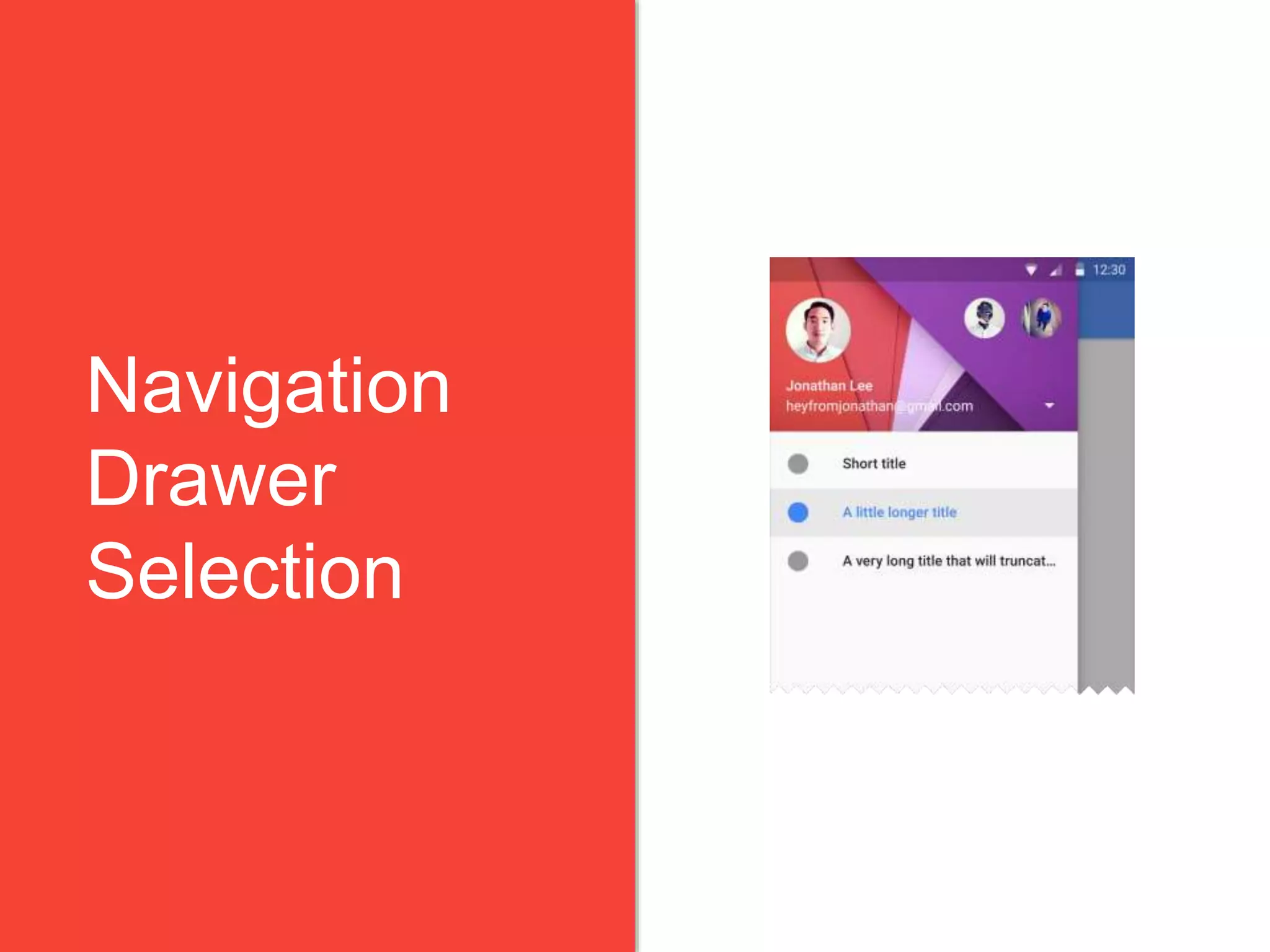
Navigation
Drawer
Selection
4.18.2015 40Material Design: It’s a Whole New Language
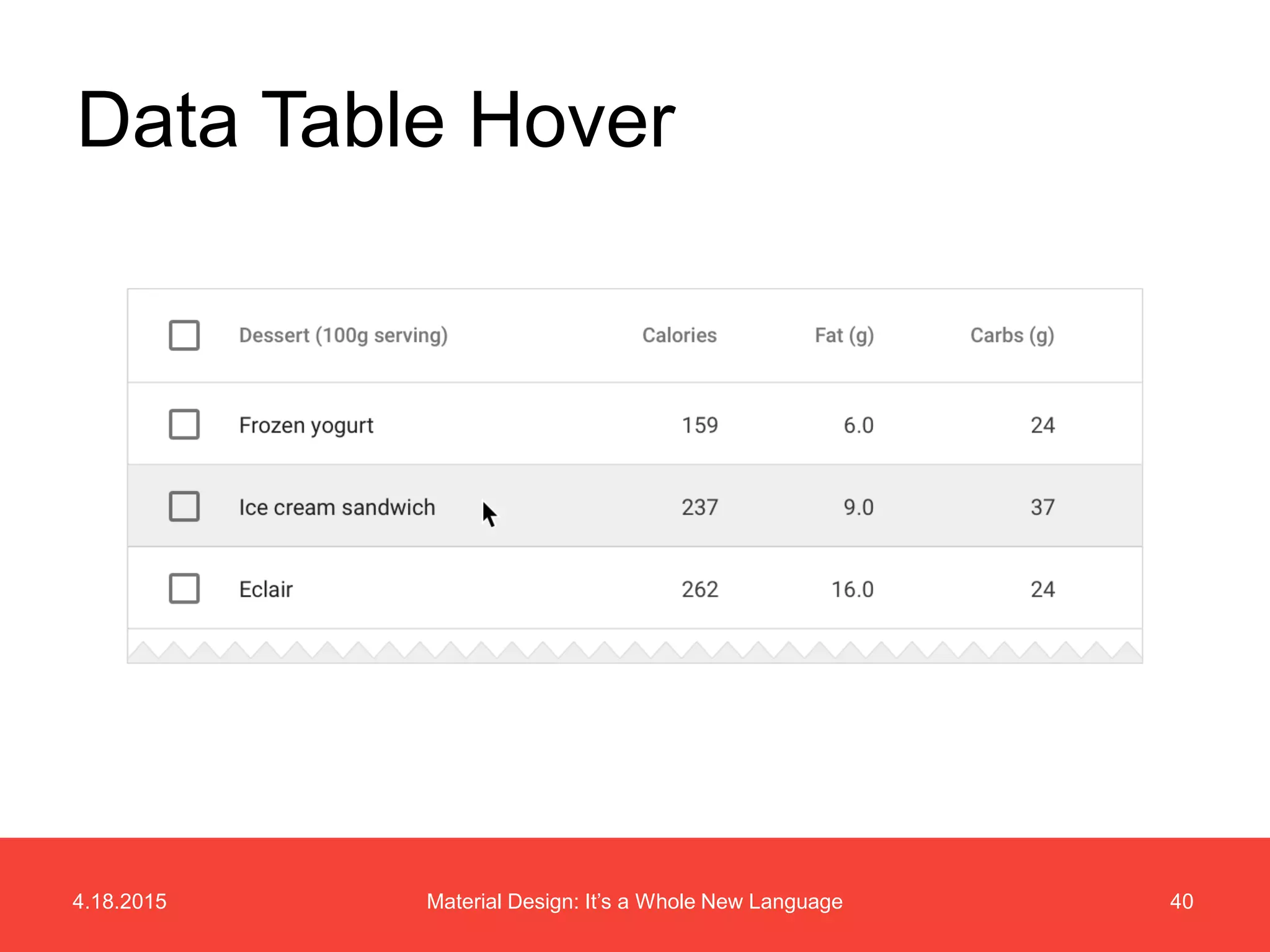
Data Table Hover
4.18.2015 41Material Design: It’s a Whole New Language
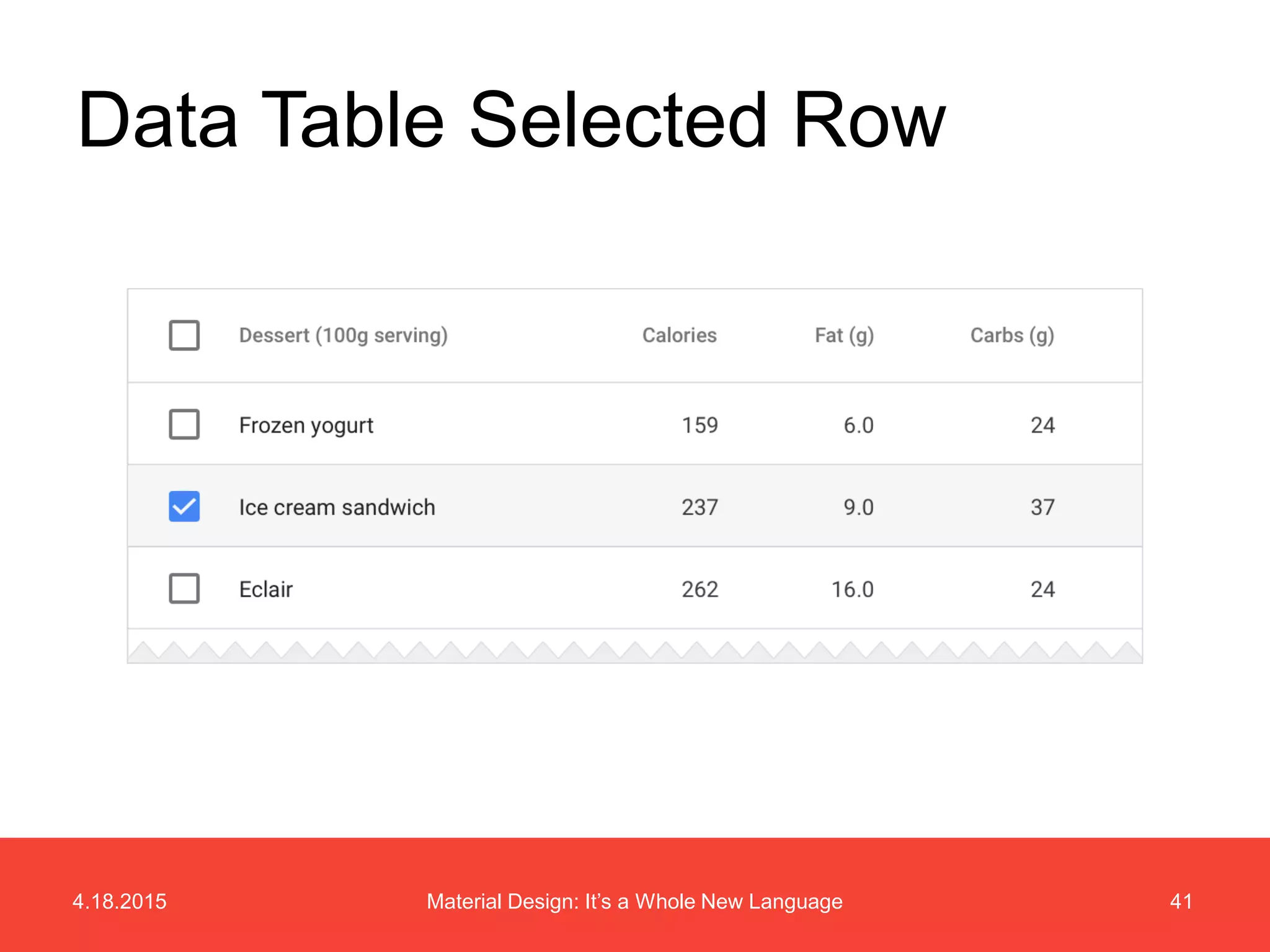
Data Table Selected Row
4.18.2015 42Material Design: It’s a Whole New Language
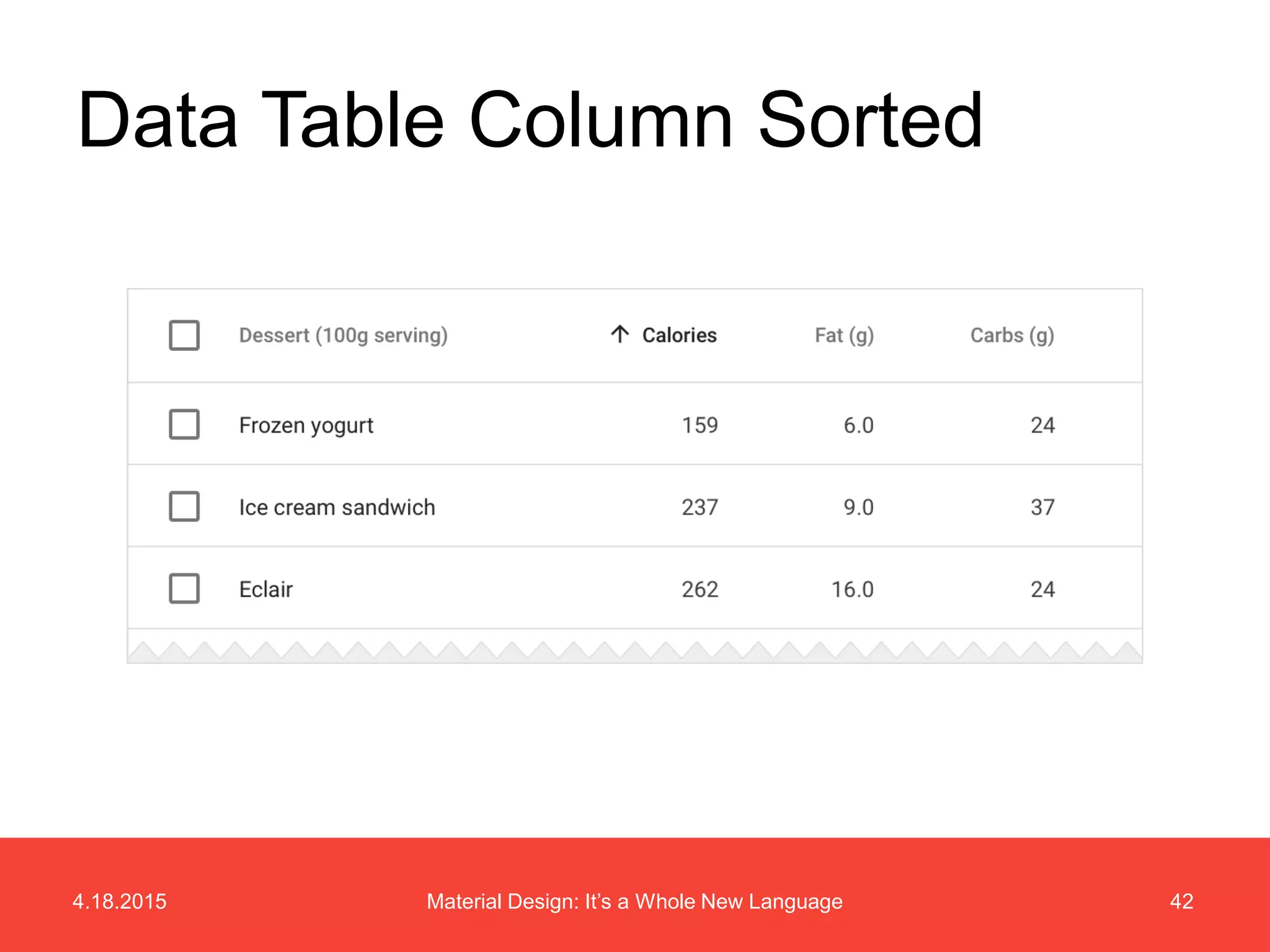
Data Table Column Sorted
Animation
4.18.2015 44Material Design: It’s a Whole New Language
Onboarding Concept
4.18.2015 45Material Design: It’s a Whole New Language
Burger Search Concept
4.18.2015 46Material Design: It’s a Whole New Language
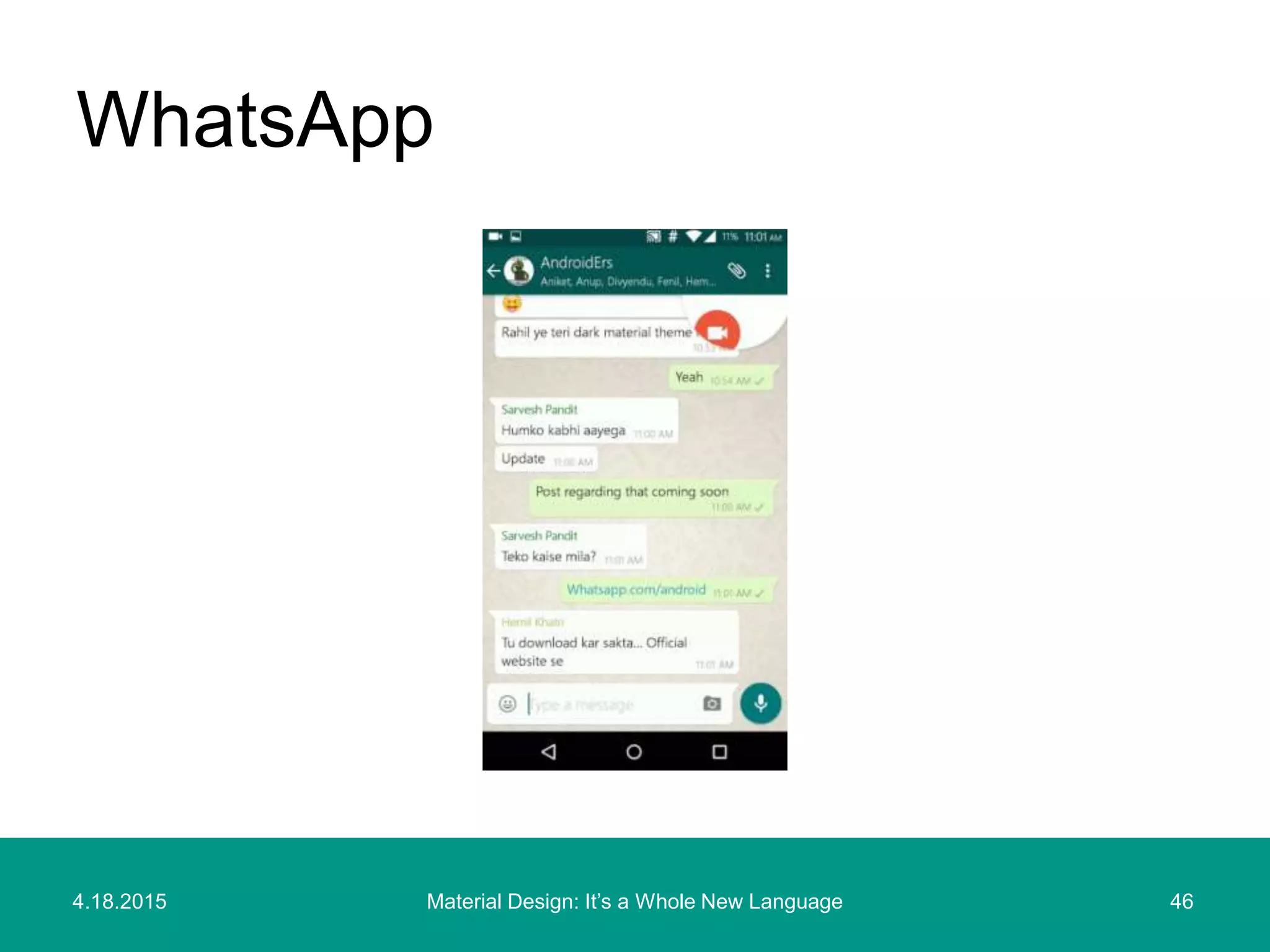
WhatsApp
Material Design
April 2015 Updates
4.18.2015 48Material Design: It’s a Whole New Language
• Data tables
• Units and measurements
• Floating Action Button has been moved
into its own section, adding new details
about behavior and transitions
• App structure
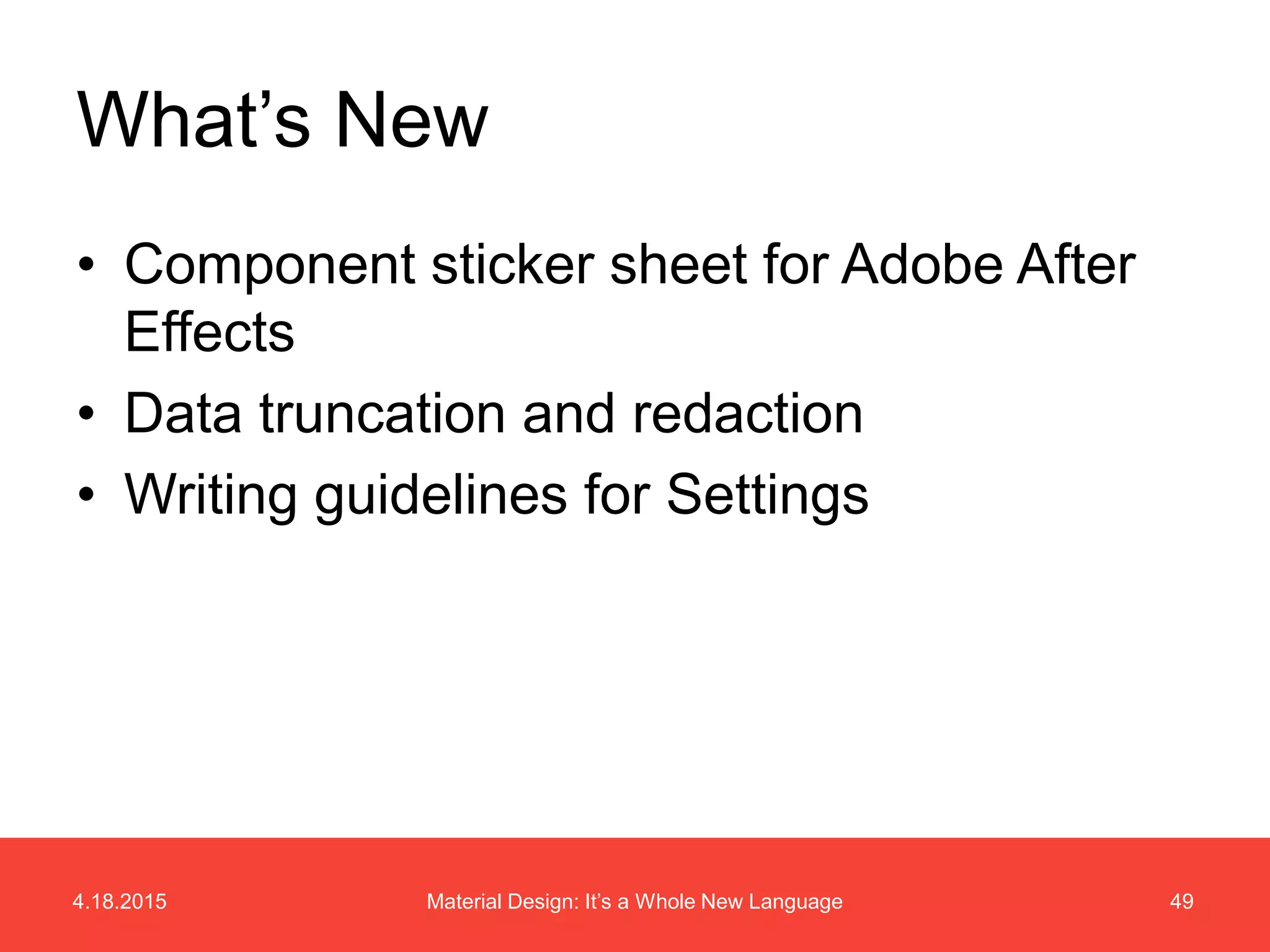
What’s New
4.18.2015 49Material Design: It’s a Whole New Language
• Component sticker sheet for Adobe After
Effects
• Data truncation and redaction
• Writing guidelines for Settings
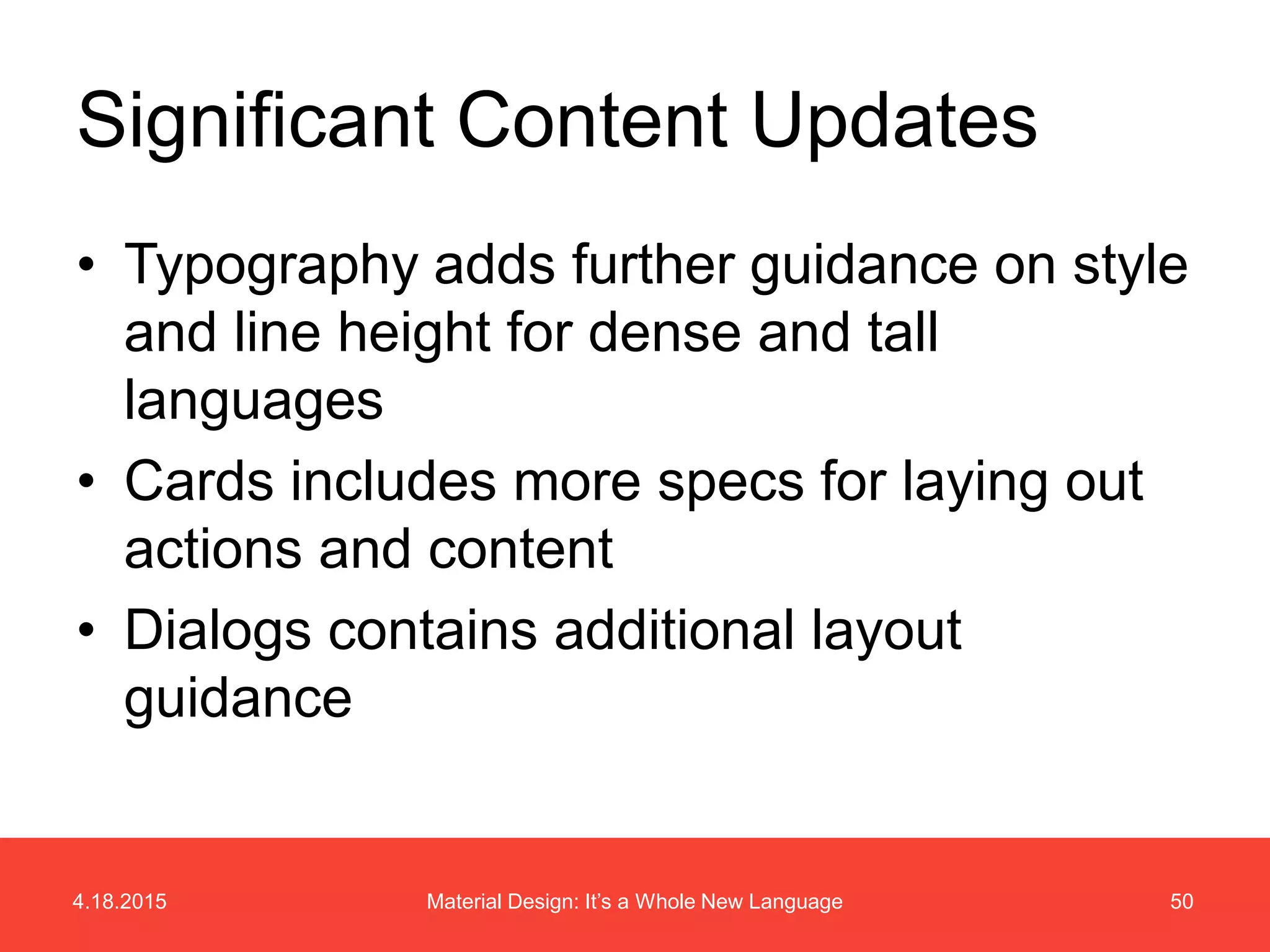
What’s New
4.18.2015 50Material Design: It’s a Whole New Language
• Typography adds further guidance on style
and line height for dense and tall
languages
• Cards includes more specs for laying out
actions and content
• Dialogs contains additional layout
guidance
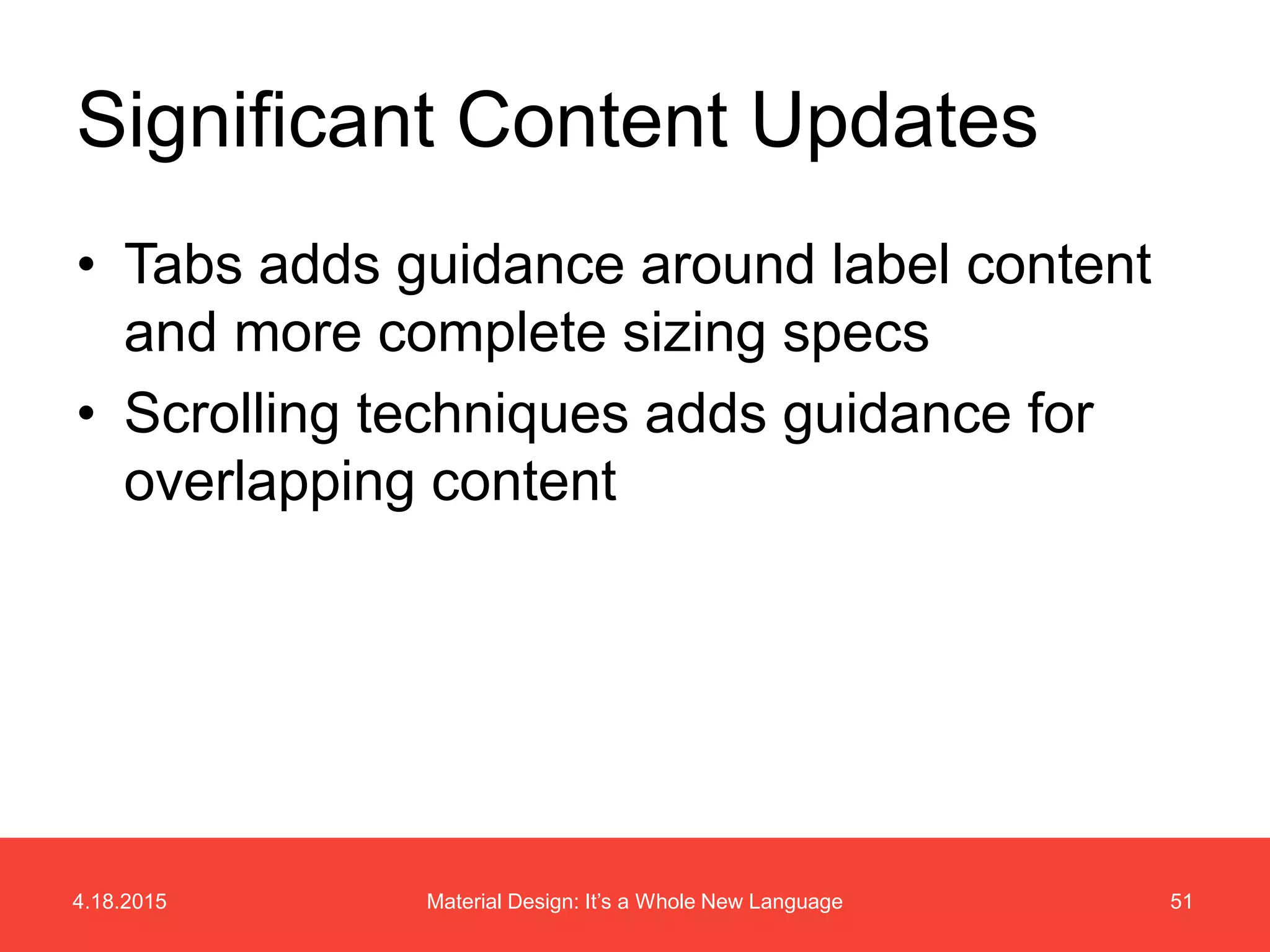
Significant Content Updates
4.18.2015 51Material Design: It’s a Whole New Language
• Tabs adds guidance around label content
and more complete sizing specs
• Scrolling techniques adds guidance for
overlapping content
Significant Content Updates
Examples
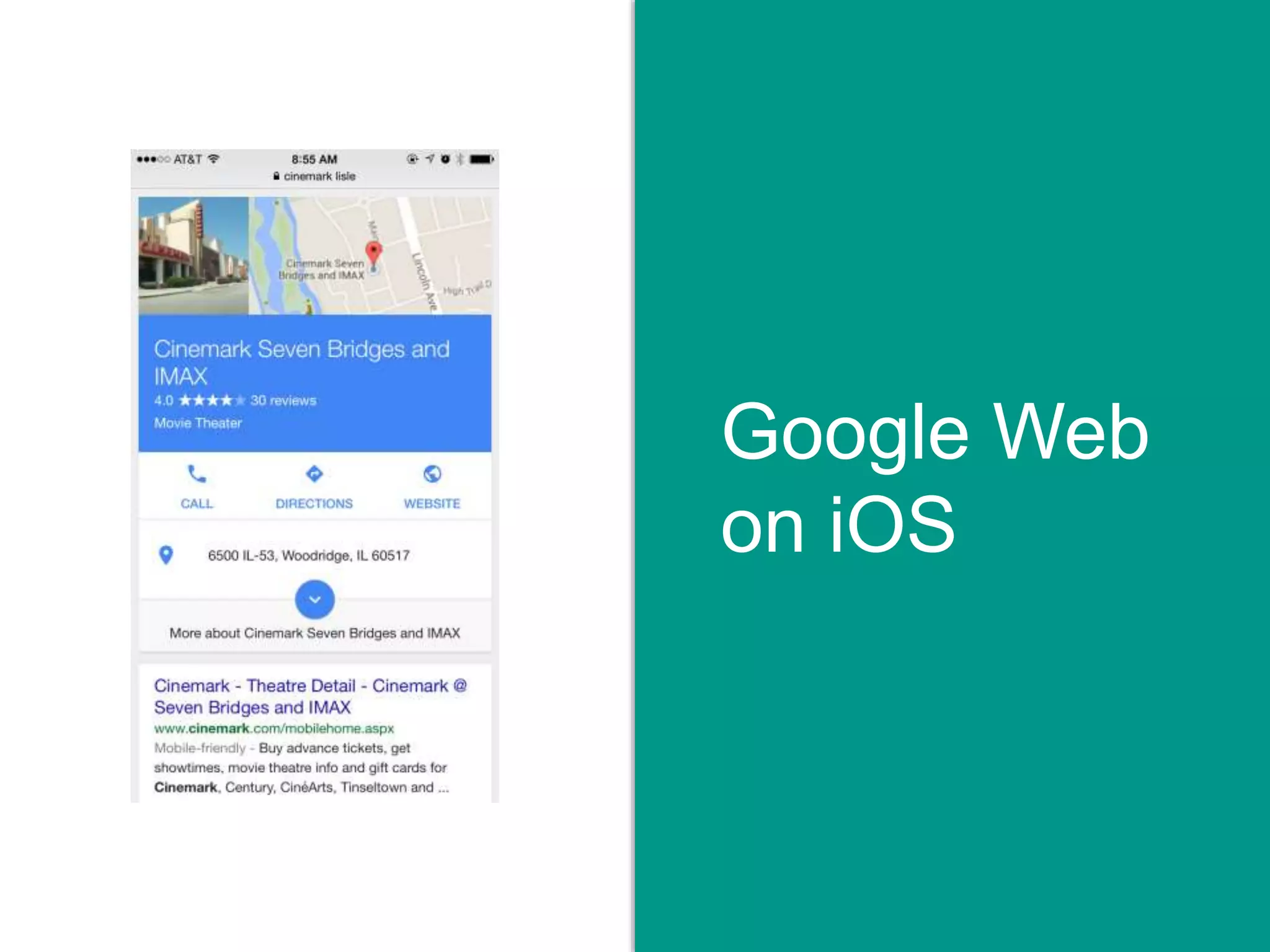
Google Web
on iOS
Flipboard
Icon
QuickTranslate
Icon
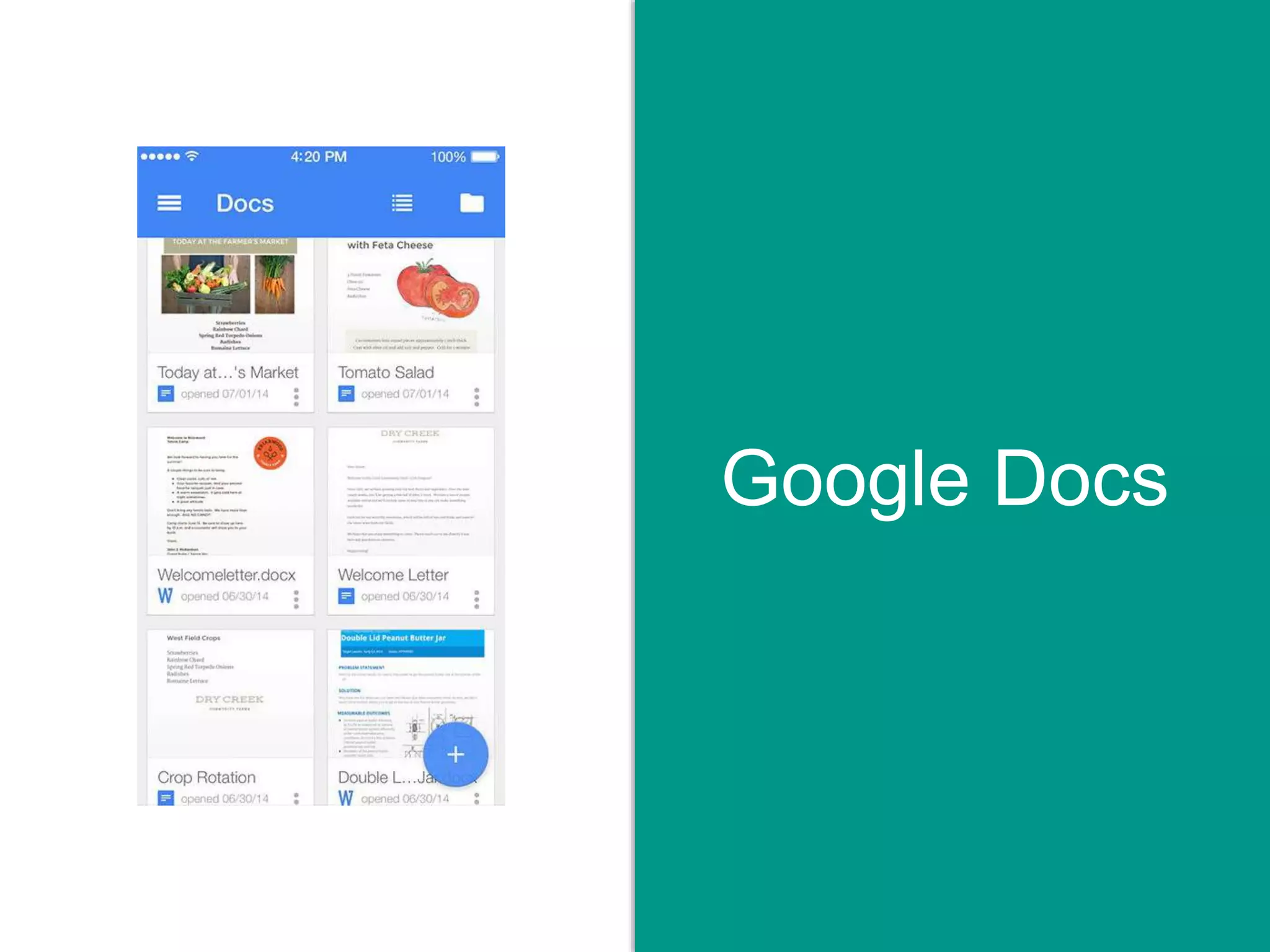
Google Docs
4.18.2015 57Material Design: It’s a Whole New Language
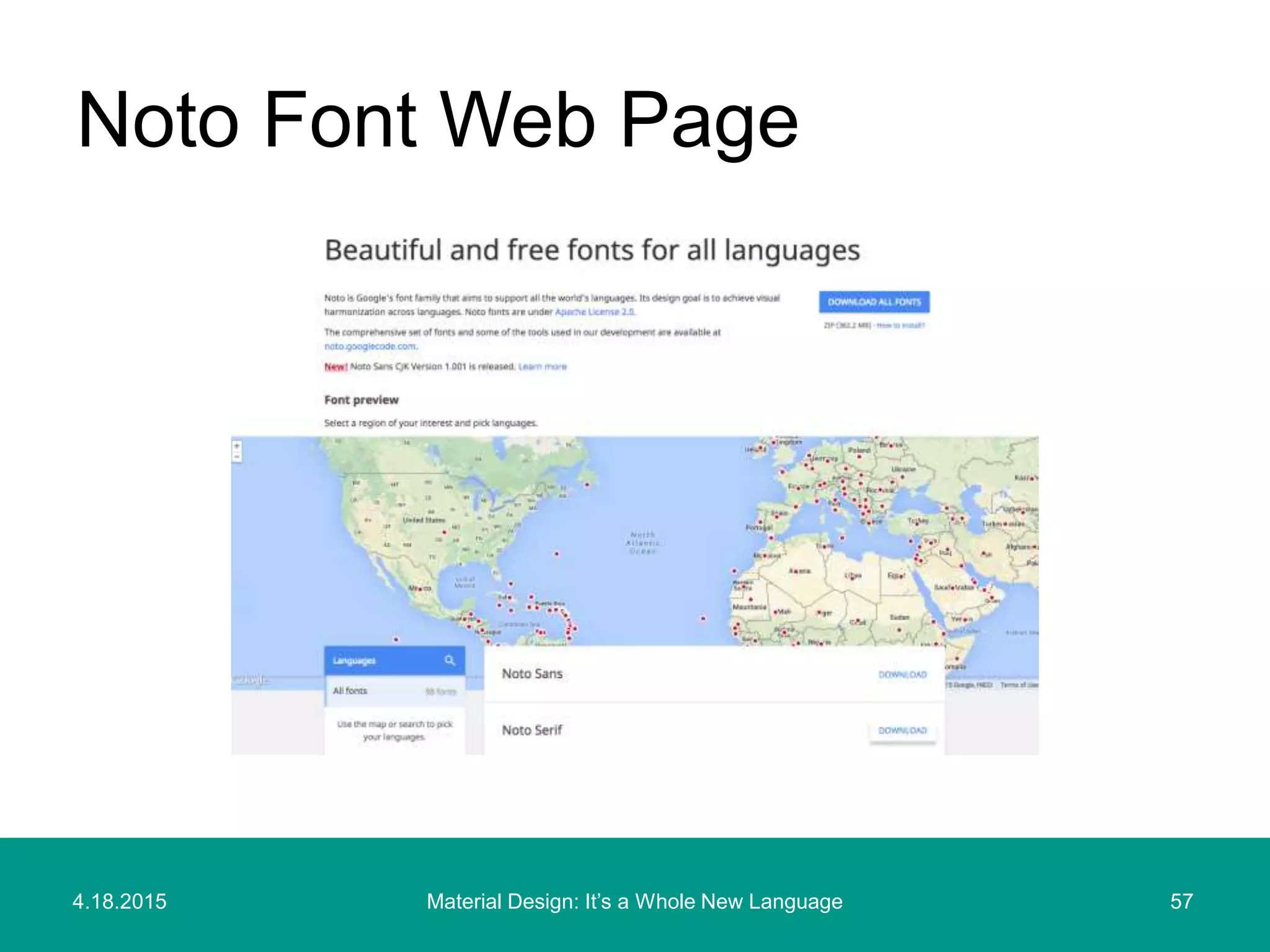
Noto Font Web Page
4.18.2015 58Material Design: It’s a Whole New Language
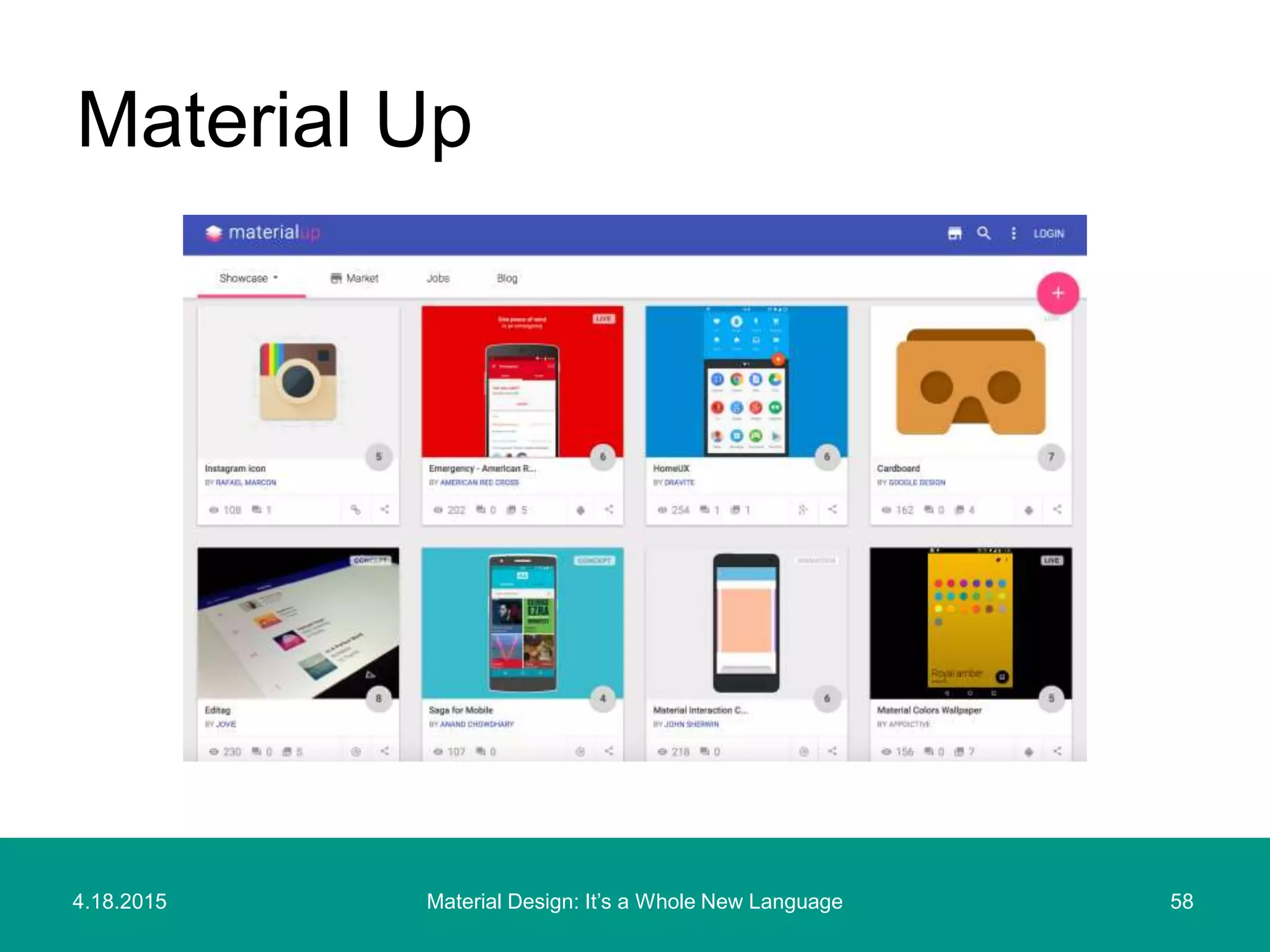
Material Up
Thank You
Will Hacker | 4.18.2015 | @willhacker
4.18.2015 60Material Design: It’s a Whole New Language
Google Material Design
http://www.google.com/design/spec/material-design/introduction.html
Latest Updates to Material Design
http://www.google.com/design/spec/whats-new/whats-new.html
Material for Android Developers
http://developer.android.com/training/material/index.html
Roboto and Noto Fonts
http://www.google.com/design/spec/resources/roboto-noto-fonts.html
Appendix: Material Design
Resources
4.18.2015 61Material Design: It’s a Whole New Language
Layout Templates
http://www.google.com/design/spec/resources/layout-templates.html
Material Palette (Palette Generator)
http://www.materialpalette.com
Material Up (Material Design Showcase)
http://www.materialup.com
Appendix: Material Design
Resources

Material Design: It's a Whole New Language

Editor's Notes

  • #3 Material design is Google new design system for multi-platform experiences.
  • #35 1. Finish 2. Material background 3. Material foreground 4. Color 5. Shadow