MASTERING FIREBASE
CLOUD MESSAGING
@Miqubel
by Miquel Beltran
Android Developer @ Nebenan.de
“cross-platform messaging solution
that lets you reliably deliver messages
at no cost.”
What is Firebase Cloud Messaging?
@Miqubel
Key capabilities:
• Notifications or Data messages (4KB)
• Versatile targeting
• Upstream messages
@Miqubel
@Miqubel
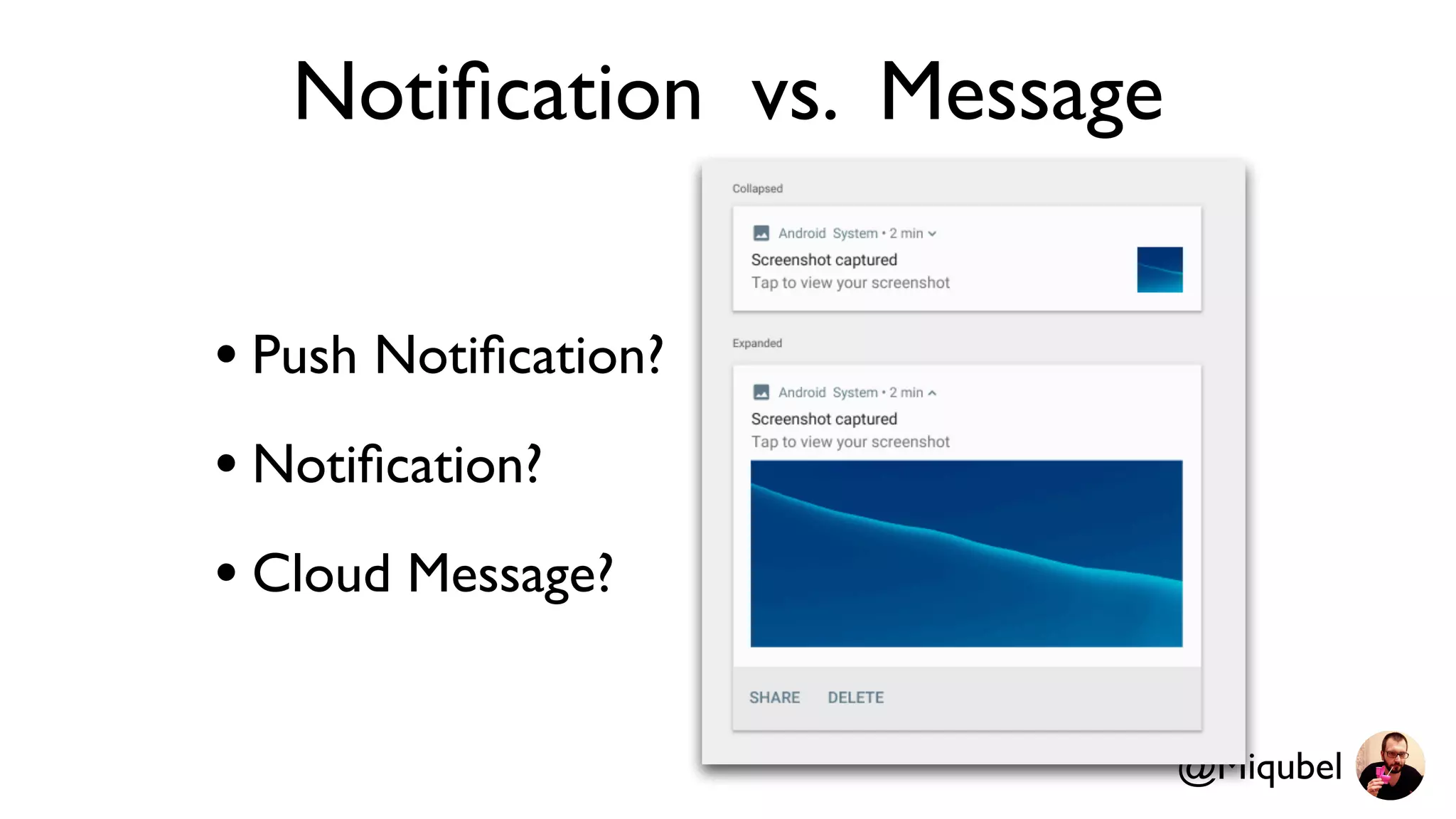
Notification vs. Message
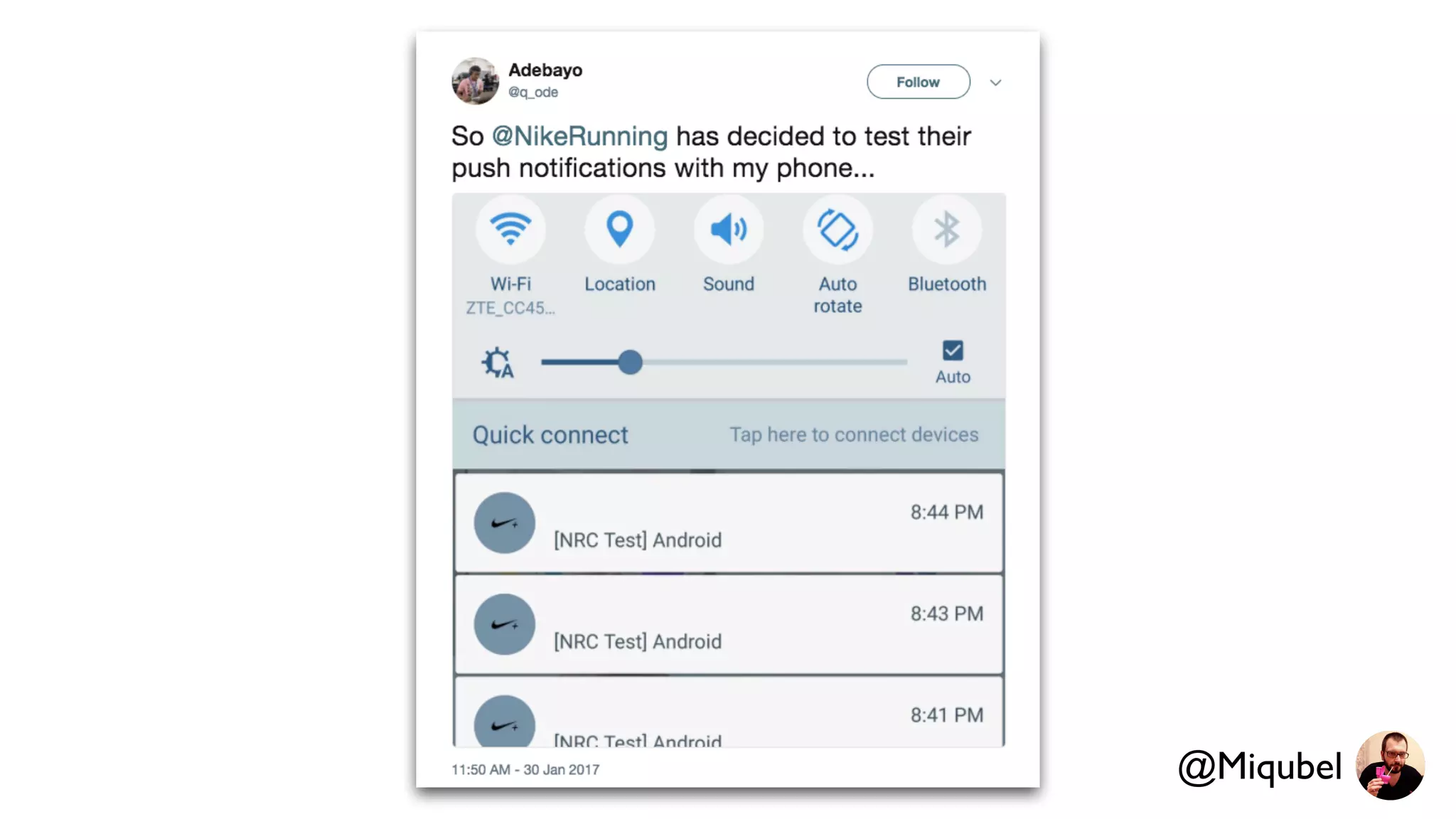
• Push Notification?
• Notification?
• Cloud Message?
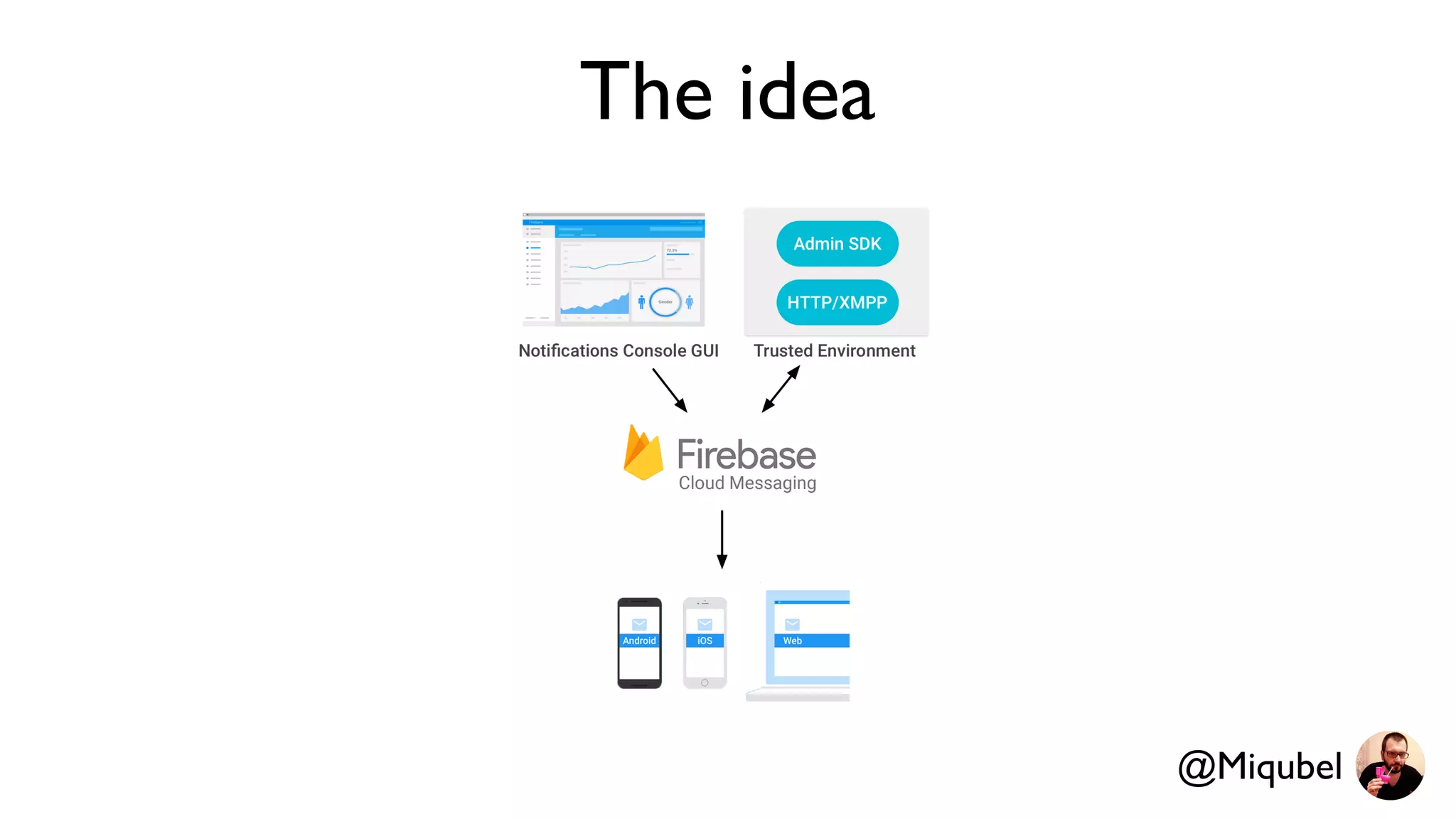
The idea
@Miqubel
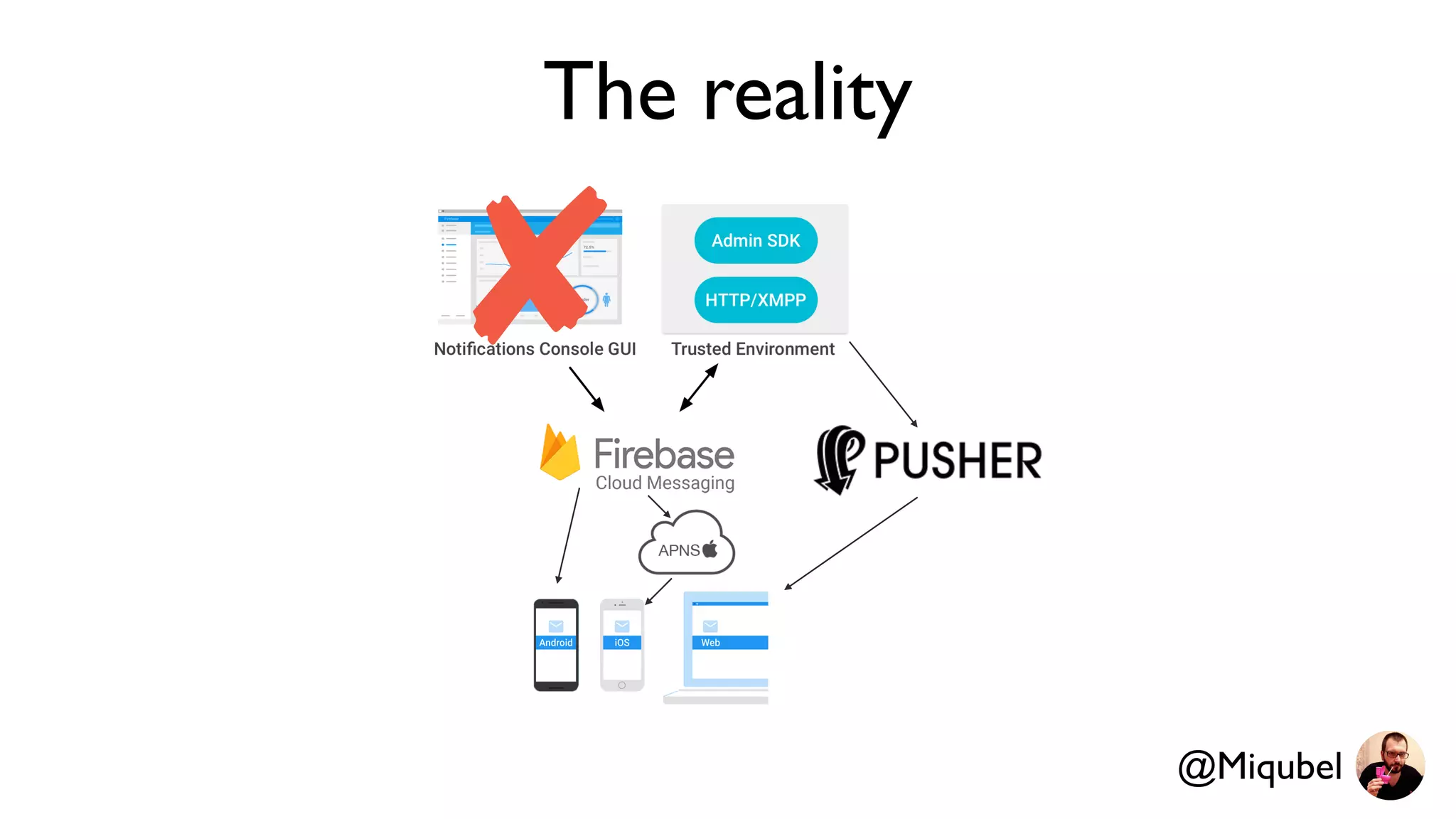
The reality
@Miqubel
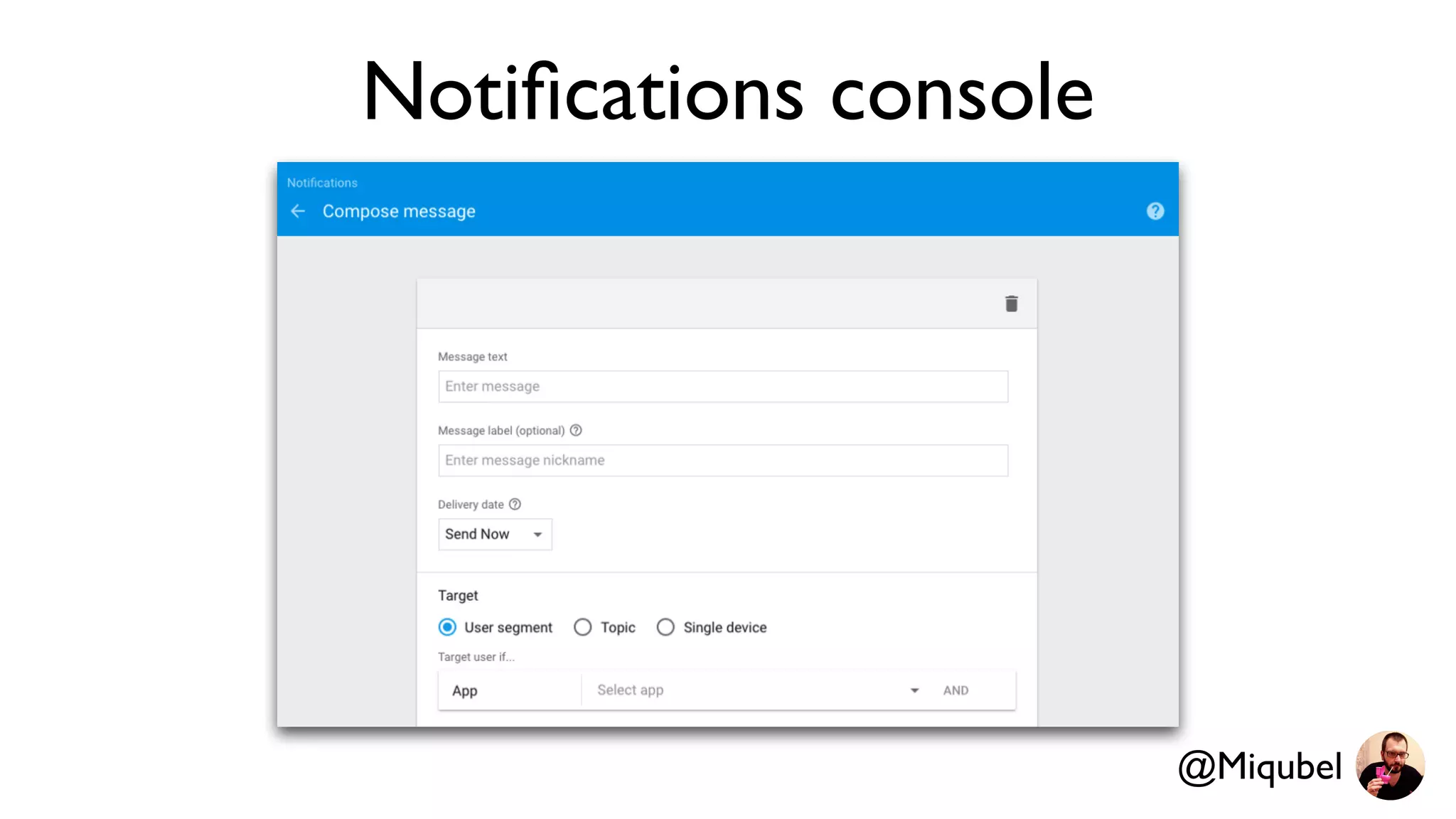
Notifications console
@Miqubel
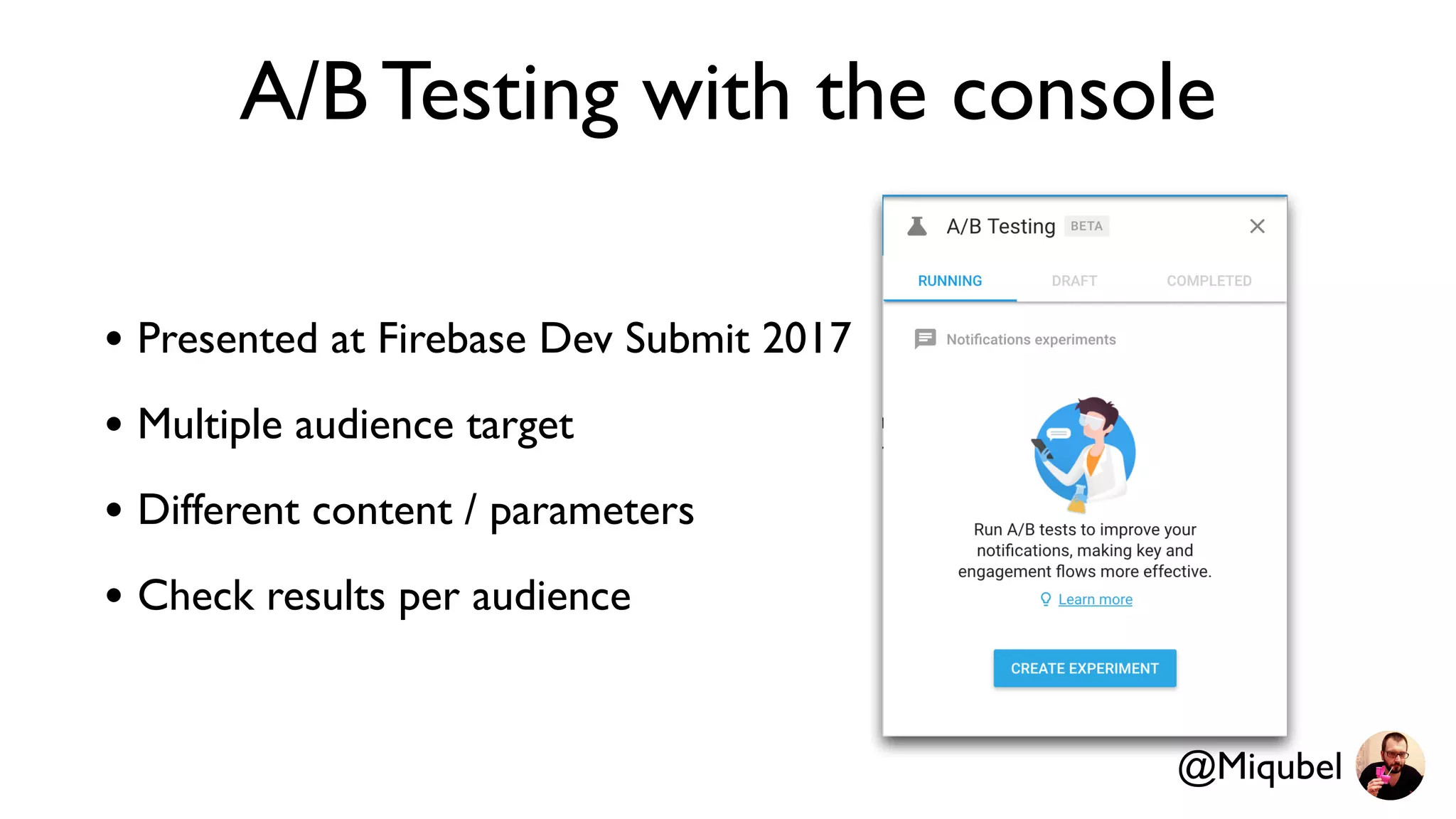
A/B Testing with the console
• Presented at Firebase Dev Submit 2017
• Multiple audience target
• Different content / parameters
• Check results per audience
@Miqubel
@Miqubel
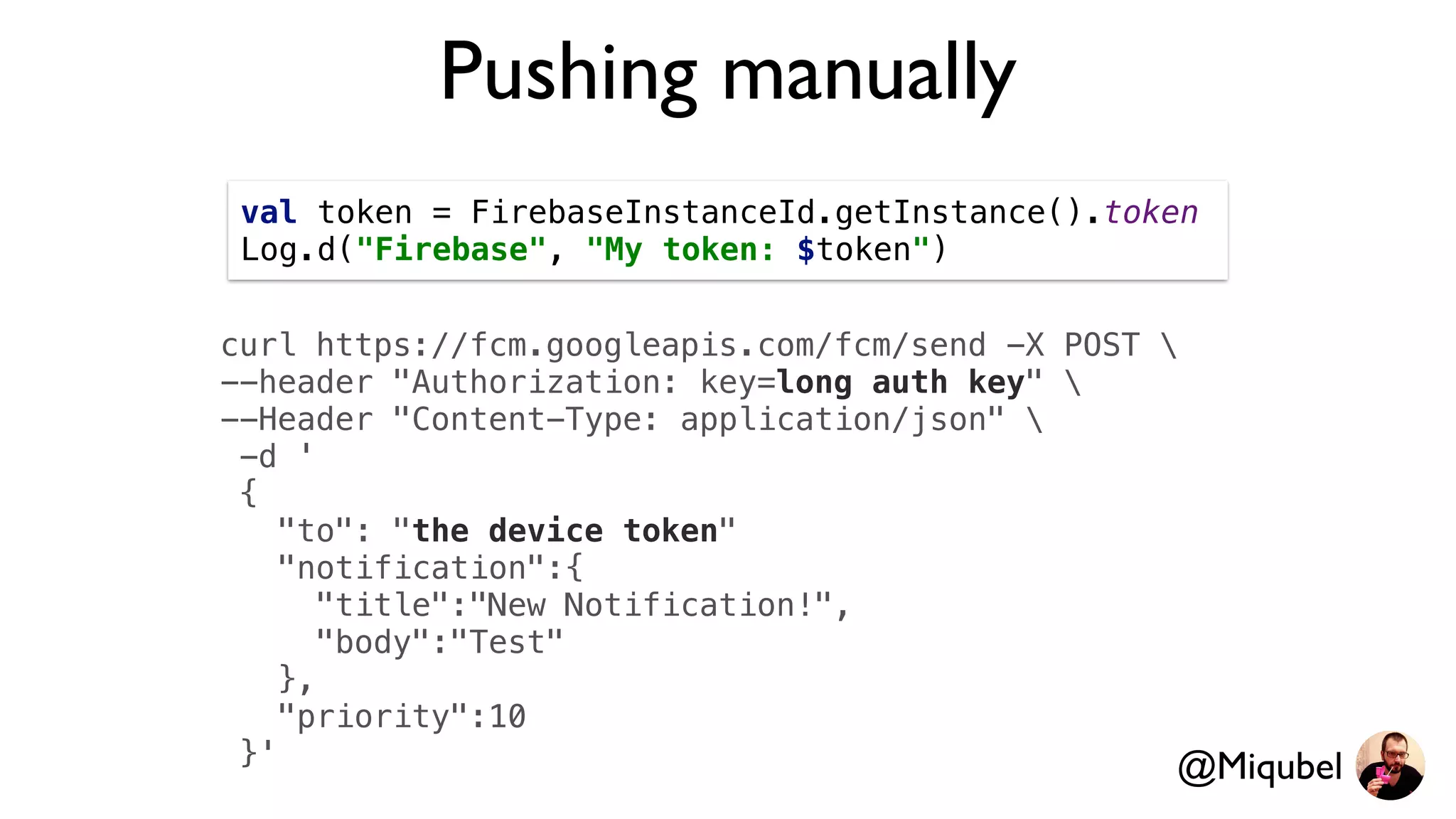
Pushing manually
curl https://fcm.googleapis.com/fcm/send -X POST 
--header "Authorization: key=long auth key" 
--Header "Content-Type: application/json" 
-d '
{
"to": "the device token"
"notification":{
"title":"New Notification!",
"body":"Test"
},
"priority":10
}'
val token = FirebaseInstanceId.getInstance().token
Log.d("Firebase", "My token: $token")
@Miqubel
Token problem
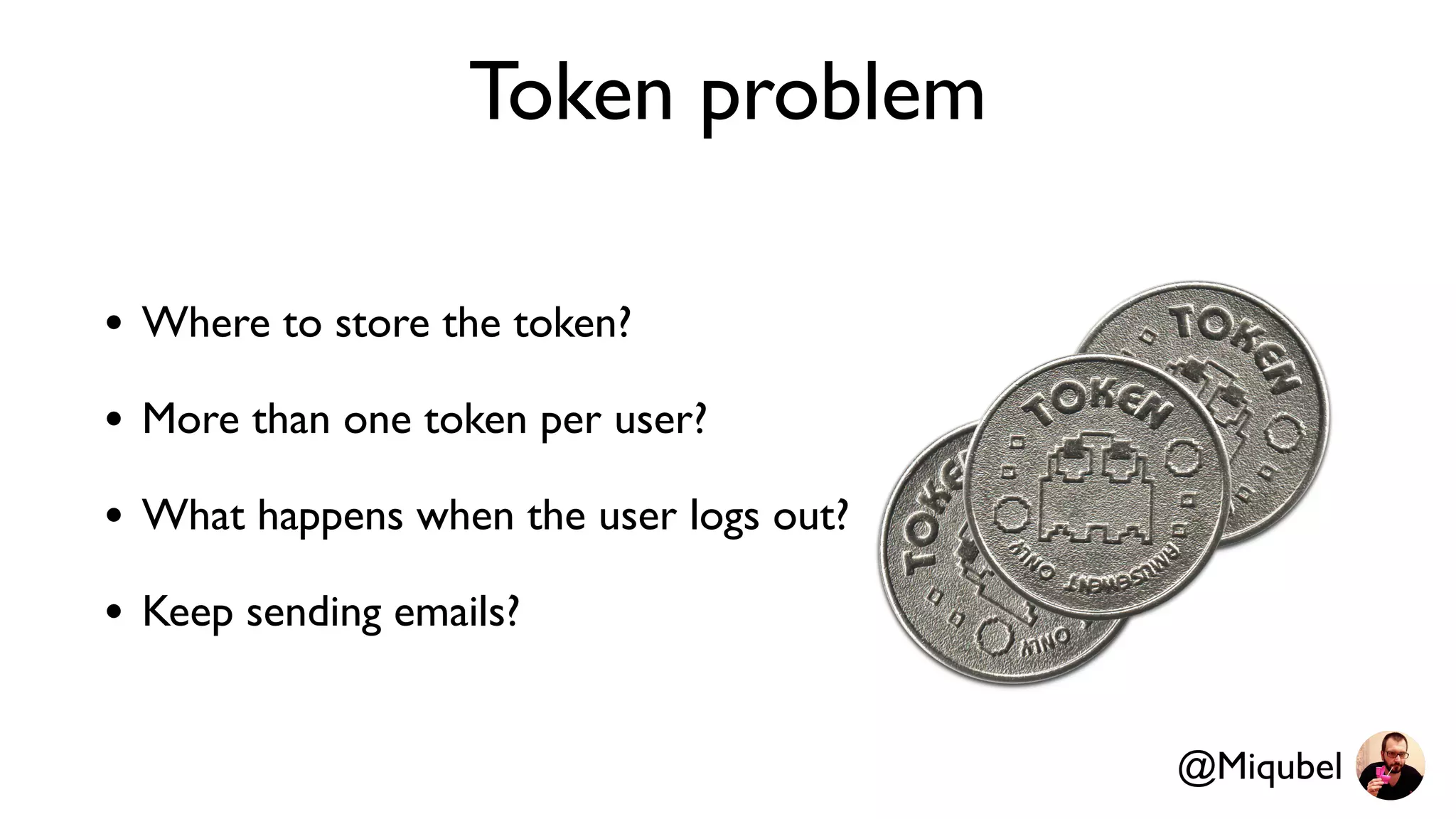
• Where to store the token?
• More than one token per user?
• What happens when the user logs out?
• Keep sending emails?
@Miqubel
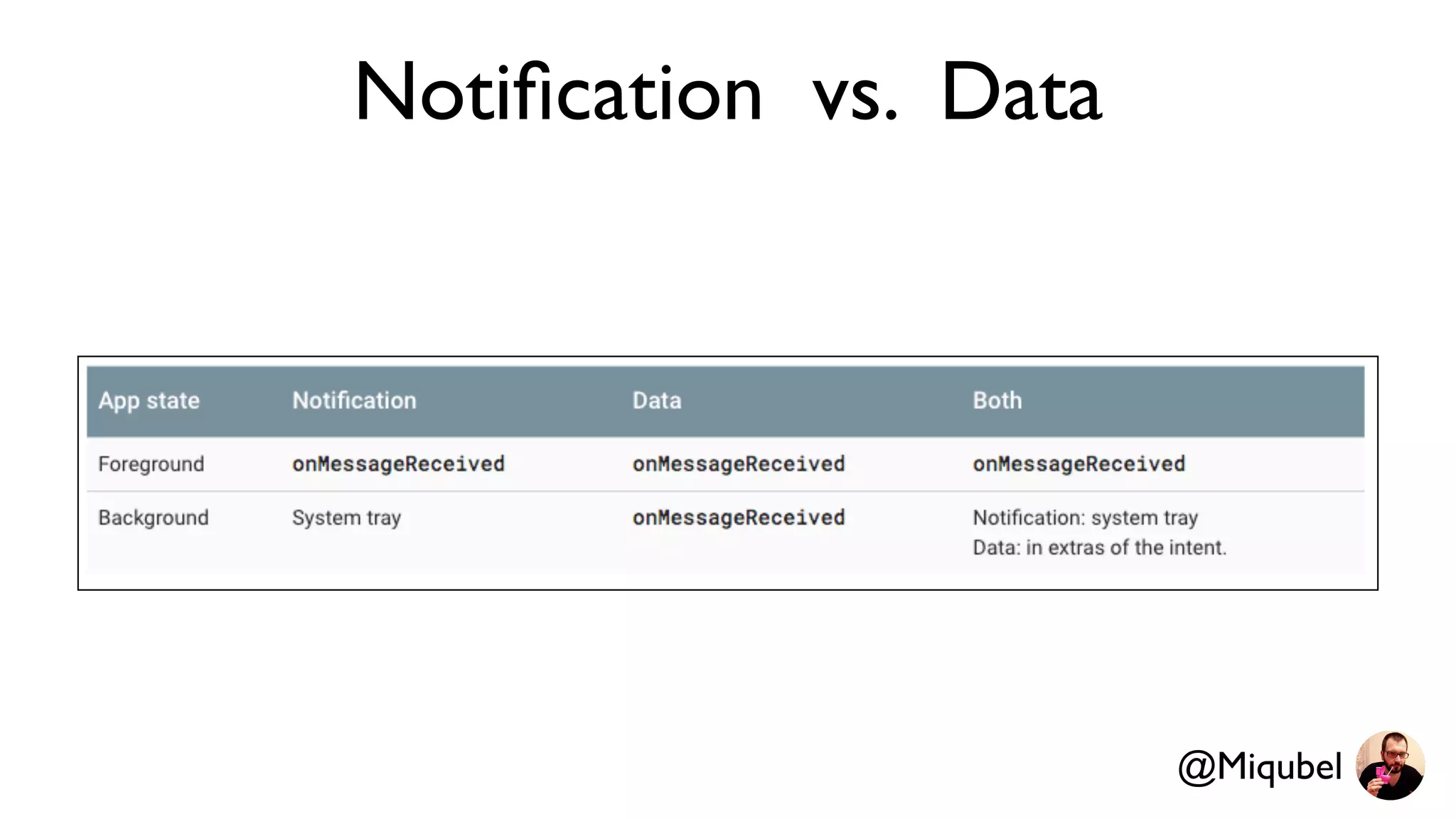
Notification vs. Data
@Miqubel
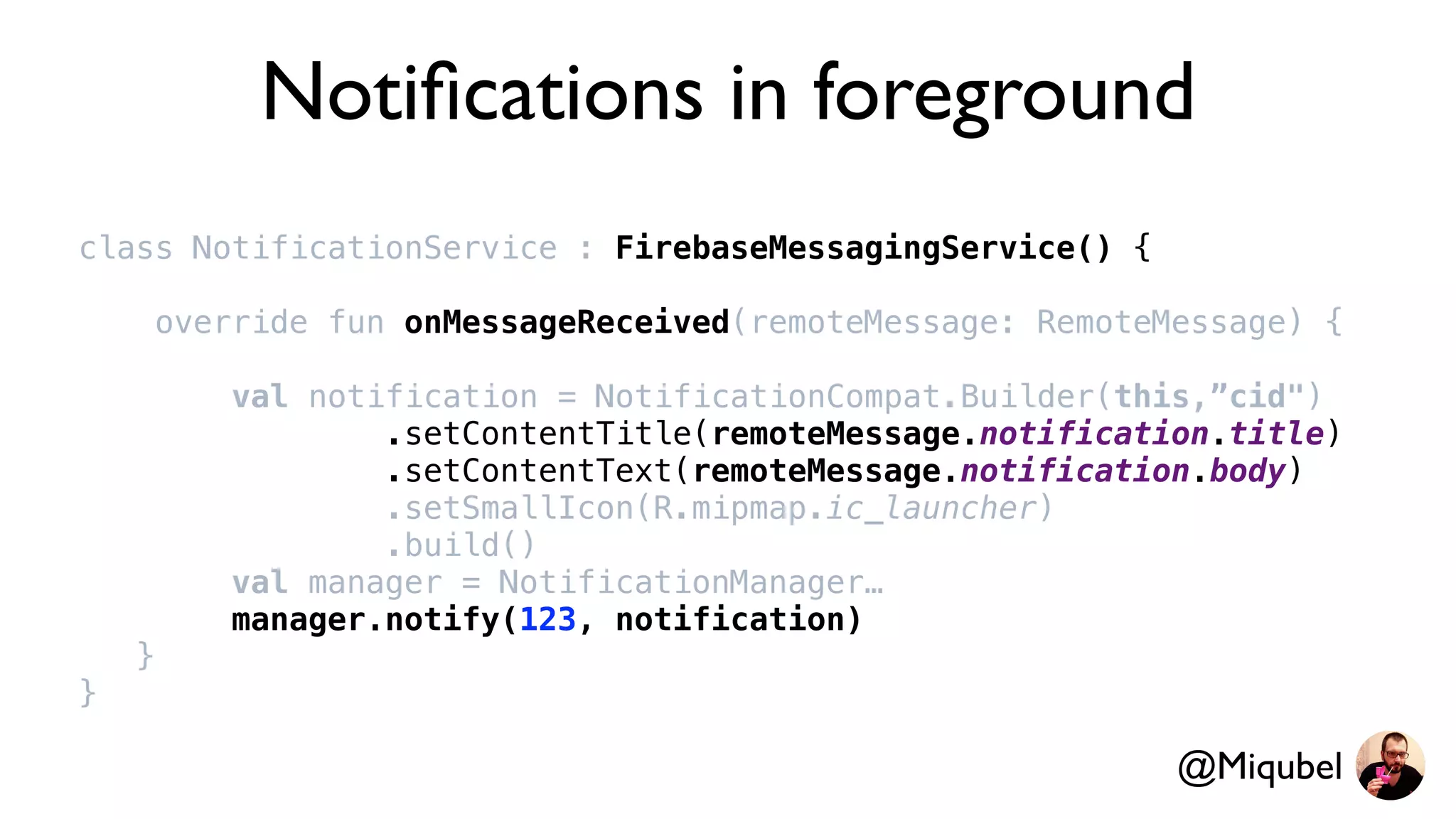
Notifications in foreground
class NotificationService : FirebaseMessagingService() {
override fun onMessageReceived(remoteMessage: RemoteMessage) {
val notification = NotificationCompat.Builder(this,”cid")
.setContentTitle(remoteMessage.notification.title)
.setContentText(remoteMessage.notification.body)
.setSmallIcon(R.mipmap.ic_launcher)
.build()
val manager = NotificationManager…
manager.notify(123, notification)
}
}
@Miqubel
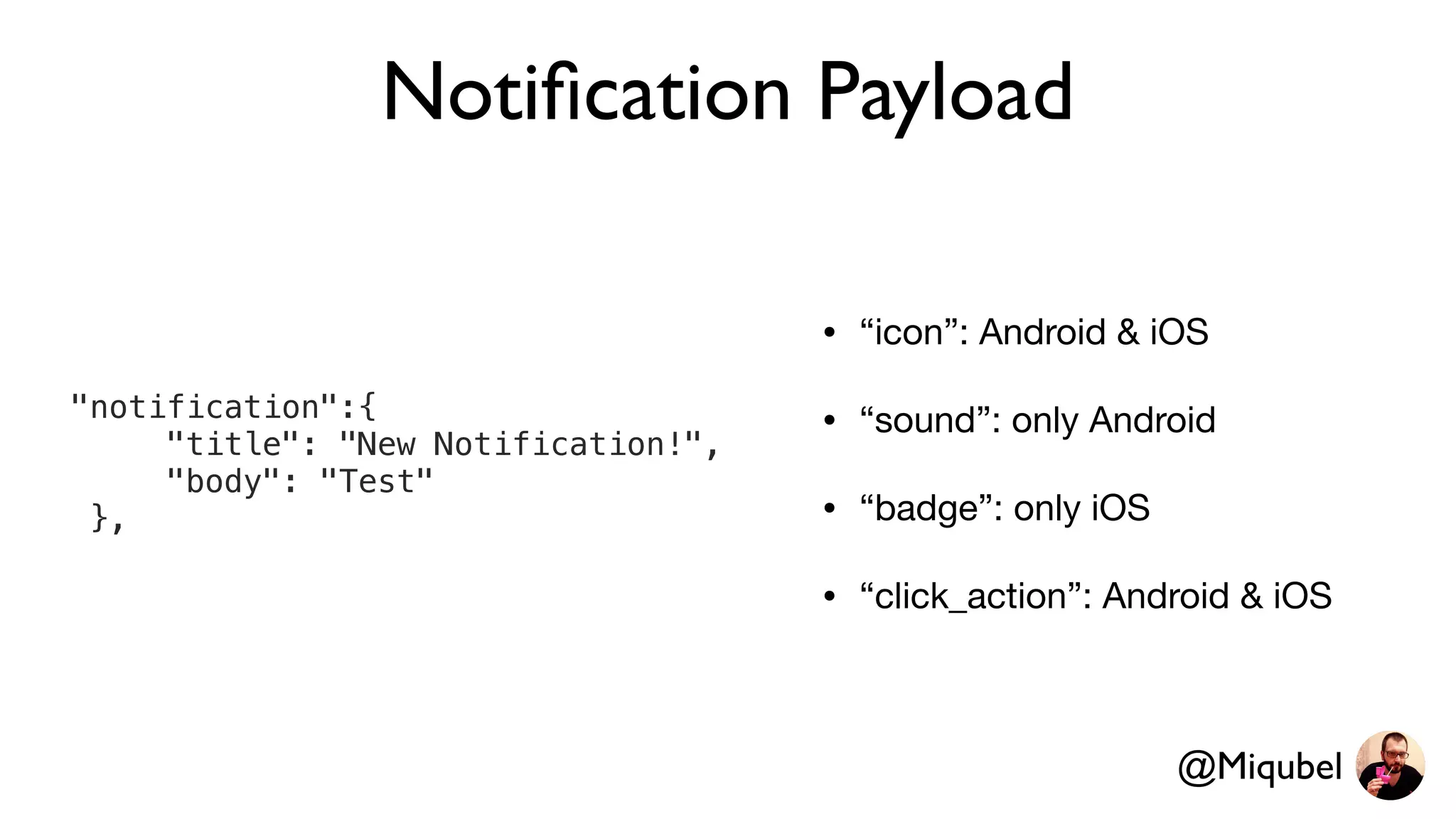
Notification Payload
• “icon”: Android & iOS

• “sound”: only Android

• “badge”: only iOS

• “click_action”: Android & iOS
"notification":{
"title": "New Notification!",
"body": "Test"
},
@Miqubel
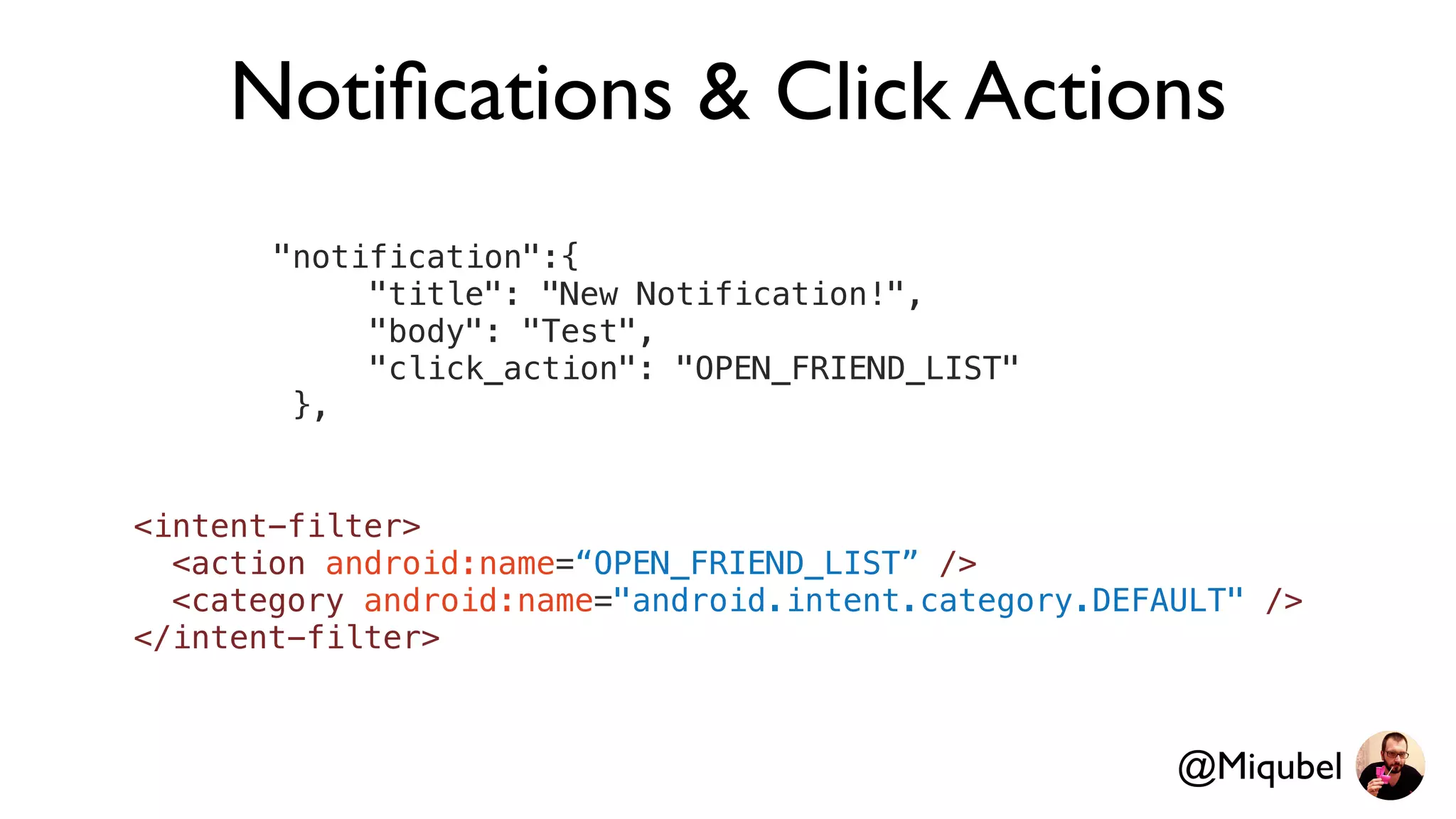
Notifications & Click Actions
"notification":{
"title": "New Notification!",
"body": "Test",
"click_action": "OPEN_FRIEND_LIST"
},
@Miqubel
<intent-filter>
<action android:name=“OPEN_FRIEND_LIST” />
<category android:name="android.intent.category.DEFAULT" />
</intent-filter>
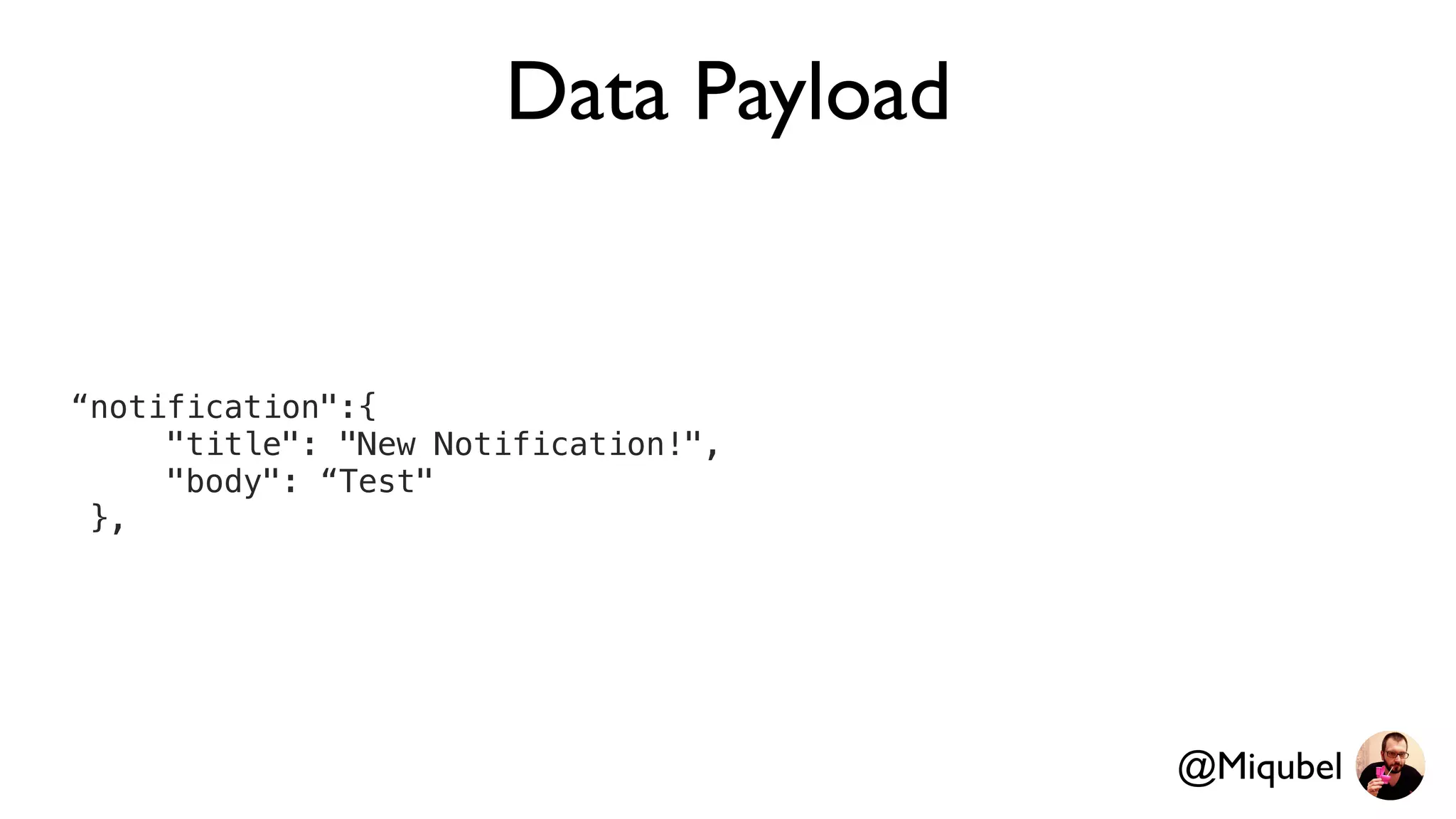
Data Payload
“notification":{
"title": "New Notification!",
"body": “Test"
},
@Miqubel
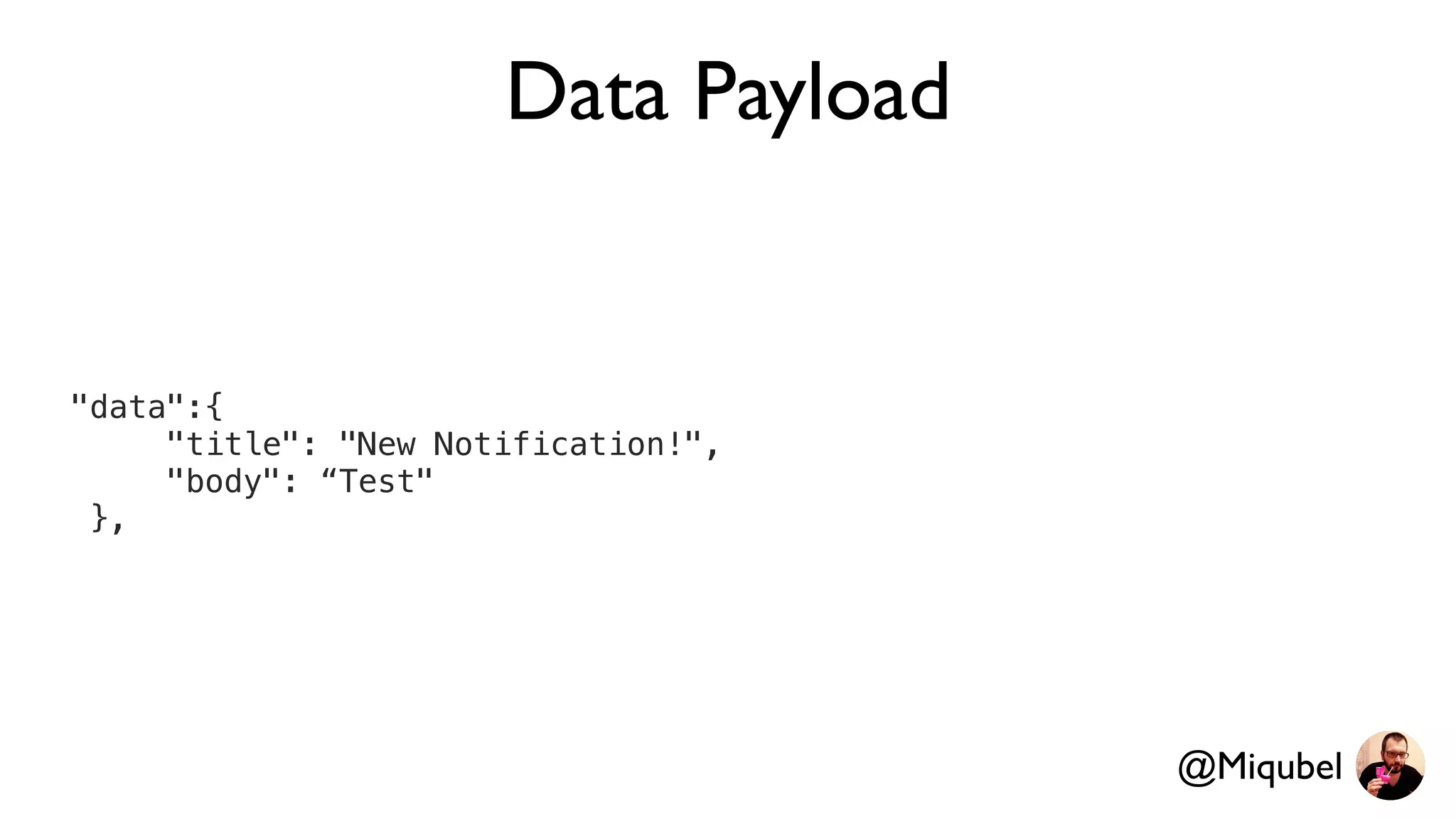
Data Payload
"data":{
"title": "New Notification!",
"body": “Test"
},
@Miqubel
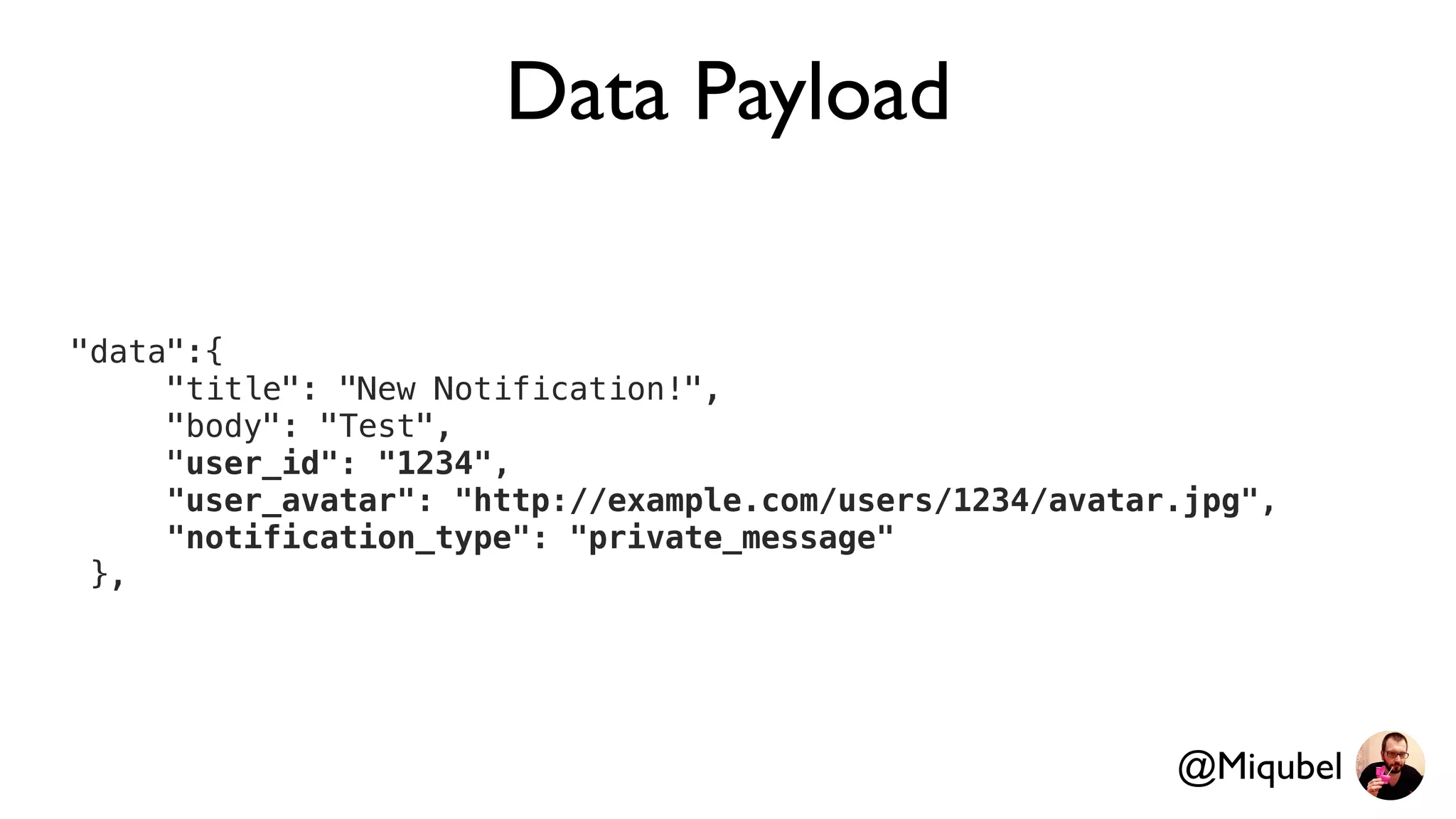
Data Payload
"data":{
"title": "New Notification!",
"body": "Test",
"user_id": "1234",
"user_avatar": "http://example.com/users/1234/avatar.jpg",
"notification_type": "private_message"
},
@Miqubel
Notifications with data
class NotificationService : FirebaseMessagingService() {
override fun onMessageReceived(remoteMessage: RemoteMessage) {
val notification = NotificationCompat.Builder(this,”cid")
.setContentTitle(remoteMessage.data["title"])
.setContentText(remoteMessage.data["body"])
.setSmallIcon(R.mipmap.ic_launcher)
.build()
val manager = NotificationManager…
manager.notify(123, notification)
}
}
@Miqubel
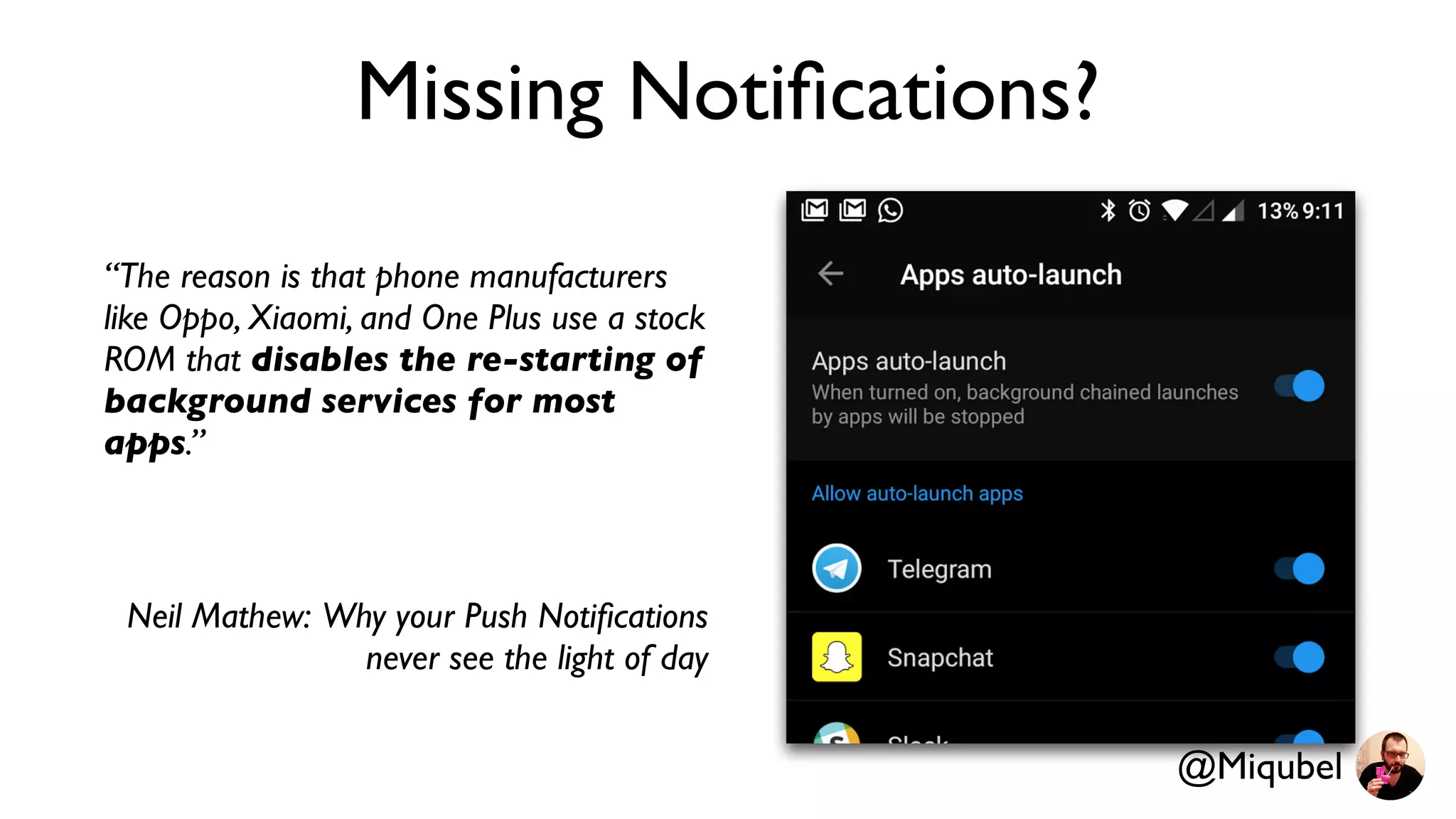
Missing Notifications?
“The reason is that phone manufacturers
like Oppo, Xiaomi, and One Plus use a stock
ROM that disables the re-starting of
background services for most
apps.”
Neil Mathew: Why your Push Notifications
never see the light of day
@Miqubel
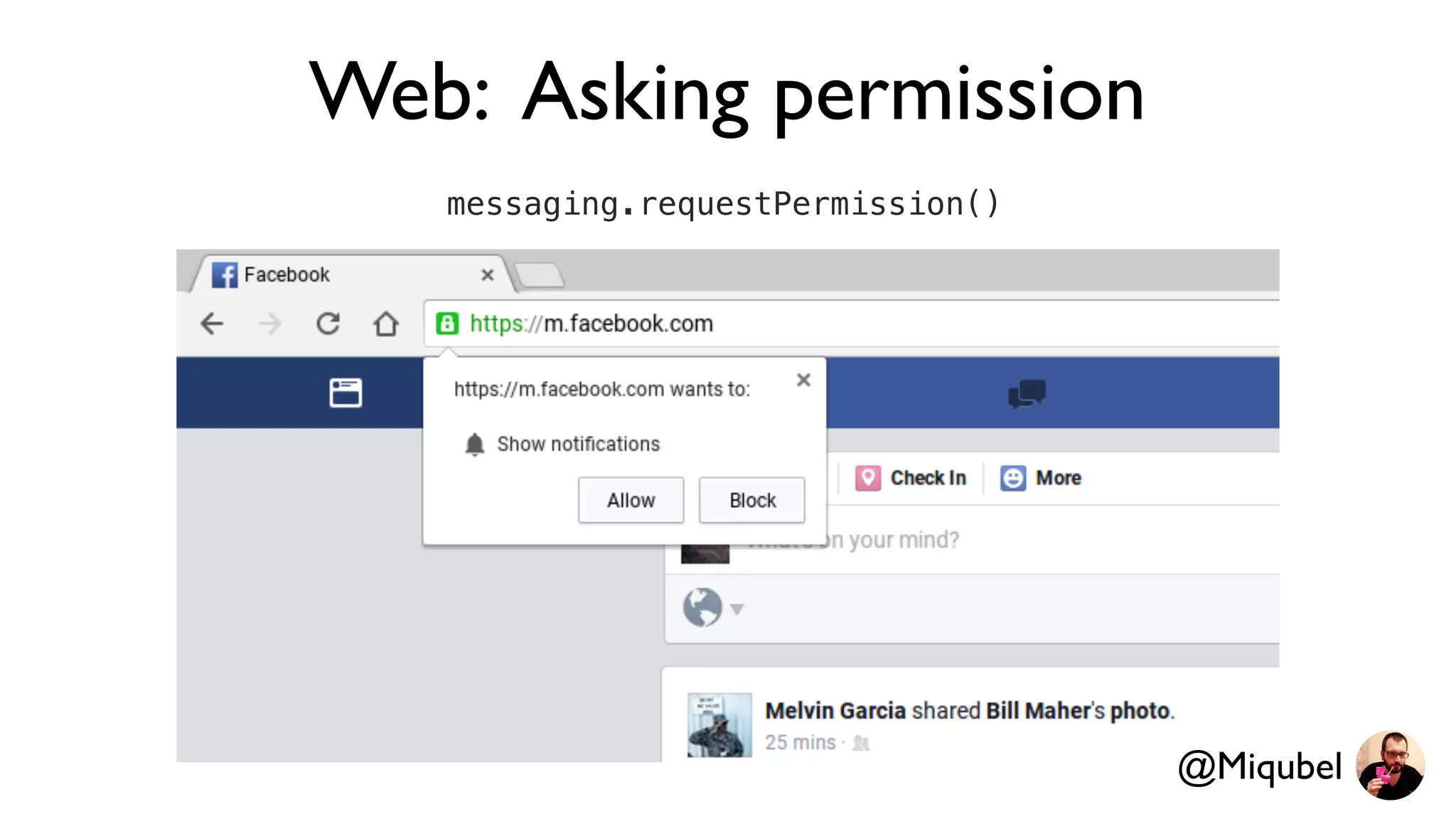
Web: Asking permission
messaging.requestPermission()
@Miqubel
@Miqubel
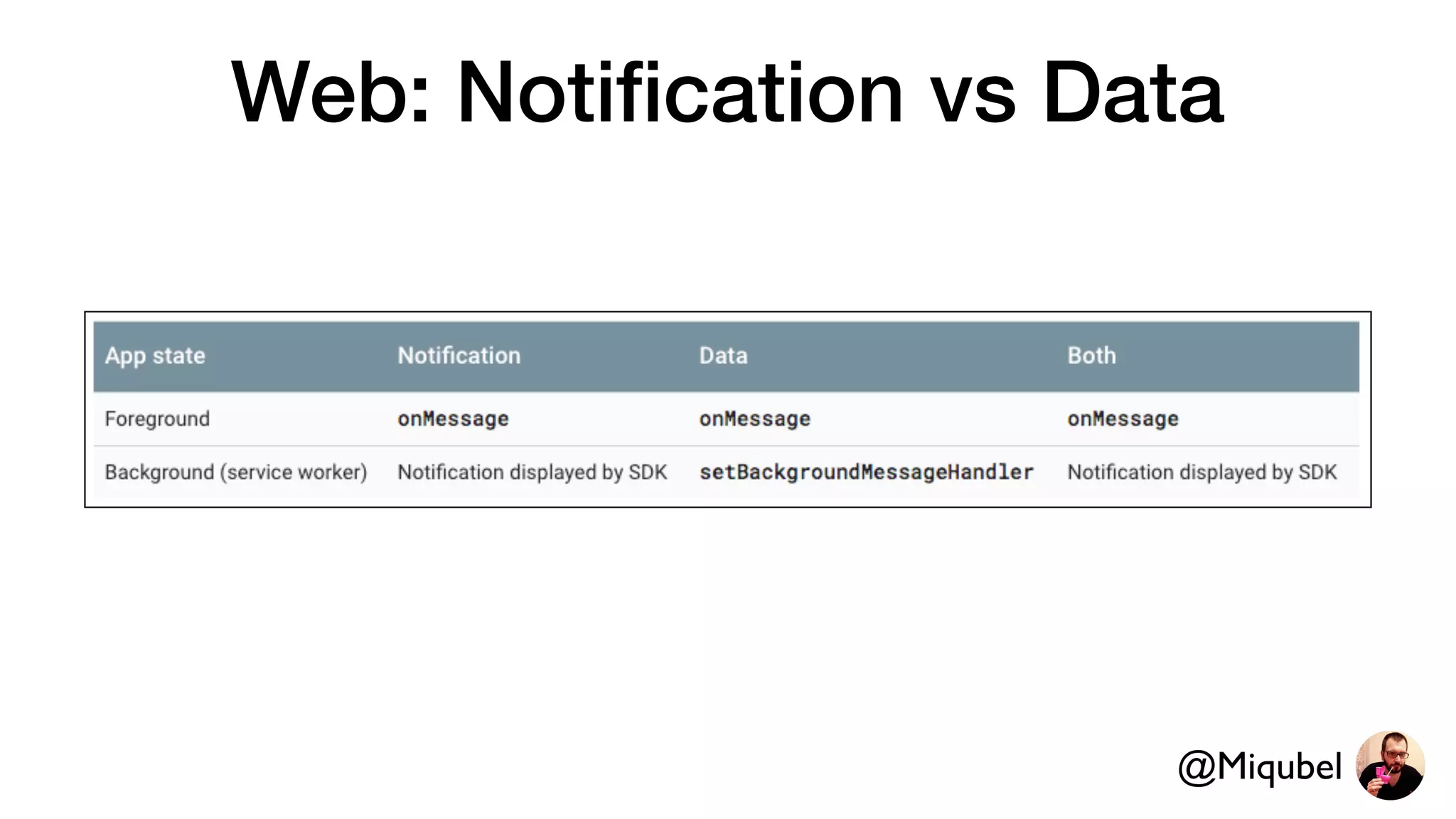
Web: Notification vs Data
@Miqubel
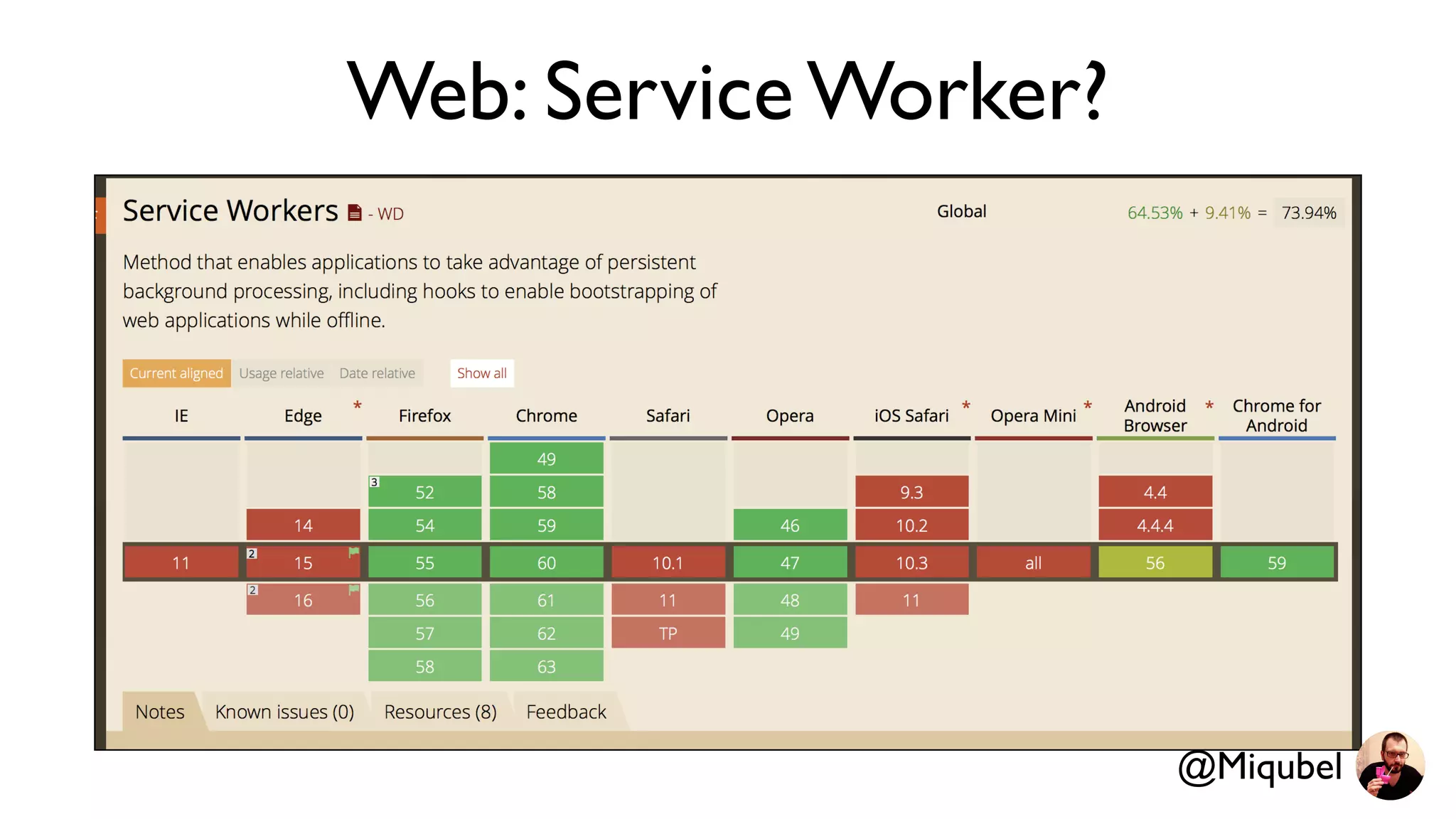
Web: Service Worker?
@Miqubel
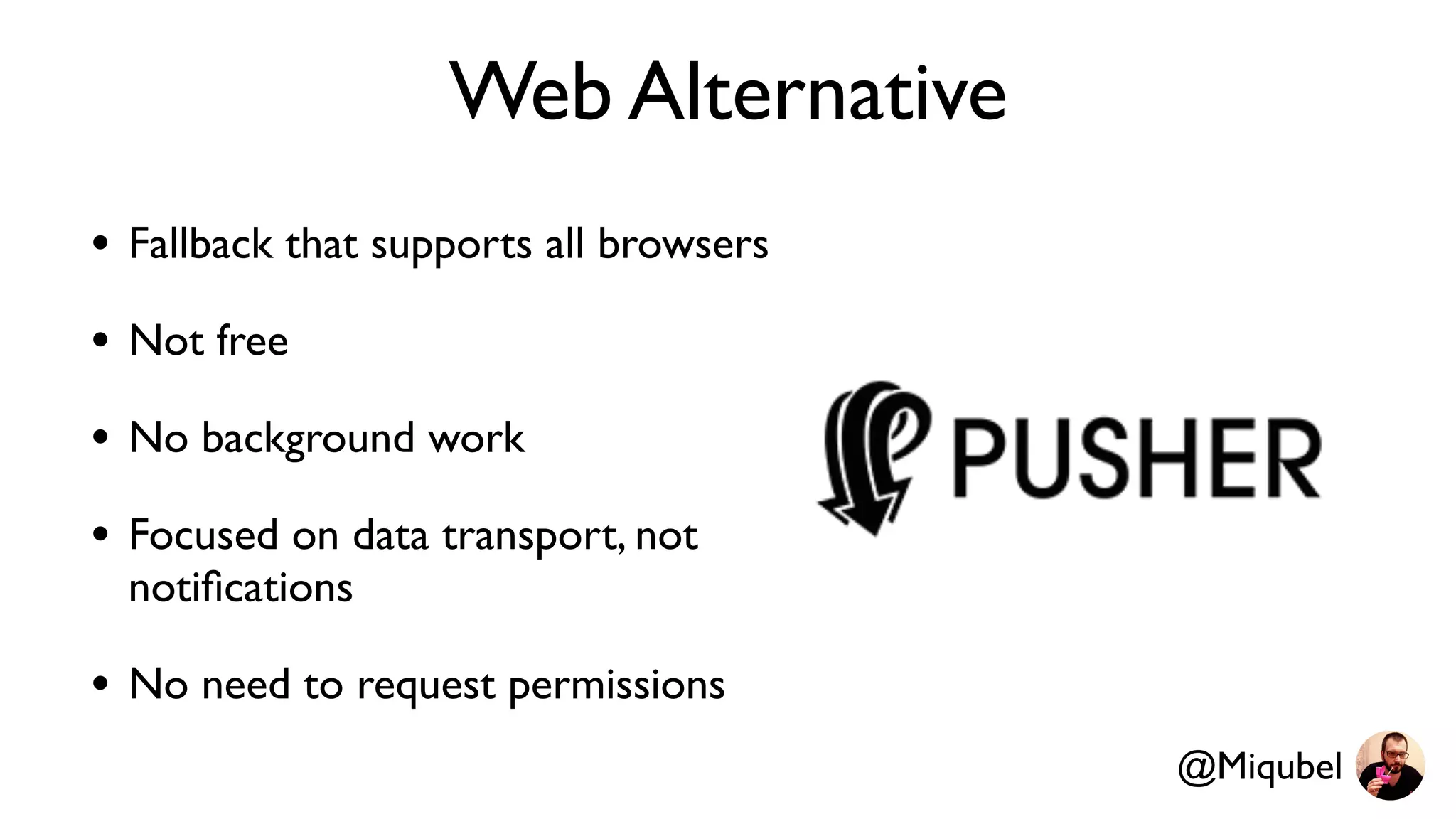
Web Alternative
• Fallback that supports all browsers
• Not free
• No background work
• Focused on data transport, not
notifications
• No need to request permissions
@Miqubel
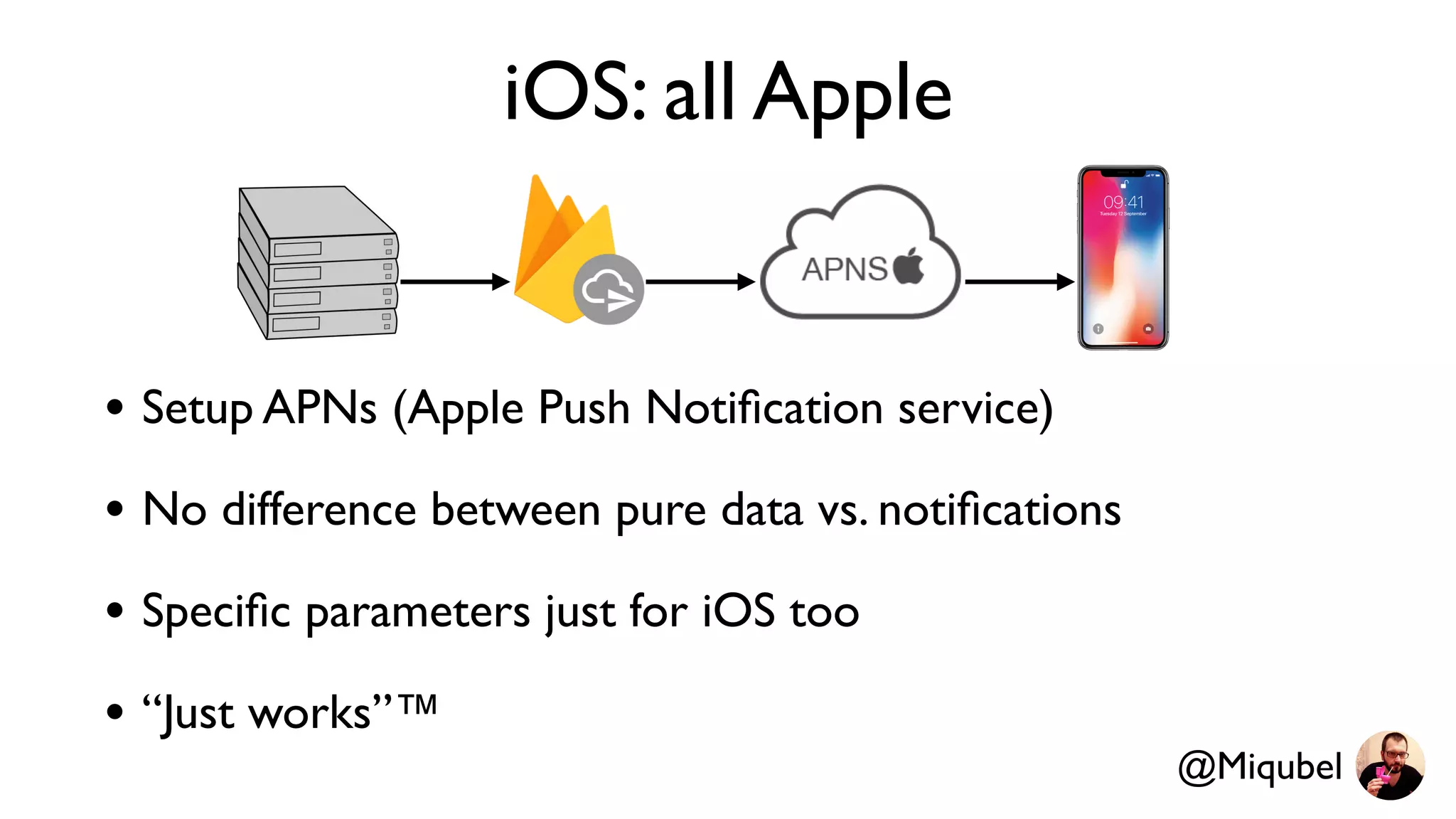
iOS: all Apple
• Setup APNs (Apple Push Notification service)
• No difference between pure data vs. notifications
• Specific parameters just for iOS too
• “Just works”™
@Miqubel
Upstream messages
• Android & iOS: send “upstream” messages to your
server
• API missing on web?
• Asynchronous and battery efficient
@Miqubel
“One size fits no one”
- probably me
@Miqubel
Thank you!
- also me
@Miqubel

Mastering Firebase Cloud Messaging