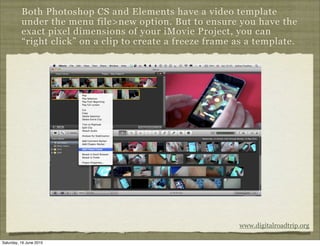
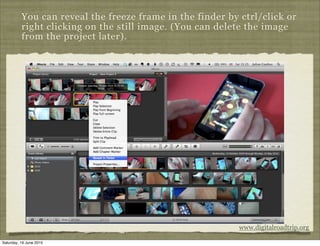
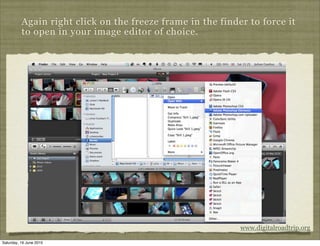
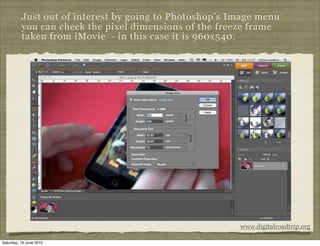
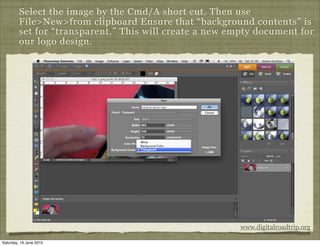
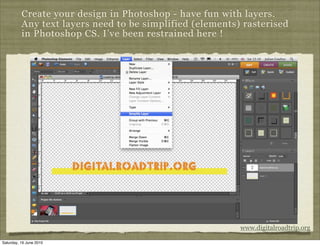
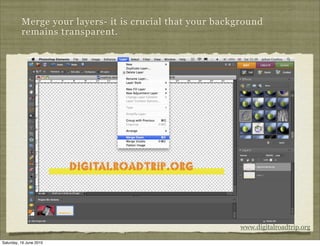
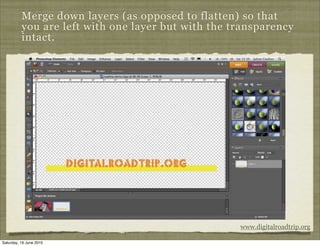
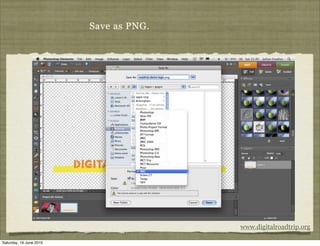
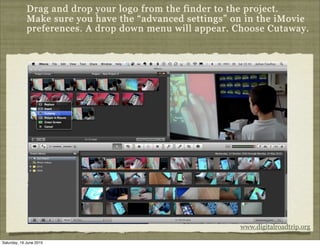
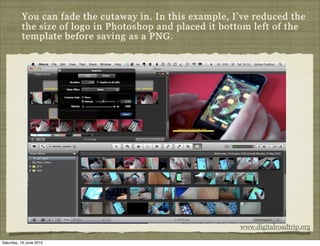
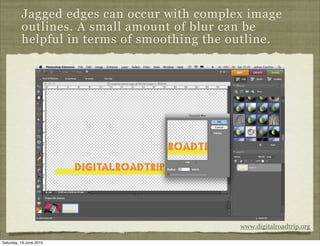
This document provides instructions for creating logos in Photoshop that can be used in iMovie projects. It describes taking a freeze frame from an iMovie clip to use as a template in Photoshop. Layers are used to design the logo, which is then saved as a PNG with a transparent background and dragged into iMovie as a cutaway effect to overlay on video clips.