Major Concepts of
Operating System
Kernel:
A kernel is a authority over CPU (Central Processing Unit), I/O (Input &
Output) devices and hardware resources. Kernel is a authority that acts
upon the instructions given to it by CLI (Command Line Interface) or
GUI (Graphical User Interface). Kernel accepts and passes
corresponding instructions in binary language (which is the native
language of computer).
Shell:
Shell is a CLI (Command Line Interface) that works as interpreter. It
receives an instruction through a command and translates it in a binary
form before passing it to the kernel of the operating system. It
interprets each command at each system call.
System Call:
A mechanism (method) in which we request a resource or resources of
computer through kernel is called system call.
These resources may include CPU (Central Processing Unit), I/O (Input
& Output) devices and hardware resources.
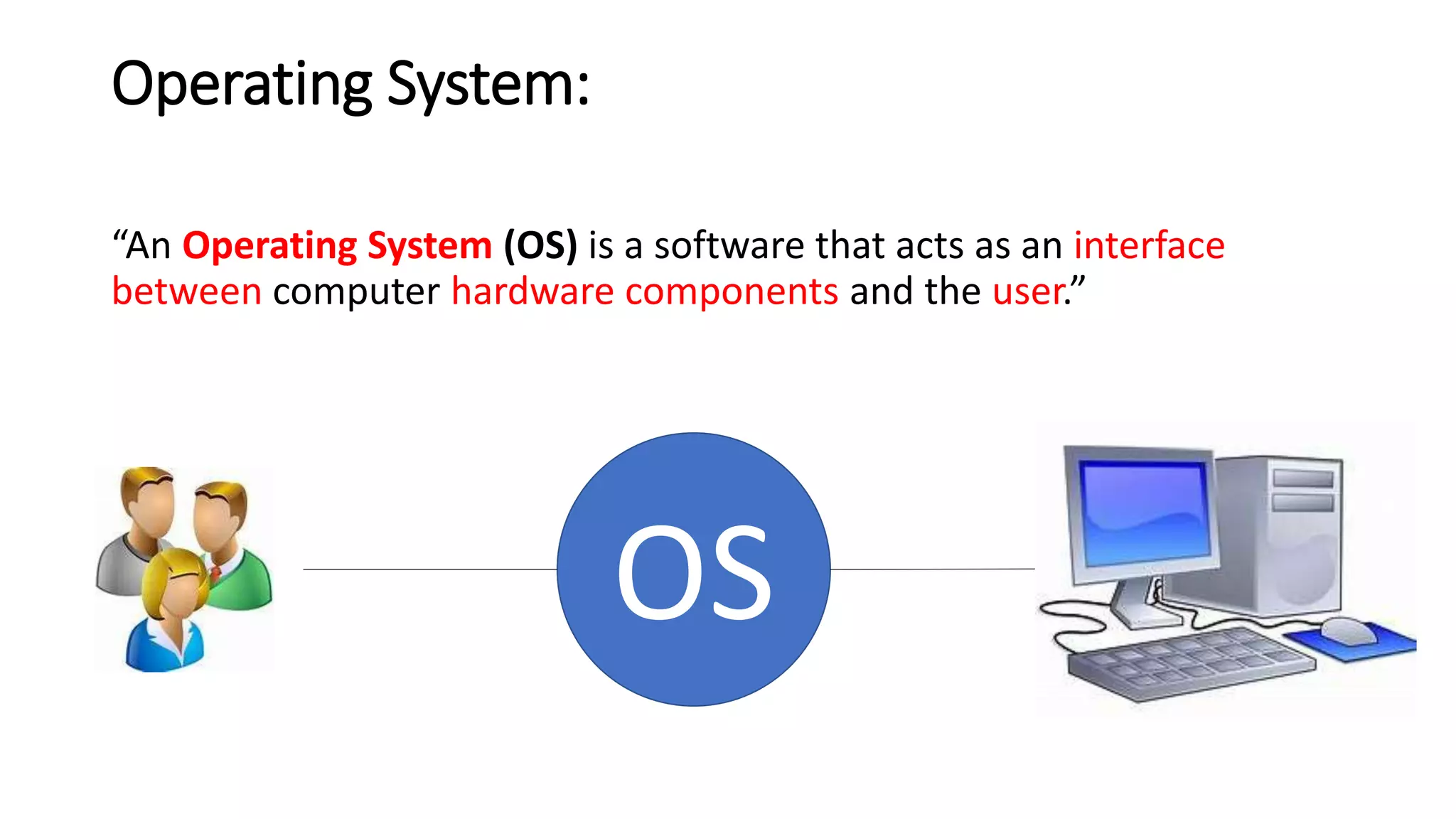
Operating System:
“An Operating System (OS) is a software that acts as an interface
between computer hardware components and the user.”
OS
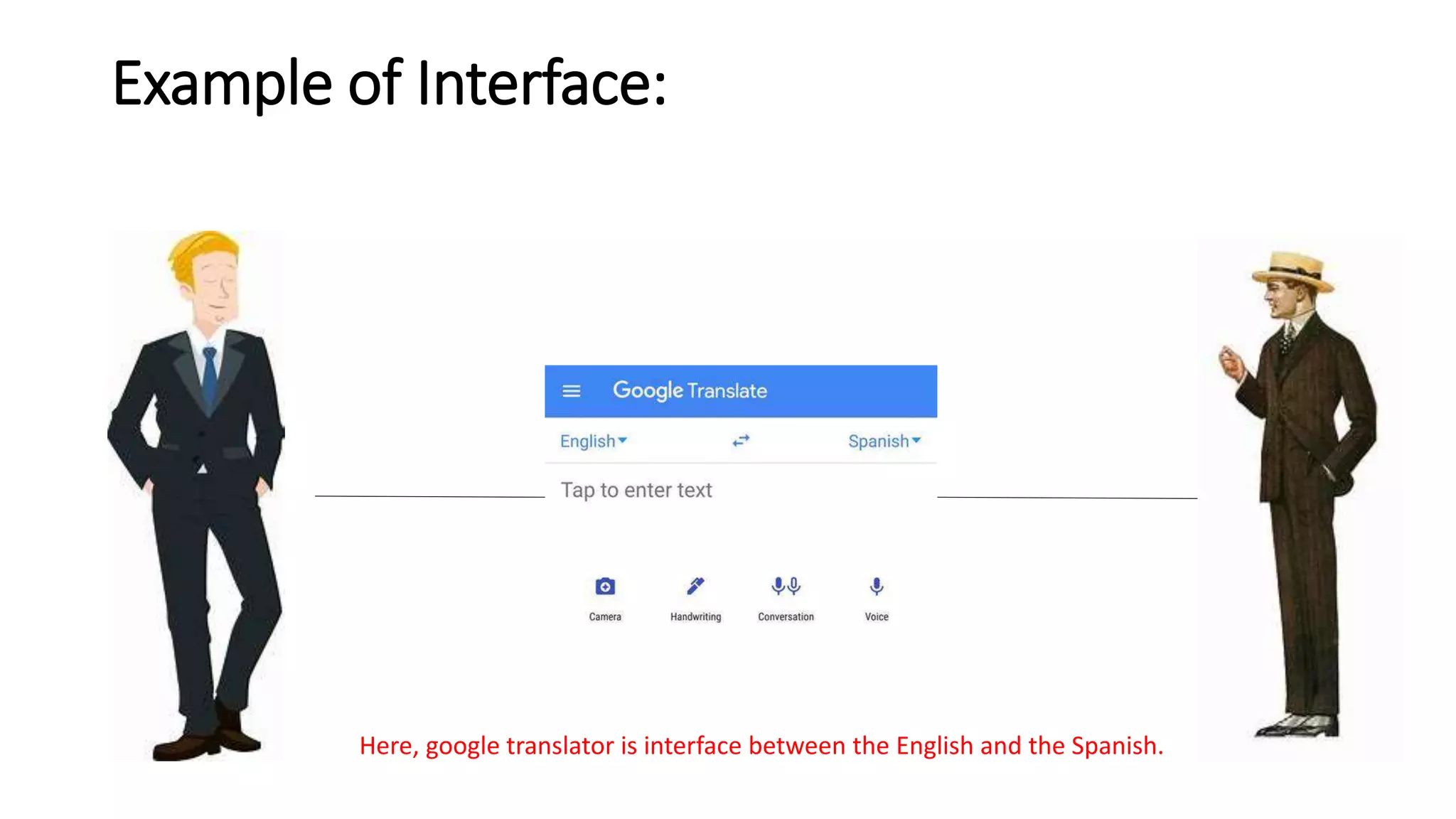
Example of Interface:
Here, google translator is interface between the English and the Spanish.
Types of Interface in Operating System:
In operating system, there are two types of interfaces these are as
under:
• CLI (Command Line Interface): This type of interface provides a way
of interaction with computer resources by issuing commands.
• GUI (Graphical User Interface): This type of interface provides a way
of interaction with computer resources through graphical platform.
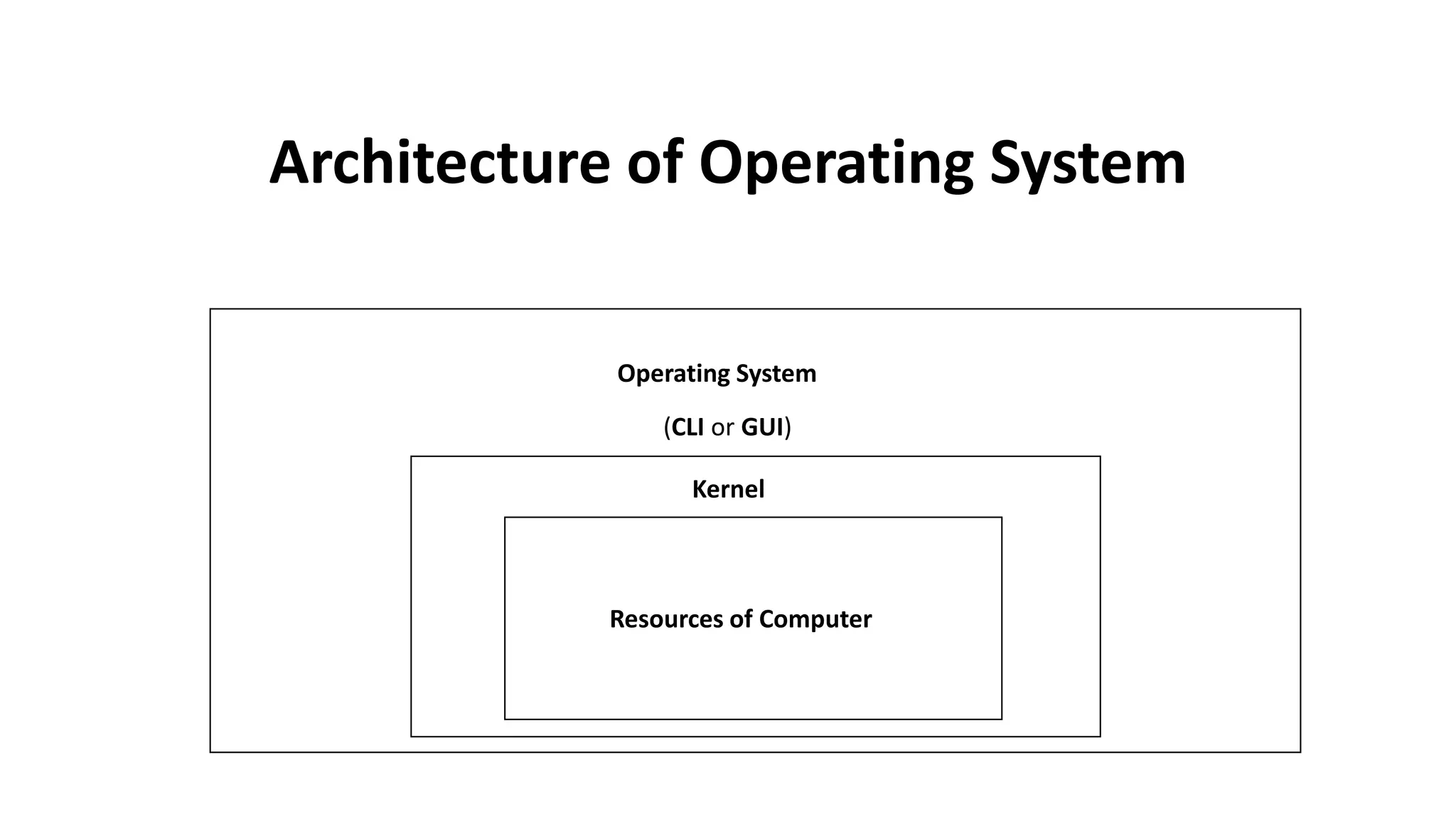
Operating System
(CLI or GUI)
Kernel
Resources of Computer
Architecture of Operating System

Major concepts of operating system

  • 1.
  • 2.
    Kernel: A kernel isa authority over CPU (Central Processing Unit), I/O (Input & Output) devices and hardware resources. Kernel is a authority that acts upon the instructions given to it by CLI (Command Line Interface) or GUI (Graphical User Interface). Kernel accepts and passes corresponding instructions in binary language (which is the native language of computer).
  • 3.
    Shell: Shell is aCLI (Command Line Interface) that works as interpreter. It receives an instruction through a command and translates it in a binary form before passing it to the kernel of the operating system. It interprets each command at each system call. System Call: A mechanism (method) in which we request a resource or resources of computer through kernel is called system call. These resources may include CPU (Central Processing Unit), I/O (Input & Output) devices and hardware resources.
  • 4.
    Operating System: “An OperatingSystem (OS) is a software that acts as an interface between computer hardware components and the user.” OS
  • 5.
    Example of Interface: Here,google translator is interface between the English and the Spanish.
  • 6.
    Types of Interfacein Operating System: In operating system, there are two types of interfaces these are as under: • CLI (Command Line Interface): This type of interface provides a way of interaction with computer resources by issuing commands. • GUI (Graphical User Interface): This type of interface provides a way of interaction with computer resources through graphical platform.
  • 7.
    Operating System (CLI orGUI) Kernel Resources of Computer Architecture of Operating System