Loops in Python
Loops are like shortcuts that help us repeat tasks over and over.
Instead of writing multiple output statements a single loop can
do the job.
print("1")
print("2")
print("3")…….
Example
Imagine you have a list of 10 friends. Instead of sending a message individually to each friend, you can use the
'Send to All' button. This button essentially repeats the action of sending a message, but it does it for every friend
in the list.
In programming, a loop is like that 'Send to All' button. It allows you to repeat a set of instructions multiple times,
without having to write the same code again and again for each repetition.
so in terms of coding, instead of writing multiple print statements to like print list of number you can do that
same task with a single loop.
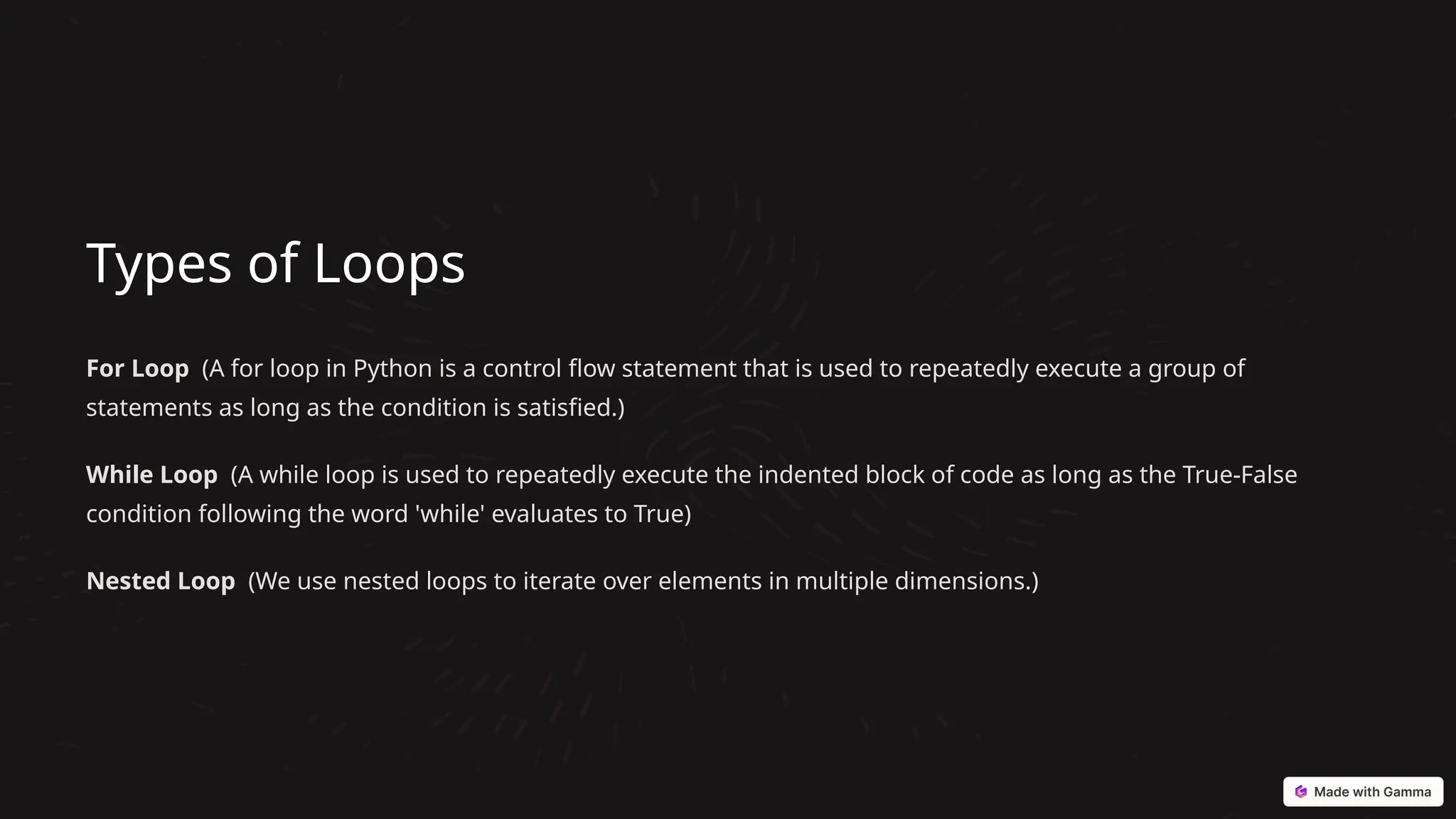
Types of Loops
For Loop (A for loop in Python is a control flow statement that is used to repeatedly execute a group of
statements as long as the condition is satisfied.)
While Loop (A while loop is used to repeatedly execute the indented block of code as long as the True-False
condition following the word 'while' evaluates to True)
Nested Loop (We use nested loops to iterate over elements in multiple dimensions.)
For Loops
There are three major components of a for loop
1 1. Start
Tell the loop where to start.
2 2. Repeat
What is the condition to be
repeated or what should be
done for each item in the list.
3 3. Stop
At what point should the
loop stop repeating.
For Loops implementations
Example
We can use a for loop to say hello to each person
in a class.
Code
for name in ["Raj", "Avi",
"Mohan"]:
print("Hello", name)
Example
For loop is not just limited to iterating through a
list you can iterate over a string as well using a
for loop.
Code
for x in "banana":
print(x)
Example
The default range function is used to go from a
start parameter to an end parameter, with an
increment value of 1, but you can also change the
increment value.
Code
for x in range(2, 6):
print(x)
Statements related to loops
Break (With the break statement we can stop the loop before it has looped through all the items, when it reaches
a specific item.)
Continue (With the continue statement we can stop the current iteration of the loop, and continue with the next)
Pass (for loops cannot be empty, but if you for some reason have a for loop with no content, put in the pass
statement to avoid getting an error)
While Loops
1 1. Check
Check if something is
true.
2 2. Repeat
Keep doing something
as long as the check is
true.
3 3. Stop
When the check is false, the loop stops.
While Loops in Real Life
Example
We can use a while loop to eat cookies until we're full.
Code
cookies_left = 5
while cookies_left > 0:
print("Eating a cookie!")
cookies_left = cookies_left - 1
Example
With the break statement we can stop the loop even if the while
condition is true.
Code
i = 1
while i < 6:
print(i)
if i == 3:
break
i += 1
Example
With the continue statement we can stop the current iteration, and
continue with the next.
Code
i = 0
while i < 6:
i += 1
if i == 3:
continue
print(i)
Nested Loops
1
Outer Loop
Repeats a set of actions.
2
Inner Loop
Repeats another set of actions inside the outer loop.
Nested Loops in Real Life
Example
We can use nested loops to draw
a grid of squares, like a game
board.
Code
for row in range(3):
for col in range(4):
print("*", end="")
print()
Which Loop to Use
For Loop
Use when you know exactly how many times you
need to repeat something.
• Use a for loop to iterate over an array.
Use a for loop when you know the loop should
execute n times.
While Loop
Use when you want to repeat something until a
specific condition is met.
• Use a while loop for reading a file into a variable.
• Use a while loop when asking for user input.
• Use a while loop when the increment value is
nonstandard.
Putting it All Together
Loops are powerful tools in Python! We can use them to repeat
tasks, check conditions, and even create cool patterns.

Loops in python including control statements and various test cases

  • 1.
    Loops in Python Loopsare like shortcuts that help us repeat tasks over and over. Instead of writing multiple output statements a single loop can do the job. print("1") print("2") print("3")…….
  • 2.
    Example Imagine you havea list of 10 friends. Instead of sending a message individually to each friend, you can use the 'Send to All' button. This button essentially repeats the action of sending a message, but it does it for every friend in the list. In programming, a loop is like that 'Send to All' button. It allows you to repeat a set of instructions multiple times, without having to write the same code again and again for each repetition. so in terms of coding, instead of writing multiple print statements to like print list of number you can do that same task with a single loop.
  • 3.
    Types of Loops ForLoop (A for loop in Python is a control flow statement that is used to repeatedly execute a group of statements as long as the condition is satisfied.) While Loop (A while loop is used to repeatedly execute the indented block of code as long as the True-False condition following the word 'while' evaluates to True) Nested Loop (We use nested loops to iterate over elements in multiple dimensions.)
  • 4.
    For Loops There arethree major components of a for loop 1 1. Start Tell the loop where to start. 2 2. Repeat What is the condition to be repeated or what should be done for each item in the list. 3 3. Stop At what point should the loop stop repeating.
  • 5.
    For Loops implementations Example Wecan use a for loop to say hello to each person in a class. Code for name in ["Raj", "Avi", "Mohan"]: print("Hello", name) Example For loop is not just limited to iterating through a list you can iterate over a string as well using a for loop. Code for x in "banana": print(x) Example The default range function is used to go from a start parameter to an end parameter, with an increment value of 1, but you can also change the increment value. Code for x in range(2, 6): print(x)
  • 6.
    Statements related toloops Break (With the break statement we can stop the loop before it has looped through all the items, when it reaches a specific item.) Continue (With the continue statement we can stop the current iteration of the loop, and continue with the next) Pass (for loops cannot be empty, but if you for some reason have a for loop with no content, put in the pass statement to avoid getting an error)
  • 7.
    While Loops 1 1.Check Check if something is true. 2 2. Repeat Keep doing something as long as the check is true. 3 3. Stop When the check is false, the loop stops.
  • 8.
    While Loops inReal Life Example We can use a while loop to eat cookies until we're full. Code cookies_left = 5 while cookies_left > 0: print("Eating a cookie!") cookies_left = cookies_left - 1 Example With the break statement we can stop the loop even if the while condition is true. Code i = 1 while i < 6: print(i) if i == 3: break i += 1 Example With the continue statement we can stop the current iteration, and continue with the next. Code i = 0 while i < 6: i += 1 if i == 3: continue print(i)
  • 9.
    Nested Loops 1 Outer Loop Repeatsa set of actions. 2 Inner Loop Repeats another set of actions inside the outer loop.
  • 10.
    Nested Loops inReal Life Example We can use nested loops to draw a grid of squares, like a game board. Code for row in range(3): for col in range(4): print("*", end="") print()
  • 11.
    Which Loop toUse For Loop Use when you know exactly how many times you need to repeat something. • Use a for loop to iterate over an array. Use a for loop when you know the loop should execute n times. While Loop Use when you want to repeat something until a specific condition is met. • Use a while loop for reading a file into a variable. • Use a while loop when asking for user input. • Use a while loop when the increment value is nonstandard.
  • 12.
    Putting it AllTogether Loops are powerful tools in Python! We can use them to repeat tasks, check conditions, and even create cool patterns.