What is aLoop?
A loop is a structure that repeats a block of code until a
condition is met.
• Avoids repetition : write once, execute multiple times.
3.
Why Use Loops?
•Code Reusability – write once, execute multiple times
• Efficiency – reduces code length and improves
readability
• Automation – processes large data automatically
• Flexibility – handles dynamic number of iterations
4.
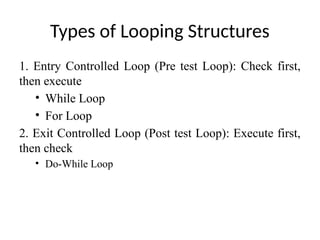
Types of LoopingStructures
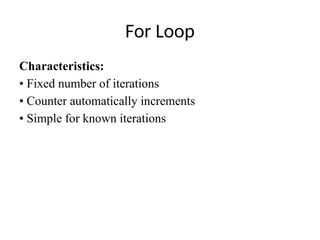
1. Entry Controlled Loop (Pre test Loop): Check first,
then execute
• While Loop
• For Loop
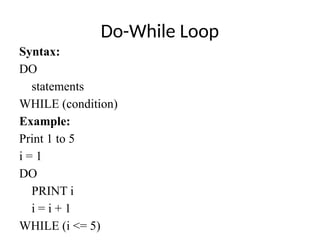
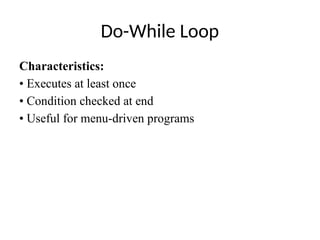
2. Exit Controlled Loop (Post test Loop): Execute first,
then check
• Do-While Loop
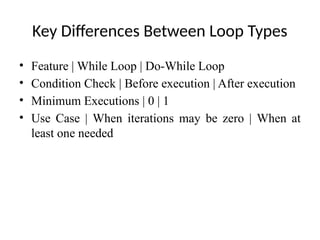
Key Differences BetweenLoop Types
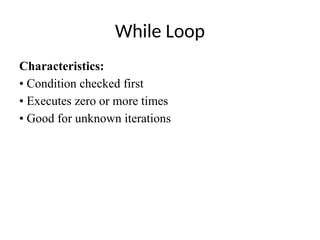
• Feature | While Loop | Do-While Loop
• Condition Check | Before execution | After execution
• Minimum Executions | 0 | 1
• Use Case | When iterations may be zero | When at
least one needed
12.
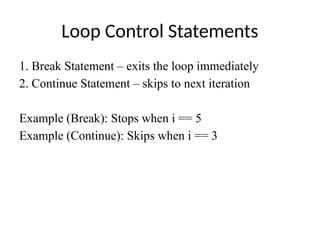
Loop Control Statements
1.Break Statement – exits the loop immediately
2. Continue Statement – skips to next iteration
Example (Break): Stops when i == 5
Example (Continue): Skips when i == 3
13.
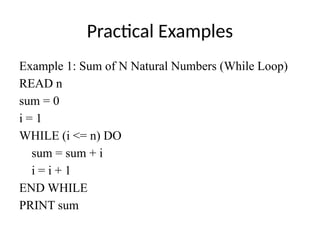
Practical Examples
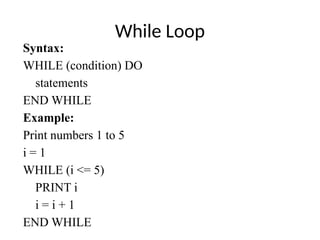
Example 1:Sum of N Natural Numbers (While Loop)
READ n
sum = 0
i = 1
WHILE (i <= n) DO
sum = sum + i
i = i + 1
END WHILE
PRINT sum
14.
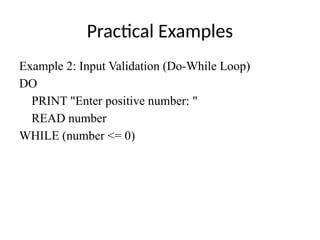
Practical Examples
Example 2:Input Validation (Do-While Loop)
DO
PRINT "Enter positive number: "
READ number
WHILE (number <= 0)
15.
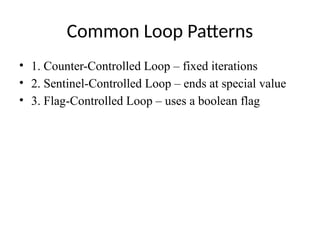
Common Loop Patterns
•1. Counter-Controlled Loop – fixed iterations
• 2. Sentinel-Controlled Loop – ends at special value
• 3. Flag-Controlled Loop – uses a boolean flag
16.
Best Practices
• Initializevariables before loops
• Ensure termination (avoid infinite loops)
• Use meaningful counter names
• Choose right loop type
• Keep loop bodies simple
17.
Infinite Loops (AvoidThese!)
Example:
i = 1
WHILE (i > 0) DO
PRINT 'This runs forever!'
END WHILE
Tips to Avoid:
• Update loop variables properly
• Ensure condition becomes false eventually
18.
Summary
• Loops simplifyrepetitive tasks
• Use While/For for entry control, Do-While for exit
control
• Break and Continue manage flow
• Apply best practices to write efficient and safe loops