Meet Tom Walker | @Tinytoot
• Founder @LdnOntNetDevs | LondonNetDevelopers.ca
– Always welcoming news members
• Senior Mobile Architect at Goviral Inc.
• Developer for 15+ years now focusing on mobile and web frontend
– Worked with large enterprises, startups and software companies
– Design & build internal enterprise and consumer facing software
• Xamarin Certified Developer (almost )
http://windows.Microsoft.com
Agenda
Windows 10
Overview
Developer Story
Azure
Containers with Docker
App Services
DocumentDb
IoT Overview
Windows OS on my RaspberryPI?
Azure IoT Services
The Connected Cow
Windows 10 Overiew
http://windows.Microsoft.com
Top 3 features
Cortana
Start Menu
Continuum
http://windows.Microsoft.com
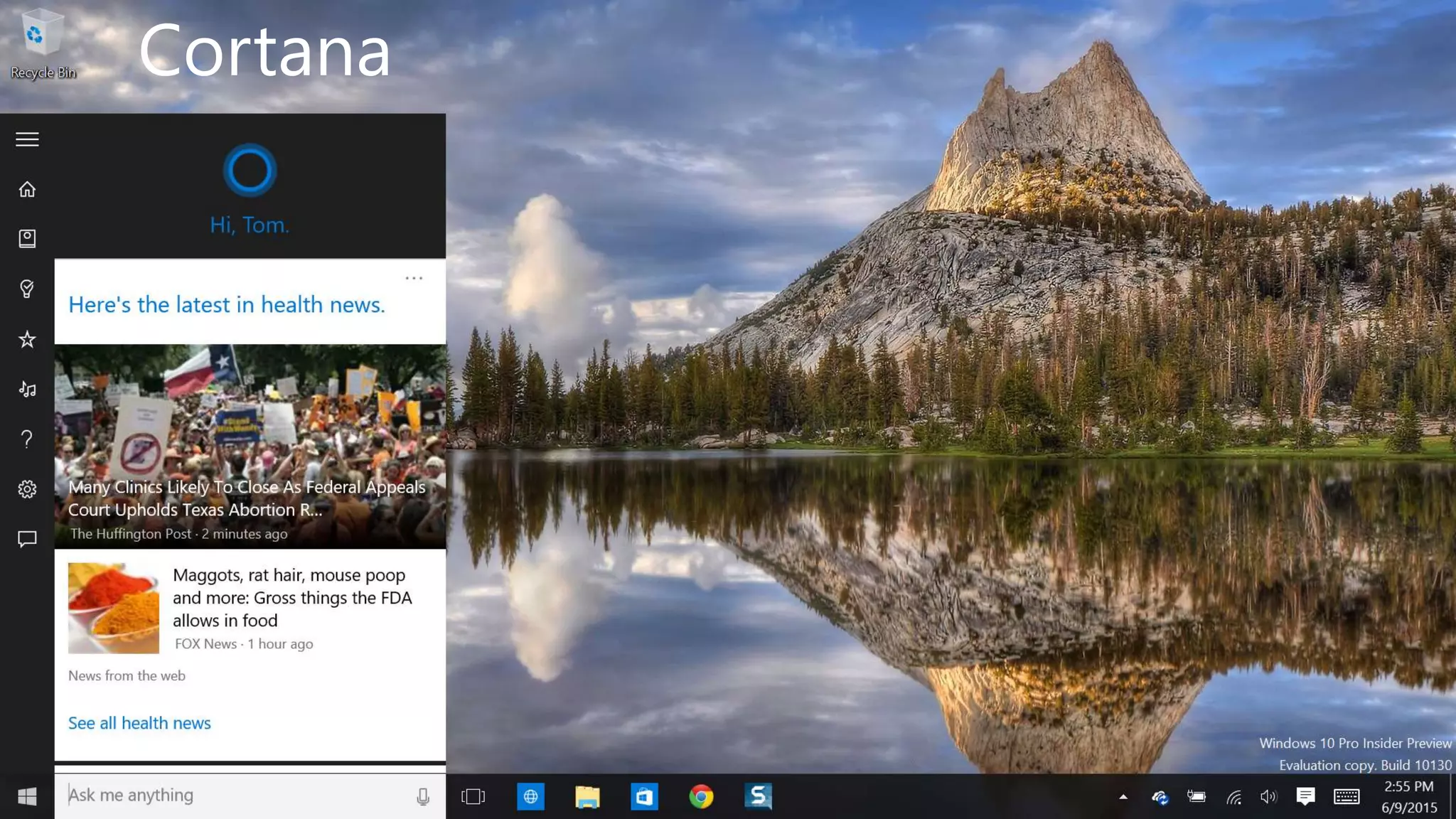
Cortana
http://windows.Microsoft.com
Start Menu
http://windows.Microsoft.com
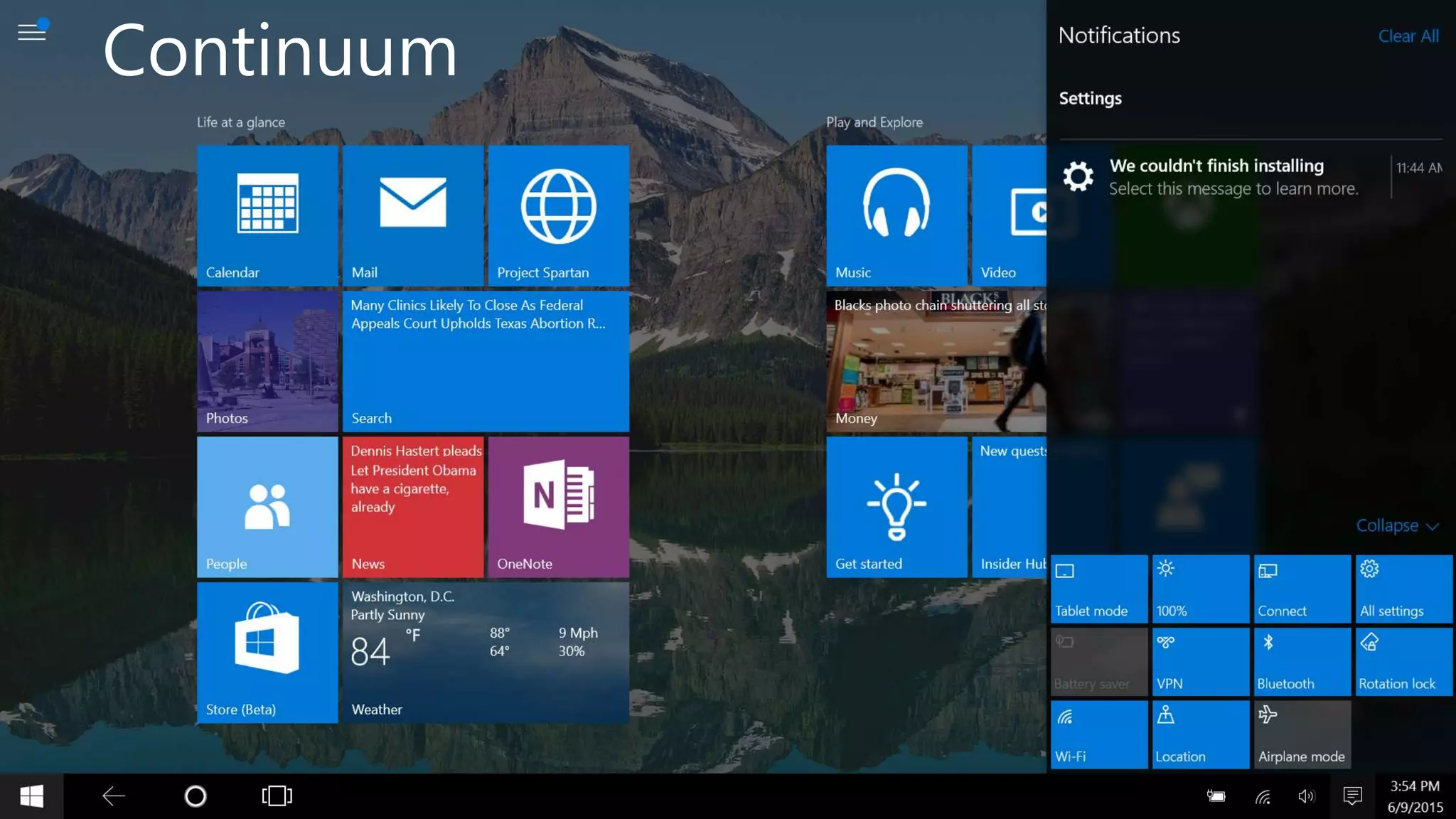
Continuum
http://windows.Microsoft.com
Continuum for Convertibles and PhonesContinuum for
convertibles and
Phones
When will Windows 10 be
released?
http://windows.Microsoft.com
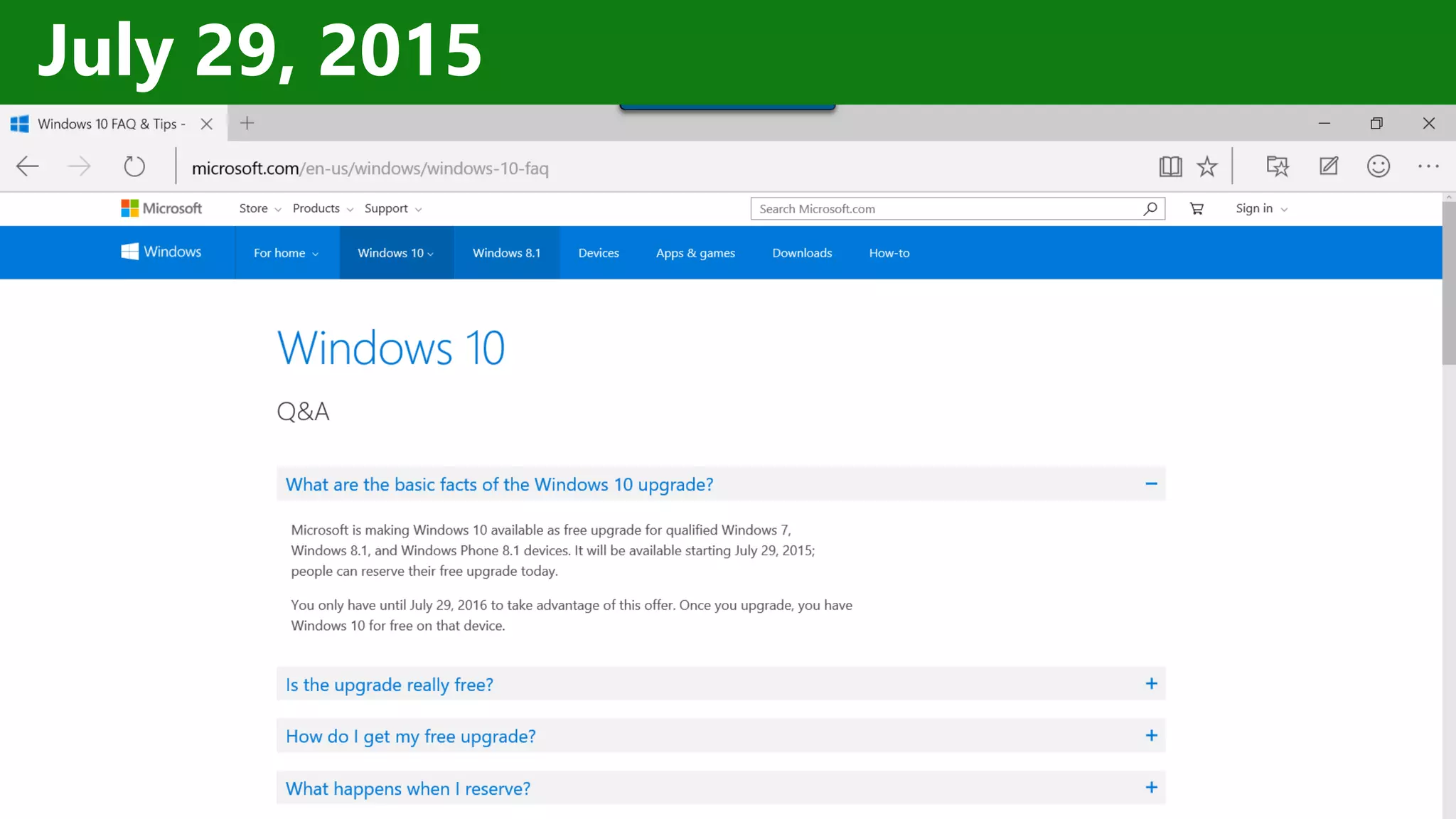
July 29, 2015
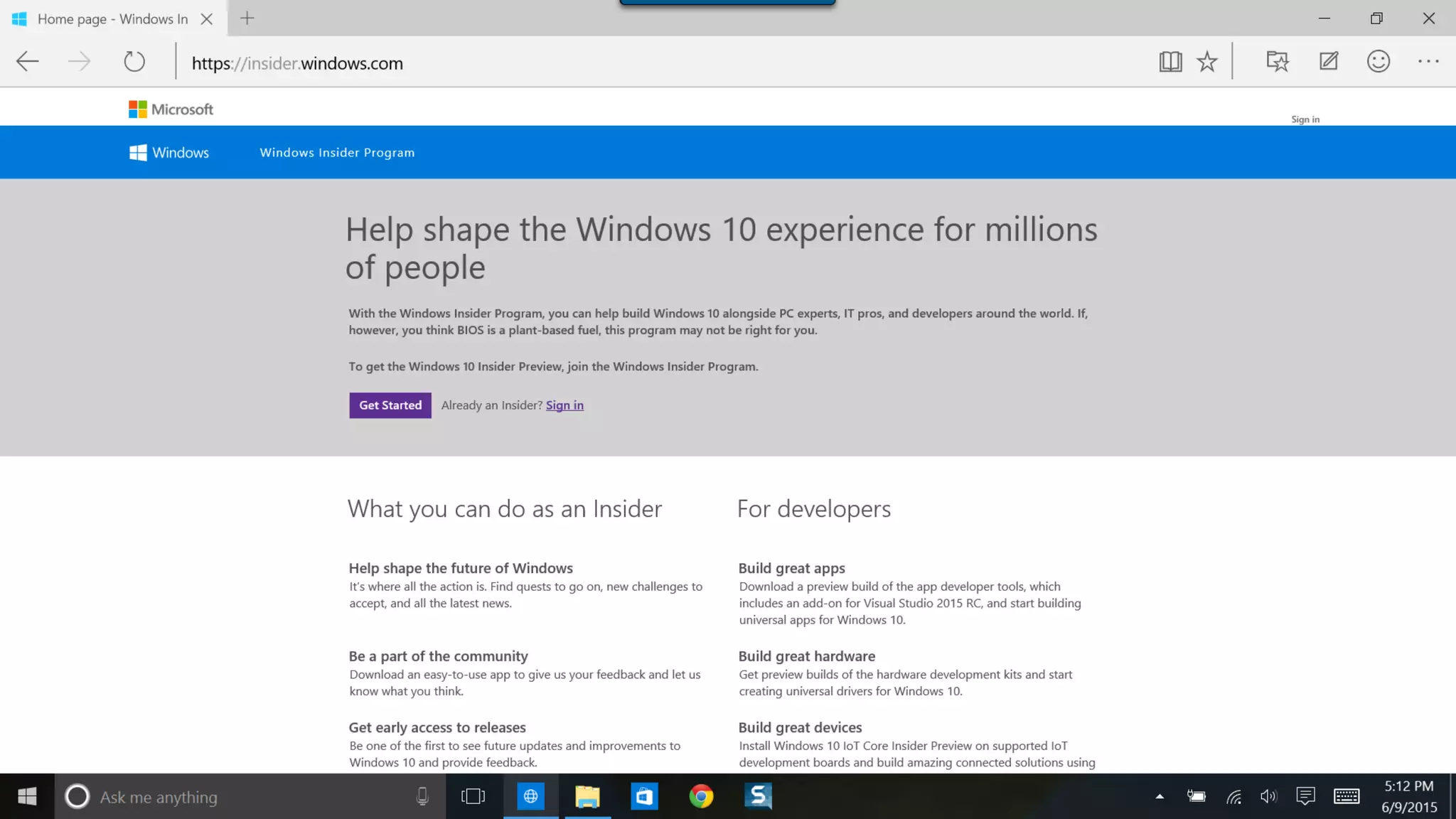
Where do I download the bits?
http://windows.Microsoft.com
Developer story
Introducing
the UWP
http://windows.Microsoft.com
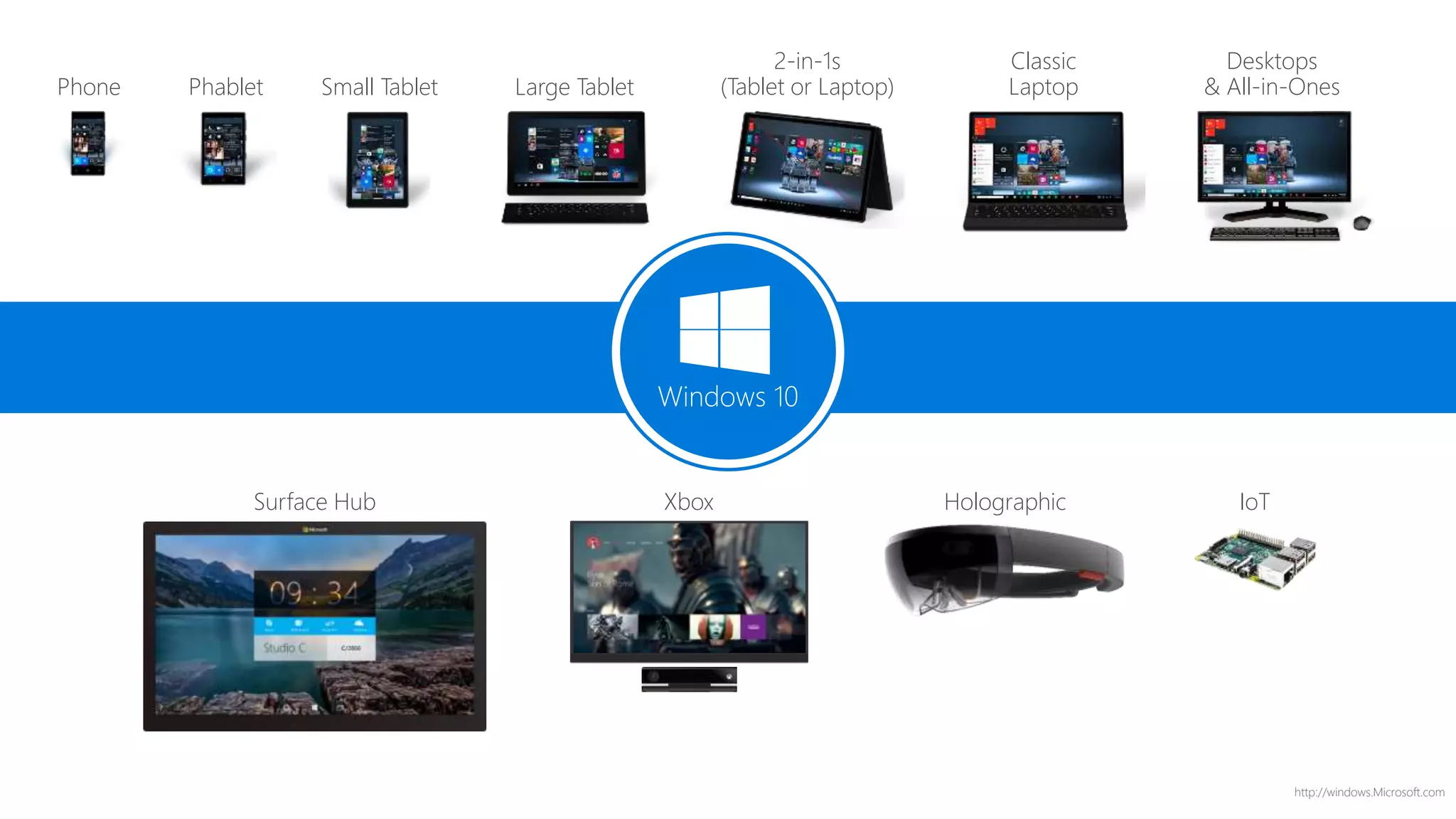
Phone Small Tablet
2-in-1s
(Tablet or Laptop)
Desktops
& All-in-OnesPhablet Large Tablet
Classic
Laptop
Xbox IoTSurface Hub Holographic
Windows 10
http://windows.Microsoft.com
Universal Windows Platform
A single API surface
A guaranteed API surface
The same on all devices
Phone
Device
Xbox
Device
Desktop
Device
Windows Core
Universal Windows Platform
Apps don't target Windows 10,
apps target the platform
http://windows.Microsoft.com
<TargetPlatform
Name="Microsoft.Universal"
minVersion="10.0.10069.0"
maxVersionTested="10.0.10190.0"/>
http://windows.Microsoft.com
Windows app
A single binary
Running on any device
Testing for capabilities
Adjusting to devices
Phone
Device
Xbox
Device
Desktop
Device
Windows Core
Universal Windows Platform
Windows App
http://windows.Microsoft.com
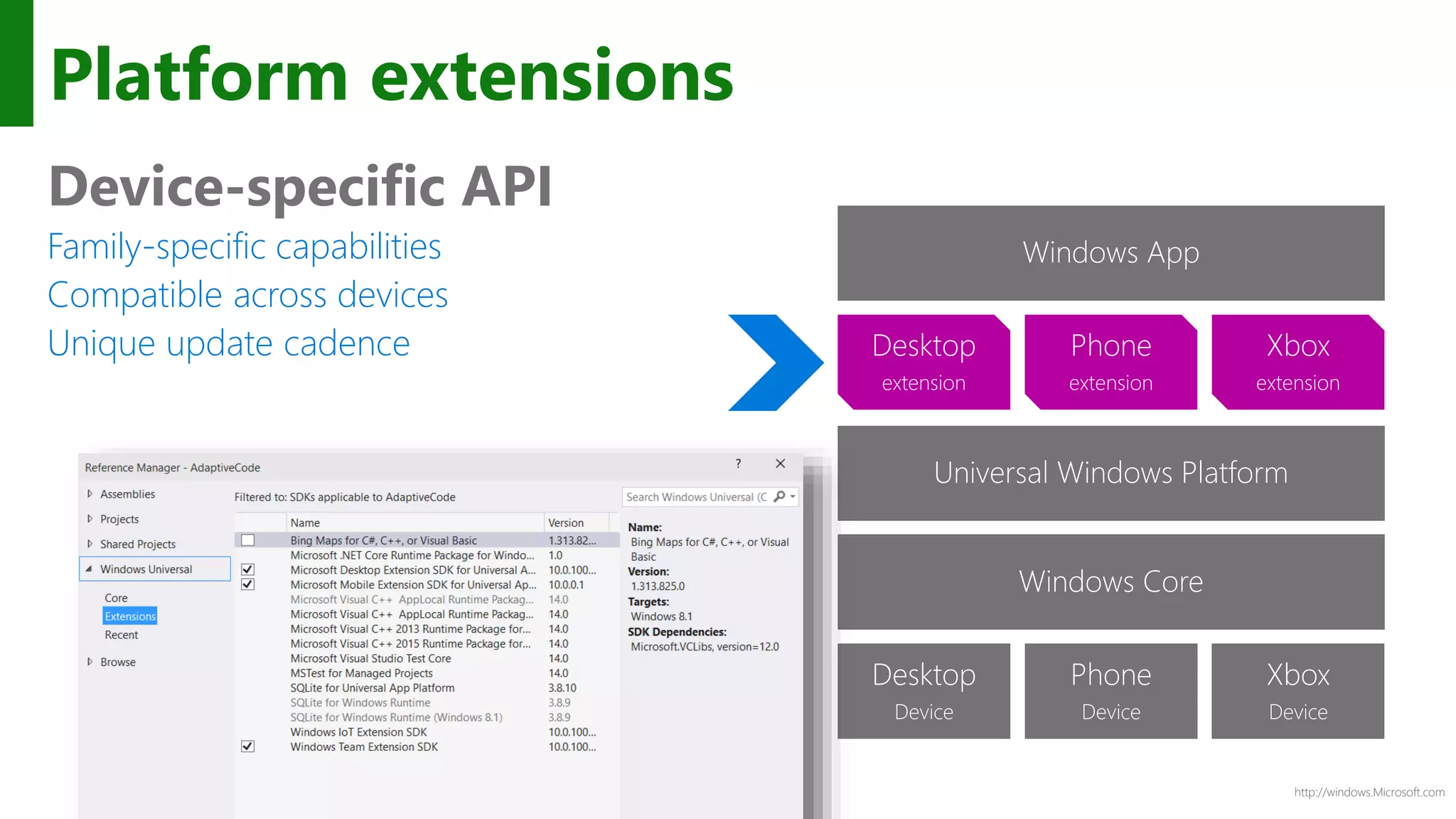
Platform extensions
Device-specific API
Family-specific capabilities
Compatible across devices
Unique update cadence
Phone
Device
Xbox
Device
Desktop
Device
Windows Core
Universal Windows Platform
Windows App
Phone
extension
Xbox
extension
Desktop
extension
http://windows.Microsoft.com
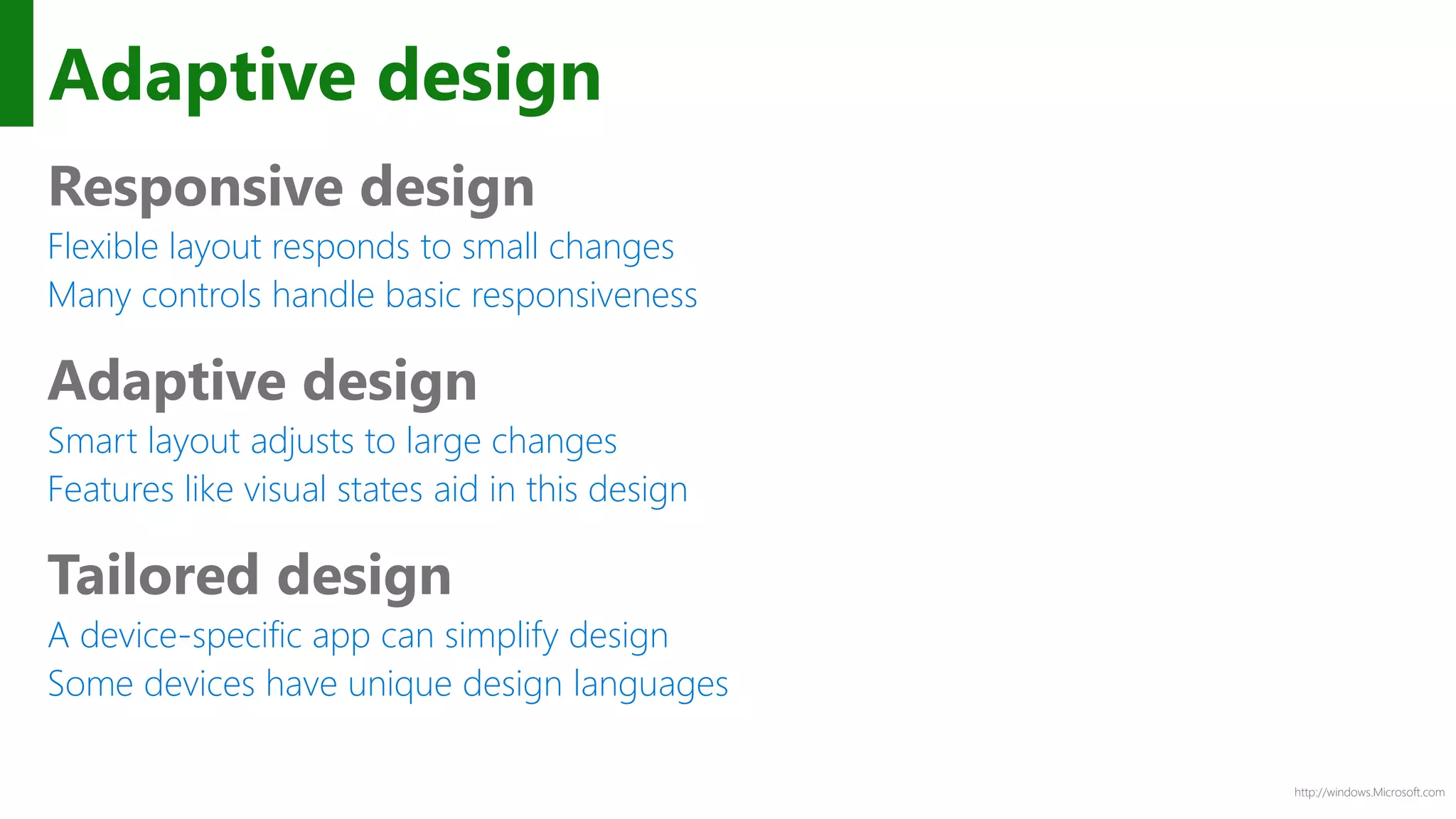
Adaptive design
Responsive design
Flexible layout responds to small changes
Many controls handle basic responsiveness
Adaptive design
Smart layout adjusts to large changes
Features like visual states aid in this design
Tailored design
A device-specific app can simplify design
Some devices have unique design languages
http://windows.Microsoft.com
Adaptive design
Phone (portrait)
Tablet (landscape) / Desktop
http://windows.Microsoft.com
Tailored design
Phone (portrait)
Tablet (landscape) / Desktop
XAML Controls
http://windows.Microsoft.com
Layout controls
<Border Thickness="" Brush="" />
<Canvas />
<Grid />
<RelativePanel />
<ScrollViewer />
<SplitView DisplayMode="" />
<StackPanel Orientation="" />
<VariableSizedWrapGrid />
<ViewBox Stretch="" />
http://windows.Microsoft.com
WrapGrid
http://windows.Microsoft.com
Viewbox
http://windows.Microsoft.com
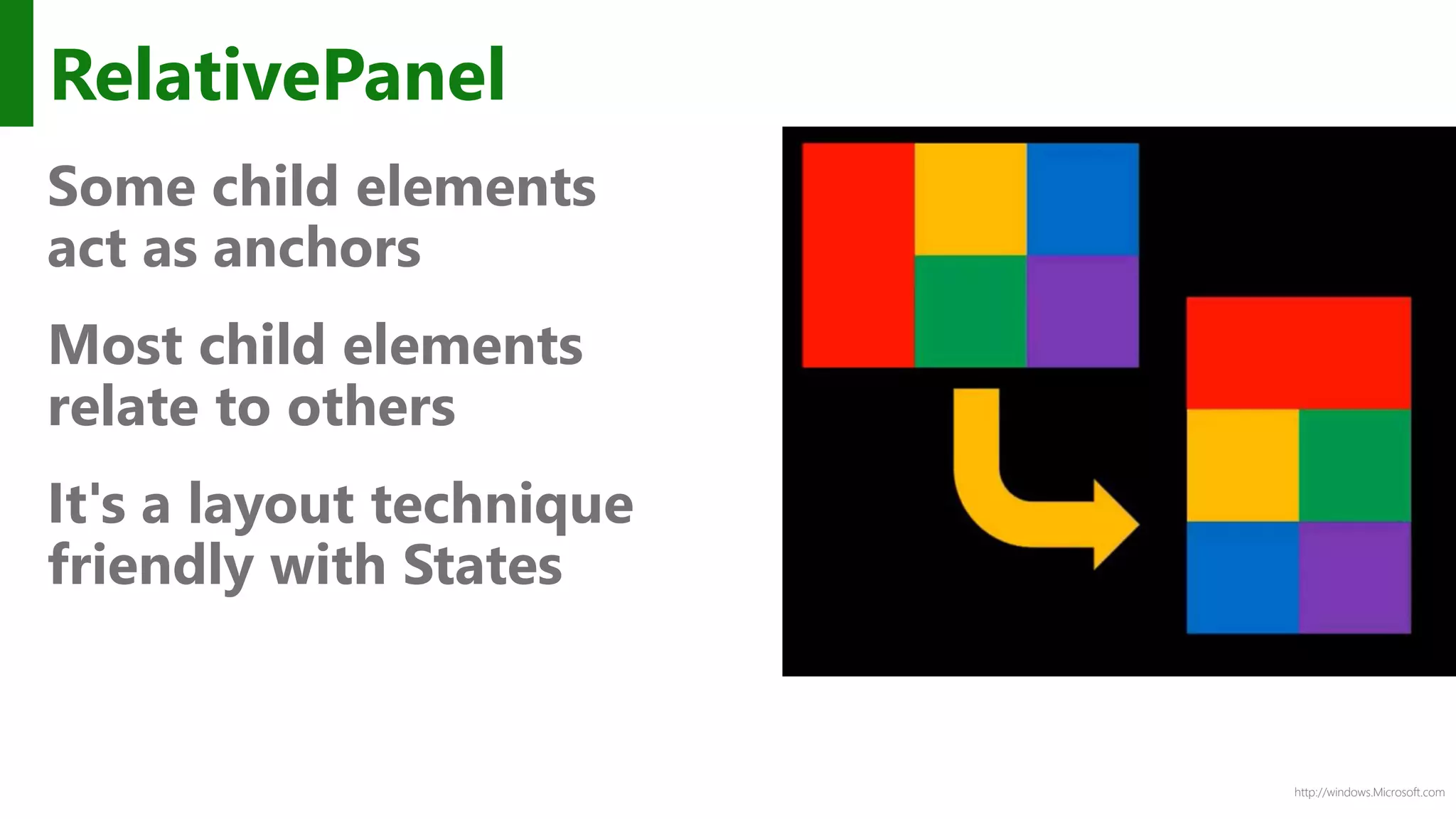
RelativePanel
Some child elements
act as anchors
Most child elements
relate to others
It's a layout technique
friendly with States
http://windows.Microsoft.com
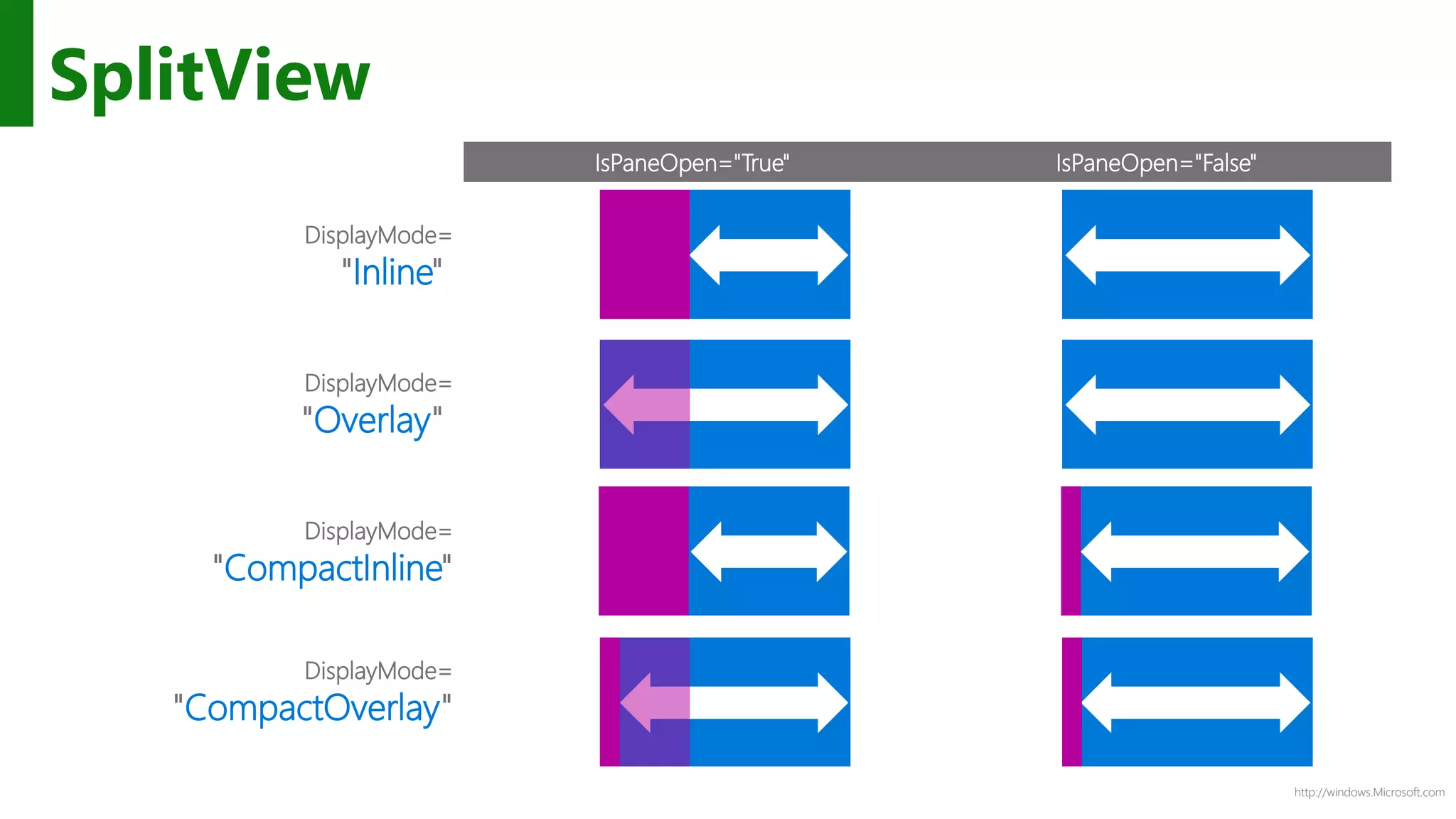
SplitView
IsPaneOpen="True" IsPaneOpen="False"
DisplayMode=
"Inline"
DisplayMode=
"Overlay"
DisplayMode=
"CompactInline"
DisplayMode=
"CompactOverlay"
XAML DataBinding
http://windows.Microsoft.com
x:Bind
Compiled binding
Bindings are committed at compile-time
Strongly-typed binding
Duck binding is not supported
Default mode is OneTime
OneWay and TwoWay are still available
Standard binding approaches
INotifyPropertyChanged, IObservableVector, INotifyCollectionChanged
http://windows.Microsoft.com
<ListView ItemsSource="{x:Bind ViewModel.Employees}">
<ListView.ItemTemplate>
<DataTemplate x:DataType="model:Employee">
<Grid>
<TextBlock Text="{x:Bind Name}"/>
</Grid>
</DataTemplate>
</ListView.ItemTemplate>
</ListView>
Data Templates
http://windows.Microsoft.com
Syntax
<TextBox Text="{Binding
Converter
ConverterLanguage
ConverterParameter
ElementName
FallbackValue
Mode
Path
RelativeSource
Source
TargetNullValue
UpdateSourceTrigger}
<TextBox Text="{x:Bind
Converter
ConverterLanguage
ConverterParameter
ElementName
FallbackValue
Mode
Path
RelativeSource
Source
TargetNullValue
UpdateSourceTrigger}
Introducing the UWP Bridges
http://windows.Microsoft.com
UWP Bridges
Android “Project Astoria”
iOS “Project Islandwood”
Win32 “Project Centennial”
Web Apps “Project Westminster”
https://dev.windows.com/en-US/uwp-bridges/
http://windows.Microsoft.com
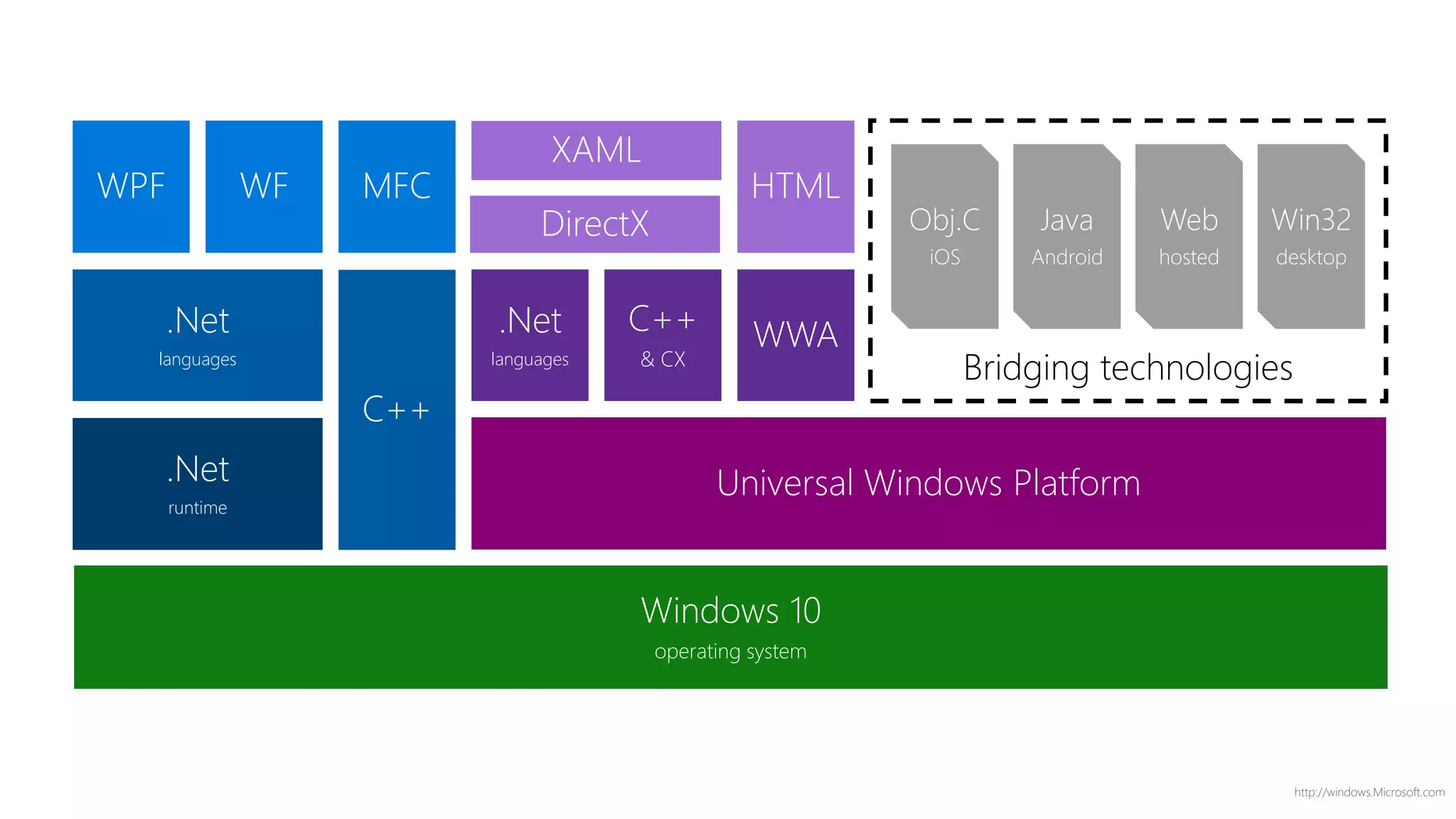
Windows 10
operating system
Bridging technologies
Win32
desktop
Web
hosted
Java
Android
Obj.C
iOS
Universal Windows Platform
WWAC++
& CX
.Net
languages
HTML
DirectX
XAML
C++
.Net
languages
MFCWFWPF
.Net
runtime
DEMO
UWP
http://windows.Microsoft.com
Azure
http://windows.Microsoft.com
Whats new with Azure?
Containers using “docker”
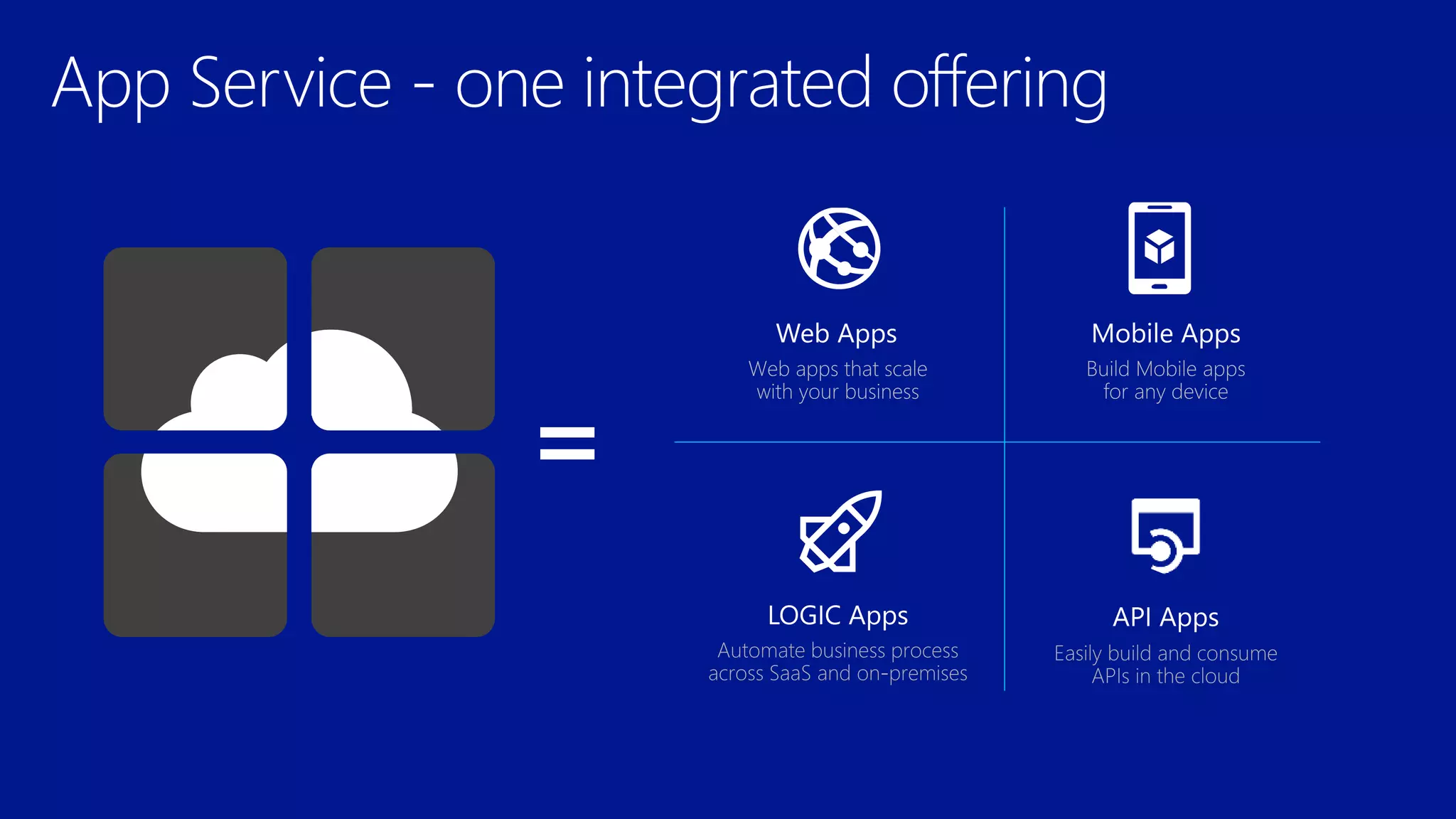
App Services
DocumentDb
Azure DocumentDB
Fully-managed, highly-scalable, NoSQL document database service
query over
schema-free
JSON
multi-document
transactions
tunable, high
performance
fully managed and
designed for massive
scale
JS{ }SQ
L
DocumentDB
is particularly
suited for web
and mobile
applications
Catalog data
Preferences and state
Event store
User generated content
Data exchange
IoT Overview
http://windows.Microsoft.com
What’s up with IoT?
Windows 10 on my RaspberryPi?
Azure IoT Services
The Connected Cow
http://windows.Microsoft.com
Things are the new apps!
http://windows.Microsoft.com
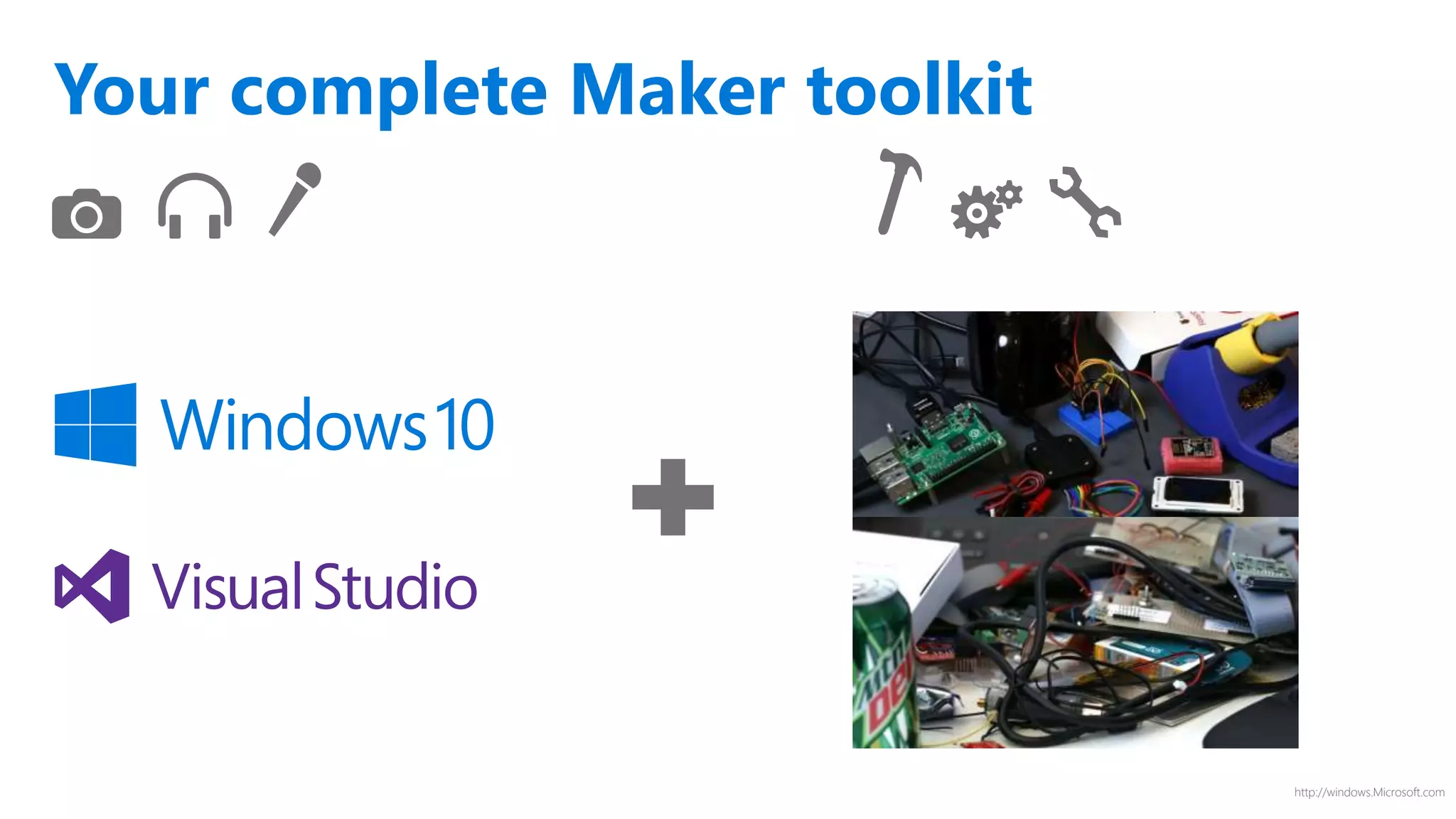
Your complete Maker toolkit
http://windows.Microsoft.com
https://dev.windows.com/en-us/iot
Devices Device Connectivity Storage Analytics Presentation & Action
Event Hubs SQL Database
Machine
Learning
App Service
Service Bus
Table/Blob
Storage
Stream
Analytics
Power BI
External Data
Sources
DocumentDB HDInsight
Notification
Hubs
External Data
Sources
Data Factory Mobile Services
BizTalk Services
{ }
Create the Internet of Your Things
www.InternetofYourThings.com
CHALLENGE
Fujitsu is the world’s fourth-largest IT services
provider with approximately 162,000 employees in
more than 100 countries and holds about 97,000
patents worldwide. Fujitsu wanted to help dairy
farmers increase production, improve data insights
and transform their business by optimizing the
timing of artificial insemination (AI). It also wanted to
decrease loss through early detection of health
issues.
o Improves calf production up to 31%, with an
average of 12%
o Modernizes data access with mobile phone
alerts, reducing labor costs for monitoring cows
o Transforms herd management by allowing
farmers to increase chances of producing a
male or female calf
o Reduces loss by detecting 8-10 different kinds
of diseases in cattle
BENEFITSSOLUTION
Fujitsu learned from public research that a cow
produces more estrus (goes into heat) 16 hours after
the number of steps increases significantly. The
company created an innovative solution which uses a
rugged pedometer with a five-year battery to
measure the number of footsteps a cow takes, then
sends that data to the cloud for analysis to determine
optimum AI timing and even affect calf gender. In
addition, the patterns of steps can detect disease in
cattle. Alerts are delivered to the farmer’s cell phone.
FUJITSU
The connected cow: Using IoT
to transform cattle production
http://windows.Microsoft.com
Review
Windows 10
Overview
Developer Story
Azure
Containers with Docker
App Services
DocumentDb
IoT Overview
Windows OS on my RaspberryPI?
Azure IoT Services
The Connected Cow

Build 2015 Highlights