Downloaded 31 times









![Auto-Scaling (Metric)
2 6
60 80
Instance Count
Instances
Percent
[Metric]
CPU Percentage | Memory Percentage | Disk Queue Length | HTTP Queue Length | Data In | Data Out](https://image.slidesharecdn.com/azurewebsites-141019142153-conversion-gate01/85/Azure-Web-Sites-13-320.jpg)















![Debug Console (Kudu)
Environment Debug Console Diagnostics & Logs Web Hooks REST API
https://[website-name].scm.azurewebsites.net](https://image.slidesharecdn.com/azurewebsites-141019142153-conversion-gate01/85/Azure-Web-Sites-32-320.jpg)


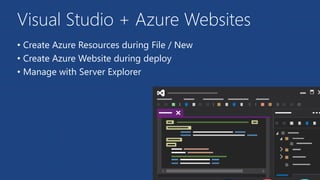
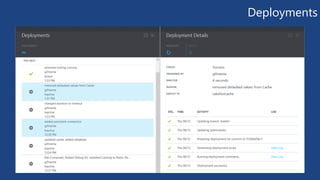
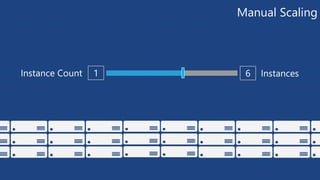
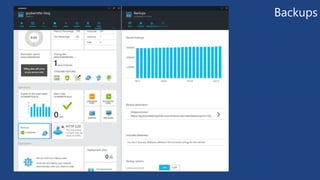
Microsoft Azure Websites allows developers to build applications using languages like .NET, Python, Node.js, Java, and PHP. Visual Studio and Azure Websites integrate to allow creation of Azure resources and deployment of websites. Websites can be deployed from sources like GitHub, FTP, online editors, and more. Azure Websites offer auto-scaling to dynamically scale the number of instances based on performance metrics, manual scaling to set a specific number of instances, and staging slots for testing code in a separate environment before production.


![5G Explained! A High Level Overview [Introduction]](https://cdn.slidesharecdn.com/ss_thumbnails/5gexplainedahighleveloverview-260119165306-cc137a3e-thumbnail.jpg?width=640&height=640&fit=bounds)


