Download to read offline
![Advanced Debugging Tips and Tricks
• Evaluate Obj-C code in Swift frames with
“expression -l obj -0 — <expr>”
• Flush view changes to the screen using
“expression CATransaction.flush()”
• Add custom LLDB commands using aliases and
scripts.
• Alias examples
• command alias poc expression -l objc -0 —
• command alias commodeFlush expression -
l objc — (void)[CATransaction flush]
• The nudge LLDB Script](https://image.slidesharecdn.com/lldb-beyondpo-190915061614/75/LLDB-Beyond-po-3-2048.jpg)
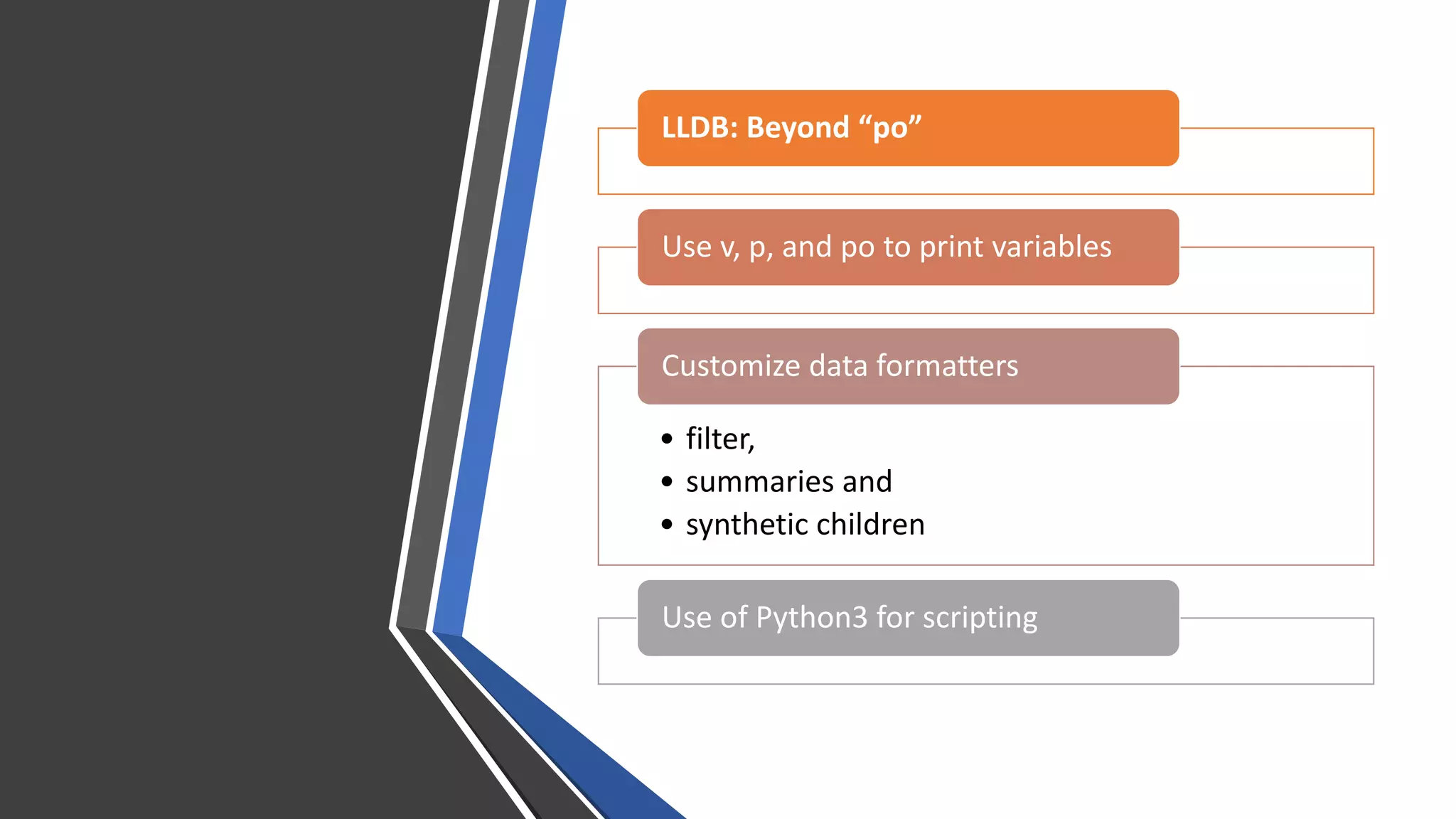
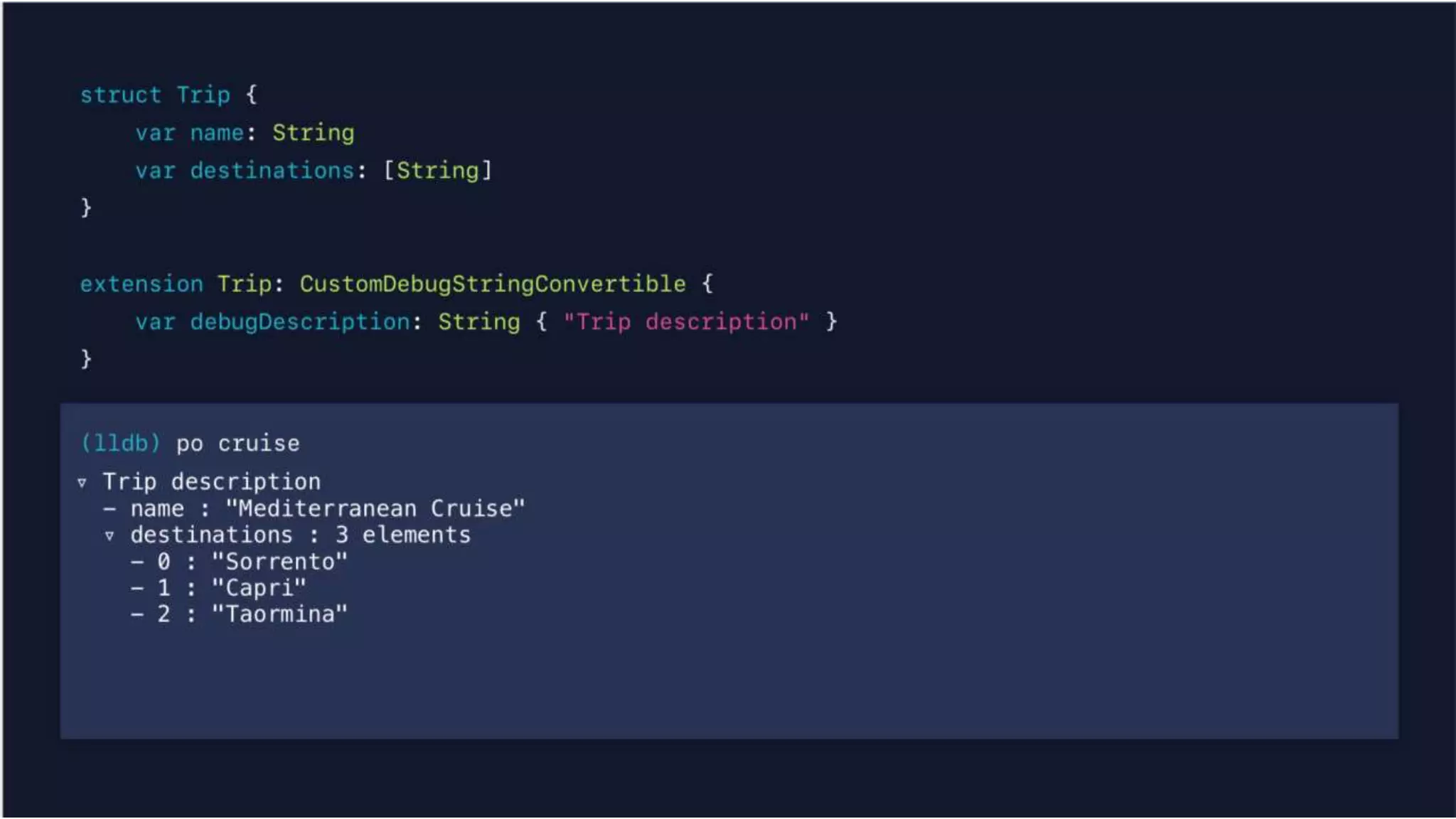
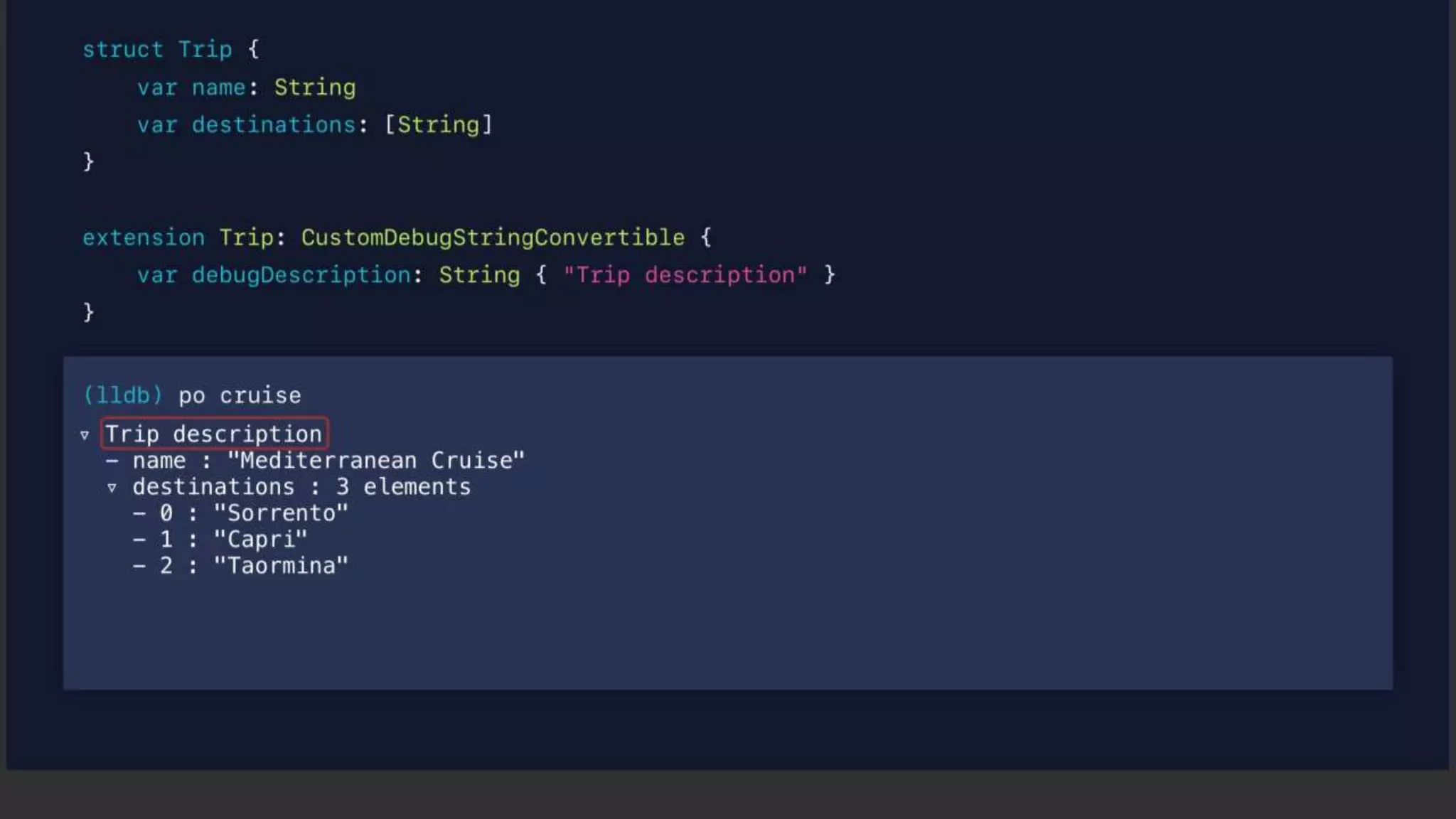
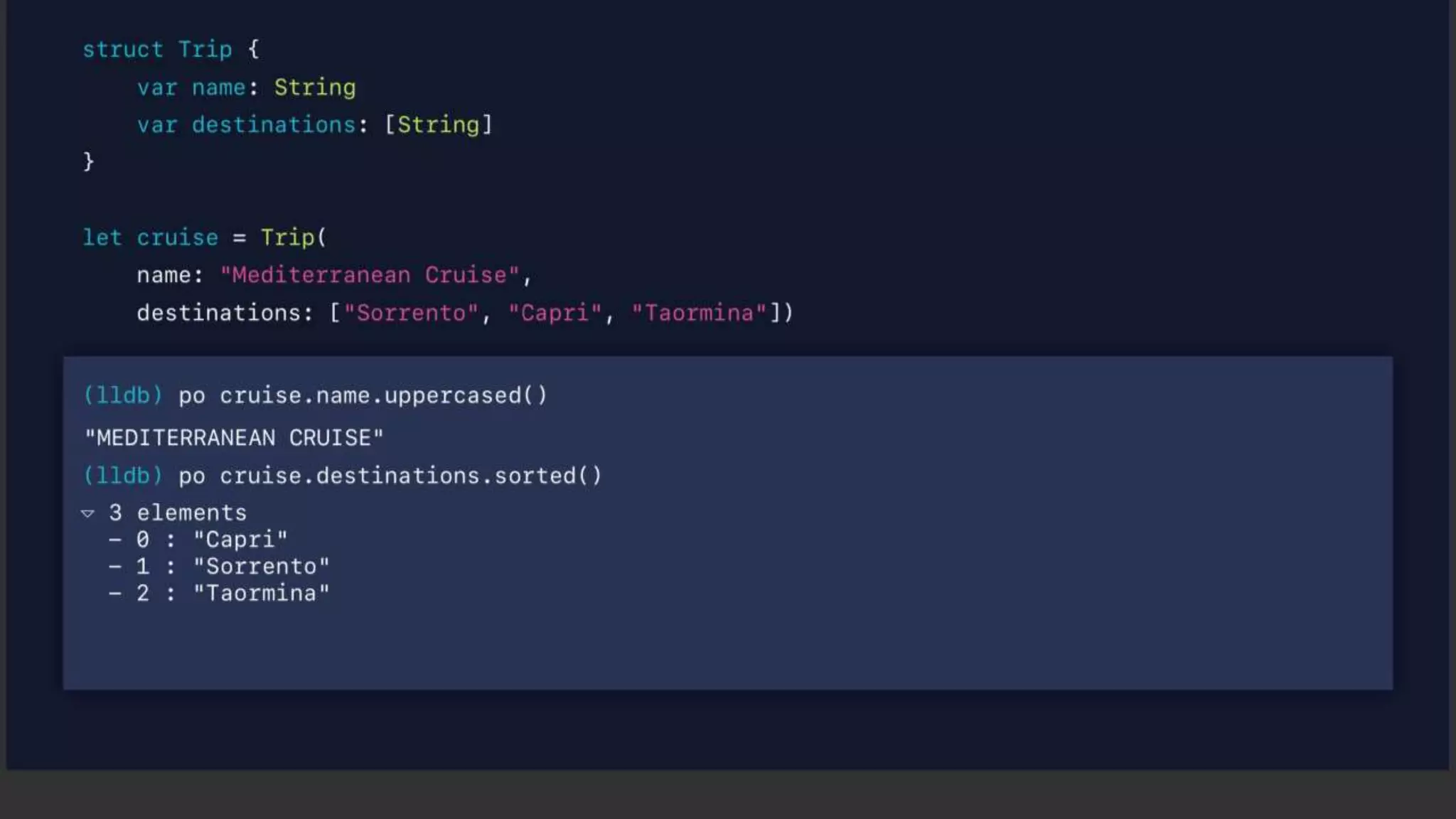
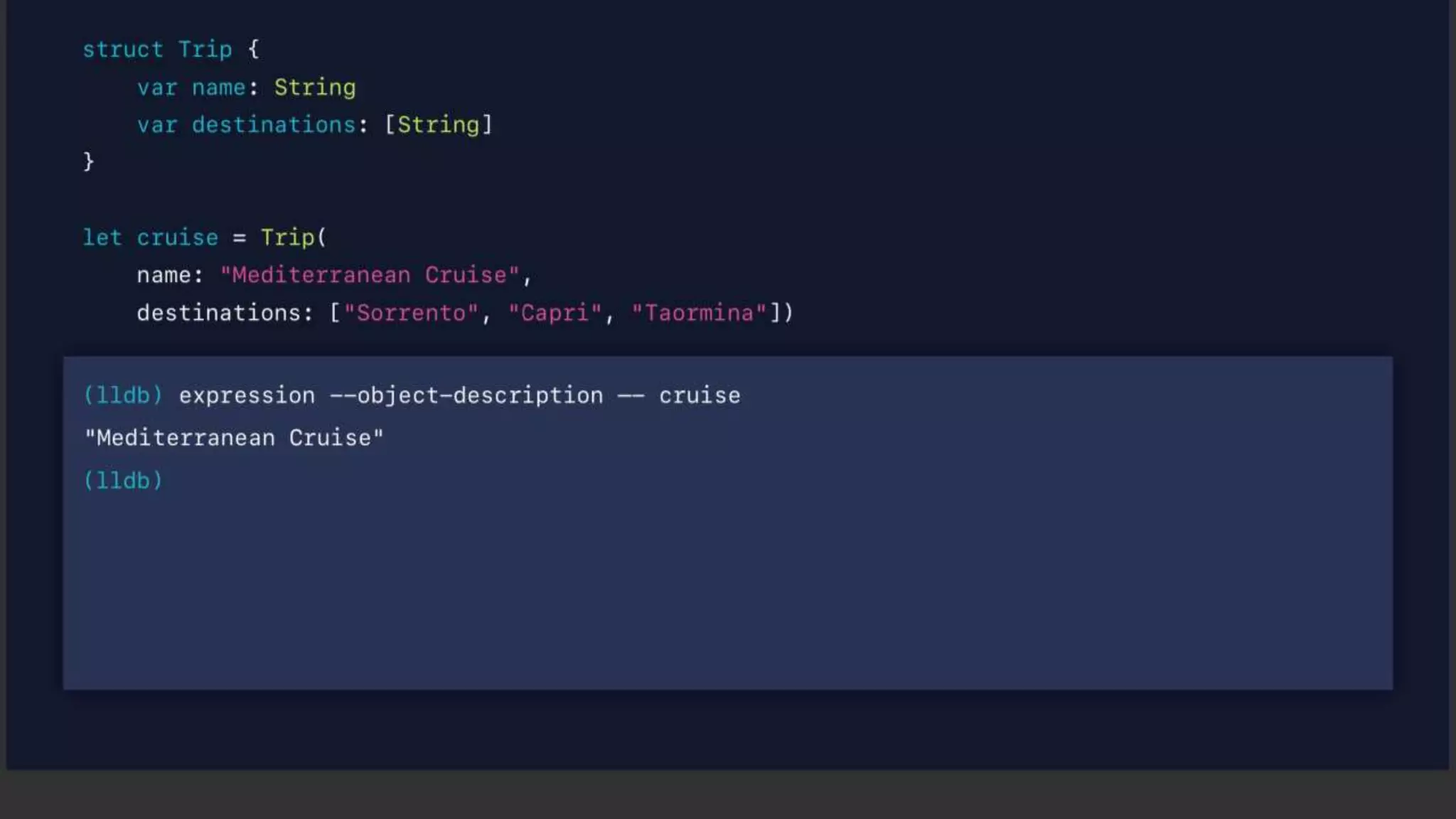
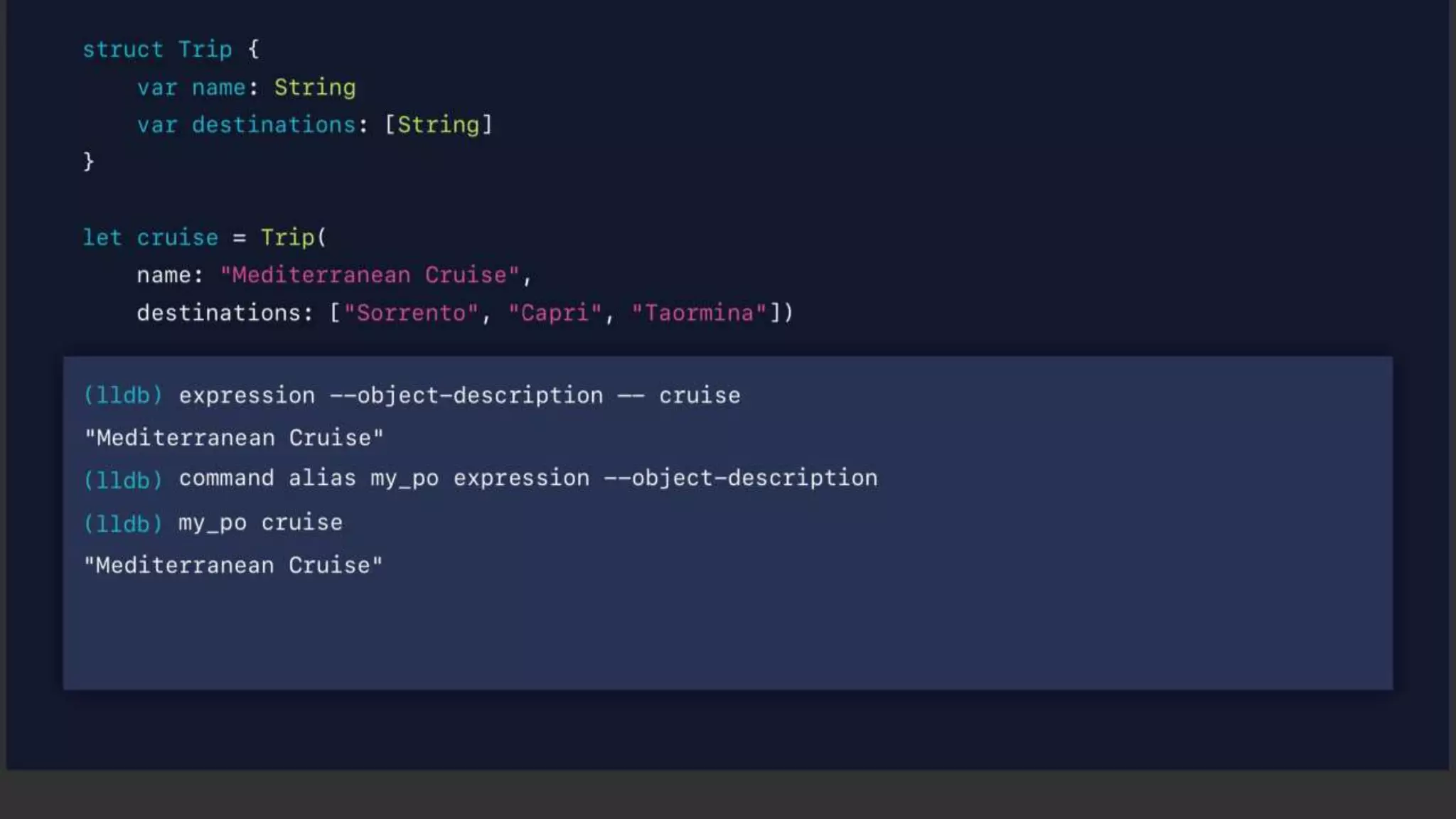
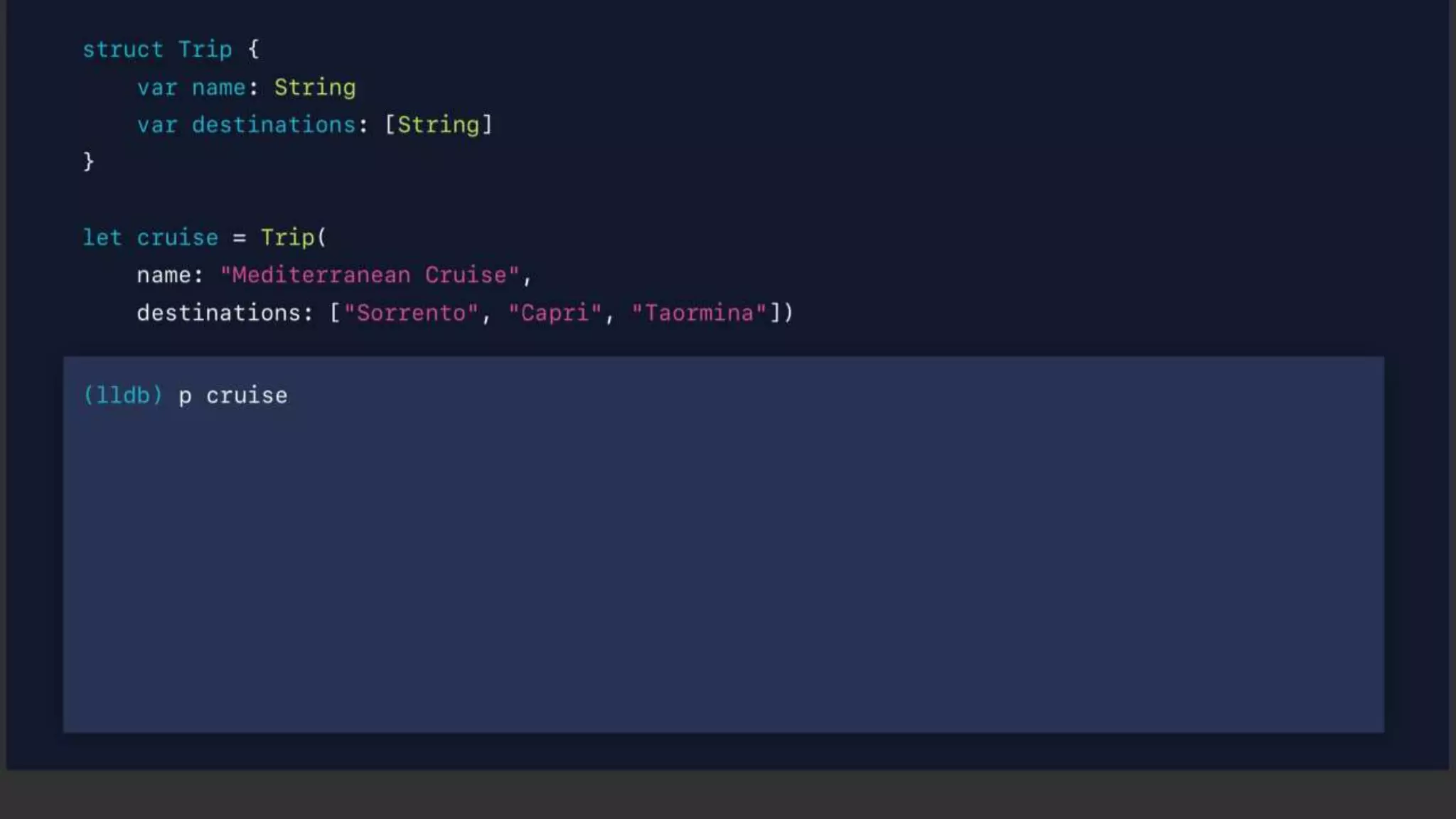
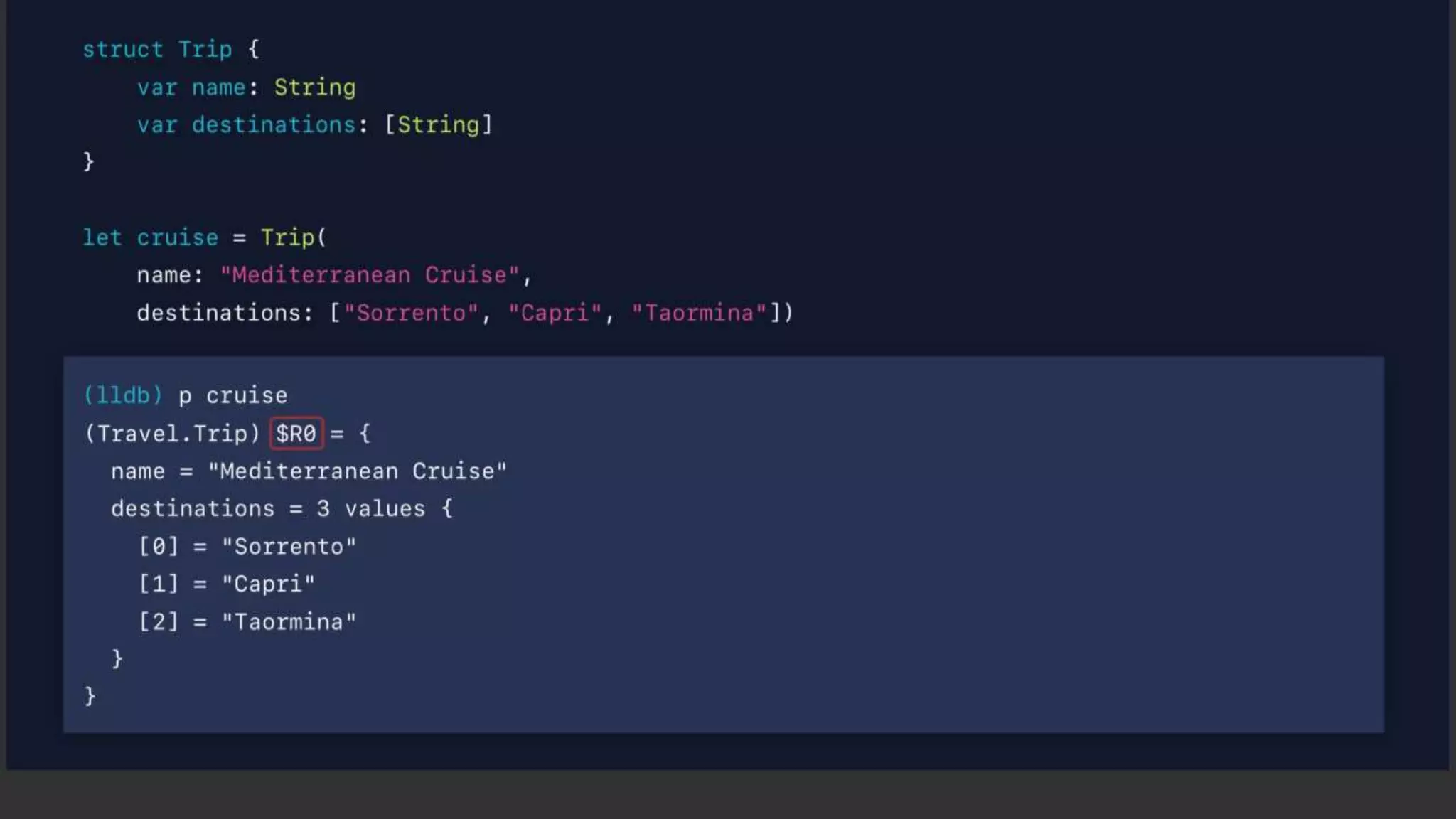
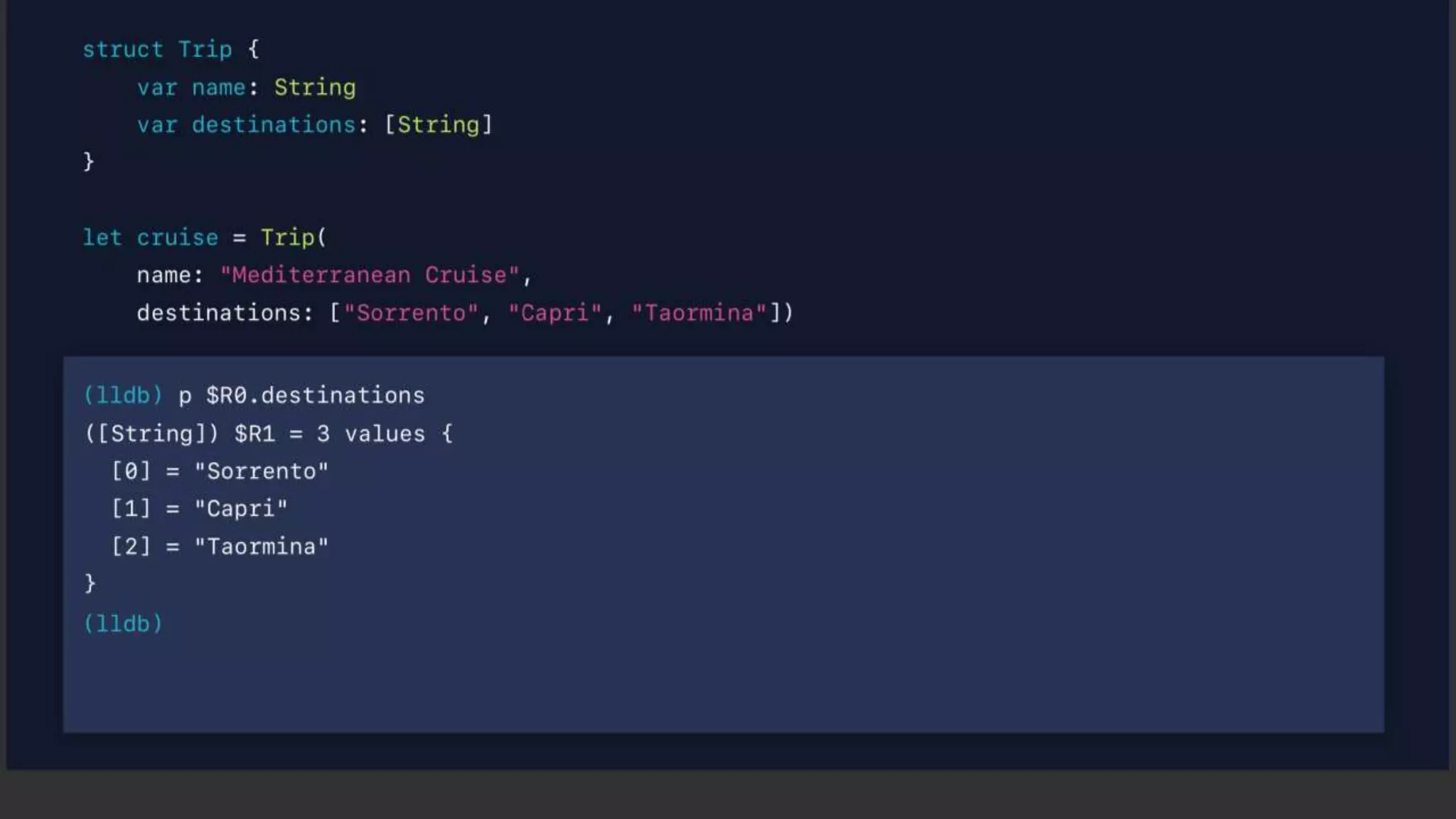
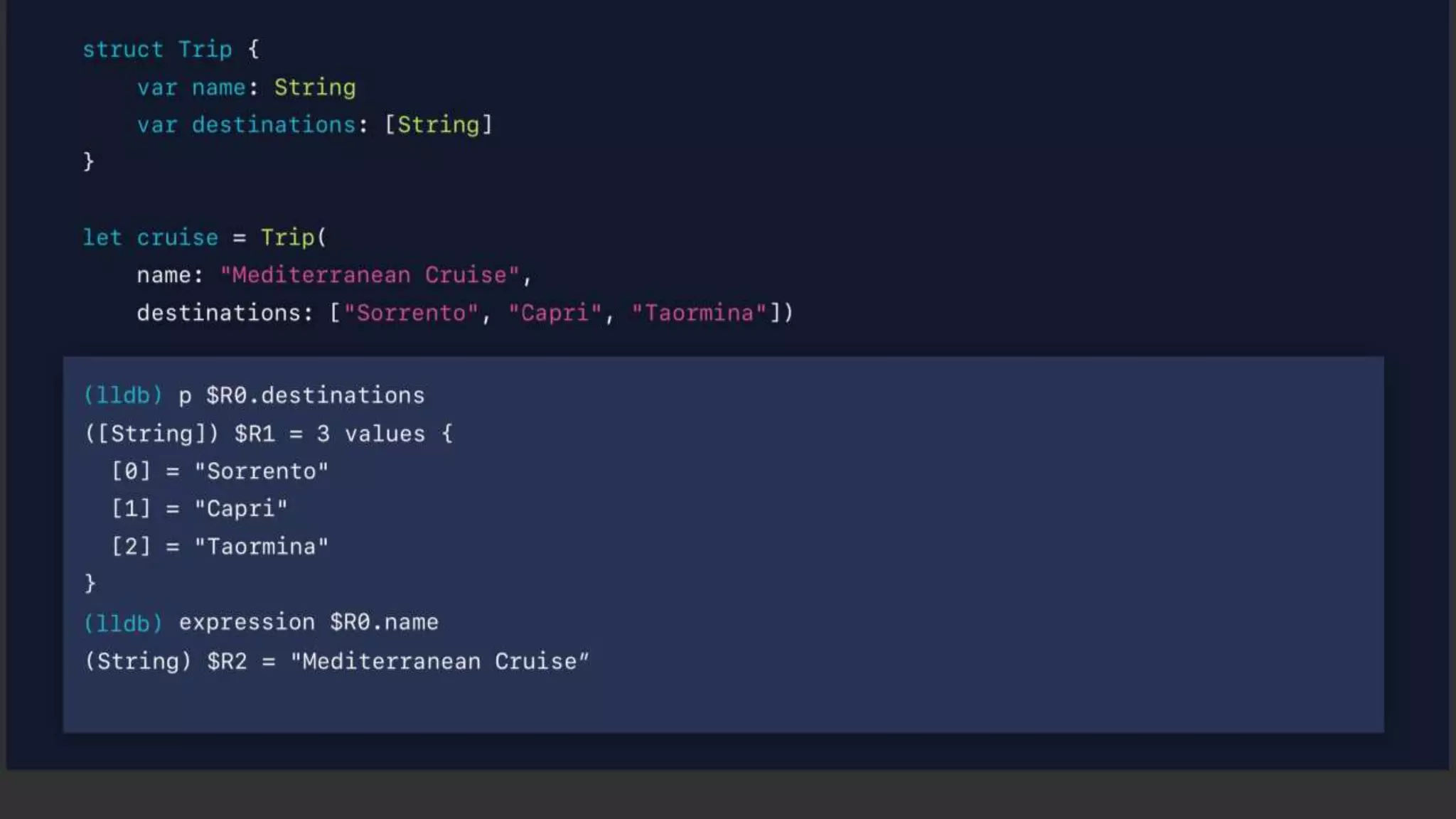
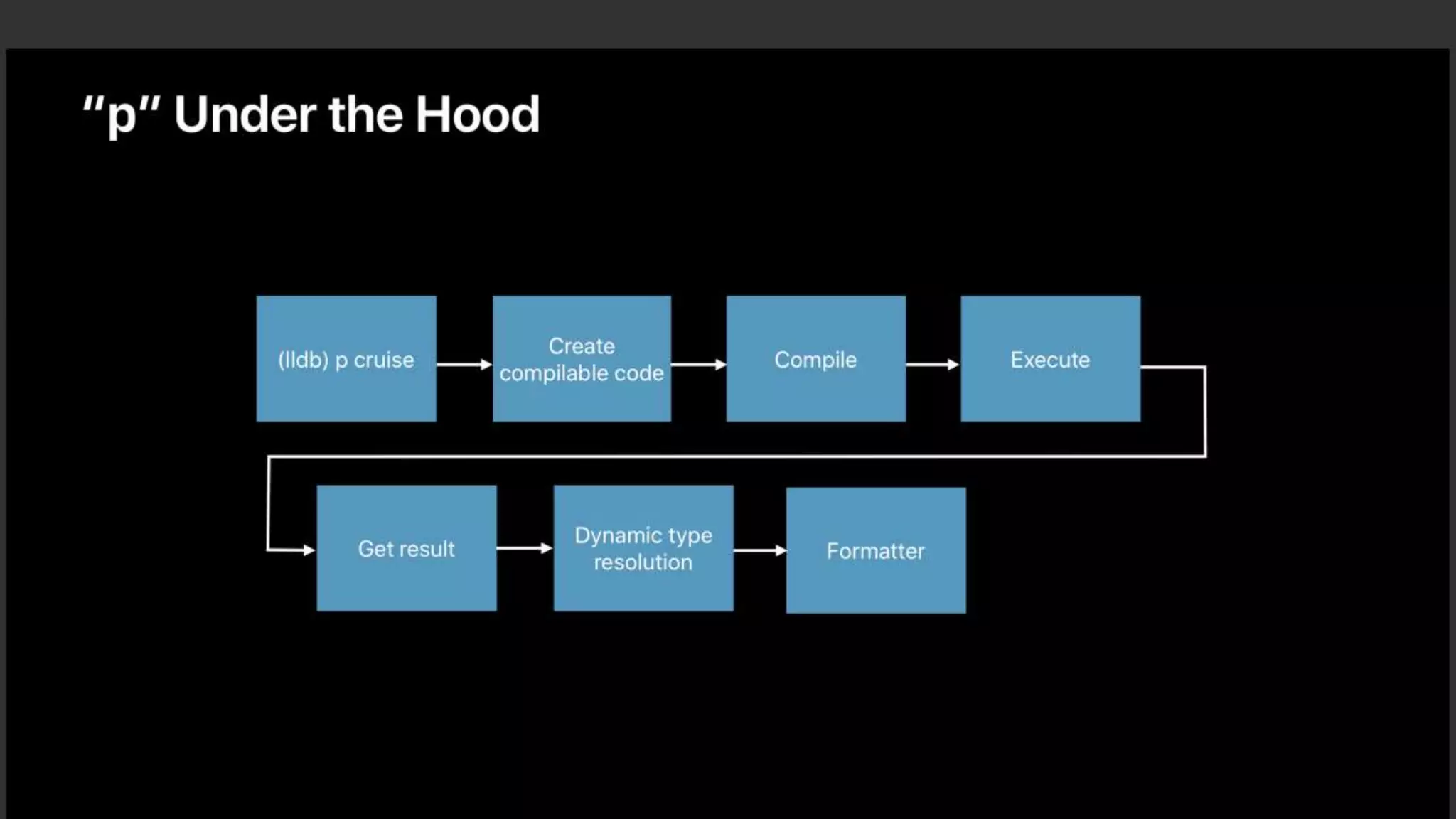
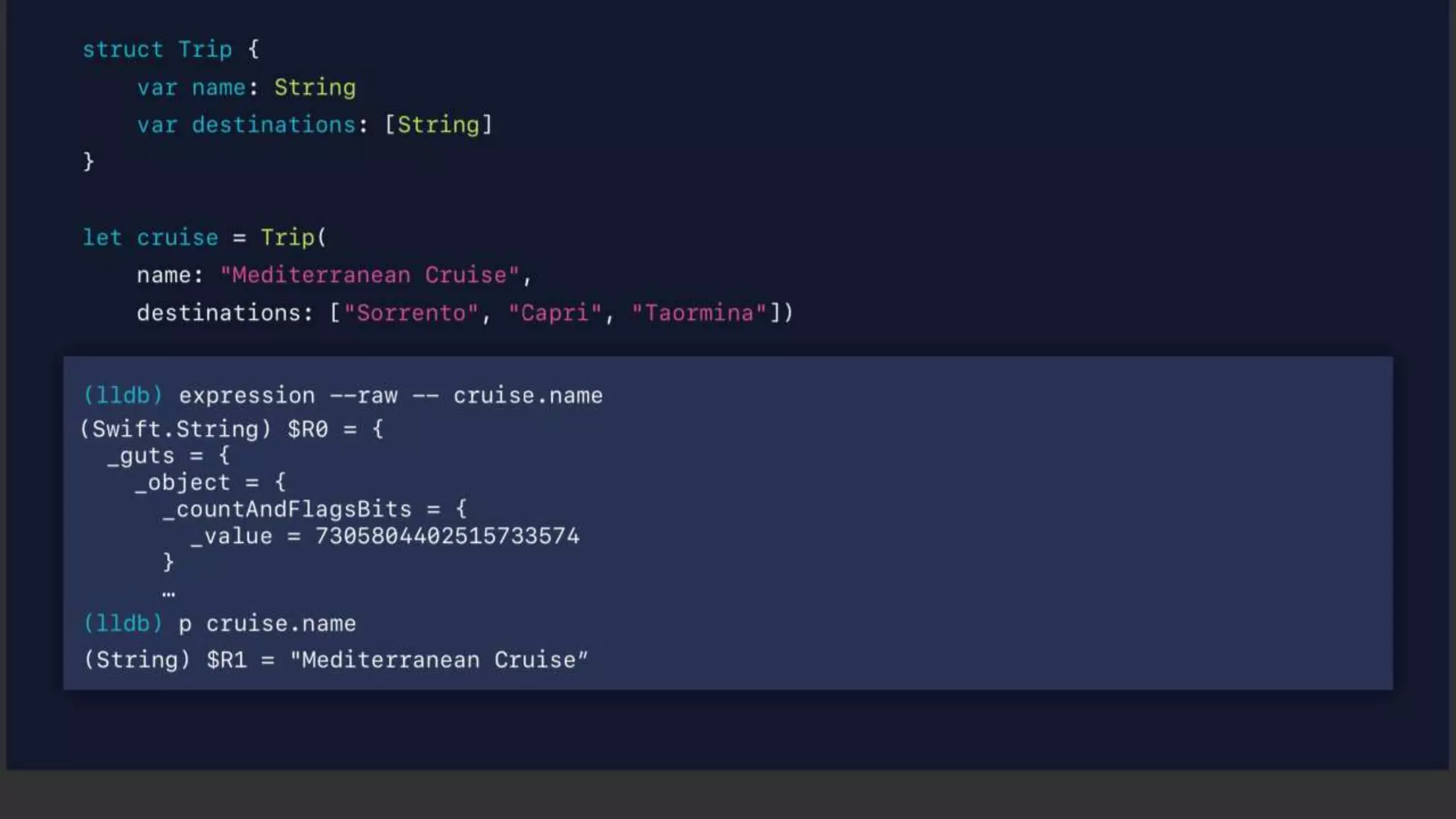
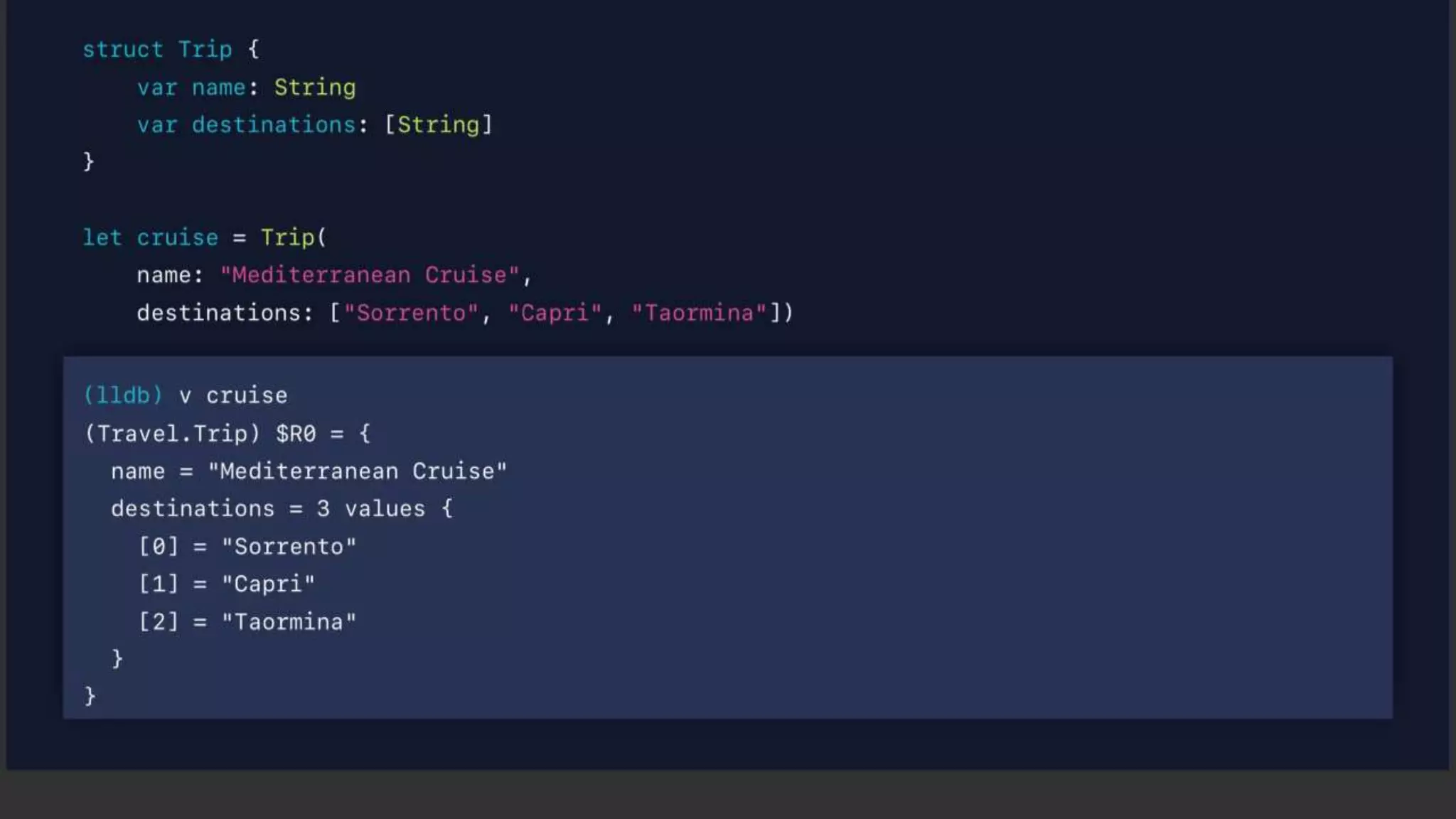
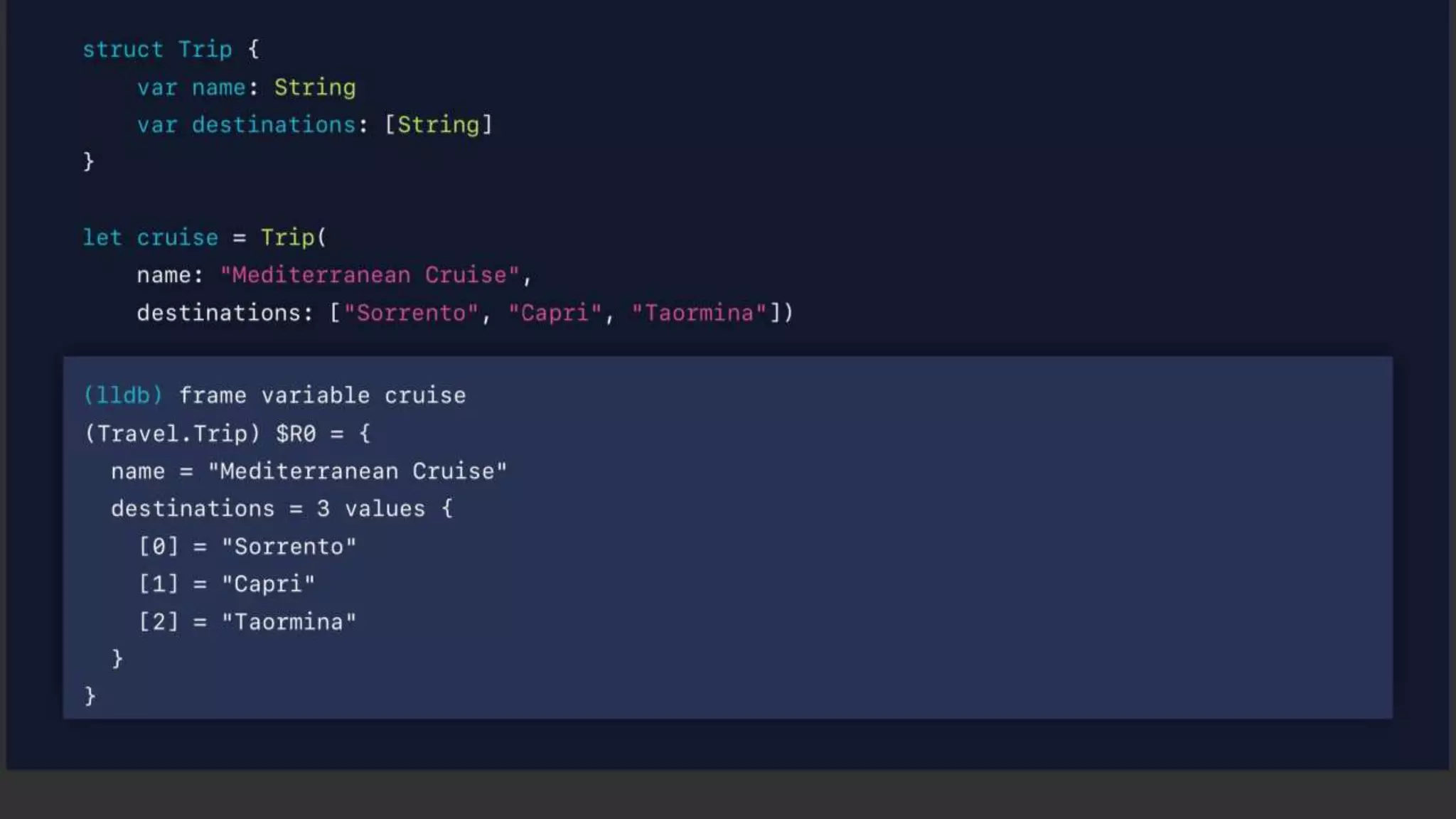
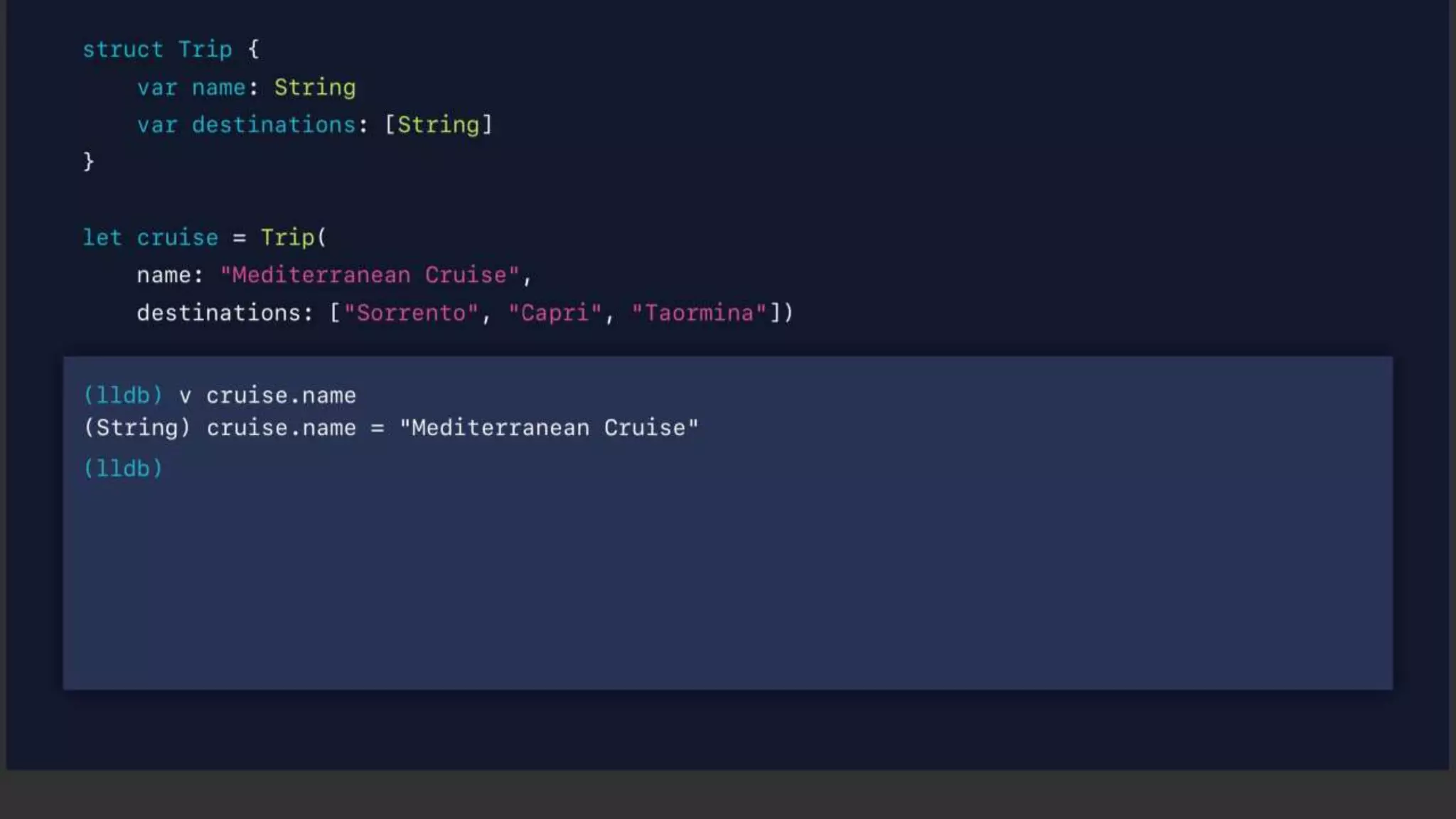
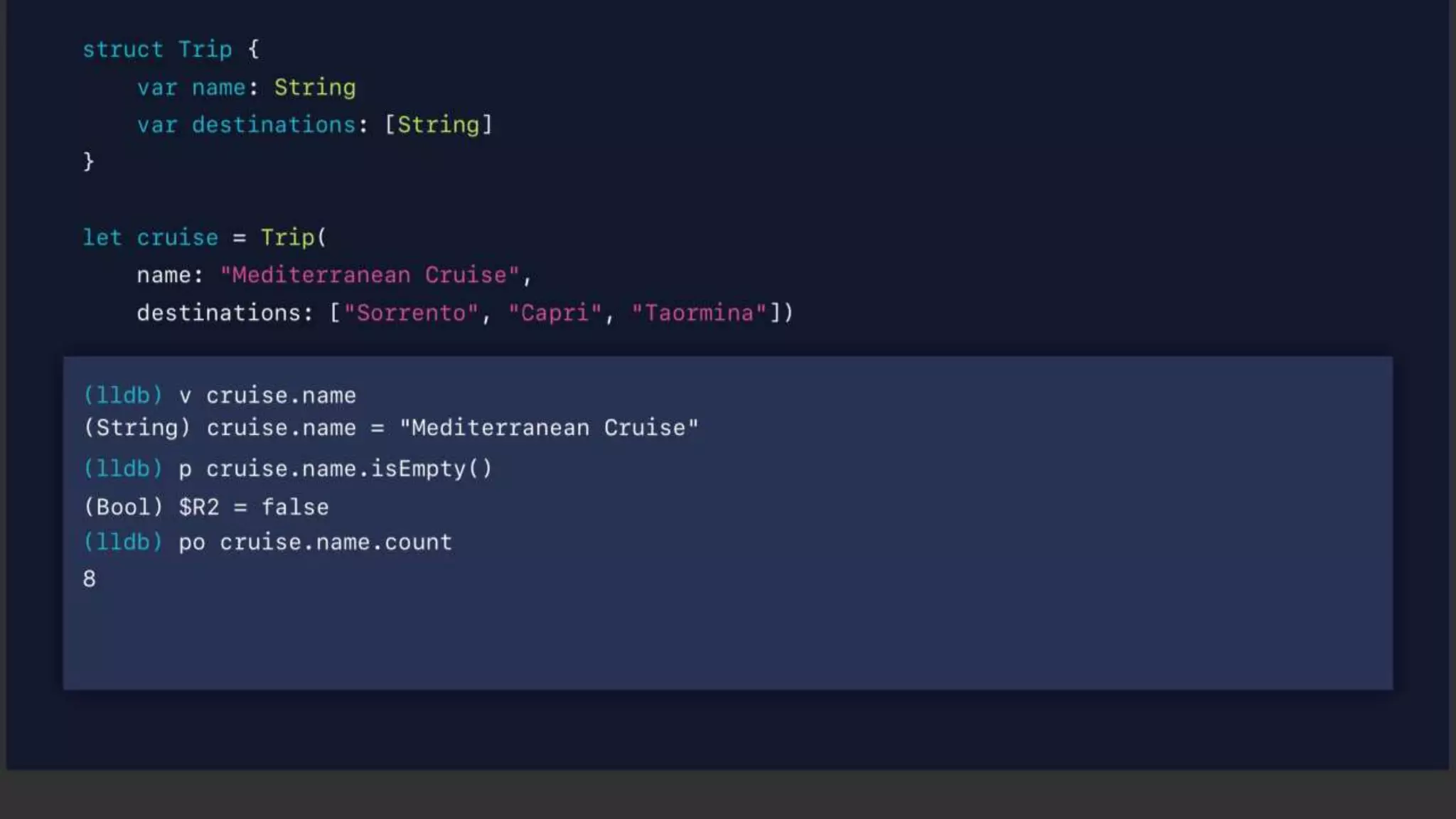
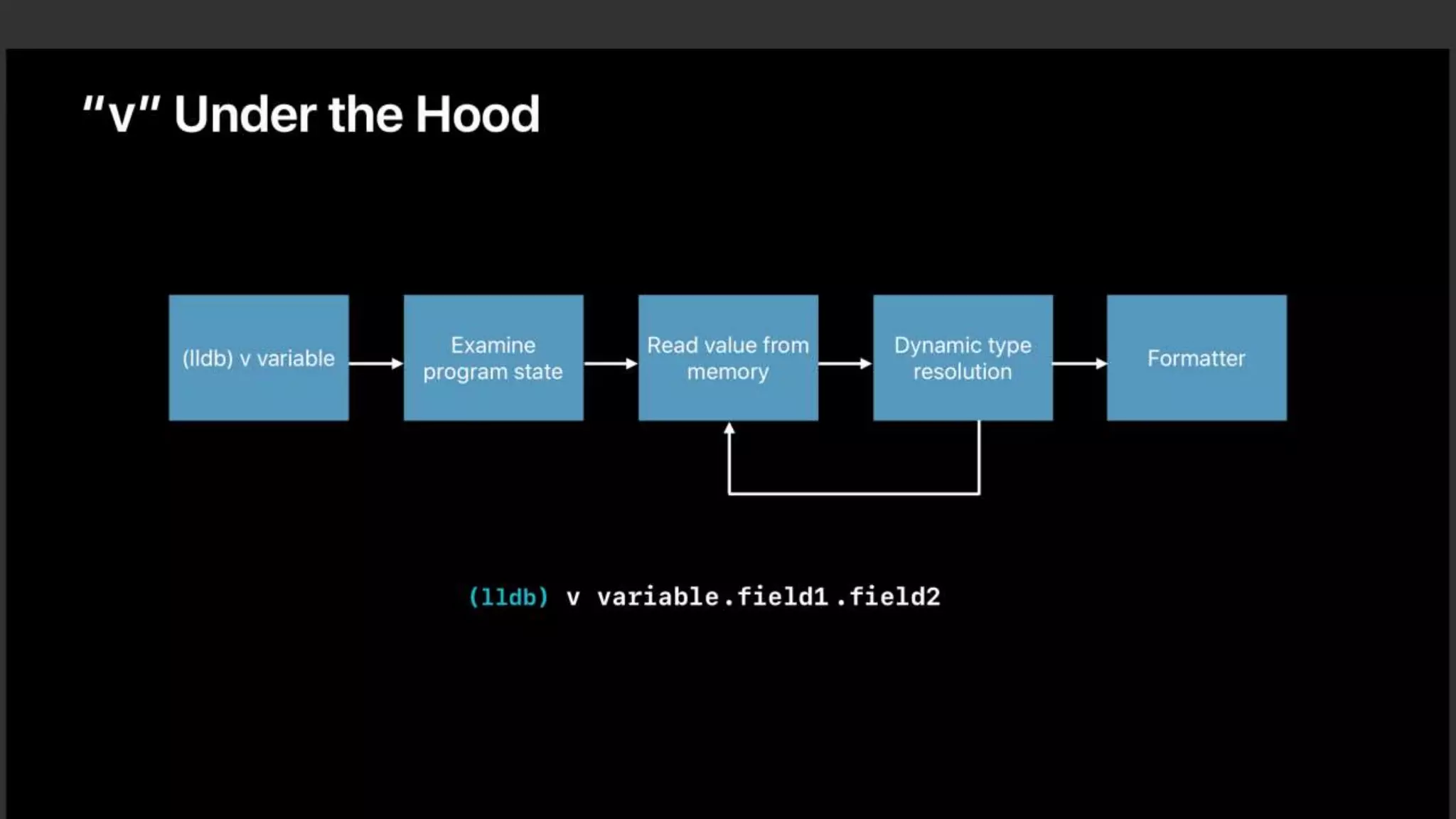
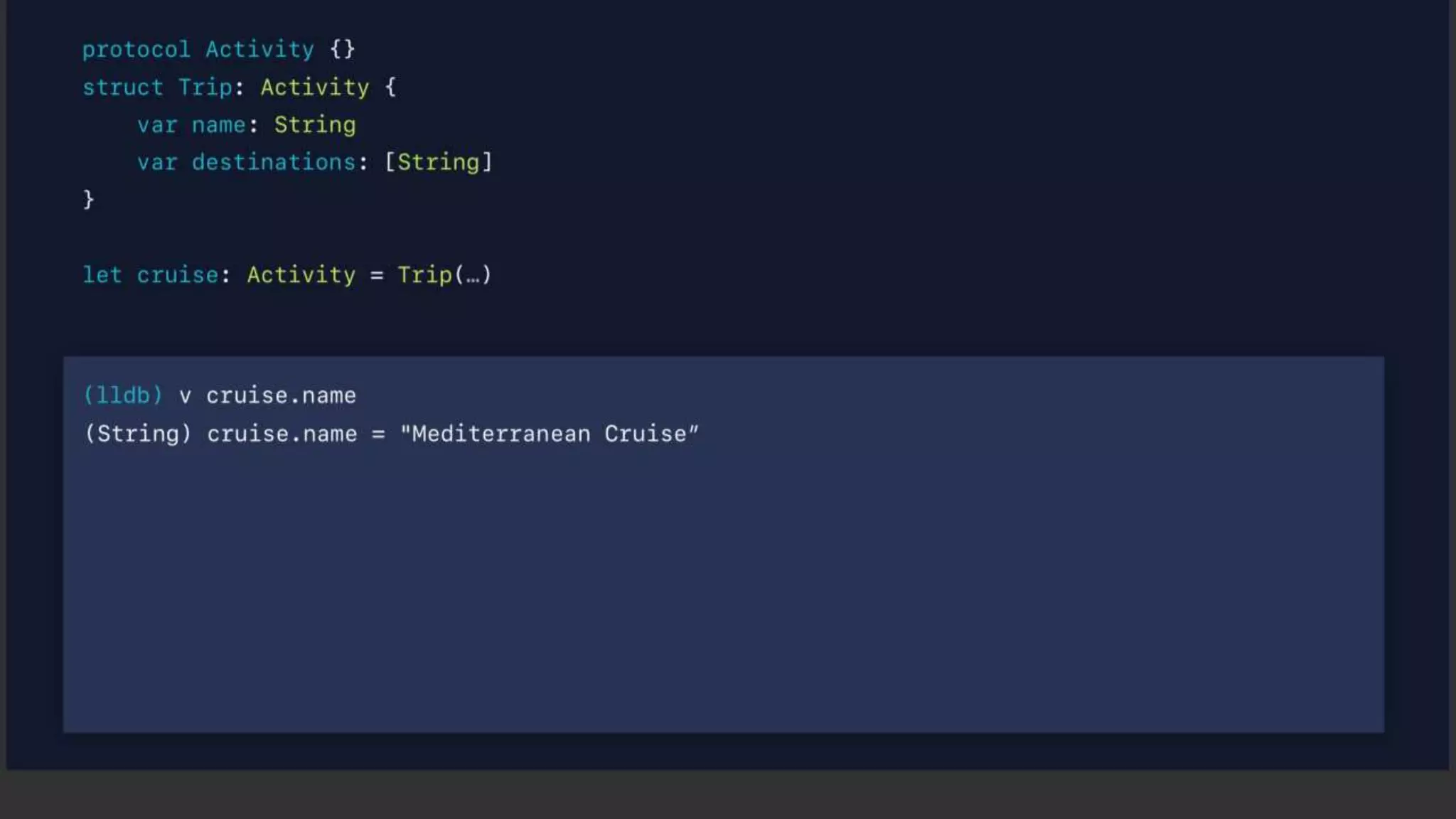
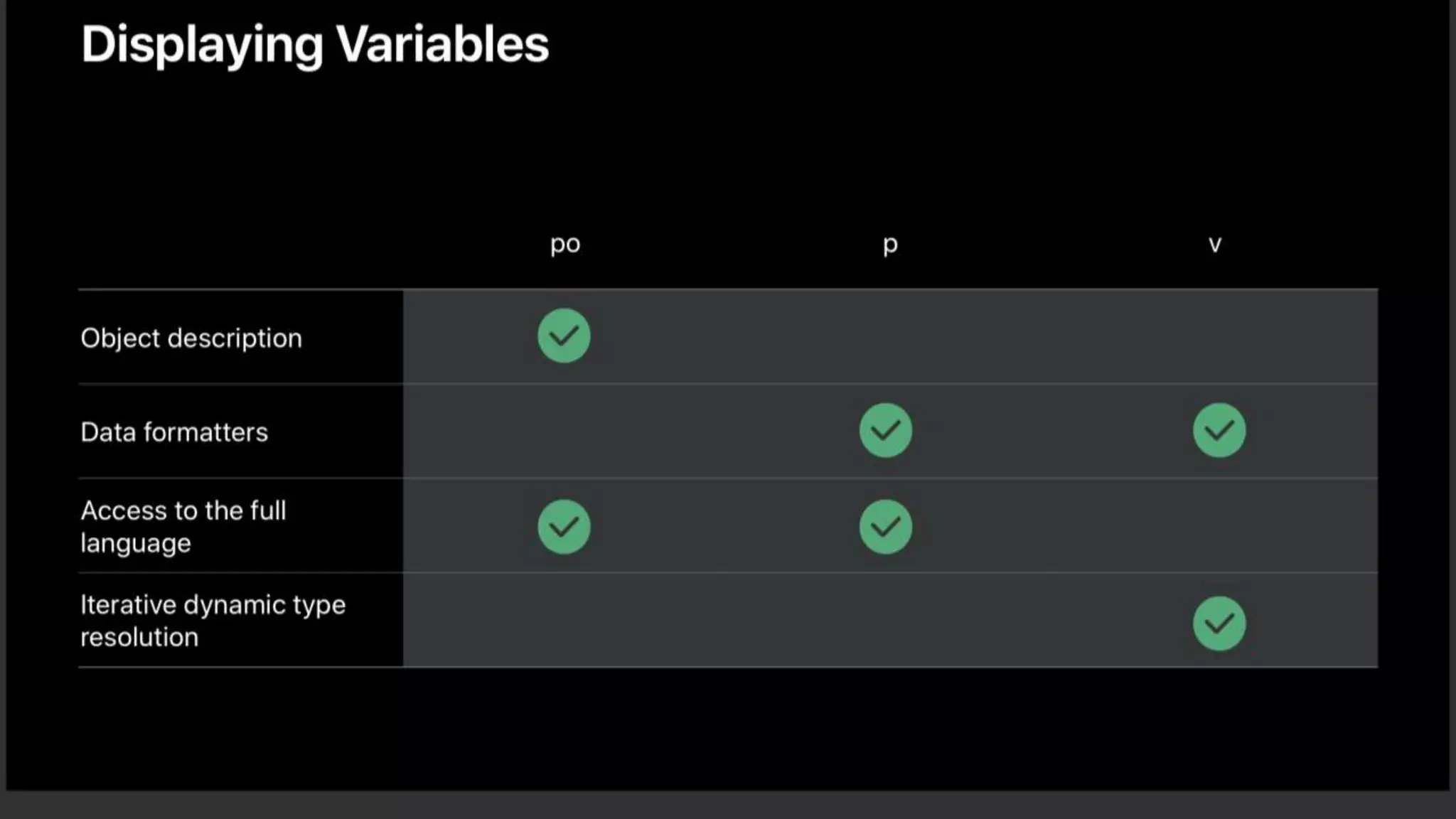
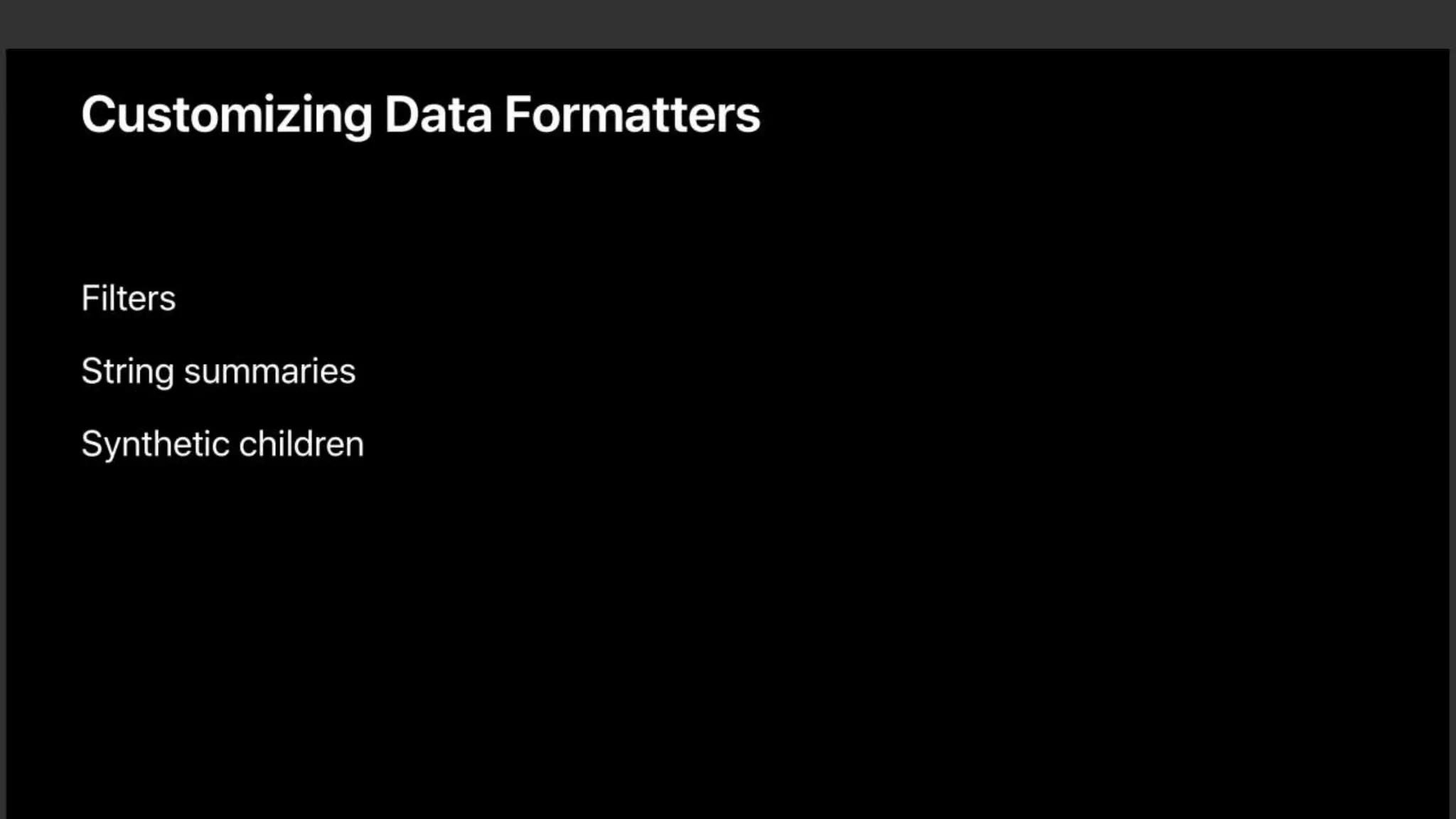
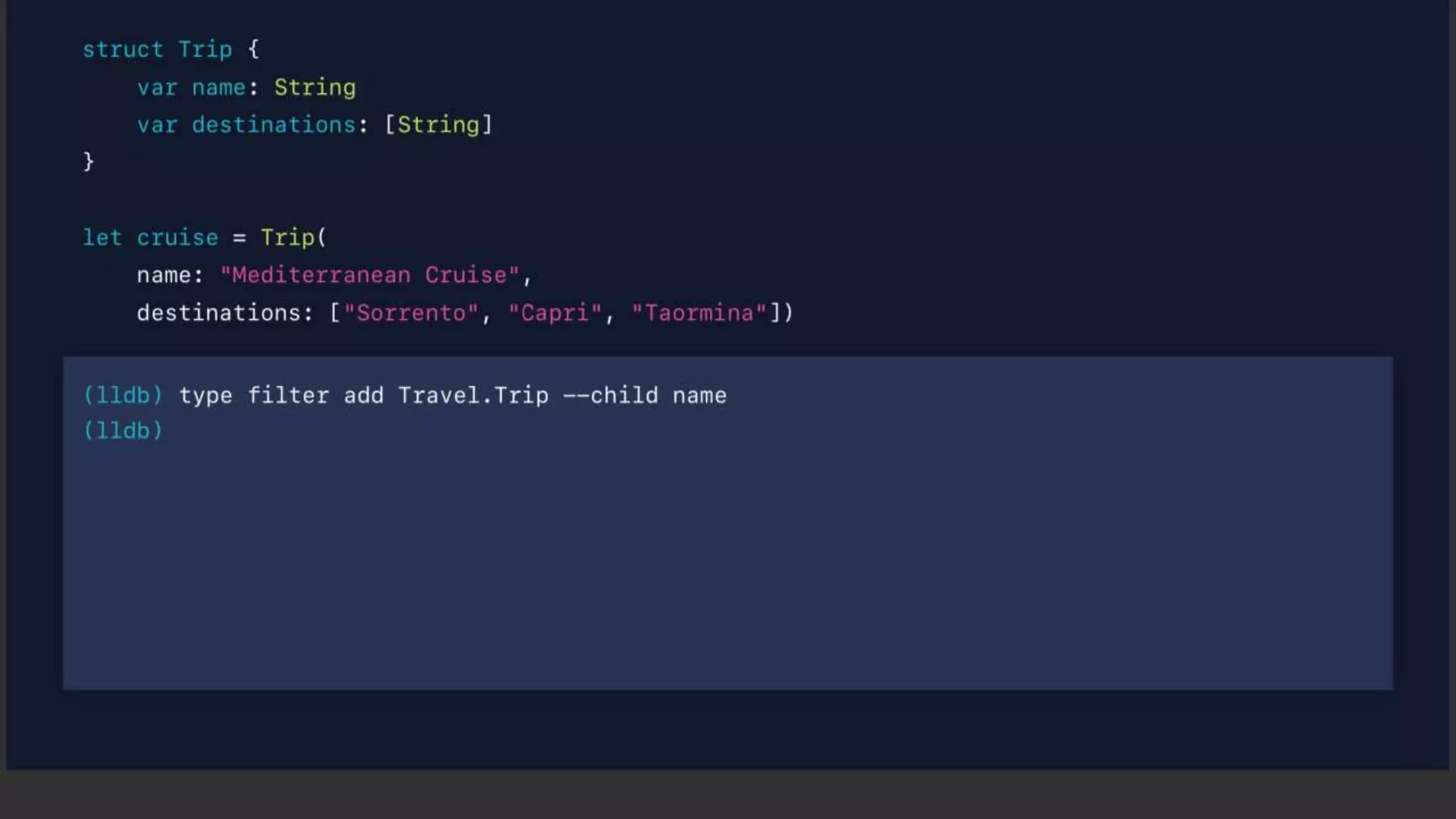
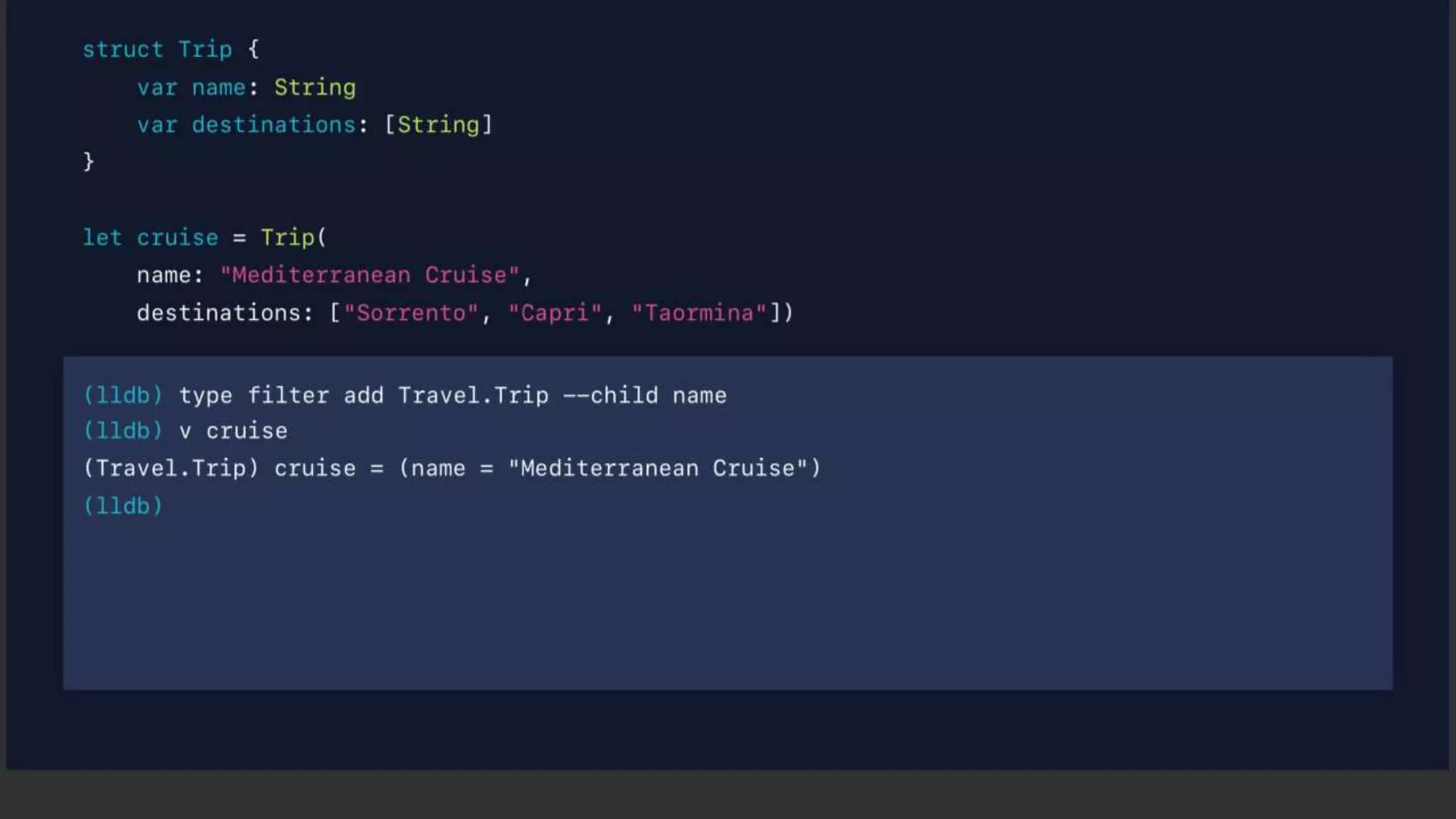
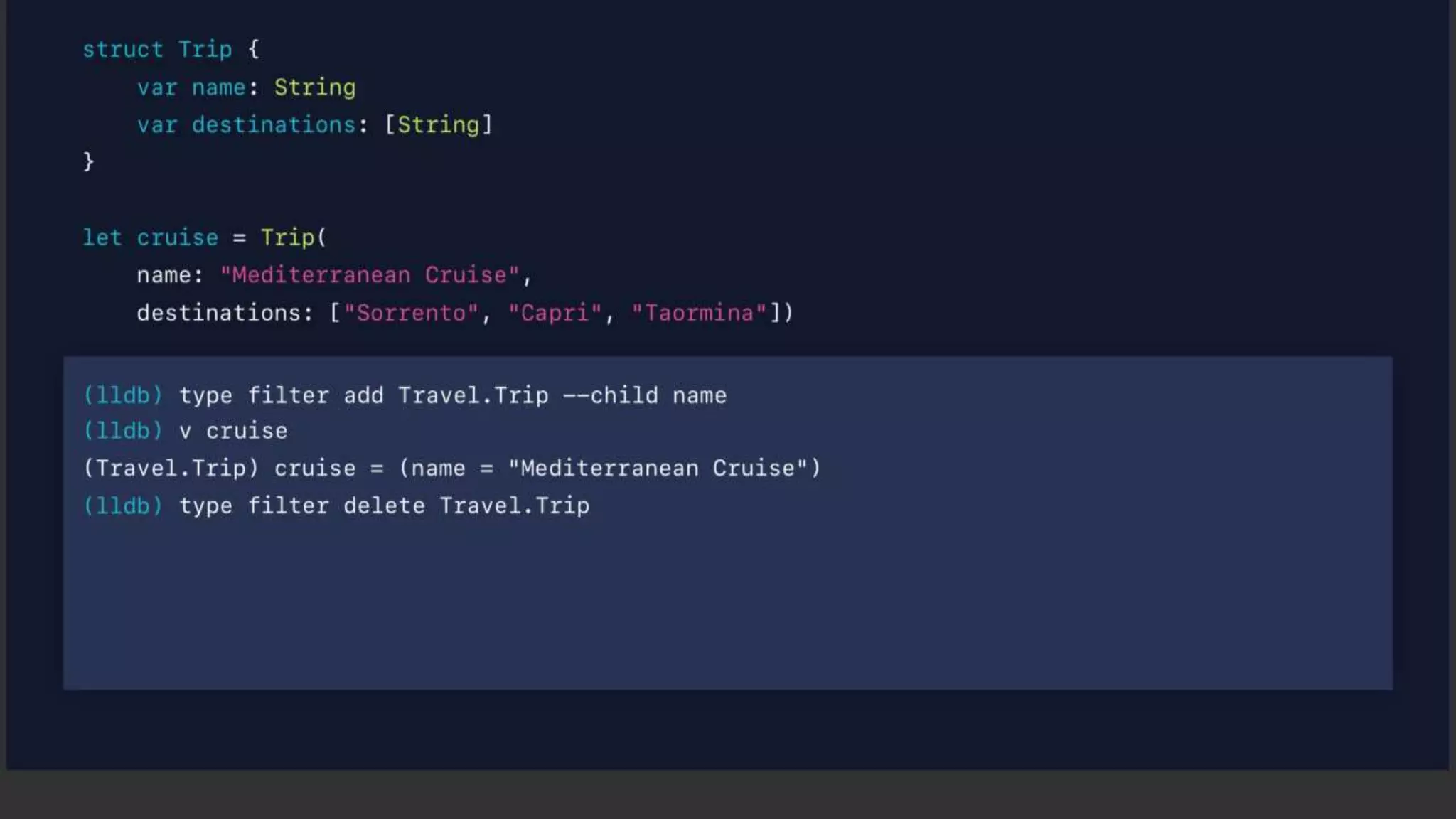
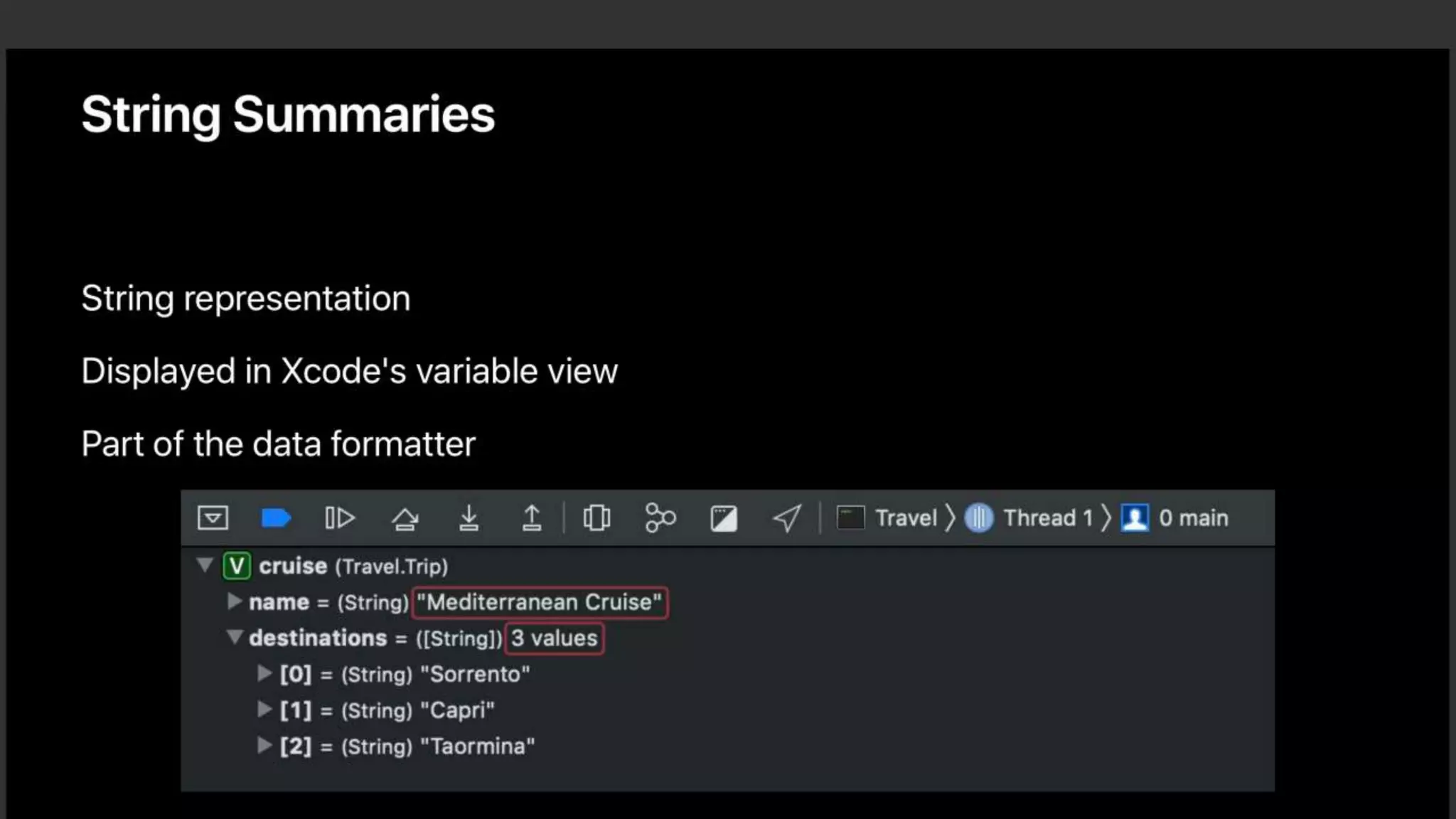
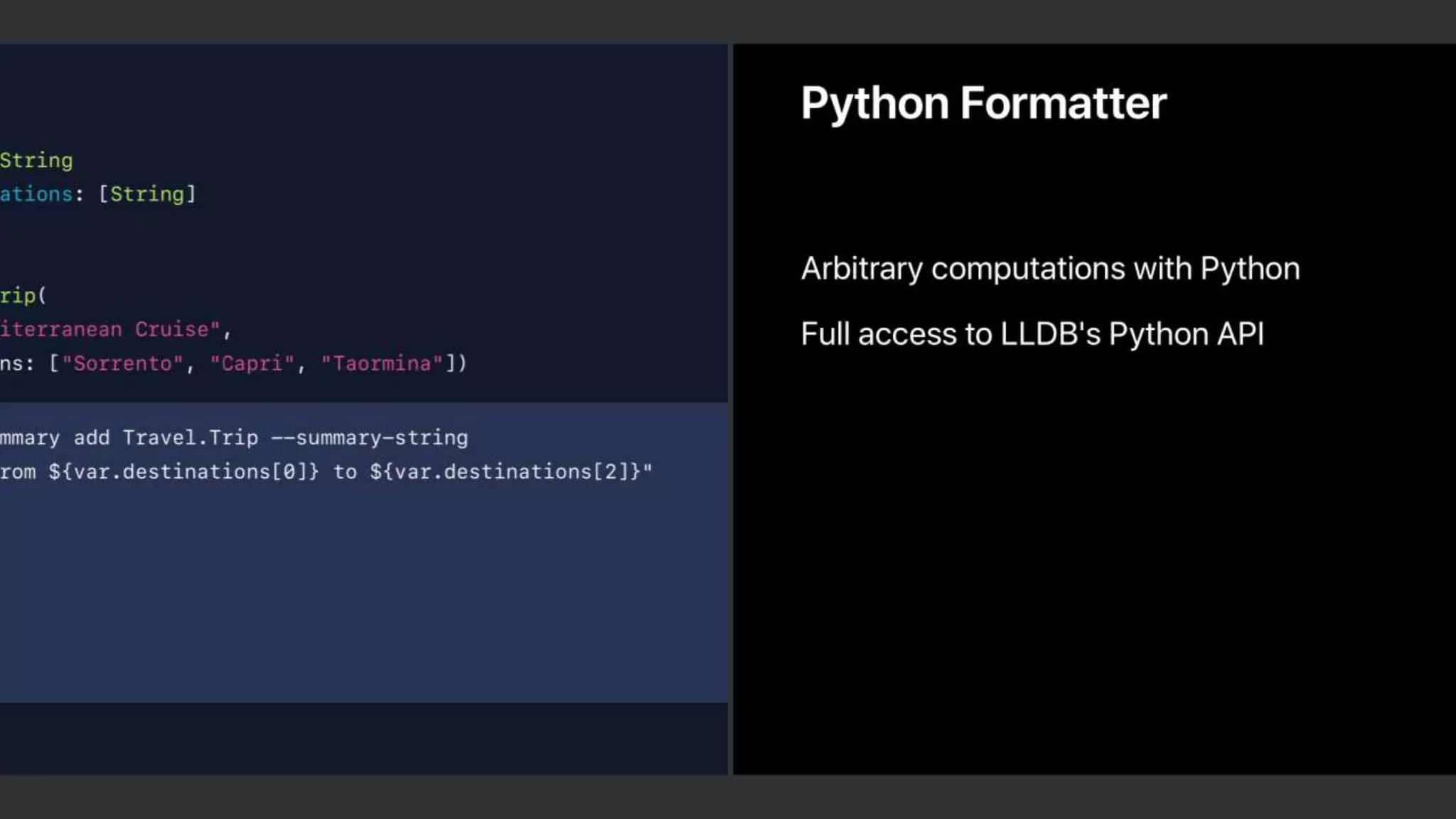
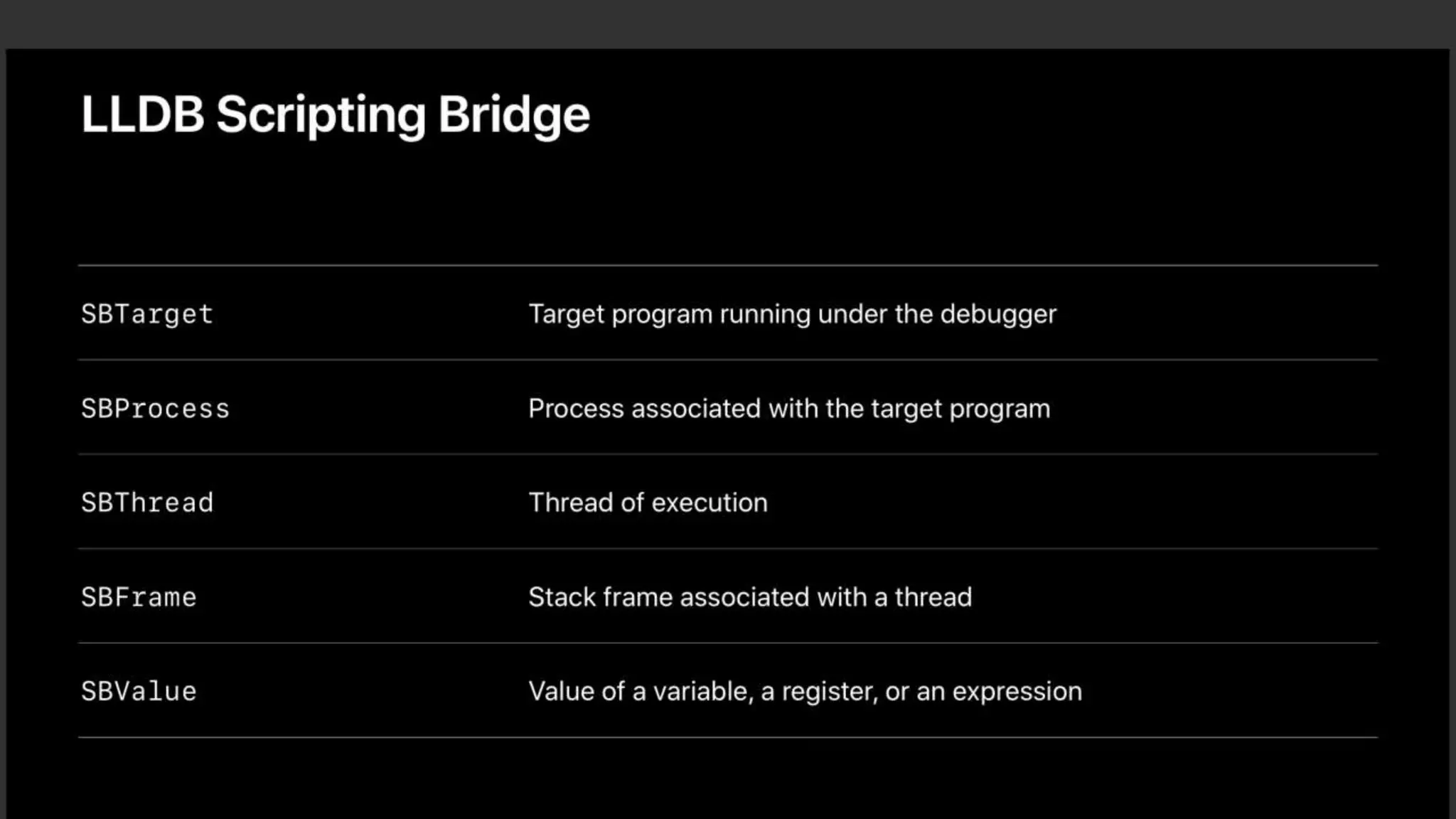
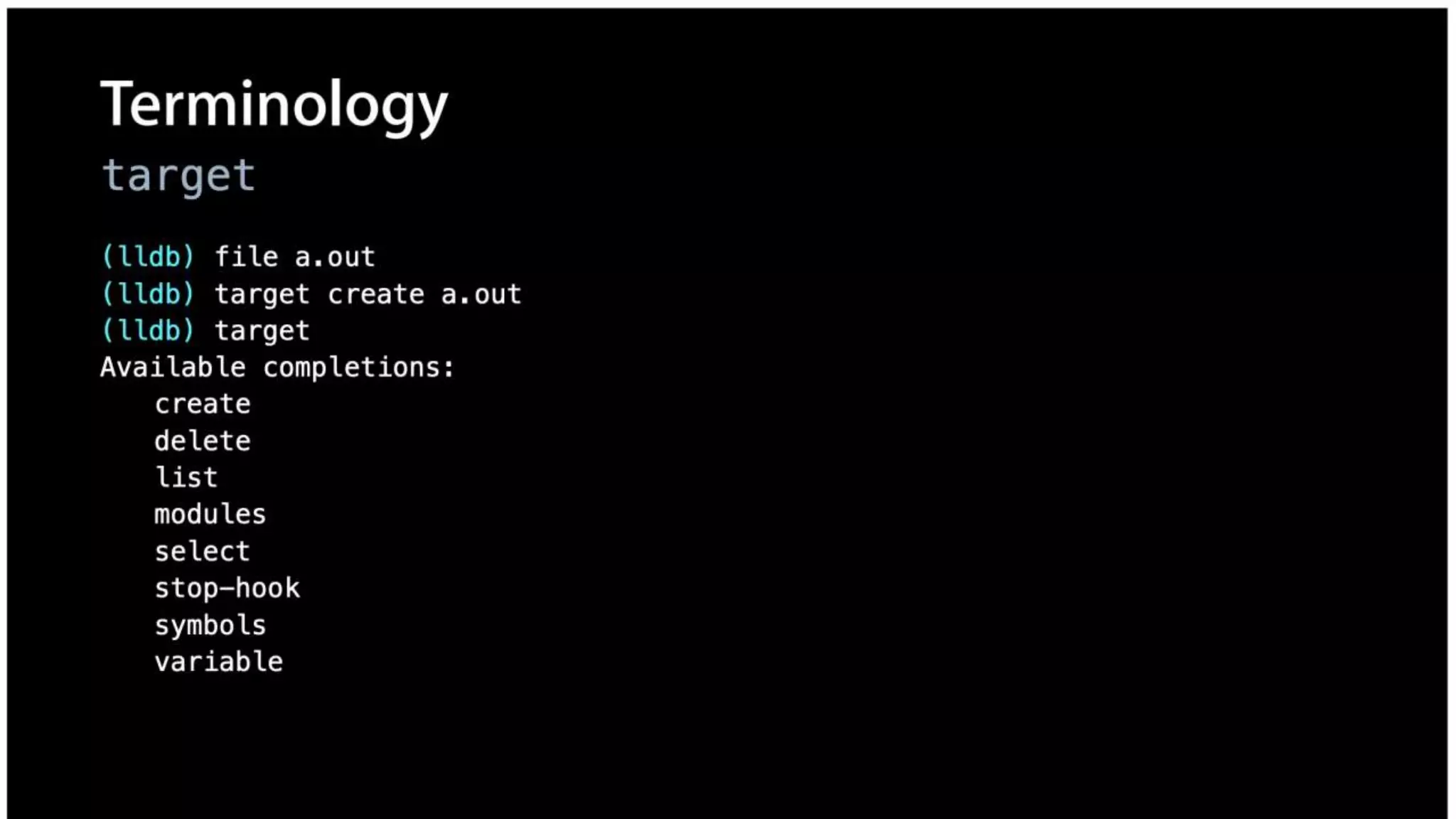
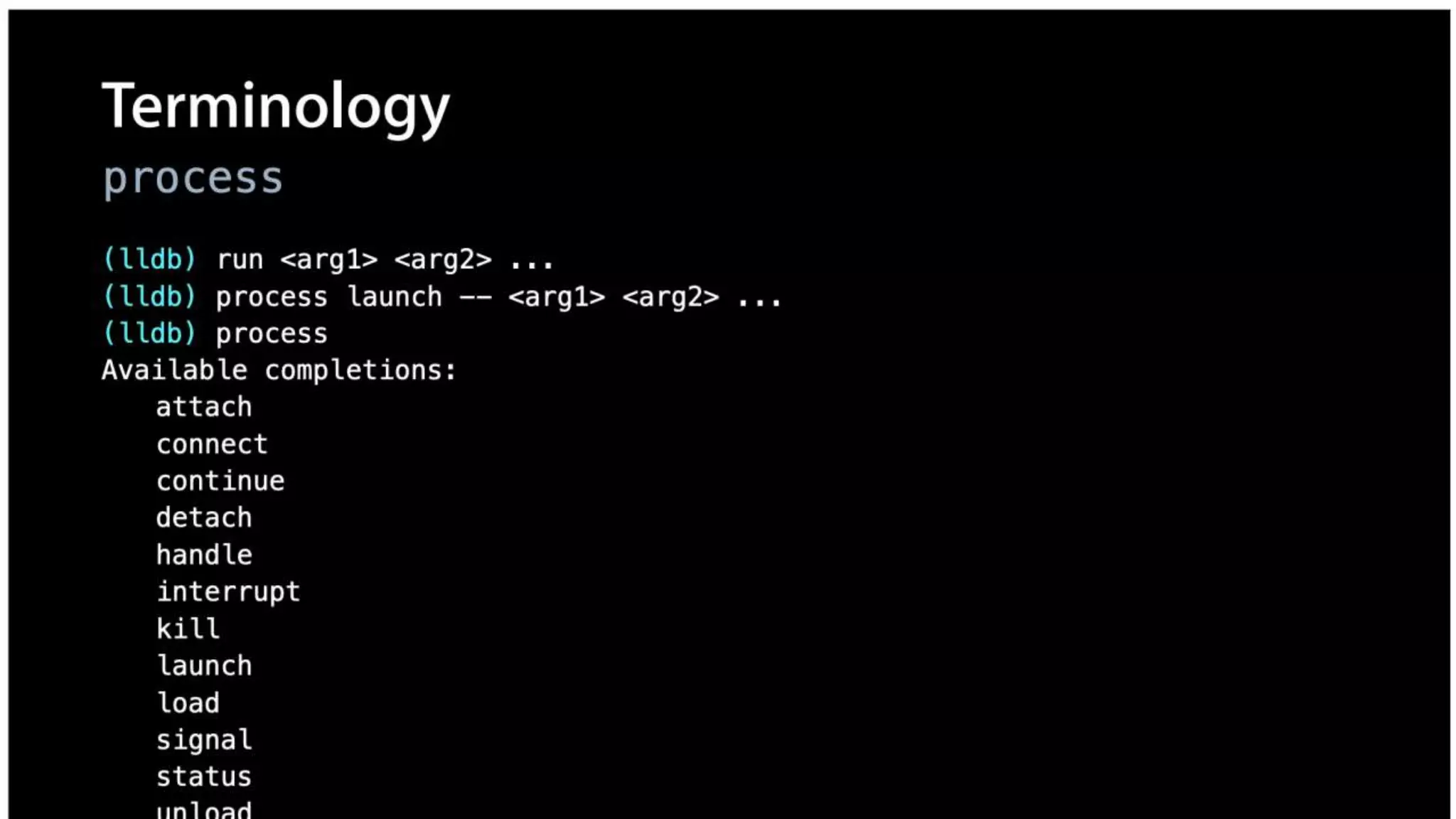
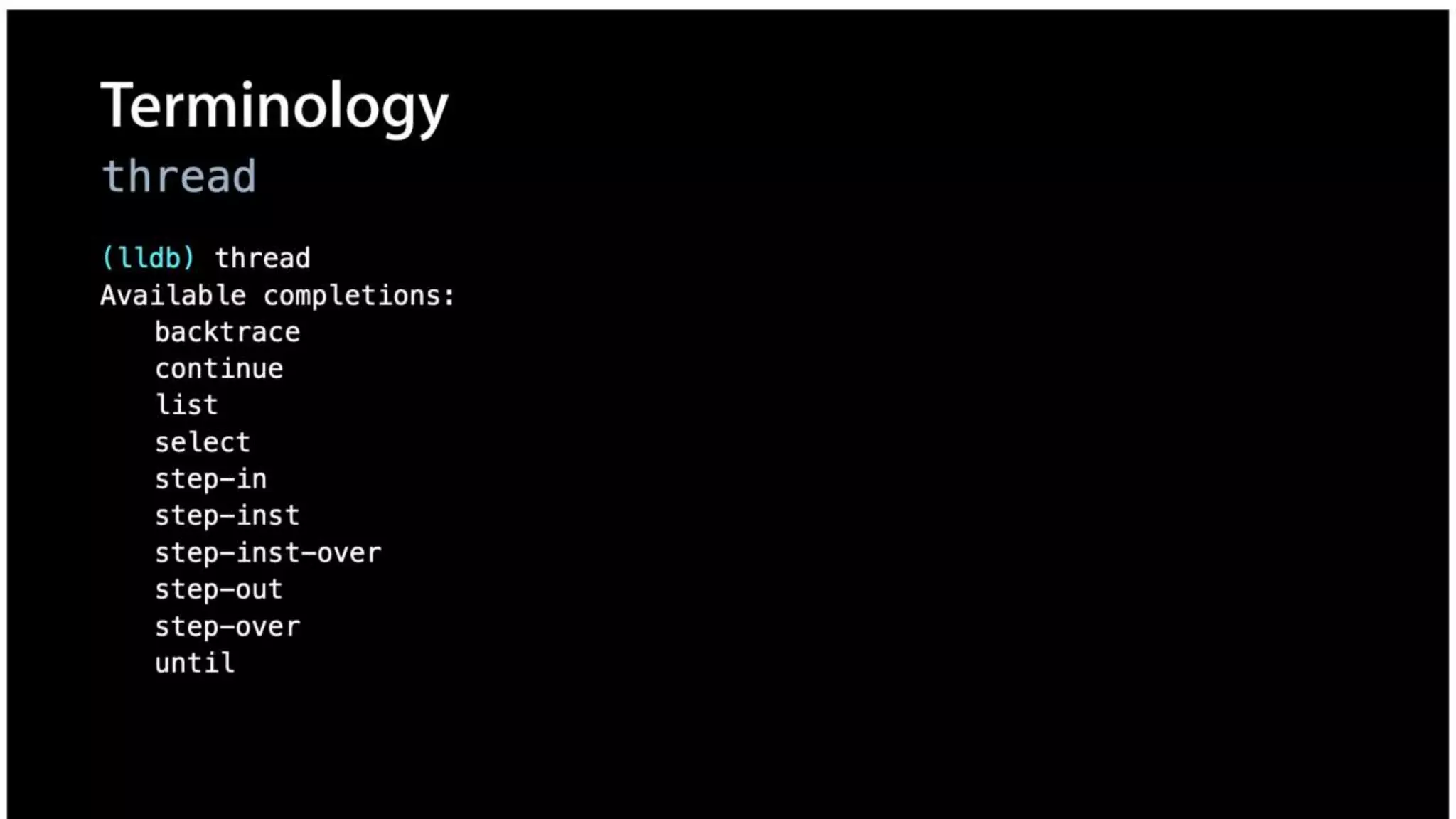
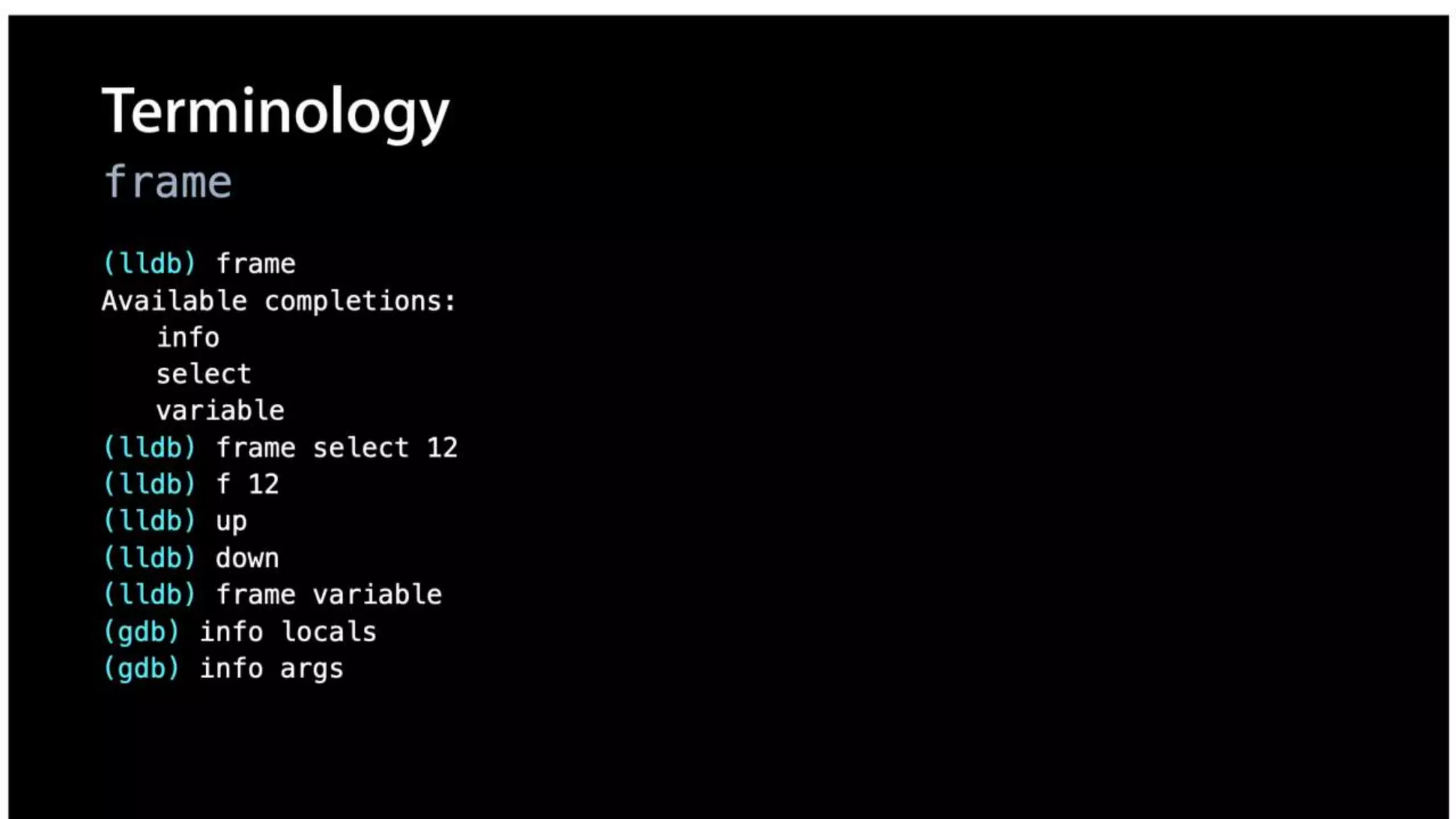
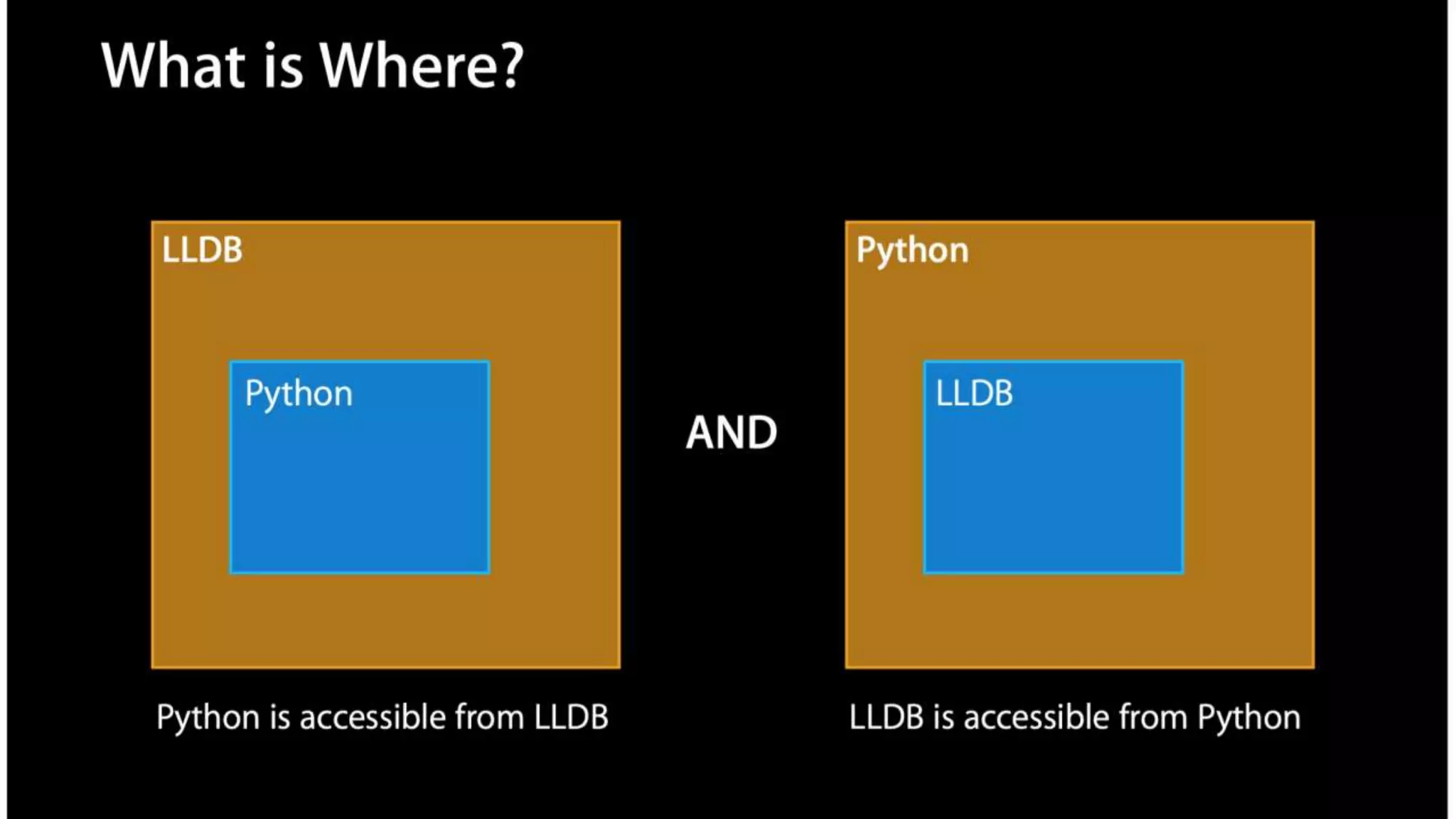
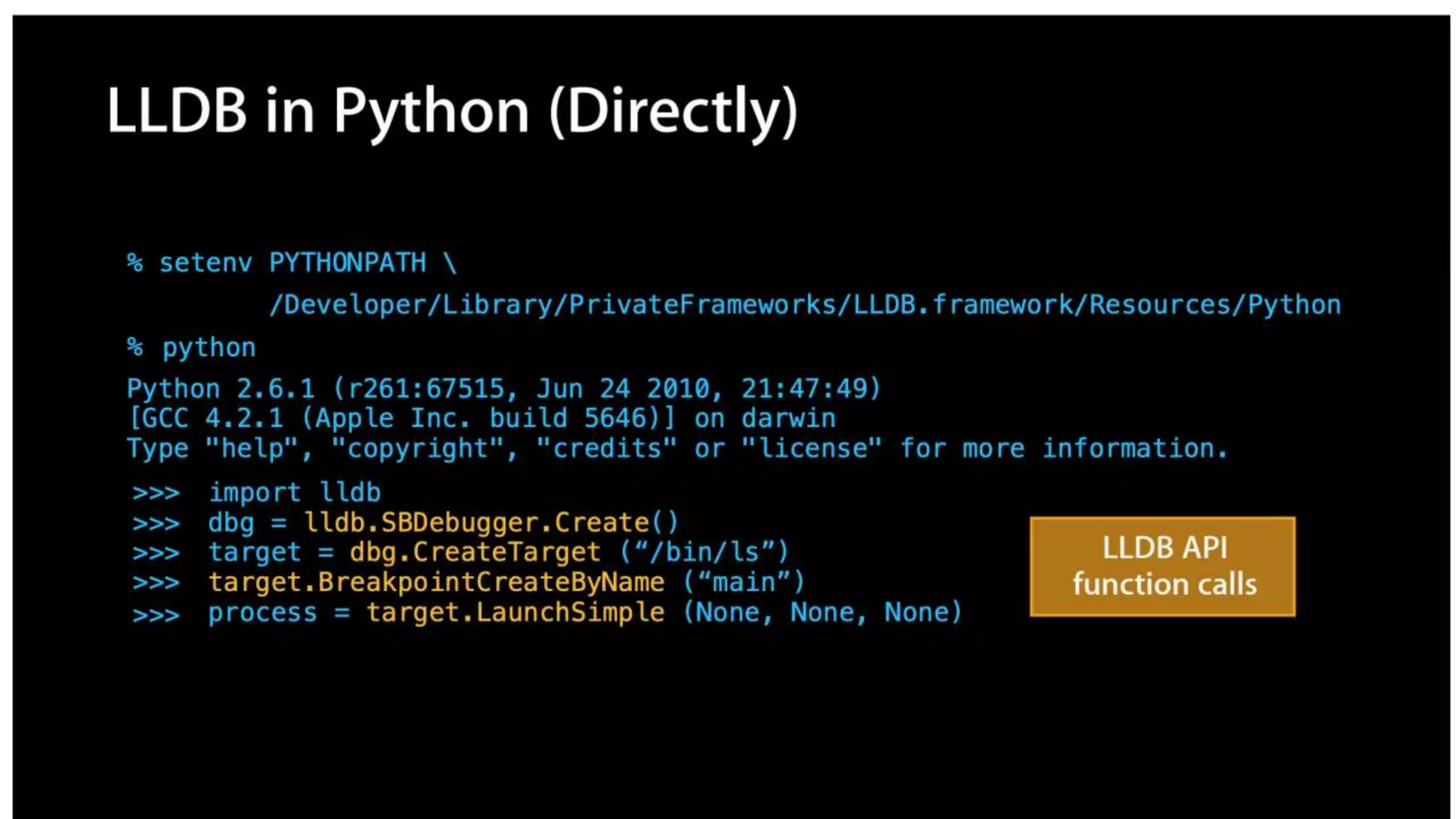
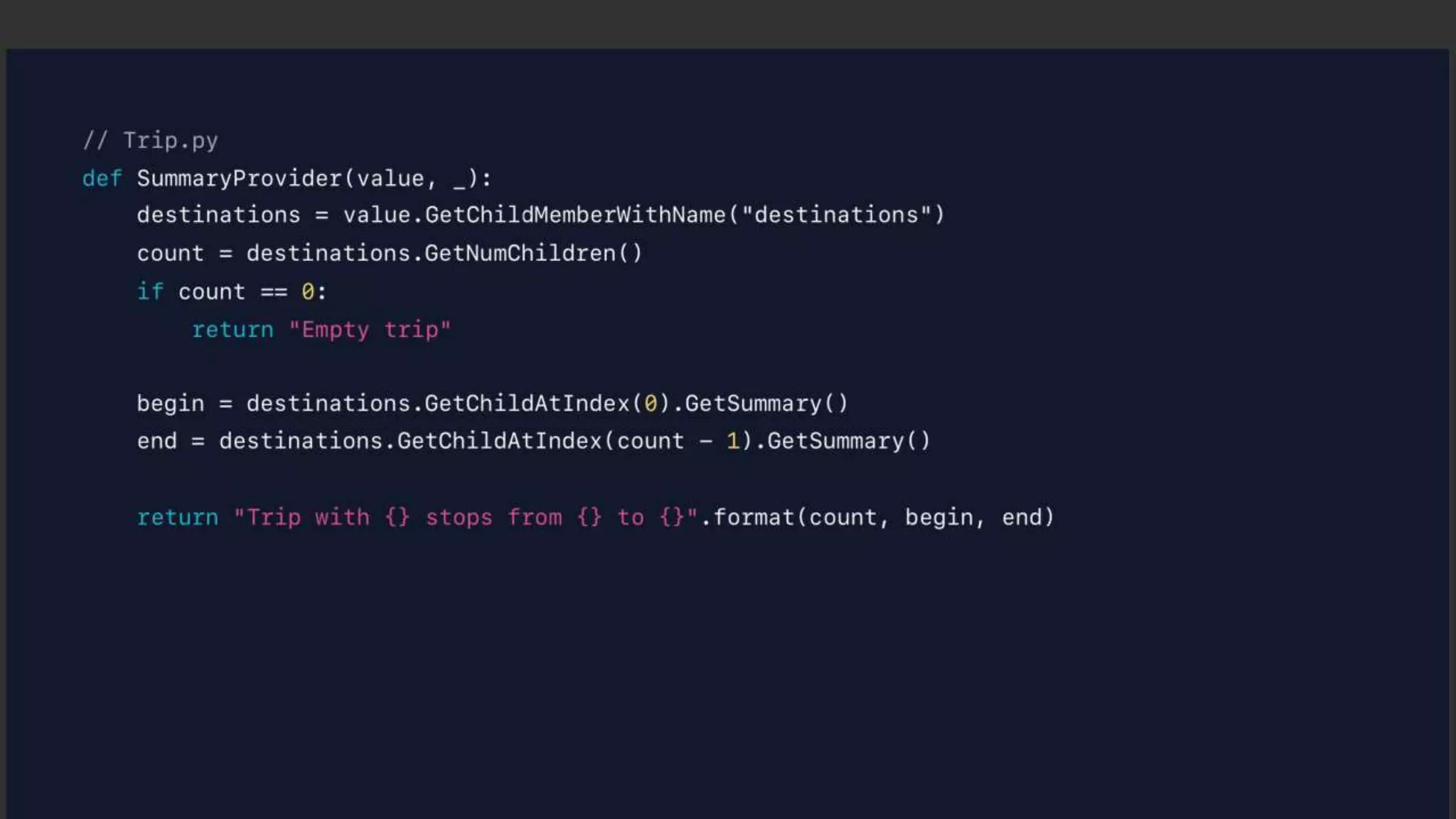
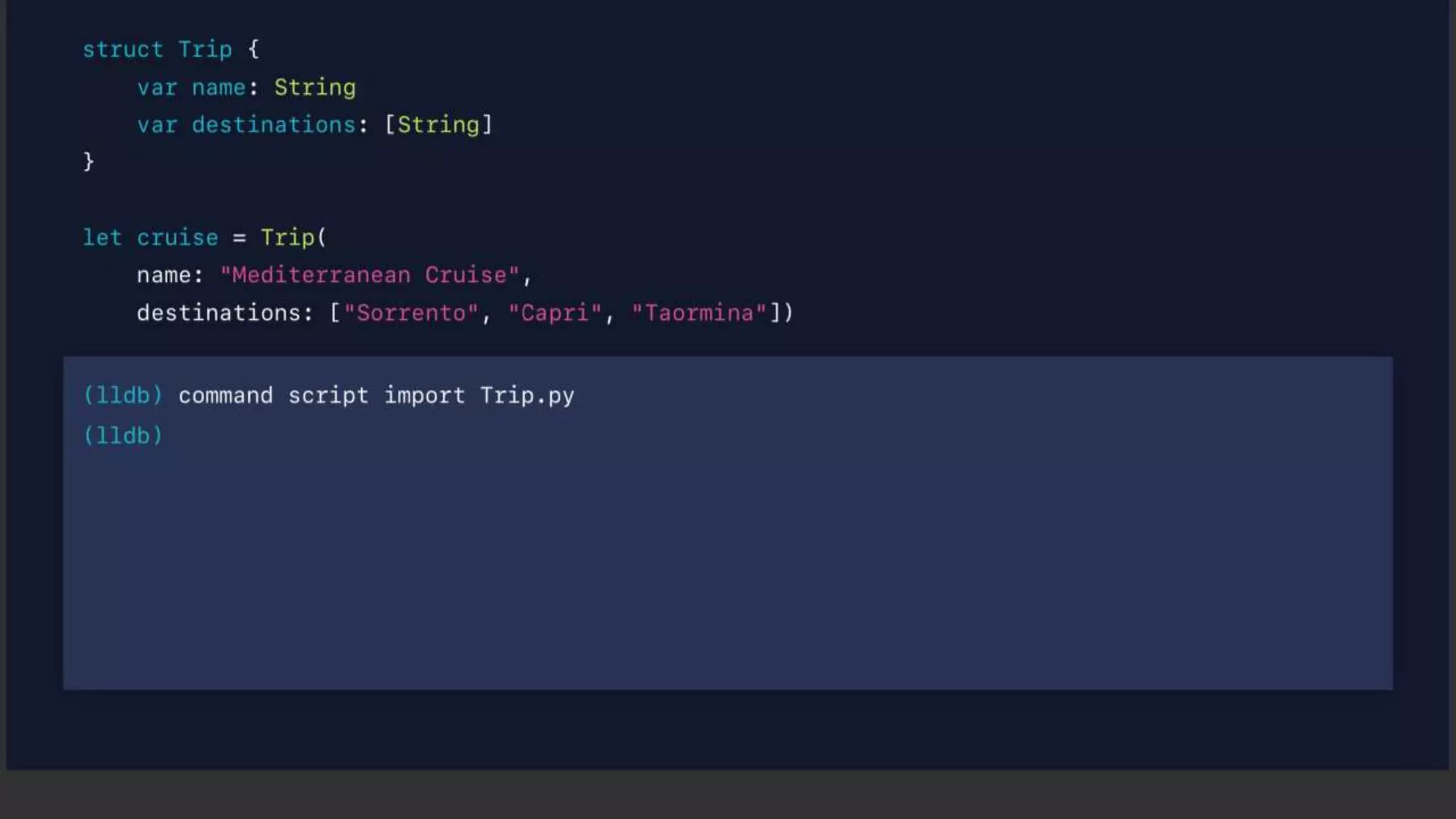
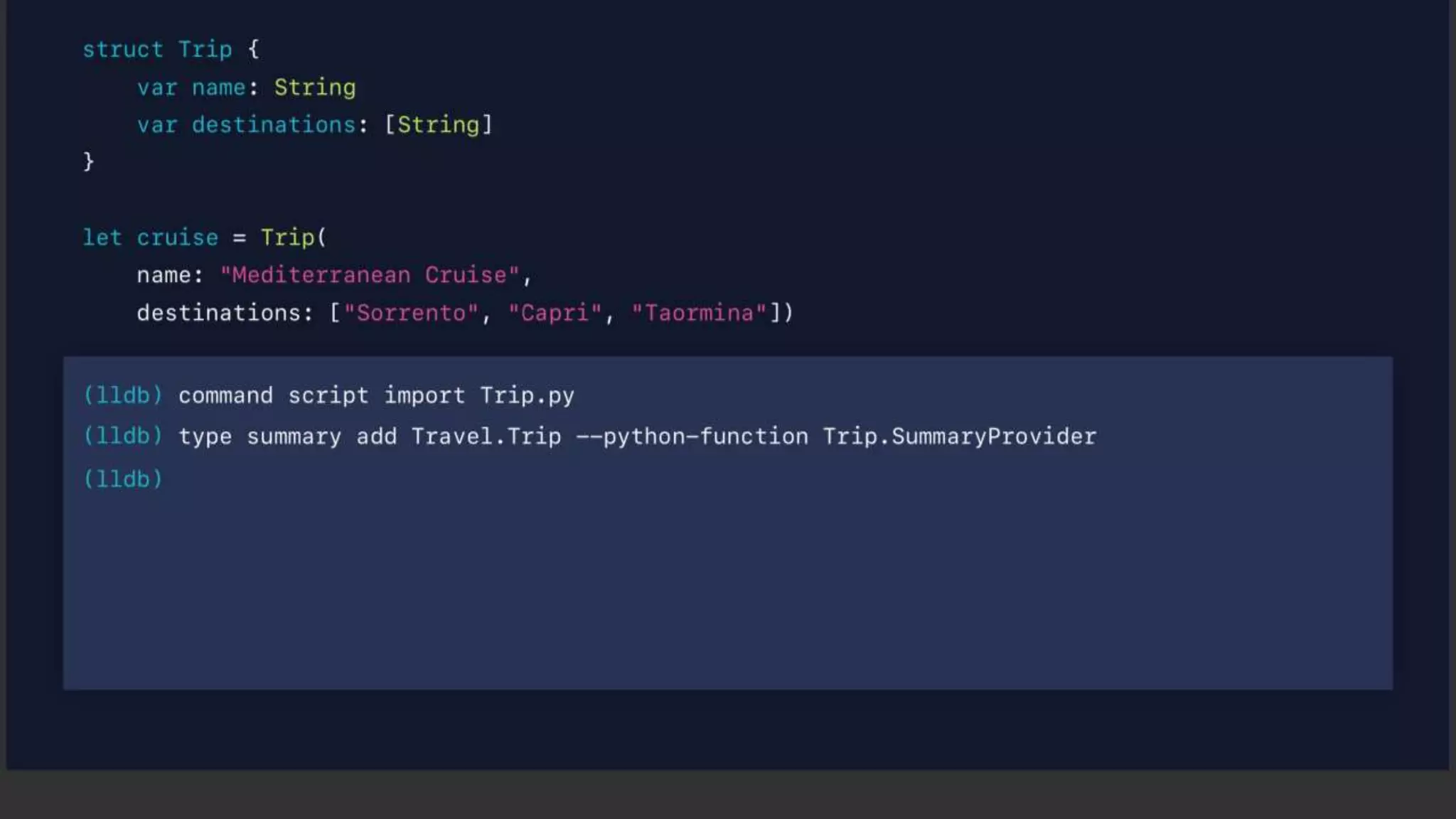
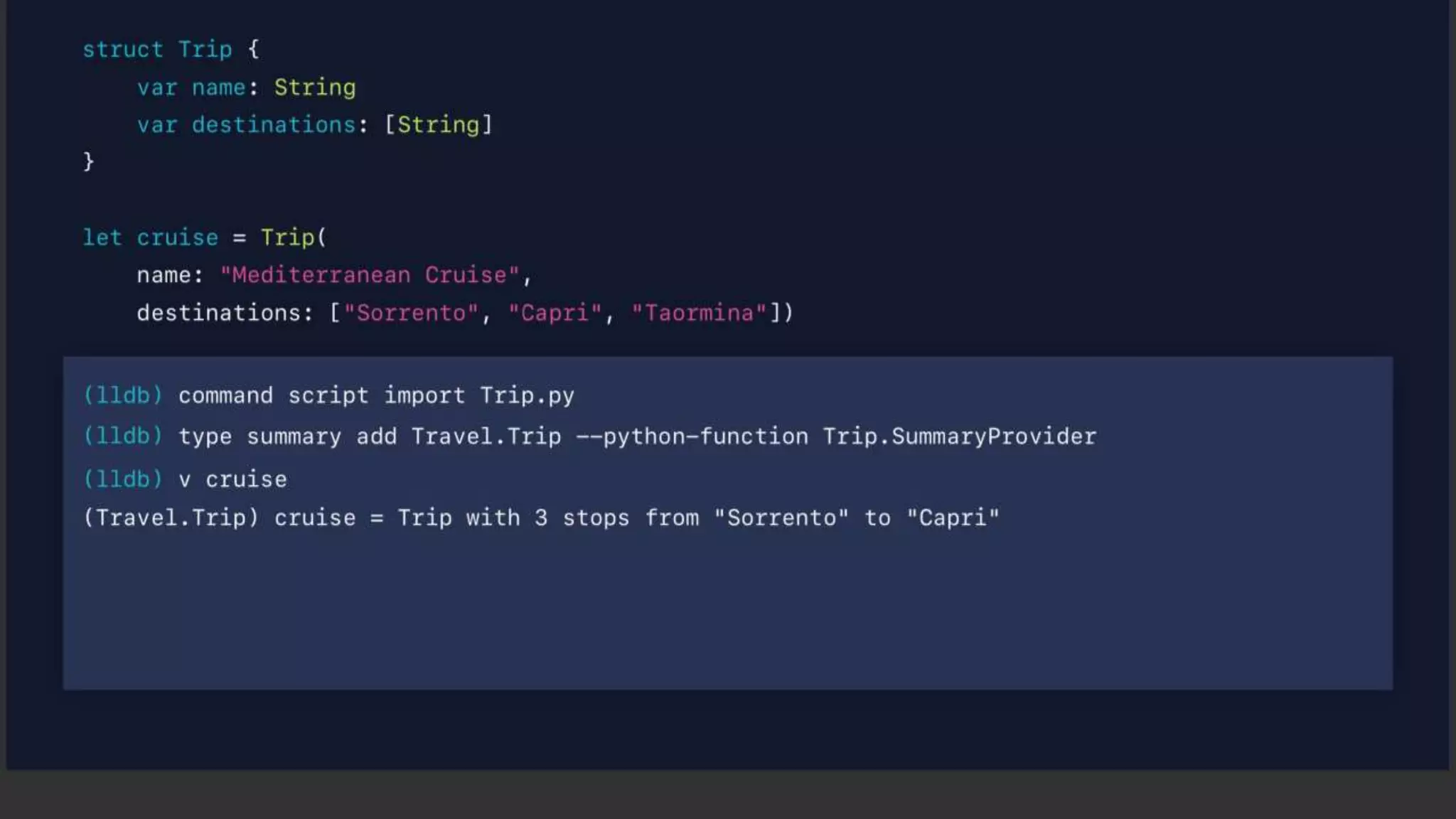
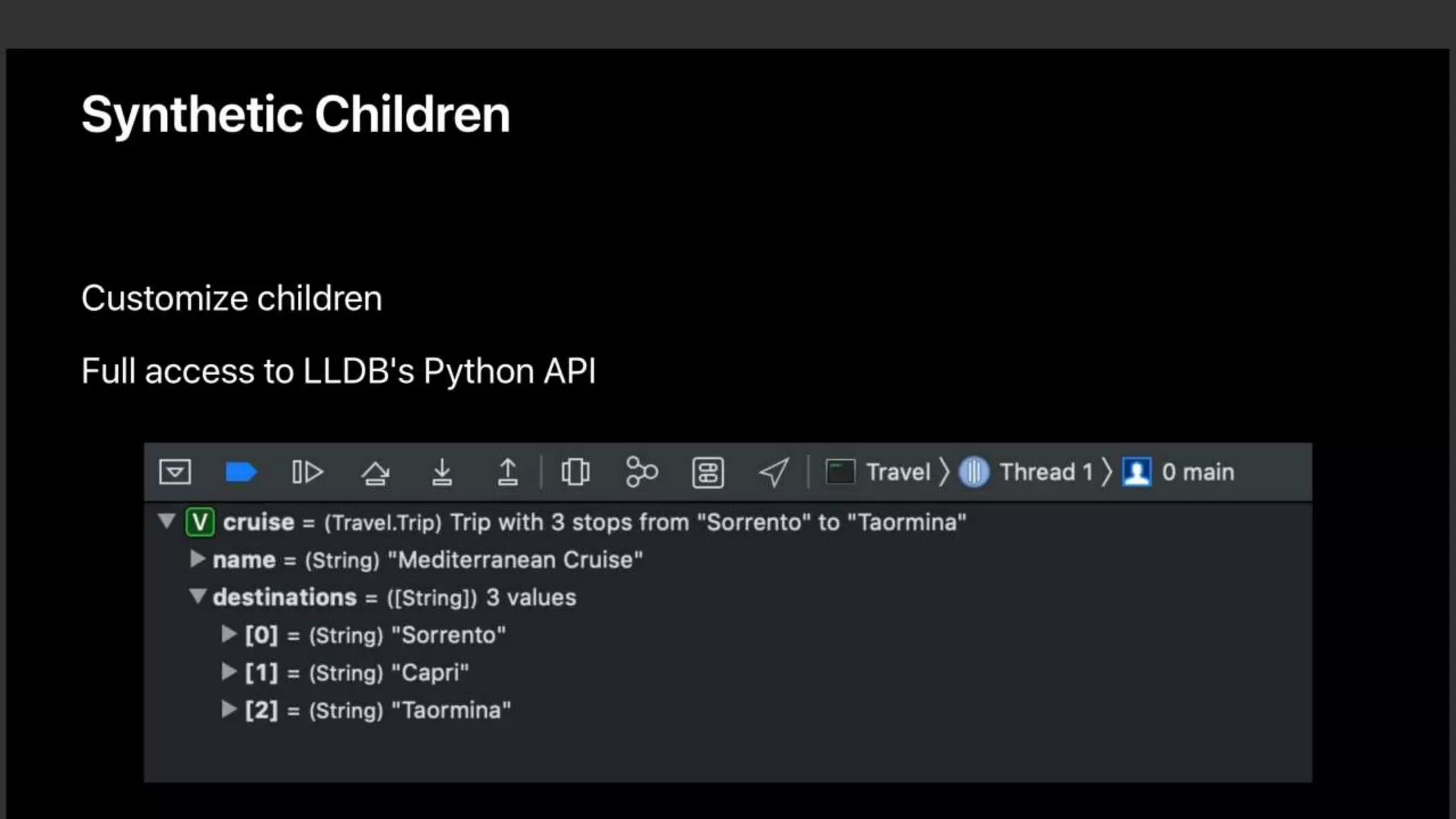
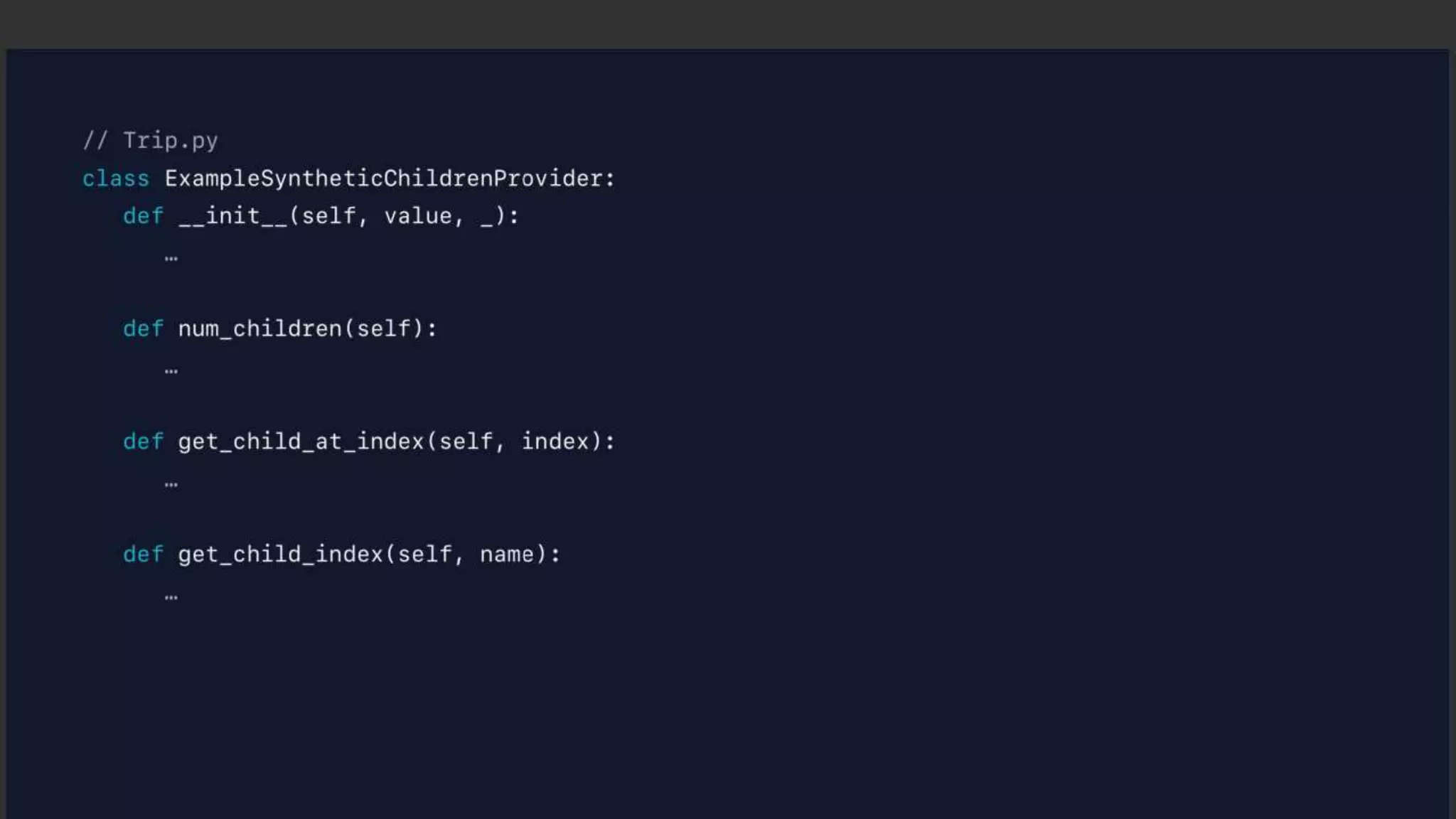
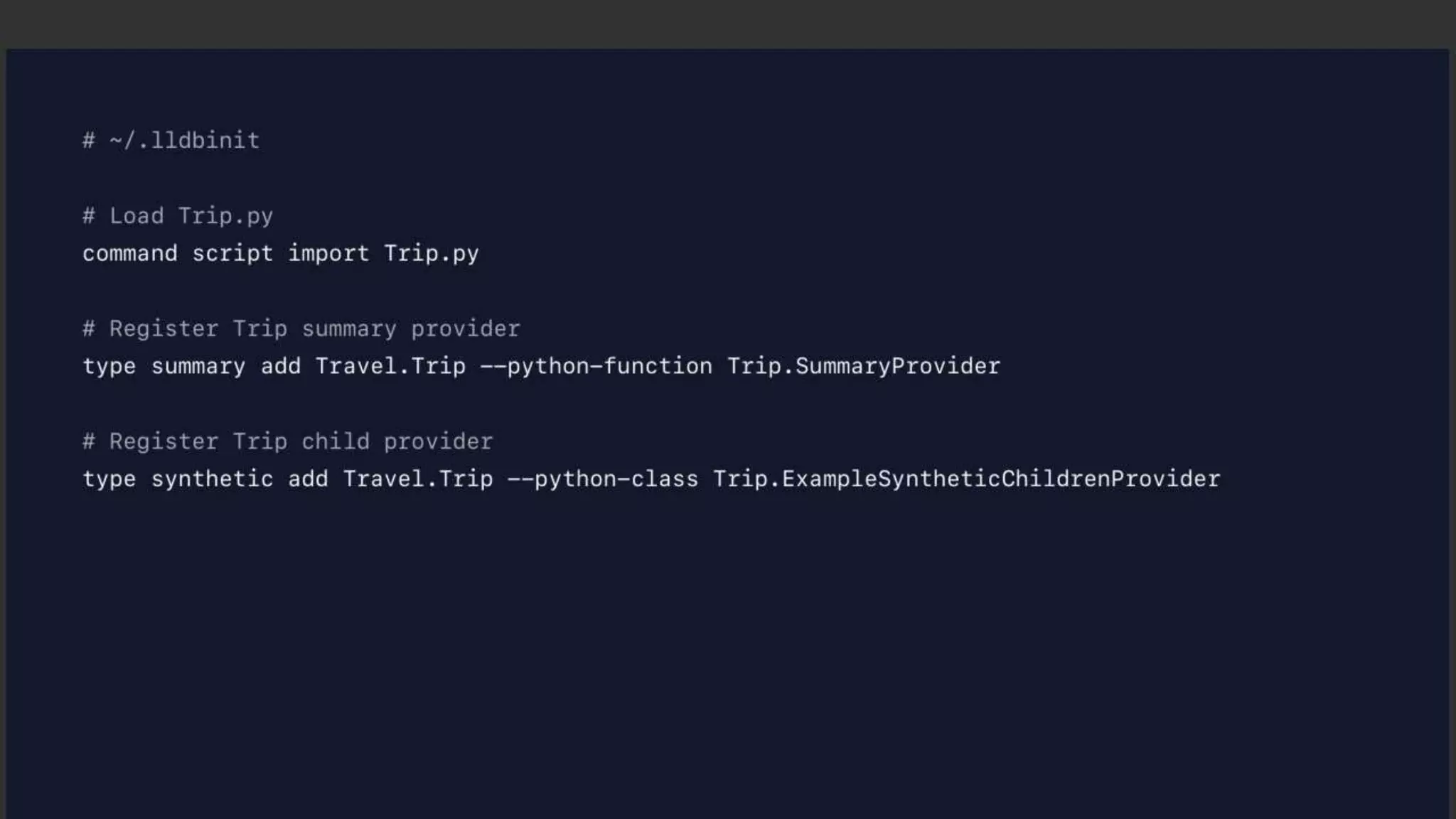
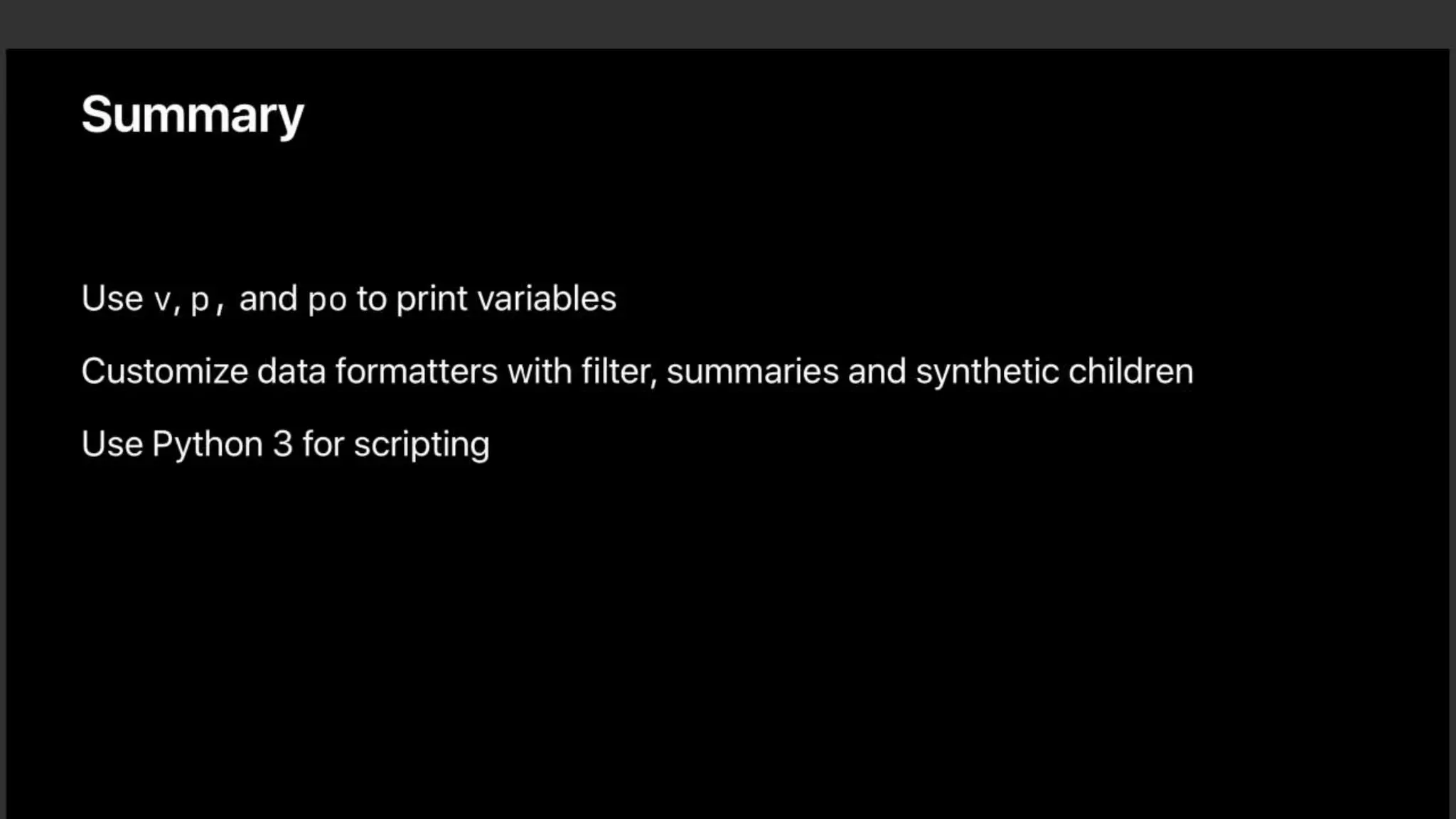

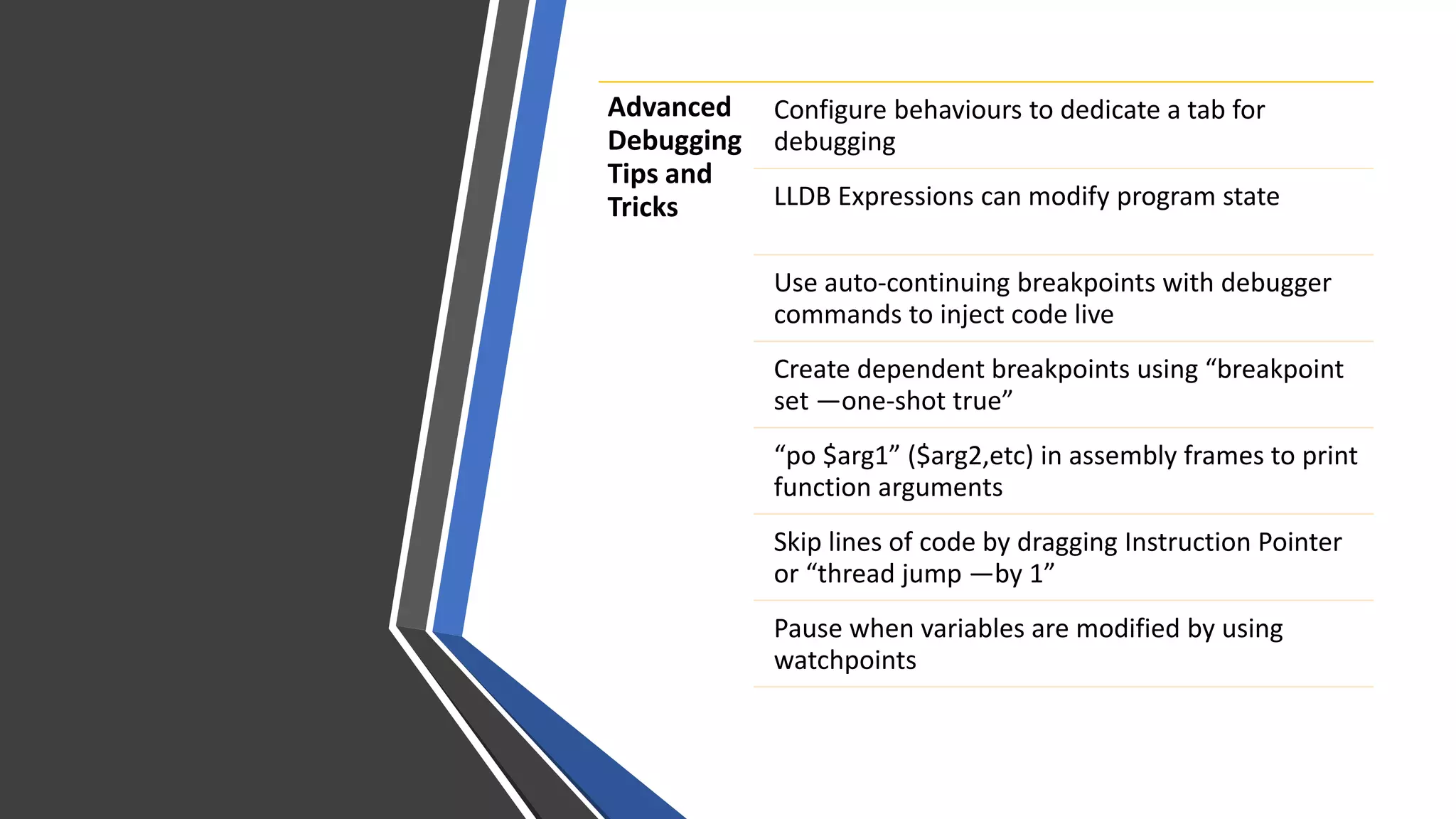
Configure debugging behaviors and use expressions, breakpoints, watchpoints, and custom commands to modify program state, inject code, and pause execution when variables change. Evaluate Objective-C in Swift and flush views to the screen. Create aliases and scripts to customize LLDB with commands like "poc" and "commodeFlush". Customize how variables display with filters, summaries, and synthetic children using Python scripting.


