LIVING STYLEGUIDES
HOW TO BUILD YOUR OWN BOOTSTRAP
ABOUT JAMES STONE
> Design Systems Engineer
> Build performant & organized front-end code for
agencies, enterprises, and startups
> The in-between for design & engineering
> ZURB Foundation Certified Preferred Professional
2 — James Stone, Design Systems Engineer (jamesstone.com) @ Turku <3 Frontend October 2017
DARTMOUTH BRAND GUIDELINES 20141
1
Source: communications.dartmouth.edu
3 — James Stone, Design Systems Engineer (jamesstone.com) @ Turku <3 Frontend October 2017
WHAT ARE WE LOOKING FOR2
> Front-end code, templates, layouts along with developer
focused documentation about how to use it.
> Focus on Sass variables, mixins, HTML, and CSS classes.
2
This slide is taken from Living (Coded) Styleguide in 60 minutes.
4 — James Stone, Design Systems Engineer (jamesstone.com) @ Turku <3 Frontend October 2017
THE LIVING (CODED) STYLEGUIDE
> Living means rebuilding automatically + living within
the CSS context of the project
5 — James Stone, Design Systems Engineer (jamesstone.com) @ Turku <3 Frontend October 2017
MOST IMPORTANT BITS3
> color variable names, examples, and use
> spacing variables
> coded example pairs (HTML + Live Example + Docs)
3
This slide is taken from Living (Coded) Styleguide in 60 minutes.
6 — James Stone, Design Systems Engineer (jamesstone.com) @ Turku <3 Frontend October 2017
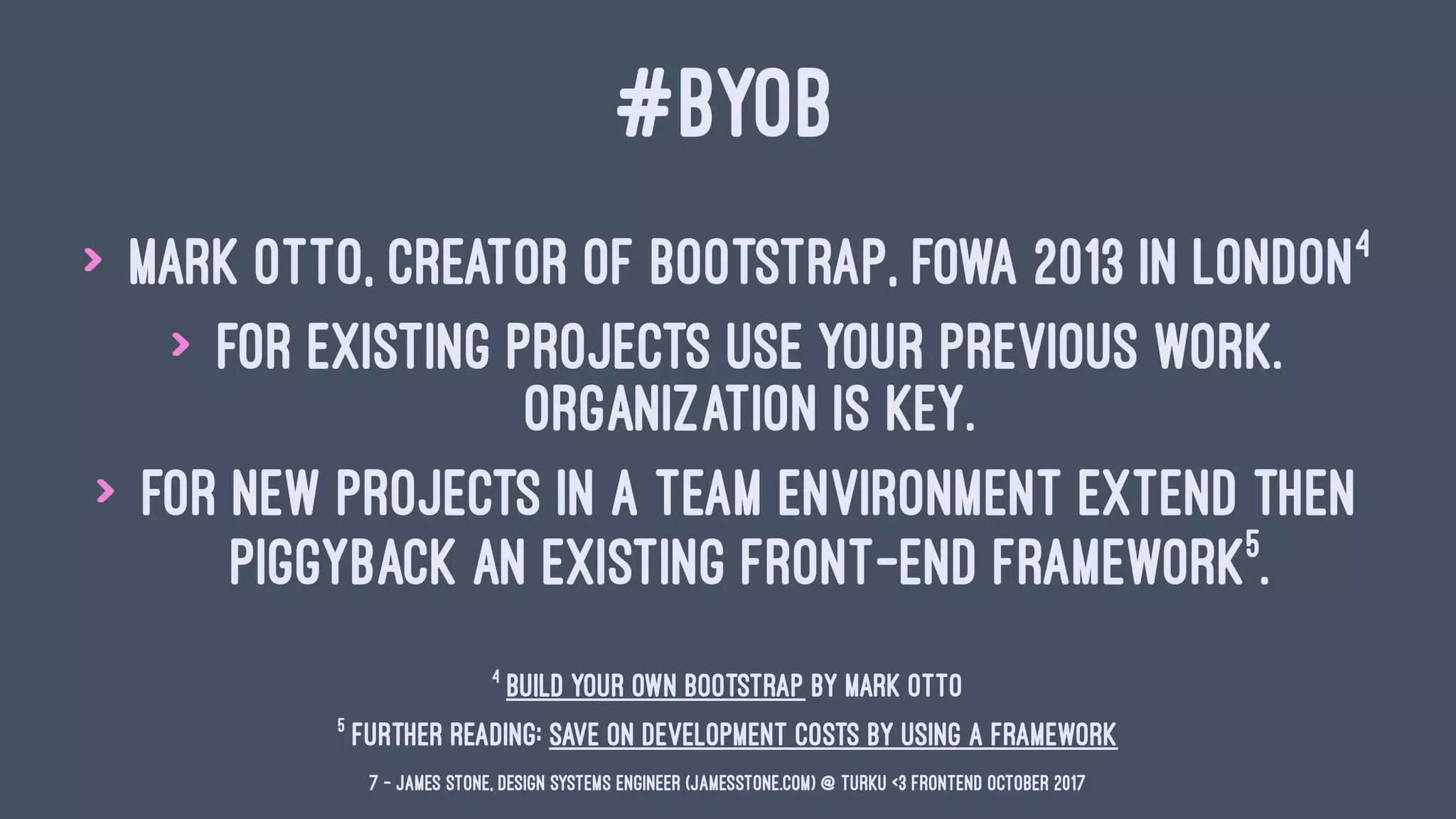
#BYOB
> Mark Otto, Creator of Bootstrap, FOWA 2013 in London4
> For existing projects use your previous work.
Organization is key.
> For new projects in a team environment extend then
piggyback an existing front-end framework5
.
5
Further Reading: Save on Development Costs by Using a Framework
4
Build your own Bootstrap by Mark Otto
7 — James Stone, Design Systems Engineer (jamesstone.com) @ Turku <3 Frontend October 2017
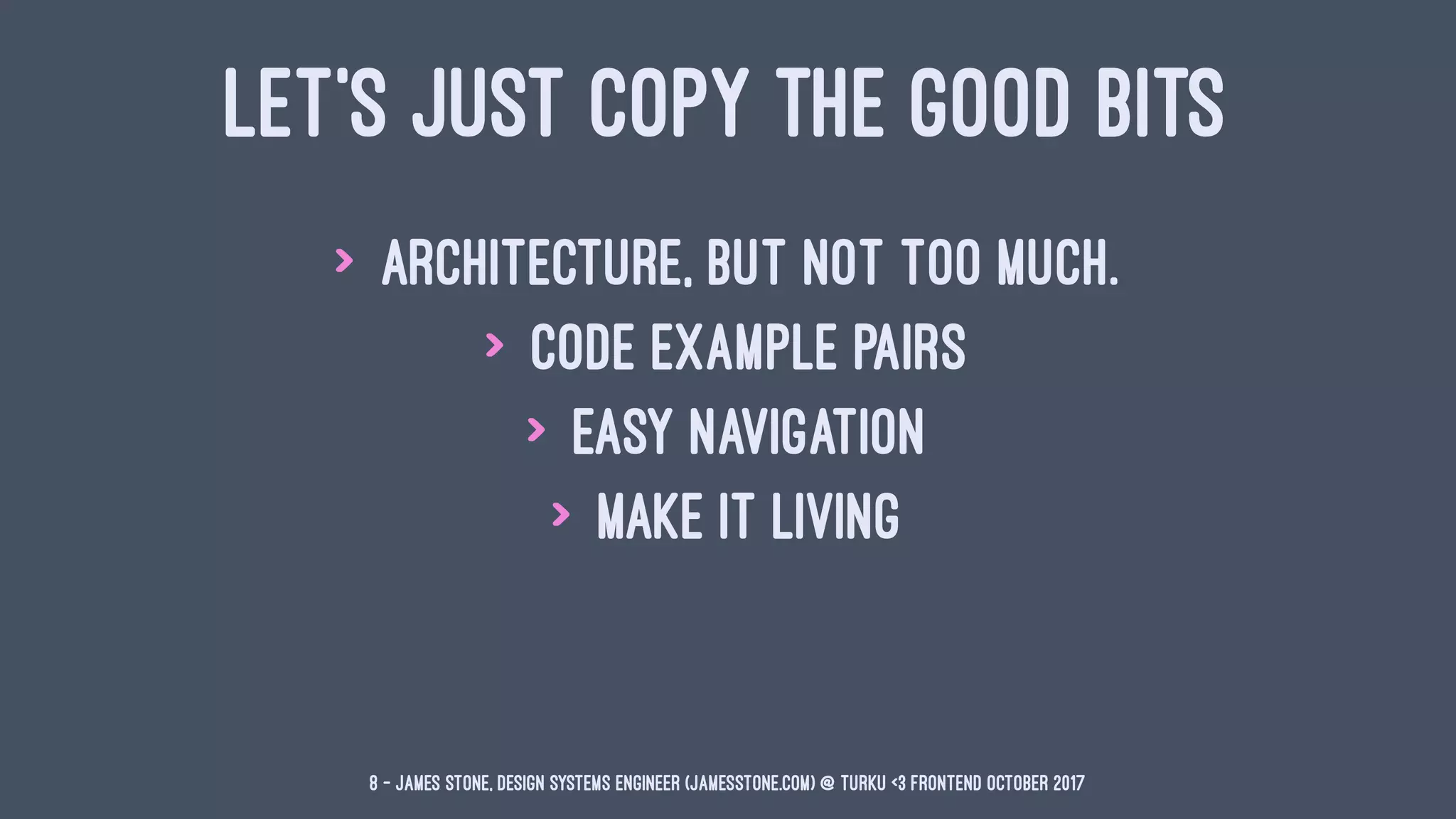
LET'S JUST COPY THE GOOD BITS
> Architecture, but not too much.
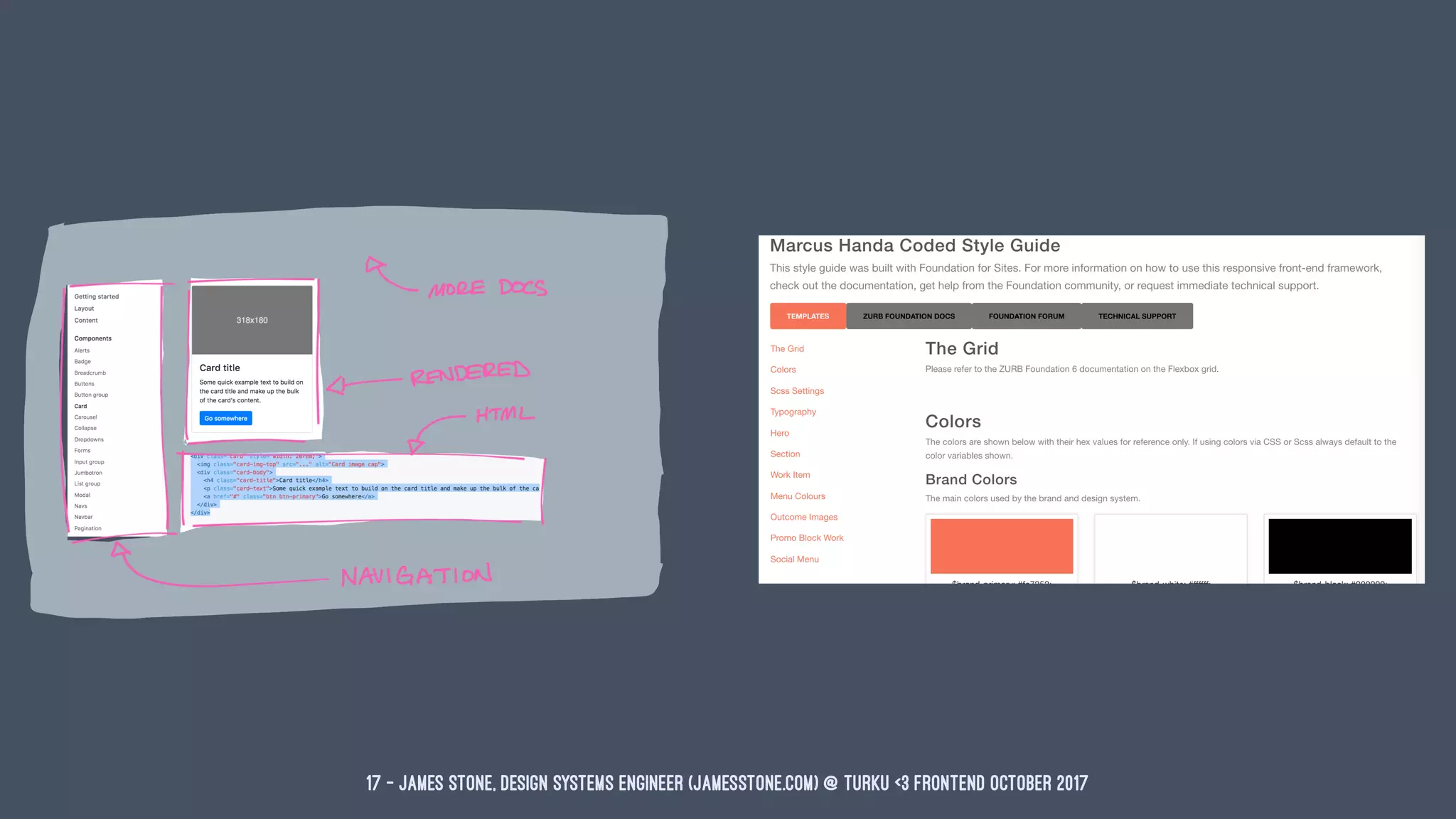
> Code Example Pairs
> Easy Navigation
> Make it Living
8 — James Stone, Design Systems Engineer (jamesstone.com) @ Turku <3 Frontend October 2017
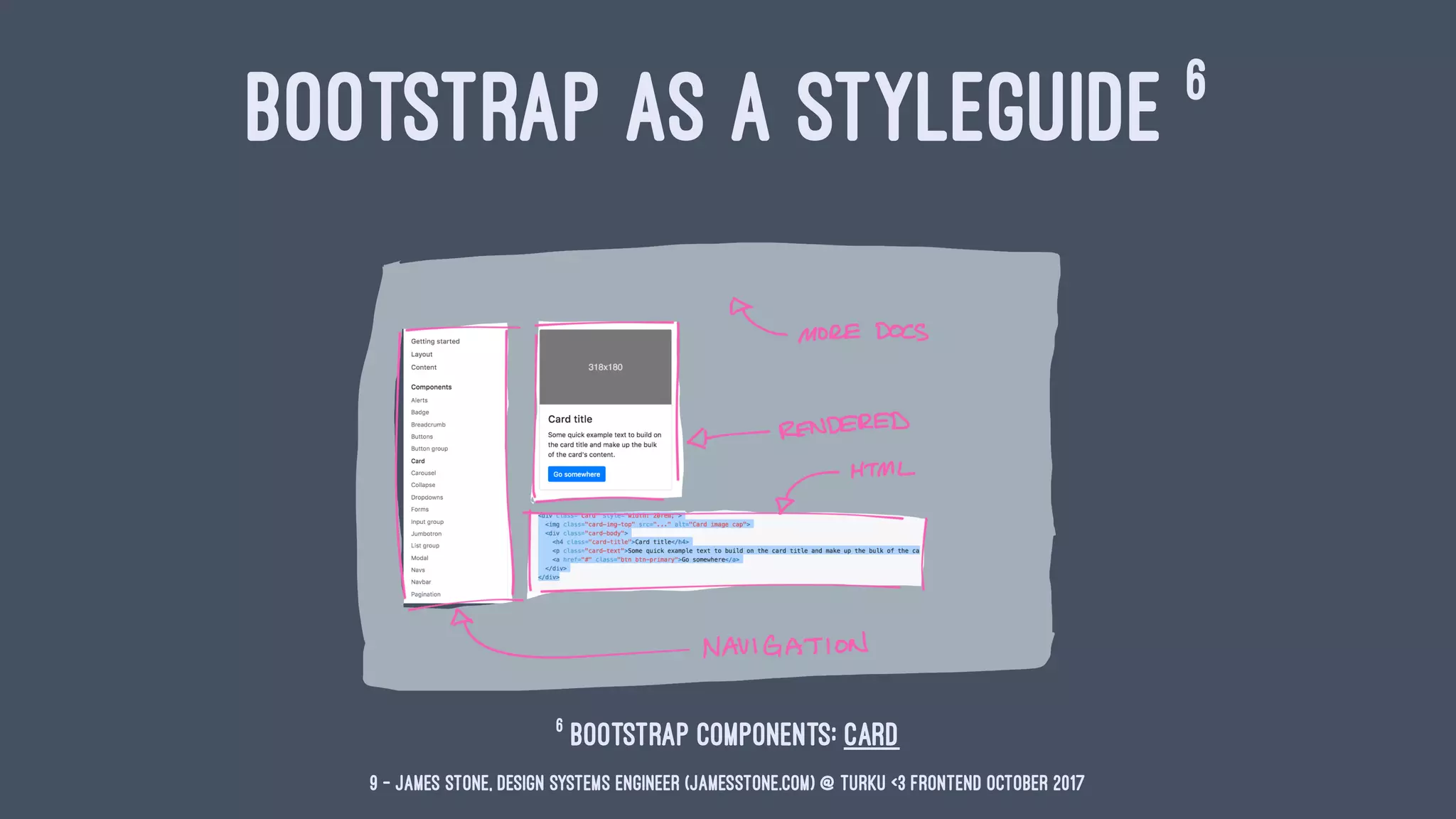
BOOTSTRAP AS A STYLEGUIDE 6
6
Bootstrap Components: Card
9 — James Stone, Design Systems Engineer (jamesstone.com) @ Turku <3 Frontend October 2017
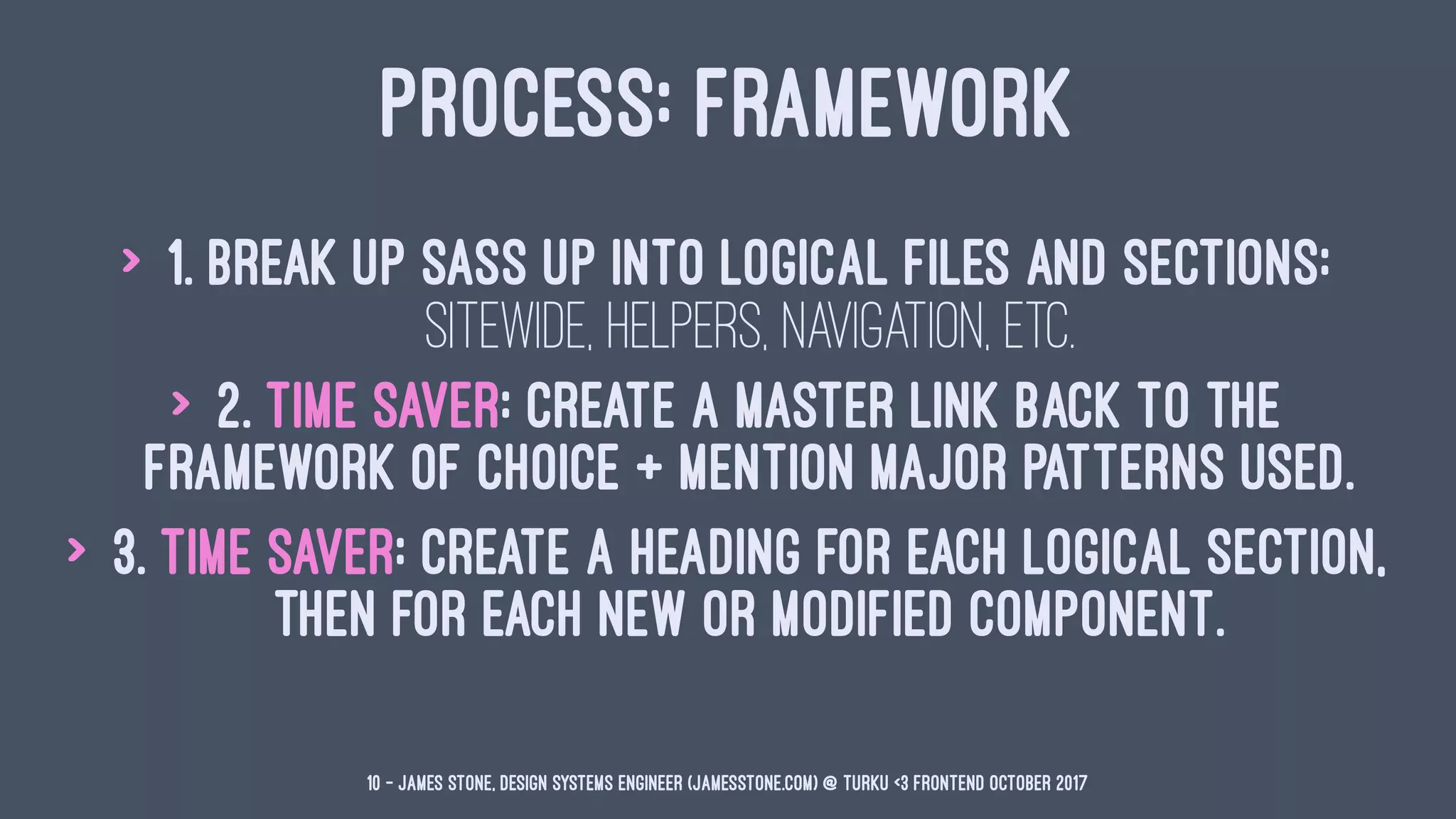
PROCESS: FRAMEWORK
> 1. Break up Sass up into logical files and sections:
sitewide, helpers, navigation, etc.
> 2. Time Saver: Create a master link back to the
framework of choice + mention major patterns used.
> 3. Time Saver: Create a heading for each logical section,
then for each new or modified component.
10 — James Stone, Design Systems Engineer (jamesstone.com) @ Turku <3 Frontend October 2017
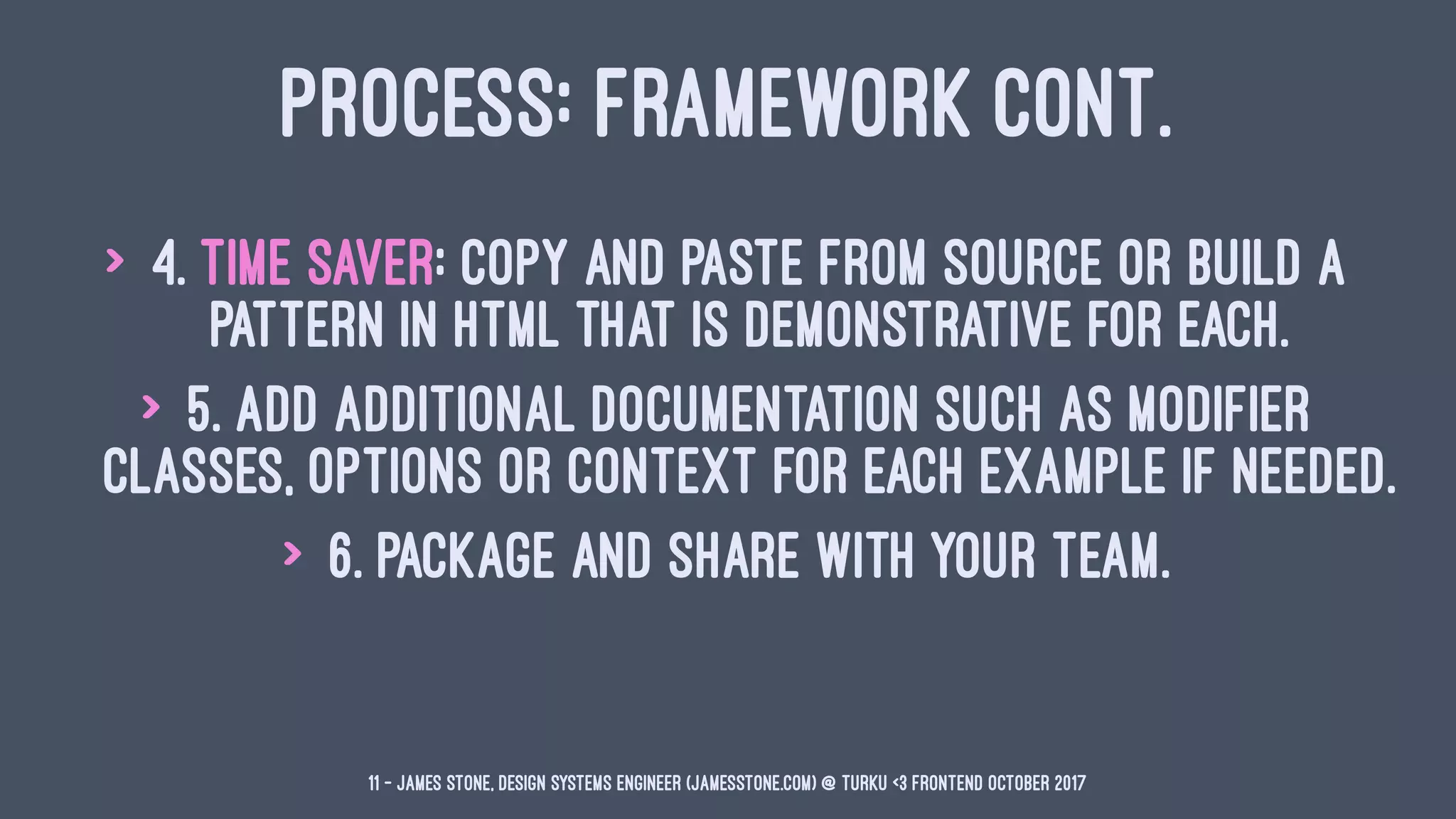
PROCESS: FRAMEWORK CONT.
> 4. Time Saver: Copy and paste from source or build a
pattern in HTML that is demonstrative for each.
> 5. Add additional documentation such as modifier
classes, options or context for each example if needed.
> 6. Package and share with your team.
11 — James Stone, Design Systems Engineer (jamesstone.com) @ Turku <3 Frontend October 2017
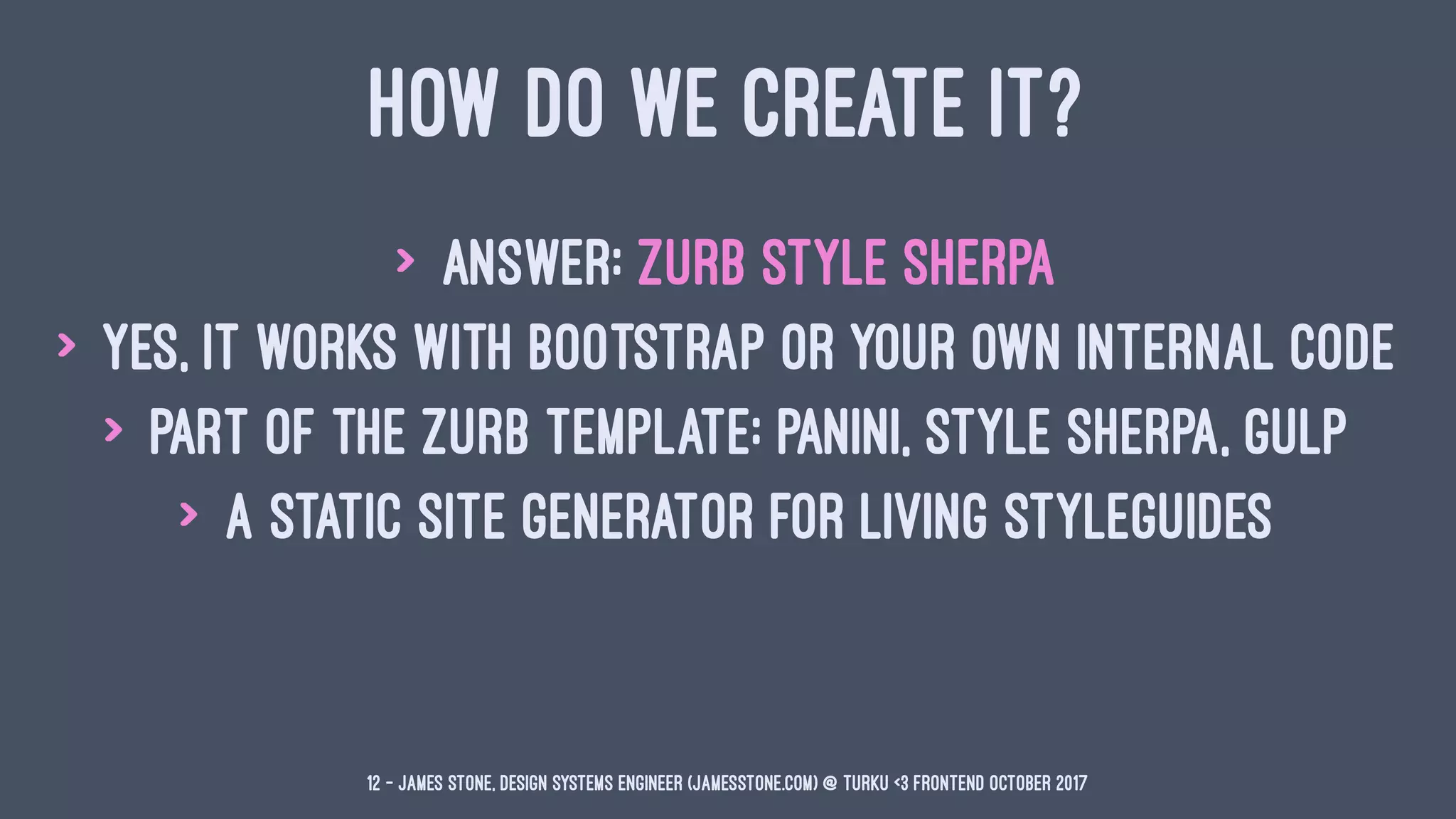
HOW DO WE CREATE IT?
> Answer: ZURB Style Sherpa
> Yes, it works with Bootstrap or your own internal code
> Part of the ZURB Template: Panini, Style Sherpa, Gulp
> A static site generator for Living Styleguides
12 — James Stone, Design Systems Engineer (jamesstone.com) @ Turku <3 Frontend October 2017
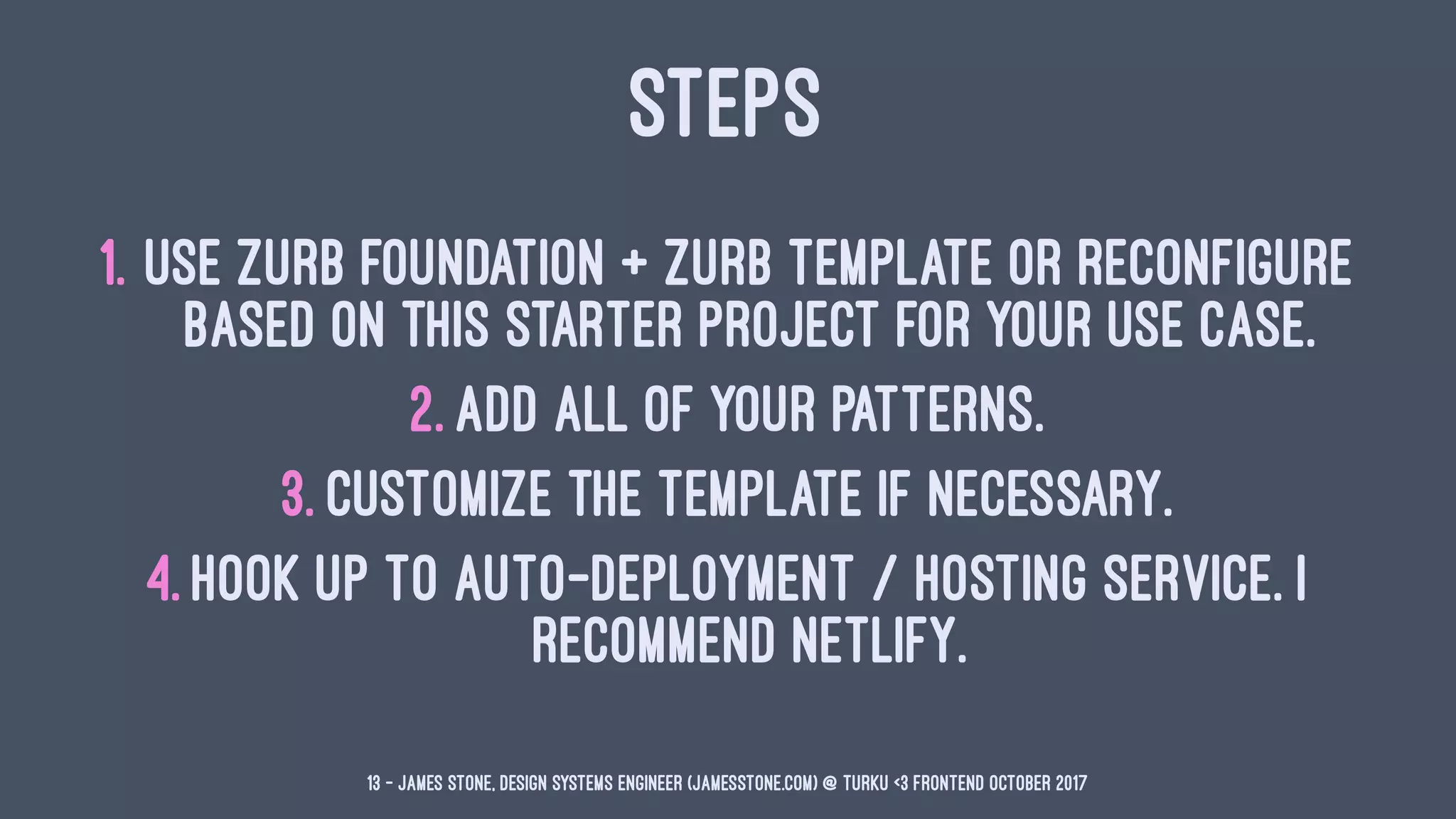
STEPS
1. Use ZURB Foundation + ZURB Template or reconfigure
based on this starter project for your use case.
2. Add all of your patterns.
3. Customize the template if necessary.
4. Hook up to auto-deployment / hosting service. I
recommend Netlify.
13 — James Stone, Design Systems Engineer (jamesstone.com) @ Turku <3 Frontend October 2017
EXAMPLE 1: REFERRING TO FRAMEWORK
DOCS WITH SPECIFICITY
# The Grid
Please refer to the ZURB Foundation 6 documentation on the
[Flexbox grid](https://foundation.zurb.com/sites/docs/flex-grid.html).
14 — James Stone, Design Systems Engineer (jamesstone.com) @ Turku <3 Frontend October 2017
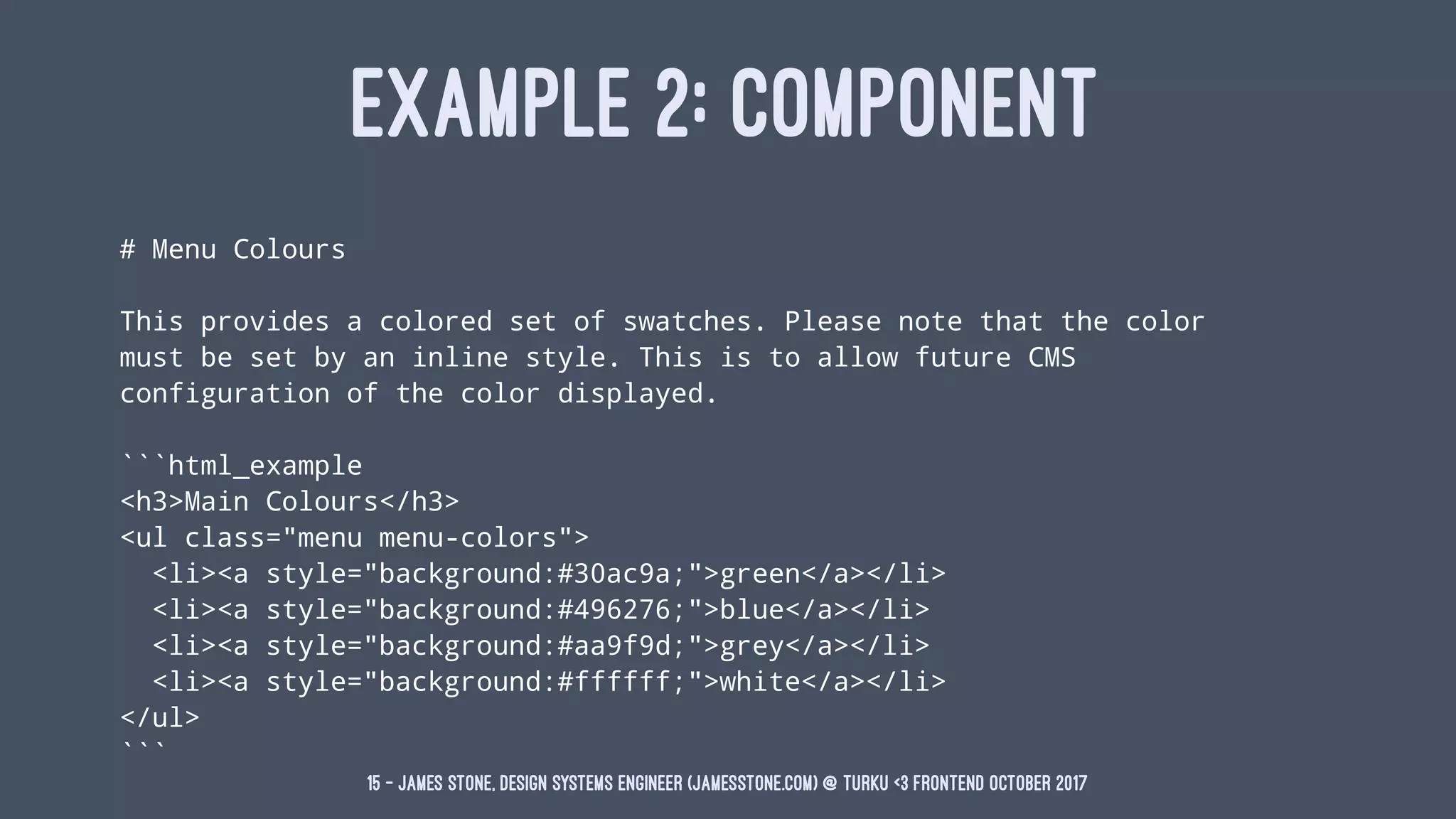
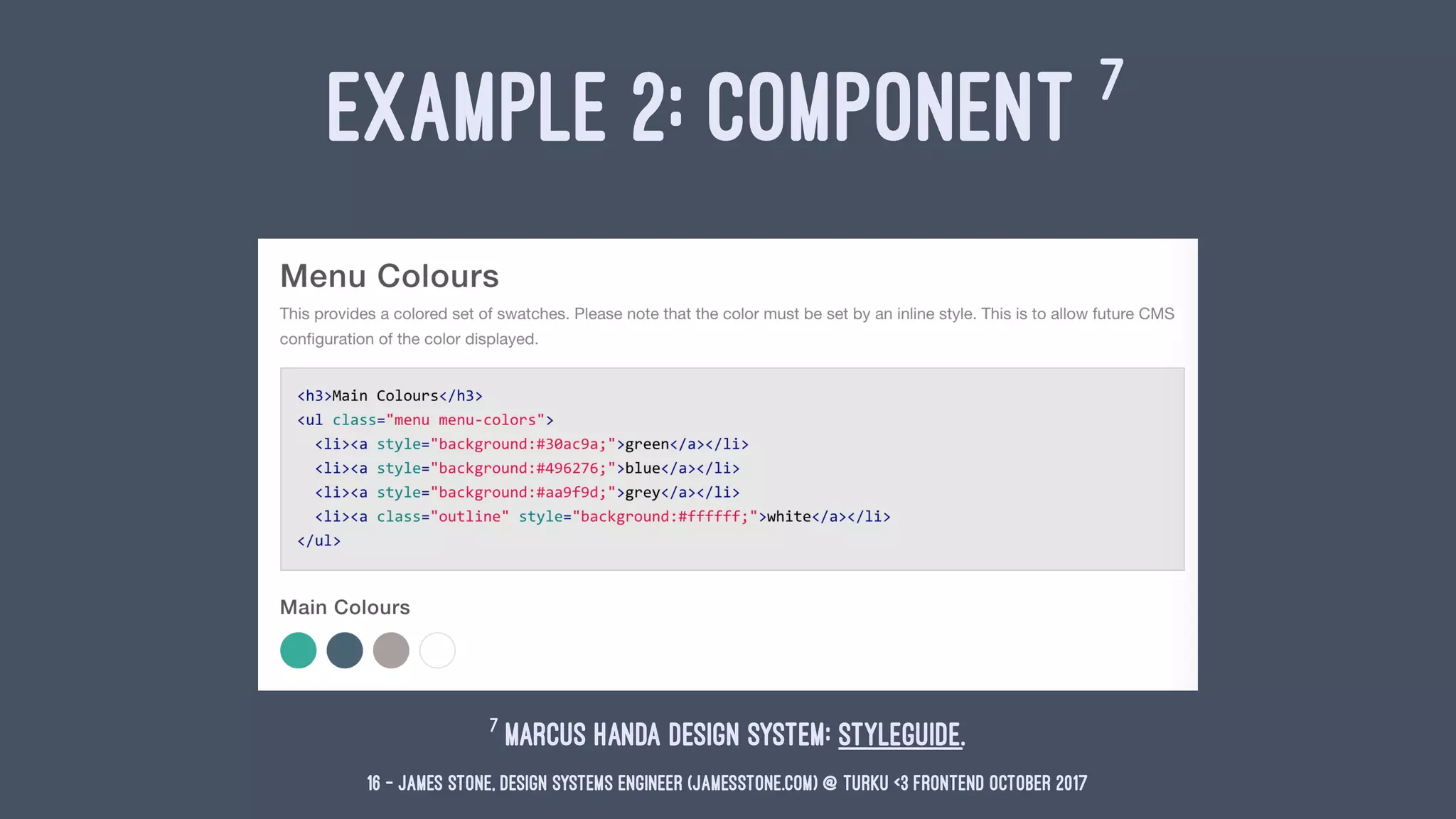
EXAMPLE 2: COMPONENT
# Menu Colours
This provides a colored set of swatches. Please note that the color
must be set by an inline style. This is to allow future CMS
configuration of the color displayed.
```html_example
<h3>Main Colours</h3>
<ul class="menu menu-colors">
<li><a style="background:#30ac9a;">green</a></li>
<li><a style="background:#496276;">blue</a></li>
<li><a style="background:#aa9f9d;">grey</a></li>
<li><a style="background:#ffffff;">white</a></li>
</ul>
```
15 — James Stone, Design Systems Engineer (jamesstone.com) @ Turku <3 Frontend October 2017
EXAMPLE 2: COMPONENT 7
7
Marcus Handa Design System: Styleguide.
16 — James Stone, Design Systems Engineer (jamesstone.com) @ Turku <3 Frontend October 2017
17 — James Stone, Design Systems Engineer (jamesstone.com) @ Turku <3 Frontend October 2017
james@jamesstone.com
@JamesStoneCo
www.JamesStone.com

Living Styleguides: Build Your Own Bootstrap

  • 1.
    LIVING STYLEGUIDES HOW TOBUILD YOUR OWN BOOTSTRAP
  • 2.
    ABOUT JAMES STONE >Design Systems Engineer > Build performant & organized front-end code for agencies, enterprises, and startups > The in-between for design & engineering > ZURB Foundation Certified Preferred Professional 2 — James Stone, Design Systems Engineer (jamesstone.com) @ Turku <3 Frontend October 2017
  • 3.
    DARTMOUTH BRAND GUIDELINES20141 1 Source: communications.dartmouth.edu 3 — James Stone, Design Systems Engineer (jamesstone.com) @ Turku <3 Frontend October 2017
  • 4.
    WHAT ARE WELOOKING FOR2 > Front-end code, templates, layouts along with developer focused documentation about how to use it. > Focus on Sass variables, mixins, HTML, and CSS classes. 2 This slide is taken from Living (Coded) Styleguide in 60 minutes. 4 — James Stone, Design Systems Engineer (jamesstone.com) @ Turku <3 Frontend October 2017
  • 5.
    THE LIVING (CODED)STYLEGUIDE > Living means rebuilding automatically + living within the CSS context of the project 5 — James Stone, Design Systems Engineer (jamesstone.com) @ Turku <3 Frontend October 2017
  • 6.
    MOST IMPORTANT BITS3 >color variable names, examples, and use > spacing variables > coded example pairs (HTML + Live Example + Docs) 3 This slide is taken from Living (Coded) Styleguide in 60 minutes. 6 — James Stone, Design Systems Engineer (jamesstone.com) @ Turku <3 Frontend October 2017
  • 7.
    #BYOB > Mark Otto,Creator of Bootstrap, FOWA 2013 in London4 > For existing projects use your previous work. Organization is key. > For new projects in a team environment extend then piggyback an existing front-end framework5 . 5 Further Reading: Save on Development Costs by Using a Framework 4 Build your own Bootstrap by Mark Otto 7 — James Stone, Design Systems Engineer (jamesstone.com) @ Turku <3 Frontend October 2017
  • 8.
    LET'S JUST COPYTHE GOOD BITS > Architecture, but not too much. > Code Example Pairs > Easy Navigation > Make it Living 8 — James Stone, Design Systems Engineer (jamesstone.com) @ Turku <3 Frontend October 2017
  • 9.
    BOOTSTRAP AS ASTYLEGUIDE 6 6 Bootstrap Components: Card 9 — James Stone, Design Systems Engineer (jamesstone.com) @ Turku <3 Frontend October 2017
  • 10.
    PROCESS: FRAMEWORK > 1.Break up Sass up into logical files and sections: sitewide, helpers, navigation, etc. > 2. Time Saver: Create a master link back to the framework of choice + mention major patterns used. > 3. Time Saver: Create a heading for each logical section, then for each new or modified component. 10 — James Stone, Design Systems Engineer (jamesstone.com) @ Turku <3 Frontend October 2017
  • 11.
    PROCESS: FRAMEWORK CONT. >4. Time Saver: Copy and paste from source or build a pattern in HTML that is demonstrative for each. > 5. Add additional documentation such as modifier classes, options or context for each example if needed. > 6. Package and share with your team. 11 — James Stone, Design Systems Engineer (jamesstone.com) @ Turku <3 Frontend October 2017
  • 12.
    HOW DO WECREATE IT? > Answer: ZURB Style Sherpa > Yes, it works with Bootstrap or your own internal code > Part of the ZURB Template: Panini, Style Sherpa, Gulp > A static site generator for Living Styleguides 12 — James Stone, Design Systems Engineer (jamesstone.com) @ Turku <3 Frontend October 2017
  • 13.
    STEPS 1. Use ZURBFoundation + ZURB Template or reconfigure based on this starter project for your use case. 2. Add all of your patterns. 3. Customize the template if necessary. 4. Hook up to auto-deployment / hosting service. I recommend Netlify. 13 — James Stone, Design Systems Engineer (jamesstone.com) @ Turku <3 Frontend October 2017
  • 14.
    EXAMPLE 1: REFERRINGTO FRAMEWORK DOCS WITH SPECIFICITY # The Grid Please refer to the ZURB Foundation 6 documentation on the [Flexbox grid](https://foundation.zurb.com/sites/docs/flex-grid.html). 14 — James Stone, Design Systems Engineer (jamesstone.com) @ Turku <3 Frontend October 2017
  • 15.
    EXAMPLE 2: COMPONENT #Menu Colours This provides a colored set of swatches. Please note that the color must be set by an inline style. This is to allow future CMS configuration of the color displayed. ```html_example <h3>Main Colours</h3> <ul class="menu menu-colors"> <li><a style="background:#30ac9a;">green</a></li> <li><a style="background:#496276;">blue</a></li> <li><a style="background:#aa9f9d;">grey</a></li> <li><a style="background:#ffffff;">white</a></li> </ul> ``` 15 — James Stone, Design Systems Engineer (jamesstone.com) @ Turku <3 Frontend October 2017
  • 16.
    EXAMPLE 2: COMPONENT7 7 Marcus Handa Design System: Styleguide. 16 — James Stone, Design Systems Engineer (jamesstone.com) @ Turku <3 Frontend October 2017
  • 17.
    17 — JamesStone, Design Systems Engineer (jamesstone.com) @ Turku <3 Frontend October 2017
  • 18.